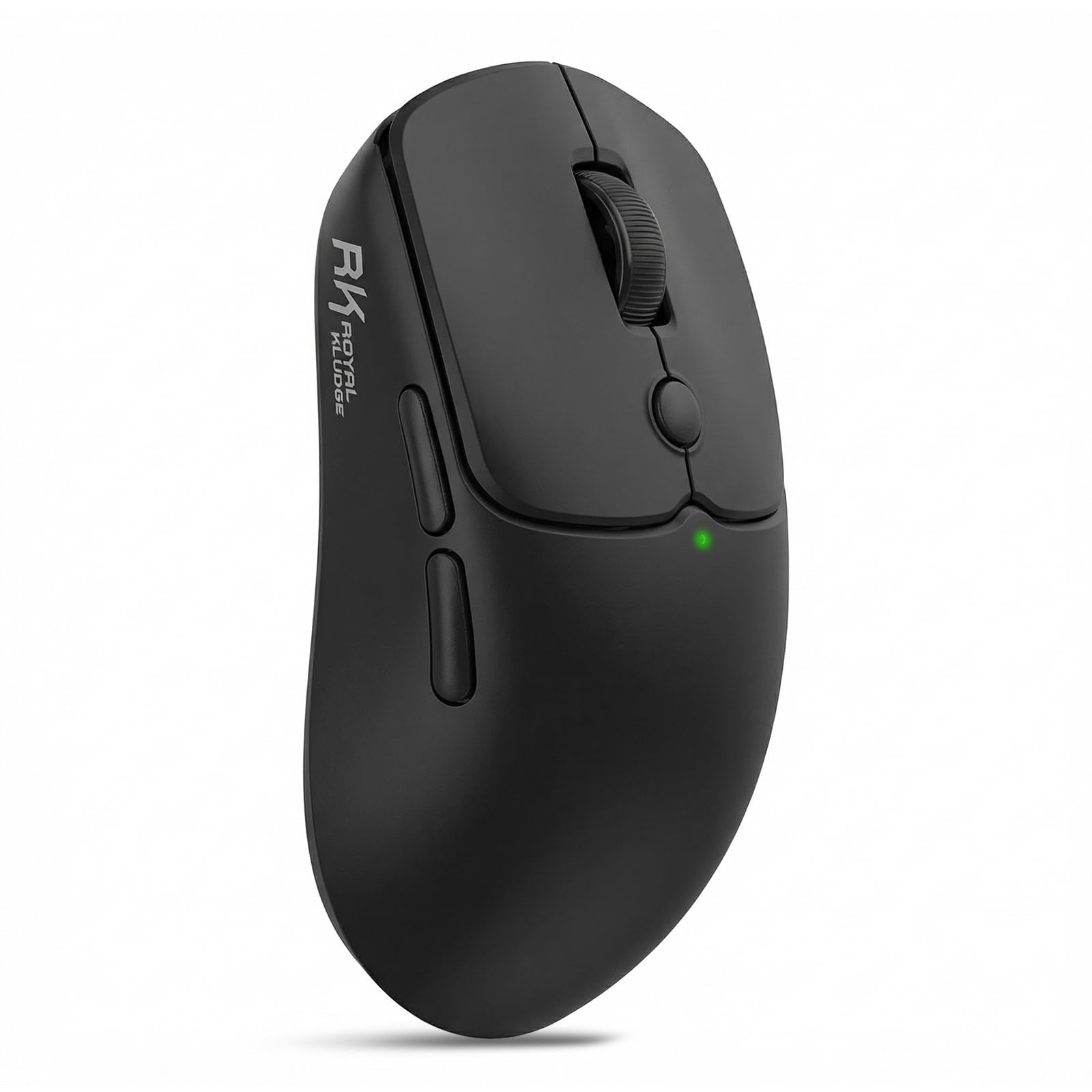
RK ROYAL KLUDGE MO1 Wireless Mouse, 55g Ultra-Lightweight
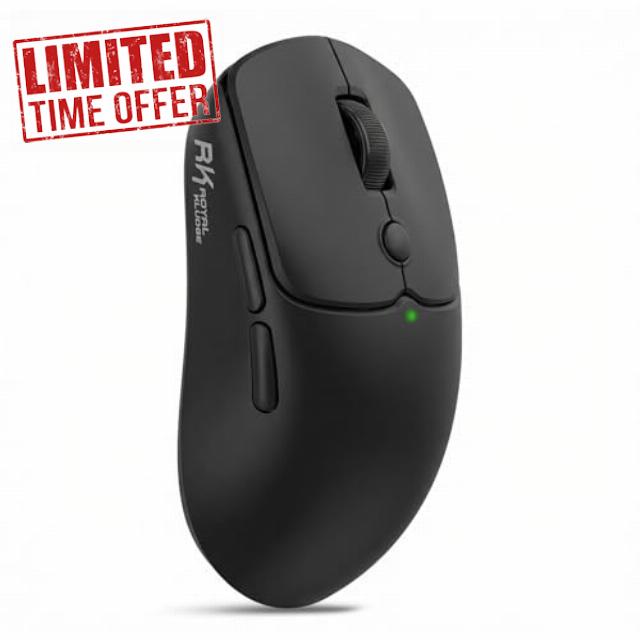
RK ROYAL KLUDGE MO1 Wireless Mouse, 55g Ultra-Lightweight Computer Mice, 6 Programmable Buttons, Quiet Click, 2.4GHz/Bluetooth/Wired, 6000 DPI Optical Sensor, Black
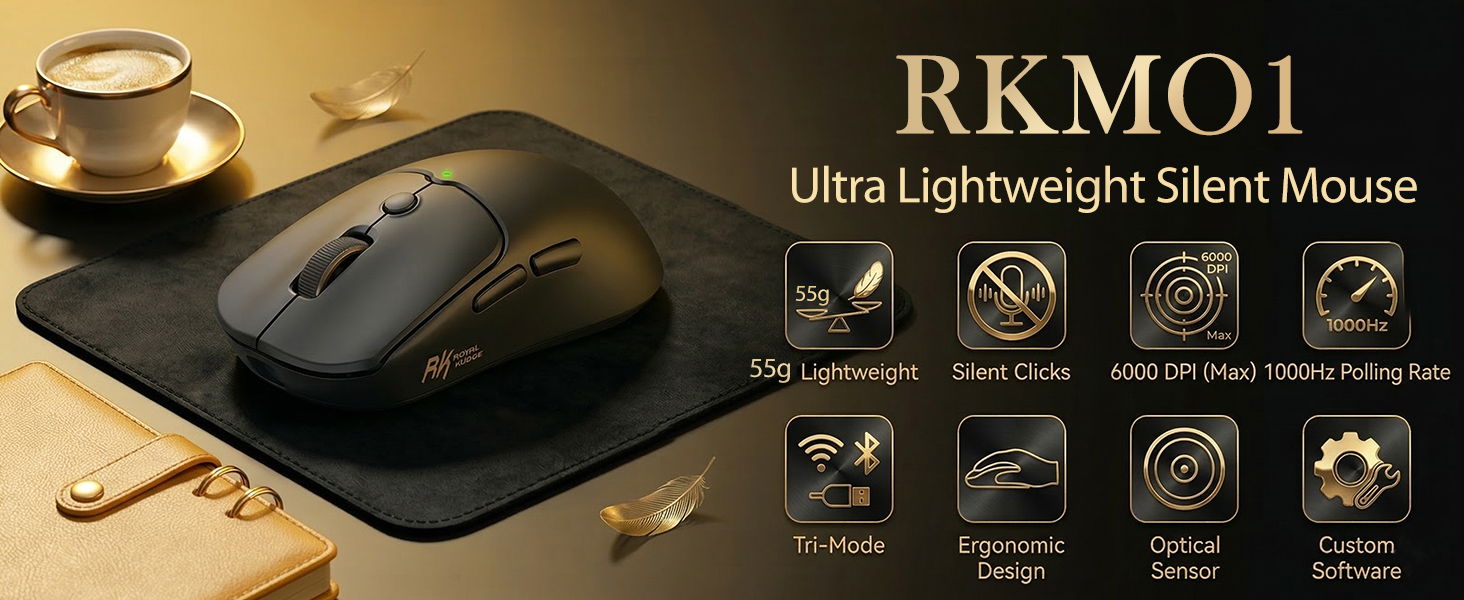
- 【Quiet Click Design】 Experience a whisper-quiet workspace with the MO1 wireless mouse's quiet click buttons, which reduce noise by up to 95%—perfect for late-night work or shared environments without disturbing others
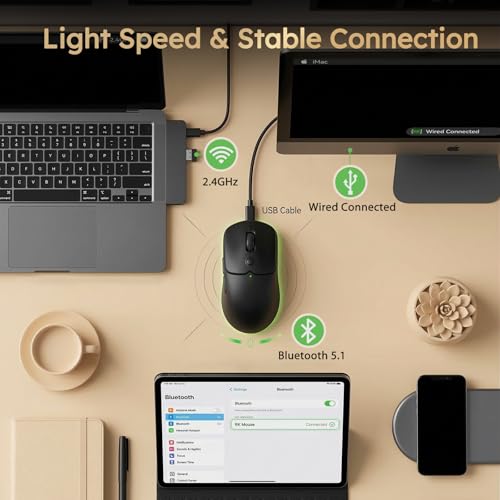
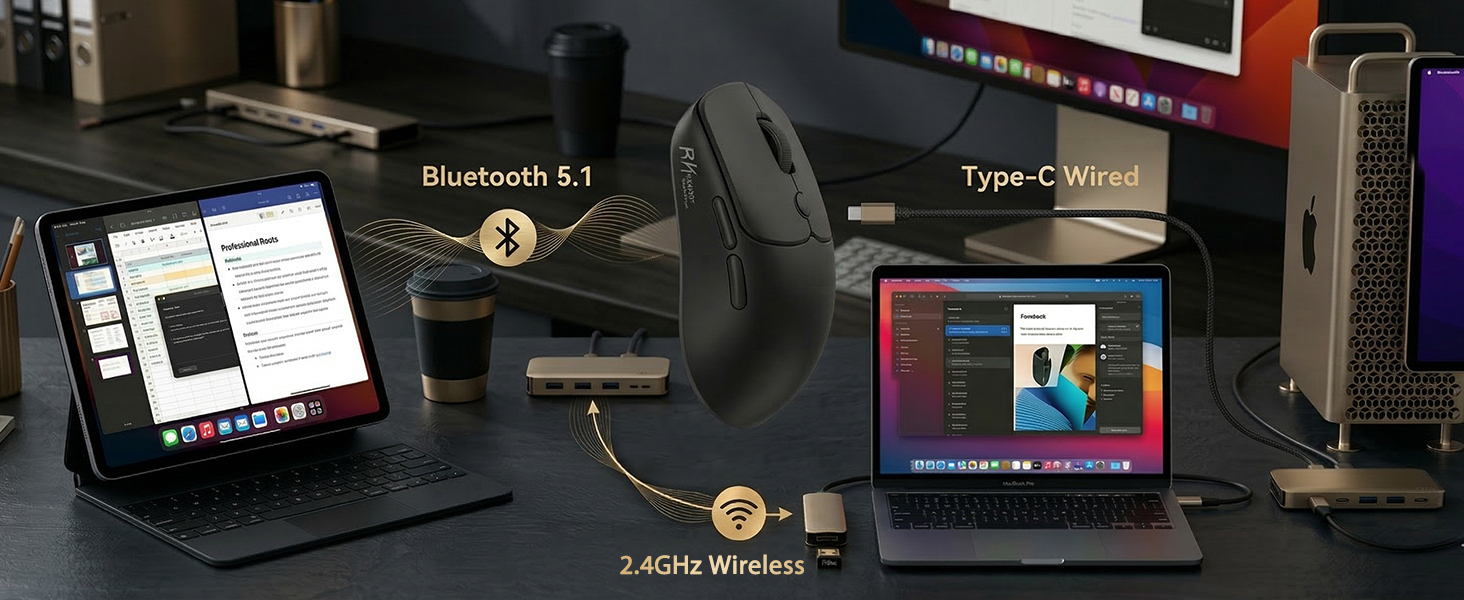
- 【Stable Tri-Mode Connection】 Enjoy seamless connectivity with three flexible modes: Bluetooth 5.1, 2.4GHz, and USB-C. MO1 wireless gaming mouse is compatible with Windows, macOS, Linux, and more, making it ideal for multitasking across devices and systems
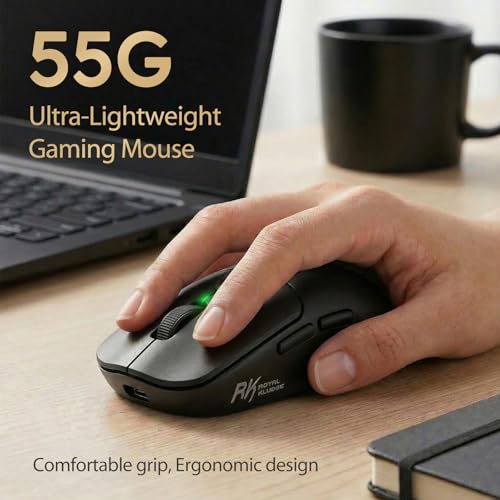
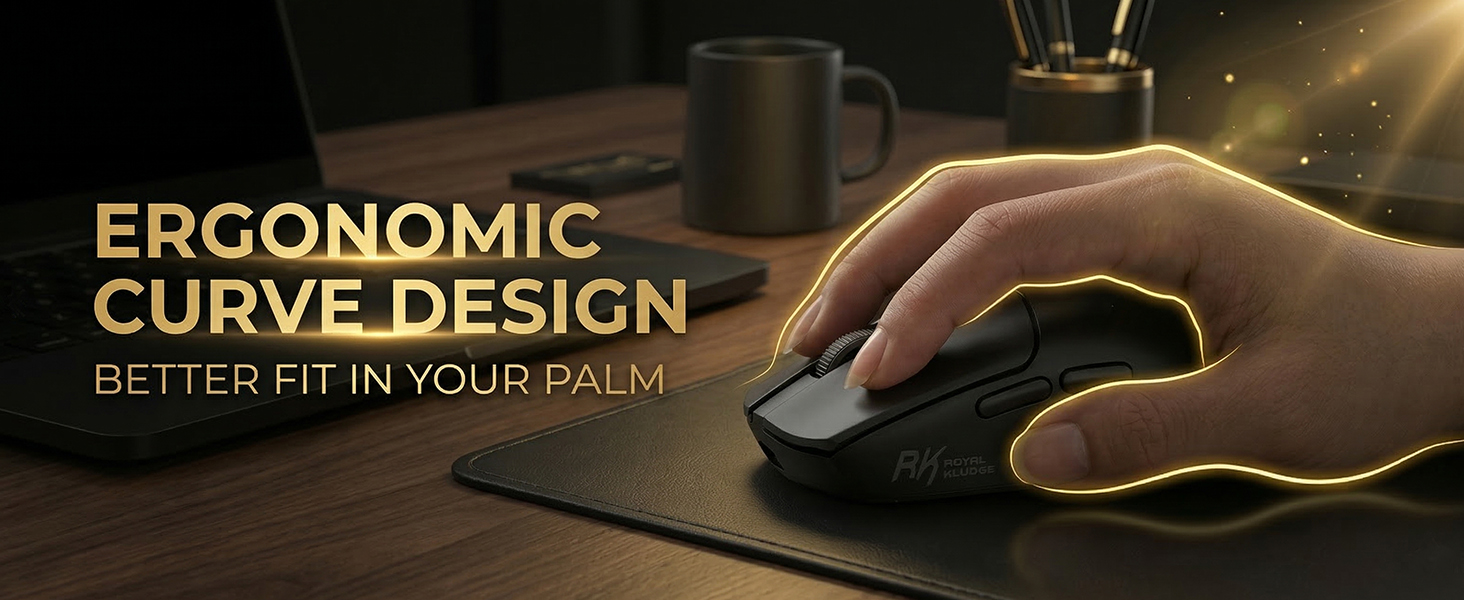
- 【55G Ultra Lightweight】 Weighing just 55 grams, MO1 computer mice combines ultra-light portability with an ergonomic curved design that fits naturally in your hand, reducing fatigue during long hours of work or play
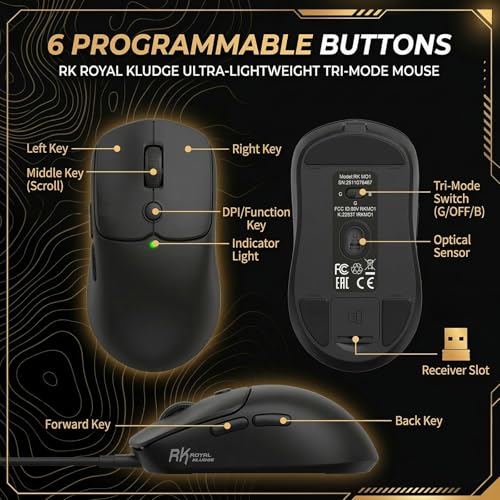
- 【6 Programmable Buttons】 Customize your workflow with 6 programmable buttons using the RK software. Whether for gaming, graphic design, or office tasks, tailor each button to streamline operations and boost efficiency
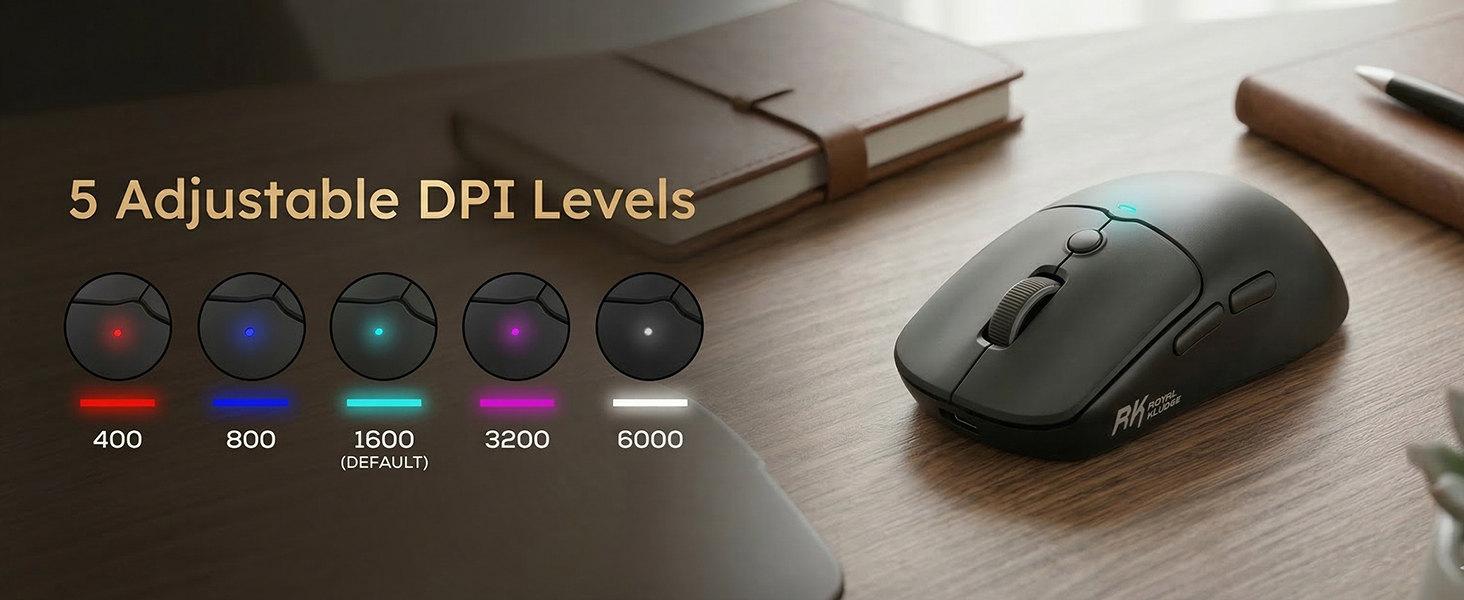
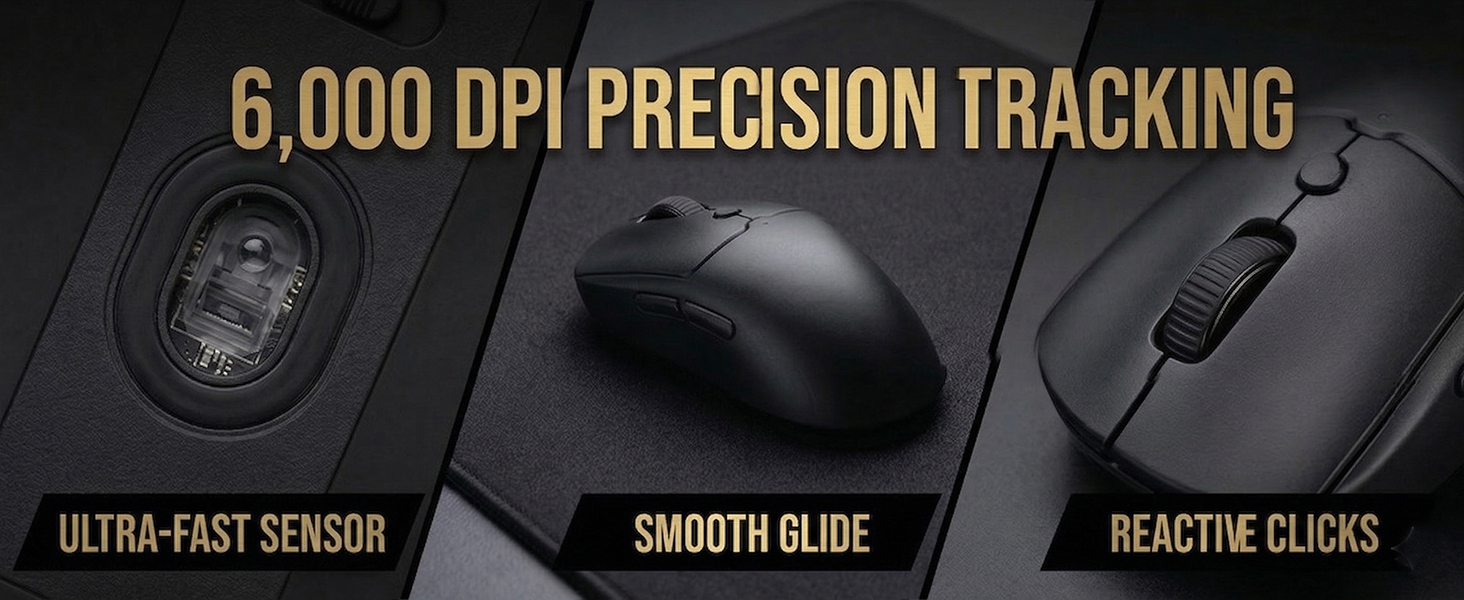
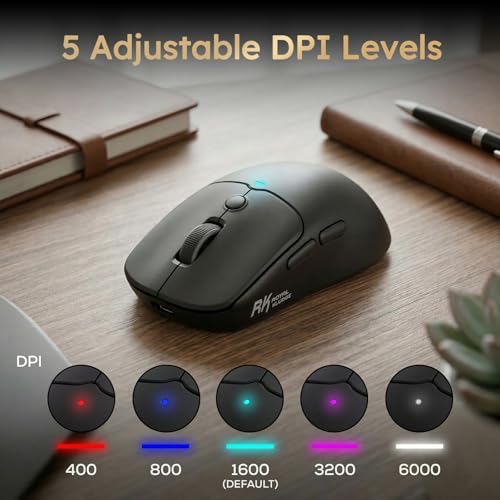
- 【High Precision Optical Sensor】MO1 gaming mouse is equipped with a high-precision optical processor, which offers a responsive performance and can accurately track your movements. Equipped with five customizable DPI levels (default settings: 400/800/1600/3200/6000)
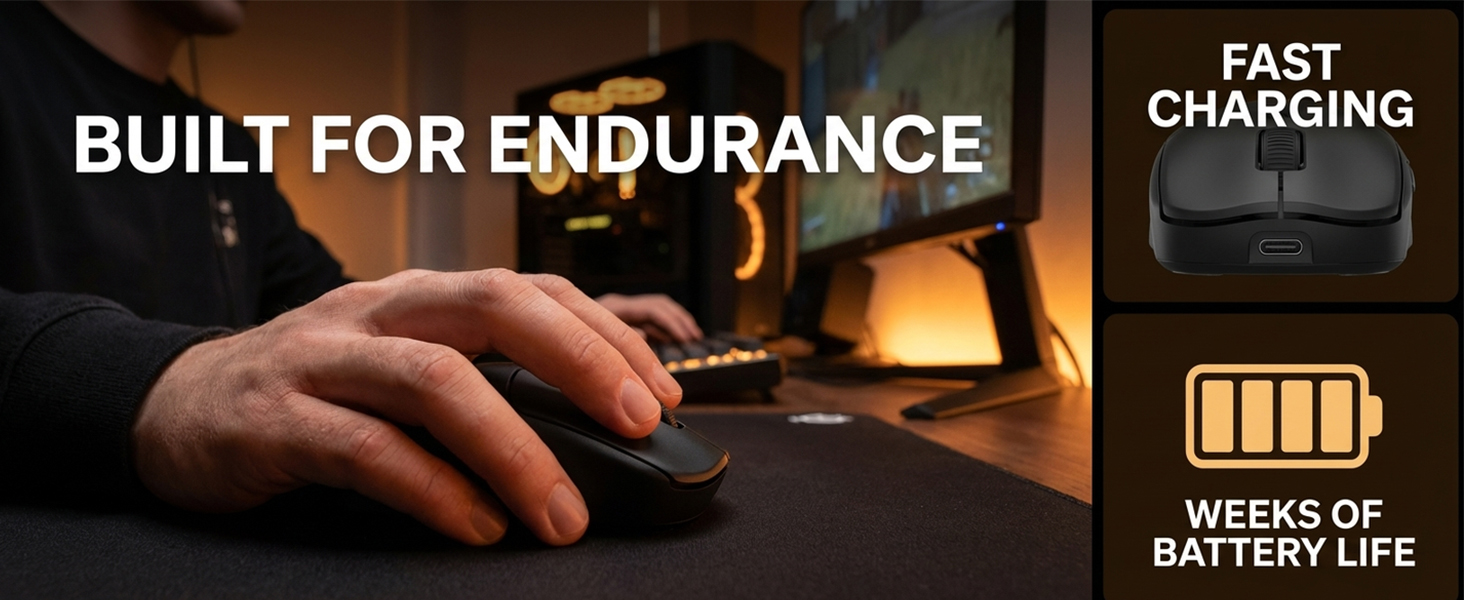
- 【Long Battery Life】Powered by a high-quality 650mAh battery, the MO1 pc gaming mouse delivers up to 10,000 hours of standby time and a full week of regular use on a single charge. Recharge fully in just 1–2 hours for non-stop productivity
Is the MO1 mouse suitable for use in the office?
MO1 wireless mouse (black version) features a quiet click design, reducing noise by 95%, providing a quiet and comfortable environment that won't disturb others. It's ideal for use in shared environments such as offices.
Does this mouse support bluetooth?
MO1 gaming mouse supports three connection modes—2.4GHz, Bluetooth 5.1, and USB-C—allowing you to enjoy a seamless connectivity experience.
Does the MO1 computer mice support customization?
MO1 pc gaming mouse can be customized via the RK software, including DPI settings, button programming, polling rate settings, and more.
software: bit.ly/RK_MOUSE
How does this mouse feel in the hand?
MO1 computer mouse weighs only 55 grams. Its ultra-light weight and ergonomic curve design effectively reduce user fatigue and provide you with a comfortable user experience.
Can this computer mice be used on a Mac?
MO1 wireless mice is perfectly compatible with Windows, Mac, and Linux, providing you with a smooth and seamless user experience.
Product Specifications
| Connectivity Technology | 2.4GHz/ Bluetooth5.1 / USB-C |
| Weigh | 55 grams |
| Size | 4.3*2.4*1.5 inch 110*60.7*38 mm |
| DPI Range | 100-6000 (Default settings: 400/800/1600/3200/6000) |
| Polling Rate | 125Hz-1000Hz |
| Battery Capacity | 650 mAh |
| Button | Left Button/Right Button/Middle Button/Forward/Back/DPI Loop |
| Button Style | Quiet Click |
| Packing Listing | Wireless Mouse*1/USB Cable x1/Receiver x1/Manual x1 |


| SKU: | B0G34YSRRZ |
| Brand: | RK ROYAL KLUDGE |
| Model: | MO1 |
| Colour: | Black |
| Batteries Included: | No |
| Manufacture: | RK ROYAL KLUDGE |
| Colour: | Black |
Product description
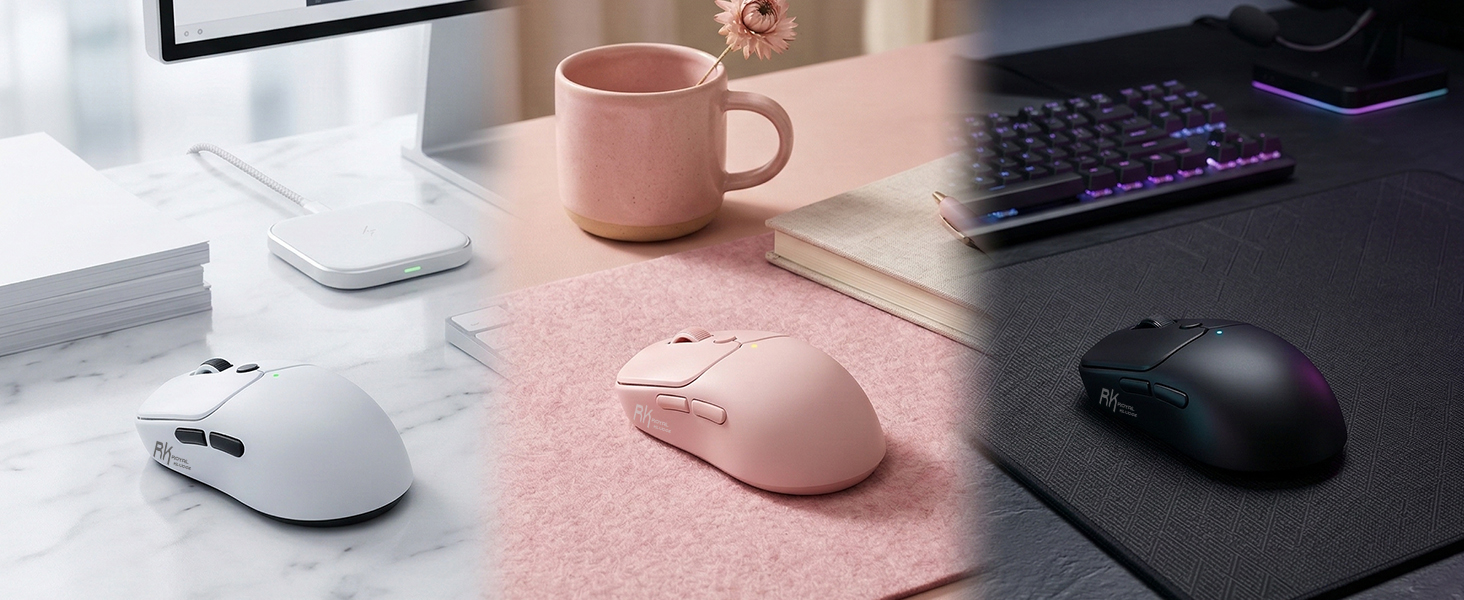
Is the MO1 mouse suitable for use in the office?
MO1 wireless mouse (black version) features a quiet click design, reducing noise by 95%, providing a quiet and comfortable environment that won't disturb others. It's ideal for use in shared environments such as offices.
Does this mouse support bluetooth?
MO1 gaming mouse supports three connection modes—2.4GHz, Bluetooth 5.1, and USB-C—allowing you to enjoy a seamless connectivity experience.
Does the MO1 computer mice support customization?
MO1 pc gaming mouse can be customized via the RK software, including DPI settings, button programming, polling rate settings, and more.
software: bit.ly/RK_MOUSE
How does this mouse feel in the hand?
MO1 computer mouse weighs only 55 grams. Its ultra-light weight and ergonomic curve design effectively reduce user fatigue and provide you with a comfortable user experience.
Can this computer mice be used on a Mac?
MO1 wireless mice is perfectly compatible with Windows, Mac, and Linux, providing you with a smooth and seamless user experience.
Product Specifications
| Connectivity Technology | 2.4GHz/ Bluetooth5.1 / USB-C |
| Weigh | 55 grams |
| Size | 4.3*2.4*1.5 inch 110*60.7*38 mm |
| DPI Range | 100-6000 (Default settings: 400/800/1600/3200/6000) |
| Polling Rate | 125Hz-1000Hz |
| Battery Capacity | 650 mAh |
| Button | Left Button/Right Button/Middle Button/Forward/Back/DPI Loop |
| Button Style | Quiet Click |
| Packing Listing | Wireless Mouse*1/USB Cable x1/Receiver x1/Manual x1 |
Super Lightweight Mouse, Solid Clicking With Dedicated Button for Setting DPI
I love the size and texture feeling of this mouse. It’s super lightweight and glides smoothly across the desk mat. The main mouse clicks are quiet while providing a nice, solid click with great feedback—similar to a TMR magnetic keyboard. The center button is dedicated to switching DPI and will flash a given color per DPI (400 = red, 800 = blue, etc.) temporarily and then remain off. I typically stay between 400 and 800 DPI, and in testing, the polling rate maxed around 800-900 Hz—granted, the polling rate is dynamic. Additionally, the matte black color is neutral and works with any aesthetic.
Over the week of testing, the 2.4 GHz dongle provided a reliable connection. Notably, there is a small compartment for storing the dongle. The battery life is great, as I haven’t needed to recharge it over the week of heavy use. This mouse includes a long nylon braided USB-A to -C cable, 5 ft (ca. 152 cm), for charging or using as a wired mouse.
Overall, I enjoy using this Royal Kludge (RK) mouse for gaming and daily tasks. It comes in at a considerable value for a lightweight gaming mouse ($40 at the time of review), especially compared to other well-known brands that can exceed $100. I consider RK to be a well-known brand at this time, gaining its notoriety in the mechanical keyboard market. I look forward to additional innovations from Royal Kludge in the peripheral market.
USB-C, Bluetooth & Wireless options all in one mouse! Fantastic mouse!
I had no idea there was such a thing as a computer mouse that could be connected via Bluetooth OR a dongle OR USB cable – all built into one mouse! And, I work in the tech field. I am so used to either/or when selecting a mouse, so this is a wonderful surprise.
I had never used a mouse where you can change the DPI and I even asked ChatGPT what I should expect with the different DPI modes available.
Here is what ChatGPT says:
What DPI actually does:
Higher DPI = more cursor movement for a small physical movement of your hand
Lower DPI = less cursor movement for the same hand movement
Think of it like steering sensitivity in a car:
High DPI very responsive, small movements go far
Low DPI more controlled, you move your hand more to go the same distance
The benefits of adjustable DPI:
1. Precision vs. speed (you can choose):
– Low DPI (400–800)
Better for precision tasks like photo editing, design work, or detailed selection
– Medium DPI (800–1600)
Good everyday setting for browsing, office work, and multiple monitors
– High DPI (1600–3000+)
Faster movement—great for large screens or quick navigation
Based on the above from ChatGPT, I tried out each DPI between three monitors:
The Royal Kludge MO1 mouse has DPI settings depicted on the top of the mouse by color from 400 (red), 800 (blue), 1600 (default) (cyan), 3200 (purple), and 6000 (white).
To change the DPI, the helpful manual that is included with the mouse says to hold the top round button down for 3 seconds until you see the DPI color indicator change. I tried the different DPI settings out and moved between three monitors, and I find that 6000 DPI works best for now. I agree with the notes above that High DPI is very responsive – small movements move the mouse to its destination more quickly than a lower DPI setting.
The mouse itself is lightweight, which I appreciate because when I am working, I can be using the mouse for hours at a time. It glides effortlessly between my multiple monitors.
There is a dongle with storage on the underside of the mouse.
The USB-C cable plugs into the front of the mouse and your computer. Just make sure the setting switch on the underside of the mouse is in the center for USB-C use. The “B” setting is for Bluetooth, and the “G” setting is for Wireless (I assume meaning “GB.”
This mouse also has a “Forward” and “Back” button, so for example, while I was flipping through pages of items on Amazon, if I pressed the “Back” button (on the side of the mouse), it took me back a page. If I click the “Forward” button, it brings me forward to where I was again.
And, of course, the roller wheel works as expected.
Who knew that there could be so many useful features on a mouse?
I am definitely sold on this mouse and the entire concept of a mouse designed like this.
Definitely 5 stars for this mouse!
Note: While I evaluate products for Amazon, I provide only completely honest reviews based on my personal experience or the experience of those close to me, including the good, the bad, and the ugly, when applicable.
Why the MO1 Is My New Favorite Tech Accessory
Introduction
After searching for the ideal wireless mouse, I finally landed on the MO1 Wireless Mouse and I couldn’t be happier with my choice. From the moment I unboxed it, I was impressed by its sleek look and promise of advanced features. Here’s my honest take after using it for just a day.
Design & Comfort
The first thing I noticed was how incredibly lightweight this mouse is—just 55 grams! It glides effortlessly across my desk, making long work sessions much more comfortable. The soft touch finish feels gentle in my hand, and the quiet click feature is a real bonus; I can work late at night without disturbing anyone nearby. Plus, the six programmable buttons add a layer of convenience for customizing my workflow.
Connectivity Made Simple
The MO1 truly shines with its tri-mode connectivity. Switching between Bluetooth 5.1, 2.4GHz wireless, and USB-C is super easy—just a quick button press, and I’m connected to a different device. This flexibility is perfect for someone like me who bounces between systems. I love how seamlessly it transitions, saving me from constant re-pairing headaches.
Performance You Can Feel
This mouse is powered by a high precision 6000 DPI optical sensor, and it makes a noticeable difference in responsiveness and accuracy. Whether I’m editing photos, designing graphics, or just browsing the web, every movement feels snappy and smooth. I’ve definitely noticed an improvement in my workflow thanks to this upgrade.
Battery Life That Lasts
Battery life is always a concern for wireless accessories, but the MO1 easily lasts days on a single charge. When it does need a boost, the USB-C fast recharge feature gets me back up and running quickly. No more scrambling for backup batteries!
Compatible and Convenient
I use both Windows and macOS devices, and the MO1 connects flawlessly to both. I haven’t had to install any extra software—just pair and go. The mouse is truly plug-and-play, which makes it a great choice for anyone with multiple systems at home or at work.
My Personal Experience
Switching between connectivity modes is so intuitive that I barely have to think about it. The improved responsiveness over my older mouse has made daily tasks faster and more enjoyable. The quiet clicks will be a huge plus during online meetings or in quiet environments.
Conclusion
I’m genuinely satisfied with my MO1 wireless mouse purchase. It combines an ultra-lightweight design, smart connectivity options, quiet operation, and top-notch performance in a stylish package. If you’re looking for a reliable, comfortable, and feature-rich mouse, I highly recommend giving the MO1 a try. It’s a fantastic addition to my tech lineup!