[Built in APP & Auto Focus] Native 1080P 4K Support
![[Built in APP & Auto Focus] Native 1080P 4K Support Projector with Bluetooth 5.4 and Wifi 6 Portable Full HD](https://warehousediscounts.net/posts/wp-content/uploads/2026/05/41siVFw3ZmL.jpg)
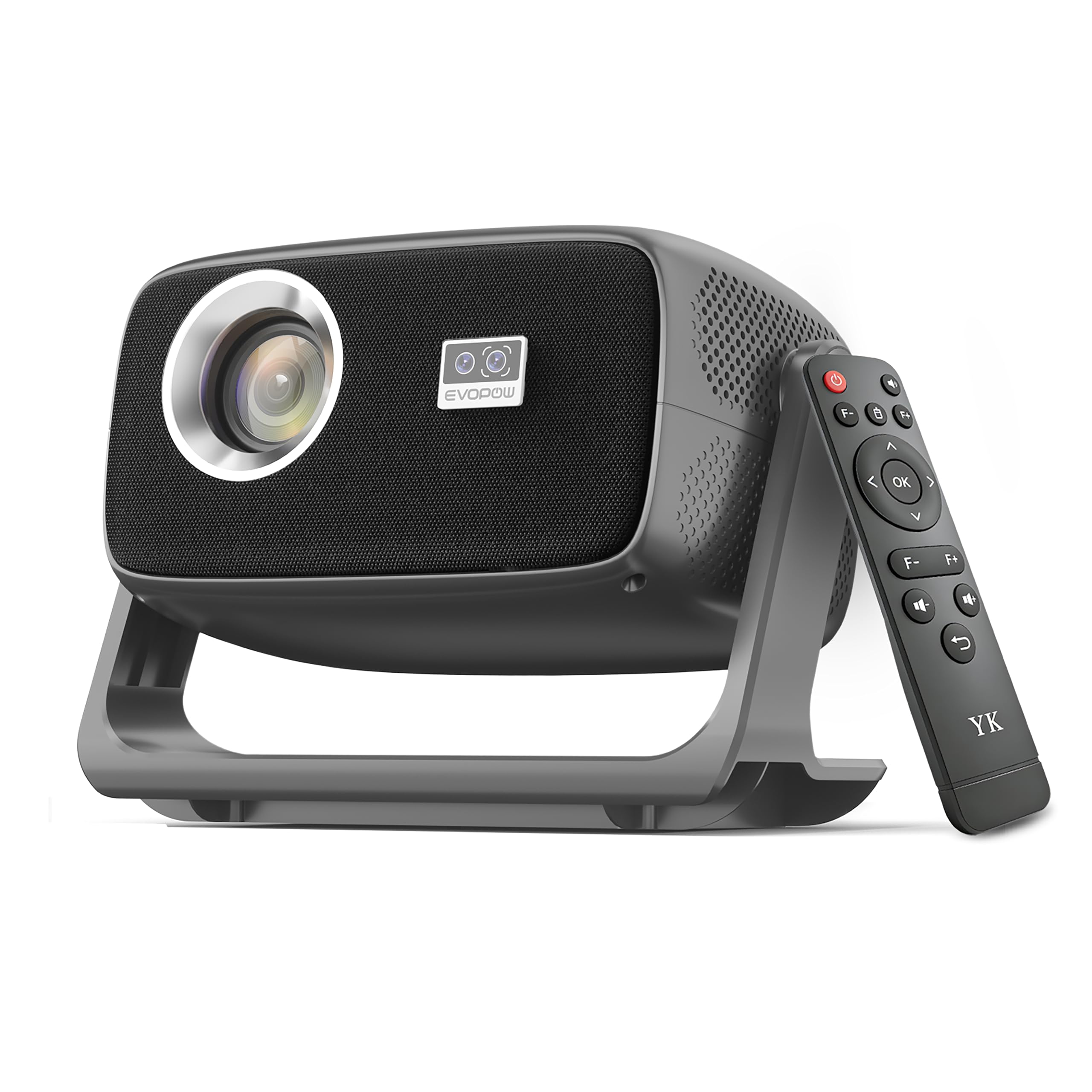
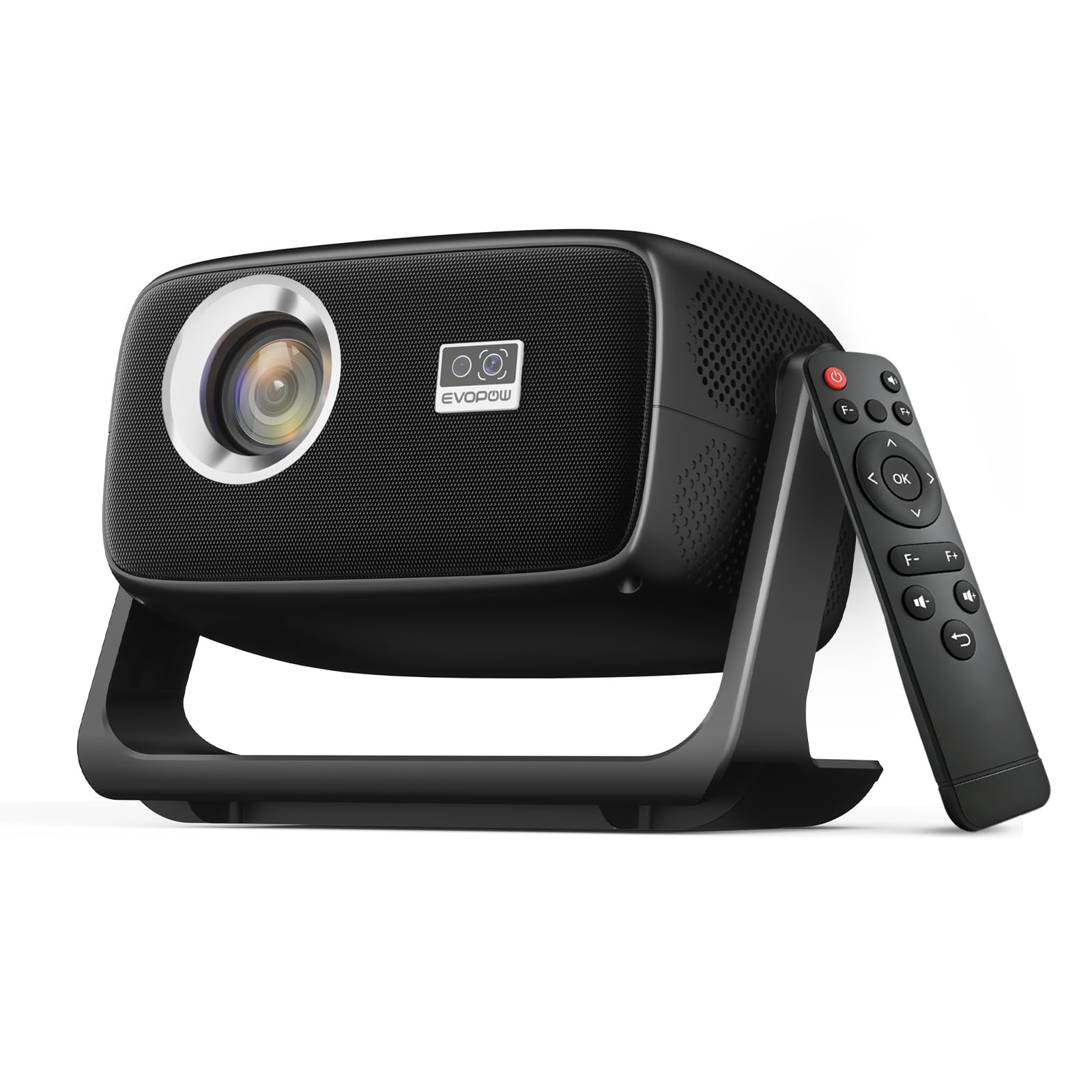
[Built in APP & Auto Focus] Native 1080P 4K Support Projector with Bluetooth 5.4 and Wifi 6 Portable Full HD, 180° Ceiling Rotation, Auto Keystone Real 560 ANSI Movie Projector for Bedroom, Outdoo
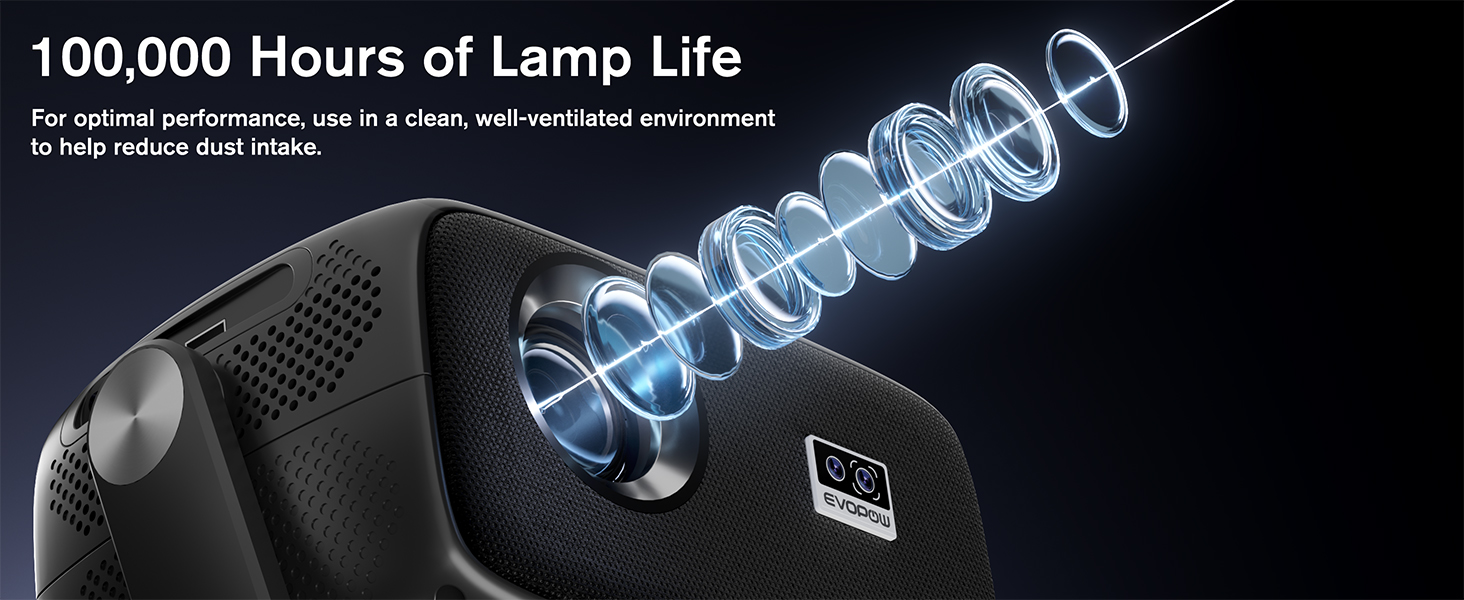
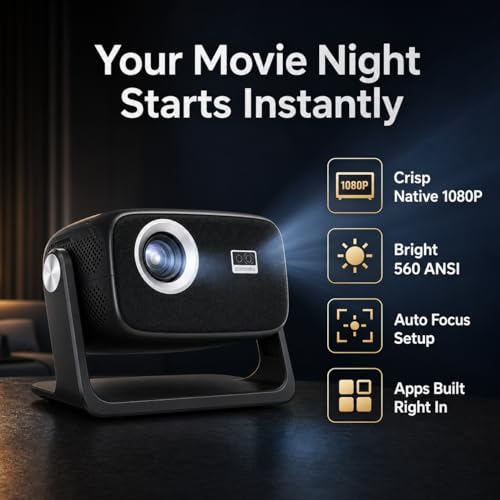
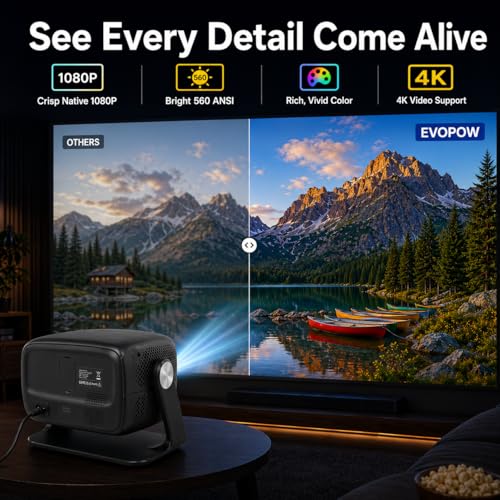
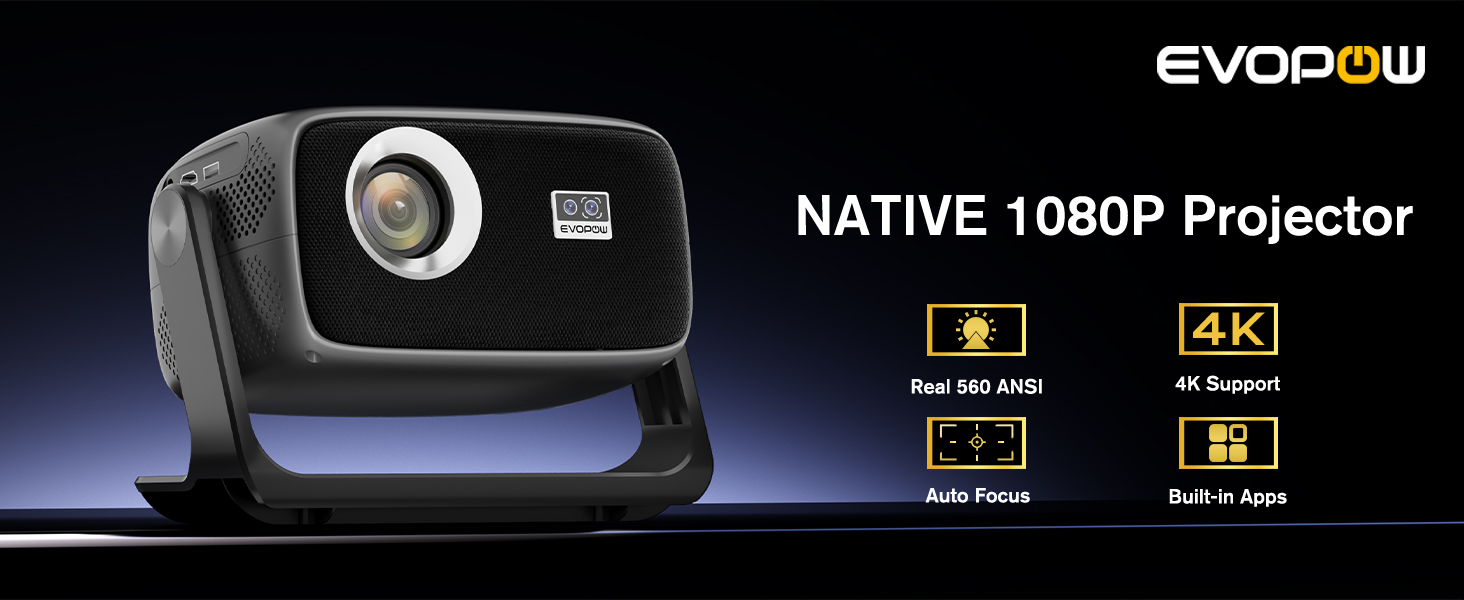
- 1. Native 1080P 4K Support Mini Projector: Crisp, Vibrant Visuals for Every Scenario This portable smart projector boasts true native 1920×1080 resolution (not just "supported") with 4K decoding, delivering sharp, lifelike colors and enhanced detail for an immersive viewing experience. With 560 ANSI lumens of real, consistent brightness, this movie projector performs beautifully in dark home theaters, dim bedrooms, and evening outdoor movie nights, helping deliver clearer contrast and color without inflated brightness claims.
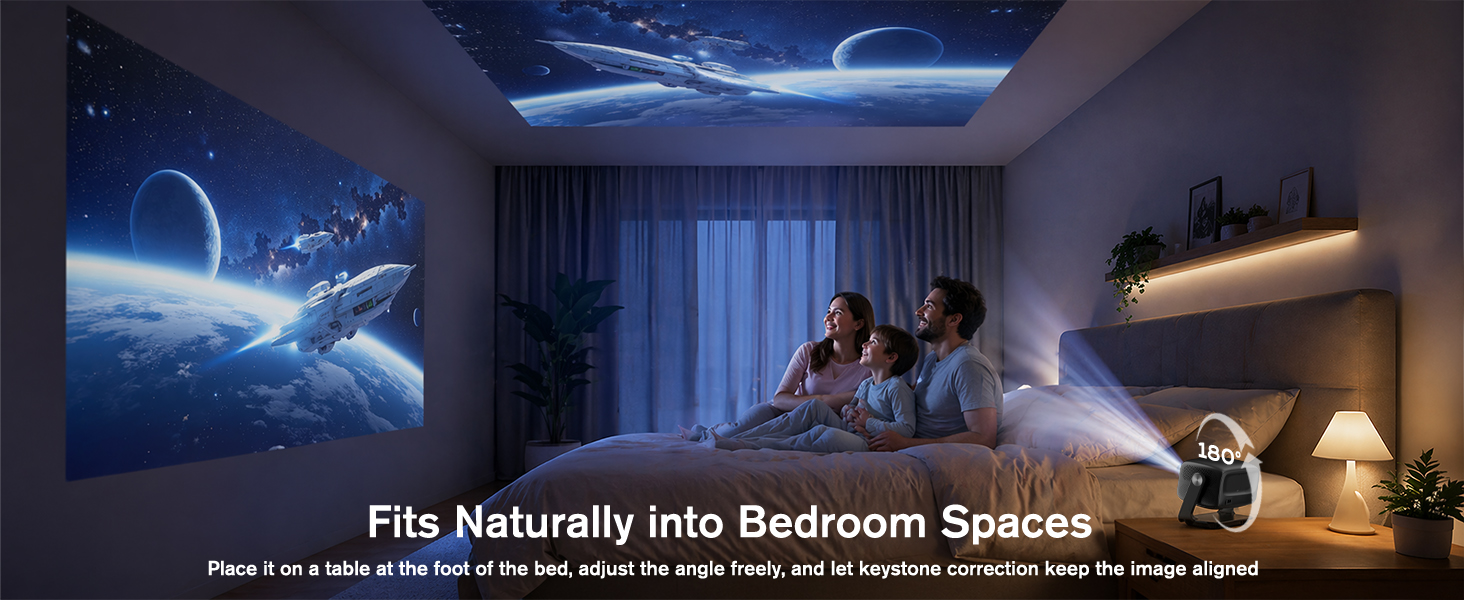
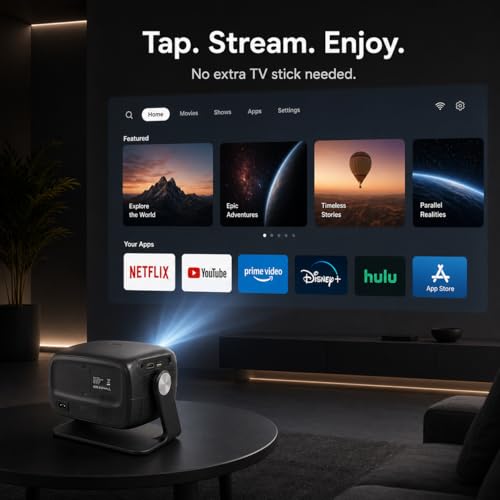
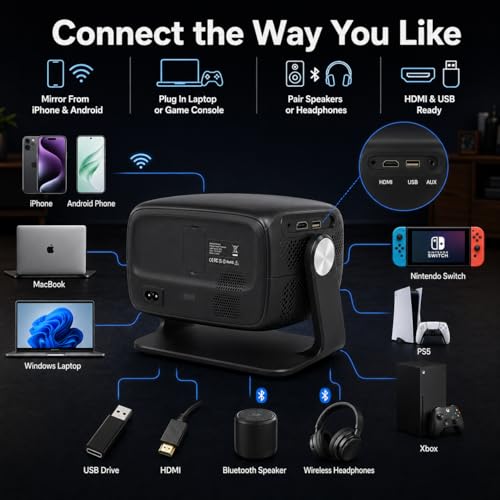
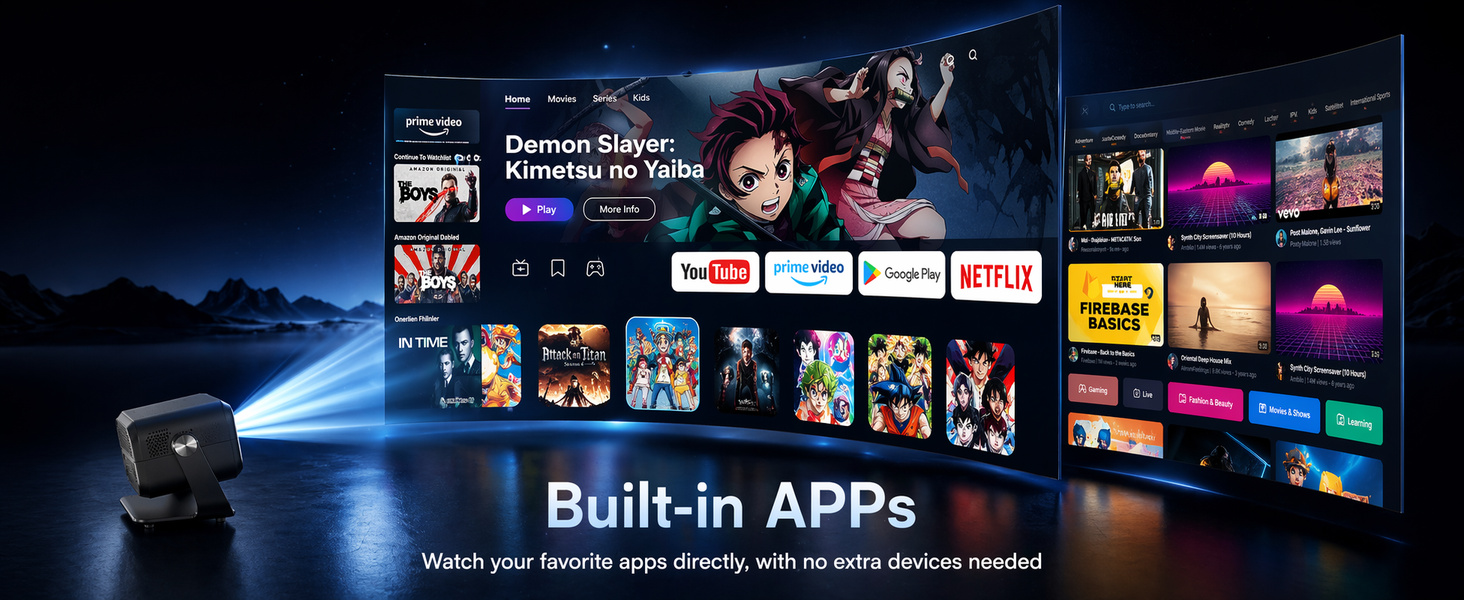
- 2. Smart Projector with Built-in Apps & 180° Rotatable Design for Unlimited Viewing Enjoy instant, hassle-free streaming with this fully loaded smart projector, pre-installed with popular streaming apps like YouTube, Netflix, and Prime Video. Simply connect to WiFi to access millions of shows, movies, and live sports directly, no extra devices required. For more flexible streaming, you can also connect a TV Stick, laptop, game console, or USB drive through HDMI/USB when needed. The 180° rotatable design unlocks endless viewing angles, from wall projection in the living room to ceiling mounting in the bedroom, letting you enjoy your content your way, anywhere.
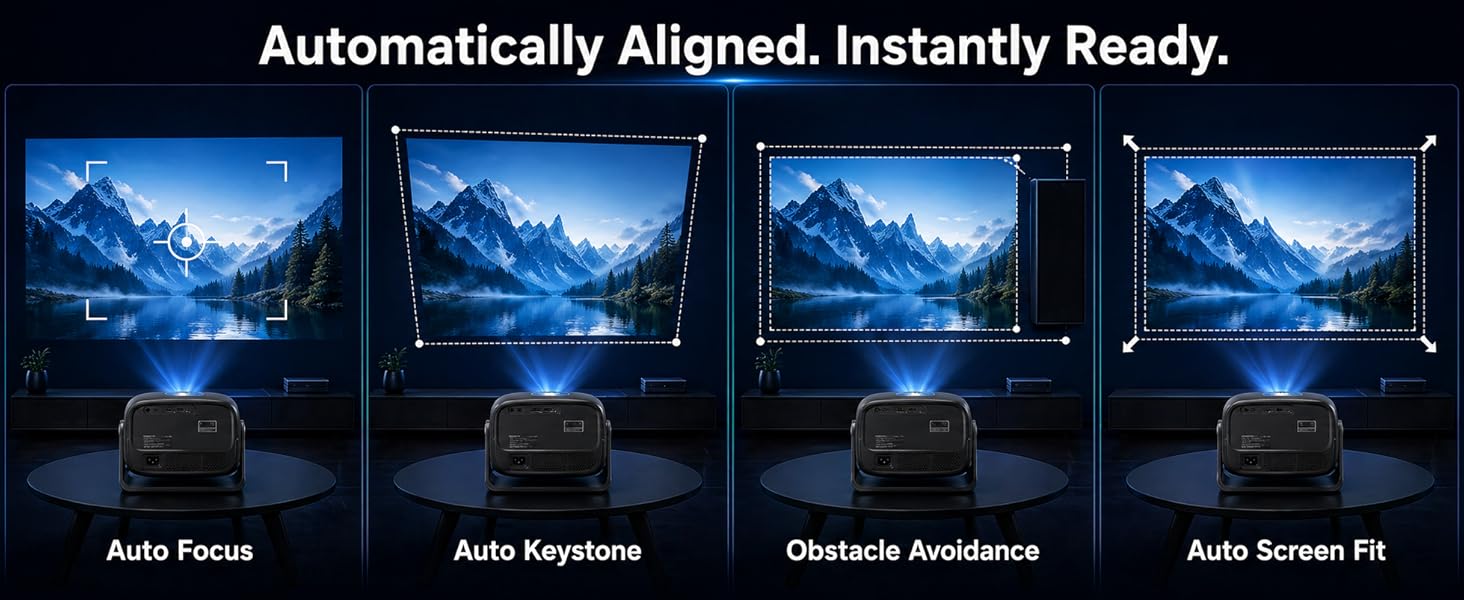
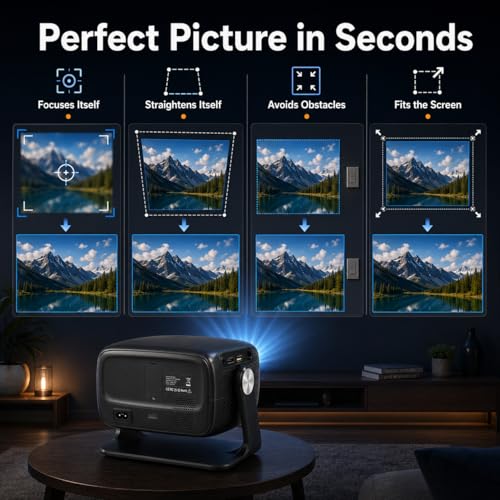
- 3. Auto Keystone & Focus with Intelligent Obstacle Avoidance: Easier Setup in Seconds Set up your perfect screen faster with this portable outdoor projector’s fully automatic keystone correction and auto focus. The intelligent obstacle avoidance system helps adjust the picture around common wall or room obstacles such as switches, picture frames, or furniture, while auto screen fit helps create a cleaner rectangular image. Less manual tuning, less setup frustration, and easier placement on a nightstand, table, or ceiling-facing position make this small projector ideal for quick, stress-free setup in bedrooms, dorms, apartments, and family spaces.
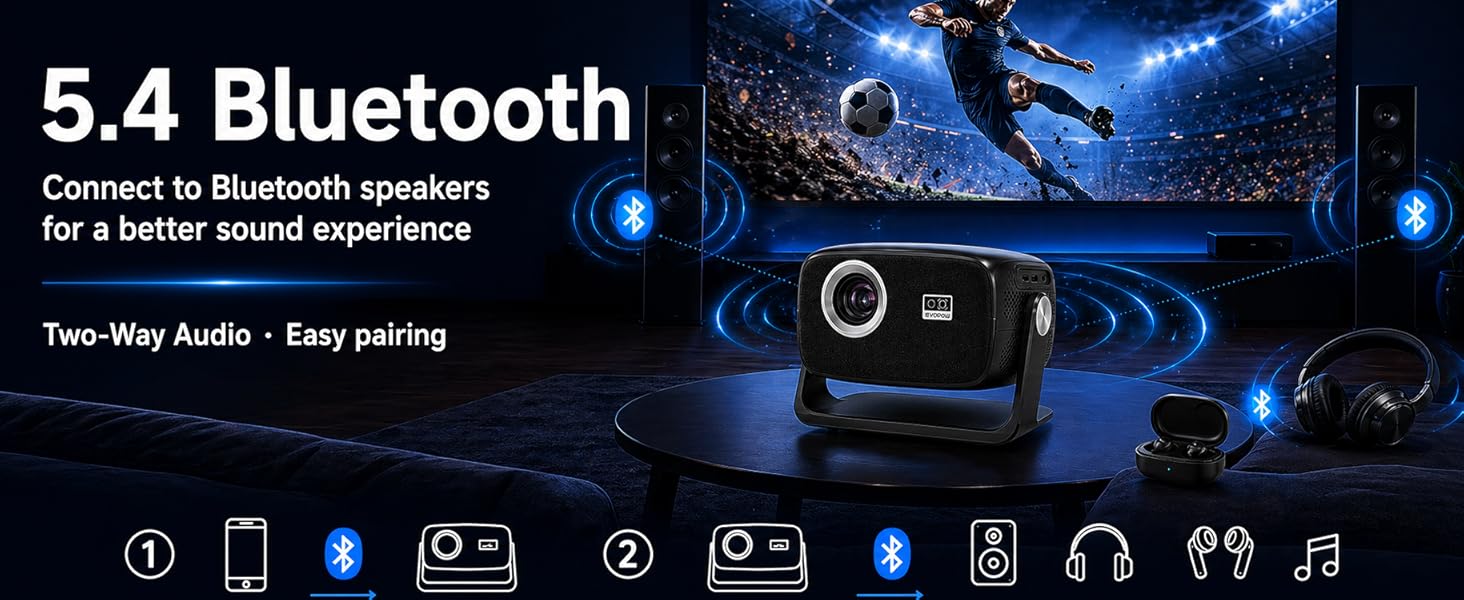
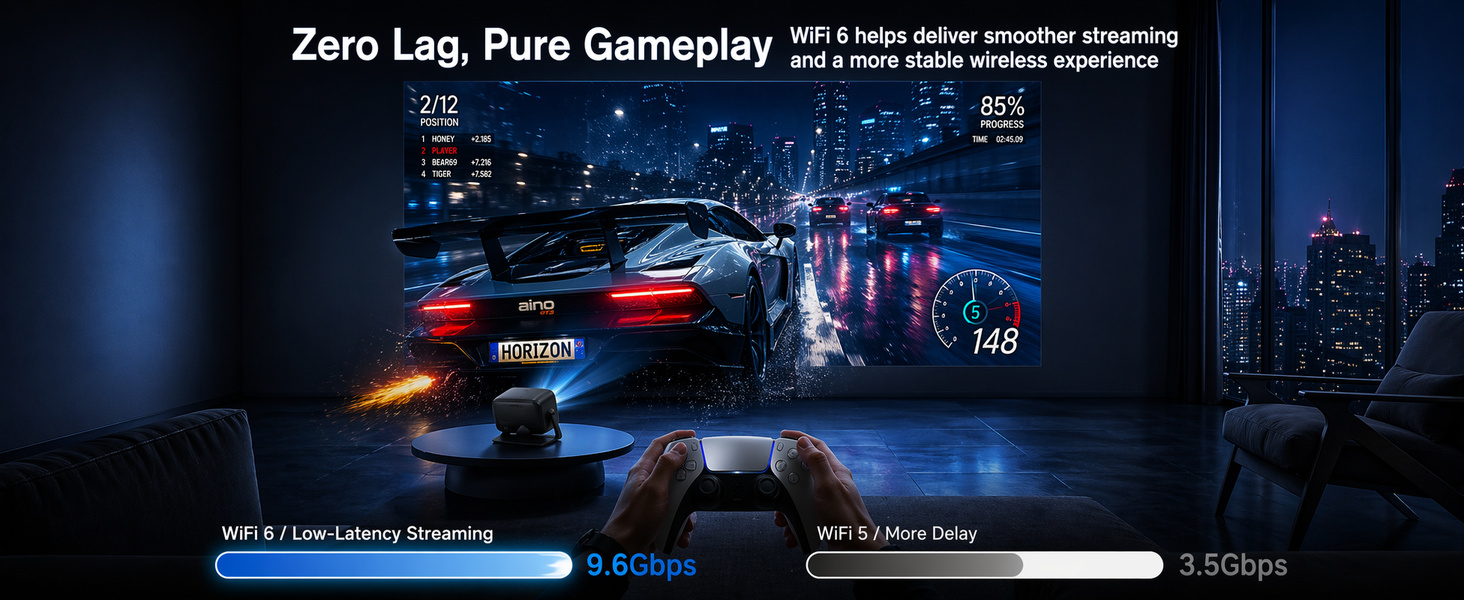
- 4. Latest WiFi 6 & Bluetooth 5.4 Projector: Smoother Streaming & Seamless Audio Connectivity Experience smoother wireless streaming and screen mirroring with cutting-edge WiFi 6 technology, even in busy home networks with multiple connected devices. Bluetooth 5.4 ensures stable pairing with wireless headphones or speakers, making it easy to enjoy private late-night watching or stronger external audio. It also supports wireless screen mirroring from iOS and Android devices, making it easy to share photos, videos, and presentations with family, friends, or colleagues. For lower-latency gaming or the most stable playback, HDMI connection is also available.
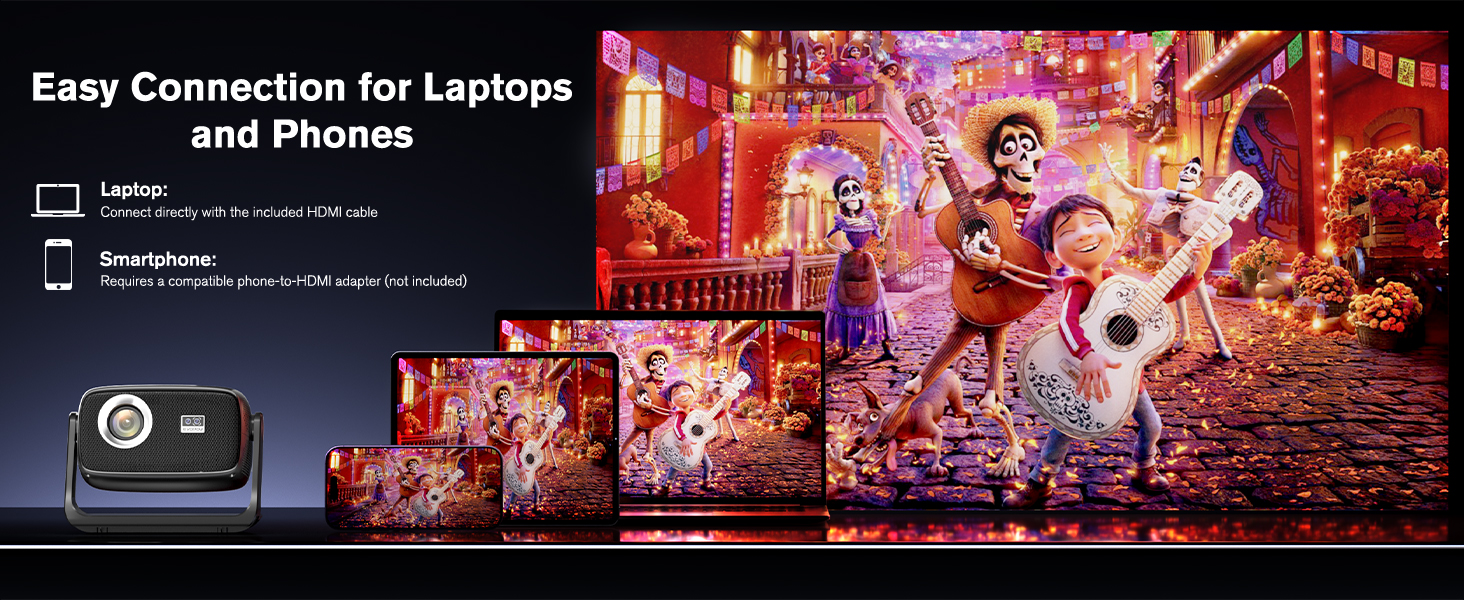
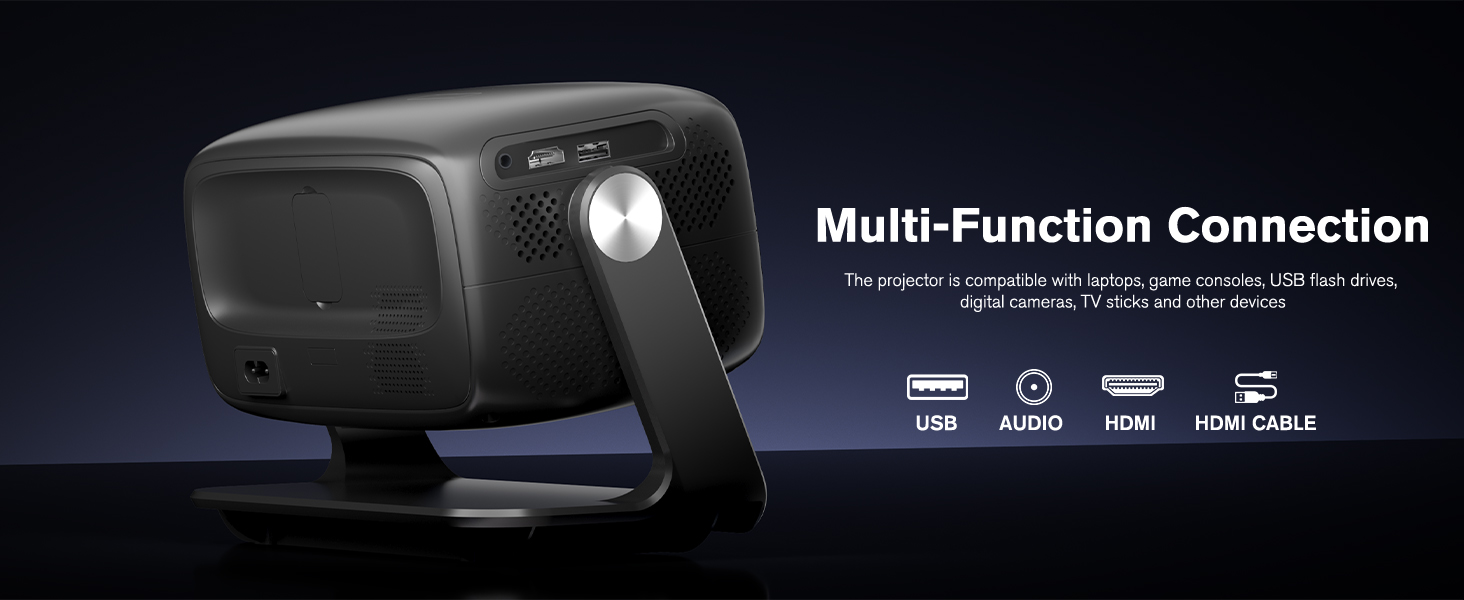
- 5. Multi Audio Modes & Universal Device Compatibility: Plug-and-Play for All Your Needs Powered by built-in Hi-Fi speakers, this bluetooth projector lets you switch between audio modes to match your content: "Movie Mode" for cinematic viewing, "Music Mode" for richer vocals and instruments, or standard mode for everyday watching. For a stronger theater-style sound experience, pair it with Bluetooth speakers or headphones. It easily connects to HDMI, USB, TV Stick, PS5, Xbox, Switch, laptops, and phones, with no complicated setup required — just plug and play for movies, gaming, music, and more.
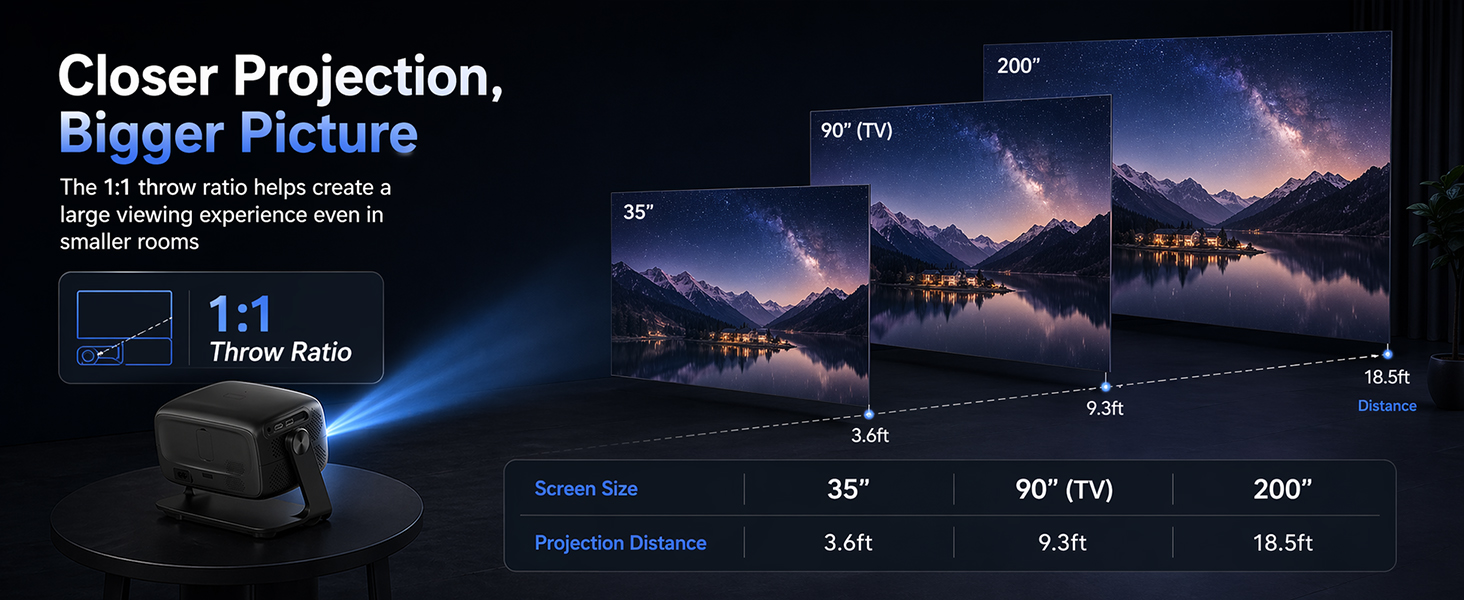
- 6. Value-Packed Smart Projector for Bedrooms, Dorms & Small Spaces Get more big-screen value in one compact projector. Designed for bedrooms, dorm rooms, apartments, casual gaming, kids’ rooms, and night-time backyard viewing, this portable smart projector brings together the features buyers care about most: native 1080P picture quality, real 560 ANSI brightness, pre-installed apps, auto focus, auto keystone, WiFi 6, Bluetooth 5.4, HDMI, and USB. The 1:1 throw ratio helps create a larger viewing experience in smaller rooms, projecting about 35" from 3.6 ft, 90" from 9.3 ft, and up to 200" from 18.5 ft, making it easy to enjoy movies, shows, games, and family entertainment almost anywhere.
Bluetooth 5.4
WiFi 6
Why is the brightness listed as 560 ANSI lumens?
Many listings use non-ANSI or inflated brightness claims. We use a real ANSI rating for a more accurate reference. At 560 ANSI lumens, this projector is among the brighter options in the under-$100 range and works best in dark rooms.
How do I mirror an Android phone to the projector?
Download the Miracast app on your Android phone, connect your phone and projector to the same WiFi, open Miracast, tap "Connect," and select the projector from the device list.
How do I mirror an iPhone to the projector?
Connect your iPhone and projector to the same WiFi, open Control Center, tap Screen Mirroring, and select the projector from the device list.
Why is there no picture or sound when I mirror Netflix, Prime Video, Hulu, or other streaming apps from my phone?
Due to HDCP copyright restrictions, some apps like Netflix or Prime Video may not show image or sound during screen mirroring. Please use the built-in app on the projector or download the app you need from the built-in app store.
Why can't my phone or computer connect to the projector via Bluetooth?
Bluetooth is for audio devices only, such as Bluetooth speakers or headphones. It does not support screen mirroring, video sync, or Bluetooth connection with phones, computers, or Alexa devices.


| SKU: | B0GLWHVXSH |
| Dimensions: | 9.48"L x 7.2"W x 7"H |
| Brand: | Evopow |
| Model: | T16 |
| Colour: | Black |
| Manufacture: | Evopow |
| Colour: | Black |
Product description

Bluetooth 5.4
WiFi 6
Why is the brightness listed as 560 ANSI lumens?
Many listings use non-ANSI or inflated brightness claims. We use a real ANSI rating for a more accurate reference. At 560 ANSI lumens, this projector is among the brighter options in the under-$100 range and works best in dark rooms.
How do I mirror an Android phone to the projector?
Download the Miracast app on your Android phone, connect your phone and projector to the same WiFi, open Miracast, tap “Connect,” and select the projector from the device list.
How do I mirror an iPhone to the projector?
Connect your iPhone and projector to the same WiFi, open Control Center, tap Screen Mirroring, and select the projector from the device list.
Why is there no picture or sound when I mirror Netflix, Prime Video, Hulu, or other streaming apps from my phone?
Due to HDCP copyright restrictions, some apps like Netflix or Prime Video may not show image or sound during screen mirroring. Please use the built-in app on the projector or download the app you need from the built-in app store.
Why can't my phone or computer connect to the projector via Bluetooth?
Bluetooth is for audio devices only, such as Bluetooth speakers or headphones. It does not support screen mirroring, video sync, or Bluetooth connection with phones, computers, or Alexa devices.
This projector came in handy for all our basketball games at our family events! The quality of the product is great. The picture is such a good resolution. The sound isn’t bad and the remote is easy to maneuver! I can’t wait for football season!
Excelle
Excellent projector! The image is sharp with vibrant colors. It’s easy to set up and can be connected to different devices. The sound quality is very good. Highly recommended—I loved it!
Use it for a couple days It is advertised as indoor outdoor but never let it sit outside of the garage overnight within a couple days dust or something had accumulated on the lens on the inside of the device or came that way and I didn’t notice it either way it was unremovable and I was not about to disassemble it I’m assuming a replacement will not have the same issue but other than that it is a solid projector only thing keeping me from giving it five stars even got it working with my Xbox series S and it works perfect with no lag!
I’m just giving my first impression and my own opinion about this item. I actually received it today and it has been installed and working properly and very good quality image and sound for the past few hours. Yes I’m very satisfied with this product until now… I’ll give you some other reviews few days from today and let everyone know about my experience with this product… Thanks