ASUS RT-BE9700 Tri-Band WiFi 7 Smart AiMesh, Extendable
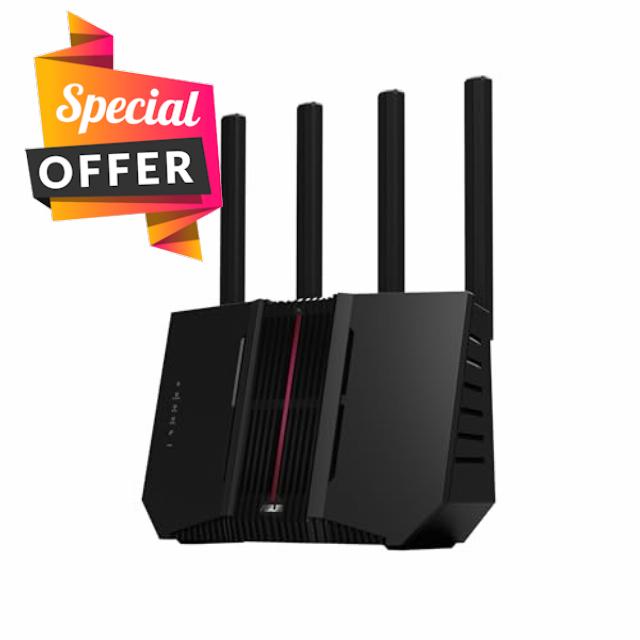
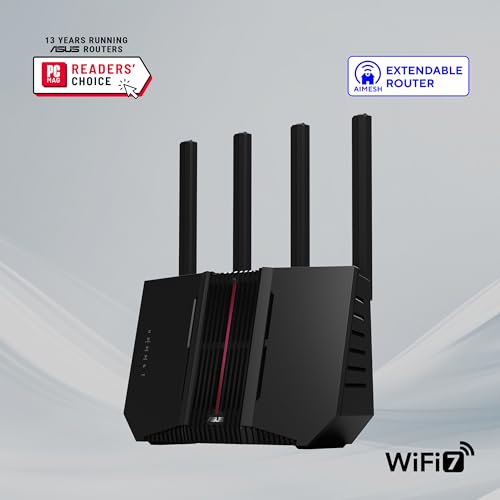
ASUS RT-BE9700 Tri-Band WiFi 7 Smart AiMesh, Extendable Router, 10G Port, Parental Controls & VPNs, Advanced Network Security
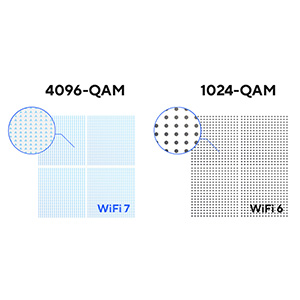
- Beyond-fast WiFi 7 (802.11be) – 320MHz channels in the 6 GHz band and 4096-QAM significantly increase network capacity and throughput, with speeds of up to 9700 Mbps
- Multi-link Operation – Link to multiple bands at the same time to ensure stable internet connections and efficient data transfers
- Versatile WAN configuration options – Establish always-on internet through AI WAN detection and a convenient USB port ready for 4G LTE and 5G Mobile tethering.
- Subscription-free Triple-Level Protection – ASUS Network Security deploys a triple-level protection design and commercial-grade cloud database, safeguarding your network from end-to-end and 24/7.
- Comprehensive VPN features – Including advanced site-to-site VPN and the Instant Guard mobile app for secure connection over public WiFi
- Hassle-free AiMesh Extendable Network – AiMesh extendable routers enable the whole home seamless roaming with rich, advanced features.
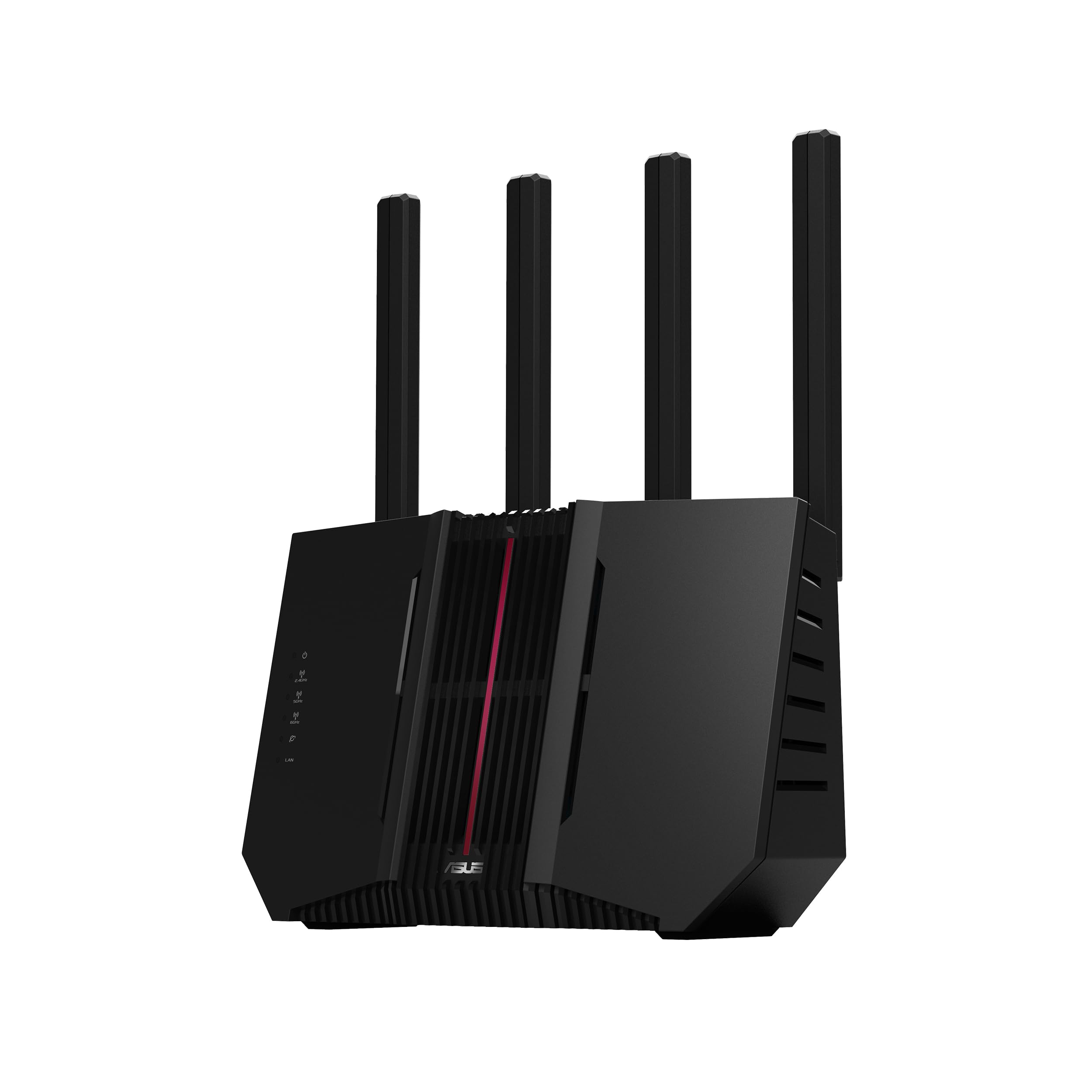
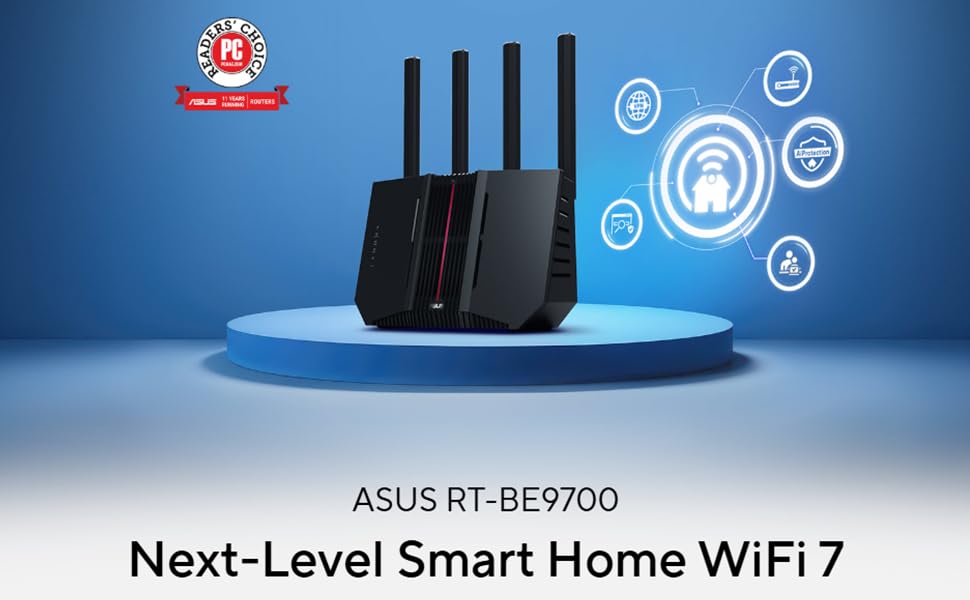
ASUS RT-BE9700 Tri-Band WiFi 7 (802.11be) Router, with 320 MHz bandwidth, Multi-Link Operation (MLO), Smart Home Master, AiMesh support, advanced VPN, and AiProtection for Network Security.
| SKU: | B0GJX8NKVR |
| Weight: | 1.7 Pounds |
| Dimensions: | 11.3"L x 4"W x 9.7"H |
| Brand: | ASUS |
| Model: | RT-BE9700 |
| Colour: | BLACK |
| Manufacture: | ASUS |
| Colour: | BLACK |
From the manufacturer

10G WAN/LAN
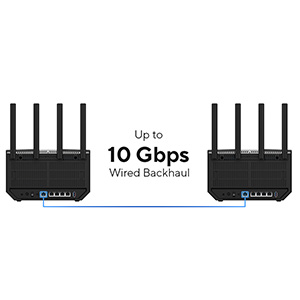
RT-BE9700 includes one 10G WAN/LAN port and four 2.5G Ethernet LAN ports, making it ready for next-gen entertainment, home studios and robust 10 Gbps ethernet backhaul.
WiFi 7 works well, fast 320Mhz bandwidth
Pros:
-The lights on the ASUS router are simple, not distracting, and easy to understand. If something goes wrong, like an internet outage, I can quickly see if anything goes wrong as the light would turn red.
-Easy setup to setup as I just have to connect to the router and setup the password and networking. Instead of accessing it through an IP address, the router says to connect to it through ASUS’ website which resolves to the local router.
-320 MHz works great. I verified that the 320MHz channel works on the 6Ghz network using an app to see that a wide range of channels are being occupied with the router. I get really fast internet speeds and the network stability has been great.
-The coverage is great with this router. I have my WiFi 7 enabled client devices connected to my MLO network and I’m able to get decent internet coverage from the other end of my home and it hasn’t disconnected.
-VPN support works as intended. I can either login with my credentials with one of the supported VPN providers, or just upload one of my wireguard config file.
-There is support for DNS blocking. The router offers the ability to login through a 3rd party service where the DNS requests are offloaded from the router and processed through the service.
-My non-WiFi 7 devices connect to the router just fine. I have my devices connected to the non-MLO network and I’m still able to get fast stable internet.
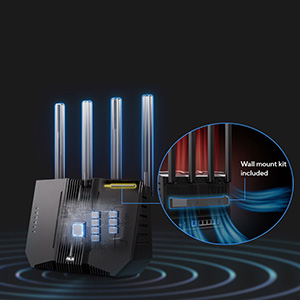
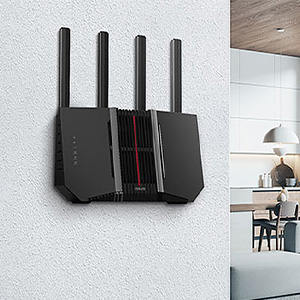
-Mounting it on the wall is easy. I mounted the ASUS router onto a wall within a few minutes and the cables were able to route just fine without too much strain on the cables themselves.
Cons:
-A small thing is that the interface looks pretty old and dated, as if from the early 2000’s.
-A small issue is that during the initial setup it requires an admin password, but a really weird restrictions that they set is that a password can’t have any repeating characters in it. So if the password has “BB” or “EE” in it, it won’t accept it. I’ve never seen this security implementation anywhere for a password.
-Right out of the box, the router uses 600MB of RAM out of the 1GB RAM available. That is a lot and I don’t know what services are running to need that much ram. With the VPN and DNS enabled, I’m seeing an average of 750 MB of RAM being used. I wish there was more RAM available for a peace of mind in case of high network usage when the router is processing VPN traffic to prevent any potential slowdowns or crashes because the memory maxes out.
-After enabling the MLO network, the router still works to provide internet access to the devices, but the admin dashboard becomes inaccessible.
-It advertises that it works with DFS channels, but I couldn’t get the DFS channels to stick. I have other networks where DFS channels work just fine, but something about this router won’t allow for it.
Overall, I’m happy with the performance of the ASUS router with it’s WiFi 7 capability. For the value for money, this is more expensive than I would like it to be for the feature sets. The WiFi 7 features work great as the 6Ghz works great and the 320MHz bandwidth works as intended. The 6GHz band really helps me in a really congested area where there’s lots of neighboring WiFi networks. There’s a few things to keep in mind, like the high RAM usage right out of the box. I haven’t experienced issues because of it, but it a little more headroom would be nice.
This unit arrived well packaged and undamaged. During unpacking, the first thing I noticed was the lack of thorough documentation. The one page setup guide is very basic, covering things such as what the front leds are for, how to unfold dthe antennas, and how to connect the router to your modem. Very basic. Downloading the PDF was disappointing as well, since it seems mostly to be an index that references you to other online documents!
Beyond that you are instructed to load the ASUS Router app onto you phone to continue setup. As my network is a bit more advanced than the standard home setup, I opted to use the built in Web interface. Fortunately, the startup guide has a reference to this in a footnote, and I was quickly able to access it and begin to configure the unit.
Once I had the wifi, wan & lan ports configured, a quick reboot brought the router to life. My Wan service is symmetrical 750Mbps fiber, so all tests were while using that service. As my wired LAN utilizes 1gb hardware, my first test was for data transfer speeds locally through the router. The Switch Ports are listed as capable of 2.5Gb, and I was easily able to attain the 1Gbs speed of my lan. My next test was the wifi capability. Using a Wifi-6 device, I was able to attain over 600Mbs on the 5g port, and just over 300Mbs on the 2.4g port. Not having access to a Wifi-7 device, I was unable to test that mode.
I had no problems connecting to wifi with older devices, which can be problematic sometimes with the latest wifi protocols. The unit does provide an IoT SSID that is described as useful for improving security with internet appliances as it isolates these devices from the main network. I was able to connect a security camera to this feature without problem. I was able to confirm that the camera was isolated from the main network with this feature.
One item of note that everyone should be aware of is that the device does collects data on your use and provide this to ASUS. This can be and likely should be disabled, and instructions are included on how to do that.
Overall, I found this unit to be a good value for a Wifi-7 device. Overall compatibility with with Wifi devices that I tested were very good. As of this writing, the unit has been online without interruption for over 1.5 weeks, so it appears to be very stable.
One last word of advice: This is a new product with new protocols and technology. If you are using older devices that are not at lease WiFi-6 compliant, don’t expect to see throughput improvements.
Another Asus product that shines like glitter! I’ve been an Asus customer for 30 years and haven’t been unsatisfied with any of it yet! This is a great Router and so easy to set up nodes with the one it replaced and the one before that.
Excellent features & benefits & great value w/ world-class suppo
Powerful, solid unit that far surpasses the performance of our older ASUS router it replaces – quick connectivity to our existing ASUS AI Mesh node. Like & appreciate the separate IoT network for all of our 2.4 GHz smart home devices, and the WiFi 7 that helps future proof our network. And just as I had found in the past, ASUS Technical Support team was super knowledgeable & helpful in getting everything set up. Highly recommend.
Easy to setup, performing as expected – stronger signals over a larger area, with faster througput. I like the ability to have an IOT SSID, as well as the built in parent controls.
Has been 1 Month and has been rock solid!
I bought this to replace an xt8 that was replacing an old ac1900. I wish they would make it easier to replace pieces of the mesh without having to rebuild it but other than that I had no issues setting it back up. It has been rock solid, I use it for work.
The Guest Network feature is broken in 2.4Ghz only mode. The SSID for the 2nd network isn’t advertised or connectable. Firmware bug. So if you need a 2.4 only network, wait until this is resolved. The 2/5/6 network works great, though. Speed is fantastic.
I ended up buying this elsewhere on sale, but so far it is working very well with great speeds, snappy responsiveness, and consistent signal. As of this writing, make sure to get hardware revision 6. I’ve read the earlier versions had some issues with overheating and signal issues. Highly recommend. Btw, having 2.5Gb speeds internally makes for some future growth as it might be needed.
Great router. Extremely easy to setup and configure. I’m using this as a node on a mesh network. It works perfectly! No issues. It works very well connected to the main router wireless and it works even better using an ethernet connection for the backhaul. Everything worked the first time. Make sure that all nodes are running the latest firmware first. Also, watch the YouTube videos. I made this purchase after doing a lot of research. No regrets.
Great router, especially for the price
Has good enough range for both floors of my apartment, is reliable, and handles the 7 PCs, 3 smart TVs, and 5 phones in my home without any issues. The interface allows for multiple VPN configurations and is easy to use.