5GWiFi Car Radio for Chevrolet Silverado 1500 GMC Sierra
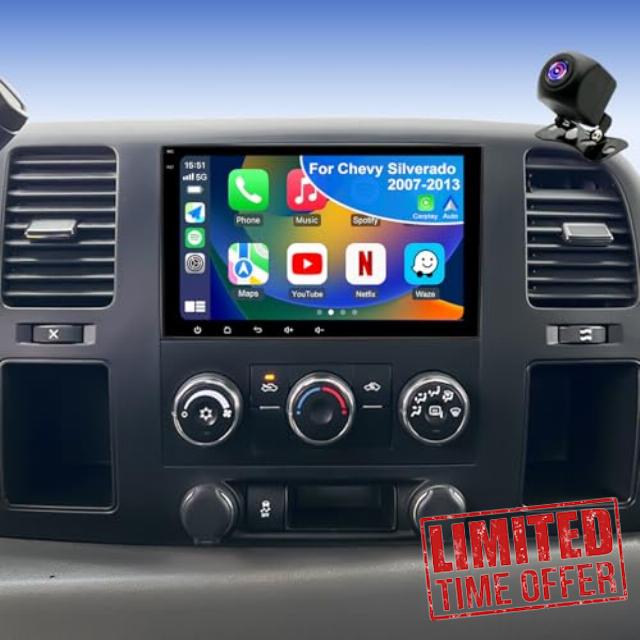
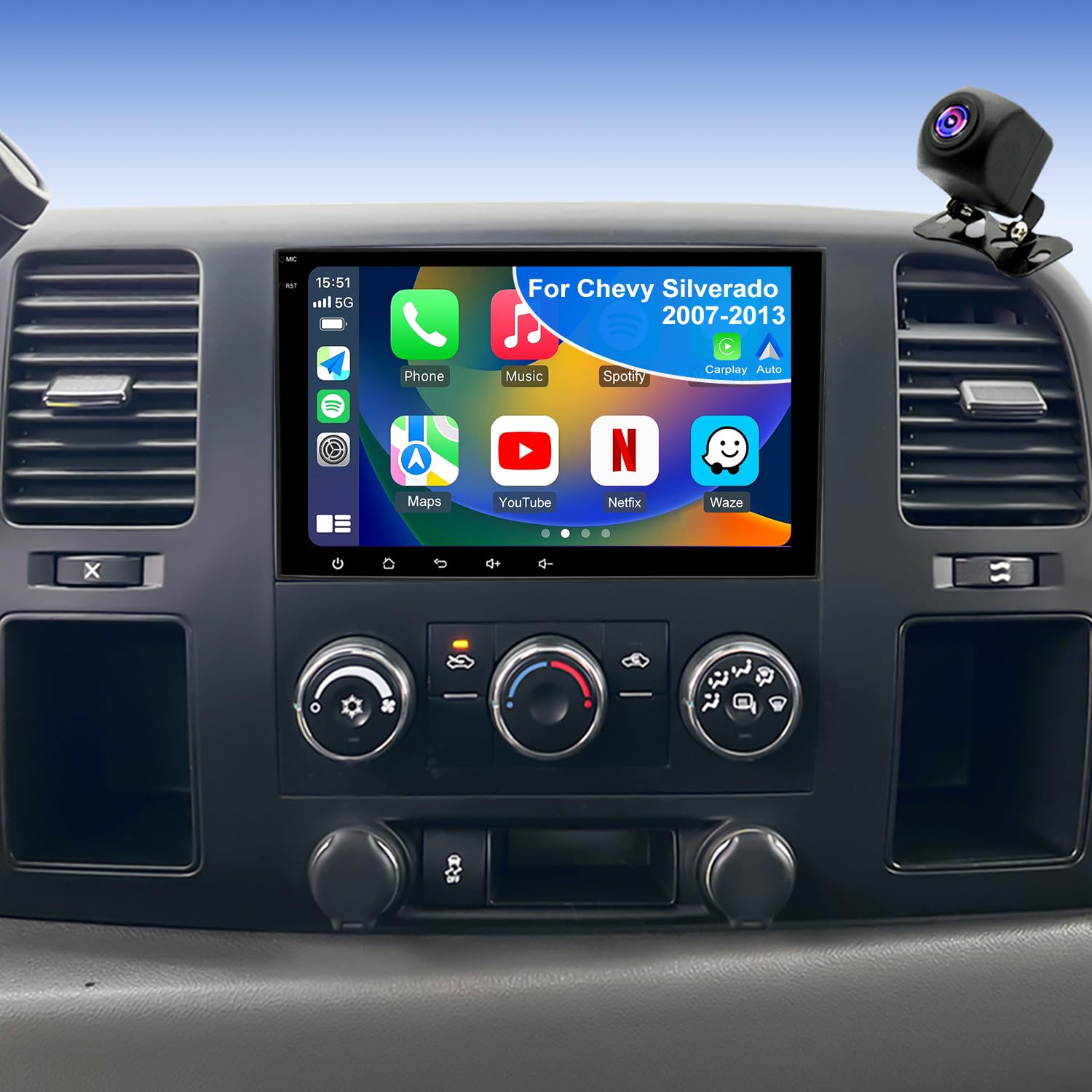
5GWiFi Car Radio for Chevrolet Silverado 1500 GMC Sierra 1500 2007-2013, Yukon Tahoe 2007-2014, Acadia 2007-2012, Savana Equinox 8inch Touch Screen Stereo, Carplay Android Auto GPS Camera
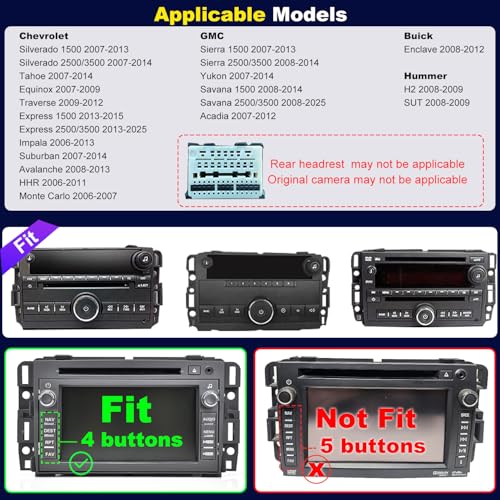
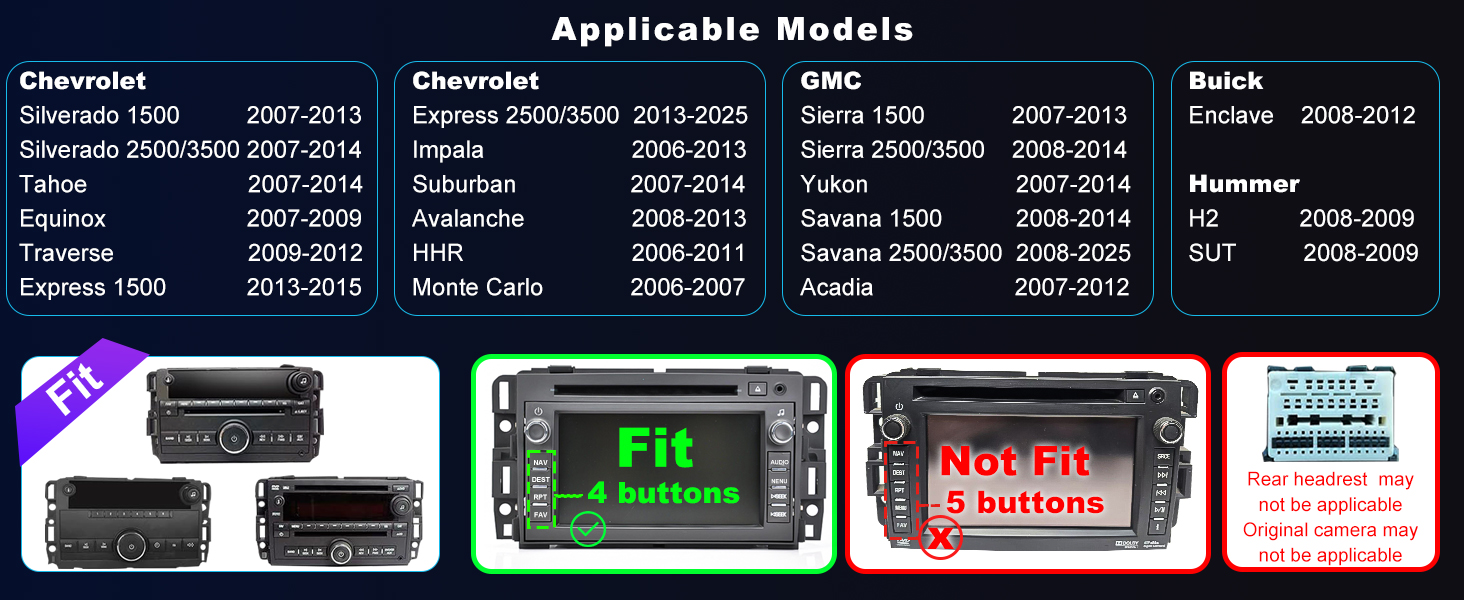
- ✔️【Applicable Car Models】Factory-installed radio For Chevy: silverado 1500 2007-2013; silverado 2500 3500 2007-2014; tahoe 2007-14; express 1500 2013-2015; express 2500 2013-2025; impala 2006-13; suburban 2007-2014; avalanche 2008-2013; traverse 2009-2012; equinox 2007-2009。For GMC: sierra 1500 2007-2013; sierra 2500 3500 2008-2014; yukon 2007-2014; savana 1500 2008-2014; savana 2500 3500 2008-2025; acadia 2007-2012. For Hummer: h2 sut 2008-2009. For Buick: enclave 2008-2012
- ✔️【Updated Android 15 Radio & 4-Core CPU】 Chevy Silverado 1500 radio & Chevy silverado 1500 2500 3500 radio keeps the whole family entertained. Powered by Android 15 and a 4-core CPU, it runs fast for music, maps, and video apps. With 32G storage, save cartoons, offline maps, and playlists—perfect for kids and parents on every drive
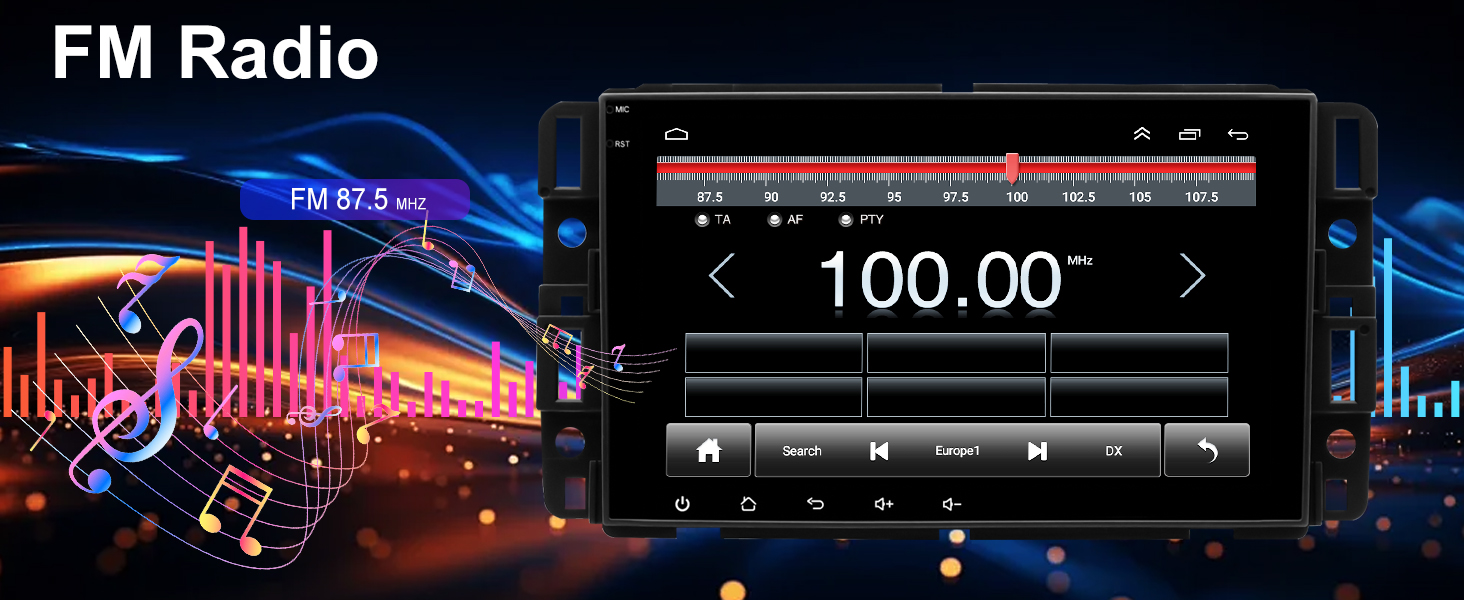
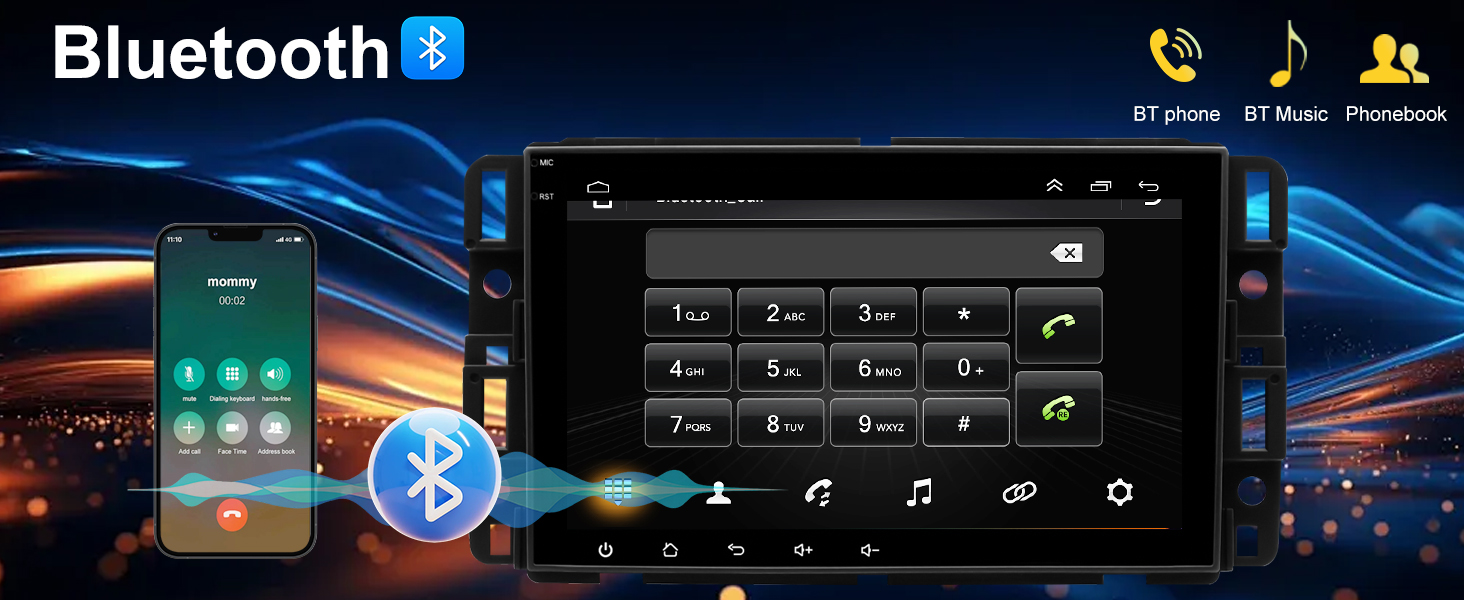
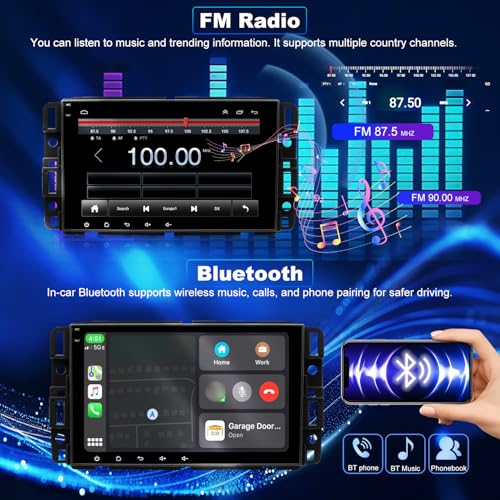
- ✔️【Built-in Bluetooth & FM Radio】 Chevy Silverado radio & Chevy silverado Setero enhances your drive with Built-in Bluetooth & FM Radio. car radio with bluetooth car stereo head unit allows safe calls and wireless streaming. With 18 preset FM stations, you can enjoy nonstop entertainment and stay connected wherever the road takes you
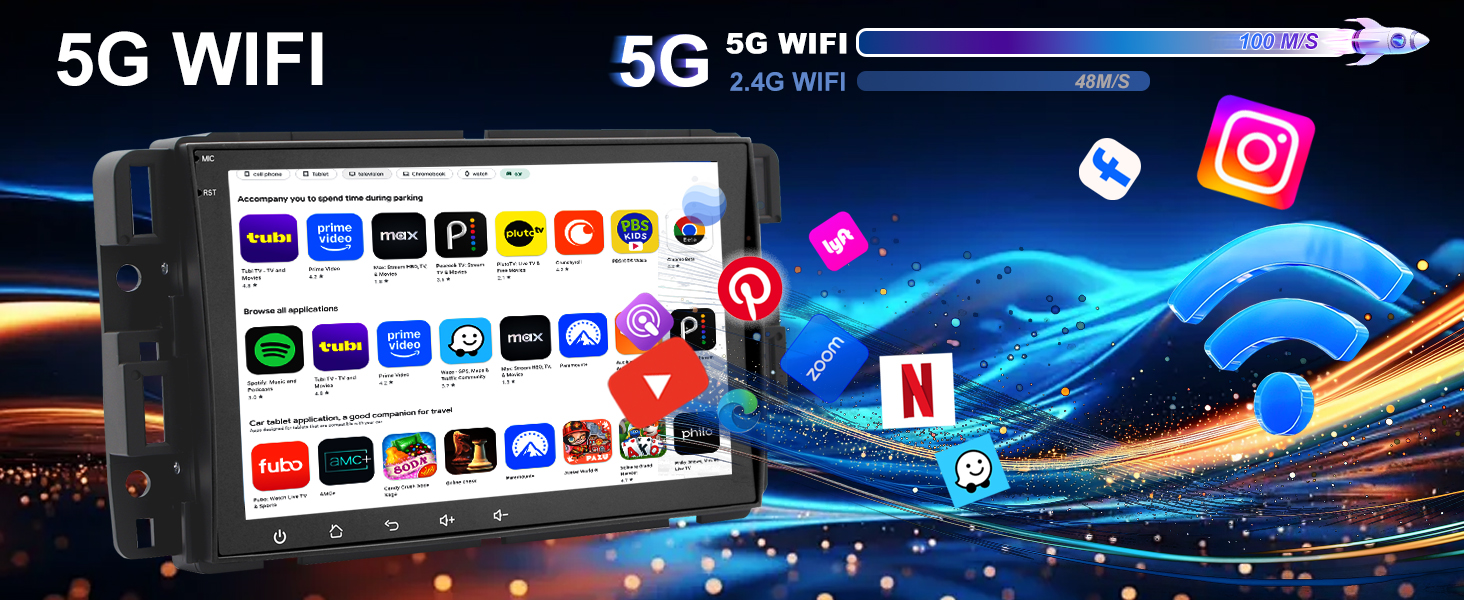
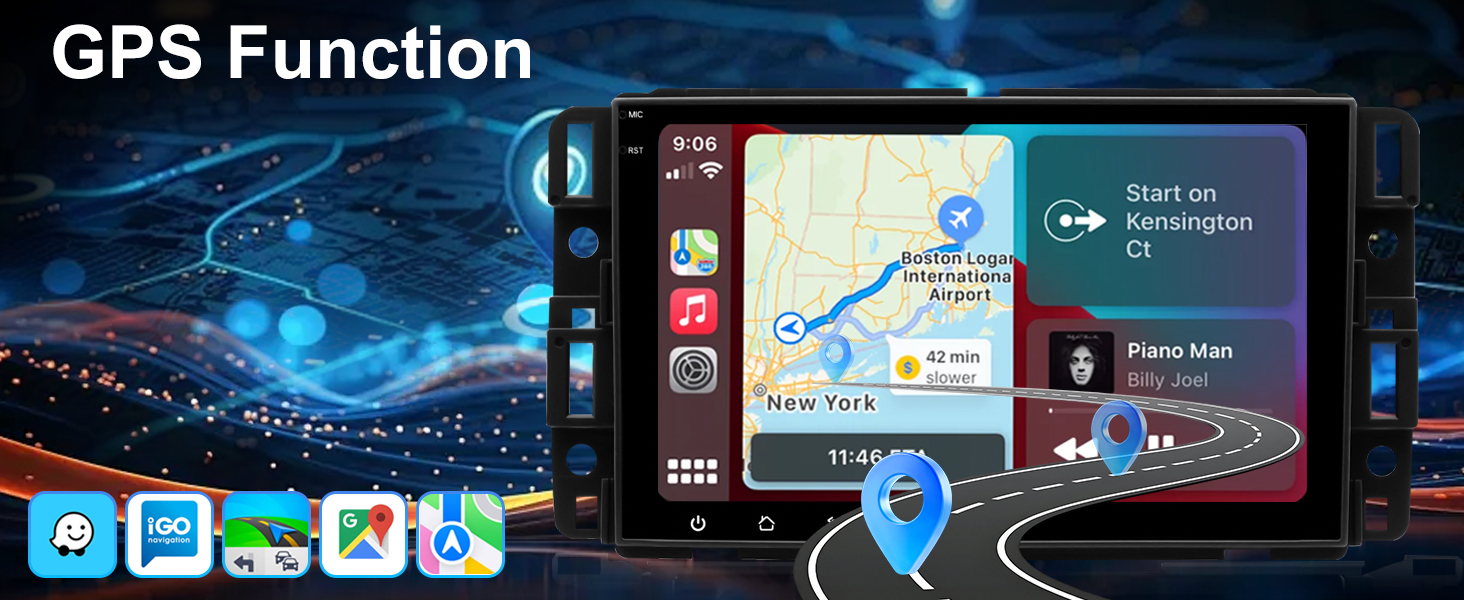
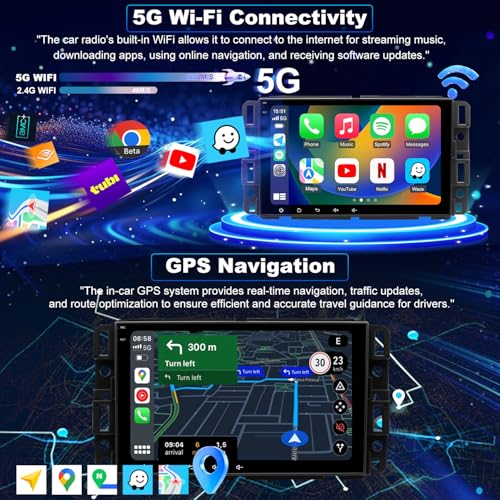
- ✔️【GPS Navigation & Faster 5GWiFi Connect】GMC Sierra radio includs gmc sierra accessories,car gps navigation system Navigate confidently with offline maps (HERE WeGo) and online apps like Google Maps and Waze. With 5G WiFi, enjoy fast streaming, app downloads, and live traffic updates instantly, ensuring your GMC Sierra 1500 2500 3500 radio stays connected, informed, and ready for the road
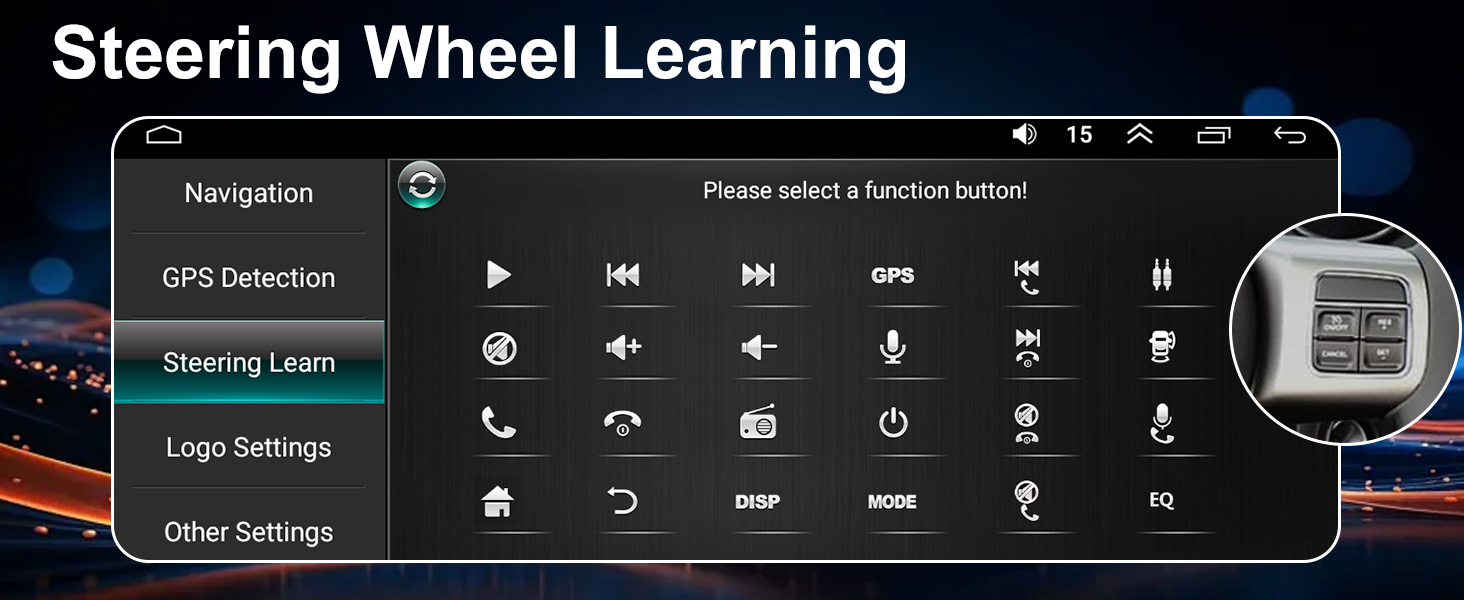
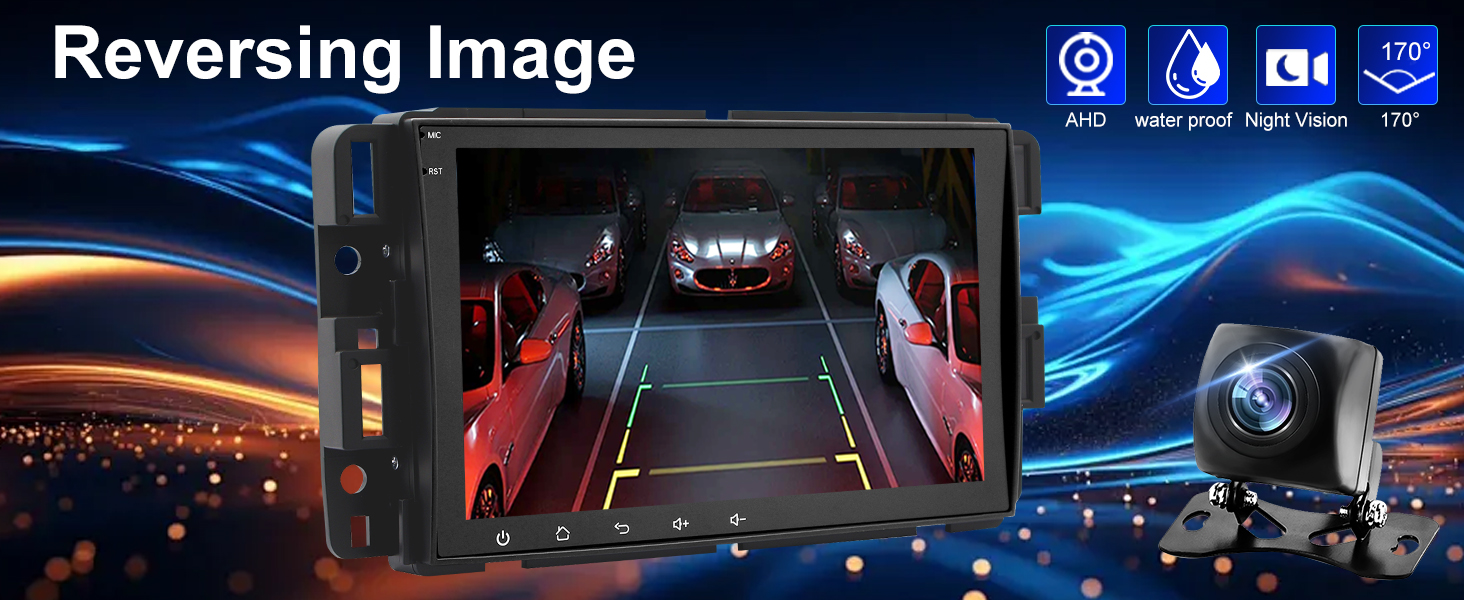
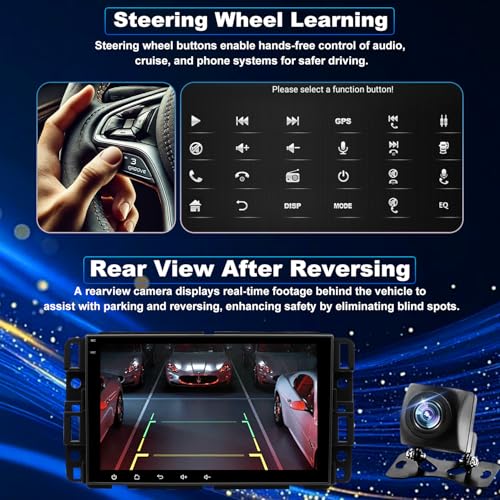
- ✔️【Rearview Camera & Steering Wheel Control】 Stay in control with the GMC Acadia radio and GMC Yukon radio’s steering wheel functions, letting you manage music and volume safely. The Dodge Ram 1500’s 170° rearview camera gives a wide-angle view when reversing, automatically switching to rearview to ensure safer parking, even in bad weather conditions
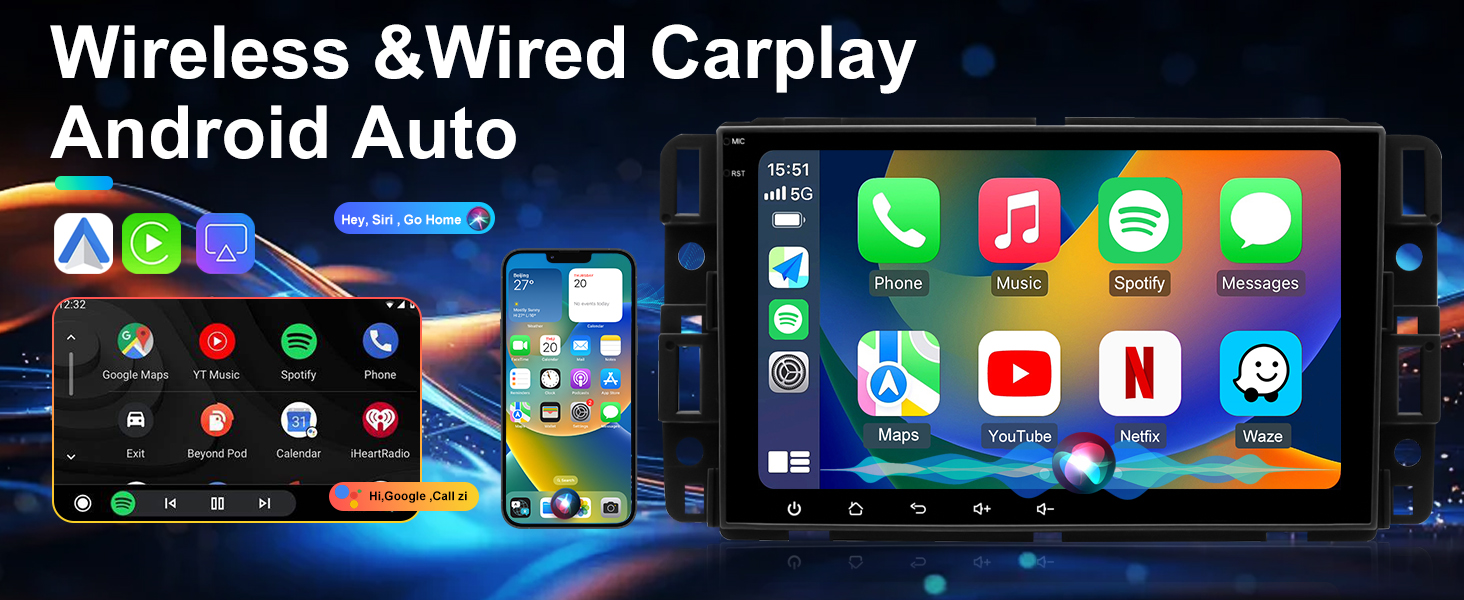
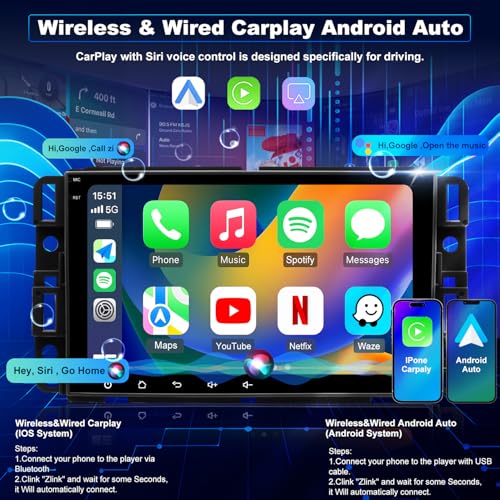
- ✔️【Wireless Carplay & Android Auto & HD touch Screen】 Drive smarter with wireless Apple CarPlay and Android Auto in your chevy tahoe radio & chevy Equinox radio , enabling you to stream music, use Google Maps for navigation, and make hands-free calls. The HD IPS touch screen ensures a crystal-clear, smooth display from any angle for enhanced comfort and safety
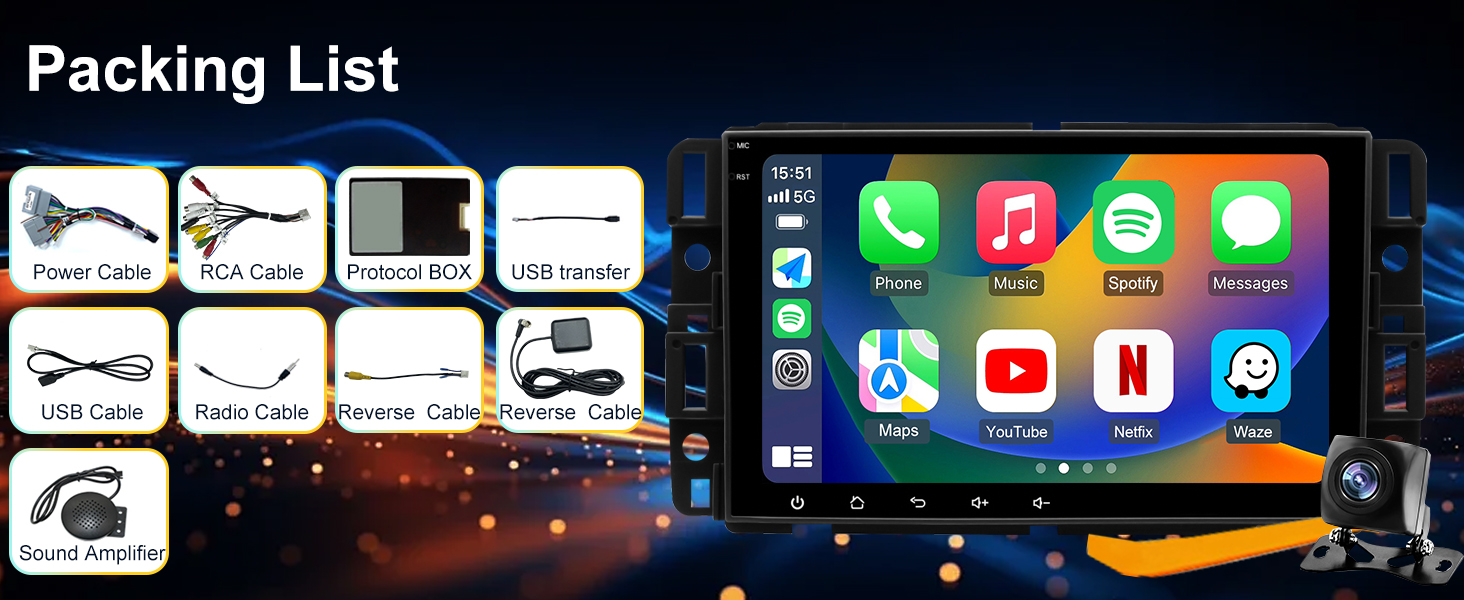
- ✔️【Lifetime Tech Support】 – This GMC Savana 1500 2500 3500 radio comes with all chevy silverado 1500 accessories and clear wiring instructions, ensuring easy installation. Our lifetime 24/7 tech support team is always available to guide you
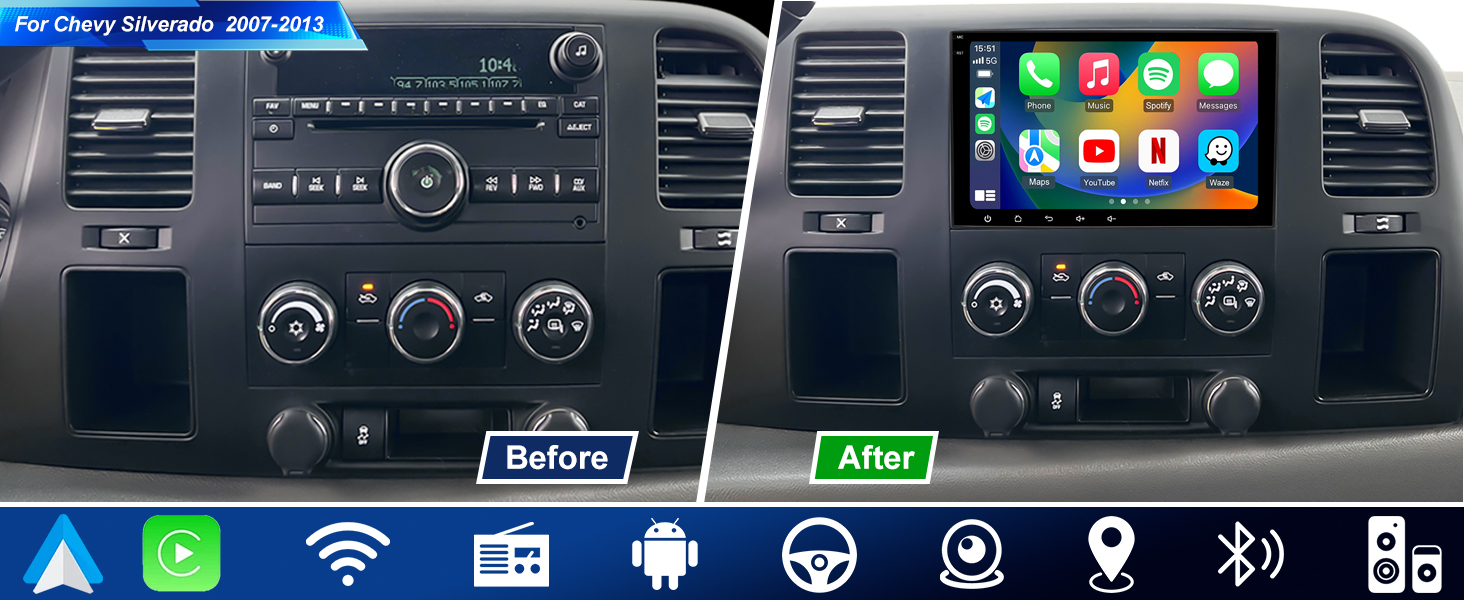
Upgrade car Radio for GMC Sierra Chevy Silverado 1500/2500/3500 2007-2013 Stereo
Note:
The car model and year are for reference only. Please confirm the shape and size of the center console before buying this car radio
For Chevrolet radio:Silverado 1500 2007-2013, Silverado 2500/3500 2007-2014,Tahoe 2007-2014, Express 1500/2500/3500 2013-2015,Traverse 2009-2012,
For GMC radio:Sierra 1500 2007-2013, Sierra 2500/3500 2008-2014, Yukon 2007-2014, Savana 1500 2008-2014, Savana 2500/3500 2008-2025, Acadia 2007-2012,
| Vehicle Fit | Chevy Silverado screen |
| System | Android 15 Car Stereo |
| CPU | 1.5Ghz Cortex-A53 CPU and GE8300 GPU |
| ROM | 2+32G |
| Bluetooth | BT5.4 |
| Internet | Wifi6 2.4G & 5G |
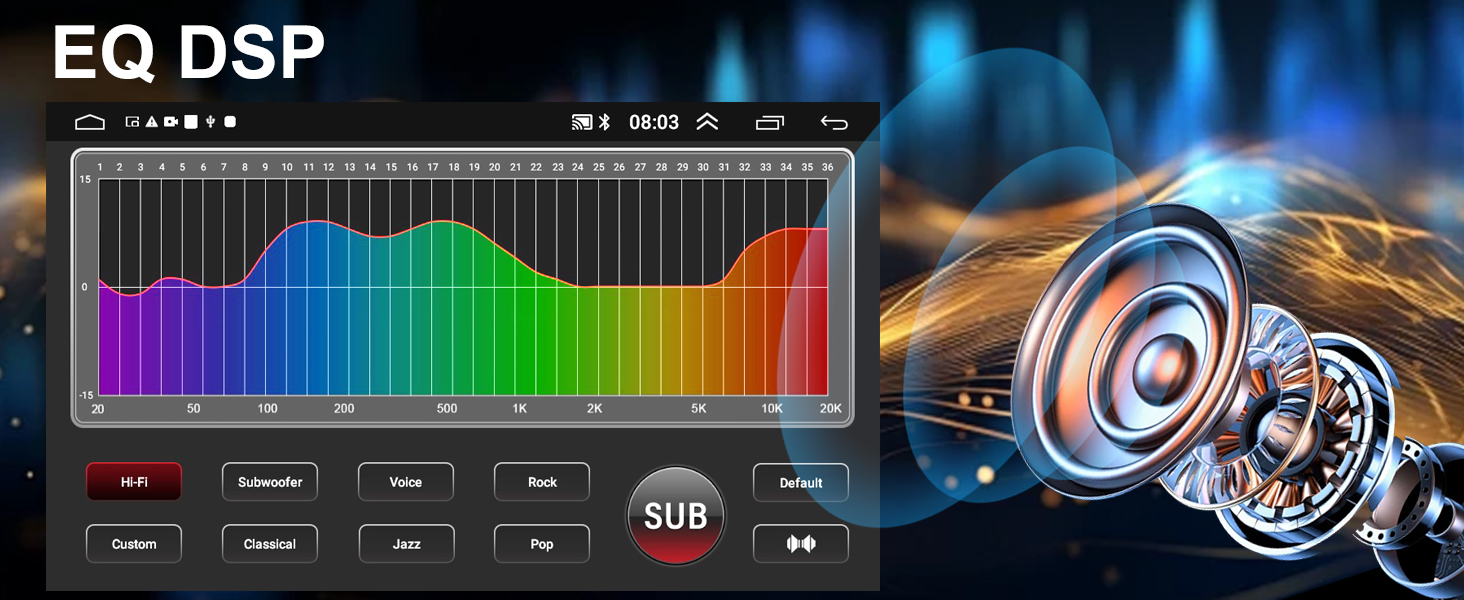
| Sound Effect | DSP HiFi 36 EQ |
| Phone Link | Wired/Wireless Carplay, Wired/Wireless Android Auto |
| Camera Input | CVBS &AHD 720/1080P |
| Video Playback | Supports common formats |
| Audio Format | MP3/WMA/WAV/APE/FLAC ect |
| FM & Amplifier | 87.5~108MHz; 4*60W |
Why won’t Bluetooth connect, or why does the Bluetooth and Wi-Fi signal seem weak?
reversing cable is connected to the Bluetooth and Wi-Fi signal booster. Open the Bluetooth settings and use the radio to search for your phone’s Bluetooth. Select “Car-BT”, enter the password “0000”, and if it fails, delete previous connection record
How can I connect or disconnect CarPlay?
1.Connect to Bluetooth and Zlink will automatically connect to CarPlay.
2. Turn off the Background connection so it will not connect automatically. 3. Go to iPhone Settings > General > CarPlay > Zlink to enable or disable CarPlay.
Wireless Screen Mirroring
iOS: Zlink5 Wireless Mirroring – enable iPhone hotspot – connect the car radio to Wi-Fi – select zj-airplay;
Android: Zlink5 Wireless Mirroring – install the Zlink app – connect Bluetooth – turn on Personal Hotspot.
Why is Wi-Fi not working on the unit?
When CarPlay is working, the Wi-Fi connection will disconnect automatically. Please turn off the Background connection so CarPlay will not reconnect.
Why is there no signal from the rear camera?
1. reverse parking sensor wires are properly connected.
2. Select the correct camera format: Car Setting > Factory Setting (password 8888) > Camera and Protocol Parameter Settings > Reversing Video Resolution Settings > NTSC / PAL or AHD720/25.
How do I remove the camera trajectory lines?
Car Settings > Factory Settings (password 8888) > Protocol Parameter Settings > turn off Reverse Track Settings and Reverse Auxiliary Line.
Why is there no sound from the system?
1. Check if the speaker cables are connected incorrectly or reversed.
2. Make sure the CANBUS box is properly connected.
Why is the touchscreen not responding?
Use five fingers to recalibrate the touchscreen by following the instructions in the instructional video.
Why does the radio screen stay black?
1. Check whether the CANBUS box is properly connected.
2. Press the small round RST hole with a toothpick and check that the blue/red fuse on the back is not burnt out.
Why isn’t the steering wheel control working?
1. Check if the protocol serial port wire is missing or reversed, and make sure the SWC cable is connected.
2. Check that the correct protocol is selected.

| SKU: | B0GDDM2GRD |
| Brand: | iCarSEPTON |
| Batteries Included: | No |
| Manufacture: | iCarSEPTON |
Product description
Upgrade car Radio for GMC Sierra Chevy Silverado 1500/2500/3500 2007-2013 Stereo
For Chevrolet radio:Silverado 1500 2007-2013, Silverado 2500/3500 2007-2014,Tahoe 2007-2014, Express 1500/2500/3500 2013-2015,Traverse 2009-2012,
For GMC radio:Sierra 1500 2007-2013, Sierra 2500/3500 2008-2014, Yukon 2007-2014, Savana 1500 2008-2014, Savana 2500/3500 2008-2025, Acadia 2007-2012,
Why won’t Bluetooth connect, or why does the Bluetooth and Wi-Fi signal seem weak?
reversing cable is connected to the Bluetooth and Wi-Fi signal booster. Open the Bluetooth settings and use the radio to search for your phone’s Bluetooth. Select “Car-BT”, enter the password “0000”, and if it fails, delete previous connection record
How can I connect or disconnect CarPlay?
1.Connect to Bluetooth and Zlink will automatically connect to CarPlay.
2. Turn off the Background connection so it will not connect automatically. 3. Go to iPhone Settings > General > CarPlay > Zlink to enable or disable CarPlay.
Wireless Screen Mirroring
iOS: Zlink5 Wireless Mirroring – enable iPhone hotspot – connect the car radio to Wi-Fi – select zj-airplay;
Android: Zlink5 Wireless Mirroring – install the Zlink app – connect Bluetooth – turn on Personal Hotspot.
Why is Wi-Fi not working on the unit?
When CarPlay is working, the Wi-Fi connection will disconnect automatically. Please turn off the Background connection so CarPlay will not reconnect.
Why is there no signal from the rear camera?
1. reverse parking sensor wires are properly connected.
2. Select the correct camera format: Car Setting > Factory Setting (password 8888) > Camera and Protocol Parameter Settings > Reversing Video Resolution Settings > NTSC / PAL or AHD720/25.
How do I remove the camera trajectory lines?
Car Settings > Factory Settings (password 8888) > Protocol Parameter Settings > turn off Reverse Track Settings and Reverse Auxiliary Line.
Why is there no sound from the system?
1. Check if the speaker cables are connected incorrectly or reversed.
2. Make sure the CANBUS box is properly connected.
Why is the touchscreen not responding?
Use five fingers to recalibrate the touchscreen by following the instructions in the instructional video.
Why does the radio screen stay black?
1. Check whether the CANBUS box is properly connected.
2. Press the small round RST hole with a toothpick and check that the blue/red fuse on the back is not burnt out.
Why isn’t the steering wheel control working?
1. Check if the protocol serial port wire is missing or reversed, and make sure the SWC cable is connected.
2. Check that the correct protocol is selected.
Big tech upgrade for my Silverado, but a few quirks
I installed this 5G WiFi Android-style radio in my Chevy Silverado 1500, and it completely modernized the truck. The touchscreen is big and clear, and having Apple CarPlay/Android Auto makes navigation and music way easier than the factory setup. Bluetooth connects fast, and WiFi lets you use apps like Google Maps and YouTube without issues.
Installation was mostly straightforward, but it still took some time to wire everything correctly and get it sitting flush in the dash. Once it’s in, it looks really clean and almost factory-like. These upgrades are common for older Silverado models to bring them up to modern tech standards.
The only downsides are that it can be a little laggy when first starting up, and the instructions aren’t very clear. Also, some of the settings feel slightly complicated if you’re not used to Android systems in a car.
Overall, it’s a solid upgrade if you want modern features in an older truck without paying dealership prices. Definitely worth it for the convenience alone.
Solid Silverado radio with CarPlay and a useful camera
I installed this in a 2011 Chevy Silverado 1500, and it made the truck feel much more modern right away. The 8 inch IPS screen is easy to read, and the size looks natural in the dash. Wireless CarPlay worked well after pairing, and wired Android Auto also tested fine.
The backup camera is one of the best parts because it makes parking and backing up the truck easier. I also like that it supports steering wheel controls, Bluetooth, GPS, FM radio, and split-screen use. The 2G+32G setup is not the fastest thing ever, but it is fine for music, calls, and navigation.
Installation takes some careful wiring, especially if you want the camera and steering wheel controls working correctly. I checked everything before putting the trim back on, and that saved time. After setup, the unit has been stable and easy to use. For an older Silverado, it is a good balance of features and price.
Nice feature set with a clean, factory-style upgrade
This setup is built to fit a wide range of GM trucks and SUVs like Silverado and Sierra models from 2007–2013, along with Tahoe and Yukon models through 2014, and it does a good job keeping everything looking like it belongs after installation.
The system brings together a lot in one place, with Bluetooth, GPS, WiFi, and steering wheel controls all working through a single screen. Everything is laid out in a way that keeps it usable without feeling cluttered, and switching between functions stays simple for everyday use.
The 8-inch display is a solid size for these interiors. It’s large enough to make navigation and menus easier to read without feeling oversized, and the touchscreen keeps up well for touch inputs.
Wireless CarPlay connects after setup and makes it easy to jump straight into maps, calls, or music without plugging anything in. It keeps things consistent from drive to drive and works well as the main interface for daily use.
The included backup camera adds a practical upgrade, giving a wide view when reversing and helping with parking in tighter spots. Like most setups, running the camera wiring will take the most time during installation, but once everything is in place it works as expected.
Sound quality is an improvement over factory once adjusted, and the system gives enough control to fine-tune it depending on your setup.
Installation is designed around these specific vehicles and comes together fairly clean with the included components, especially if you take a little extra time routing everything neatly.
Overall, the build feels solid and put together well enough for daily use.
Currently listed for sale at $149.99, this is a good value for adding a full set of modern features and a clean touchscreen upgrade to older GM trucks and SUVs.
Solid Tech Upgrade for Older GM Trucks and SUVs
I installed this 8-inch Android head unit in a 2011 Chevy Silverado 1500, and it’s a great way to modernize the interior of these trucks. The factory radios in this generation are pretty basic, so adding a touchscreen with smartphone integration makes a big difference.
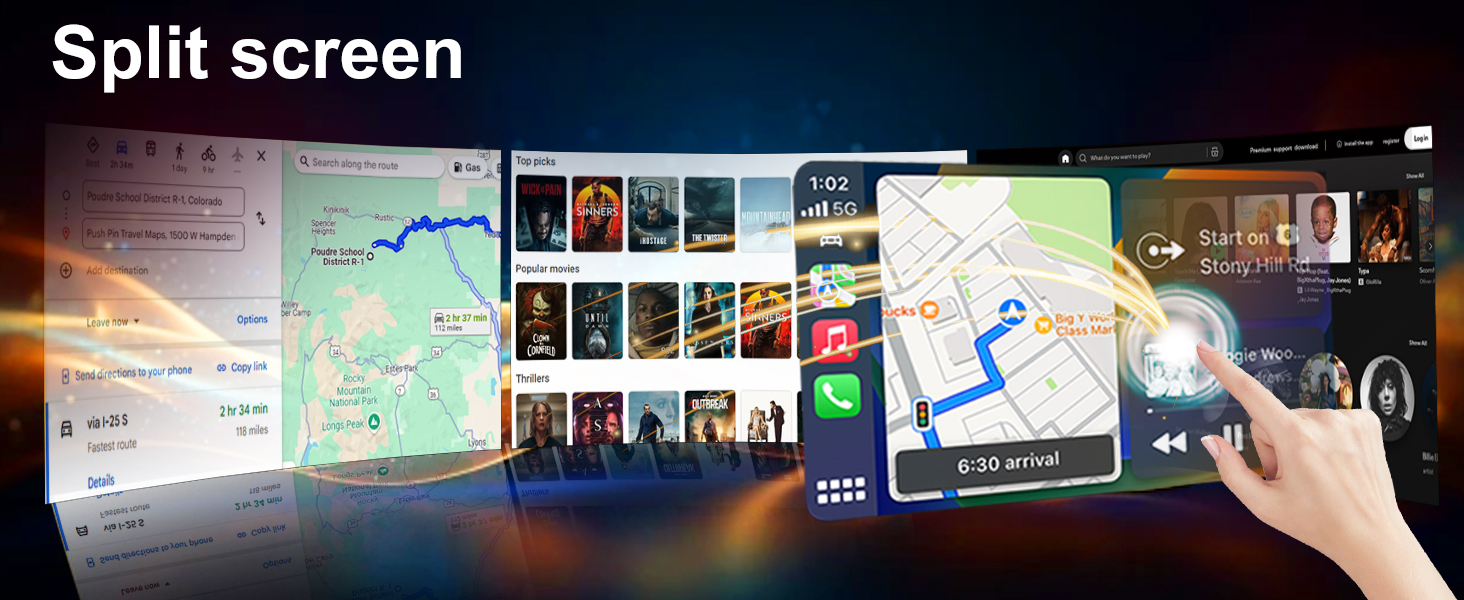
The 8-inch IPS display looks clear and bright. Maps, menus, and music controls are easy to read, and the touch response is smooth for everyday use. The layout is simple to navigate, and the split-screen feature lets you keep navigation open while running music or another app at the same time.
Wireless CarPlay connected quickly and automatically reconnects when the truck starts. I mainly use it for Google Maps, calls, and music streaming, and everything runs smoothly. Voice commands through Siri or Google Assistant make it easy to keep things hands-free while driving.
Bluetooth pairing was quick, and call quality has been clear. Streaming music works reliably, and FM radio reception is solid for local stations. The system also supports steering wheel controls, which helps everything feel more integrated with the truck.
The built-in GPS works with both online and offline maps. Connecting to a hotspot through 5G WiFi allows apps to update and gives you real-time traffic information while navigating.
The included backup camera is a helpful addition. When shifting into reverse, the screen automatically switches to the camera view, and the wide-angle image makes parking and backing up easier.
This unit is designed to fit a wide range of GM vehicles including Chevy Silverado and GMC Sierra trucks from 2007–2013, along with SUVs like Tahoe, Suburban, Yukon, and others from the same era. Once installed, it gives these vehicles the modern infotainment features most drivers expect today.
Overall, this is a practical upgrade for older GM trucks and SUVs. The touchscreen, wireless smartphone integration, navigation, and backup camera add modern convenience while keeping the vehicle you already know and trust.