2026 Upgraded Type-C Wireless HDMI Transmitter & Receiver
2026 Upgraded Type-C Wireless HDMI Transmitter & Receiver 4K, 5G+2.4G HDMI Wireless Extender 165FT/50M, Plug & Play Video Audio Cast from Phone/Tablet/Laptop/PC to HDTV/Monitor/Projector/TV Box
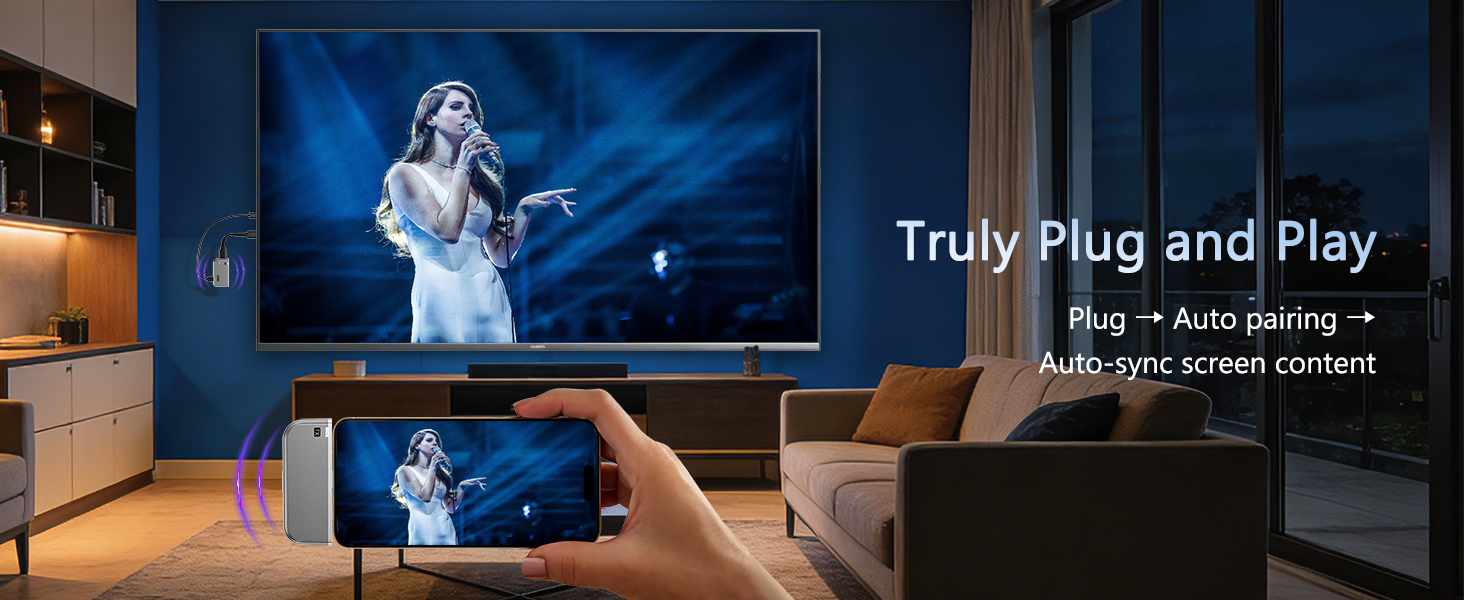
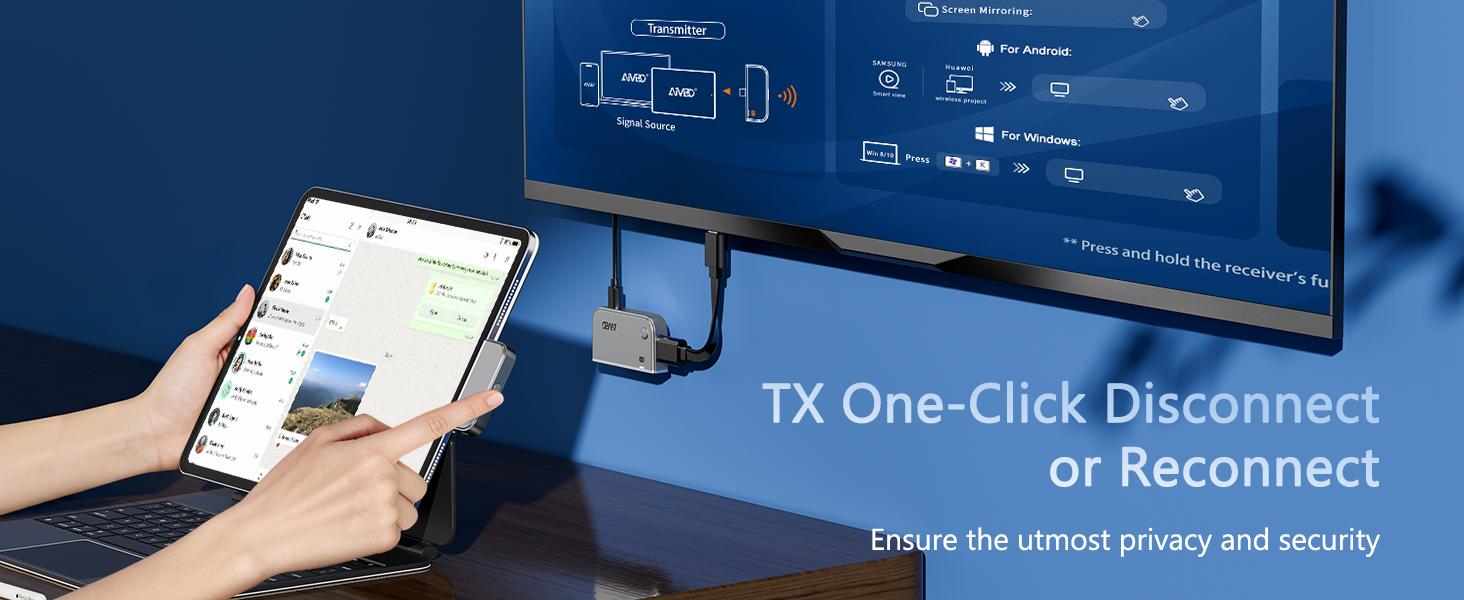
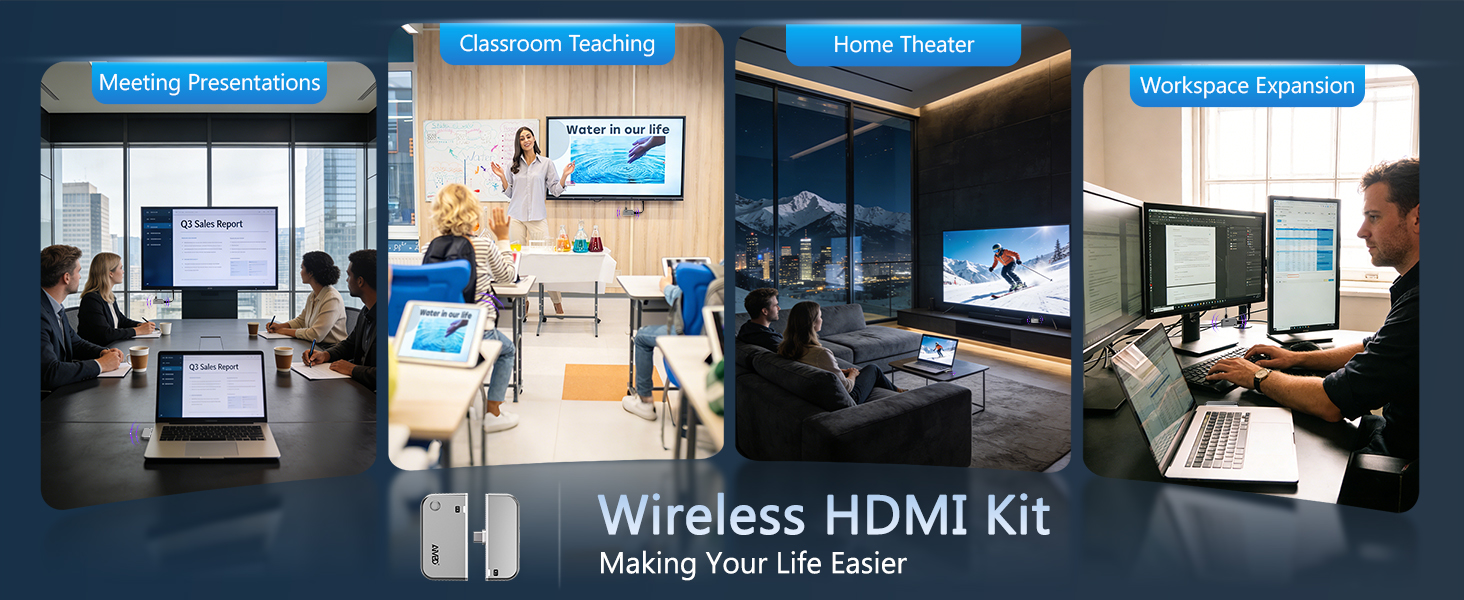
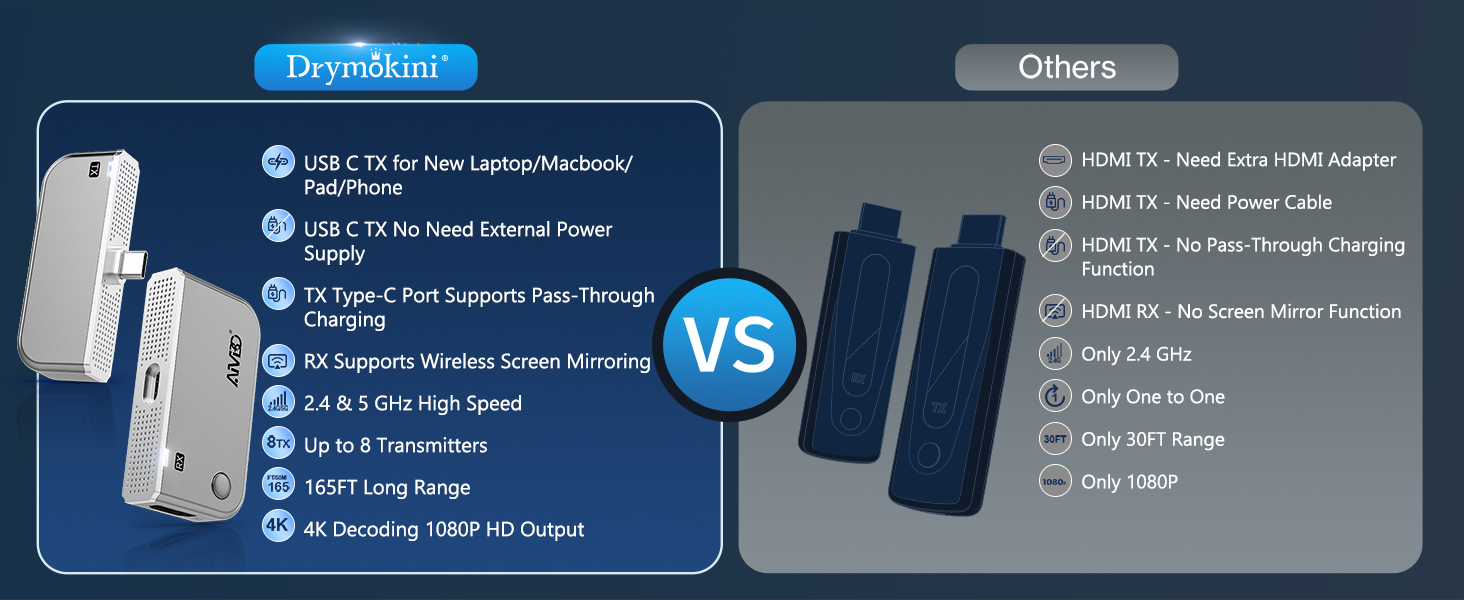
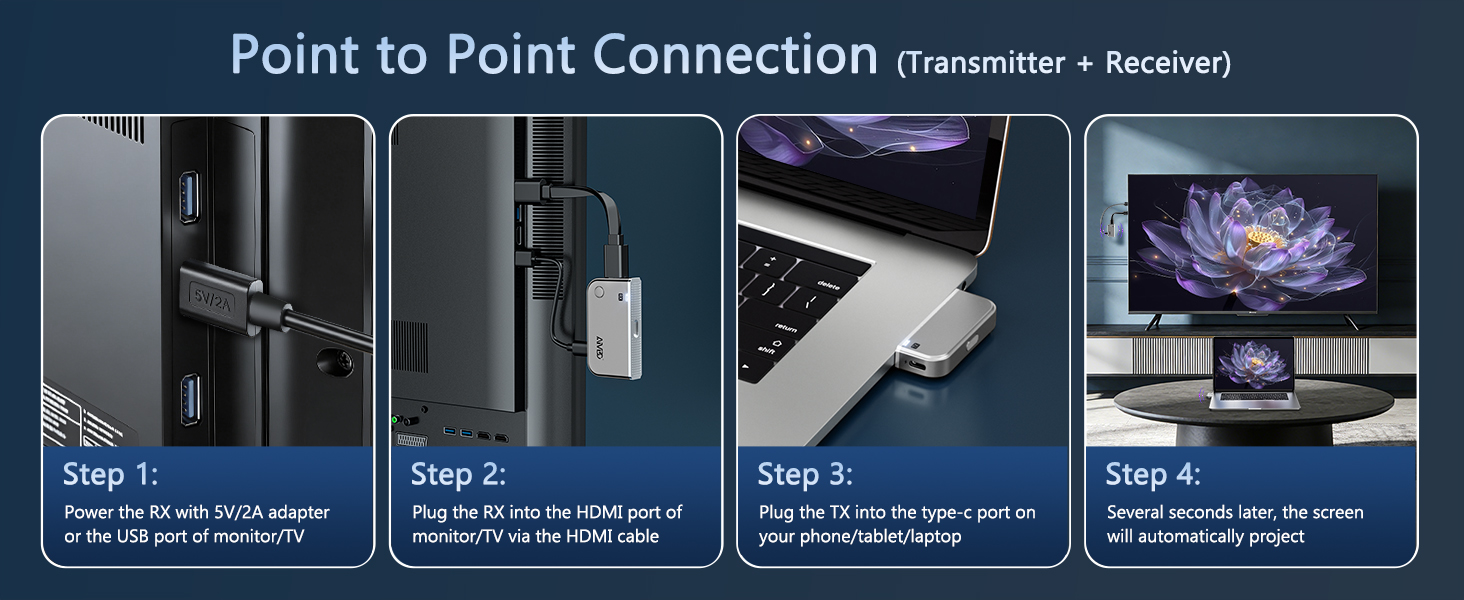
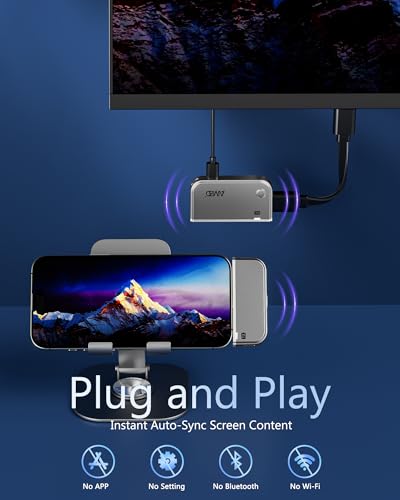
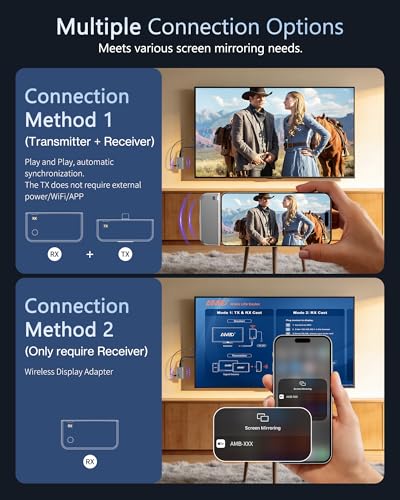
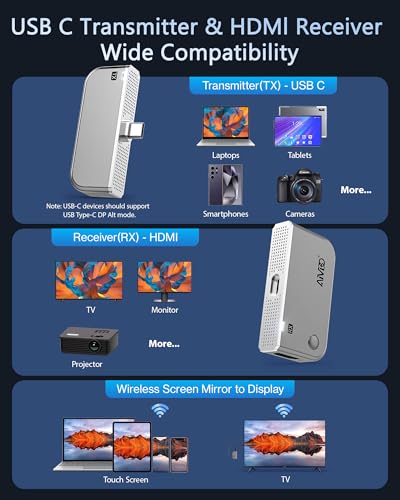
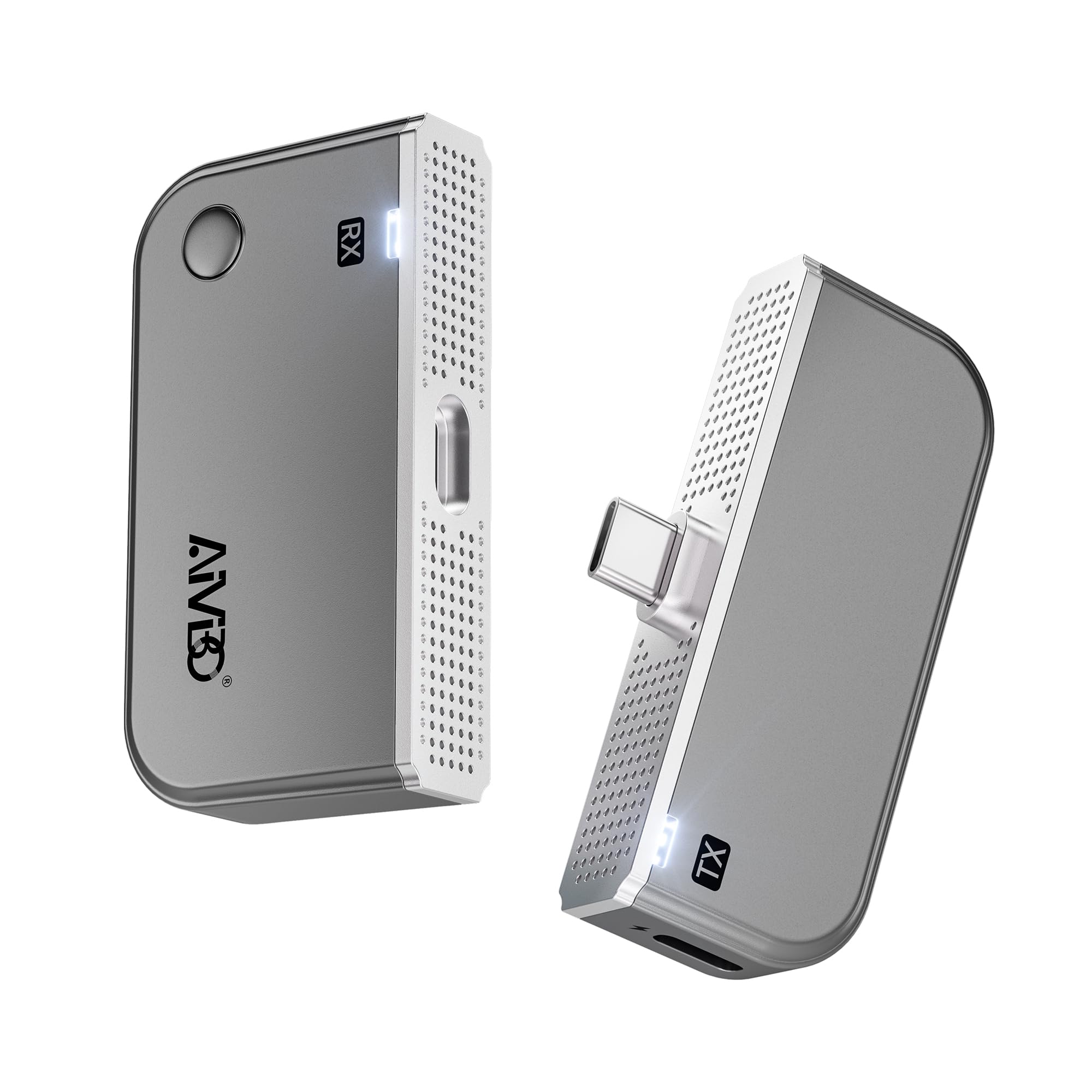
- ✅【 True Plug & Play for DP Alt Mode Devices 】 No WiFi, Apps, or Bluetooth needed, experience instant screen mirroring. Simply plug the USB-C transmitter into your device and the HDMI receiver into your display – they auto-pair in seconds. No messy cables, no network setup, no driver installation. Wireless Type-c Transmitter and HDMI Receiver kit, work with over 90% of Type‑C devices, perfect for meetings, classrooms, or outdoor use where WiFi is unreliable.
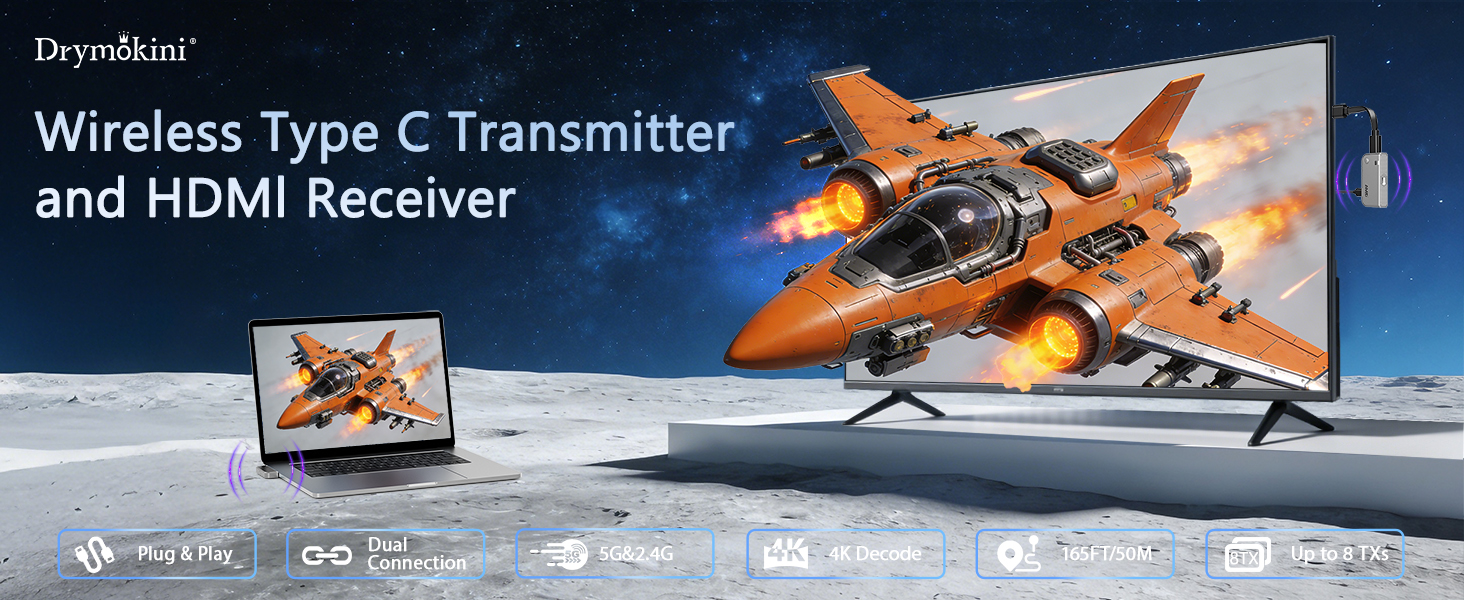
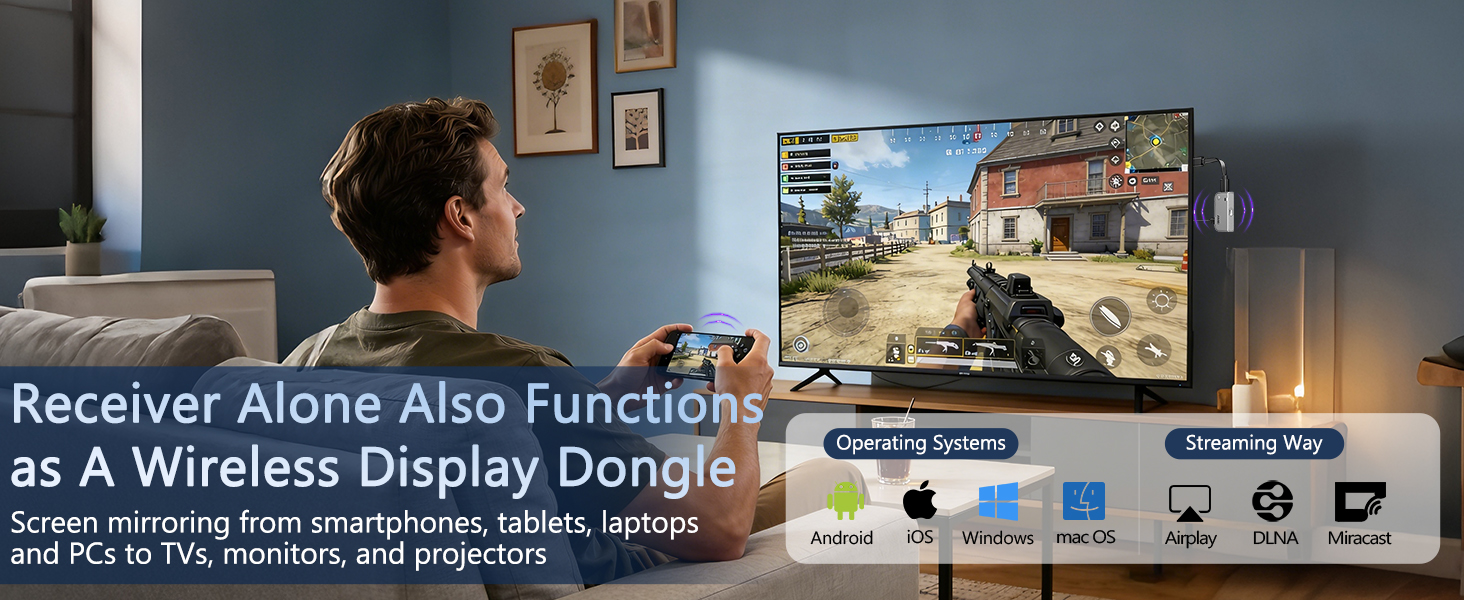
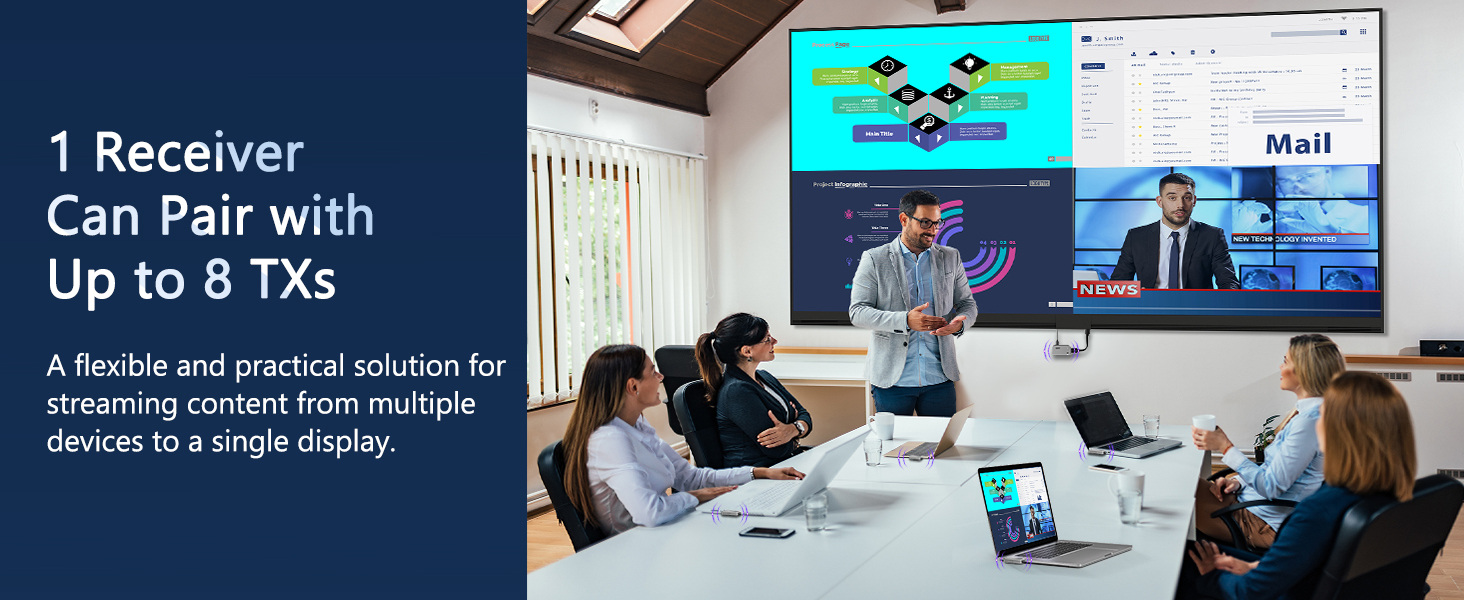
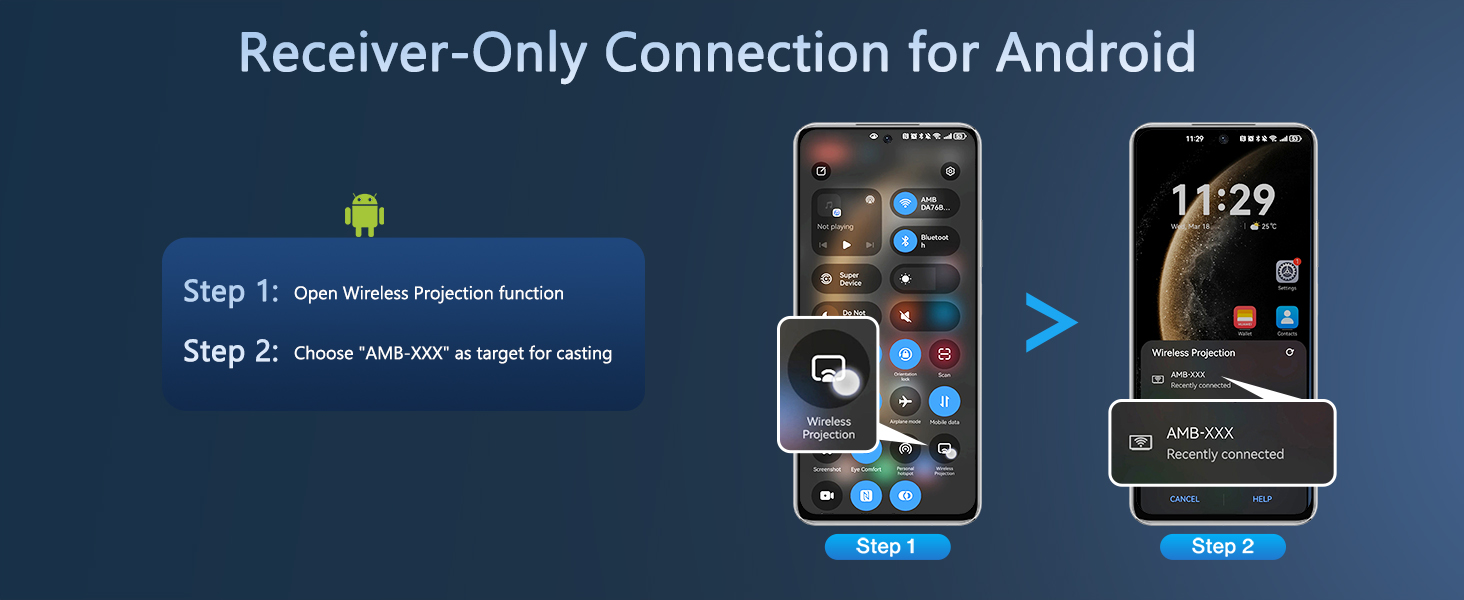
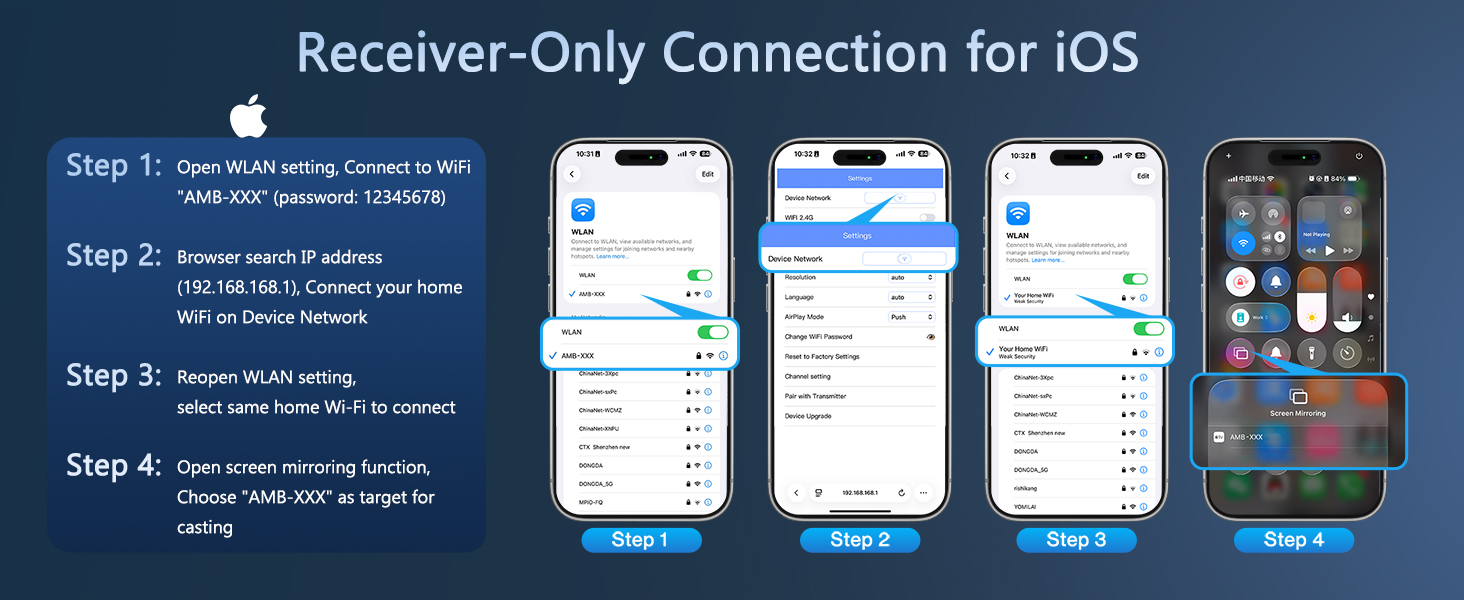
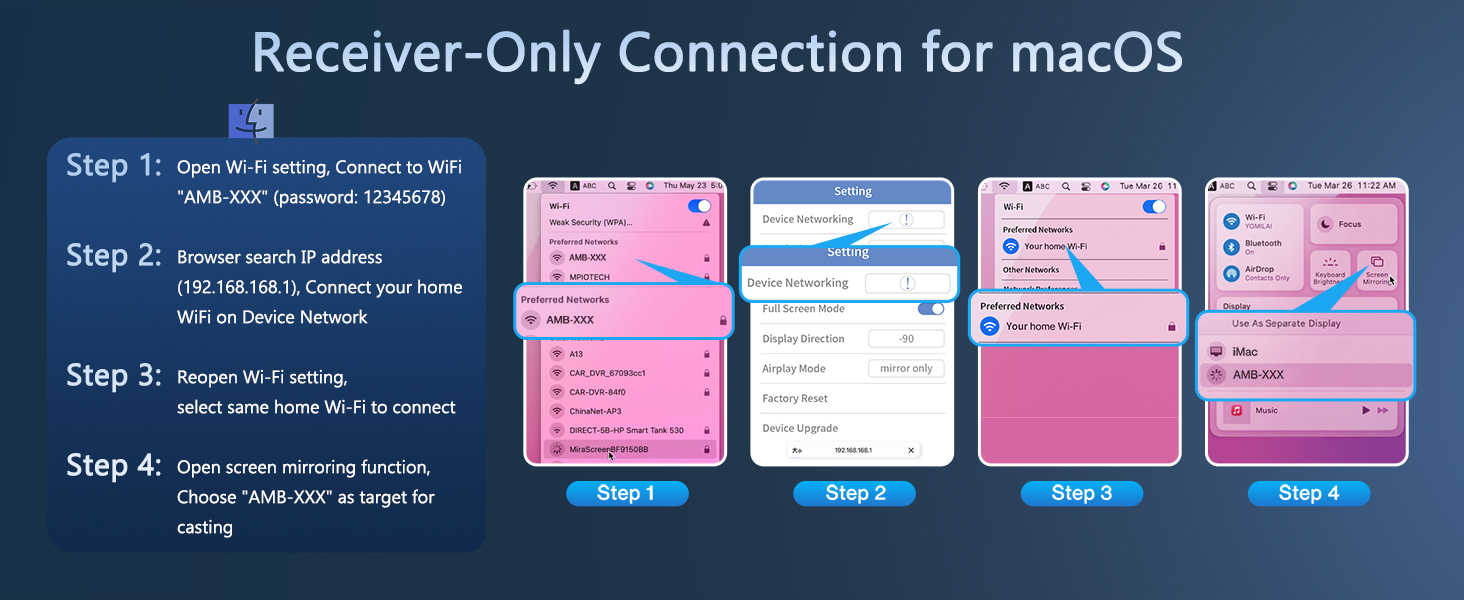
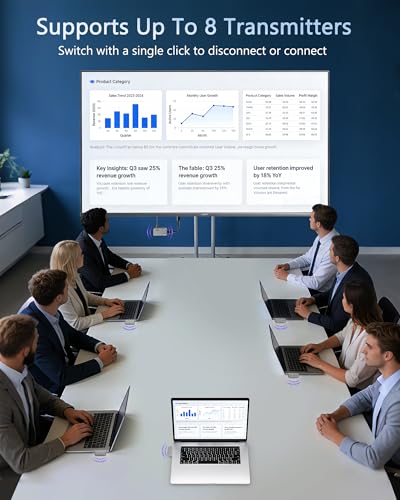
- 💡【 Screen Mirroring from Receiver 】 In addition to the traditional connection mode of Transmitter+Receiver, there is also new Receiver‑Only connection mode: Use the receiver independently as a wireless display adapter which supports screen mirroring from Android tablets, phones, i-Phones, i-Pads, and laptops to TVs or projectors via Miracast, DLNA, and Airplay. Moreover, our wireless HDMI system supports 1 receiver paired with up to 8 transmitters, perfect for business meetings or presentations.
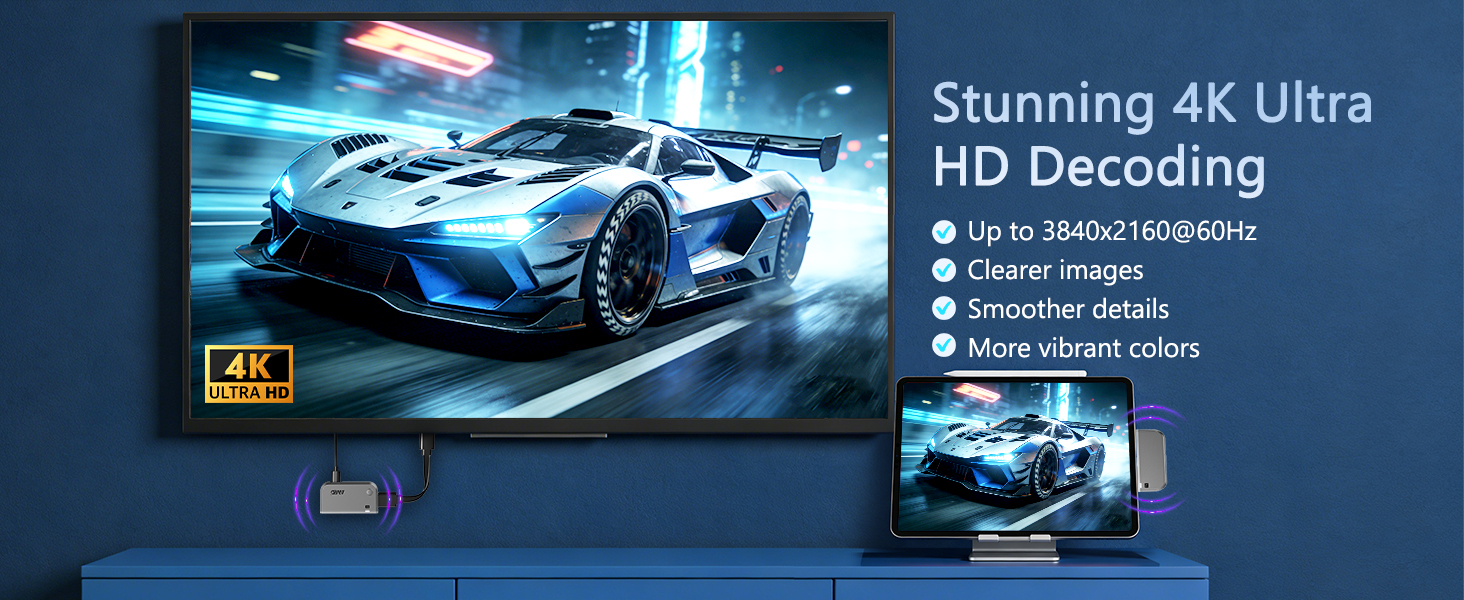
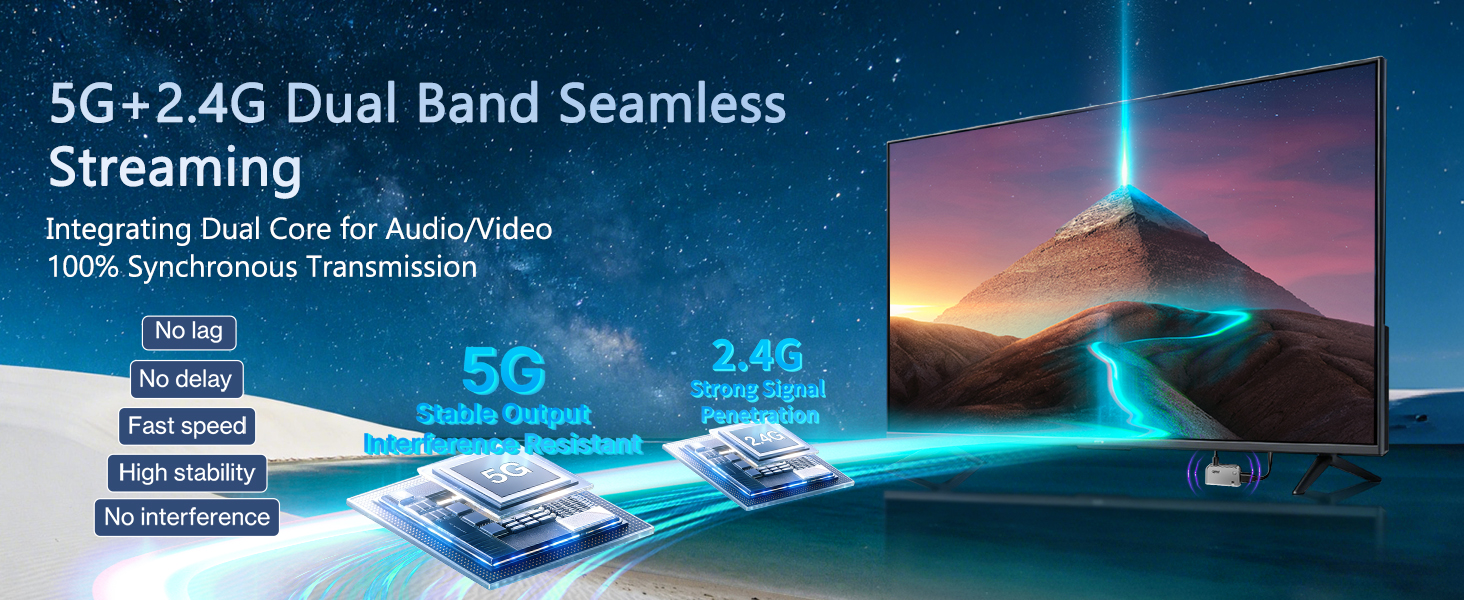
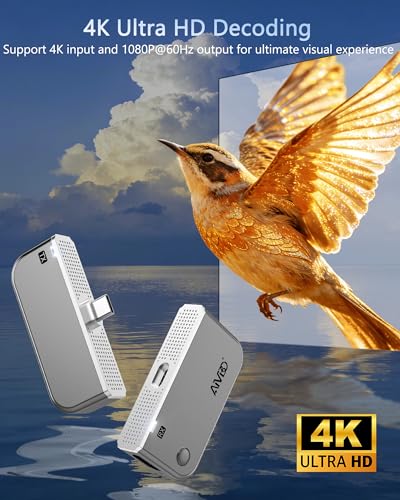
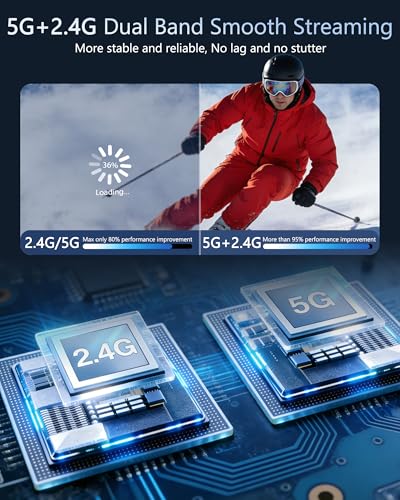
- 🎬【 Crisp 1080P@60Hz & 4K Decoding – Zero Lag Streaming 】 Enjoy stunning Full HD video with synchronized audio from your DP Alt Mode-enabled devices to big screen, powered by dual‑band 5GHz & 2.4GHz wireless technology. Supports 4K signal decoding and delivers smooth, blur‑free 1080P@60Hz output – ideal for presentations, video calls, online classes, or movie nights. You are able to access the wireless dongle's settings interface to configure an output resolution of up to 3840×2160@60Hz.
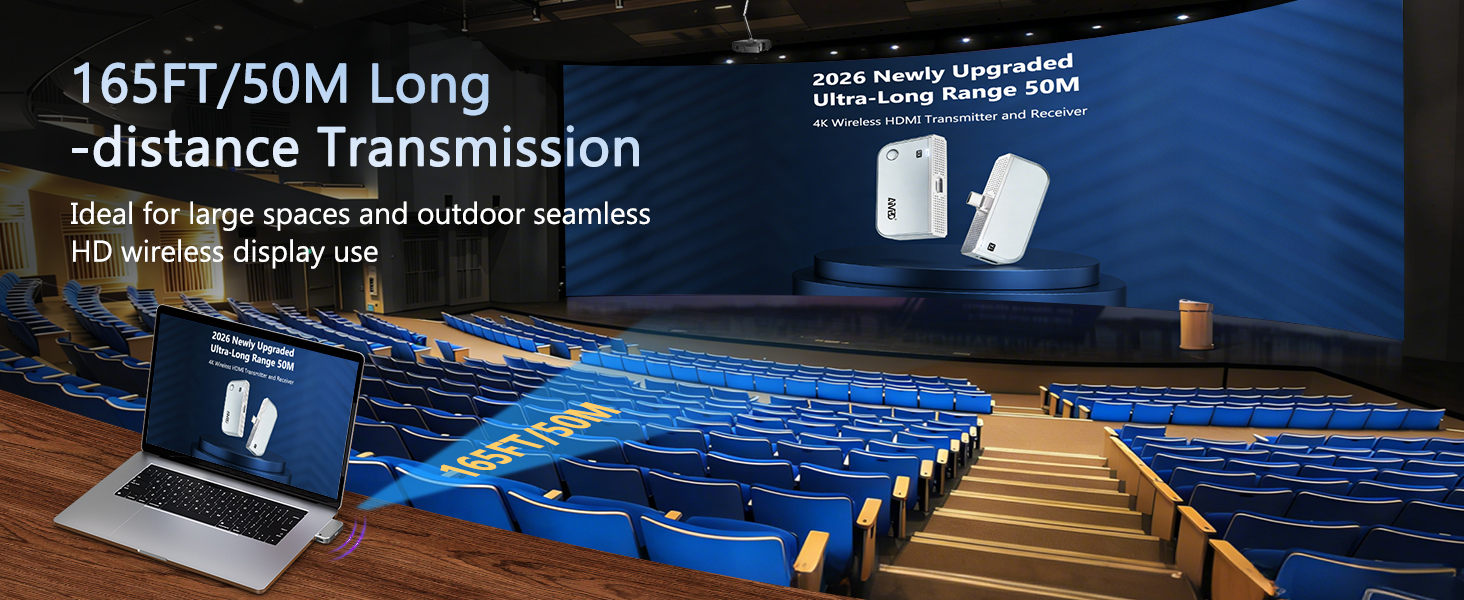
- 📡【 165FT Long‑Range Transmission – Stable Through Obstacles 】 4K HDMI wireless transmitter and receiver achieve reliable wireless transmission up to 50 meters (165 feet) in open areas. The intelligent signal amplification chip actively prevents degradation, maintaining stable Ultra HD video even through thin walls or minor obstacles (note: thick barriers may reduce distance). Perfect for large conference rooms, lecture halls, or home theater setups.
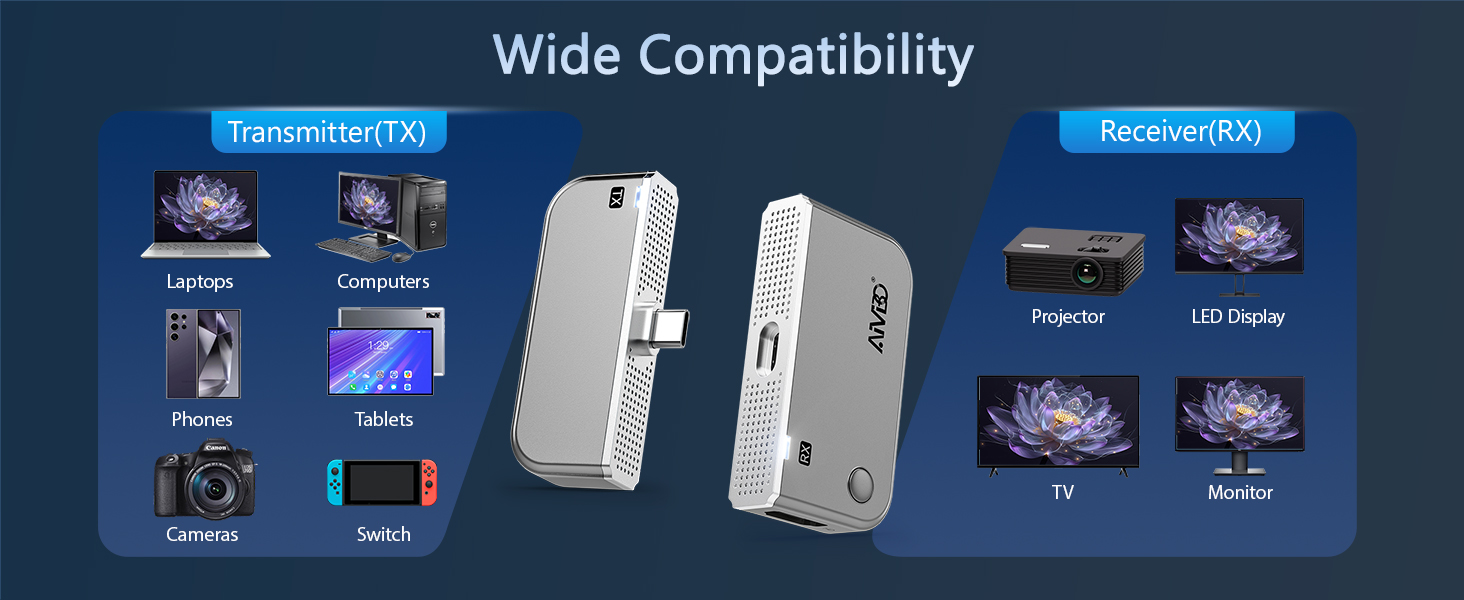
- 🔗【 Universal Compatibility 】 The Type-C Transmitter works with 90% of USB‑C devices that support DP Alt Mode (video output), including iPhone 17/16/15, Samsung Galaxy, iPad, MacBook, Microsoft Surface, Dell, HP, Huawei, Honor, Xiaomi smartphones/tablets/laptops and more. The HDMI Receiver works with HDMI interface display devices: TV, monitor, projector, portable display, HDTV and more.
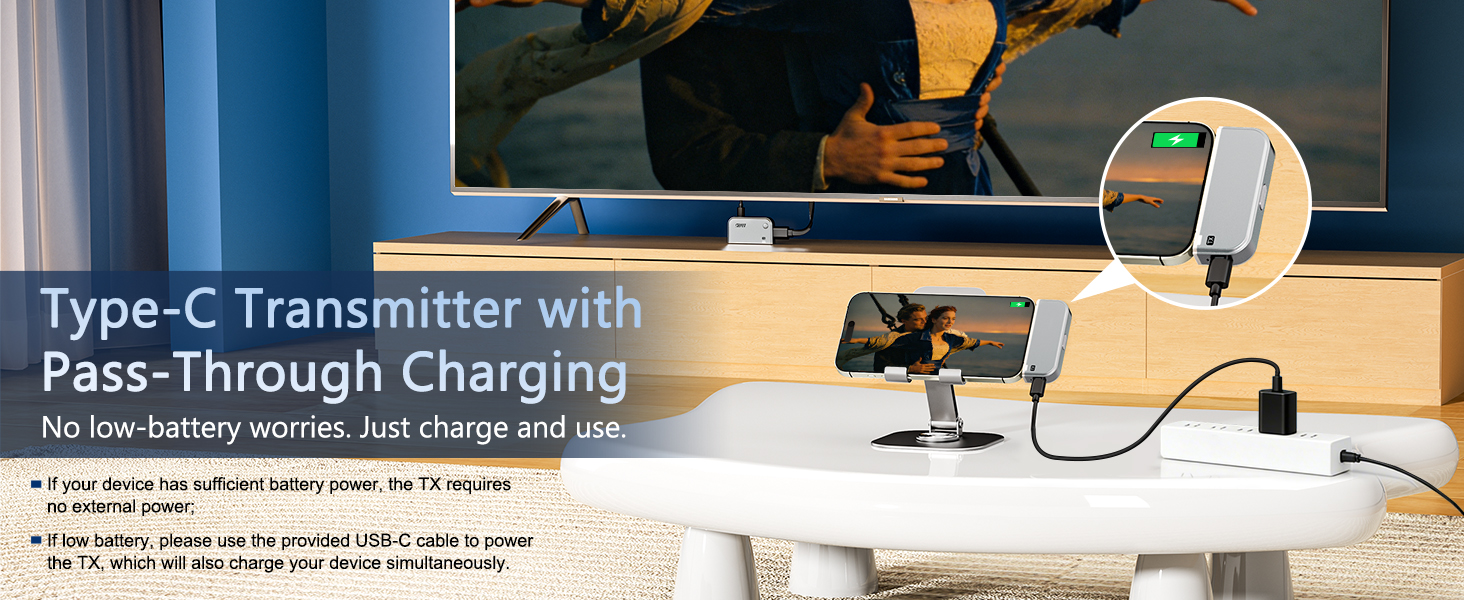
- 🔌【 Charge While Mirroring 】 The Transmitter features a Type‑C charging port. No external power source needed for the transmitter while streaming in most cases. But if your device is out of power or unable to power the transmitter, please plug the transmitter into 5V/2A adapter with the provided USB-C cable to power it, which will also charge your device simultaneously. Pass-through charging solves power worries for you. Please NOTE: The Receiver requires power connection during HDMI use; it will not function without power.
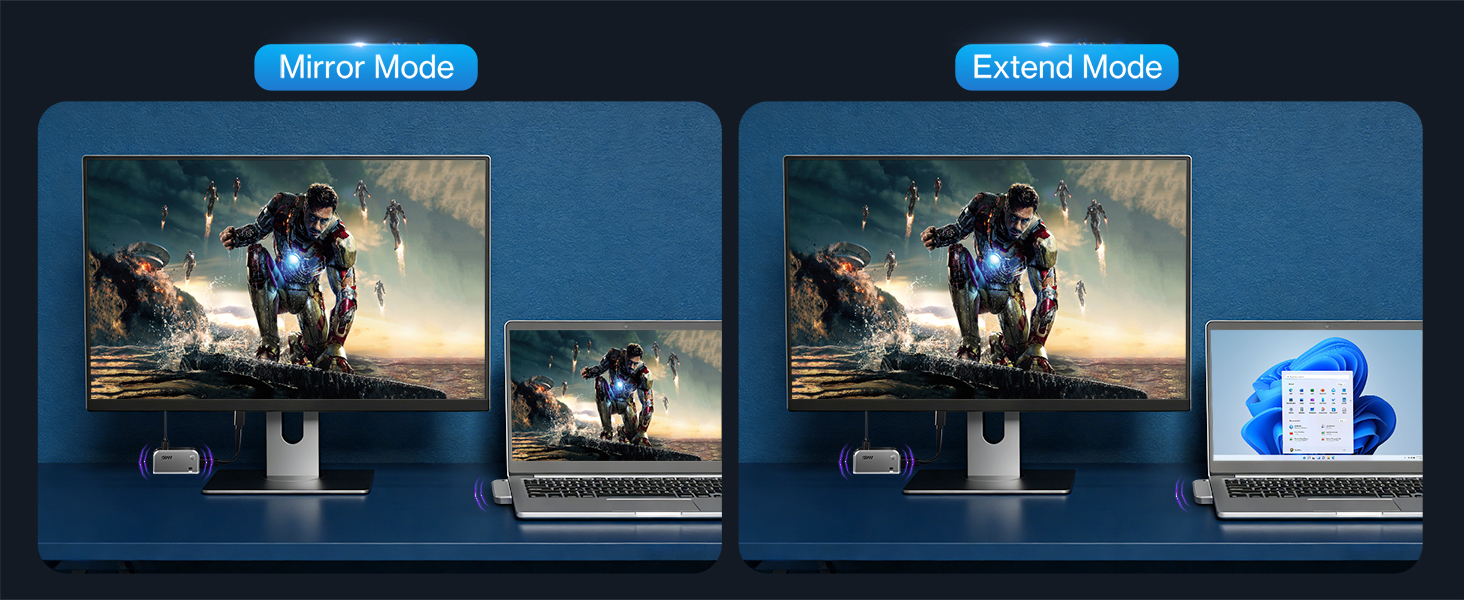
- 🔄【 Wireless Mirror & Extend Display 】 This wireless HDMI transmitter and receiver allows you to effortlessly switch between mirroring and extending the screen as needed. You can easily cast content wirelessly from your smartphones, tablets, laptops, cameras, or TV set-top boxes onto an HDTV, projector, monitor, and large-format displays, enjoying a flexible and versatile projecting experience.
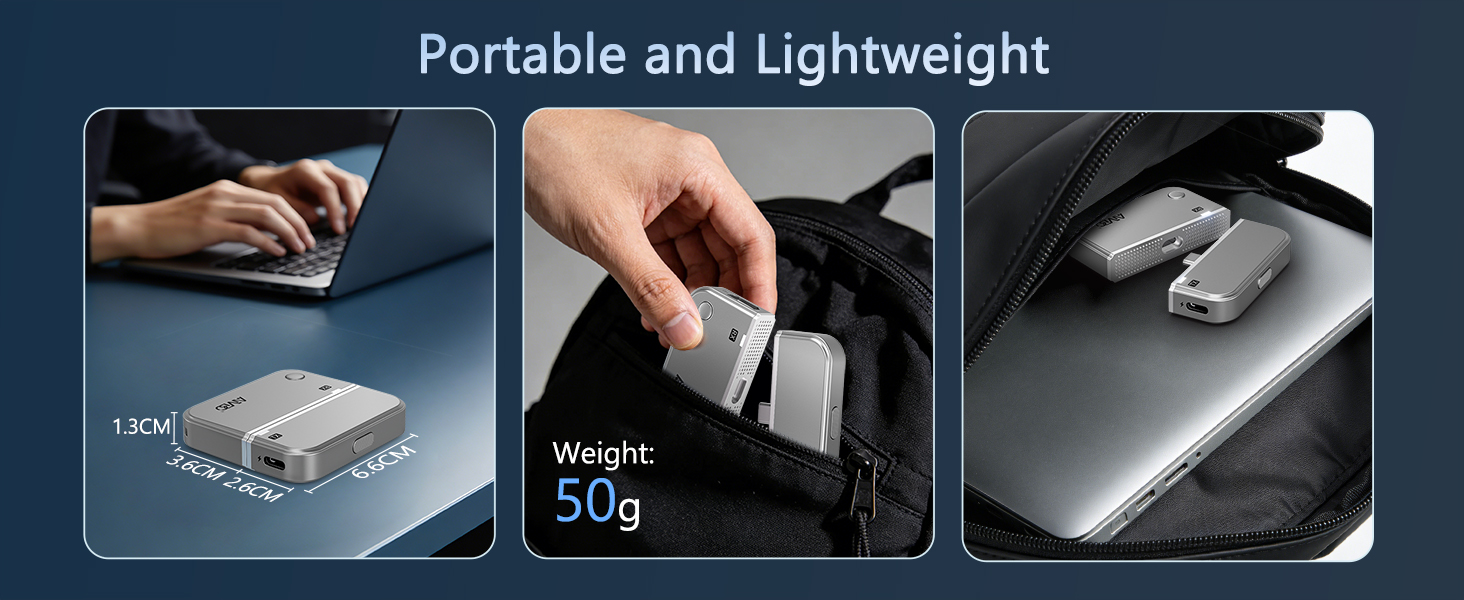
- 🎒【 2‑in‑1 Portable Design & 24‑Month Warranty 】 Transmitter and receiver snap together into a palm‑sized, ultra‑light unit (under 50g) that fits in your pocket or laptop bag, and it can be quickly attached to your bag or wrist with the included strap, making it your go‑to companion for business trips, commutes, or a tidy desktop. Backed by a 24‑month quality replacement and responsive technical support – simply contact us for any setup or compatibility questions.
| SKU: | B0GS322Z2M |
| Brand: | DRYMOKINI |
| Colour: | Metallic Grey |
| Manufacture: | DRYMOKINI |
| Colour: | Metallic Grey |
Product description


So convenient!
This wireless HDMI transmitter and receiver duo is an absolute game-changer for anyone looking to eliminate cable clutter and streamline their home entertainment setup. I was amazed by the ease of setup—simply plug and play, no complicated installations required.
The 1080P resolution ensures crystal-clear video and audio transmission, with no noticeable lag or interference. I’ve used it to stream content from my laptop, set-top box, and camera to various displays including HDTVs, monitors, and projectors, and the results have been consistently impressive.
One of the standout features is the impressive range of 165ft/50m, which allows for flexible placement of devices without worrying about signal loss. The inclusion of both mini and micro adapters adds to the versatility, ensuring compatibility with a wide range of devices.
Whether you’re a movie buff, gamer, or professional presenter, this wireless HDMI extender is a must-have addition to your home or office setup. Say goodbye to tangled cables and hello to seamless streaming with this fantastic product!
Excellent clear wireless HDMI sender & receiver.
This arrives in a smart looking printed drawer style box with a small ribbon handle on the drawer to make it easy to open/close.
Box measures approx 14cm x just over 8.5cm x 6cm.
Inside, you get the user manual in English, German, French, Simplified Chinese & one other (maybe Japanese, not sure).
Each of the 2 transmitter/receivers are cushioned in their own layers of dense foam, so if you are travelling with this they will stay well protected.
Set up is simple, but each does require an HDMI port to be plugged into for use, or a mini/micro HDMI port (there are adapters in the base of the box under the 2 transmitter/receivers, along with USB to USB-C cables which provide the power, so you’ll need a battery bank or other free USB power source for each of them.
These are plug & play, with no apps required & they have worked without any issue on every device, Apple or other that I have tried them on.
Signal is very stable & I haven’t really noticed any lagging, but I don’t play intensive games so it may not work so well for those.
You can purchase additional transmitter/receivers & add them on, so if you needed to transmit to 3 other screens, 2 sets of this will work & instructions on pairing additional devices are in the manual.
These are perhaps a little bigger than I would want & mostly ended up having to basically hang off their wire, but they are really reliable – I’ve been using them daily for about a month now without issue.
Latency worse than they claim but very good for video and most PC applications.
This comes with 2 adapters but not a USB C to HDMI if that is what you want it for.
You only need to pair it once, after this it will auto connect to eachother. The initial pairing is extremely simple and on screen instructions remind you want to do if you had forgotten.
In theory both ends need power from a USB source which can be your laptop or TV but it seems to work and is stable when the transmitter ends has no USB power but the receiver does have to be plugged in.
I tried this with a laptop and a PS5 and generally it provides excellent flicker free and stable video at the original resolution quality.
It does however have limitations which are are worse than the listing suggests. First the range, in a house at least is nowhere near 50m. With mostly stud walls it didn’t work at around 30m but I didn’t test to try and find the max effective range. I works very well at around 10m but don’t expect to do one end of the house to the other.
The second issue is latency. The listing shows a PS5 with a generic first person shooter game suggesting you can use it for this. Well it will work but you’ll be terrible, the lag is much higher than the 0.1s they claim, probably around 0.5s which is fine for videos and some games but certainly not anything which needs quick reactions.
The price seemed a little high to me at launch but this may be reduced in time.
Overall this is very good when used within it’s limitations but not great for gaming and the range is less than claimed unless you live in a field.
Dual Mode Capability, Easy To Set Up, Great For TV/Movies/Streaming As Stable & Very Little Lag
Presentation
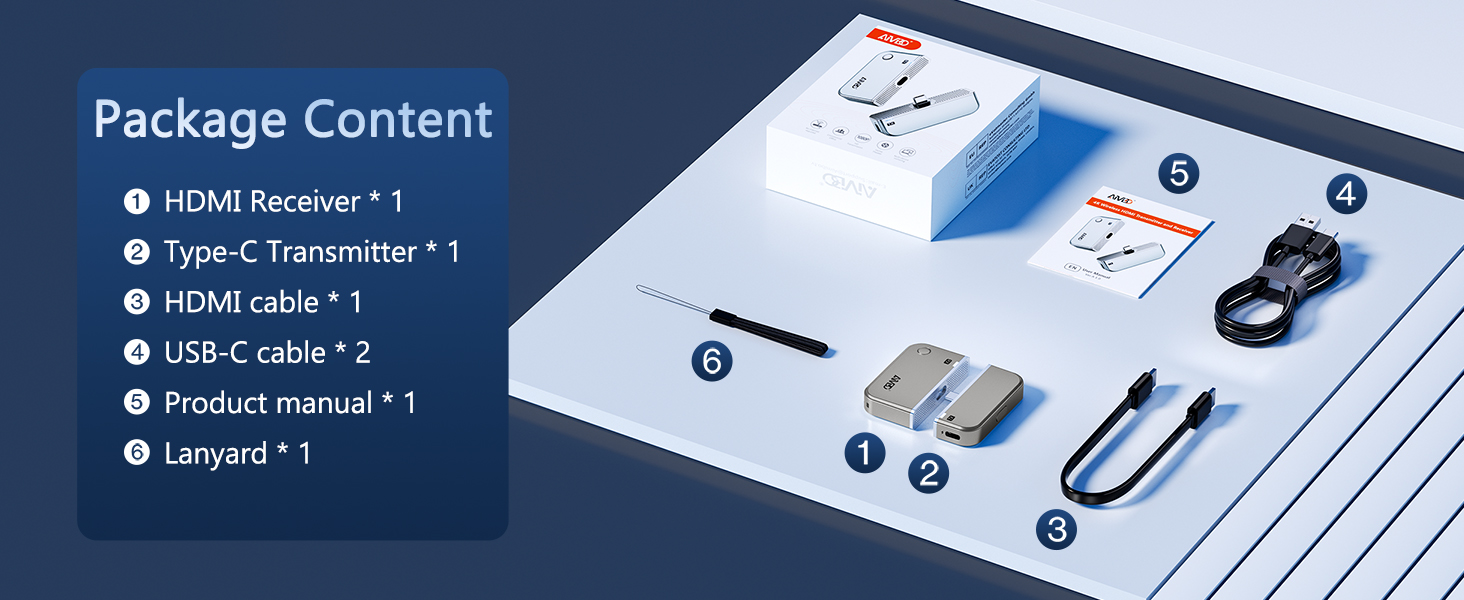
The AMIBO Wireless HDMI Transmitter and Receiver is supplied in a small box which contains a transmitter and receiver packed in foam inserts for transportation, underneath which is a box containing the accessories which include HDMI, Mini HDMI and Micro HDMI adapters to suit the transmitting equipment such as Tablets, Laptops, Cameras etc as most TV’s have full HDMI ports. A large fold out instruction manual in several languages is also supplied and describes the setup options and configuration accurately.
First Impressions
Removing the contents from the box, I was able to connect the receiver to the TV in seconds, all that is needed is a free HDMI port and USB A power supply which is a split cable as it also houses the receiver dongle — in my case the USB A port was available on the TV which is useful as it powers on and off with the TV. The transmitter is also simple and quick to setup as it mirrors the receiver requirement but without the dongle, thus a HDMI port (with adapter if needed and a free USB A port. The transmitter and receiver are paired in the factory and this worked out of the box for me, though I did test the assertion that you can re-pair the two by holding down the button in the centre of the transmitter for more than 30-4 seconds — it worked flawlessly!
Day To Day Use
To test the hardware mode the transmitter was attached to a Laptop and tested also with a MACbook and a camera and in each case it just works without any intervention when the transmitting device is powered up. There is no detectable lag between the transmitter and receiver for movies etc but I suspect this would not work as well for gaming — though I don’t do that these days – and the reception on the TV was perfect, stable and clean for both picture and audio — but note that I did have to change the output device for audio as I have several options configured and available. To test the Casting I used my phone, a Tablet and the laptop without the transmitter — connected the receiver to the network following the instructions to configure it and then connect the device you want to transmit from to the EZCAST service named AIMIBO-xxxxxx service and start casting the content you wish to use.
Summing Up
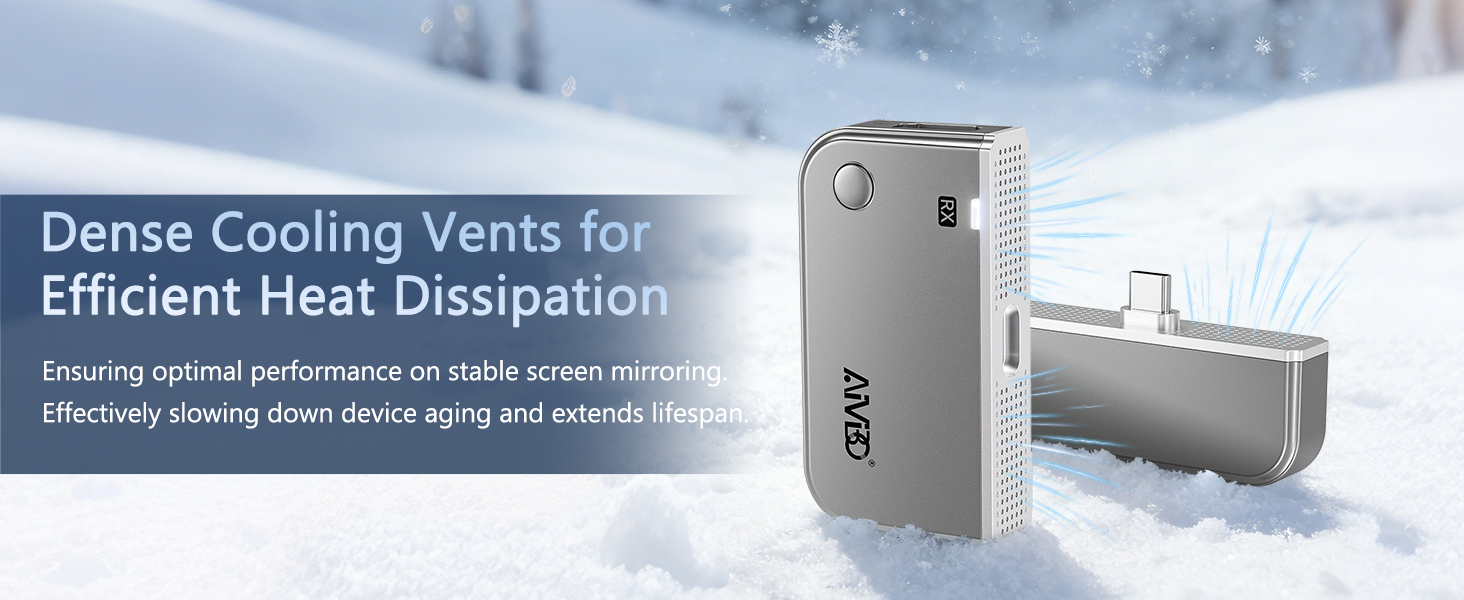
In either hardware or software (casting) modes this works flawlessly, The receiver is a little bulky with the long split USB Cable but can be easily hidden behind the TV or monitor, whilst the transmitter is less bulky but still needs to have the two cables connected. The speed and lack of lag in hardware mode makes it ideal for movies and TV but less so for games, whilst in software mode it is fairly standard such as you get from many casting devices, but again stable in use. Both transmitter and receiver get warm in use but not hot, which is acceptable. Overall — price is higher than some but the stability is second to none that I have used and as such this comes recommended.
Very clever device - great image reproductio
This is an incredibly simple but effective device to project images from a smaller device (phone, laptop, tablet, computer, and have it displayed on your TV screen. Which it does with an excellent picture quality.
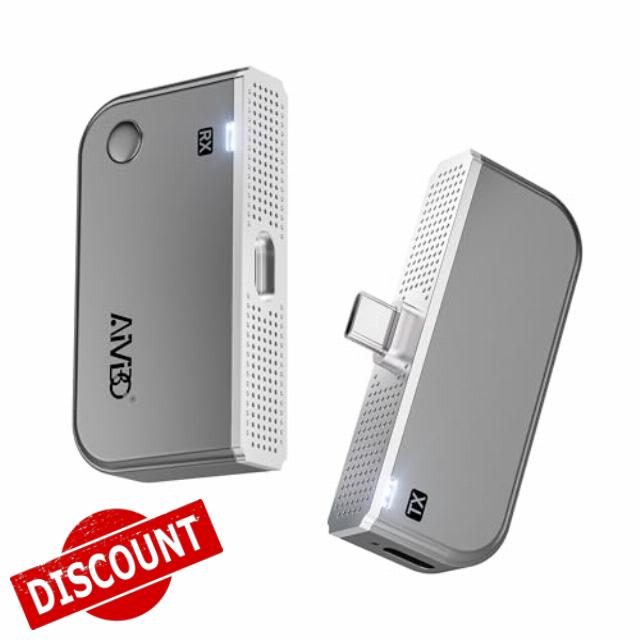
I was dreading quite how technical it was turn out to be to get it working but actually it was not difficult at all. In the pack you get a transmitter unit and a receiver unit – which look almost identical but are clearly marked RX (receiver) and TX (transmitter) to avoid mixing them up. These both have cables that connect to them for power. Plus the instructions and two small adapters – the leads from the two units are HDMI, so the adapters allow you to connect these to USB-c and micro-USB ports.
I plugged the RX unit into an HDMI on my TV, plugged in its power cable – which you could connect to a mains socket but it turns out that if you put it into your TV’s USB port, it can power itself from there, which is very convenient. I then connected the TX unit to a power point and an introduction screen appears on the TV (if you’re tuned to the right HDMI channel).
Initially, as I have an iPhone X, I was disappointed that there wasn’t an adapter for the Apple lightning connector – but when I read the instructions booklet, I realised that I could simply connect the device wirelessly to my phone through AirPlay screen mirroring. You have to do a little fiddling to connect this up, but it wasn’t hard and the instructions explain it, and there was my phone screen mirrored on my TV screen. Great!
I tried various things, including playing some YouTube videos and I have to say the picture quality on the TV screen was excellent (as long as the picture quality on the YouTube video was high resolution, of course). When you rotate your phone to landscape for the YouTube video, it fills the whole TV screen, otherwise it is a vertical strip at the centre of the screen.
I can see this being used for a lot of different things – sharing images of a game on your with others, or showing you holiday photos on the big screen (though for some reason, I could show photos but couldn’t get my own videos to play on the TV.) Maybe even for some kind of work or school/college presentation, etc.
I’m actually really impressed with this device. It’s clever, compact and neat.