Wireless Headset with Mic for Work, AI ENC Noise Cancelling
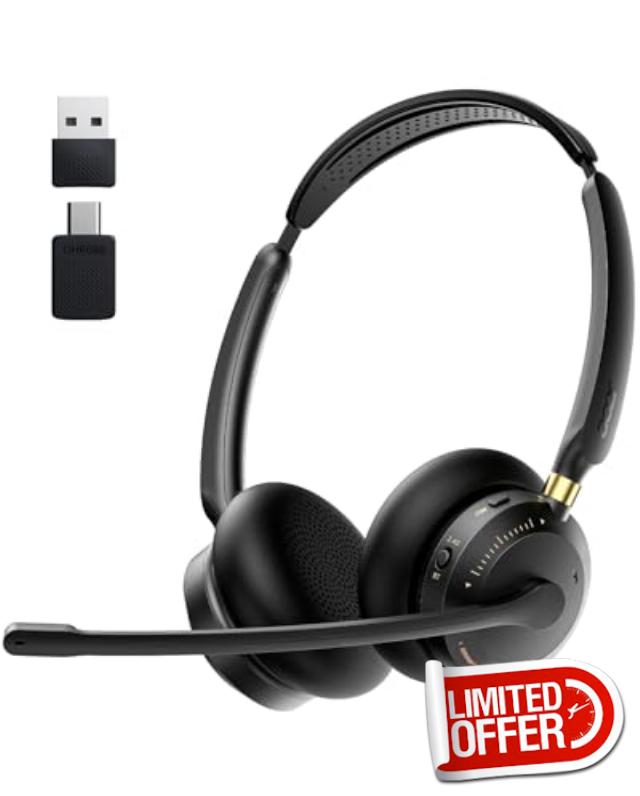
Wireless Headset with Mic for Work, AI ENC Noise Cancelling for Clear Call & Meeting, Bluetooth 5.3 & USB Dongle for Laptop, PC, iPhone & Android, Office & Call Center Headset for Remote Hybrid Worke
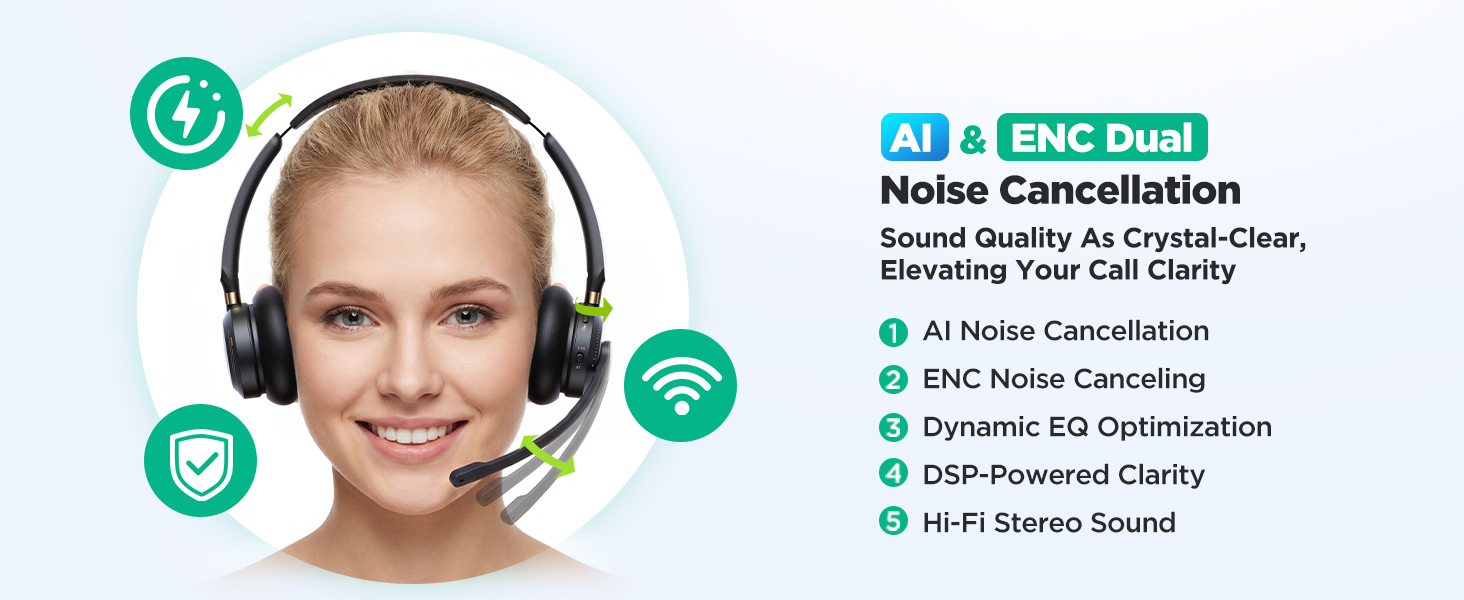
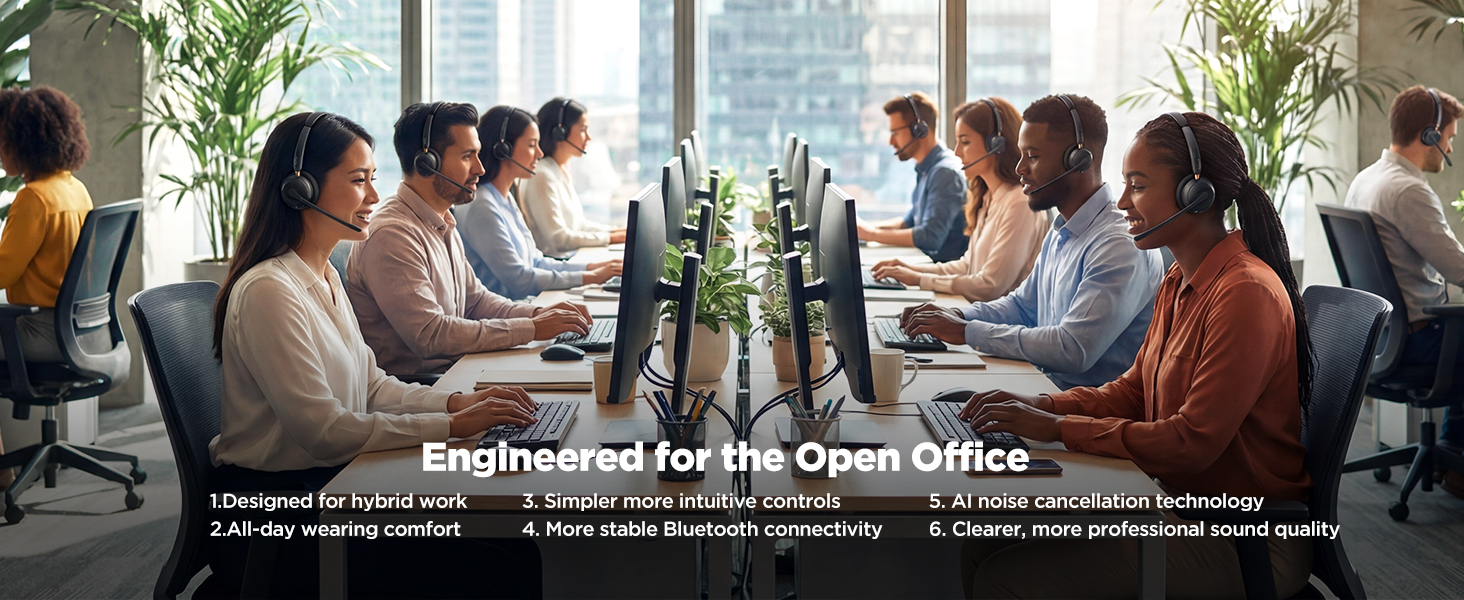
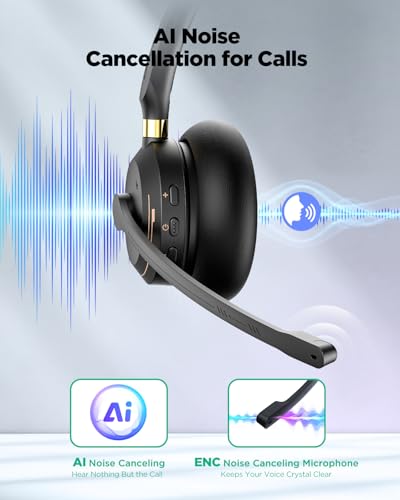
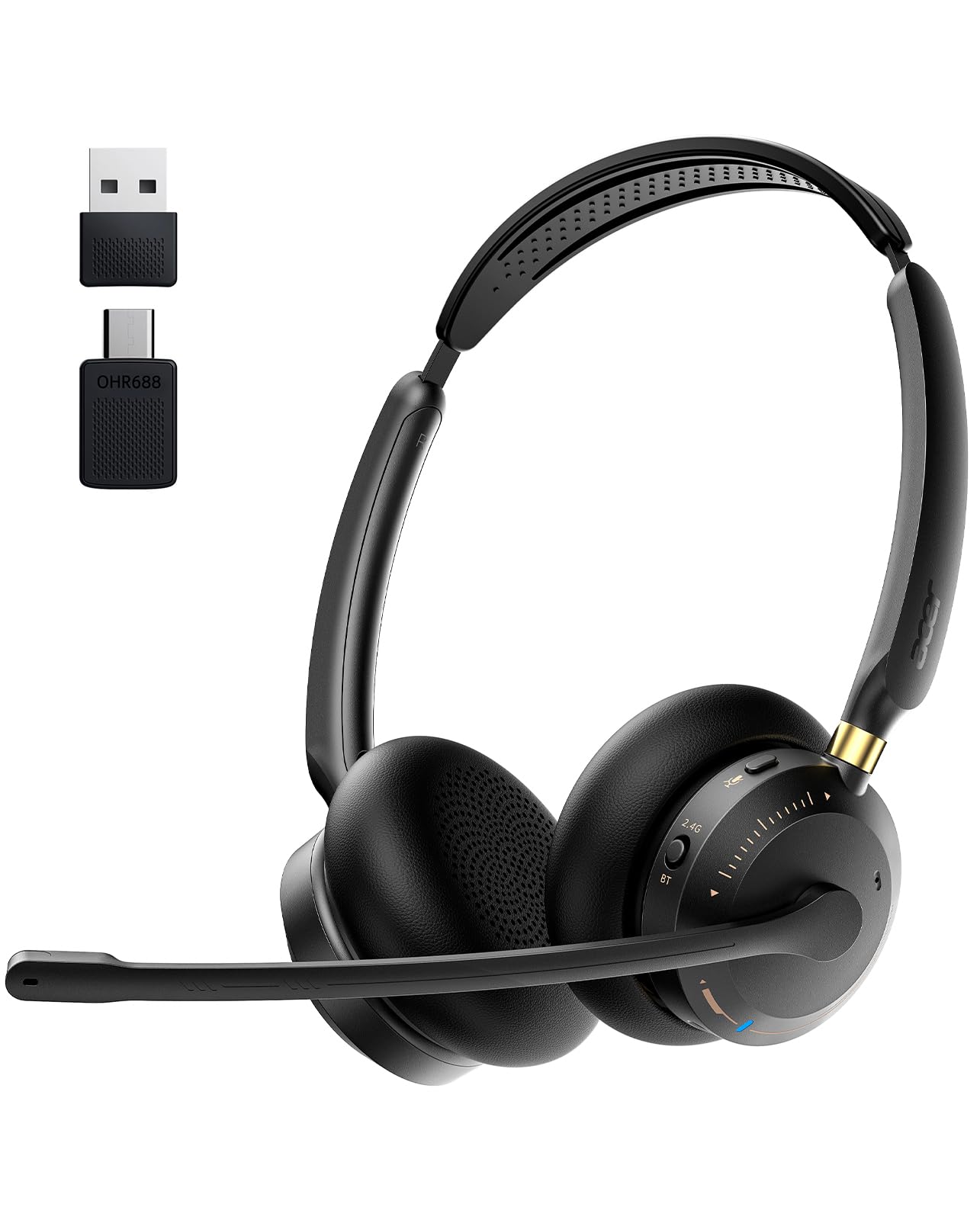
- ✅【CRYSTAL CLEAR CALLS】Acer OHR688 headset Equipped with advanced AI & ENC dual noise-canceling microphone that filters out 90% of background chatter—from office keyboard clicks to cafe buzz or noisy home offices. Whether you’re on Microsoft Teams, Zoom, Skype, Cisco, or Google Meet, your voice remains professional and steady, standing out from basic single-mic noise cancellation headsets.
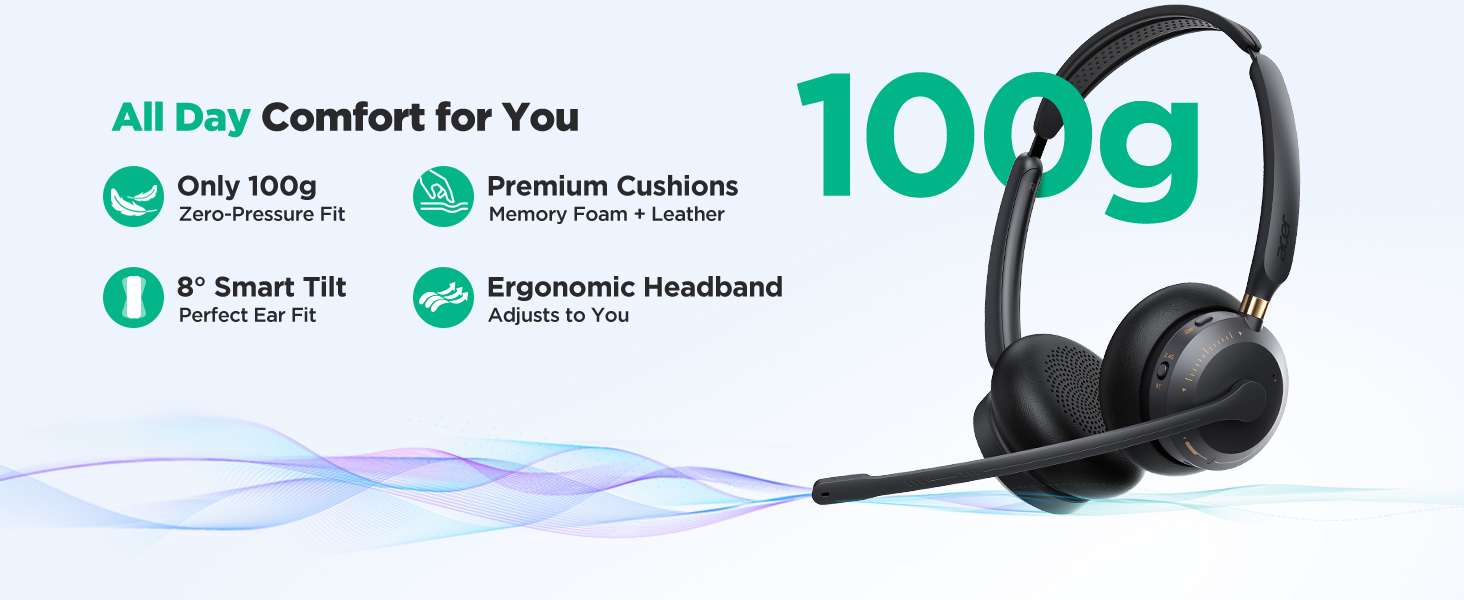
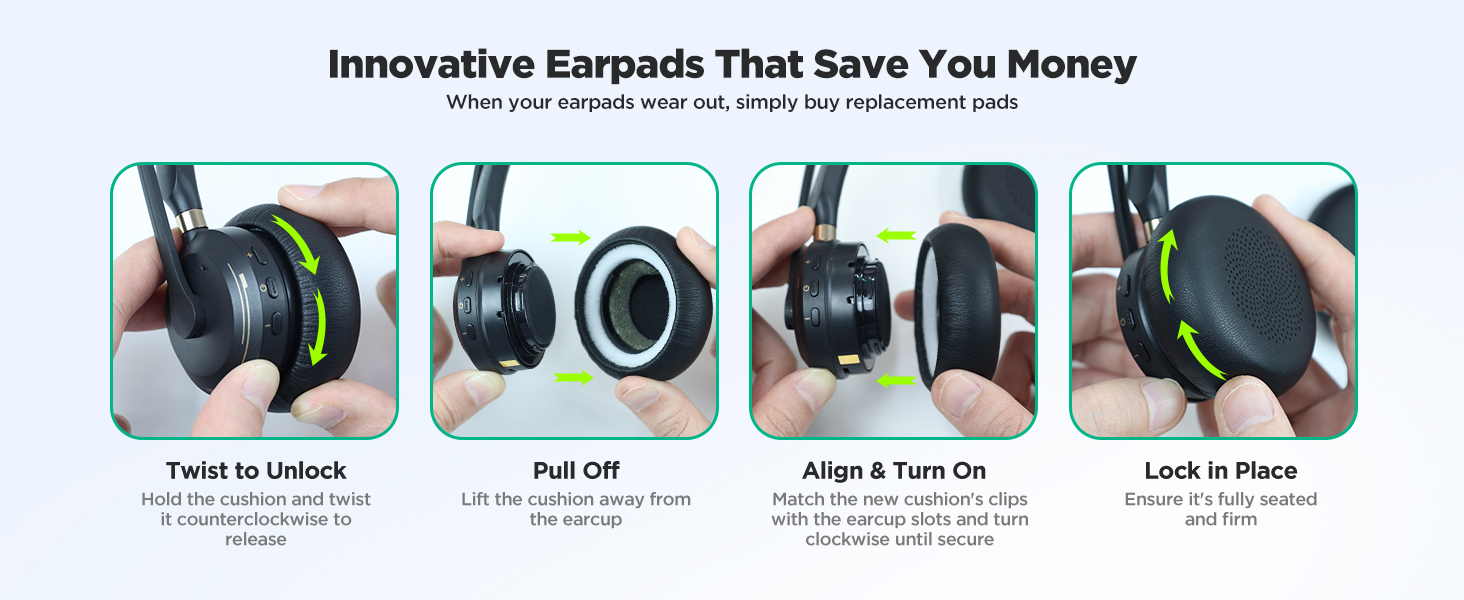
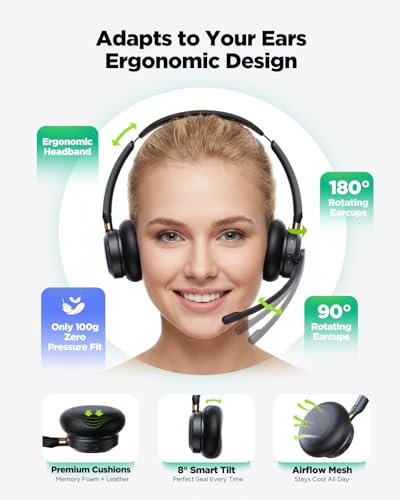
- ✨【ALL-DAY WEARING COMFORT】Acer work headset Featuring ultra-soft protein memory foam ear pads, an adjustable headband, and an ultra-lightweight 3.53 oz design that prevents ear pressure. The ear cups also have an ±8° Smart Tilt design that adapts naturally to your ear shape, making it the ideal choice for long shifts, customer service agents, back-to-back virtual consultations, and remote workers who wear headsets all day.
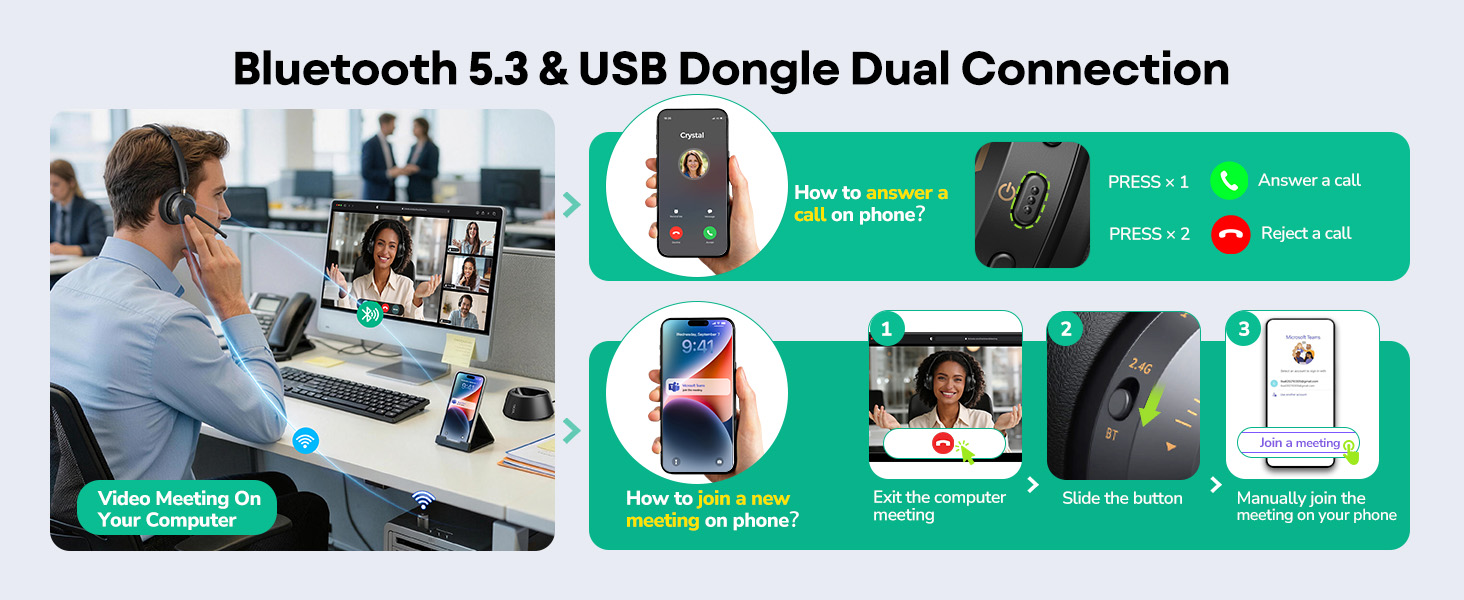
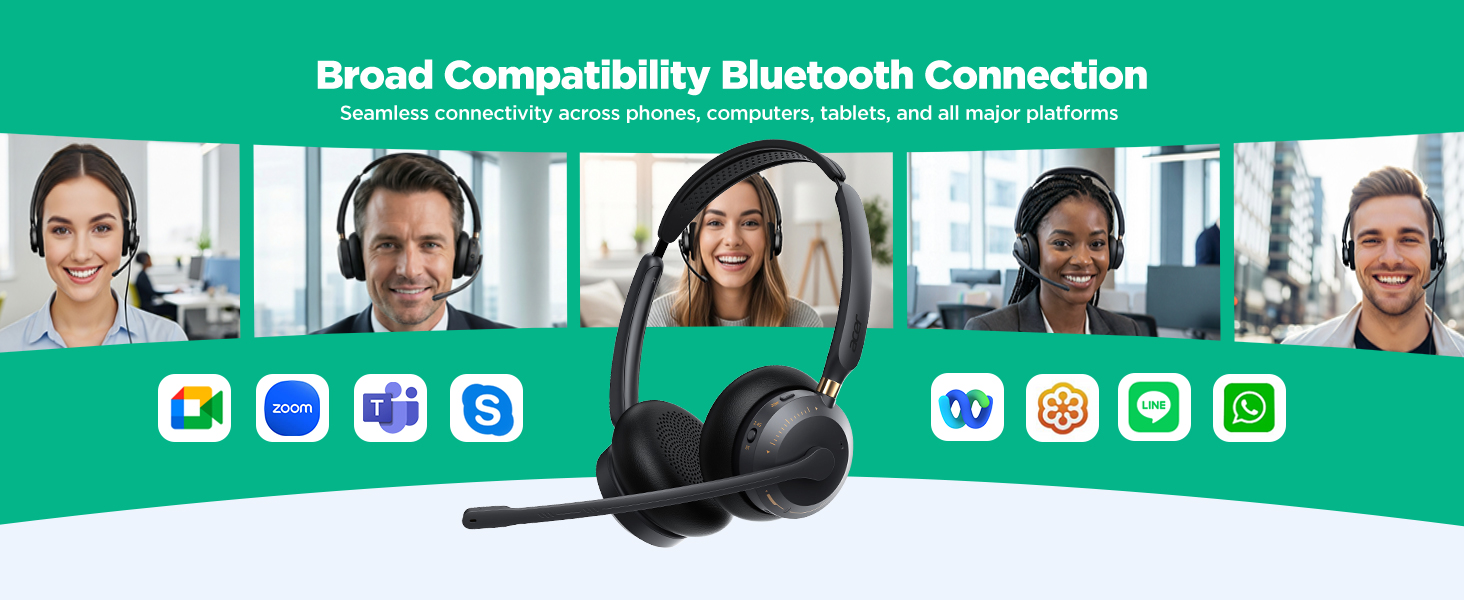
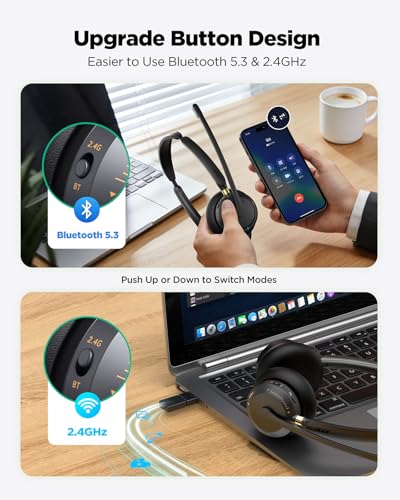
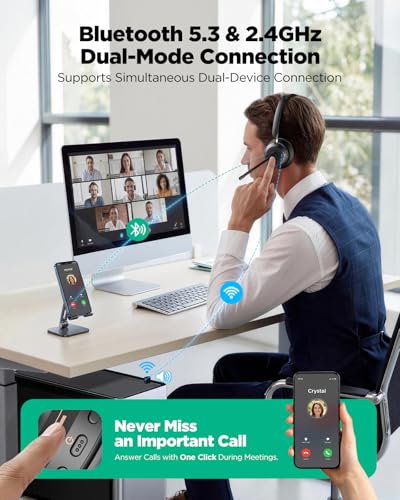
- 【STABLE DUAL CONNECTIVITY】Acer Bluetooth headset Advanced Bluetooth 5.3 technology ensures a skip-free range of up to 49 feet (15m)—far more flexible than standard 33ft headsets. Supporting multipoint connection and a 2-in-1 plug-and-play USB transmitter, you can seamlessly switch from a webinar on your PC to an incoming call on your smartphone with one button, never missing a beat.
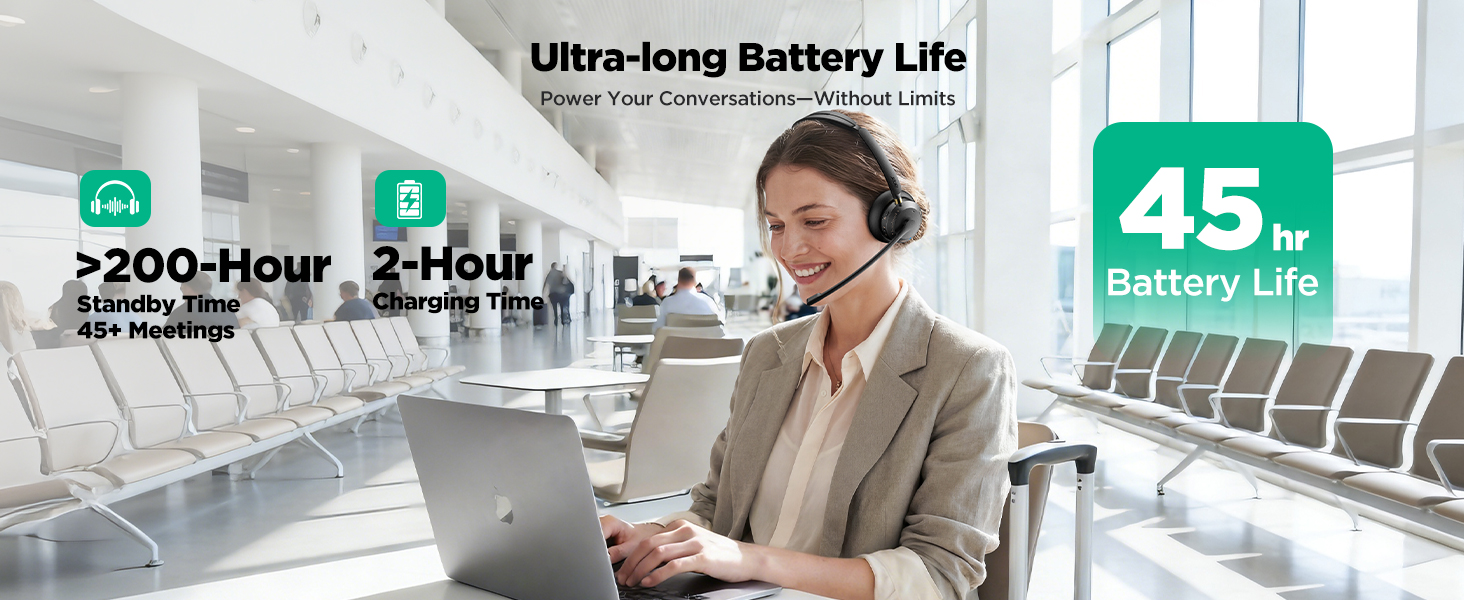
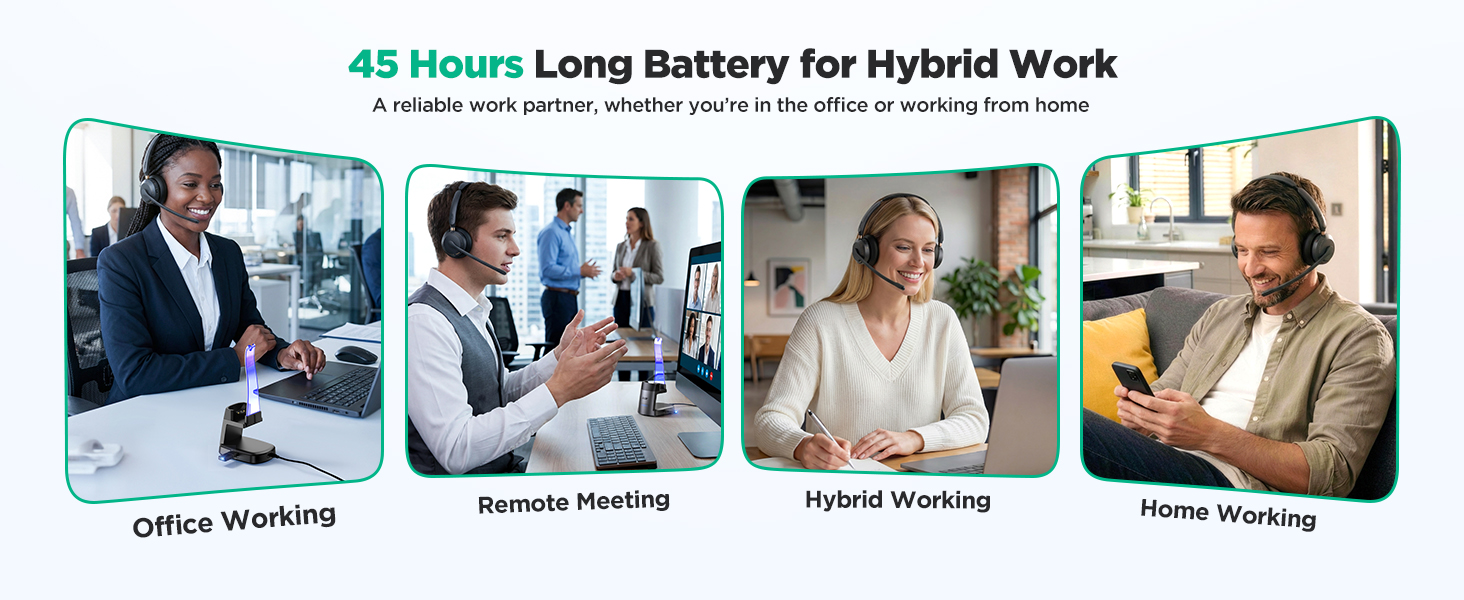
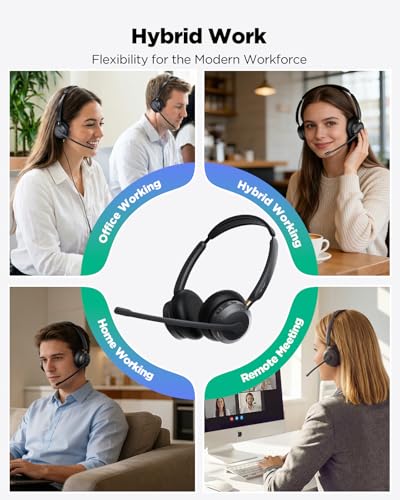
- 【EXTENDED 45-HOUR BATTERY PERFORMANCE】Hybrid work headset Power through your entire work week with up to 45 hours of talk time on a single charge (fully recharges in just 2 hours). This eliminates the common pain point of mid-call battery death, providing reliable all-day use for busy professionals who travel or work remotely—outperforming headsets with shorter 40-hour battery life.
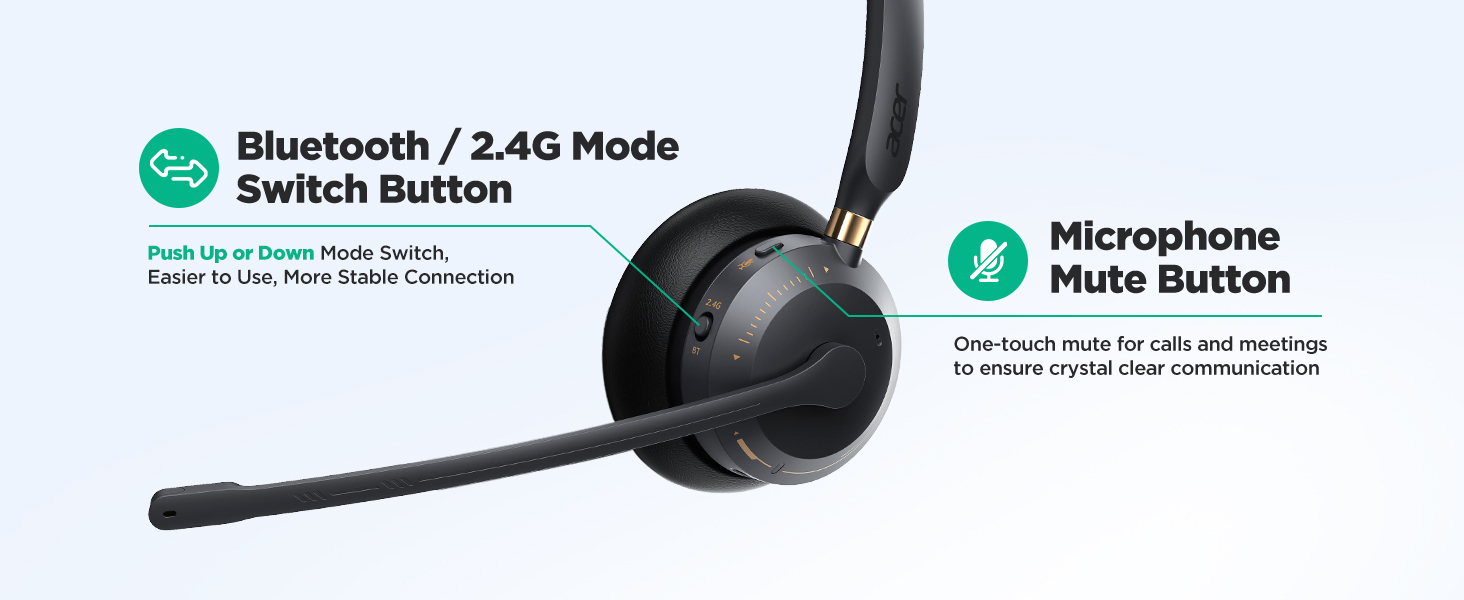
- 【PLUG & PLAY COMPATIBILITY】Acer headset with mic Designed for universal integration with Windows, macOS, and Linux. No complicated drivers needed; simply pair and start your professional audio experience across popular platforms like Skype, Cisco, and Google Meet.The intuitive one-touch mute button lets you instantly silence your mic, with a clear voice prompt to confirm mute status, keeping you in control during calls.
Wireless Headset with Mic for Work
Merchant VideoHow do I connect my headset to my computer via the dongle?
Insert the USB dongle (blue light flashes). Hold the power button for 3 seconds until the light flashes red and blue. Switch to USB mode. Solid blue light means paired. Then select "OHR688" as audio output on your computer.
How do I connect my headset to my phone via Bluetooth?
Press and hold the Power button for 3 seconds; the Power button indicator will flash red and blue. Then, switch the mode to Bluetooth mode. Enable Bluetooth on your mobile phone and pair it with "OHR688".
My phone shows Bluetooth is connected, but nobody can hear me on calls. What should I do?
If you have previously connected the headset to other devices via Bluetooth, you may need to manually disconnect Bluetooth on those devices. Then, reconnect the headset to your phone to ensure the audio works properly.
What should I do if there's no sound after successfully connecting the microphone to my computer?
When using conference software for a call, check the sound settings on both your computer and the software to ensure that [OHR688] is set as the default input (microphone) and output (speaker) device.
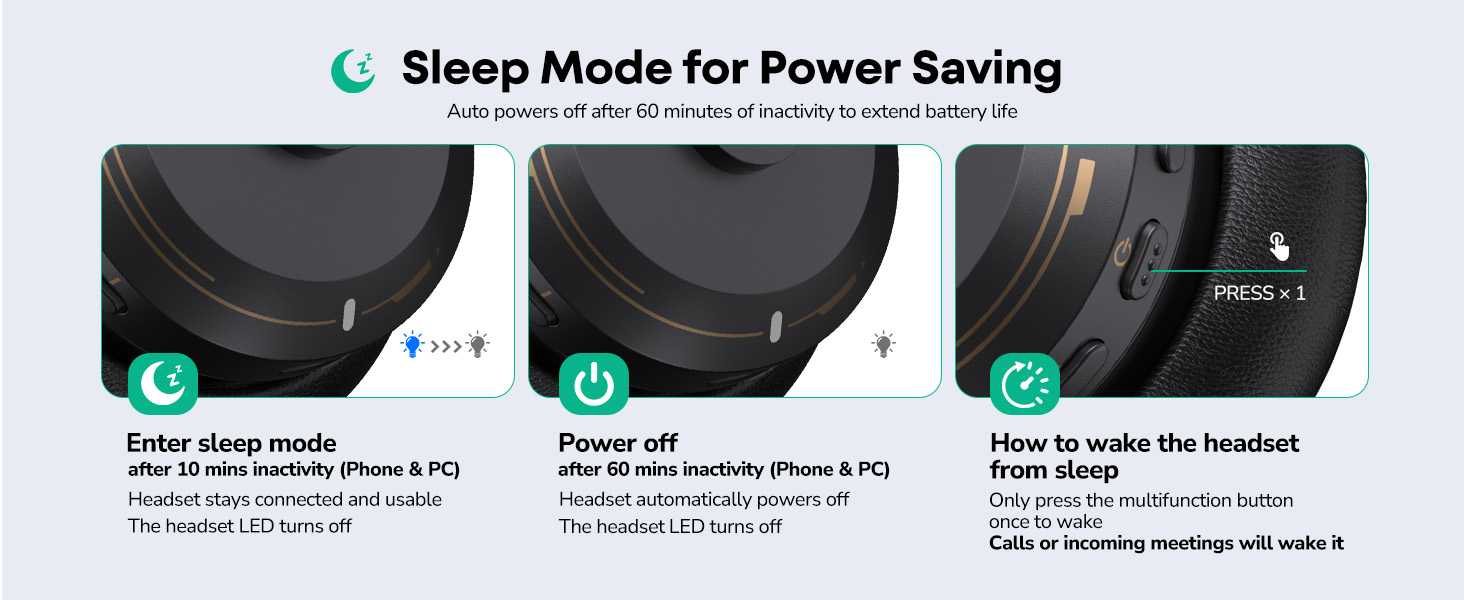
Why does the headset turn off after inactivity?
Enters sleep after 10min idle. Powers off after 50min if no action on phone or PC. Tap power button occasionally to prevent.

| SKU: | B0GG8Q1GDK |
| Weight: | 3.53 Ounces |
| Brand: | acer |
| Model: | OHR688 |
| Colour: | Black golden |
| Pack Quantity: | 1 |
| Manufacture: | acer |
| Colour: | Black golden |
| Quantity: | 1 |
Product description
The video showcases the product in use.The video guides you through product setup.The video compares multiple products.The video shows the product being unpacked.Wireless Headset with Mic for Work
Merchant Video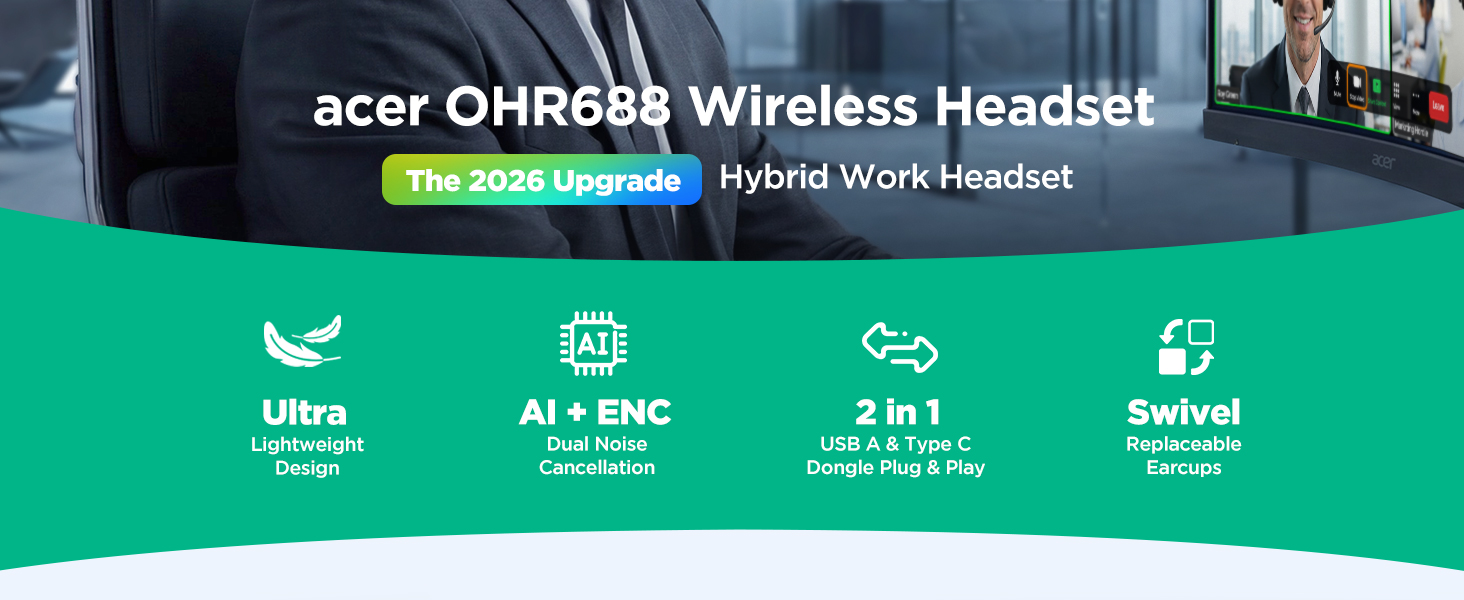
How do I connect my headset to my computer via the dongle?
Insert the USB dongle (blue light flashes). Hold the power button for 3 seconds until the light flashes red and blue. Switch to USB mode. Solid blue light means paired. Then select “OHR688” as audio output on your computer.
How do I connect my headset to my phone via Bluetooth?
Press and hold the Power button for 3 seconds; the Power button indicator will flash red and blue. Then, switch the mode to Bluetooth mode. Enable Bluetooth on your mobile phone and pair it with “OHR688”.
My phone shows Bluetooth is connected, but nobody can hear me on calls. What should I do?
If you have previously connected the headset to other devices via Bluetooth, you may need to manually disconnect Bluetooth on those devices. Then, reconnect the headset to your phone to ensure the audio works properly.
What should I do if there's no sound after successfully connecting the microphone to my computer?
When using conference software for a call, check the sound settings on both your computer and the software to ensure that [OHR688] is set as the default input (microphone) and output (speaker) device.
Why does the headset turn off after inactivity?
Enters sleep after 10min idle. Powers off after 50min if no action on phone or PC. Tap power button occasionally to prevent.
Extremely Comfortable for Long Wea
Comfort is essential for me, especially during long calls. This headset is incredibly comfortable to wear! The ear cushions are soft, and the adjustable headband ensures no pressure on my head. I’ve worn it for hours without any discomfort. It’s definitely an ideal choice for extended work sessions or meetings.
Exceptional Sound Quality, Clear Calls
The sound quality of this headset is truly impressive. The audio during calls is crystal clear, with exceptional voice clarity. Whether I’m speaking with clients or colleagues, every word is easy to understand. The microphone picks up sound perfectly, making communication smooth and professional. Highly recommend this to anyone in customer service or call centers!
I was sitting at the dining table helping my son set up his laptop when he grabbed the headset out of the box before I even finished reading the instructions. He’s at the age where everything becomes an “experiment,” so I was half expecting him to put it on the dog first. But once he slipped it over his ears, the first thing he said was that it felt “soft and not tight,” which is a win considering how picky he is about anything touching his head. The lightweight feel really works for kids—they don’t fidget or complain after a few minutes.
What stood out to me is how clear the audio is during his online classes. His teacher’s voice comes through cleanly, and the ENC feature keeps the background noise from our house—dogs walking around, dishes clinking, the usual chaos—from leaking into his mic. His classmates can hear him without him needing to raise his voice, which is great because he tends to get louder when he gets excited. The USB dongle makes switching between his tablet and laptop simple, and I don’t have to troubleshoot every time he moves to a different room. Even my neighbor commented on how natural his voice sounded during a group project call.
The best part is how comfortable it stays throughout the day. The adjustable headband fits his smaller head without sliding around, and the ear cushions are soft enough that he doesn’t constantly take it off and put it back on. He even keeps it on when he’s listening to music or watching videos after homework. For a kid who’s always multitasking between school, games, and chatting with friends, having a headset that stays connected, feels light, and sounds clear has made our afternoons a lot smoother.
Comfortable and Reliable for Daily Calls
This computer headset works well as a dependable option for everyday use, especially for calls and online meetings. The over-ear design fits comfortably without creating too much pressure, making it easy to wear through longer sessions. The lightweight build also helps reduce fatigue during back-to-back meetings.
Sound quality is clear and balanced, with a focus on voice clarity. Conversations come through naturally, and there is minimal background noise or distortion. The microphone performs consistently, picking up speech clearly without requiring you to raise your voice, which is helpful for work communication.
The overall build feels solid for regular use, and the adjustable headband allows for a better fit. Setup is simple, with no complicated installation steps, making it convenient for users who prefer a straightforward plug-and-play experience.
While it keeps things fairly basic in terms of features, it covers the essentials well. It’s a practical choice for anyone looking for a comfortable and consistent headset for work, calls, or casual listening.