Portable Gaming Monitor 16 Inch 144Hz 1920×1200 FHD+ USB-C
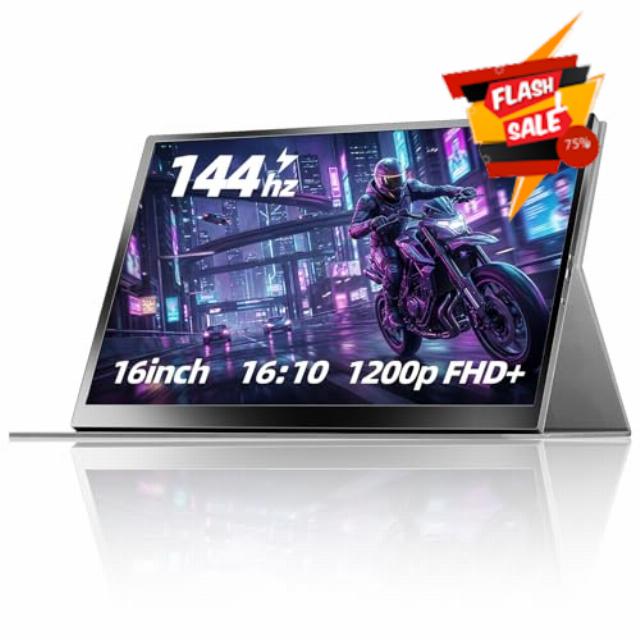
Portable Gaming Monitor 16 Inch 144Hz 1920×1200 FHD+ USB-C Portable Monitor, HDR IPS Second Screen for Laptop MacBook Pro PC PS5 Xbox Switch
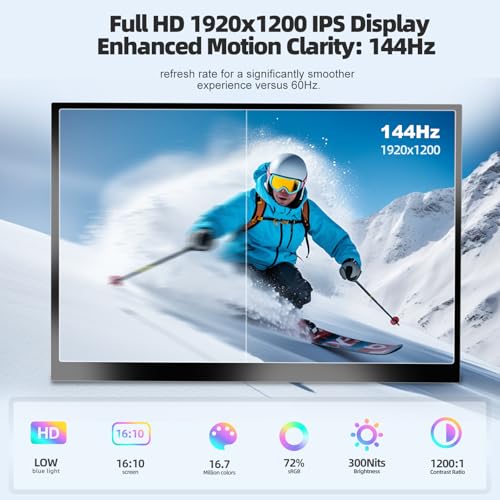
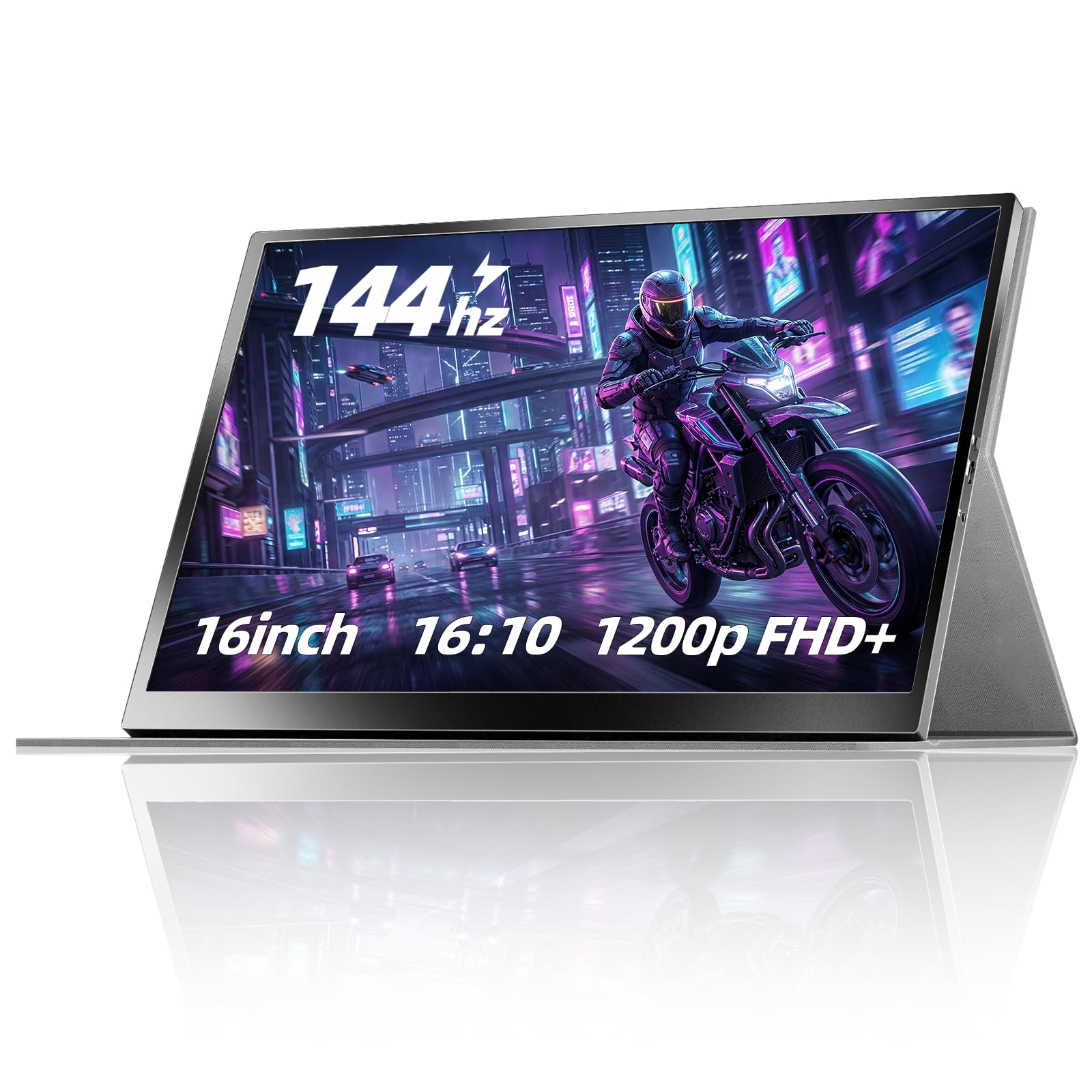
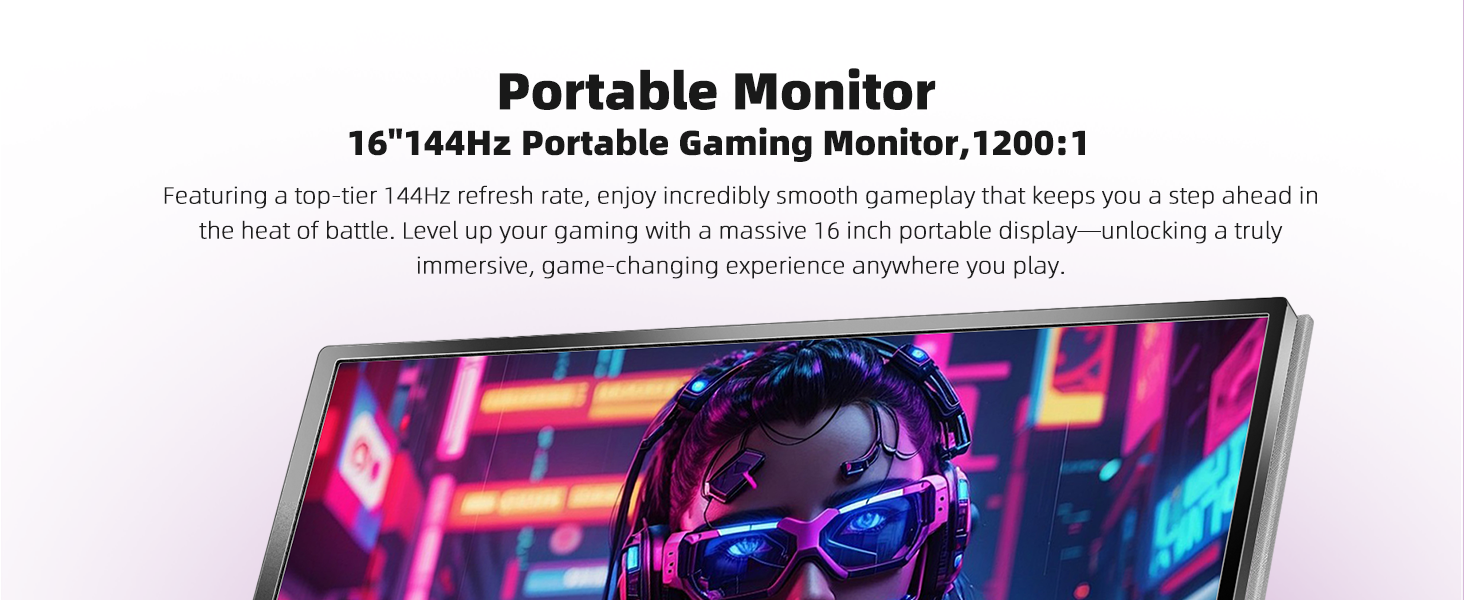
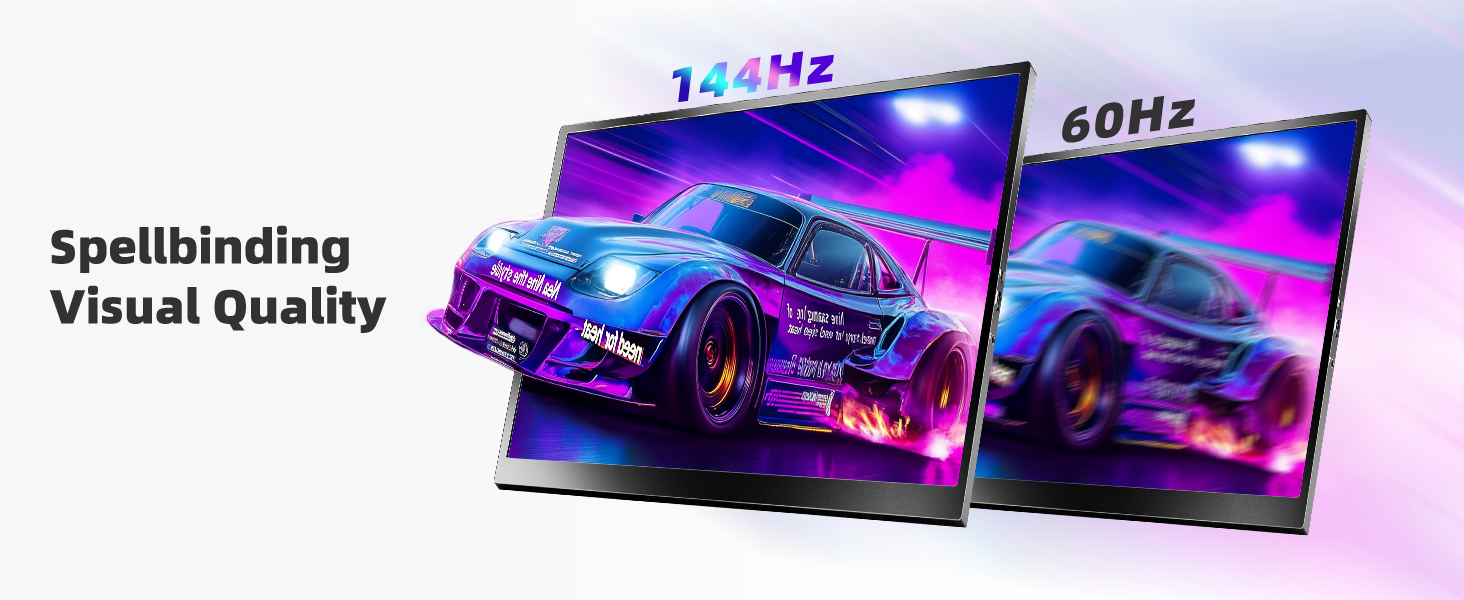
- 144Hz Smooth Gaming Performance – Enjoy ultra-smooth gameplay with a true 144Hz refresh rate and 1920×1200 FHD+ resolution. Ideal portable gaming monitor for PS5, Xbox, PC, and Switch gaming.
- IPS Display with HDR & Eye Care – This portable monitor features an IPS panel with vivid colors, HDR enhancement, low blue light, and flicker-free technology for long gaming or work sessions.
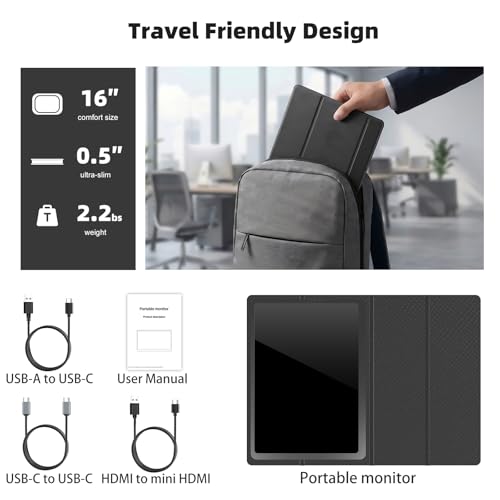
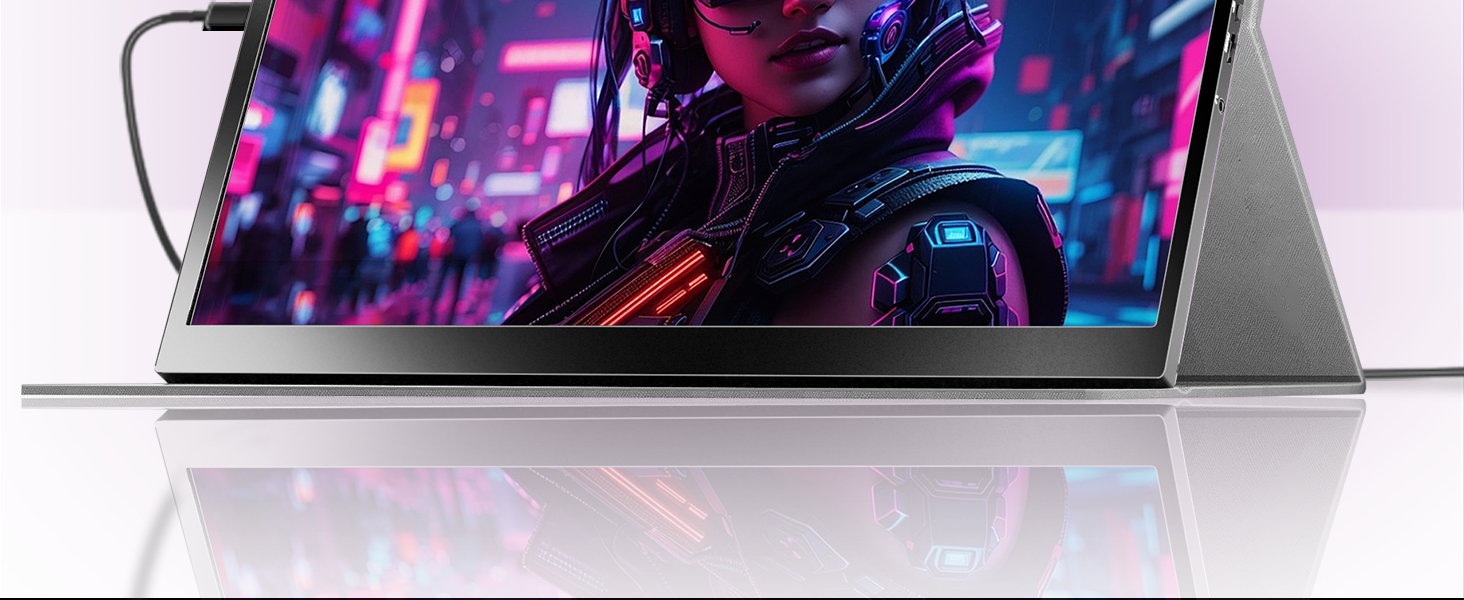
- Ultra-Portable Second Screen for Work Anywhere – Only 2.2 lbs and 0.5 inches thin, perfect as a second screen for laptop productivity, remote work, or travel setups.
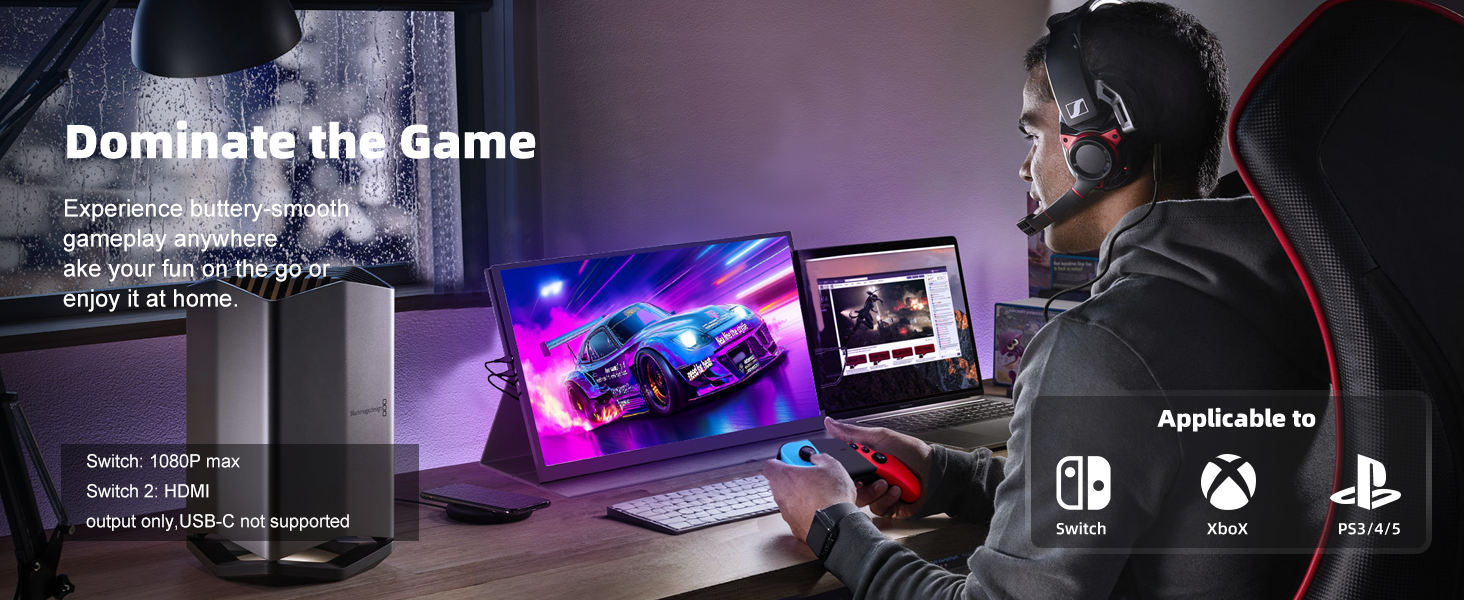
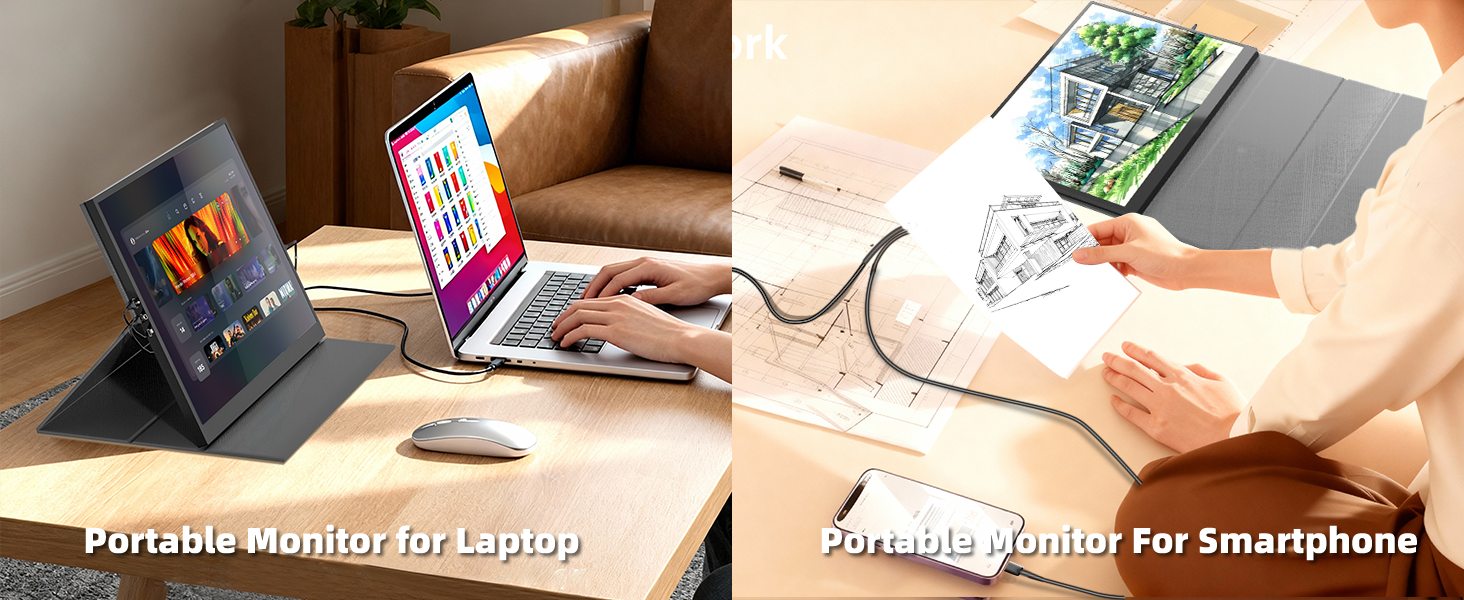
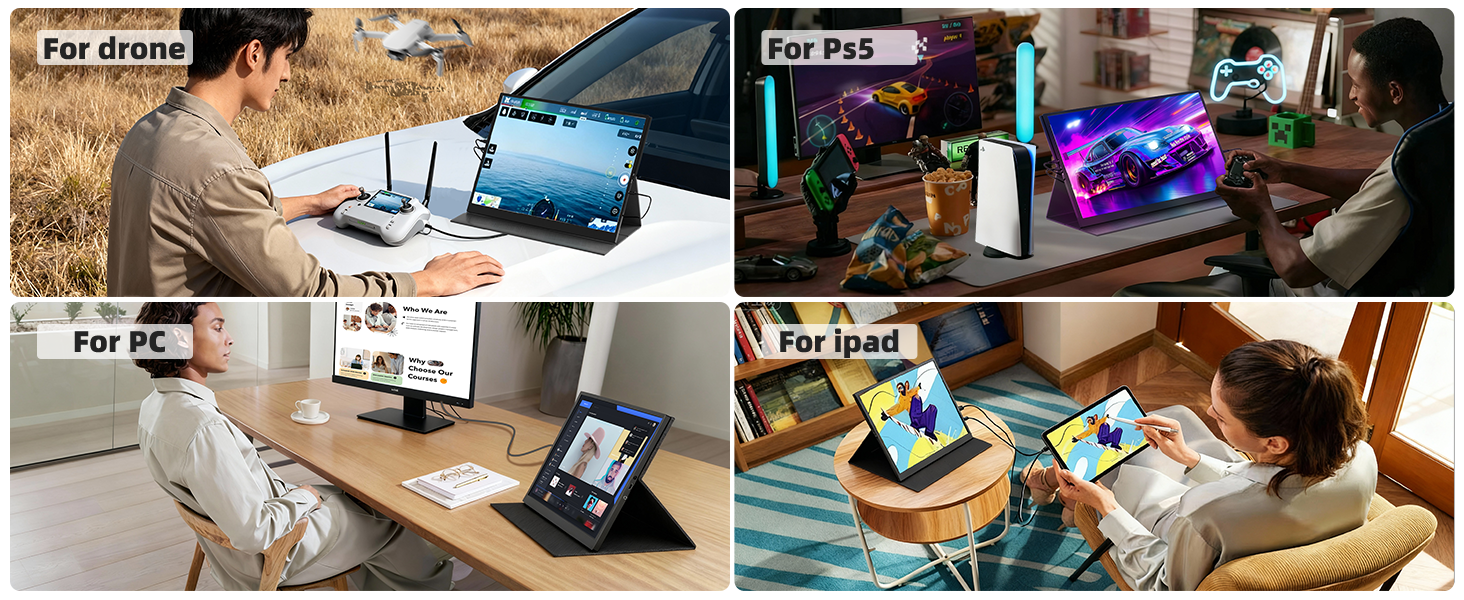
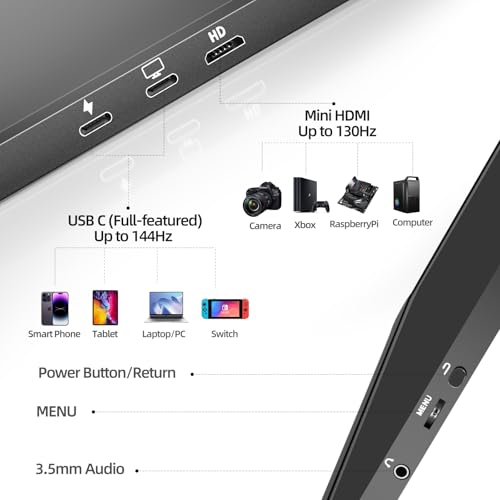
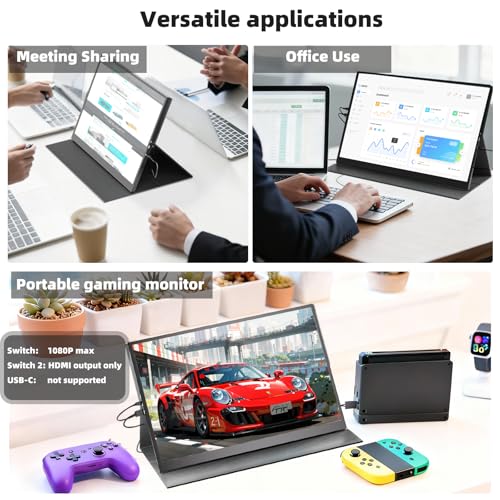
- USB-C & HDMI Plug and Play – Works with MacBook Pro, Windows laptops, PS5, Xbox, Nintendo Switch, iPad, and USB-C smartphones supporting DisplayPort Alt Mode.
- Boost Productivity & Gaming Immersion – Extend your laptop display for multitasking or enjoy immersive gaming anywhere with this versatile portable monitor.
Why can't my portable monitor reach 144Hz?
Make sure you use the included USB-C to USB-C cable (HDMI only supports up to 130Hz). Confirm your graphics card supports 144Hz, plug in a 15W+ power adapter, and manually set the display refresh rate to 144Hz in your device settings.
Is this monitor bright enough for outdoor use?
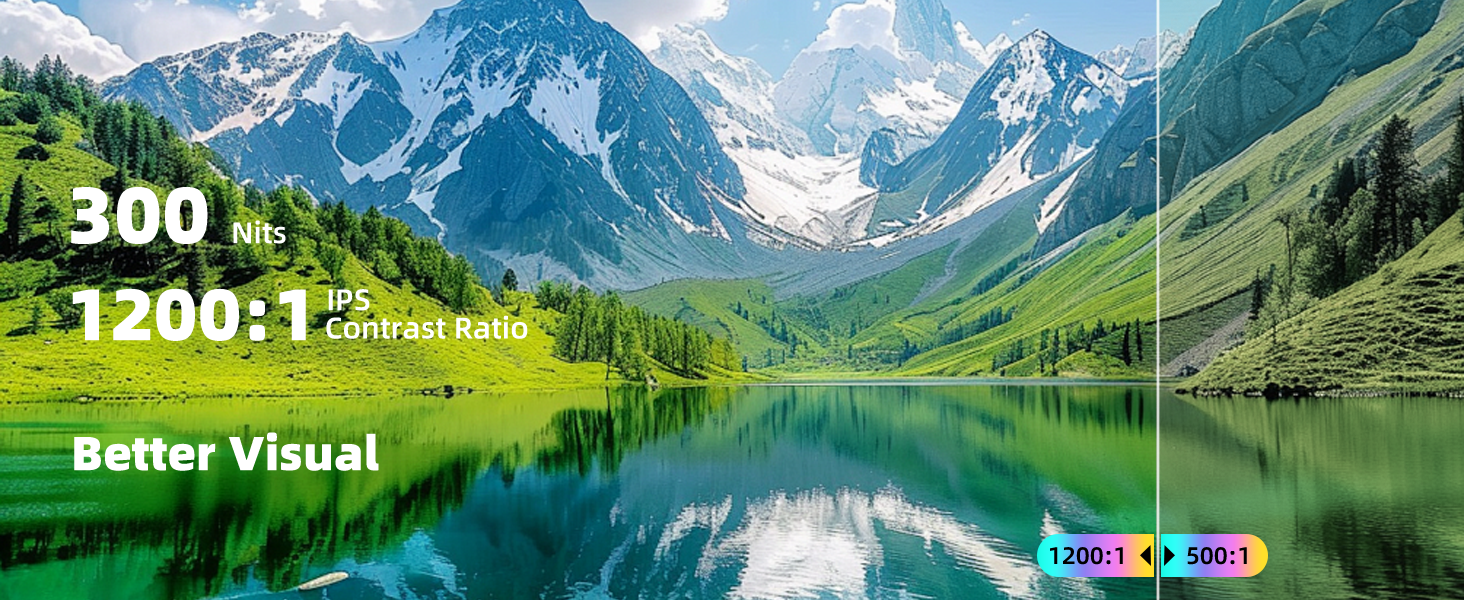
It has 300 nits of brightness, which is great for indoor and shaded outdoor use. Direct sunlight may affect visibility, which is normal for portable monitors.
Does this monitor need external power?
It can run from a laptop or device’s USB-C port, but for stable brightness and 144Hz performance, we recommend connecting a 15W or higher power adapter.
Why doesn't it work when I connect the monitor with my device by my own USB-C to USB-C cable?
Please confirm the USB-C port on your device supports Thunderbolt 3/4/5 port or DisplayPort Alt Mode.
There are two kinds of USB-C cables, USB-C charging cable and USB-C display cable (our original one), Your own cable may be only a charging cable
How do I connect my iPhone to the monitor?
1. iPhone 15&16series(excluding iPhone 16e) works with the monitor by the original monitor USB-C cable
2. iPhone before 15 series(e,g iPhone 13) needs an Apple Lightning Digital AV Adapter

| SKU: | B0G2LL74Q3 |
| Weight: | 1.8 Pounds |
| Brand: | ZefcS |
| Model: | ZS16PR |
| Colour: | black |
| Manufacture: | ZefcS |
| Colour: | black |
Product description
Why can't my portable monitor reach 144Hz?
Make sure you use the included USB-C to USB-C cable (HDMI only supports up to 130Hz). Confirm your graphics card supports 144Hz, plug in a 15W+ power adapter, and manually set the display refresh rate to 144Hz in your device settings.
Is this monitor bright enough for outdoor use?
It has 300 nits of brightness, which is great for indoor and shaded outdoor use. Direct sunlight may affect visibility, which is normal for portable monitors.
Does this monitor need external power?
It can run from a laptop or device’s USB-C port, but for stable brightness and 144Hz performance, we recommend connecting a 15W or higher power adapter.
Why doesn't it work when I connect the monitor with my device by my own USB-C to USB-C cable?
Please confirm the USB-C port on your device supports Thunderbolt 3/4/5 port or DisplayPort Alt Mode.
There are two kinds of USB-C cables, USB-C charging cable and USB-C display cable (our original one), Your own cable may be only a charging cable
How do I connect my iPhone to the monitor?
1. iPhone 15&16series(excluding iPhone 16e) works with the monitor by the original monitor USB-C cable
2. iPhone before 15 series(e,g iPhone 13) needs an Apple Lightning Digital AV Adapter
Good value for this kind of portable monito
I have been using this 16-inch portable monitor for nearly a month, as an adjunct to my laptop and as a second screen for a compact PC. Overall, it’s been very practical and I’m impressed for what you get for the price (which at the time of this review, is $113).
As background, I do a lot of remote work, and travel often. Easy to set up. Nice and sturdy (enough), built-in cover/stand. Set up was dead-simple. All the cords are included, except for an adapter for the USB-to-power outlet.
The 144Hz refresh rate is impressive for a unit at this price-point. I had no issues at all, while scrolling through documents, working across multiple windows, or using it for casual gaming. While I would not describe it as a high-end gaming display, the difference from a standard 60Hz panel is easy to see.
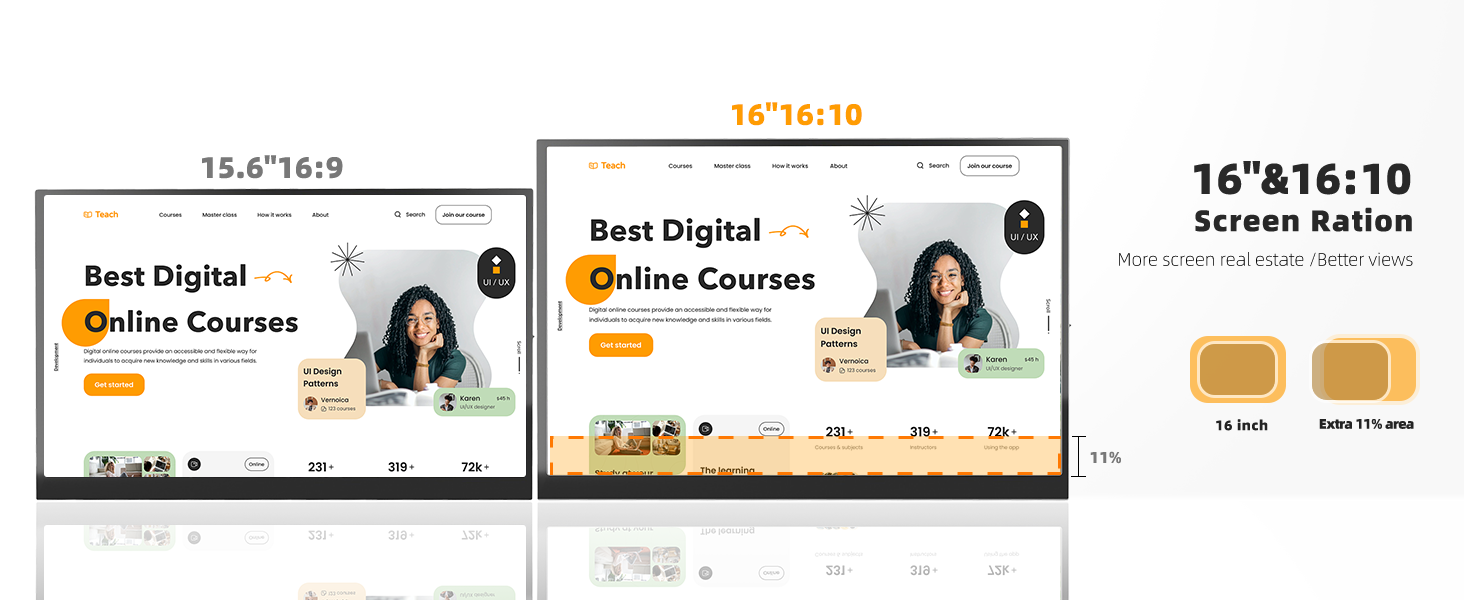
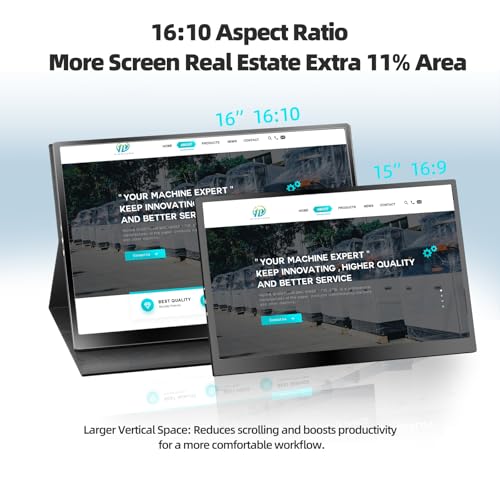
The display itself is solid. The 19201200 resolution, combined with the 16:10 aspect ratio, provides slightly more vertical space than a typical 1080p screen, which I have found helpful when working with documents or browsing. Text appears reasonably sharp. Colours are vibrant enough for general use. The matte finish is also practical, with no glare.
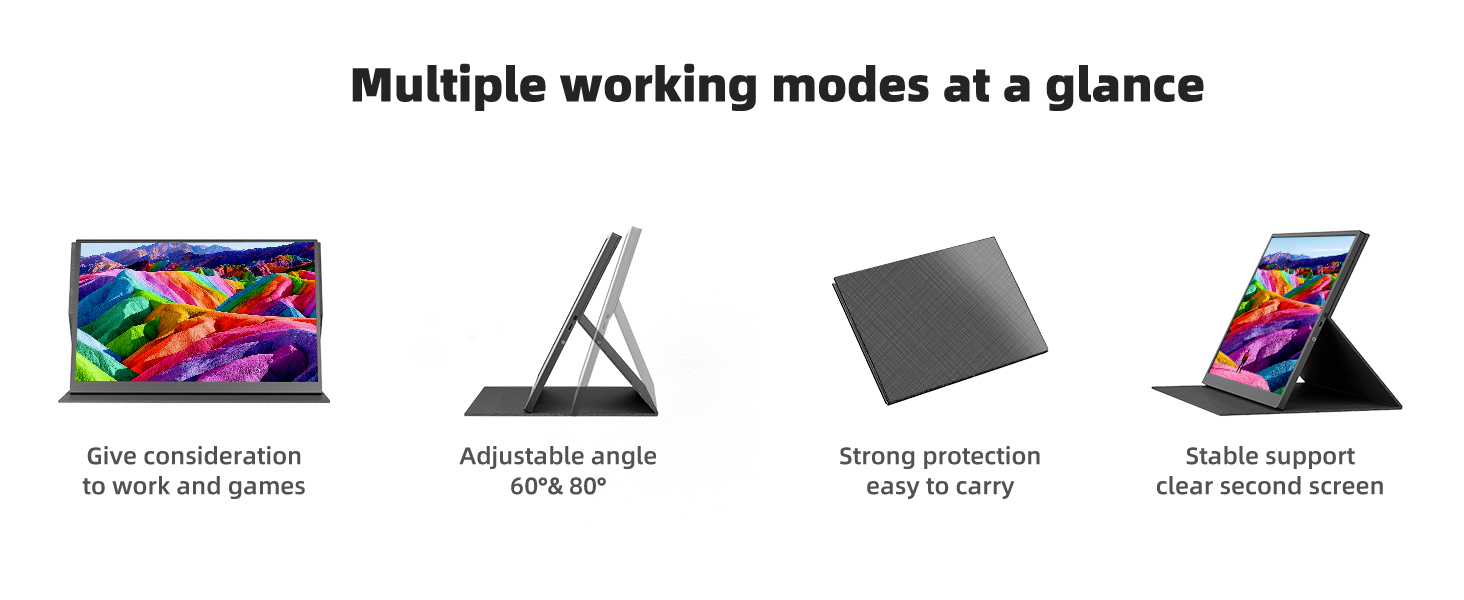
From a design standpoint, the monitor is thin, lightweight, and easy to slip into a laptop case or carry on luggage sleeve. The stand covers the screen and I’d say it’s not the best I’ve seen, but it’s decent. Regular use may see this tear over time, but no big deal. You don’t get much choice on the viewing angle, but since there’s no glare, that’s fine.
Setup is straightforward. It is essentially plug-and-play, with no drivers required. Depending on the device, a single USB-C cable can handle both power and display. That’s excellent. There was no problem trying it out in different configuations, including with my Samsung S22 phone and Samsung DEX.
That said, there are some limitations that are worth noting. This is strictly a display. There is no internal battery, no rechargeabilitly, no bluetooth or wireless capability. You have to keep it connected to a power source at all times (whether wall socket or USB port that accommodates with enough power). Not a deal-braaker, and again, quite acceptable for something at this price-point.
The built-in speakers are… well…underwhelming. Compared to the output on my lower-end laptop, they are downright tinny-sounding. They are fine for basic audio but I have always switched back to my laptop’s sound output, because it’s a bit too noticeable otherwise.
There are also some minor usability issues — but nothing that’s too pesky. The menu controls, which rely on a small dial, can be awkward to operate. In terms of performance, it is not flawless, but very decdent. One review noted issues with blurriness in certain setups, and that has not been my experience. Overall, the is a good value for what it does. It’s not the highest end device, but at this price-point, I’d say it’s downright noteworthy. Recommended.
Affordable usb c monitor for msi claw, steamdeck, rog ally
I got this because I wanted a usb c screen that can do 120 hz with a size of 15 inches at least and connects to my msi claw 7ai+. This thing is light, can do 144 hz, 16 inches, the screens a beautiful ips screen and its cheap too. If you want a sexond screen and you have a msi claw, steam deck, rog, lenovo, switch, this is the perfect screen.
Great portable monitor, but that's all it is
I have been testing out this portable monitor for a while and it has some good strengths, but lacks in features that would be nice to have. I have primarily been using it with my phone for Samsung dex, but it works well as a laptop second monitor and even connected to my Nintendo Switch with no issues.
For connectivity, it’s about as simple as it gets. All you need is USB-C in or HDMI in. Thankfully, it includes a thick USB-C cable and a full HDMI to mini HDMI cable as well as a USB-C to USB-A.
The picture looks decent enough, but at 16 inches, it would be nice to have a higher resolution. the 1080p is still fine for most tasks, but smaller text can get a little blurry. The monitor itself is a bit thicker than I was expecting considering it doesn’t have a battery or anything like that. I suspect the panel is repurposed from sometihg else and packaged in a shell rather than being designed all together. I may be wrong, but that is the feeling I get with the look and feel of the display.
The shell for the monitor is completley plastic and it feels somewhat flimsy, and the fold over case does not add any regidity that would make me feel like it’s actually protecting it. It’s basically just a dust cover. The display is not a glass top, but more of a “soft” LCD with a matte anti-reflective coating.
I would like to have seen some nice features like an internal battery and a touch display, but at this price point, it’s fine to go without those. Just keep in mind that this display will burn through battery power when connected to a laptop, phone, or tablet. If a portable monitor that needs external power meets your usecase, this once is decent, but it seems like there are tons of other options. The biggest plus for this one is that it gives you all the cables you could need and they all feel like good quality.
Better than our older one.
My old MacBook Pro’s screen died and needed to open it to be able to operate it. This just came in time.
Came with 3 cables: a USB A to USB C, a USB C to USB C, and a mini HDMI.
Looks sturdy and durable for its intended purpose. We have an older of such dated 2022 and compared to it, the newer one is lighter and has a sleeker design, 2.2 lbs and 0.8″ respectively. The foldable case which acts as its stand is quite thin but still is able to do the job.
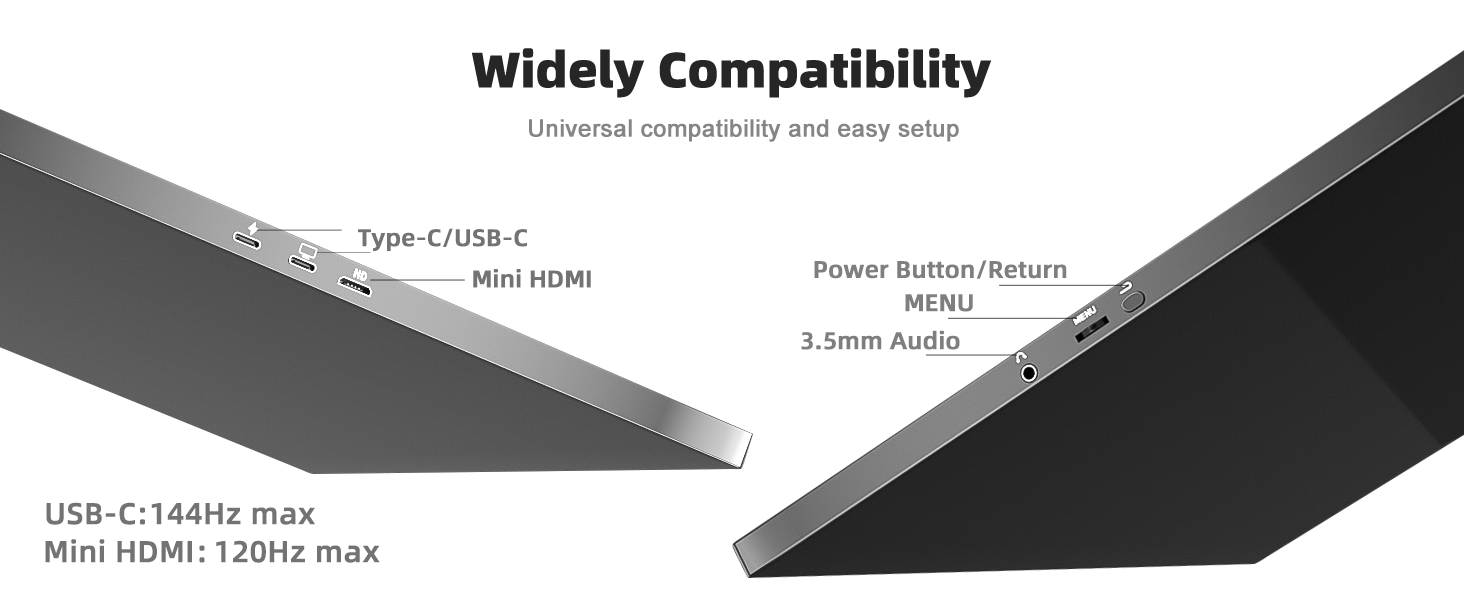
It has a couple of ports. On the left are the connection ports: 2 USB C ports, one which is the power port. One indicates that it’s for power while the other is for monitor. I did not see any difference as when i used either, both power and both mirror the connected device.
Was not able to test the mini HDMI.
The 16 inch display is clear and crisp, thanks to the 1920 x 1200p Full HD IPS with 144 Hz Enhanced Motion Clarity gives a higher refresh rate smoother vs 60 Hz. There is minimal difference when compared to our old one which has 1080p and 60 Hz.
The sound which boasts of room-filling Dolby Atmos sound advanced dual speaker is not good. It’s just there to let you know that the unit is functioning. But when i attached a speaker via the 3.5 mm audio port, it gave out a great audio output.
It does not have a power button but once attached to a device, it automatically turns on.
No need to download drivers, apps, etc.
My only qualm is the menu controls which uses a rotary wheel with a nub. Pressing it to enter different modes is a hit and miss, not to mention that the nub pricks your finger which is quite annoying. Rotating the wheel up and down to change each setting is tedious.
Overall, it still is a great product because of the visual output.
Fantastic portable monitor—the 144Hz refresh rate is a game changer!
I have used a few different portable monitors in the past, and I am very happy to say that this 16-inch ZefcS model delivers the same excellent experience and quality I’ve come to expect, but with a major upgrade that sets it apart from the standard budget screens.
Here is my in-depth breakdown of why this monitor is well worth the price:
The Standout Feature: 144Hz Refresh Rate
The absolute biggest and best feature of this monitor is the 144Hz refresh rate. Most budget portable monitors are capped at 60Hz. If you are using this as a second screen for spreadsheets, 60Hz is fine. But if you are using this for gaming (hooking up a PS5, Xbox, or a PC), the jump to 144Hz is massive. It makes fast-paced motion and camera panning incredibly smooth and fluid. Let’s face it, for the average gamer, you really aren’t going to visually process much of a difference above 144Hz, but the jump up to 144Hz is a night-and-day difference in gameplay quality.
Display Quality and Resolution
The visual quality of the IPS panel is fantastic. It features a 1920×1200 (1200p) resolution rather than the standard 1080p. That 16:10 aspect ratio gives you a little bit more vertical screen real estate, which is surprisingly helpful when scrolling through documents or websites. The matte finish does a great job of reducing glare, and the colors are vibrant and crisp right out of the box.
Build and Portability
Physically, the monitor is very slim, lightweight, and easy to slide into a backpack alongside a laptop. It comes with a magnetic protective folio cover that doubles as the kickstand. While the cover/stand isn’t the most rigid thing in the world, it does the job perfectly well for setting it up on a desk or table.
Plug and Play
I really appreciate that it comes with all the necessary cables included (USB-C to USB-C, USB-A to USB-C, and HDMI to mini-HDMI). Setup is completely plug-and-play; there are no annoying drivers to install. Depending on your device, you can often power the screen and send the video signal through a single USB-C cable, which keeps your setup incredibly clean and wire-free.
The Verdict
If you are looking for a portable second screen specifically for gaming on the go, or just want a much smoother scrolling experience for work, the 144Hz panel on this monitor makes it worth every penny. Highly recommended!
Simple monitor, very straightforward and simple, no other abilities.
It is very important to note, this is purely a display monitor. It’s thin, portable, but it has no other ability, no wireless connections, no bluetooth, no backup battery power, nothing. It needs to be connected to a power source to function, using a USB C plugin. Good news is it works even when I connect it to a power bank. It also has a mini HDMI plugin and another USB C plugin for device connection.
Cables that it comes with are:
– USB A to C
– HDMI to mini HDMI
– USB C to C
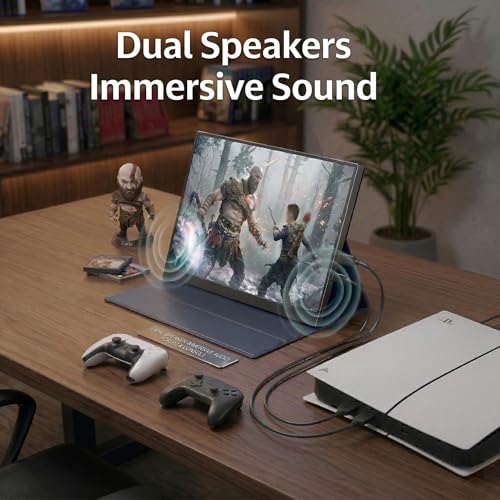
It does have speakers though, but they’re placed on the bottom where it sits against the cover/stand. I suppose it’s supposed to create a slight subwoofer effect. I don’t know if that was effective, but it didn’t interfere with me listening to the audio of a movie at least. It also comes with an Aux output if you want to use headphones or connect to a Bluetooth transmitter for better sound options instead. Using a BT transmitter also worked out for me.
Display wise, it’s good. Very good. The surface is matte and and doesn’t reflect any glare. The colors and display are crisp and clear, and you can adjust the brightness, shadows, low blue light, etc just like any monitor display. My only annoyance with it is it has only 2 size settings: Auto or 4:3 only.
Function buttons are very simple. One button that functions as the power / back button. One dial that functions as menu, you press it to open/confirm, and move the dial forward and back to navigate. You can connect up to two displays at once via the HDMI and the type C and it’s one of the menu options to switch between them if you have both connected. If not, it is automatic that it chooses the one that is connected. If nothing is connected, it’ll power itself down within seconds to save power.
Overall, it’s a very simple and functional portable monitor. It’s light and easy to set up, but the down side is it is restricted by needing to be plugged in and therefore not truly portable (unless you use a power bank).
[ This is a review for:
ZefcS 16″ Portable Gaming Monitor 144Hz 1200P FHD 300 Nit Brightness Portable Monitor with HDR Eye Care External Second Screen for Laptop PC PS5 Xbox Mac Switch ]
Low price offsets the terrible stand and speakers
There are many 1080p portable displays here on Amazon. This 16 in one is fine as a display. It is sitting next to an OLED Dell XPS 13, which obviously has a brighter and more detailed display. But this works well to throw a spreadsheet or email on while doing other work on the laptop display.
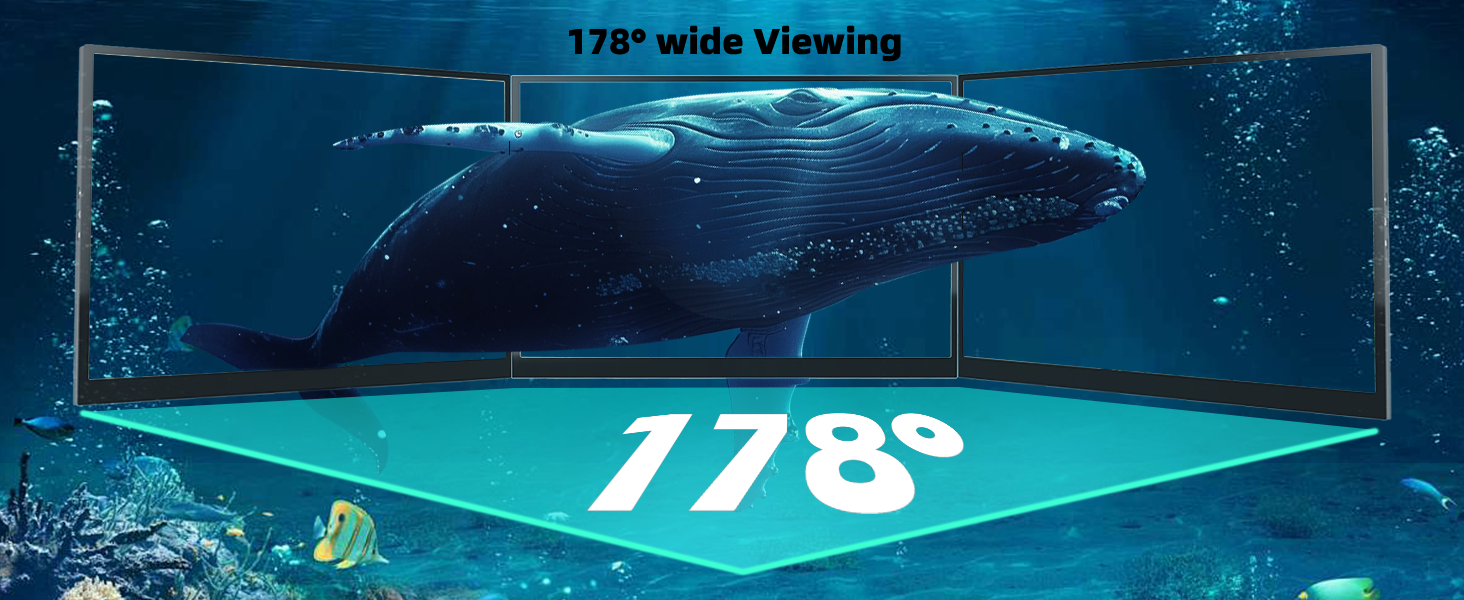
The screen is bright enough for indoor use, has a matte finish, and the viewing angles are okay for the price. As long as you don’t expect more than a typical IPS display, you’re good to go here.
Very happy to see that the display came with an HDMI to Mini HDMI cable, a USB type-C to USB type-C rather thick cable, and a USB type A to USB type-C cable. The latter of which would be used to provide supplemental power into the second USB port that has a lightning bolt on it. That would be necessary in case there was insufficient power output from the laptop to which it is connected.
The Dell had no problem delivering power and display, as well as audio through the provided type-C cable.
It is very light in weight and the size is perfect for a second display that’s portable. Much lighter than a 16 inch laptop, and much thinner, so will be easy easy to stow into a laptop bag with the laptop as well. With the folding cover/stand flipped back, you can see the VESA screw mounts that were used for this as a standard monitor. In fact, you could forcibly remove the folding cover, and use a telescoping arm or stand from a monitor into the VESA screw mounts, for a more permanent installation. This would not be a great idea to do in case you wanted to continue to use the stand/cover since it has to be permanently removed.
While the cables are a plus, and the price is good, the flimsy cover/stand is dreadful. It can barely stand up by itself, and become significantly worse with the tug of the thick USB cable connected on one side. It just simply falls down. This will be addressed by adding some industrial Velcro on the back side of the display, with the fuzzy loop side on the portion of the flipping cover that mates with it in the triangular fashion it is intended to form.
The other let down is the sound quality. At maximum volume, it is probably less than half as loud as the much smaller Dell XPS 13, which from the name you can tell is a 13-in ultra portable laptop. Not only is the volume limited, but the sound quality is pathetic. It is thin sounding and tinny. Unless, somehow, your own laptop has worse sound than this, it is recommended to use the speakers in your laptop rather than selecting the sound output to this display.
Highly Recommend
I honestly expected a terrible product considering this is way cheaper than other monitors with similar or equal specs but did not mind the risk as Amazon has great return policies. It is true to size, very lightweight, has great image quality, and super easy to set up because of the protective case it comes with. That being said, the only downside is that it seems like the speakers have an echo to them making it sound kind of off. But that could also be because of the case covering the speakers, this is not a problem for headphone users as it has a standard aux input for headphones. Here are my initial tests using the USB-C to USB-C connection, remember to enable 144hz in device display settings. Will update if there are problems!