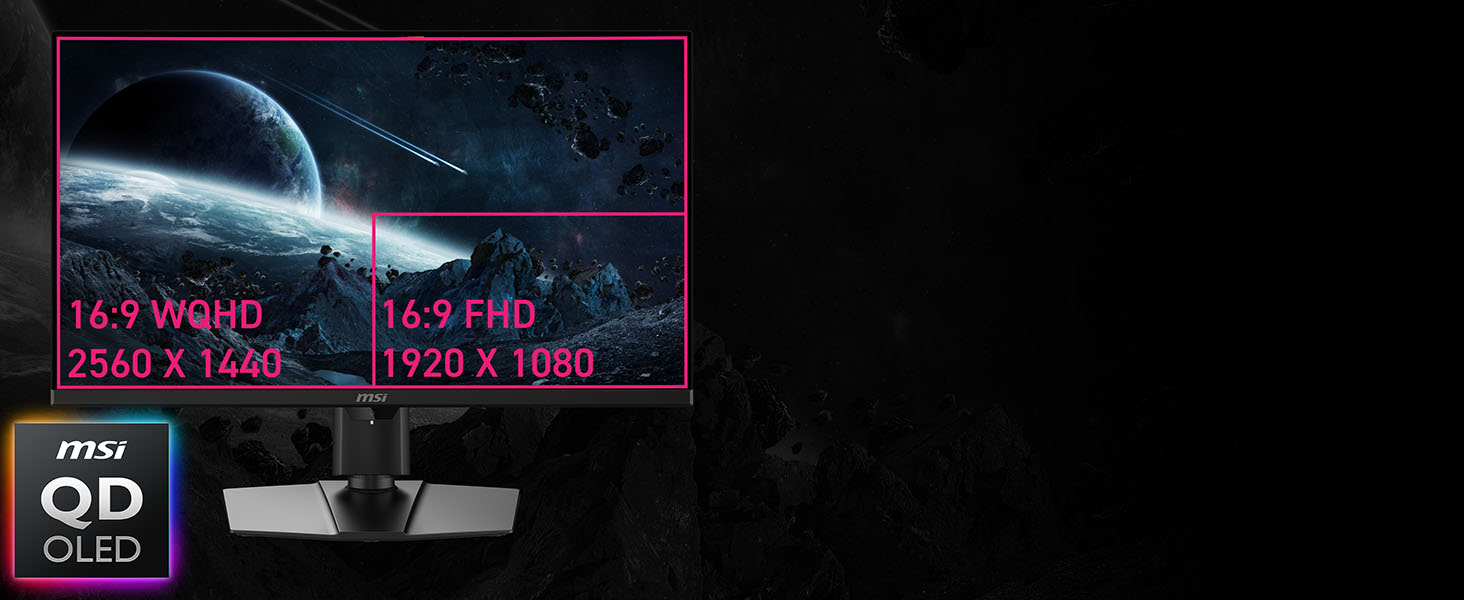
msi MPG 271QR QD-OLED X50 27-inch 2560 x 1440 (QHD) Gaming
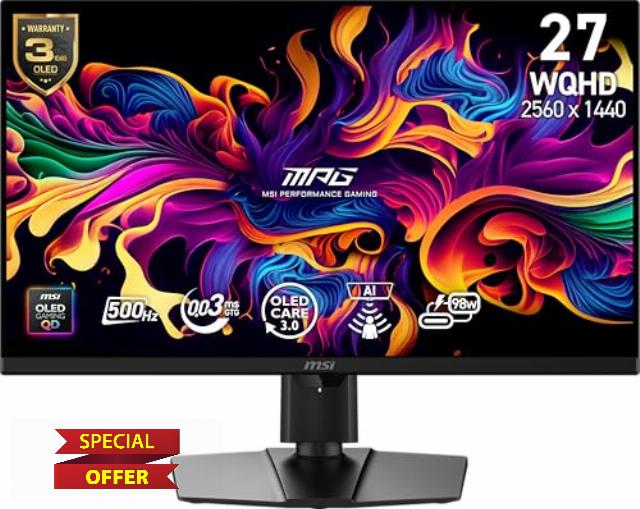
msi MPG 271QR QD-OLED X50 27-inch 2560 x 1440 (QHD) Gaming Monitor, 500Hz, AMD Adaptive-Sync, HDR Ready, HDMI, VGA Port, VESA Mountable, Tilt, 4-Side Slim Bezel, 0.03ms, Black
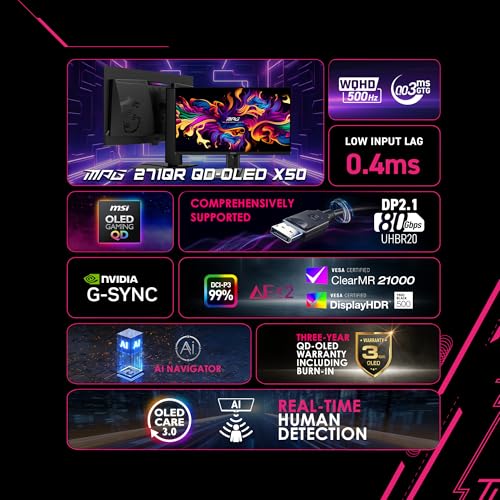
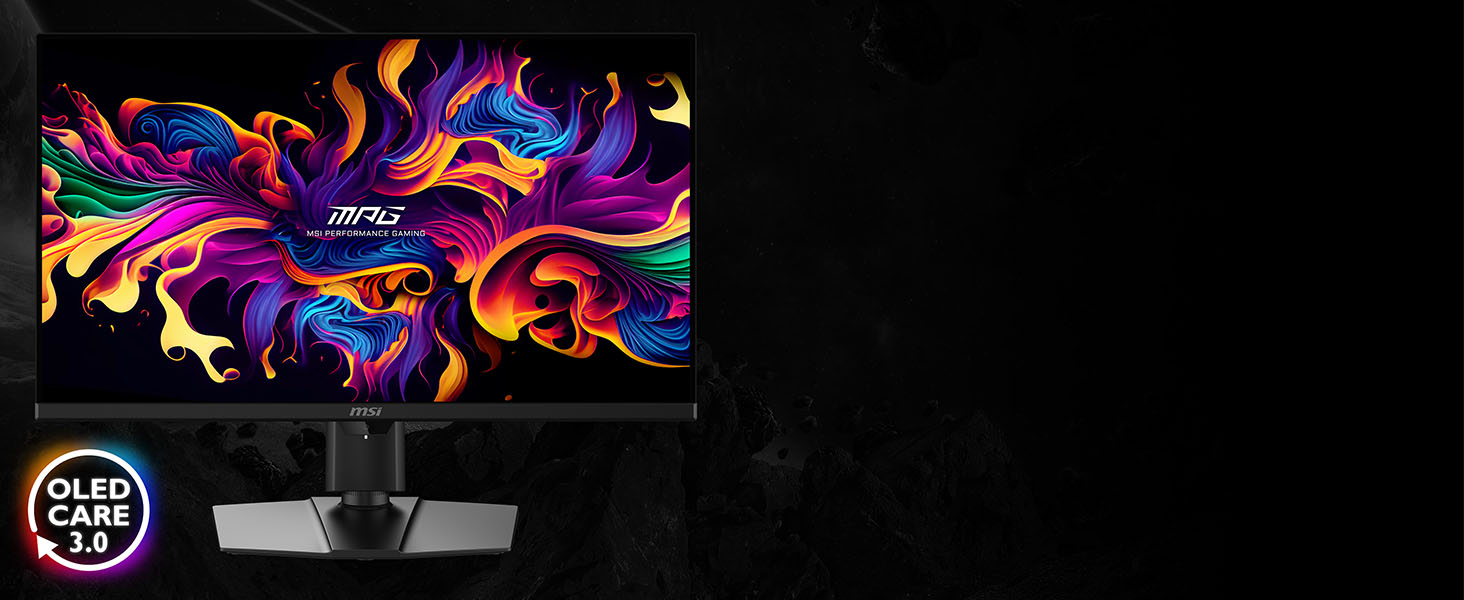
- MSI OLED Care 3.0 – The AI Care Sensor detects human presence every 0.2 seconds with AI precision
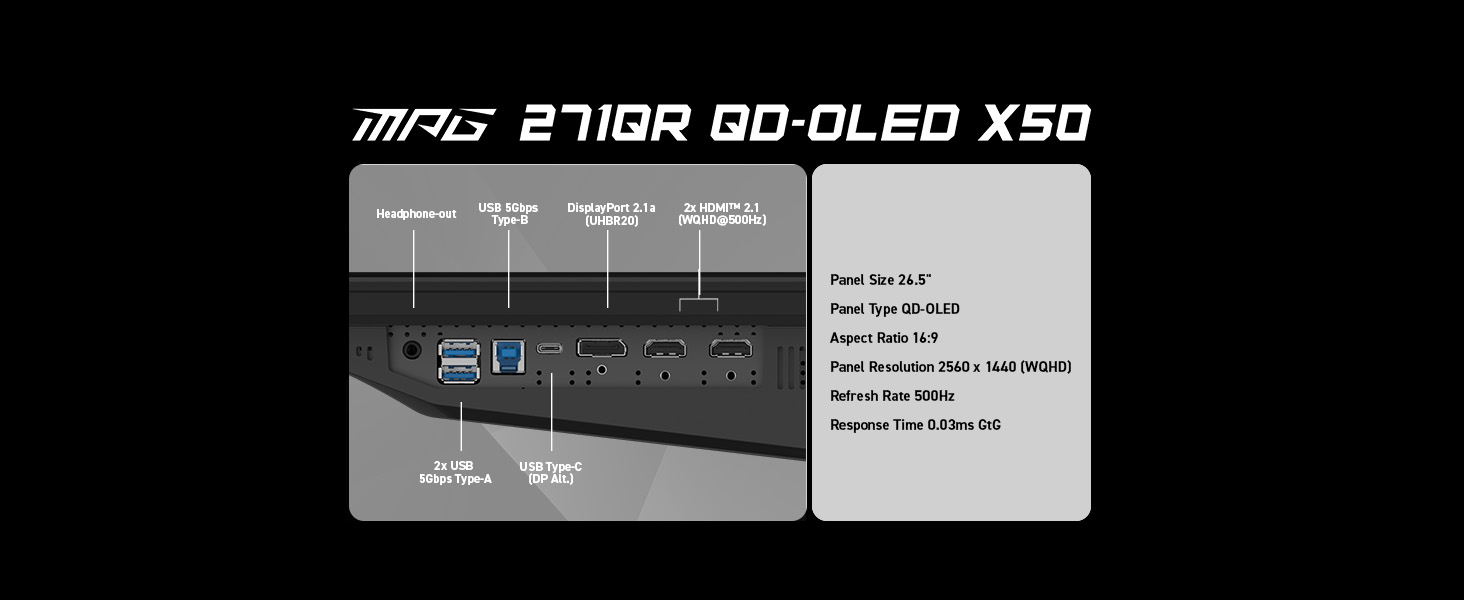
- DisplayPort 2.1a (UHBR20) – Offering up to 80Gbps bandwidth, allowing gamers to enjoy native, lossless 2K at 500Hz for a smoother experience
- Fastest 0.03ms GtG response time and 500Hz refresh rate
- QD Premium Color – Ensures the color meets the market standard – Delta E≤2
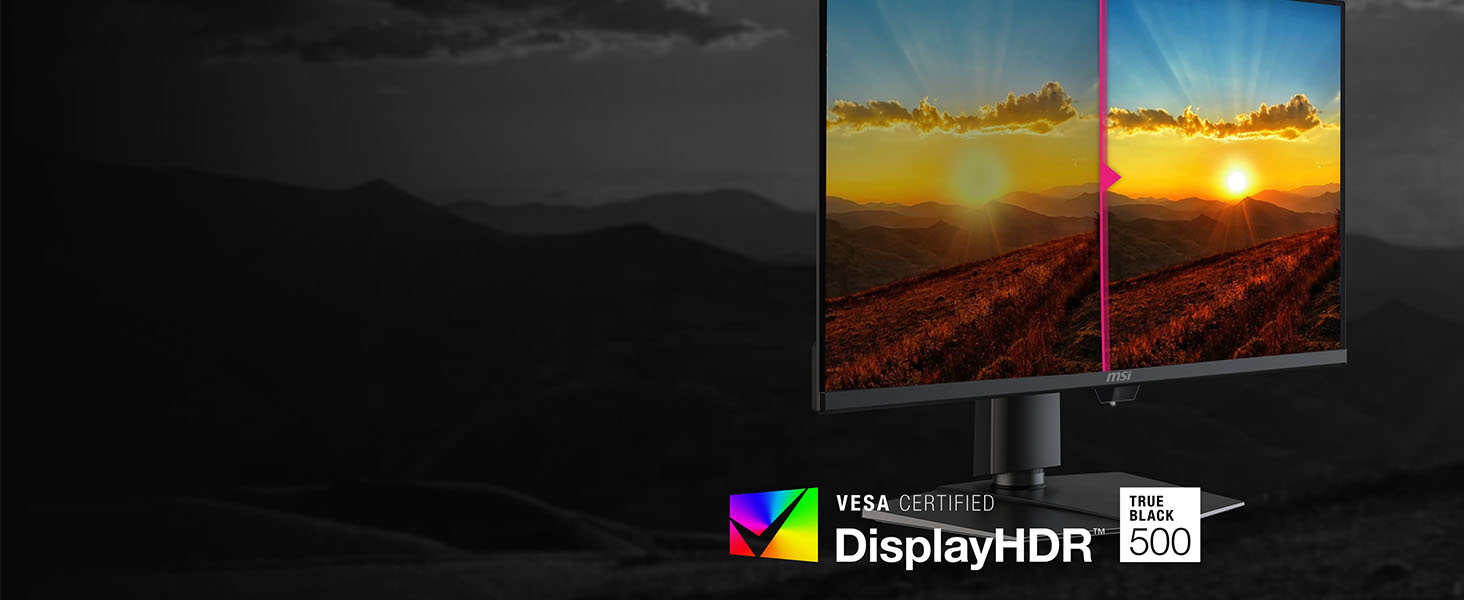
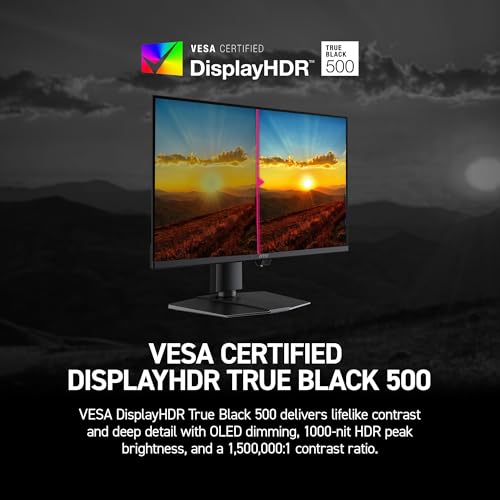
- Incredible HDR visual – VESA DisplayHDR True Black 500
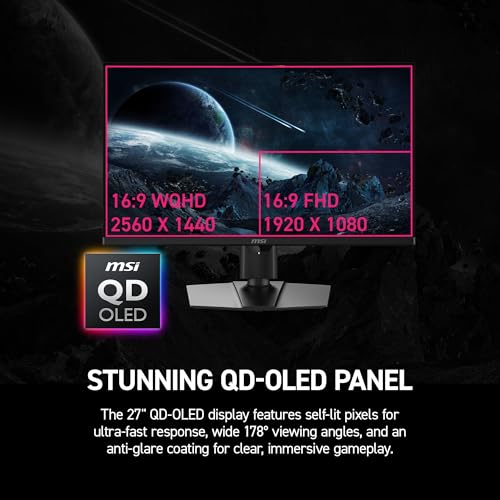
Experience immersive gaming with the MPG 271QR QD-OLED X50. Featuring a 2560 x 1440 (QHD) QD-OLED panel, 500Hz refresh rate, and 0.03ms (GtG) response time, it delivers stunning clarity and speed. VESA ClearMR 21000 and DisplayHDR True Black 500 ensure vivid visuals with deep blacks and minimal motion blur. MSI’s AI Care Sensor detects user presence and activates OLED protection when idle. Paired with OLED Care 3.0, it helps prevent burn-in and extends panel life. For console users, HDMI 2.1 supports 4K 120Hz, VRR, and ALLM. The latest DisplayPort 2.1a offers 80Gbps bandwidth for next-gen gaming and professional use.

| SKU: | B0G4P3ZNKN |
| Weight: | 28.4 Pounds |
| Brand: | msi |
| Model: | MPG 271QR QD-OLED X50 |
| Colour: | Black |
| Manufacture: | MSI |
| Colour: | Black |
From the manufacturer
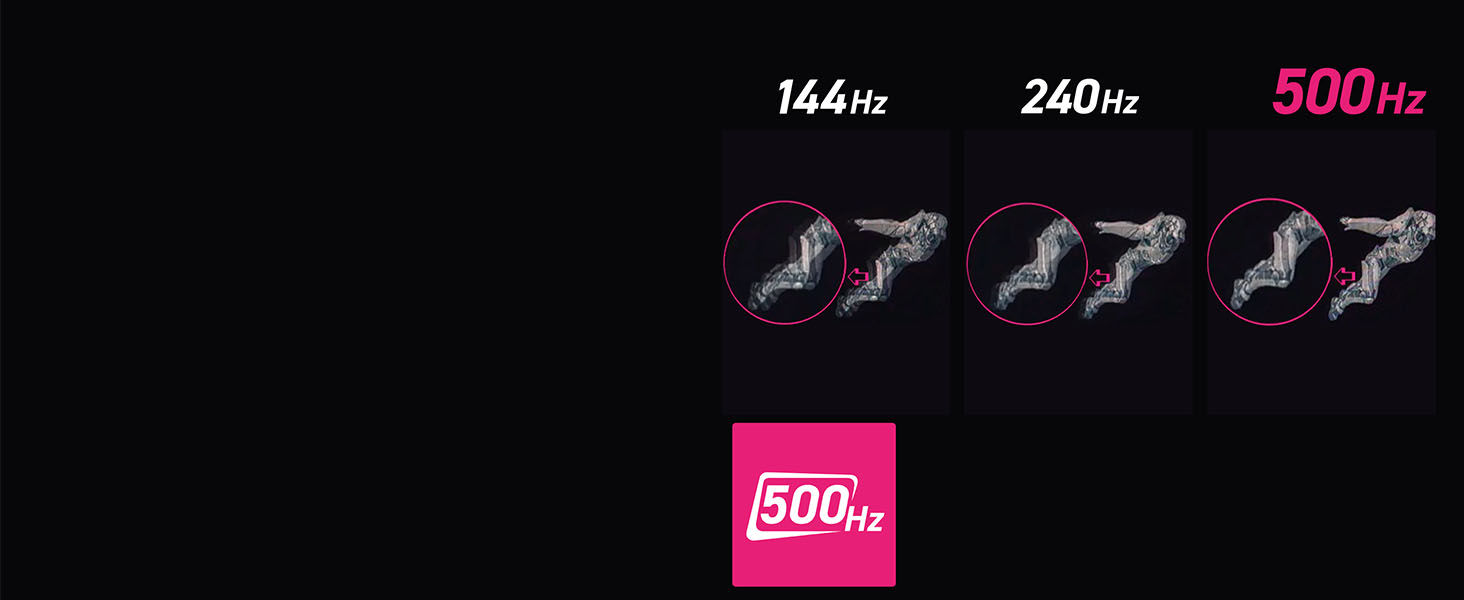
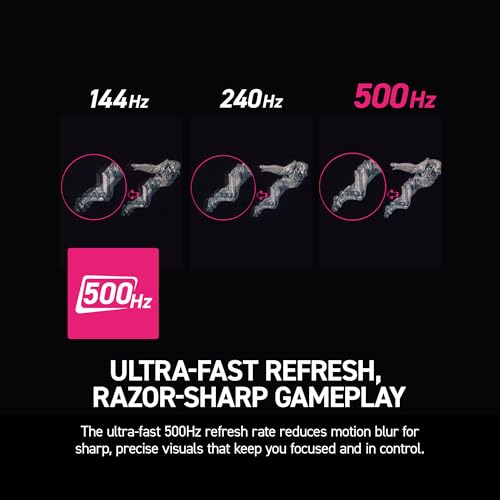
Ultra-fast Refresh, Razor-sharp Gameplay
The ultra-fast 500Hz refresh rate reduces motion blur for sharp, precise visuals that keep you focused and in control.

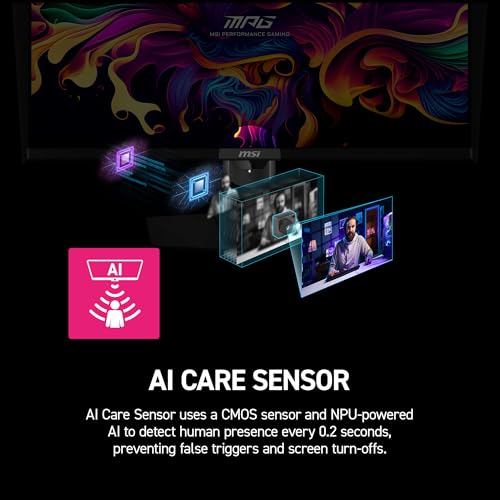
AI Care Sensor
AI Care Sensor uses CMOS+ NPU AI to detect presence every 0.2s, preventing false triggers.
VESA Certified DisplayHDR True Black 500
DisplayHDR True Black 500 delivers lifelike contrast with OLED dimming and 1000-nit HDR brightness.
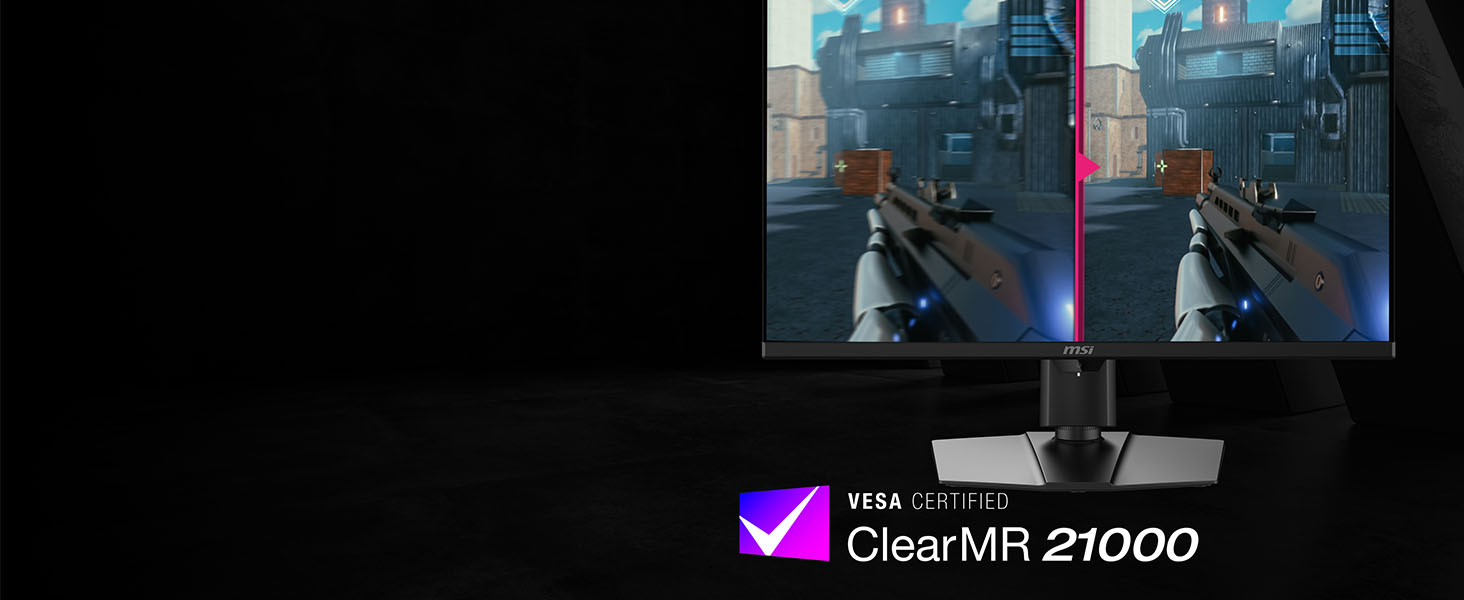
VESA Certified ClearMR 21000
ClearMR 21000 gives top motion clarity, while a nanoparticle layer enhances color and brightness.
10/10.
This monitor is honestly insane. The colors are ridiculously vibrant thanks to the QD-OLED panel, and the motion clarity at 500Hz is next level. Everything looks smooth, sharp, and super responsive, especially in fast-paced games. Blacks are true black, HDR looks amazing, and the overall picture quality just screams premium.
Build quality is solid and the design looks clean on the desk. Setup was easy and the menu is straightforward. If you’re coming from a standard IPS or VA panel, the upgrade is immediately noticeable.
Price is definitely high, but you get top-tier performance, visuals, and responsiveness all in one. Easily one of the best gaming monitors I’ve used.
Insane
This is my first ever OLED monitor coming from a IPS 165hz monitor and I gotta say the difference is insane. The picture and color quality is amazing. Every game I’ve tested so far looked very good and smooth especially for competitive games! Very happy with my purchase.
The best monitor for high refresh OLED gaming!
Upgraded from my 137 IPS LG and am not disappointed. 500hz mode works flawlessly, Rocket League and Overwatch run like a dream. Lots of customization and options to pick from with the in game menu system. Cheaper compared to competitors options so I definitely recommend this monitor if you are looking for the absolute best in OLED!
A Game Change
This is my first OLED monitor, coming from a TN panel, and the difference was immediately noticeable. The colors and picture quality are amazing compared to my last monitor. The blacks are honestly unreal, they’re perfect in my opinion and my favorite thing about this monitor. It completely changes how everything looks and makes it feel much more immersive. The 500Hz refresh rate paired with DisplayPort 2.1 support is really nice for competitive gaming, and it’s one of the main reasons I chose this monitor over others. The motion clarity and responsiveness are on a completely different level.
So far, I haven’t experienced any of the issues that some people mention regarding OLEDs.
I will mention one downside regarding the height adjustment. I do wish the monitor could go higher without the use of an arm. It’s not a deal breaker, but it’s something to keep in mind depending on your setup.
Overall, this is a fantastic monitor. I feel that it’s strong in all areas, and for competitive gaming and overall quality, it’s hard to beat. I’m extremely happy with my purchase.
Great QD-OLED display for the price!
First time owner of a QD-OLED screen. First off, amazing colors and picture quality. No issues so far with VRR flickering or even using it in a bright room. I read about the magenta that is noticeable in bright rooms but I haven’t really noticed it so far. I upgraded from a LG IPS 1440P monitor. Using MacType and increasing my scaling to 110% I have no issues reading text. The text fringing isn’t really that bad at all. I expected it to be a whole lot worse. I’m using this with a Radeon 9070XT and I was able to run 500HZ without DSC since they both have DP 2.1. I will say I am disappointed in the AI portion where the monitor will turn off if you leave. While this is a helpful thing to have to reduce the chances of burn-in, I found it to be a little sensitive as just leaning back in my chair it thinks I’m not there. So I just resort to turning off when I’m sitting down and then turning it on if I leave for a while.
I did experience some eye strain as this is my first QD-OLED but it does seem to be getting better over time. However if your eyes are sensitive I would consider maybe looking at one in the store before purchasing. Overall I’m happy with the quality of the display and feel that I got my money’s worth in terms of technology and display quality.
Ideal 27 inch OLED finally is here
Glossy QD-OLED looks better than matte coatings in most lighting conditions
Accurate color with adjusttable gamma and color temp, and saturation for all inputs
HDR 500 is good enough and with the new EOTF Boost is even better, in a dark room I can enjoy this as much as an OLED TV now
USB KVM that can charge my laptop
If you use a USB audio device and route the analog audio out from the monitor to it, you can plug it into the monitor’s USB port and this will eliminate ground loop hum, if your monitor lacks USB ports it can be difficult to solve this!
Displayport 2.1 port can drive the panel at 500hz WITHOUT needing Display Stream Compression on my 5070 GPU
They even got rid of the annoying popping sound on the headphone port when switching modes that their previous monitors had.
THIS IS FINALLY THE MONITOR I’VE BEEN WAITING 10 YEARS FOR
Great Monitor with Helpful AI features to prevent Burn-I
I bought this monitor because I wanted to add an OLED display to my computer setup, but I always had an issue with the burn in issues and not really wanting a 4K monitor because that used to be the only way to get one. Now the technology has come a long way, and I am glad to see a lot more 1440p options.
With this model you get the AI features that detect when you are at your desk and will wake-on-approach and lock-on-leave (these have to be enabled). It also has auto-dimming features to protect the panel further from static things like taskbars and logos to even further minimize the risk of image burn in. There are many more AI features to enable that I don’t really have a use for at this time, but I could see how they could be useful to some people.
This model also has DisplayHDR True Black 500 certification to give it better blacks and vibrant lifelike colors; I really like the Premium color setting as it looks good and makes colors pop a little more (this is subjective and definitely something you can change to your preference).
I personally don’t need the 500hz refresh rate as I don’t care to go above 144hz in most games, but I like that I have the option and can set it to 360hz so that I have the extra head room if I do end up needing it with the RTX5080. It also has .03ms of grey-to-grey response time which helps with motion blur and ghosting, I personally don’t have a use for it, but I am always down for faster response times even if I don’t play competitive games.
All in all, a good well-rounded monitor with a lot of features including some AI features that are useful to protect the monitor. Looking forward to using this monitor for a long period of time and testing if this will prevent issues with burn-in and I won’t need to use the 3-year burn-in warranty.
(One thing to point out it doesn’t say it supports G-sync in the monitor title or the main description but if you scroll down to the manufacturer information it has it in one of the slides)