KiiBoom Phantom98 Lite 96% Wireless Mechanical Gaming
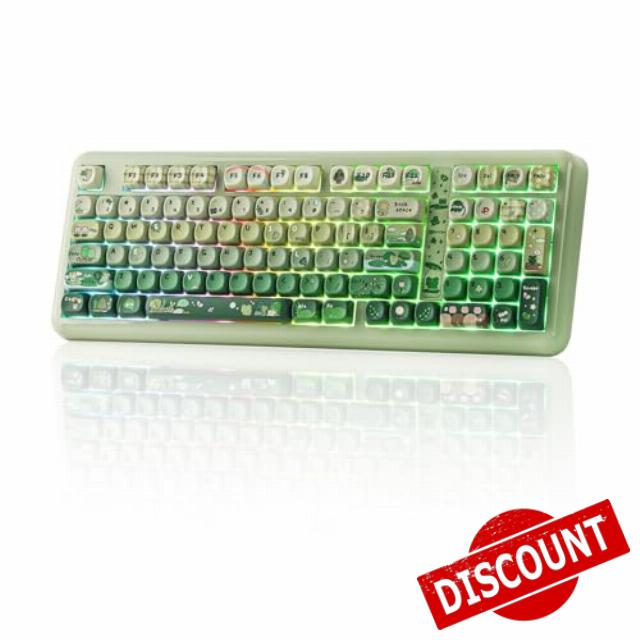
KiiBoom Phantom98 Lite 96% Wireless Mechanical Gaming Keyboard, VIA Programmable, Creamy Keyboard with Gasket, 8000mAh Battery, Hot Swap, RGB Backlits, NKRO for Win/Mac (Green, Mochi Switch)
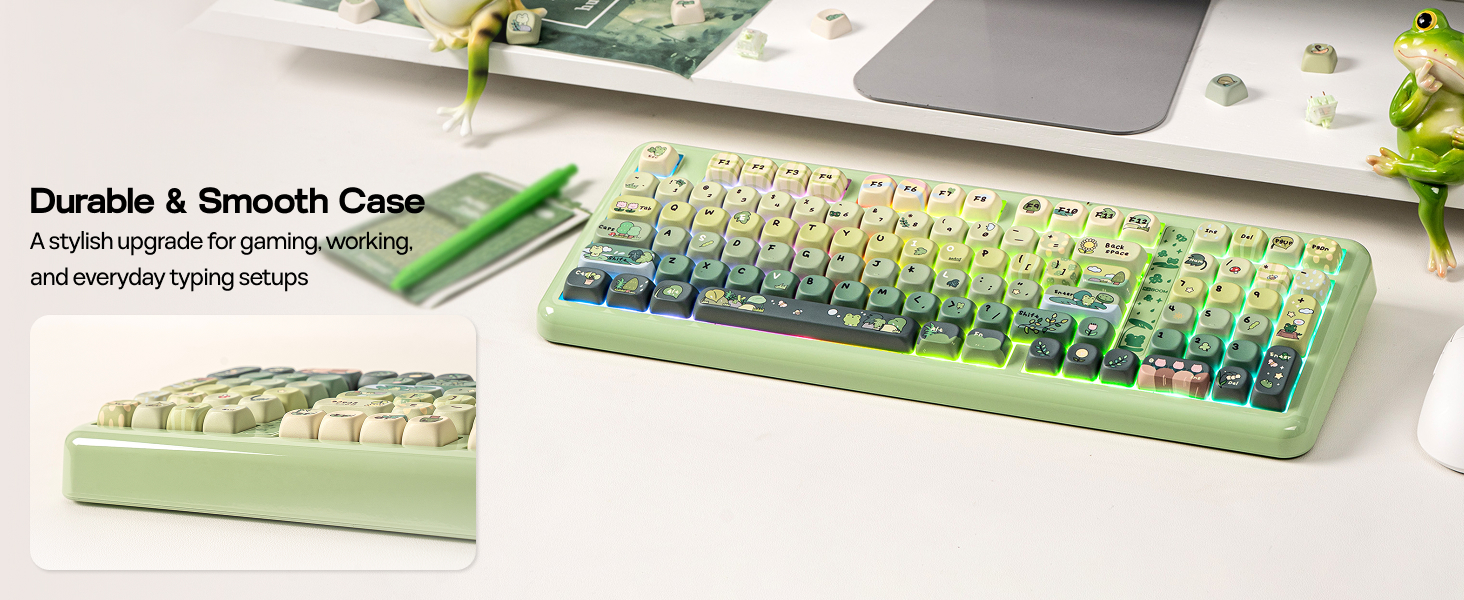
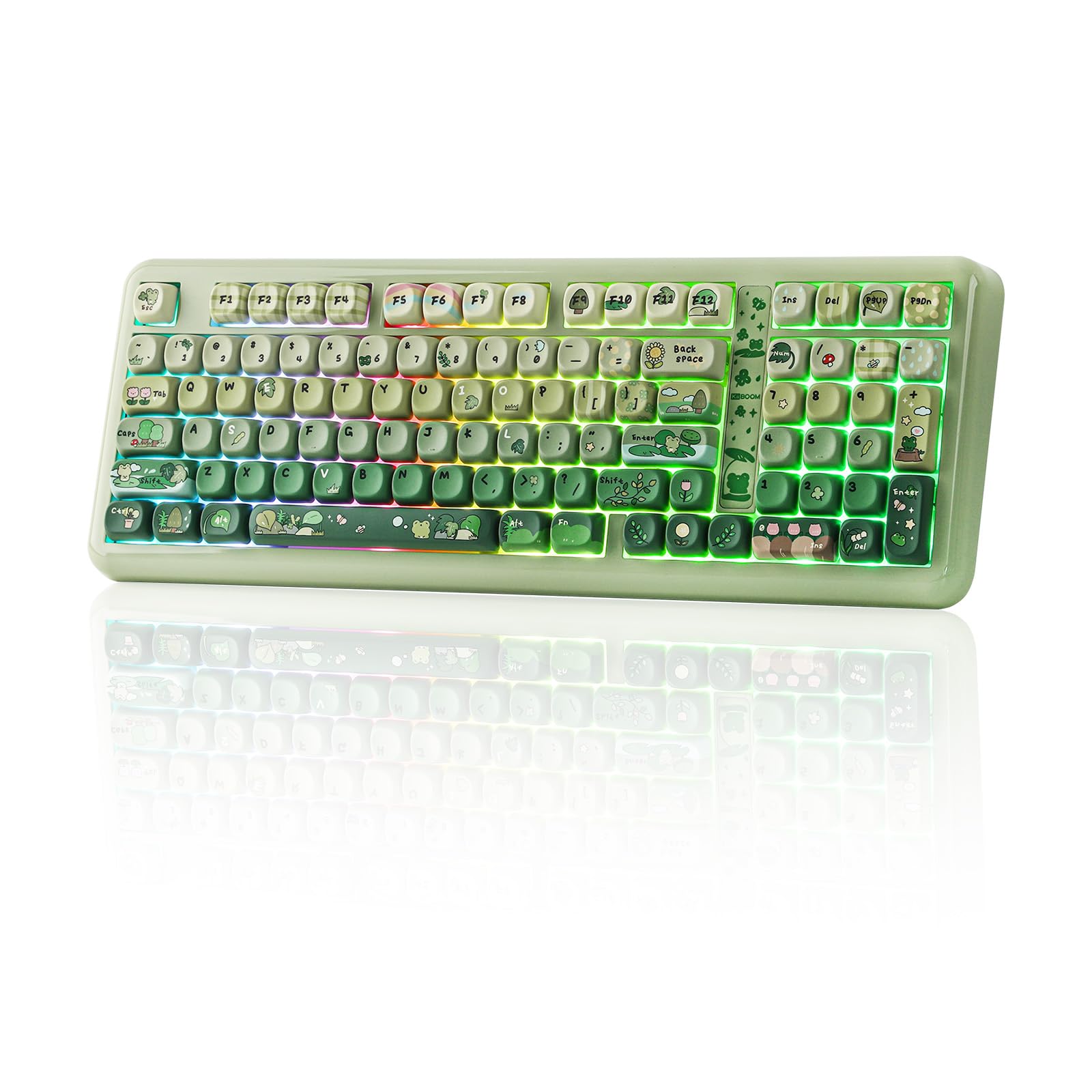
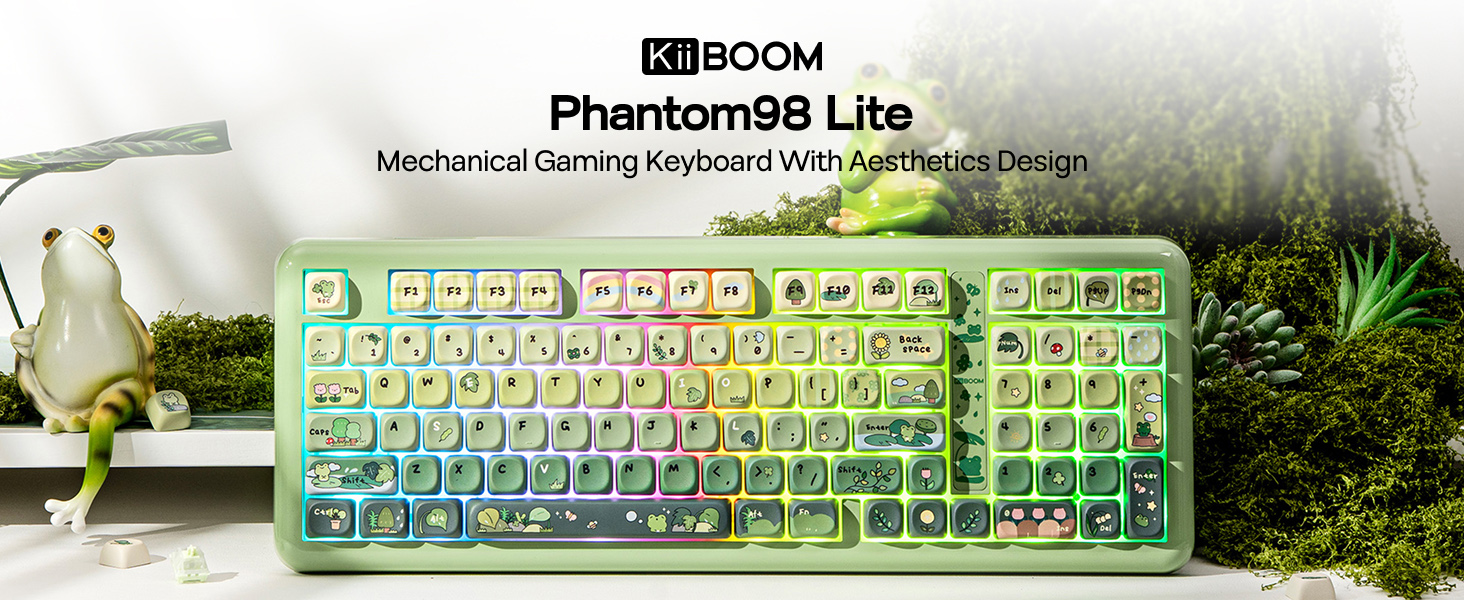
- 【96% Compact & Ergonomic Design】 The Phantom98 Lite mechanical keyboard embraces a 97 keys layout while inheriting the core design philosophy of the Phantom81 Lite, striking the ideal balance between space-saving efficiency and full-function convenience by packing all essential keys without bulky gaps—perfect for cramped desks or minimalistic setups. This keyboard ensures consistent, reliable performance, catering to both casual typists and competitive gamers in search of a compact yet fully-featured input device that doesn’t compromise on functionality or comfort.
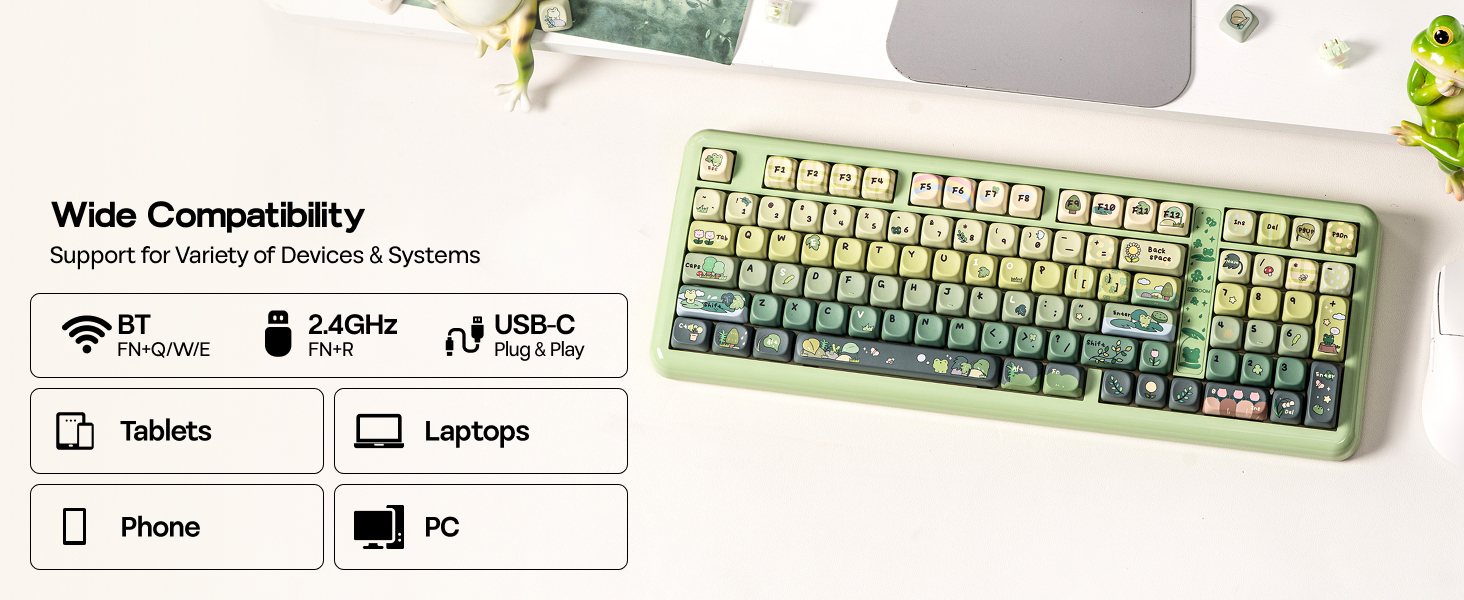
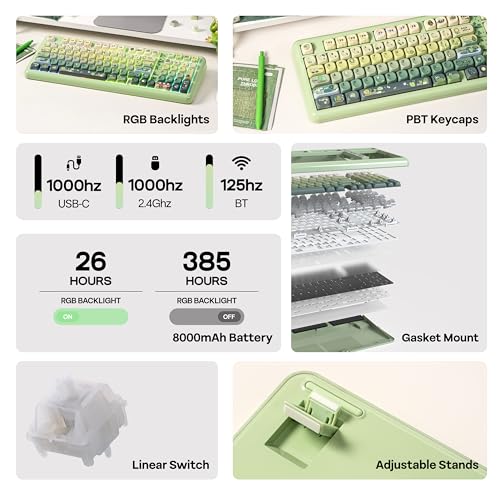
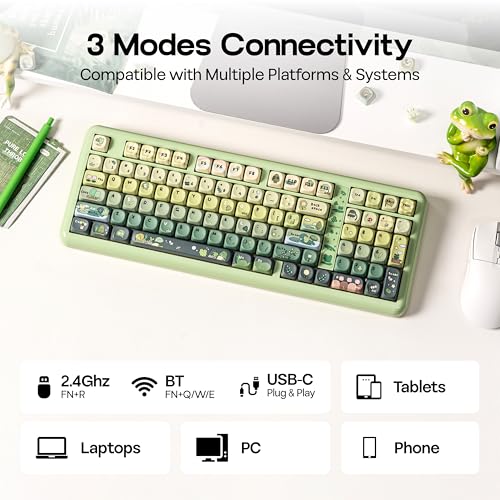
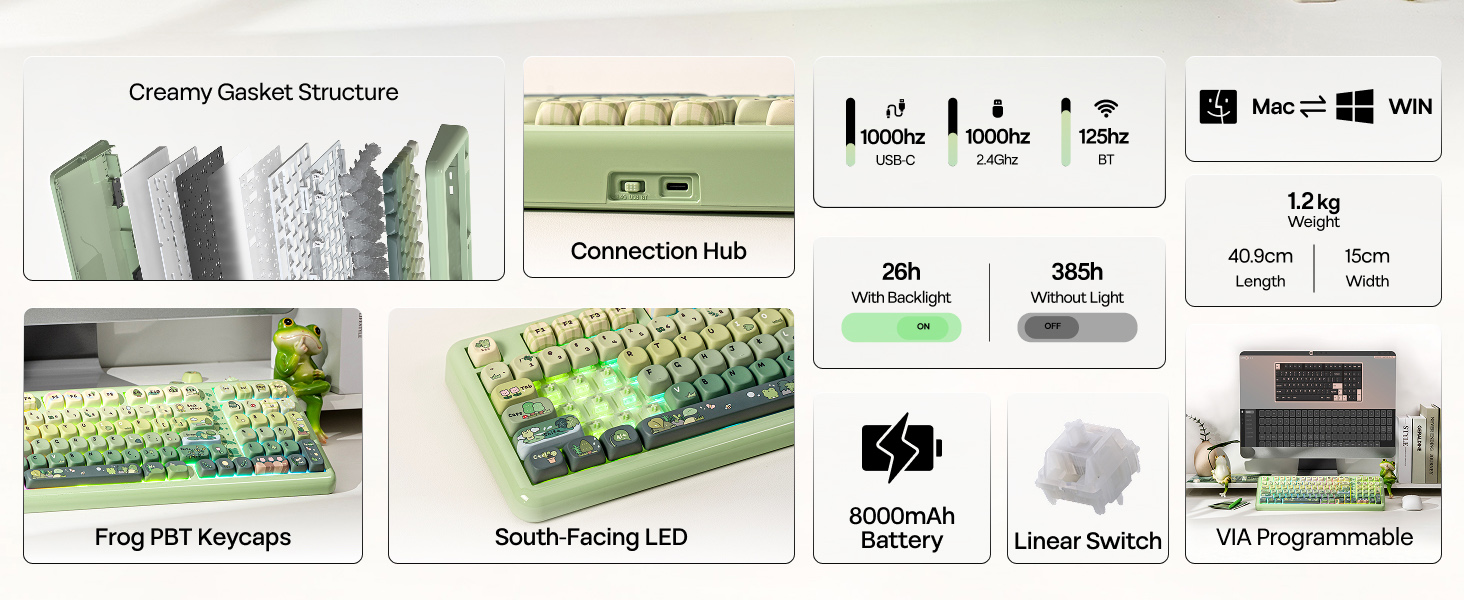
- 【3 Modes Wireless + 8000mAh Battery】 Enjoy seamless performance in gaming and daily typing with the Phantom98 Lite wireless keyboard’s tri-mode connectivity options of 2.4GHz, USB-C, and BT 5.0 support. Thanks to this feature, users can easily toggle between 5 devices, which is great for those balancing work on a PC, laptop, or tablet. Compatible with Windows and Mac OS, this versatile keyboard serves well in an office setting while also doubling as a gaming controller.
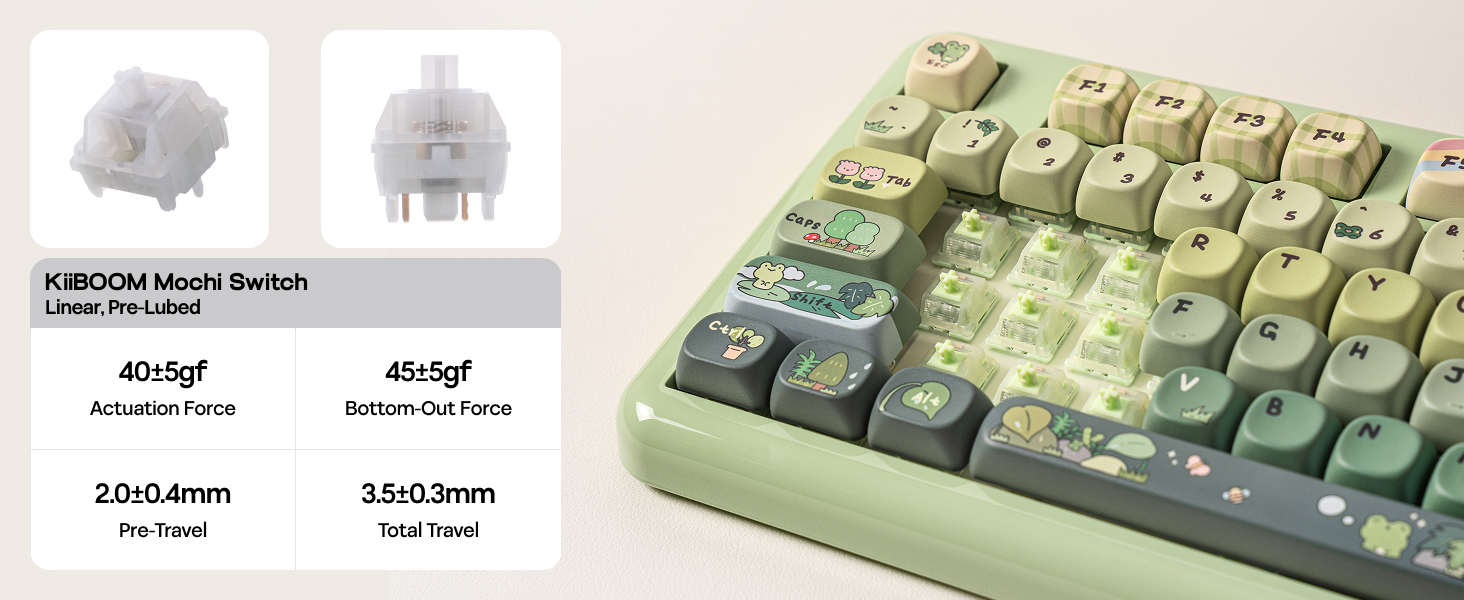
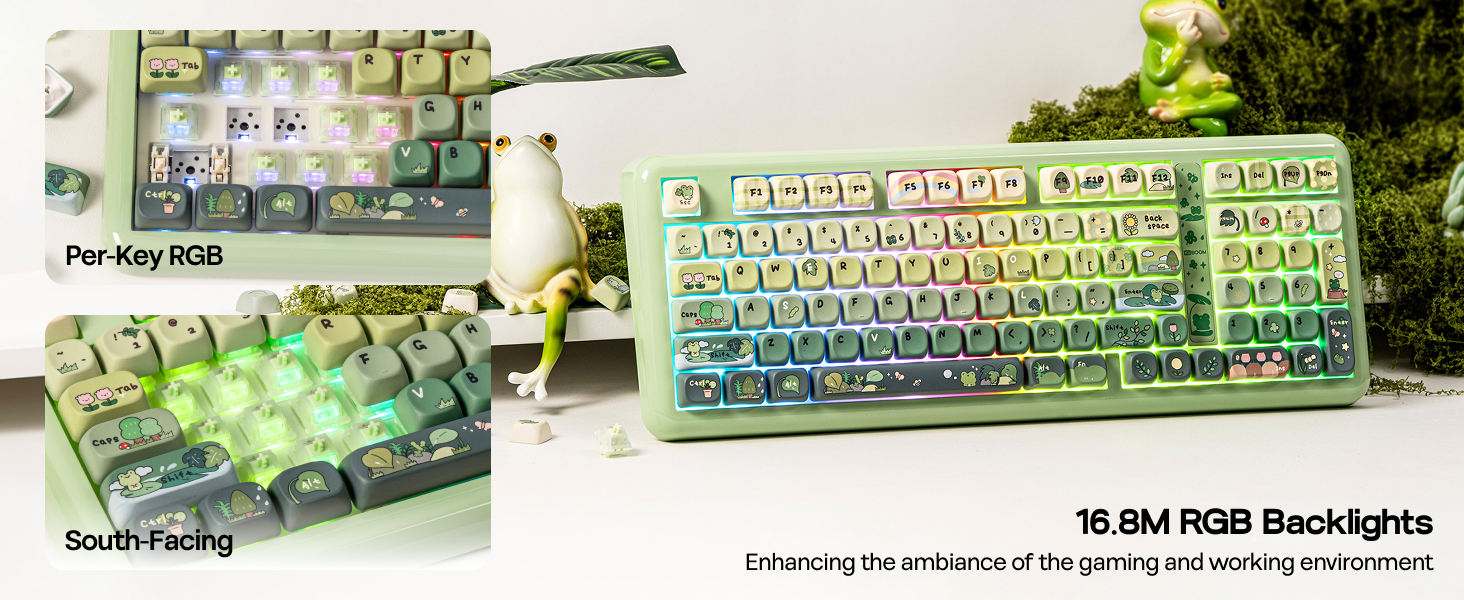
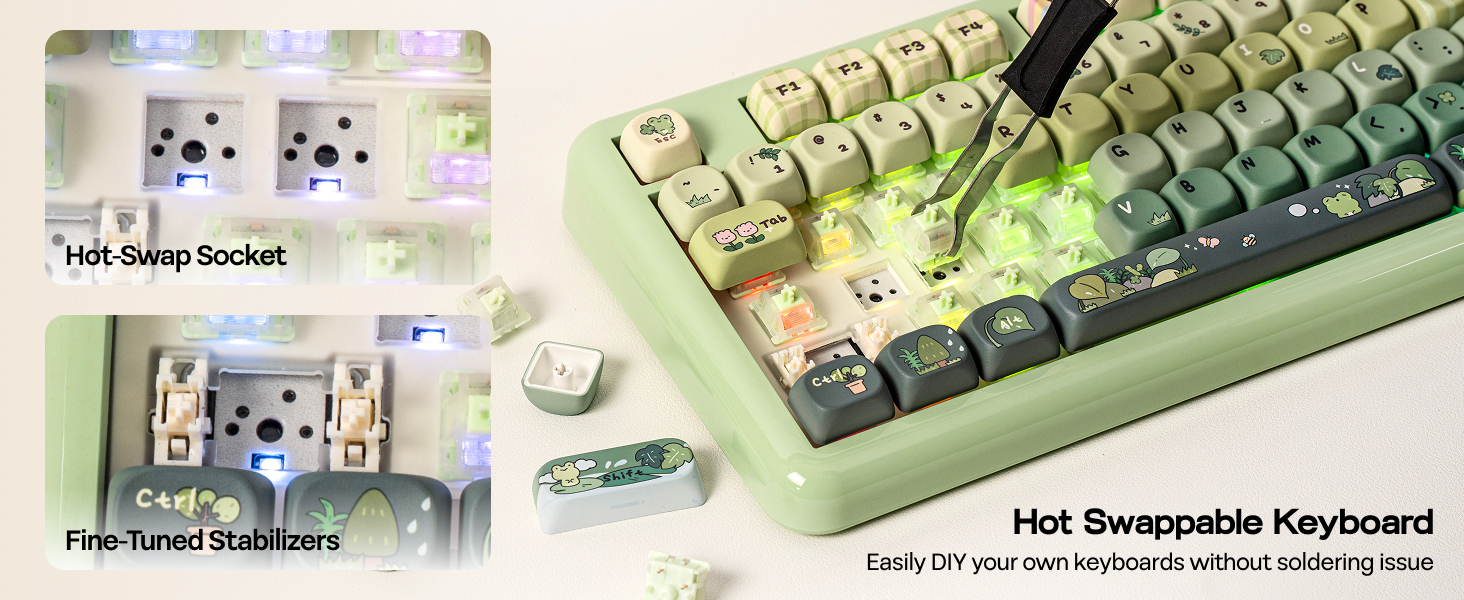
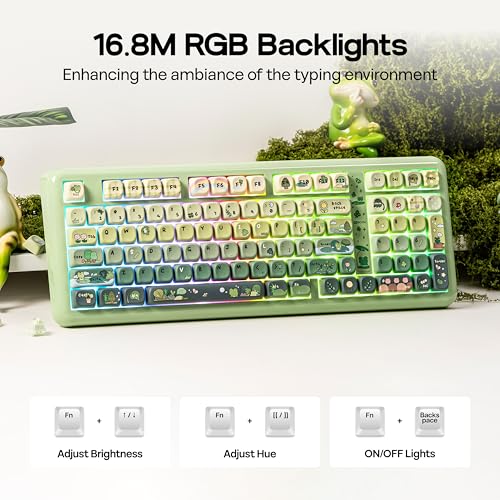
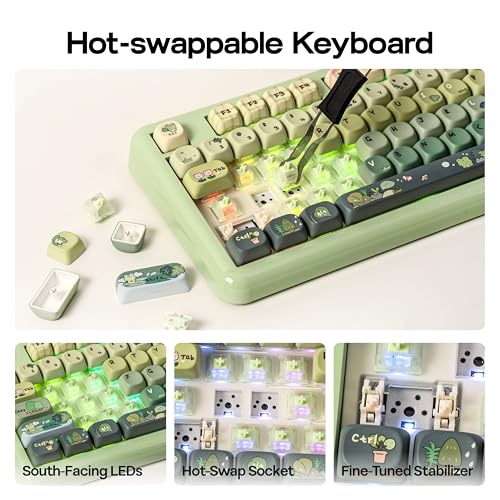
- 【Vibrant RGB Backlight & Hot-Swappable Switch】 Enhance your workspace with a stunning array of 16.8 million RGB colors and customizable lighting modes that sync with music or games. The south-facing RGB backlighting on this keyboard offers dynamic and adjustable illumination, enhancing its aesthetic appeal. Pre-lubed at the factory, the Phantom98 Lite hot swappable keyboard features linear switches that produce a smooth and delightful sound reminiscent of soft marbles. Thanks to this, modifying your keyboard setup is effortless, enabling quick switch changes without the need for soldering.
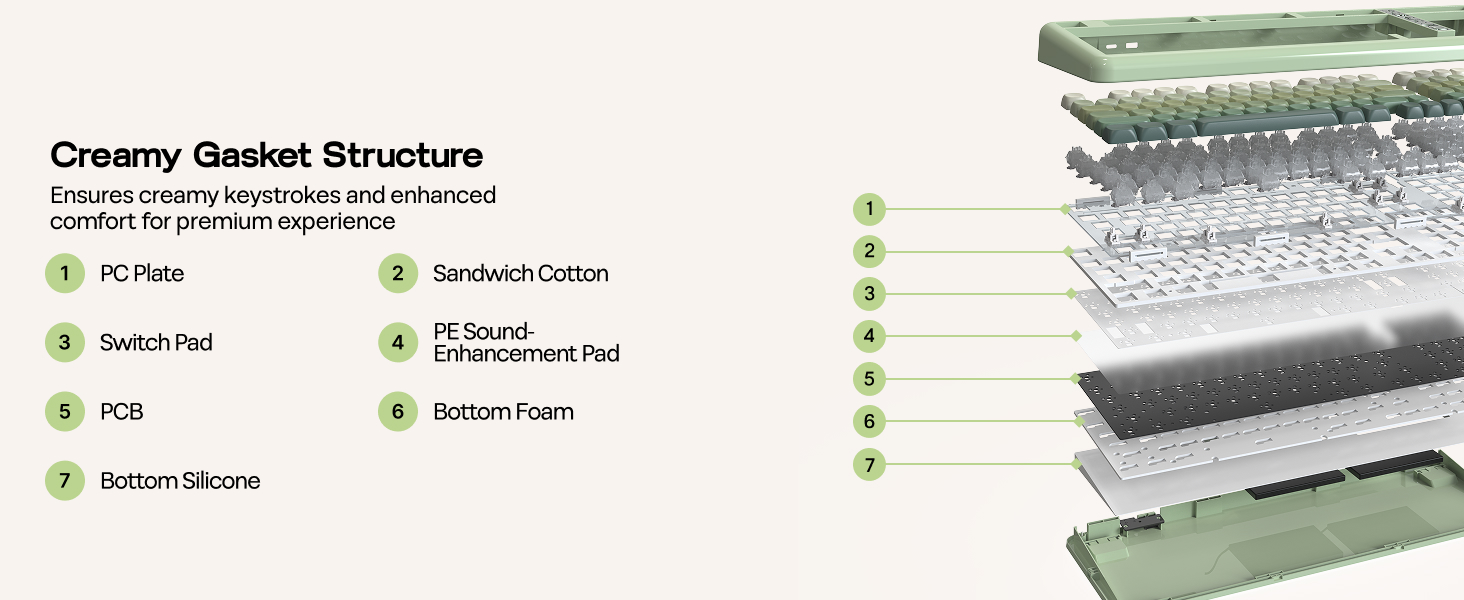
- 【Sound-Enhancing Creamy Gasket】 Featuring a gasket-mounted Structure with various damping materials like latex sandwich foam, ixpe switch pad, PET sound dampening film, bottom Foam, and bottom Silicone, ensures rigidity and flexibility, the Pahntom98 Lite gasket keyboard provides a creamy typing foundation for mechanical switch enthusiasts. The plate-mounted setup helps reduce ping noise, and the pre-lubricated stabilizers eliminate unwanted rattling, yielding a refined sound quality. This versatility appeals to the DIY community, content creators, and ergonomic users looking for customized comfort.
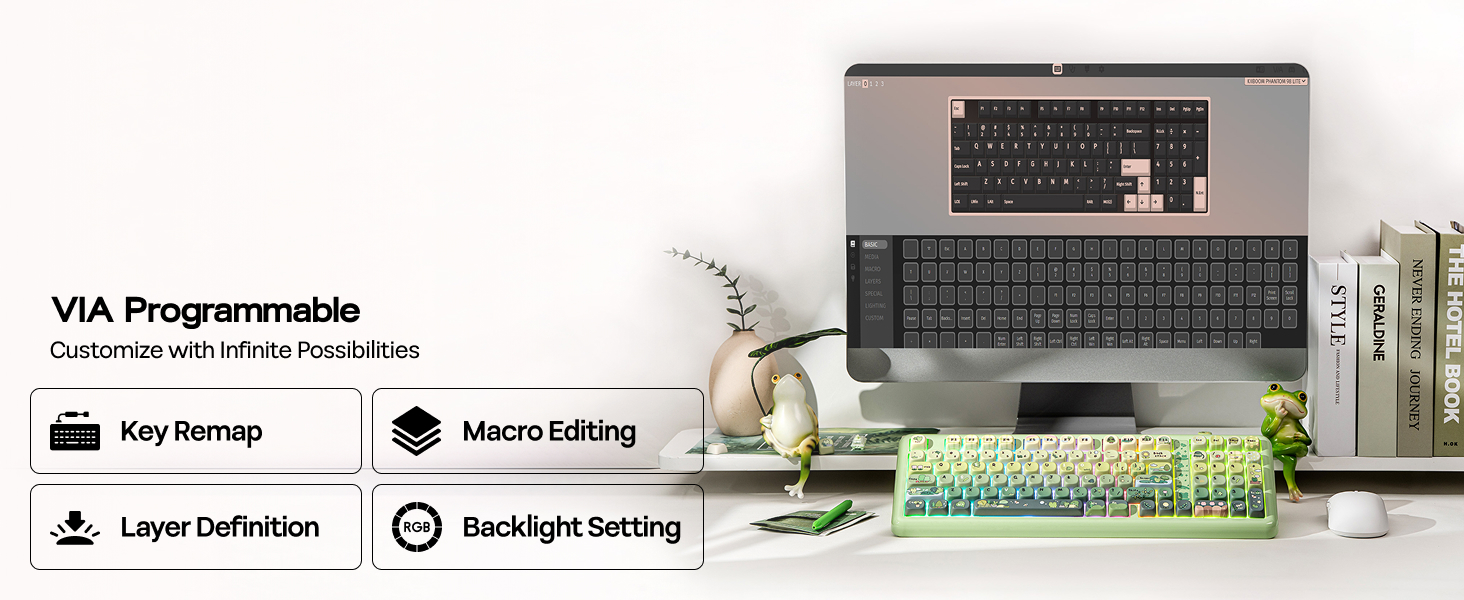
- 【Personalized Performance with VIA】 The Phantom98 Lite custom keyboard offers unparalleled creative freedom through its VIA compatibility, enabling users to customize every key, macro, and RGB lighting effect. Gamers can create intricate combinations for competitive advantage, while programmers can improve their efficiency by assigning shortcuts for coding applications. This KiiBOOM keyboard is designed for tech enthusiasts, DIY aficionados, and productivity-minded individuals who require a device that meets their specific needs.
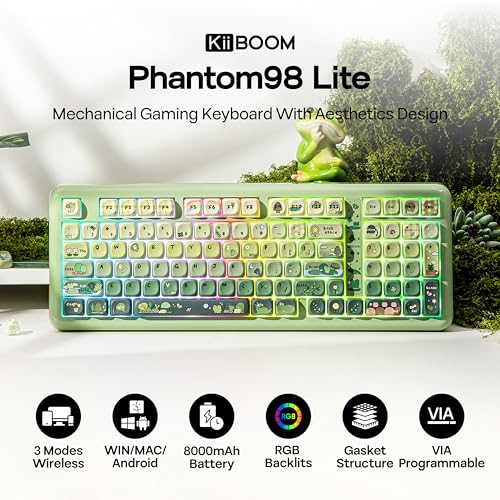
Phantom98 Lite Custom Keyboard with RGB Backlit, Triple Modes Connectivity and VIA Software
1 Backlit Keyboard 2 Hot Swap 3 Wireless & Wired 4 Ergonomic Typing 5 VIA SupportRGB Control / Size & Weight / Receiver Storage / Packing List
Customizable with VIA Driver
Dynamic RGB Lights
- FN+|: Toggle Backlight Effect
- FN+↑↓←→: Backlight Brightness & Speed
- FN+[{ }] ;: '" : Backlight Hue & Saturation
- FN+Backspace: Turn On/Off Backlight
KiiBOOM Phantom98 Lite Keyboard with RGB Backlits
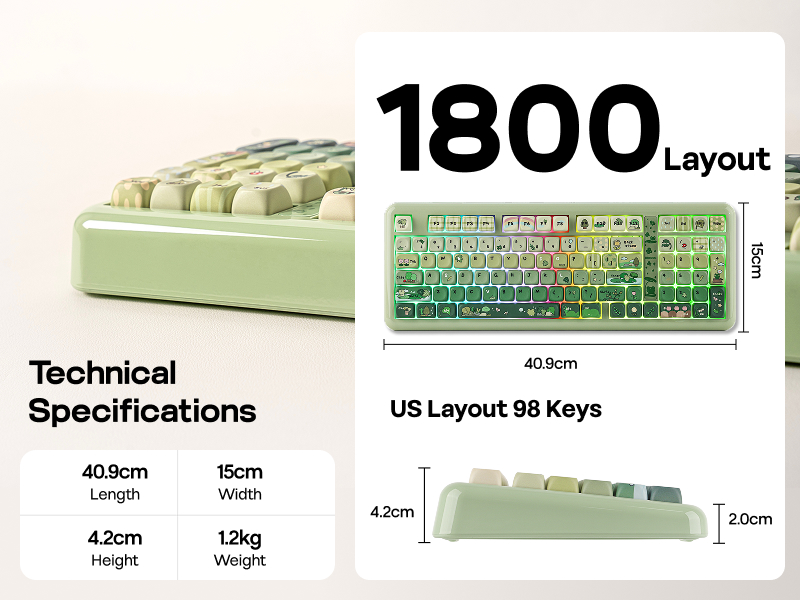
Merchant VideoUS QWERTY Layout, 98 Keys
Compact 96% Keyboard
The Phantom98 Lite keyboard features a dedicated numeric keypad—ideal for crunching spreadsheets, balancing budgets, or inputting in-game codes without tab-switching. Plus, its full row of function keys lets you adjust volume, skip tracks, or launch shortcuts in one tap, boosting workflow efficiency.
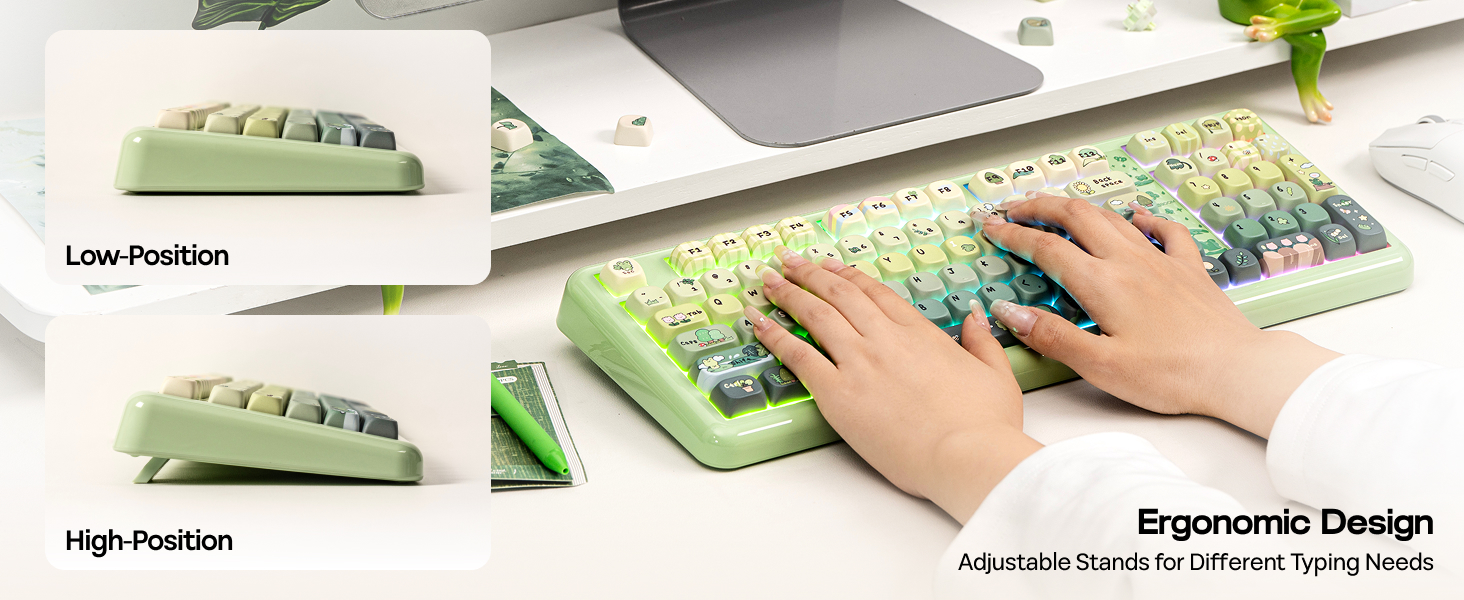
- Typing Angles: 6, 8.2, and 11.3 degrees
Neat, Secure, Convenient
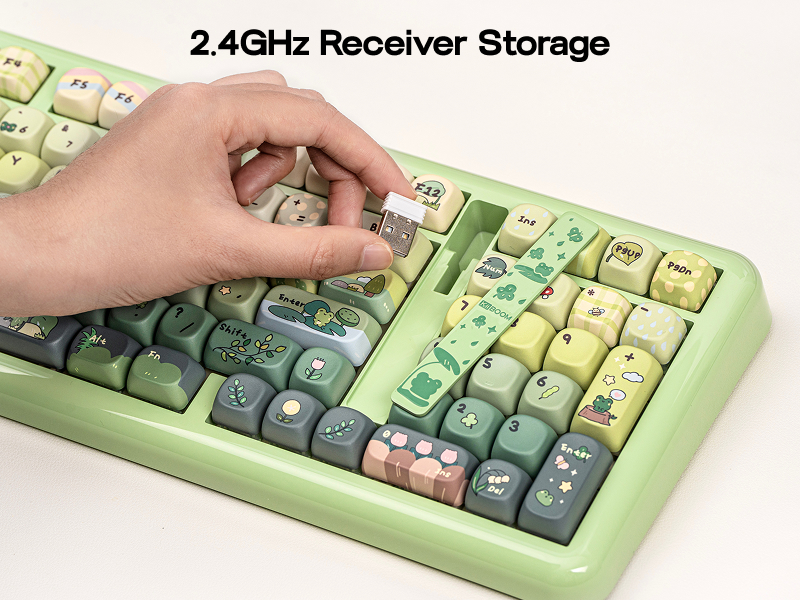
Magnetic 2.4GHz Receiver Storage
The built-in magnetic storage slot securely holds the 2.4G receiver when not in use, effectively preventing loss and keeping your workspace clean and organized. Its magnetic design ensures easy insertion and removal, while making the keyboard more compact and portable for travel and daily use. This thoughtful feature brings better convenience and a tidier experience to your daily typing or gaming.
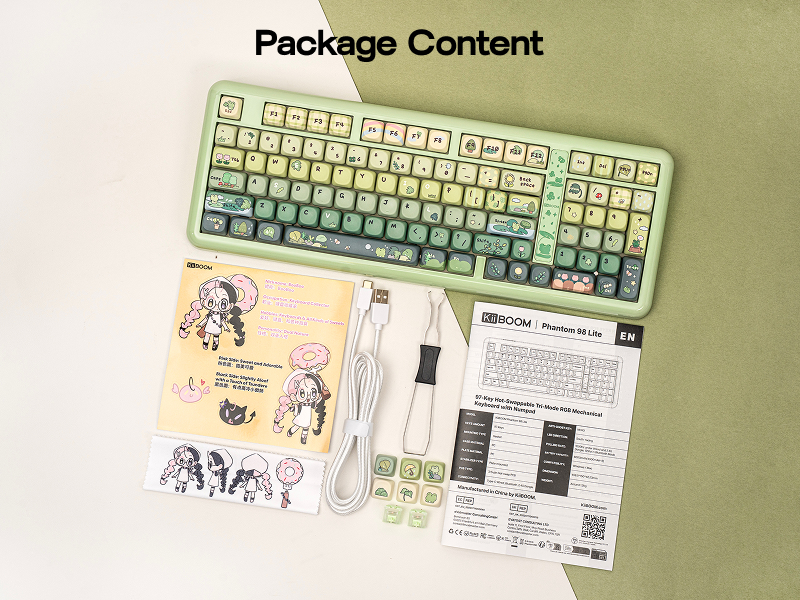
What will I receive?
Package Content
- Phantom98 Lite Keyboard
- Braided USB-C Cable, Switch&Keycaps Puller, User Manual
- Extra Keycaps & Switches
- KiiBOOM IP Stickers, Dust Cover
Where can I download the JSON file of the Phantom98 Lite keyboard to customize? Can I remap the FN key?
You can download it on the KiiBOOM official website. And yes, you can use QMK/VIA to remap the FN key.
Why isn't the VIA software detecting my keyboard?
1. Make sure your keyboard is connected in wired mode.
2. Verify you have downloaded the correct JSON file for the Phantom 98 Lite in the software.
3. Try resetting the keyboard to factory settings.
Why does my keyboard's RGB turn off suddenly?
1. Sleep mode: The keyboard enters sleep mode after two minutes without key presses, turning off the RGB. Press any key to wake it up.
2. Connection problems: Check if the cable is loose or if there are issues with the wireless connection.
Can I use this keyboard with a Mac system?
Yes, the KiiBOOM Phantom 98 Lite keyboard is compatible with both Windows and Mac systems. You can toggle between the two modes by pressing Fn + A (for Windows) or Fn + S (for Mac).
Why are my Alt key and Win key swapped functions?
The keyboard might be in Mac mode. Press Fn + A to switch the keyboard back to Windows mode
KiiBOOM Custom Mechanical Keyboard
| Add to Cart Add to Cart Add to Cart Add to Cart Add to Cart | |||||
| Customer Reviews | 4.5 out of 5 stars162 | 4.7 out of 5 stars152 | 3.9 out of 5 stars19 | 4.0 out of 5 stars33 | 4.8 out of 5 stars48 |
| Price | GBP 158.19GBP158.19 | GBP 80.23GBP80.23 | GBP 151.38GBP151.38 | GBP 151.38GBP151.38 | GBP 121.10GBP121.10 |
| Case Material | Acrylic | Plastic | Acrylic | Resin | Aluminum |
| Keycaps | PC | PBT | PC | PC | PBT |
| Connections | BT/2.4GHz Wireless, USB Wired | BT/2.4GHz Wireless, USB Wired | BT/2.4GHz Wireless, USB Wired | BT/2.4GHz Wireless, USB Wired | BT/2.4GHz Wireless, USB Wired |
| Battery | 8000mAh | 4000mAh | 8000mAh | 3750mAh | 4000mAh |
| Weight | 1.6kg | 0.94kg | 1.5kg | 1.1kg | 1.8kg |
| Driver | KiiBOOM Driver | QMK/VIA | KiiBOOM Driver | QMK/VIA | QMK/VIA |
| RGB Backlights | ✔ | ✔ | ✔ | ✔ | ✔ |
| Hot Swap | ✔ | ✔ | ✔ | ✔ | ✔ |

| SKU: | B0GCDXX2GN |
| Weight: | 1.9 Kilograms |
| Brand: | KiiBoom |
| Colour: | Green |
| Manufacture: | Kiiboom |
| Colour: | Green |
Product description
Phantom98 Lite Custom Keyboard with RGB Backlit, Triple Modes Connectivity and VIA Software
RGB Control / Size & Weight / Receiver Storage / Packing List
Customizable with VIA Driver
Dynamic RGB Lights
- FN+|: Toggle Backlight Effect
- FN+↑↓←→: Backlight Brightness & Speed
- FN+[{ }] ;: '” : Backlight Hue & Saturation
- FN+Backspace: Turn On/Off Backlight
KiiBOOM Phantom98 Lite Keyboard with RGB Backlits
Merchant VideoUS QWERTY Layout, 98 Keys
Compact 96% Keyboard
The Phantom98 Lite keyboard features a dedicated numeric keypad—ideal for crunching spreadsheets, balancing budgets, or inputting in-game codes without tab-switching. Plus, its full row of function keys lets you adjust volume, skip tracks, or launch shortcuts in one tap, boosting workflow efficiency.
- Typing Angles: 6, 8.2, and 11.3 degrees

Neat, Secure, Convenient
Magnetic 2.4GHz Receiver Storage
The built-in magnetic storage slot securely holds the 2.4G receiver when not in use, effectively preventing loss and keeping your workspace clean and organized. Its magnetic design ensures easy insertion and removal, while making the keyboard more compact and portable for travel and daily use. This thoughtful feature brings better convenience and a tidier experience to your daily typing or gaming.
What will I receive?
Package Content
- Phantom98 Lite Keyboard
- Braided USB-C Cable, Switch&Keycaps Puller, User Manual
- Extra Keycaps & Switches
- KiiBOOM IP Stickers, Dust Cover
Where can I download the JSON file of the Phantom98 Lite keyboard to customize? Can I remap the FN key?
You can download it on the KiiBOOM official website. And yes, you can use QMK/VIA to remap the FN key.
Why isn't the VIA software detecting my keyboard?
1. Make sure your keyboard is connected in wired mode.
2. Verify you have downloaded the correct JSON file for the Phantom 98 Lite in the software.
3. Try resetting the keyboard to factory settings.
Why does my keyboard's RGB turn off suddenly?
1. Sleep mode: The keyboard enters sleep mode after two minutes without key presses, turning off the RGB. Press any key to wake it up.
2. Connection problems: Check if the cable is loose or if there are issues with the wireless connection.
Can I use this keyboard with a Mac system?
Yes, the KiiBOOM Phantom 98 Lite keyboard is compatible with both Windows and Mac systems. You can toggle between the two modes by pressing Fn + A (for Windows) or Fn + S (for Mac).
Why are my Alt key and Win key swapped functions?
The keyboard might be in Mac mode. Press Fn + A to switch the keyboard back to Windows mode
KiiBOOM Custom Mechanical Keyboard
 Phantom 98 |  Phantom81 Lite | 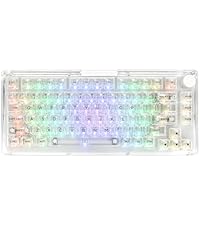 Phantom 81 V3 | 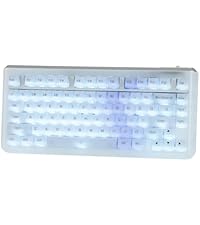 Jade75 | 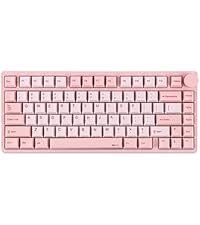 Moonshadow V2 | |
|---|---|---|---|---|---|
| Customer Reviews | 4.5 out of 5 stars162 | 4.7 out of 5 stars152 | 3.9 out of 5 stars19 | 4.0 out of 5 stars33 | 4.8 out of 5 stars48 |
| Price | GBP 158.19 | GBP 80.23 | GBP 151.38 | GBP 151.38 | GBP 121.10 |
| Case Material | Acrylic | Plastic | Acrylic | Resin | Aluminum |
| Keycaps | PC | PBT | PC | PC | PBT |
| Connections | BT/2.4GHz Wireless, USB Wired | BT/2.4GHz Wireless, USB Wired | BT/2.4GHz Wireless, USB Wired | BT/2.4GHz Wireless, USB Wired | BT/2.4GHz Wireless, USB Wired |
| Battery | 8000mAh | 4000mAh | 8000mAh | 3750mAh | 4000mAh |
| Weight | 1.6kg | 0.94kg | 1.5kg | 1.1kg | 1.8kg |
| Driver | KiiBOOM Driver | QMK/VIA | KiiBOOM Driver | QMK/VIA | QMK/VIA |
| RGB Backlights | ✔ | ✔ | ✔ | ✔ | ✔ |
| Hot Swap | ✔ | ✔ | ✔ | ✔ | ✔ |
Great design. Thocky!
This board just feels nice, and KiiBoom did an amazing job on it.
Very nice presentation, you’ve got a cute cleaning cloth in here which is a very nice touch.
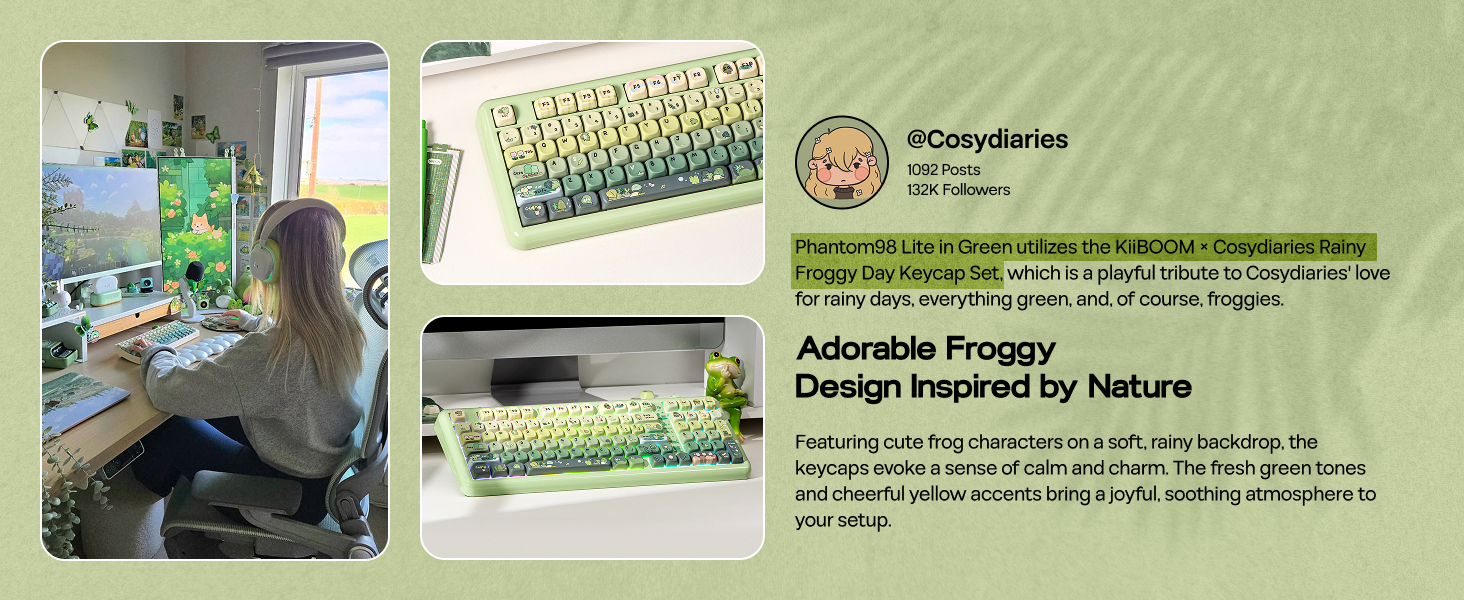
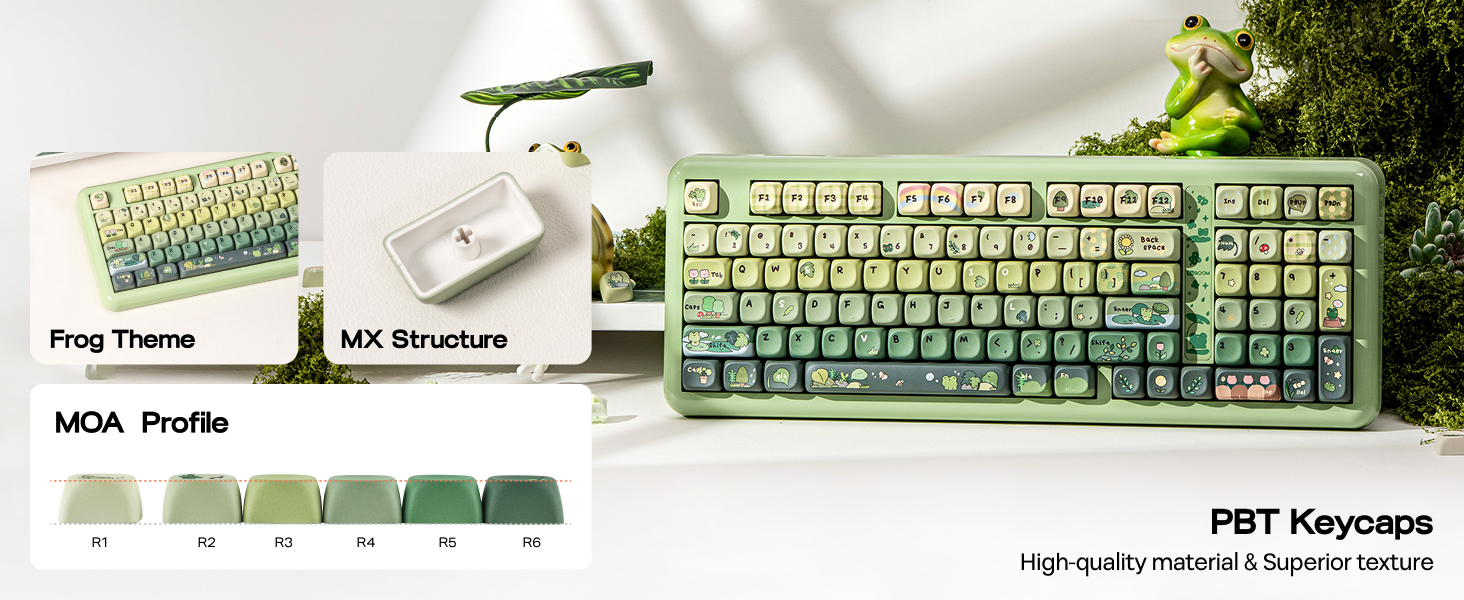
The board feels good, looks good, and has a lot of neat looking caps and design touches on it. It’s just honestly really well thought out. You’ve got some good thick MOA keycaps and a mochi linear switch (on the version I have, there is another version that is more silent), and it’s very thocky in it’s sound profile. There are also some novelty caps, which I’m always a huge fan of.
The keys feel good to type on, I’m generally a fan of heavier presses, and I’d say this is kind of midrange there. Not too light not too heavy. The rgb is pretty bright, and has a bunch of options, though I have not been able to figure out how to install the via software on linux just quite yet.
It’s got plastic and there is a little compartment to store the usb receiver and the legends on the keycaps all look god and crisp, no real issues with alignment here.
It’s a great value if you’re looking for a cute, unique and solid board. If you’re just getting into boards or really want a solid thocky MOA board to add to your collection, it is this.