JSAUX 65W Switch Dock with 4K@60Hz HDMI, 65W PD Fast
JSAUX 65W Switch Dock with 4K@60Hz HDMI, 65W PD Fast Charging, USB A Port, USB C TV Docking Station Compatible with Switch/Steam Deck/ROG Ally/Samsung/iPad/MacBook and More – OmniCentro Charger Dock
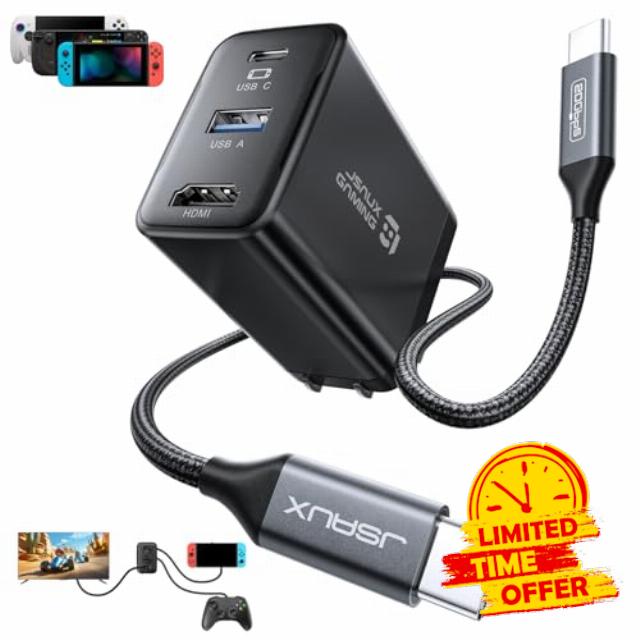
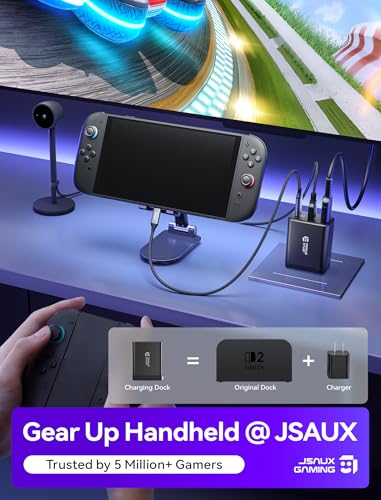
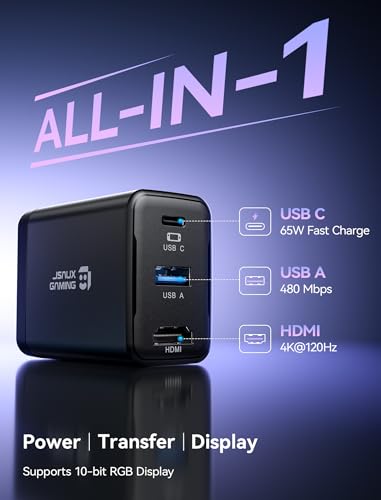
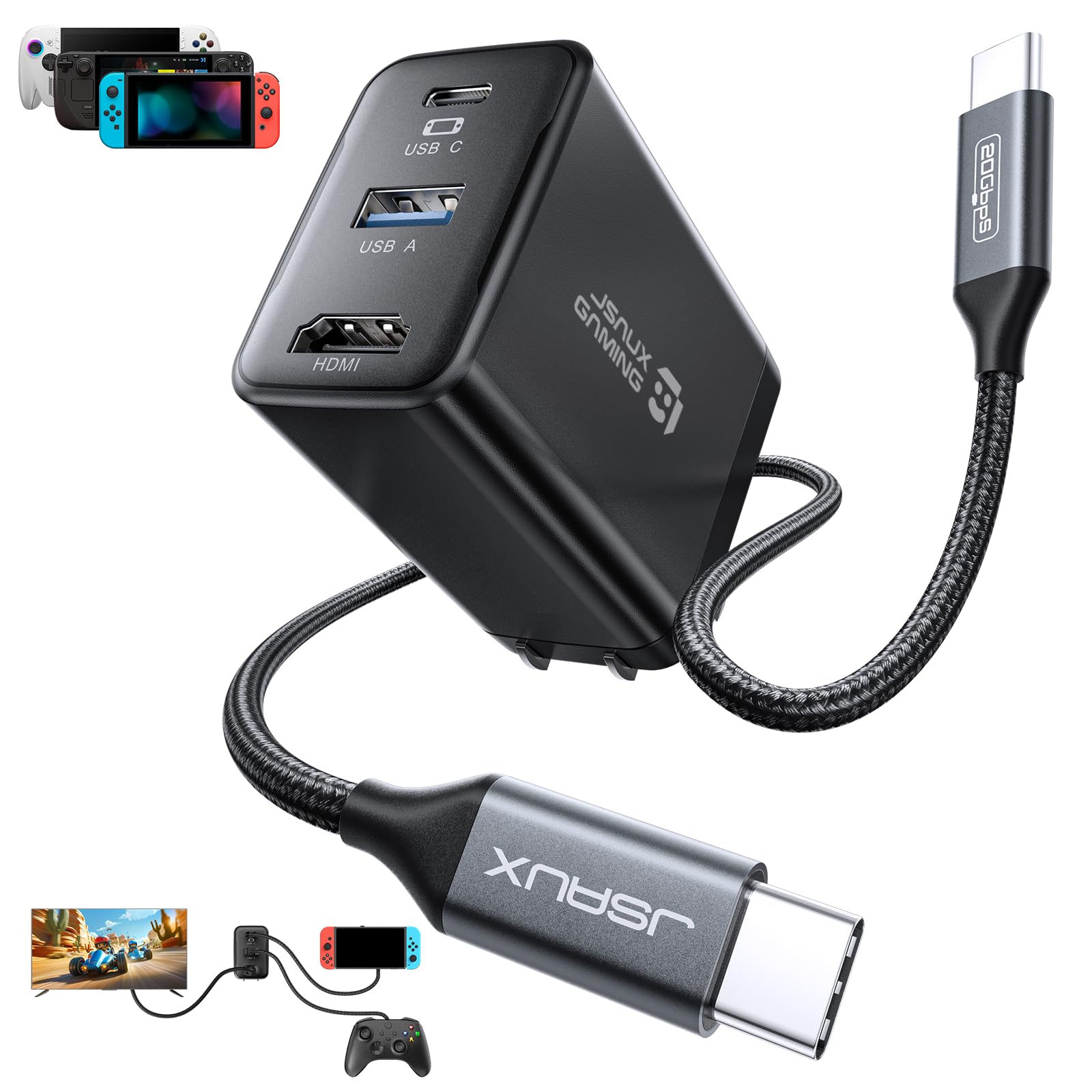
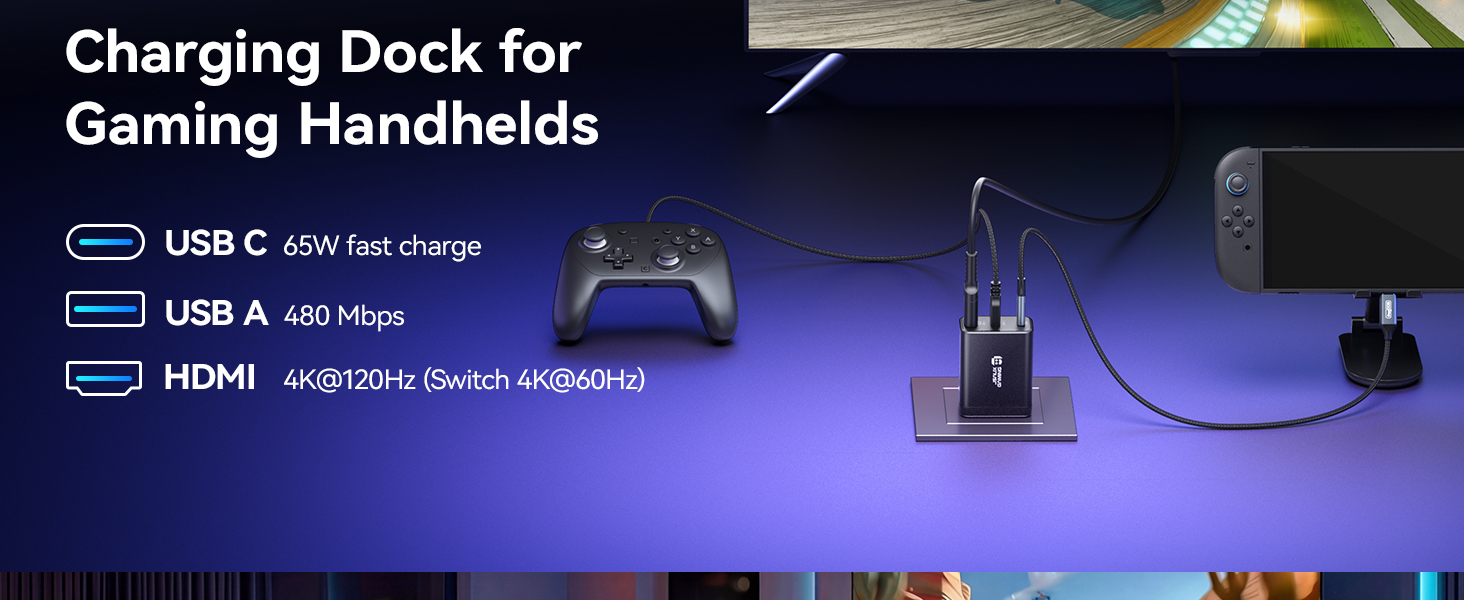
【4 in 1 TV Dock for Switch】One compact charging dock brings 4K@120Hz HDMI video output, USB A 2.0 data transfer, and 65W PD fast charging together in one device. Plug in your Switch or other gaming handhelds to enjoy big screen play and connect accessories without extra adapters or a bulky original dock
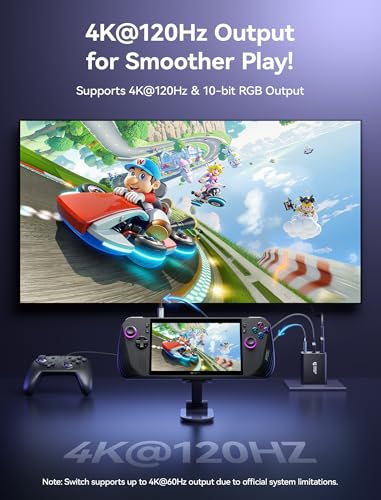
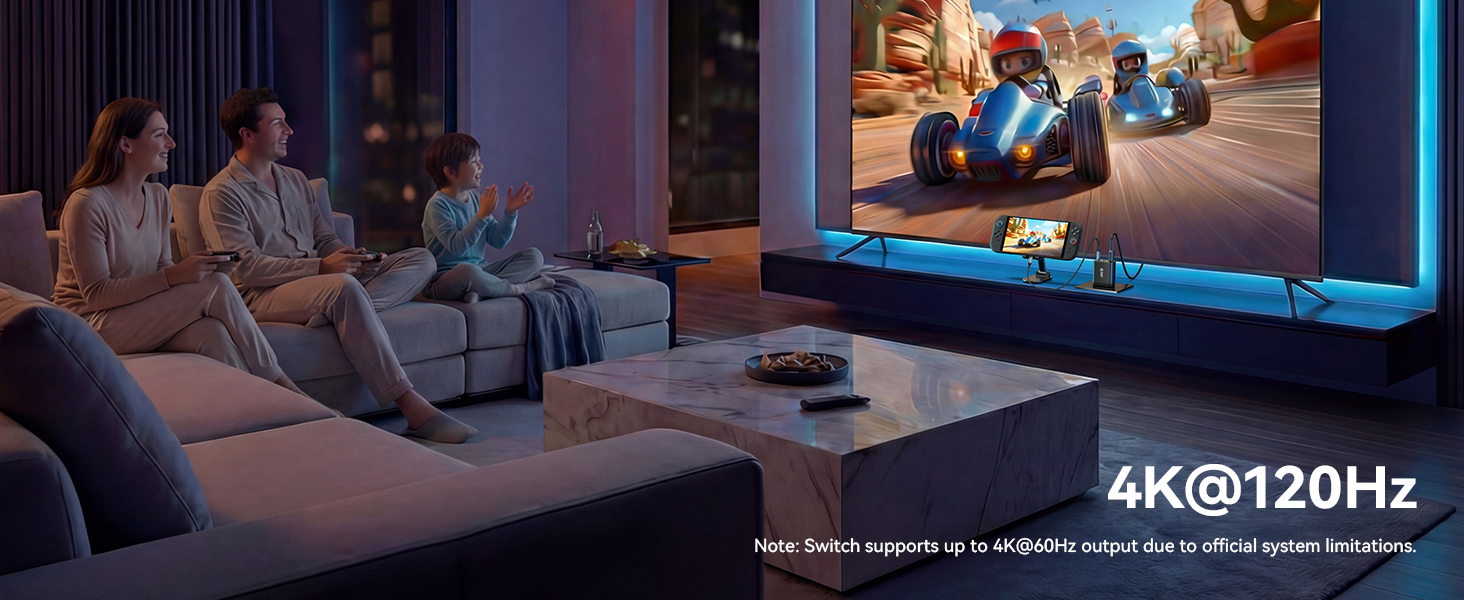
【4K@120Hz HDMI】Bring your games to the big screen with 4K@120Hz output and crisp, smooth visuals on your TV. For Switch, cast to your TV in seconds and jump into TV mode anytime. Note: For Switch, video output is limited to 4K@60Hz due to official system limitations
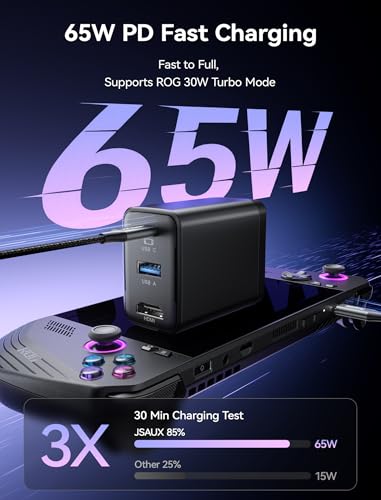
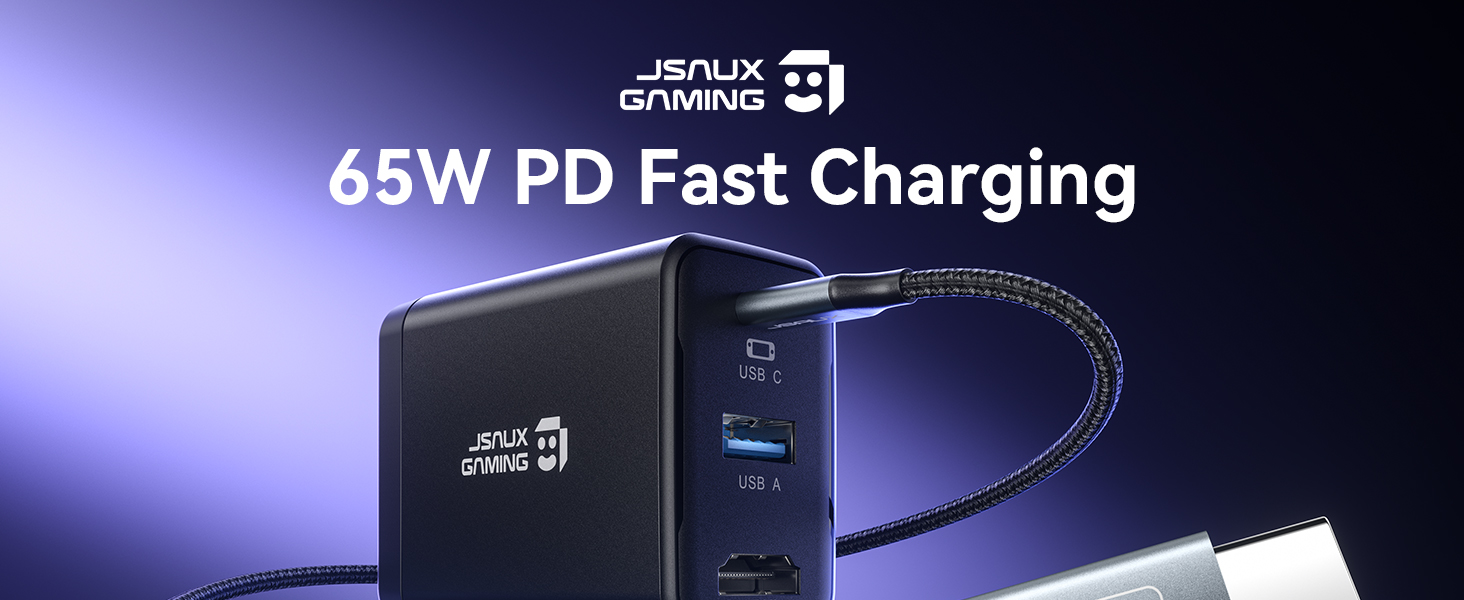
【65W PD Fast Charging While You Play】With up to 65W USB C PD output, this dock keeps your Switch charging fast in TV mode while you play. It can also charge phones, tablets, Steam Deck, ROG Ally, and USB C laptops, so one compact charger covers work, gaming, and travel
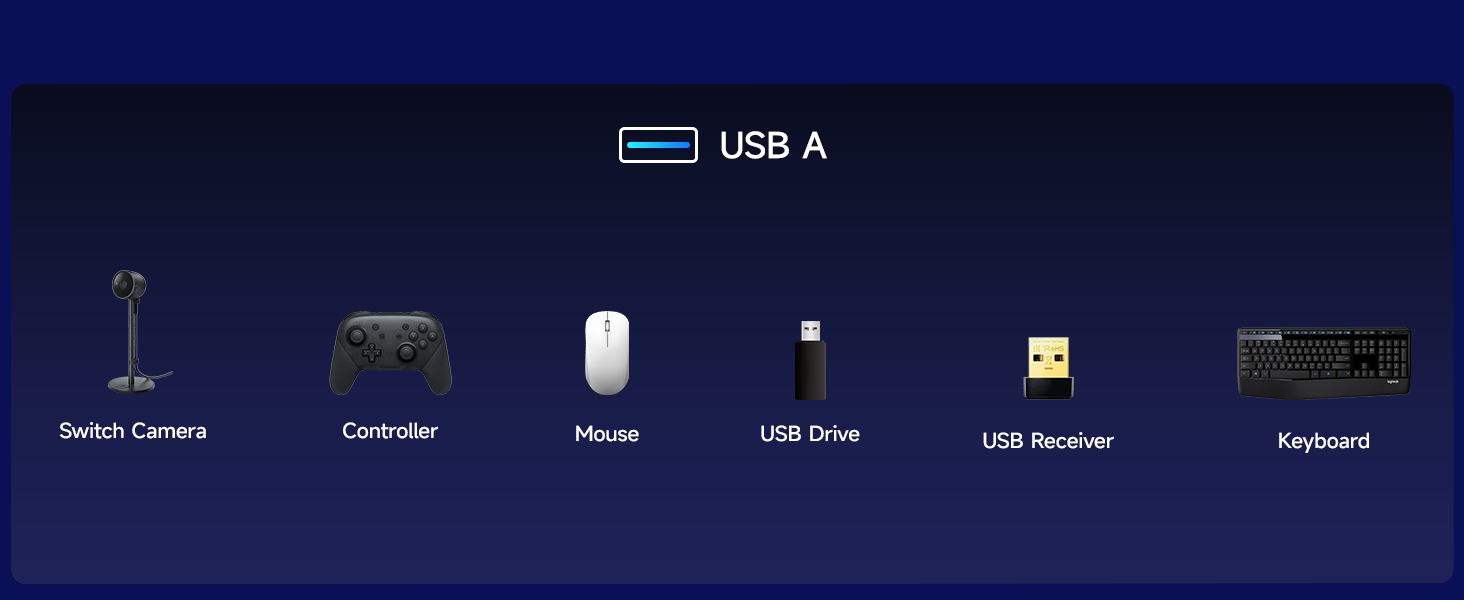
【USB A 2.0 Port】The USB A 2.0 port supports up to 480 Mbps data transfer and 5V 0.6A output, ideal for keyboards, USB wireless receivers or drives, so your Switch can easily manage game data and connect compatible accessories. Note: The Switch doesn’t support third party controllers. We recommend using the Switch Pro Controller, or wireless Bluetooth controllers
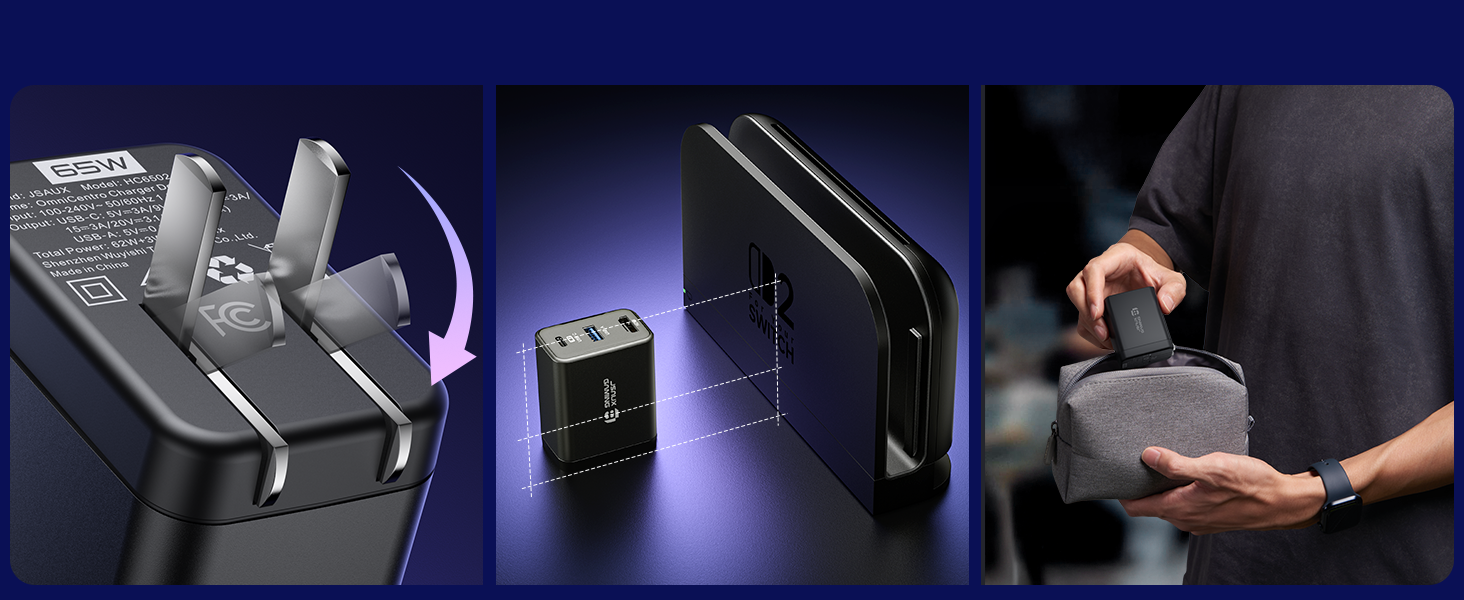
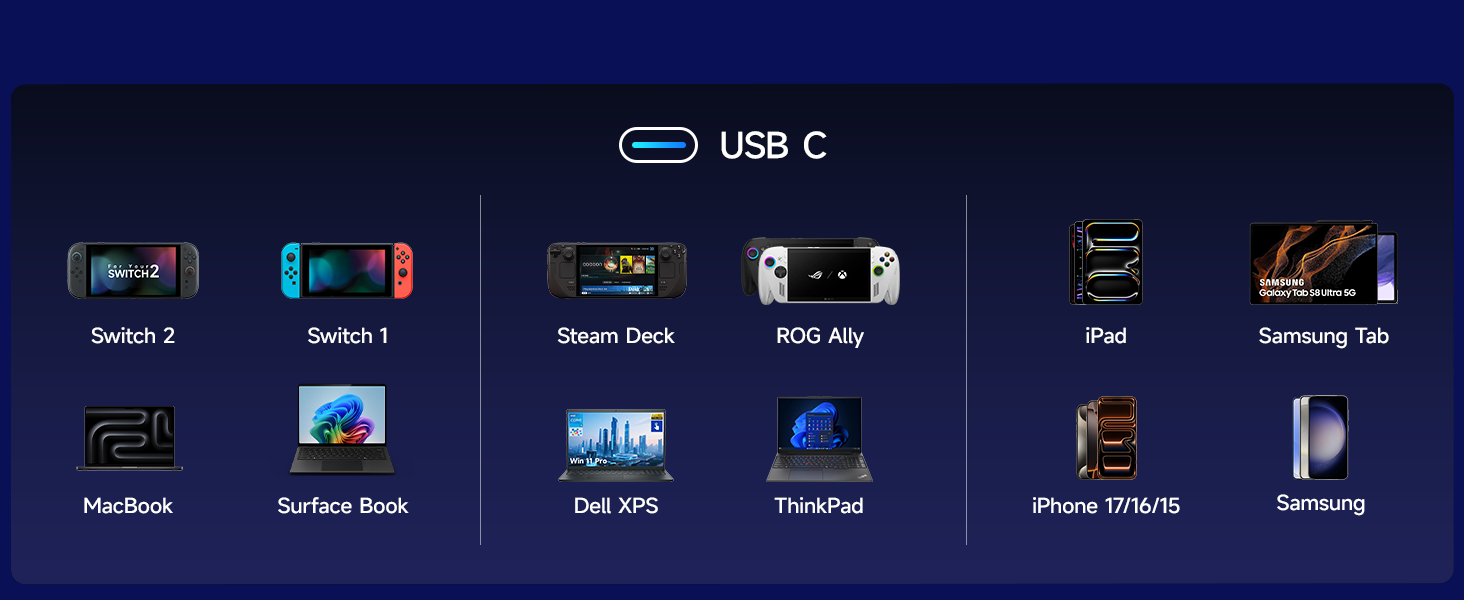
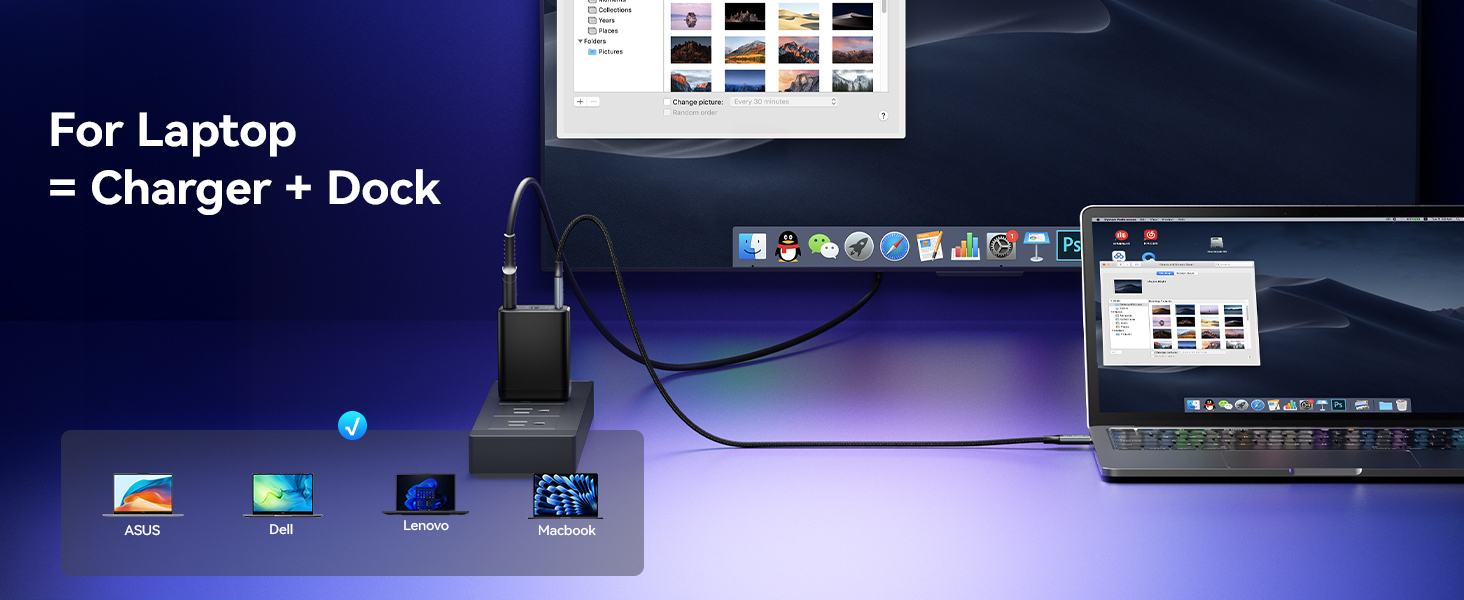
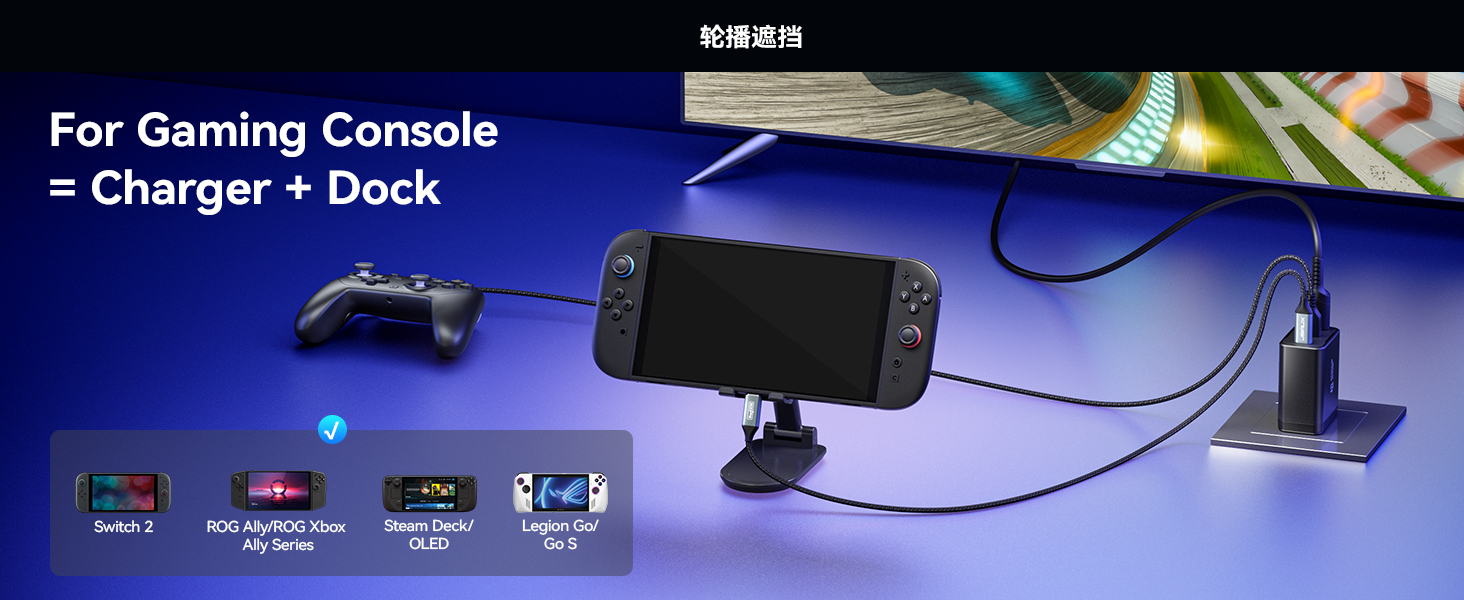
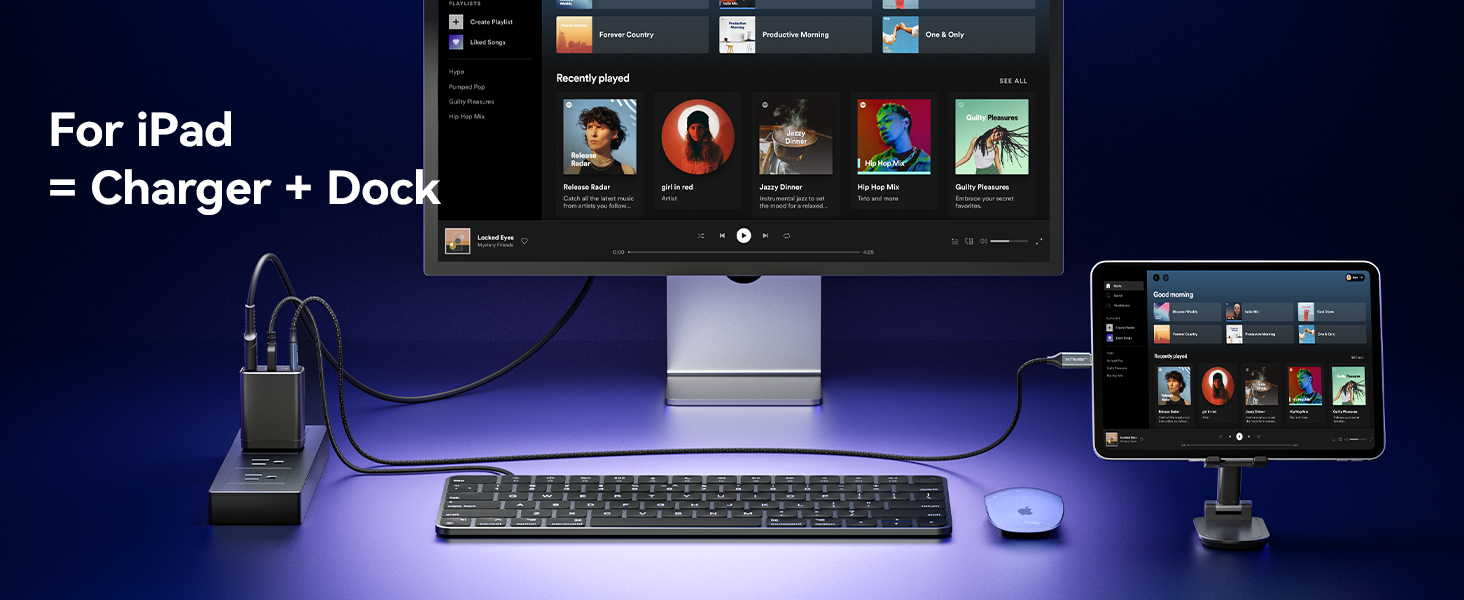
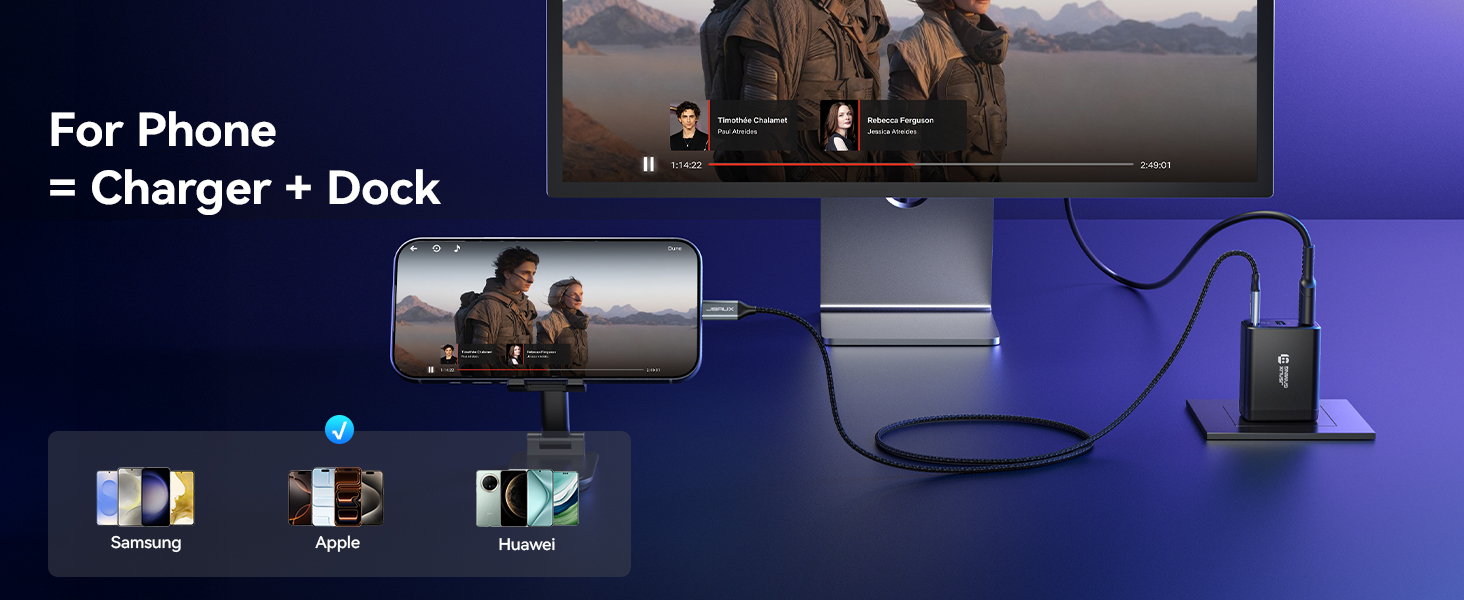
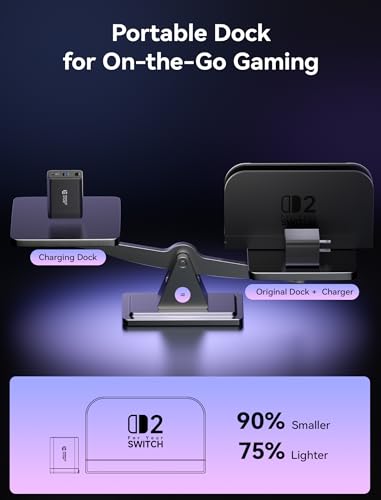
【Wide Compatibility Portable Dock】Smaller and lighter than the original Switch dock, this 65W charger slips easily into any Switch bag and works with Switch / Steam Deck / ROG Ally / Samsung DeX / iPad / MacBook and more, so you can travel light and still enjoy TV mode gaming anywhere
Note: To ensure 30W Turbo/Enhanced Mode, please connect the HC6502 to your handheld first, then plug in the USB drive, HDMI display, and other peripherals. Turbo Mode support: ROG Ally up to 25W, ROG Ally X up to 30W, ROG Xbox Ally up to 20W, ROG Xbox Ally X up to 30W
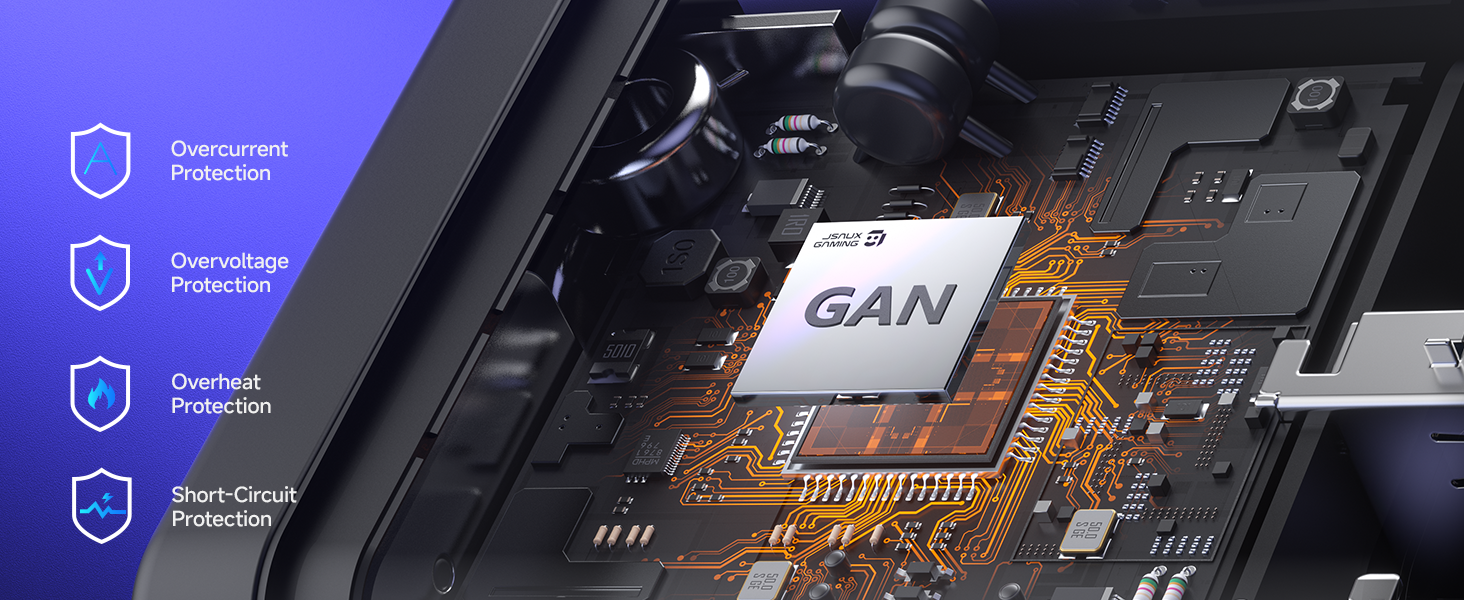
1 Multi Protection 2 Foldable & Compact 3 USB C | 65W Fast Charge 4 HDMI | 4K@120Hz 5 USB A | 480 Mbps 1 Laptop 2 Gaming Console 3 iPad 4 Phone
Compatibility
For Switch / ROG Ally X / ROG Ally / ROG Xbox Ally X / ROG Xbox Ally / Steam Deck OLED / Steam Deck LCD / Legion Go / Legion Go S / Legion Go 2
USB C Port
Supports PD fast charging up to 65W and functional expansion for all USB C devices
HDMI Output
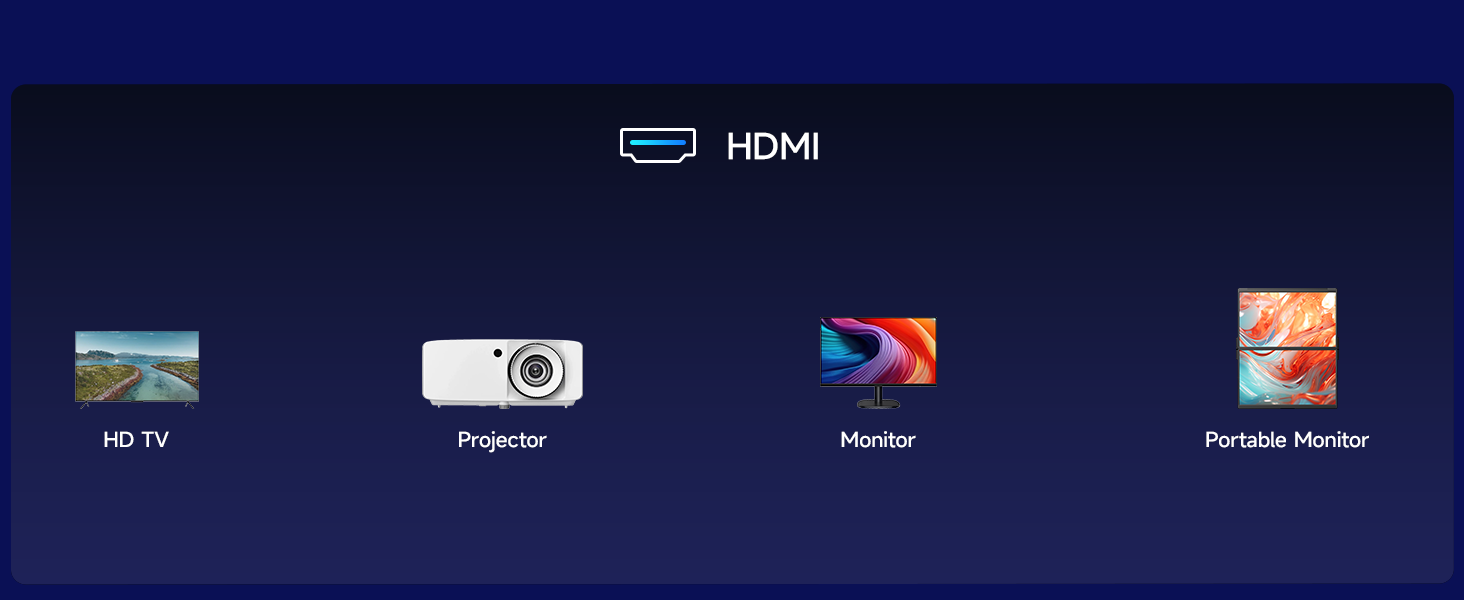
Supports up to 4K@120Hz output with 18Gbps bandwidth via HDMI 2.0. Backward compatible with HDMI 2.0b / 1.4 / 1.3 / 1.2 / 1.1 (Switch supports up to 4K@60Hz output due to official system limitations)
USB A Output
Supports data transfer up to 480Mbps and power output 5V/1A
Power Output (USB C)
Supports PD fast charging up to 65W for compatible devices
Power Output (USB A)
Provides up to 3W power output for peripherals
Power Output (Simultaneous)
USB C up to 62W and USB A up to 3W, total up to 65W
Video Output
4K@120Hz / 4K@60Hz / 2K@120Hz
Turbo Mode Support
ROG Ally up to 25W Turbo Mode, ROG Ally X up to 30W Turbo Mode, ROG Xbox Ally up to 20W Turbo Mode, ROG Xbox Ally X up to 30W Turbo Mode
Note
Charging is limited to 30W – the same as the official dock. ( For Switch 2 TV mode requires a 65W charger to enable HDMI display – OmniCentro Charger Dock delivers 65W PD )
Note
For Switch 2 the video output is limited to 4K@60Hz due to the official system limitations
Note
Please use a USB C to USB C PD charging cable. ( USB A to USB C cables may not provide sufficient power, which can prevent the device from charging or disable video output )
Note
We recommend using a Bluetooth wireless controller for a stable connection. ( For Switch third party wired controllers are not supported )
Note
To enable Turbo Mode on ROG Ally, connect the dock to the handheld first, then plug in HDMI and USB peripherals. ( If peripherals are connected first, they may draw power and prevent the handheld from entering Turbo Mode )
Note
For the best performance, we recommend using the included USB C to USB C cable. If a longer cable is needed, please use a full featured USB C to USB C cable that supports USB4 and video output.
For Switch / ROG Ally X / ROG Ally / ROG Xbox Ally X / ROG Xbox Ally / Steam Deck OLED / Steam Deck LCD / Legion Go / Legion Go S / Legion Go 2
USB C Port
Supports PD fast charging up to 65W and functional expansion for all USB C devices
HDMI Output
Supports up to 4K@120Hz output with 18Gbps bandwidth via HDMI 2.0. Backward compatible with HDMI 2.0b / 1.4 / 1.3 / 1.2 / 1.1 (Switch supports up to 4K@60Hz output due to official system limitations)
USB A Output
Supports data transfer up to 480Mbps and power output 5V/1A
Power Output (USB C)
Supports PD fast charging up to 65W for compatible devices
Power Output (USB A)
Provides up to 3W power output for peripherals
Power Output (Simultaneous)
USB C up to 62W and USB A up to 3W, total up to 65W
Video Output
4K@120Hz / 4K@60Hz / 2K@120Hz
Turbo Mode Support
ROG Ally up to 25W Turbo Mode, ROG Ally X up to 30W Turbo Mode, ROG Xbox Ally up to 20W Turbo Mode, ROG Xbox Ally X up to 30W Turbo Mode
Note
Charging is limited to 30W – the same as the official dock. ( For Switch 2 TV mode requires a 65W charger to enable HDMI display – OmniCentro Charger Dock delivers 65W PD )
Note
For Switch 2 the video output is limited to 4K@60Hz due to the official system limitations
Note
Please use a USB C to USB C PD charging cable. ( USB A to USB C cables may not provide sufficient power, which can prevent the device from charging or disable video output )
Note
We recommend using a Bluetooth wireless controller for a stable connection. ( For Switch third party wired controllers are not supported )
Note
To enable Turbo Mode on ROG Ally, connect the dock to the handheld first, then plug in HDMI and USB peripherals. ( If peripherals are connected first, they may draw power and prevent the handheld from entering Turbo Mode )
Note
For the best performance, we recommend using the included USB C to USB C cable. If a longer cable is needed, please use a full featured USB C to USB C cable that supports USB4 and video output.
Works with EVERYTHING?? So far this thing has worked with my Switch 2, my Ally X, and even my MacBook, which honestly surprised me. I probably would not rely on it for the MacBook long term since 65W is a bit on the lower side, but for something like a MacBook Air it could totally work as a compact travel dock.
For my setup, this has been great as a hidden desk solution. One cable and I can plug in my Ally X or Switch and be up and running instantly with no issues.
The only thing in the back of my mind is future compatibility, especially with Nintendo, but they do mention firmware updates which at least gives me some confidence. So far though, it has just worked, and that is exactly what I wanted.
Great dock, but... Does exactly as advertised and works great with my Xbox ally x. The only problem I have is how hot the plug gets. I unplugged it and took the USB dongle I had in it out and the dongle was almost hot enough to burn my hand. I placed the plug in my carrying case and after a few minutes I could feel the heat through my case. Just makes me question the longevity and even safety a little.
Actual (working) Switch 2 replacement dock Works as advertised. After browsing for a week when the Switch 2 released, I gave up trying to find a suitable travel dock. Fast forward 6-8 months and I decide to re-investigate only to discover this item. Compact and works is all I can ask for. Have used with my capture card, monitor, TV. Handshakes all work. Very pleased.
Works to send cell phone video to an external monitor. This item is a docking device for a Switch 2 or other gaming console. When a device is plugged into it, the HDMI port sends video out to your video device, the usb A port can handle data transfer to another usb device, while the usb C power delivery will charge/power the Switch or other attached device. The listing indicates the video output is capable of 4K at 120 hertz. However the Switch 2 is limited to 4K based on its system limitations.
I do not own a Switch 2, but I thought this dock could be useful for my Galaxy cell phone. I attached the provided usb C cable which was plugged into the dock and then to the phone, the HDMI video output port to a 15 inch external monitor using the monitor’s HDMI cable, and the usb A port via my own cable to the usc C input of the monitor. The phone was set to automatically use Samsung Dex which immediately displayed on the monitor. I then disabled that feature to allow the dock to send what the phone was displaying to the monitor. It worked. I now had a 15 inch display of the cell phone’s screen which would allow me to watch videos, display images, and more in a big screen format compared to the phone’s display. I could not provide an image of a video running on the screen since I needed the phone’s camera to do that. Selecting that camera jumped out of the video. So the image I included is one of a camera shot of the 15 inch monitor which of course was a direct display of what the phone camera was seeing. It worked. I also tested the power delivery port’s ability to charge the cell phone when all but the PD port were disconnected from the phone or display. The phone indicated it was charging in fast mode. Good, but that is slow compared to what any other charger that was rated above 30 watts could do. I also used a known good usb C to C cable that sends the phone, a Galaxy S21+, into superfast mode. I also used a 30 and a 65 watt charger that I own, and they render superfast charging on that phone. So there is an issue with the PD port not triggering the superfast mode that a typical GAN 65 watt charger does. If using the device for a Switch 2, I suspect the issue of no superfast charging will not be an issue to you. But my use is for cell phone video plus the option of charging when the phone is not in use for video.

Works with EVERYTHING??
So far this thing has worked with my Switch 2, my Ally X, and even my MacBook, which honestly surprised me. I probably would not rely on it for the MacBook long term since 65W is a bit on the lower side, but for something like a MacBook Air it could totally work as a compact travel dock.
For my setup, this has been great as a hidden desk solution. One cable and I can plug in my Ally X or Switch and be up and running instantly with no issues.
The only thing in the back of my mind is future compatibility, especially with Nintendo, but they do mention firmware updates which at least gives me some confidence. So far though, it has just worked, and that is exactly what I wanted.
Great dock, but...
Does exactly as advertised and works great with my Xbox ally x. The only problem I have is how hot the plug gets. I unplugged it and took the USB dongle I had in it out and the dongle was almost hot enough to burn my hand. I placed the plug in my carrying case and after a few minutes I could feel the heat through my case. Just makes me question the longevity and even safety a little.
Actual (working) Switch 2 replacement dock
Works as advertised. After browsing for a week when the Switch 2 released, I gave up trying to find a suitable travel dock. Fast forward 6-8 months and I decide to re-investigate only to discover this item. Compact and works is all I can ask for. Have used with my capture card, monitor, TV. Handshakes all work. Very pleased.
Works to send cell phone video to an external monitor.
This item is a docking device for a Switch 2 or other gaming console. When a device is plugged into it, the HDMI port sends video out to your video device, the usb A port can handle data transfer to another usb device, while the usb C power delivery will charge/power the Switch or other attached device. The listing indicates the video output is capable of 4K at 120 hertz. However the Switch 2 is limited to 4K based on its system limitations.
I do not own a Switch 2, but I thought this dock could be useful for my Galaxy cell phone. I attached the provided usb C cable which was plugged into the dock and then to the phone, the HDMI video output port to a 15 inch external monitor using the monitor’s HDMI cable, and the usb A port via my own cable to the usc C input of the monitor. The phone was set to automatically use Samsung Dex which immediately displayed on the monitor. I then disabled that feature to allow the dock to send what the phone was displaying to the monitor. It worked. I now had a 15 inch display of the cell phone’s screen which would allow me to watch videos, display images, and more in a big screen format compared to the phone’s display. I could not provide an image of a video running on the screen since I needed the phone’s camera to do that. Selecting that camera jumped out of the video. So the image I included is one of a camera shot of the 15 inch monitor which of course was a direct display of what the phone camera was seeing. It worked. I also tested the power delivery port’s ability to charge the cell phone when all but the PD port were disconnected from the phone or display. The phone indicated it was charging in fast mode. Good, but that is slow compared to what any other charger that was rated above 30 watts could do. I also used a known good usb C to C cable that sends the phone, a Galaxy S21+, into superfast mode. I also used a 30 and a 65 watt charger that I own, and they render superfast charging on that phone. So there is an issue with the PD port not triggering the superfast mode that a typical GAN 65 watt charger does. If using the device for a Switch 2, I suspect the issue of no superfast charging will not be an issue to you. But my use is for cell phone video plus the option of charging when the phone is not in use for video.