JoyReal Laptop Screen Extender, 14″ FHD 1080P IPS Portable
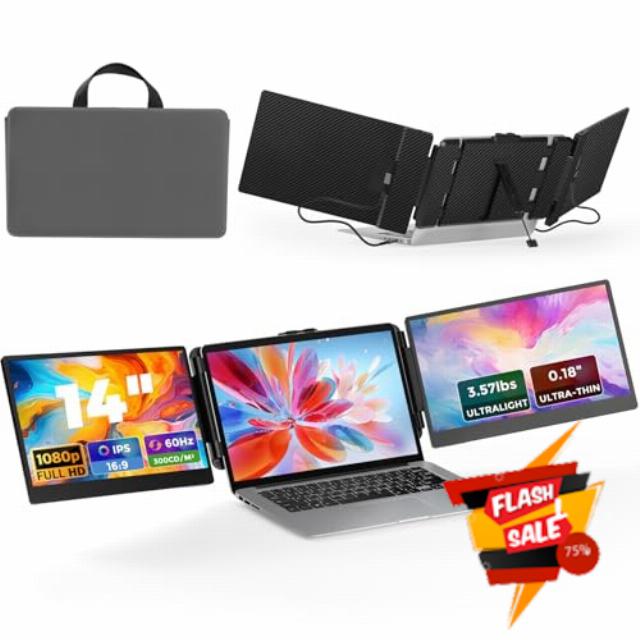
JoyReal Laptop Screen Extender, 14″ FHD 1080P IPS Portable Monitor for Laptop, Triple Screen Extender Monitor USB-C/HDMI Plug-Play for Windows, Mac, Fit 13″-17.3″ Laptops
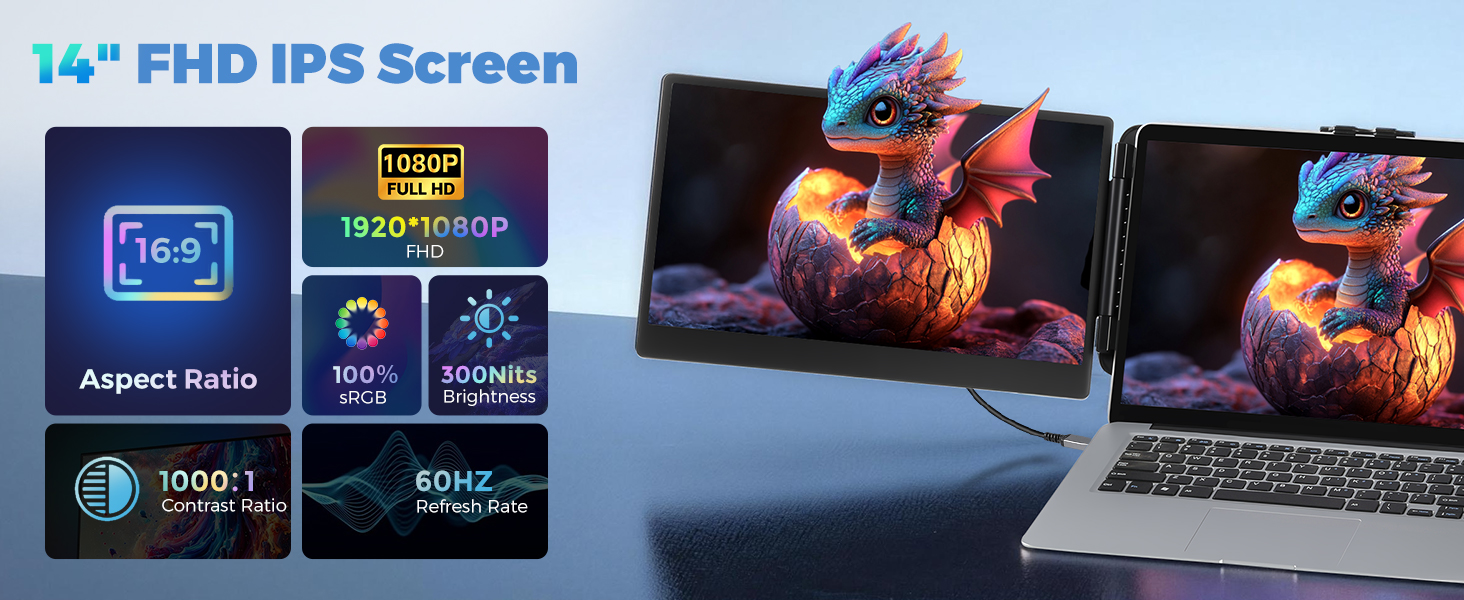
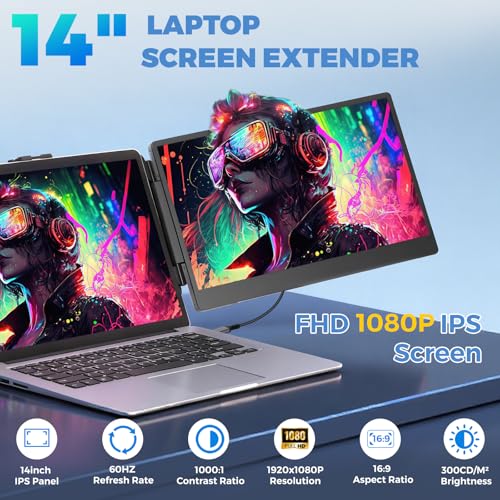
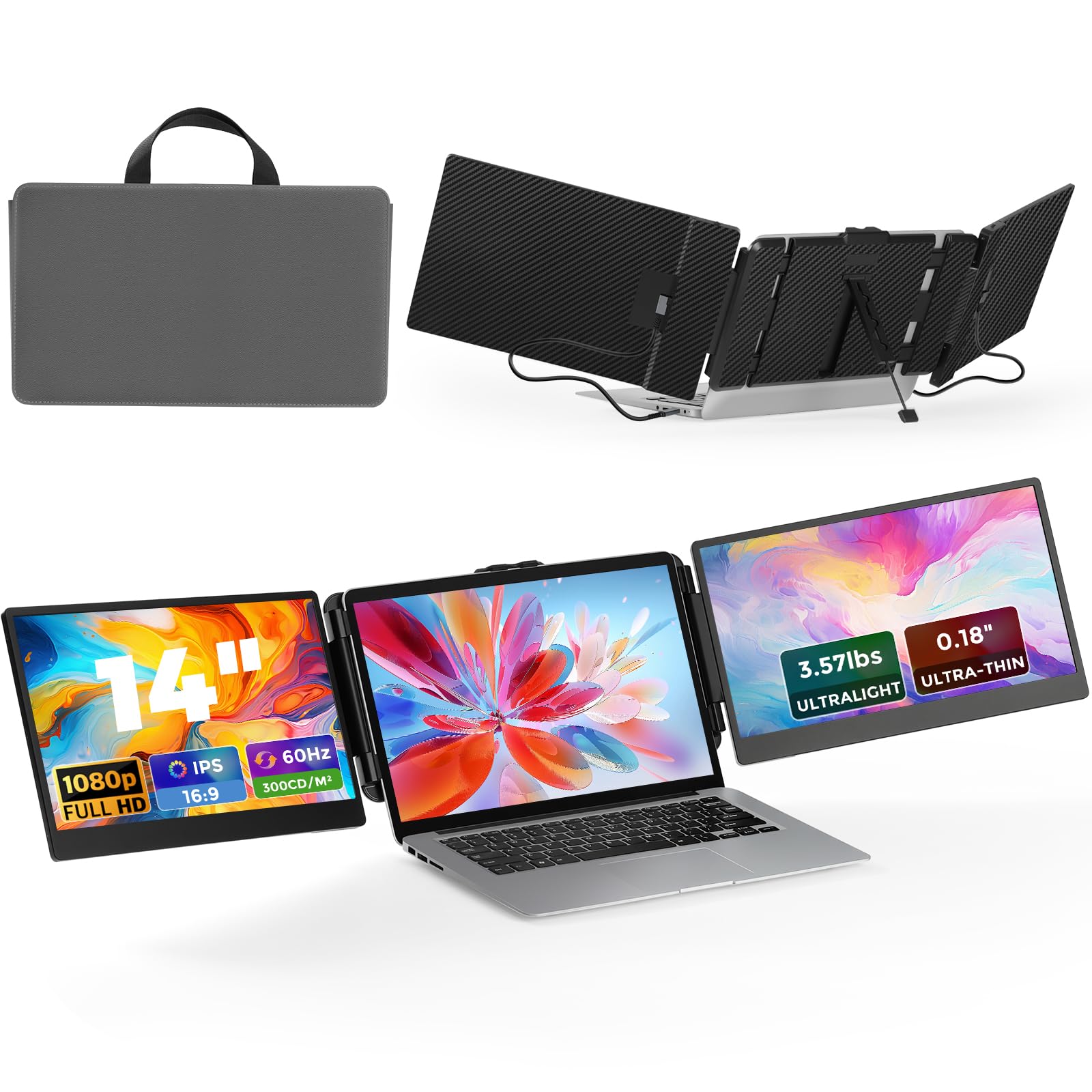
- PREMIUM VISUAL EXPERIENCE SCREEN: JoyReal portable monitor features a 14 inch FHD 1080P IPS screen has a 1920×1080 resolution, 300 nits brightness,1000:1 contrast ratio and 100% sRGB. The high-quality screen for laptops provides you with a clear, bright, and vivid viewing experience, It also has anti-vertigo and low blue light characteristics, protect your eyes and reduce eye fatigue
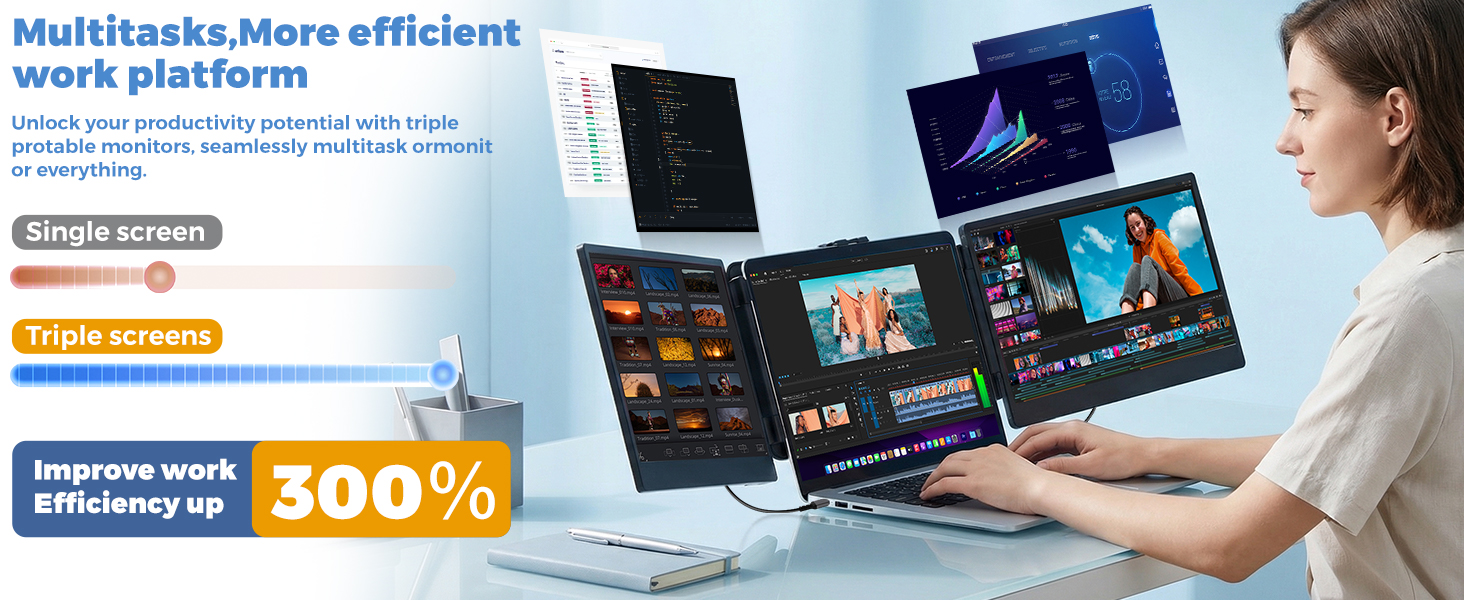
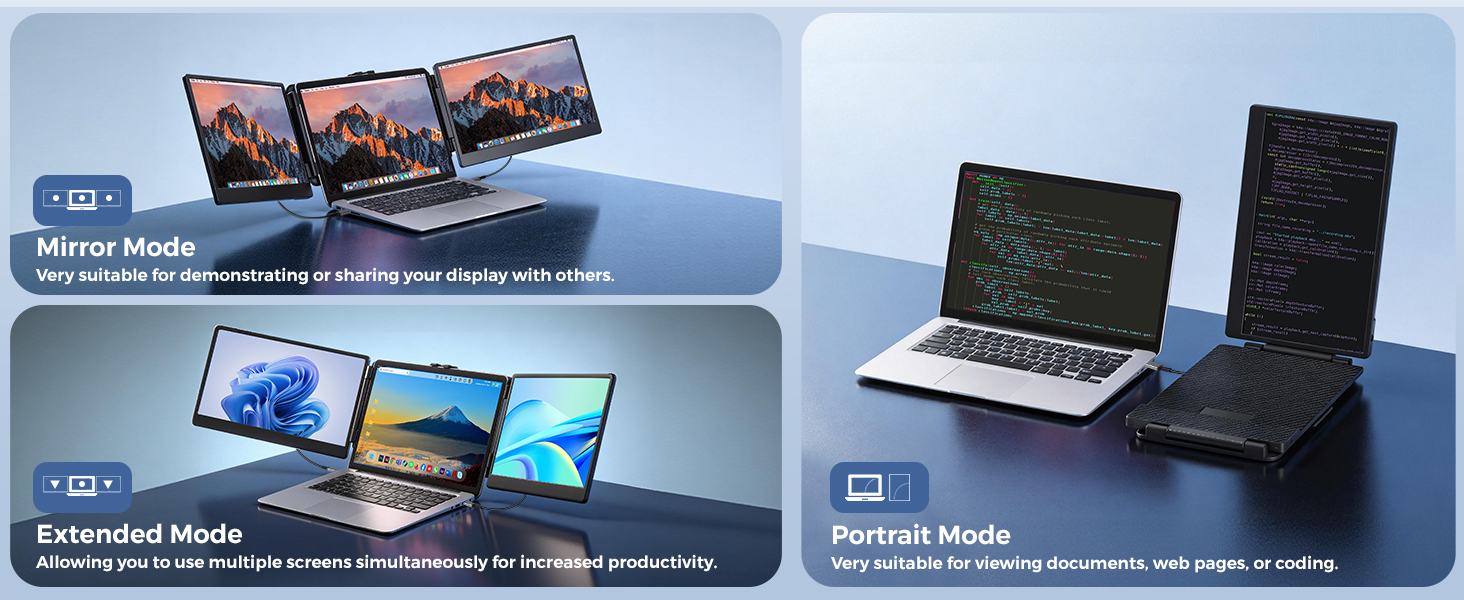
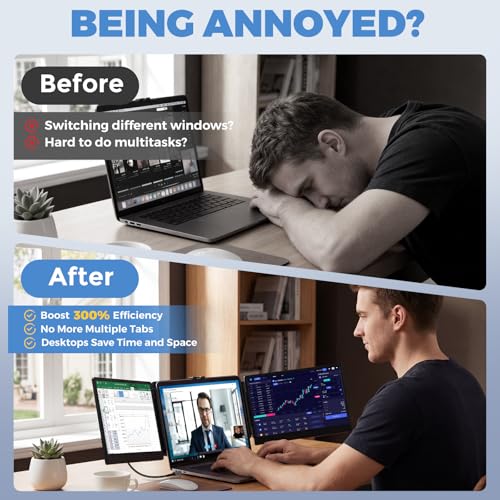
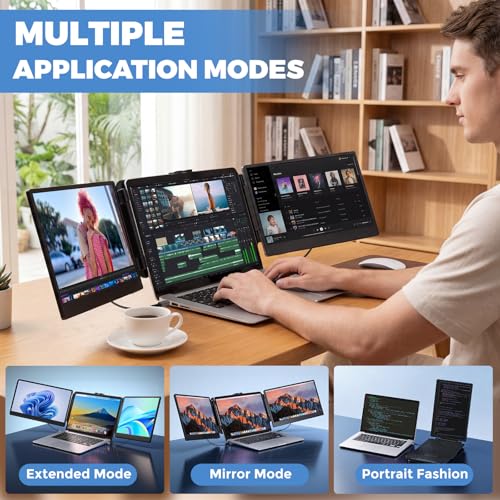
- BOOST PRODUCTIVITY BY 300%: Portable monitor for laptop instantly expands your laptop to three screens—view spreadsheets, design tools, and chat simultaneously. Supports extended, mirrored, and portrait modes, minimizing the strain of switching between tabs
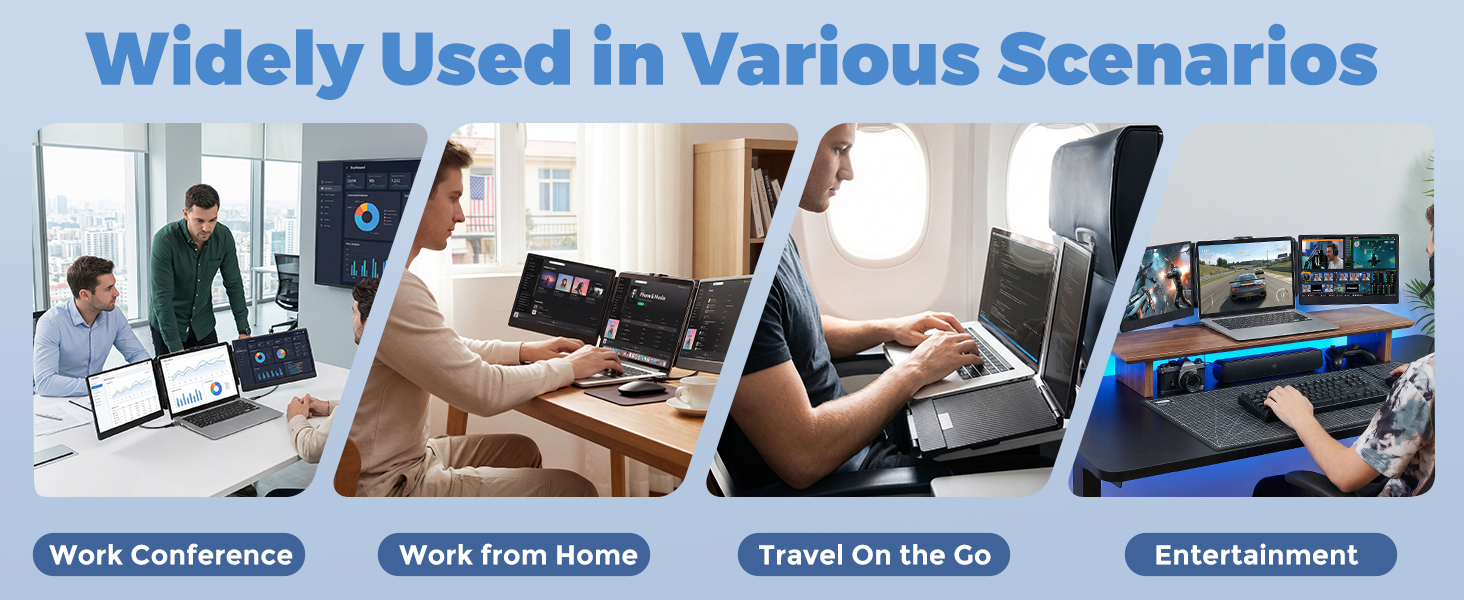
- WIDE COMPATIBILITY: This laptop screen extender offers plug-and-play compatibility with Windows, Mac, PS5, Switch, Xbox, and more via USB-C or HDMI connections. Our monitor for laptop is ideal for designers, coders, stock traders, financial analysts, students, remote workers, online meetings, and home offices. It also makes a thoughtful gift for colleagues, friends, or family members or anyone who could use a productivity boost
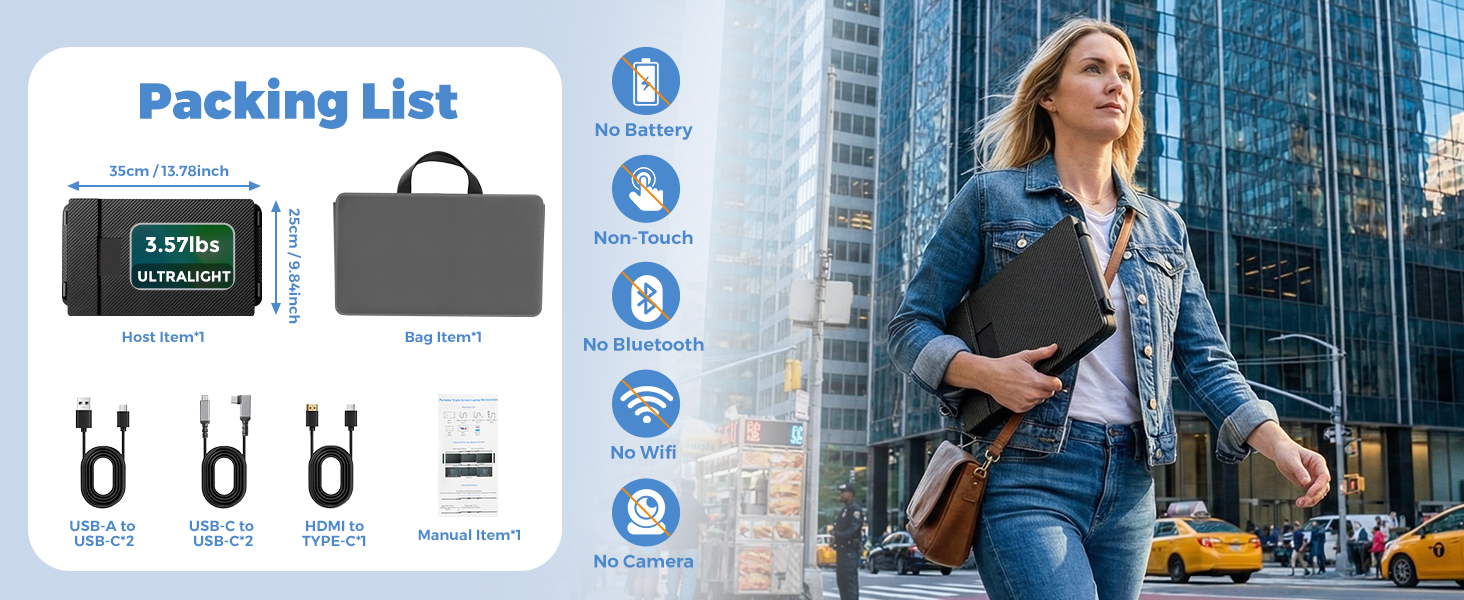
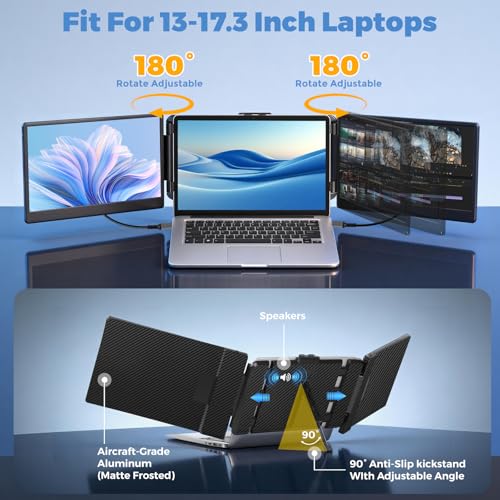
- CONVENIENT DESIGN: Upgrade your on-the-go workspace! this laptop to three screens is compatible with 13”-17.3” laptops and features a 180° adjustable viewing angle with built-in speakers, it is paired with an adjustable sturdy stand that prevents slipping, meeting your daily functional needs while delivering an exceptionally flexible adjustment experience, monitor extension for laptop weight only 3.58 lbs, it's the perfect lightweight companion for business or travel
- WARRANTY & CUSTOMER SERVICE: JoyReal provides a 12-month warranty on our portable laptop monitor, please note that due to limitations with certain laptop port types, this screen isn't compatible with all laptops, We recommend checking your laptop's chip before purchasing. (Note: not compatible with MacBooks using M1, M2, or M3 chips). If you have any questions, including before purchasing, no matter about using,installing or compatibility, don't hesitate to contact us—we're here to provide 24-hour reply service!
Is the Laptop Screen Extender compatible with my MacBook?
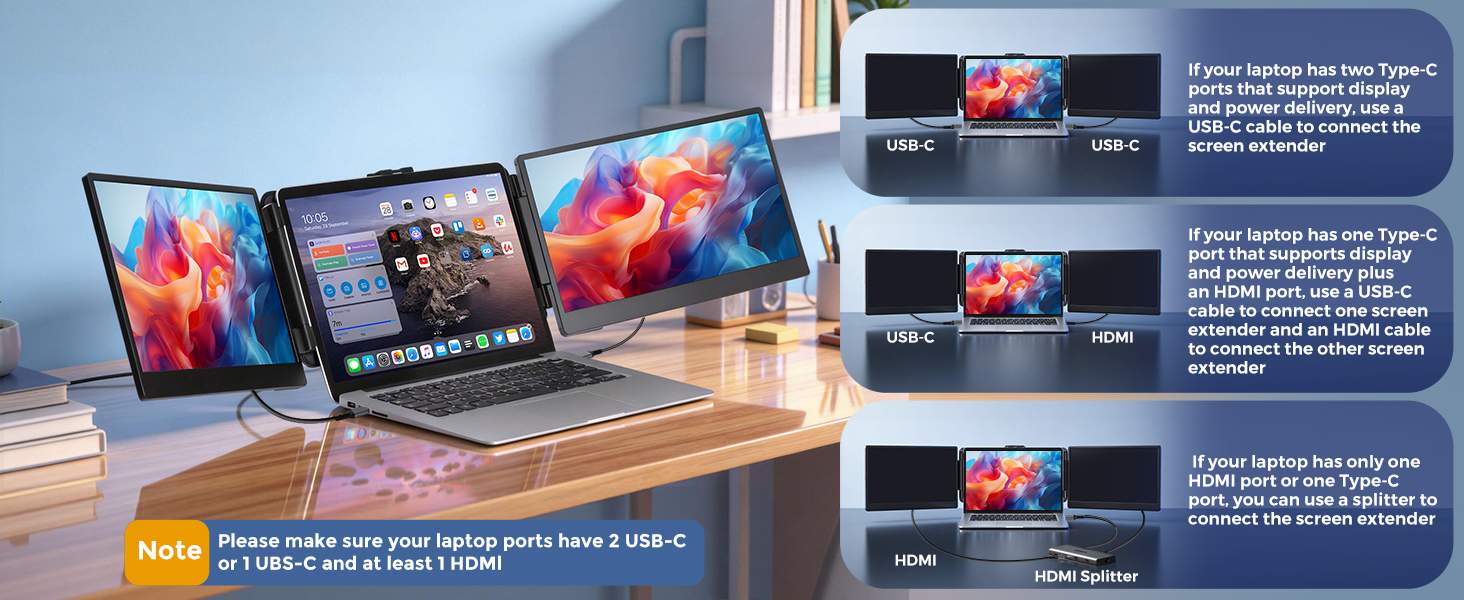
Yes, your MacBook needs 2 full-featured USB-C ports (Thunderbolt 3/4) Or 1 USB-C port + HDMI port + USB-A port. Tips: 2020 M1 and 2022 M2 chip MacBooks – only one screen works due to chip limitations
Laptop Screen Extender Is the connection complicated?
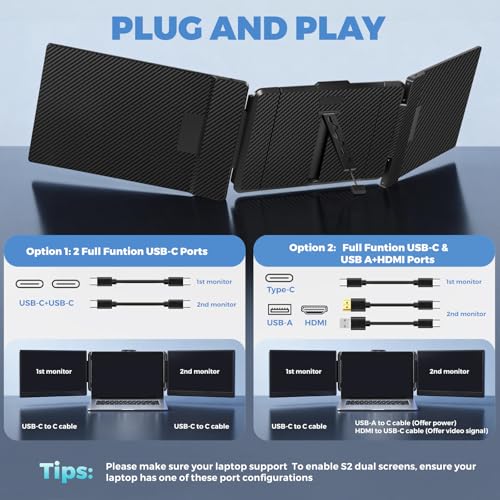
It’s plug-and-play! Connect via USB-C or HDMI, and you’re good to go—no drivers needed. Note! Please make sure your laptop ports have 2 USB-C or 1 UBS-C and at least 1 HDMI.
Why does the screen extender show “No Signal”?
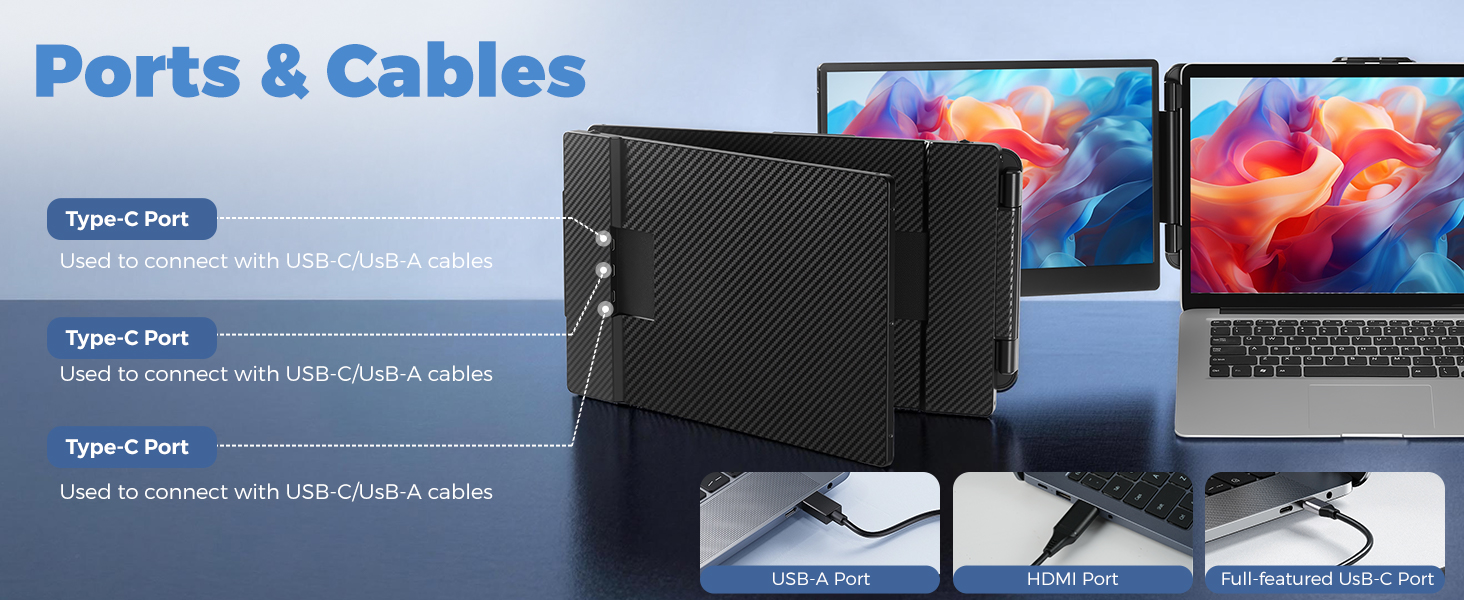
Please make sure your laptop support 2 video signals transfer and Make sure all cables are fully connected, so that to make the dual screens of S2 working well. Your USB-C port must support video output.If using HDMI, connect the USB-A power cable.

| SKU: | B0GM8G58JL |
| Brand: | JoyReal |
| Model: | S2 |
| Colour: | black |
| Manufacture: | Shenzhen Baijiayoupu Technology Co., Ltd. |
| Colour: | black |
Product description
Is the Laptop Screen Extender compatible with my MacBook?
Yes, your MacBook needs 2 full-featured USB-C ports (Thunderbolt 3/4) Or 1 USB-C port + HDMI port + USB-A port. Tips: 2020 M1 and 2022 M2 chip MacBooks – only one screen works due to chip limitations
Laptop Screen Extender Is the connection complicated?
It’s plug-and-play! Connect via USB-C or HDMI, and you’re good to go—no drivers needed. Note! Please make sure your laptop ports have 2 USB-C or 1 UBS-C and at least 1 HDMI.
Why does the screen extender show “No Signal”?
Please make sure your laptop support 2 video signals transfer and Make sure all cables are fully connected, so that to make the dual screens of S2 working well. Your USB-C port must support video output.If using HDMI, connect the USB-A power cable.
Best Portable Triple Scree
I’m using this with my MacBook Air and it works seamlessly. No extra drivers needed—just plug and play. The 1080P resolution is crisp, and the screens are surprisingly lightweight. It makes multitasking so much easierHighly recommend it for anyone who needs more screen real estate on the go!
Great productivity upgrade, super convenient setup
Works pretty well overall. Setup was mostly plug-and-play, took a few minutes to get everything connected but nothing complicated. The extra screens make a big difference for productivity — much easier to multitask compared to just a laptop.
The display quality is decent and good enough for work. Not perfect, but for the price and portability, it’s definitely worth it.
Great for gaming laptops
The JoyReal 14″ Laptop Screen Extender is a fantastic portable monitor for boosting productivity. The FHD 1080p IPS display is sharp, bright, and has excellent color accuracy, making it perfect for work or media. Setup is a breeze with USB-C or HDMI plug-and-play, and it works seamlessly with both Windows and Mac laptops. It fits nicely alongside 13″–17.3″ laptops and is lightweight enough to carry around. Perfect for multitasking or creating a triple-screen setup on the go. Very satisfied with the quality and convenience!
Very suitable for remote work during traveling
I bought this for remote work while traveling, and it worked really well so far. When I visit my parents for a couple of days, it is so convenient to just take the screen extender with me and work remotely at their place. It is very portable and I don’t bother to get another monitor that takes much more space. Also very easy to setup by plugging in the wire on each side, I can use it right away. It also could adjust the brightness and volume separately on each screen. Overall, highly recommend to those who need to have multiple screens during traveling.