Evoluent – Inventor of The Vertical Mouse – VMC Vertical
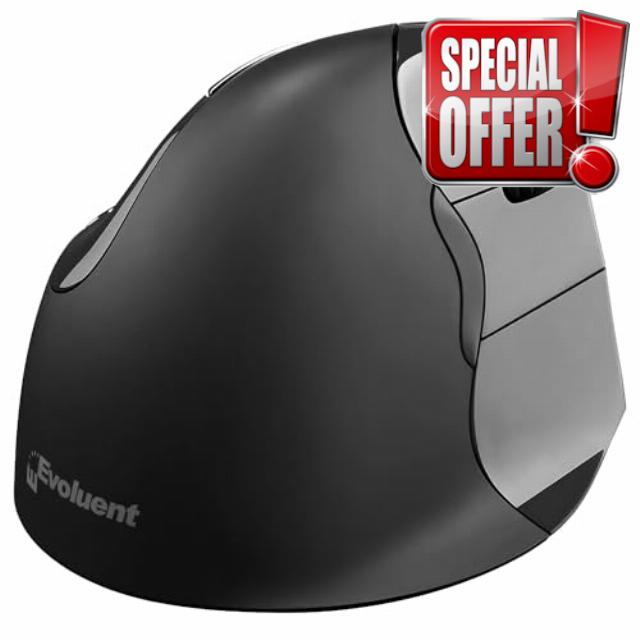
Evoluent – Inventor of The Vertical Mouse – VMC Vertical Ergonomic Mouse Wireless USB/Bluetooth Ergo Design for Right Hand M-L, Sculpted Comfort, 4 Speeds, Copy & Paste Buttons
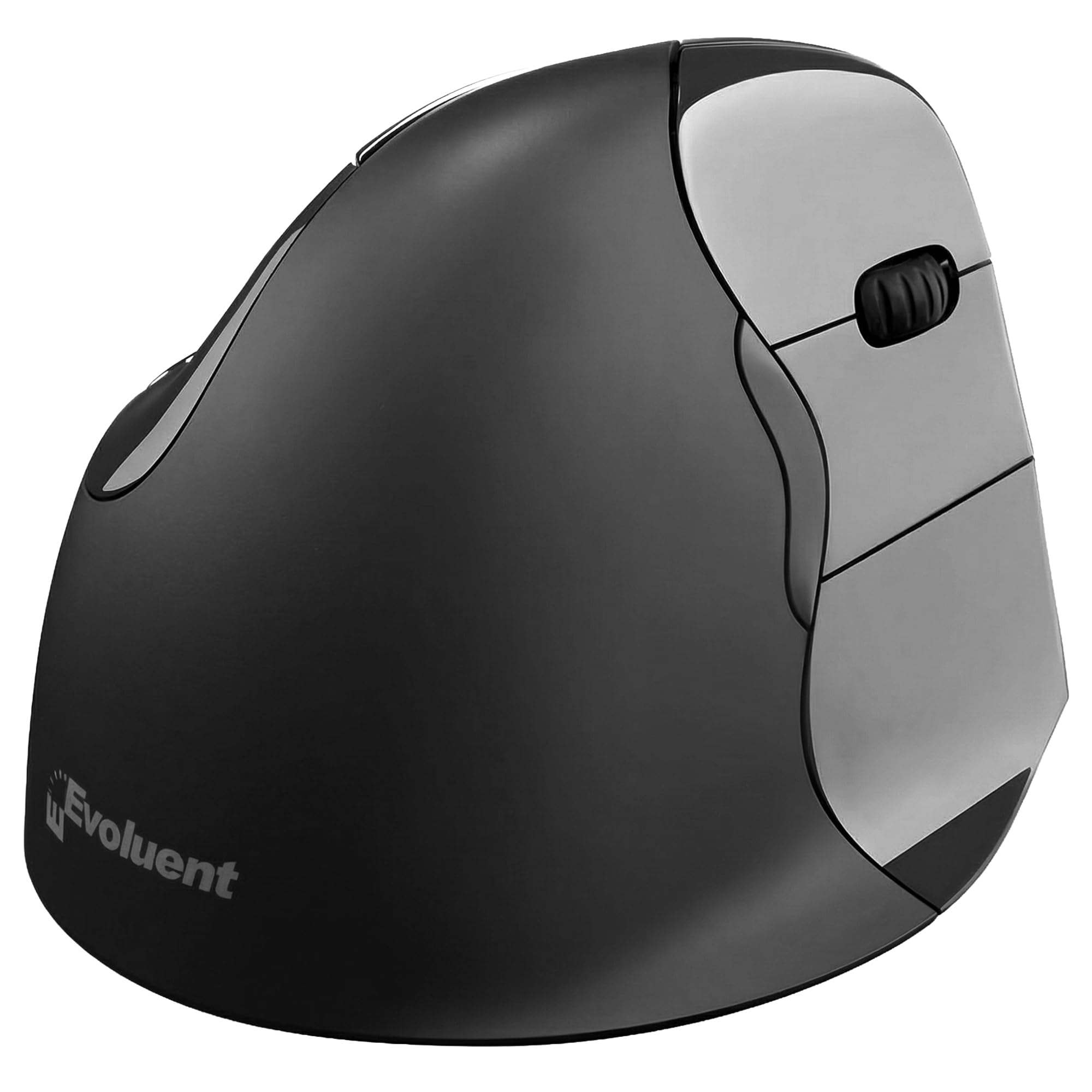
- Sculpted Ergonomic Mouse: Experience natural hand posture with this ergonomic wireless mouse engineered for comfort. This ergonomic vertical wireless mouse is designed to help reduce strain and supports daily use with a smooth, upright mouse grip.
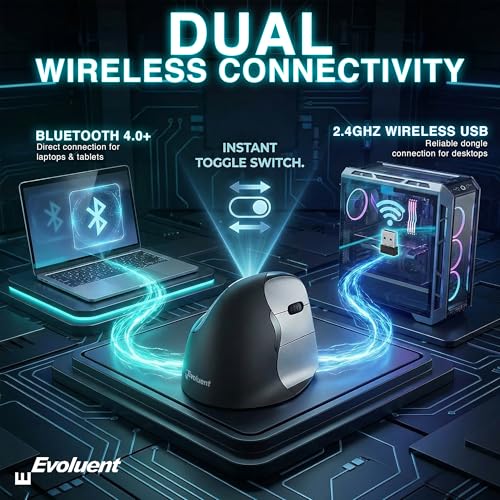
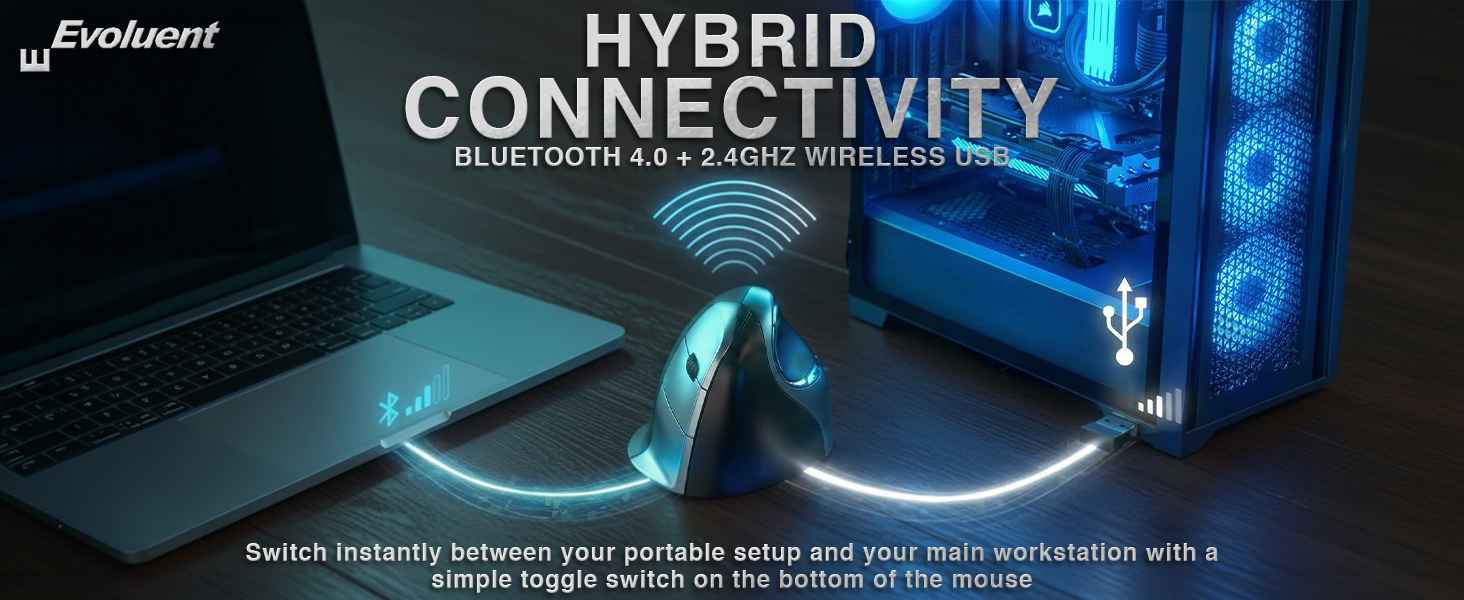
- Dual Mode Wireless USB/Bluetooth: Switch instantly between wireless vertical mouse and bluetooth ergonomic mouse using the power toggle. This wireless ergonomic mouse delivers reliable connections for home, office mouse use, or travel—no drivers required.
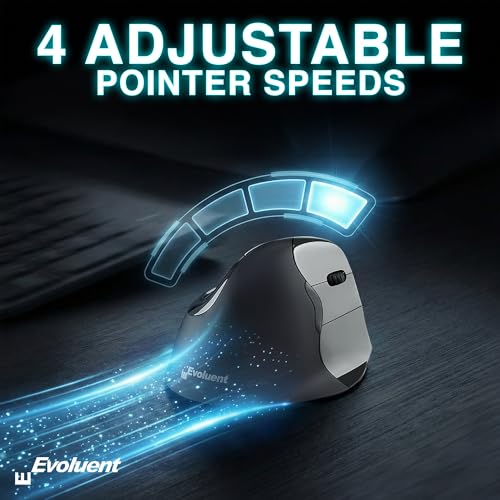
- Precision Control With 4 Pointer Speeds: Adjust control easily on this vertical ergonomic mouse. This ergonomic mouse wireless also works as a vertical gaming mouse, with the speed button and light placed neatly on the bottom.
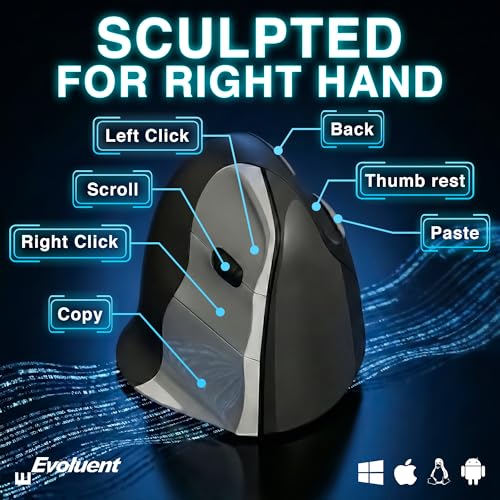
- Built-In Copy & Paste Buttons: Two fixed buttons are preset for Copy and Paste to speed up workflow. This mouse ergonomic ergo mouse works as an ergonomic bluetooth mouse or ergonomic computer mouse for fast, simple productivity.
- Designed for Comfort & Reliability: Made by Evoluent, creators of the Evoluent vertical mouse wireless line. This wireless mouse ergonomic design is an ergonomic vertical mouse wireless option and a reliable anti carpal tunnel mouse for daily use.
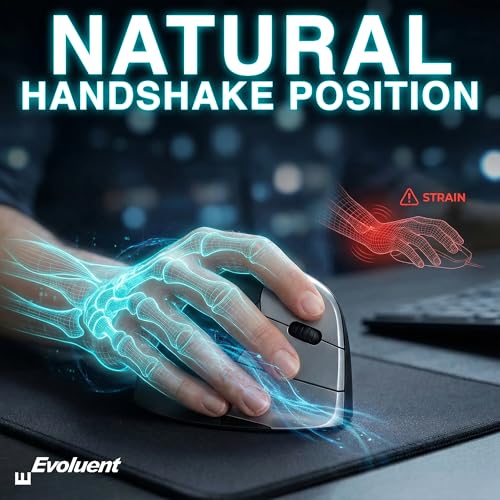
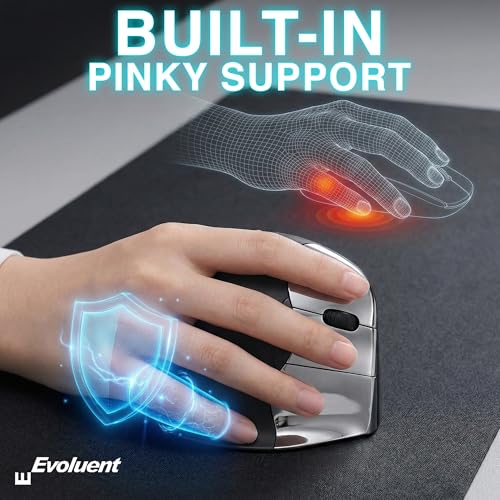
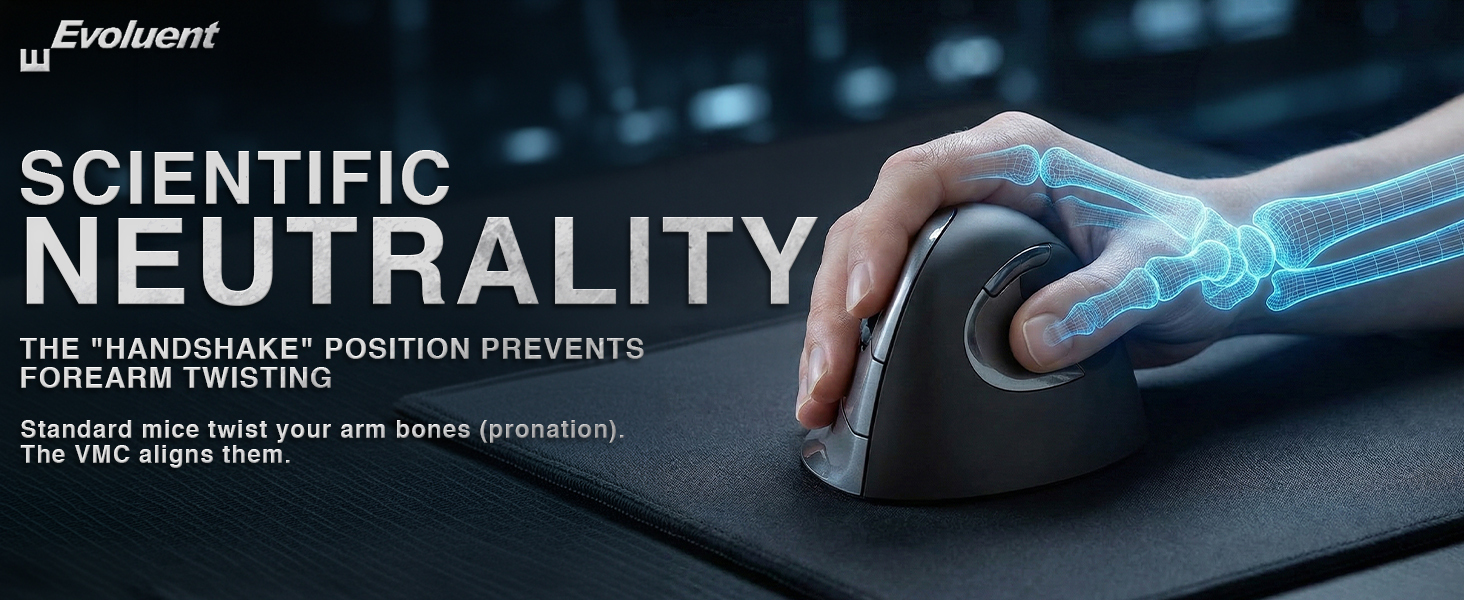
- Natural Handshake Position: Ergonomically sculpted to align your hand in a natural handshake posture, this ergonomic mouse wireless reduces wrist strain and fatigue. Ideal as an anti-carpal tunnel mouse or vertical gaming mouse for all-day comfort.


| SKU: | B0G4TBZBSP |
| Weight: | 6 Ounces |
| Dimensions: | 4.4"L x 3.5"W |
| Brand: | Evoluent |
| Model: | VMC |
| Colour: | Grey |
| Batteries Included: | Yes |
| Manufacture: | Evoluent |
| Colour: | Grey |
Product description
Great mouse to relieve wrist pai
I’ve been using these for many years. I used to get a lot of wrist/forearm pain after long counter sessions. I tried track balls, track pads, other mice, you name it.
Changing to these Evoluent mice fixed all the pain. I need to support my wrist with a little bean bag for longer sessions, but after adding that I can go all day/night. Didn’t take long to get used to it either.
Comfortable Vertical Mouse That Made Long Work Sessions Way Easie
I spend a lot of time at the computer doing editing, writing, and switching between apps, so I wanted something that would help reduce the wrist tension I kept getting. This mouse has been doing that really well, and after a few days of using it I could feel the difference in my hand and forearm. The first thing that stood out to me was the shape. The sculpted grip puts your hand in a more natural upright position, and it feels like the mouse supports your whole hand instead of making you twist your wrist flat on the desk. The thumb rest is shaped in a way that keeps your hand from sliding down, and the surface has a soft texture that feels good even after long use. I noticed that after a couple long work sessions my wrist did not feel tight like before. The buttons are placed in spots that feel easy to reach. The copy and paste buttons turned out to be way more useful than I expected. I use them all the time when I am moving text around or working on documents. It saves a bunch of tiny movements that add up during the day. The scroll wheel has a smooth feel and the clicks are soft but still clear enough that you know when you pressed something. The four speed settings are another thing I use a lot. I switch between slower speeds when I am doing detailed editing and faster speeds when I am browsing or jumping between windows. The button to change speeds is easy to reach and the mouse responds right away. I used it on a couple different surfaces and the tracking stayed smooth the whole time. Connecting it was simple. I tried both the USB receiver and Bluetooth just to see how they behaved. The USB connection feels instant and the Bluetooth connection has been stable. I used it with my laptop and my desktop and switching between them was simple. The mouse did not lag or stutter even when I had a bunch of apps open. The size feels good for medium to large hands. I have a wider grip and the mouse still feels like it supports my whole hand. The finish on the surface has a soft texture that gives a bit of grip without feeling sticky. I used it for a couple long sessions and my hand did not feel cramped or tired. The shape keeps your fingers relaxed instead of curled tight like some smaller mice do. Battery life has been solid so far. I used it for several days without charging and it kept going. The mouse goes into a light sleep when I am not touching it, and it wakes up quick when I move it again. I like that it does not drain power when I forget to turn it off. Durability feels good too. The buttons have a firm feel and the body does not flex or creak. I dropped it once by accident while moving stuff around and it did not leave any marks or affect the performance. The finish still looks clean after a few weeks of use.
Missing a few features, but overall a great ergonomic mouse
I’ve been using this mouse for a month now, and I really agonized over whether to give it 4 stars or 5 stars. For me, the mark down came from not being able to reprogram the functions and from the “back” button above your thumb not being a two-part rocker that could be used to go back or forwards. But there is a LOT to like about this mouse!
When unpacking it and setting it up, the first thing I noticed was that the bottom of the mouse was as well engineered as the top. It’s very easy to configure it for BT or USB Wireless operation, and there was a USB “extension cable” in the box in case your work space had your mouse too far away from the receiver to get a good signal. There was a convenient selector for the pointer speed that was easy to adjust to my preference, the battery hatch has a snappy magnetic fastener, and the battery life has been outstanding. I have a mild preference for mice with a built-in battery that can recharge via USB, but I didn’t feel like it was lacking with this mouse.
I’ve used some other ergonomic mice like trackballs and vertical models, and the main competition I had in mind as I was reviewing this was the Logitech MX Vertical Mouse. This model is slightly cheaper, but computer mice are a fairly durable product and paying a little bit less at the beginning for something that you’ll use daily for years isn’t a huge selling point. I definitely appreciate Evoluent’s long history of designing and refining this product, but making the deliberate choice to release a model that’s not compatible with their MouseManager software doesn’t feel great as an end user. The buttons “special” buttons on this mouse can’t be reprogrammed to match a workflow that is convenient for you, but they are well thought out to enable a lot of hands-free use cases. It took a little while to get accustomed to the special keys, but the built-in copy/paste shortcuts get to be second nature and I also get a fair bit of use out of holding down the “copy” button and scrolling the wheel to zoom in and out. As I mentioned in the beginning, the only thing I really don’t like about the “back” thumb button is the lack of a forward shortcut when it is pressed accidentally or if I just want to return to where I was after jumping back. If it had been a two-part button where pressing the front goes forward and the back goes backwards, it would feel much more convenient.
Overall, this is a good vertical mouse and is a fine value for the current $79.95. The ergonomics are very comfortable and it felt good to use it for hours on end. The hard plastic is durable and easy to clean and feels good in my hand, and repositioning the mouse by slightly lifting one corner feels natural and convenient. From a quick glance at their website, Evoluent’s newer/higher-end models solve the lack of a forward button and the general lack of customization with the MouseManager software, so if those features are important to you then it might be best to look at a different model. But if you just need a well-engineered ergonomic mouse then it’s hard to go wrong with this model.
Love it.
Loving this ergonomic upgrade! The vertical design feels so natural in my hand and helps reduce wrist strain during long work sessions. The wireless USB/Bluetooth connection is easy to switch between devices, and the built-in copy & paste buttons are surprisingly handy. Comfortable, responsive, and great for everyday productivity!
My doctor recommended getting an ergonomic mouse
After my doctor recommended switching to an ergonomic mouse, I wanted this one based on the reviews. The simplicity of setting this up with so dummy proof and trust me when I tell you when it comes to technology, I consider myself a dummy. I just don’t get it. But the simple instructions were so easy for me to follow that I had no issues whatsoever and we set up in minutes literally minutes. I also love the fact that they have a backup in case there’s any issue that I can just plug that in hopefully I never need that but it’s nice to have. So where this is wireless and it just makes it so easy to glide around. It takes a minute to adjust to holding your hand in the way that’s much more natural but once you get the hang of it and gliding around, it just makes much more sense. For me not only was I experiencing neck pain, but I also have arthritis in my neck, which is weird I know but that’s what the diagnosis is and it’s not like I’m using this and it’s gonna cure it but it’s definitely going to alleviate the strain and I just hold myself differently now that I’m using the mouse in this way. I work on a lot of screens I jump around doing different things with spreadsheets and the functionality on this mouse is superb so for somebody like me who is in finance I deal with a lot of spreadsheets. I honestly couldn’t imagine something better so I’m super pleased that my issue turned into something really positive and this is an investment and the rest of my career because I’m much more effective when I’m not in pai
Comfortable and Effective Ergonomic Desig
I’ve been using the Evoluent Wireless Ergonomic Mouse for a few weeks now, and I couldn’t be happier with my purchase. The sculpted design allows my hand to rest in a natural handshake position, significantly reducing wrist strain during long work sessions. I love the dual connectivity options—switching between Bluetooth and USB is seamless, and the mouse works perfectly with both my laptop and desktop. The built-in Copy and Paste buttons are practical, even though they can’t be customized. Overall, this mouse has improved my comfort and productivity, making it an excellent investment for anyone looking to alleviate discomfort while working. Highly recommend!
Comfortable and Easy to Set Up
This mouse fits my hand perfectly and feels very comfortable, even after hours of work. The USB setup took just seconds, and it was ready to use right away. It’s a great ergonomic mouse that helps reduce hand fatigue.
Bulky but I got use to it and now its comfortable
First of all, I really love the packaging.This Evoluent which is great for my lifestyle .The Evoluent Vertical Mouse VMC Classic Wireless USB/Bluetooth Ergonomic Mouse (Right Hand M-L) features a sculpted ergonomic design, four speed settings, and dedicated copy and paste buttons. Setting it up was very smooth and easy, and I was impressed with how quickly I was able to get started.
I also love that it comes with the battery already included, along with a charging cable and a USB Bluetooth receiver. The instruction manual is clear and easy to follow, making the setup process even simpler.
As someone who mainly uses a mouse for everyday tasks like browsing the internet and other basic computer activities, I think this mouse is a great choice. At first, it felt a little bulky because it’s different from a traditional mouse, but after using it for a while, I found it very comfortable. The ergonomic design really makes a difference and feels much more natural for my hand.
I also like the extra features, such as the back button and the four pointer speed settings, so you can choose whichever sensitivity works best for you.
Again, this is just my personal preference. If you’re new to using a vertical mouse, it may feel bulky at first and take a little time to get used to. Overall, I’m very happy with this new addition to my workspace and have enjoyed using it.
Good ergo mouse
I have two of these: one left and one right because I am ambidextrous and use the left for work, the right for gaming. I ordered this thinking it was corded, my preference, but it was cordless. It works well though, but uses standard AA batteries so we’ll see how long it lasts. I do shut it off when I am done so maybe that helps battery life. Feel is good in my hand because I have huge hands. Not Andre the Giant hands but pinky to thumb (hang loose) is 10 inches. I have trouble with most mice because they are too small.
I took off one star because although construction seems good in these mice, the button push for the 3 finger buttons and the 2 thumb buttons is too light. Moving the mouse causes me to click one of the buttons which causes issues sometimes. My left hand cordless mouse is the same. That’s the only flaw I can think of.
I can recommended it if you can get used to the super light button push.