2026 Upgraded Cordless Electric Lunch Box, Heated Lunch Box
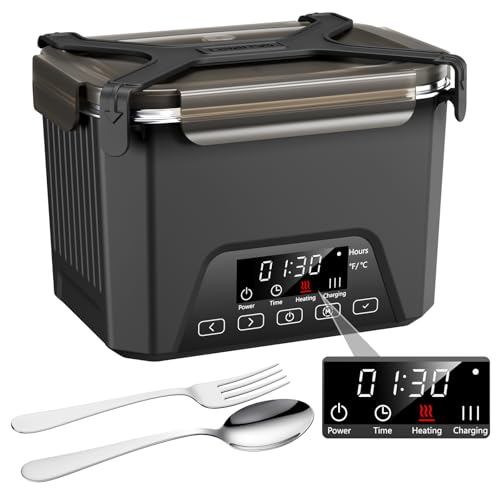
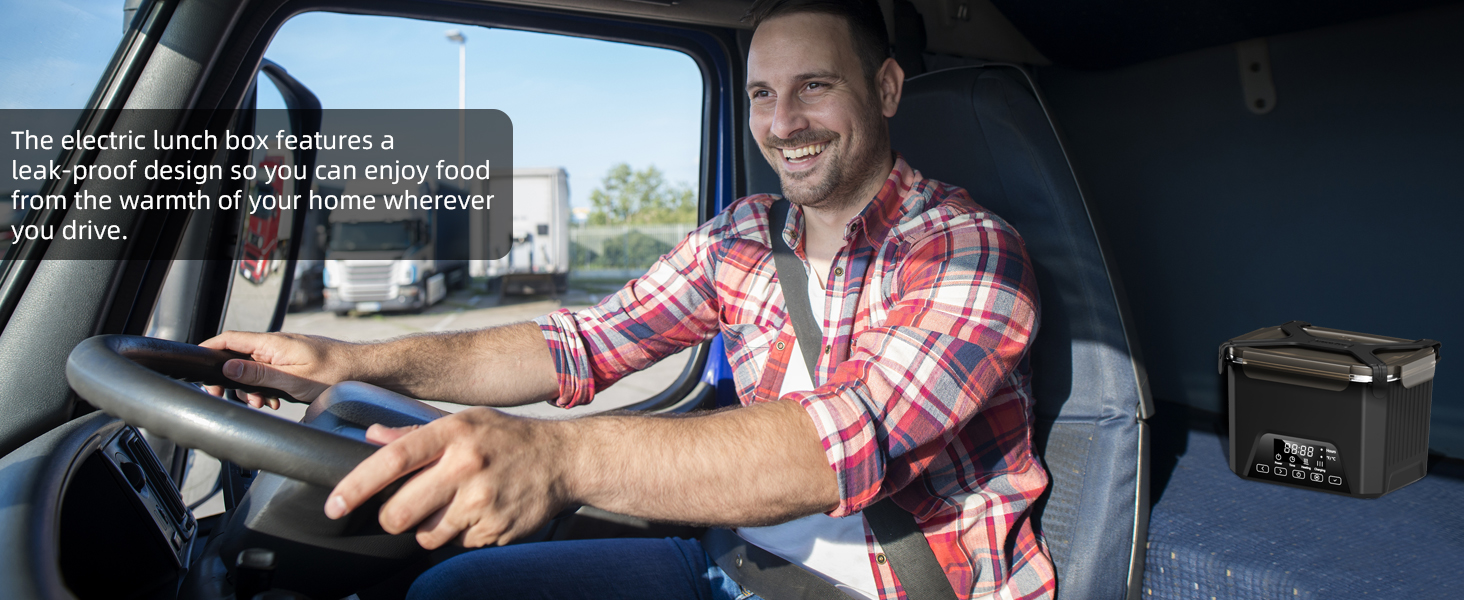
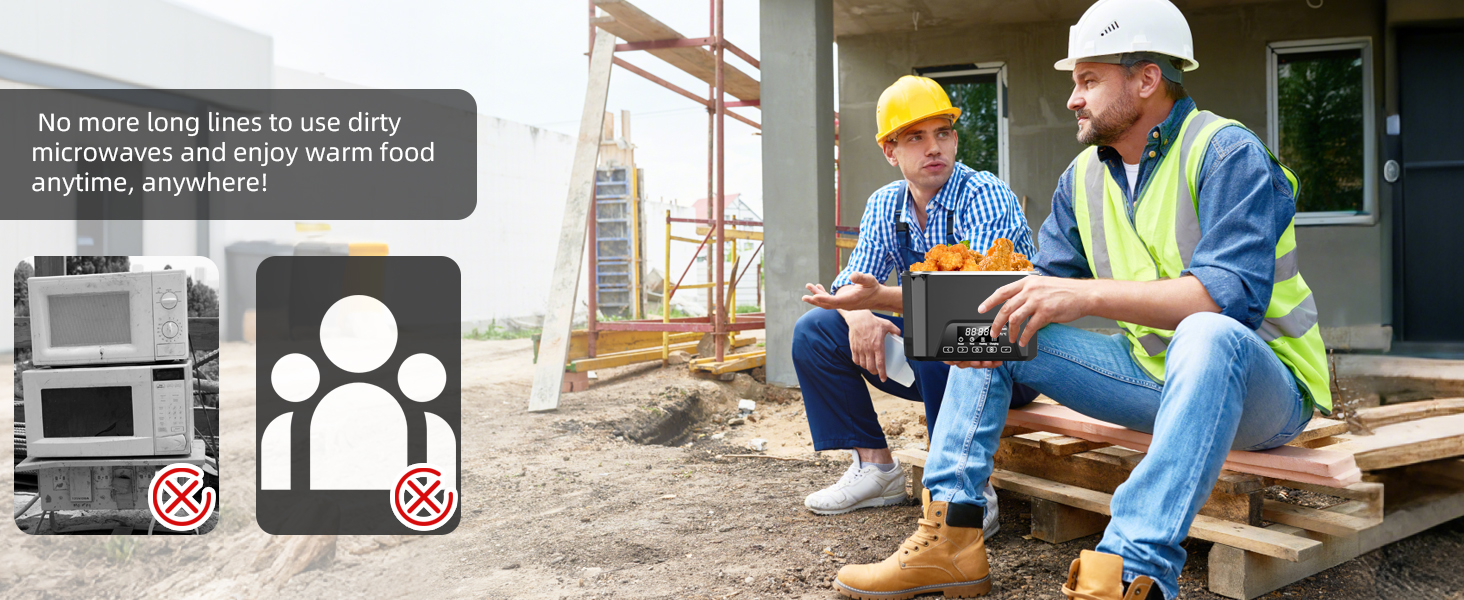
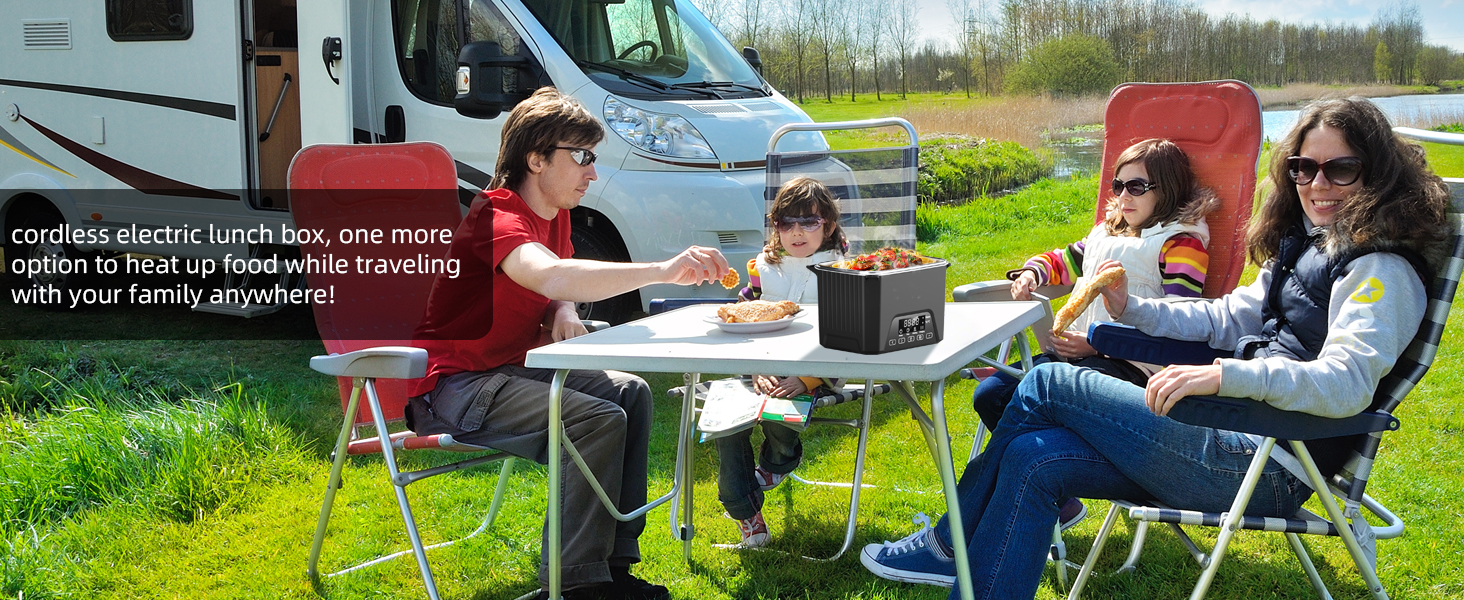
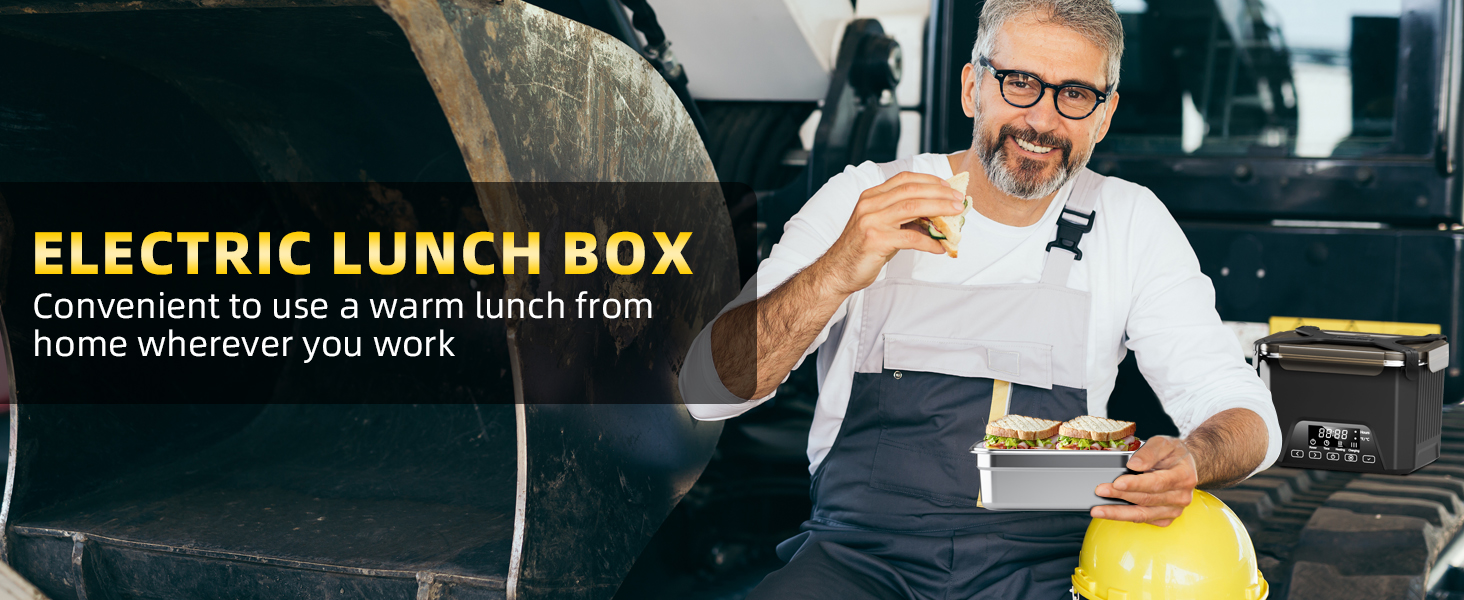
2026 Upgraded Cordless Electric Lunch Box, Heated Lunch Box for Adult, 1.2L Self Heating Lunch Box with Automatic Heating for Office, Construction, Truck and Travel
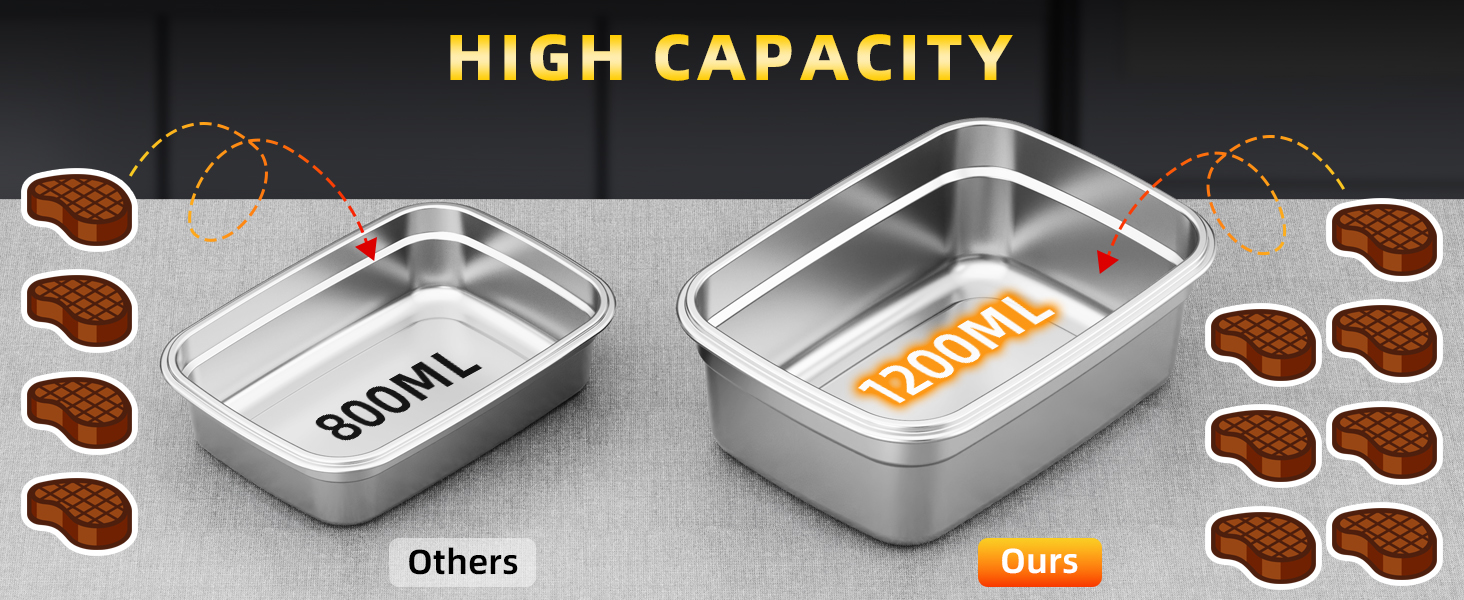
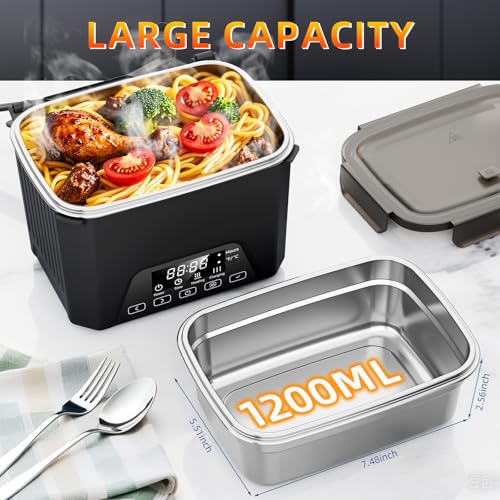
- Extra-Large Capacity Design: With a 1.2L capacity, this cordless heated lunch box is ideal for single-serve meals, meal prep, and daily lunches, perfect for work, travel, or busy schedules
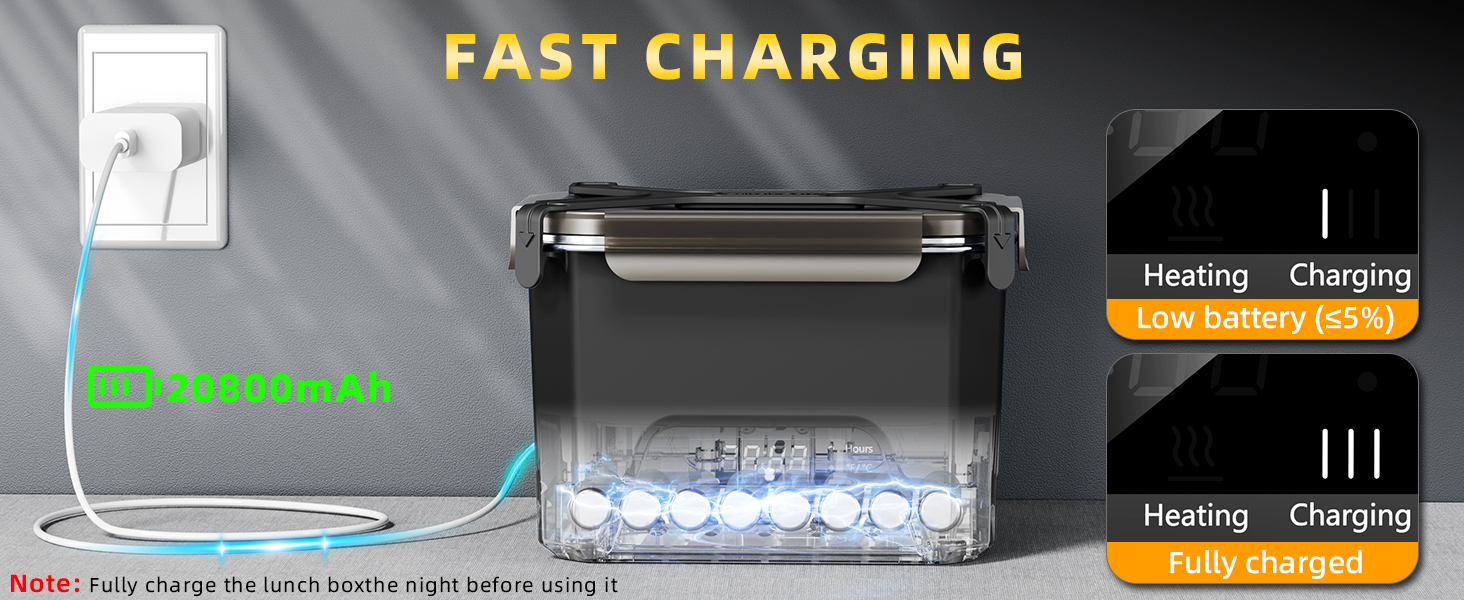
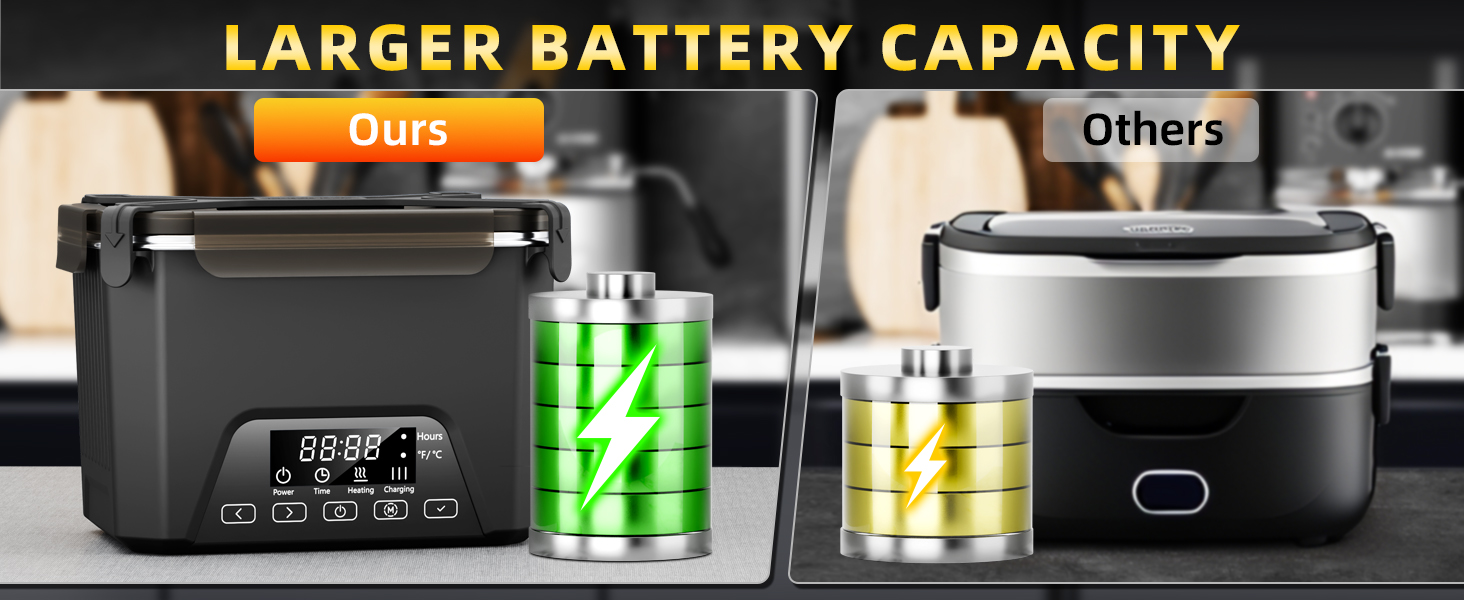
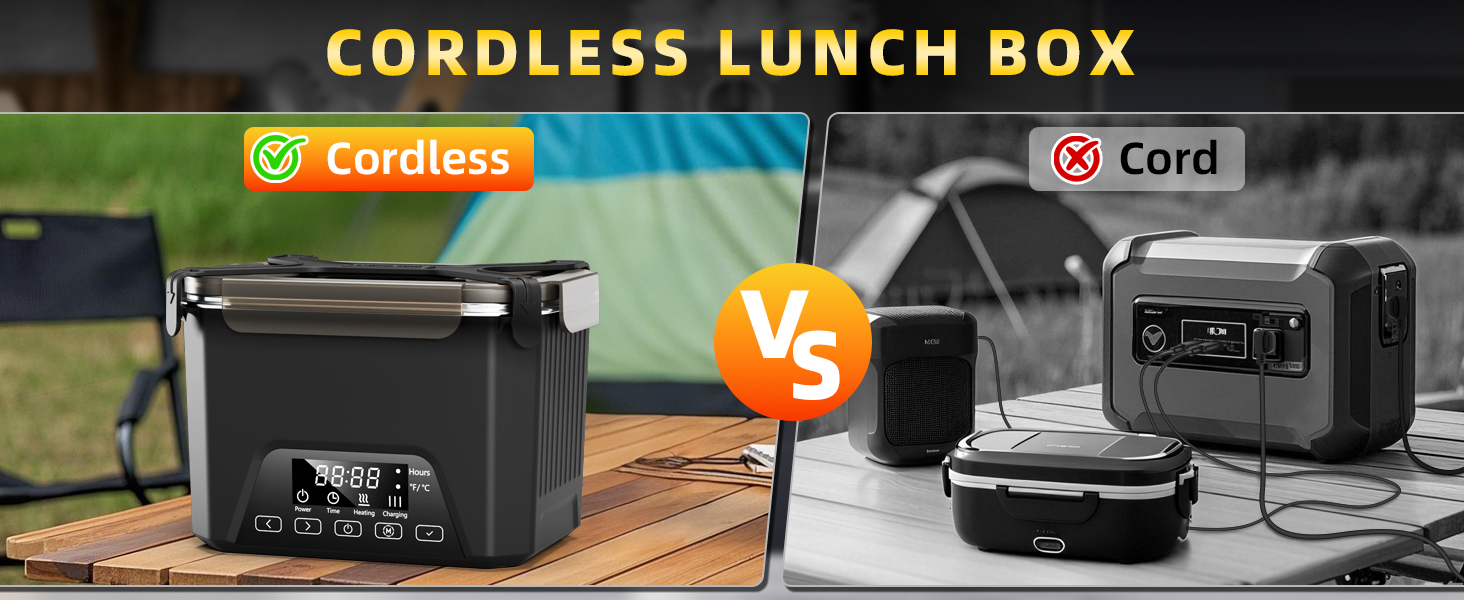
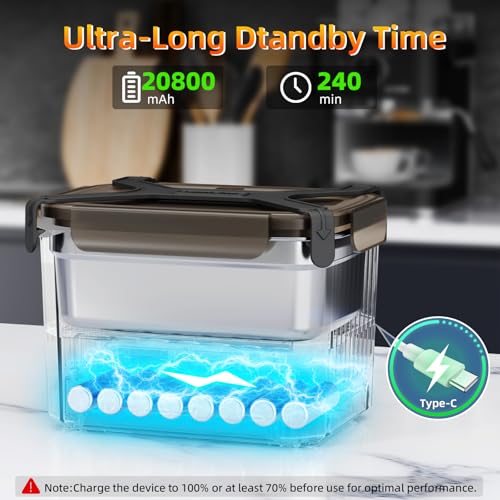
- 20,800mAh High-Capacity Rechargeable Battery: Built with a powerful 20,800mAh battery, this rechargeable lunch box heats your food without the need for an outlet, offering true cordless convenience wherever you go
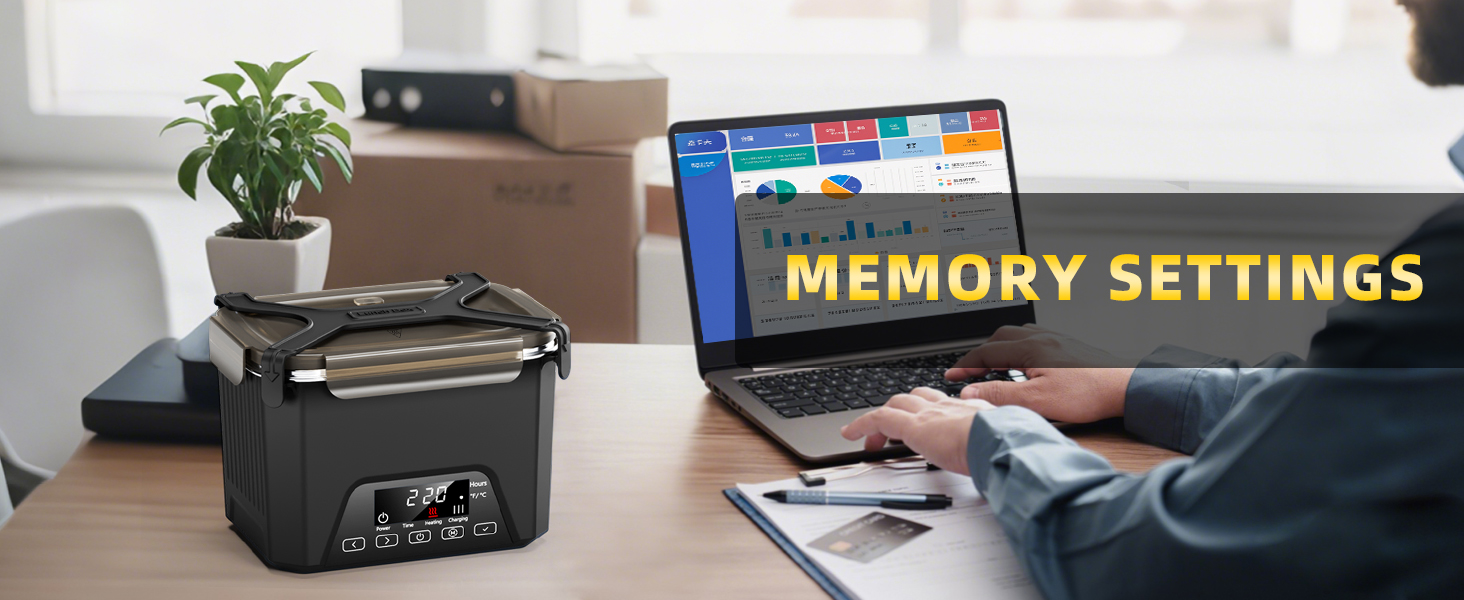
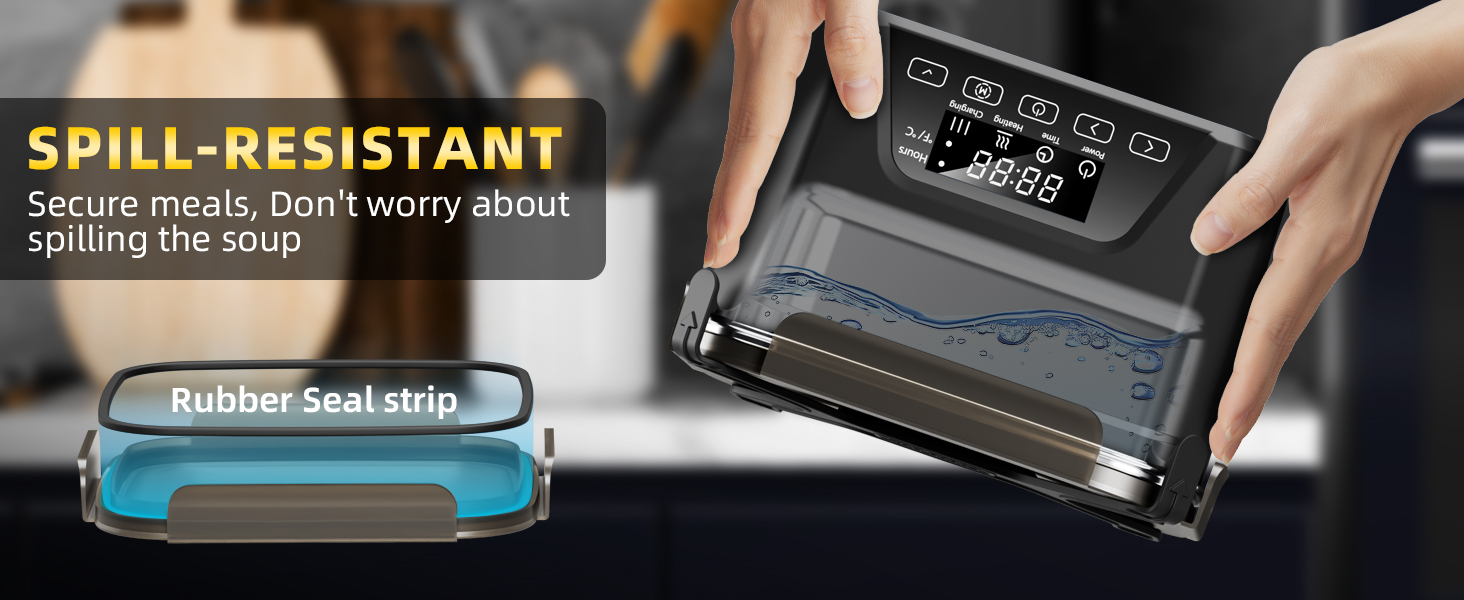
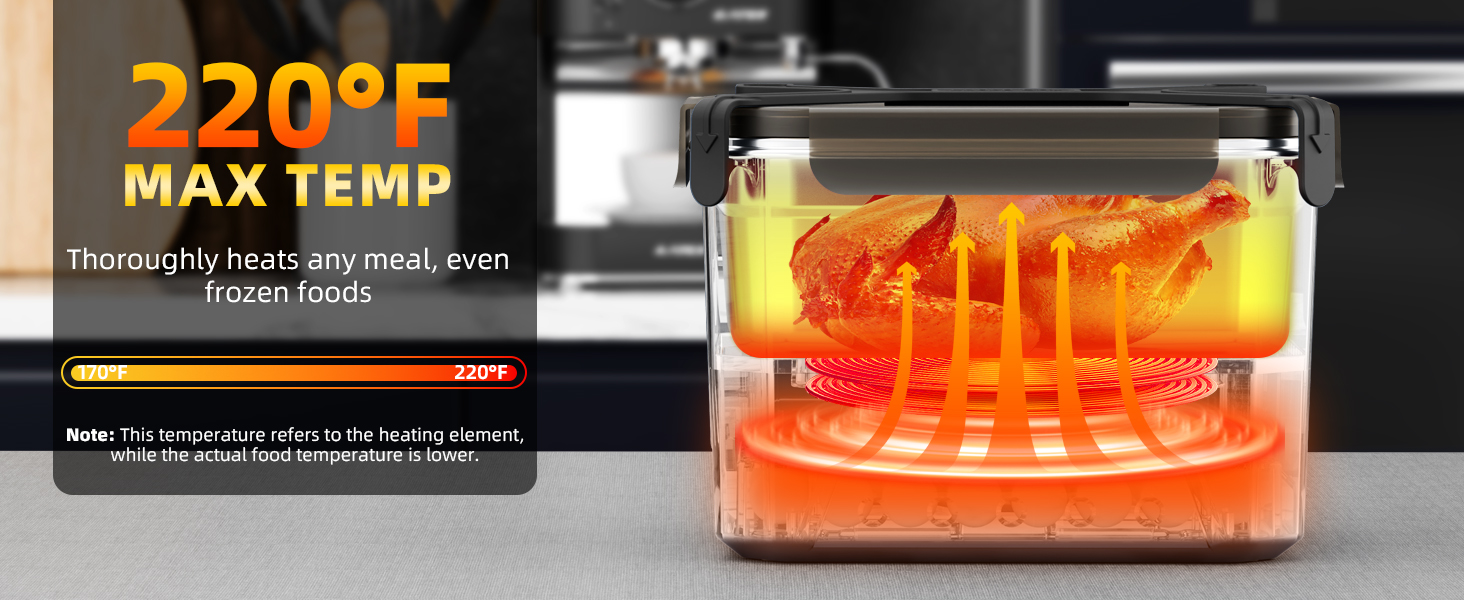
- Smart Heating Design: Designed with intelligent heating technology, the electric lunch box evenly warms food to a ready-to-eat temperature. Simple operation, no complicated settings, just reliable heating when you need it
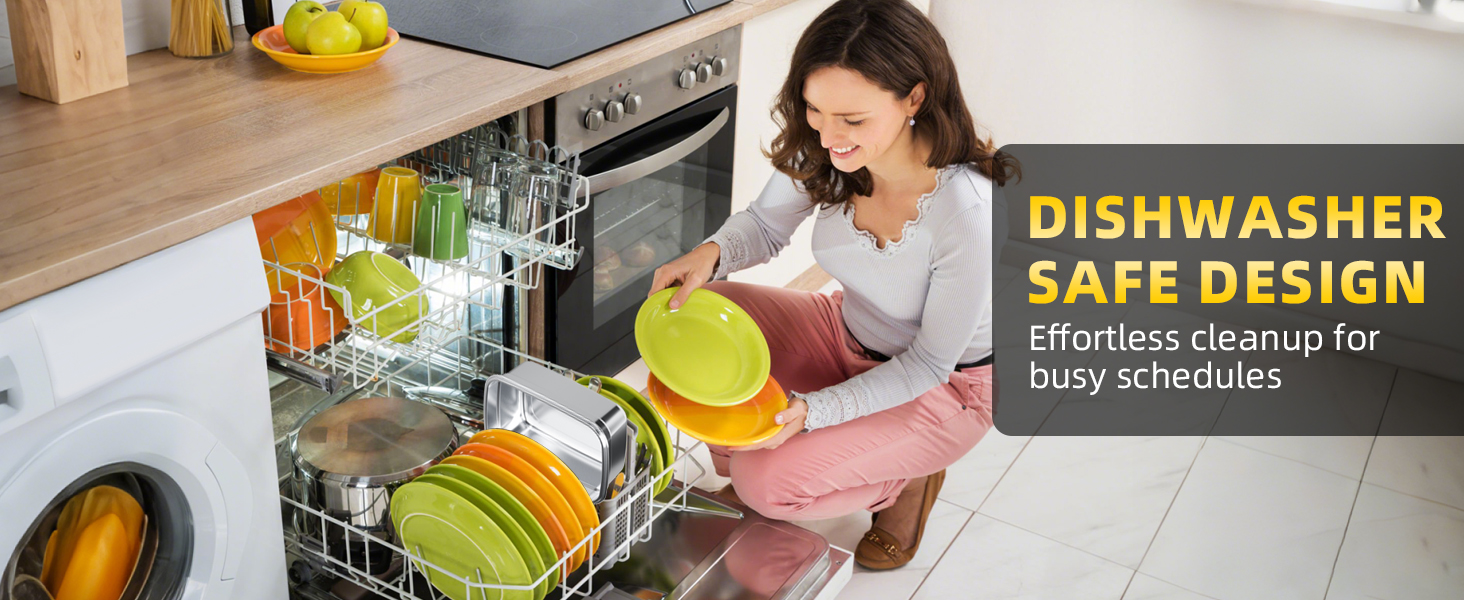
- Dishwasher Safe & Easy to Clean: This cordless, self-heating lunchbox features a removable food container, making it easy to fill with food and quick to clean. Simply remove the container for washing, then put it back in after cleaning to enjoy your next meal. Convenient and hygienic, perfect for everyday use (Note: The heating base contains batteries and is not washable. Simply wipe the surface with a damp tissue.)
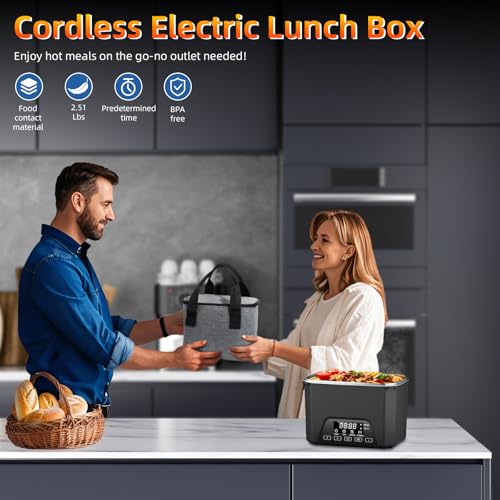
- Easy to Carry: This heated lunch box comes with a portable insulated carry bag for easy transport. Compact and travel-friendly, making it simple to bring warm meals to the office, job site, or on the road
- Pro Tip for Best Heating Results: When reheating food, adding a small amount of water can significantly improve heating performance. The added moisture helps distribute heat more evenly, prevents food from drying out, and ensures thorough warming. This simple step helps your meals heat more evenly and taste fresh and delicious every time
Cordless electric lunch box
Merchant VideoHow to use the heating function?
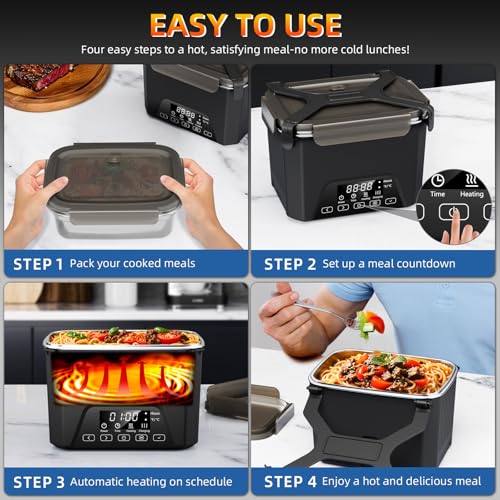
Immediate Heating Mode
- Long press the power button
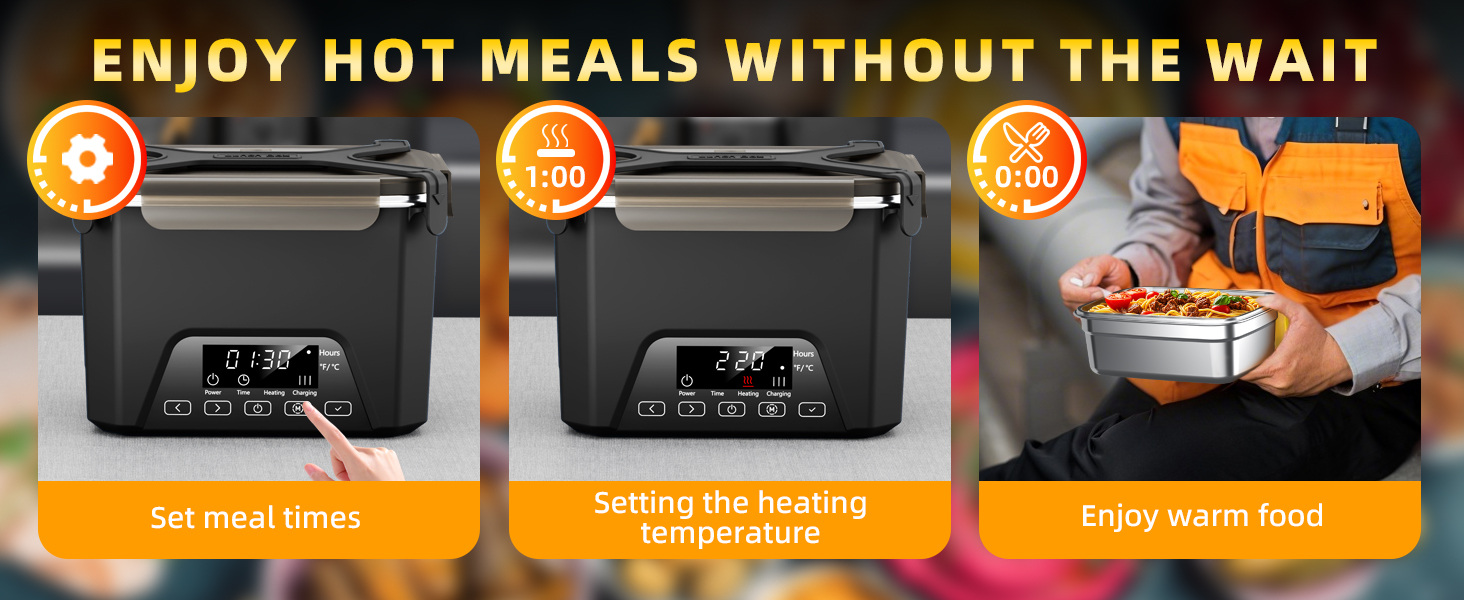
- Short press the function selection button (01:00 is the time required for food heating),Press the plus or minus adjustment button (minimum 1 hour, maximum 24 hours)
- Short press the function selection button to set the heating temperature,Press the plus or minus adjustment button (minimum 167°F, maximum 221°F)
- Short press the confirmation button (the [Heating] icon on the display turns red to start heating)
Immediate Heating Mode
Merchant VideoHow to Set the Timer for Your Electric Lunch Box?
Meal Time Settings
- Long press the power button
- Short press the function selection button to set the heating time
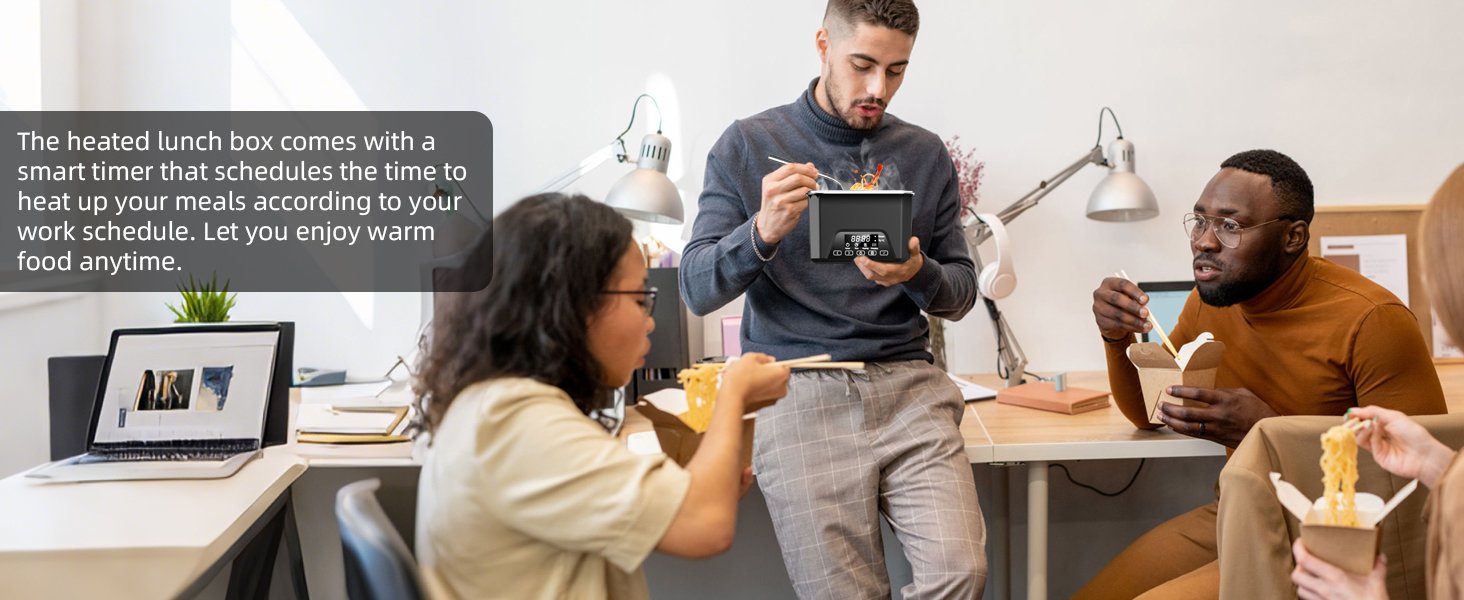
- Press the plus or minus adjustment button (if you turn on the heated lunch box at 8 o'clock and want to eat at 12:30 noon, please adjust to "4.5 hours")
- Short press the confirmation button
Meal Time Settings
Merchant VideoHow to set the heating temperature?
Temperature Settings Mode
- Long press the power button
- hort press the function selection button twice
- Press the plus or minus adjustment button (minimum 167°F, maximum 221°F)
- hort press the confirmation button
Temperature Settings Mode
Merchant VideoHow to check the remaining battery power?
Check Battery Level
- Long press the power button
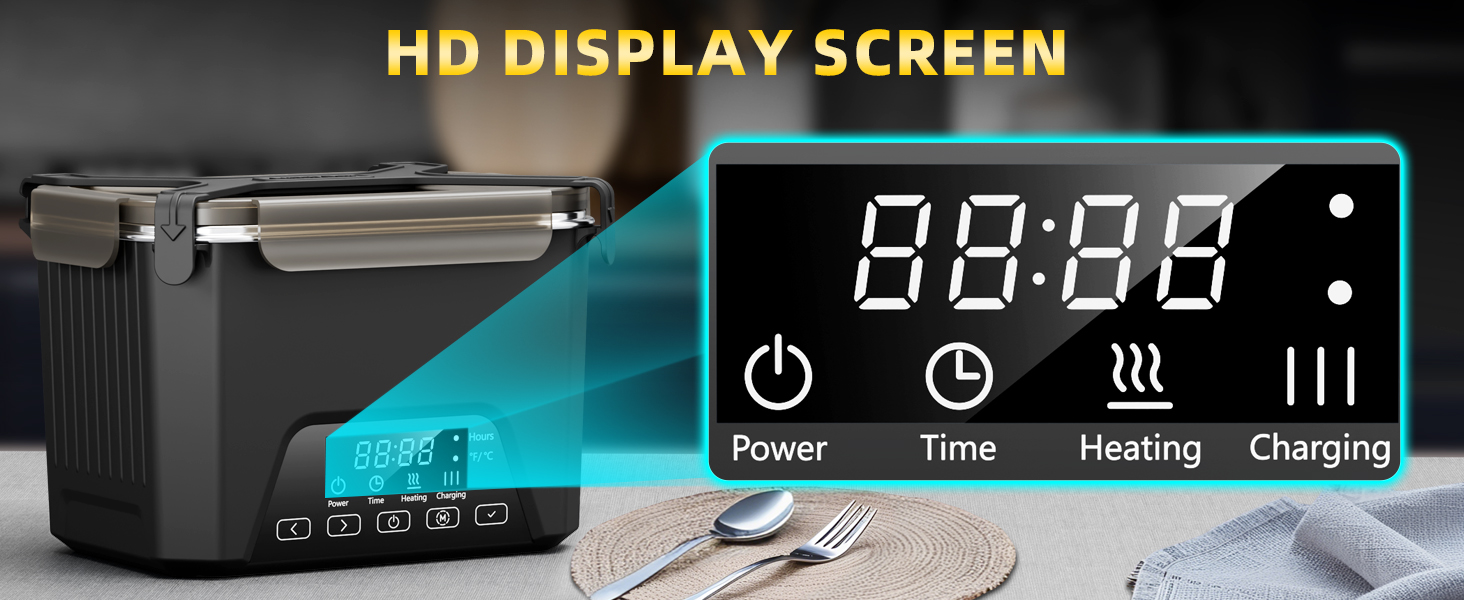
- [Charging] on the display shows the remaining power
Check Battery Level
Merchant Video


| SKU: | B0GKNS28KC |
| Brand: | Lunheat |
| Colour: | Black |
| Pack Quantity: | 1 |
| Manufacture: | Lunheat |
| Colour: | Black |
| Quantity: | 1 |
Product description
The video showcases the product in use.The video guides you through product setup.The video compares multiple products.The video shows the product being unpacked.Cordless electric lunch box
Merchant Video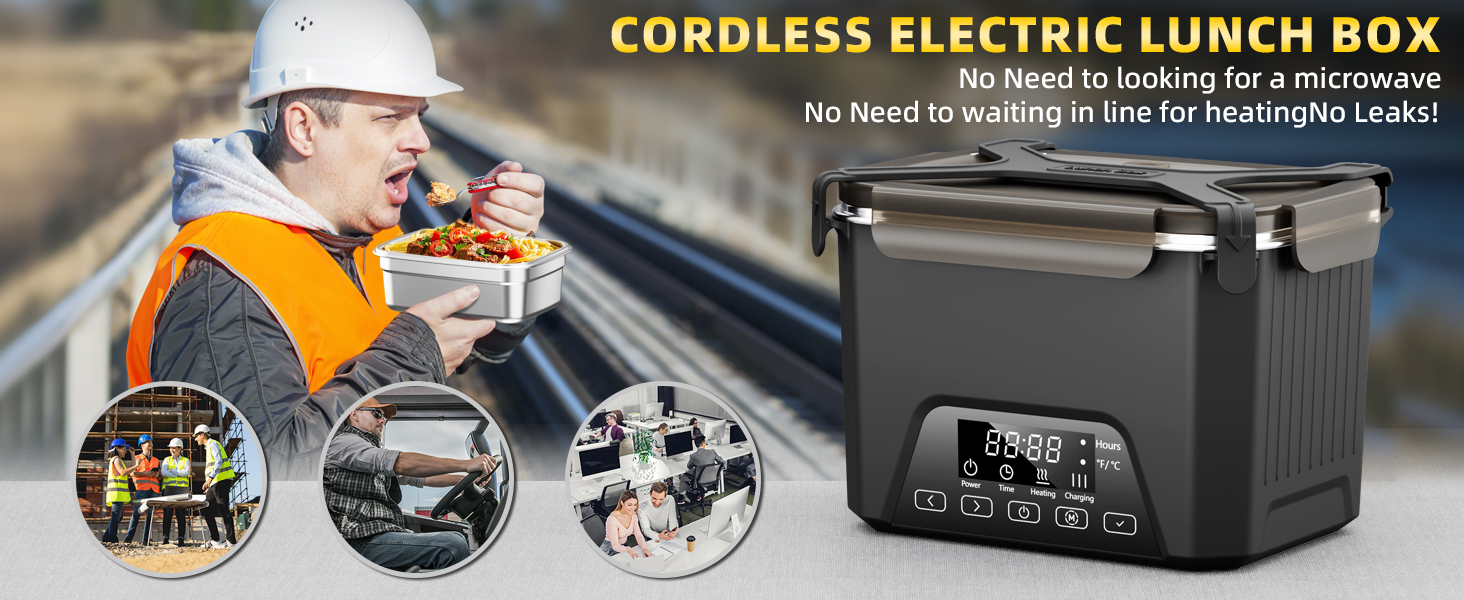
How to use the heating function?
Immediate Heating Mode
- Long press the power button
- Short press the function selection button (01:00 is the time required for food heating),Press the plus or minus adjustment button (minimum 1 hour, maximum 24 hours)
- Short press the function selection button to set the heating temperature,Press the plus or minus adjustment button (minimum 167°F, maximum 221°F)
- Short press the confirmation button (the [Heating] icon on the display turns red to start heating)
Immediate Heating Mode
Merchant VideoHow to Set the Timer for Your Electric Lunch Box?
Meal Time Settings
- Long press the power button
- Short press the function selection button to set the heating time
- Press the plus or minus adjustment button (if you turn on the heated lunch box at 8 o'clock and want to eat at 12:30 noon, please adjust to “4.5 hours”)
- Short press the confirmation button
Meal Time Settings
Merchant VideoHow to set the heating temperature?
Temperature Settings Mode
- Long press the power button
- hort press the function selection button twice
- Press the plus or minus adjustment button (minimum 167°F, maximum 221°F)
- hort press the confirmation button
Temperature Settings Mode
Merchant VideoHow to check the remaining battery power?
Check Battery Level
- Long press the power button
- [Charging] on the display shows the remaining power
Check Battery Level
Merchant Video
A great choice for people working in constructio
Working in construction, I used to deal with cold lunches or grab fast food, which was never very satisfying. Ever since I started using this heated lunch box, things have been much better. It’s sturdy enough for tough job sites, the battery lasts a long time, and I can enjoy a hot homemade meal wherever I am. It’s honestly one of the most worthwhile things I’ve bought.