Pro HD 4K Webcam with Eye Contact, Noise Cancelling Mic
Pro HD 4K Webcam with Eye Contact, Noise Cancelling Mic, Plug and Play USB for Mac & PC Zoom, Wireless Webcam, Conferencing and Video Calling (Pro Camera) (Pro 2025) (Pro 2026)
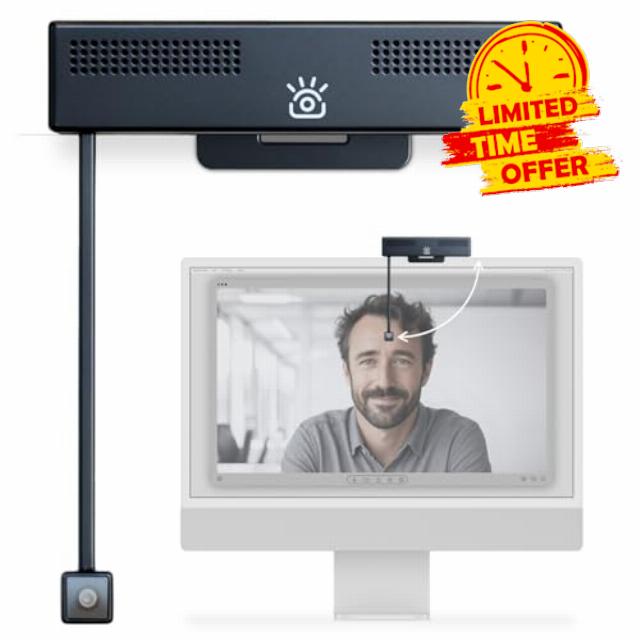
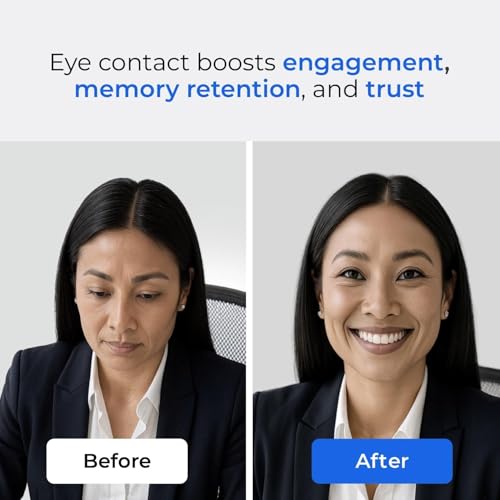
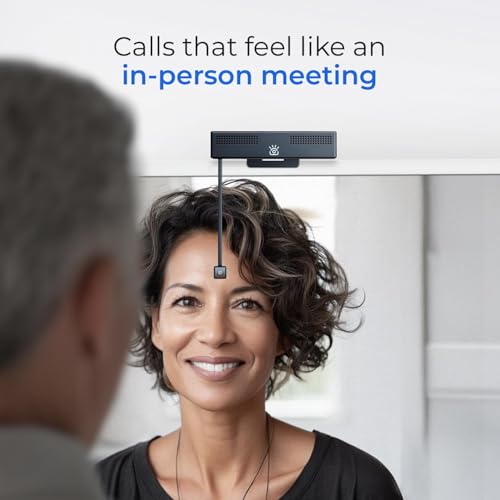
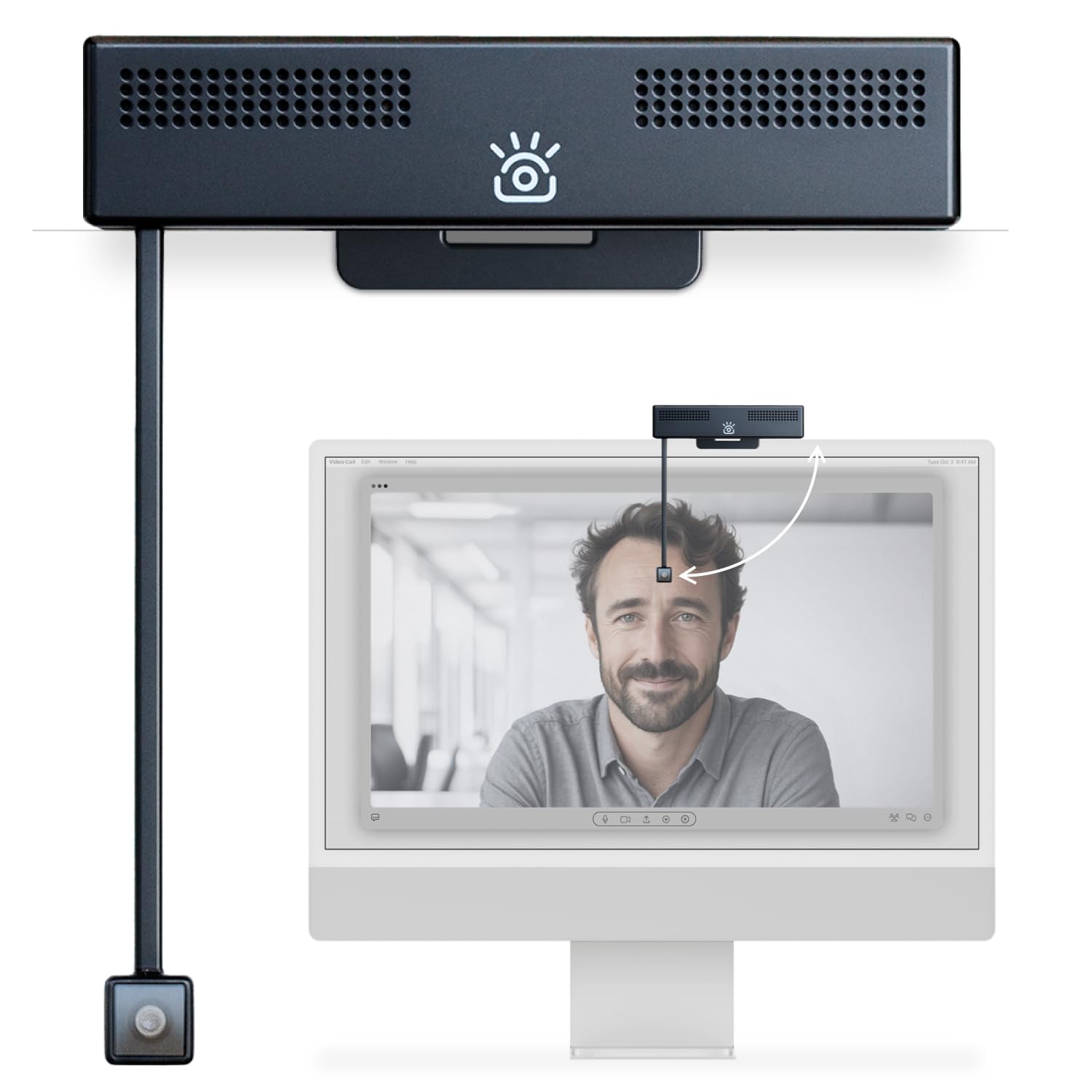
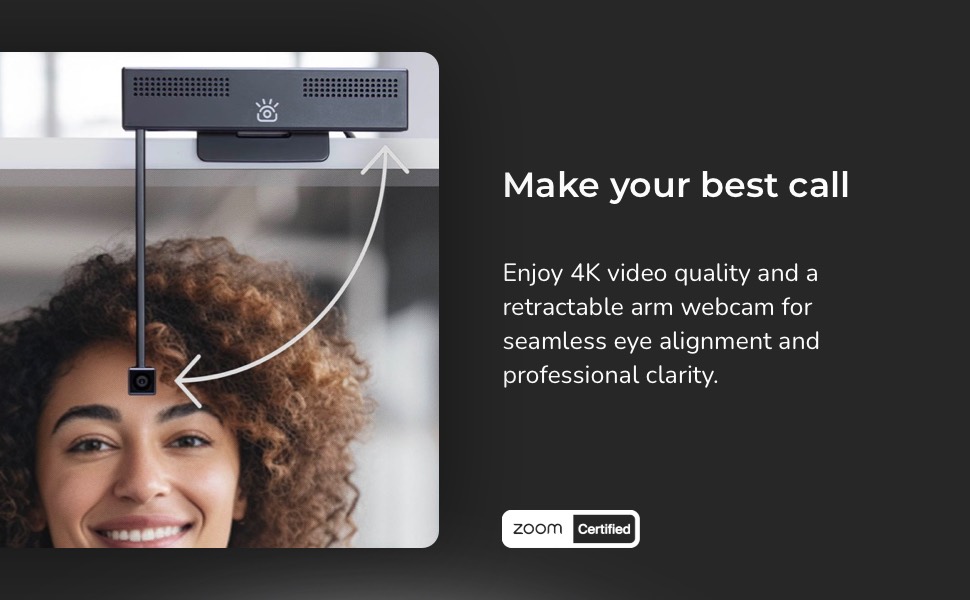
- Eye Contact webcam for Better Communication: Boost engagement, memory retention, and trust with eye contact. Flip down the retractable arm to bring the camera to eye level and make video calls feel like an in-person meeting. Flip it up out of the way when you're done.
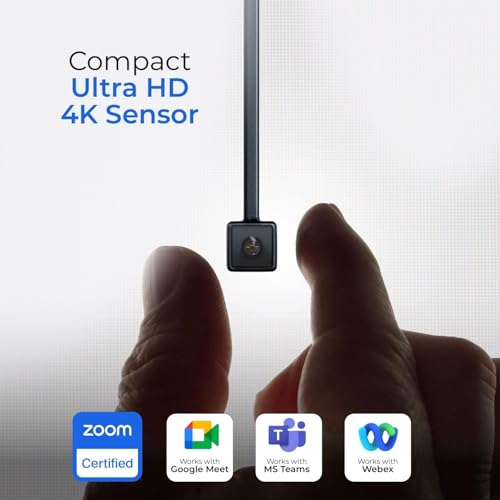
- Compact 4K Ultra HD Sensor: WIth resolution far beyond traditional HD webcams, the iContact Camera is powered by an 12-megapixel high-resolution sensor to capture stunning 4K video at 30fps with a 78° field of view (FOV). Capturing an image that has 4x more pixels than traditional 1080P HD webcams—the next generation digital signal processor automatically adjusts lighting, white balance, color temperature, and focus to adapt to you and your environment for stunning video quality.
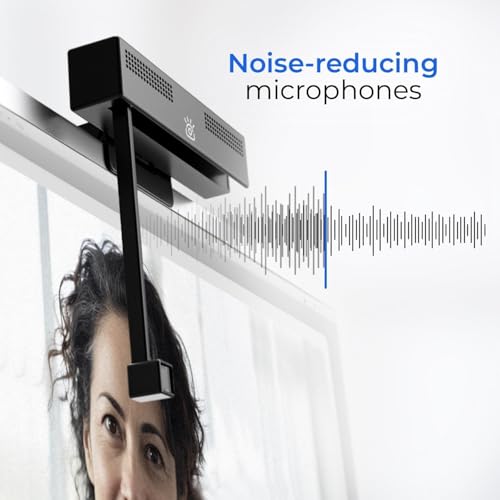
- Dual Noise-Cancelling Microphones: The two built-in microphones deliver immersive audio with noise reduction, ensuring clear, natural sound that makes video calls feel like you're in the same room. Perfect for meetings on desktop and larger laptops.
- Certified for Professional Use: Zoom Certified and works with major video conferencing platforms. This webcam 4K works with Zoom, Microsoft Teams, Webex, FaceTime, OBS, Twitch, Facebook, YouTube, and more.
- Plug & Play USB webcam: Instantly connects to Mac, Windows, and desktop computers with USB-C plug-and-play convenience. No drivers needed, just connect computer webcam to boost engagement, memory retention, and trust. Works great for live stream, gaming, video conferences, remote meeting, professional collaboration, streaming, recording, online school, and education apps.
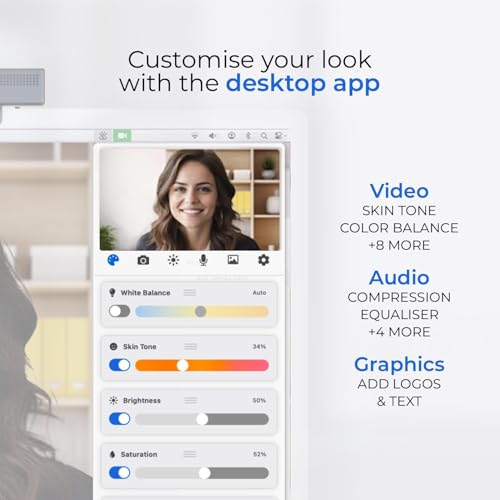
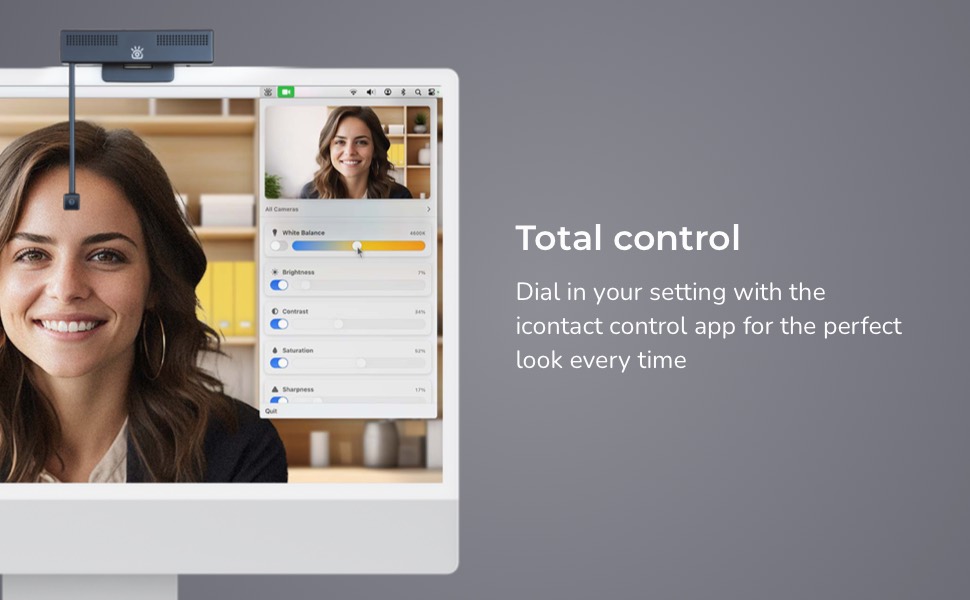
- Free iContact Control App: Dial in your camera settings with the free companion app for Mac and PC. Adjust skin tone, color temperature, brightness, contrast, sharpness, focus, field of view, add text, graphics, and more. Just download the app from the iContact Camera website.
- Universal Compatibility: Designed for desktops and laptops with screen sizes up to 24". Includes a high-quality cable with sufficient length for seamless routing on larger devices. Fully compatible with Windows 7–11, Mac OS X 10.7+, Chrome OS, and Linux.
- Optimized for Work, Streaming & Gaming: the iContact Camera Pro delivers natural eye for a wide range of use—computer webcam, webcam for Mac, PC webcam, camera for streaming, gaming camera, business webcam, content creation, and entertainment.
| SKU: | B0FJS9VGHW |
| Weight: | 0.4 Kilograms |
| Brand: | iContact Camera |
| Model: | ICCP01LP |
| Colour: | Camera Secure |
| Batteries Included: | No |
| Manufacture: | Rilli |
| Colour: | Camera Secure |
Product description

Clever Idea, Solid for Meetings, But You’re Paying Mostly for the Core Feature
I’ve been using this webcam for about two weeks across a lot of video calls, so I’ve had time to get a realistic sense of how it performs. Overall, I like it. It provides face-to-face call capability as advertised. But I wish the camera/image quality were better for the price point.
Setup and Installation
Installation on a Mac was straightforward. The camera connected instantly as advertised. However, if you want to adjust settings—things like brightness, color temperature, sharpness, focus, or field of view—you’ll need to download the free Eye Contact Control app from the manufacturer’s website. The app works, but it’s labeled public beta, which doesn’t inspire huge confidence. It also takes a second or two to detect the camera each time.
My unit came with a USB-C (the webcam) to USB-A cable (the monitor or computer) only, and there was no USB-C adapter included, despite some reviewers mentioning one.
Design and Mounting
The camera sits securely on top of a monitor and the clamp works well. When folded down for use, the lens tilts slightly away from the screen rather than perfectly straight. I compensated by lowering my standing desk a bit, but it’s something to be aware of.
The camera is fairly low-profile and unobtrusive on the monitor, which I like.
Image Quality
This is where expectations need to be managed. The video quality is good but not exceptional, especially given the price. Compared with my Logitech Brio, the image is softer and not as good at balancing bright and dark areas in the frame. You can improve this somewhat using the app.
Autofocus can also be a little slow, and quick movements sometimes cause a brief lag while it refocuses.
Audio
The camera includes dual microphones with noise reduction, but the sound quality is only average—slightly tinny and not noticeably better than my laptop’s mic. I prefer using my Shure microphone, which sounds much better.
Compatibility
I tested the camera with Zoom, Microsoft Teams, and FaceTime, and it worked fine with all three.
The Eye Contact Feature
This is really the reason to buy this camera—and to its credit, it works well. When you position your meeting window properly on the screen, it creates the effect of true eye-to-eye contact, which does make conversations feel more natural if you position the conferencing app window so the boom is centered on your caller’s face. For frequent video meetings, that’s genuinely nice.
But make no mistake: this is the core value of this device. You’re paying a premium for that feature.
Other Notes
* My unit did not include a built-in lens cover, although some versions apparently do.
* I wish the arm could extend just a bit lower, but I understand there are physical design constraints.
Bottom Line
Overall, I like the camera and I’m keeping it. It does exactly what I wanted: enable better eye contact in video calls.
That said, the image quality doesn’t match the premium price point. If you’re creating content or care most about picture quality, a high-end Logitech camera will likely be a better value for that purpose.
But if your main goal is more natural eye contact in day to day Zoom meetings, this camera delivers—you’ll just have to decide whether that feature alone is worth the price.
Best WFH purchase in years....
Aside from my MacBook, this camera has been the best home office purchase to date. I have tried no fewer than 5 4K cameras, and this one cleans up my desktop and screen real estate incredibly.