MINIX K1 USB C KVM Switch 1 Monitors 2 Computers, 4K@120Hz
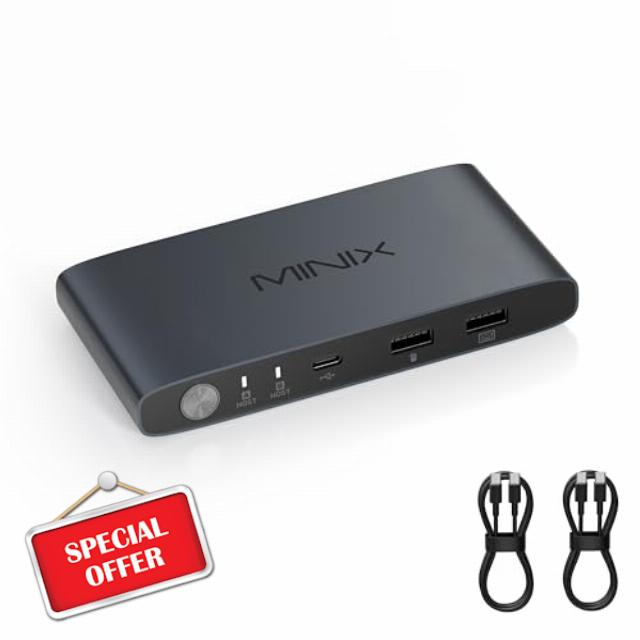
MINIX K1 USB C KVM Switch 1 Monitors 2 Computers, 4K@120Hz HDR, 100W PD 3.0, Dual USB-C Input KVM Switches, Share Keyboard & Mouse, Aluminum Design, Compatible with Windows, Mac, Linux, Android
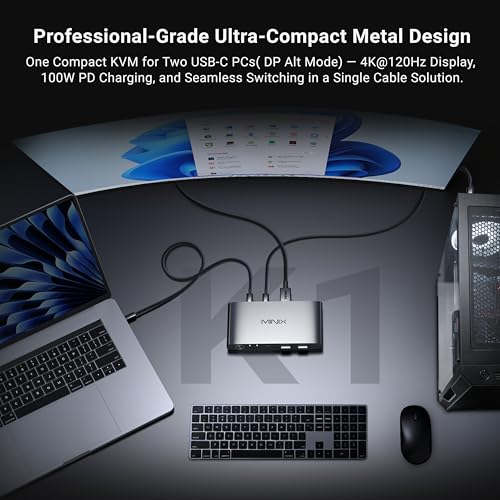
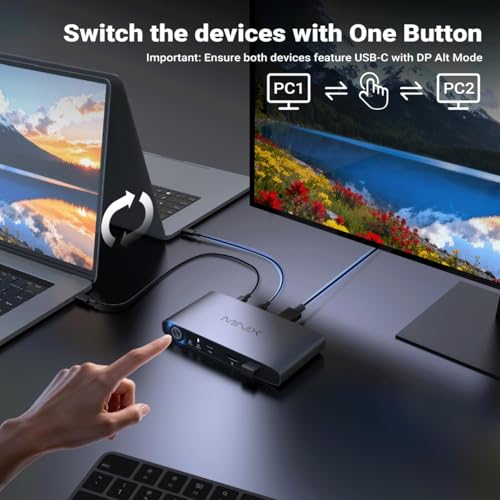
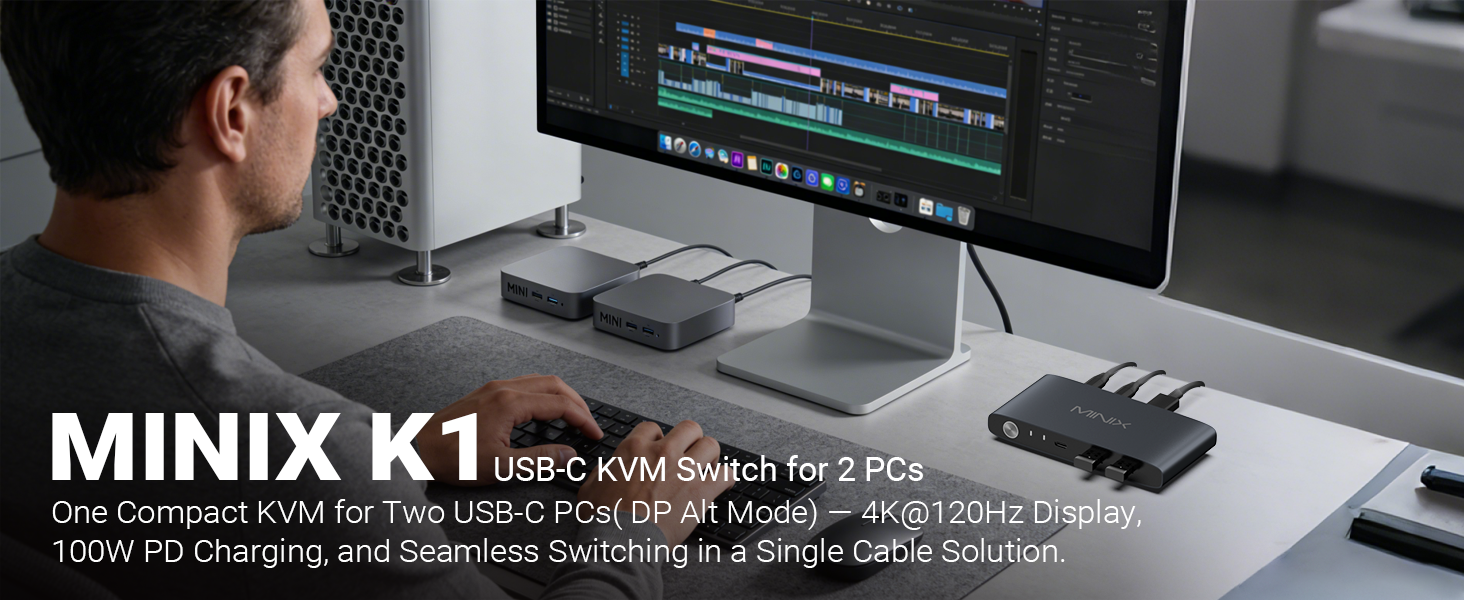
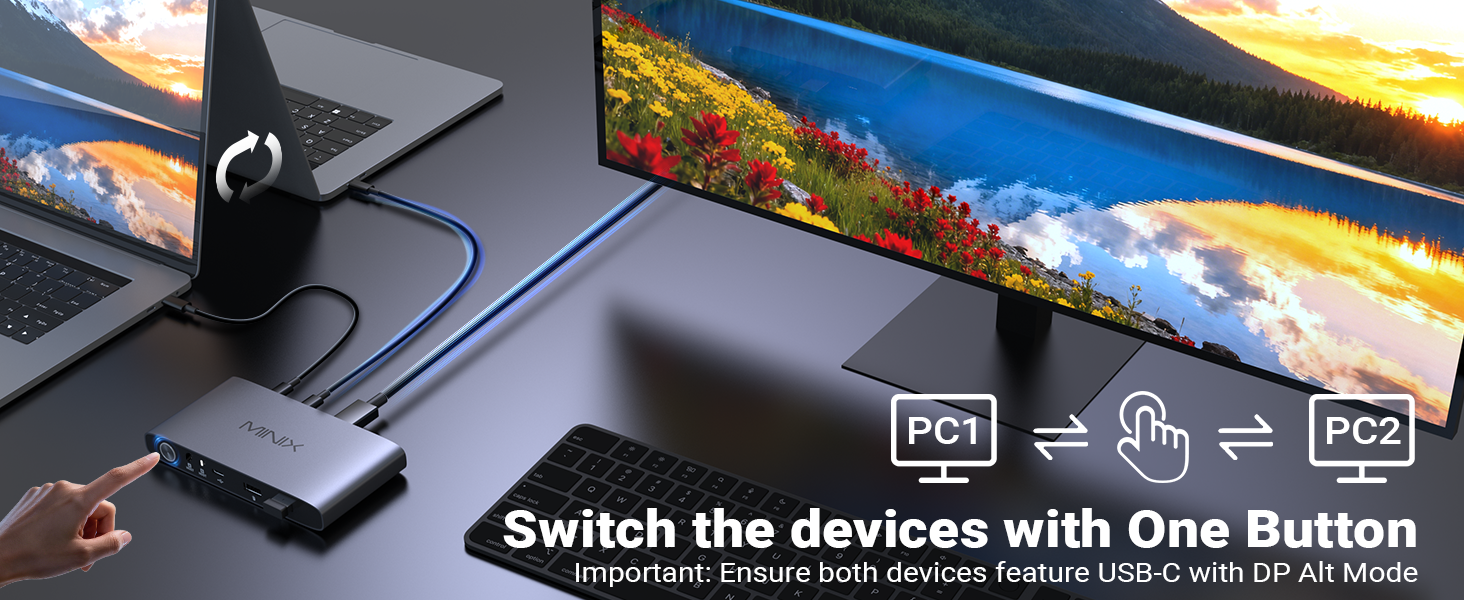
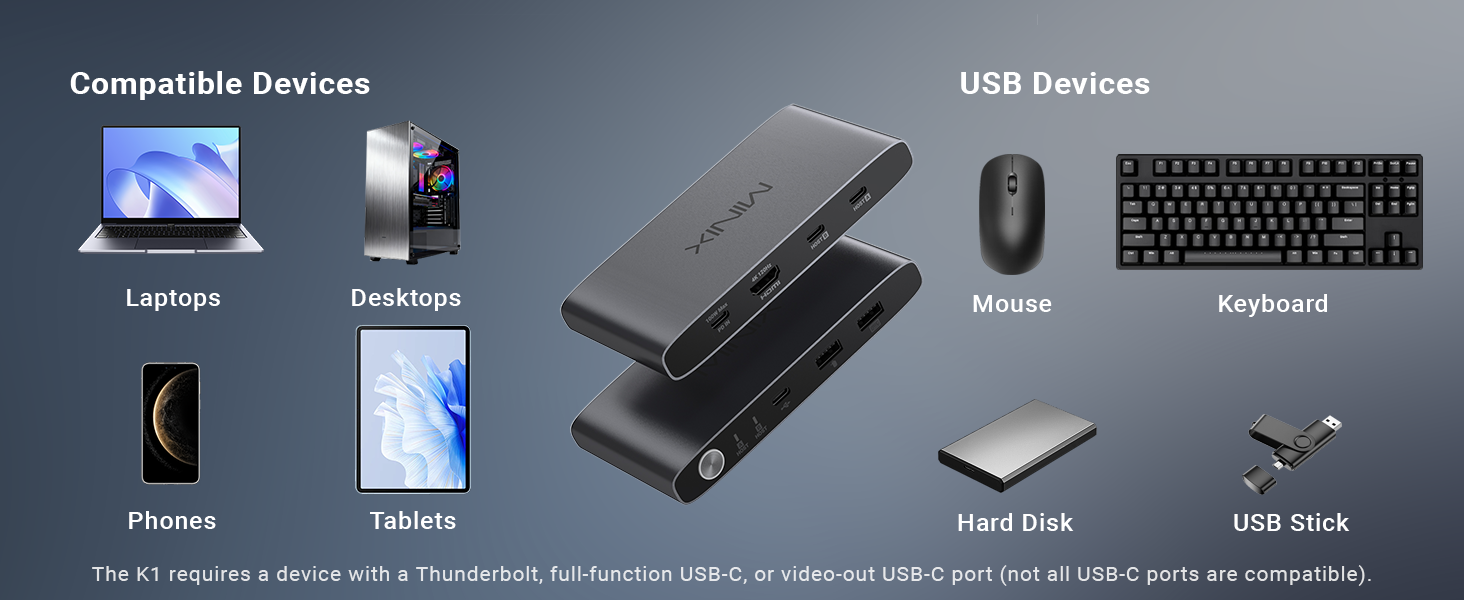
- 【KVM Switch 1 Monitors 2 Computers】This USB-C KVM Switch with two USB-C ports allows control of two computers or laptops, enabling them to share a single monitor, keyboard, and mouse. By pressing the switch button, you can seamlessly switch between computers, enhancing productivity and reducing desk clutter
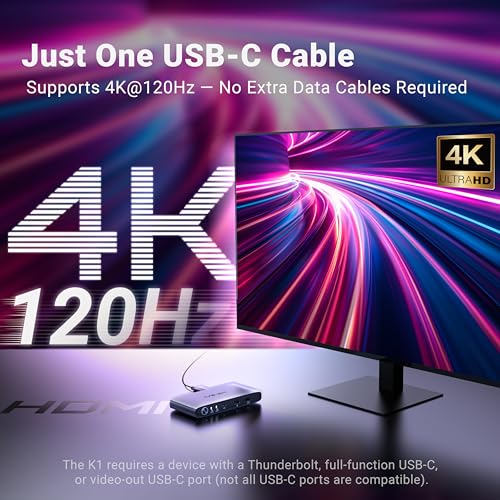
- 【4K@120Hz HDR Display & Audio Output 】Enjoy high-definition output with 4K@120Hz HDR, providing ultra-smooth visuals and vibrant colors. Supports HDCP compliance for secure playback of streaming content.Note: Please ensure your device’s USB-C port supports video output. For optimal 4K resolution, use an HDMI 2.1-compatible cable
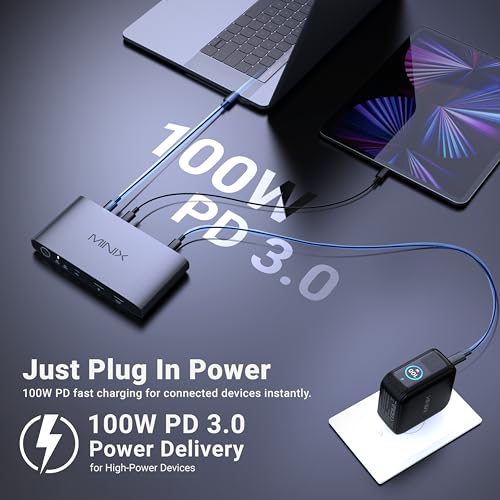
- 【Built-In 100W USB-C PD 3.0 Charging】 Integrated PD port delivers up to 100W for compatible devices. Use your existing USB-C charger for flexible power options and a cleaner setup.Note: The PD port only provides power to the currently connected device
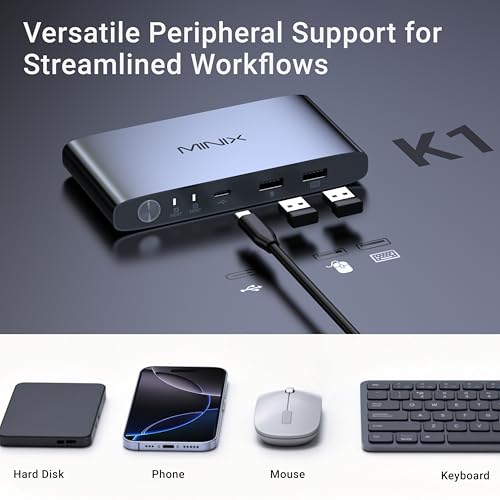
- 【Front Ports for Everyday Accessories】 MINIX K1 KVM Switch allows you to easily connect keyboard, mouse, flash drives, and phones using 1 USB-C and 2 USB-A ports. No more plugging and unplugging accessories repeatedly
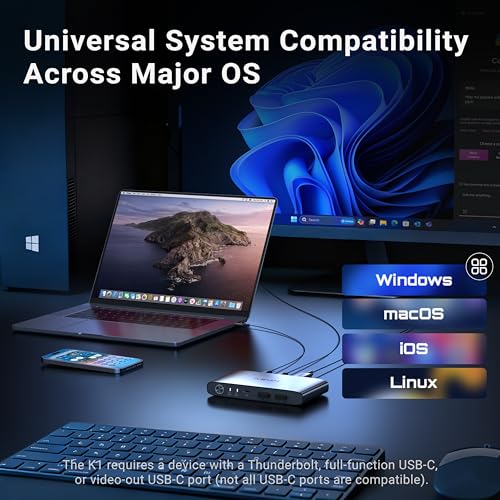
- 【Universal OS Compatibility】 MINIX K1 USB-C kvm switch is compatible with Windows 10/11, macOS, Linux, Android, Harmony OS, making it easy to integrate into any home office or shared workspace
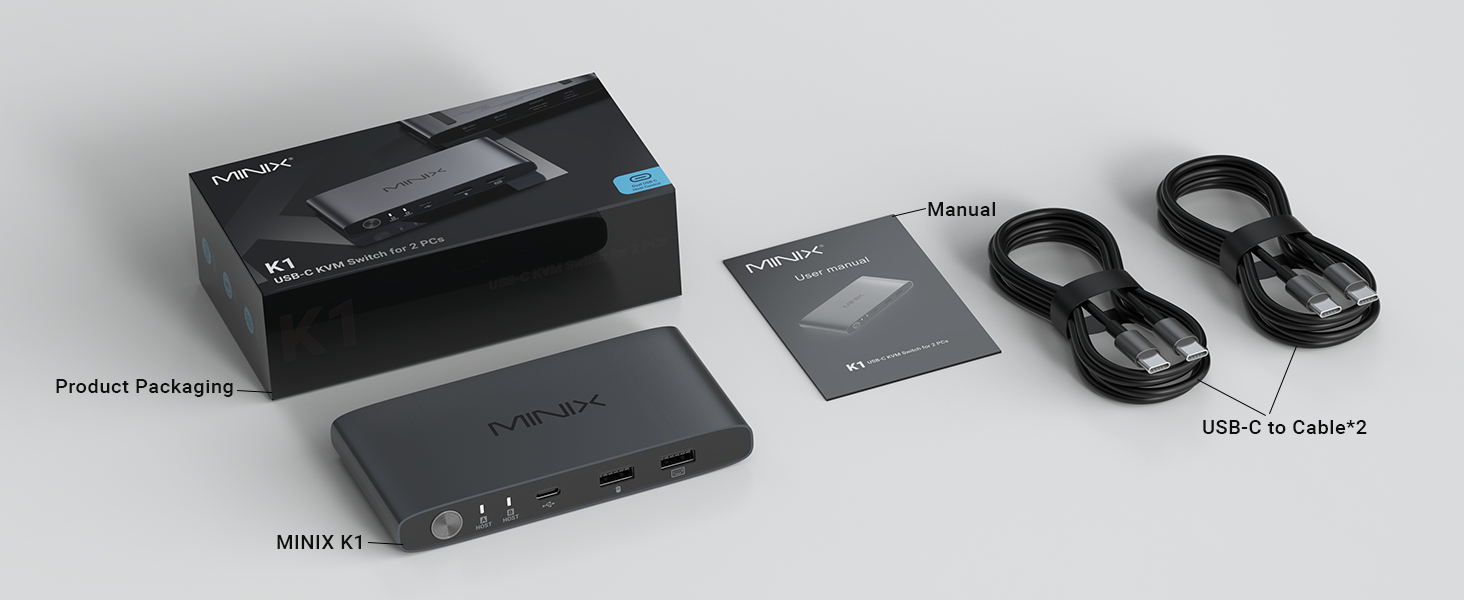
- 【After-sales Service】 Our USB-C Switch comes with 2 full-feature USB-C cables and 1 KVM switch. Please note that you will need to provide an HDMI 2.1 cable to connect your monitor. We offer a 1-year warranty on our products

| SKU: | B0GGRDYYBS |
| Weight: | 185 Grams |
| Dimensions: | 5.2 x 2.6 x 0.71 inches |
| Brand: | MINIX |
| Colour: | Gray |
| Pack Quantity: | 1 |
| Manufacture: | MINIX GROUP COMPANY LIMITED |
| Colour: | Gray |
| Quantity: | 1 |
Product description
Works well for designed functio
Worked very well to output to hdmi from 2 computers, but I was looking for a usb c to usb c switch to input into one usb c hub and share 2 computers to 2 monitors and it didnt function for that purpose (which was not a fault of the product)
Compact KVM, ideal with USB-C computers, quick switching between computers
Compact KVM ideal for travelling. Has the USB-C’s for connectivity which means less wires. The USB-A and USB-C is handy for connecting shared devices. Feels premium with the slight heft and button press. Takes about 4-5 seconds to switch. I am using a Windows and MacBook and a Samsung 2k monitor.
Kompakter KVM mit starker Leistung
Der KVM-Switch macht genau das, was er soll — und das erstaunlich gut. Zwei Gerte anschlieen, Knopf drcken und sofort zwischen den Rechnern wechseln. Das funktioniert im Alltag zuverlssig und ohne sprbare Verzgerungen.
Besonders berzeugt hat mich die Untersttzung von 4K bei 120Hz. Das Bild bleibt gestochen scharf und flssig, was gerade bei einem hochwertigen Monitor ein echter Pluspunkt ist. Auch die Mglichkeit, Tastatur, Maus und Zubehr direkt am Gert anzuschlieen, sorgt fr einen aufgerumten Schreibtisch.
Das Aluminiumgehuse wirkt hochwertig und kompakt, sodass der Switch kaum Platz einnimmt. Die Einrichtung ist simpel: anschlieen und loslegen — viel mehr braucht es nicht.
Ein kleiner Haken ist die Stromversorgung: Geladen wird immer nur das gerade aktive Gert. Wenn man also zwischen Laptop und Desktop wechselt, bekommt der Laptop zwischendurch keinen Strom. Das sollte man vorher wissen.
Unterm Strich ein durchdachter, moderner KVM-Switch fr alle, die zwei Gerte komfortabel an einem Arbeitsplatz nutzen wollen.
Genial. Ha cumplido mis expectativas
Tengo dos monitores conectados a una consola, y dos ordenadores.
Esto me permite ocasionalmente compartir uno de los monitores conectados el iPad.
Lo que es genial es poder usarlo con la simple potencia que entrega el MacBook y si no uso la potencia de uno de los monitores para el iPad.
Muy buen cacharro. Mejor de lo que esperaba
USB-C KVM lets you use one cable to hosts. Need USB-C that supports display output on host machines.
This KVM is actually a really brilliant combination of a USB C laptop docking station with a KVM. What I mean by that is you only need to connect a single USB-C cable to your computer and that connects the computer to an HDMI display, keyboard, mouse, and any other USB devices you are feeding into the KVM. Compared to a traditional KVM where you would have a separate display connection. There is no network connection through the KVM so devices do need a separate network connection but if you’re using WIFI then the network connection is wireless. That makes this an especially good KVM for use with a laptop that you want hooked up to a monitor and keyboard some of the time and portable on its own some of the time.
The KVM has ports on the front and rear, a button for switching the host on the front, and LED indicator lights indicating which host is selected. On the front is the button, the indicator lights, and USB input ports that will be connected to the host. So for example your keyboard and mouse that you are sharing to the host computer. The rear has the USB-C ports for connecting to the hosts, the HDMI output for your display, and charging port. I measured the KVM at 5.2″ wide, 2.6″ deep, and 7.3″ tall. I weighed it at 6.63 ounces.
As it only uses one cord for display and accessories it’s quick to plug the hosts in. You do need a USB-C port that supports video output. I believe all recent laptops do so. My desktop computer with a motherboard released in late 2023 does not. So you’ll want to check your specific devices. But, if everything is compatible this is a KVM that requires a minimal amount of cables.
PD only goes to the active device, but otherwise it's grea
Minix makes great products with extra attention paid to design and packaging, and this KVM switch is no different. Unlike most traditional KVMs, this one is designed specifically to switch two devices that support a single-cable USB-C connection carrying both video, power and keyboard/mouse data. There are ports for your keyboard, mouse, monitor and USB-C charger, and then all four of those are routed to whichever device you’ve selected via the on device button.
A key gotcha to keep in mind here is buried in that statement: _everything_ is routed to the selected device, including the charging cable. That’s a bummer if you’re swapping between a laptop and a desktop, because it means the laptop will not be charging while you’re using the desktop. Seems like an odd omission, and my suggestion is probably to ignore the charging feature entirely and plug your charger directly into your laptop. If you have a gaming laptop that needs more power than USB-C PD can provide anyway, or if you’re switching two mini PCs, this shouldn’t be a big deal.
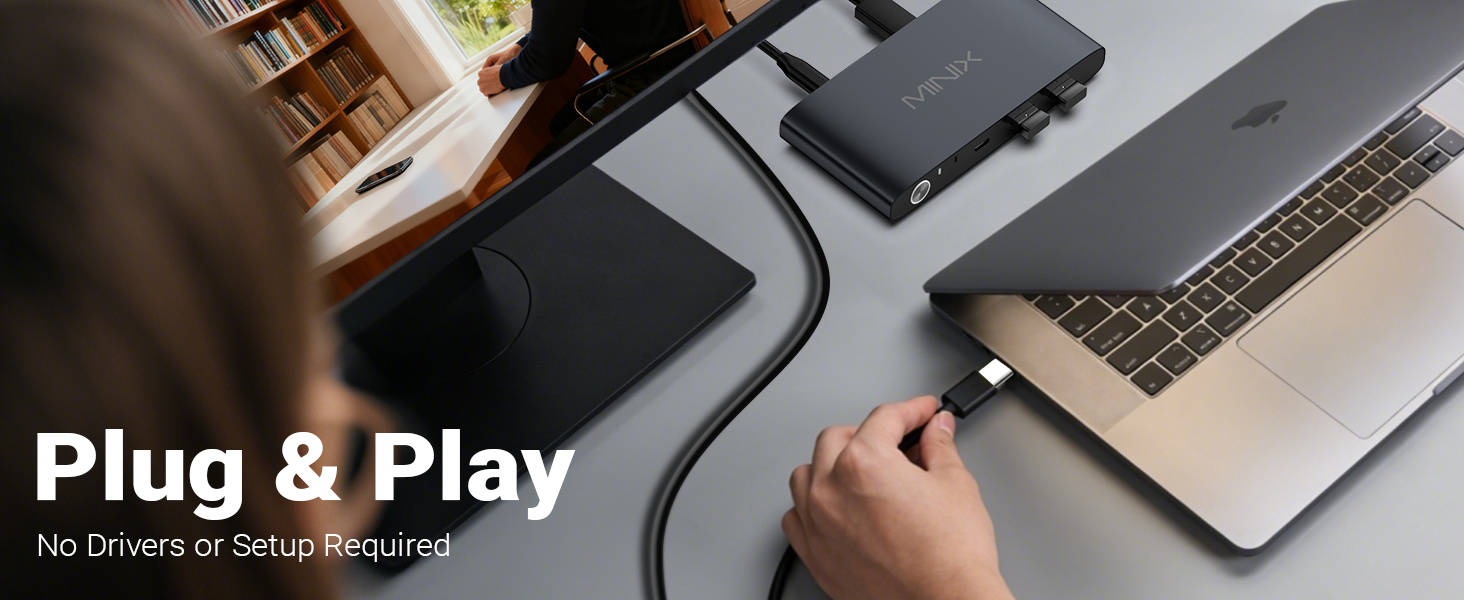
Setup and use is about as easy as it gets – plug in the devices and push the button. There are two nonskid rubber feet that keep it in place on your desktop, and it’ll need to be there because that’s where the button is. I kinda wish this had some kind of mounting hole or way to secure it down so it doesn’t move much, but that’s a minor quibble.
Physically the case is very well designed and attractive – because this has a simplified PC connection the aesthetics are greatly improved over most KVM switches. If you have always wanted a more compact, straightforward option this is an excellent choice at a very reasonable price.
Excellent KVM
This is an excellent KVM and works exactly as expected.
The packaging is very nice. The KVM itself is made of an all metal construction and appears to be very well made and durable. The product includes the KVM and 2x USB-C to USB-C cables for connecting two devices. In order to complete this review, I needed an HDMI 2.1 cable, a power adapter and a keyboard and mouse.
I tested the KVM with two Macbook Pros, one is an M1, the other is a 2018 model. Both support thunderbolt via USB-C. The keyboard I used was connected via the USB-C port on the front of the KVM. The mouse was used wirelessly. With everything connected, I had zero issues getting a full 4k at 120hz with HDR from the HDMI port. I was also able to get the full charging power from my official Apple Macbook Pro M1 charger. The KVM was very easy to use. Simply tap the button on the front of the KVM and the HDMI and USB devices all switch from one Macbook to the other.
My only complaint would be the USB hub. While having both USB-C and USB-A is great for connectivity, per the specifications, all three ports on the front of the KVM are only capable of USB 2.0 speeds / 480Mbps. Ideally they would be capable of USB 3 speeds for high speed thumb drives, external hard drives, or daisy chaining thunderbolt.
Overall this KVM is highly recommended and was exactly what I needed for switching between my Macbooks.
Basicallly perfec
Perfect!!! and supports 4k @ 120Hz among other things. And due to small size and shape you don’t really miss a remote. You might want to replace the provided usb-c cables with longer ones, depending on what side of the laptop the usb-c ports are. Power delivery to the selected computer. Switching time is physiological if you use usb-c instead of separate HDMI and USB and power towards the laptops.