ELECOM Huge Plus Wireless Trackball Mouse, Ergonomic 52mm
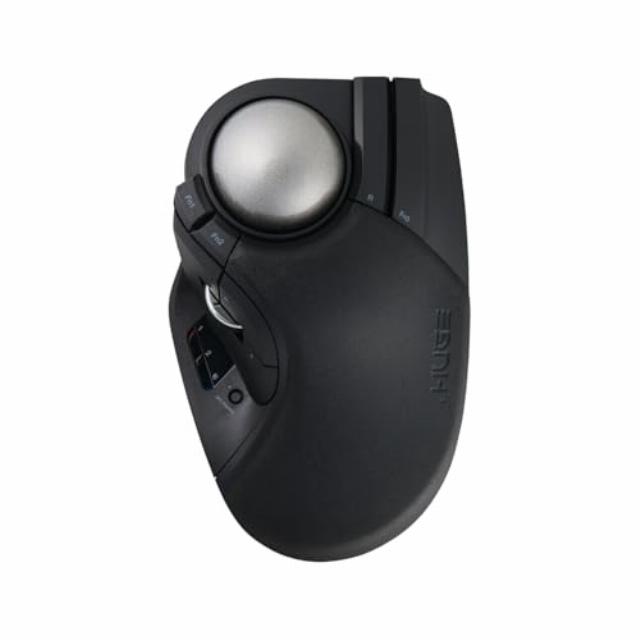
ELECOM Huge Plus Wireless Trackball Mouse, Ergonomic 52mm Large Ball, Multi-Connection Bluetooth, 2.4GHz Wireless, Wired, 10 Programmable Buttons, Rechargeable, Silent Clicks, for Windows PC Mac iPad
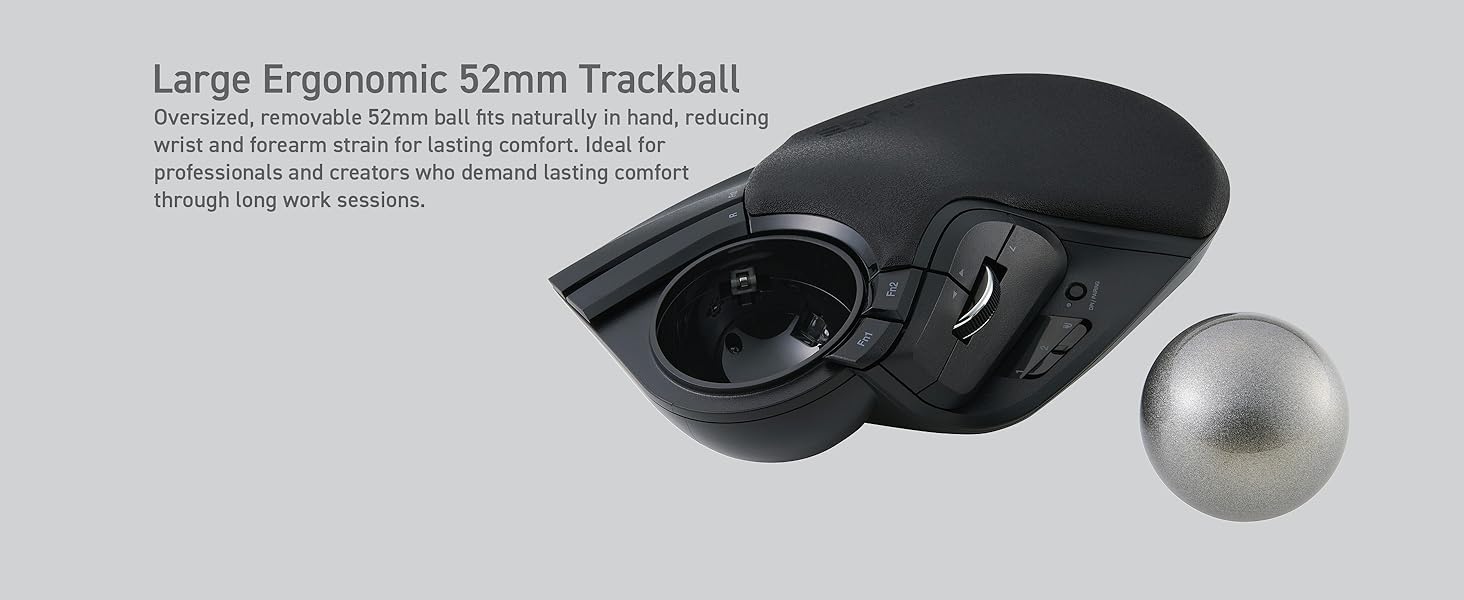
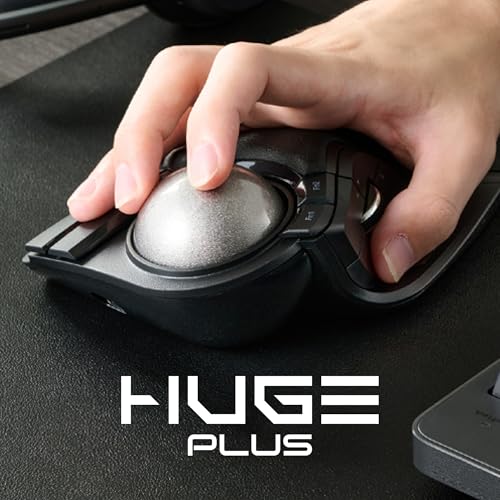
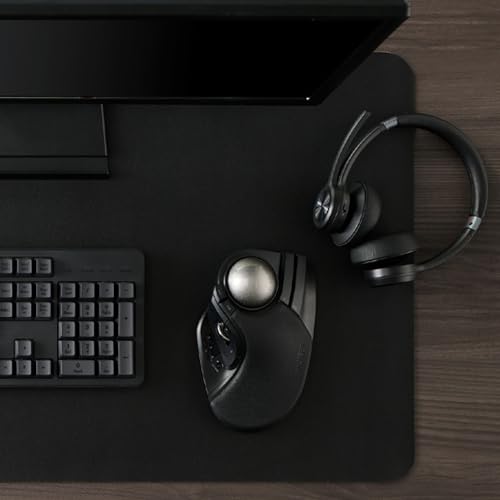
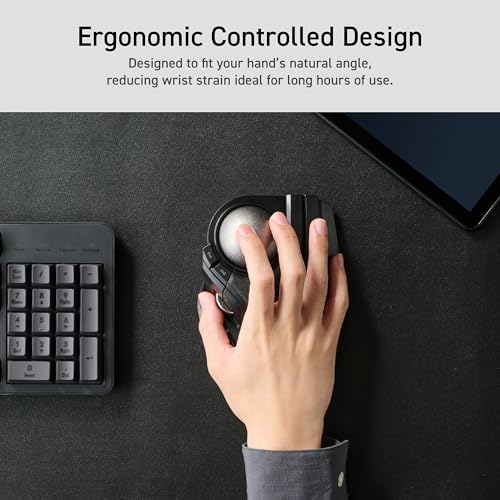
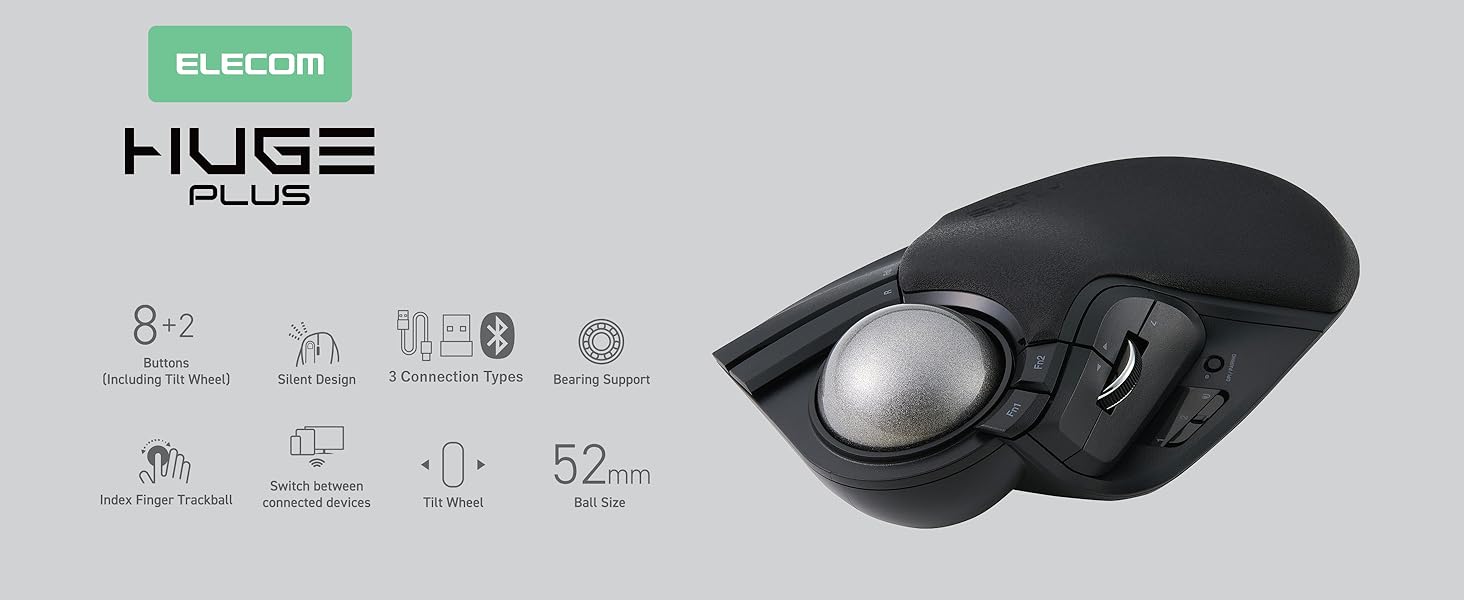
- ERGONOMIC DESIGN WITH LARGE BALL: 52mm trackball fits naturally in hand and provides precise, fluid control.
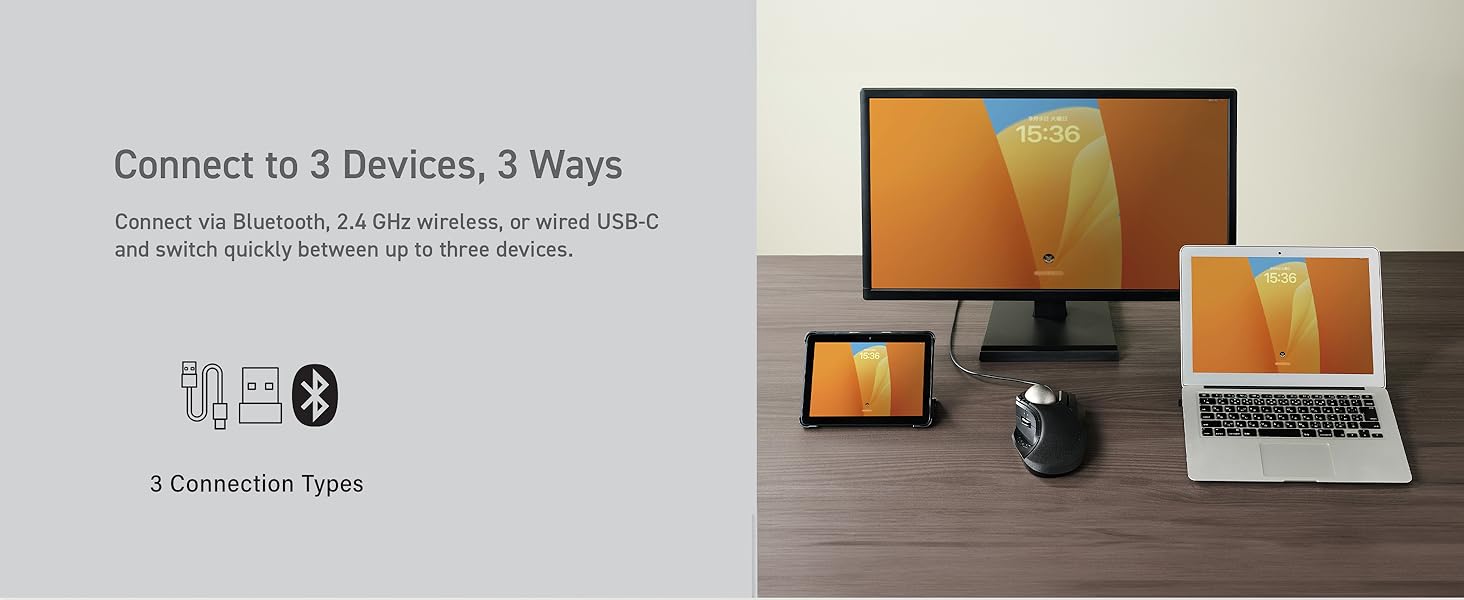
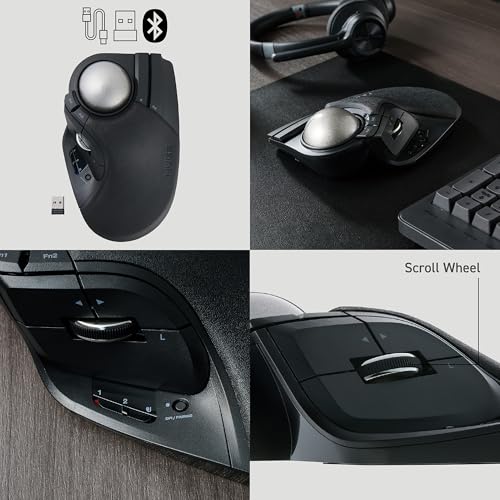
- TRI-MODE CONNECTIVITY: Connect via Bluetooth, 2.4GHz wireless, or wired USB-C for seamless switching between up to three devices.
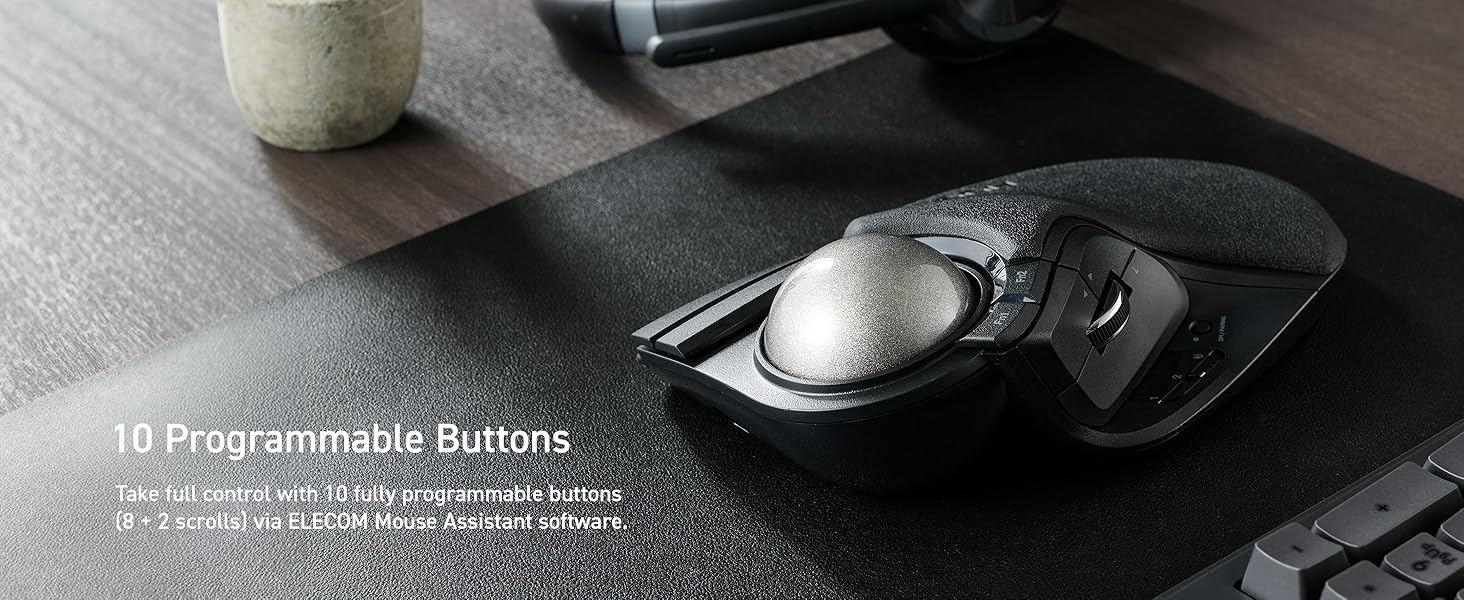
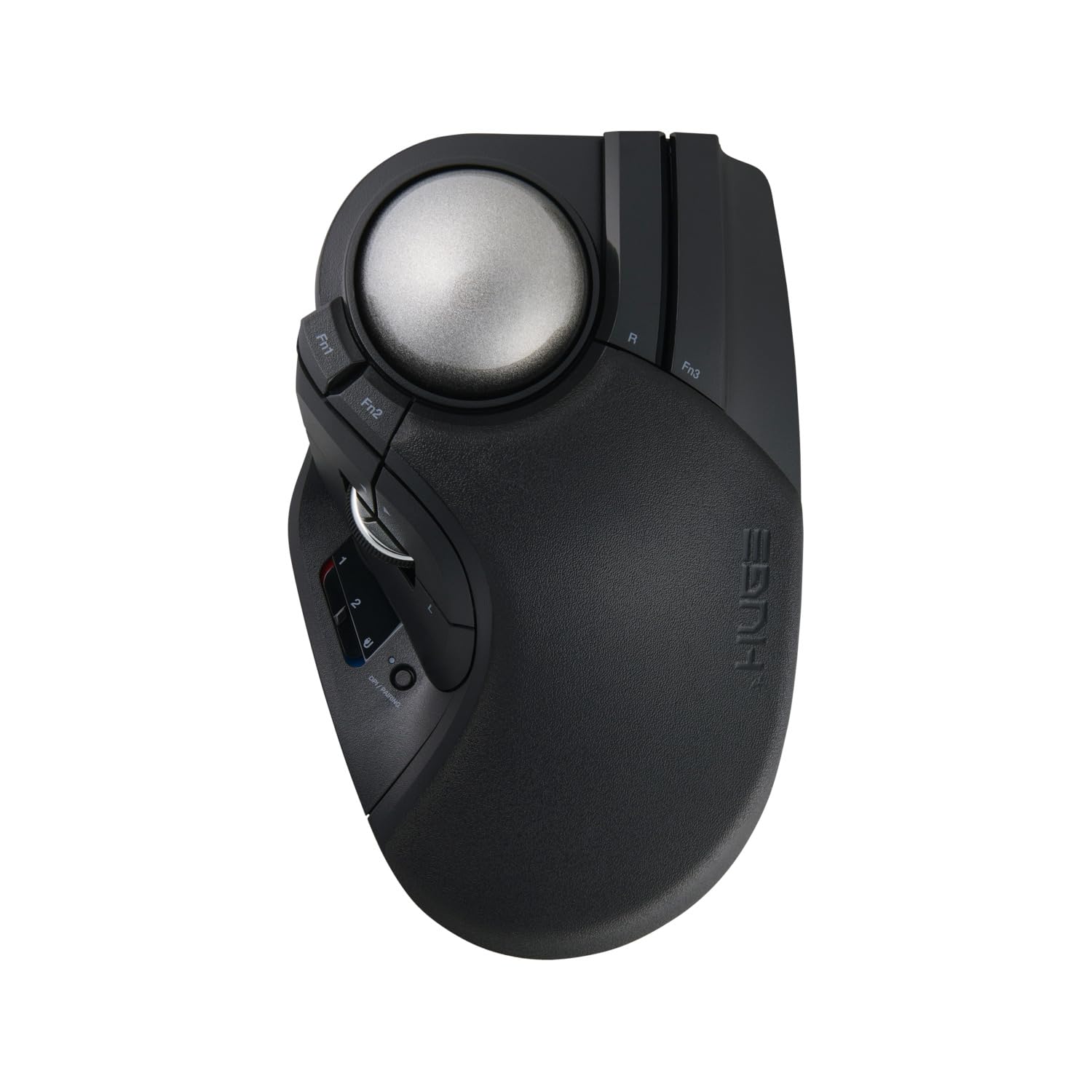
- 10 PROGRAMMABLE BUTTONS: Fully customizable shortcuts for faster navigation and productivity.
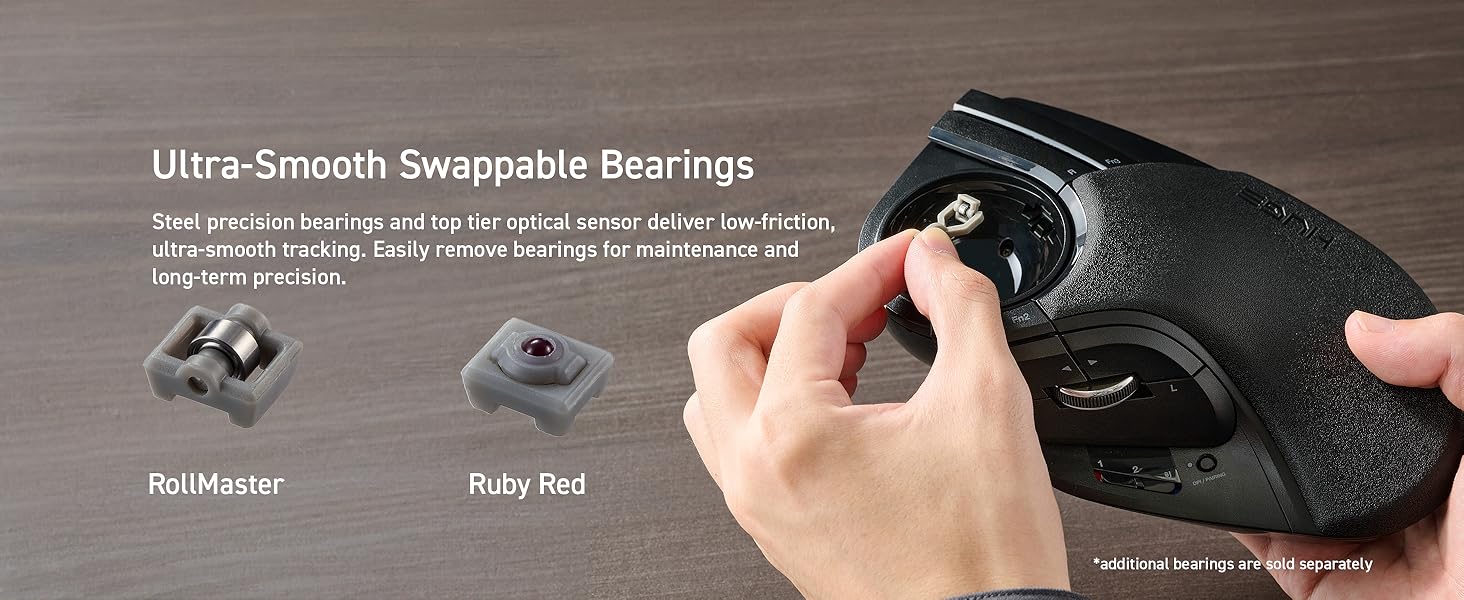
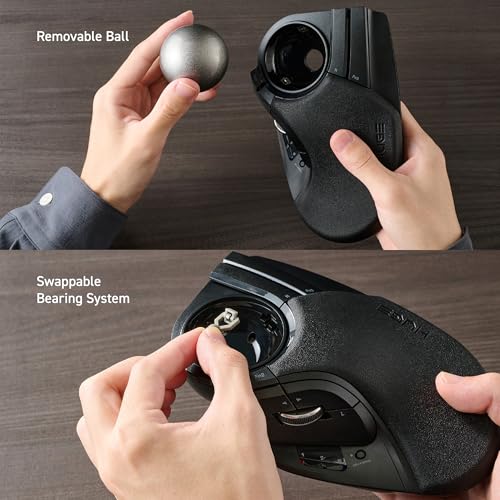
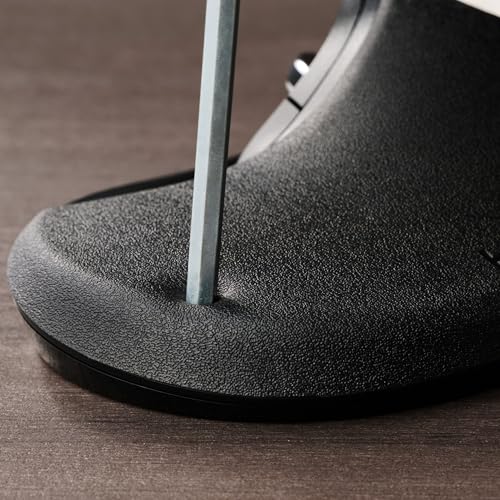
- SWAPPABLE HIGH-PERFORMANCE BEARINGS: MinebeaMitsumi steel bearings offer smooth rotation and can be swapped or upgraded to ruby units.
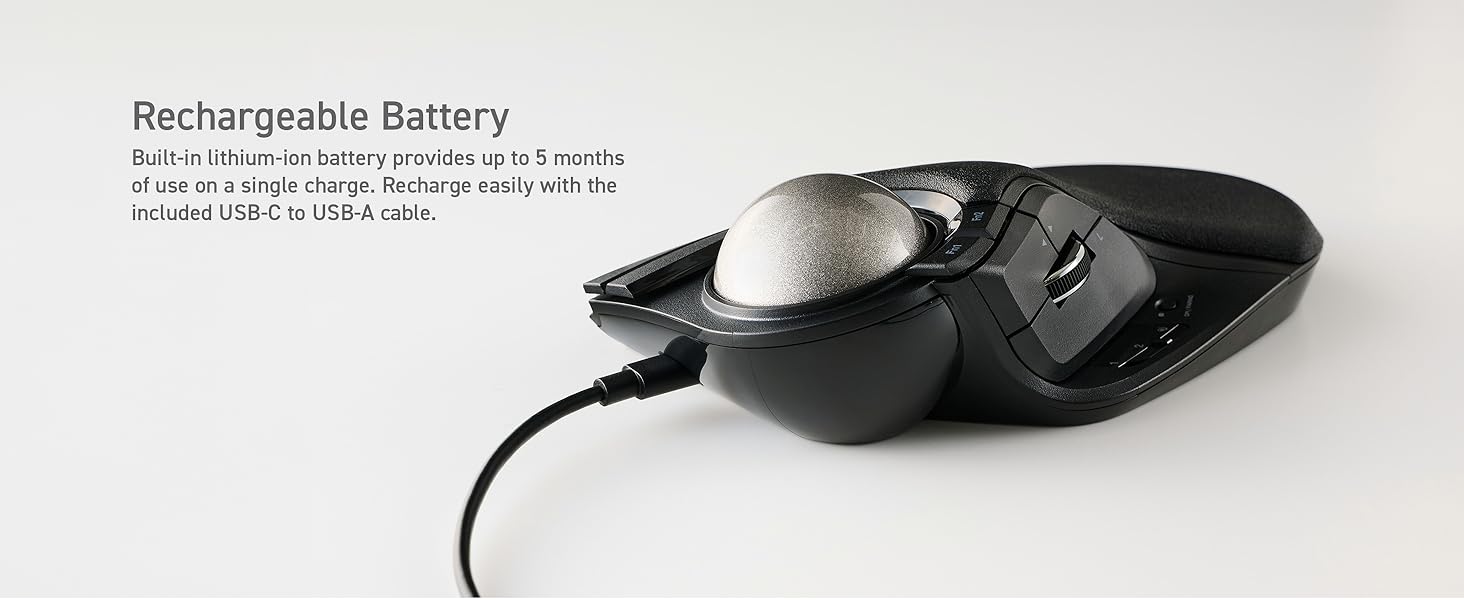
- LONG BATTERY LIFE: Built-in rechargeable lithium-ion battery provides up to 5 months of use per charge.
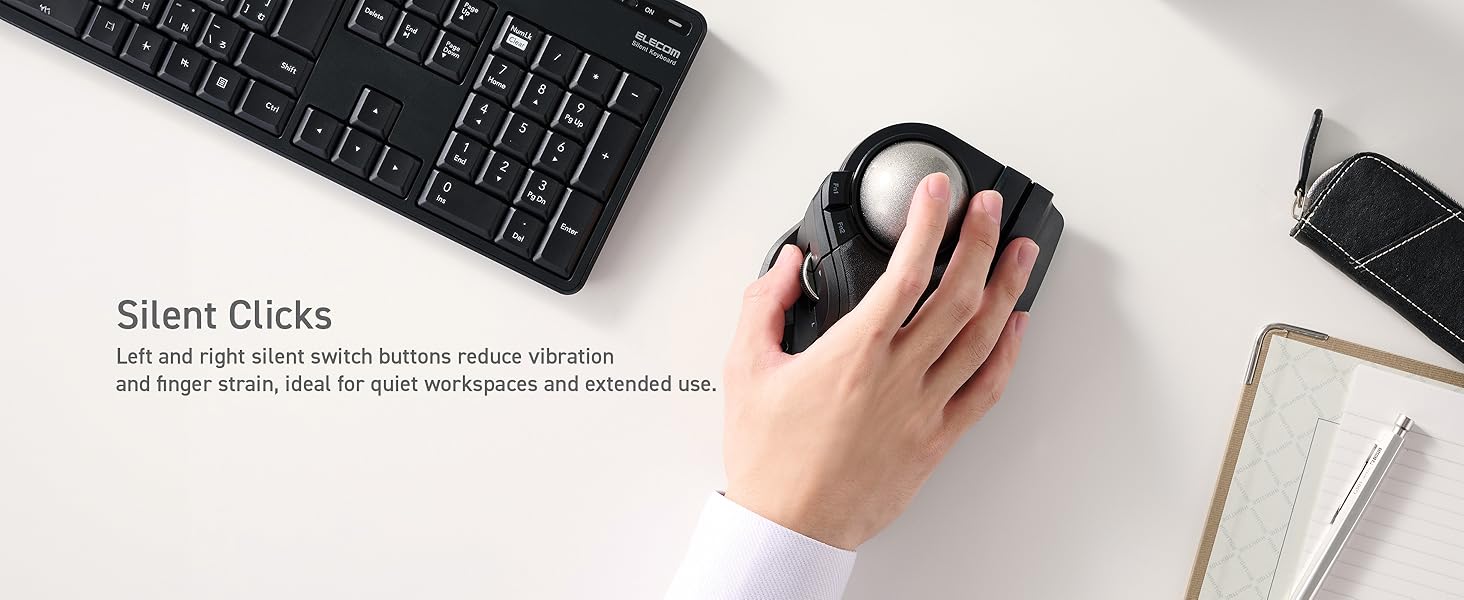
- SILENT CLICKS: Quiet button operation minimizes distractions during long work sessions.
- RECHARGEABLE VIA USB-C: Continue using the mouse while charging with the included USB-C to USB-A cable.
- COMPATIBLE WITH MULTIPLE OS: Works with Windows, macOS, iPadOS, Android, and ChromeOS; Windows 11, Windows 10, macOS 15 Sequoia, ChromeOS, Android 14, iOS 18, iPadOS 18.
| SKU: | B0FYC9YC3M |
| Weight: | 291 Grams |
| Dimensions: | 7.2"L x 4.5"W |
| Brand: | ELECOM |
| Model: | M-HT1MRBK-G |
| Colour: | Black |
| Batteries Included: | Yes |
| Manufacture: | ELECOM CO., LTD |
| Colour: | Black |
Product description
Precision - finally
Finally, smooth roller bearings in a commercial trackball (other than X-Keys L-Trac). It is indeed quite expensive. But a trackball, especially a premium quality one, is not something that one buys too often. I own the original Huge and now I tried this one. As a matter of fact I have huge experience with trackballs, with my favorite to date being Nulea M512, Kensington Expert, Slimblade EQ, EX-G Pro, Deft Pro and a few others. First up, I often had to mod them with ZrO2 G5 static bearings (the ruby ones are almost never good enough). Secondary, there were always pros and cons. Expert for instance has the best ergonomy, and the best scroll ring ever invented, but at the same time it has the worst DPI. And so on, and so forth. What I wanted from my trackball, though, is: a nice DPI (applicable for gaming), smooth tracking (roller bearings or BTUs), huge ball, operated with pointer finger, good scrolling functionality, all buttons easily reachable and good ergonomics. How does the Huge Plus do? Let’s start with cons. The ergonomics of this one is simply strange, especially if you have relatively big hands. What you can do, though, is order a 3D Printed palm rest attachment, what I already have done and I am currently awaiting it to arrive. I’ve heard that it’s a game changer, so hopefully it will resolve the issue with Huge’s weirdness. Secondary, DPI, in fact it isn’t a Gameball, but it’s still good enough. It’s like a good old 24 Mpix camera. 99% of the time there is no need for a bigger sensor, especially if it’s full (Huge) frame, you get the analogy. So, yeah, the DPI on this thing is more than enough. It’s extremely responsive and quick. Very reliable. The overall feeling is far better than in the original one. Scroll wheel feels properly (a pity that it’s not as advanced as the MX Master one, but it’s more than enough nevertheless), all buttons have very nice tactile feeling, but at the same time are extremely quiet. The whole case feels very sturdy. The connection works out of the box. The battery seems very good. Overall design decisions (slight changes, like moving DPI to a single button with a LED indicator) seem justified. But, what I’m here for is the roller bearings. It’s a game changer, honestly. No static bearings can give you such precision. There is no way. Only other finger operated trackballs with bearings (or BTUs) are either the more expensive Ploopy Adept (which doesn’t have scroll!), where the ergonomics seems… questionable, or the X-Keys L-Trac which, speaking of ergonomy, is also not the best choice in the world. I mean, too much of the ball is hidden there. Also, that trackball doesn’t seem too ergo. This one, one the other hand, as I said, far better, still awkward, but with some addons, I mean, why not. Everything is right here. It’s my best one so far. I mean, the premium feeling on this thing is worth the purchase, without any doubt. The original Huge compared to this one is like 3rd gen i7 compared to 13th gen. Same CPU, but like 1000 years behind. At least worth trying. It’s my go-to trackball at the moment. Especially combined with the Ortho A82 keyboard and Cherry ML4700 or Apayado numpad, I’m finally happy with my setup. If you’re this kind of person, and you’ve already tried like a thousand trackballs, but there’s always something missing, this one will definitely resolve a majority of those gaps for you. I mean, there is still a place for improvements, like a scroll ring in place of a scroll wheel, a scroll wheel like in MX Master, better/detachable palm rest, even more DPI, and maybe some other features. But man, first up, one can’t have everything, cause a go to for one person is a no no for another. Secondary, sometimes good enough is good enough. And this one is good enough. This one will definitely stop me from purchasing a trackball every quarter, looking for the perfect one. Maybe when Protoarc EM06 shows up, I’ll give it a go. Or Gameball Pro. But, for now, this one is the best one so far, especially due to the smooth operation on the roller bearings. So it’s not like 100/100, cause a 100/100 to me would be like my dream that would never come true, nevertheless it easily scores like 93/100 and is definitely worth the higher than usual price. I do recommend it. The gap between this one and the old one is absolutely Huge.
(The clicks section is the most important part of the review, if you read anything read that)
If you get the Huge Plus I have one very important thing to say about it, give it time. When I first got it the stiction was quite bad (stiction just means the static friction is high and will cause the ball to jerk with light movements instead of smoothly starting motion) but over time and letting the bearings wear in its almost completely fine, and this is with very little lubrication, so if you lube it the ball feels perfect.
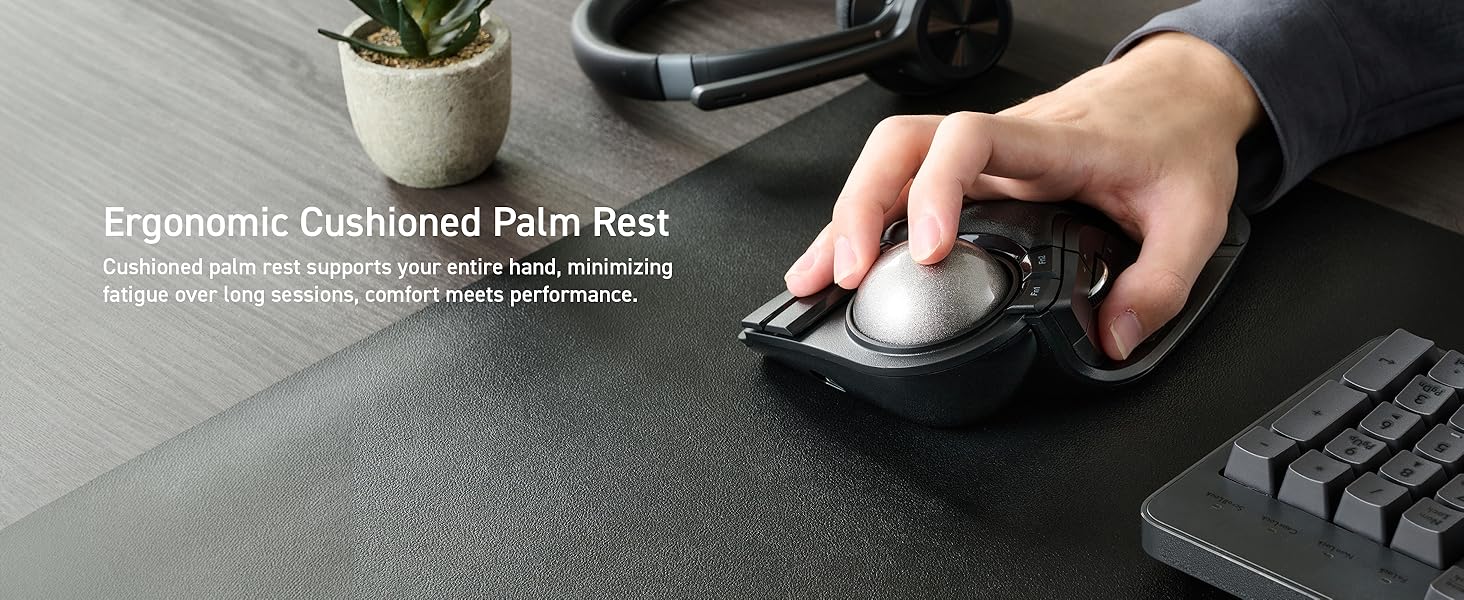
The ergonomics of this trackball are very nice for me, but for some people it may not be great. the slope for the palm rest is extremely aggressive and likely won’t give you any palm support if your hands are even medium sized, but for me who likes to change hand positions often its great as I have a lot of room to work with, but do keep this in mind if that sounds unpleasant for you.
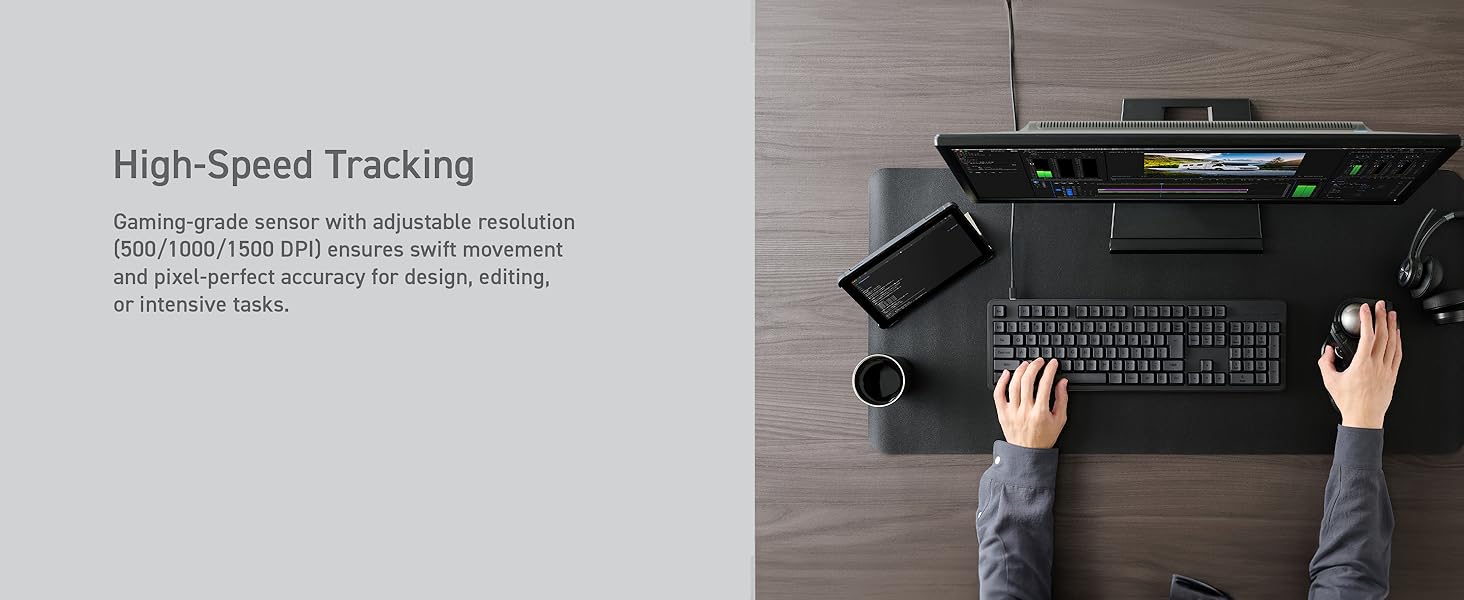
Now I will talk about the trackballs electrical performance like tracking, clicks and the scroll wheel. The tracking is perfect as far as I can tell, it is a true 1000hz pulling rate in wired mode only, its 125hz otherwise, the sensor’s input consistency is also great, so no complaints, its responsive, tracks well, and does not spin out or stall with fast flicks of the ball.
now the clicks, this is where it gets interesting. They feel good, it feels like a standard mouse switch with rubber over it, I can’t confirm if there is rubber over the switch but I am fairly certain of it, and its likely there to prevent dust and grime from getting in, it does not make it feel bad or mushy either, again they feel good. However during the first 5 to 7 days of owning it I was getting some double clicks and it was not registering holding clicks well, but they have gone away (mostly, but only shows up when clicking very fast, faster than you would ever click normally,) I suspect its early break in and has likely gone away, but it may very well come back for all I know. Now rightfully you may be thinking “double clicking after 5 days? why five stars?” well its because I contacted Elecom about it to get it warrantied, but then when it went away I let them know before they replied, when they did reply it was one of the nicest ones I have gotten from any company, they reassured me that not wanting to return it for now is just fine, and if it does come back at all and I let them know that they would be perfectly happy with sending a replacement free of charge, so honestly even if my switches are faulty I don’t care, Elecom seems like a wonderful company that has your back as a consumer, and others online from what I have seen agree with this statement.
with that done I would like to talk about the scroll wheel, I have no issues with it, I tested it and its responsive, feels nice, and the extra buttons they added to it are actually really nice and easy to hit, though the actual middle mouse click is HEAVY so heavy the trackball tends to slide before it actually actuates lol. However due to the vast amount of buttons and the fact they are reprogrammable means I just bound a different switch to it and voila, not an issue now.
That’s about all I can say for the huge plus, its got a few quirks but most go away with time, the one the ones left over aren’t deal breakers for me at all. The possibly faulty switches in mine also don’t bother me either, I have seen other reviews and they have no issues so its likely just me, and now I know Elecom will honor the warranty if it ever does become an issue.
macOS non-obvious config
EDIT: Changing to 4 stars. There is a switch in macOS mouse setup under “advanced” called “pointer acceleration”. It works exactly the opposite way on this Elecom than on any other mouse I own. Weird. But once I turned acceleration off, Elecom works fine.
Pointer movement is too slow. WAY too slow. I have pointer speed set at max, yet it takes MANY rolls to move the pointer across the screen.
Going back.
A revolutionary mouse
Very satisfied with my purchase. Having been recommended this product via youtube (Craft Computing), I can confidently say that this mouse, being my very first trackball mouse, has revolutionized using a mouse. Wrist pain is significantly diminished ever since I used this mouse, the buttons are very useful, and the three pairing methods make this mouse more reliable than my mx master 2 that I used previously. I would only be careful for linux use since the F keys cannot be customized from what I can tell, but besides that, on any other system, it represents a truly useful product.
I have an issue with regular mice that when I use them for an extended period of time, my fingers go numb. The Elecom huge plus solved this. I primarily use the plus at home and bought a regular Huge for my work. The plus is comparable to the Gameball in gaming. The rolling bearings completely erase the stiction that can be felt on the regular Huge. The Huge plus is smooth rolling paired with an accurate sensor. The Huge is indeed Huge but sits very comfortably in the hand and provides an ergonomic angle for the wrist. I find it the most comfortable mouse I own. I find the bigger ball of the Huge Plus makes it easier to pick off headshots compared to the Gameball’s smaller trackball. While it doesn’t roll as quickly as the Gameball, I would argue both are within the same excellence category for trackball gaming. For office work, the plus or regular Huge are excellent. I can use it all day with no strain on my hand, wrist or shoulder. It has a nice cushion material where your palm rests making it more comfortable than the Gameball. It has 3 DPI settings (low, medium, high), I tend to stick to medium while using the app rawaccell on windows to adjust the mouse acceleration so a flick of the ball will reach the edge of the screen while keeping the dpi low enough to make things like text highlighting feel natural. The mouse also supports 2.4 GHz wireless with a dongle, I find it works just ok. It’s fine for office work, but you will feel a slight stutter when gaming at high refresh rates (I believe the wireless polling is 125 Hz) this is solved by using it plugged into USB where it enables a 1000 Hz refresh rate and solves the issue. There is also Bluetooth connectivity that I have not yet tested. Battery life seems to be pretty excellent so far, I have yet to need to charge after 2 weeks of use. Clicks feel decent, provides enough tactile feel to know it clicked but not gaming mouse traditional clicky. I haven’t second guessed yet whether I hit a button or not but is not as satisfying in my opinion as either my Gameball or Logitech G502 X plus. The trackball is functional but again not as tactile feeling as the G502 X Plus but it gets the job done. The software experience is fine, it’s not obnoxious like razer synapse but also not as many options as a tool like that. It’s relatively utilitarian. It should be noted that the software does not work in Linux, but you can program the mouse with a tool like input remapper. Overall I am very happy with my purchase and might even switch over to this from the Gameball for my gaming needs full time. I’ve included plenty of pics for comparison.
If you are a fan of the long ago discontinued Microsoft Trackball Explorer….happy days are here again! I was looking for a device that had simiilar form and function and came across a reviewer on YouTube that made specific mention of exactly that. I pulled the trigger and bought one, and couldn’t be happier. Well…..maybe I could be a little happier if the buttons were more firm and clicky, but that’s me just nit-picking. The amount of buttons and their programmable possibilities was greatly appreciated and the silver ball was a welcomed change. I also liked the fact that they changed the bearings in this updated version. I purchased a Kensington gel wrist cushion as my wrist needed a little support and lift. Your mileage may vary. I also would like to mention that it works beautifully for music production and related software, as well as every day web operations.
Overall, I am extremely happy with the purchase….and I believe you will be too.