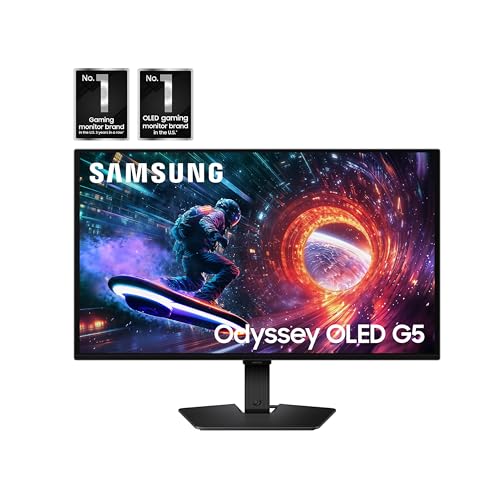
Samsung 27” Odyssey OLED G5 (G50SF) QHD & QD-OLED Gaming
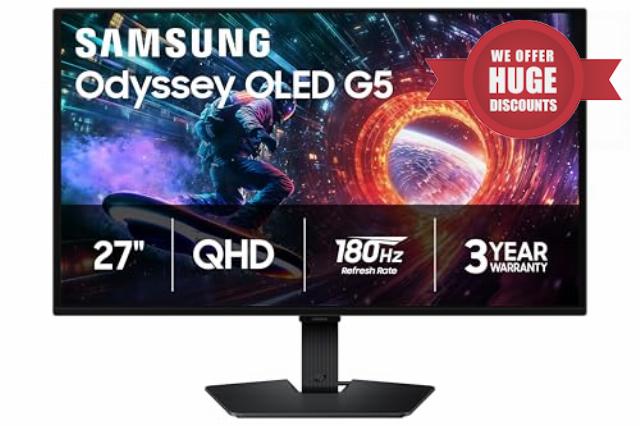
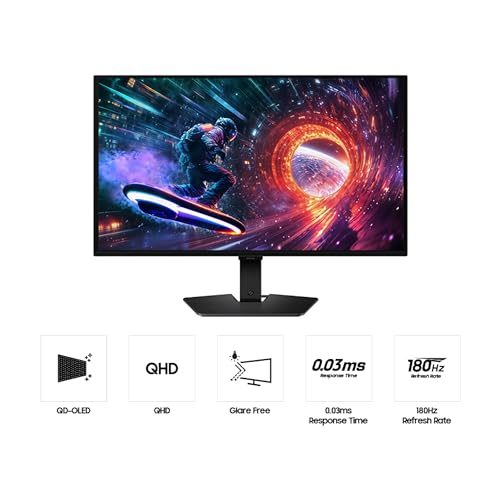
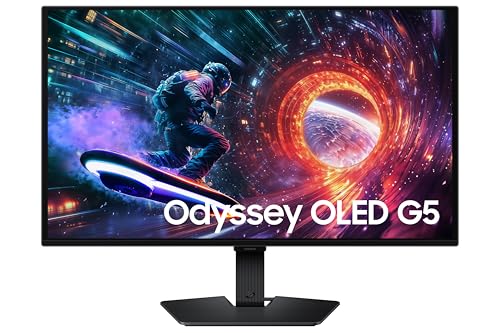
Samsung 27” Odyssey OLED G5 (G50SF) QHD & QD-OLED Gaming Monitor, 180Hz Refresh Rate, 0.03ms (GtG) Response Time, NVIDIA G-Sync Compatible, AMD FreeSync™, LS27FG500SNXZA
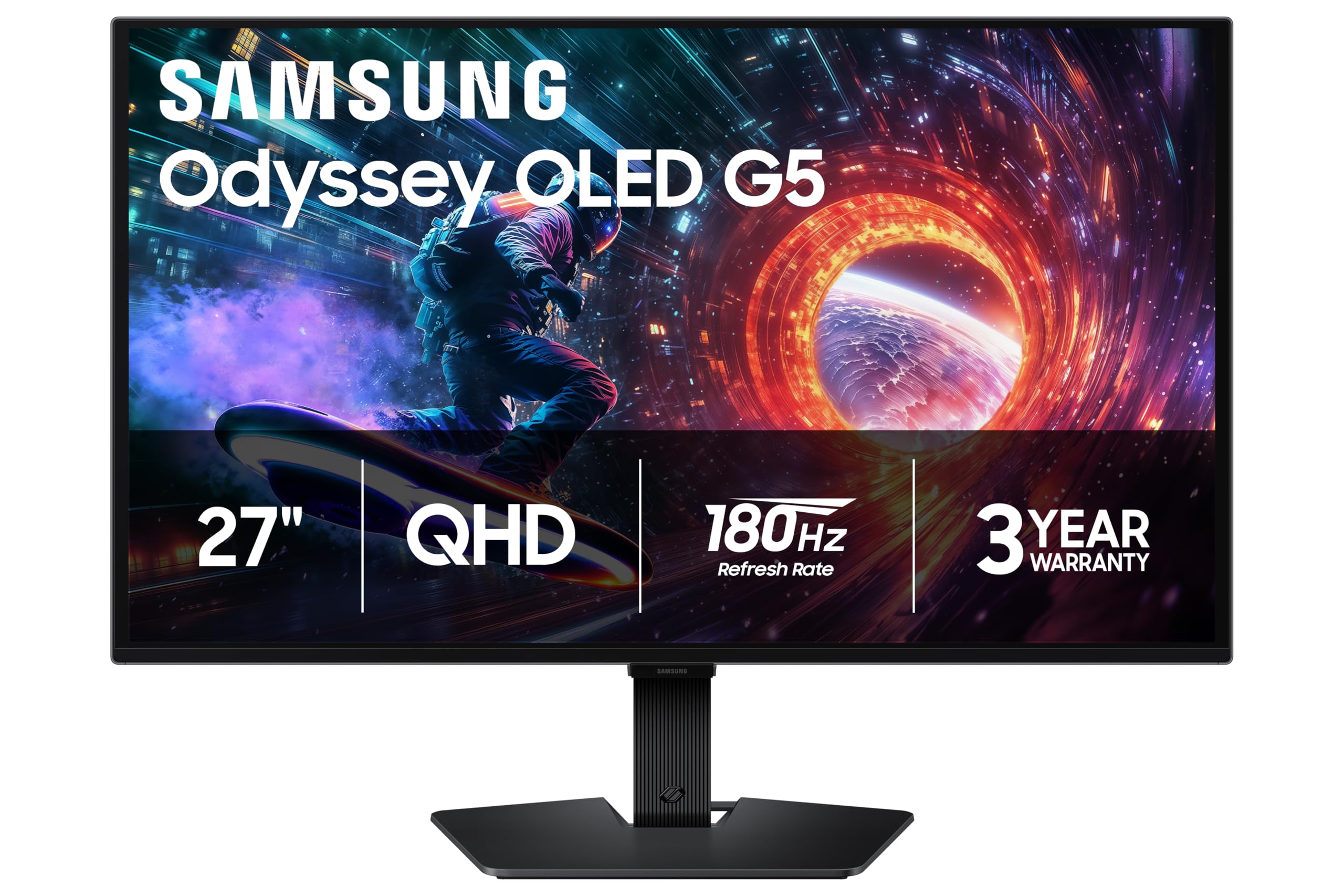
- Samsung’s 27” Odyssey OLED G5 QHD Gaming Monitor delivers hyper-real visuals and lightning-fast action.
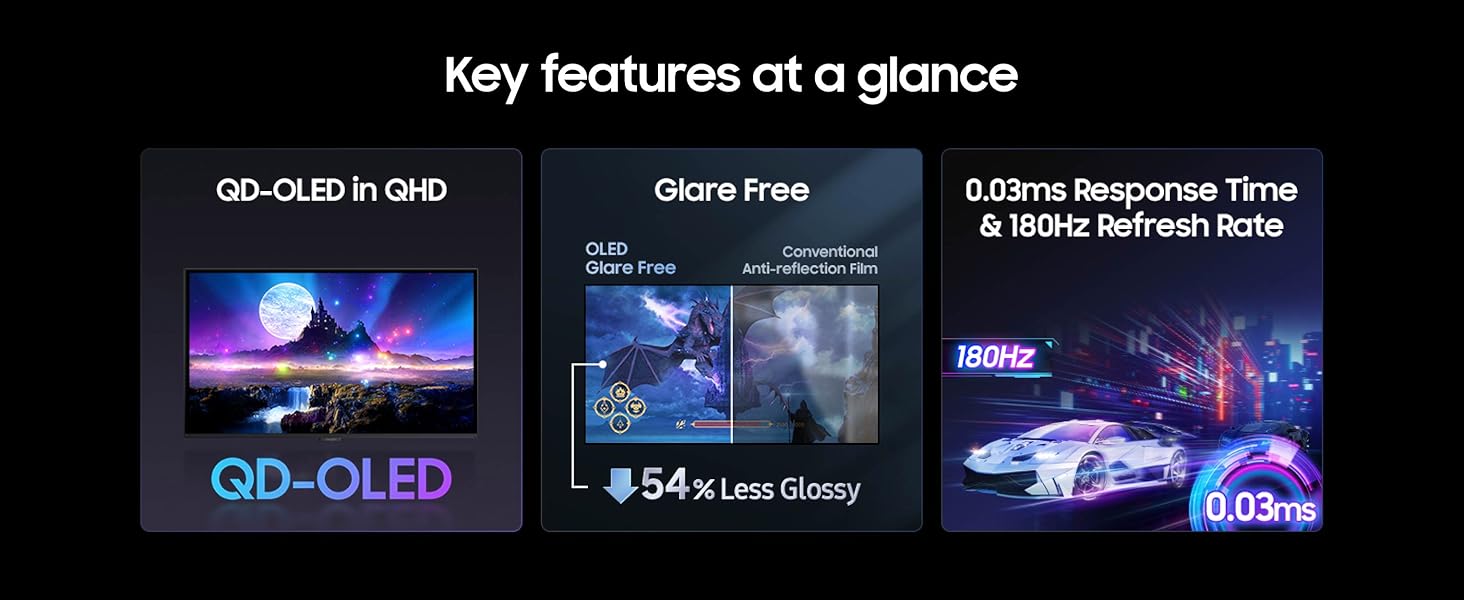
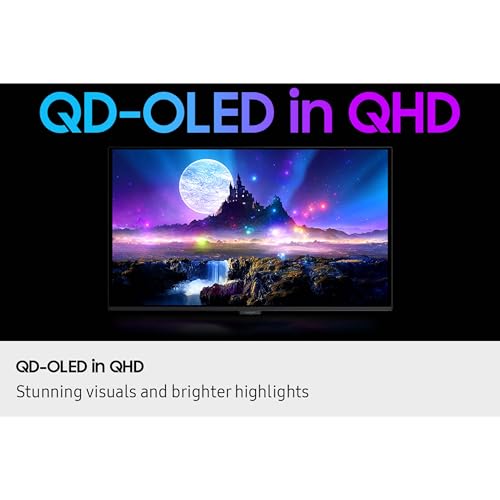
- QD-OLED with QHD resolution provides unmatched picture quality and produces the highest levels of color accuracy and brightness.
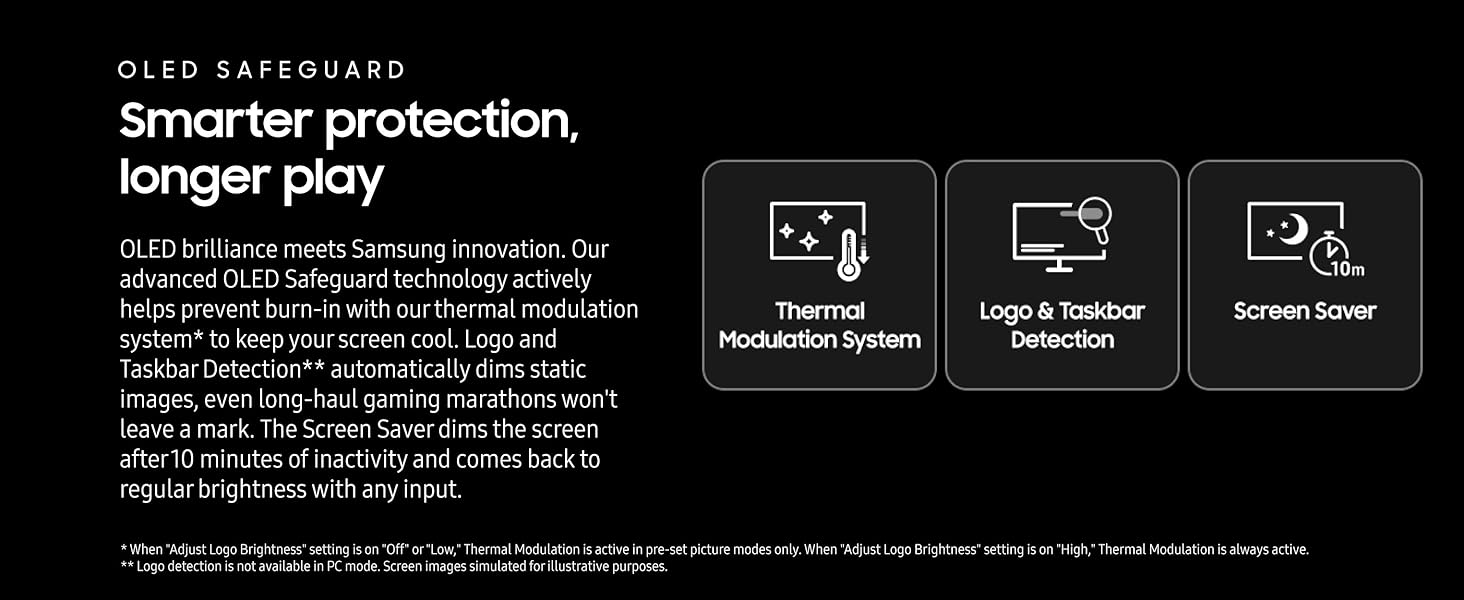
- OLED Safeguard keeps the screen cool by actively helping to prevent burn-in with a Thermal Modulation System.
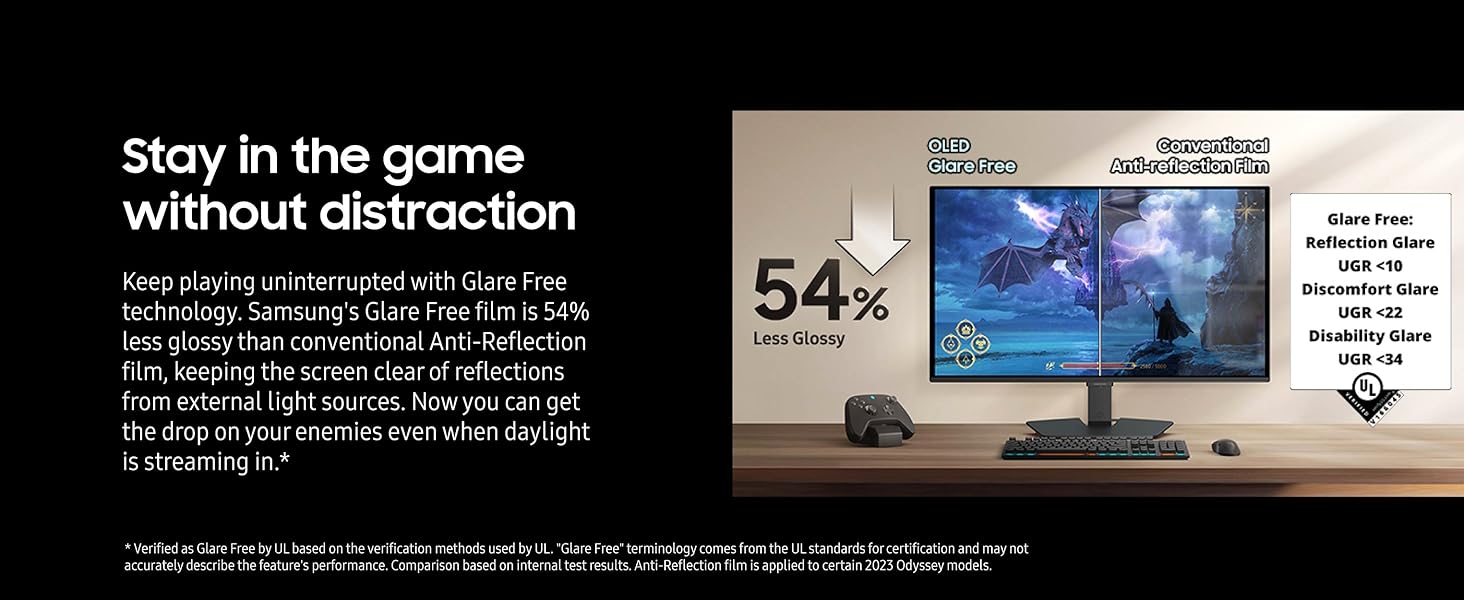
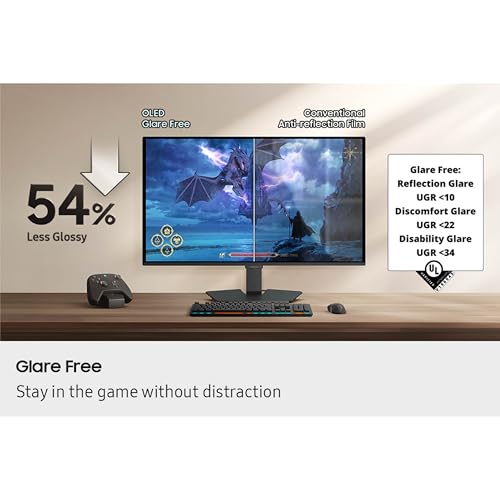
- Glare Free technology enables uninterrupted gaming, keeping screen clear of reflections.
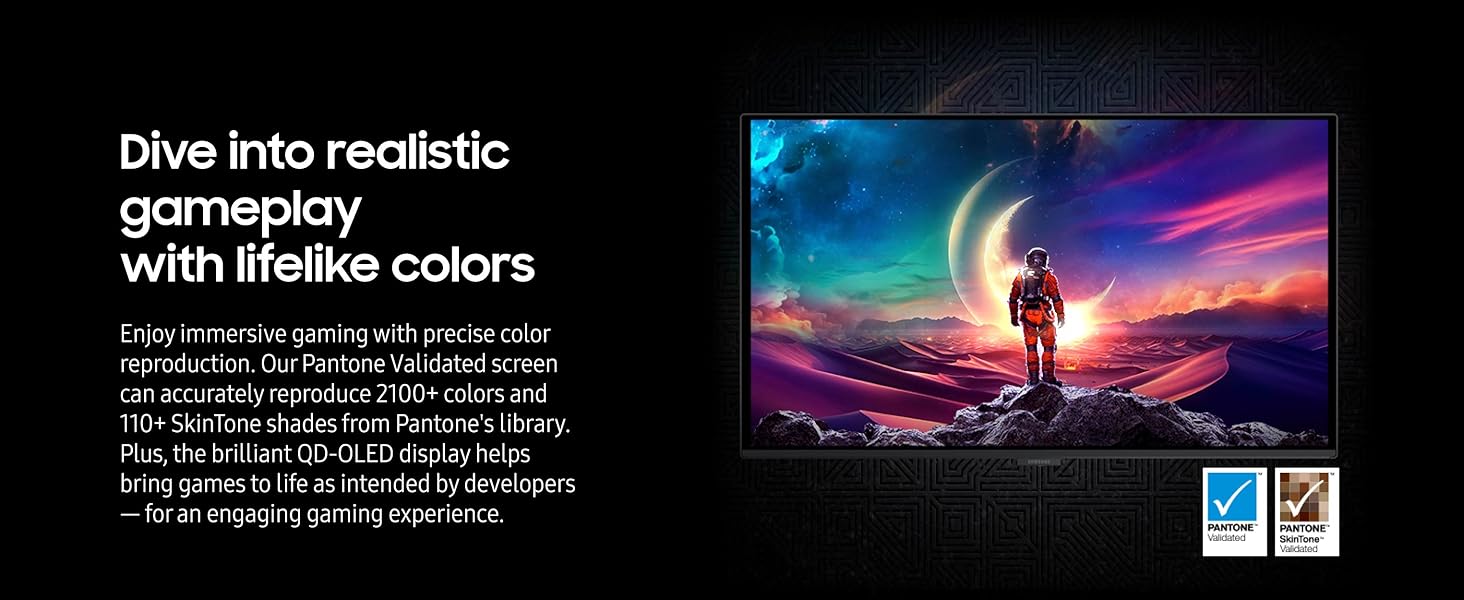
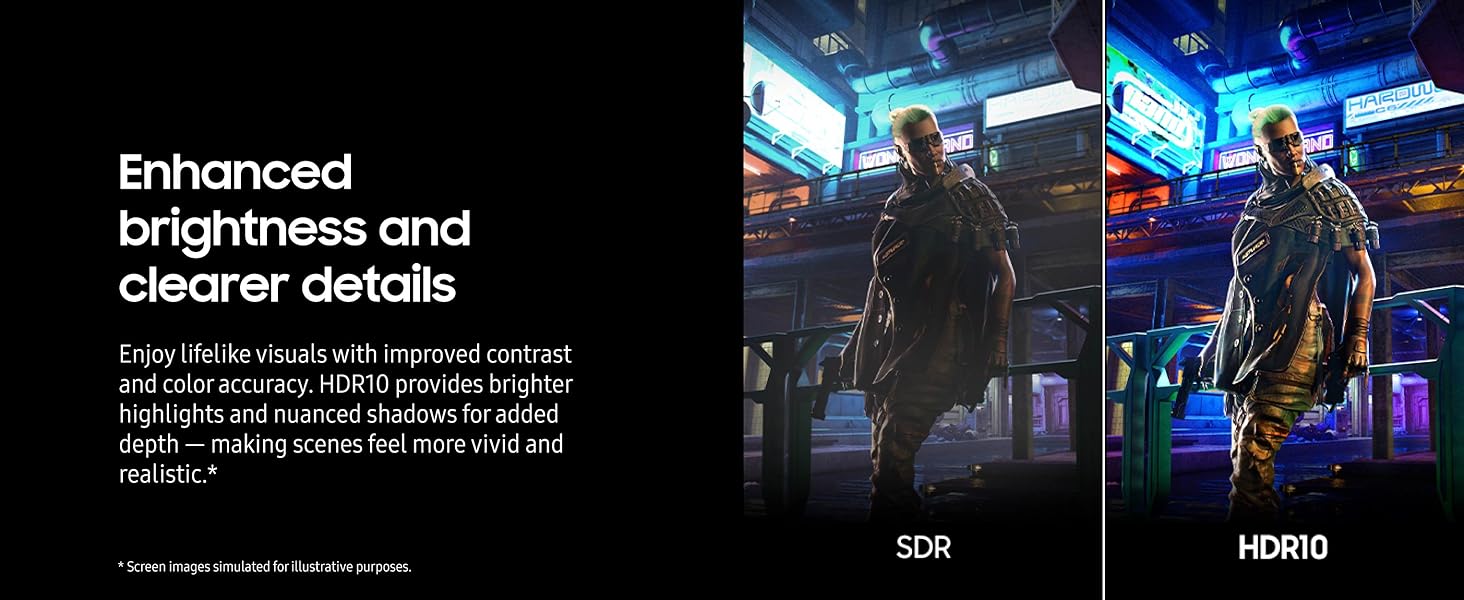
- Pantone Validated screen accurately reproduces 2100+ colors for immersive gameplay, while HDR10 provides brighter highlights and nuanced shadows for added depth.
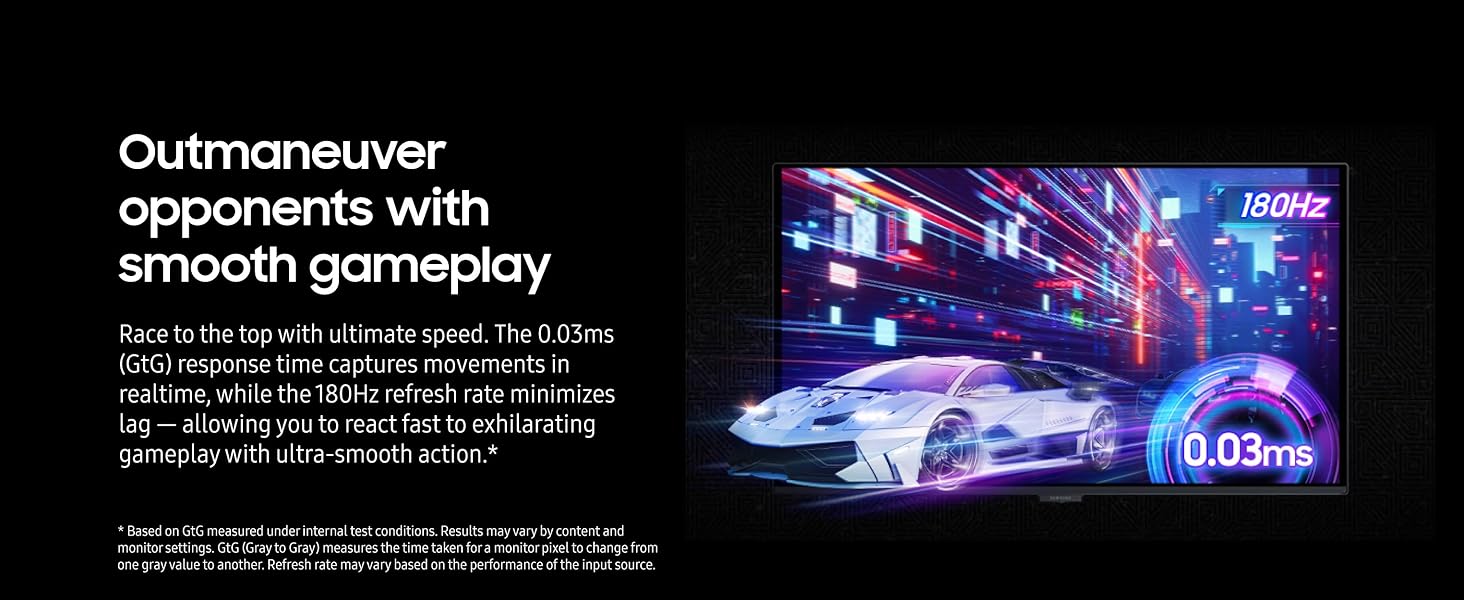
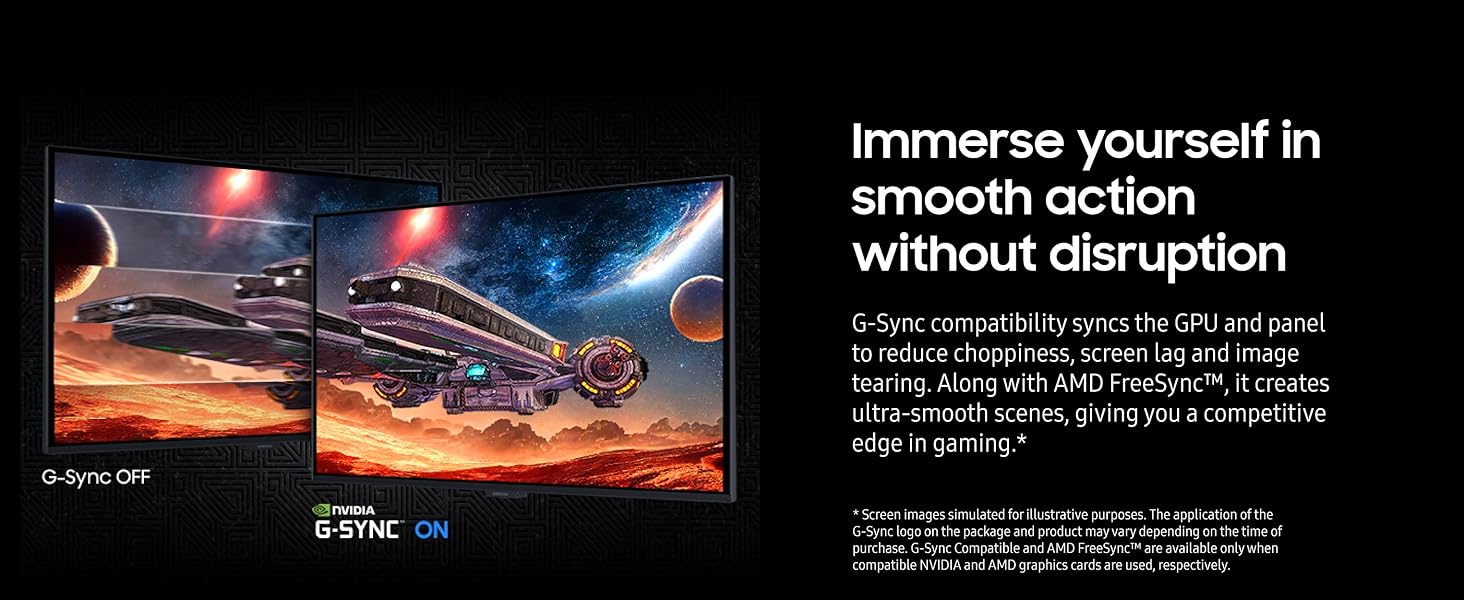
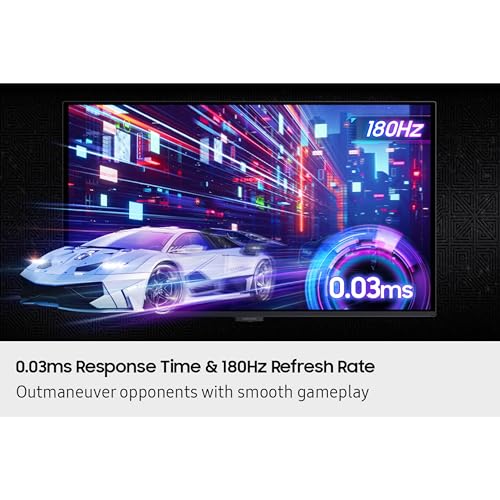
- 180Hz Refresh Rate and 0.03ms (GTG) response time enables fast reactions, plus G-Sync compatibility along with AMD FreeSync reduces screen lag and image tearing.
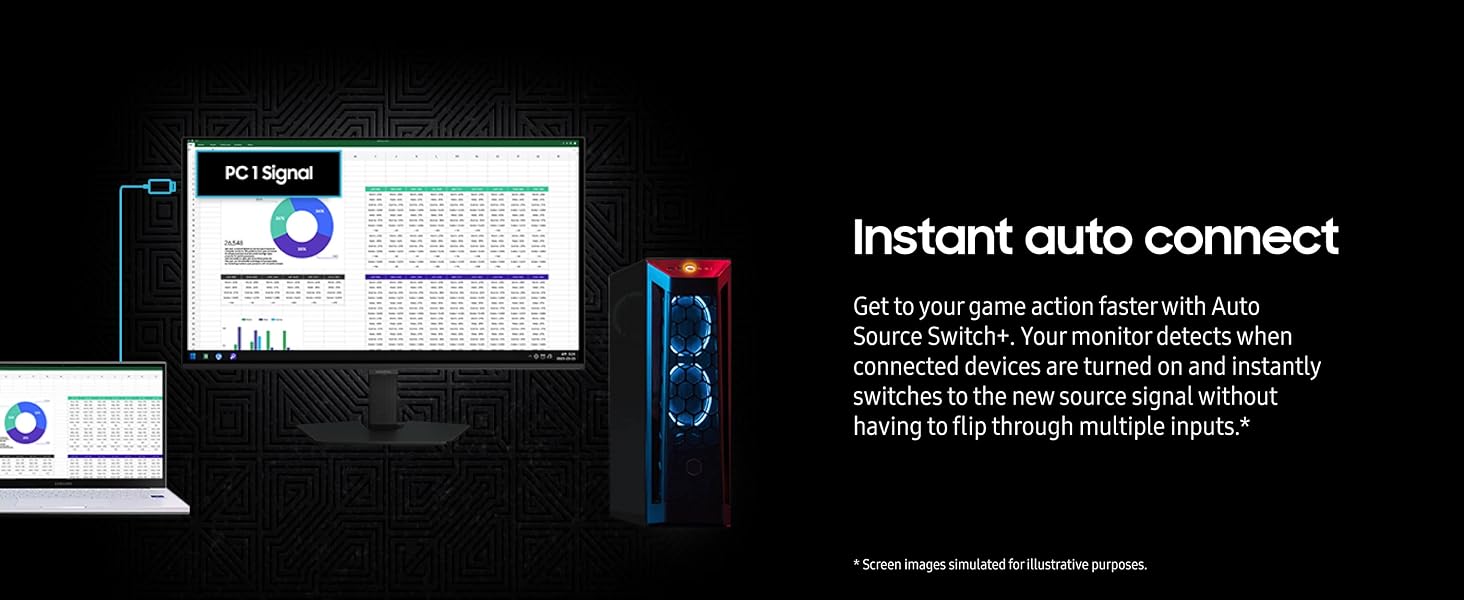
- Auto Source Switch+ allows seamless switching between connected devices.
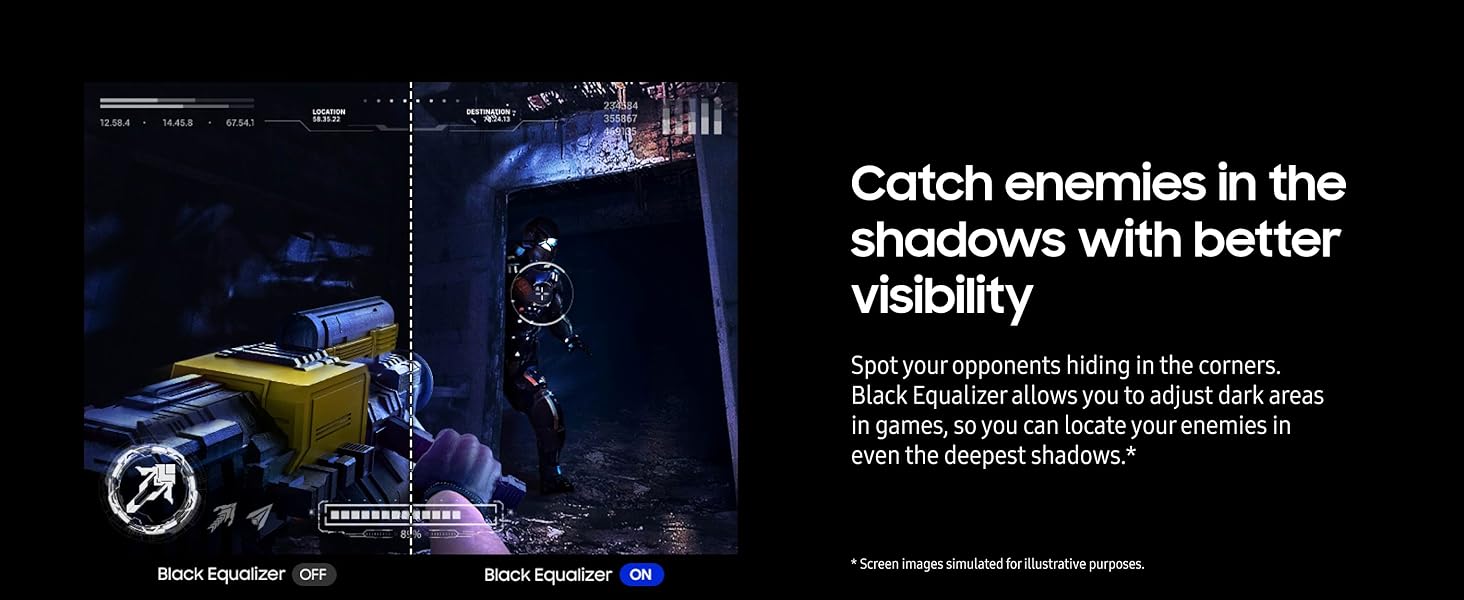
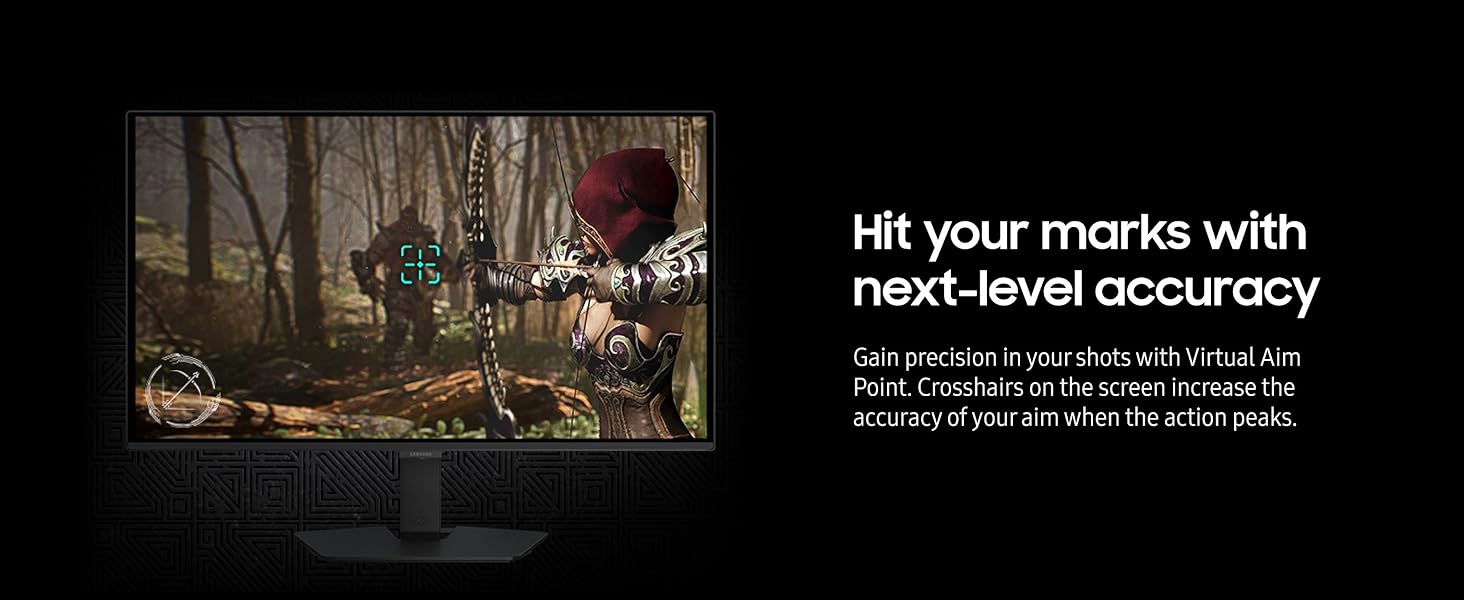
Samsung’s 27″ Odyssey OLED G5 QHD Gaming Monitor delivers hyper-real visuals and lightning-fast action for exhilarating gameplay, and QD-OLED with QHD resolution provides unmatched picture quality and produces the highest levels of color accuracy and brightness. OLED Safeguard keeps the screen cool by actively helping to prevent burn-in with a Thermal Modulation System, Logo and Taskbar Detection, and Screen Saver while 3-year warranty protects the monitor for the long haul. Glare Free technology enables uninterrupted gaming as it keeps the screen clear of reflections from external light sources. The Pantone Validated screen accurately reproduces 2100+ colors for more immersive gameplay, while HDR10 provides brighter highlights and nuanced shadows for added depth. 180Hz Refresh Rate and 0.03ms (GtG) response time enables fast reactions for ultra-smooth gaming, plus G-Sync compatibility along with AMD FreeSync™ reduces choppiness, screen lag, and image tearing. Black Equalizer improves visibility in shadows, and Virtual Aim Point increases accuracy. Auto
Source Switch+ allows instantaneous switching between connected devices.
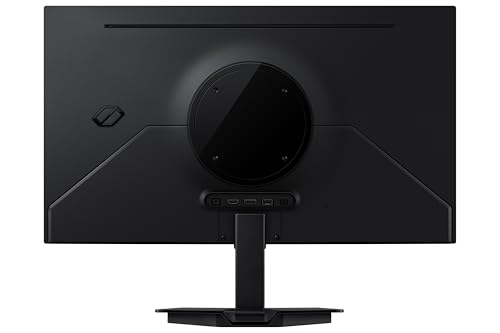
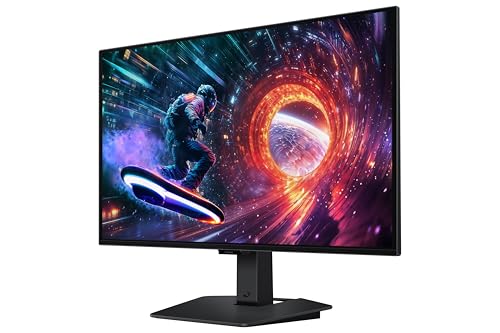
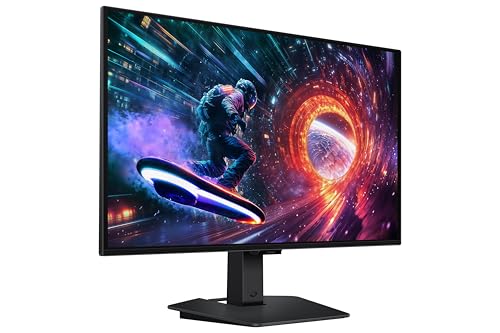
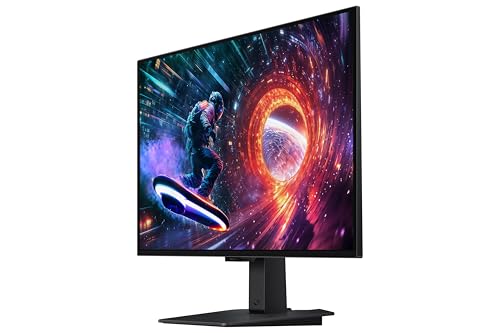
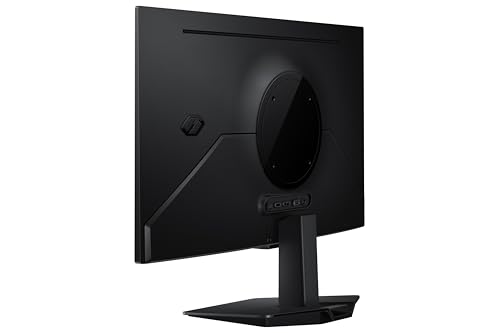
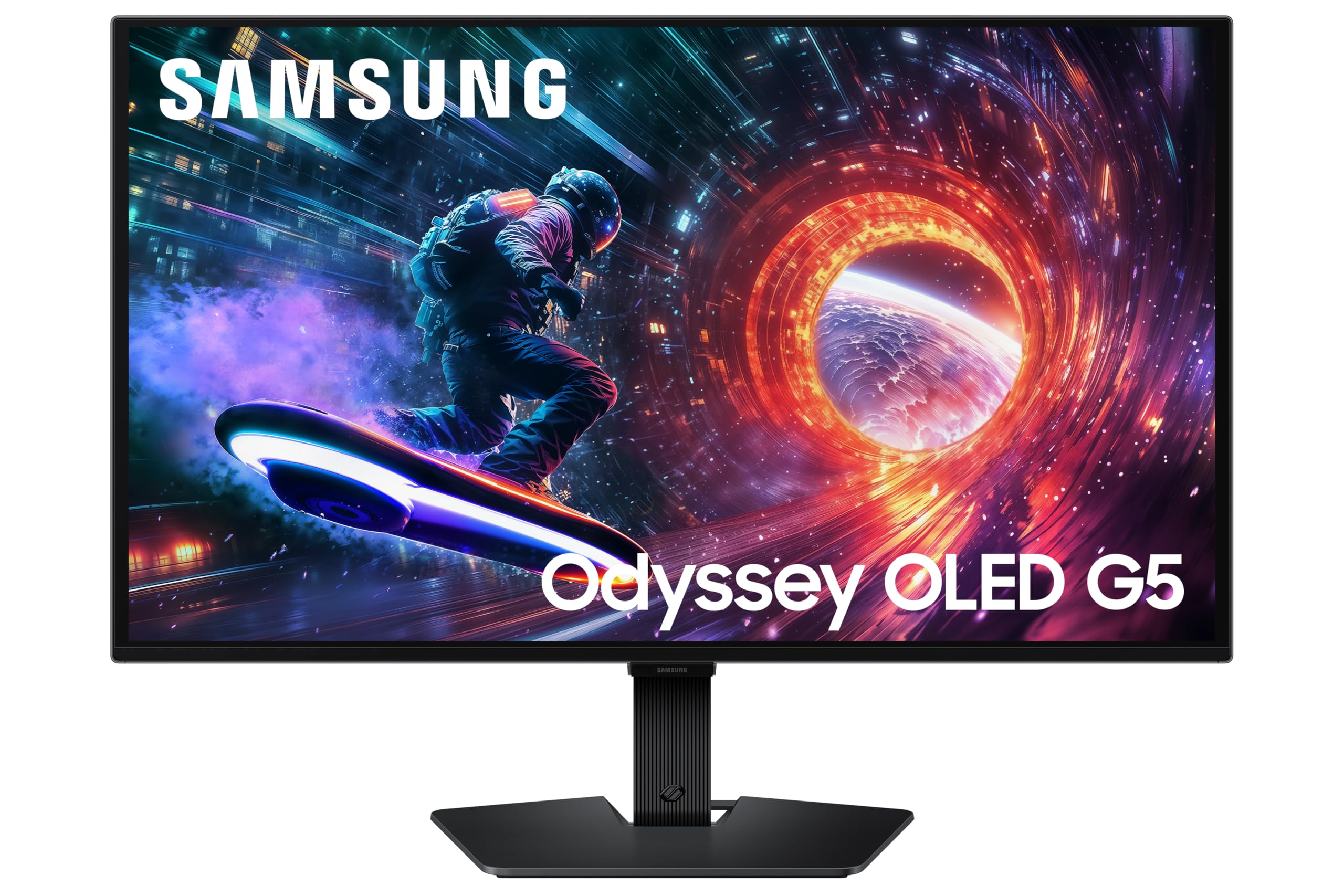
| SKU: | B0FNQDNGXY |
| Weight: | 7.27 pounds |
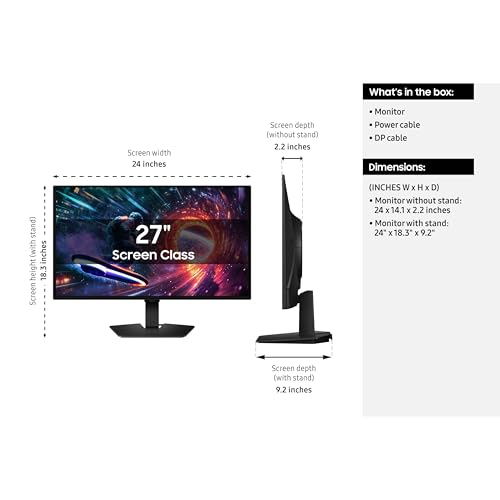
| Dimensions: | 9.23 x 24.01 x 18.26 inches |
| Brand: | Samsung |
| Model: | S27FG500SN |
| Colour: | Black |
| Manufacture: | Samsung |
| Colour: | Black |
From the manufacturer
This monitor is incredible. The colors are vivid, the blacks are perfect, and the speed is unmatched. Setup was easy, and the sleek design looks great on my desk. Great for gaming and watching movies. Best 27-inch monitor I’ve ever owned!
Every now and then I like to treat myself. I’m not a big spender but I do know what I like. I’ve been an OLED display fan for as long as I remember and my first OLED was a tablet, another Samsung product. To my eye , I’ve yet to see another display type that offers the same levels of color fidelity, black levels and sharpness.
I’m not a gamer so things like super-fast refresh rates are somewhat moot to me but I do work on a computer a lot and consume a lot of media in the form of movies and TV. My main display is an LG OLED but in my bedroom system (which also includes 5.1 audio) I was suffering with a 27″ LCD TV doubling as a monitor. That was OK for office work and browsing but its gray like black levels were a distraction when watching content with the lights off.
The prices of OLED monitors were putting me off but when this model dropped under four hundred bucks I decided to go for it. I’m glad I did. I’m unfortunately not able to go with a larger size in the space I have available, otherwise I would probably have gone for a dual purpose 42″ or 48″ TV/OLED monitor a while back. This 27′ size is, however perfect for my current needs.
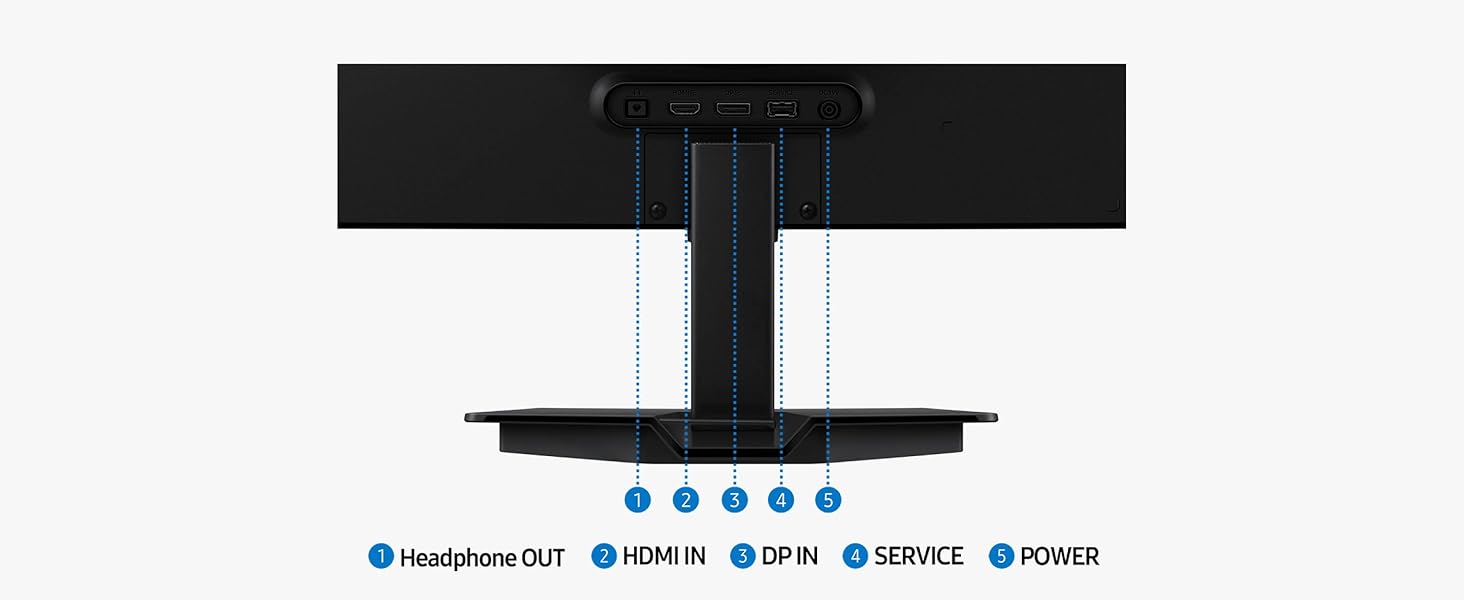
It is an entry level model. The body is plastic, it has limited inputs: one HDMI and one Display Port. It does have a USB-A socket but that’s for service only; it won’t accept media files for display. The resolution is 1440p. I was a bit concerned at the lack of 4K but that proved not to be a problem. There are no speakers but you can pass-through audio via a 3.5 mm socket for headphones or computer speaker hookup.
I didn’t use the included stand, instead choosing to mount the screen on a cantilever arm for ease and flexibility.
When I first turned on the TV, connected to my computer over Display Port, the colors seemed overbright (this is common) and the color balance was way off. This was quickly cured by entering the “original” mode and matching the visuals with my LG laptop which this works in tandem with when I’m computing.
For AV consumption, I’m feeding the HDMI input with sources from a Roku Express 4K streamer and an Oppo BDP-93 Blu-ray player. At first I thought the visuals were a bit “meh!” but then I realized that my surround receiver, which these devices were routed via, topped out at 1080p resolution. When I connected the monitor directly to the Roku via HDMI, the Roku was fooled into thinking the Samsung was a 4K device and the monitor down-rezzed the signal to 1440p without issue. I have to say, the difference between 1080p upscaled and 4K downscaled was like night and day. Fed with a decent 4K HDR signal, I was hard pressed to tell any difference in quality between what I was seeing on this monitor and the picture on my much larger 4K LG OLED TV in the living room. The picture was superb. Of course that meant I had to ditch my older Marantz receiver and replace it with a more recent version with 4K capability in order to get the best out of the screen. The newer Marantz is also able to upscale my Blu-Ray discs from the OPPO and they look great on this device.
Now I couldn’t be happier. I can watch movies and TV in bed in the highest quality imaginable. Everything is super-sharp. Colors are still maybe a little overblown (especially in the blue thru’ teal area) but it’s not a dealbreaker. Skin tones, light reflection, space scenes; everything looks mind blowing.
The menu system is quite intuitive once you get used to it and I’m now capable of navigating around quite freely. That said, I have downloaded Samsung Display Manager to my computer to perform the most common tasks like input switching without using the main power/menu input button. I’ve heard this can be quite fragile and break easily and is often refused warranty coverage. Frankly, I’ll do anything to keep this going as long as possible. It’s perfect for my needs. Whether browsing web pages, typing documents, watching YouTube videos or consuming content from other devices, everything looks stunning on this. HDR works great despite a relatively low 200 nits average peak brightness level and black levels and shadow detail in the darkest areas are sublime.
This might not be the absolute best choice in OLED monitors (especially for avid gamers) but for most people, I don’t think they’d be missing the kind of specs that can cost hundreds of dollars more. This is a fine product at a very tempting price.
Great monitor, no real complaints
Got it for $350, very good price. Monitor is stupid light due to the way OLEDs are designed, so it’s easy to move around. Wouldn’t recommend using the stand since it’s non-height adjustable and pretty much straight on viewing angles. Visually, it won’t fully occupy the 27in screen area due to the way pixel shifting works, but it’s not noticeable in day to day use. Complaints about plastic build seem pretty exaggerated, I can grab it and do what I need without it flexing, and it’s not like the monitor is getting flung around.
Issue for some would be the horizontal plug in vs the normal bottom plug in that is common for other monitors.
Only complaint is that the DP cable doesn’t have locks to prevent it from sliding out as easily as other monitors, but once again, how often is the monitor getting flung around?
I have two Samsung Monitors now. This monitor (pictured on the left), and Samsung SAMSUNG 27″ Odyssey G65B QHD 240Hz 1ms (GTG) HDR 600 Gaming Hub 1000R Curved Gaming Monitor (pictured on the right), which is an LED monitor.
Pros:
-Steaming movies on 4k and PC games look amazing compared to my Samsung LED monitor
-True blacks make the color pop
-Great prices without sacrificing display quality. However, this is strictly a monitor and does not include Samsung Hub, which has live TV and movie streaming apps. This is still a plus for me since I don’t use Samsung Hub on my monitors.
-High refresh rate makes gameplay smooth
-AMD FreeSync works flawlessly using an AMD Radeon 9700XT
Cons:
-The included base isn’t height-adjustable or tilt-adjustable
-Not great for online FPS games such as Battlefield 6. OLED gets too dark, making it difficult to spot enemies hiding in dark spots. My Samsung LED monitor makes it easy to spot enemies in the Dark because LED monitors have “Bloom,” which does not make dark areas darker, unlike this monitor.
Overall, a great monitor with excellent picture quality for watching movies and playing games. However, it might put you at an disdvantage if you are playing online FPS games where every second counts.
I got this for 379 and that price for an OLED monitor its hard to beat, it doesn’t have a bunch of features, like more ports or HDMI 2.1 its only 2.0, it only supports 180hz 8bit not 10bit and color out of box was a mess for me so I had to calibrate this for HDR and SDR but I can let it slide at that price after that it looks and performs really well its QDOLED blacks look amazing and its also good for PS5 the stand is good and the panel it self is very light weight and the coating it self for reflections and brightness is also good quality. I can’t complain if u want an OLED monitor and don’t wanna break the bank for it this is perfect for most users.