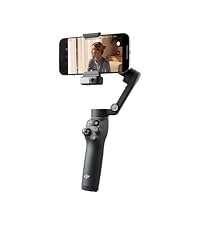
DJI Osmo Mobile 8 Gimbal Stabilizer for Phone, Native
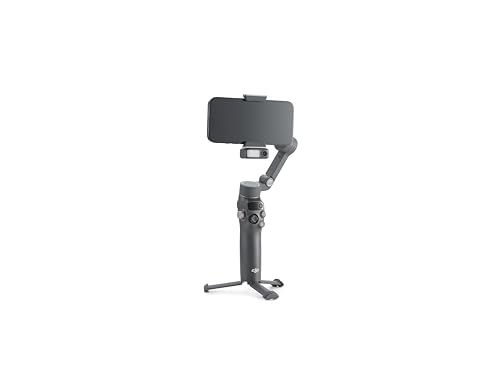
DJI Osmo Mobile 8 Gimbal Stabilizer for Phone, Native Tracking with Apple DockKit, 360° Pan Rotation, Built-in Extension Rod & Tripod, 10h Battery, Extension Rod, Foldable 3-Axis Stabilizatio
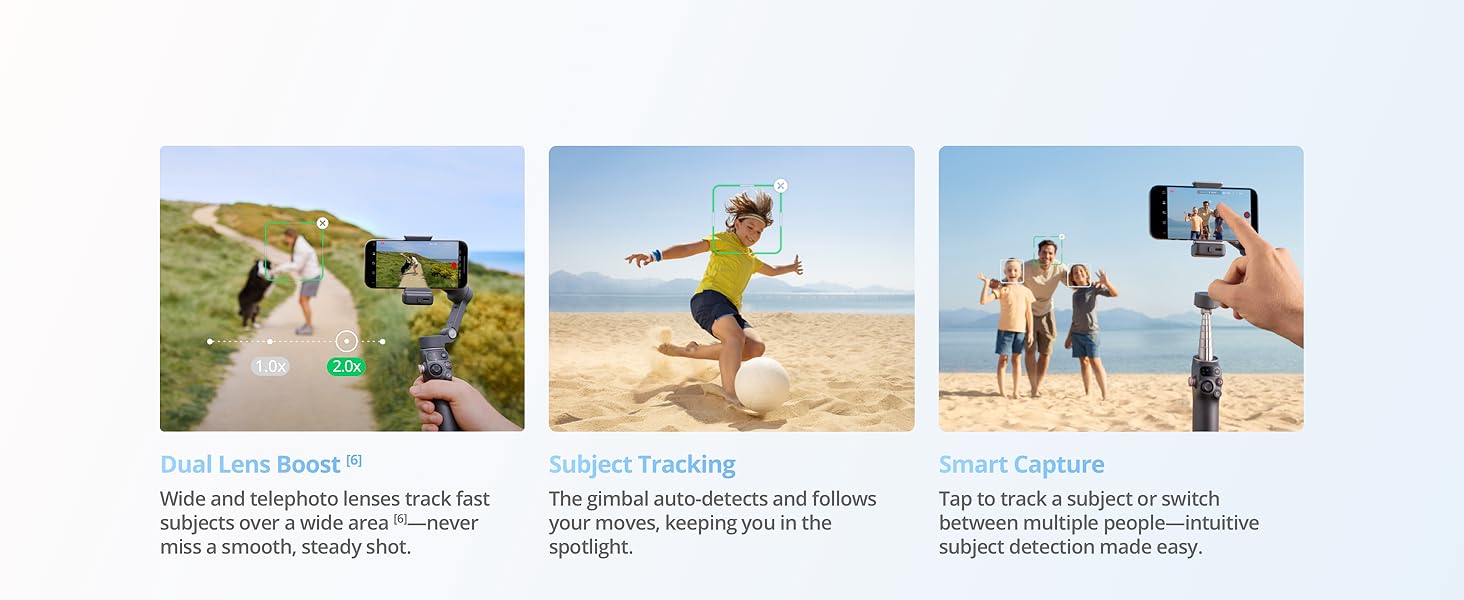
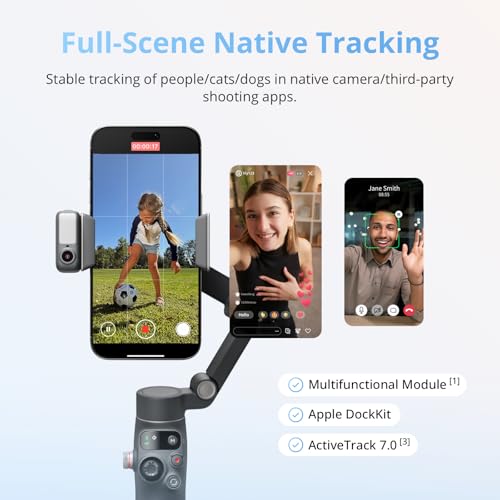
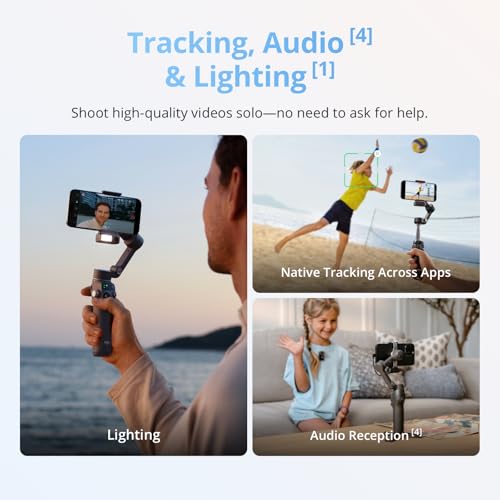
- Native Tracking With Audio [4] & Lighting [1] – Level up your shots with a DJI gimbal that combines tracking, audio reception [4], and lighting. Stay sharply in focus, well-lit, and crystal clear.
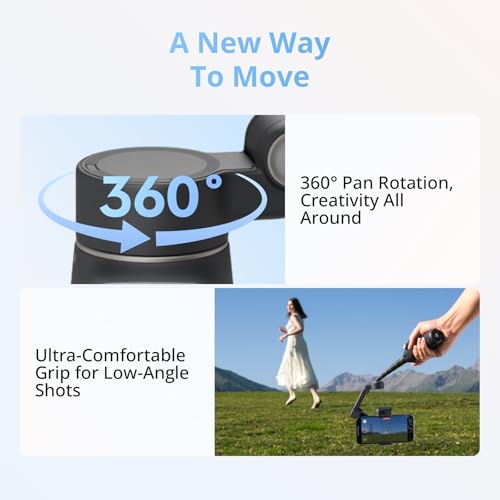
- Seamless 360° Pan Rotation – Enjoy 360° horizontal rotation for immersive shots. Intelligent tracking lets you follow subjects freely, and the built-in tripod/selfie stick adds more flexibility.
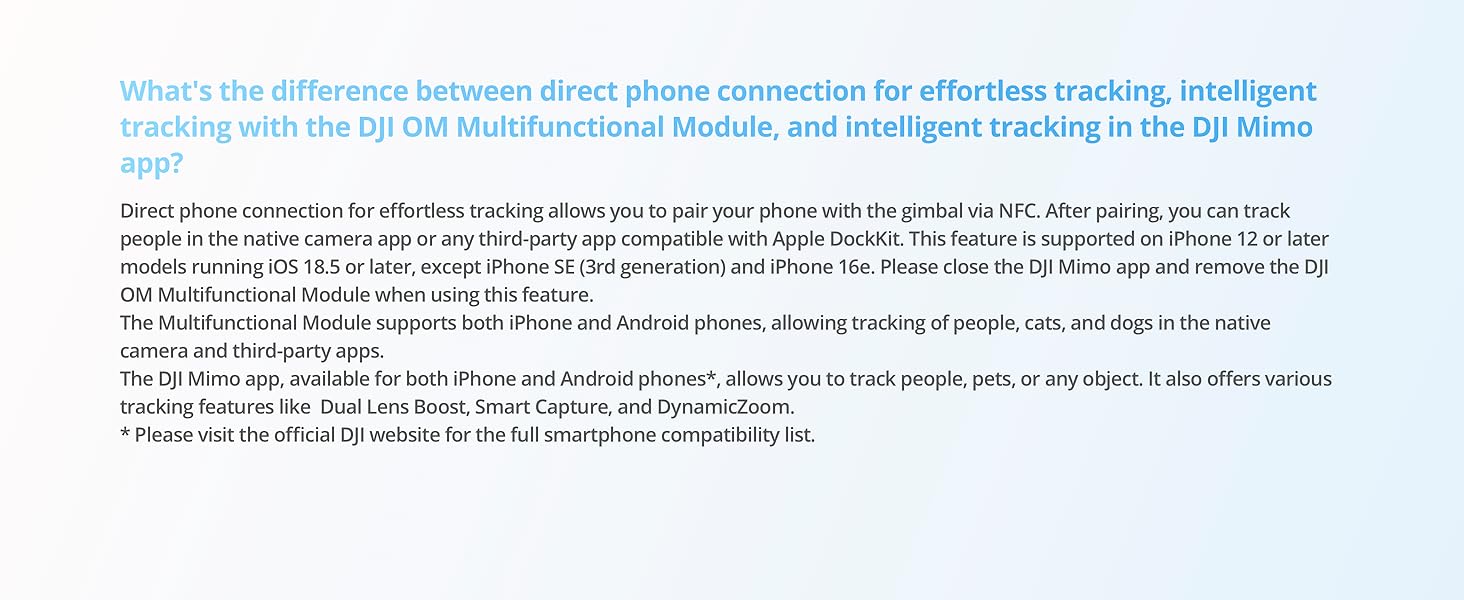
- Direct Phone Connection for Tracking [2] – Instantly connect your phone to the foldable gimbal for quick setup and intelligent tracking. Portable and easy to use for on-the-go shooting.
- Ultra-Comfortable Grip with Built-in Tripod for Low-Angle Shots – This gimbal is ideal for capturing kids or pets in action, creative skateboarding shots, or new vlogging angles with a Selfie Stick, all without wrist strain.
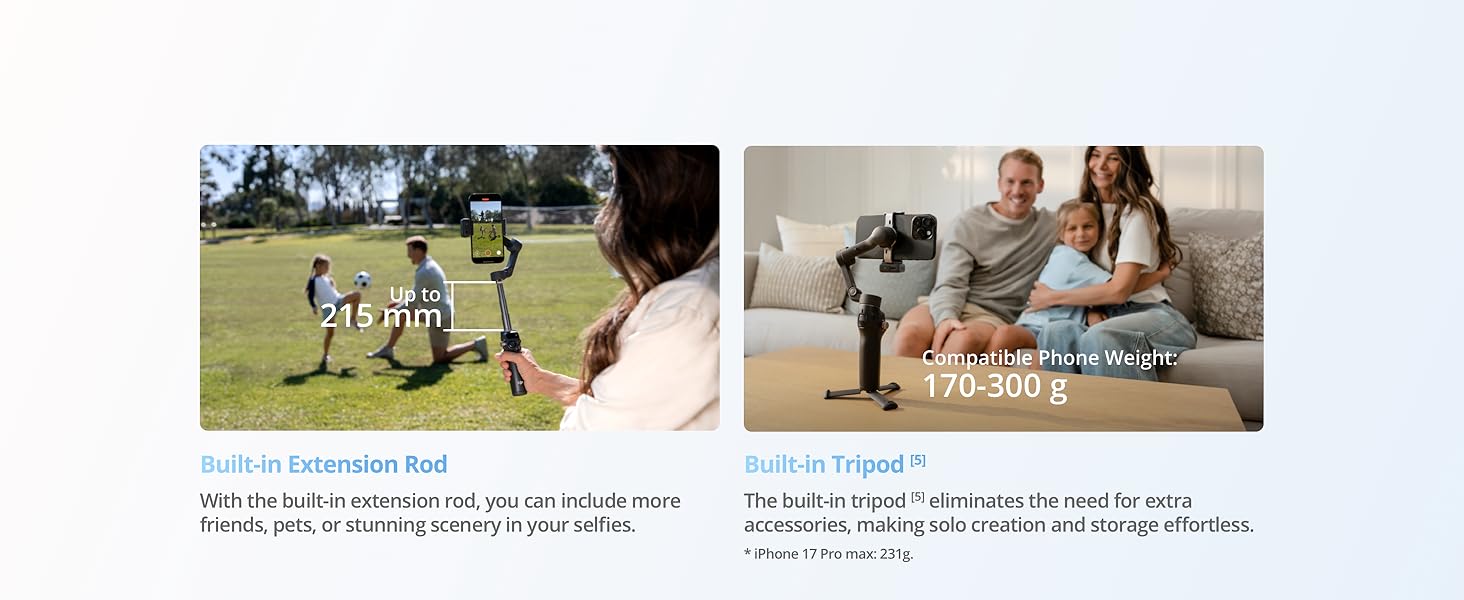
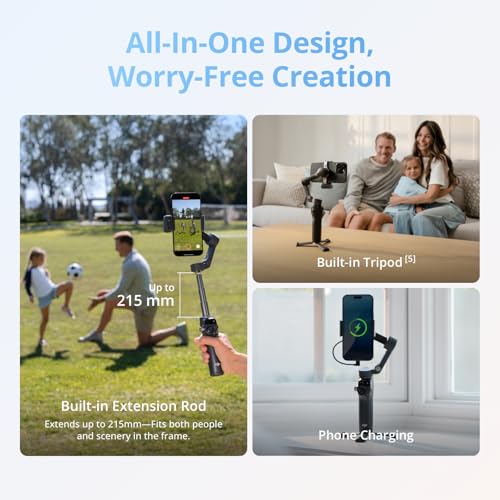
- Built-in Extension Rod [5] & Tripod – No extra gear required! Capture group selfies or wide travel shots with this DJI gimbal. Set up anywhere—from city parks to family parties—for hands-free filming.
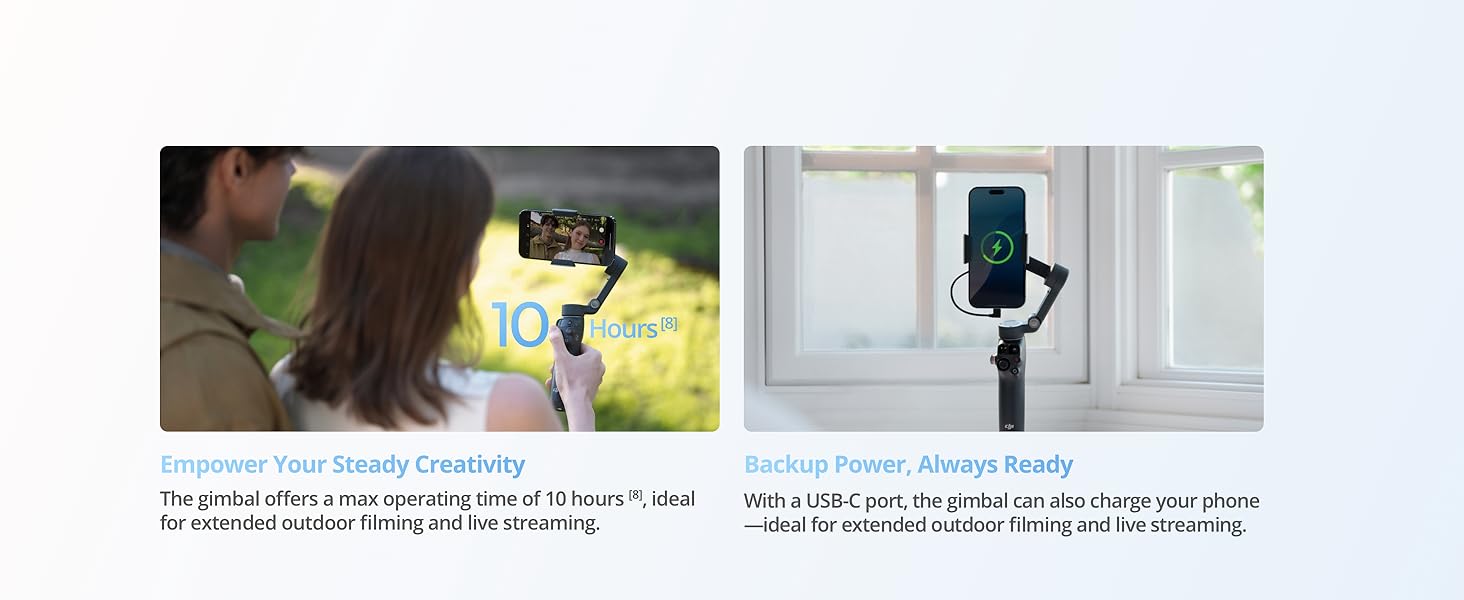
- 10-Hour Battery [8] & Phone Charging – Shoot for hours at events or on the go with a long-lasting gimbal. Charge your phone as you film—ideal for festivals, travel, and live streaming.
- Robust 3-Axis Gimbal Stabilization – Whether you're chasing action shots or filming daily vlogs, this gimbal's advanced 3-axis stabilization ensures smooth, professional footage.
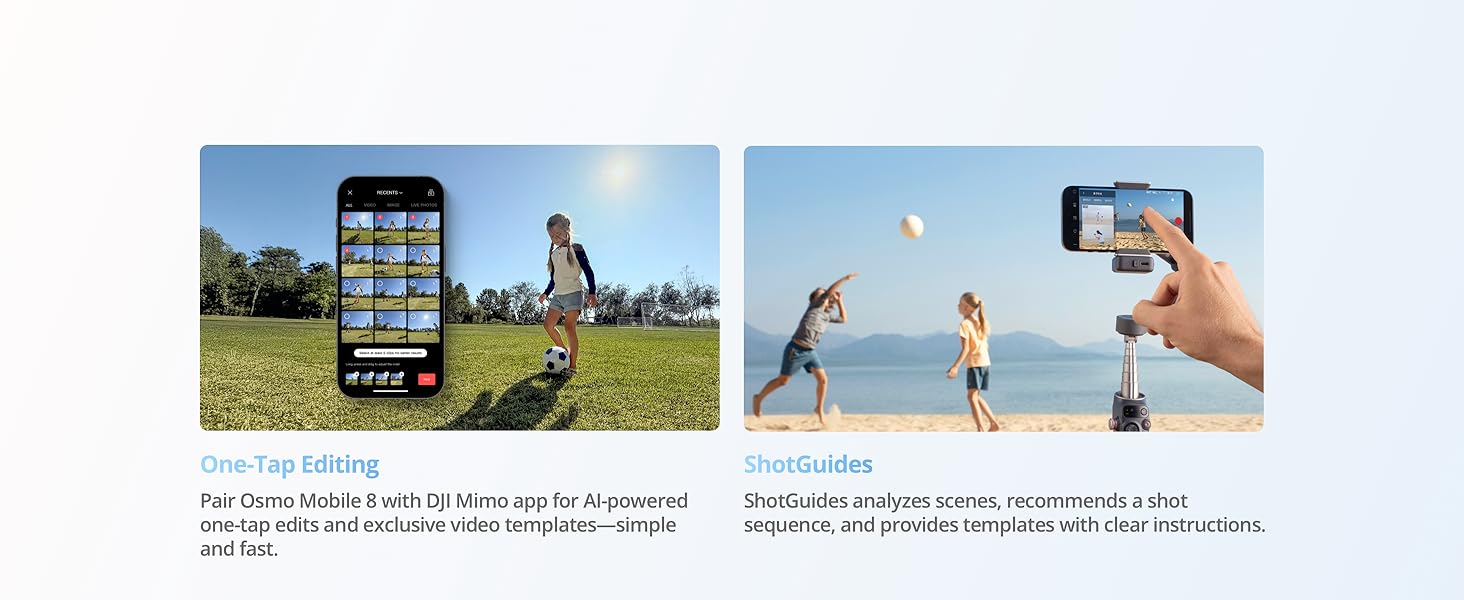
- Easy Tutorials & One-Tap Editing – New to phone gimbals? Get started fast with simple tutorials and easy, one-tap editing. Create and share great-looking videos in minutes.
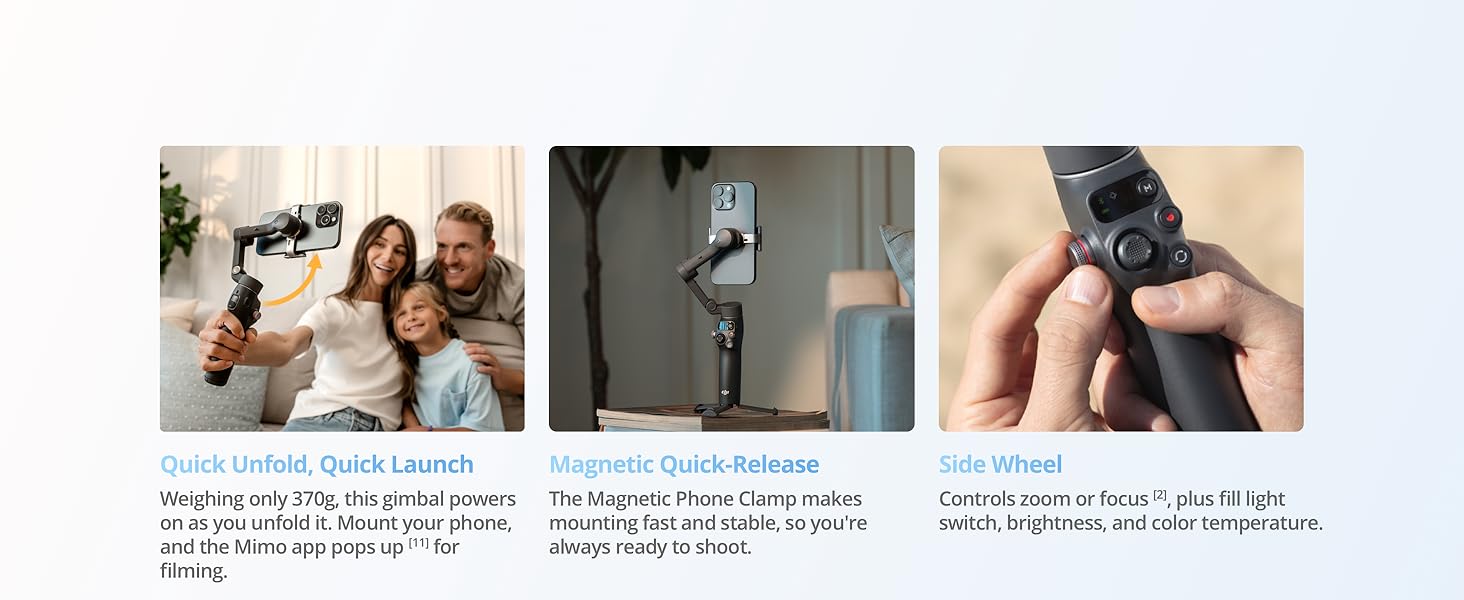
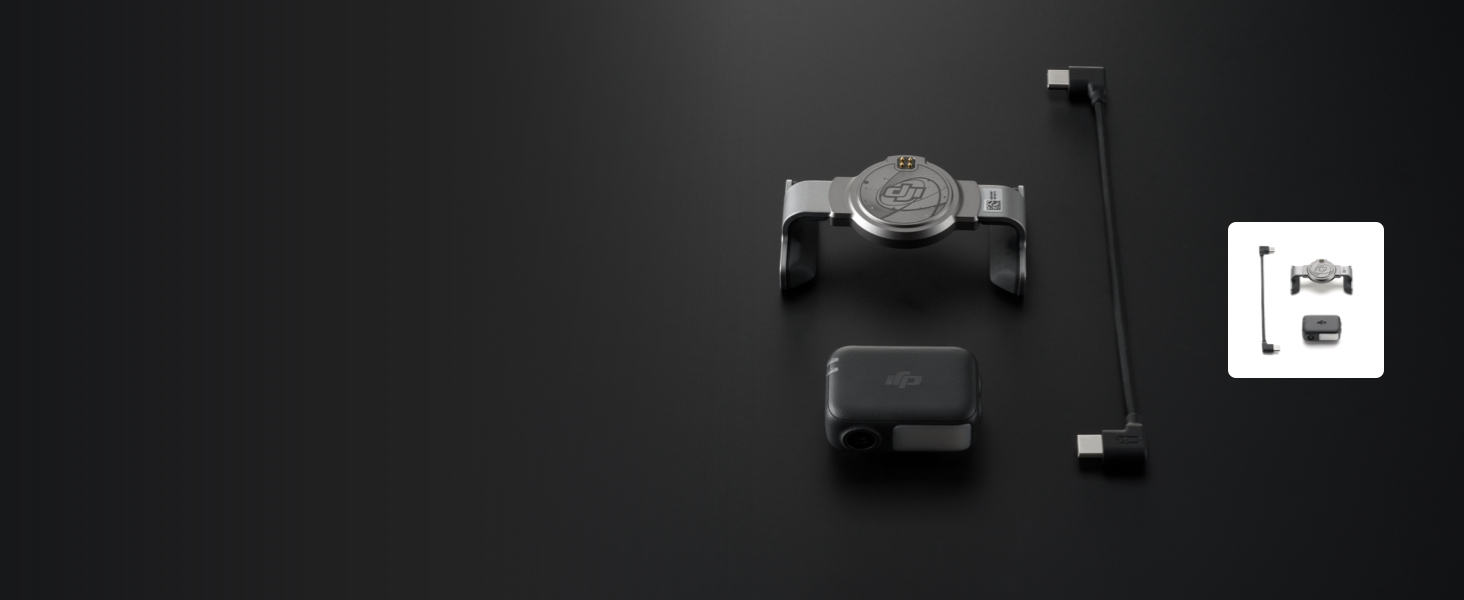
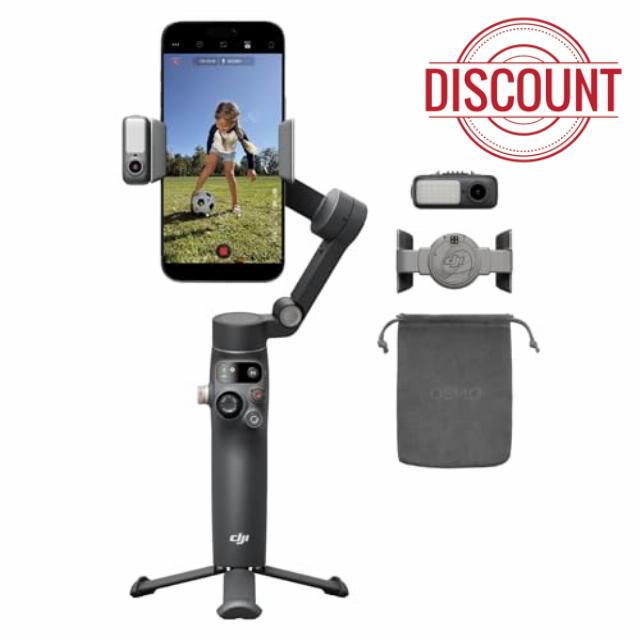
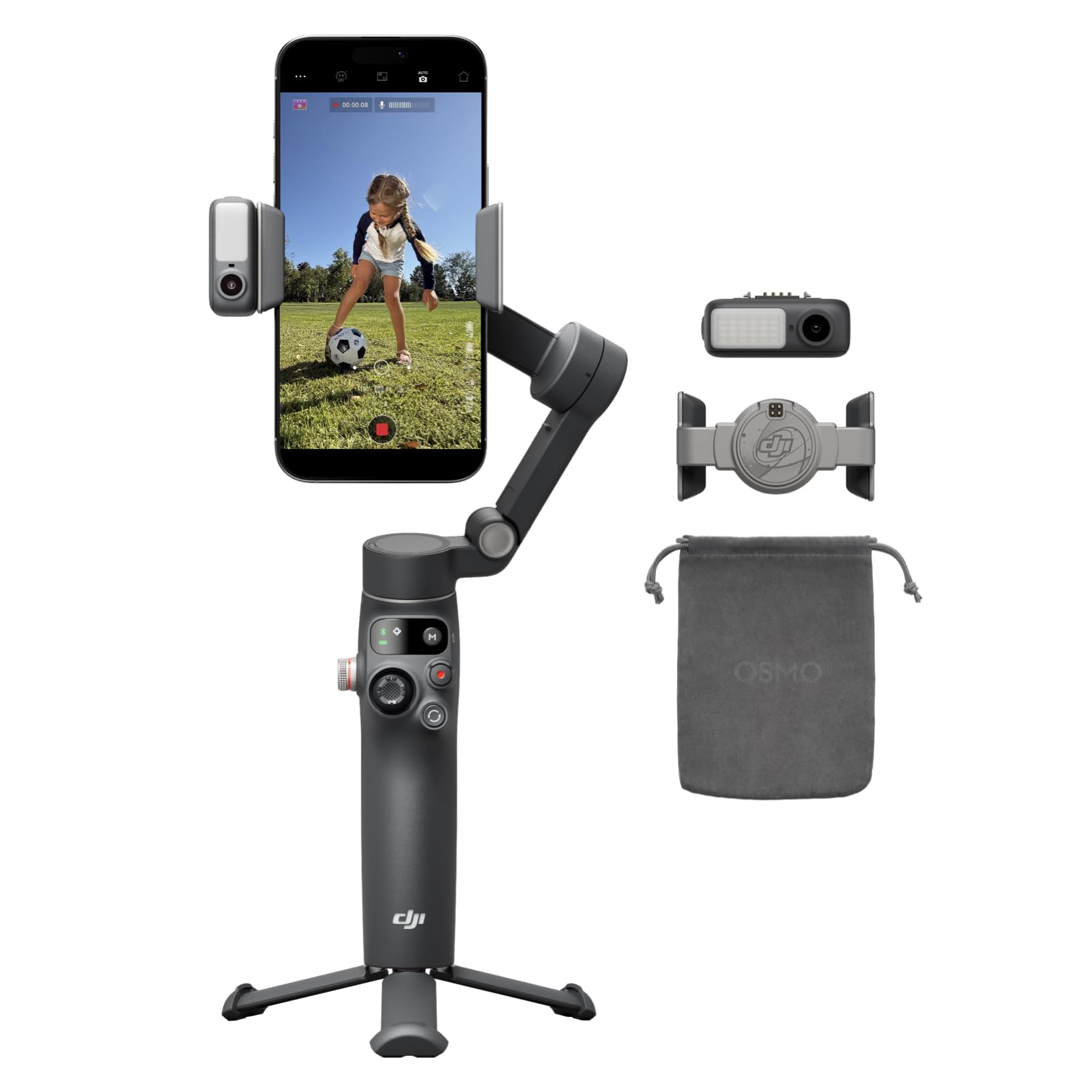
- Includes the gimbal, Multifunctional Module, Magnetic Phone Clamp, etc. Enjoy native tracking with integrated audio & lighting capabilities. Great for daily recording, vlogging, or live streaming.
- Due to platform compatibility issues, the DJI Mimo app has been removed from Google Play. For a better product experience, please visit the official DJI website to download the latest version of DJI Mimo.
Osmo Mobile 8 | 360° Tracking Phone Gimbal
The video showcases the product in use.The video guides you through product setup.The video compares multiple products.The video shows the product being unpacked.Osmo Mobile 8
Merchant VideoIn Tune With Every Move
DJI OM Multifunctional Module [1]
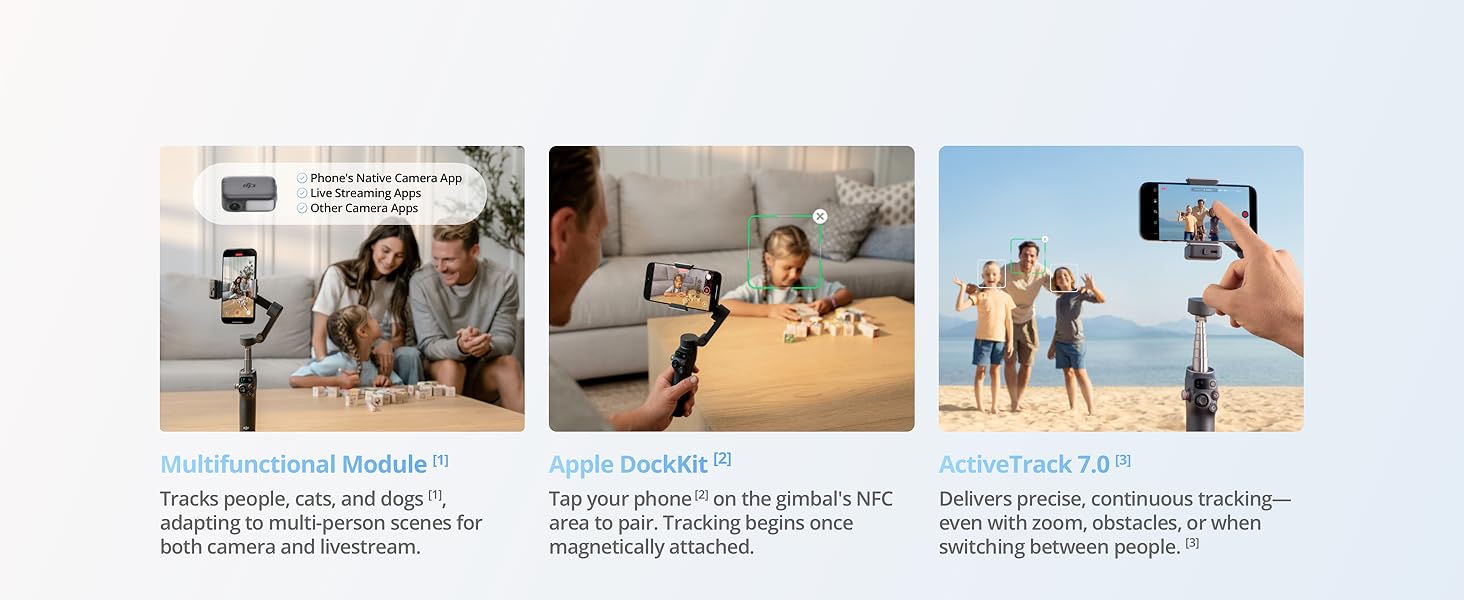
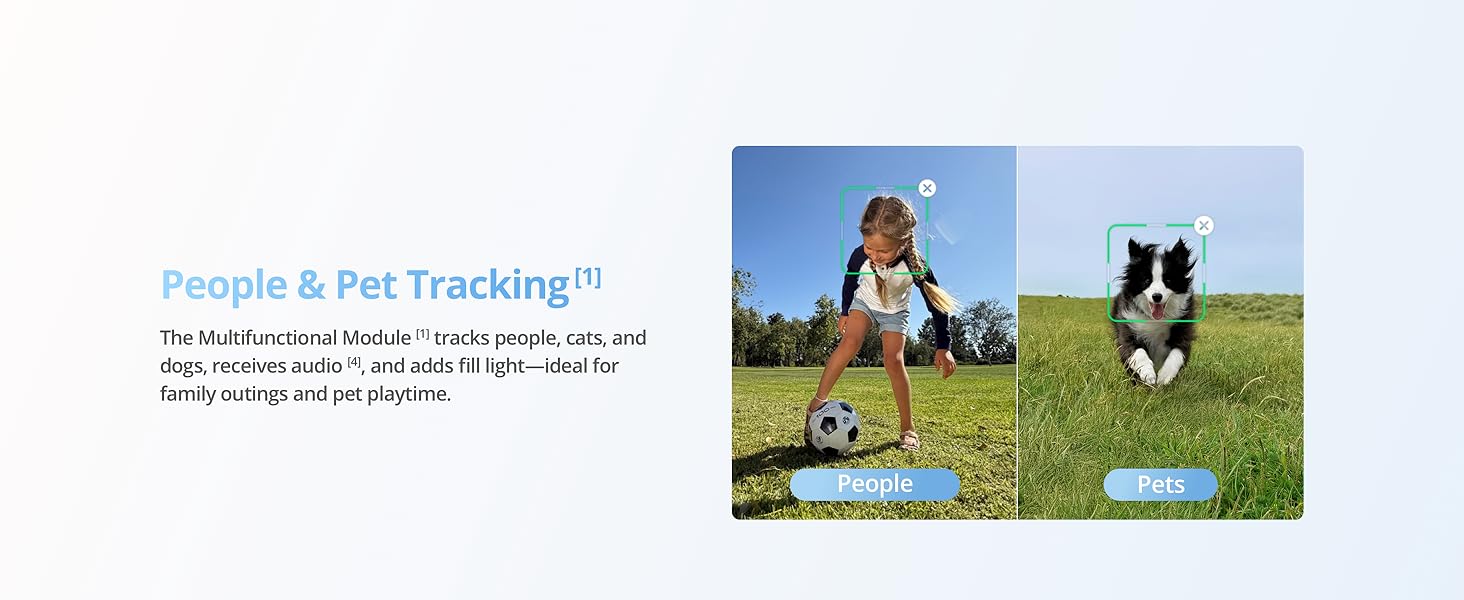
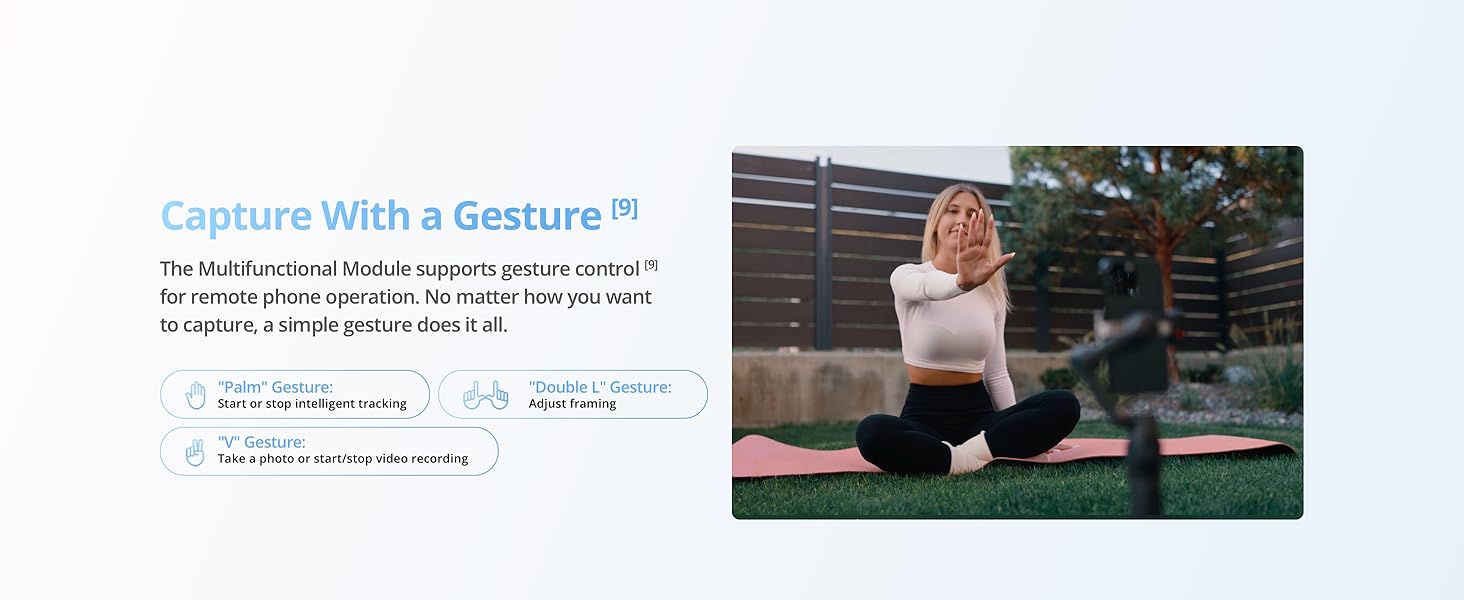
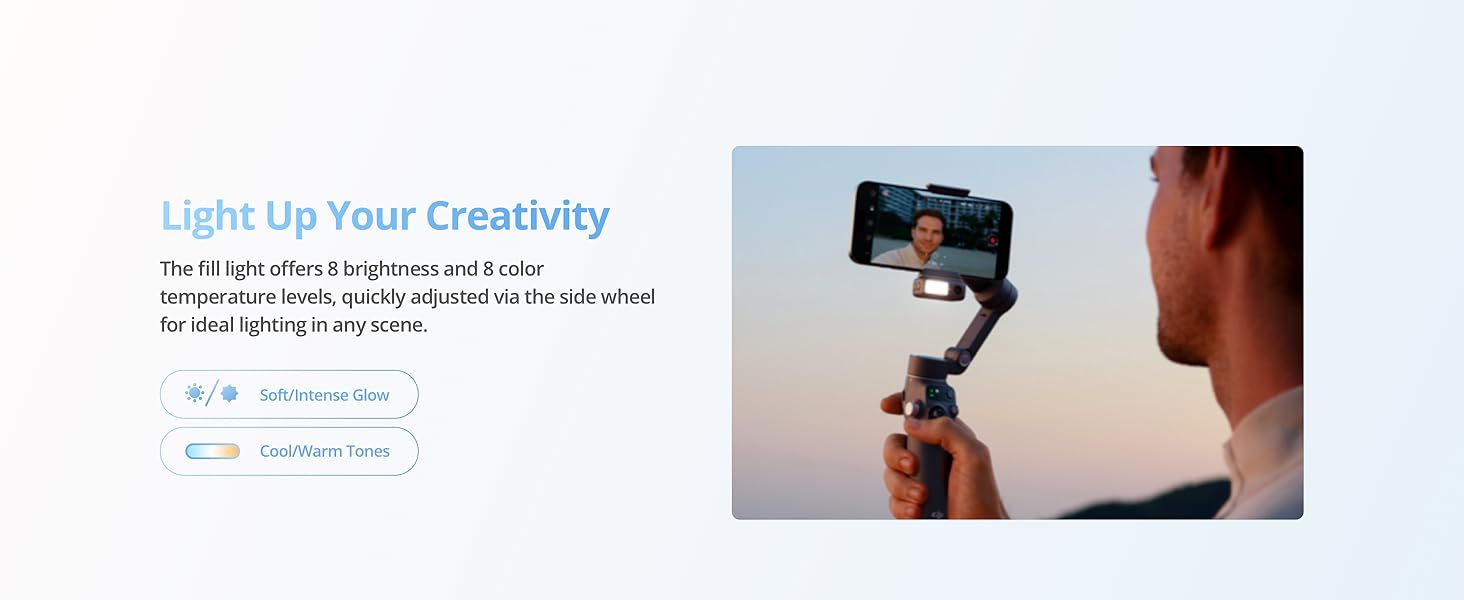
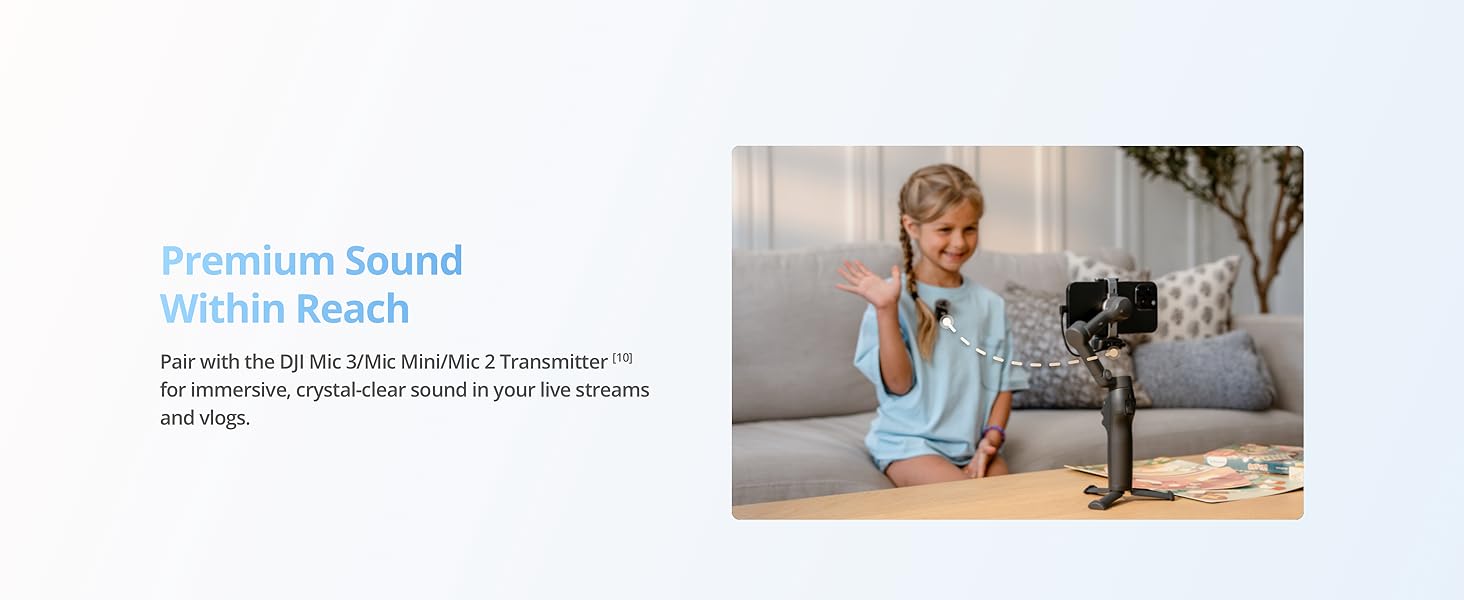
The Multifunctional Module [1] combines subject tracking for people and pets, audio reception [4], and fill light to help you create with ease. Use gestures [9] to start tracking, take photos, record videos, or adjust framing—anywhere, anytime.
The video showcases the product in use.The video guides you through product setup.The video compares multiple products.The video shows the product being unpacked.Osmo Mobile 8
Merchant Video360° Pan Rotation
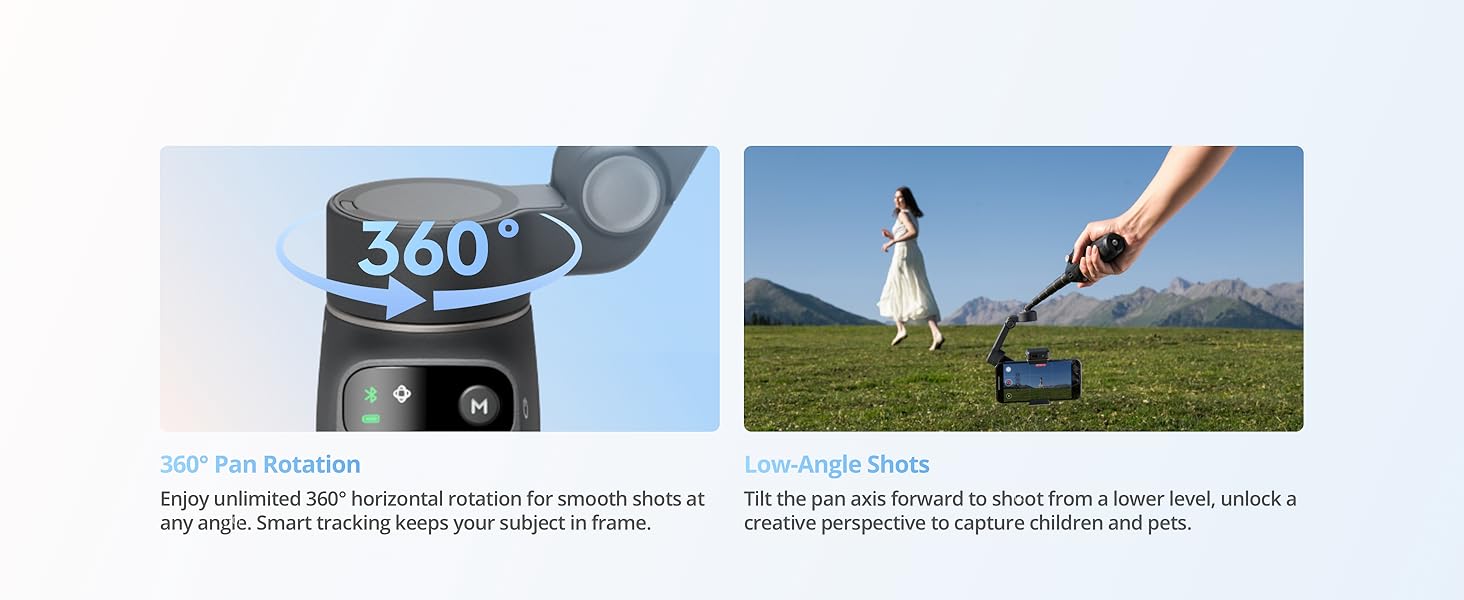
The pan axis supports unlimited 360° horizontal rotation, giving you the freedom to capture smooth panoramic photos and videos from any angle. Intelligent tracking keeps moving subjects in frame for seamless, professional-looking video every time.
The video showcases the product in use.The video guides you through product setup.The video compares multiple products.The video shows the product being unpacked.Osmo Mobile 8
Merchant VideoApple DockKit [2]
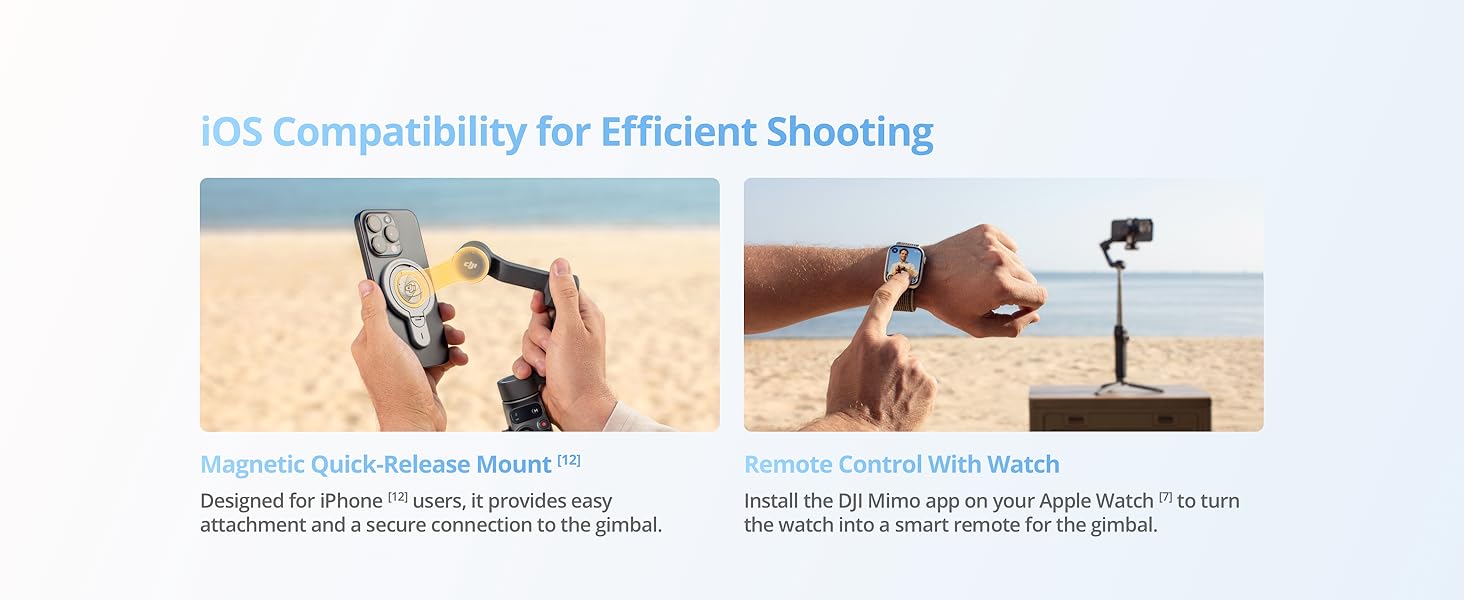
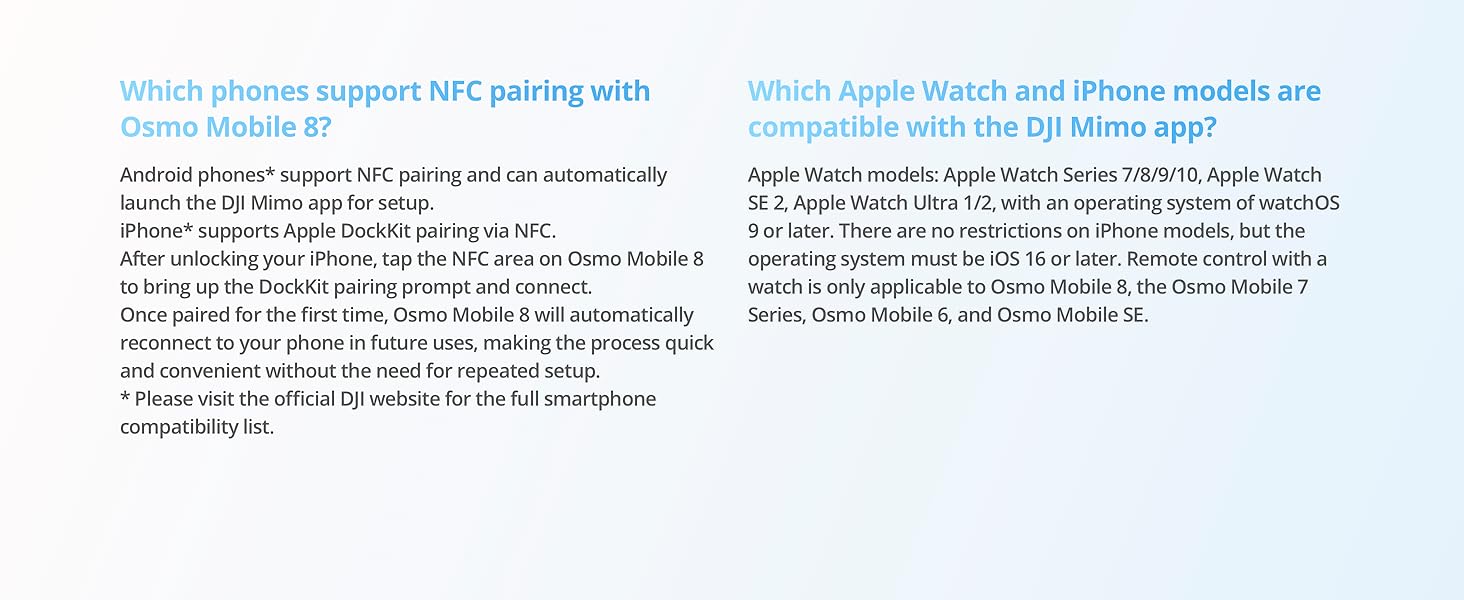
Start filming when inspiration hits. Simply tap your phone [2] on the NFC area of the gimbal handle to pair via Bluetooth. Once magnetically attached, seamless tracking begins.
The video showcases the product in use.The video guides you through product setup.The video compares multiple products.The video shows the product being unpacked.Osmo Mobile 8
Merchant VideoPowerful 3-Axis Gimbal Stabilization
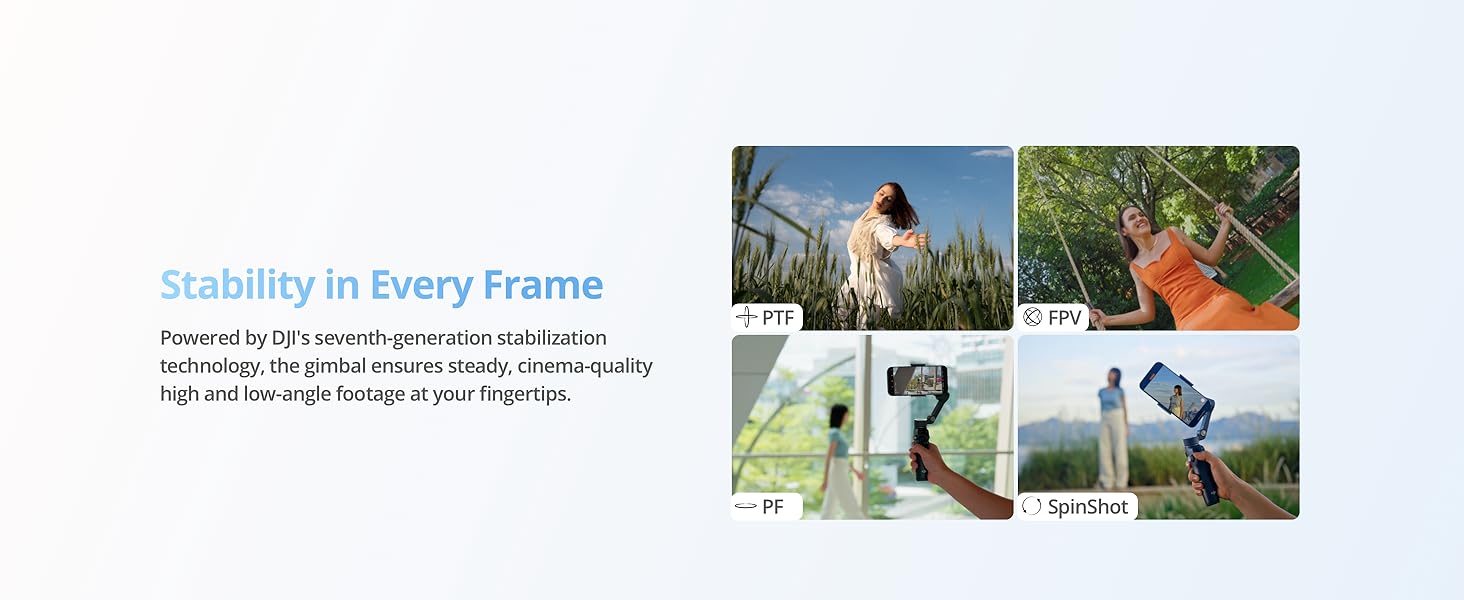
Osmo Mobile 8 utilizes DJI's seventh-generation stabilization technology to provide consistent stability without compromising image quality. The gimbal also enables smooth switching between low-angle and high-angle shots, making up/down, circular, and spinning camera movements more intuitive.
The video showcases the product in use.The video guides you through product setup.The video compares multiple products.The video shows the product being unpacked.Osmo Mobile 8
Merchant VideoTimelapse
Warp time and space with Timelapse, Motionlapse, and Hyperlapse. With simple Motionlapse templates, you can blend beautiful moments into impressive clips.
The video showcases the product in use.The video guides you through product setup.The video compares multiple products.The video shows the product being unpacked.Osmo Mobile 8
Merchant VideoPanorama
Try three pano modes: 3×3, 240°, or CloneMe are available, allowing you to spice up your creative shots wherever you go.
The video showcases the product in use.The video guides you through product setup.The video compares multiple products.The video shows the product being unpacked.Osmo Mobile 8
Merchant Video
See Additional Info on Osmo Mobile 8
DJI OM 8 Tracking Kit
The Multifunctional Module enables people and pet tracking, audio reception, and fill light. Supports gesture control for creative shooting.
Which is the Best for You?
| Add to Cart Add to Cart Add to Cart Add to Cart | |||||
| Customer Reviews | 4.6 out of 5 stars80 | 4.5 out of 5 stars3,507 | 4.5 out of 5 stars1,588 | 4.5 out of 5 stars18,801 | 4.5 out of 5 stars11,580 |
| Price | $149.00$149.00 | $129.00$129.00 | $74.99$74.99 | $89.00$89.00 | — |
| Gimbal Weight | Approx. 370 g | Approx. 368 g | Approx. 300 g | Approx. 330 g | Approx. 383 g |
| Operating Time | Approx. 10 hours | Approx. 10 hours | Approx. 10 hours | Approx. 6.5 hours | Approx. 8 hours |
| DJI OM Multifunctional Module | Supported (standard) | Supported (standard) | Supported (optional) | Not supported | Not supported |
| Seamless 360° Pan Rotation | ✔ | ✘ | ✘ | ✘ | ✘ |
| Apple DockKit[2] | ✔ | ✘ | ✘ | ✘ | ✘ |
| Built-in Extension Rod | ✔ | ✔ | ✘ | ✔ | ✘ |
| Built-in Tripod | ✔ | ✔ | ✔ | ✘ | ✘ |
| Quick Launch | ✔ | ✔ | ✔ | ✔ | ✘ |
| ActiveTrack | ActiveTrack 7.0 | ActiveTrack 7.0 | ActiveTrack 7.0 | ActiveTrack 7.0 | ActiveTrack 7.0 |
| ShotGuides | ✔ | ✔ | ✔ | ✔ | ✔ |
| AI Editor | ✔ | ✔ | ✔ | ✔ | ✔ |
| Side Wheel | ✔ | ✔ | ✘ | ✔ | ✘ |

| SKU: | B0FJ2L67HJ |
| Weight: | 13.1 ounces |
| Dimensions: | 11.34 x 4.21 x 3.78 inches |
| Model: | 6937224126817 |
| Batteries Included: | 1 C batteries required. (included) |
| Manufacture: | DJI |
Product description
Osmo Mobile 8 | 360° Tracking Phone Gimbal
Osmo Mobile 8
Merchant Video


In Tune With Every Move
-
DJI OM Multifunctional Module [1]
The Multifunctional Module [1] combines subject tracking for people and pets, audio reception [4], and fill light to help you create with ease. Use gestures [9] to start tracking, take photos, record videos, or adjust framing—anywhere, anytime.
The video showcases the product in use.The video guides you through product setup.The video compares multiple products.The video shows the product being unpacked.Osmo Mobile 8
Merchant Video -
360° Pan Rotation
The pan axis supports unlimited 360° horizontal rotation, giving you the freedom to capture smooth panoramic photos and videos from any angle. Intelligent tracking keeps moving subjects in frame for seamless, professional-looking video every time.
The video showcases the product in use.The video guides you through product setup.The video compares multiple products.The video shows the product being unpacked.Osmo Mobile 8
Merchant Video -
Apple DockKit [2]
Start filming when inspiration hits. Simply tap your phone [2] on the NFC area of the gimbal handle to pair via Bluetooth. Once magnetically attached, seamless tracking begins.
The video showcases the product in use.The video guides you through product setup.The video compares multiple products.The video shows the product being unpacked.Osmo Mobile 8
Merchant Video -
Powerful 3-Axis Gimbal Stabilization
Osmo Mobile 8 utilizes DJI's seventh-generation stabilization technology to provide consistent stability without compromising image quality. The gimbal also enables smooth switching between low-angle and high-angle shots, making up/down, circular, and spinning camera movements more intuitive.
The video showcases the product in use.The video guides you through product setup.The video compares multiple products.The video shows the product being unpacked.Osmo Mobile 8
Merchant Video -
Timelapse
Warp time and space with Timelapse, Motionlapse, and Hyperlapse. With simple Motionlapse templates, you can blend beautiful moments into impressive clips.
The video showcases the product in use.The video guides you through product setup.The video compares multiple products.The video shows the product being unpacked.Osmo Mobile 8
Merchant Video -
Panorama
Try three pano modes: 3×3, 240°, or CloneMe are available, allowing you to spice up your creative shots wherever you go.
The video showcases the product in use.The video guides you through product setup.The video compares multiple products.The video shows the product being unpacked.Osmo Mobile 8
Merchant Video
-

-
DJI OM 8 Tracking Kit
The Multifunctional Module enables people and pet tracking, audio reception, and fill light. Supports gesture control for creative shooting.
-
-
-
-


Which is the Best for You?
 Osmo Mobile 8 |  Osmo Mobile 7P |  Osmo Mobile 7 |  Osmo Mobile 6 |  Osmo Mobile SE | |
|---|---|---|---|---|---|
| Customer Reviews | 4.6 out of 5 stars 80 | 4.5 out of 5 stars 3,507 | 4.5 out of 5 stars 1,588 | 4.5 out of 5 stars 18,801 | 4.5 out of 5 stars 11,580 |
| Price | $149.00 | $129.00 | $74.99 | $89.00 | — |
| Gimbal Weight | Approx. 370 g | Approx. 368 g | Approx. 300 g | Approx. 330 g | Approx. 383 g |
| Operating Time | Approx. 10 hours | Approx. 10 hours | Approx. 10 hours | Approx. 6.5 hours | Approx. 8 hours |
| DJI OM Multifunctional Module | Supported (standard) | Supported (standard) | Supported (optional) | Not supported | Not supported |
| Seamless 360° Pan Rotation | ✔ | ✘ | ✘ | ✘ | ✘ |
| Apple DockKit[2] | ✔ | ✘ | ✘ | ✘ | ✘ |
| Built-in Extension Rod | ✔ | ✔ | ✘ | ✔ | ✘ |
| Built-in Tripod | ✔ | ✔ | ✔ | ✘ | ✘ |
| Quick Launch | ✔ | ✔ | ✔ | ✔ | ✘ |
| ActiveTrack | ActiveTrack 7.0 | ActiveTrack 7.0 | ActiveTrack 7.0 | ActiveTrack 7.0 | ActiveTrack 7.0 |
| ShotGuides | ✔ | ✔ | ✔ | ✔ | ✔ |
| AI Editor | ✔ | ✔ | ✔ | ✔ | ✔ |
| Side Wheel | ✔ | ✔ | ✘ | ✔ | ✘ |
DJI 8 partial review
Great product, sturdy and very good. I can not give total review as I have not fully used it yet but very confident of its build and use. It is impressive in its dynamics. I am getting over some hurdles then plan on using it to its fullest and my fullest advantage
Excellent all round gimbal with a cavea
It’s real DJI product brand new with multifunctional module. Versions good build quality and supporting app is fantastic. Many tracking options. However if you have lightning port they don’t include lightning cable, usb-c only. Lightning one costs whopping 34$ and no if you plan to use DJI mic with it without that cable good luck.
Nice little helper to take my pictures and keep them stable. Love how it tracks me and how easily it adjusts. Not pricy but works like a giant. It’s easy to use and connects to your phone very quickly.
Easy to Use, Smooth Video, Worth the Upgrade!
I recently used the DJI Gimbal 8 for a 40th birthday event, and I have to say, it’s a fantastic upgrade for any event photographer. The video transitions are incredibly smooth, and overall usage is very intuitive. As a photographer, I found it easy to get started—though spending a little time understanding the different modes really pays off.
The extendable rod and the spin mode are highlights for me—they add creative possibilities that make your shots stand out. Build quality feels solid, and it handles the camera weight well. It’s lightweight enough to carry around all day without fatigue, yet sturdy enough for professional use.
If you’re considering upgrading your gear, this gimbal is absolutely worth it. It makes shooting dynamic events so much easier and adds a professional touch to your videos.
I purchased this item to use it for sports recording due to my hands shaking at times from anxiety and it has helped tremendously for recording sporting events for my kids and when I am at the golf course and want to record myself. The ability for the camera to be used in 360 degree rotation and tracking is incredible.
I haven’t been able to use the full battery, but it does allow for fast charging my Iphone when the battery is being used up so that is a major positive to avoid needing more cables and chargers.
The ease of use is incredible using the DJI app which allows great tutorials for using the Mobile 8 as well as quick editing.
The value of the product is a bit more than other similiar types, but this has the DJI name and provides some credibility behind their name.
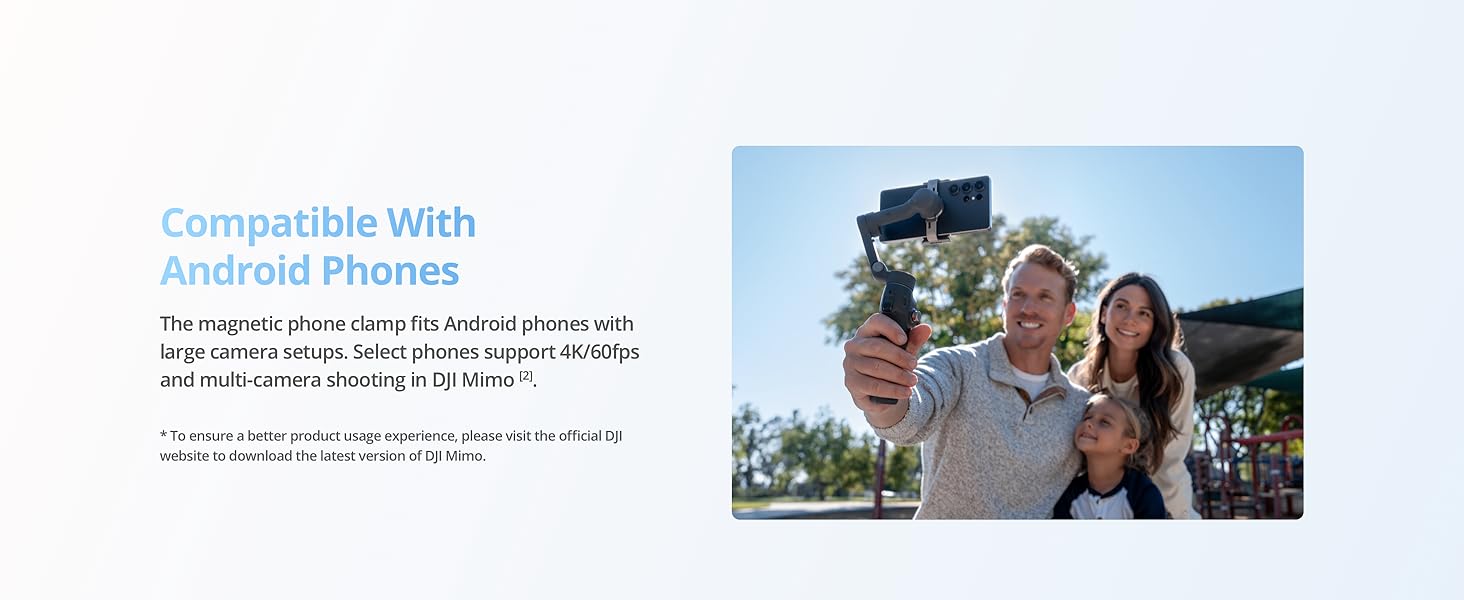
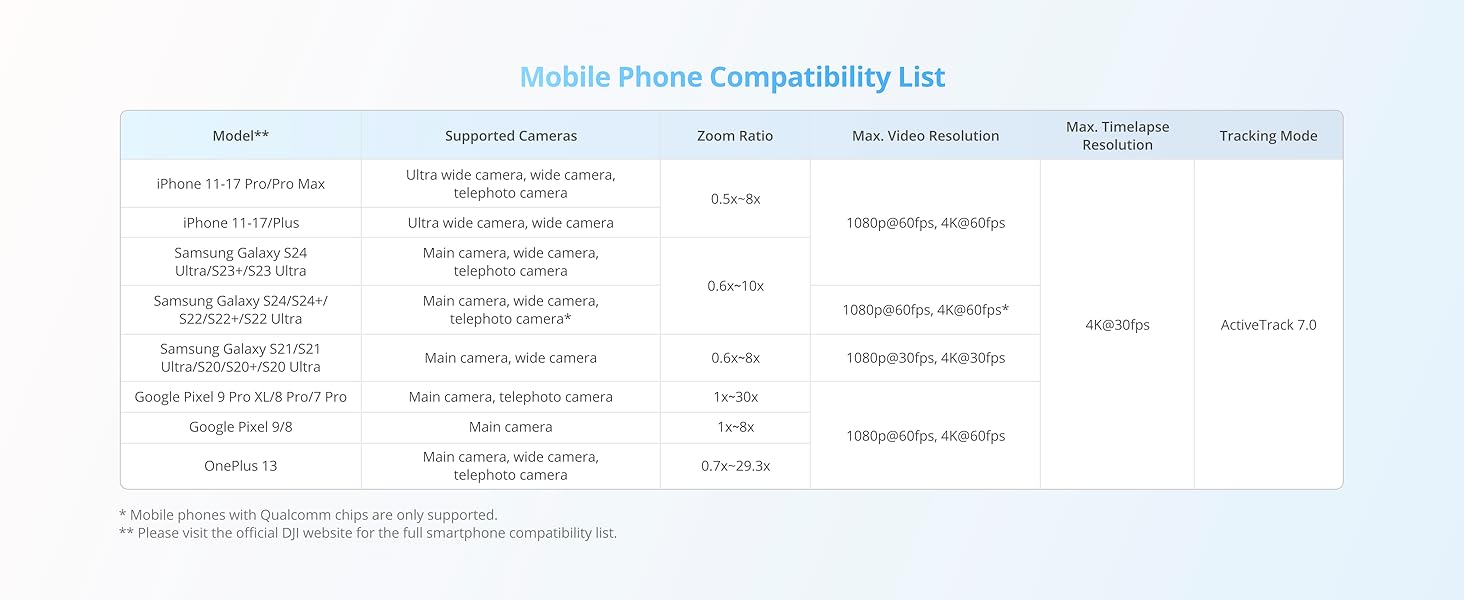
Compatibility is easy with apple products, and I assume as well with Android given it’s a bluetooth connection or a NFC tag scan.
Design is similiar to past models but more advanced I would say.
The 10-hour battery life is a total game-changer for long days of filming, and the fact that it can charge my phone while in use has saved my shoots more than once.
For the price, the value is unbeatable. The new 360 pan rotation and ActiveTrack 7.0 make capturing smooth, cinematic footage effortless, even when tracking fast-moving subjects. It feels sturdy, folds up compact, and the built-in extension rod is perfect for getting those high-angle shots. If you’re a content creator looking for a professional setup that won’t break the bank, this is it!
Perfecto para los principiantes
funciona de maravilla, sin embargo, el peso es considerable, ya que, se le aade el peso del celular, de igual manera, hay que considerar que, mientras se use, uno pierde la capacidad de usar el celular, por lo que recomiendo desactivar notificaciones cuando estes usndolo o usar un segndo celular.
Pros.
-giro de 360, es un salvavidas, a comparacin de el 7p, puedes hacer un video completo de 360 y ms, obtendrs planos increbles.
-el mdulo multifunctional, permite al celular recibir el audio de algn micrfono, compatible con dji y la luz que emiten es suficiente para una foto en la oscuridad, sin embargo, el uso del mismo como receptor para un micrfono, provoca que ya no puedas cargar el celular.
Cons
-el precio
-la batera, puedes cargar el celular con el gimbal, sin embargo, esto reducir sustancialmente el tiempo de grabacin
-el zoom, la rueda del zoom funciona y puedes ajustar la sensibilidad, sin embargo y, dependiendo del celular que uno tenga, en mi experiencia, el zoom, an la velocidad mas baja es demasiado abrupto, sin mencionar que, con el zoom y en la aplicacin dji mimo, no puedo usar la cmara ultrawide.
-compatibilidad, su integracin con dispositivos apple es perfecta, y ya, nicamente se intgra bien con dispositivos apple, an tiene fallas y errores con dispositivos android, sin embargo la experiencia no se arruina.
Solider Einstieg mit Lernkurve
Das war mein erster Gimbal und genau das merkt man am Anfang. Der Einstieg ist nicht selbsterklrend. Man muss lernen, wie man einen Gimbal richtig hlt, bewegt und einstellt. Wer erwartet, ihn einzuschalten und sofort perfekte Videos zu bekommen, liegt falsch. Das ist kein Spielzeug, sondern ein Werkzeug.
Eine sehr groe Hilfe ist die DJI Mimo App. Die gefhrten Tutorials sind sinnvoll aufgebaut und praxisnah. Konkrete Szenarien wie ein Spaziergang im Wald werden Schritt fr Schritt erklrt. Einstellungen, Modi und Bewegungen werden verstndlich vermittelt. Dadurch bekommt man auch als Anfnger schnell ein Gefhl dafr, was der Gimbal kann und wie man ihn richtig nutzt.
Ohne die App wre der Einstieg deutlich frustrierender.
Ich verwende ein Galaxy S25 Plus mit Hlle, und der Gimbal kommt damit problemlos klar. Das Smartphone sitzt sicher in der Halterung, nichts wackelt und nichts rutscht. Balance, Tracking und Stabilisierung funktionieren auch mit Hlle zuverlssig. Man muss das Case nicht abnehmen, was im Alltag ein klarer Vorteil ist und zeigt, dass der Gimbal ausreichend Reserven hat.
Die 3-Achsen-Stabilisierung arbeitet zuverlssig. Bewegungen wirken ruhig und kontrolliert, auch beim Gehen. Das native Tracking hlt Motive stabil im Bild. Die 360-Grad-Schwenkrotation erffnet kreative Mglichkeiten, ist aber nichts, was man nebenbei nutzt. Auch hier braucht es bung.
Der integrierte Verlngerungsstab und das Stativ sind praktisch und sparen zustzliches Zubehr. Der Griff liegt gut in der Hand, auch bei lngeren Aufnahmen. Die Akkulaufzeit ist realistisch und reicht problemlos fr einen ganzen Tag Filmen. Dass das Smartphone whrend der Nutzung geladen werden kann, ist ein echter Mehrwert.
Fazit:
Der DJI Osmo Mobile 8 ist ein sehr guter Gimbal mit starker Stabilisierung, durchdachten Features und solider Verarbeitung. Er richtet sich nicht an Leute, die keine Lust haben zu lernen. Wer bereit ist, sich einzuarbeiten, bekommt saubere, professionelle Smartphone-Aufnahmen. Fr Einsteiger geeignet, aber nur mit Geduld.
Finalmente la libertà totale! Tracking nativo su tutte le app e audio integrato. Il re dei gimbal.
Da anni utilizzo stabilizzatori DJI (partendo dall’Osmo 3 fino al 6), ma con l’Osmo Mobile 8 siamo finalmente arrivati al punto di svolta che tutti i content creator aspettavano. Non solo un aggiornamento hardware, un cambio di paradigma nell’uso quotidiano.
Ecco la mia analisi dettagliata dopo una settimana di utilizzo intensivo:
1. La Rivoluzione: Tracking Nativo (Voto: 10/10)
Questa la “Killer Feature”. Fino all’Osmo 6, per avere il tracciamento del volto (ActiveTrack) bisognava registrare dentro l’app DJI Mimo, perdendo spesso qualit o filtri di Instagram/TikTok. Con l’Osmo 8, il tracking nativo.
Come funziona: Il gimbal riconosce il soggetto e lo segue fisicamente mentre usi l’app fotocamera nativa dell’iPhone/Android, o mentre sei in live su Instagram, TikTok o YouTube.
Risultato: Posso fare balletti, tutorial di cucina o vlog camminando, usando direttamente le storie di IG, e il gimbal mi segue fluidamente. Mai pi vincoli software.
2. Audio e Microfono (Voto: 9/10)
DJI ha integrato un ricevitore wireless nel corpo del gimbal che si interfaccia perfettamente con i nuovi DJI Mic Mini (spesso venduti in bundle o a parte). Ma anche senza microfoni esterni, l’app ora gestisce l’audio con una cancellazione del vento AI sorprendente. Se fate vlog all’aperto, il software “pulisce” la voce isolandola dai rumori di fondo meglio di qualsiasi stabilizzatore precedente.
3. Illuminazione Intelligente (Voto: 9/10)
Il morsetto magnetico ora integra le luci di riempimento (fill light) di serie (prima era un accessorio extra su alcuni modelli).
Non solo “acceso/spento”: la luce si adatta automaticamente alla temperatura colore dell’ambiente (calda/fredda) grazie a un sensore frontale.
Salva la vita nelle riprese serali o in interni bui, regalando quel riflesso negli occhi (catchlight) che rende il video professionale.
4. Ergonomia e Stabilizzazione
Stabilizzazione: Impeccabile come sempre. I motori sono pi potenti e reggono senza problemi il mio smartphone “Max” con cover pesante.
Extension Rod: Il bastone estensibile integrato ancora presente (fondamentale per i selfie di gruppo o angolazioni dal basso), ma le cerniere sembrano pi robuste.
Rotella laterale: La rotella per lo zoom/focus diventata cliccabile per cambiare modalit al volo. Molto comodo.
PRO e CONTRO in sintesi
PRO:
Tracking Nativo: Funziona su TUTTE le app (IG, TikTok, Zoom, FaceTime). Indispensabile.
Setup istantaneo: L’apertura rapida accende il gimbal in un secondo.
Luci integrate: Niente pi accessori da comprare a parte.
Portabilit: Si ripiega diventando minuscolo.
CONTRO:
Prezzo: un investimento importante, costa pi della media dei gimbal cinesi, ma la qualit si paga.
Batteria: Con luci accese e tracking attivo, l’autonomia scende leggermente rispetto ai modelli vecchi (siamo sulle 5-6 ore reali intensive).
Verdetto Finale
Se create contenuti per lavoro o per passione seria, il DJI Osmo Mobile 8 non ha rivali. La sola funzione di Tracking Nativo vale il prezzo del biglietto perch semplifica il flusso di lavoro in modo incredibile. Non dover passare dall’app proprietaria per avere il tracking una liberazione.
Consigliatissimo a Vlogger, TikToker e chiunque voglia video cinematografici con lo smartphone.
After testing the DJI Osmo Mobile 8 extensively over the past month for both vlogging and product content creation, I can confidently say this is the best smartphone gimbal available right now. The combination of rock-solid stabilization, intelligent tracking that actually works, and seamless native app integration makes this an essential tool for anyone serious about mobile content creation.
Top Highlights:
1. Apple DockKit Support = Revolutionary Tracking
For iPhone users, this is massive. The gimbal now tracks subjects using Apple’s native technology, which means tracking works in the iPhone camera app, Blackmagic Camera, Instagram, and 200+ other apps—not just DJI’s Mimo app. The tracking is incredibly accurate and keeps you centered even when you move around. You can finally create professional-looking content without being locked into one ecosystem.
2. True 360 Pan Rotation
Unlike predecessors that would hit mechanical limits, the OM8 offers unrestricted horizontal rotation. This enables smooth panoramic sweeps and continuous follow shots that were previously impossible. Perfect for dynamic product showcases or spinning reveal shots.
3. Multifunctional Module is Brilliant
This small magnetic attachment is where the magic happens: built-in AI tracking sensor that recognizes people AND pets (finally!), adjustable fill light (40 lux, 2500K-6000K color temp), and wireless audio support for DJI Mic 2/3/Mini. Gesture controls work flawlessly—palm to start/stop tracking, V-sign to capture. It’s like having a camera operator following you around.
4. Build Quality & Ergonomics
At 370g with everything attached, it’s perfectly balanced. The magnetic phone clamp is incredibly secure (supports phones up to 3.3″ wide), the built-in extension rod adds 8.5″ reach for better framing, and the integrated tripod legs actually feel sturdy. The analog joystick provides smooth, precise control—far superior to digital alternatives.
5. Exceptional Stabilization
The 3-axis stabilization is buttery smooth even when jogging or shooting from moving vehicles. Combined with the improved ActiveTrack 7.0, your footage looks genuinely cinematic without any post-processing stabilization needed.
What Could Be Better:
1. Battery Life With Features Active
While rated at 10 hours basic use, expect 5 hours with intelligent tracking enabled and only 4 hours with the fill light at max brightness. Not terrible, but you’ll want a power bank for all-day shoots. The USB-C charging (2.5 hours full charge) helps, and you can power it via power bank while filming.
2. App Dependency for Advanced Features
While basic tracking works natively, unlocking the full feature set (SpinShot mode, hyperlapses, advanced gimbal modes, shot guides) requires the DJI Mimo app. The app is excellent, but Android users especially need to be aware they won’t get the same Quick Launch experience that iPhone users enjoy with DockKit.
Bottom Line: This gimbal has completely transformed my mobile content workflow. The ability to track subjects in any app, combined with professional-grade stabilization and that incredibly useful multifunctional module, makes this feel less like a gadget and more like legitimate filmmaking equipment.