UGEE 15.4 inch Drawing Tablet with Screen,143% sRGB UE16
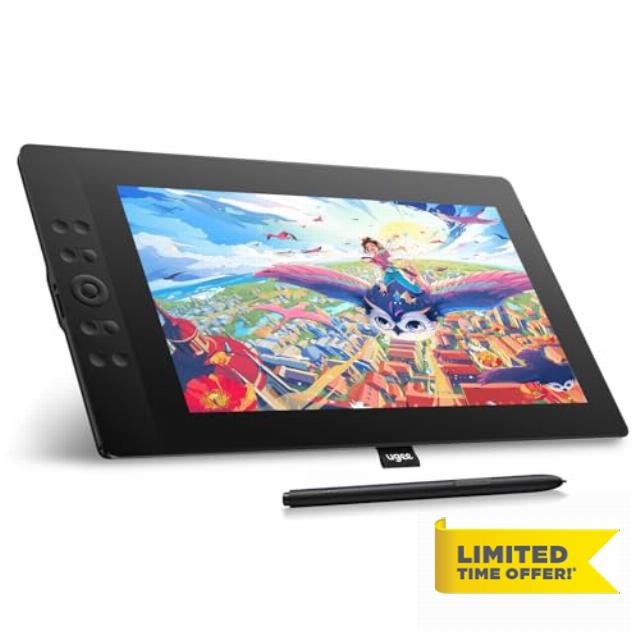
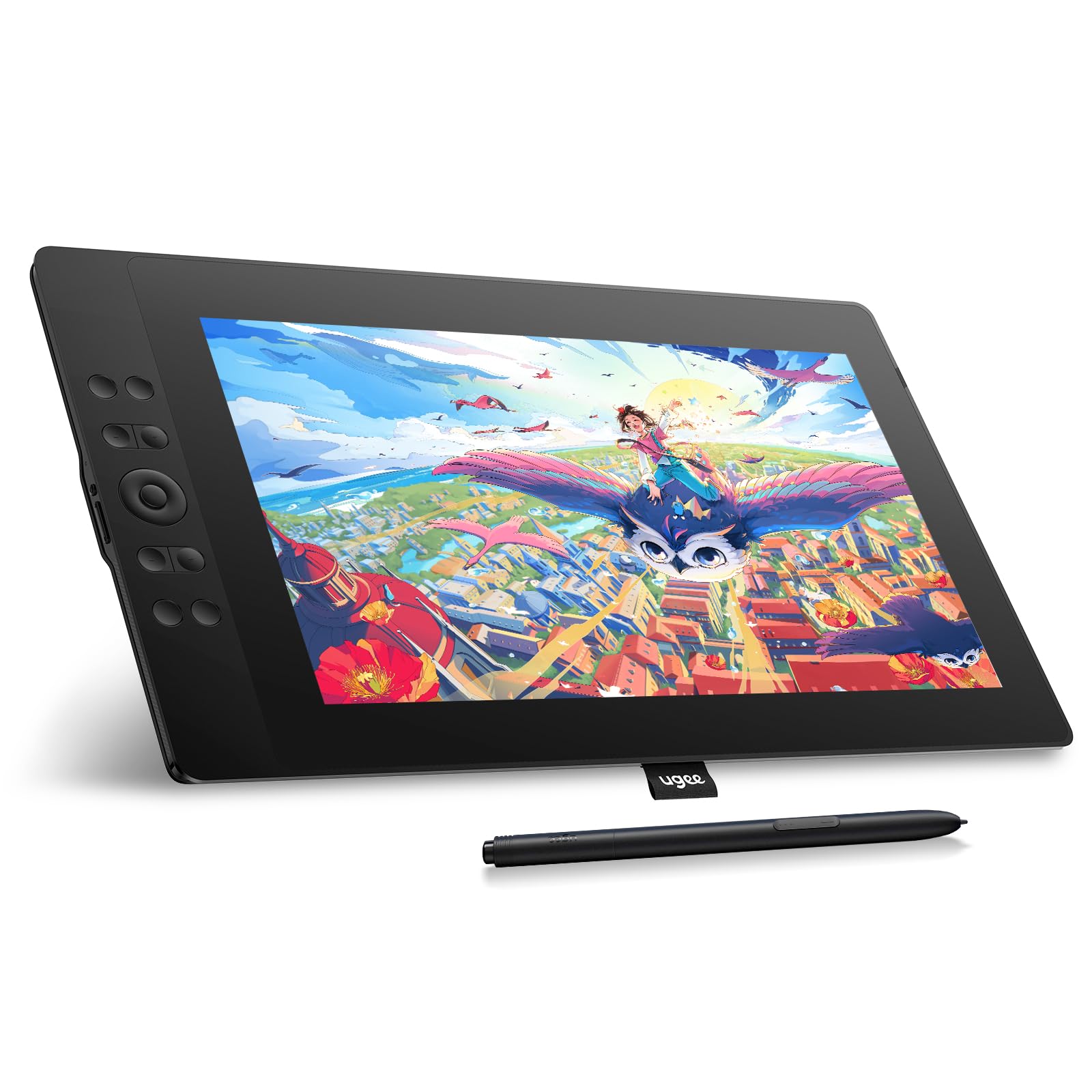
UGEE 15.4 inch Drawing Tablet with Screen,143% sRGB UE16 Computer Graphics Tablet with Full-Laminated Screen 8+1 Hot Keys 16K Level Pressure Battery-Free Stylus,Drawing Pad for PC/Windows/Mac/Android
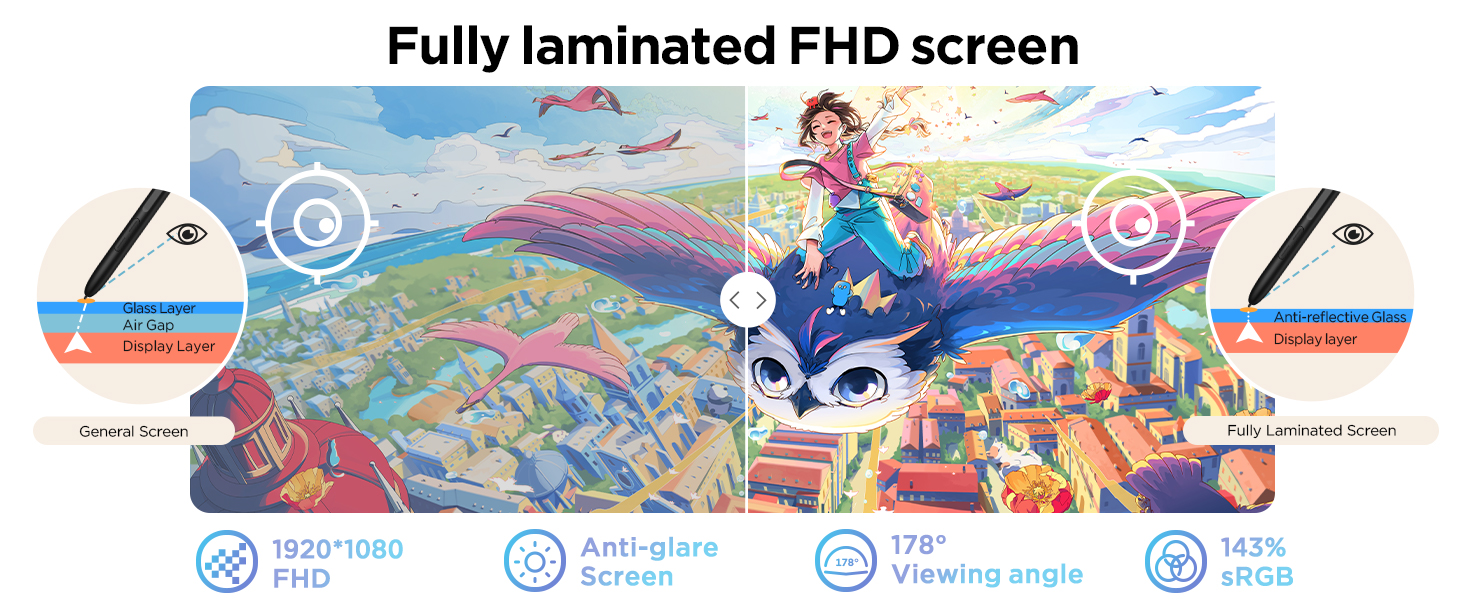
- 143% sRGB Color Gamut:143% sRGB ultra-high color gamut, the UE16 drawing tablets with screen showcases an exceptional ability to reproduce 16.7 million colors with its 8-bit color depth. This precision and finesse ensure an accurate and vivid portrayal
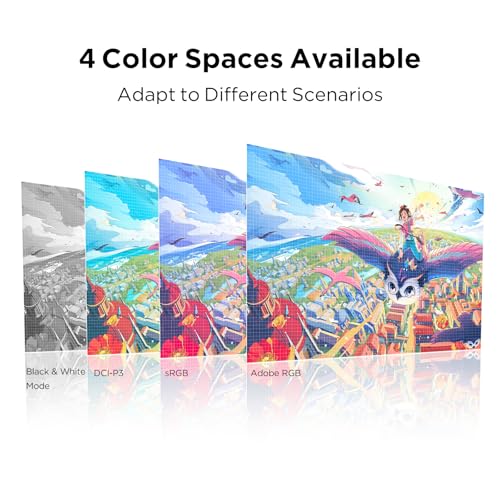
- Four Color Spaces:With the options of sRGB, Adobe RGB, DCI-P3, and Black & White mode, the UE16 drawing tablet allows you to seamlessly transition between different visual experiences whether you're drawing, designing, or simply reading
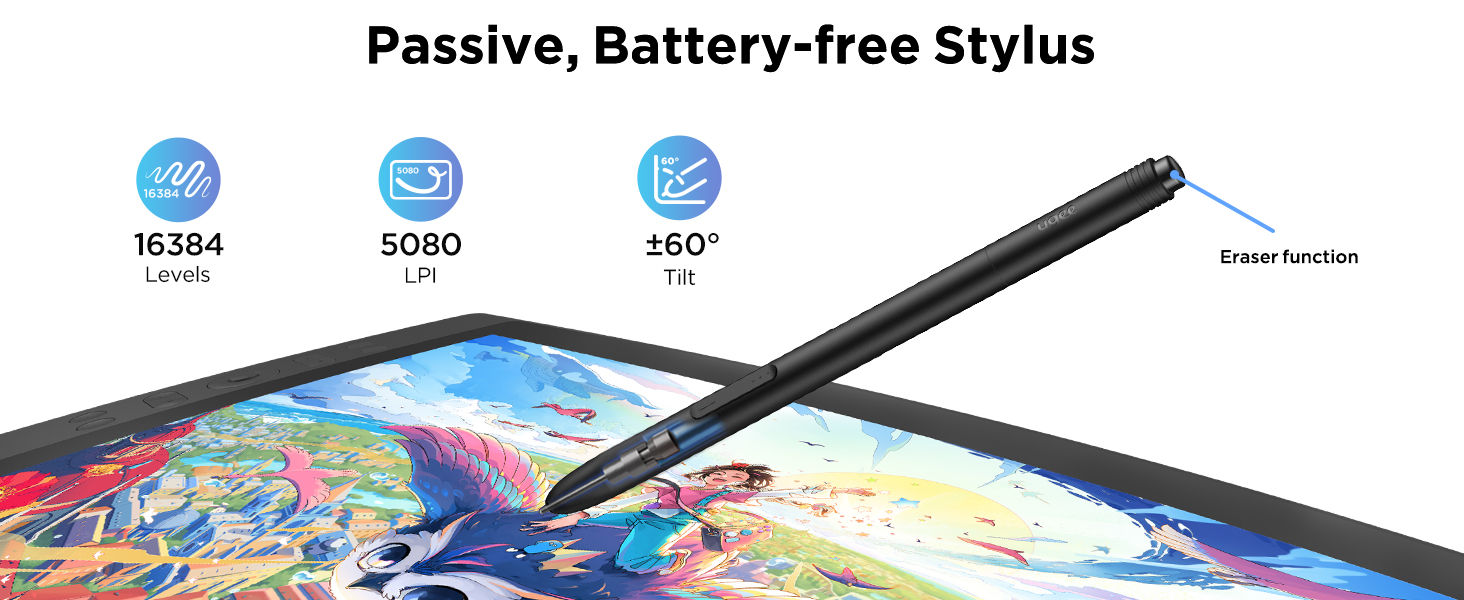
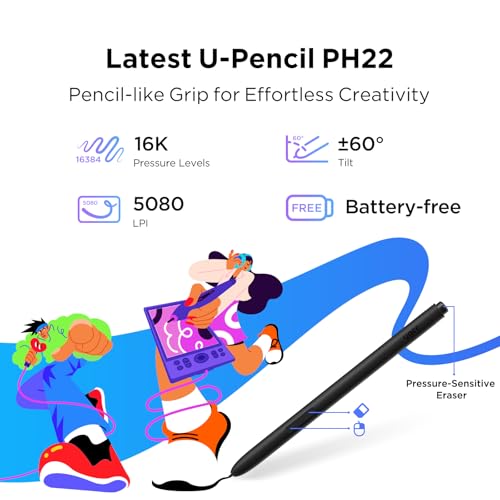
- 16K Pressure Sensitivity:Art tablet offers a remarkable pressure level, ensuring that your creations are rich and vibrant.Whether you are drawing or writing, each stroke is effortlessly translated onto the screen, resulting in flawless and precise lines
- Pencil-like Grip:The graphic tablet designed with a slim body for comfortable grip, U-Pencil features two customized hotkeys and a pressure-sensitive eraser. With the quick access to drawing tools, your creative process will be more smooth and seamless
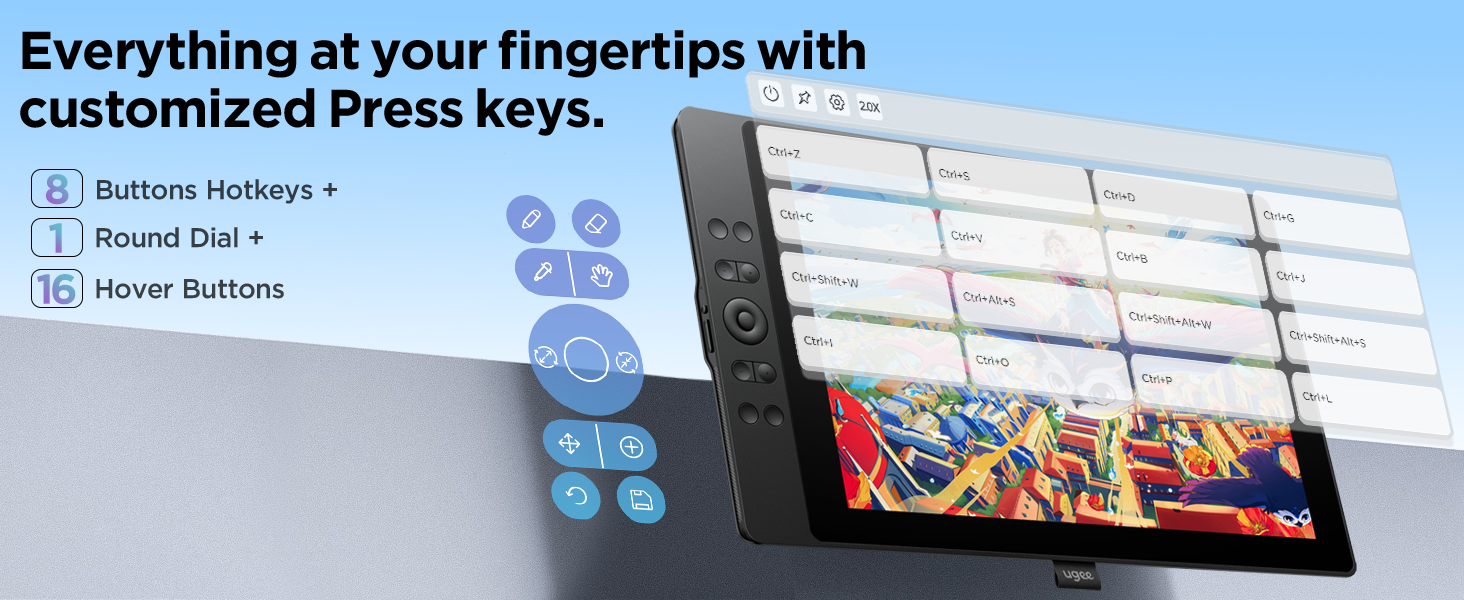
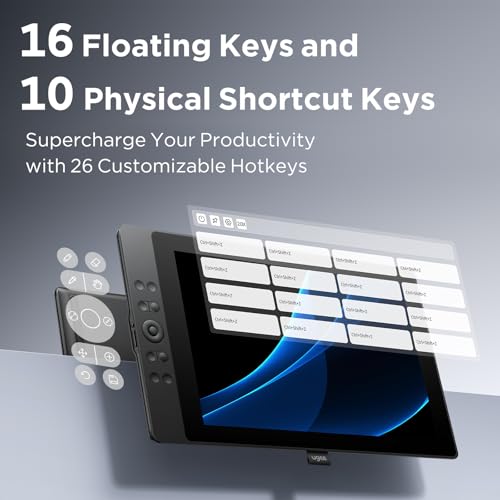
- Shortcut Keys & Wheel:Featuring 8 physical shortcut keys, digital drawing tablet provides a tactile feedback that enhances the drawing experience.the scroll wheel allows for seamless transition between 4 preset functions by pressing the switch button
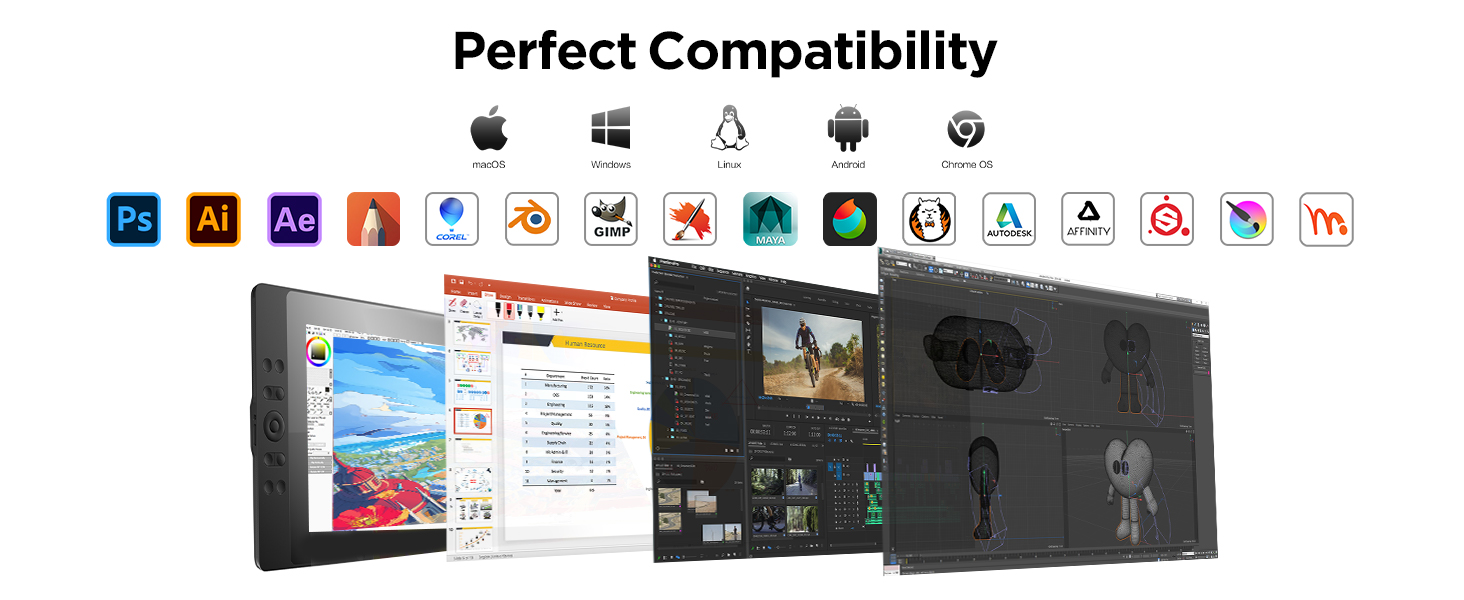
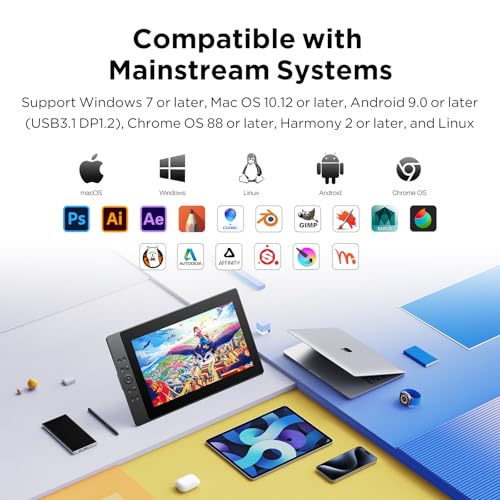
- Full Compatibility:The digital art tablet support mainstream operating systems, including Windows 7 or later version, Mac OS 10.12 or later version, Chrome OS 88 or later version, Android 9.0 or later version, and Linux.
- Compatible with various popular drawing & design apps, such as Adobe Photoshop, Illustrator, SAI, ibis Paint X, MediBang
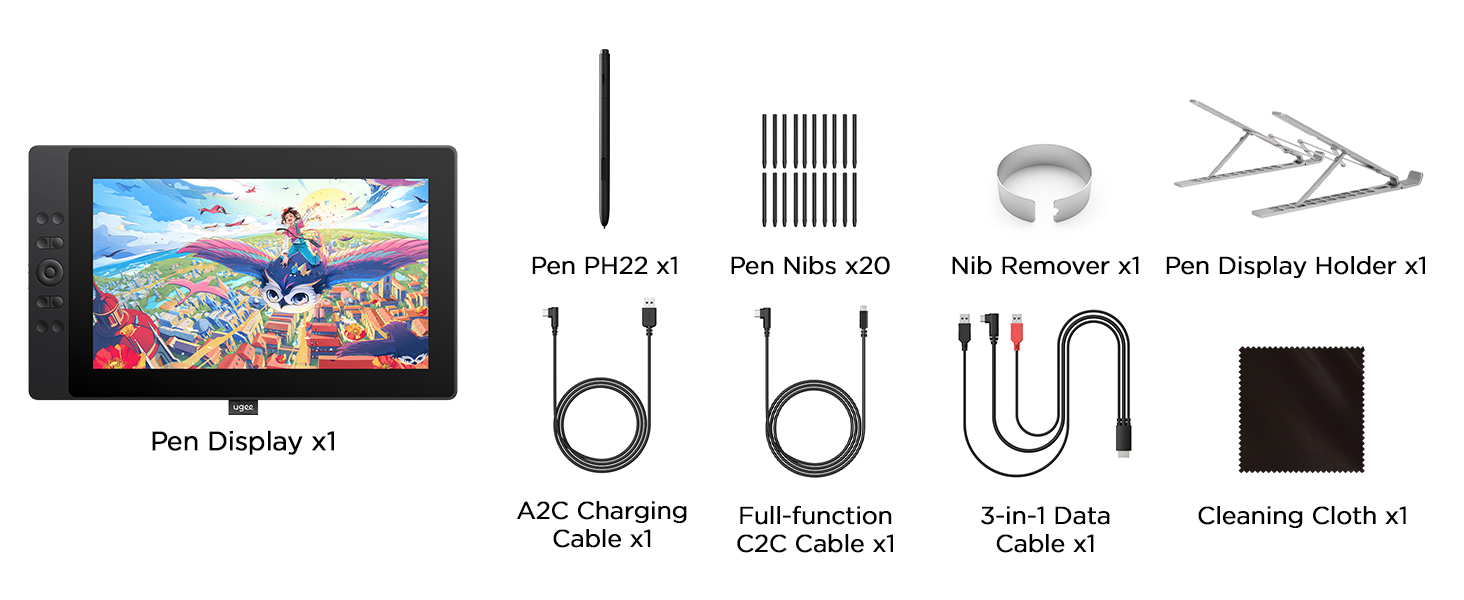
- The 3-in-1 cable is packed separately, please check the parcel carefully



| SKU: | B0D78R6ZKF |
| Brand: | UGEE |
| Model: | UE16 drawing tablet for PC |
| Colour: | black graphic tablet |
| Manufacture: | UGEE |
| Colour: | black graphic tablet |
Haven’t had it long enough to rate durability. Otherwise very happy. My interest is calligraphy, and it is so much cheaper than ink (and never dries out). Tilt works great, to simulate a nib that’s only wide in one dimension. I needed the 3-to-1 cable, which has 1 USB-C plug into the tablet (bent at the wrong angle) and 3 plugs at the other end, HDMI, USB, and another USB for power. It’s a little awkward but I manage it with cable ties. I use it on linux with vendor-supplied driver, thanks for that, but it only supports X11, not Wayland, as of April 2026. Digimend and OpenTabletDriver don’t support it yet, but there’s an open issue for it in the latter project.
A all round good drawing tablet at a good price. There is a very slight buzzing at the power port. But if you use headphones or breathe, you shouldn’t hear it. It’s also worked well for me as a second screen with a decent enough color and size and several buttons for macros. Well worth the price.
Great device at a great price
I’m not an expert when It comes to these devices so don’t take my advice. But for the price this is such a steal. I’ve been using it with blender/nomad sculpt and It sure beats using my mouse. The stylus is really responsive and screen and clarity is also good.
Mesa Perfeita
O produto perfeito me surpreendeu quanto ao desempenho. Estou usando o KRITA para fazer meus desenhos e ele funcionou super bem. Alm de simular o trao do lapis perfeitamente. O ponto negativo que so 3 conexes para ele funcinar 2 usb e hdmi. Chegou antes do prazo. Parabns a Amazon e aos envolvidos.
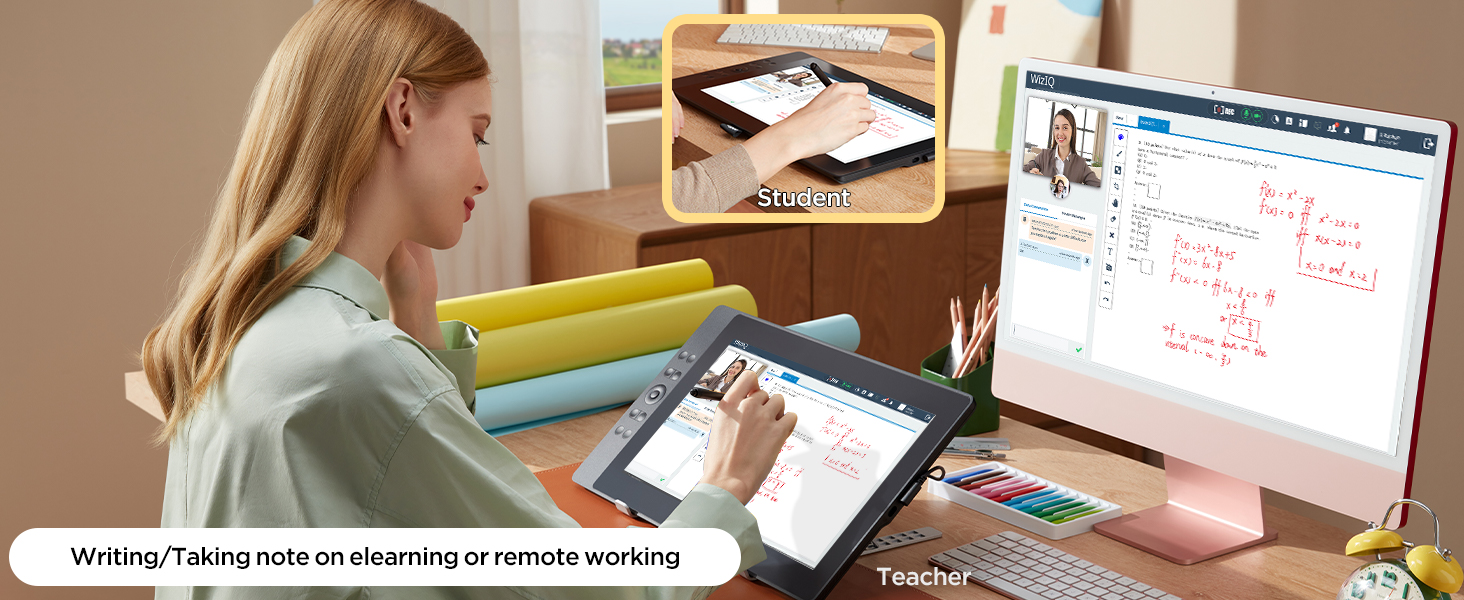
I use graphics tablets mostly for educational purposes. I own and use a Huion H610 Pro V2 tablet. It works fine. However, I have to always look at the screen while my hand was on the tablet.
This UGEE screen tablet works much better. It’s responsive. It’s accurate. It works 10 times better than my older Huion tablet. The funny thing is that the drivers for Huion worked also for the UGEE screen tablet. I did install the UGEE UE16 drivers and they work fine too.
I didn’t use the 3 in 1 cable. I just use USB C to USB C cable that was included. It works perfectly.
All in all, an excellent tablet for an unbeatable price.
I cannot recommend it enough.
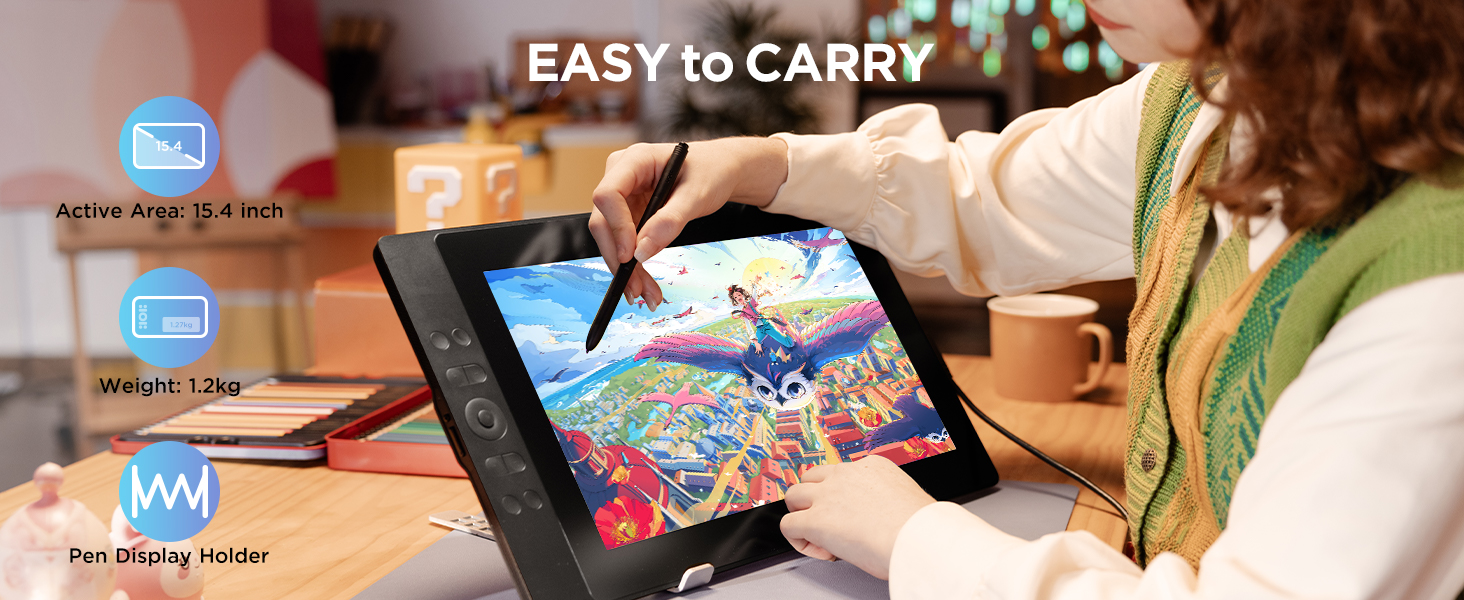
The only drawback is that it’s a bit long. I had to buy a 20″ backpack for it to fit.
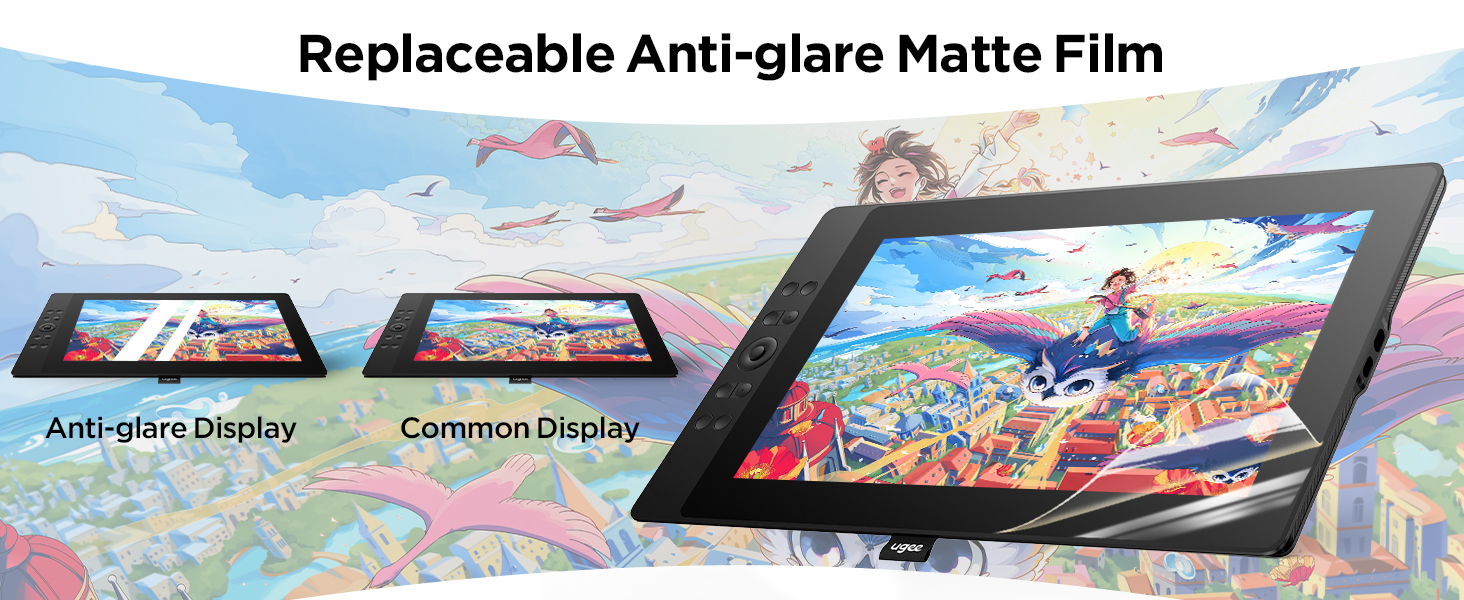
THE PROTECTIVE PACKAGING LAYER IS BLUE. REMOVE IT FOR FULL COLOR ACCURACY.
IF YOU BUY THIS, DON’T MAKE THE SAME MISTAKE I DID. REMOVE THE PROTECTIVE LAYER.
This tablet comes with a plastic film to protect its screen while in transport. This plastic film is BLUE. For a year straight, I thought this tablet had weak/unbalanced lighting that made everything slightly blue, but it was actually the protective layer I didn’t remove because I didn’t want to scratch it.
Remove the layer and replace it with an actual screen protector. It will greatly improve the visual accuracy.
This is amazing. Definitely worth the price. Connecting to my computer was super easy. Screen is large. Well built super sturdy. I will say then nibs are kinda “soft” i can tell I’m gonna have to replace them often cause they wear down quickly. They come with plenty of extra buuuuut suspect in less than a year I’m going to have to but more nibs. But in fairness to them I have a heavy hand. But I’m also not the only person to report this. And having owned an iPad and never having to replace the nib on my Apple Pencil idk.
That being said that is tiny in comparison to how great this device is. Ugee never disappoints.
Awesome!!!
So far, the drawing tablet has been working flawlessly.
It gives me an ample view of the things I draw and it’s buttons make it easier for me to navigate the system.
One thing that could be worked on is the screen texture, since it feels like paper it chirps the pen’s tip very quickly. But besides that, it works perfectly fine.
Great but lacks one core feature
Works great and all, but it would be an easy 5 stars if it came with an HDMI splitter or adapter. I wouldn’t mind a price increase at all. Not everyone has more than 1 HDMI port for the 3 in 1. I had to order an HDMI splitter. Great otherwise.
I think this is pretty good tablet for the price.I bought this back in 2024 to upgrade from my previous ugee pen tablet and it’s still working fine. Definitely prefer having a screen and it’s helped me improve significantly on my art.
I did have some issues with the screen sometime around when I first got it. Initially there were no problems then suddenly couldn’t use the right half of the screen for a few days/weeks. I tried turning it on/off, unplugging everything , I undownloaded the drivers and restarted my laptop and still had the issue. So I just stuck to using the left side of the screen which was pretty inconvenient. It eventually went away and thankfully hasn’t come back but this was the only issue I’ve had with this tablet.
One thing I’d like to mention is I haven’t had any issues with my nibs being worn down like others have and Ive been making tons more art after getting this. I’ve only changed it out once but that was just to try I didn’t need to do it. Idk if I was lucky or they changed how they made the nibs but I thought I’d mention this.