seenda SK64-2 3-Device Bluetooth Keyboard for Mac iPad
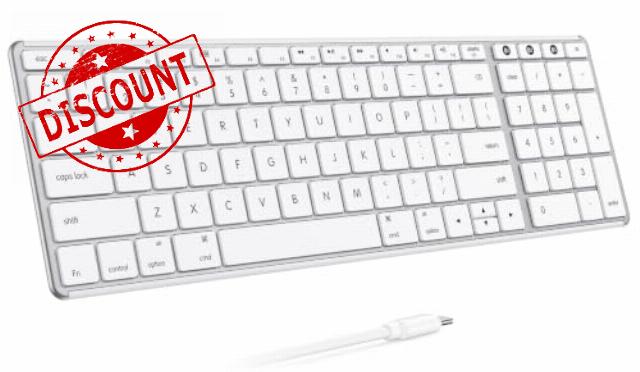
seenda SK64-2 3-Device Bluetooth Keyboard for Mac iPad, White Silver Ultra-slim metallic-look design with quiet keys, USB-C charging, and compact number pad for Mac, iPad, laptop, and table
- 3-Device Bluetooth Keyboard for Mac: This wireless keyboard for Mac pairs with up to 3 Bluetooth devices, so you can switch between MacBook, iPad, iPhone, and other Apple devices without repeated pairing. Ideal for Apple users who move between work, study, browsing, and notes
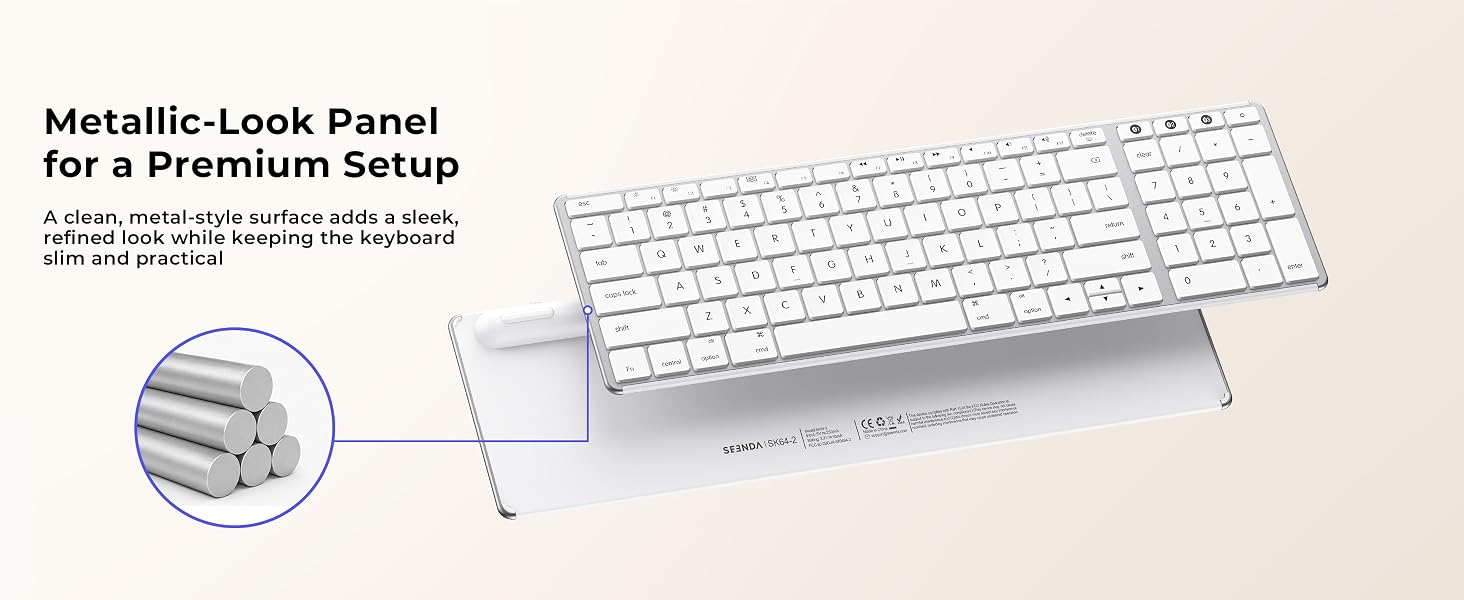
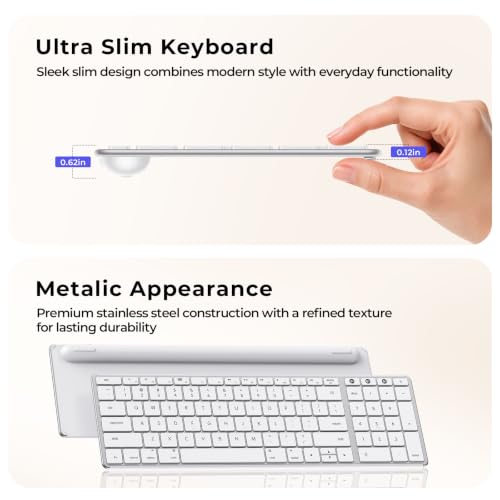
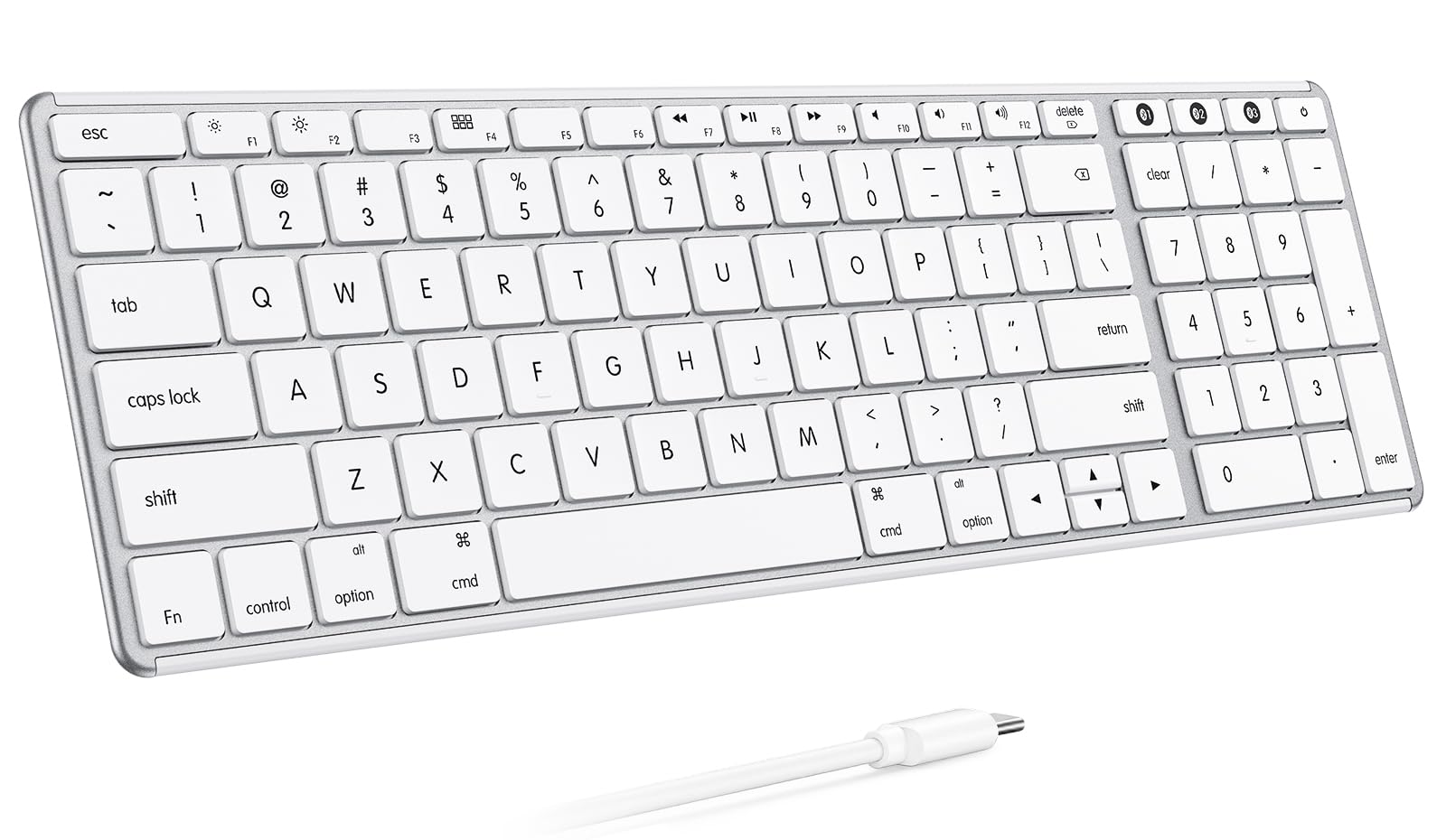
- Ultra-Slim Keyboard with Premium Metal Look: The slim keyboard features a refined metallic-look panel and clean Apple-style layout for a modern desk setup. It works as a sleek Mac keyboard for home offices, shared workspaces, coffee shops, and everyday productivity
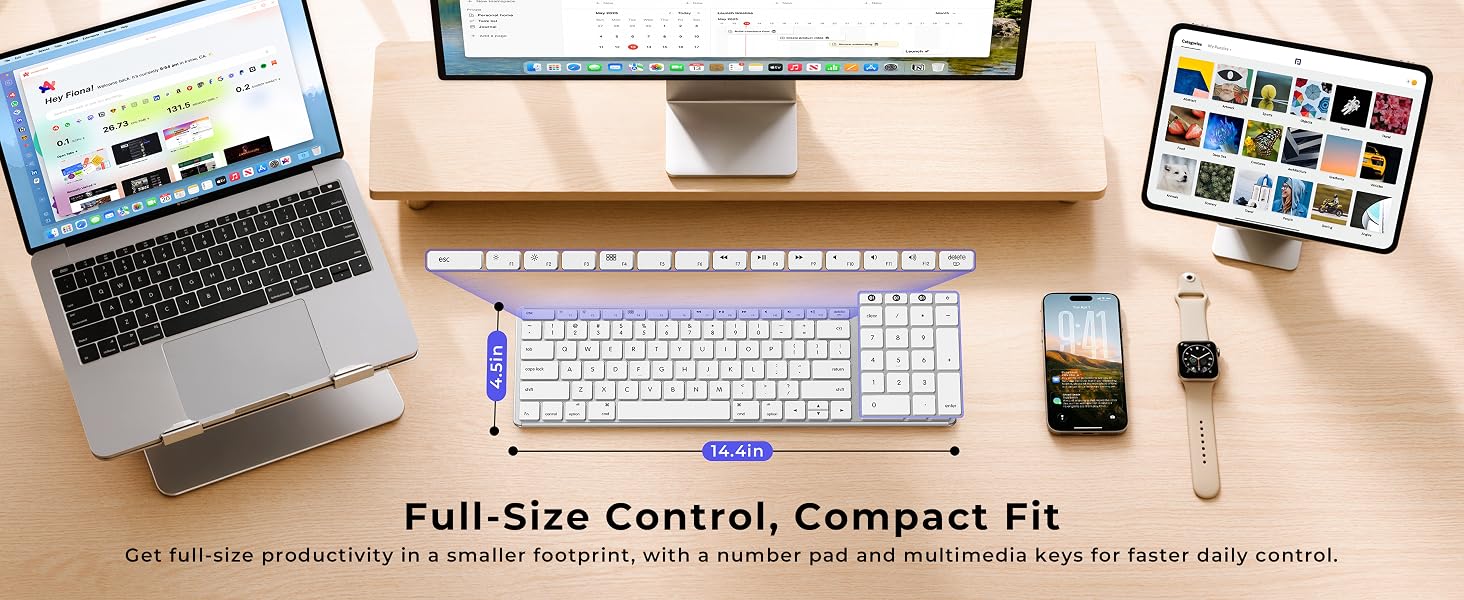
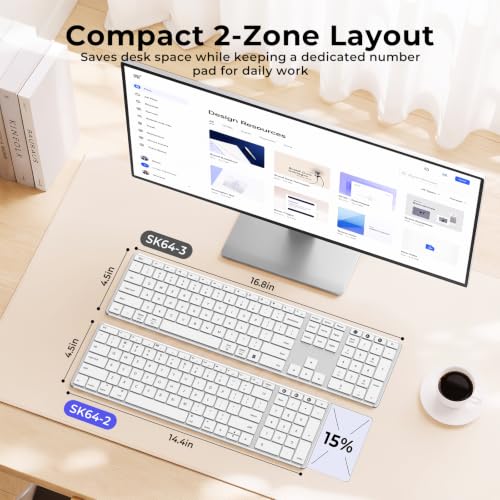
- Compact Layout with Number Pad: The 99-key compact layout saves desk space while keeping a numeric keypad for laptop work, spreadsheets, data entry, shortcuts, and office tasks. Smaller than a traditional 3-zone keyboard, but still built for efficient daily typing
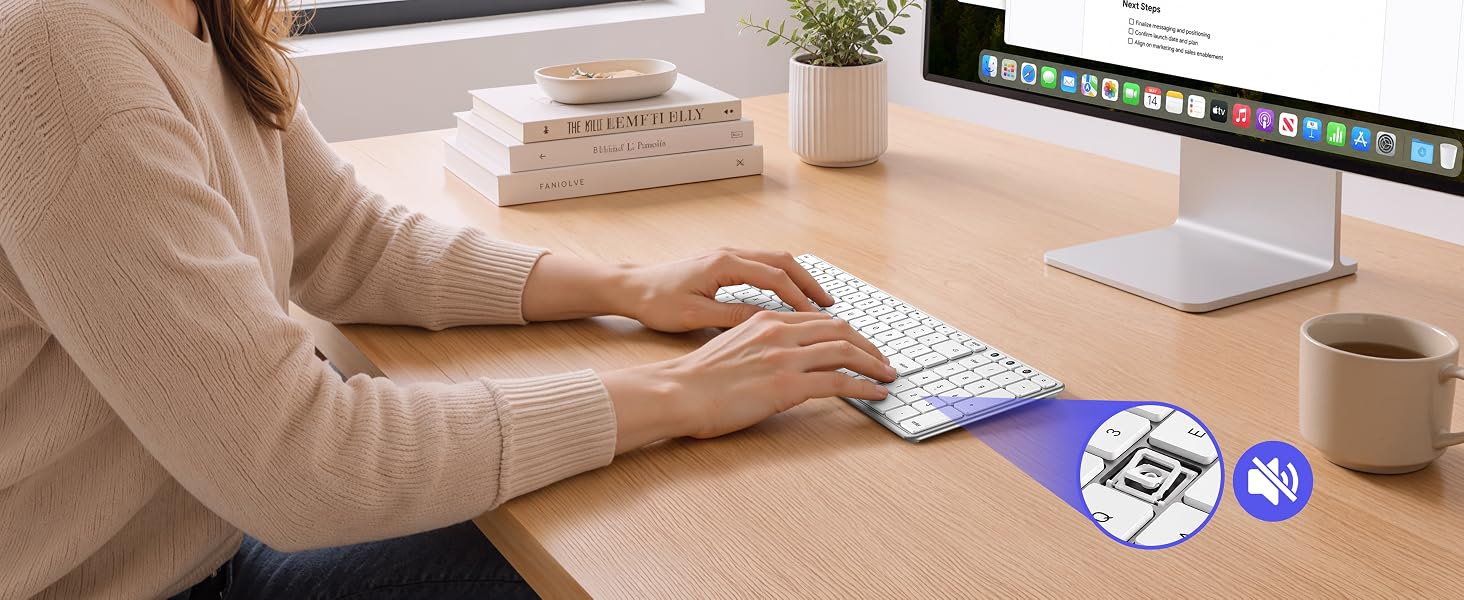
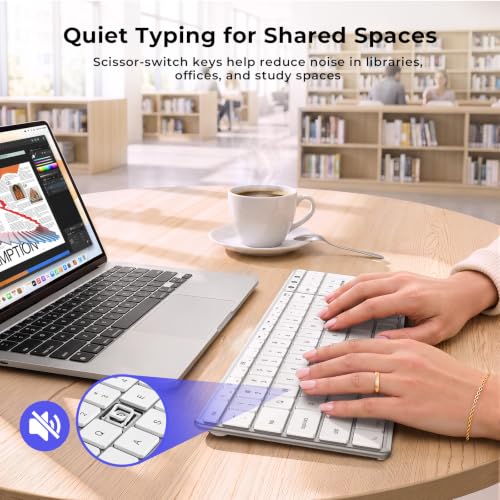
- Quiet Low-Profile Typing: Low-profile keys help reduce typing noise while keeping a soft, responsive feel for emails, reports, study, and shared spaces. A practical keyboard for Mac users who need focused typing at home, in the office, or in libraries
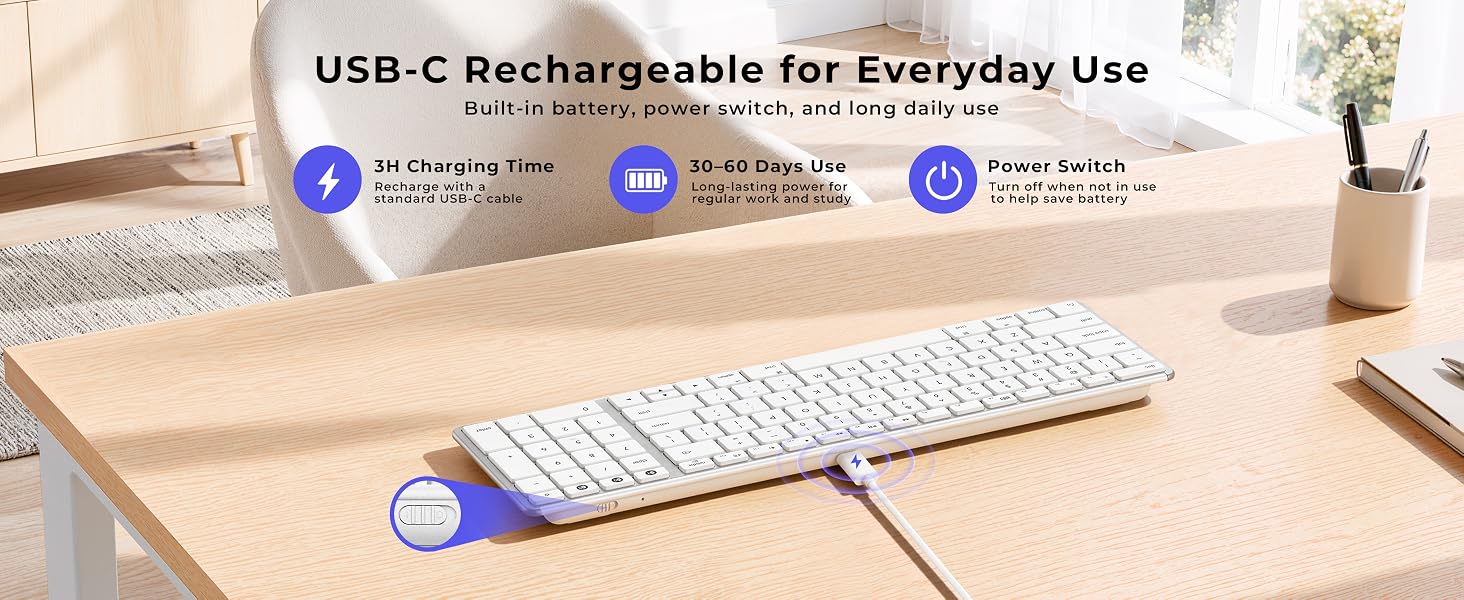
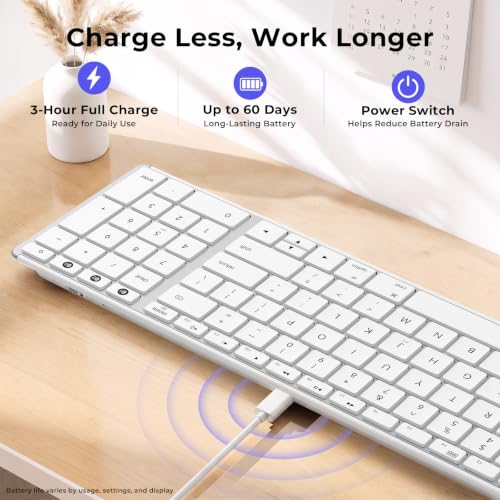
- USB-C Rechargeable for Daily Work: Recharge in about 2–3 hours for up to 60 days of use, depending on typing frequency. Auto sleep and a power switch help extend battery life when the keyboard is not in use
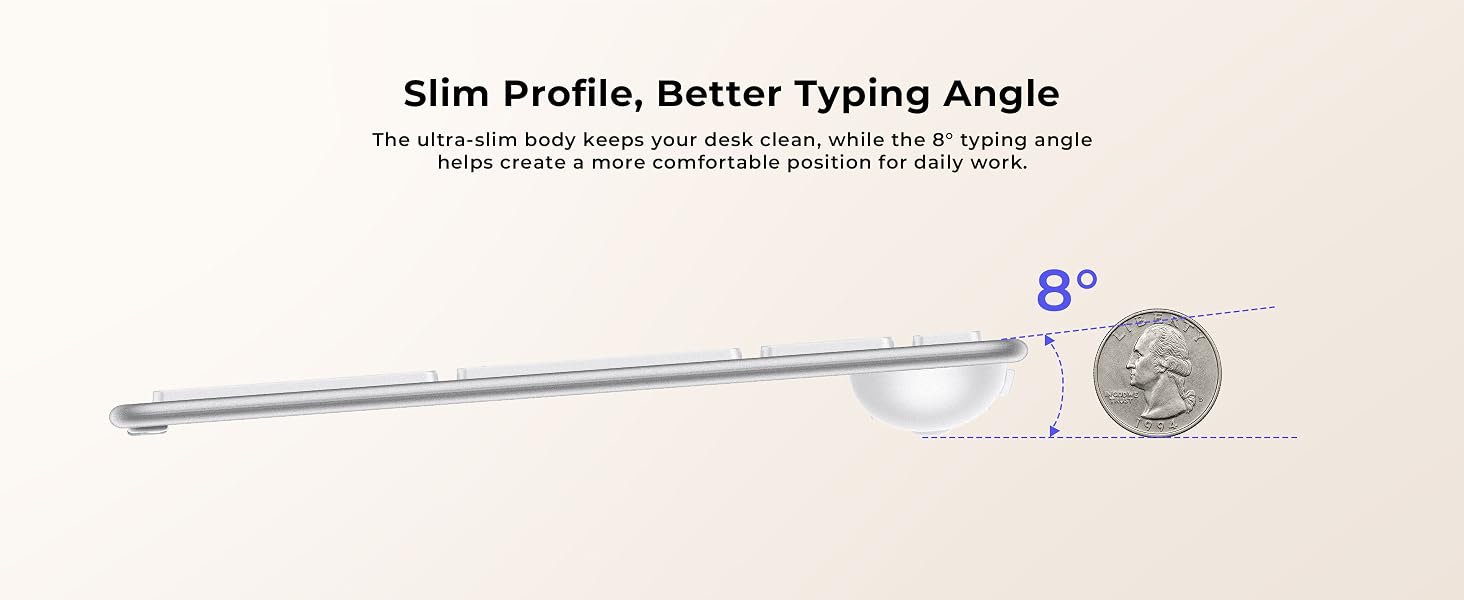
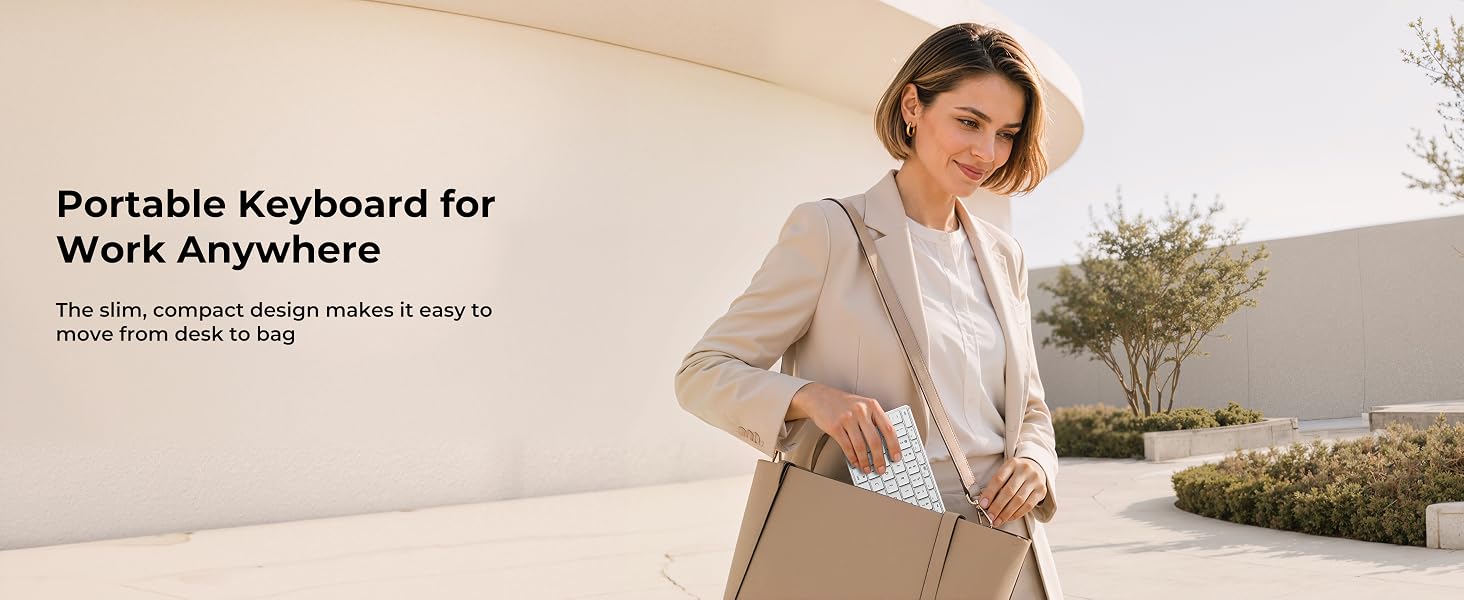
- Easy to Carry for Flexible Workspaces: At about 14.3 inches, this compact Bluetooth keyboard for Mac slips easily into a bag and fits neatly on small desks. Use it with MacBook, iPad, tablet, or iPhone for office, study, travel, and work on the go
SK64-2 Slim Bluetooth Keyboard for Apple Workspaces
The video showcases the product in use.The video guides you through product setup.The video compares multiple products.The video shows the product being unpacked.SK64-2 3-Device Bluetooth Keyboard for Mac iPad
Refined Design for Better Daily Typing
Quiet Typing for Focused Work
Scissor-switch keys help reduce noise and deliver a softer typing feel for focused daily work.
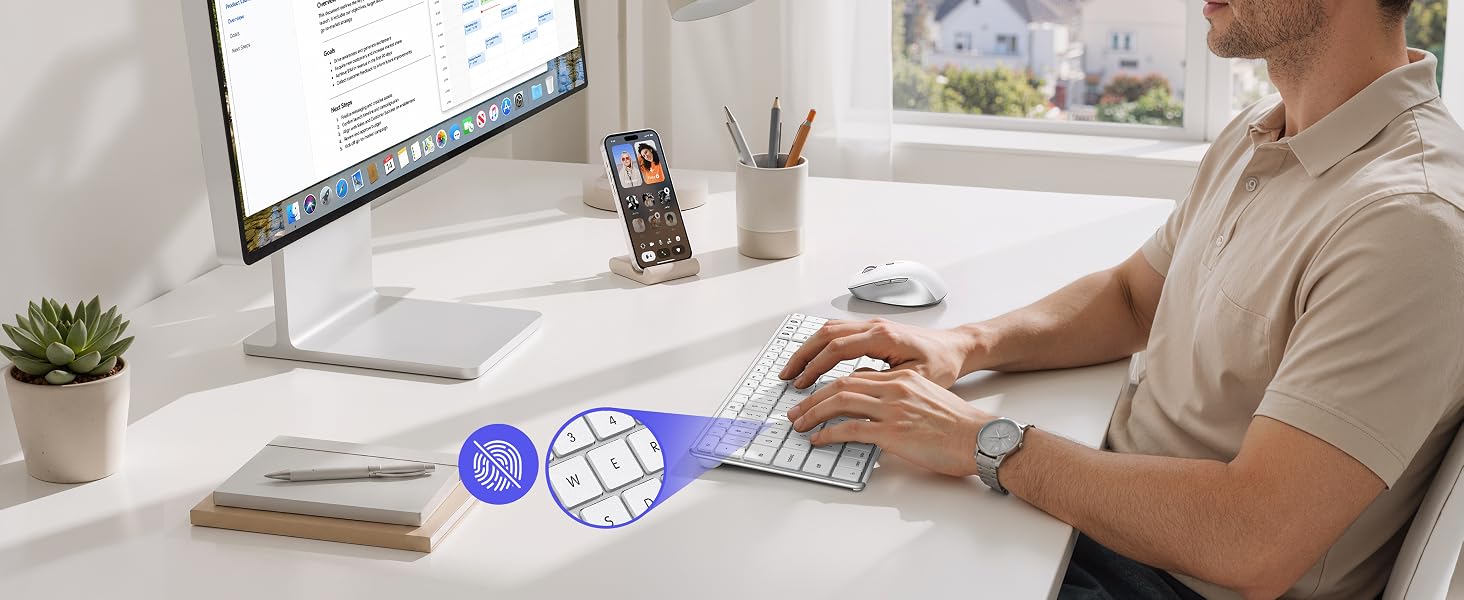
Smooth Matte Keys That Stay Clean
Matte keys help reduce fingerprints and provide a comfortable, steady typing feel.
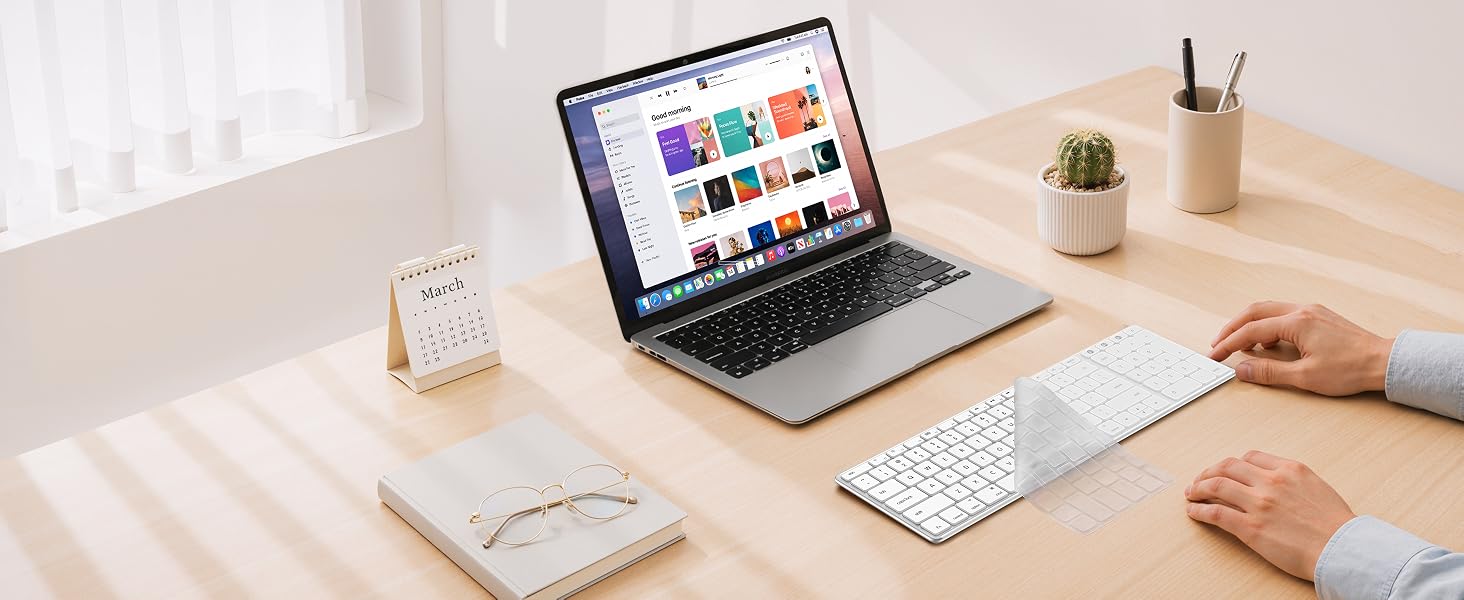
Keyboard Cover Included
Included keyboard cover helps protect against dust, crumbs, and daily wear.
Practical Features for Faster Daily Work
Everyday Typing, Anywhere You Go
Tips for a Better Experience:
1. Bluetooth Connection Issue: For optimal performance, keep devices within 10 meters (about 33 feet). If you experience disconnection, repeated keystrokes, or typing & clicking delay, try the following steps:
1) Make sure the keyboard is fully charged, as low battery may affect performance;
2) Remove the device from your Bluetooth list, restart your device, then re-pair following the user manual;
3) If the issue persists, test with another device to isolate the problem, or seek further assistance through your order.
2. Keyboard Layout: This keyboard follows the standard Mac layout. The Fn and Control keys are positioned differently than on some Windows keyboards. Mac users will feel at home. If used with Windows devices, some keys may not function as expected; it is not recommended for use.
3. Charging & Battery: Supports USB-C charging and use while charging. For optimal performance, pls fully charge before first use. Low battery will cause the connection channel indicator to flash as a reminder.
4. Wake-Up Delay: This keyboard enters sleep mode to save battery. To wake it, press any key – reconnection takes about 3–5 seconds. This is normal.




| SKU: | B0H345WV5Y |
| Weight: | 411 g |
| Dimensions: | 14.37″L x 4.5″W x 0.62″H |
| Brand: | seenda |
| Model: | SK64-2 |
| Colour: | White Silver |
| Manufacture: | seenda |
| Colour: | White Silver |
Product description
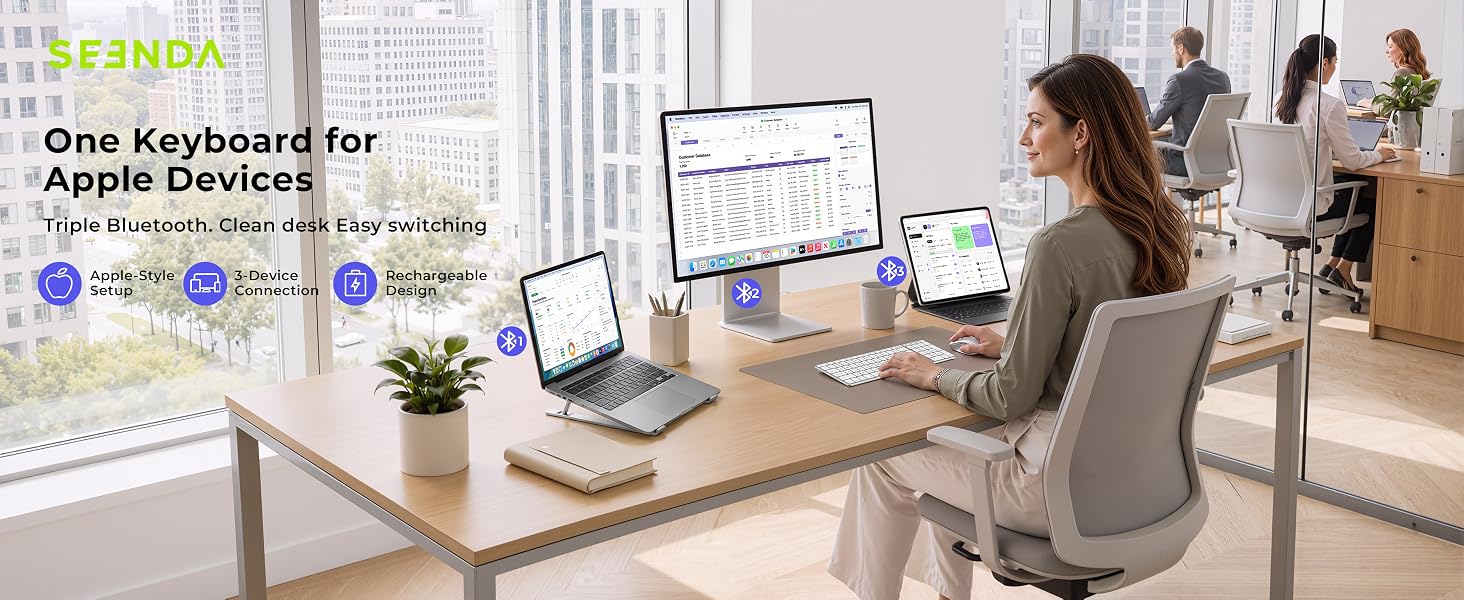
SK64-2 Slim Bluetooth Keyboard for Apple Workspaces
The video showcases the product in use.The video guides you through product setup.The video compares multiple products.The video shows the product being unpacked.SK64-2 3-Device Bluetooth Keyboard for Mac iPad
Refined Design for Better Daily Typing

Quiet Typing for Focused Work
Scissor-switch keys help reduce noise and deliver a softer typing feel for focused daily work.
Smooth Matte Keys That Stay Clean
Matte keys help reduce fingerprints and provide a comfortable, steady typing feel.
Keyboard Cover Included
Included keyboard cover helps protect against dust, crumbs, and daily wear.
Tips for a Better Experience:
1. Bluetooth Connection Issue: For optimal performance, keep devices within 10 meters (about 33 feet). If you experience disconnection, repeated keystrokes, or typing & clicking delay, try the following steps:
1) Make sure the keyboard is fully charged, as low battery may affect performance;
2) Remove the device from your Bluetooth list, restart your device, then re-pair following the user manual;
3) If the issue persists, test with another device to isolate the problem, or seek further assistance through your order.
2. Keyboard Layout: This keyboard follows the standardMac layout. The Fn and Control keys are positioned differently than on some Windows keyboards. Mac users will feel at home. If used with Windows devices, some keys may not function as expected; it is not recommended for use.
3. Charging & Battery: Supports USB-C charging and use while charging. For optimal performance, pls fully charge before first use. Low battery will cause the connection channel indicator to flash as a reminder.
4. Wake-Up Delay: This keyboard enters sleep mode to save battery. To wake it, press any key – reconnection takes about 3–5 seconds. This is normal.