ZENIKO ZN Light Mini LED Action Camera Video Light for DJI
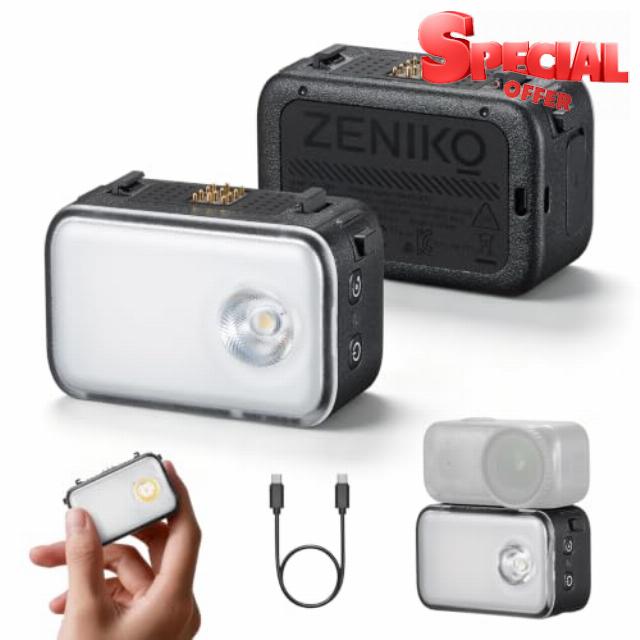
ZENIKO ZN Light Mini LED Action Camera Video Light for DJI Osmo Nano Dual Spot & Soft Diffuser Light Modes, Built‑in 1270mAh Battery, Photography LED Fill Light For Vlogging & Streaming
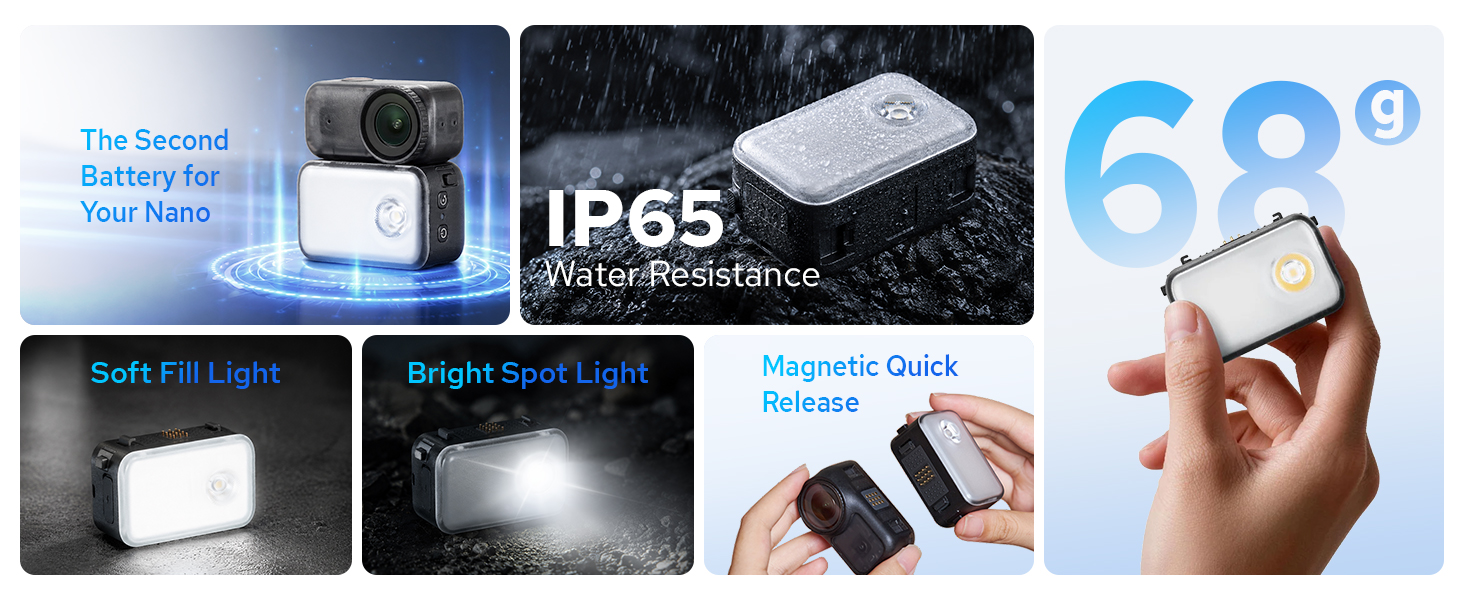
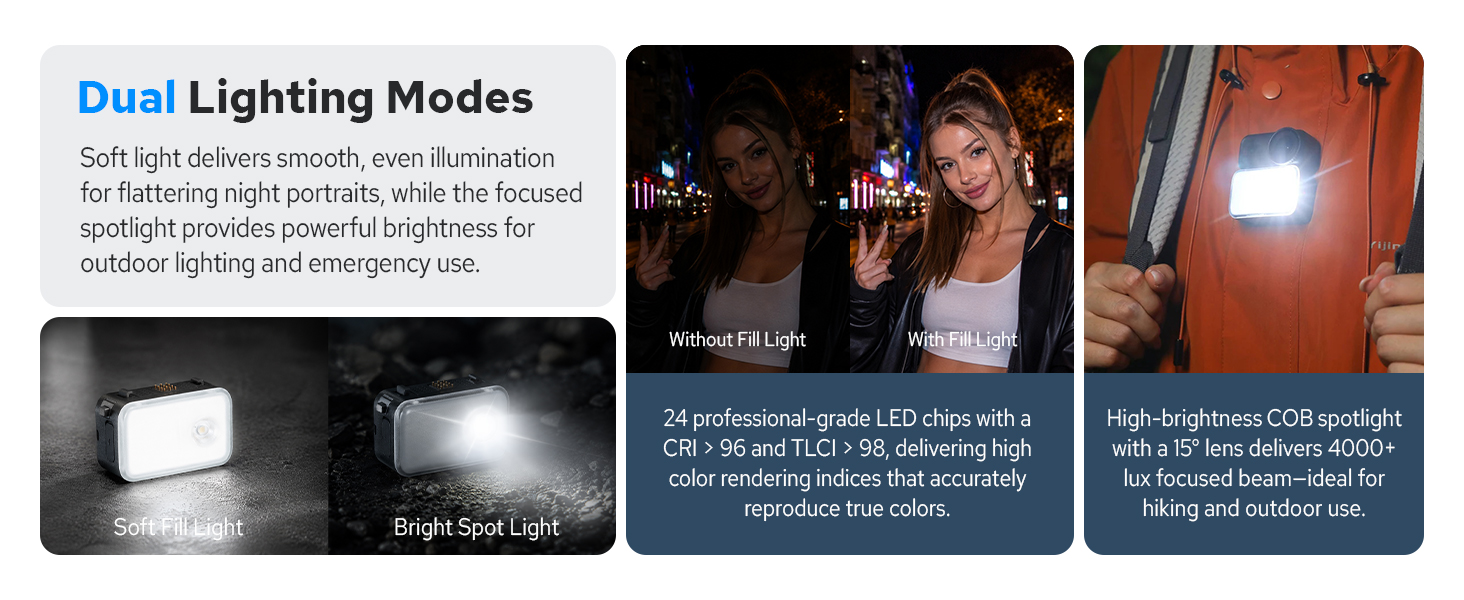
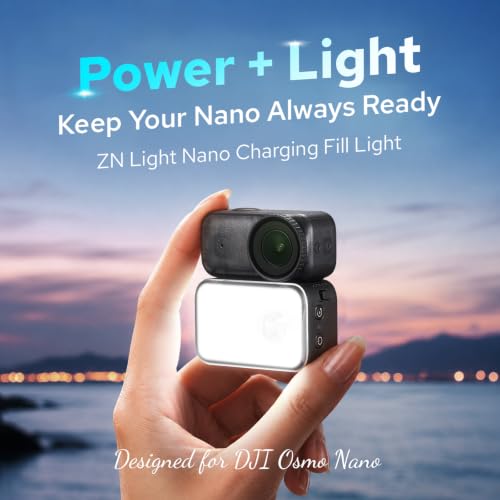
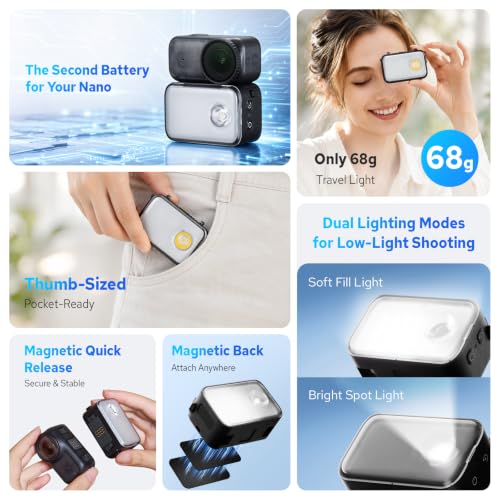
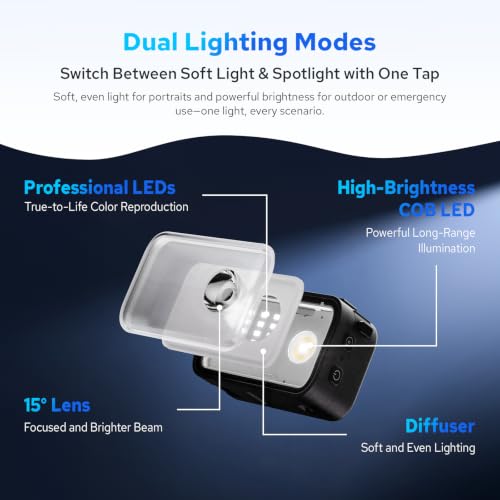
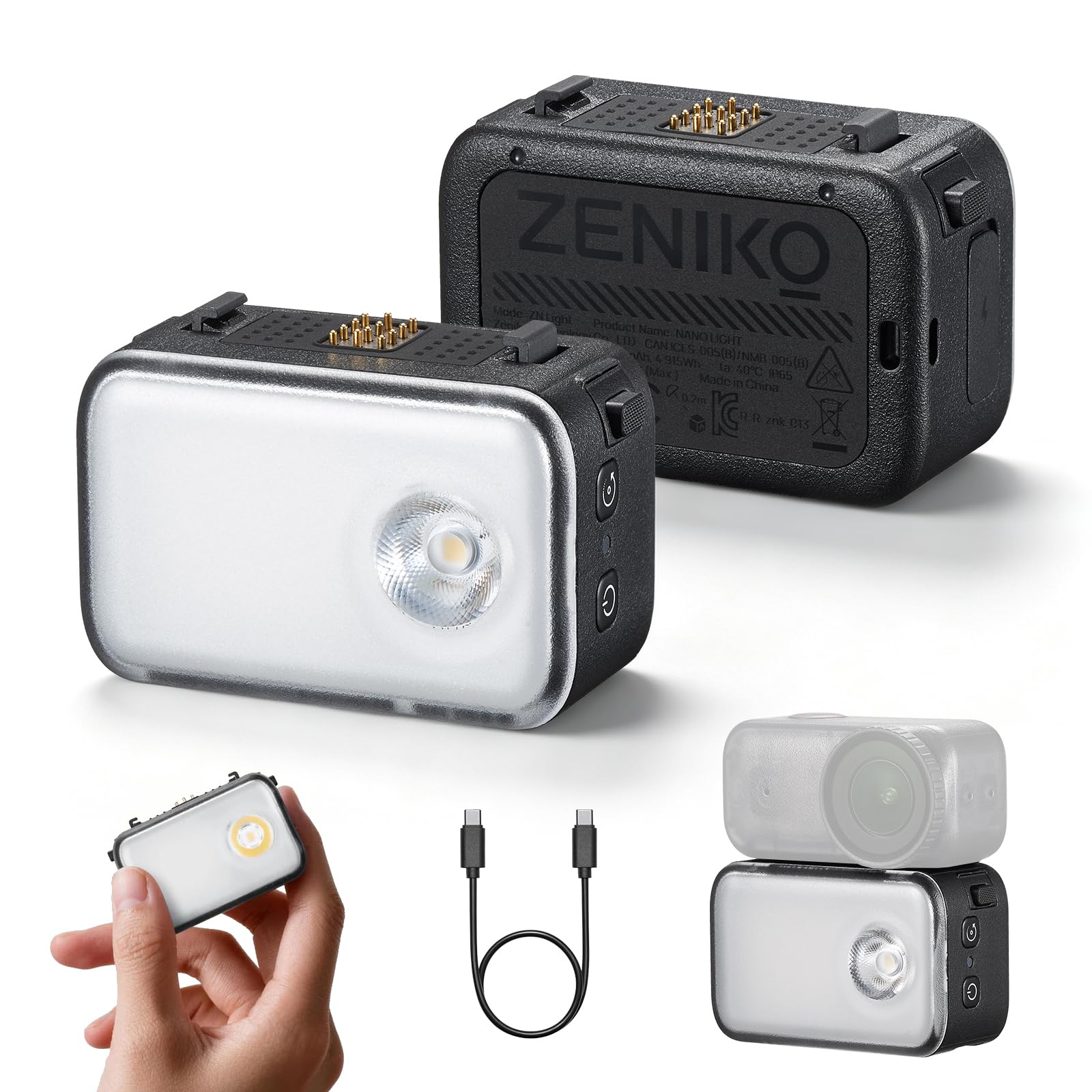
- ZENIKO ZN Light Mini LED Video Light — Ultra-slim 40g body, spot/panel dual modes, delivers soft even fill for Osmo Nano close-up shooting
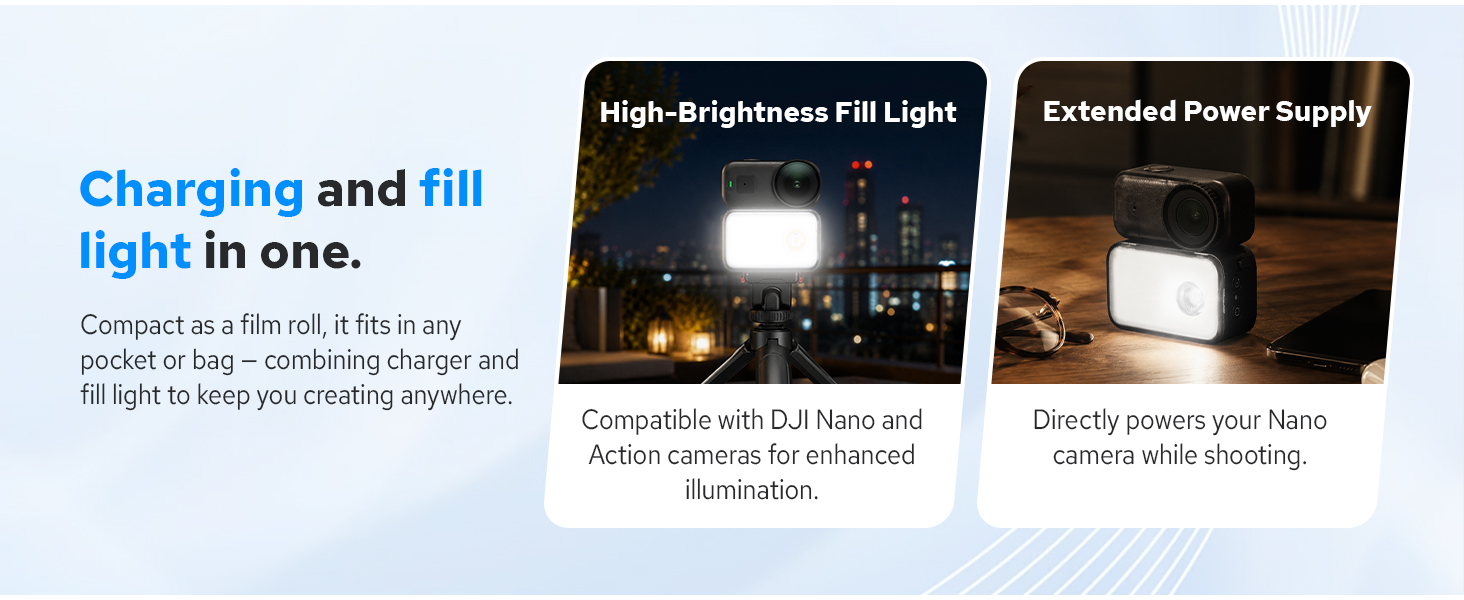
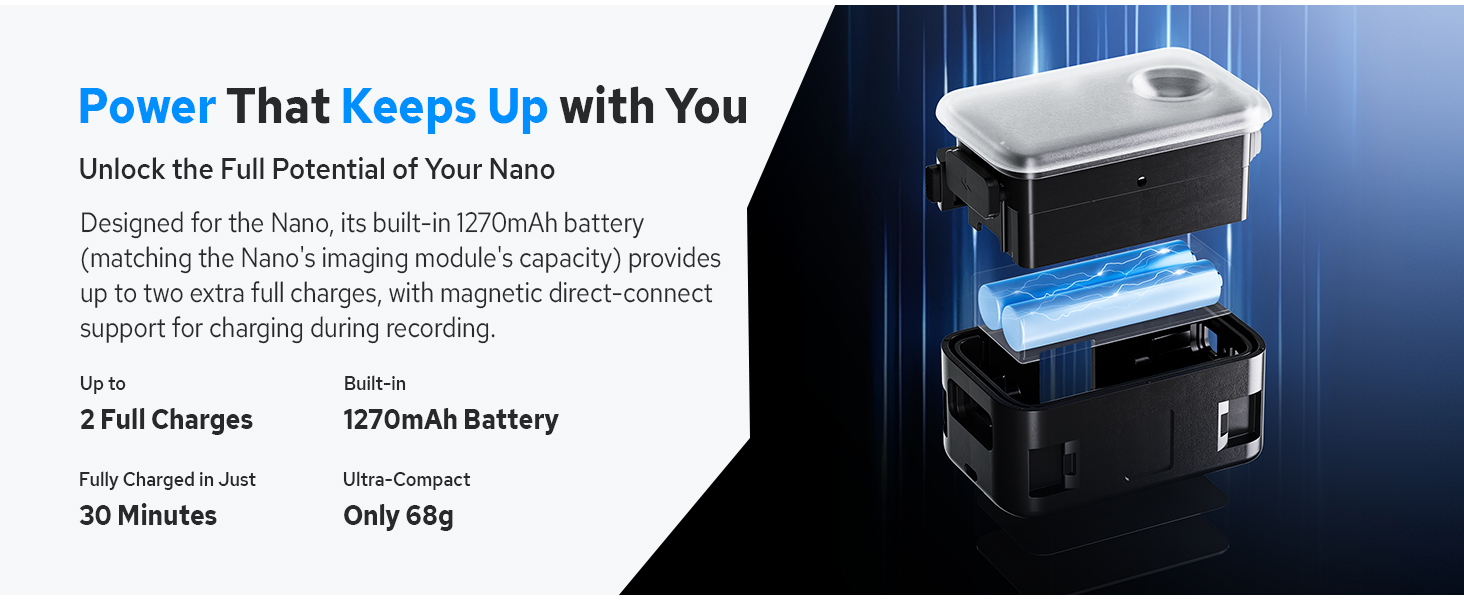
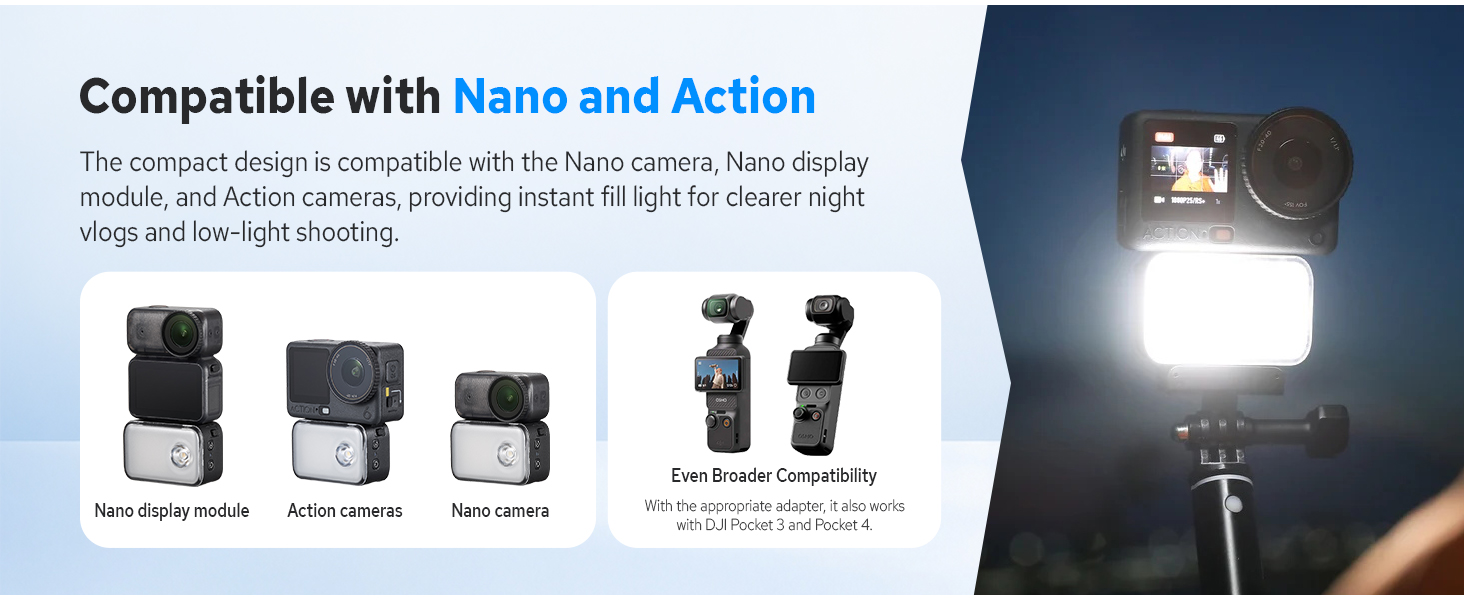
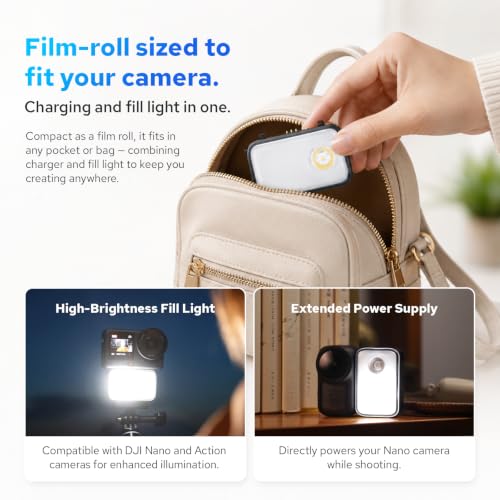
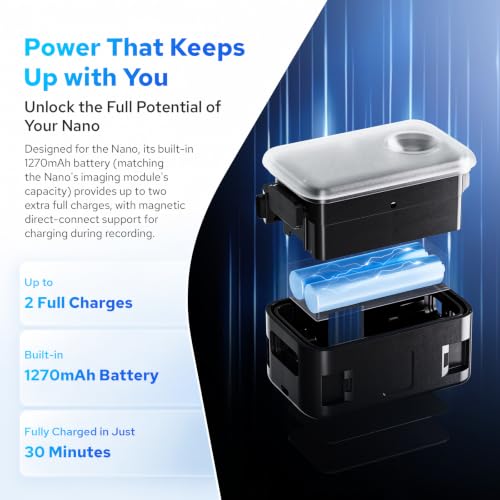
- 2-in-1 Osmo Nano Fill Light — Works both as LED fill light and backup power bank, no extra accessories needed for all-day shooting.
- CRI 96+ True Color LED Light — 5-level brightness adjustment, one-tap quick switch, matches different scenes from portrait to product shot.
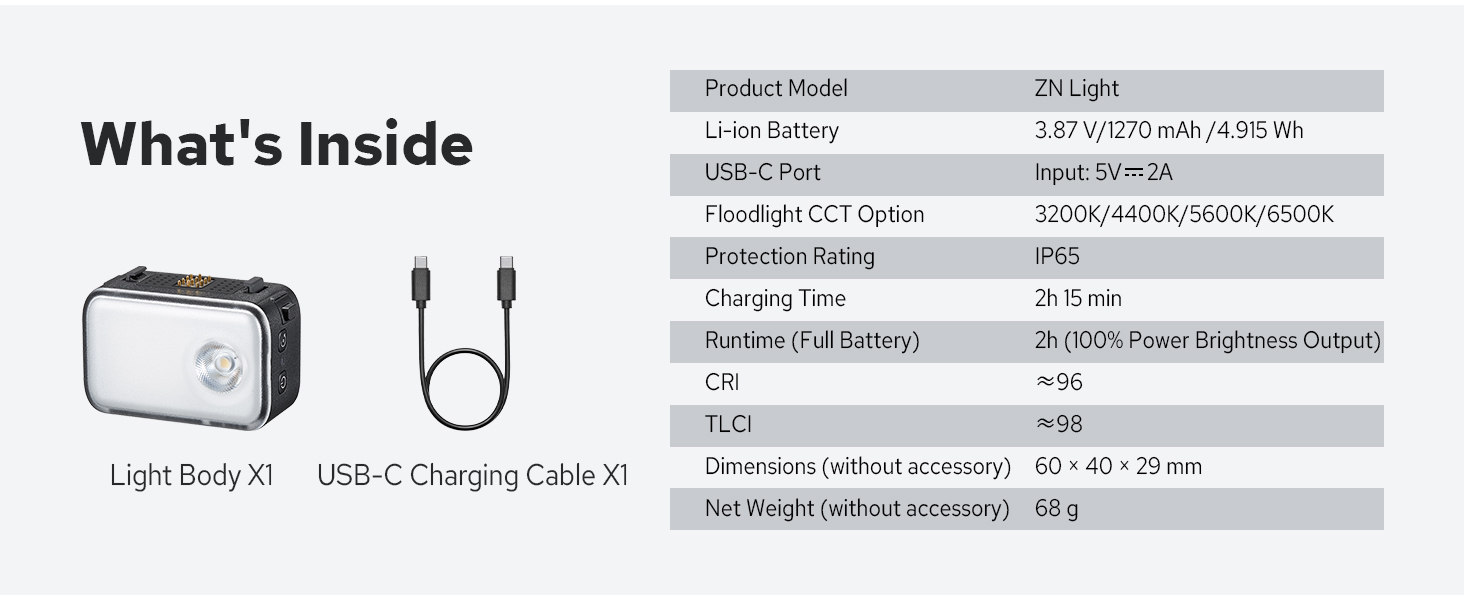
- Long-Lasting Pocket Photo Light — 2h full-power continuous runtime, supports Type-C charge while using for nonstop low-light shooting.
- Portable Camera Light for Travel — Pocket-sized design, fits in jeans pocket, ideal LED fill light for spontaneous outdoor travel captures.
ZENIKO ZN Light
How do I mount ZN Light onto the OSMO Nano?
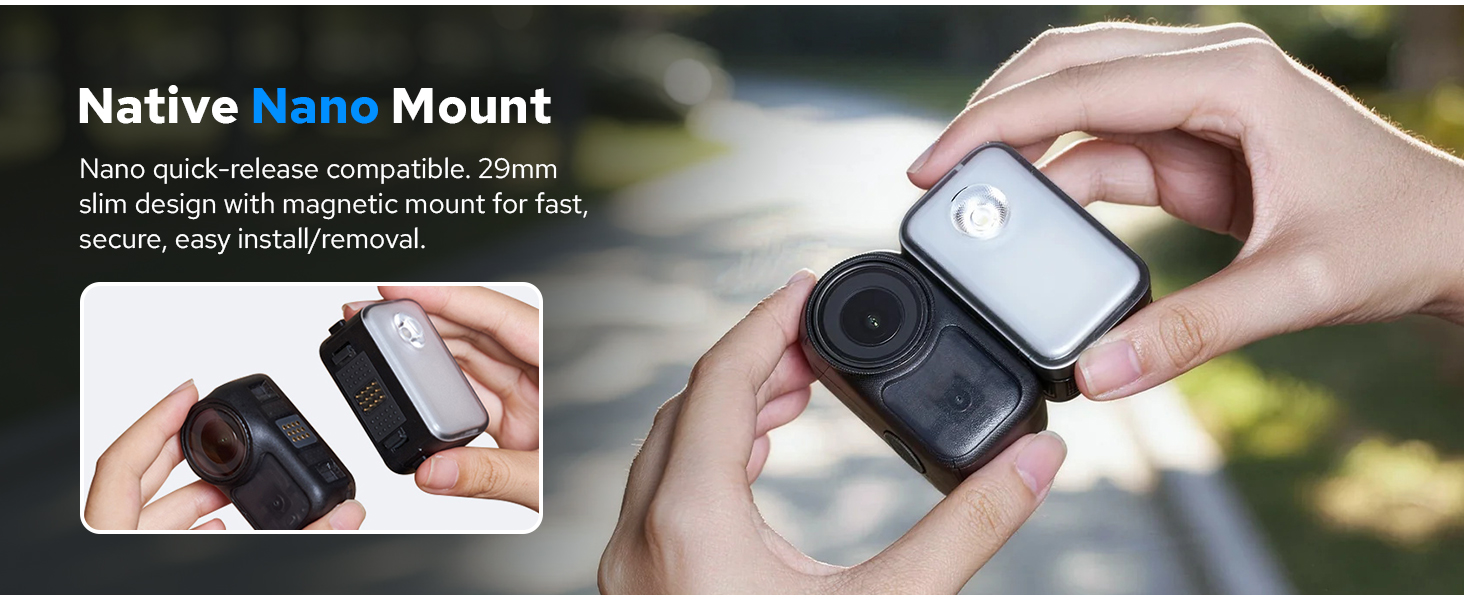
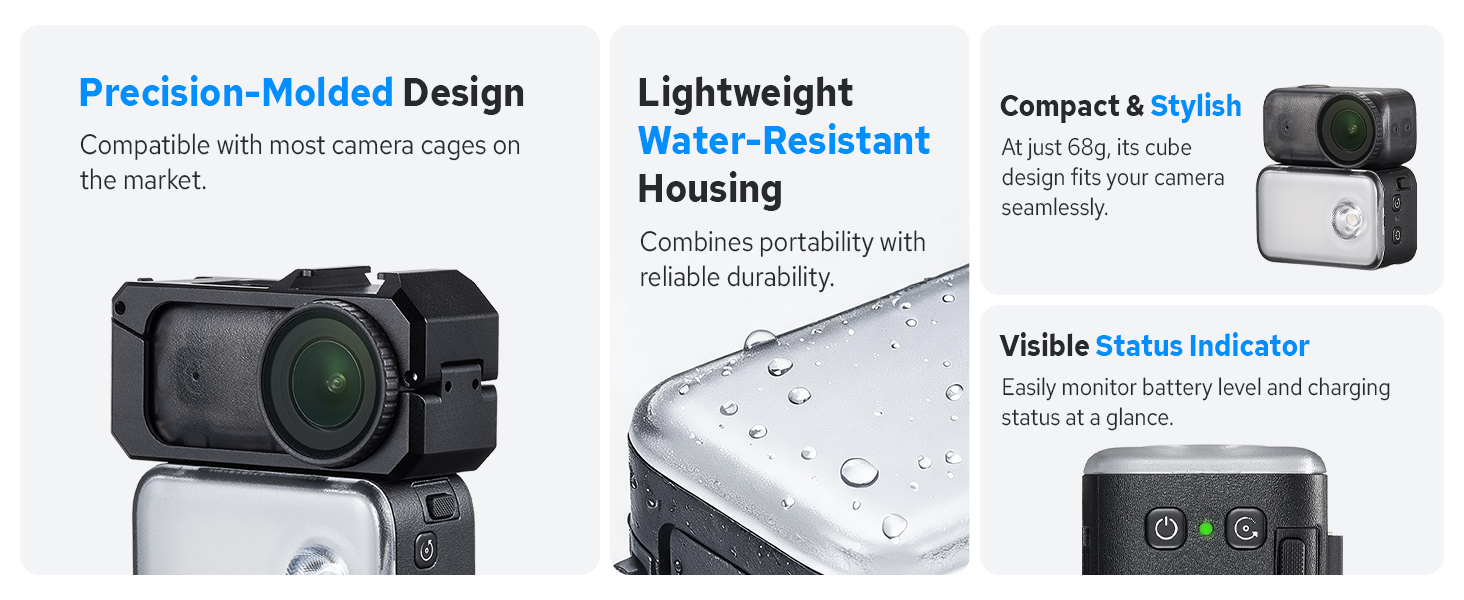
Press and hold the lock buttons on both sides of the quick‑release plate at the top of ZN Light, then align it to the bottom of your OSMO Nano and attach it securely.
How can I check the remaining battery level?
With the light powered off and disconnected from your camera, short‑press the power button and read the indicator light: Red flashing: 0‑5% Yellow flashing: 6‑94% Green flashing: 95‑99% Solid green: 100%
What color‑temperature options are available?
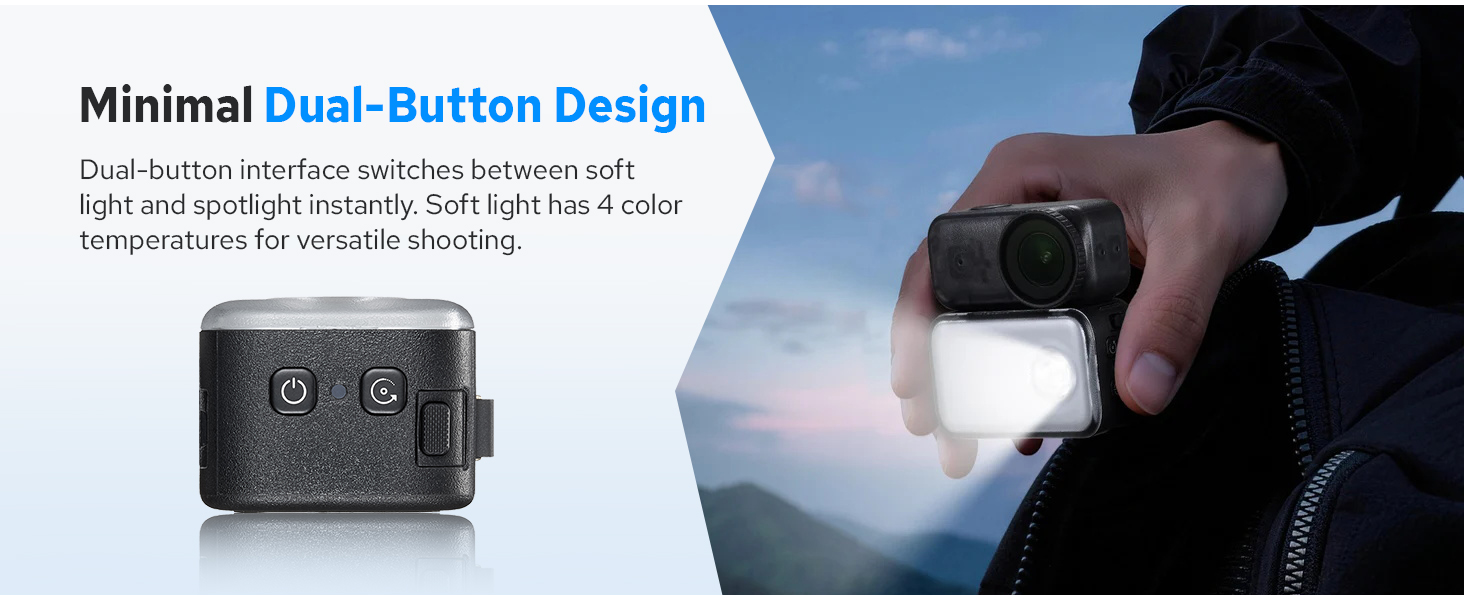
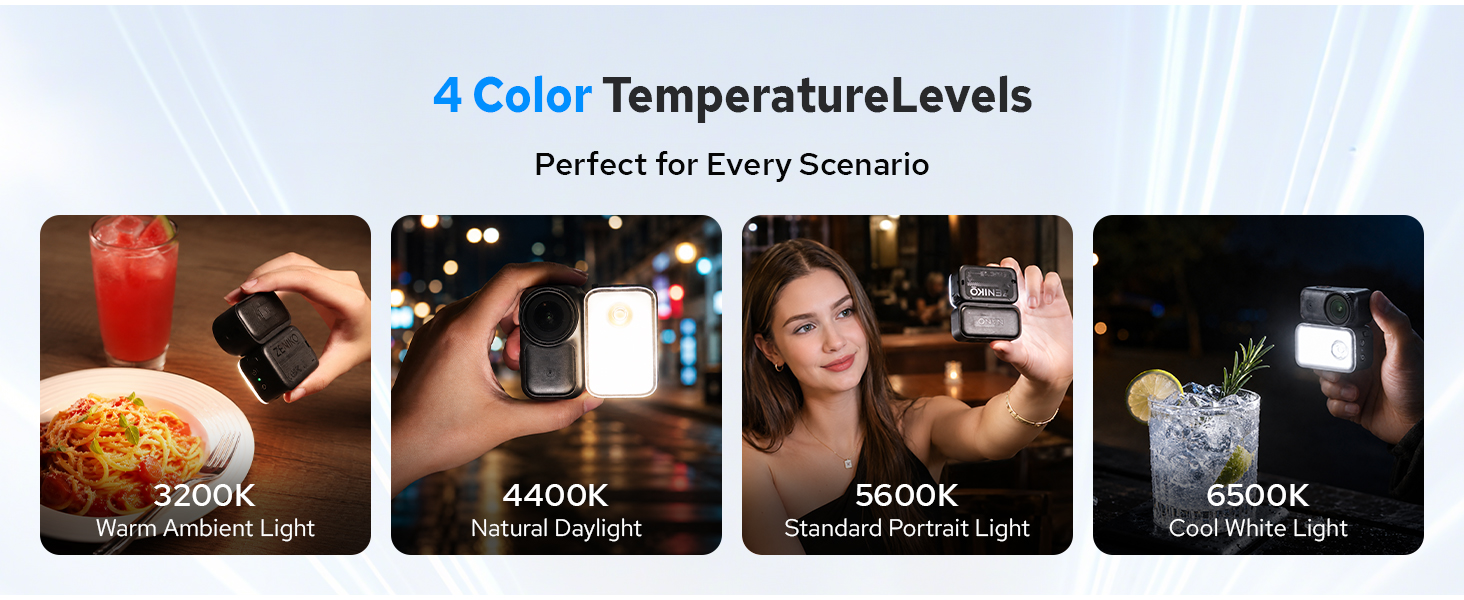
Surface‑light mode offers 4‑level adjustable color temperature (4500K‑6500K). Spot‑light mode outputs a fixed 5600K.
How do I adjust the color temperature?
While in surface‑light mode, short‑press the dedicated color‑temp button on the side of ZN‑Light to cycle through its 4 temperature settings.
Why is there no beep sound from my OSMO Nano when recording after connecting ZN Light?
This occurs when ZN‑Light’s charging mode is activated. Once enabled, your camera’s beep notification will be muted automatically.

| SKU: | B0H9YBMNG5 |
| Dimensions: | 3.3″L x 3.2″W x 2″H |
| Brand: | ZENIKO |
| Manufacture: | Zeniko Technology |
Product description
The video showcases the product in use.The video guides you through product setup.The video compares multiple products.The video shows the product being unpacked.ZENIKO ZN Light
How do I mount ZN Light onto the OSMO Nano?
Press and hold the lock buttons on both sides of the quick‑release plate at the top of ZN Light, then align it to the bottom of your OSMO Nano and attach it securely.
How can I check the remaining battery level?
With the light powered off and disconnected from your camera, short‑press the power button and read the indicator light: Red flashing: 0‑5% Yellow flashing: 6‑94% Green flashing: 95‑99% Solid green: 100%
What color‑temperature options are available?
Surface‑light mode offers 4‑level adjustable color temperature (4500K‑6500K). Spot‑light mode outputs a fixed 5600K.
How do I adjust the color temperature?
While in surface‑light mode, short‑press the dedicated color‑temp button on the side of ZN‑Light to cycle through its 4 temperature settings.
Why is there no beep sound from my OSMO Nano when recording after connecting ZN Light?
This occurs when ZN‑Light’s charging mode is activated. Once enabled, your camera’s beep notification will be muted automatically.