PrancyBt Wireless Headset with Noise Cancelling Microphone
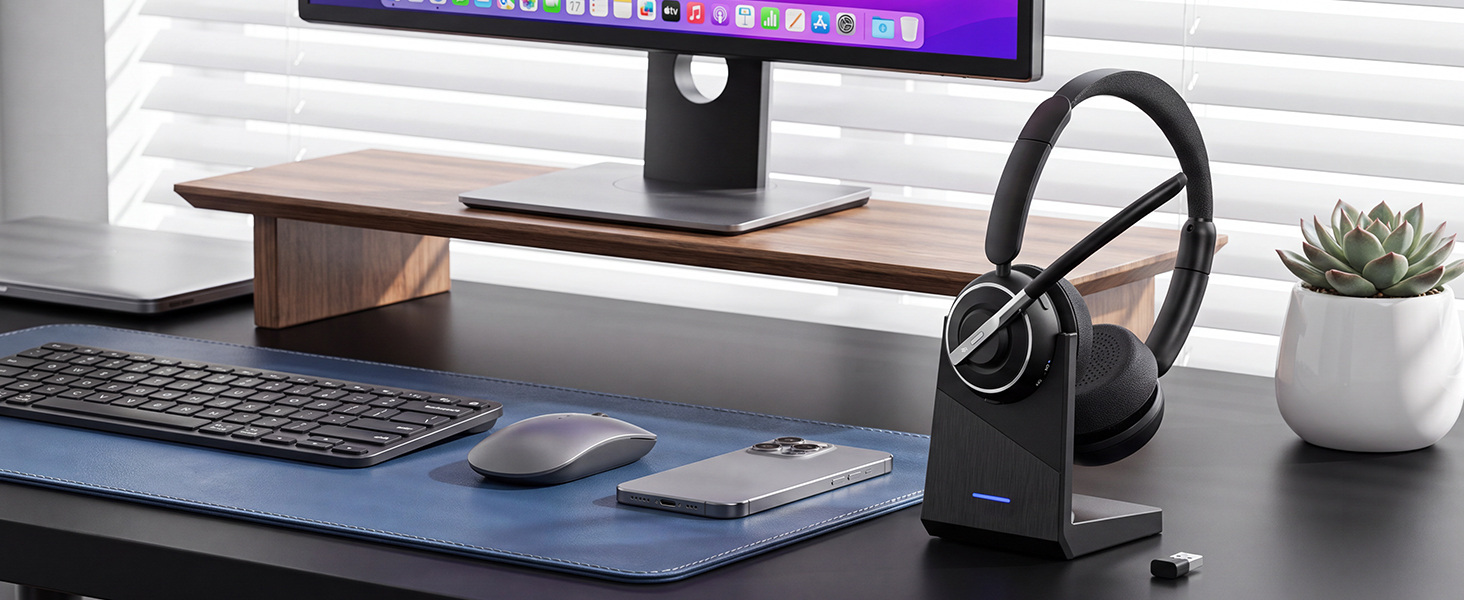
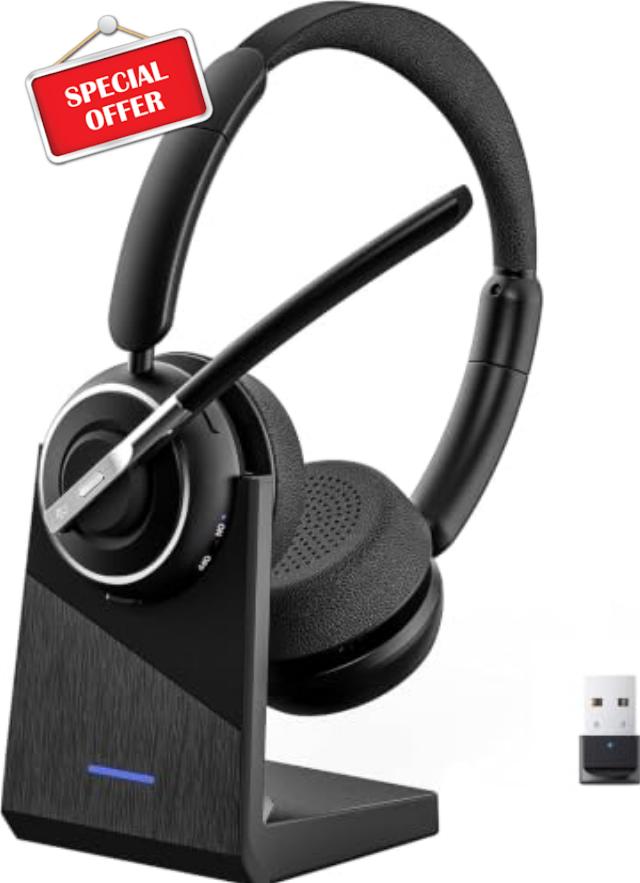
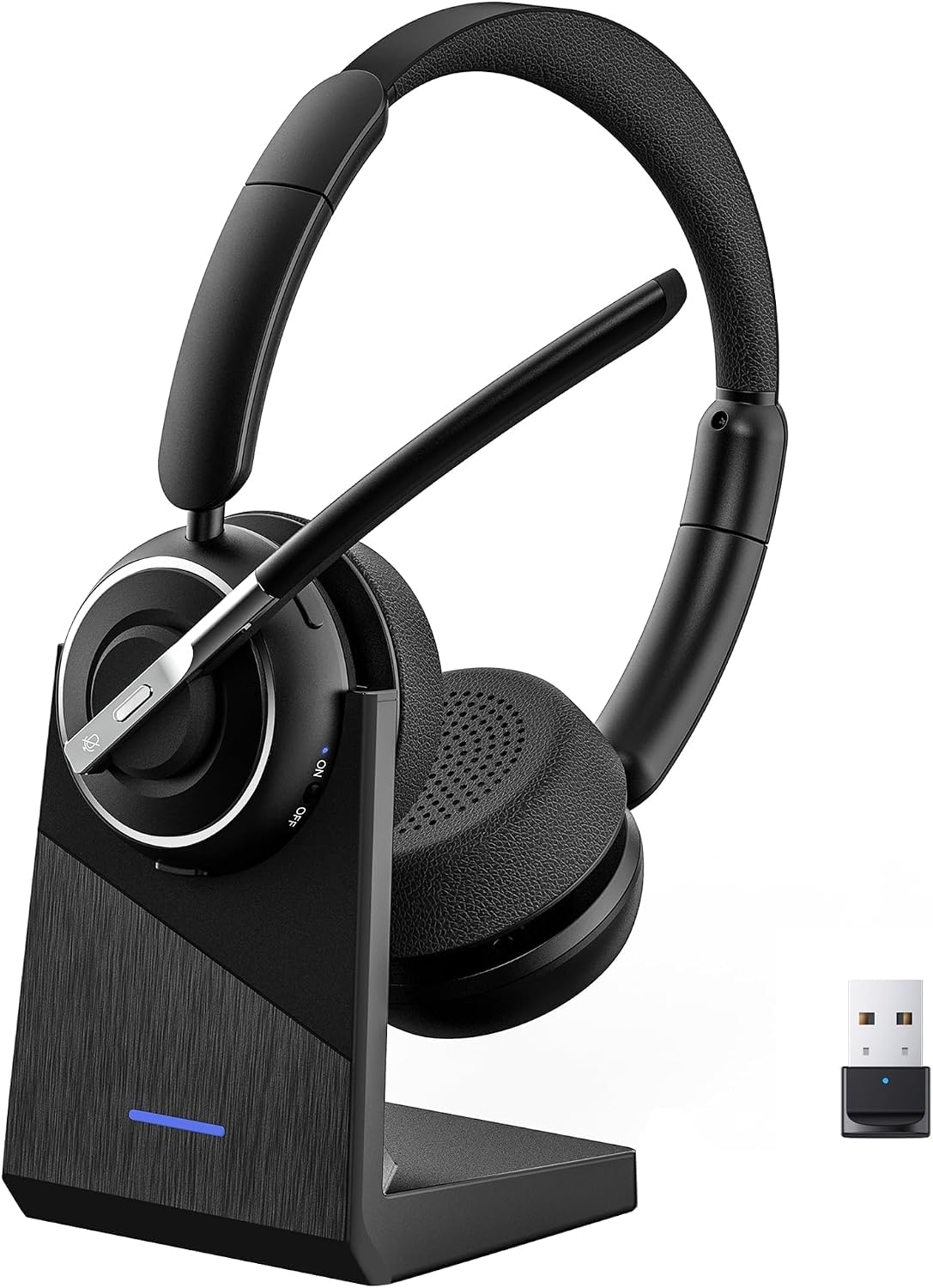
PrancyBt Wireless Headset with Noise Cancelling Microphone, Bluetooth Headset with Mic for Work, Wireless Headphones with Mute & USB Dongle for Work from Home/PC/Computer/Call Cente
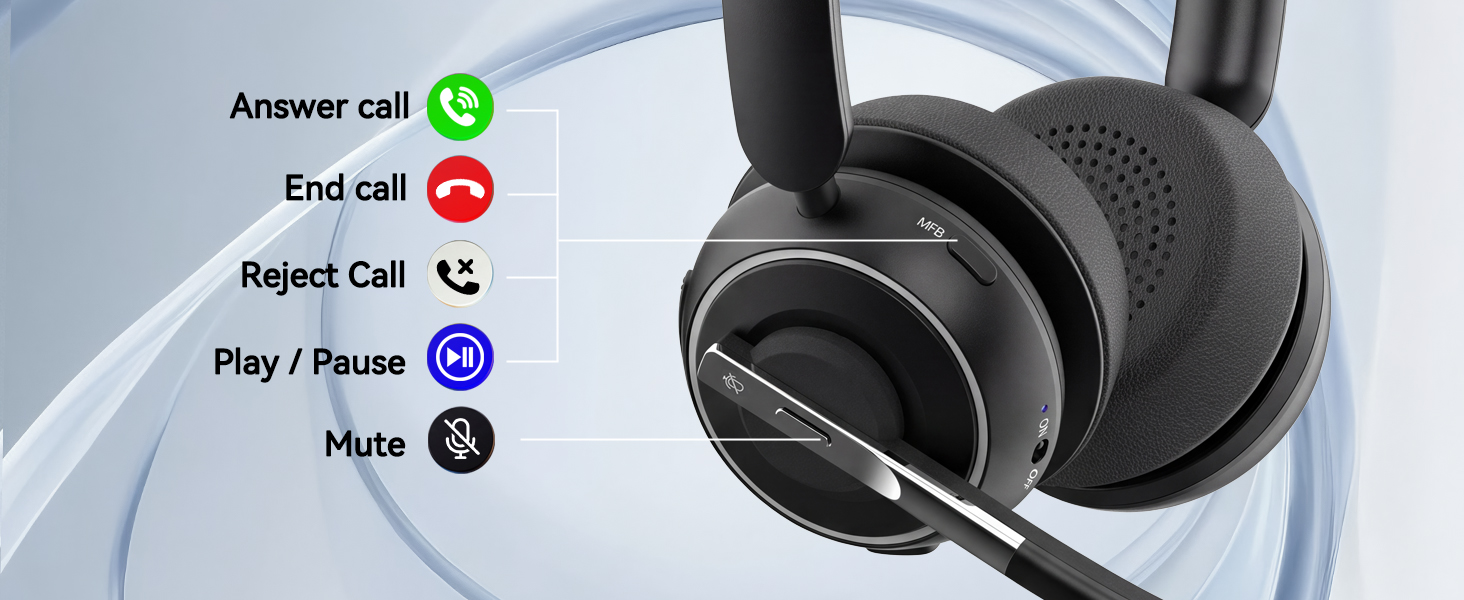
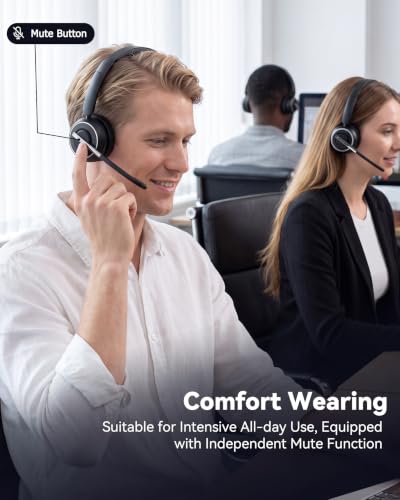
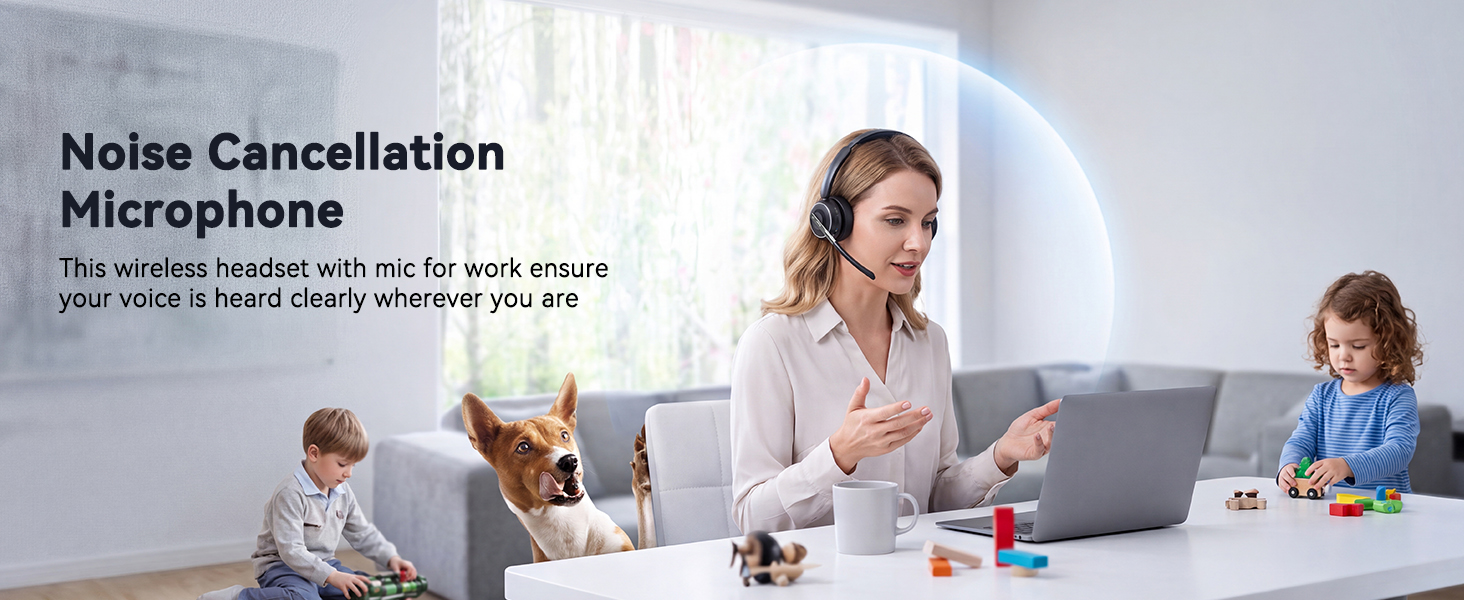
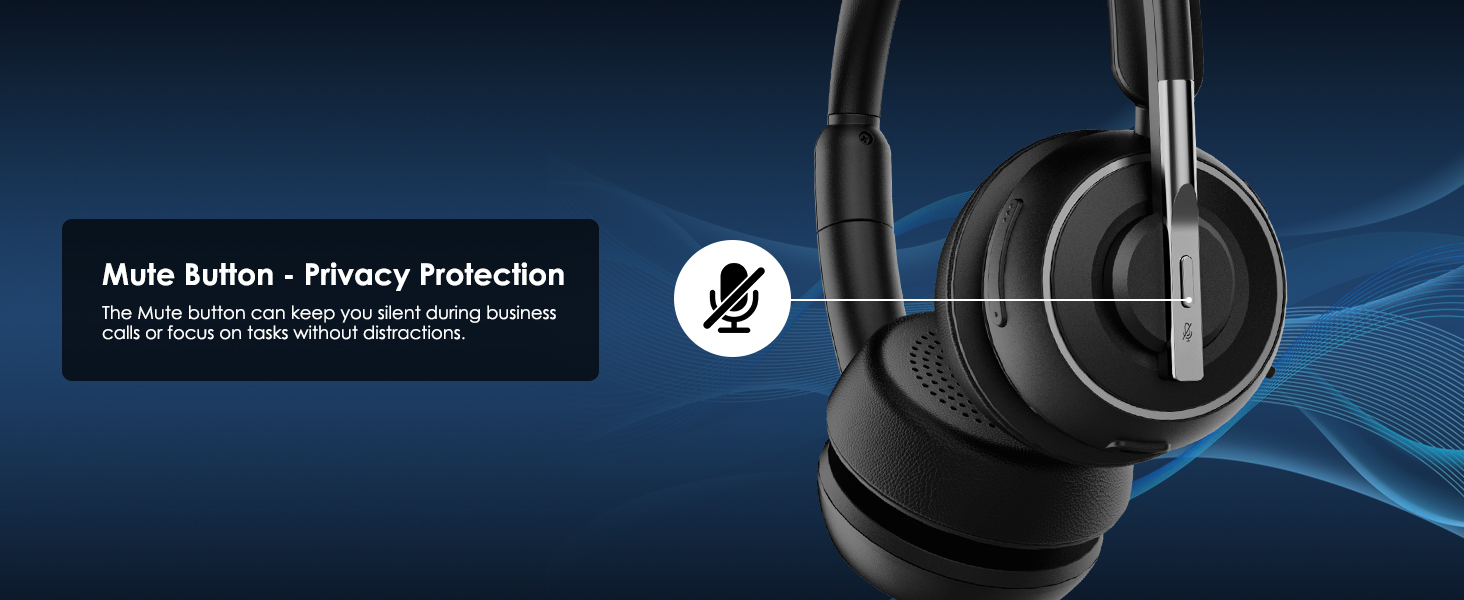
- Premium Noise‑Cancelling for Flawless Voice Calls: This Bluetooth earpiece leverages state‑of‑the‑art noise reduction tech to filter out 99.9% of surrounding interference. Be it bustling coffee shops, hectic workplaces, or while travelling, your voice comes through perfectly crisp for video conferences and online meetings. Its built‑in one‑click mute delivers immediate privacy for confidential discussions.【NOTE】The mute feature only works when you are on active calls or meetings
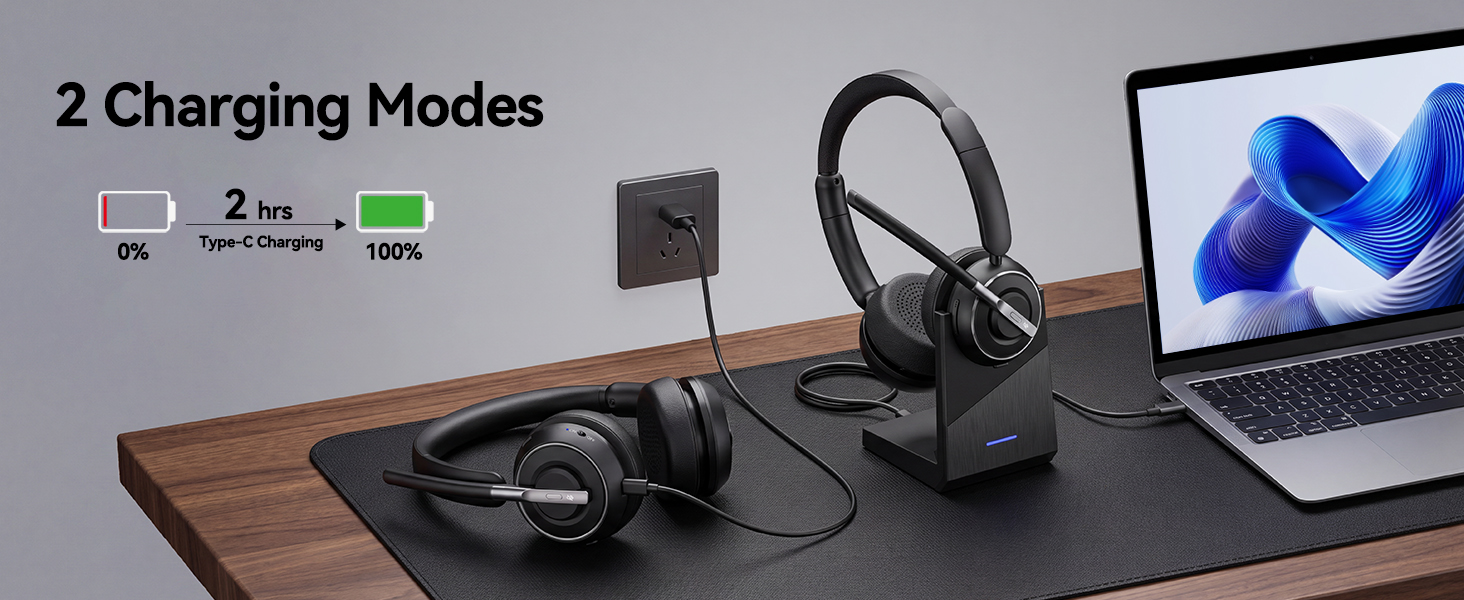
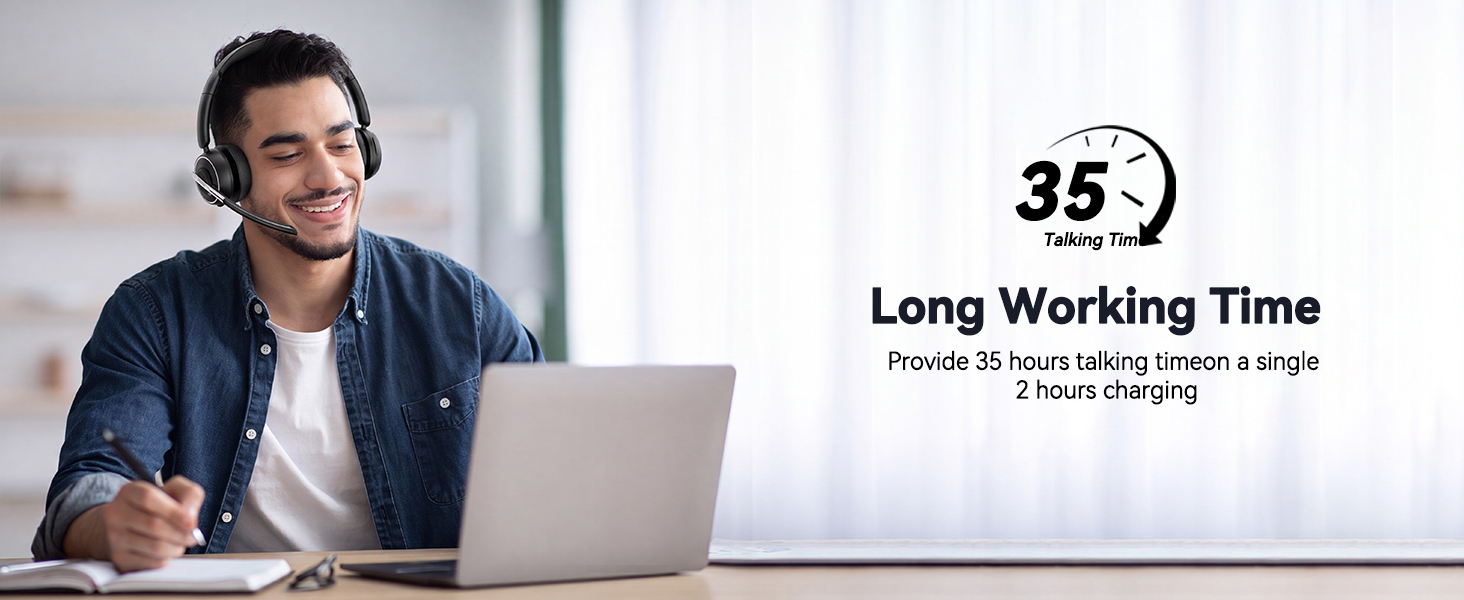
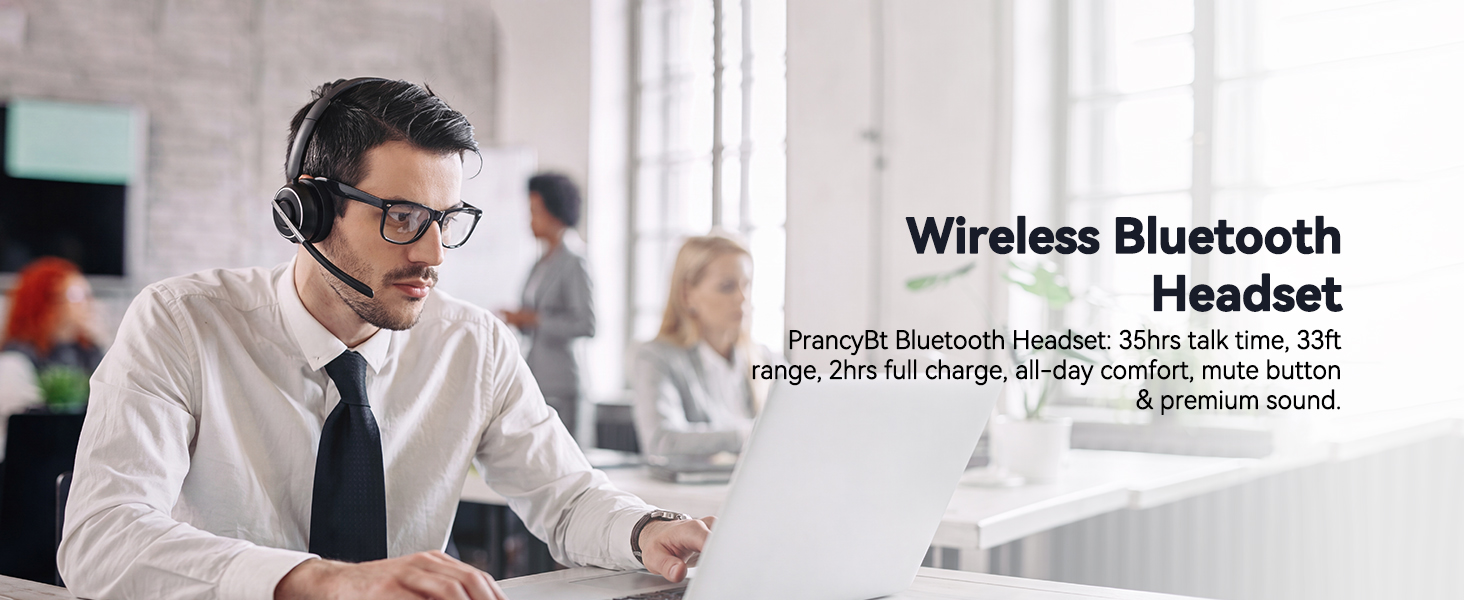
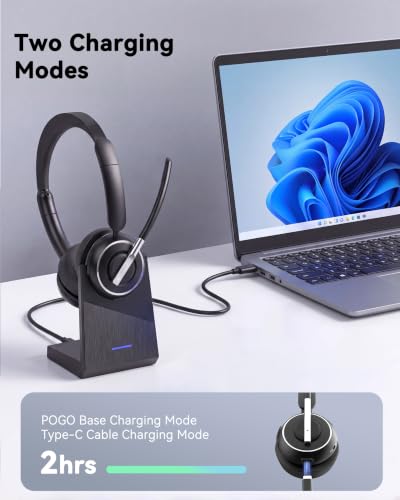
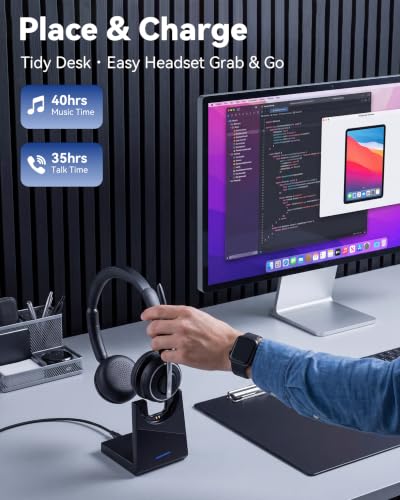
- Long‑Lasting Battery for Professional Work: Built with a high‑capacity battery, this wireless headset offers up to 35 hours of continuous operation. It is ideal for consecutive meetings, long working shifts and cross‑country trips. Thanks to its fast‑charging capability, you can reduce idle waiting time, staying reliably connected and free from battery worries even during your busiest work weeks.【NOTE】Please power off the headset prior to charging
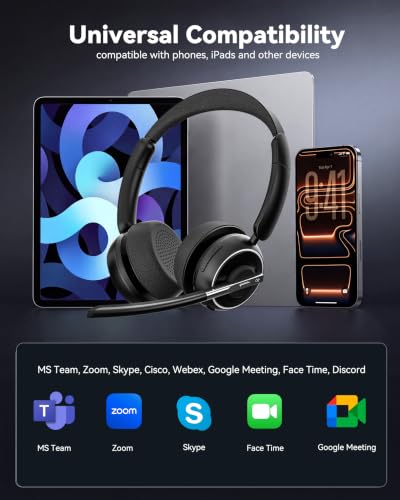
- Immersive Stereo Audio for Work and Leisure: This wireless computer headset reduces audio distortion, bringing immersive stereo performance for music, podcasts and video meetings on Zoom, Microsoft Teams, Webex, Skype and more. Enjoy well‑balanced sound with powerful deep bass and clear treble, ideal for both business calls and casual entertainment.Tip: Should you encounter audio noise from the headset, maintain a stable USB or Bluetooth connection and avoid signal interference from nearby electronic devices
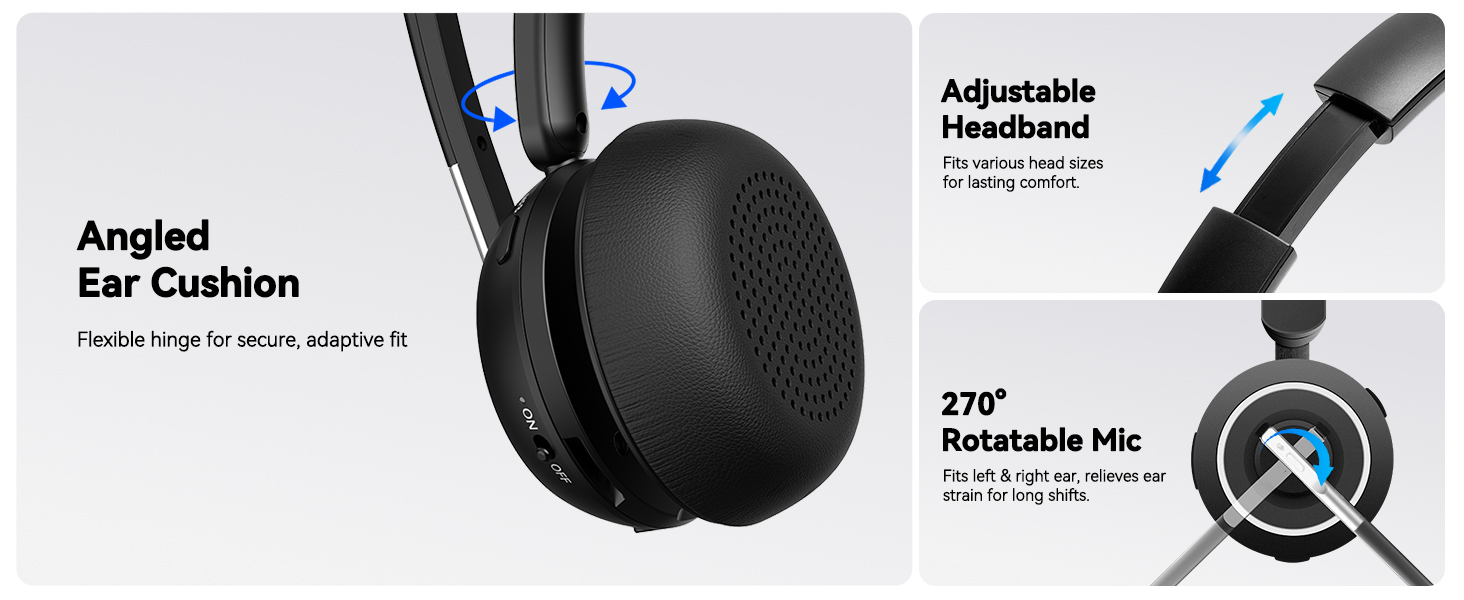
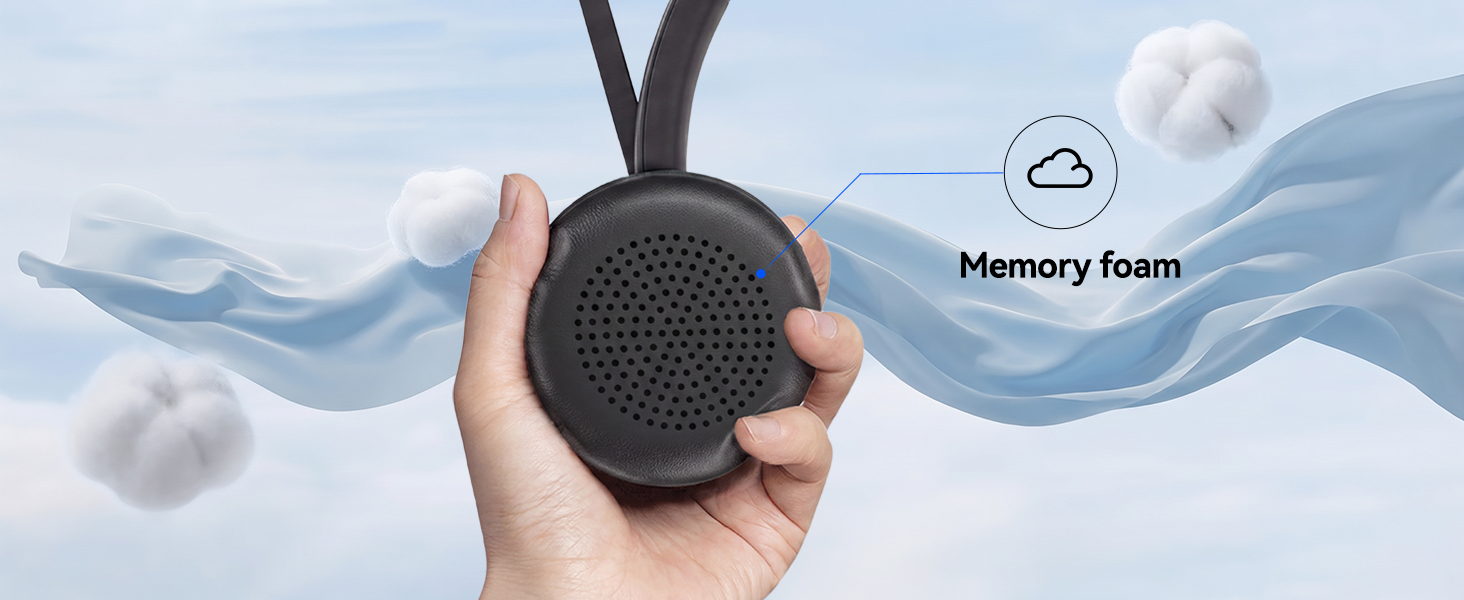
- Customizable Comfort for All‑Day Wear: This Bluetooth headset with microphone is engineered for all‑day wearing comfort. Equipped with an adjustable headband and soft protein‑foam ear pads, it fits snugly for various head shapes and sizes. Its lightweight construction plus 270‑degree rotatable earcups relieve pressure on your ears and prevent hair entanglement, making it perfect for prolonged daily use.【NOTE】The USB dongle works exclusively with Windows operating systems. The KH120M headset is not compatible with desk phones or landline telephones. Remove the dongle when the headset is not in use, and re‑insert it when you intend to use the headset
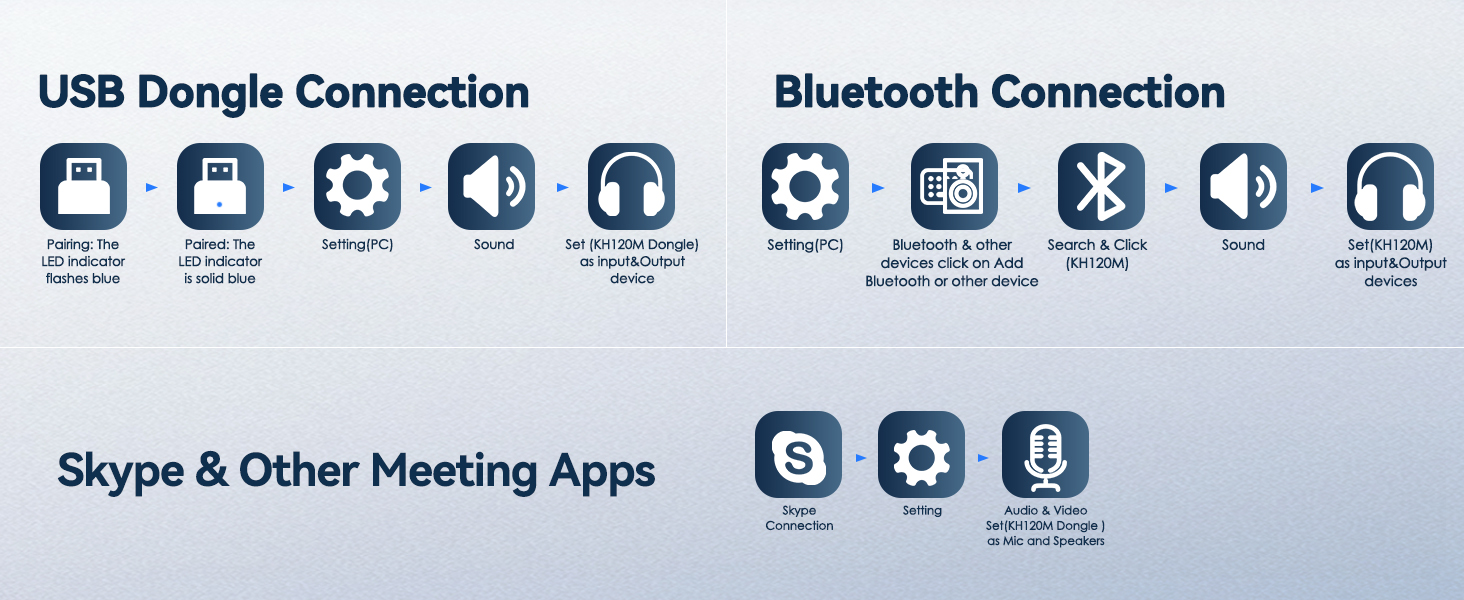
- Dual‑Mode Connection & Reliable Stability: This wireless work headset with microphone adopts an advanced Bluetooth chip to deliver solid connections with low latency. It supports smooth music playback and video calls free of lag. It also includes a Bluetooth dongle for computers without native Bluetooth capability. Boasting a maximum wireless range of 33 feet, you can move freely while maintaining consistent audio quality. Tip: Ensure the dongle is firmly plugged into your computer’s USB port. If no audio comes through during calls, try switching to a different USB port
PrancyBt Wireless Headset
Bluetooth Headset With Microphone for work
How to reset the headset?
In on status, long-press Volume"–" and MFB for 5 seconds to clear the pair records. The light is solid purple for 1 second, which mearis the pair record has been deleted. Then press and hold the multi-function button for 10s to reset and restart
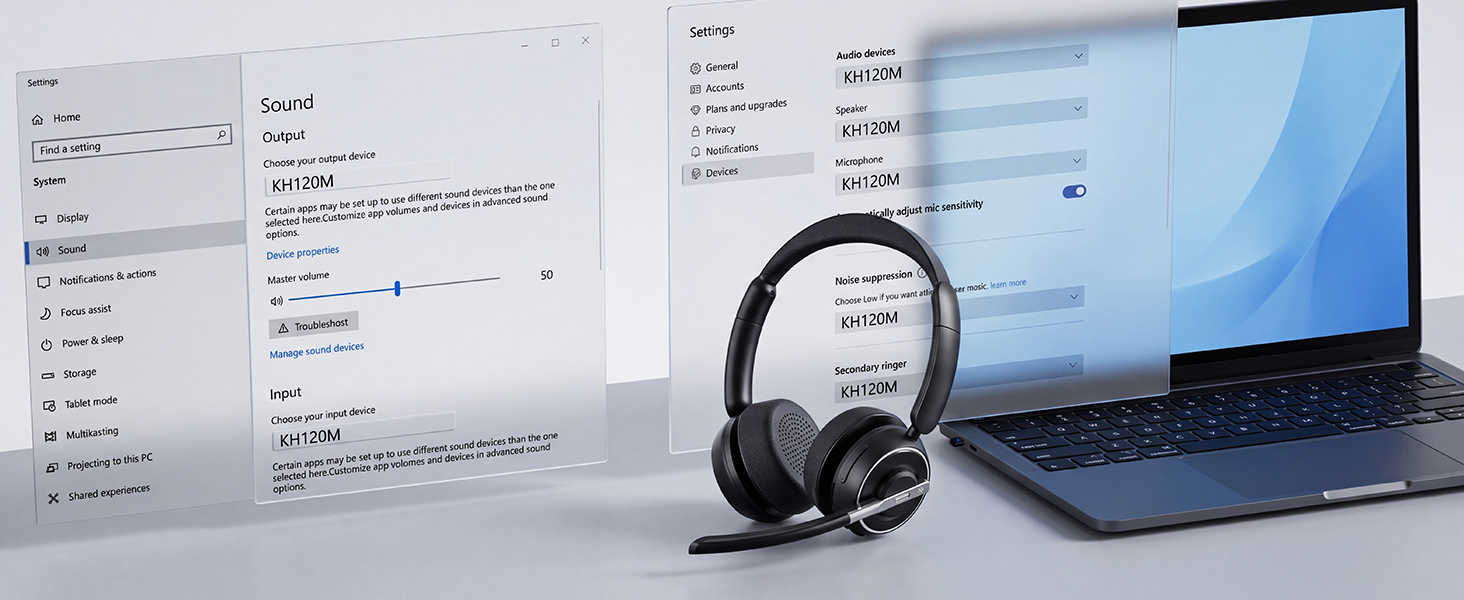
Why does skype show the microphone cannot be detected affter my headset is connected to computer?
When you use software to make a call, check the settings of the computer and software, make sure to select [KH120M dongle] as the deffault output and input device. Besides, you can exit the software and login in again.Because it may not sync at first
Can I mute the microphone if I am not on a call?
Our wireless headset only support muting during a call or meeting. It doesn't support muting if you are not on a call. Sorry for the inconvenience
What should I do if the Teams calls dropped ?
You can try to press the volume "–" button and hold the "MFB" button for more than 5s to clear the records and reset the headset and re-plug the adapter to give the adapter a new socket. Please disable the Teams buttons at the same time
Can I use the headset to answer or hang up calls?
If you use the headset with cell phone, you can answer/end calls through the MFB button on the headset. If you use the headset with computer, you need to answer/end calls through the mouse. NOTE: MFB button does not work with desk phones OR landlines





| SKU: | B0H3SR33PT |
| Weight: | 353.6 g |
| Brand: | PrancyBt |
| Model: | KH120M |
| Colour: | Black |
| Manufacture: | PrancyBt |
| Colour: | Black |
Product description
How to reset the headset?
In on status, long-press Volume”–” and MFB for 5 seconds to clear the pair records. The light is solid purple for 1 second, which mearis the pair record has been deleted. Then press and hold the multi-function button for 10s to reset and restart
Why does skype show the microphone cannot be detected affter my headset is connected to computer?
When you use software to make a call, check the settings of the computer and software, make sure to select [KH120M dongle] as the deffault output and input device. Besides, you can exit the software and login in again.Because it may not sync at first
Can I mute the microphone if I am not on a call?
Our wireless headset only support muting during a call or meeting. It doesn’t support muting if you are not on a call. Sorry for the inconvenience
What should I do if the Teams calls dropped ?
You can try to press the volume “–” button and hold the “MFB” button for more than 5s to clear the records and reset the headset and re-plug the adapter to give the adapter a new socket. Please disable the Teams buttons at the same time
Can I use the headset to answer or hang up calls?
If you use the headset with cell phone, you can answer/end calls through the MFB button on the headset. If you use the headset with computer, you need to answer/end calls through the mouse. NOTE: MFB button does not work with desk phones OR landlines