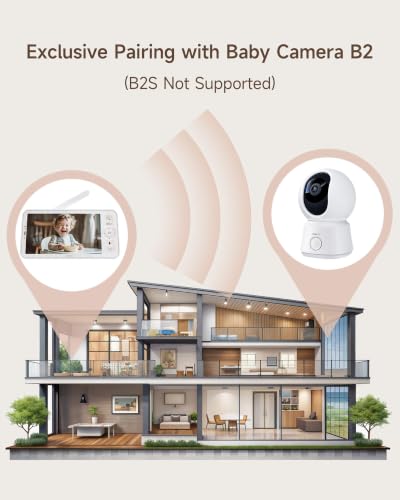
ARENTI 5” Wireless Display, Replacement for B2,D3,A4
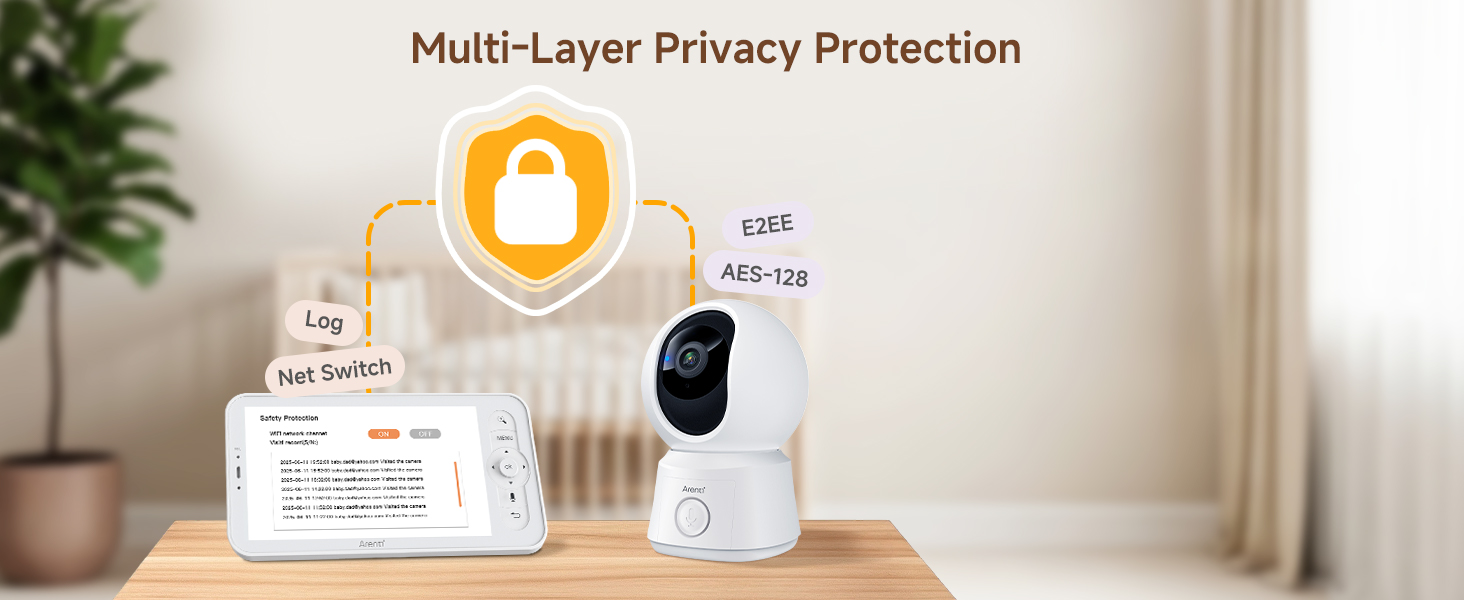
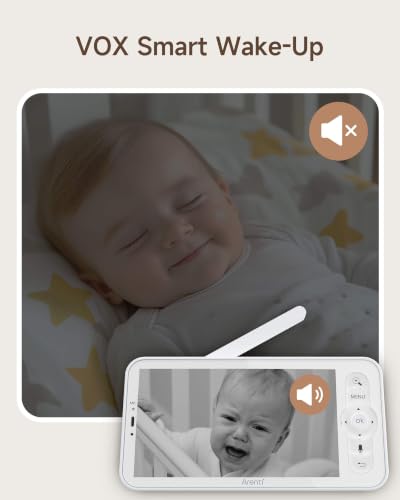
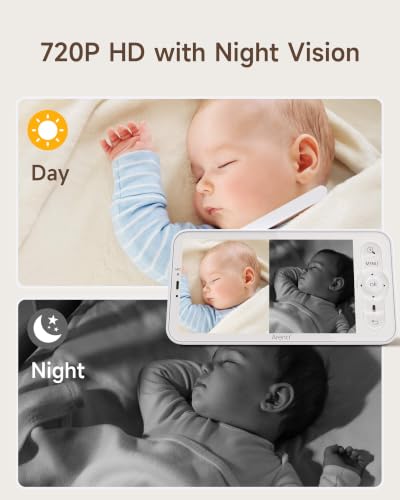
ARENTI 5” Wireless Display, Replacement for B2,D3,A4 (Screen 2) 5” Screen, 720P Night Vision, Sound & Motion Detection, VOX Mode, Access Log, Net Switch, White Noise & Lullabies, 4x Zoom
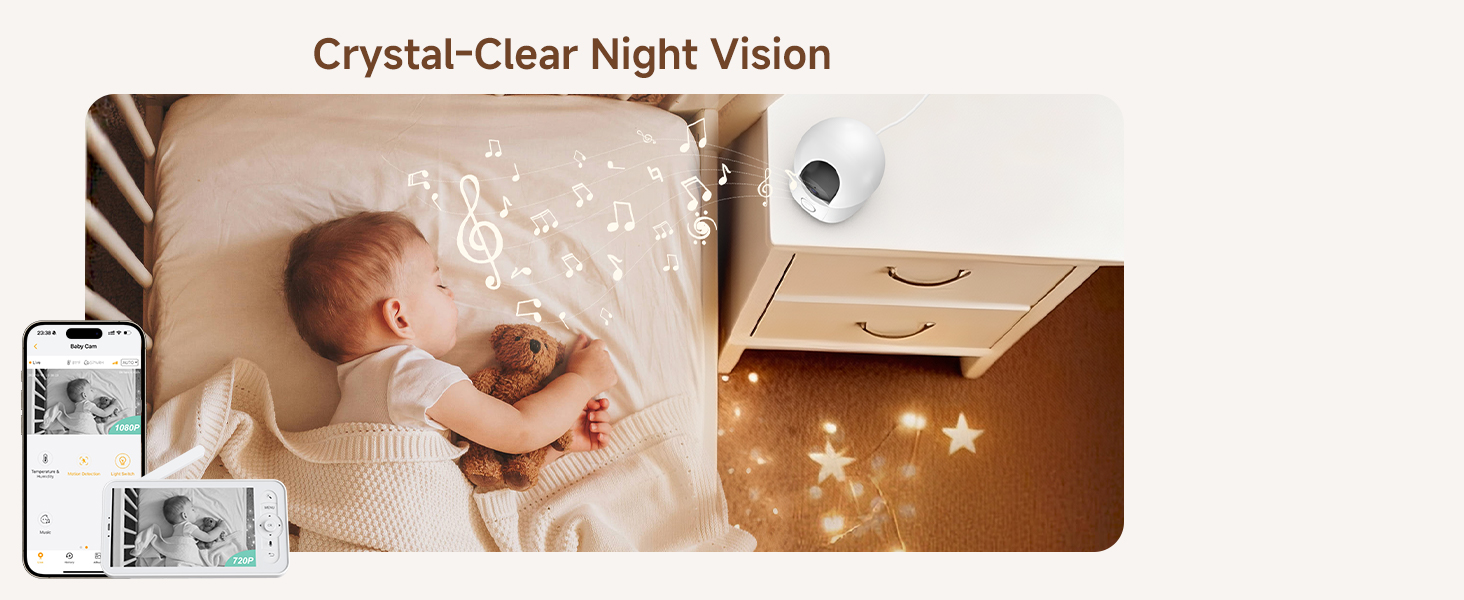
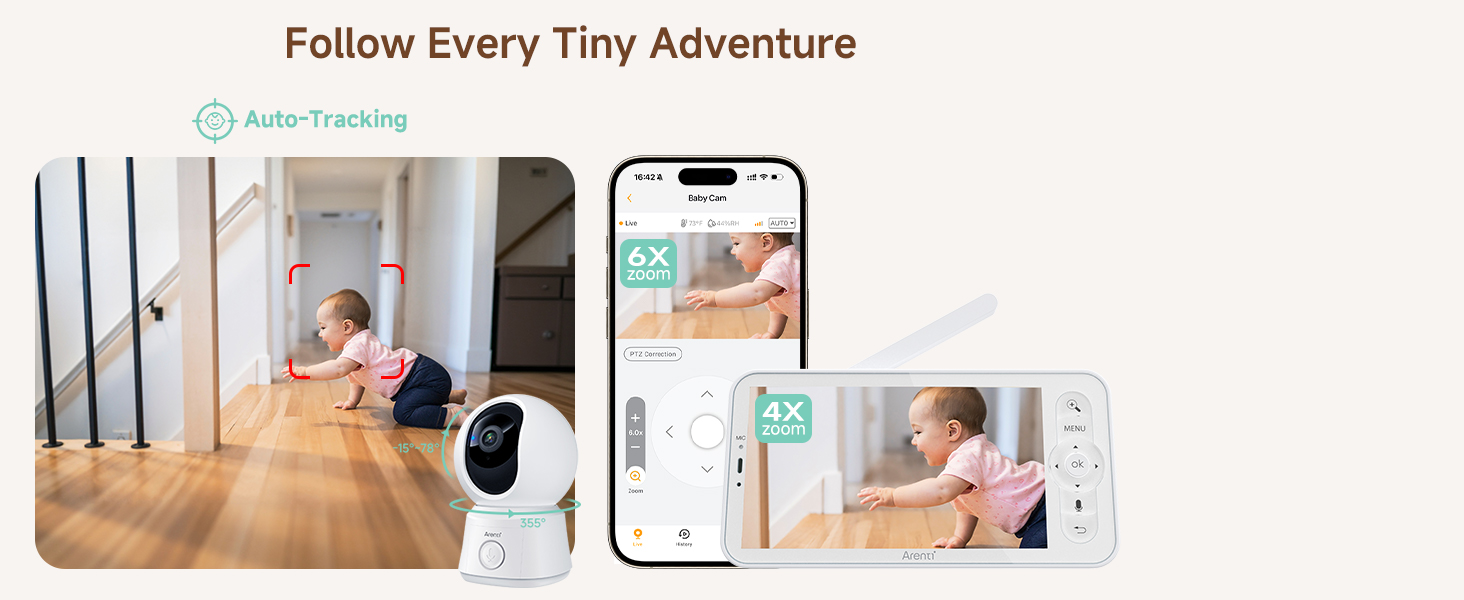
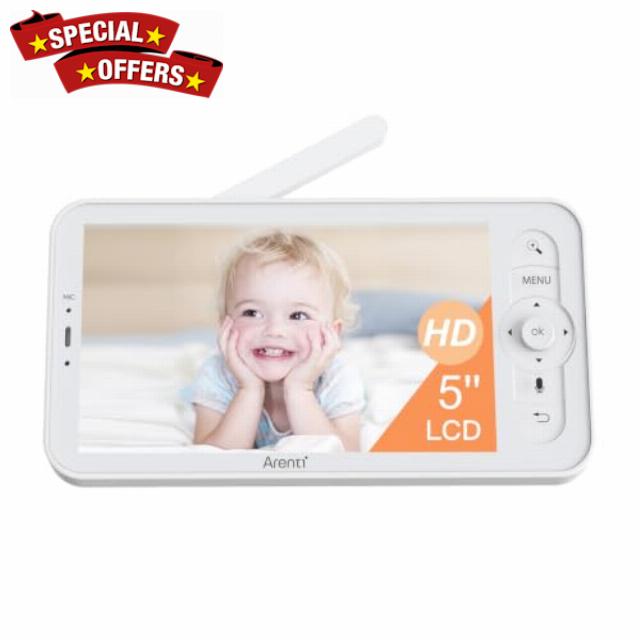
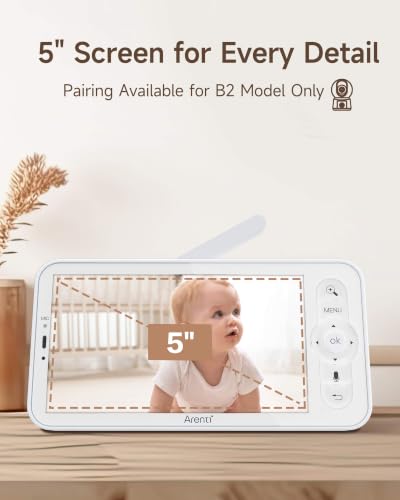
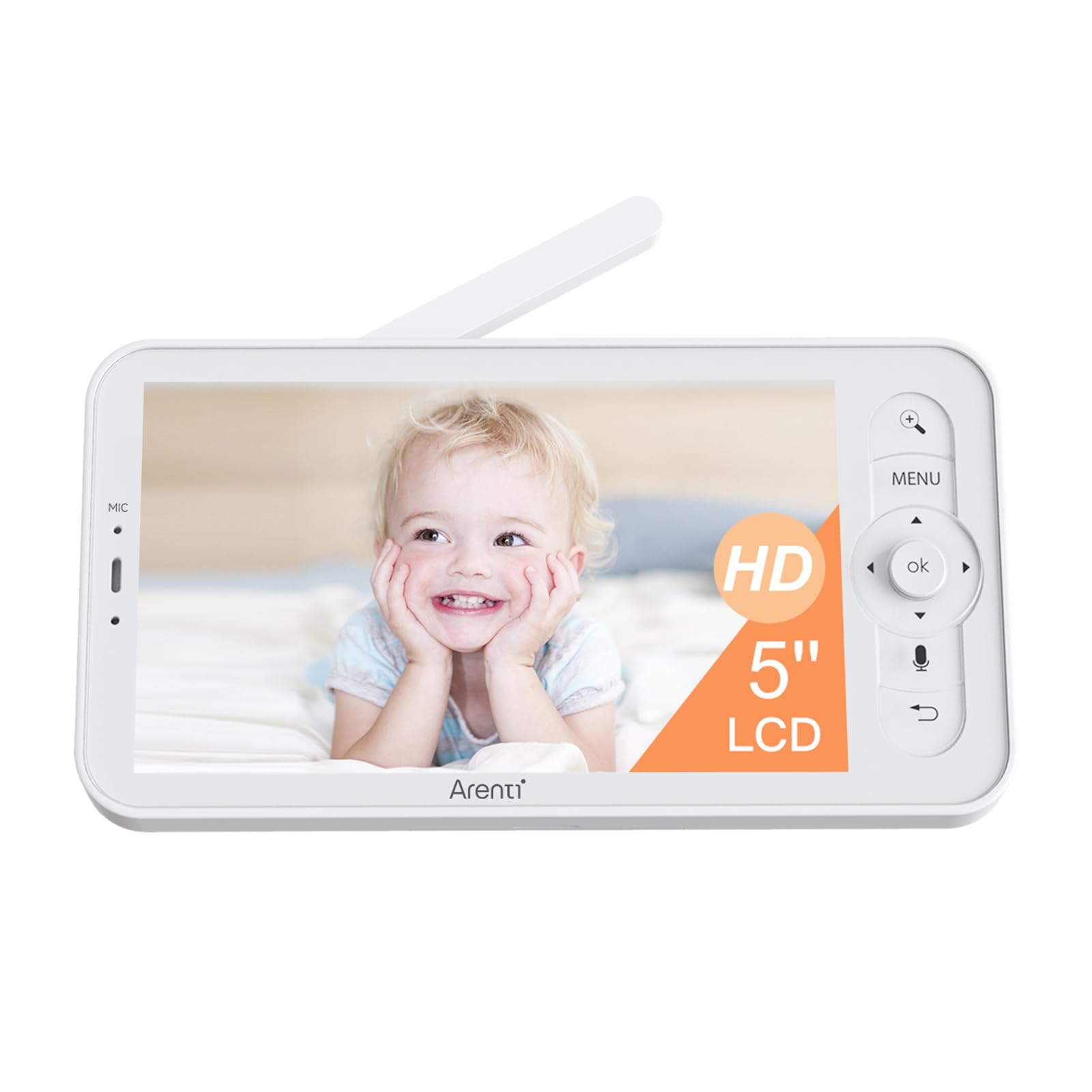
- 5-Inch Large HD LCD Screen – Arenti wireless baby monitor features a 5-inch 720P HD resolution high-quality color LCD screen with a 4x magnification function.
- 2-Way Audio – Comfort your baby via 2-way talk and colorful night light, or play lullabies to lull your baby back to sleep.
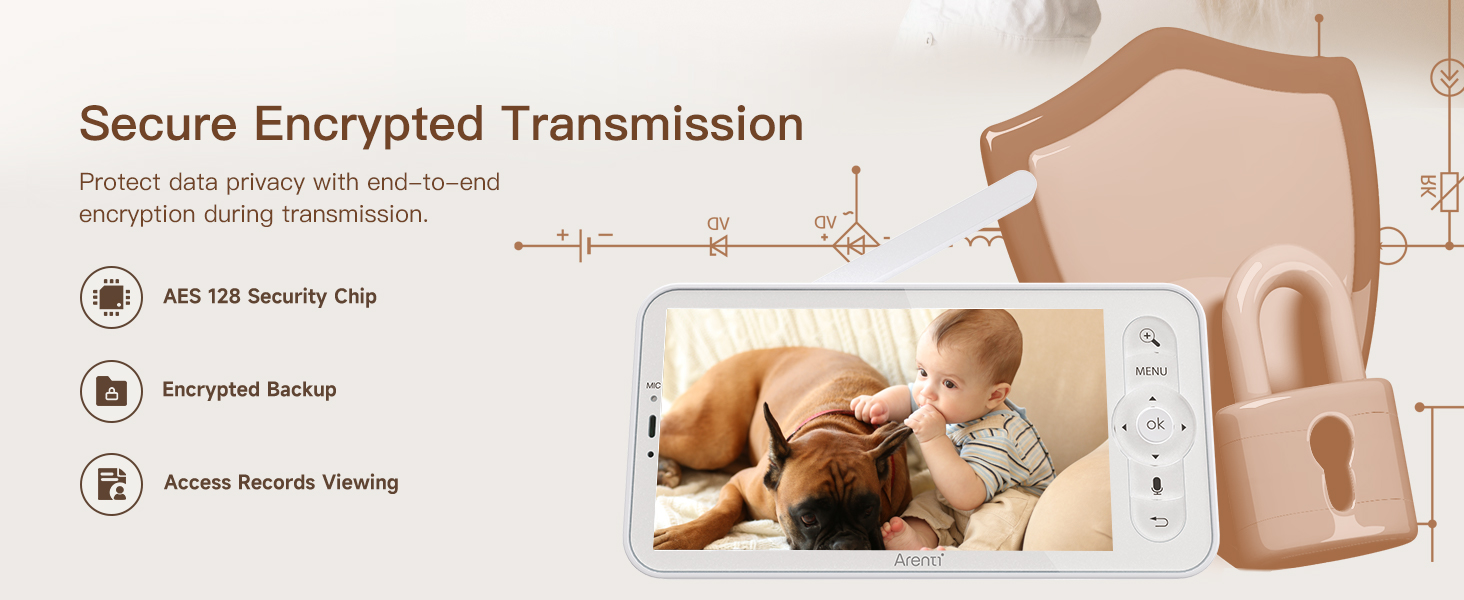
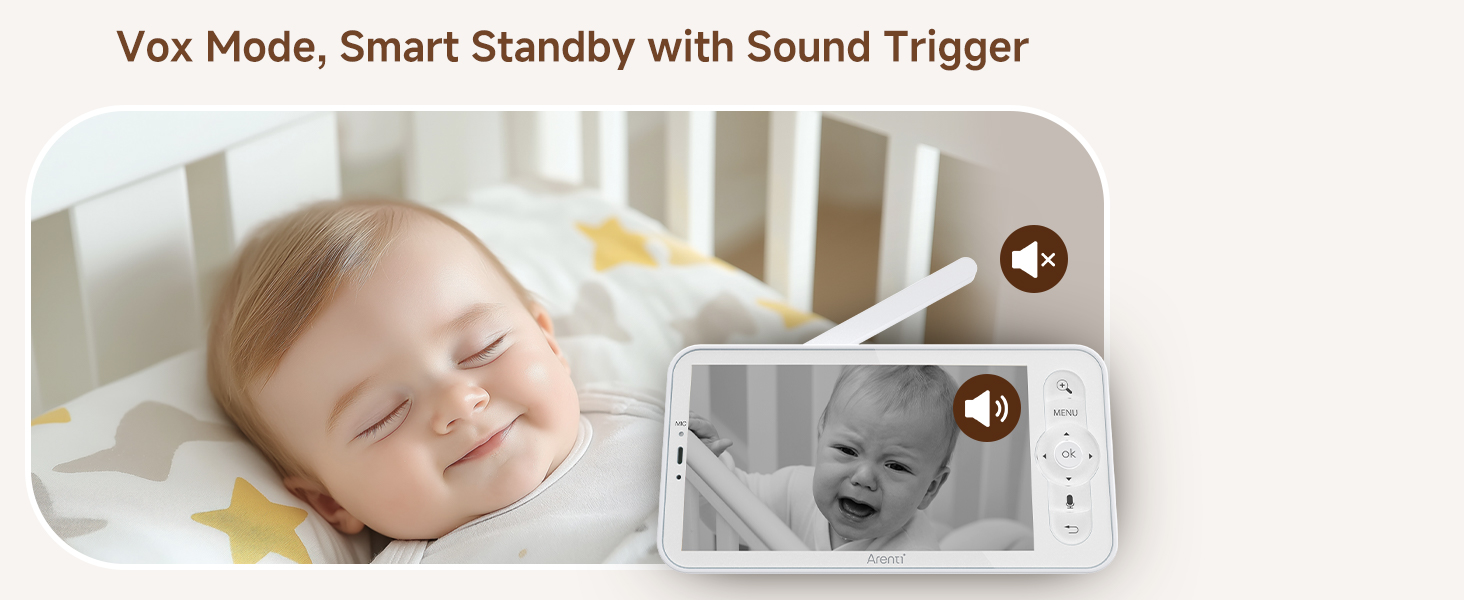
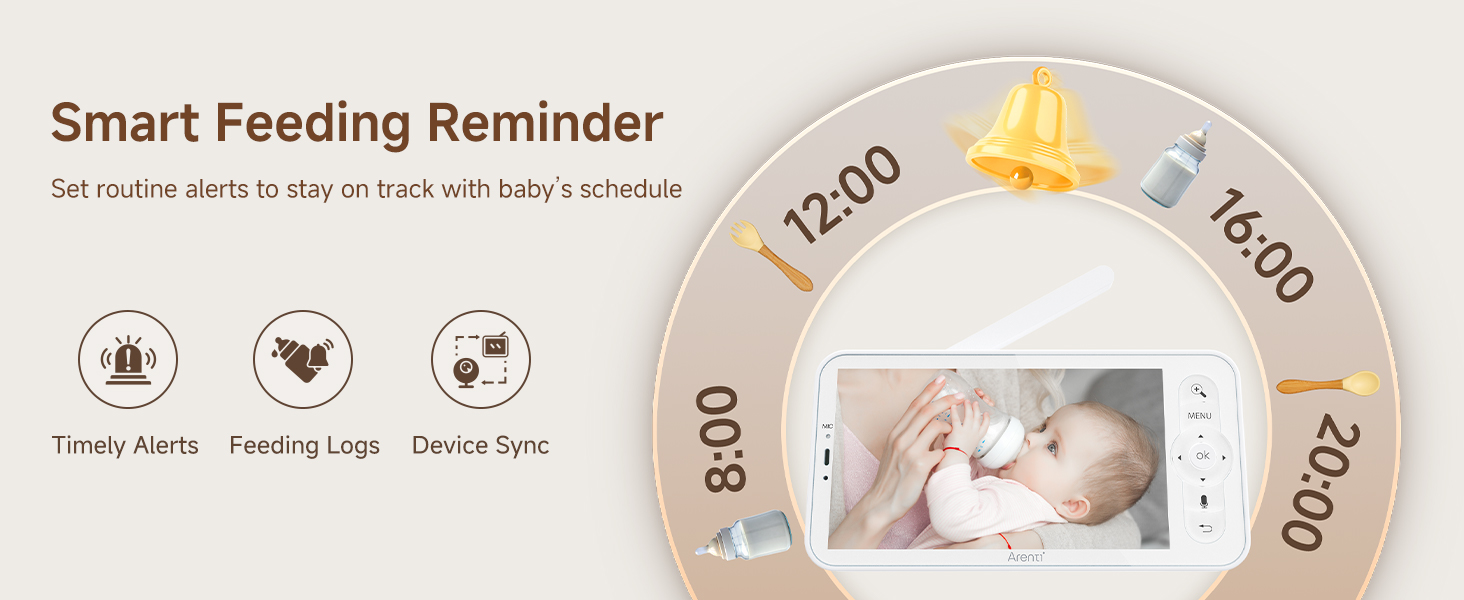
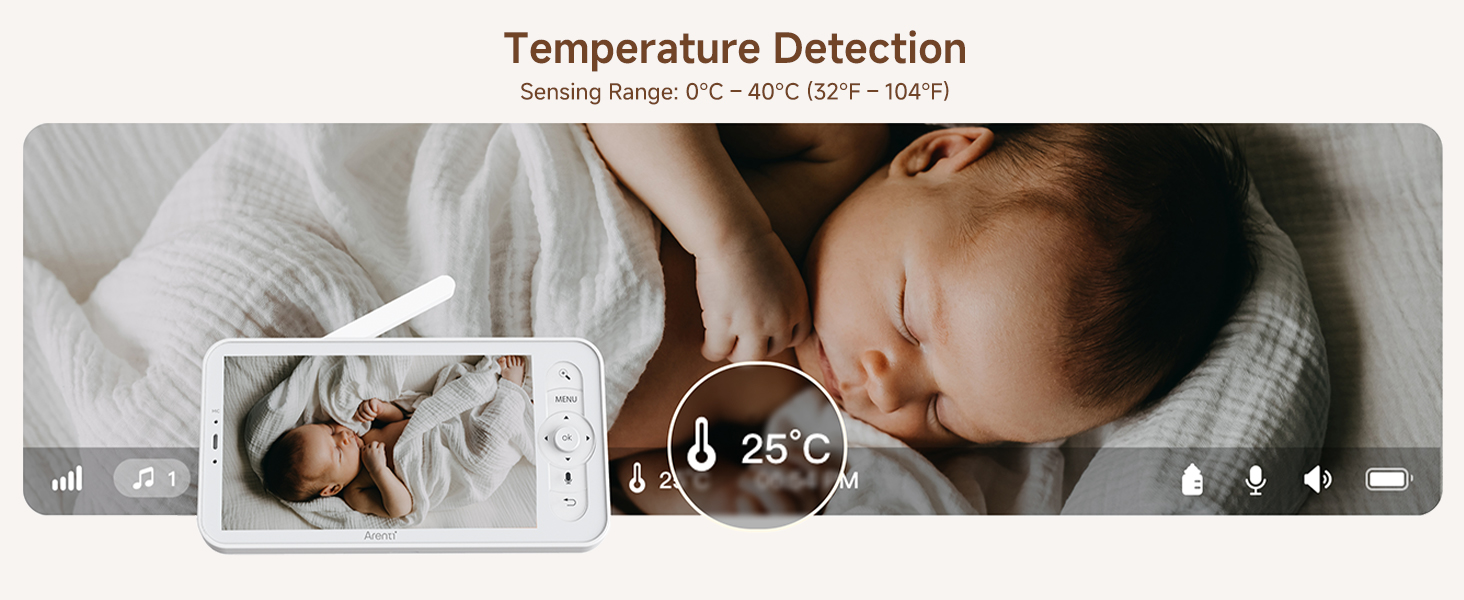
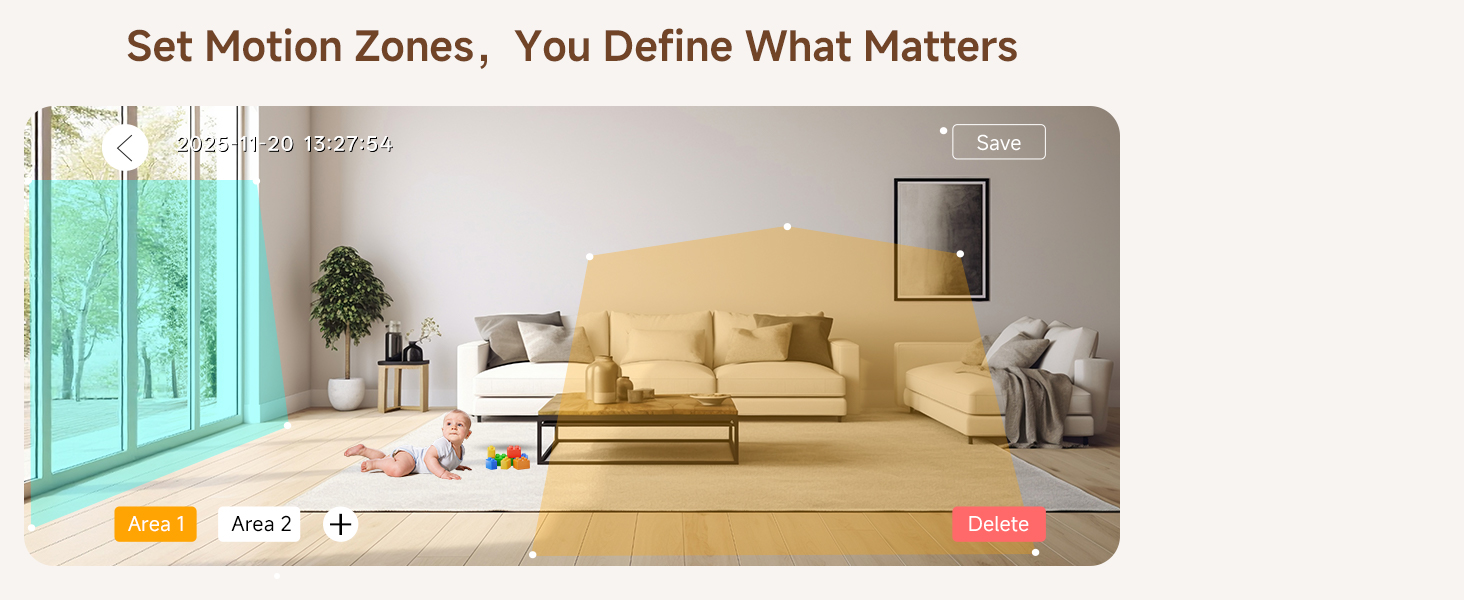
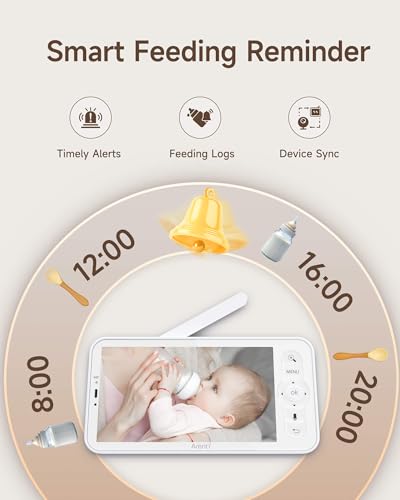
- Upgraded Protection & Caring – With cry and sound detection, motion and danger zone detection, temp detection and feeding reminders, this monitor offers additional layers of security.
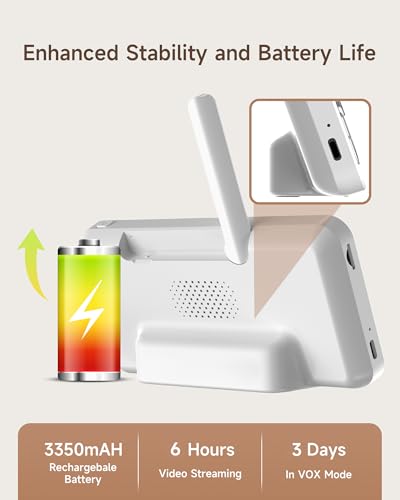
- Ultra-long standby and convenient connection: The battery capacity is upgraded to 3350Mah, and the standby time can be up to 16 hours. The upgraded Bluetooth distribution network makes it easy to connect to the camera. In addition, it is easy to place and suitable for any place.
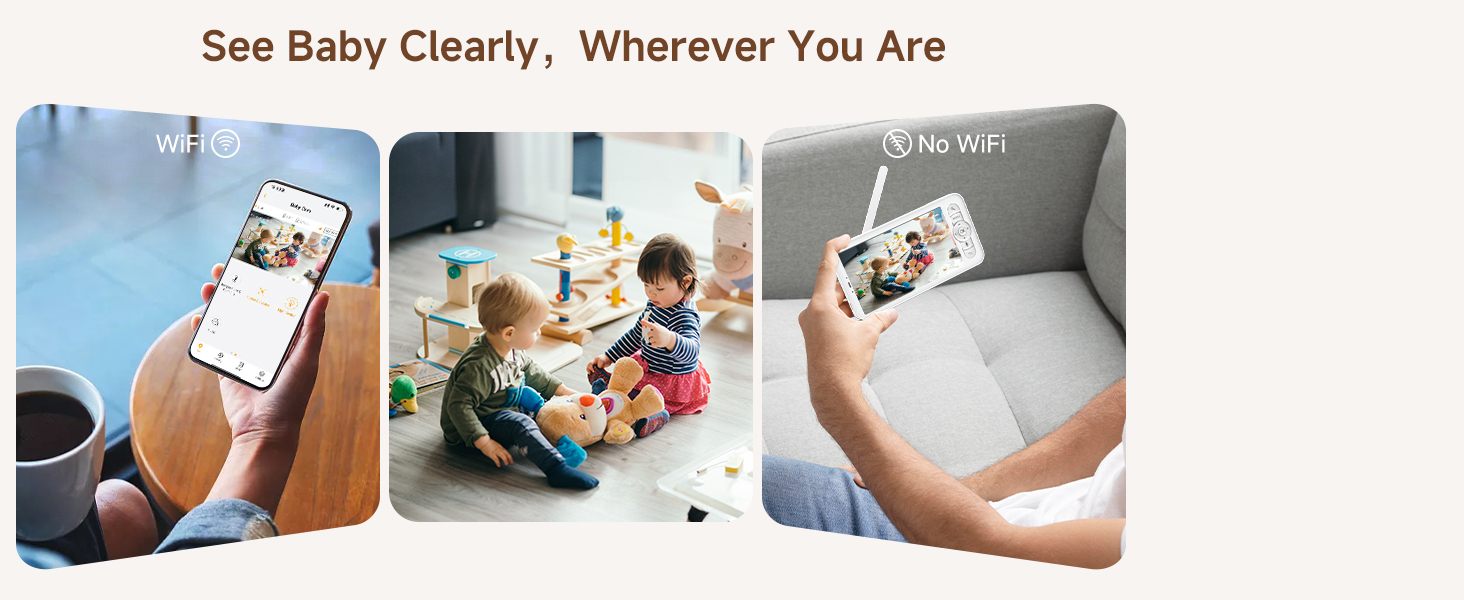
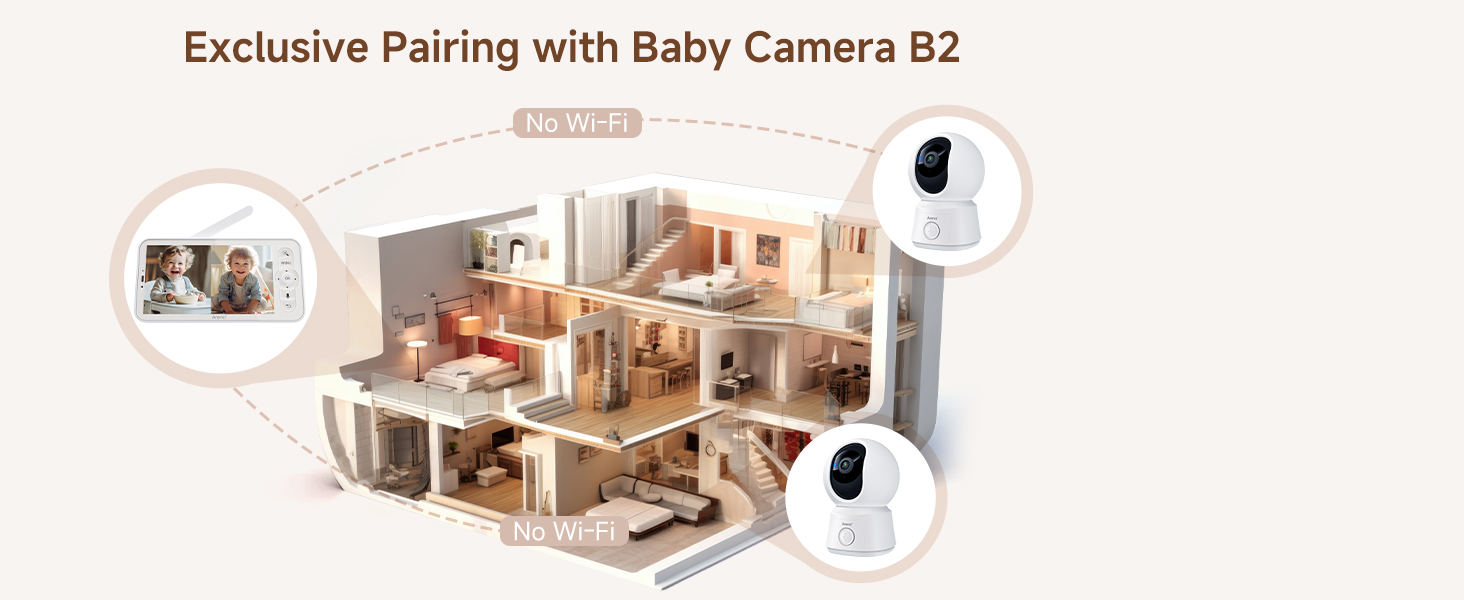
- Long Transmission – The video baby monitor features a long transmission range from 400 ft to 1000 ft, lower latency, and higher stability.
I have created an account on the Arenti APP, how do I connect to the camera?
1-Click the '+' icon on the page & choose your camera
2-Click the bottom & enter the correct wifi inform
3-Scan the 2-D barcode on App at an appropriate distance
4-After the beep sound, click the button & wait for 20 seconds, the set up is finished
What should I notice when connecting to the camera?
1-Make sure the red light is flashing before setting up
2-Make sure the device and mobile phone are connected to the same Wi-Fi
How to pair the monitor to the camera?
1-Press menu button on the monitor, and select the rightmost button – Camera.
2-Select the camera you need to pair.
3-Long press the camera pairing button until you hear the prompt tone.
4-Press OK button on the monitor screen to start pairing.
The color of indicator lights especially glaring in the dark room, how can i turn it off?
You can turn it off on the screen by following steps:
1-Press menu button
2-Select the rightmost icon
3-Select "Light"
4-Select "Status Light" to turn it off
The night vision indicator on camera is flicking on and off, and the clicking sound the camera makes wakes up my baby.
This indicates that there may be lights in the room.
It is recommended to change the direction of the camera so that it does not face the light source.
Arenti Security Camera
| Add to Cart Add to Cart | |||||||
| Customer Reviews | — | 4.2 out of 5 stars496 | 4.2 out of 5 stars233 | 4.3 out of 5 stars37 | 4.2 out of 5 stars78 | 4.4 out of 5 stars234 | 4.3 out of 5 stars27 |
| Price | $69.99$69.99 | $89.99$89.99 | $99.99$99.99 | $109.99$109.99 | $139.99$139.99 | $77.99$77.99 | $49.99$49.99 |
| Free APP | – | YES | YES | YES | YES | YES | YES |
| Super Night Vision | YES | YES | YES | YES | YES | YES | YES |
| Clear Two-way Audio | YES | YES | YES | YES | YES | YES | YES |
| Resolution | 720P | 2MP | 720P-3MP | 720P-4MP | 720P-4MP | 720P-3MP | 2MP |
| Use | Indoor/Baby/Pet | Indoor/Baby/Pet | Indoor/Baby/Pet | Indoor/Baby/Pet | Indoor/Baby/Pet | Indoor/Baby/Pet | Indoor/Baby/Pet |
| Wi-Fi Connection | No Wi-Fi | HaLow & 2.4GHz Wi-Fi | HaLow & 2.4GHz Wi-Fi | HaLow&2.4GHz Wi-Fi & 5G Wi-Fi | HaLow&2.4GHz Wi-Fi & 5G Wi-Fi | HaLow & 2.4GHz Wi-Fi | HaLow & 2.4GHz Wi-Fi |
| Detection | Motion & Sound Detection | Motion & Sound Detection | Motion & Sound Detection | Motion & Sound Detection | Motion & Sound Detection | Motion & Sound Detection | Motion & Sound Detection |
| Power supply | 5V/1A Plug-in Power | 5V/1A Plug-in Power | 5V/1A Plug-in Power | 5V/1A Plug-in Power | 5V/1A Plug-in Power | 5V/1A Plug-in Power | 5V/1A Plug-in Power |
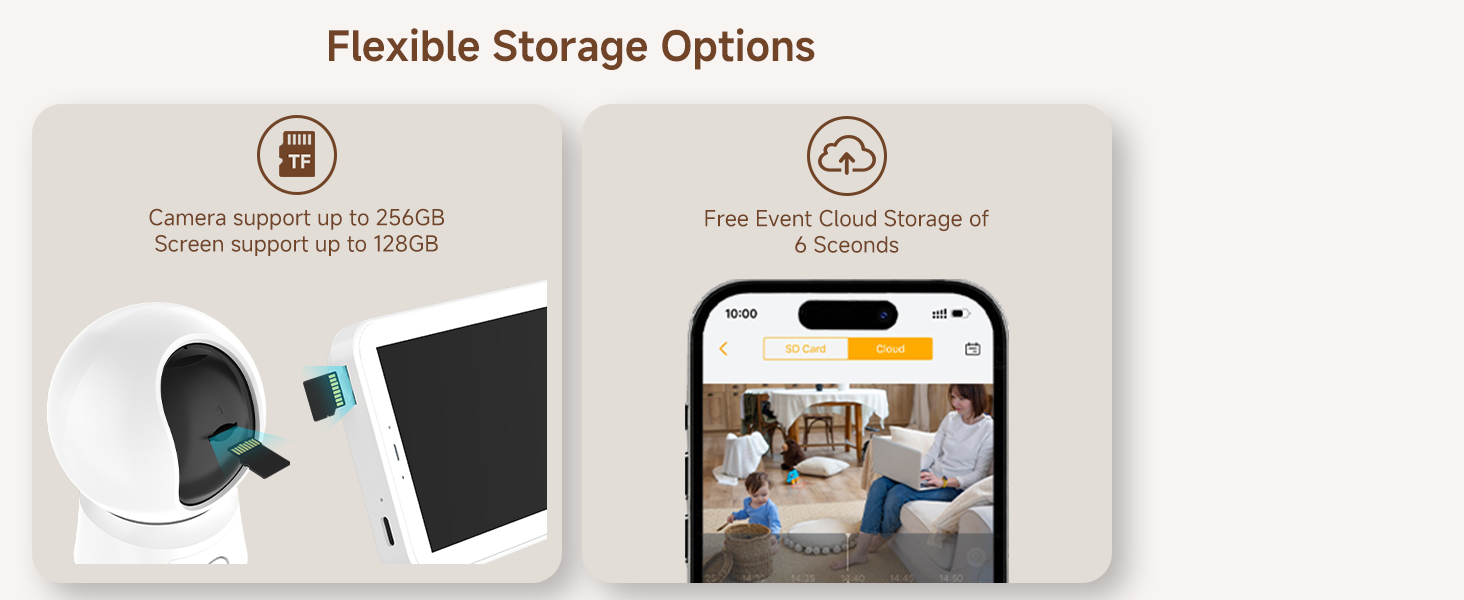
| Local Storage | Mirco SD card, up to 256GB | Mirco SD card, up to 256GB | Mirco SD card, up to 256GB | Mirco SD card, up to 256GB | Mirco SD card, up to 256GB | Mirco SD card, up to 256GB | Mirco SD card, up to 256GB |
| SKU: | B0H69633K1 |
| Weight: | 7.04 ounces |
| Size: | 128 GB |
| Dimensions: | 7.2 x 4.09 x 3.03 inches |
| Brand: | ARENTI |
| Model: | AInanny Screen2 |
| Manufacture: | ARENTI |
| Size: | 128 GB |
Product description
I have created an account on the Arenti APP, how do I connect to the camera?
1-Click the ‘+’ icon on the page & choose your camera
2-Click the bottom & enter the correct wifi inform
3-Scan the 2-D barcode on App at an appropriate distance
4-After the beep sound, click the button & wait for 20 seconds, the set up is finished
What should I notice when connecting to the camera?
1-Make sure the red light is flashing before setting up
2-Make sure the device and mobile phone are connected to the same Wi-Fi
How to pair the monitor to the camera?
1-Press menu button on the monitor, and select the rightmost button – Camera.
2-Select the camera you need to pair.
3-Long press the camera pairing button until you hear the prompt tone.
4-Press OK button on the monitor screen to start pairing.
The color of indicator lights especially glaring in the dark room, how can i turn it off?
You can turn it off on the screen by following steps:
1-Press menu button
2-Select the rightmost icon
3-Select “Light”
4-Select “Status Light” to turn it off
The night vision indicator on camera is flicking on and off, and the clicking sound the camera makes wakes up my baby.
This indicates that there may be lights in the room.
It is recommended to change the direction of the camera so that it does not face the light source.
Arenti Security Camera
 Baby Monitor 2026 | 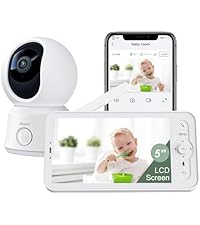 Baby Monitor B2 Kit | 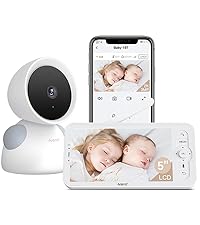 Baby Monitor D3 Kit | 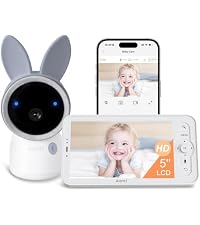 Baby Monitor A4 Kit | 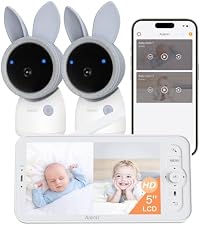 Baby Monitor A4-2Cam | 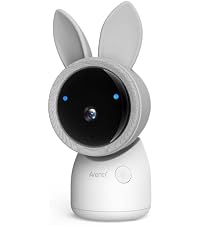 Baby Monitor AICam | 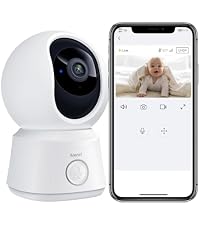 Baby Monitor B2 Cam | |
|---|---|---|---|---|---|---|---|
| Customer Reviews | — | 4.2 out of 5 stars496 | 4.2 out of 5 stars233 | 4.3 out of 5 stars37 | 4.2 out of 5 stars78 | 4.4 out of 5 stars234 | 4.3 out of 5 stars27 |
| Price | $69.99 | $89.99 | $99.99 | $109.99 | $139.99 | $77.99 | $49.99 |
| Free APP | – | YES | YES | YES | YES | YES | YES |
| Super Night Vision | YES | YES | YES | YES | YES | YES | YES |
| Clear Two-way Audio | YES | YES | YES | YES | YES | YES | YES |
| Resolution | 720P | 2MP | 720P-3MP | 720P-4MP | 720P-4MP | 720P-3MP | 2MP |
| Use | Indoor/Baby/Pet | Indoor/Baby/Pet | Indoor/Baby/Pet | Indoor/Baby/Pet | Indoor/Baby/Pet | Indoor/Baby/Pet | Indoor/Baby/Pet |
| Wi-Fi Connection | No Wi-Fi | HaLow & 2.4GHz Wi-Fi | HaLow & 2.4GHz Wi-Fi | HaLow&2.4GHz Wi-Fi & 5G Wi-Fi | HaLow&2.4GHz Wi-Fi & 5G Wi-Fi | HaLow & 2.4GHz Wi-Fi | HaLow & 2.4GHz Wi-Fi |
| Detection | Motion & Sound Detection | Motion & Sound Detection | Motion & Sound Detection | Motion & Sound Detection | Motion & Sound Detection | Motion & Sound Detection | Motion & Sound Detection |
| Power supply | 5V/1A Plug-in Power | 5V/1A Plug-in Power | 5V/1A Plug-in Power | 5V/1A Plug-in Power | 5V/1A Plug-in Power | 5V/1A Plug-in Power | 5V/1A Plug-in Power |
| Local Storage | Mirco SD card, up to 256GB | Mirco SD card, up to 256GB | Mirco SD card, up to 256GB | Mirco SD card, up to 256GB | Mirco SD card, up to 256GB | Mirco SD card, up to 256GB | Mirco SD card, up to 256GB |