Wireless Headset with Mic for Work, Bluetooth Headset
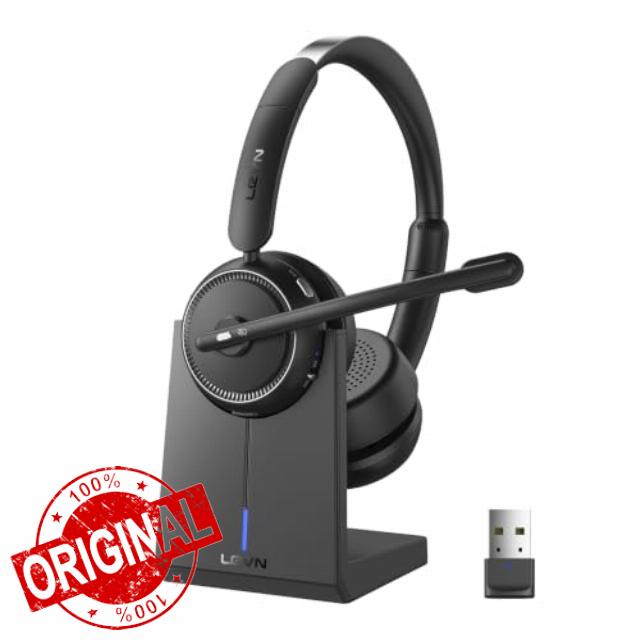
Wireless Headset with Mic for Work, Bluetooth Headset with Microphone AI Noise Cancelling & Mute Button, Wireless Headphones with Mic for Work/Home/Office/Call Center/PC/Laptop/Computer/Teams/Zoom
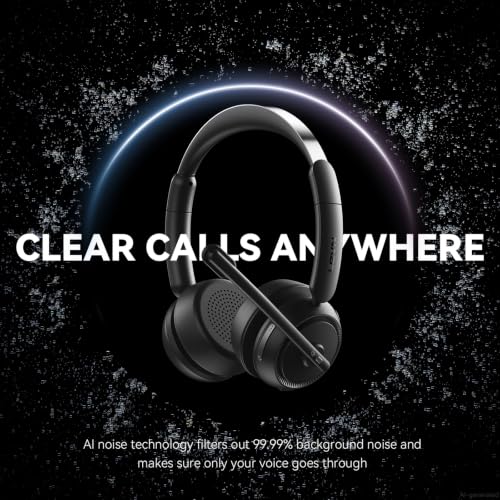
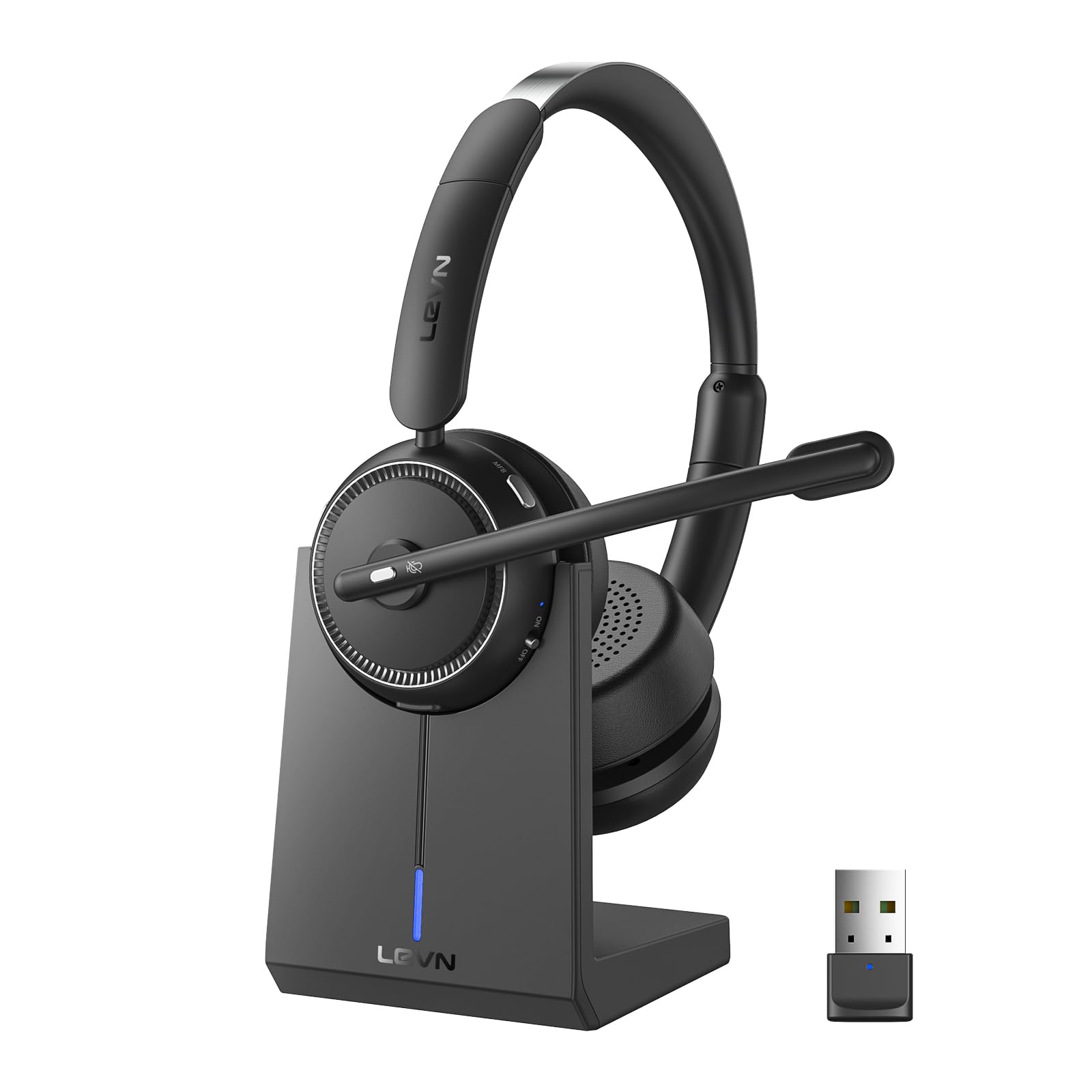
- AI Noise Cancelling for Clearly Anywhere: The LEVN wireless headset with microphone for work uses advanced AI noise cancellation to reduce up to 99.9% of background noise, delivering professional-quality voice clarity on every call. Whether you're in a busy office, home workspace, coffee shop, or shared environment, your voice stays clear. A one-touch mute button offers instant privacy, making the wireless headset with mic ideal for remote work, meetings, customer support, and business calls
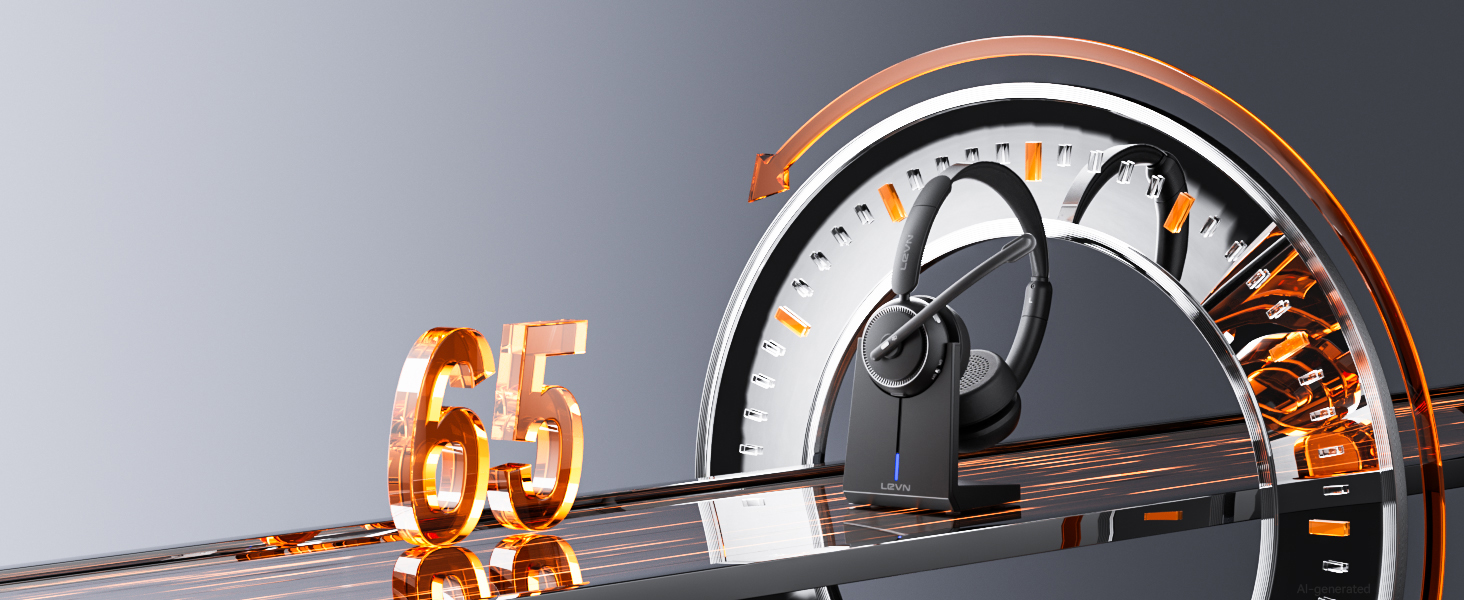
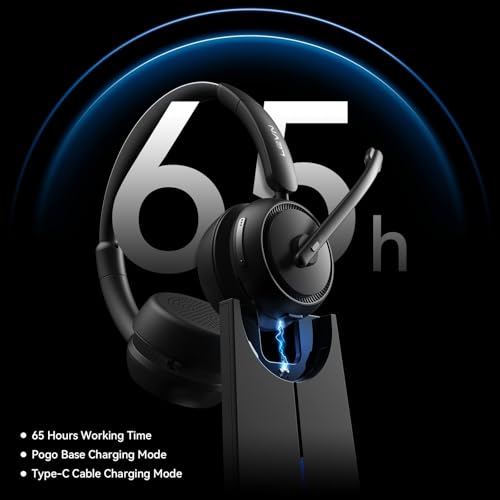
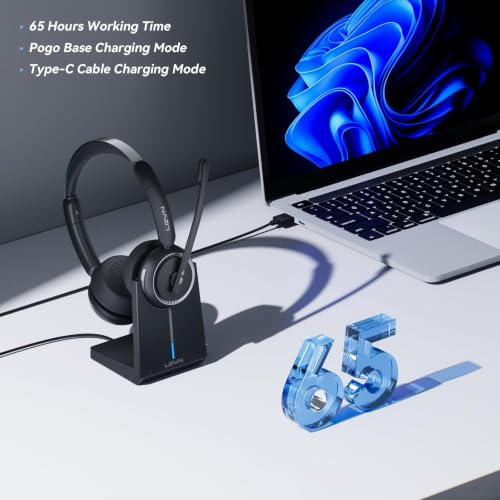
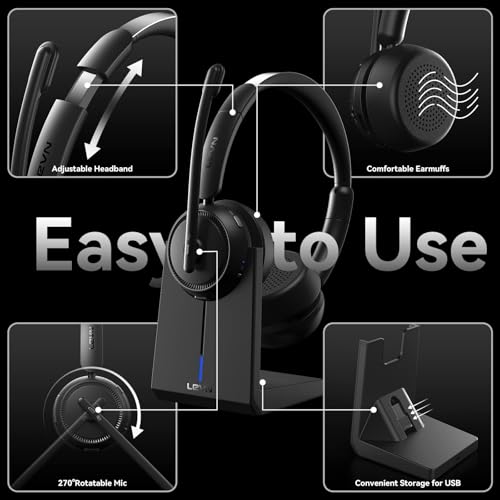
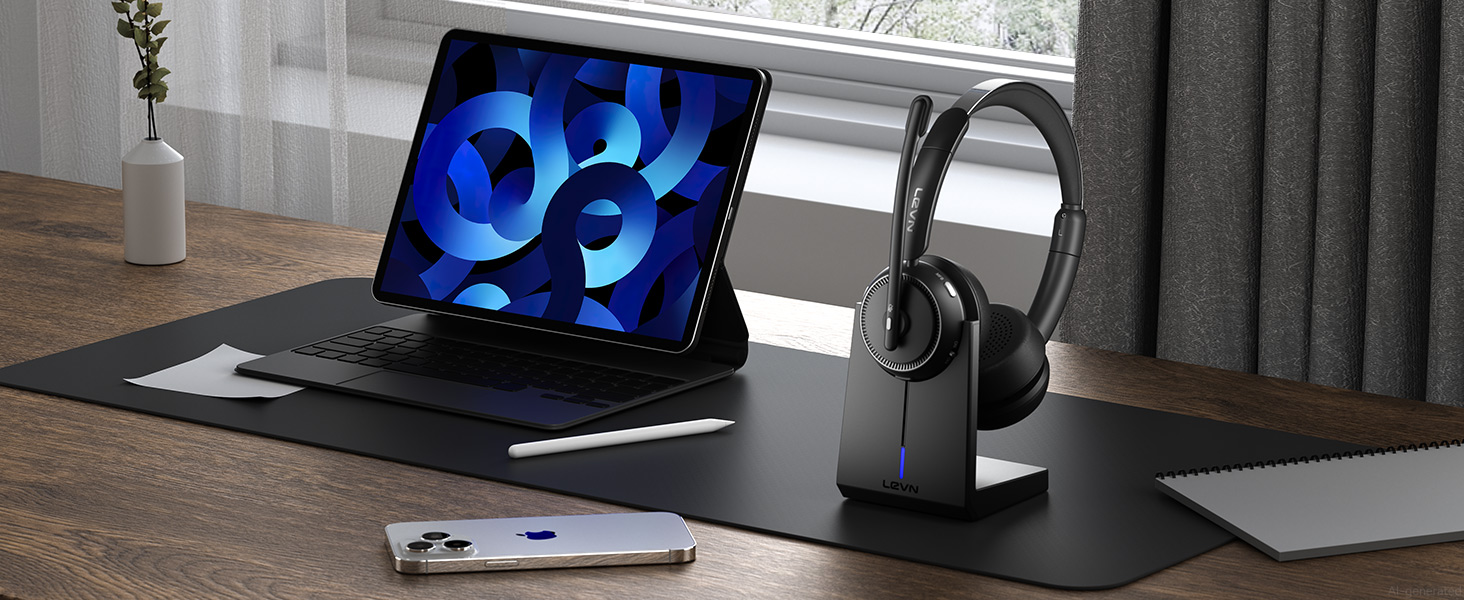
- 65-Hour Battery & Easy Charging: The LEVN wireless headset with mic for work delivers up to 65 hours of battery life, enough to power a full workweek of calls, meetings, online classes, and business travel. The plug-and-play charging base makes recharging effortless, while the built-in USB dongle storage keeps the adapter secure and within reach. Stay connected, productive, and ready for every conversation with bluetooth headset, whether you're working from home, in the office, or traveling
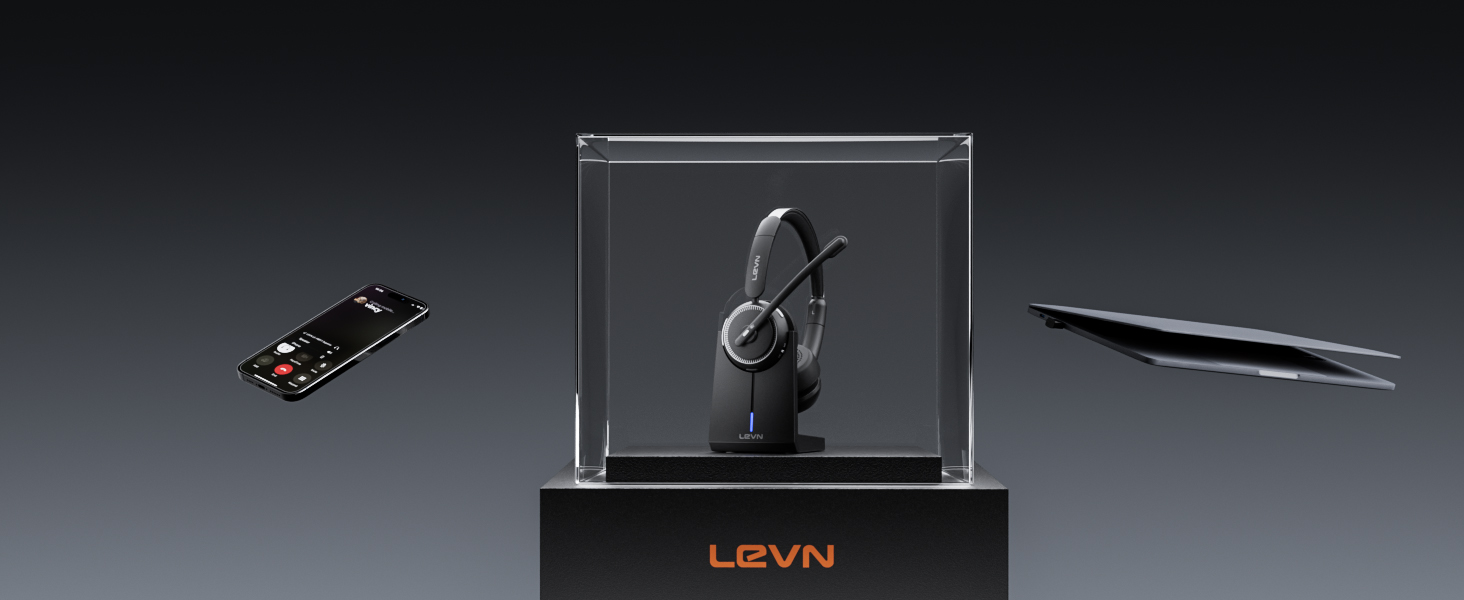
- Dual Connectivity for Maximum Flexibility: The LEVN wireless headset with mic for work supports both Bluetooth 5.2 and a USB dongle for seamless connections. Easily pair with laptops, smartphones, tablets, and other Bluetooth devices. For desktops without Bluetooth, simply plug in the included USB adapter for a stable connection (one device at a time). Enjoy wireless freedom with a range of up to 49 ft, allowing you to move around the office or home without losing clear, reliable audio
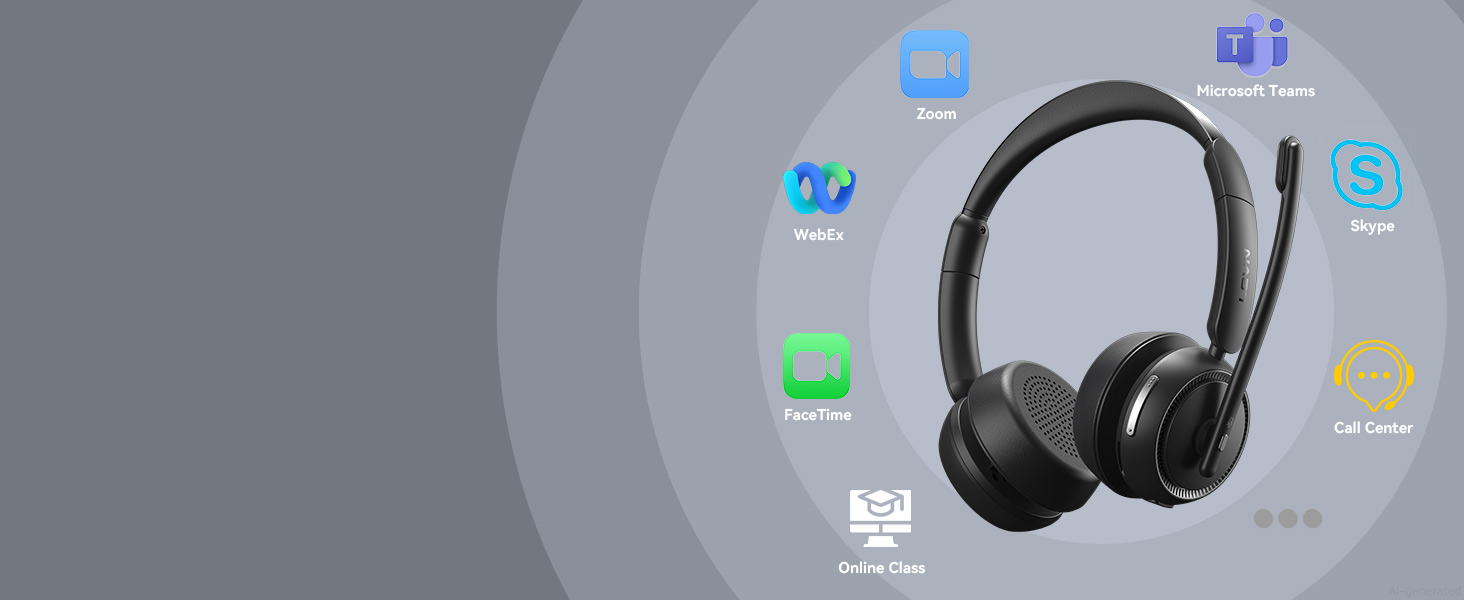
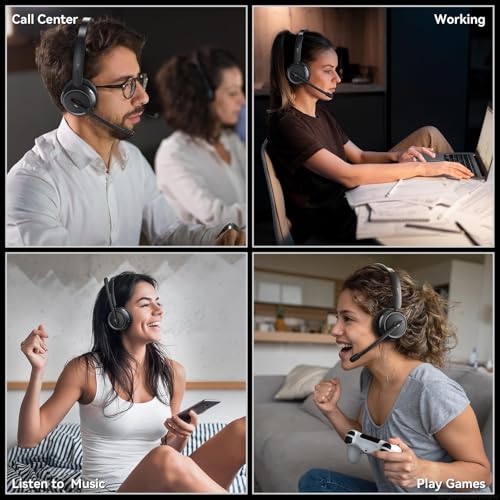
- Immersive Stereo Sound for Work & Play: Experience crystal-clear calls and stunning audio with the bluetooth headphones with Mic. The binaural design helps reduce surrounding distractions, delivering an immersive listening experience for work and entertainment. Enjoy seamless compatibility with platforms like Zoom, Microsoft Teams, WebEx, and Skype. Whether you're in a meeting or relaxing with music, this Bluetooth headset with microphone delivers exceptional sound quality for every moment
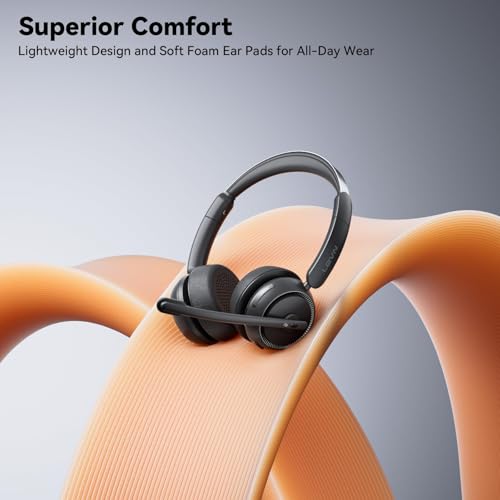
- All-Day Comfort for Work: The LEVN wireless headset with mic is designed for lasting comfort during extended work sessions. Soft protein leather ear cushions provide a gentle, breathable fit, while the adjustable headband evenly distributes pressure for all-day wear. The 270° rotatable microphone lets you wear it on either side, and the sling-style headband helps prevent hair tangling, making these wireless headphones with mic comfortable for all head sizes, especially users with long hair
wireless headset with mic for work
Crystal Clear Calls Anywhere
Reduces background noise to keep your voice clear and professional in any environment
Hear Every Note with Stunning Clarity
Enjoy rich, immersive audio for calls, music, and movies with exceptional clarity
Game Mode for Low-Latency Immersive Sound
Enjoy immersive, low-latency audio that keeps you ahead in every competitive match
Wide Compatibility with Major Platforms & Devices
Connect effortlessly to phones, computers, Zoom, and Teams for smooth, hassle-free communication
Always Ready with Fast Charging
Stay productive with up to 65 hours of battery life and a charging base for effortless recharging
Bluetooth 5.3 & USB Dongle for Instant Connection
Enjoy seamless pairing with laptops, desktops, and phones using two easy connection options
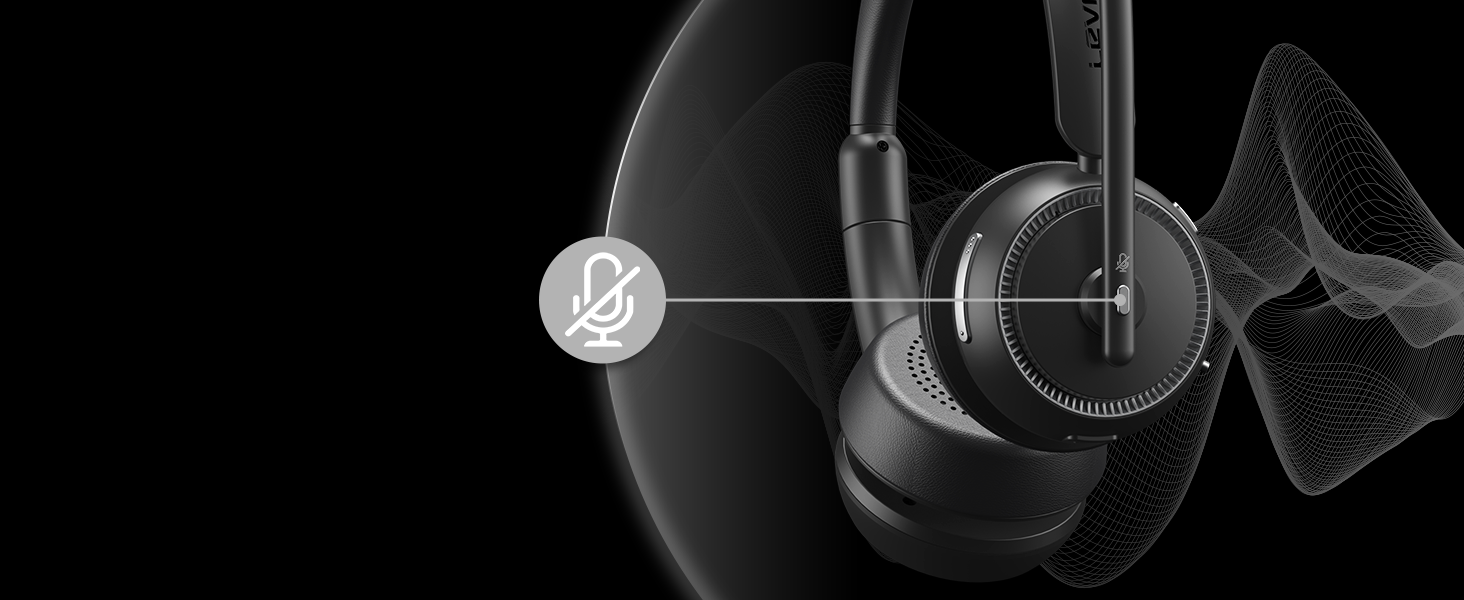
Stay in Control with One-Touch Mute
Enjoy quick privacy with a simple mute button, ideal for professionals on the go
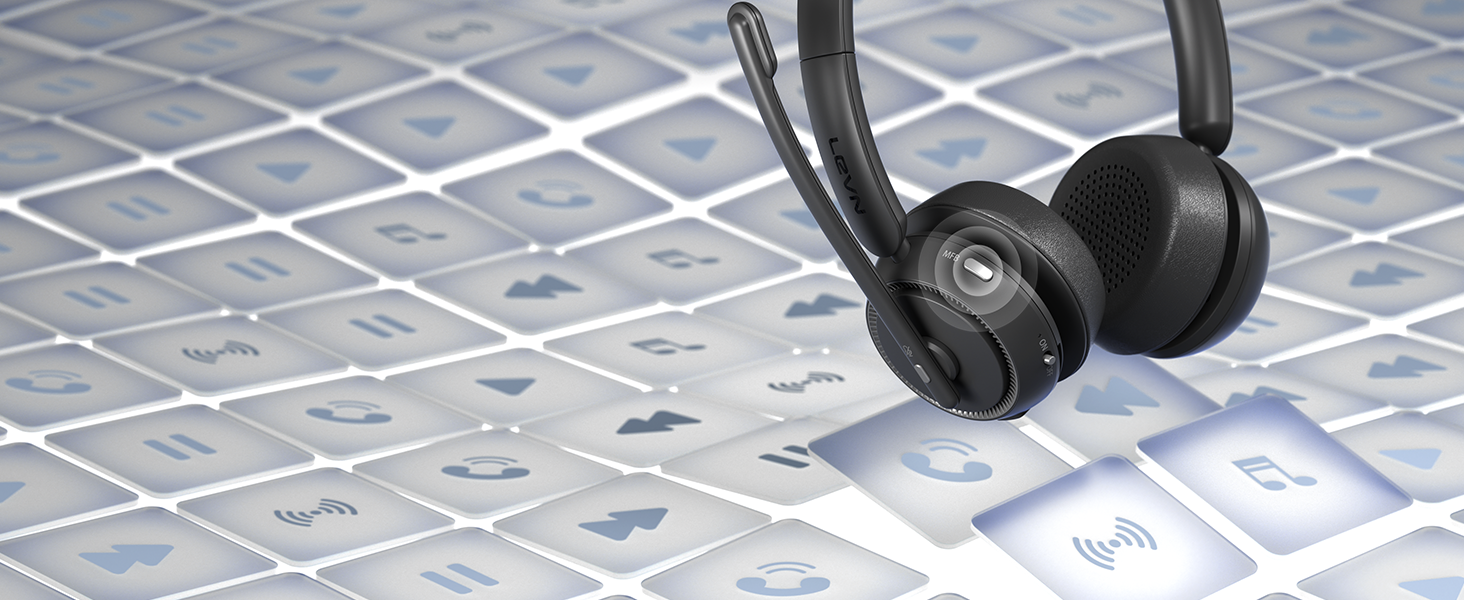
Manage Calls & Audio with One Button
Use the MFB to answer, end, mute, or play music, making communication seamless and efficient
I want to connect wireless headset to my computer. How do I set up the audio?
When the wireless headset with mic is paired with the computer, please check the sound settings of both the computer and the software to make sure [LE-HS013 Superior] is selected as the default output and input device (speaker/microphone)
Can I use the bluetooth headset to answer or hang up calls?
If the wireless headset is connected to a mobile phone, you can click the MFB on the headset to answer/hang up the call; if the wireless headset is connected to a computer, you need to click the MFB on the computer to answer/hang up the call.
I'm working from home. Can this wireless headset with microphone effectively block out background noise from my family?
Of course, our wireless headset can effectively eliminate unwanted background noise (family screaming and crying, dogs barking.); however, the voice of the family speaking at a normal volume is not environmental noise and cannot be filtered out
How do I charge the wireless headset with mic for work?
This Bluetooth headset comes with an elegant desktop charging dock for a convenient charging and storage solution. You can also use a Type-C Charging cable to charge it. The charging base has a slot for a USB dongle. Don't worry about losing the USB
What should I do if the device connection fails?
First, in on status, long-press Volume"-" and MFB for 5 seconds to clear the pair record. The light is solid purple for 1 second, which means the pair record has been deleted. Then press and hold the multi-function button for 10s to reset and restart



| SKU: | B0GWZZ7BQN |
| Weight: | 8 ounces |
| Brand: | LEVN |
| Model: | LE-HS013 Black |
| Colour: | Black |
| Manufacture: | LEVN |
| Colour: | Black |
Product description
 The video showcases the product in use.The video guides you through product setup.The video compares multiple products.The video shows the product being unpacked.
wireless headset with mic for work

Crystal Clear Calls Anywhere
Reduces background noise to keep your voice clear and professional in any environment
Hear Every Note with Stunning Clarity
Enjoy rich, immersive audio for calls, music, and movies with exceptional clarity
Game Mode for Low-Latency Immersive Sound
Enjoy immersive, low-latency audio that keeps you ahead in every competitive match
Wide Compatibility with Major Platforms & Devices
Connect effortlessly to phones, computers, Zoom, and Teams for smooth, hassle-free communication
Always Ready with Fast Charging
Stay productive with up to 65 hours of battery life and a charging base for effortless recharging
Bluetooth 5.3 & USB Dongle for Instant Connection
Enjoy seamless pairing with laptops, desktops, and phones using two easy connection options
Stay in Control with One-Touch Mute
Enjoy quick privacy with a simple mute button, ideal for professionals on the go
Manage Calls & Audio with One Button
Use the MFB to answer, end, mute, or play music, making communication seamless and efficient

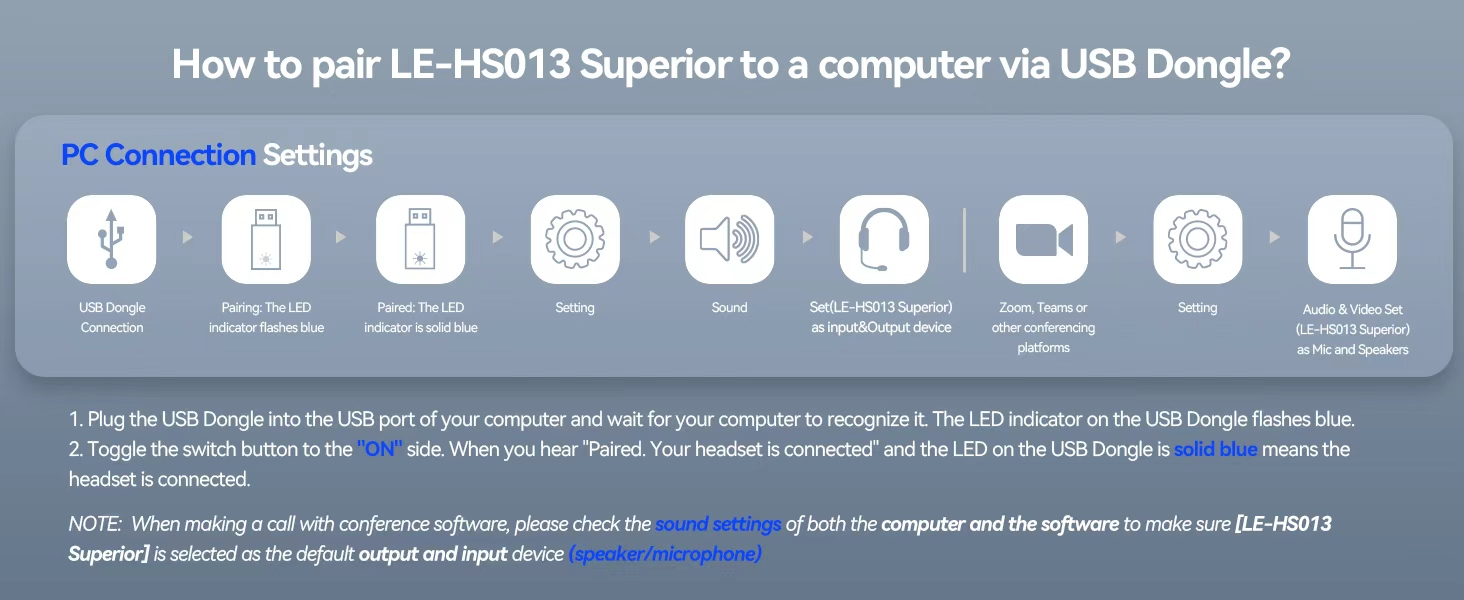
I want to connect wireless headset to my computer. How do I set up the audio?
When the wireless headset with mic is paired with the computer, please check the sound settings of both the computer and the software to make sure [LE-HS013 Superior] is selected as the default output and input device (speaker/microphone)
Can I use the bluetooth headset to answer or hang up calls?
If the wireless headset is connected to a mobile phone, you can click the MFB on the headset to answer/hang up the call; if the wireless headset is connected to a computer, you need to click the MFB on the computer to answer/hang up the call.
I’m working from home. Can this wireless headset with microphone effectively block out background noise from my family?
Of course, our wireless headset can effectively eliminate unwanted background noise (family screaming and crying, dogs barking…); however, the voice of the family speaking at a normal volume is not environmental noise and cannot be filtered out
How do I charge the wireless headset with mic for work?
This Bluetooth headset comes with an elegant desktop charging dock for a convenient charging and storage solution. You can also use a Type-C Charging cable to charge it. The charging base has a slot for a USB dongle. Don’t worry about losing the USB
What should I do if the device connection fails?
First, in on status, long-press Volume”-” and MFB for 5 seconds to clear the pair record. The light is solid purple for 1 second, which means the pair record has been deleted. Then press and hold the multi-function button for 10s to reset and restart