P2 Pro Portable Inkless Printer, 300 DPI Wireless Thermal
P2 Pro Portable Inkless Printer, 300 DPI Wireless Thermal Printing for iPhone Android Laptop PC, for Travel Remote Work Home Office School, Black
- FREE 100-SHEET THERMAL PAPER: The paper is a separate free item, not packed inside the printer box. On this page, add BOTH the printer and the paper (B0FXXDKVYD) to your cart (paper shows $0.00 at checkout). Already ordered without it? Your Orders > Contact Seller.
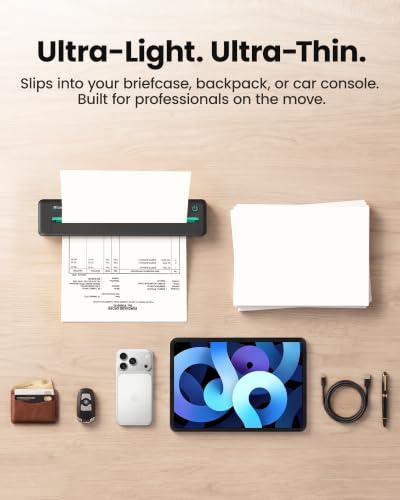
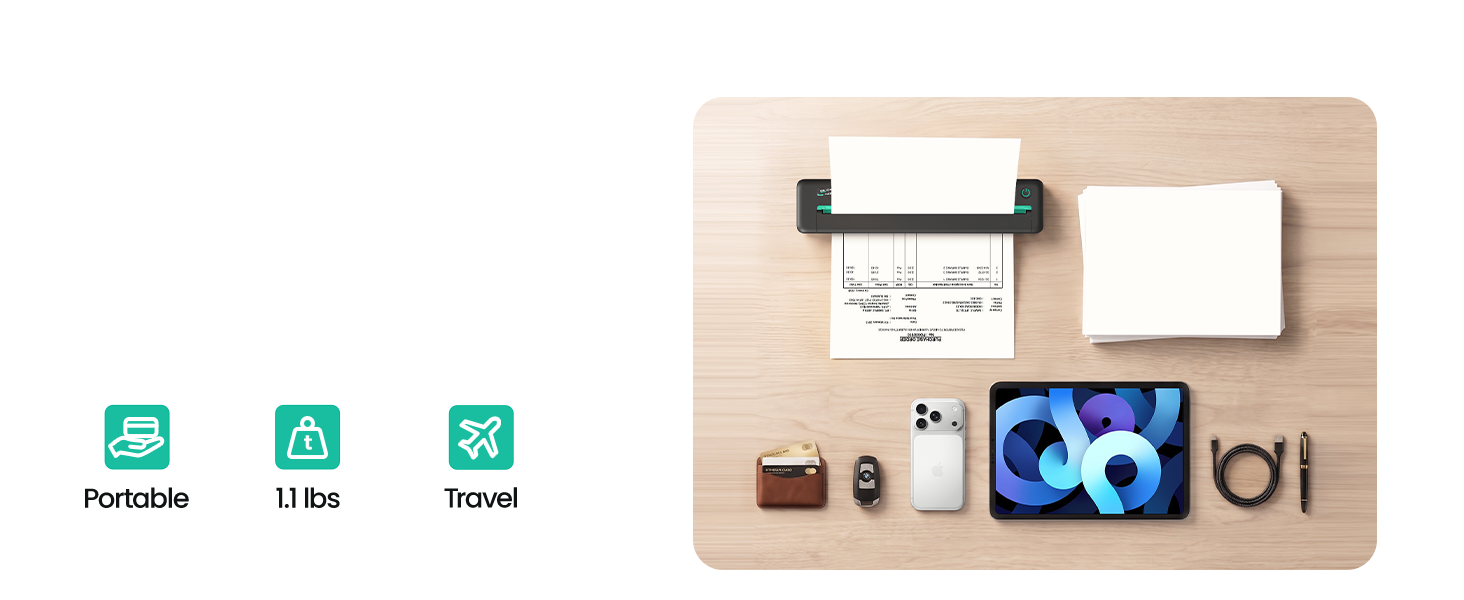
- Made to move. At just 1.07 pounds (486 grams), P2 Pro is easy to carry from one appointment to the next. Its slim profile fits neatly in a laptop bag or briefcase, so it’s ready to go when you are.
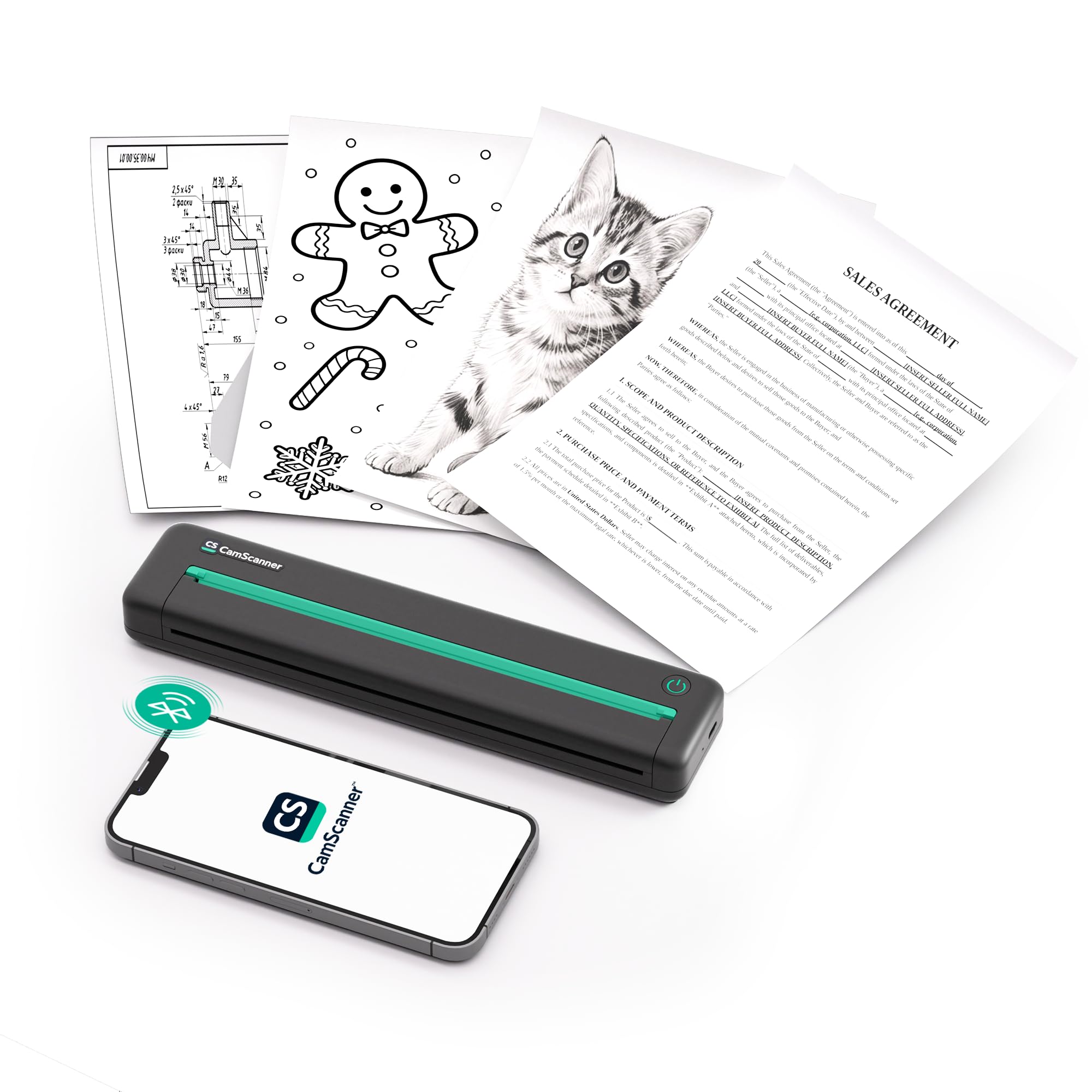
- Print where business happens. From inspections and claims visits to mobile notarizations, P2 Pro lets you print agreements, reports, receipts, and invoices on site—without detouring to an office or print shop.
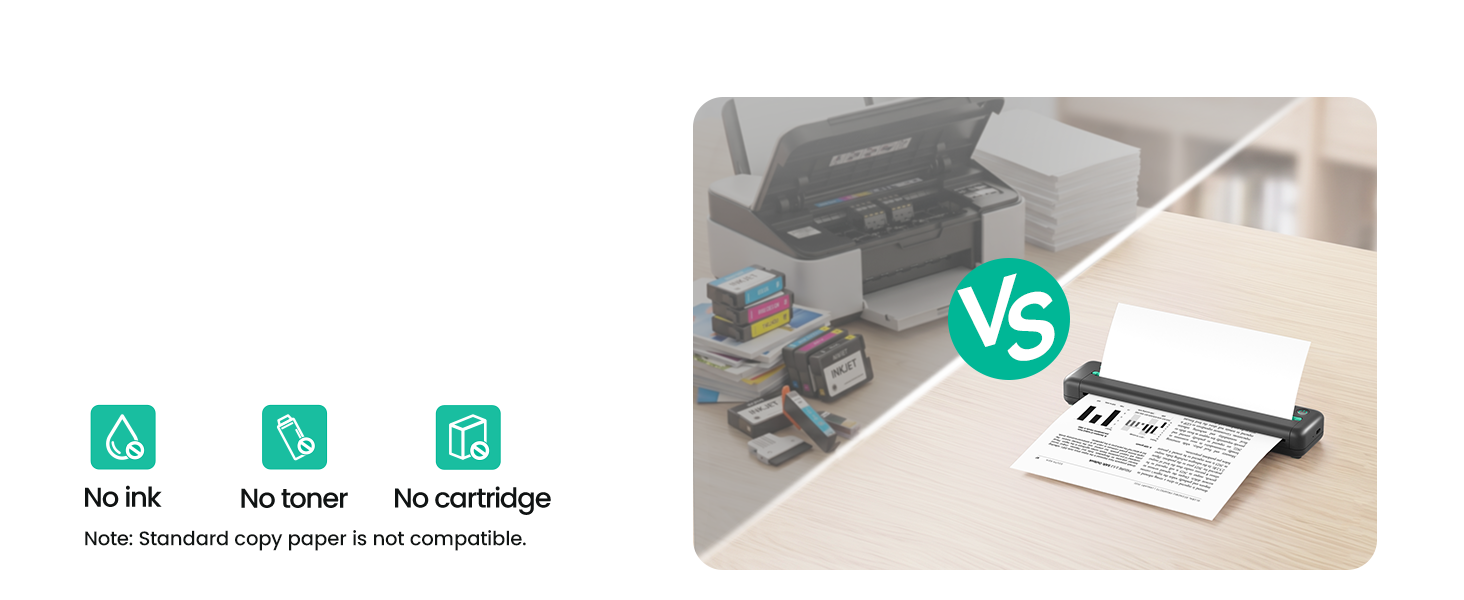
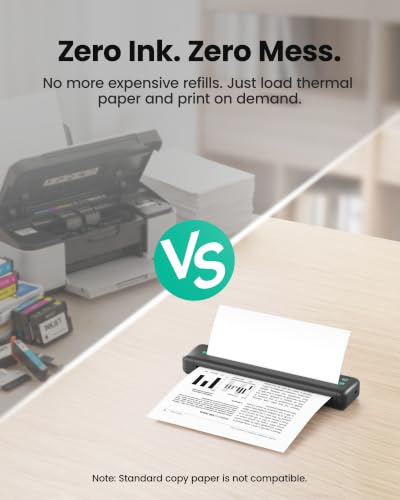
- No Ink. No Mess. Thermal printing means there’s no ink or toner to replace. Print everyday business documents on 8.5-by-11-inch US Letter thermal paper, with fewer supplies to carry and store.
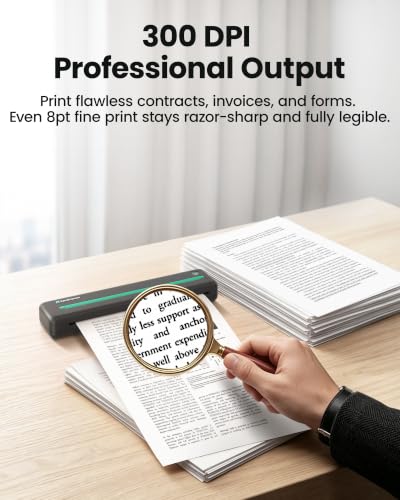
- More ways to print. Use compatible two-sided thermal paper to print on the front and back of each sheet, or red-and-black thermal paper to make key details stand out. A 300 dpi print resolution helps keep fine text clear and legible.
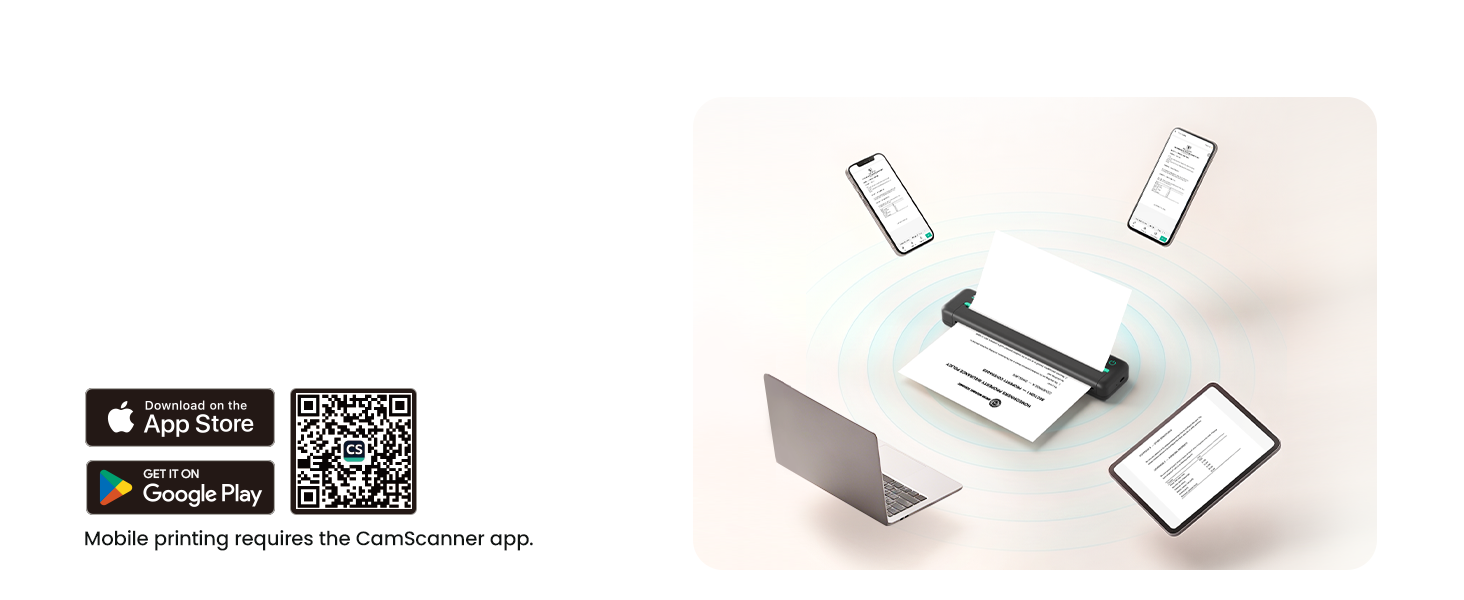
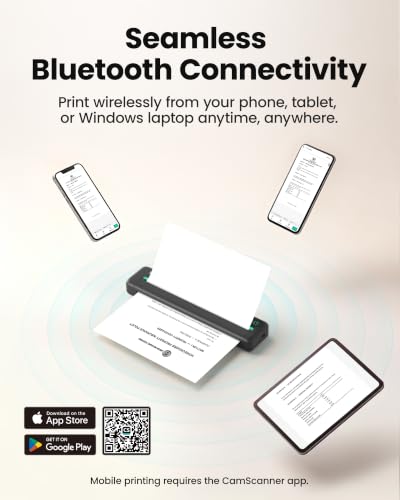
- Bluetooth. No Wi-Fi required. Connect a compatible phone or tablet over Bluetooth to print PDFs and business documents without joining a Wi-Fi network. For a Mac or Windows PC, USB-C provides a stable wired connection.
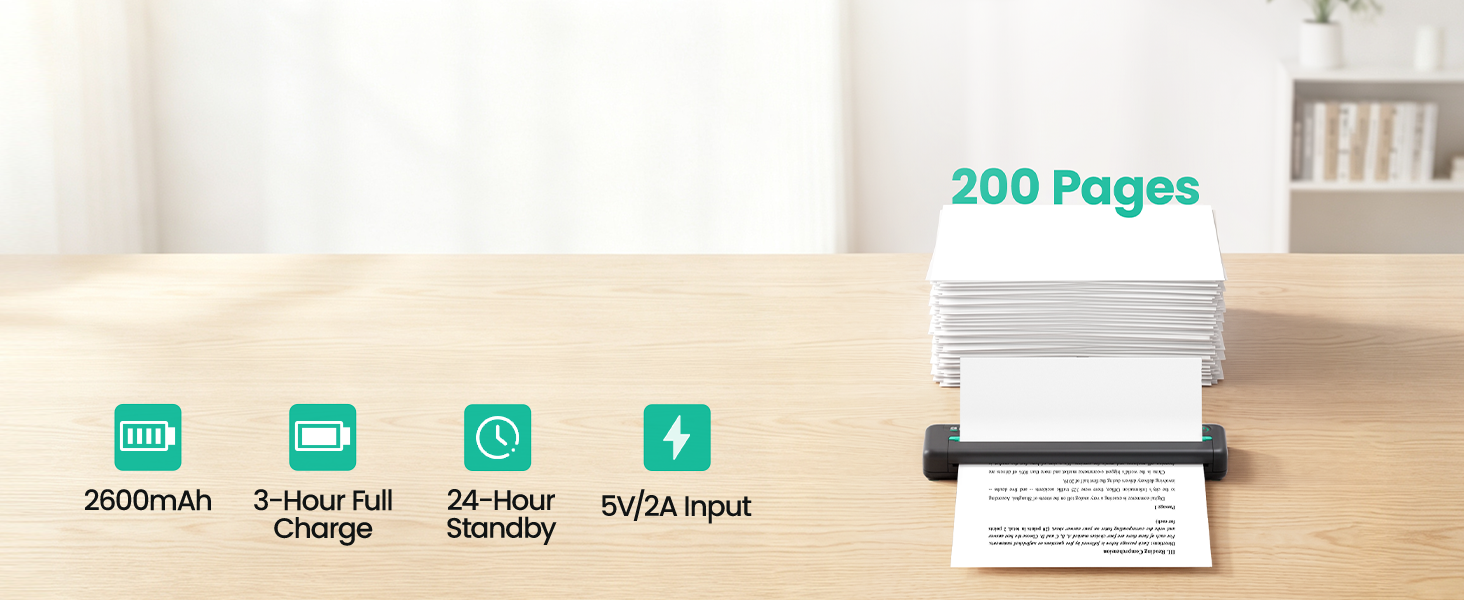
- Up to 200 pages on a charge. Print up to 200 Letter-size pages on a single charge.*** When it’s time to power up, recharge over USB-C from a compatible power adapter, computer, or power bank.
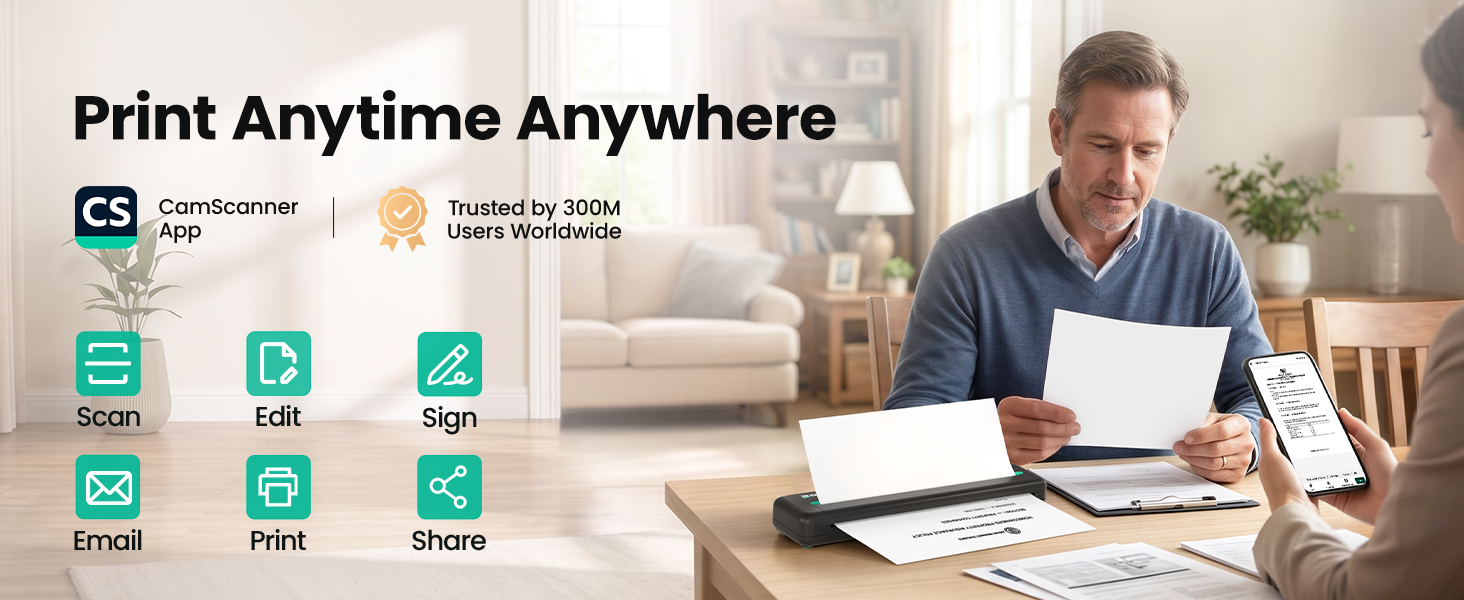
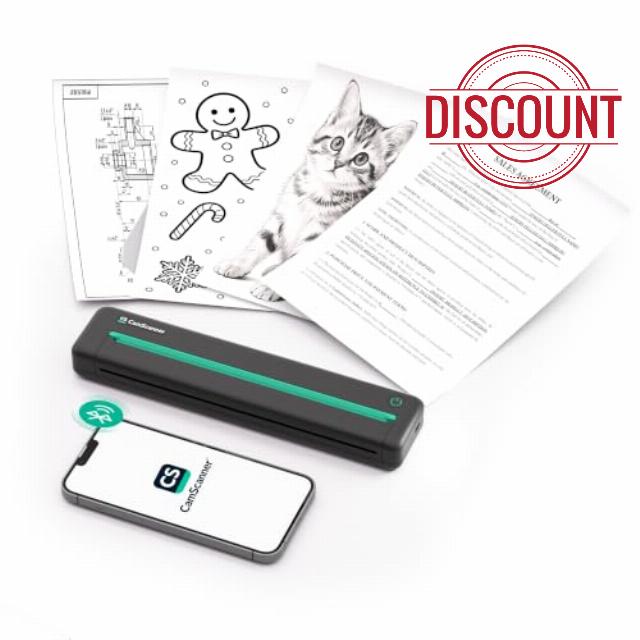
- From scan to print. Scan and enhance a document with a compatible app, then print it directly from your phone. P2 Pro turns a quick scan into a clean paper copy—wherever work finds you.
- Ready out of the box. P2 Pro includes a carrying pouch, USB-C cable, starter thermal paper (B0FXXDKVYD), and quick start guide.
Engineered for the Bag. Built for the Road.
At just 486g and with a slim profile, P2 Pro slips seamlessly into your laptop sleeve alongside your MacBook or iPad. No bulk. No extra weight. Just instant printing capability wherever business takes you.
No Ink. No Cartridge. No Mess.
No ink to dry out. No subscription to cancel. Just load thermal paper, and print on demand.
From Screen to Page in Seconds.
Print wirelessly from your phone, tablet, or Windows laptop without any cables.
Plug in and Print.
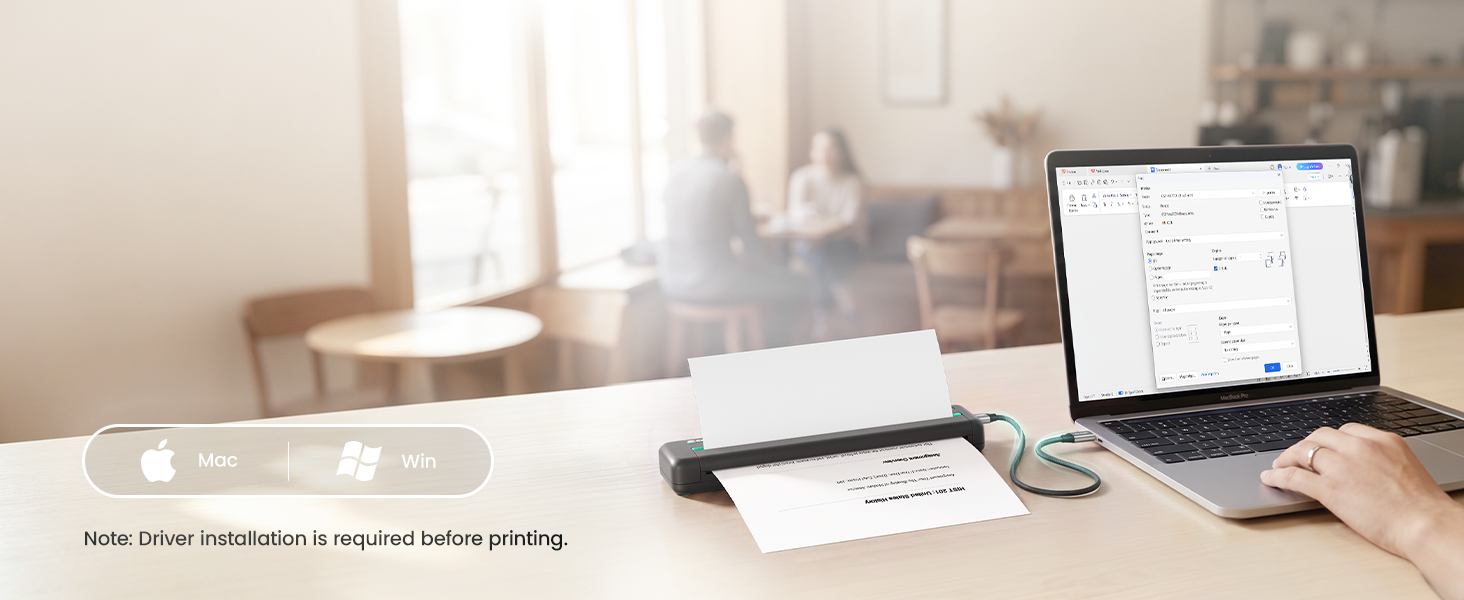
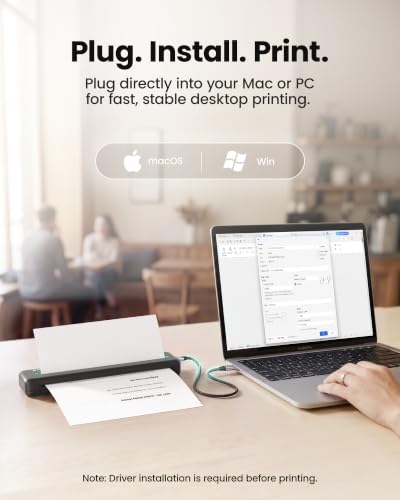
Connect to any Mac or Windows PC with the USB-C cable. First-time setup takes under 2 minutes.
Every word. Crisp, Clear, Readable.
Sharp, clean text on every page. Notes, essays, and labels all look professional.
200 Pages on a Single Charge.
Powers through study sessions, deadlines, and late nights. No outlet needed.
Scan with CamScanner. Print with CamScanner P2.
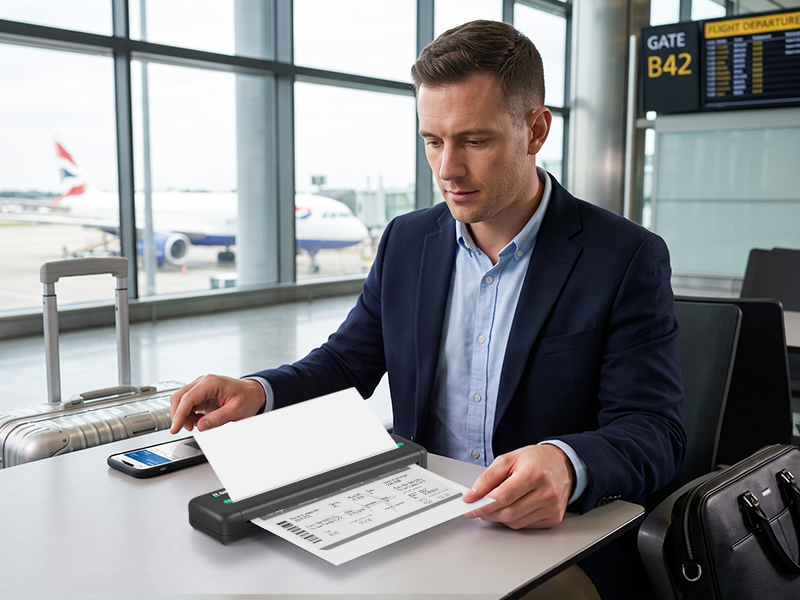
The next job starts before you land.
Print updated documents wherever work takes you.
Your schedule changes between flights, and the latest work order lands on your phone. Open it in CamScanner, review the details, and send it to CamScanner P2. Print a clear field copy beside your carry-on, mark the changes, and walk into the next appointment prepared. No business center. No return to the office. Just the document the job requires.
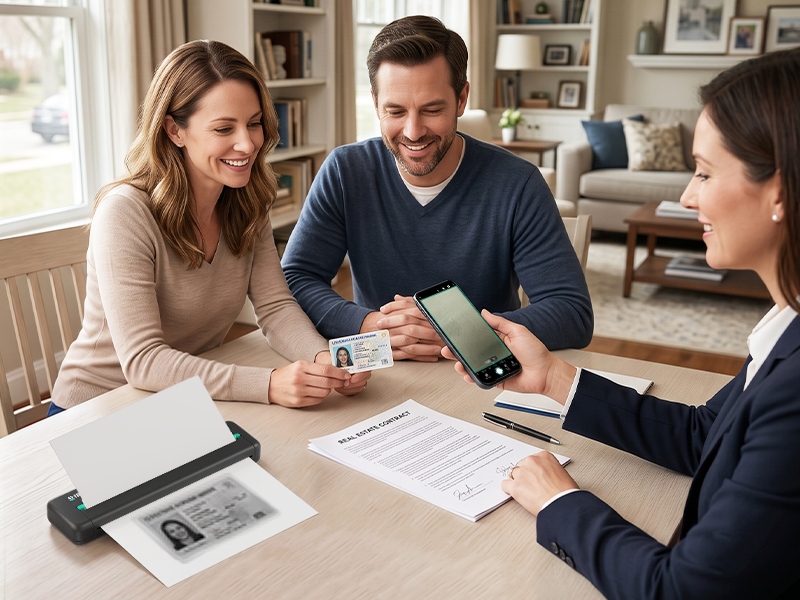
One visit. Every document complete.
Scan IDs, print agreements, and finish the paperwork on site.
A client visit should not end with paperwork still pending. Use CamScanner to capture IDs and supporting documents at the table, straighten each page, and organize the file. Send it to CamScanner P2 and print the agreement for review and signature before you leave. The client gets a copy, your records stay complete, and the case moves forward in one visit.
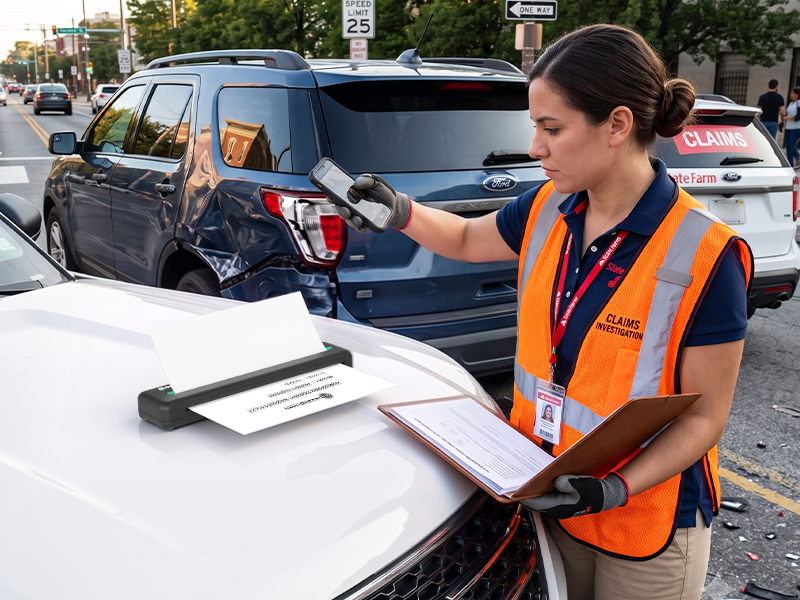
Capture the evidence. Keep the claim moving.
Turn roadside details into a working case file.
As a claims adjuster, you need evidence while the scene is still fresh. Use CamScanner to capture forms, damage notes, and supporting documents beside the vehicle. Send the organized file to CamScanner P2 and print a clear working copy on the spot. Review details with the driver, mark follow-ups, and leave with the claim ready for its next step.
Updated plans. Uninterrupted work.
Put the latest drawing directly in the crew’s hands.
When a drawing changes mid-build, the crew cannot wait for a trip back to the trailer. Open the update in CamScanner, crop the page, sharpen the lines, and send it to CamScanner P2. Print a working copy at the site, compare it with the structure, and mark revisions with the team. Everyone works from the same plan, right where decisions are made.
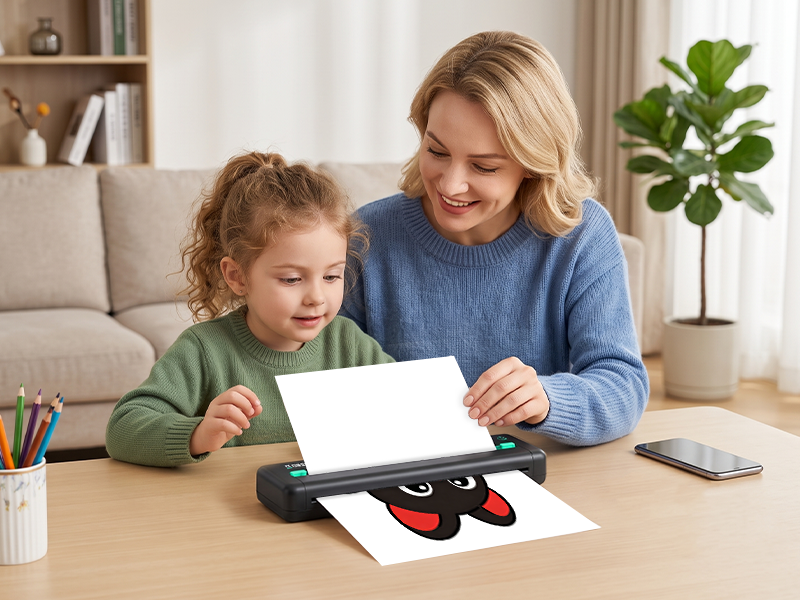
Two colors. One bigger reaction.
Bring every character to life in red and black.
A favorite character should feel more playful than a plain black outline. Choose the image on your phone, prepare it in CamScanner, and send it to CamScanner P2. Red-and-black thermal printing adds bold contrast to the details that matter—eyes, smiles, accents, and shapes. Print a page to display, share, or turn into the start of a new coloring project.
How can I improve the print quality?
For best results, use a high-resolution file (min. 2480×3036px for full-page). In the CamScanner app, apply sharpening and choose a print filter: “Text Only” for bold text or “Image & Text” for fine details. Always use our official thermal paper.
Does this printer come with thermal paper?
Yes, one pack thermal paper (100 Sheets) is FREE, but it ships separately, not inside the printer box. Add the printer AND the paper (B0FXXDKVYD) to your cart via the Buy 1 Get 1 Free offer. Missed it? Go to Your Orders > Contact Seller.
What devices are compatible with this printer?
Connect wirelessly via Bluetooth to iOS, Android, or Windows devices. For a wired setup, use a USB-C cable with your macOS or Windows PC after installing the drivers. (Note: Linux and ChromeOS are not supported at this time.)
Does this printer work with regular paper?
No, this printer works exclusively with thermal paper. It uses advanced thermal technology to deliver crisp 300 DPI prints, which means you will never need to buy ink or toner again!
Is the CamScanner app free to use?
Yes, core features like printing, scanning & editing are free.
We pioneered digital capture. Now we deliver the physical print.
We spent years building the intelligent scanning engine trusted by over 300 million users. We know exactly what makes a document perfect. But digital capture was only the beginning. To give you total control over your workflow, we created the CamScanner P1. It bridges the gap between your screen and your desk. Every scan translates perfectly to paper, captured by CamScanner and brought to life by our hardware. Your complete document ecosystem is here.
Explore More from CamScanner
| Add to Cart Add to Cart Add to Cart Add to Cart | ||||
| Customer Reviews | — | 3.9 out of 5 stars27 | 3.8 out of 5 stars78 | 4.0 out of 5 stars9 |
| Price | $109.99$109.99 | $59.99$59.99 | $129.99$129.99 | $20.99$20.99 |
| Printing Technology | Direct Thermal | Direct Thermal | Direct Thermal | N/A |
| Print Resolution (dpi) | 300 | 203 | 300 | N/A |
| Two-Color Printing (Black&Red) | ✔ | ✘ | ✘ | ✘ |
| Duplex Printing (Double-Sided) | ✔ | ✘ | ✔ | ✘ |
| Paper Size | 8.5 × 11 in (Letter) | 8.5 × 11 in (Letter) | 8.5 × 11 in (Letter) | 8.5 × 11 in (Letter) |
| Wireless Connectivity | Bluetooth | Bluetooth | Bluetooth | N/A |
| Wired Interface | USB-C | USB-C | USB-C | N/A |
| OS / Device Compatibility | iOS/iPadOS/Android/macOS/Win | iOS/iPadOS/Android/macOS/Win | iOS/iPadOS/Android/macOS/Win | N/A |
| App | CamScanner | CamScanner | CamScanner | N/A |
| Battery Capacity | 2600 mAh | 2600 mAh | 2600 mAh | N/A |
| Weight | 486 g (1.07 lb) | 695 g (1.53 lb) | 695 g (1.53 lb) | 13.6 oz (386 g) per 100 sheets |



| SKU: | B0H2GPVVDX |
| Brand: | CamScanner |
| Model: | CSTP300F |
| Colour: | Black |
| Manufacture: | Shanghai ZenYouful Technology Co., Ltd. |
| Colour: | Black |
Product description
Engineered for the Bag. Built for the Road.
At just 486g and with a slim profile, P2 Pro slips seamlessly into your laptop sleeve alongside your MacBook or iPad. No bulk. No extra weight. Just instant printing capability wherever business takes you.

No Ink. No Cartridge. No Mess.
No ink to dry out. No subscription to cancel. Just load thermal paper, and print on demand.
From Screen to Page in Seconds.
Print wirelessly from your phone, tablet, or Windows laptop without any cables.
Plug in and Print.
Connect to any Mac or Windows PC with the USB-C cable. First-time setup takes under 2 minutes.
Every word. Crisp, Clear, Readable.
Sharp, clean text on every page. Notes, essays, and labels all look professional.
200 Pages on a Single Charge.
Powers through study sessions, deadlines, and late nights. No outlet needed.
Scan with CamScanner. Print with CamScanner P2.
The next job starts before you land.
Print updated documents wherever work takes you.
Your schedule changes between flights, and the latest work order lands on your phone. Open it in CamScanner, review the details, and send it to CamScanner P2. Print a clear field copy beside your carry-on, mark the changes, and walk into the next appointment prepared. No business center. No return to the office. Just the document the job requires.
One visit. Every document complete.
Scan IDs, print agreements, and finish the paperwork on site.
A client visit should not end with paperwork still pending. Use CamScanner to capture IDs and supporting documents at the table, straighten each page, and organize the file. Send it to CamScanner P2 and print the agreement for review and signature before you leave. The client gets a copy, your records stay complete, and the case moves forward in one visit.
Capture the evidence. Keep the claim moving.
Turn roadside details into a working case file.
As a claims adjuster, you need evidence while the scene is still fresh. Use CamScanner to capture forms, damage notes, and supporting documents beside the vehicle. Send the organized file to CamScanner P2 and print a clear working copy on the spot. Review details with the driver, mark follow-ups, and leave with the claim ready for its next step.
Updated plans. Uninterrupted work.
Put the latest drawing directly in the crew’s hands.
When a drawing changes mid-build, the crew cannot wait for a trip back to the trailer. Open the update in CamScanner, crop the page, sharpen the lines, and send it to CamScanner P2. Print a working copy at the site, compare it with the structure, and mark revisions with the team. Everyone works from the same plan, right where decisions are made.
Two colors. One bigger reaction.
Bring every character to life in red and black.
A favorite character should feel more playful than a plain black outline. Choose the image on your phone, prepare it in CamScanner, and send it to CamScanner P2. Red-and-black thermal printing adds bold contrast to the details that matter—eyes, smiles, accents, and shapes. Print a page to display, share, or turn into the start of a new coloring project.
How can I improve the print quality?
For best results, use a high-resolution file (min. 2480×3036px for full-page). In the CamScanner app, apply sharpening and choose a print filter: “Text Only” for bold text or “Image & Text” for fine details. Always use our official thermal paper.
Does this printer come with thermal paper?
Yes, one pack thermal paper (100 Sheets) is FREE, but it ships separately, not inside the printer box. Add the printer AND the paper (B0FXXDKVYD) to your cart via the Buy 1 Get 1 Free offer. Missed it? Go to Your Orders > Contact Seller.
What devices are compatible with this printer?
Connect wirelessly via Bluetooth to iOS, Android, or Windows devices. For a wired setup, use a USB-C cable with your macOS or Windows PC after installing the drivers. (Note: Linux and ChromeOS are not supported at this time.)
Does this printer work with regular paper?
No, this printer works exclusively with thermal paper. It uses advanced thermal technology to deliver crisp 300 DPI prints, which means you will never need to buy ink or toner again!
Is the CamScanner app free to use?
Yes, core features like printing, scanning & editing are free.
 Scanning perfected. Printing redefined.
 We pioneered digital capture. Now we deliver the physical print.
We spent years building the intelligent scanning engine trusted by over 300 million users. We know exactly what makes a document perfect. But digital capture was only the beginning. To give you total control over your workflow, we created the CamScanner P1. It bridges the gap between your screen and your desk. Every scan translates perfectly to paper, captured by CamScanner and brought to life by our hardware. Your complete document ecosystem is here.
Explore More from CamScanner
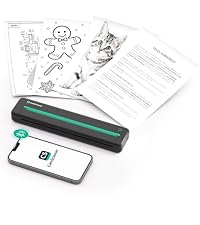 CamScanner P2 Pro | 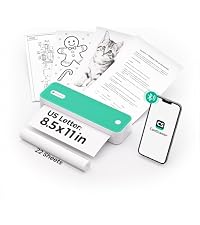 CamScanner P1 | 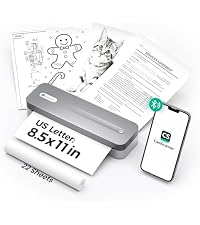 CamScanner P1 Pro | 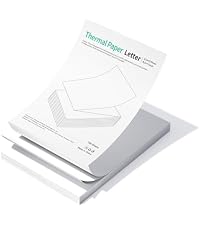 Fan-Fold Thermal Paper | |
|---|---|---|---|---|
| Customer Reviews | — | 3.9 out of 5 stars27 | 3.8 out of 5 stars78 | 4.0 out of 5 stars9 |
| Price | $109.99 | $59.99 | $129.99 | $20.99 |
| Printing Technology | Direct Thermal | Direct Thermal | Direct Thermal | N/A |
| Print Resolution (dpi) | 300 | 203 | 300 | N/A |
| Two-Color Printing (Black&Red) | ✔ | ✘ | ✘ | ✘ |
| Duplex Printing (Double-Sided) | ✔ | ✘ | ✔ | ✘ |
| Paper Size | 8.5 × 11 in (Letter) | 8.5 × 11 in (Letter) | 8.5 × 11 in (Letter) | 8.5 × 11 in (Letter) |
| Wireless Connectivity | Bluetooth | Bluetooth | Bluetooth | N/A |
| Wired Interface | USB-C | USB-C | USB-C | N/A |
| OS / Device Compatibility | iOS/iPadOS/Android/macOS/Win | iOS/iPadOS/Android/macOS/Win | iOS/iPadOS/Android/macOS/Win | N/A |
| App | CamScanner | CamScanner | CamScanner | N/A |
| Battery Capacity | 2600 mAh | 2600 mAh | 2600 mAh | N/A |
| Weight | 486 g (1.07 lb) | 695 g (1.53 lb) | 695 g (1.53 lb) | 13.6 oz (386 g) per 100 sheets |