Bluetooth Headset with Microphone, 60 Hrs Bluetooth
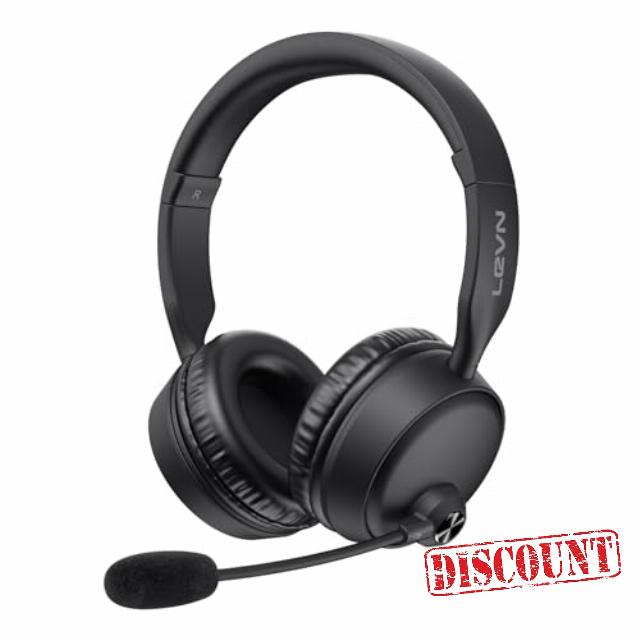
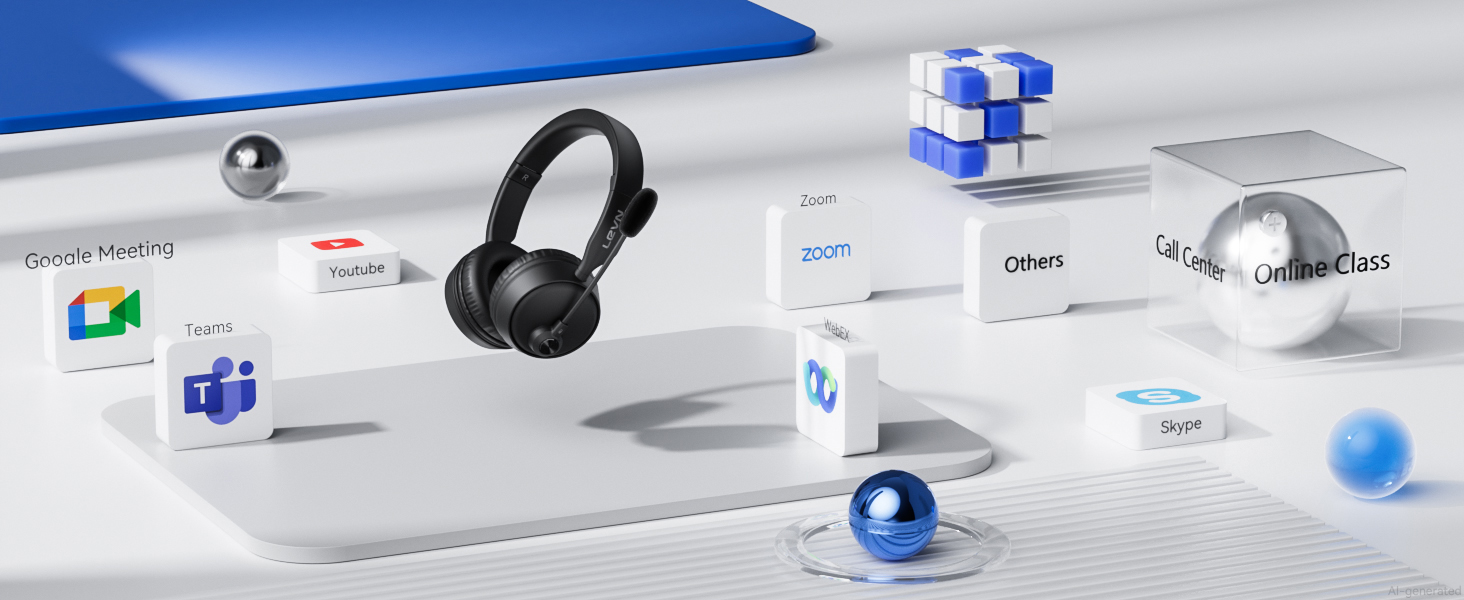
Bluetooth Headset with Microphone, 60 Hrs Bluetooth Headphones with Mic, Wireless Headset with Mic for Work/Meetings/Office/iPhone/Phone Calls/Call Center/Computer/PC/Teams/Zoom/Podcast/Skype/WebEx
- AI Noise Canceling Microphone: Leveraging advanced AI noise cancellation, LEVN bluetooth headphones with mic effectively isolate human voices from distracting background sounds like keyboard typing, children playing, or street noise. Wireless headset with mic for work ensures crystal-clear voice transmission, delivering a premium call experience even in noisy open offices or home environments. It is perfectly suited for remote work, virtual meetings, call centers, and working from home
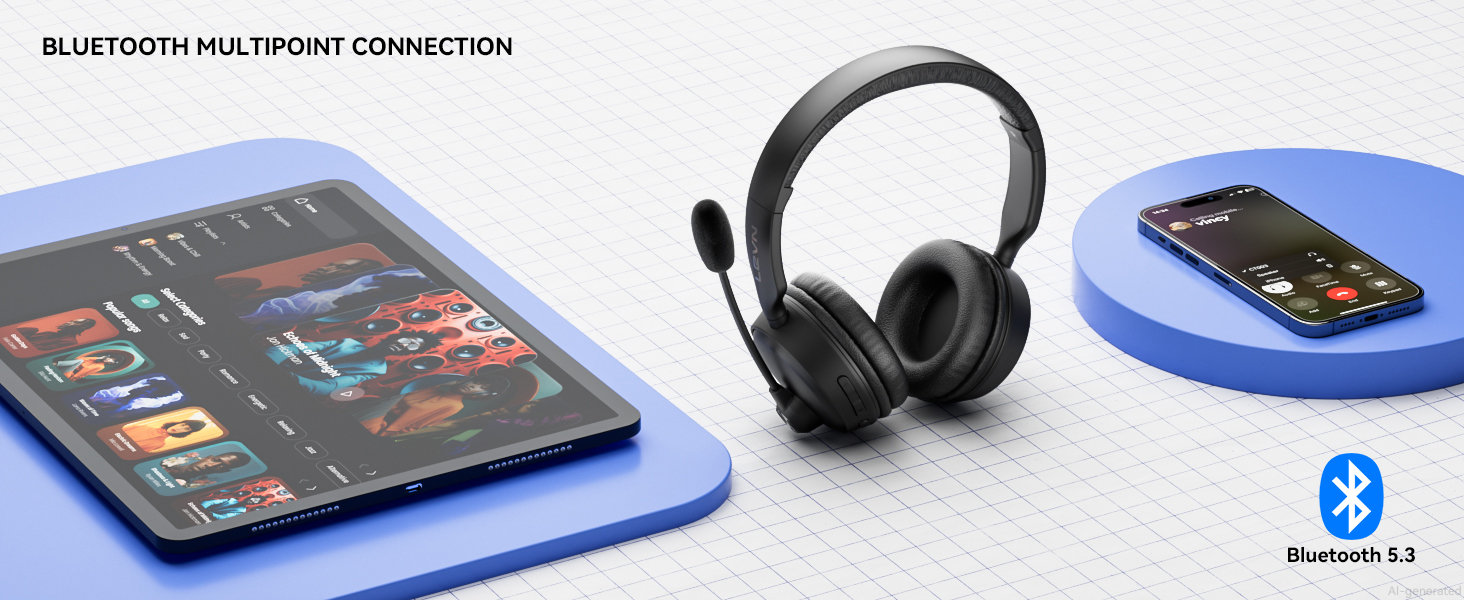
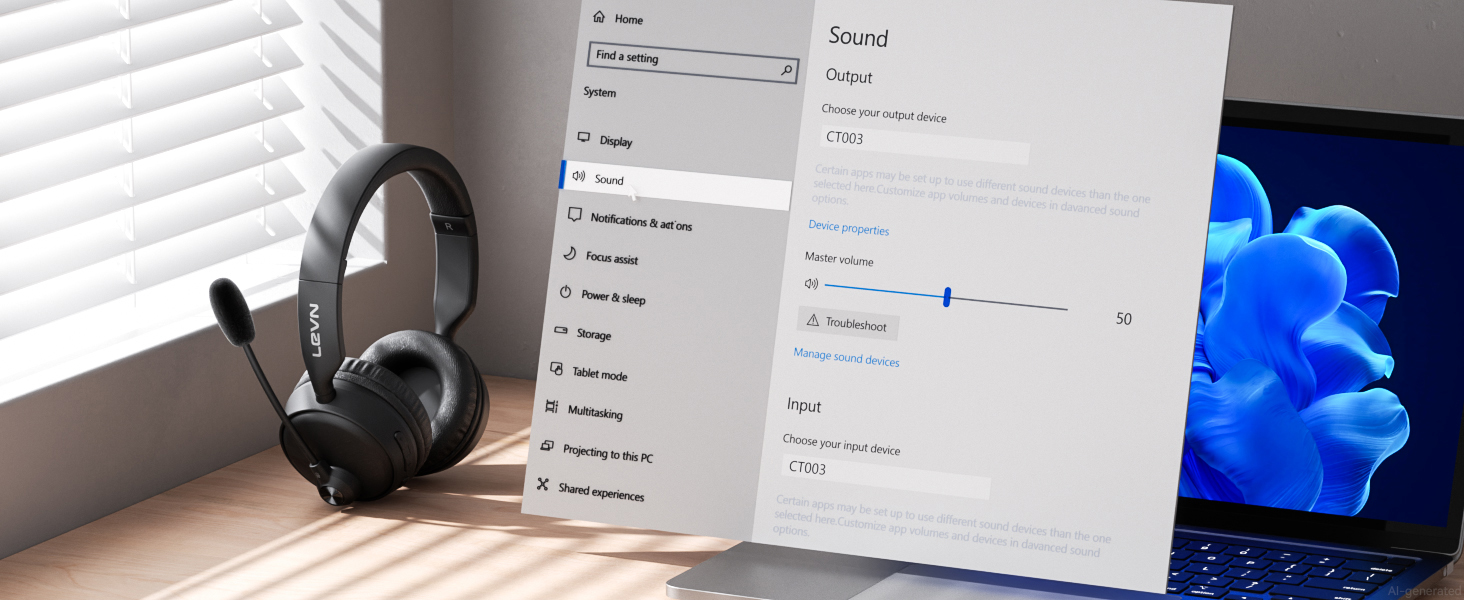
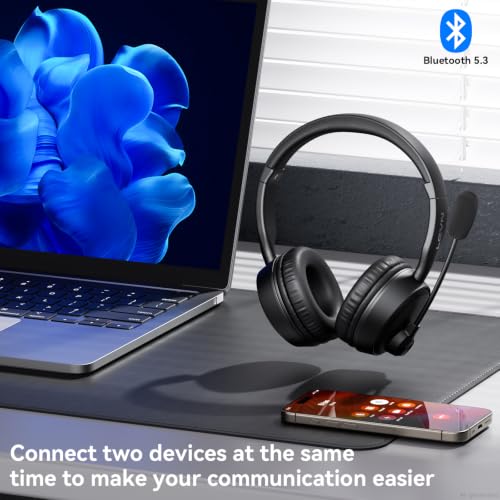
- Bluetooth 6.0 & Seamless Dual Connection: Equipped with Bluetooth 6.0 and a 49-feet wireless range, Bluetooth headset delivers faster pairing, a more reliable connection, and low latency for synchronized audio and video. Bluetooth headset with microphone supports dual-device connection, allowing you to seamlessly switch between video meetings and phone calls without missing anything important. Compatible with most laptops, tablets, and iPhones, it's a versatile wireless headset for office users
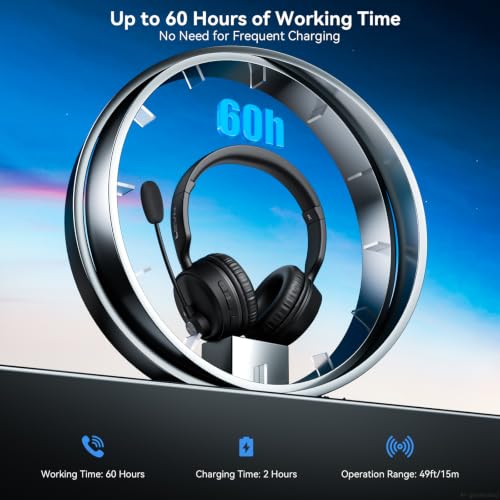
- 60-Hour Battery Life & HiFi Stereo Audio: No more frequent charging hassles. Wireless headset with mic for work fully charges in just 2 hours and delivers an impressive 60 hours of battery life. Bluetooth headset with up to 8 hours of talk time per day, you can work confidently without worrying about power loss during business trips or back-to-back meetings. In addition, wireless headphones with mic provide clear HiFi stereo sound, letting you enjoy music at the highest wireless audio quality
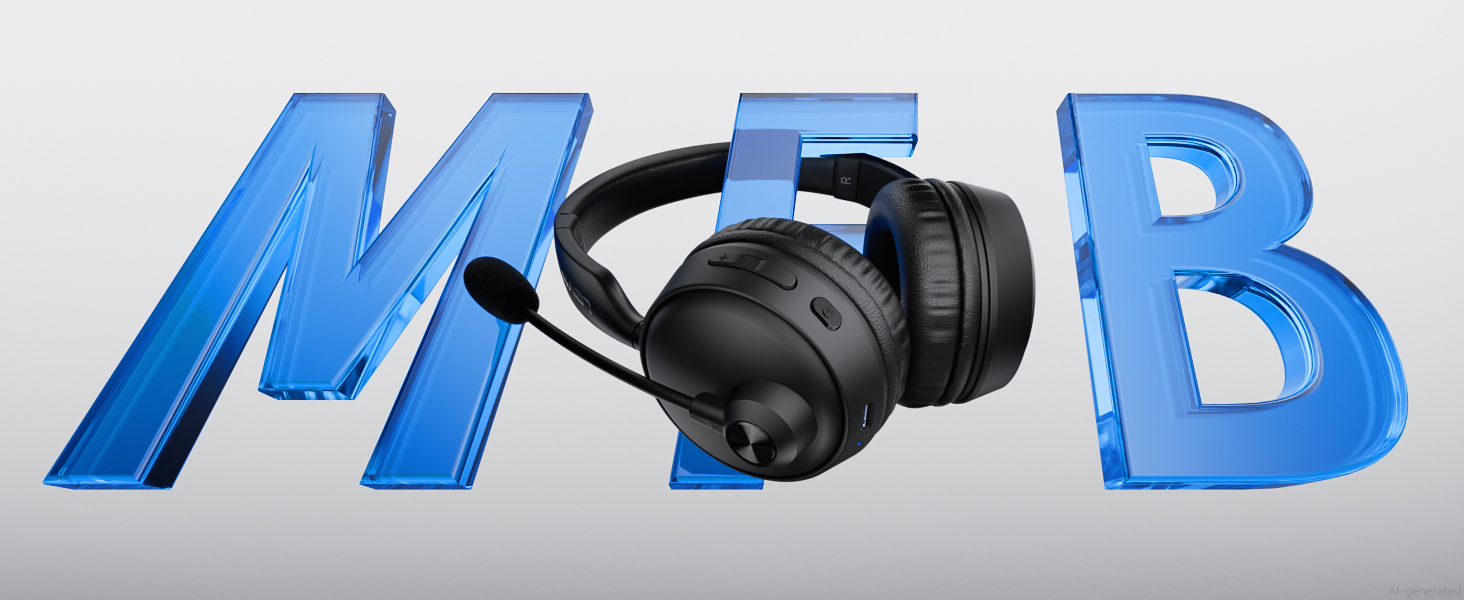
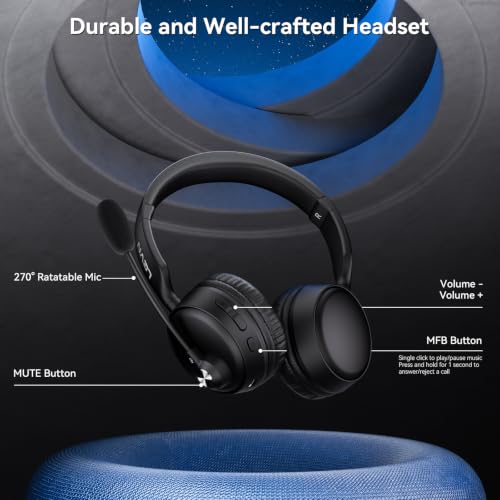
- Convenient MFB & One-Touch Mute: Experience the thoughtful design of the bluetooth headphones with microphone, featuring both MFB (multi-function button) and mute controls. The MFB button lets you easily answer or end calls, as well as power the headset on/off and enter pairing mode. Additionally, these bluetooth headsets for phone calls include a mute button, giving you convenient control during meetings or calls at home or on the go—helping protect your privacy and avoid awkward moments
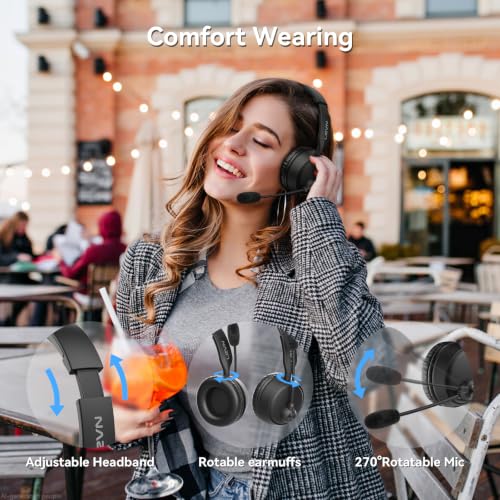
- All-Day Comfort: Designed for all-day comfort, the Bluetooth headset features a lightweight build, soft memory foam earcups, and an adjustable headband for breathable wear that reduces pressure and fatigue, even during marathon meetings or for those wearing glasses. The 270° swivel microphone can be easily adjusted to your preferred position. With 3000 stretch tests and a scientifically engineered design, the Bluetooth headset with mic offers exceptional flexibility and long-lasting durability
LEVN Bluetooth Headset with Mic
AI Smart Noise Cancelling
Advanced AI noise cancelling bluetooth headset, crystal clear calls in ANY environment
Seamless Switching Dual Connect
Quick switching 2 devices, switches seamlessly between meetings & calls, no missed calls
Up To 49 Feet Connection Range
40-ft range keeps you connected with fast pairing, stable link, low latency & synced video calls
Enjoy All-Day Comfort
Enjoy all-day wireless freedom with HiFi Stereo Audio and a 270° swivel mic for ultimate comfort
My Bluetooth headset is connected to my cell phone and table at the same time, how do I switch devices?
When your Bluetooth headset is successfully connected to your cellphone and tablet via Bluetooth, please click the MFB button to switch to your calling device or music device.
It's always noisy when I work from home. Can others still hear the sounds around me using this Bluetooth headset?
Please don't worry, this bluetooth headset with noise canceling microphone can accurately filter your background noise, so callers can only hear your clear voice. Bring you a better call experience.
Can I use the headset to answer or hang up calls?
If the headset is connected to a mobile phone, you can click the MFB to answer/end calls on the headset; If the headset is connected to a computer, you need to answer calls on the computer. Reminder: MFB does not work with desk phones and landlines
How do I use the headset's mute function during a call or online meeting?
You only need to double touch it to quickly mute the microphone, avoiding disturbance or revealing privacy during calls or meetings.
How to clear the pairing records?
Press and hold the MFB power button and Volume"-" button at the same time for 5-7 seconds. Seeing that the LED indicator light is purple, the headset has cleared the pairing record and restored the factory settings.



| SKU: | B0H3PN5S8T |
| Brand: | LEVN |
| Model: | CT003 VY |
| Colour: | Black |
| Manufacture: | LEVN |
| Colour: | Black |
Product description
LEVN Bluetooth Headset with Mic

AI Smart Noise Cancelling
Advanced AI noise cancelling bluetooth headset, crystal clear calls in ANY environment
Seamless Switching Dual Connect
Quick switching 2 devices, switches seamlessly between meetings & calls, no missed calls
Up To 49 Feet Connection Range
40-ft range keeps you connected with fast pairing, stable link, low latency & synced video calls
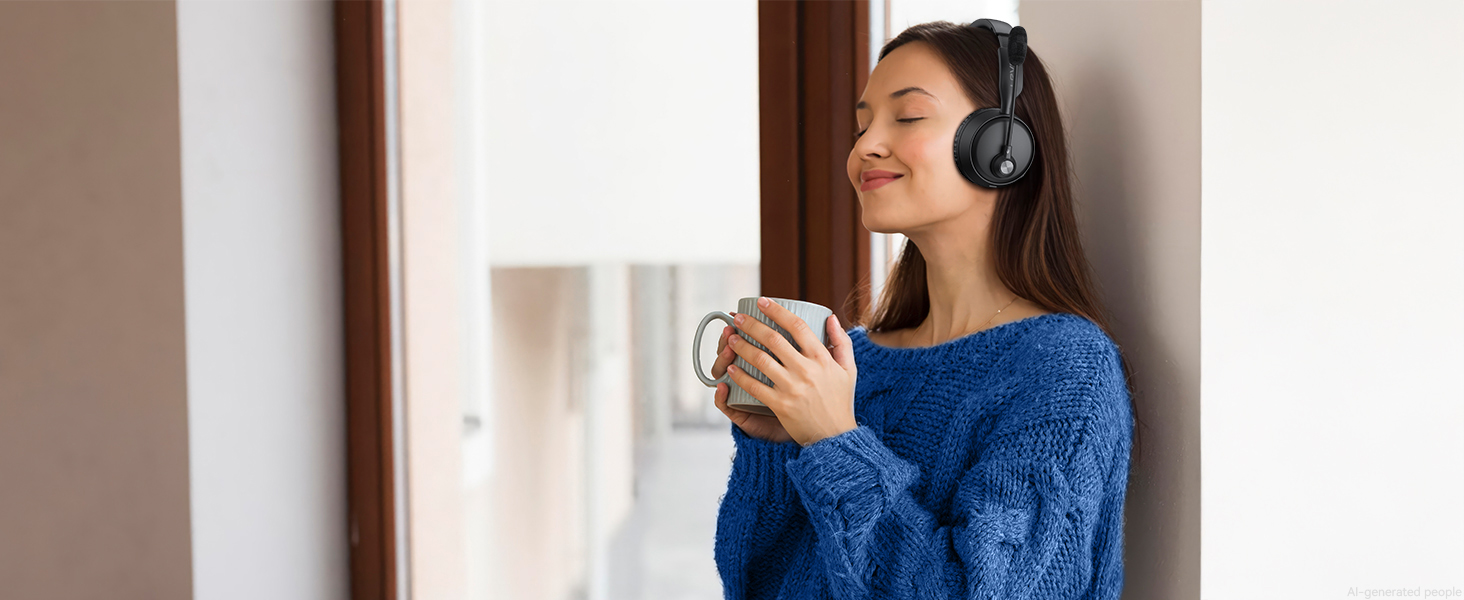
Enjoy All-Day Comfort
Enjoy all-day wireless freedom with HiFi Stereo Audio and a 270° swivel mic for ultimate comfort
My Bluetooth headset is connected to my cell phone and table at the same time, how do I switch devices?
When your Bluetooth headset is successfully connected to your cellphone and tablet via Bluetooth, please click the MFB button to switch to your calling device or music device.
It’s always noisy when I work from home. Can others still hear the sounds around me using this Bluetooth headset?
Please don’t worry, this bluetooth headset with noise canceling microphone can accurately filter your background noise, so callers can only hear your clear voice. Bring you a better call experience.
Can I use the headset to answer or hang up calls?
If the headset is connected to a mobile phone, you can click the MFB to answer/end calls on the headset; If the headset is connected to a computer, you need to answer calls on the computer. Reminder: MFB does not work with desk phones and landlines
How do I use the headset’s mute function during a call or online meeting?
You only need to double touch it to quickly mute the microphone, avoiding disturbance or revealing privacy during calls or meetings.
How to clear the pairing records?
Press and hold the MFB power button and Volume”-” button at the same time for 5-7 seconds. Seeing that the LED indicator light is purple, the headset has cleared the pairing record and restored the factory settings.