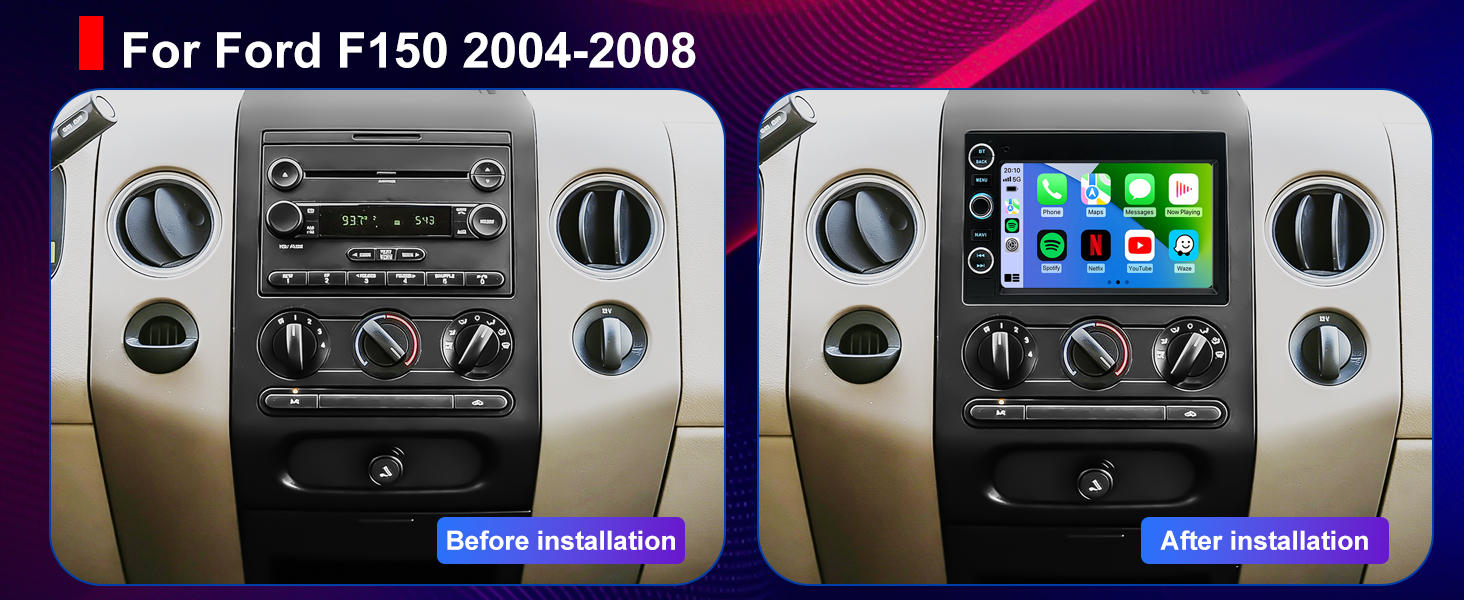
5G WiFi Radio for Ford F-150 2004-2008, F250/F350 2006-2016
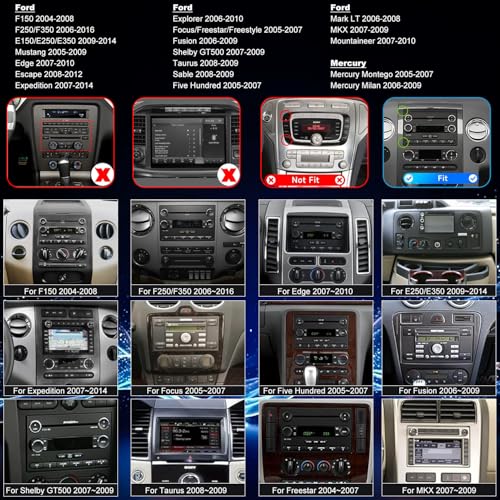
5G WiFi Radio for Ford F-150 2004-2008, F250/F350 2006-2016, E150/E250/E350 2009-2014, Mustang 2005-2009, Fusion Edge Expedition Explorer Taurus 7″ Touchscreen Stereo Apple Carplay Android Auto GPS
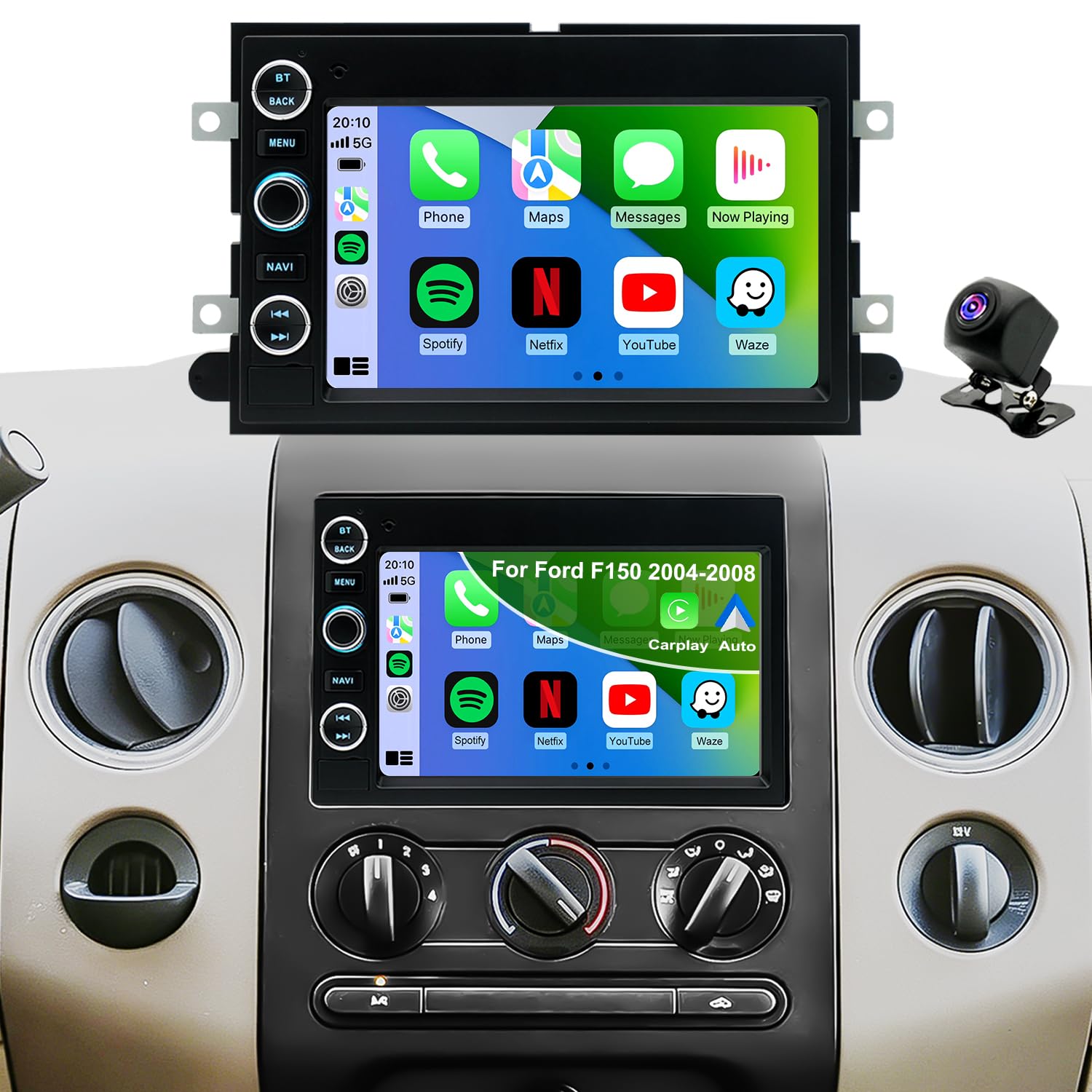
- ✅Applicable Car Models: Car radio fits for Ford radio:F150 2004-2008,F250/F350 2006-2016,F450/F550 2005-2016,E150/E250/E350 2009-2014,Mustang 2005-2009,Fusion 2006-2009,Edge 2007-2010,Expedition 2007-2014,Explorer 2006-2010,Fusion 2006-2009,Taurus 2008-2009,Escape 2008-2012,Five Hundred 2005-2007,Focus/Freestar/Freestyle 2005-2007,Shelby GT500 2007-2009,Sable 2008-2009,Mark LT 2006-2008,MKX 2007-2009,Mountaineer 2007-2010,Mercury radio:Mercury Montego 2005-2007,Mercury Milan 2006-2009.
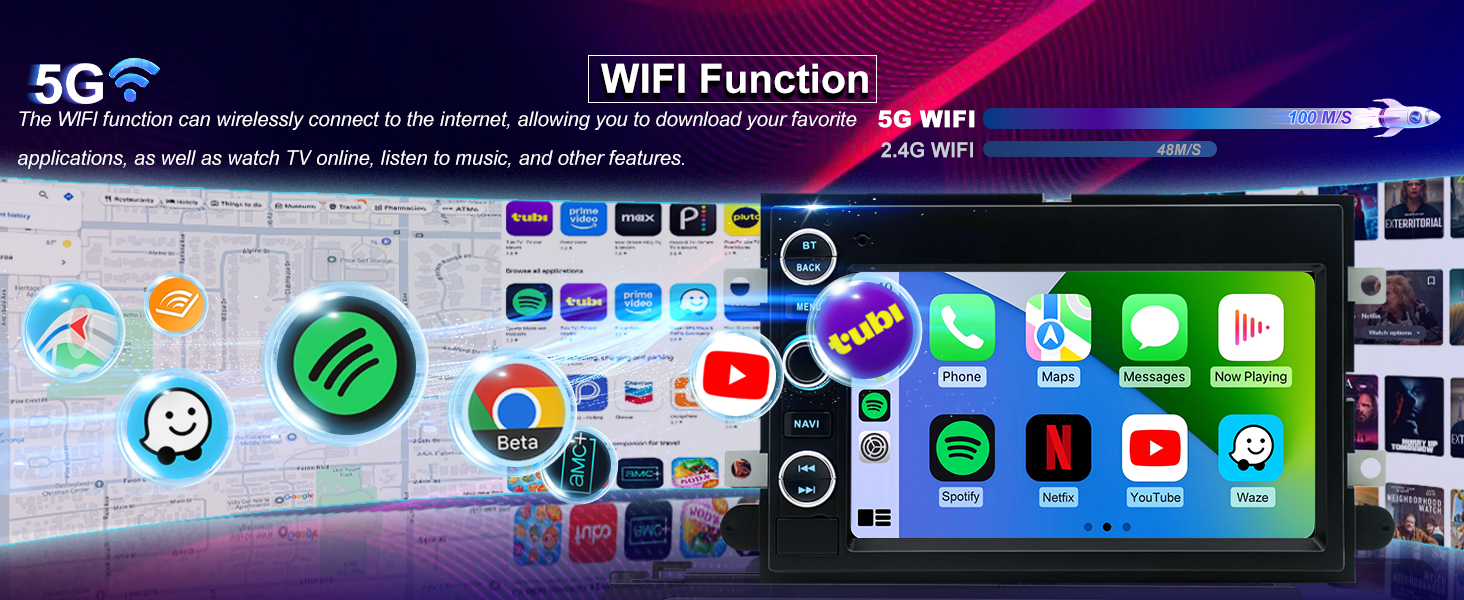
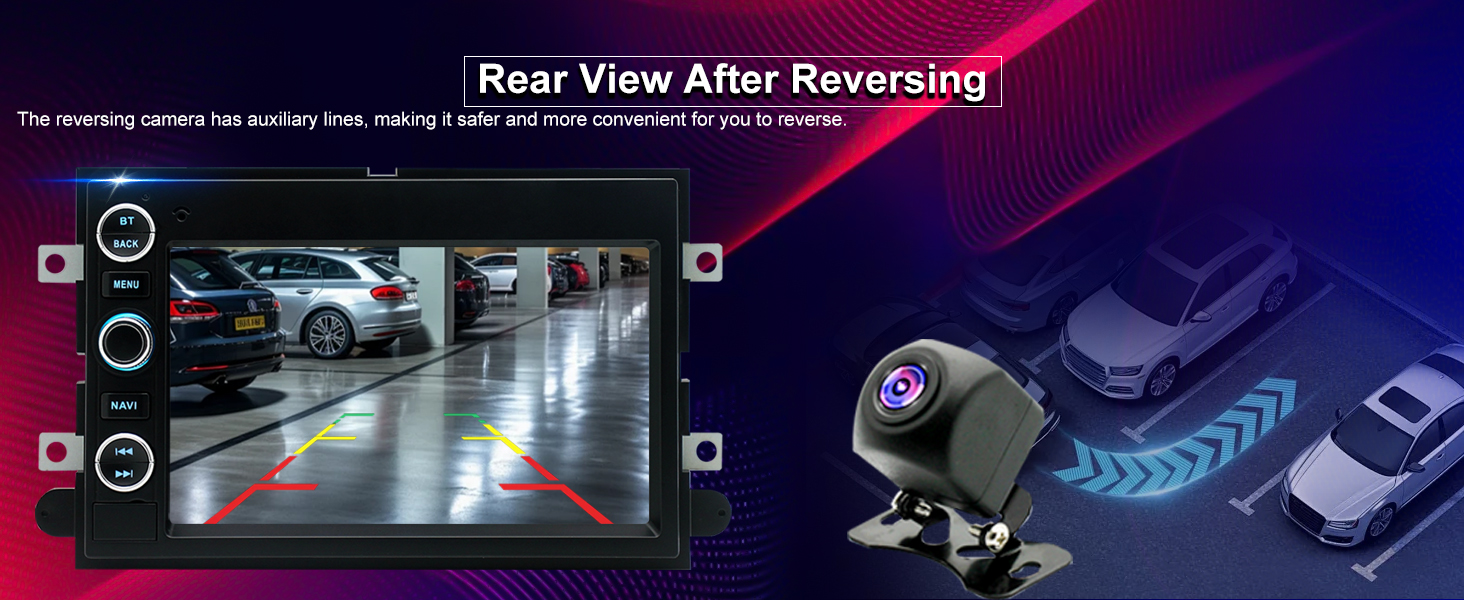
- ✅HD Backup Camera & Faster 5GWiFi: As an older vehicle owner upgrading from a basic radio, this feature makes daily driving easier. The HD backup camera gives you a clear view when reversing, while faster 5G WiFi keeps maps and music running smoothly. Compatible with ford F-150 radio 2004-2008 & F250/F350 radio 2006-2016, it's also an upgrade for your ford f150 accessories, making your truck safer and more modern.
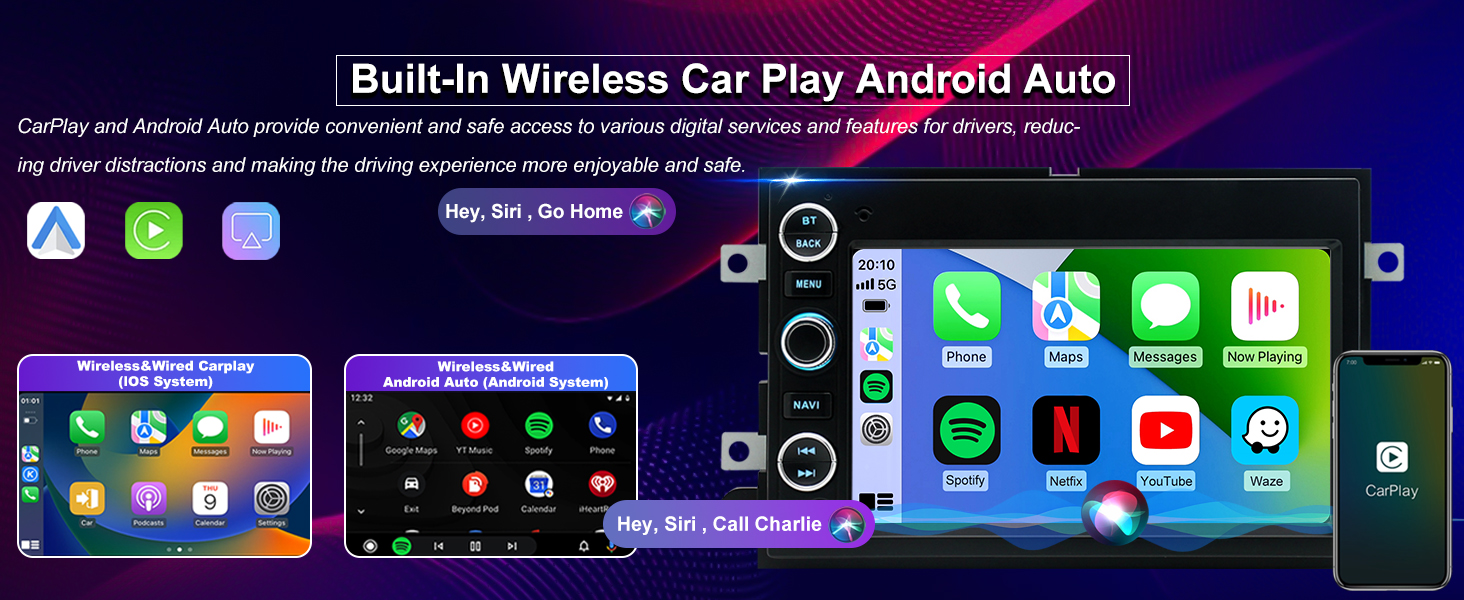
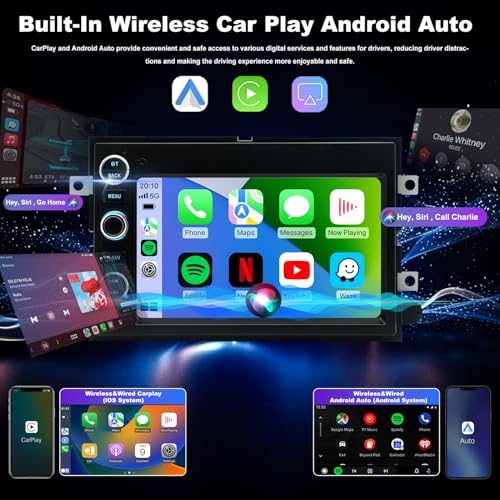
- ✅Wired/Wireless CarPlay & Android Auto: As a driver with no CarPlay or Android Auto, this upgrade makes daily driving easier. With a ford f250 radio, you can connect your phone instantly and use maps, calls, and music directly on the screen without distractions. It works seamlessly with your ford f250 accessories, turning your truck into a more connected driving space.
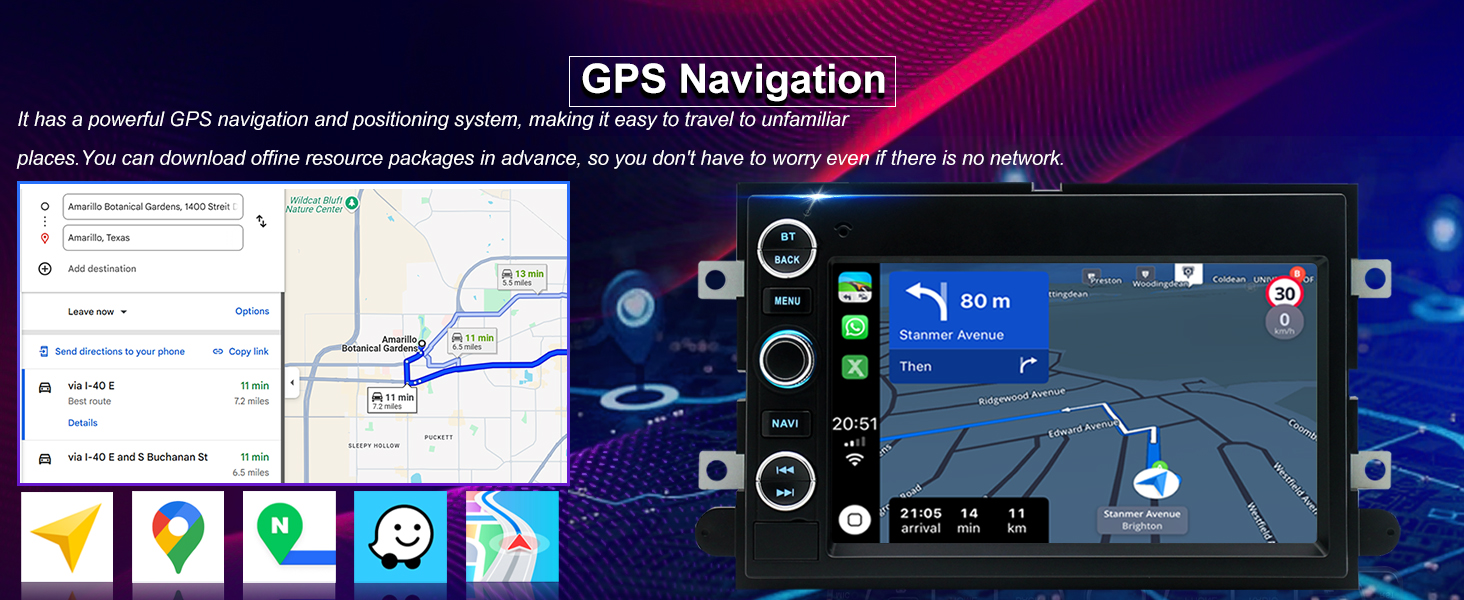
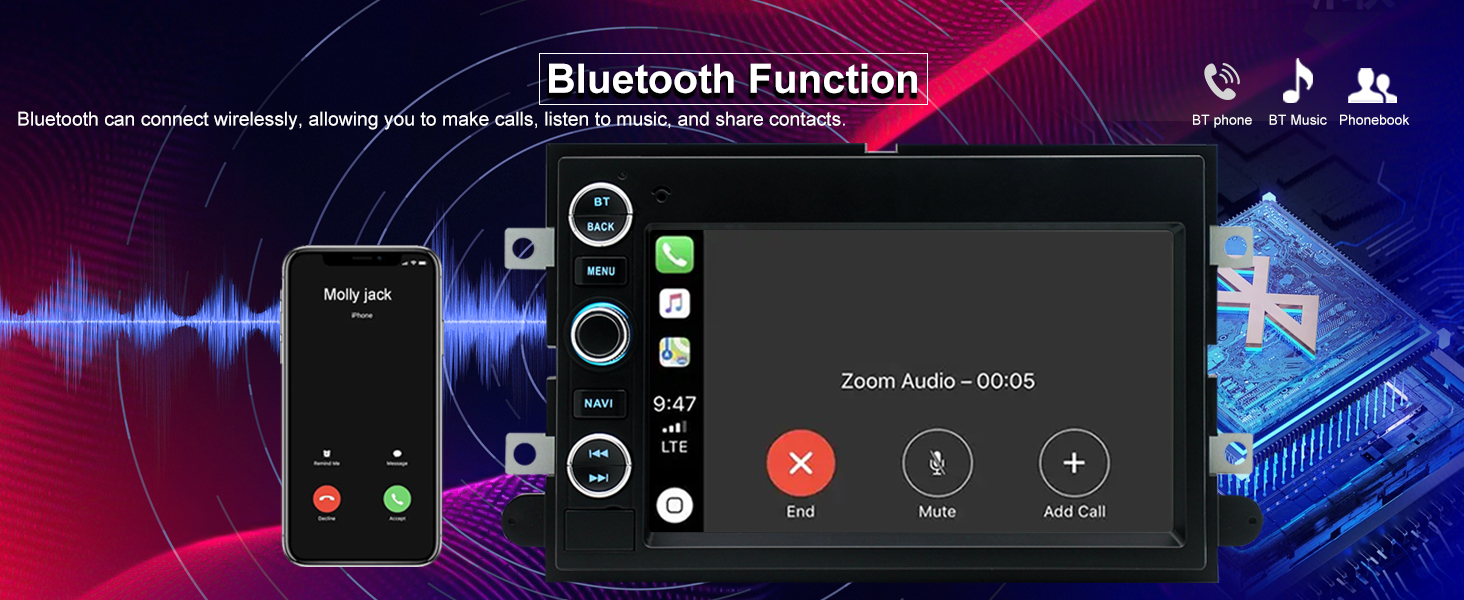
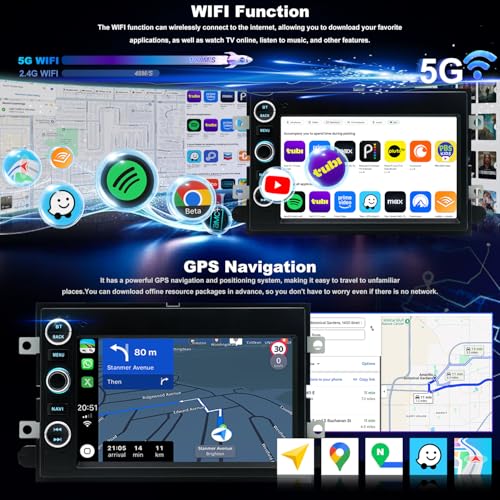
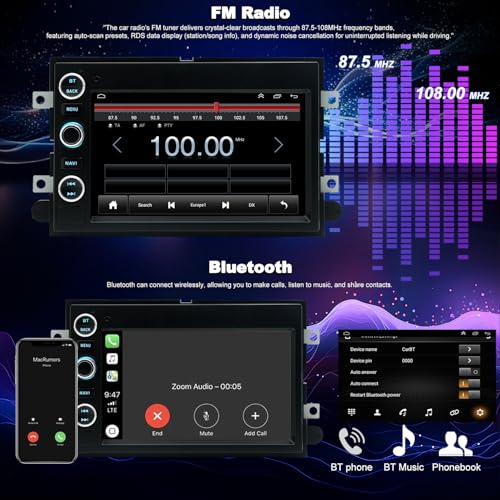
- ✅Wireless Bluetooth & Online/Offline GPS Navigation: As a delivery driver who depends on navigation, this feature keeps you moving without interruption. With a ford f350 radio, Bluetooth lets you handle calls hands-free, while GPS works both online and offline so you won't lose directions even in low-signal areas. Compatible to fit ford E150/E250/E350 radio 2009-2014, it helps you stay on track, efficient, and stress-free every day.
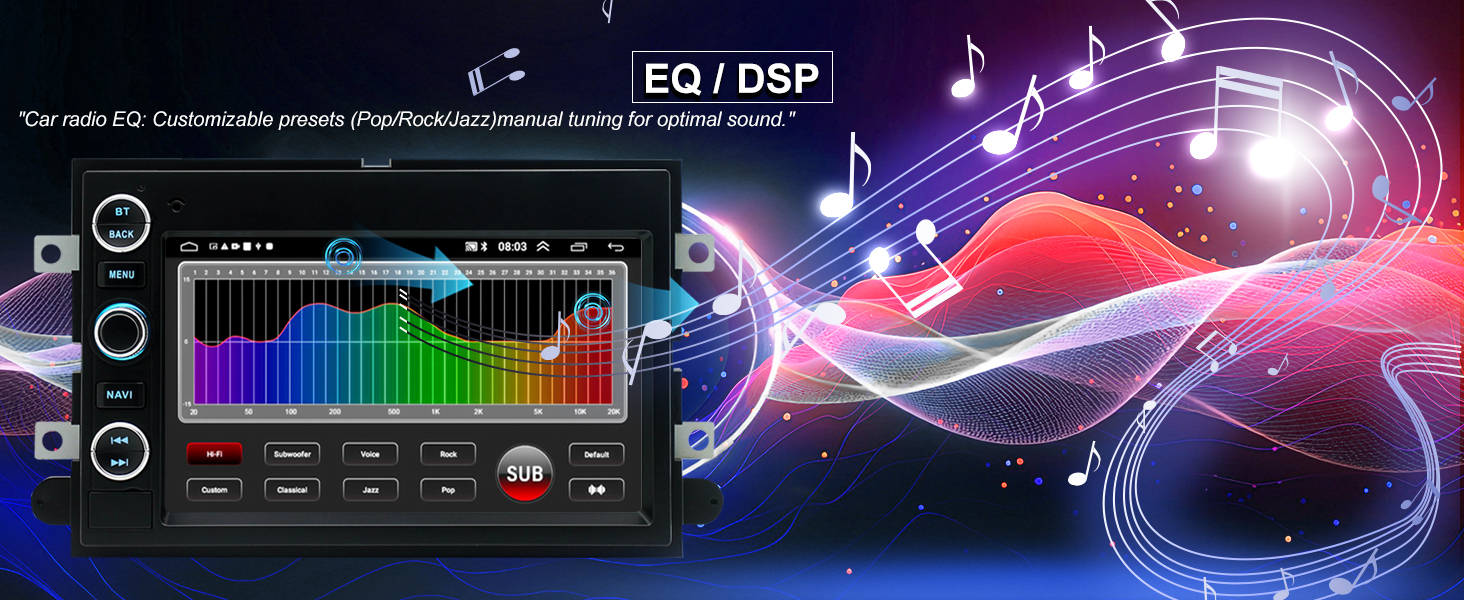
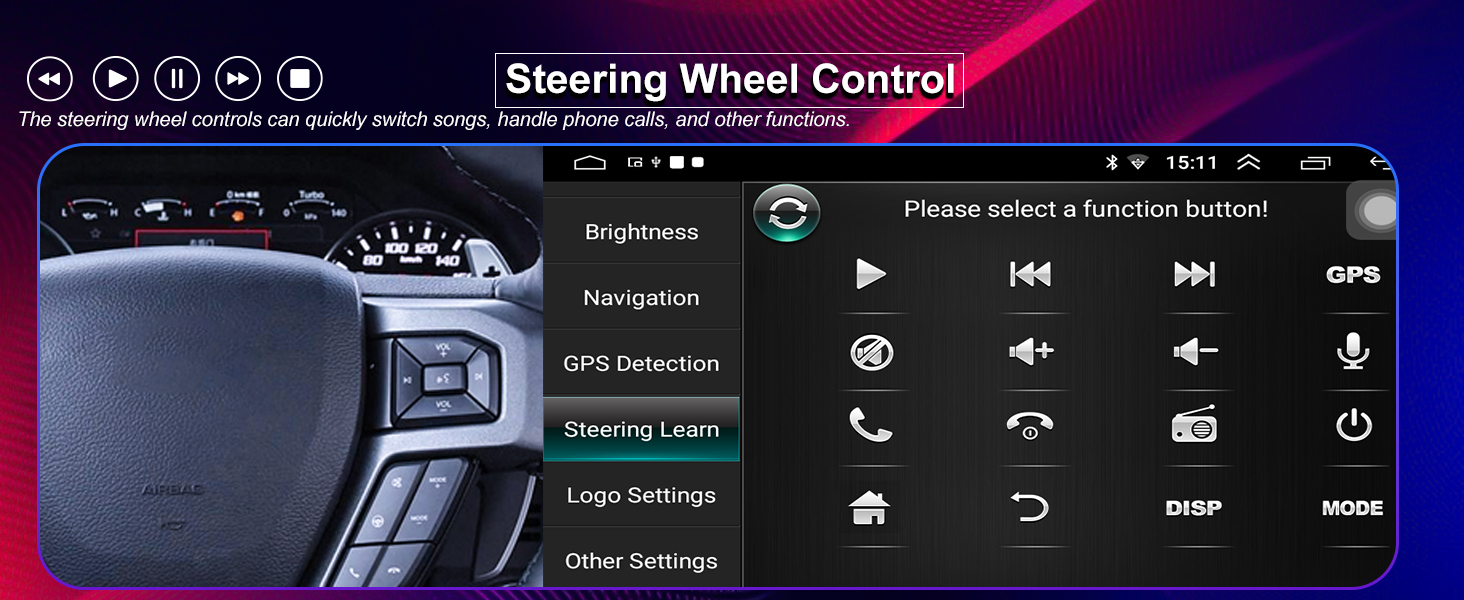
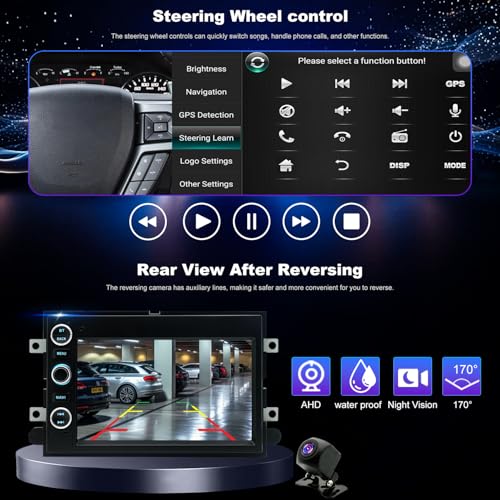
- ✅Steering Wheel Control & DSP Sound & Multi-EQ Settings: As a new driver learning to handle traffic, this feature helps you stay focused. With a ford mustang radio 2005-2009 or ford fusion radio 2006-2009, you can control music, calls, and volume directly from the steering wheel without distraction. DSP sound improves clarity, making audio easier to hear. This upgrade makes driving safer, more comfortable, and easier to manage every day.
- ✅Updated Android Radio & Stable Quad-Core CPU: As a driver using a slow or outdated system, this upgrade improves performance for everyday use. With a ford edge radio 2007-2010 or ford expedition radio 2007-2014, apps, navigation, and music run smoothly without lag, making your driving experience easier. This upgrade gives your vehicle a faster, more reliable system.
- ✅Professional Technical Support: As an older vehicle owner upgrading your system for the first time, installation can feel confusing. Whether you're installing a ford explorer radio 2006-2010 or a ford taurus radio 2008-2009, our support team is ready to guide you step by step from setup to daily use. If you run into any issues, help is always available, giving you a smooth, worry-free upgrade experience from start to finish.
Radio for Ford F-150 F150 2004-2008,F250/F350 2006-2016,E150/E250/E350 2009-2014
Year is for Reference Only. Please Verify All Details Before Buying.
For ford radio:
F150 radio 2004 2005 2006 2007 2008
F250/F350 radio 2006 2007 2008 2009 2010 2011 2012 2013 2014 2015 2016
E150/E250/E350 radio 2009-2014;Mustang radio 2005-2009;Fusion radio 2006-2009;Edge radio 2007-2010;Expedition radio 2007-2014;Explorer radio 2006-2010;Taurus radio 2008-2009
Easy phone access with your ford f150 radio.
Stay online with 5GWiFi on your ford f-150 accessories.
Clear GPS directions with your ford f250 stereo.
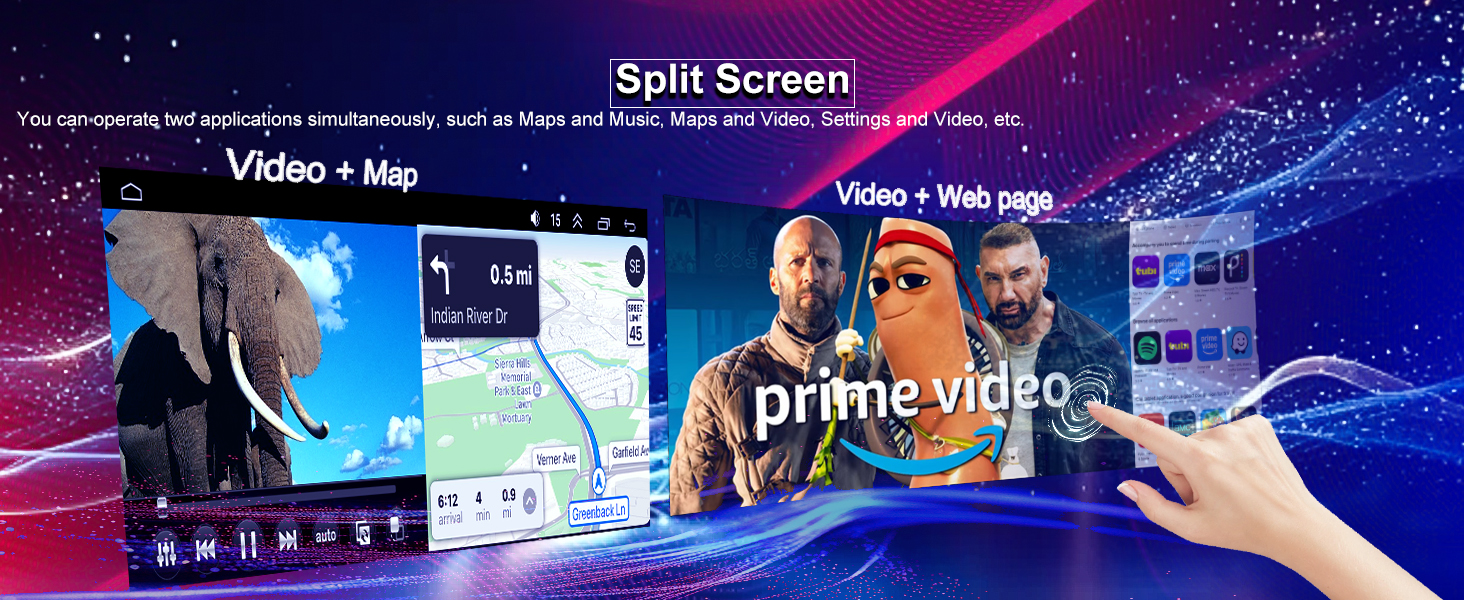
Radio and maps side by side with your ford E150/E250/E350 accessories.
Better sound tuning with your ford Mustang stereo.
| Vehicle Fit | For Ford radio:F150 2004-2008,F250/F350 2006-2016,E150/E250/E350 2009-2014,Mustang 2005-2009,Fusion 2006-2009,Edge 2007-2010,Expedition 2007-2014,Explorer 2006-2010,Fusion 2006-2009,Taurus 2008-2009,Escape 2008-2012,Five Hundred 2005-2007,Focus/Freestar/Freestyle 2005-2007,Shelby GT500 2007-2009,Sable 2008-2009,Mark LT 2006-2008,MKX 2007-2009,Mountaineer 2007-2010,Mercury radio:Mercury Montego 2005-2007,Mercury Milan 2006-2009 |
| System & Storage | Android 15 with 4-core processor and 32G ROM provides fast speed and smooth multitasking on every trip. |
| CPU | 1.8Ghz 8239 |
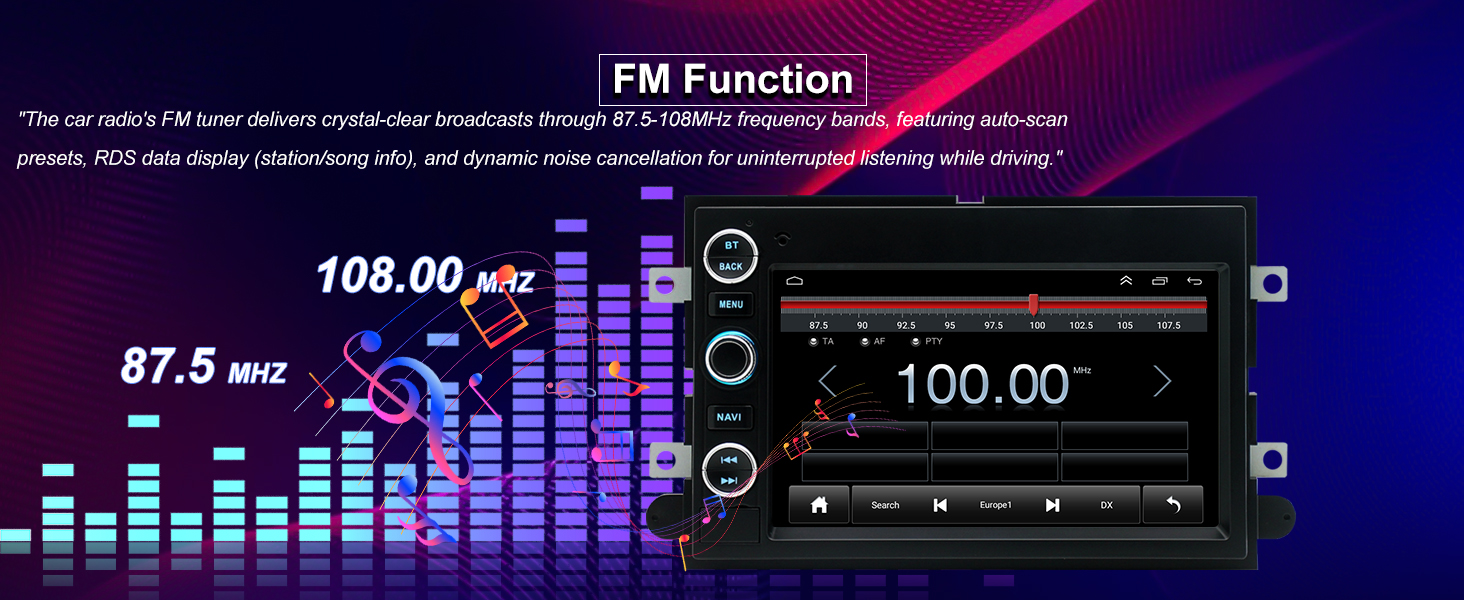
| Sound Effect & FM + RDS | DSP HiFi 36EQ with FM RDS provides rich sound and live updates. |
| Phone Link | Wired/Wireless Carplay, Wired/Wireless Android Auto |
| Camera Input | Input:CVBS &AHD 720 |
| Video Playback | Supports common formats |
| Audio Format | MP3/WMA/WAV/APE/FLAC ect |
| FM & Amplifier | 87.5~108MHz; 4*60W |
| Faster 5Gwifi Connectivity | Fast 5GWiFi keeps streaming smooth on your dodge ram radio. |
| Bluetooth & Wheel Control | Control calls and music from the wheel safely. |
| Built-in GPS | Reliable navigation with free online and offline maps. |
| HD Rearview Camera | HD rear view helps with safe parking and reversing. |
| Dual Rear USB Ports | Dual USB ports for charging and media playback. |
| Split Screen & 7" HD Display | Display two apps clearly on IPS screen. |
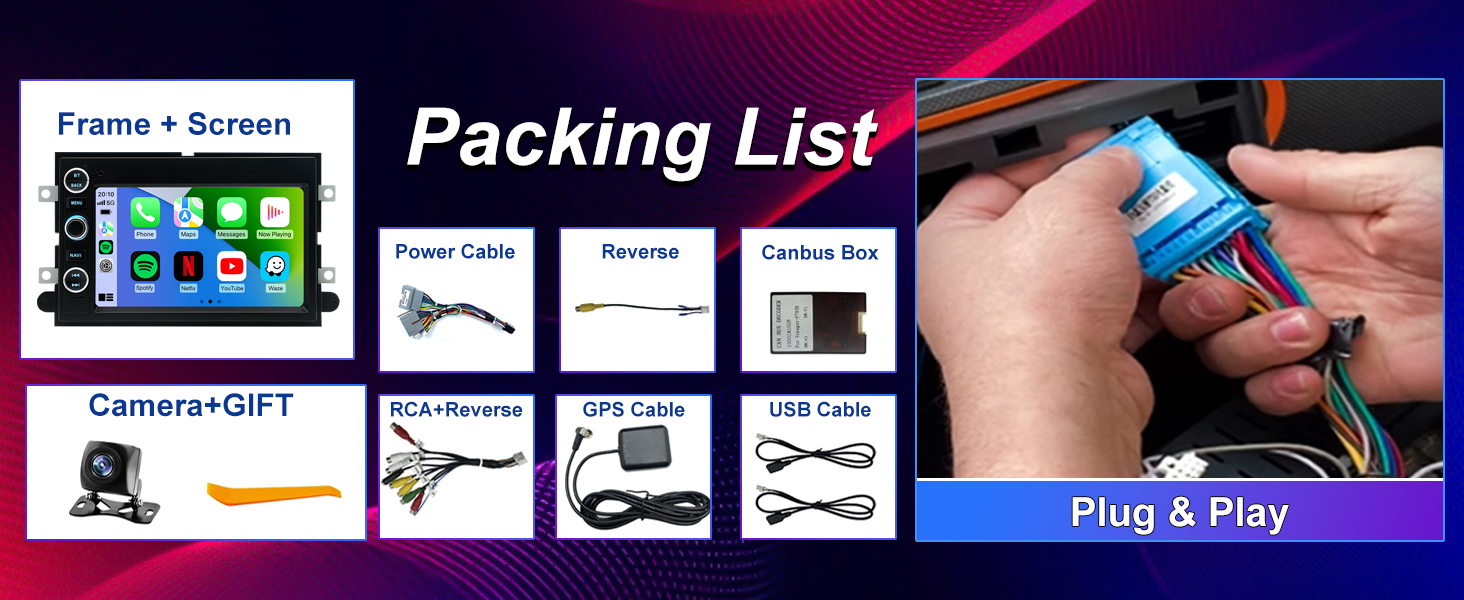
| Plug & Play Installation | Easy installation with no wiring modification needed. |
Easy call control with your ford fusion stereo.
Bluetooth calls and music with your ford edge accessories.
HD camera helps parking with your ford expedition stereo.
Split screen works smoothly with your ford explorer accessories.
Quick install for your ford taurus stereo.
Why won’t Bluetooth pair, or why are the Bluetooth/Wi-Fi signals weak?
1.Check that the reversing cable is connected to the Bluetooth and Wi-Fi signal booster; 2.Open the car radio Bluetooth menu and scan for your phone; 3.Select “Car-BT”, enter “0000”, and clear old pairings if connection fails.
How can I manually connect or disconnect CarPlay?
1.Pair Bluetooth and Zlink will automatically start CarPlay; 2.Turn off Background Connection to prevent auto reconnect; 3.Enable or disable CarPlay via iPhone Settings > General > CarPlay > Zlink.
How do I mirror my phone screen to the car radio wirelessly?
iOS: Open Zlink5 Wireless Mirroring, enable iPhone hotspot, connect the radio to Wi-Fi, select zj-airplay; Android: Open Zlink5 Wireless Mirroring, install Zlink app, connect Bluetooth, and turn on Personal Hotspot.
Why does Wi-Fi keep disconnecting?
Wi-Fi disconnects automatically during CarPlay, so disable Background Connection to stop it from reconnecting.
Why is the rear camera not showing video?
1.Ensure the reverse trigger wire and camera cables are connected correctly; 2.Select the proper camera format in Factory Settings (8888) under Camera & Protocol Parameter Settings.

| SKU: | B0GX5TL336 |
| Size: | 7 inches |
| Brand: | Aitrenlu |
| Manufacture: | Aitrenlu |
| Size: | 7 inches |
Product description
Radio for Ford F-150 F150 2004-2008,F250/F350 2006-2016,E150/E250/E350 2009-2014
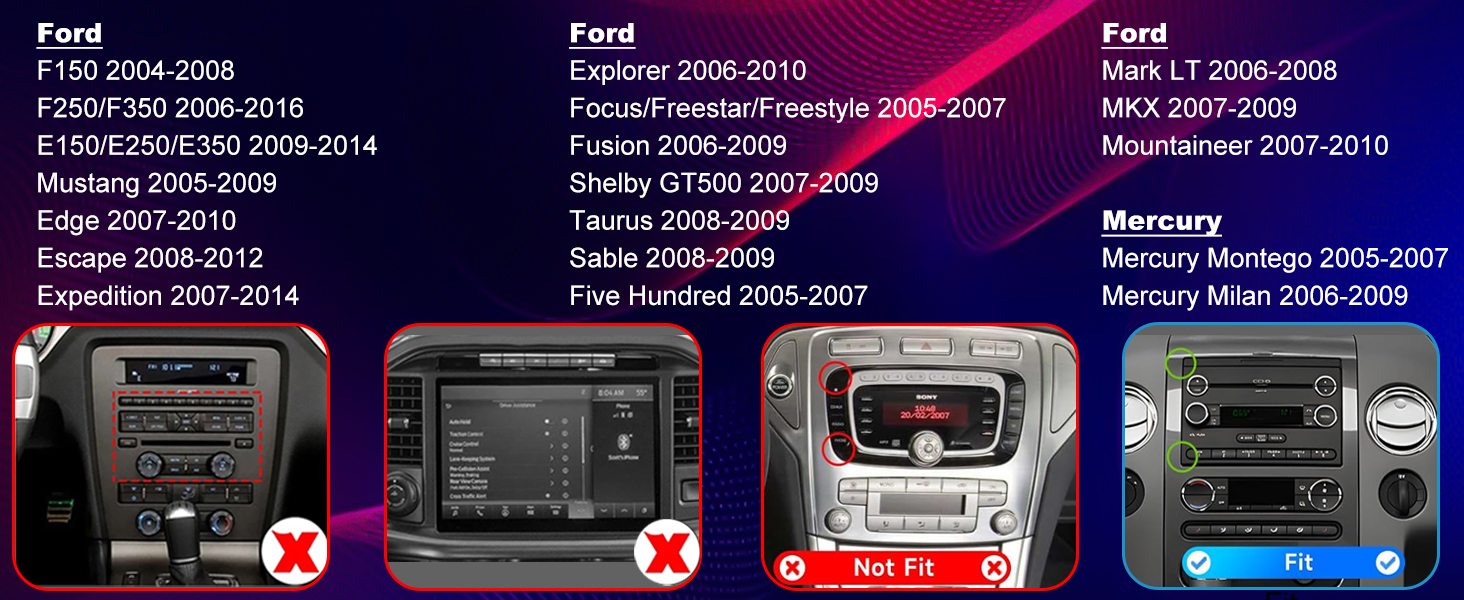
For ford radio:
F150 radio 2004 2005 2006 2007 2008
F250/F350 radio 2006 2007 2008 2009 2010 2011 2012 2013 2014 2015 2016
E150/E250/E350 radio 2009-2014;Mustang radio 2005-2009;Fusion radio 2006-2009;Edge radio 2007-2010;Expedition radio 2007-2014;Explorer radio 2006-2010;Taurus radio 2008-2009

Easy phone access with your ford f150 radio.
Stay online with 5GWiFi on your ford f-150 accessories.
Clear GPS directions with your ford f250 stereo.
Radio and maps side by side with your ford E150/E250/E350 accessories.
Better sound tuning with your ford Mustang stereo.
Easy call control with your ford fusion stereo.
Bluetooth calls and music with your ford edge accessories.
HD camera helps parking with your ford expedition stereo.
Split screen works smoothly with your ford explorer accessories.
Quick install for your ford taurus stereo.
Why won’t Bluetooth pair, or why are the Bluetooth/Wi-Fi signals weak?
1.Check that the reversing cable is connected to the Bluetooth and Wi-Fi signal booster; 2.Open the car radio Bluetooth menu and scan for your phone; 3.Select “Car-BT”, enter “0000”, and clear old pairings if connection fails.
How can I manually connect or disconnect CarPlay?
1.Pair Bluetooth and Zlink will automatically start CarPlay; 2.Turn off Background Connection to prevent auto reconnect; 3.Enable or disable CarPlay via iPhone Settings > General > CarPlay > Zlink.
How do I mirror my phone screen to the car radio wirelessly?
iOS: Open Zlink5 Wireless Mirroring, enable iPhone hotspot, connect the radio to Wi-Fi, select zj-airplay; Android: Open Zlink5 Wireless Mirroring, install Zlink app, connect Bluetooth, and turn on Personal Hotspot.
Why does Wi-Fi keep disconnecting?
Wi-Fi disconnects automatically during CarPlay, so disable Background Connection to stop it from reconnecting.
Why is the rear camera not showing video?
1.Ensure the reverse trigger wire and camera cables are connected correctly; 2.Select the proper camera format in Factory Settings (8888) under Camera & Protocol Parameter Settings.