Satechi Slim X1 Bluetooth Backlit Keyboard for Mac
Satechi Slim X1 Bluetooth Backlit Keyboard for Mac, Illuminated Keys & Multi-Device Sync, for MacBook Air/Pro/Neo, iPad Air/Pro, iPad mini, Mac mini, iMac – Silve
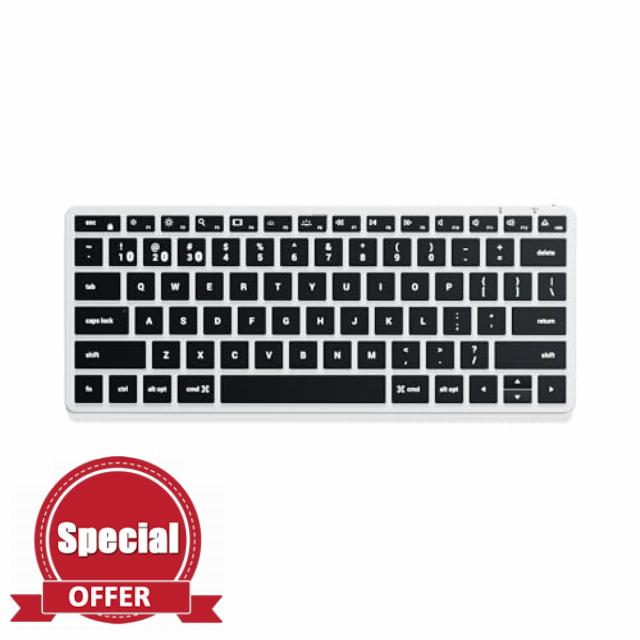
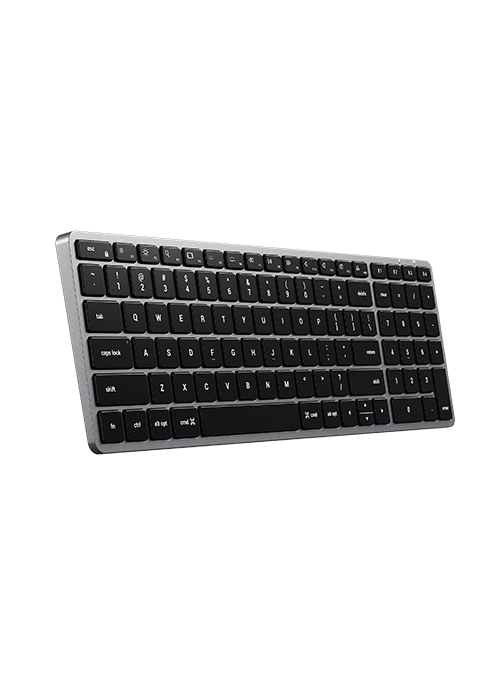
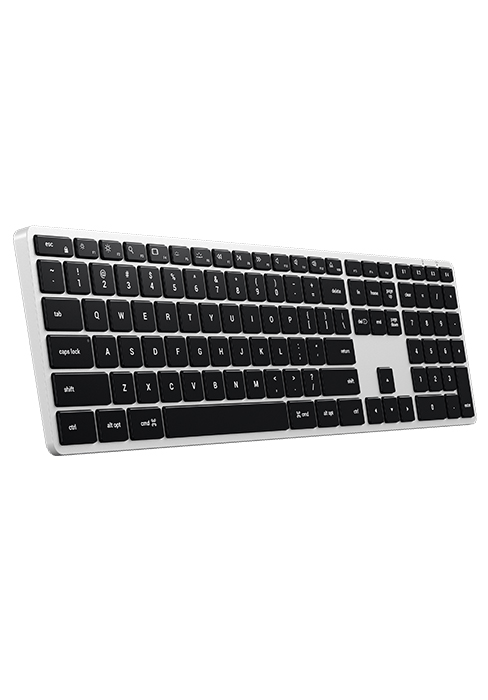
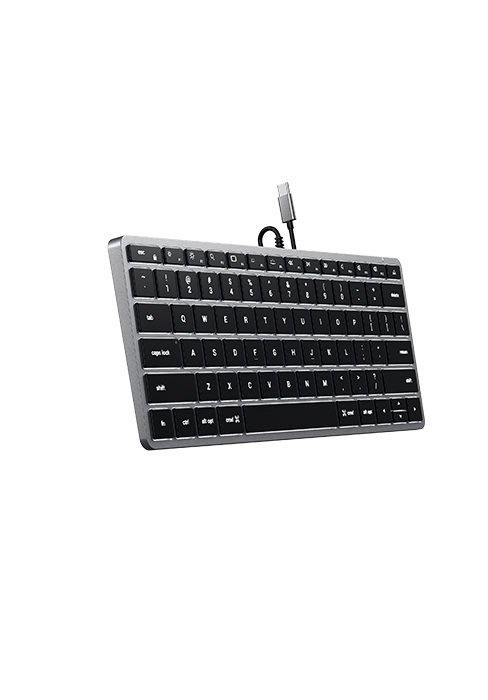
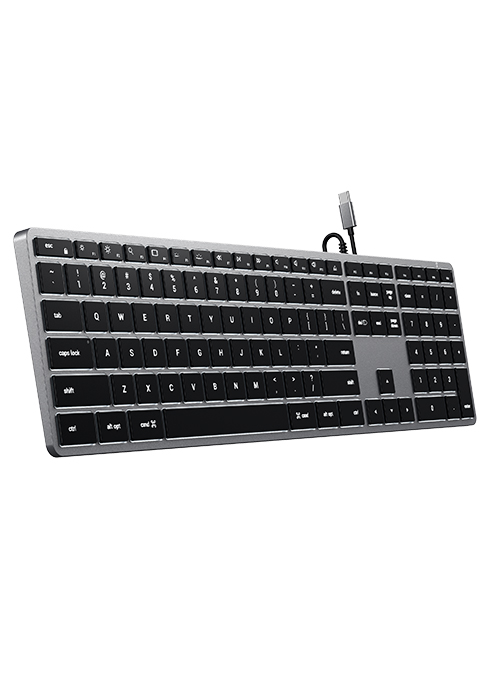
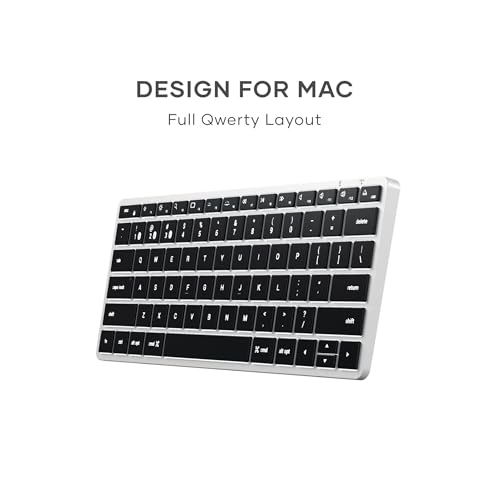
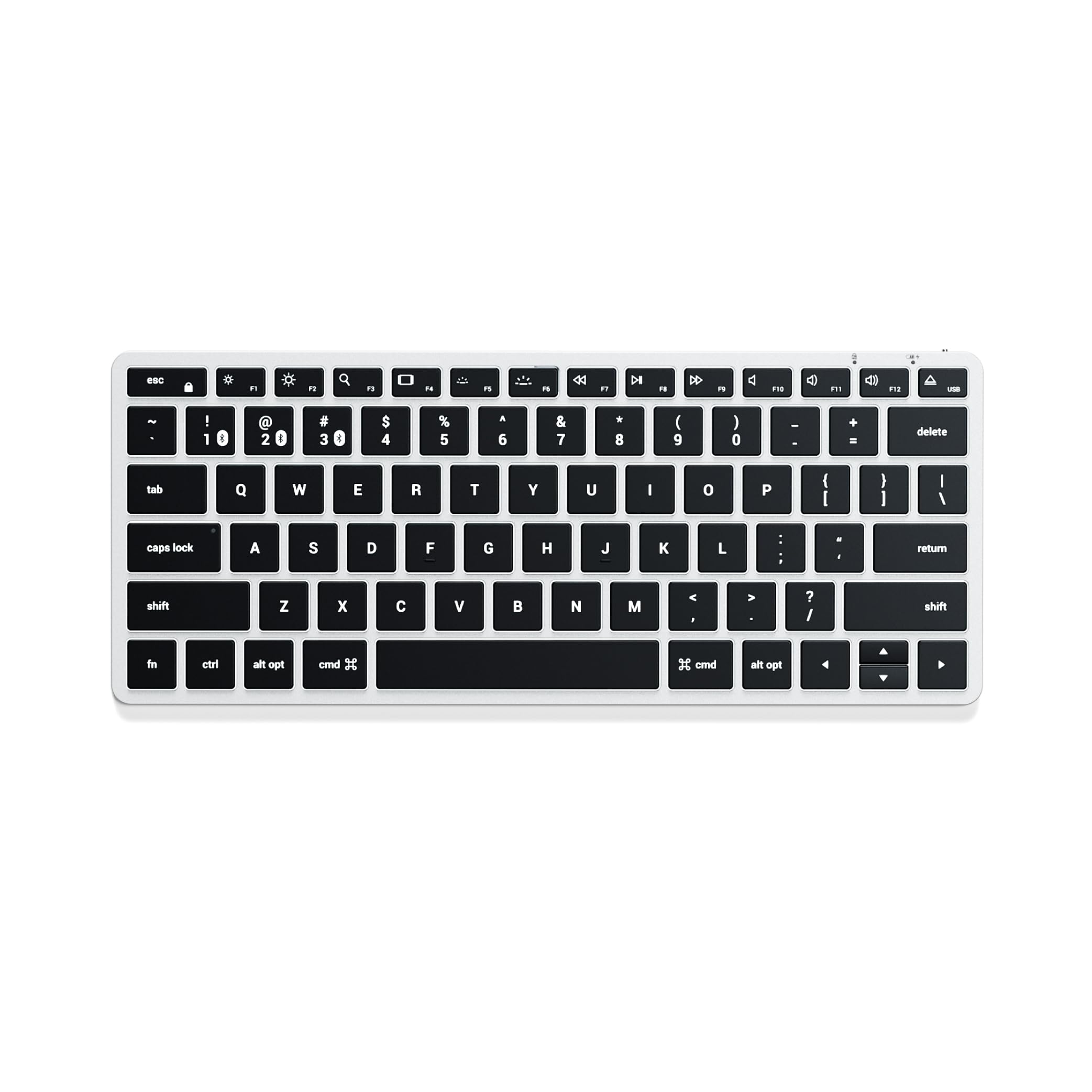
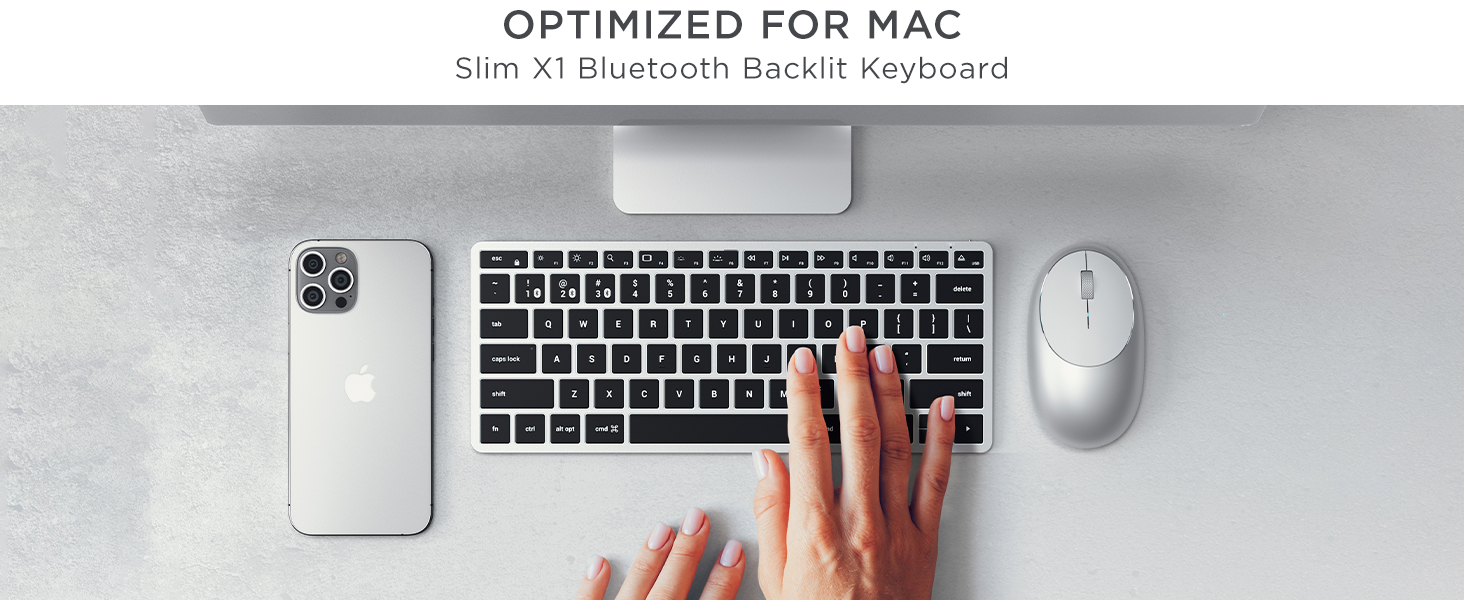
Optimized for Apple MacOS ONLY – Designed for Apple users in mind, the Slim X1 Bluetooth Keyboard features a full QWERTY layout, MacOS function keys, and an ultra-compact size – all with a sleek aluminum finish
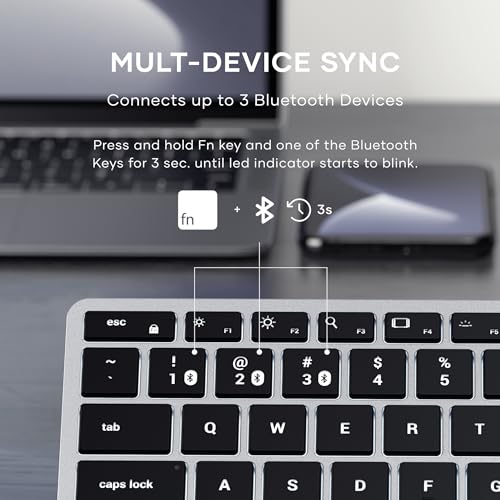
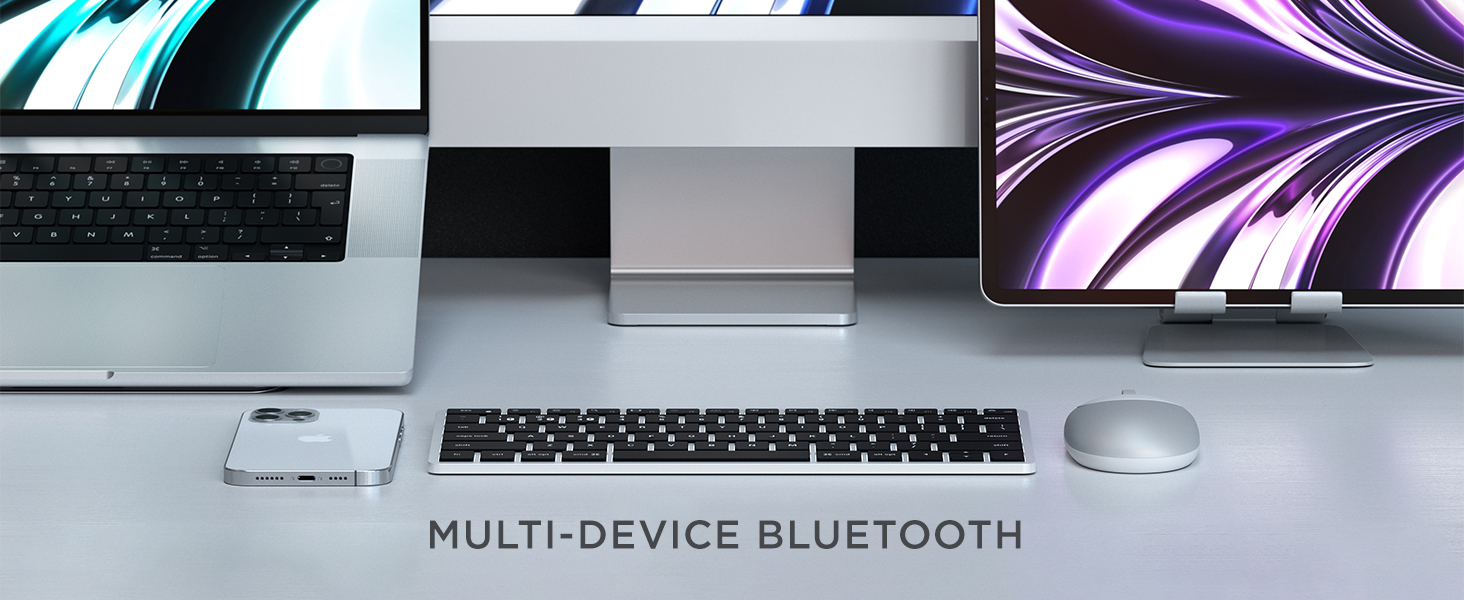
Multi-Device Bluetooth – Equipped with easy-to-use Bluetooth keys to assign up to three devices – perfect to type across your laptop, tablet or smartphone with a press of a button
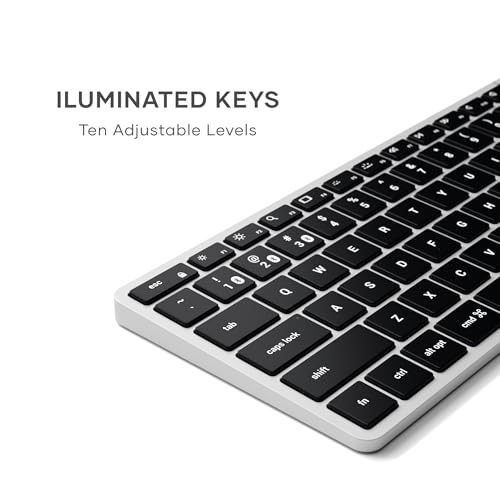
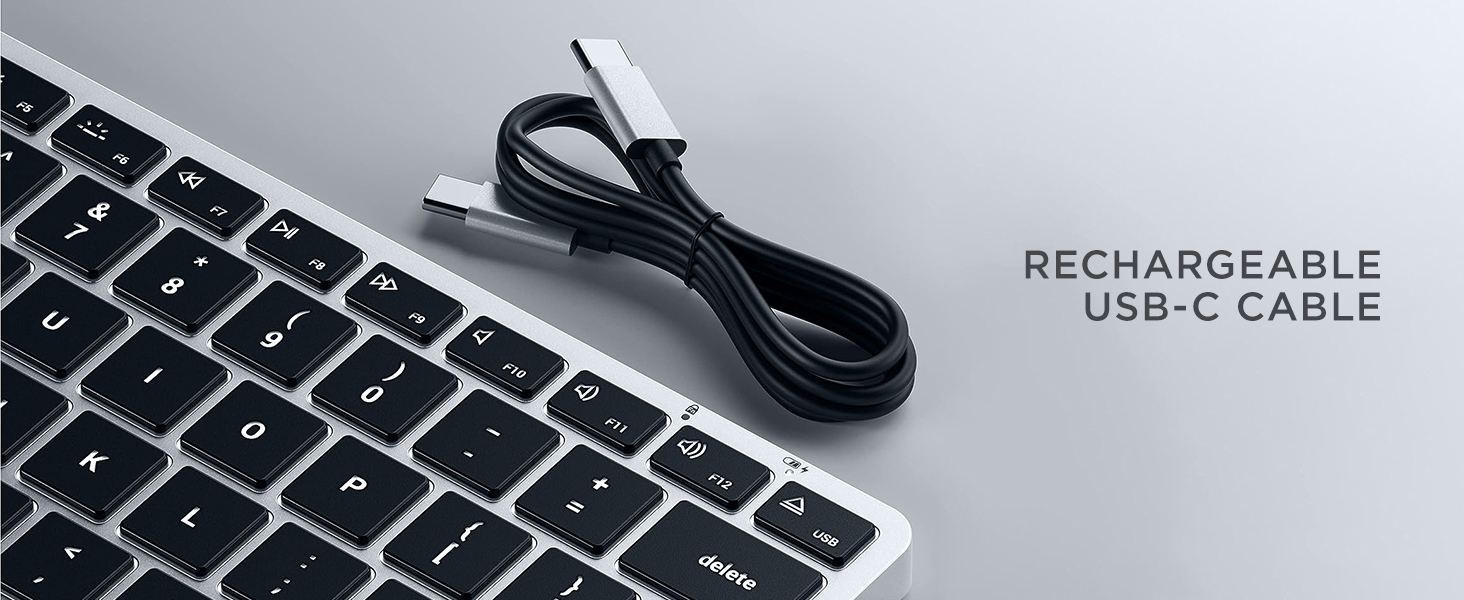
Illuminated Keys – Built for convenience with backlit keys, featuring ten levels of brightness to adjust to nearly any type of environment and a rechargeable USB-C port for fast and easy charging
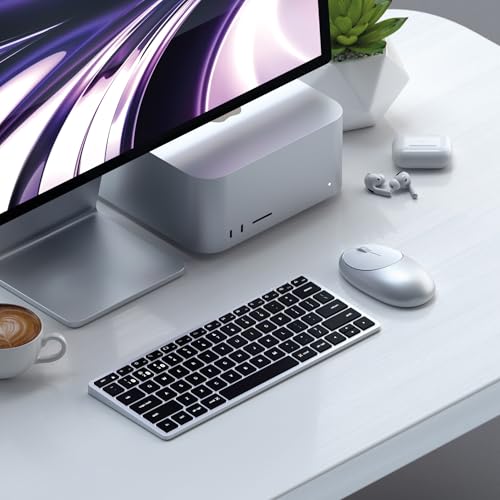
Modern Design – Features a sleek aluminum design and an ultra-slim, compact profile for a modern work setup wherever you are
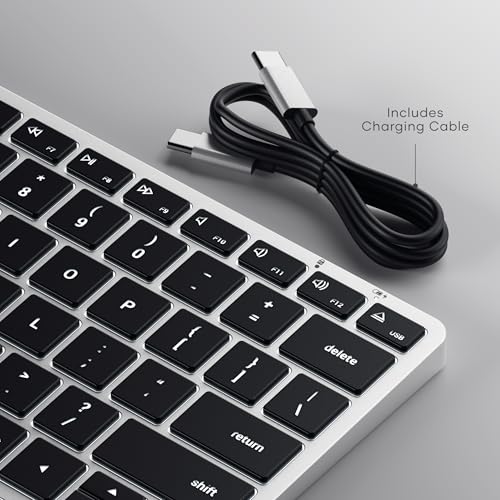
What You Get – With your purchase you will receive 2 rubber risers, a USB-C charging cable, and a user manual for your convenience. Satechi products are covered by a 2-year limited warranty against defects in materials and workmanship under normal use
Designed for Apple users in mind, the Slim X1 Bluetooth Keyboard features a full QWERTY layout, MacOS function keys, and an ultra-compact size – all with a sleek aluminum finish
Features a sleek aluminum design and an ultra-slim, compact profile for a modern work setup wherever you are
Equipped with easy-to-use Bluetooth keys to assign up to three devices – perfect to type across your laptop, tablet or smartphone with a press of a button
Built for convenience with backlit keys, featuring ten levels of brightness to adjust to nearly any type of environment and a rechargeable USB-C port for fast and easy charging
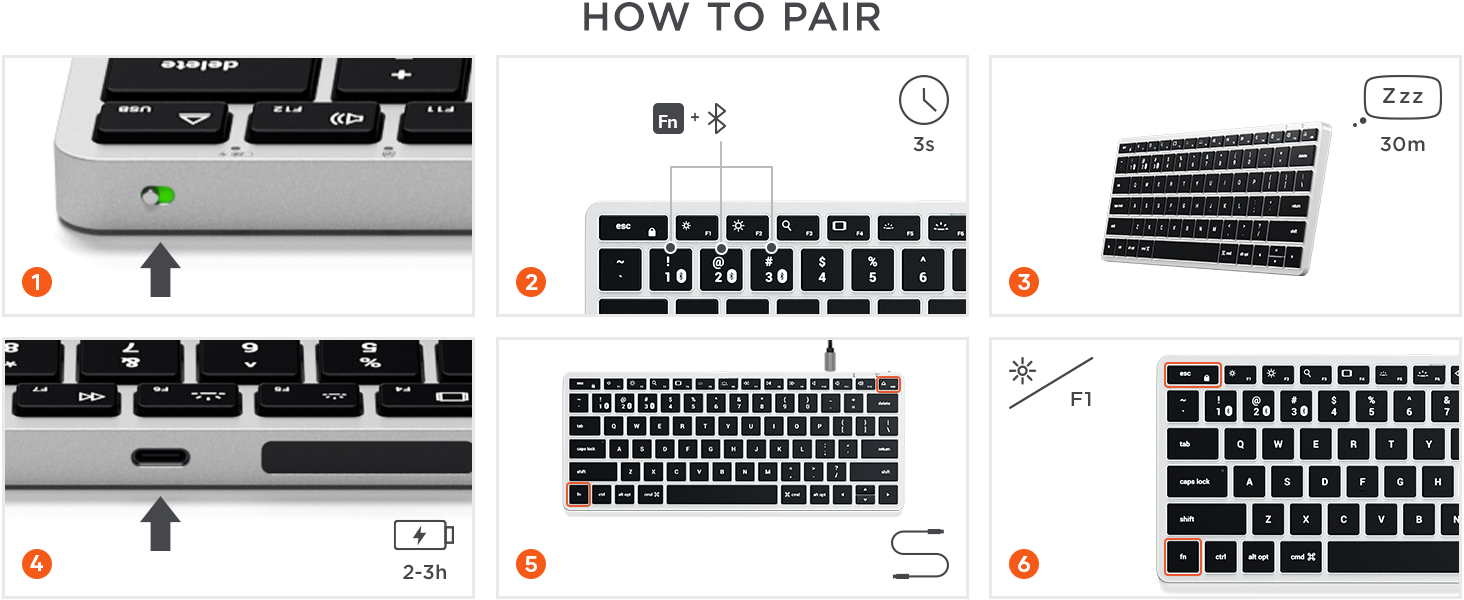
Press and hold Fn button + one of the keyboard’s Bluetooth keys for ~3 seconds, until the LED light starts to blink. Select “Slim X1 Keyboard” on the device’s settings to complete the pairing
” data-position=”triggerHorizontal” />Recharging
To recharge, connect the keyboard to a powered USB-C port using the included cable. Charge for 2-3 hours or until the red charging light turns green
” data-position=”triggerHorizontal” />Media Keys
Press “Fn + Esc” to swap between Media and Fn keys

 Slim X1 Keyboard