Razer Basilisk V3 35K Wired Ergonomic Gaming Mouse Gaming
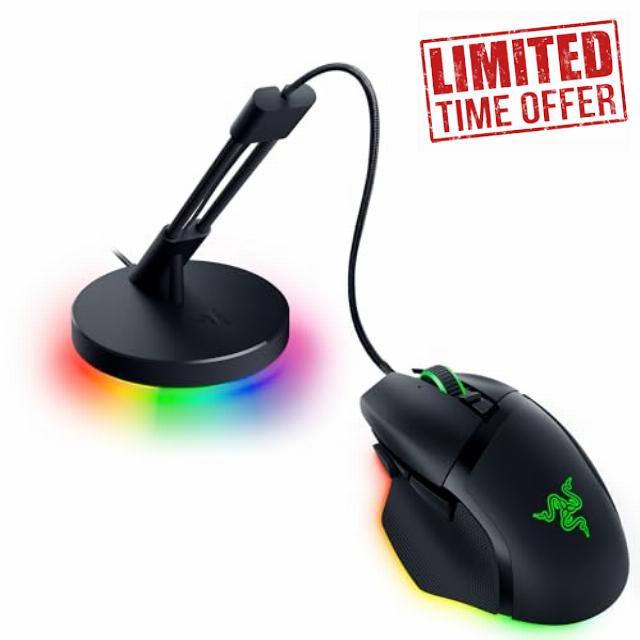
Razer Basilisk V3 35K Wired Ergonomic Gaming Mouse Gaming Mouse Bungee V3 Chroma
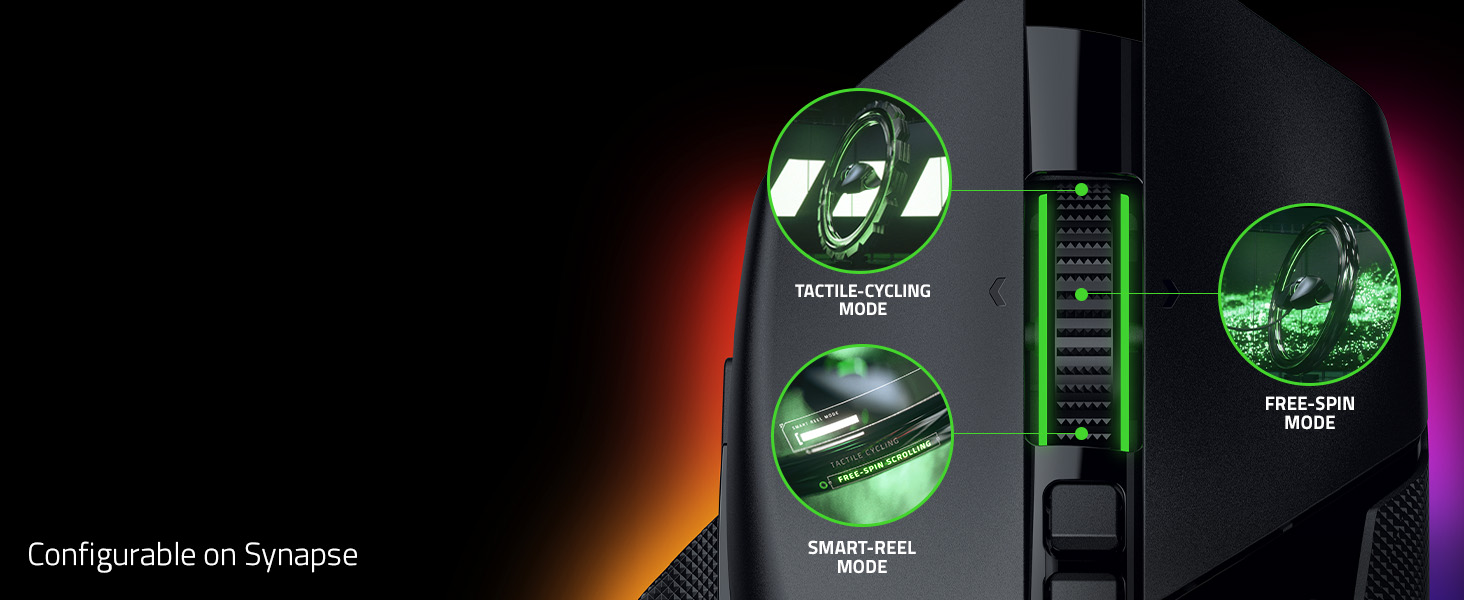
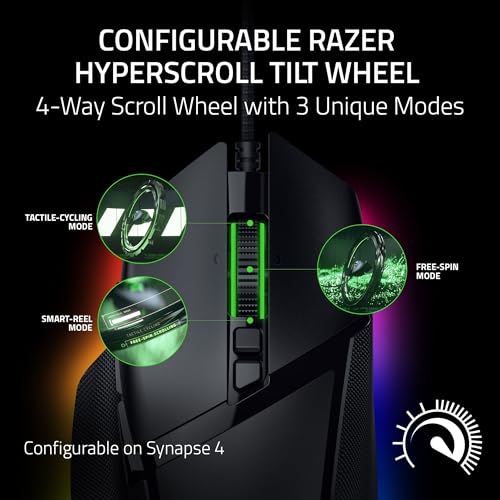
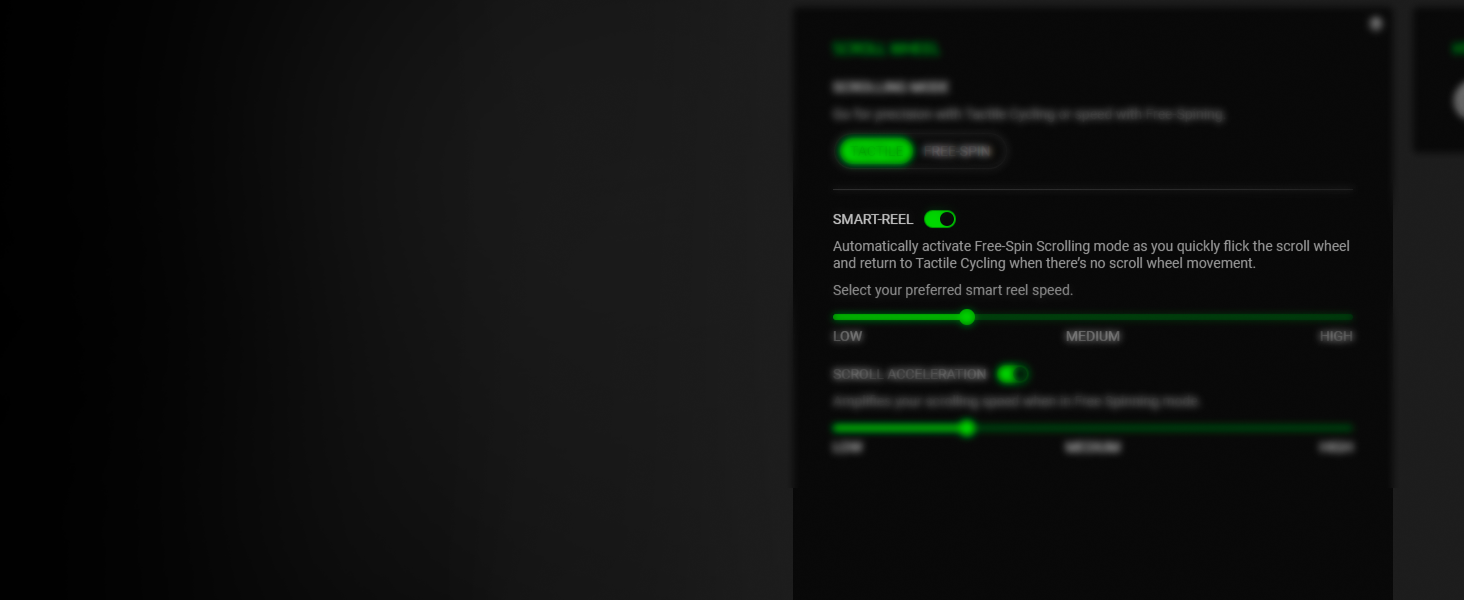
- CONFIGURABLE HYPERSCROLL TILT WHEEL — Choose between tactile cycling and smooth, free-spin scrolling, or auto-switch between them based on the scroll speed in Smart-Reel mode—now configurable on Synapse
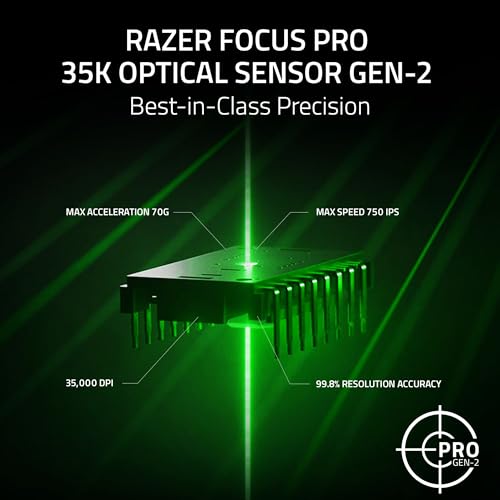
- RAZER FOCUS PRO 35K OPTICAL SENSOR GEN-2 — Experience best-in-class tracking performance on a wider variety of surfaces including glass, supported by intelligent functions and 1-DPI step adjustments for more granular aim and control
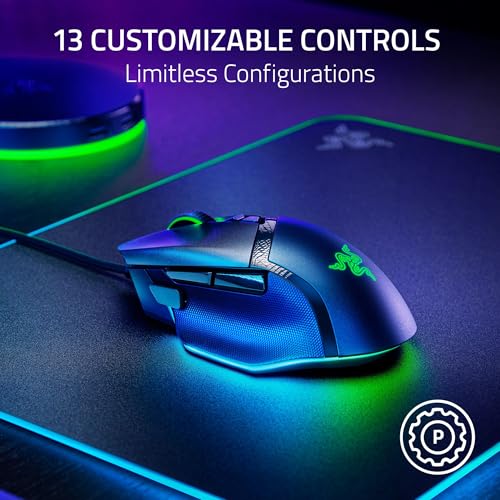
- 13 CUSTOMIZABLE CONTROLS — Assign an endless combination of commands and macros across 13 easy-access controls, including its acclaimed multi-function trigger to execute essential actions like push-to-talk, ping, and more
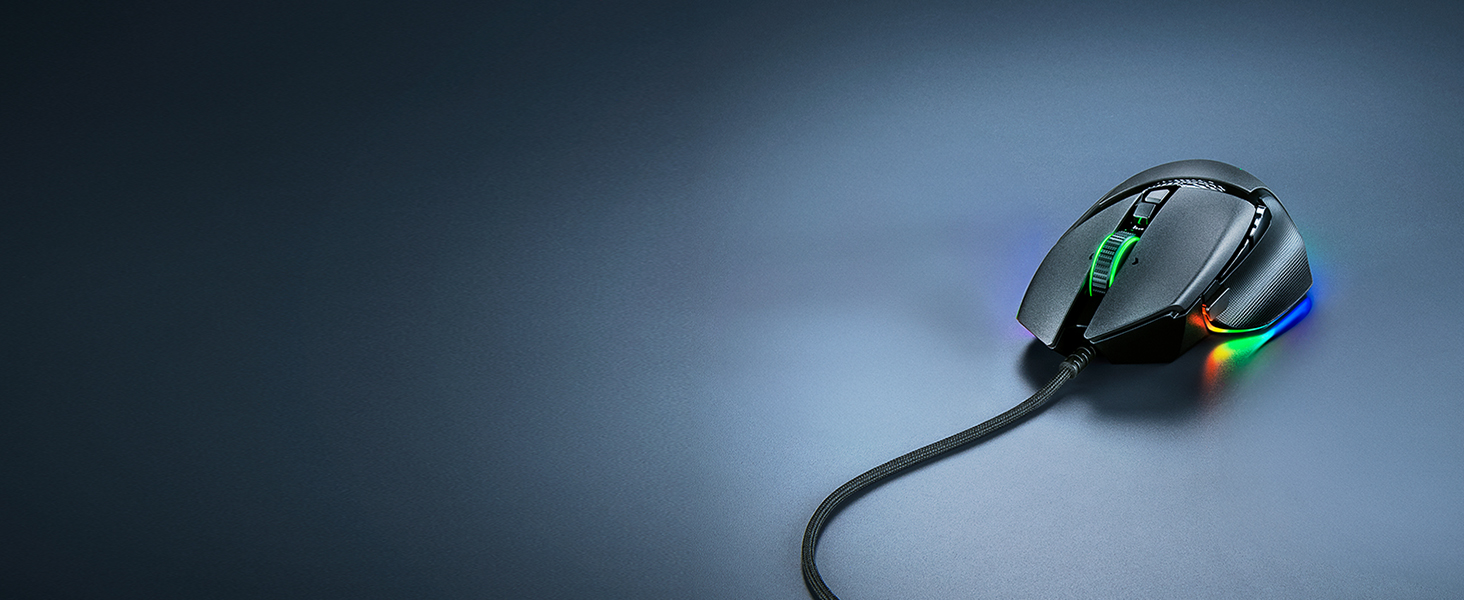
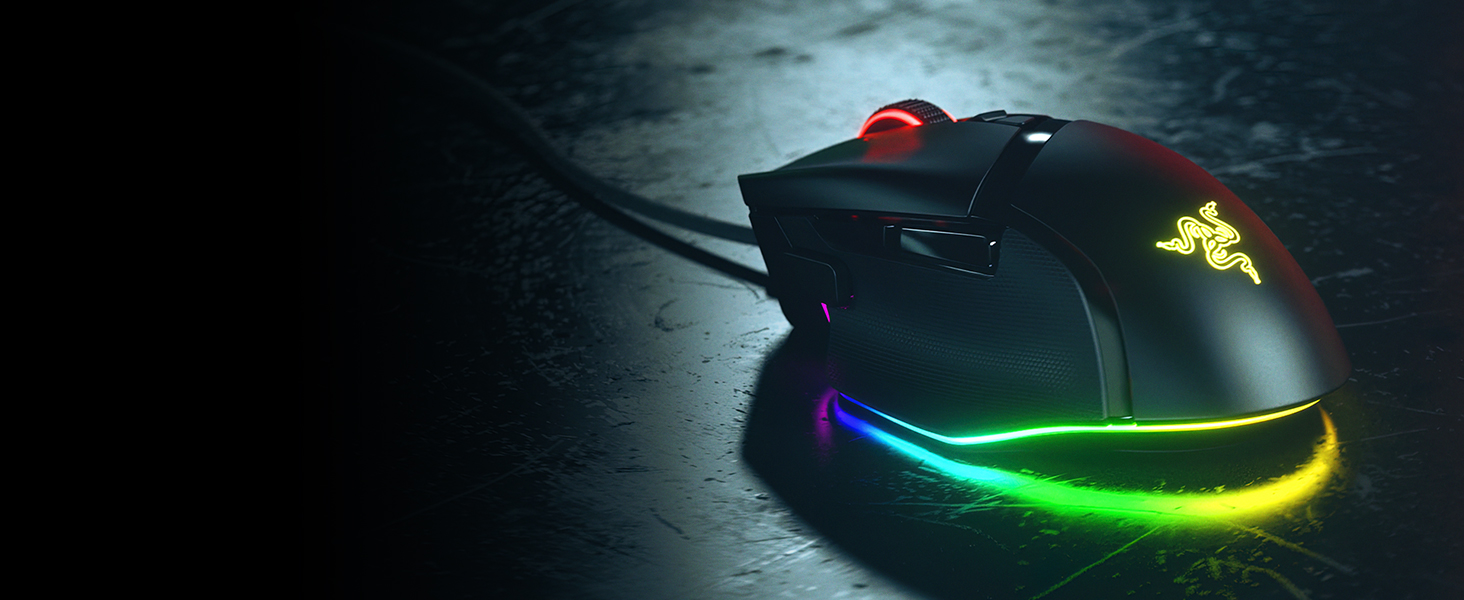
- 11-ZONE CHROMA LIGHTING WITH FULL UNDERGLOW — Customize each zone from over 16.8 million colors and countless lighting effects, and experience greater immersion as they react dynamically with over 200 Chroma-integrated games
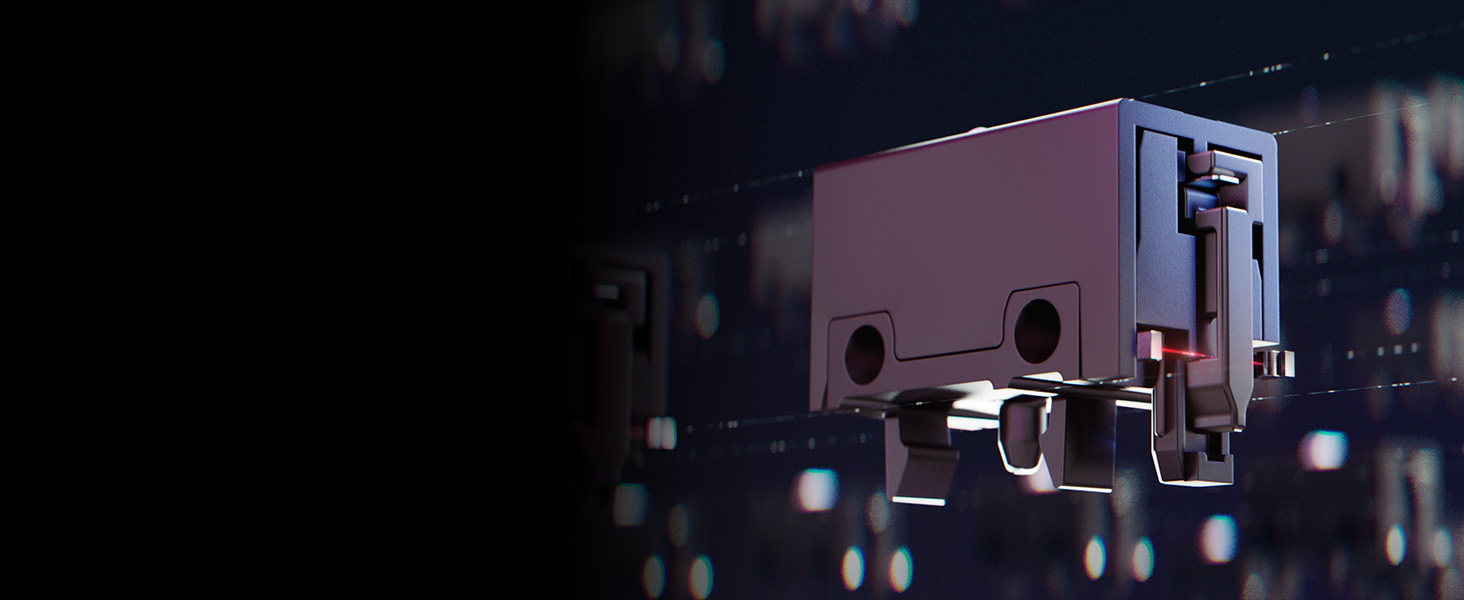
- RAZER OPTICAL MOUSE SWITCHES GEN-3 — From an improved 90-million click lifecycle with zero double-clicking issues, to a blistering 0.2 ms actuation with no debounce delay, enjoy reliability and speed that outshines all others
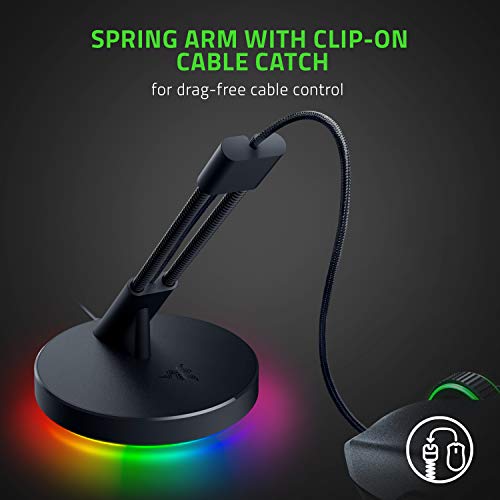
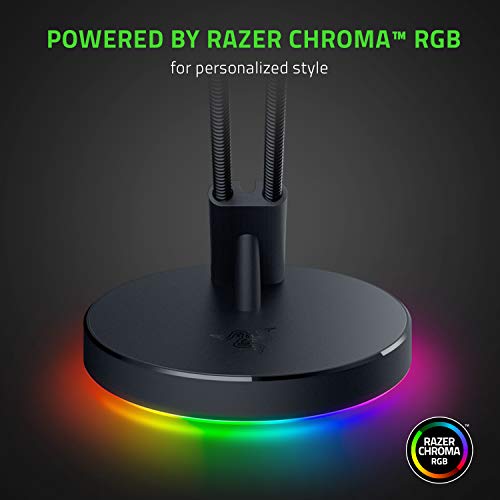
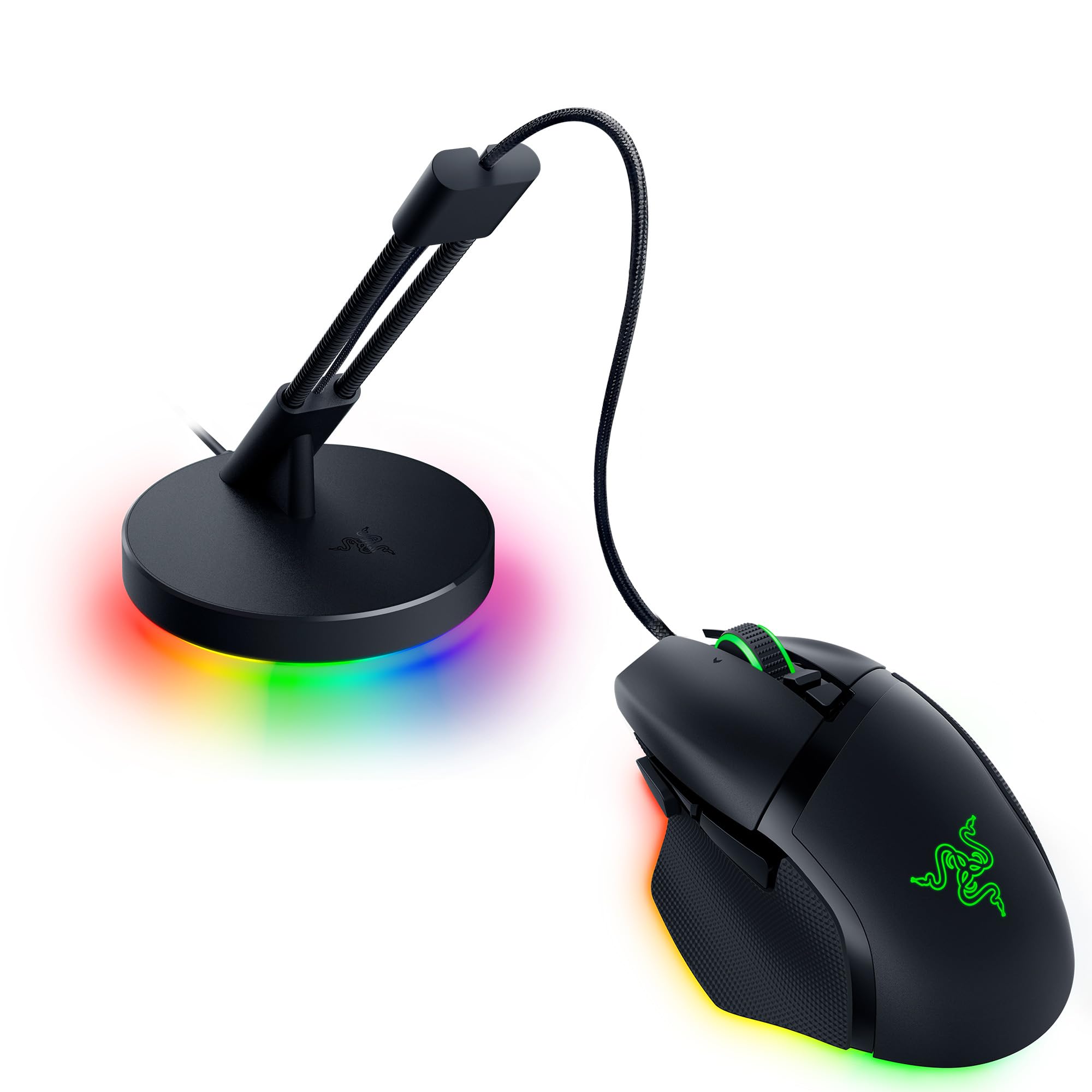
- WIRELESS LIKE EXPERIENCE — An adjustable spring allows for the mouse cord to be threaded in the best angle on the Bungee V3 to eliminate tangles during play
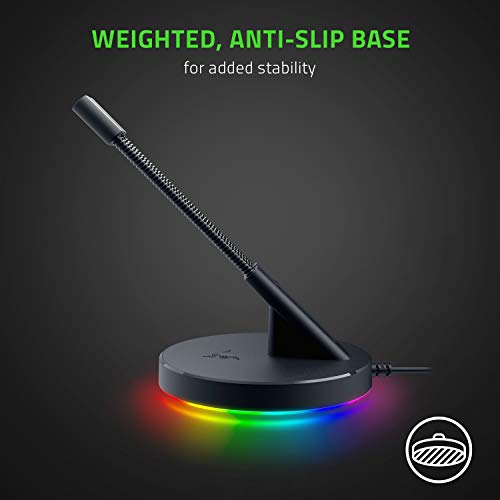
- ZERO MOVEMENT ANTI-SLIP GRIP — The solid, weighted base is reinforced with non-slip feet to always keep the Bungee V3 in place and never flip over while gaming
- COMPACT SIZE WITH WEIGHTED BASE — The Bungee V3's small frame ensures it takes up minimal desk space, saving room for peripherals
Experience a new level of immersion, customization, and precision with the Razer Basilisk V3 35K—our most advanced wired RGB gaming mouse ever. Featuring a next-gen sensor and scroll wheel designed for deeper configuration, you now have all you need to create the perfect setting for play. Razer HyperScroll Tilt Wheel – The most advanced 4-way scroll wheel, with 3 unique scroll modes: Tactile Cycling, Free-Spin Scrolling, and Smart-Reel Mode. Adjustable Scroll Tension & Acceleration – Access new customizable scroll options on the new Synapse 4, with 5 levels of scroll tension and 5 multiplier levels of scroll acceleration. Razer Focus Pro 35K Optical Sensor Gen-2 – The most advanced and precise sensor with 1-DPI step adjustments and 99.8% resolution accuracy. Intelligent Features – With Smart Tracking, the sensor can automatically detect and adjust its tracking algorithm to match the surface, maintaining consistent lift-off distance for greater control and accuracy. Enabling Motion Sync allows the sensor to sync its signals to the exact intervals your PC extracts information, ensuring you get the most current updates of your mouse position for more consistent tracking. Razer Speedflex Cable – Premium mouse cable designed for minimal drag and smoother swipes. Razer Hypershift – Assign a secondary function to each of the mouse’s 13 controls via Synapse and effectively double your command. Instantly toggle between functions with a touch of a button.


| SKU: | B0FRPYVLDQ |
| Brand: | Razer |
| Manufacture: | Razer |
From the manufacturer
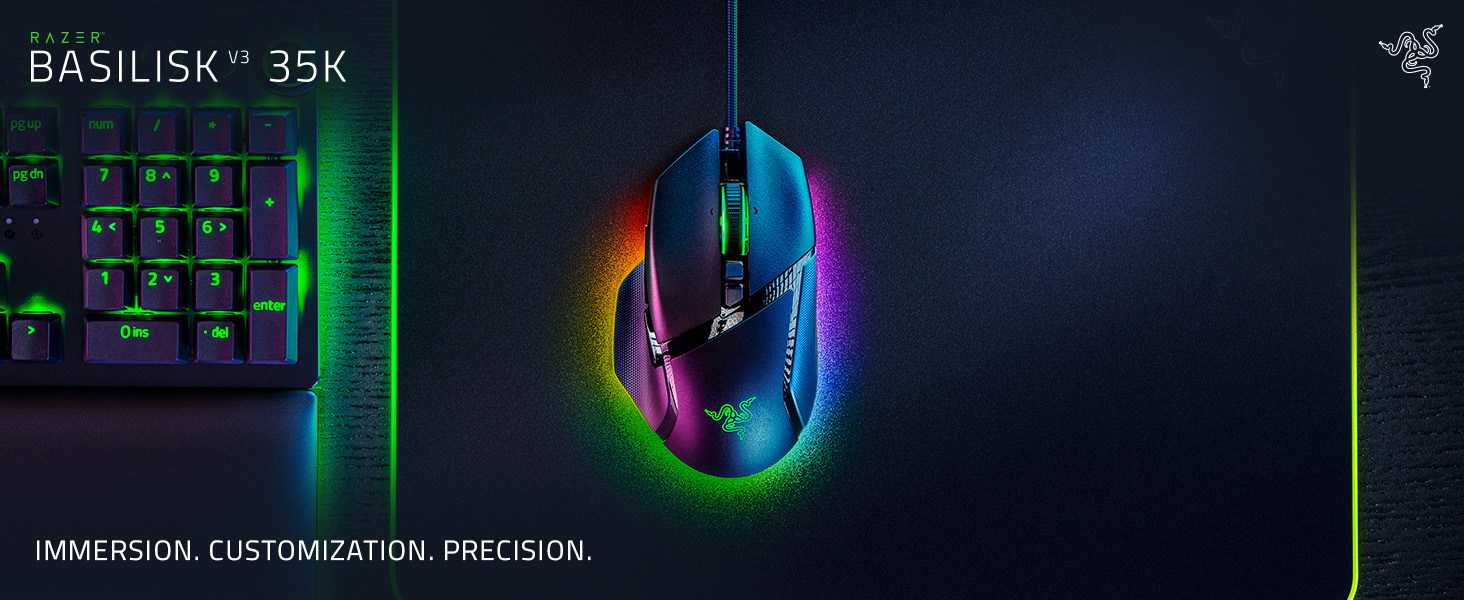

3 Scroll Wheel Modes
Enjoy tactile, free-spin, or auto-switch between both with Smart-Reel mode—configurable on Synapse
A New Class of Precision
99.8% resolution accuracy, 1 DPI-step adjustments, precise tracking on more surfaces, and more
11-Zone Chroma Lighting With Full Underglow
Customize each zone from 16.8 million colors and countless lighting effects
Greater Flexibility, Minimal Drag
Enjoy tighter mouse control with quicker, smoother swipes
Reliable & Tactile
Lasts up to 90-million clicks, no double-clicking issues, and a more tactile feel
New Customization Features
Optimize the mouse to match your playstyle by utilizing our latest tools
5 Levels of Adjustable Tension
Set the amount of scrolling force required to auto-switch from tactile to free-spin mode
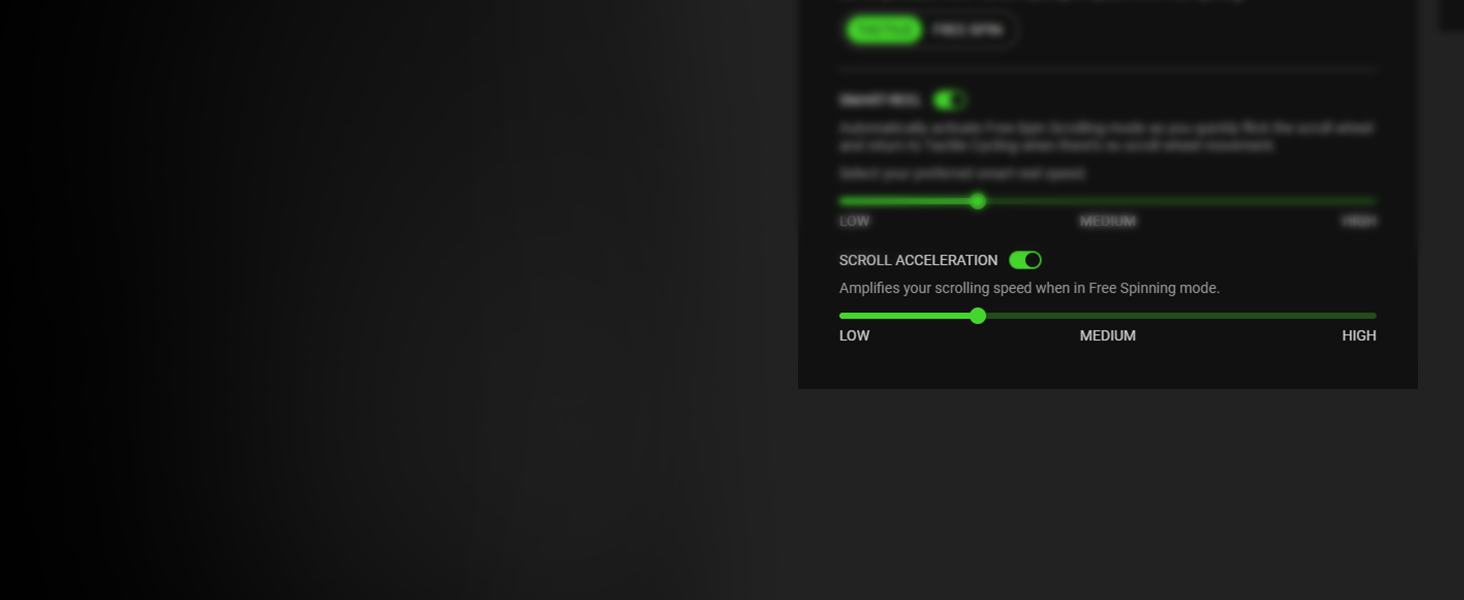
5 Levels of Scroll Acceleration
Virtually accelerate your scroll speed from a range of multipliers
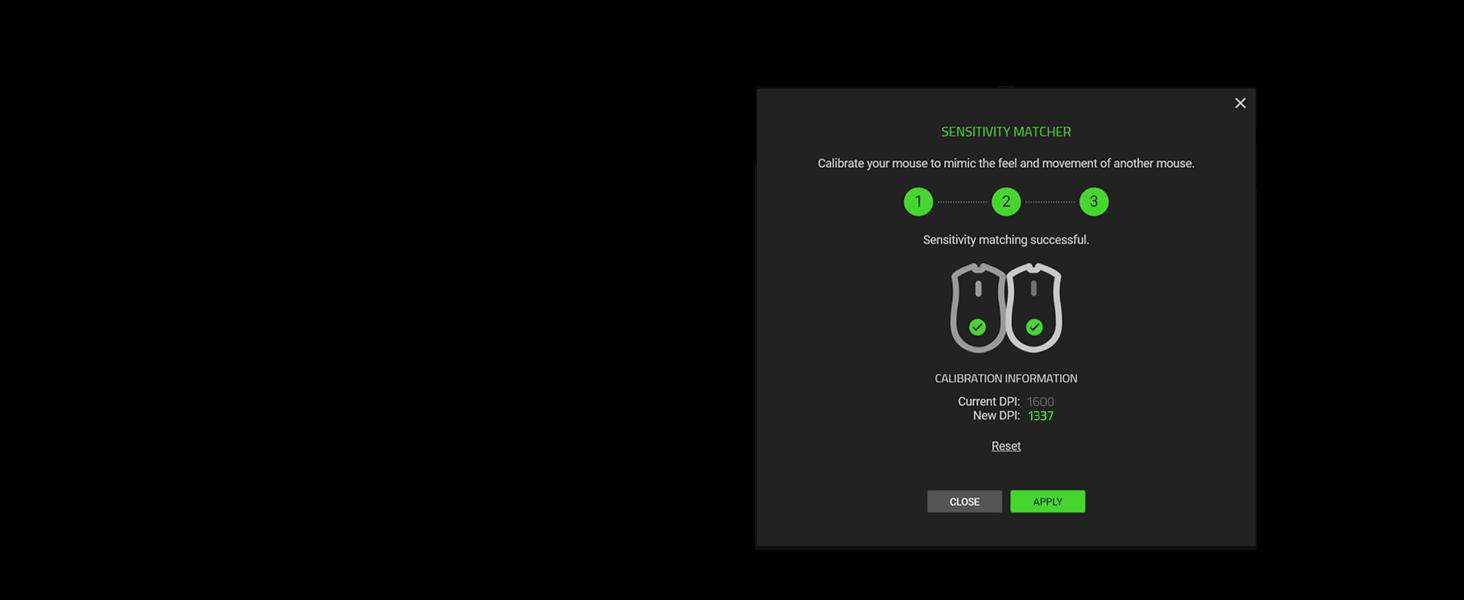
Port Over Your DPI in 3 Steps
Precisely port over the DPI settings of your current mouse to the Basilisk V3 35K
 Multi-Function Trigger
Tactically positioned to offer ease of access at your fingertips — enjoy the flexibility of assigning either simple keymaps, item hotkeys, spells or any other in-game commands you need
” data-position=”triggerHorizontal” />Razer Optical Mouse Switches Gen-3With switches that clock in at a blistering 0.2ms actuation speed for up to 90 million clicks, you can expect nothing but crisp, responsive performance with zero misclicks
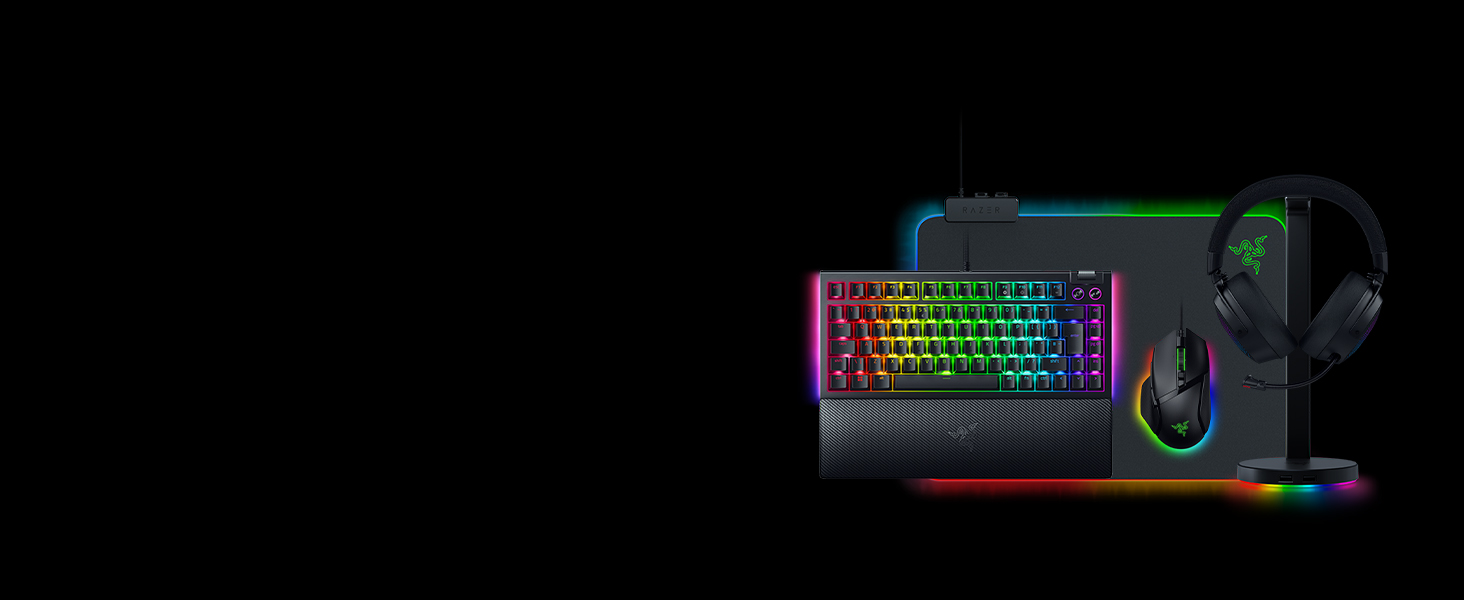
” data-position=”triggerHorizontal” />Explore Our Immersive Setup
Complete your Chroma upgrade by pairing it with the perfect RGB gaming peripherals. Explore our finest selection of immersive products, designed for maximum illumination and immersion
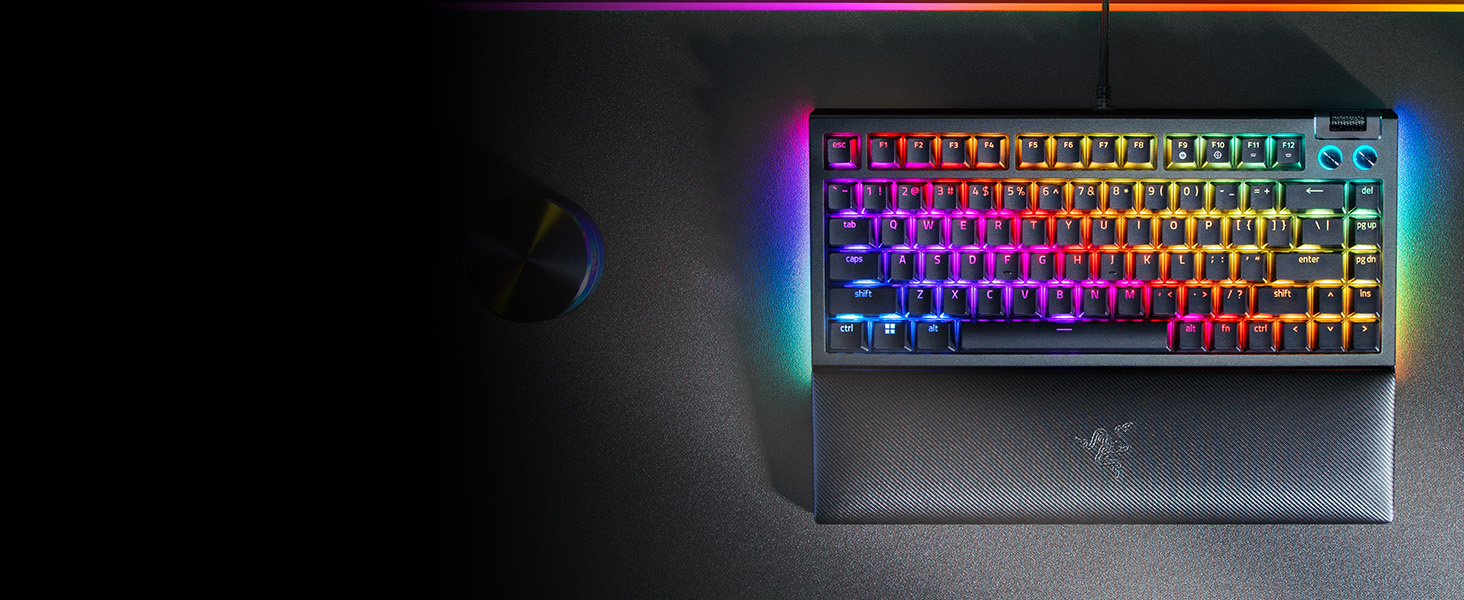
Razer BlackWidow V4 75%
Satisfy your enthusiast needs with the Razer BlackWidow V4 75%—a compact, hot-swappable mechanical keyboard powered by Razer Chroma RGB
Razer Kraken V4
Unleash the limits of immersion with the Razer Kraken V4—powered by Razer Chroma RGB. Supercharged with 3 connectivity modes, a super wideband mic, and 9-zone earcup lighting
Razer Firefly V2
An ultra-thin, micro-textured mouse mat for enhanced aim, complete with all-round edge lighting powered by Razer Chroma RGB
Razer Base Station V2 Chroma
Add more functionality and flair to your gaming setup with the Razer Base Station V2 Chroma, which features additional USB 3.1 SuperSpeed ports and a 3.5mm combo port
What is the form factor of the Razer Basilisk V3 35K?
The Razer Basilisk V3 35K features a unique right-handed ergonomic design with a signature thumb rest for less finger drag for smoother flicks when gaming.
How do I remap buttons and customize settings for the Razer Basilisk V3 35K?
You can configure button mappings, macros, smart-reel mode, level of scroll acceleration, lighting effects and more on Razer Synapse 4.
What are macros and how do I assign one to a Razer mouse button?
A macro is a recording that contains a series of inputs/commands. In a situation where you would normally have to press multiple buttons to execute different actions, a macro allows you to execute all these actions in sequence with just one button.
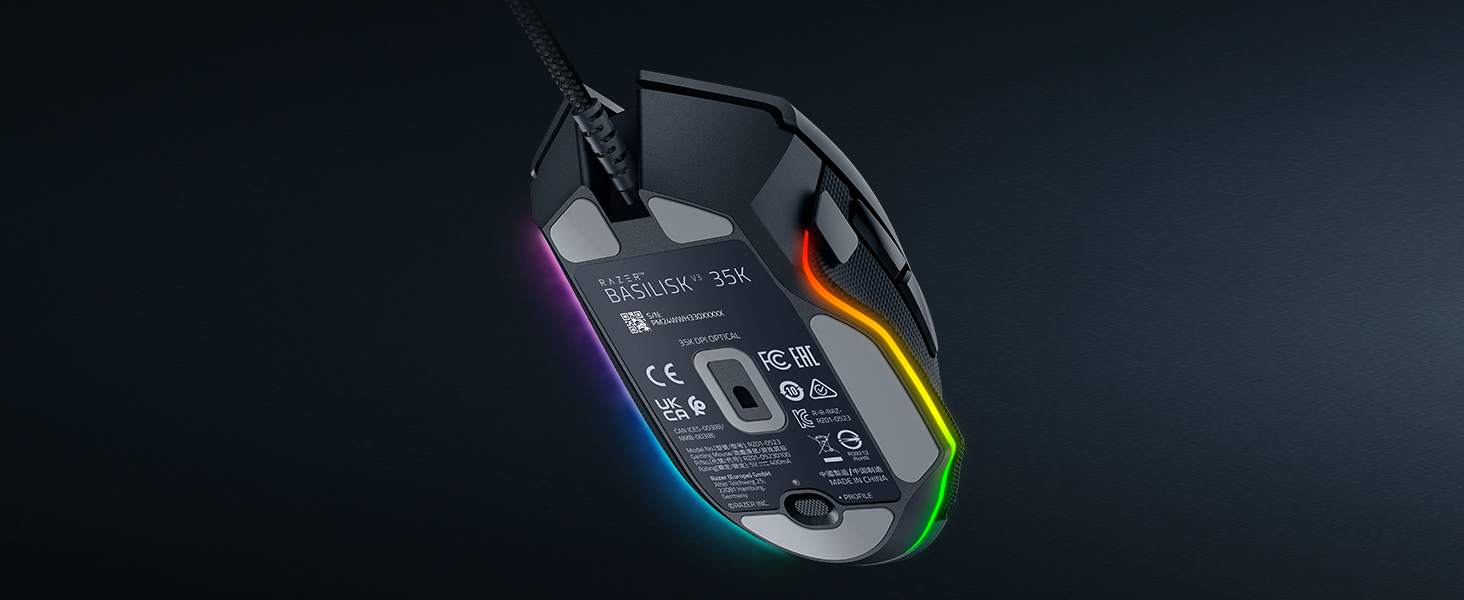
What does the button at the bottom of the Razer Basilisk V3 35K do?
By default, this button allows you to toggle across different onboard profiles saved onto your mouse. With Razer Synapse 4, you can reconfigure this like any other button on the mouse.
How can I take full advantage of the 11 programmable buttons on the Razer Basilisk V3 35K?
We highly recommend downloading Razer Synapse 4 and enabling Razer HyperShift feature that enables a secondary set of button profiles on the mouse. This means you’ll double up the inputs as if you had up to 22 buttons.