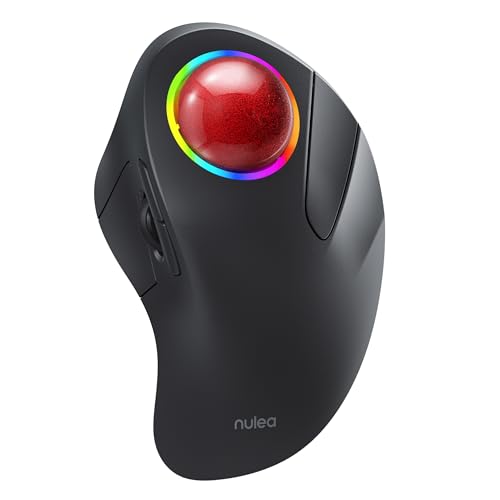
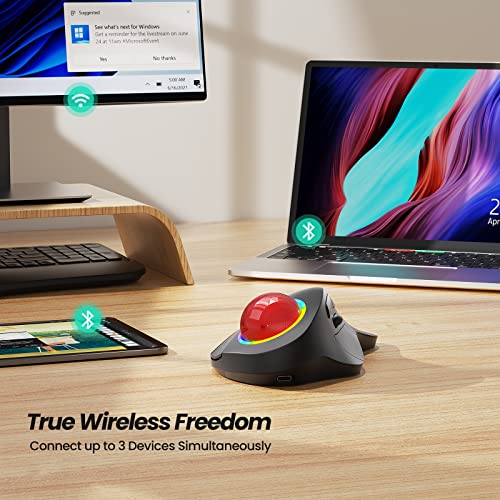
Nulea M505B Wireless Trackball Mouse, Rechargeable Ergonomic RGB Rollerball Mouse, Easy Index Finger Control with 5 Adjustable DPI, 3 Device Connection for PC, Laptop, iPad, Mac, Windows, Android
REGULAR PRICE: £45.99
About this item
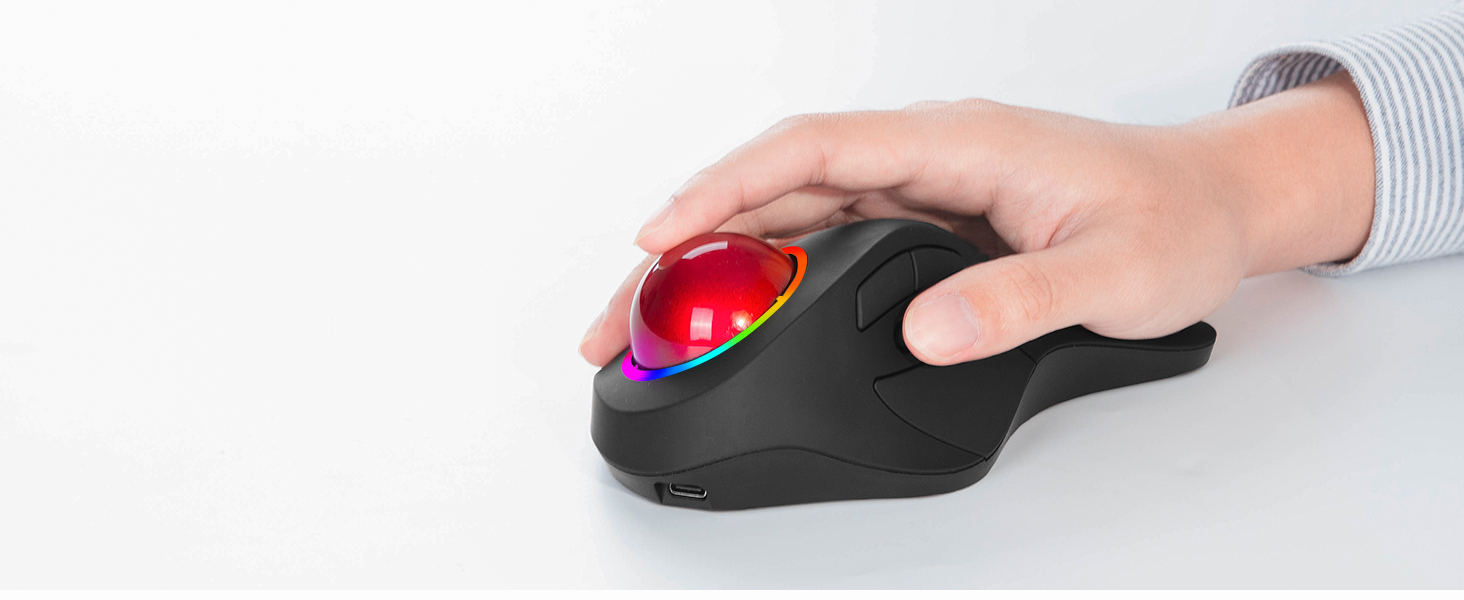
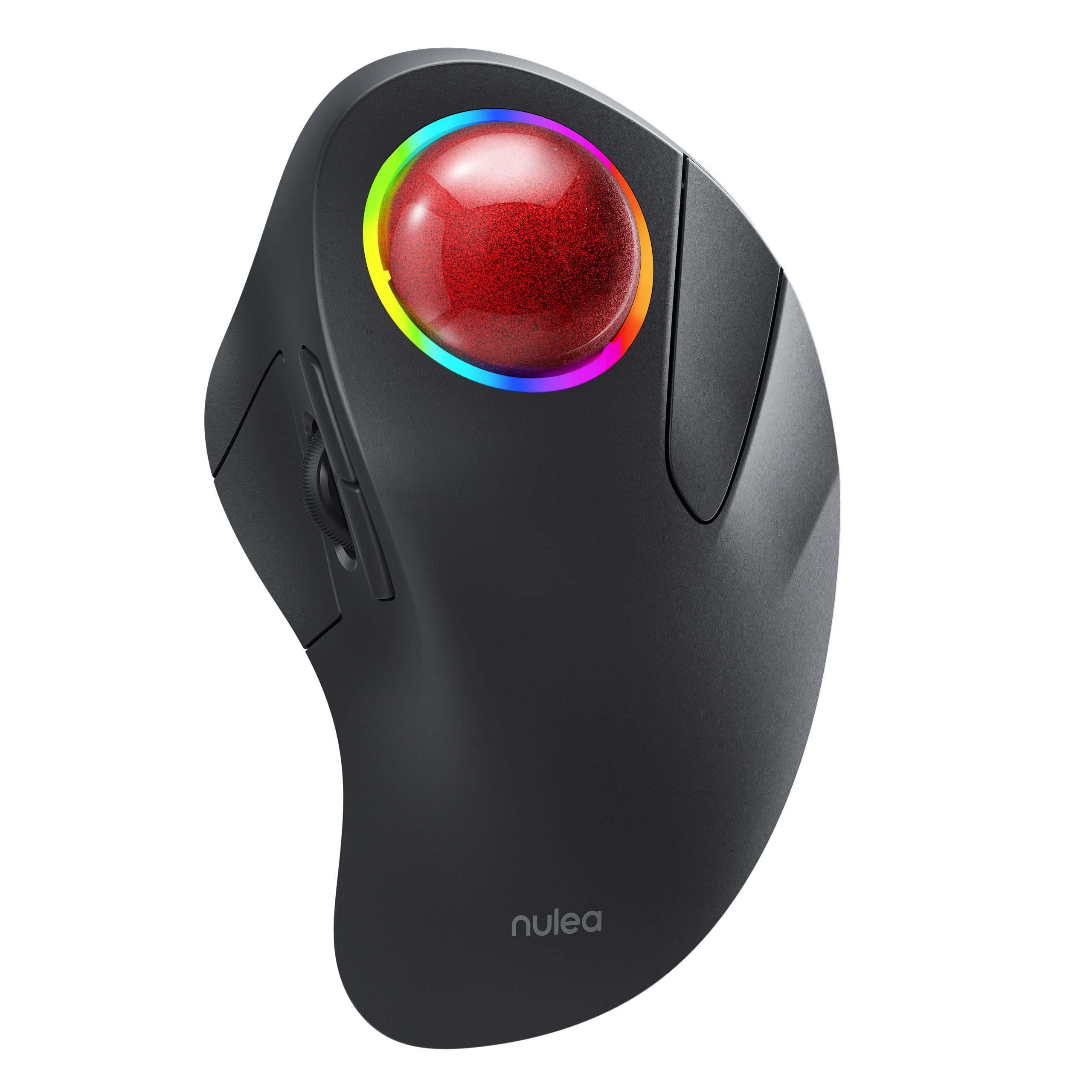
- Ergonomic Design for Comfort: Nulea M505 trackball mouse is designed to fit your hand greatly, reducing muscle stress and promoting comfort. The 44mm index finger trackball enhances cursor control and reduces arm stiffness, making it an effective solution for treating wrist pain.
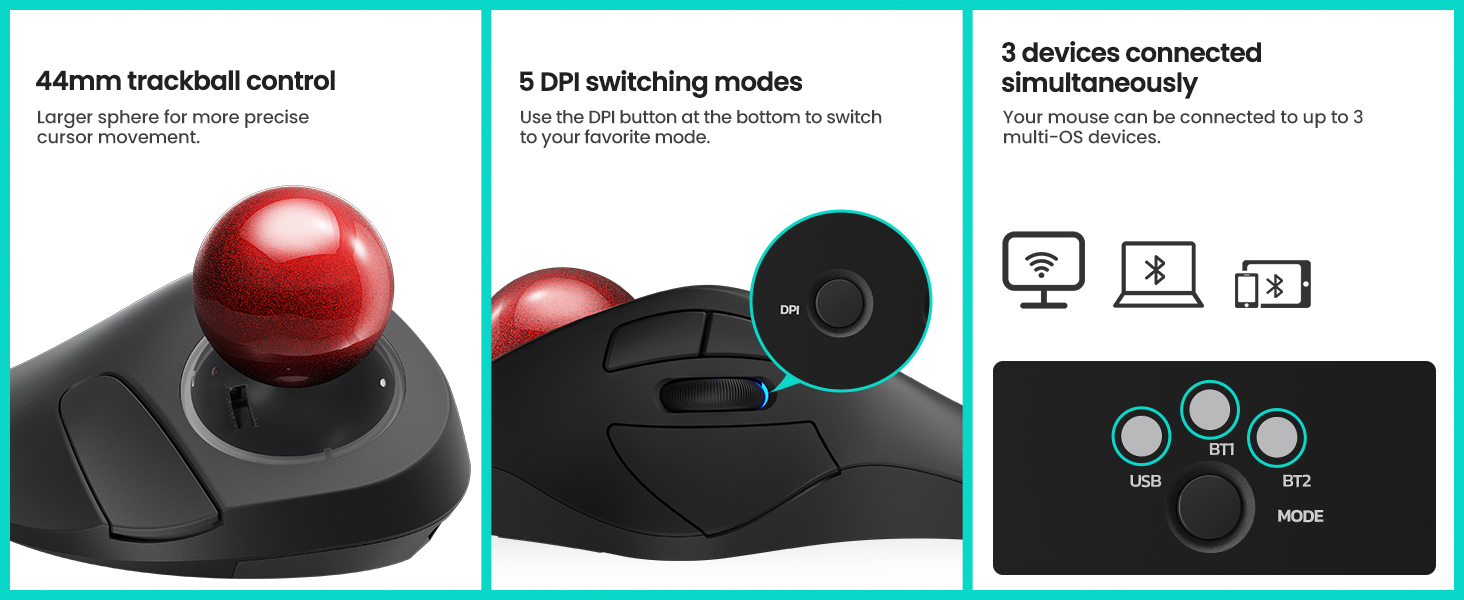
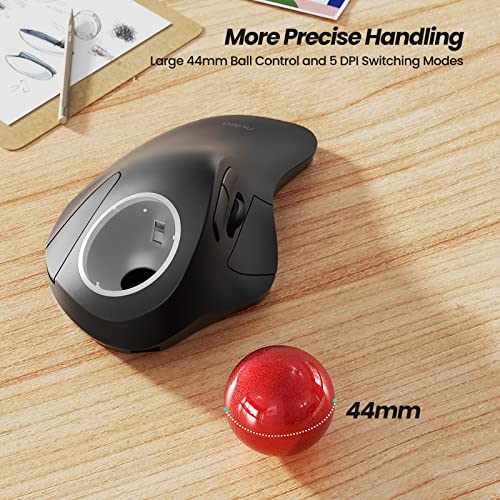
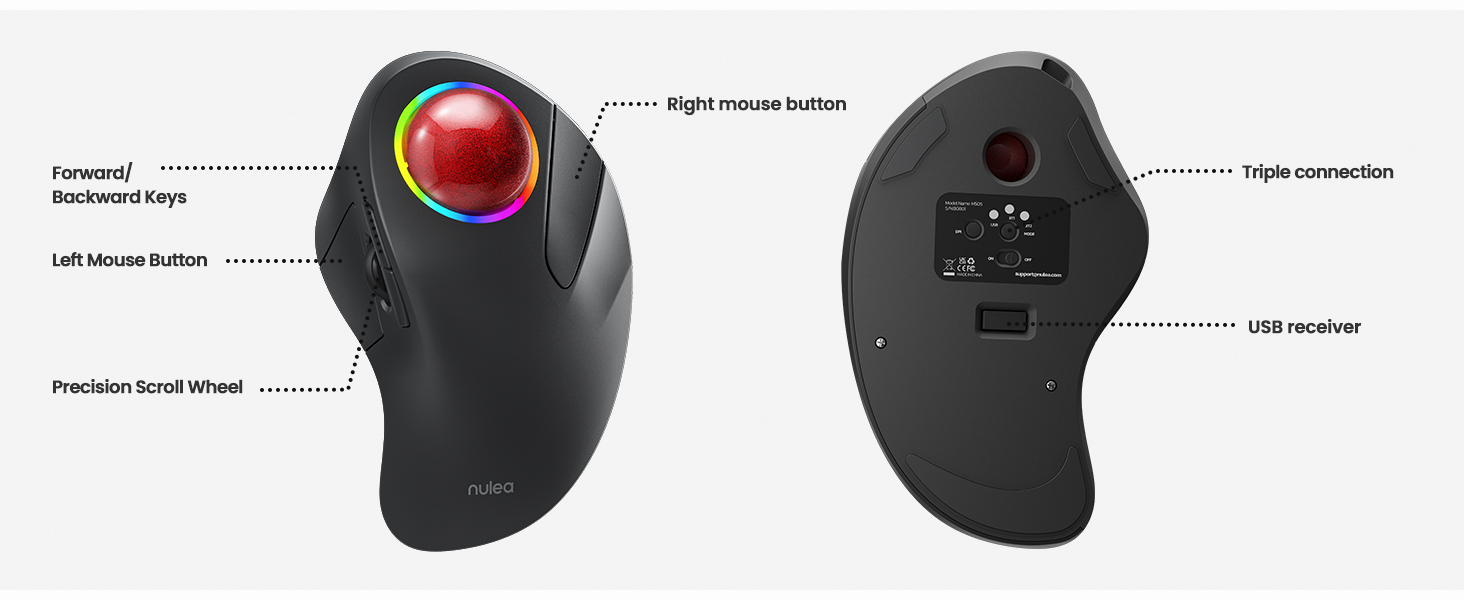
- Precise Tracking with Adjustable DPI: With 5 different DPI modes, the trackball mouse allows you to adjust cursor movement for superior accuracy and control. You can easily switch between DPI modes using the button located at the bottom of the mouse.
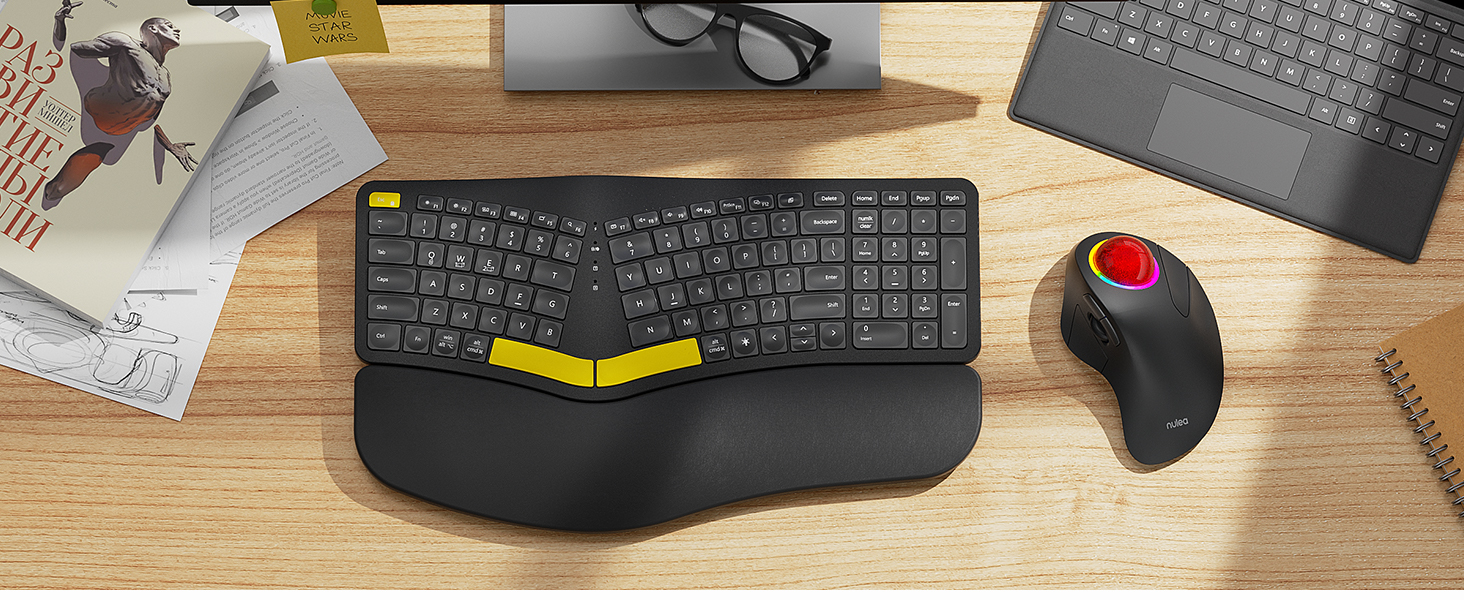
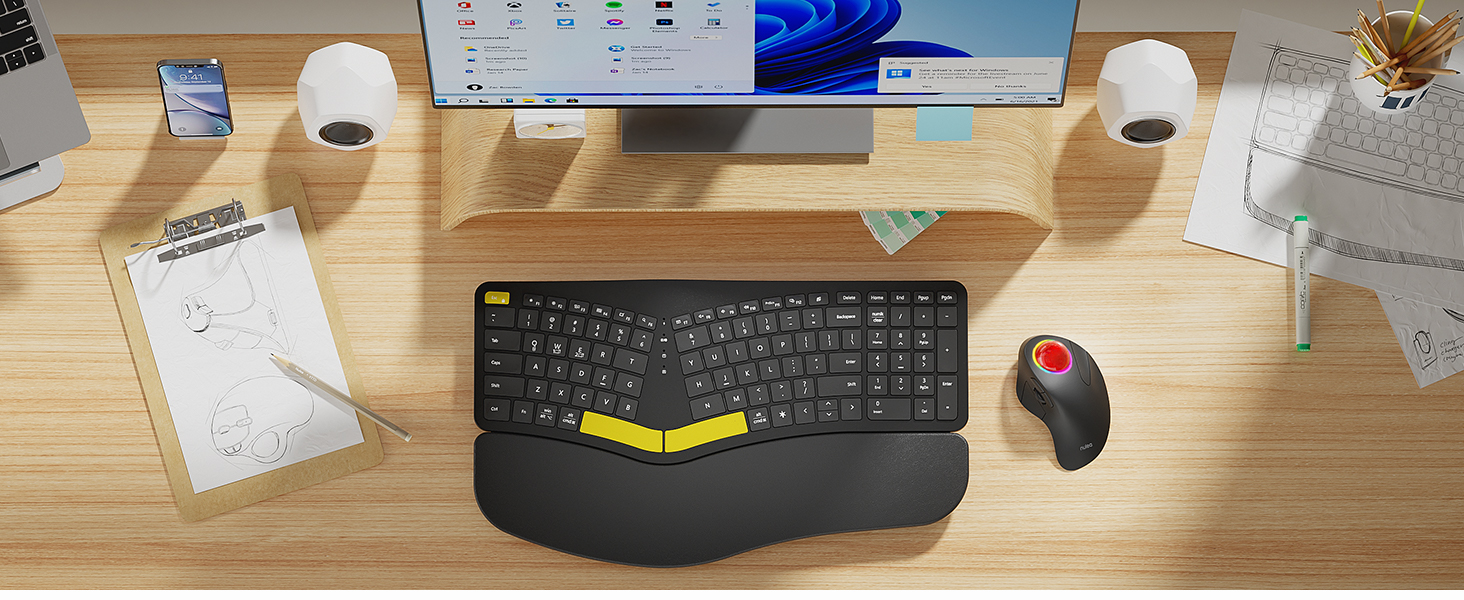
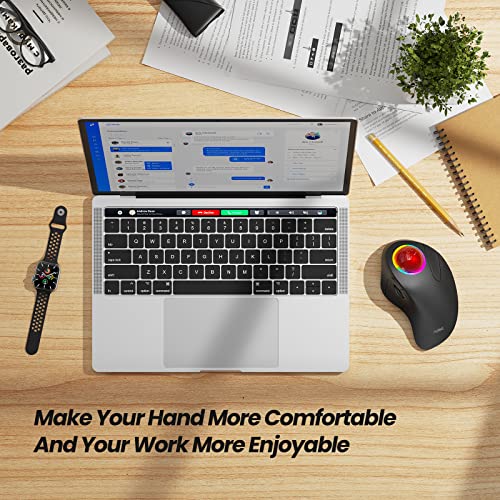
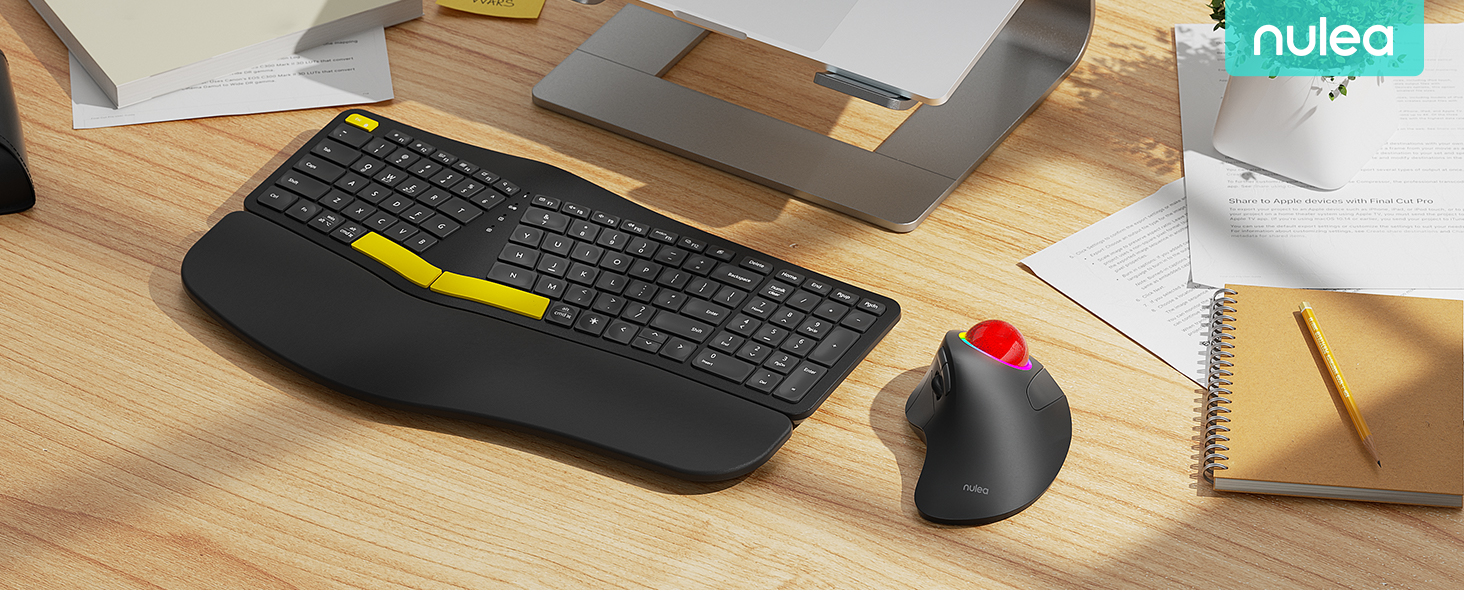
- Great for Small Work Spaces: The smooth index finger trackball allows you to navigate your cursor on practically any surface, making it ideal for small workspaces. Whether you're working at a cluttered desk or on a couch or bed, Nulea trackball mouse can boost your efficiency.
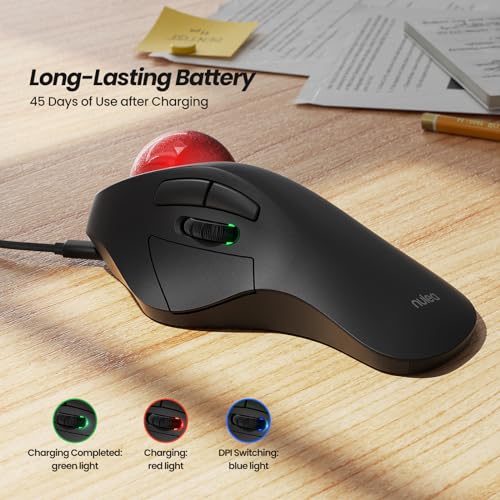
- Long-Lasting Battery: Our ergonomic mouse features a built-in rechargeable battery that lasts up to 45 days on a single full charge. You can use our mouse for extended periods without worrying about charging it.
- RGB Effect:The index finger trackball mouse comes equipped with an RGB effect that adds a pop of color to your setup. You can turn the light off or on by Long pressing the left and right button for three seconds.
Product description
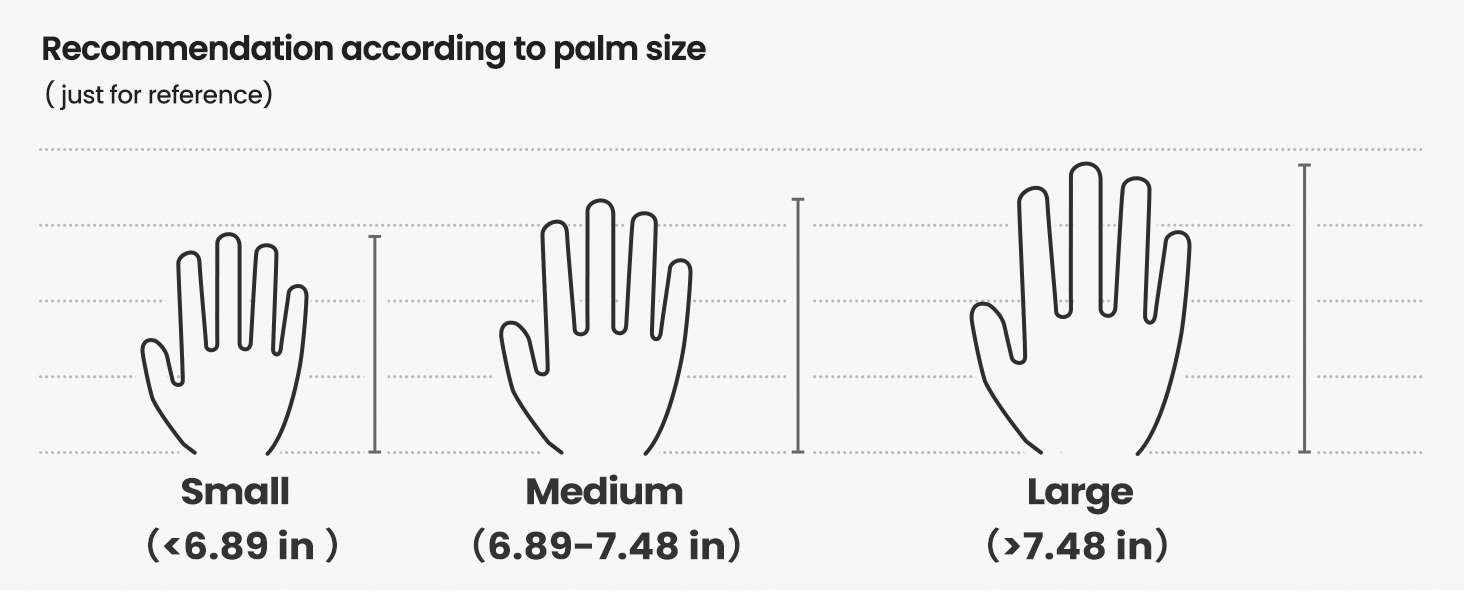
MEASURE YOUR HAND, CHOOSE THE RIGHT MOUSE
M505B is ideally suited for individuals with medium to large-sized hands.
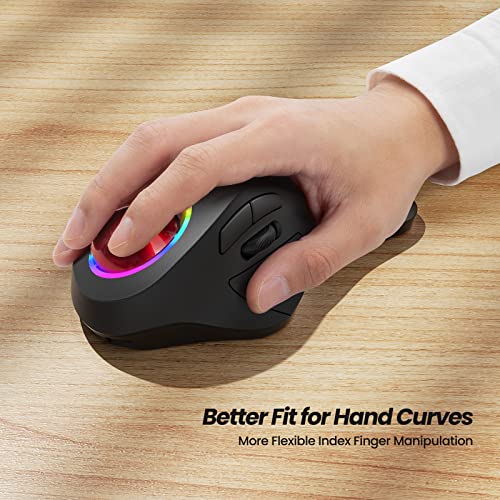
Ergonomic Design
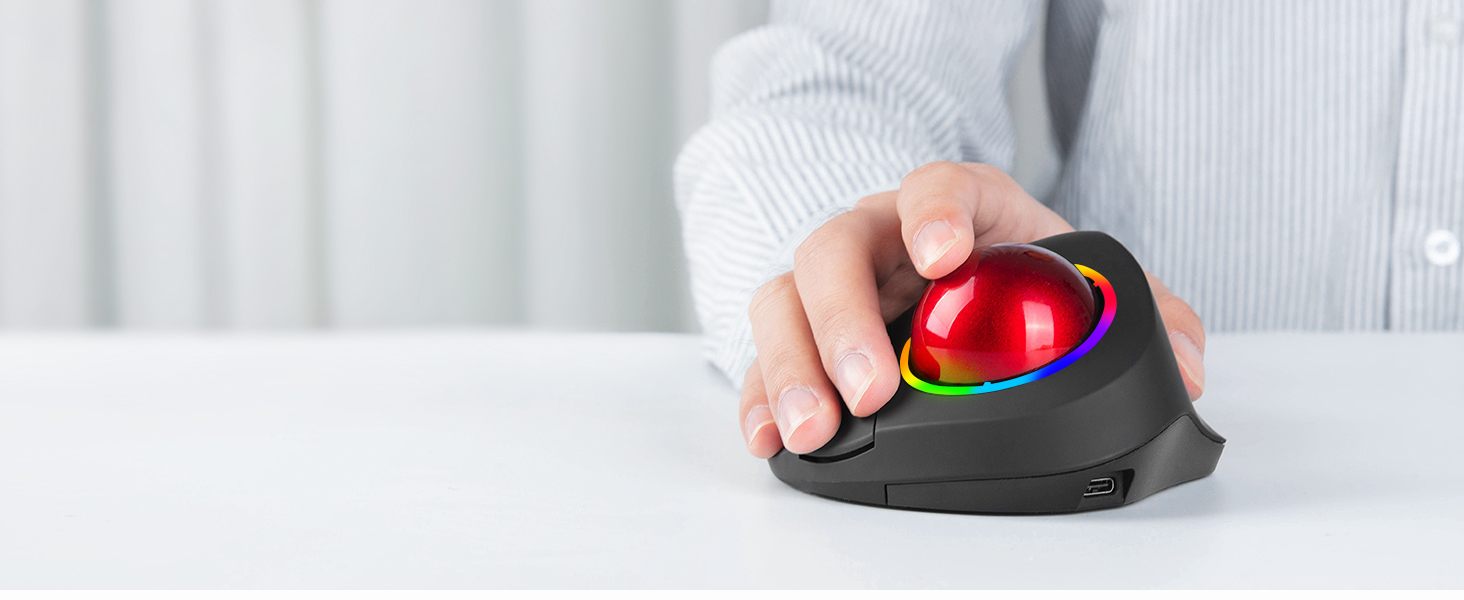
This mouse's shape fits the curve of your hand, maximizing comfort and reducing muscle stress.
Flexible Index Finger Control
The 44mm index finger trackball enhances cursor control, reduces wrist pain and eases arm discomfort.
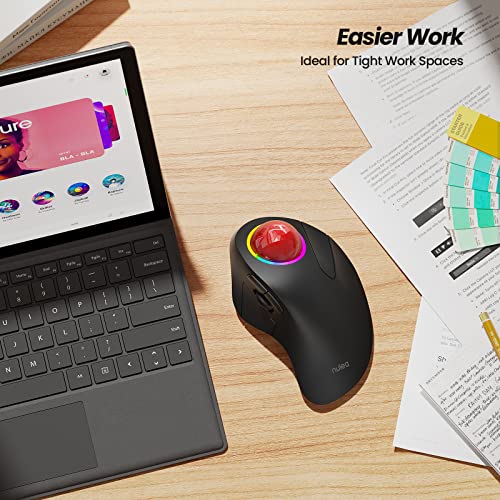
Suitable for Tight Workspaces
The smooth index finger trackball allows you to move your cursor efficiently on almost any surface, making it ideal for cramped workspaces.
Long-Lasting Battery
The built-in rechargeable battery lasts up to 45 days on a single full charge, ensuring you can use it for extended periods without worrying about charging.
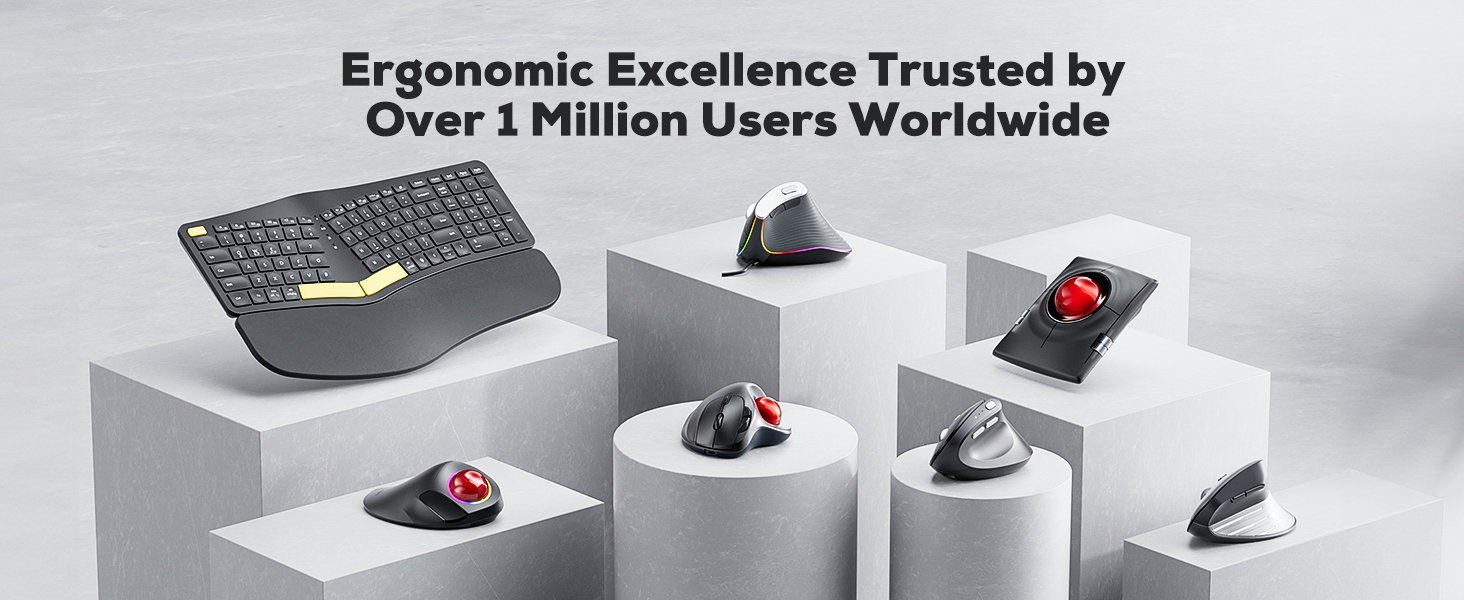
Meet Nulea Ergo Series
Promote natural postures and relaxed movements with innovative and smart designs
Meet Nulea Ergo Series
Promote natural postures and relaxed movements with innovative and smart designs
How to charge the mouse and know its charging state?
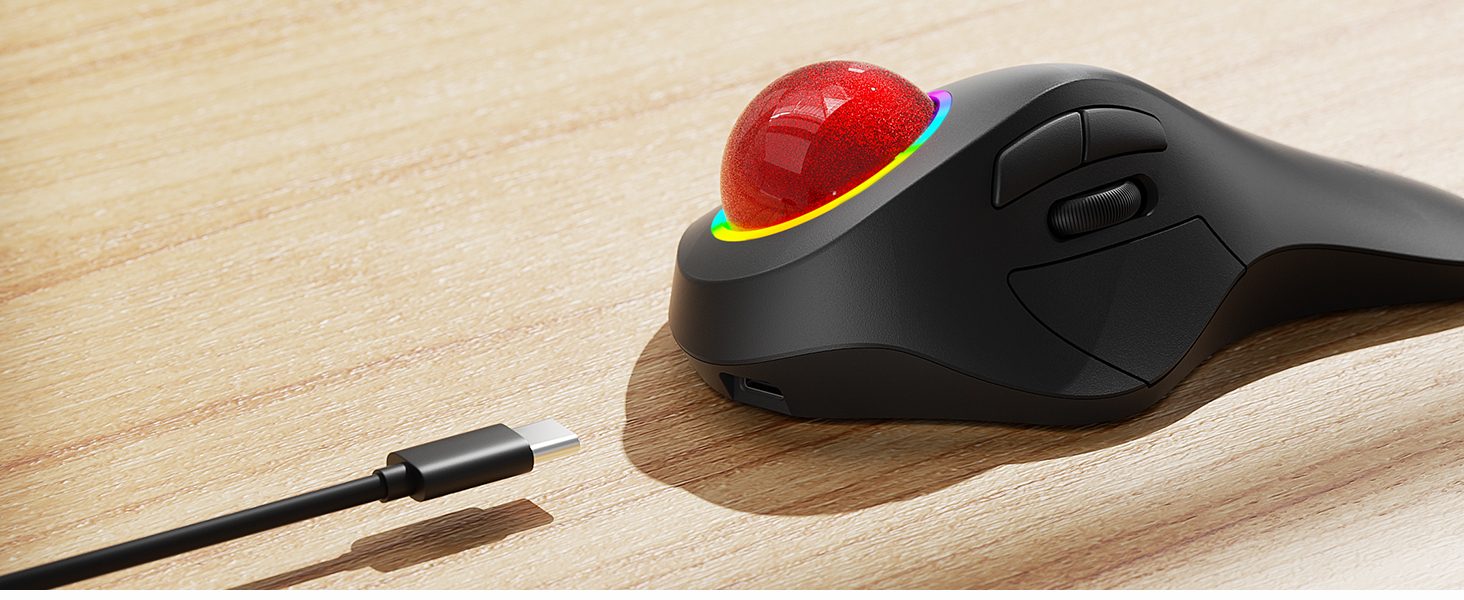
1.Use the provided USB-C to USB-A charging cable to charge the mouse.The low battery and charging indicator is in the slit of the scroll wheel
2.The charging indicator shows red during charging and turns green when fully charged.
How to wake up the mouse?
1.In wireless connection mode, the M505 mouse enters sleep mode 30 minutes after you last used the mouse.
2.lf you need to use the mouse, you can wake it up by clicking the key.(scrolling the trackball or moving the mouse will not wake up the mouse)
How to reprogram mouse buttons?
1. All keys are not programmable.
2. Forward/Backward buttons are not compatible with MAC OS.
How to adjust the DPI of the mouse?
1.The mouse has 5 DPI settings, 200/400/800//1200/1600, which can be easily switched by clicking the DPI button below the Bottom of the Mouse.
2.The blue DPI switch indicator is in the slit of the scroll wheel.
Where is the 2.4G USB Receiver for wireless connection?
The 2.4G USB Receiver is stored at the bottom of the mouse.
| SKU: | B0BR7KX422 |
| Brand: | Nulea |
| Model: | M505B |
| Colour: | RGB Backlight |
| Batteries Included: | Yes |
| Manufacture: | Nulea |
| Colour: | RGB Backlight |
Product description

MEASURE YOUR HAND, CHOOSE THE RIGHT MOUSE
M505B is ideally suited for individuals with medium to large-sized hands.
Ergonomic Design
This mouse's shape fits the curve of your hand, maximizing comfort and reducing muscle stress.
Flexible Index Finger Control
The 44mm index finger trackball enhances cursor control, reduces wrist pain and eases arm discomfort.
Suitable for Tight Workspaces
The smooth index finger trackball allows you to move your cursor efficiently on almost any surface, making it ideal for cramped workspaces.
Long-Lasting Battery
The built-in rechargeable battery lasts up to 45 days on a single full charge, ensuring you can use it for extended periods without worrying about charging.
 Forward/Backward Keys ” data-position=”triggerHorizontal” />Precision Scroll Wheel ” data-position=”triggerHorizontal” />USB receiver ” data-position=”triggerHorizontal” />
Meet Nulea Ergo Series
Promote natural postures and relaxed movements with innovative and smart designs
Meet Nulea Ergo Series
Promote natural postures and relaxed movements with innovative and smart designs
How to charge the mouse and know its charging state?
1.Use the provided USB-C to USB-A charging cable to charge the mouse.The low battery and charging indicator is in the slit of the scroll wheel
2.The charging indicator shows red during charging and turns green when fully charged.
How to wake up the mouse?
1.In wireless connection mode, the M505 mouse enters sleep mode 30 minutes after you last used the mouse.
2.lf you need to use the mouse, you can wake it up by clicking the key.(scrolling the trackball or moving the mouse will not wake up the mouse)
How to reprogram mouse buttons?
1. All keys are not programmable.
2. Forward/Backward buttons are not compatible with MAC OS.
How to adjust the DPI of the mouse?
1.The mouse has 5 DPI settings, 200/400/800//1200/1600, which can be easily switched by clicking the DPI button below the Bottom of the Mouse.
2.The blue DPI switch indicator is in the slit of the scroll wheel.
Where is the 2.4G USB Receiver for wireless connection?
The 2.4G USB Receiver is stored at the bottom of the mouse.