GNCC 2K Baby Monitor, 5G WiFi Baby Camera with Phone App
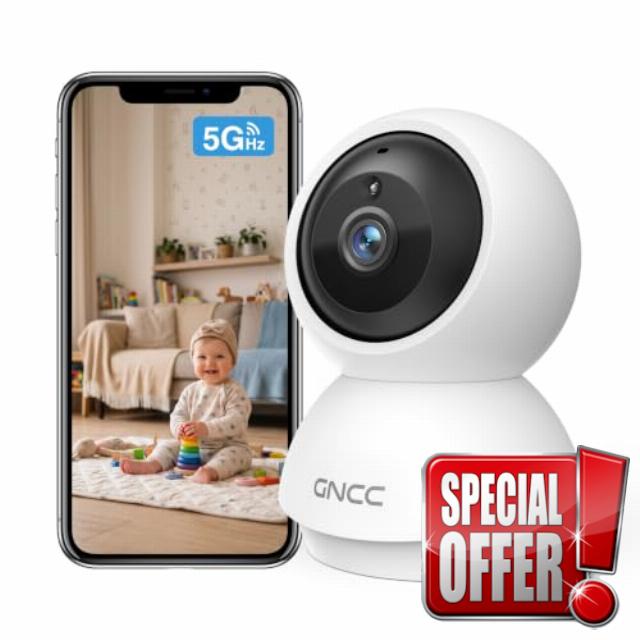
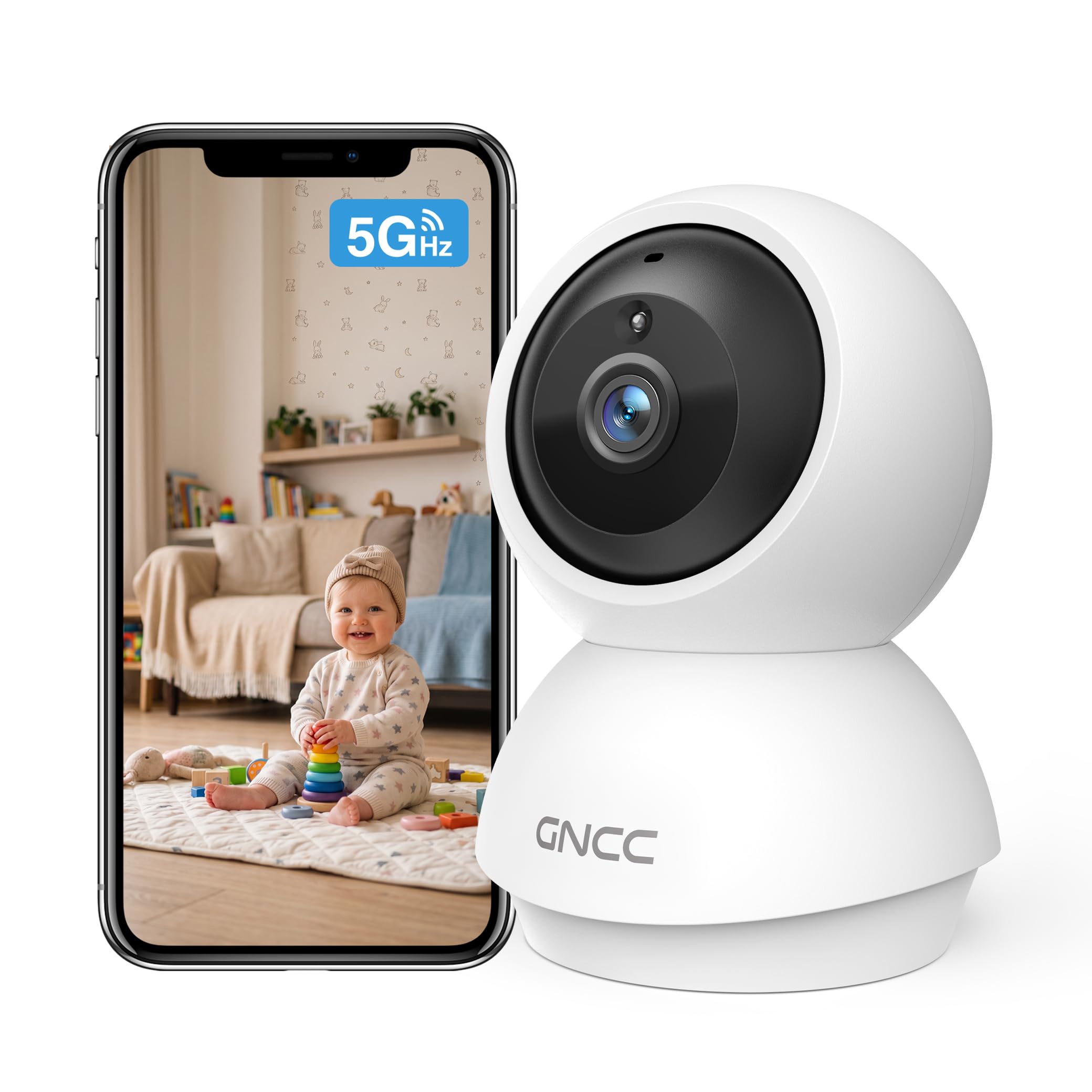
GNCC 2K Baby Monitor, 5G WiFi Baby Camera with Phone App, 360° Pan Tilt Zoom, 2‑Way Audio, Night Vision, AI Motiron Tracking,Cry Detection, SD Card/Cloud Storage,Temperature Sensor, Ideal for New Mom
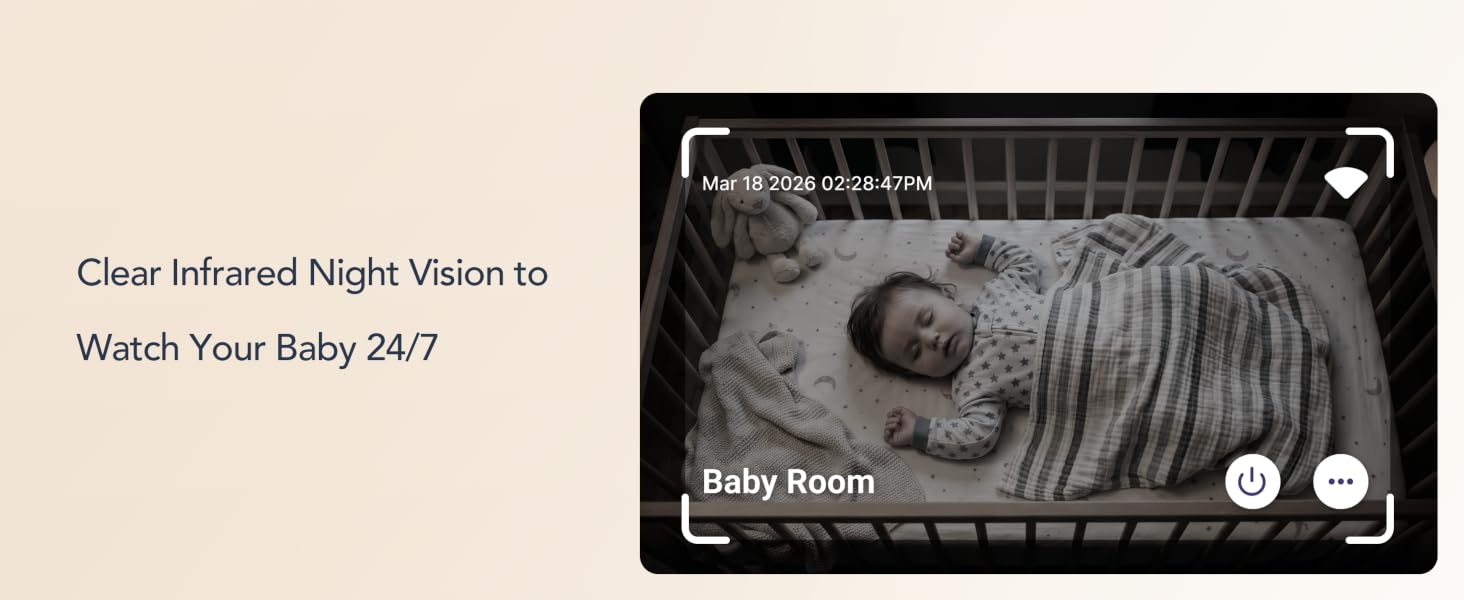
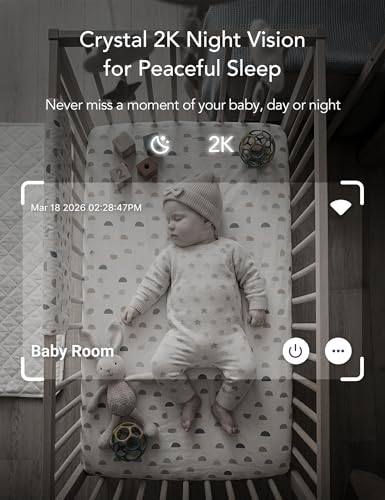
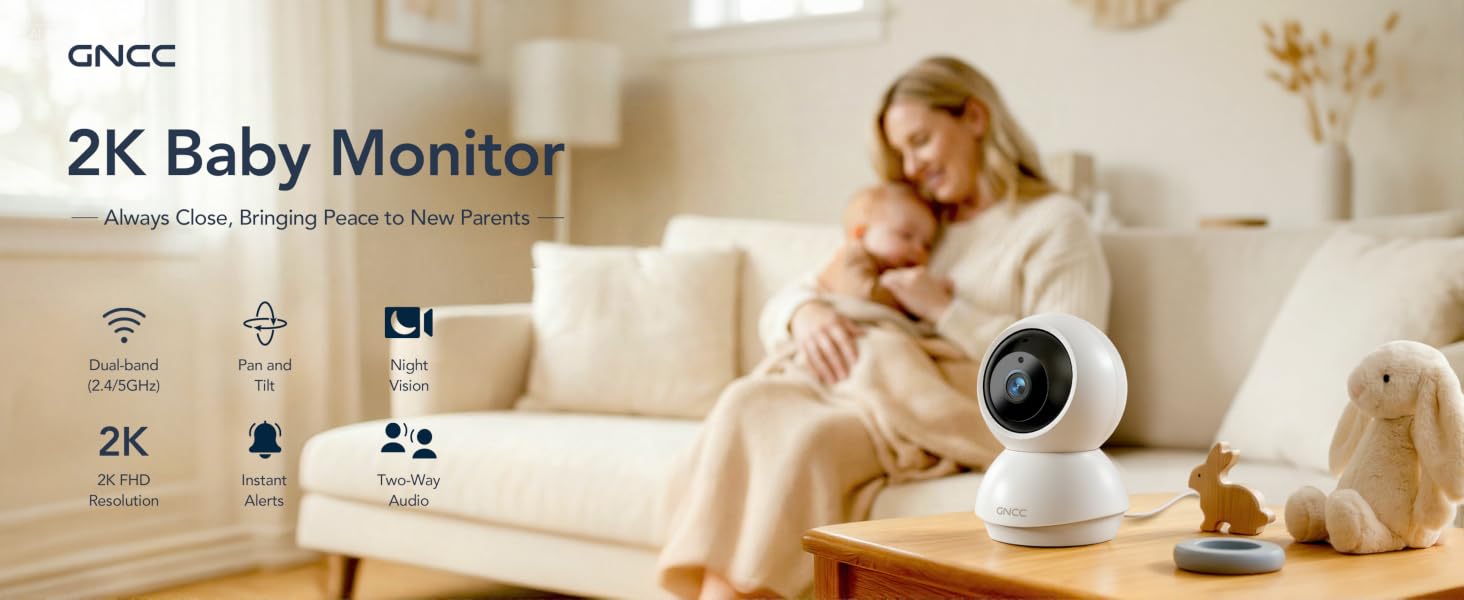
- 2K Ultra HD Clarity & 10m Crystal‑Clear Night Vision: GNCC baby monitor allows you to watch your baby day and night with 2K Ultra HD resolution for real‑time footage. Built‑in infrared night vision delivers clear viewing up to 10 meters, so you can keep a close eye on your sleeping baby
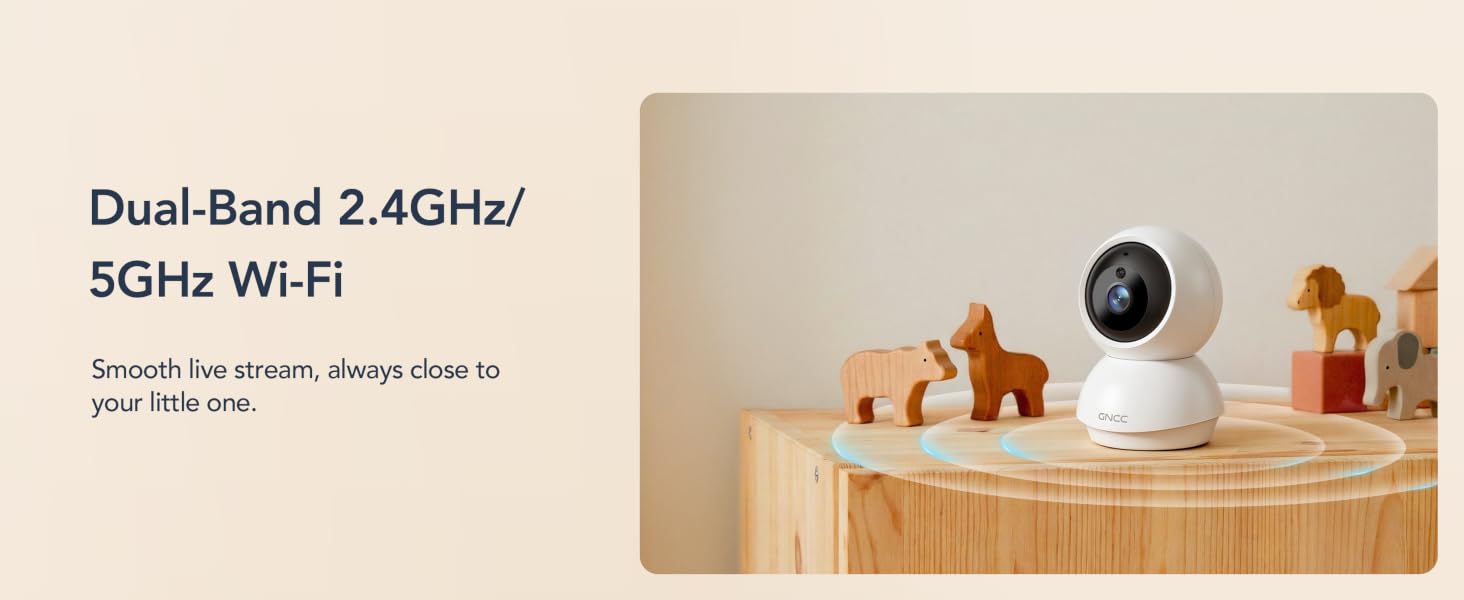
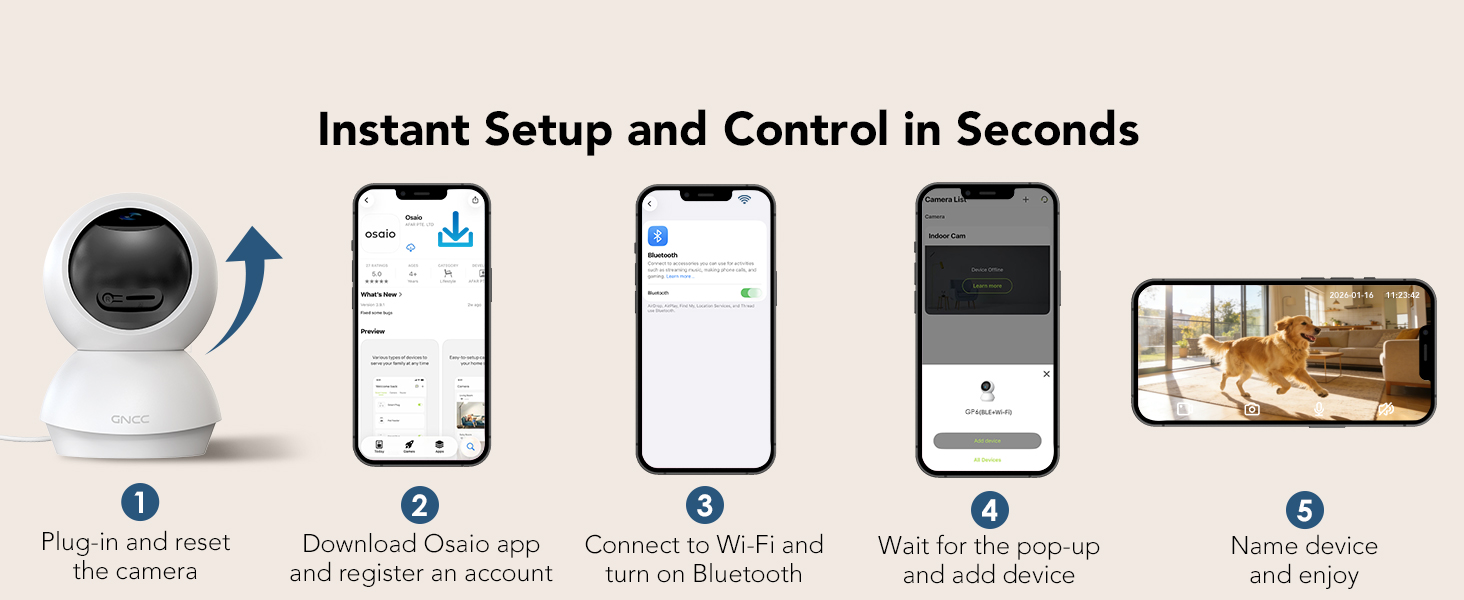
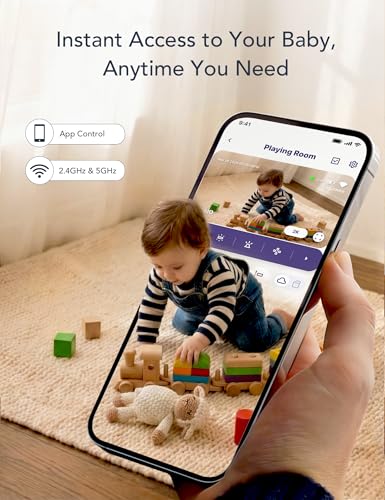
- Dual-Band 2.4G/5G WiFi & Bluetooth Pairing: GNCC baby camera supports dual-band WiFi and quick Bluetooth pairing; you can set up in minutes and get a live view on Osaio APP. Designed for new parents who need things simple and fast
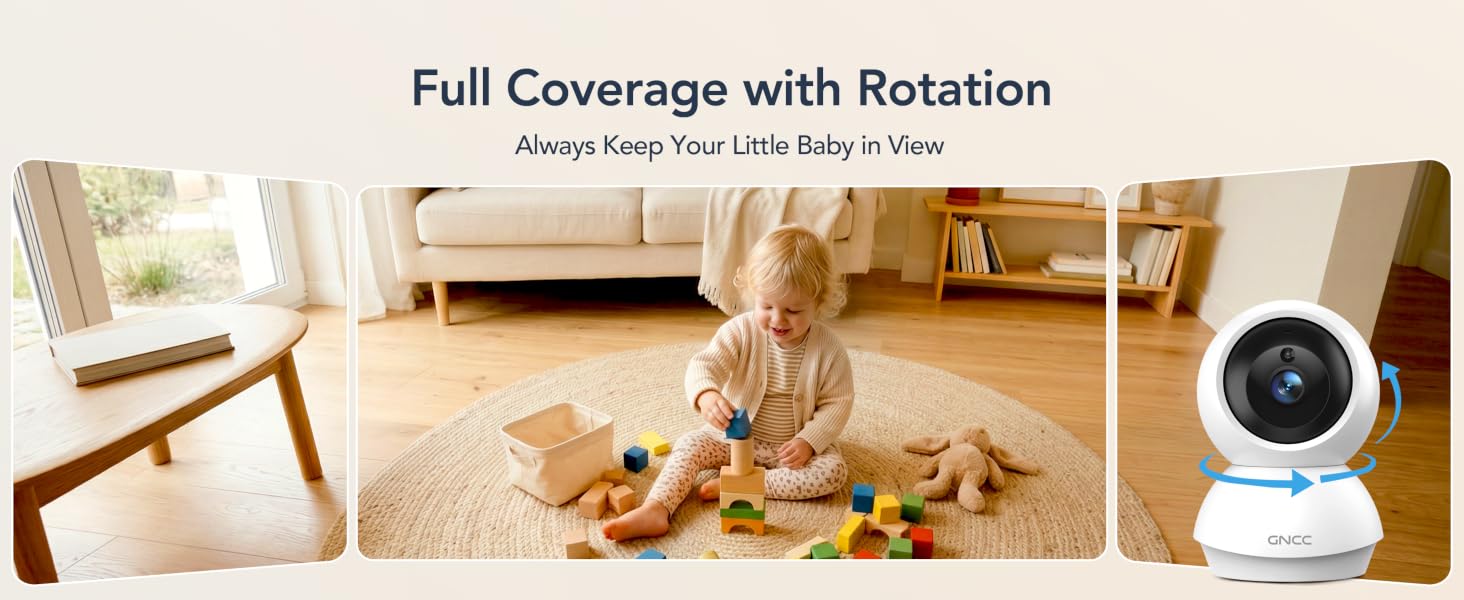
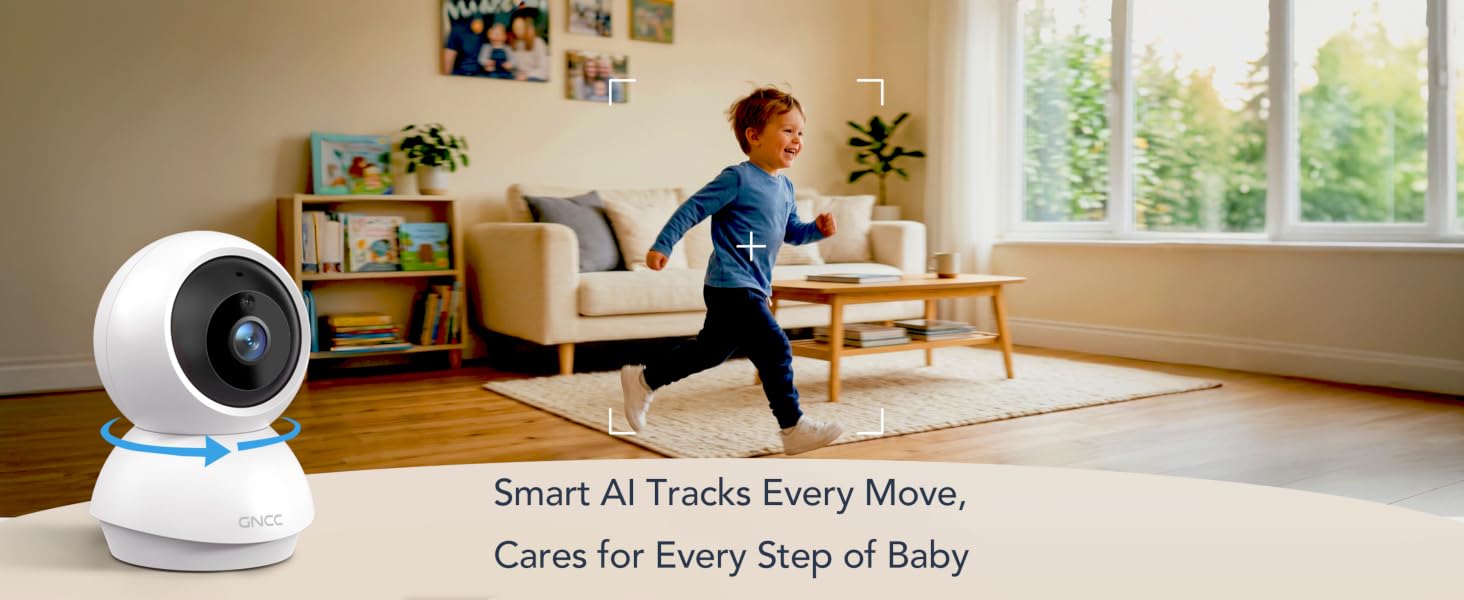
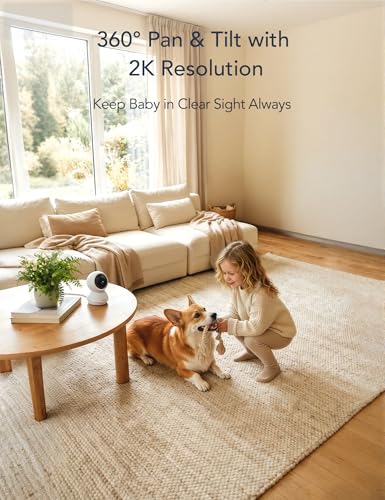
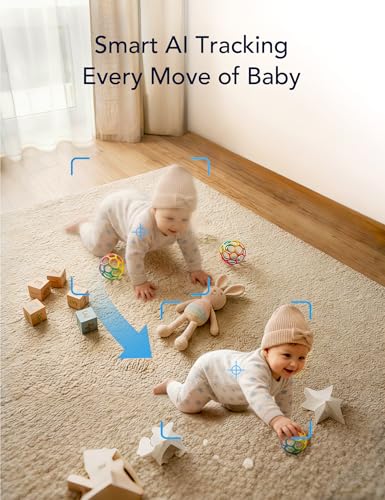
- AI Motion Tracking & Full-Coverage: GNCC baby monitor moves with your baby — pan 340° and tilt 80° to automatically track every movement. Full view covers every corner of the nursery. Follow your little baby once they start crawling
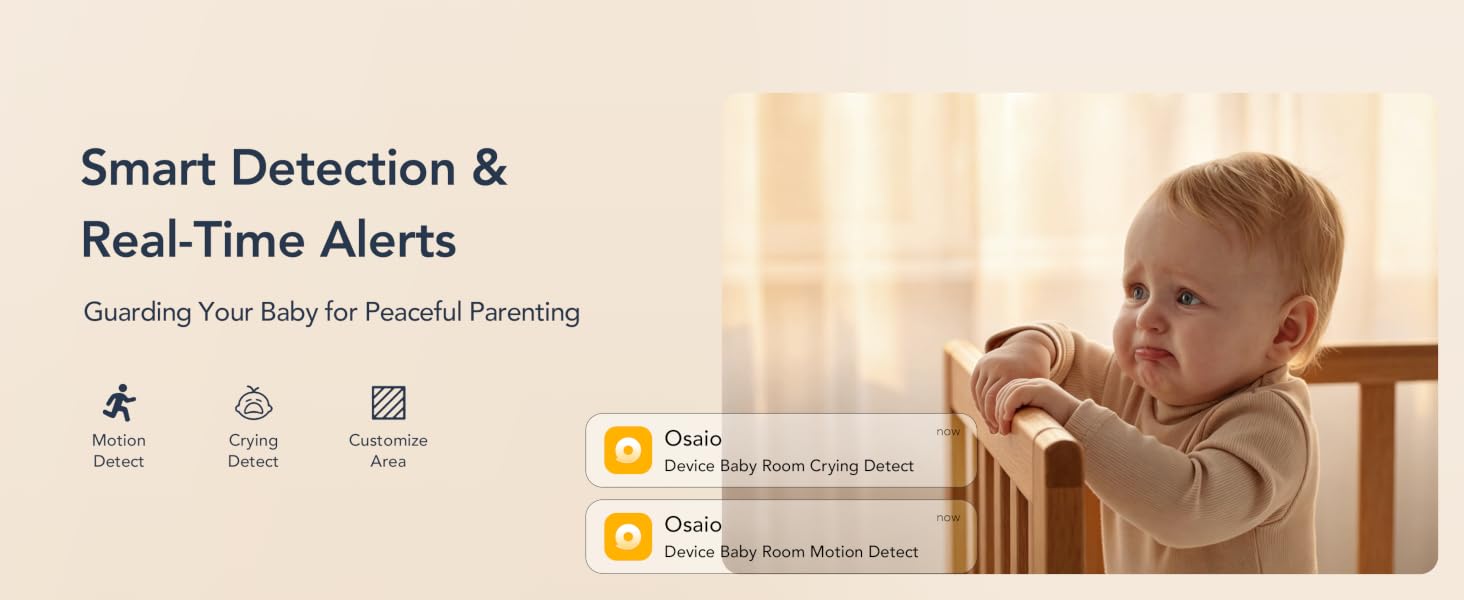
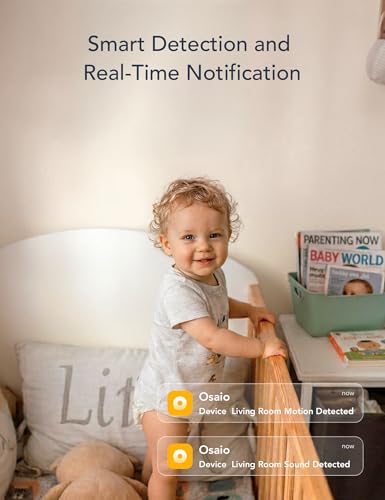
- Smart Cry & Motion Alerts with Custom Zones: This smart baby monitor features crying/sound/motion detection for your baby and sends instant notifications via the APP. Customize specific zones to focus on key nursery areas, get alerts only when it matters
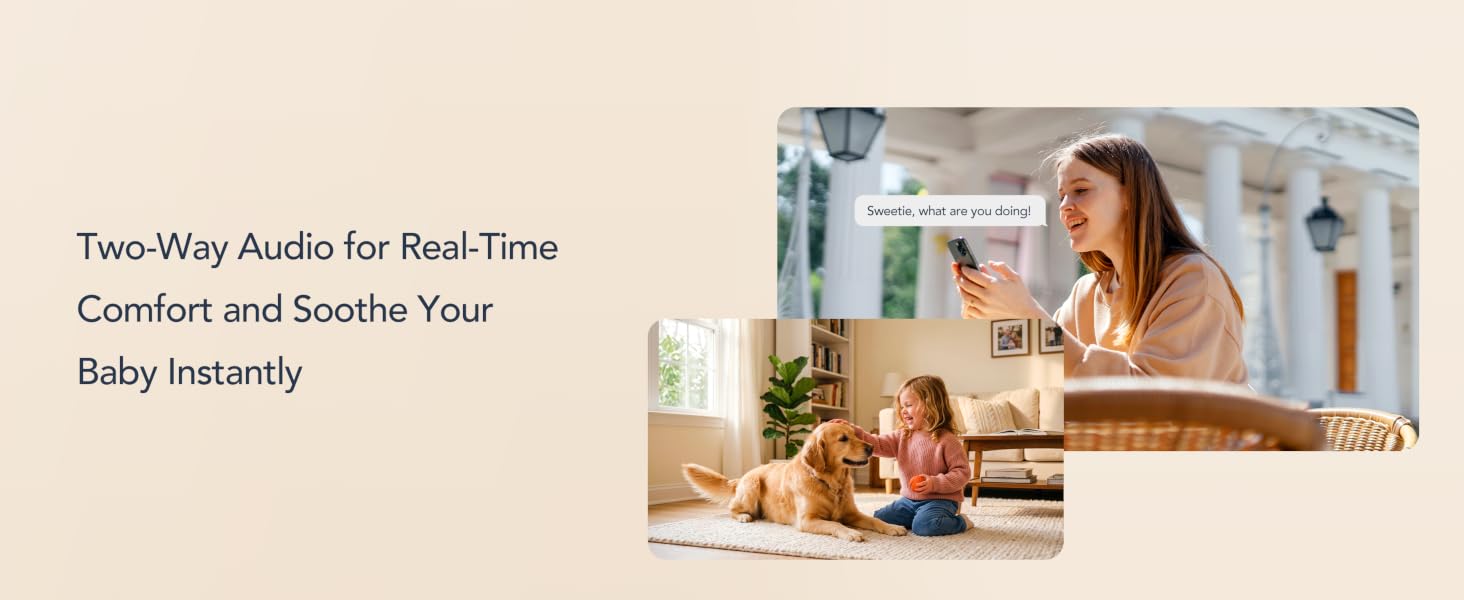
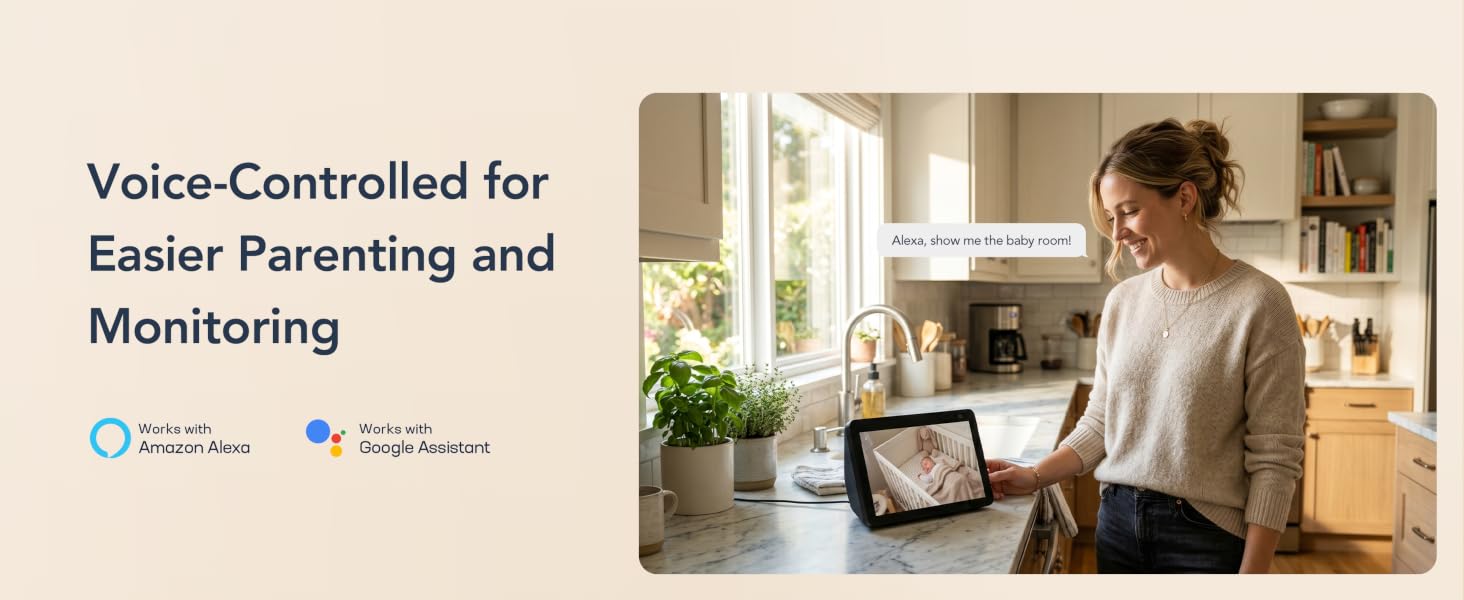
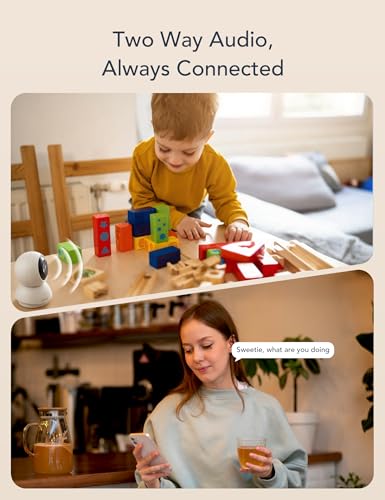
- Two-Way Audio & Alexa/Google Compatibility: The video baby monitor built-in high‑quality mic and speaker enable real‑time two‑way talk to soothe and comfort your baby remotely. Compatible with Alexa and Google Assistant for hands‑free voice control to live baby camera feeds
- Flexible Options for Cloud/SD Card: GNCC baby monitor camera supports both Paid Cloud storage (14-day free trial) and Local storage (SD card not included) to keep your footage safe. It supports 24/7 continuous recording on SD card, while Cloud storage offers convenient access to footage from anywhere
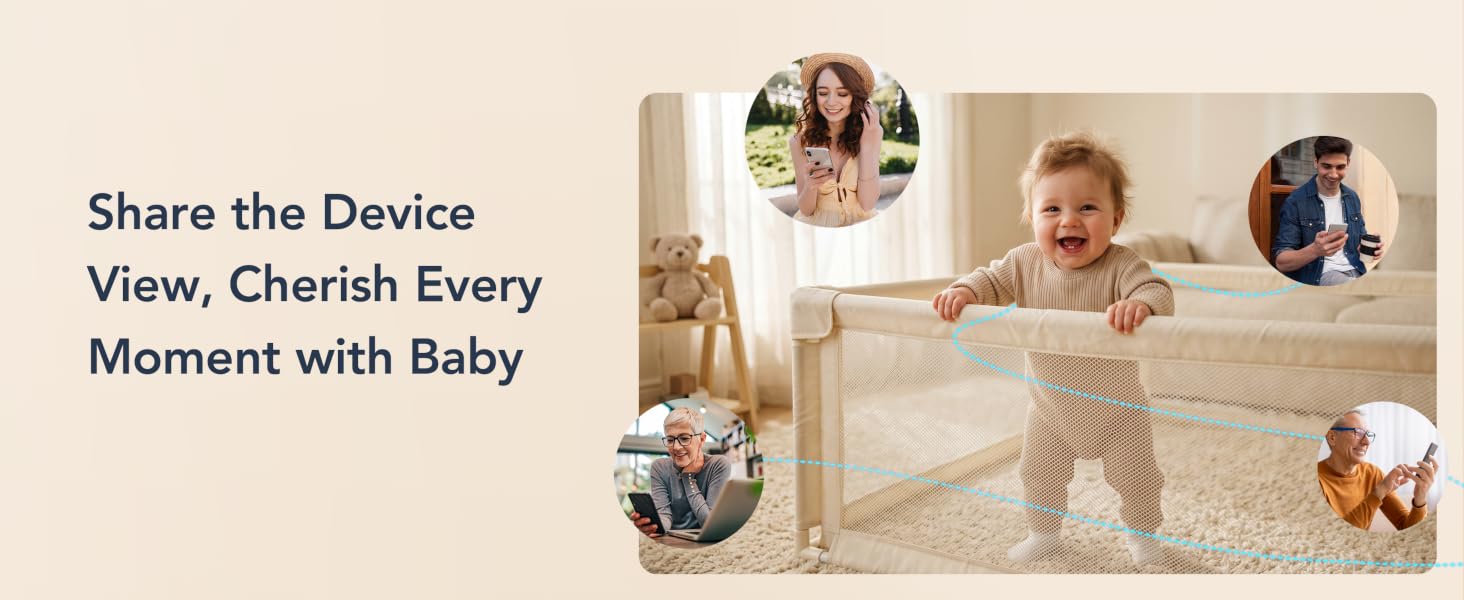
- Multi‑Screen Live View & Easy Sharing: Stay on top of every corner of your baby room with multi-screen view — watch feeds from multiple baby cameras on the APP. The Device Sharing function allows your loved ones to view selected cameras on their own devices, so everyone can monitor what matters in real time
- All-in-One Osaio App & One-Tap Simplicity: Designed with universal compatibility, the Osaio app works seamlessly with all GNCC indoor baby cameras, building a home security ecosystem for you. Packed with integrated functions, it features easy setup, so you can control and monitor your home security in minutes
Do I need to pay for cloud storage? Can I use an SD card to playback videos for this baby monitor?
If you want to view the history videos,you need to Pay for cloud subscription (free 14-day trial on Osaio App) or use a local SD card (sold separately).
Is this baby camera compatible with 5G Wi-Fi network?
Yes. It supports both 2.4GHz and 5GHz Wi-Fi, ensuring smoother live streaming and more reliable connections.
How do I set up the Crying Detection feature on this baby monitor camera?
1.Open the Camera List page on Osaio App,
2.Go to the Camera Settings, find the Detection,
3.Turn on Crying Detection.
Does this indoor baby monitor come with a separate screen/monitor?
This smart baby monitor must connect to OSAIO App. You can remotely view the live anytime anywhere. But It does not come with a display screen/monitor.
Where can I find the SD Card slot for baby monitor?
Fully flip the camera lens upward and you will find the SD card slot and reset button.


| SKU: | B0GS87JHQ2 |
| Size: | 1 Pack |
| Dimensions: | 2.95″L x 4.72″W x 2.95″H |
| Brand: | GNCC |
| Model: | GP6 |
| Material: | Plastic |
| Colour: | white |
| Manufacture: | Kalado |
| Colour: | white |
| Material: | Plastic |
| Size: | 1 Pack |
Product description
Do I need to pay for cloud storage? Can I use an SD card to playback videos for this baby monitor?
If you want to view the history videos,you need to Pay for cloud subscription (free 14-day trial on Osaio App) or use a local SD card (sold separately).
Is this baby camera compatible with 5G Wi-Fi network?
Yes. It supports both 2.4GHz and 5GHz Wi-Fi, ensuring smoother live streaming and more reliable connections.
How do I set up the Crying Detection feature on this baby monitor camera?
1.Open the Camera List page on Osaio App,
2.Go to the Camera Settings, find the Detection,
3.Turn on Crying Detection.
Does this indoor baby monitor come with a separate screen/monitor?
This smart baby monitor must connect to OSAIO App. You can remotely view the live anytime anywhere. But It does not come with a display screen/monitor.
Where can I find the SD Card slot for baby monitor?
Fully flip the camera lens upward and you will find the SD card slot and reset button.