Displayport KVM Switch 2 Monitors 2 Computers 4K@144Hz
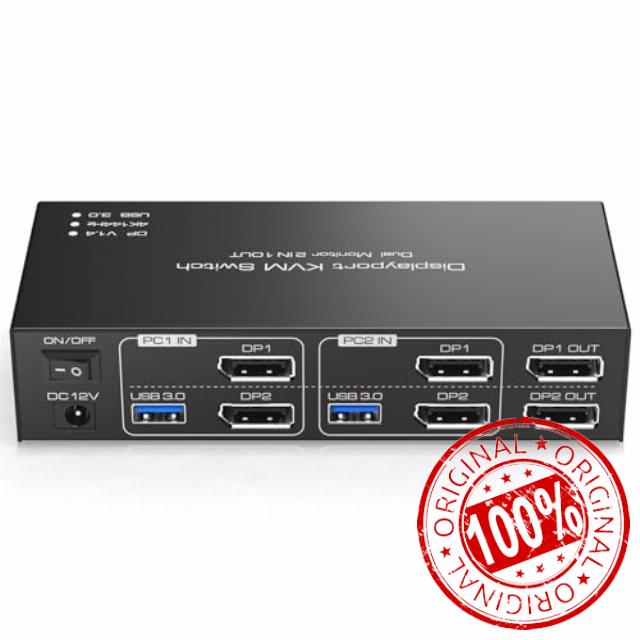
Displayport KVM Switch 2 Monitors 2 Computers 4K@144Hz USB3.0 KVM Switch for 2 Computers Share Dual Displays and 4 USB Devices Support Extended/Copy Mode with Desktop Controlle
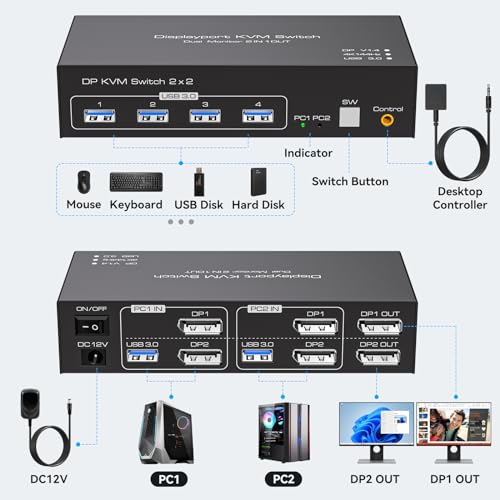
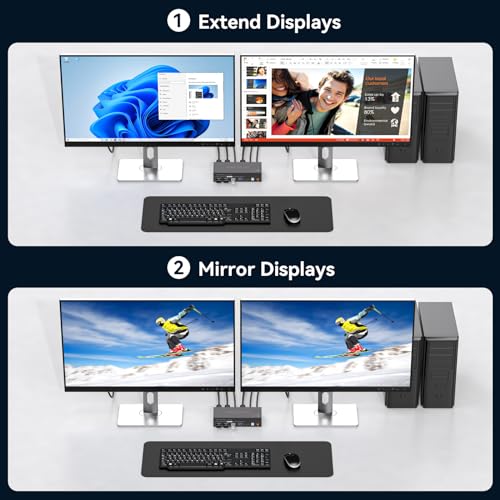
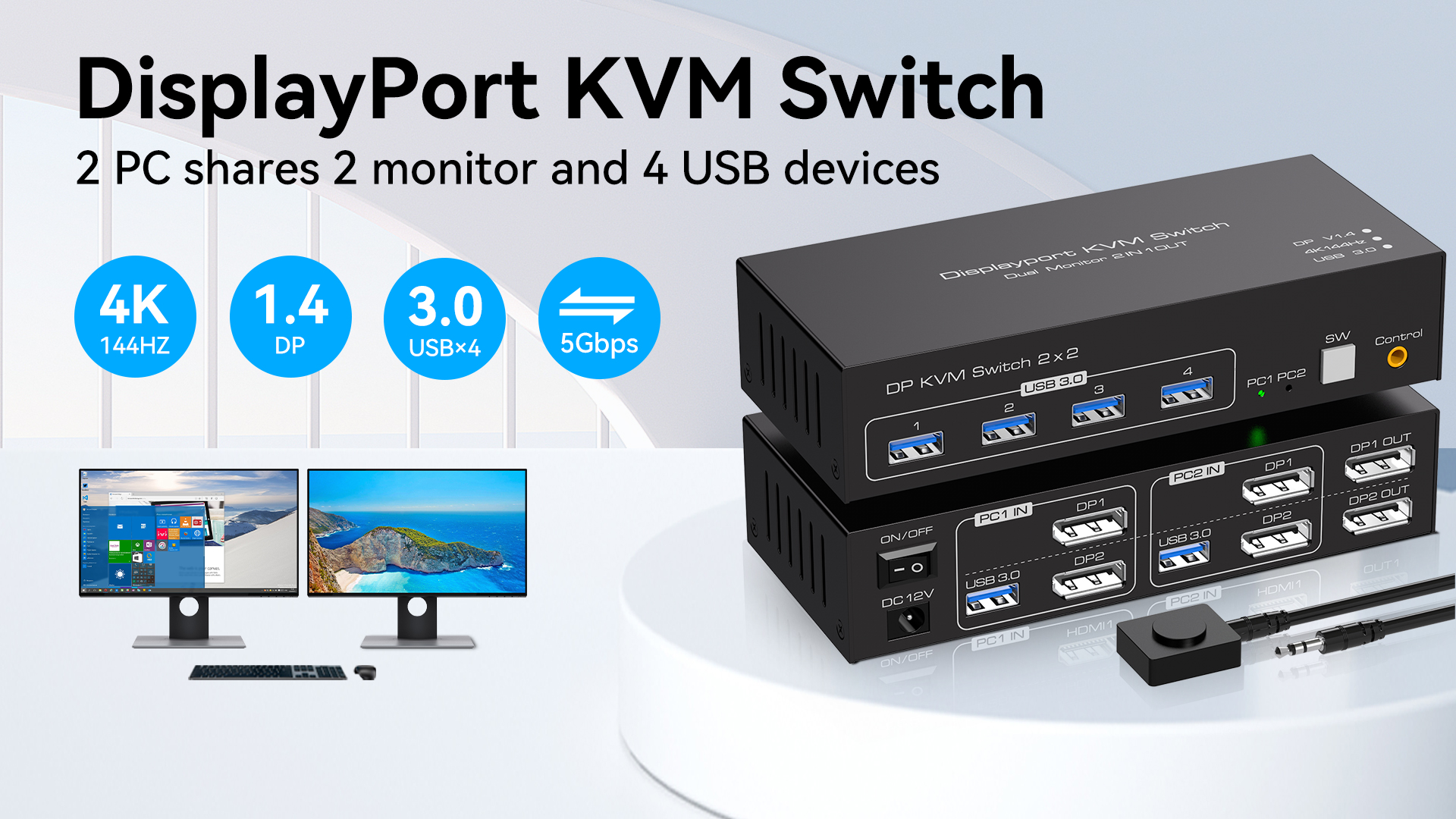
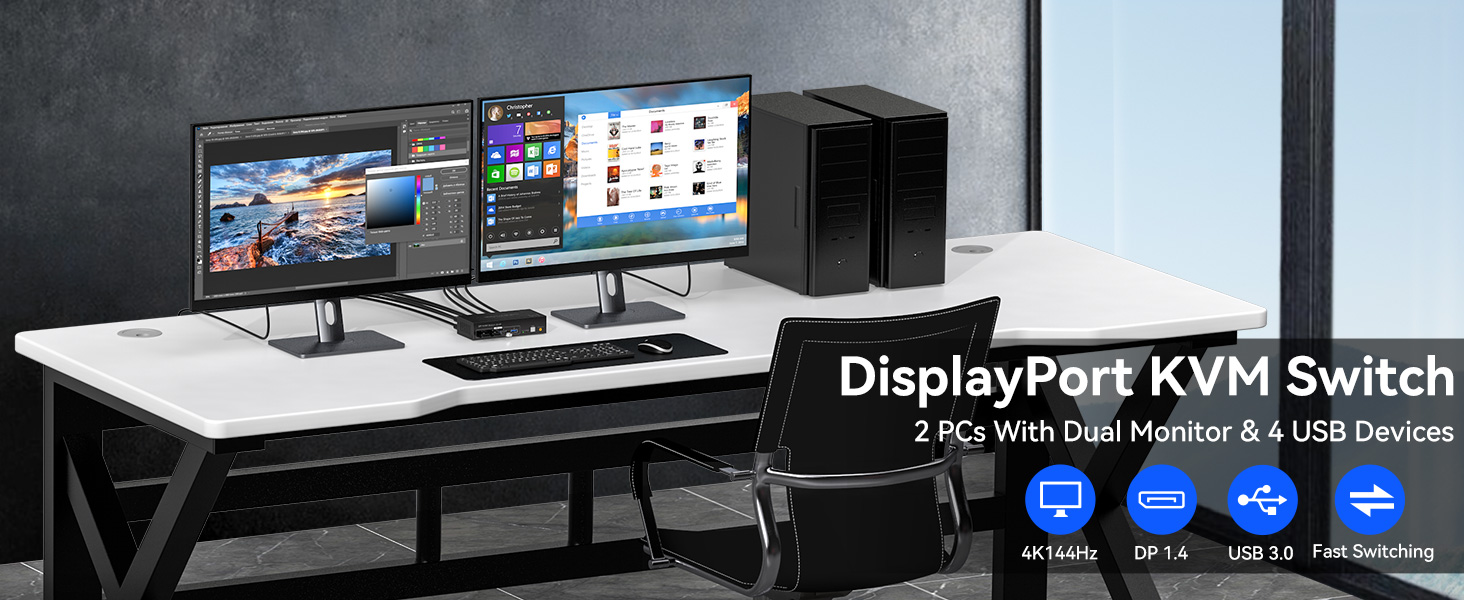
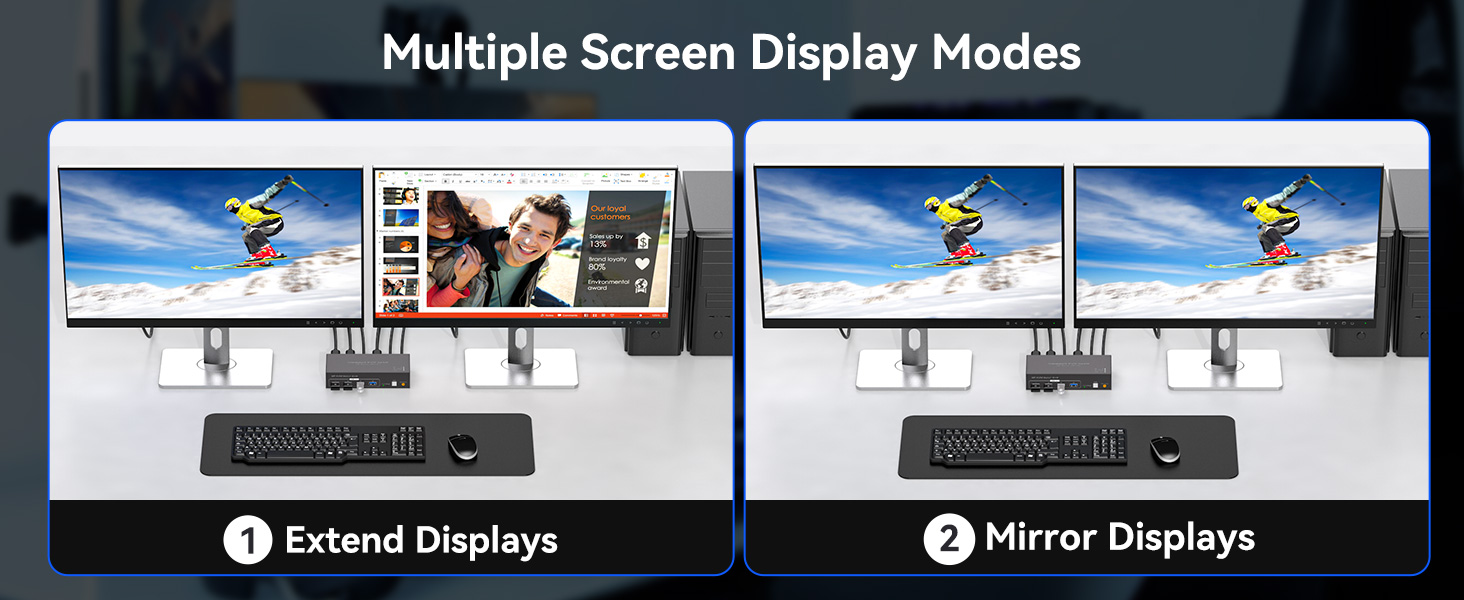
- 【KVM Switch Displayport】Dual monitor kvm switch displayport allows you to control two computers or other signal source,and share 2 monitor and 4 USB devices.KVM switch dp 1.4 support extended and copy mode.DP 1 and DP 2 ports on the kvm switch must be connected to the same computer.(Note:requires 2 DP ports for each connected computer and make sure your PC or laptop supports multiple monitors)
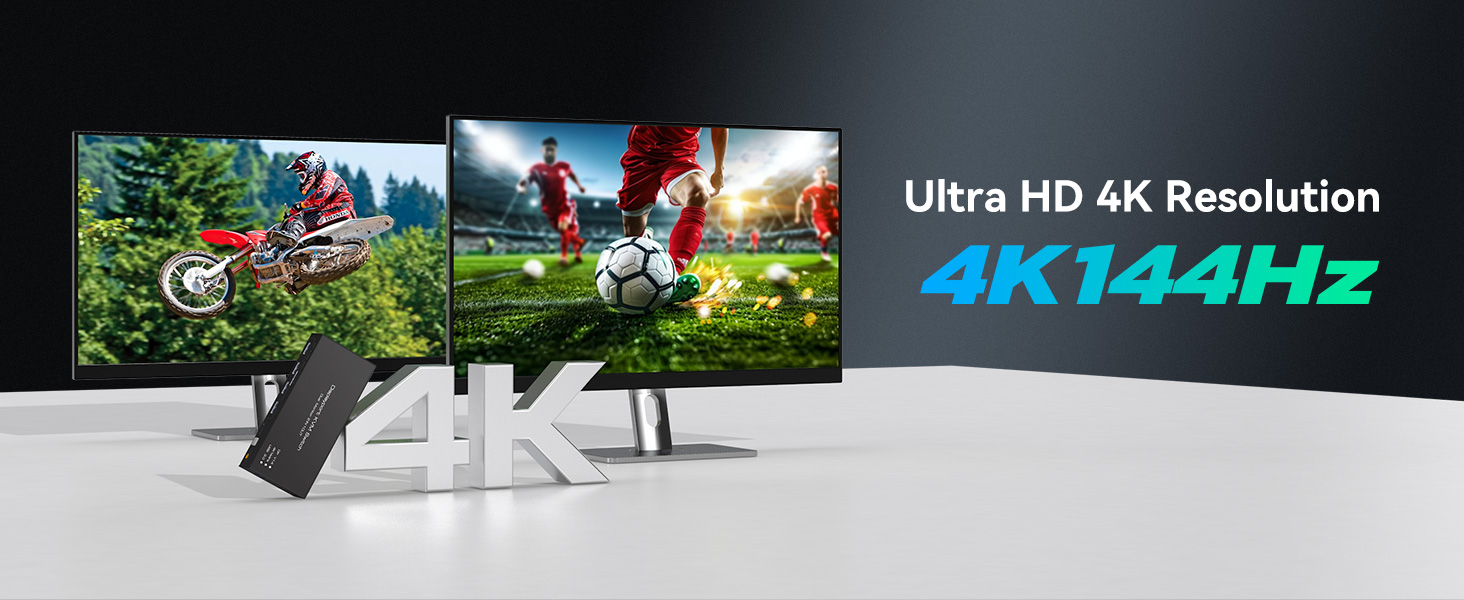
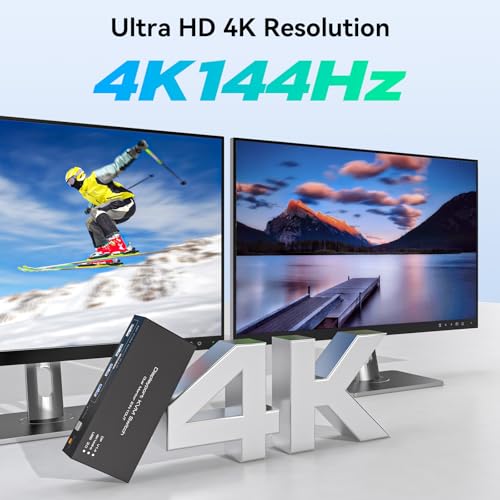
- 【Ultra HD 4K@144Hz】The dp kvm switch support max resolution up to 3840*2160@144Hz( 4K@144Hz) and is backward compatible with DP 1.2.Immerse yourself in the world of crystal-clear images,Brings you realistic visual enjoyment.Note: The final resolution also depends on the graphics card, monitor, cables and adapters. (DP cable not included)
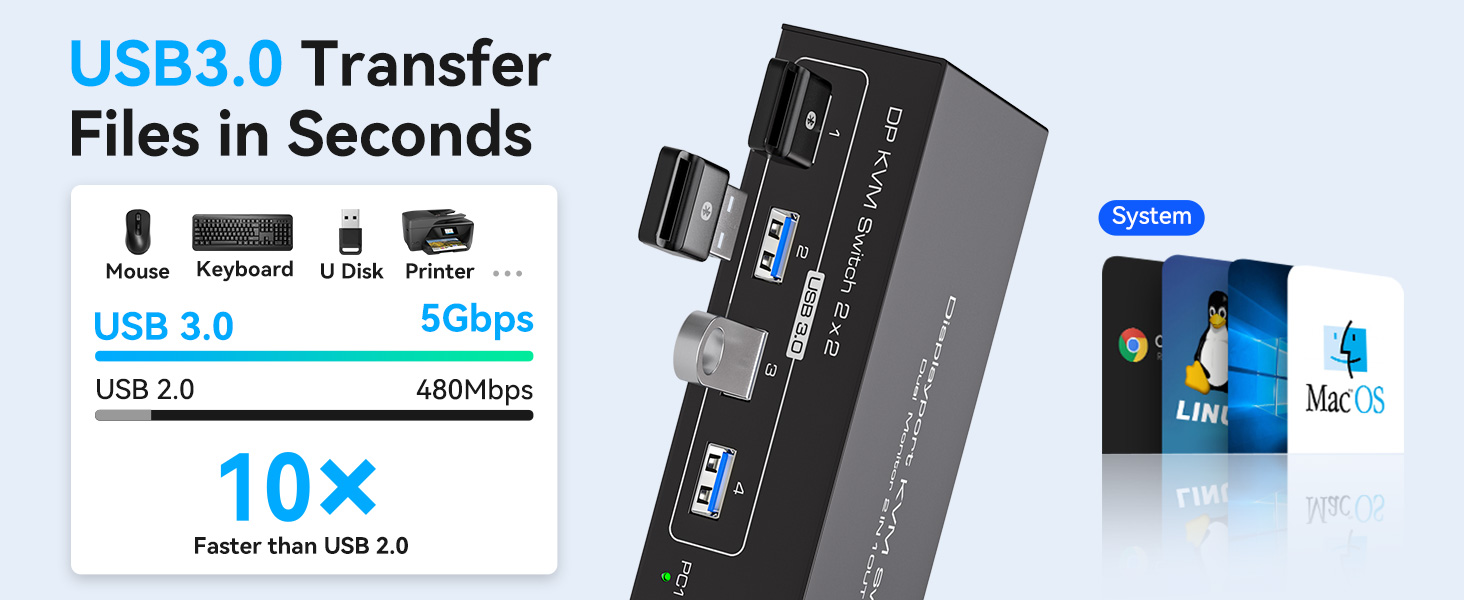
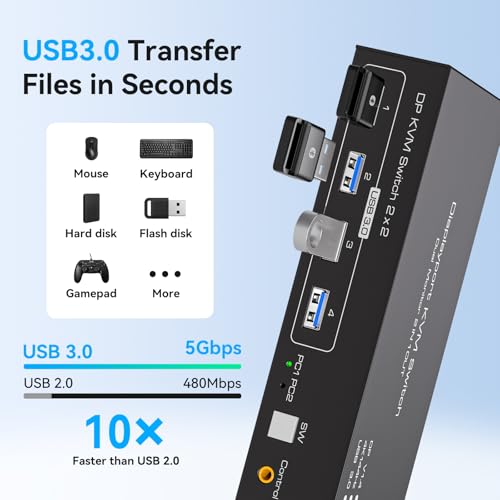
- 【Displayport KVM Switch 2 Port】The Dual displayport kvm switch has four USB 3.0 ports,supports video bandwidth up to 48Gbps, data transfer rates up to 5Gbps, which is 10 times faster than USB 2.0 ports.which can recognize keyboard, mouse, printer and other USB devices.Note:please connect the input USB3.0 port correctly, otherwise the output USB device will not be recognized
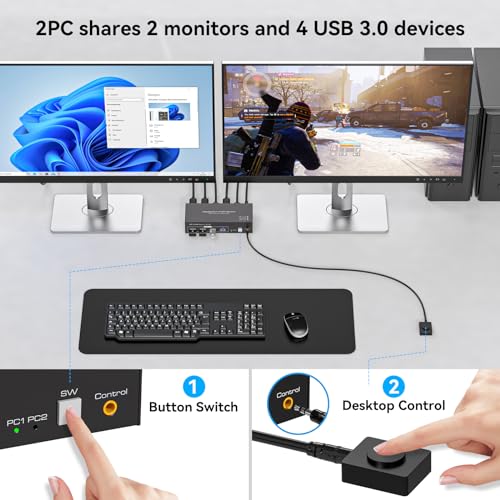
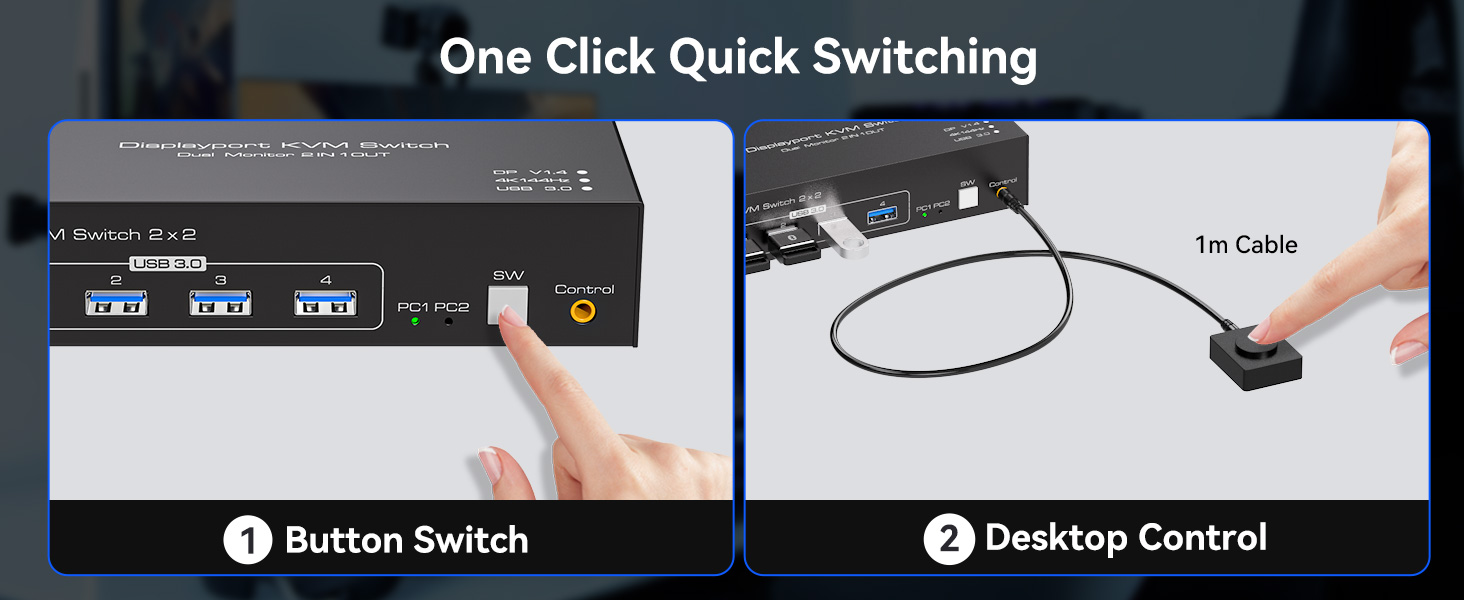
- 【Two Switching Way】The HDMI kvm switches supports panel button and external wire controller switching.Using the wired extension button, you can place the kvm outside the work area, making your desktop cleaner and tidier.Or just press the panel button next to the indicator light to achieve one-click switching,Let you can save more time to do other things!NOTE: Keyboard shortcuts (hotkeys) toggles are not supported
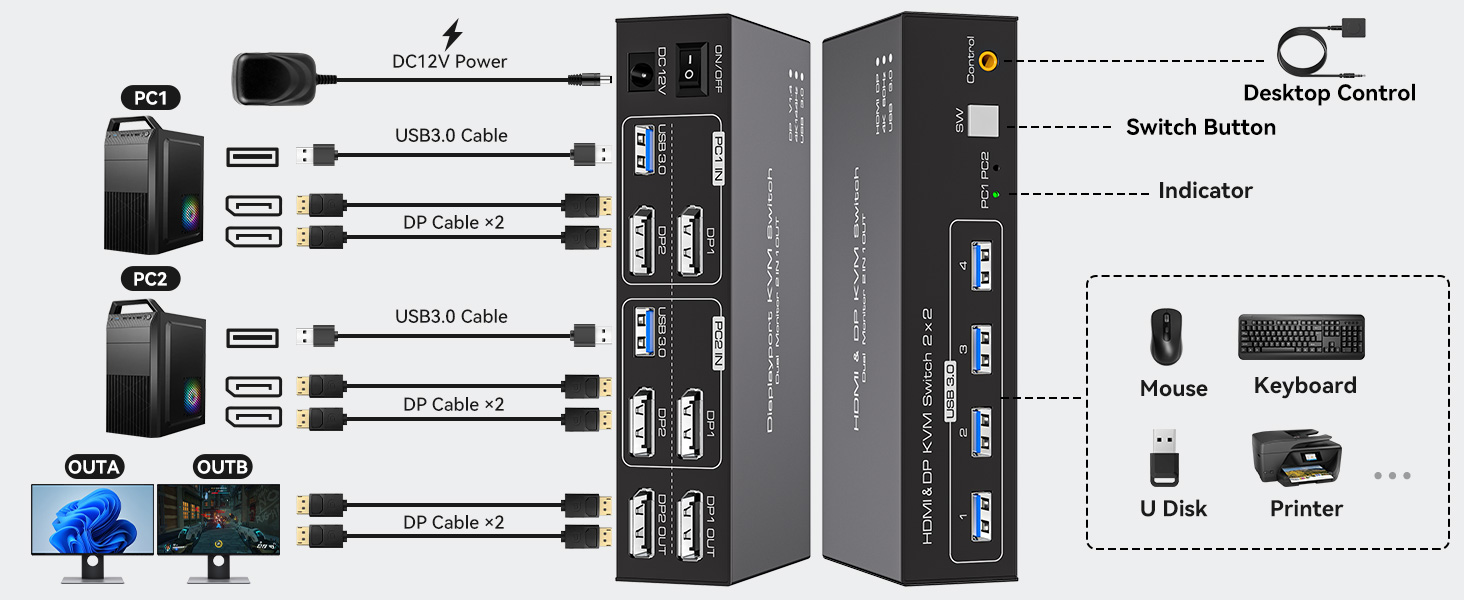
- 【Stable Work】KVM switch 2 monitors 2 computers is equipped with a 12V DC power adapter. With the external power design, USB devices can obtain a stable working environment through the switch. Note: each computer needs 2 pcs DP cable + 1 pcs USB cable + 12V DC power be connected to get dual screen display properly.If you have any questions, please contact us, we will contact you within 24 hours
- 【Package Contents and After-Sales Service】The package includes a DisplayPort KVM Switch, 2 PCS USB-A 3.0 cables, 1 PCS desktop controller, 1 PCS DC12V adapter, and a user manual. Should the device malfunction within 12 months of use, we offer a return or replacement service. For any inquiries, please feel free to contact us at any time. We will provide professional assistance to ensure your complete satisfaction with your purchase
Product performance comparison
| Add to Cart Add to Cart Add to Cart Add to Cart Add to Cart | |||||||
| Customer Reviews | 4.4 out of 5 stars133 | 4.4 out of 5 stars175 | 4.4 out of 5 stars133 | 3.4 out of 5 stars3 | — | 4.5 out of 5 stars9 | 4.2 out of 5 stars173 |
| Price | $50.99$50.99 | $71.99$71.99 | $65.98$65.98 | — | — | $119.99$119.99 | $58.49$58.49 |
| USB standard | USB3.0*4 | USB3.0*4 | USB3.0*4 | USB2.0*4 | USB3.0*4 | USB3.0*4 | USB3.0*4 |
| Input | Per Pc :HDMI*2+USB | Per Pc :HDMI*2+USB | Per Pc :HDMI*1+DP*1+USB | Per Pc :HDMI*2+USB | Per Pc :HDMI*1+DP*2+USB | Per Pc :HDMI*1+DP*2+USB | Per Pc :HDMI*2+USB |
| Output | HDMI*2 | HDMI*3 | HDMI*1+DP*1 | HDMI*2 | HDMI*1+DP*2 | HDMI*1+DP*2 | HDMI*2 |
| Quantity of signal sources | 2 Computers | 2 Computers | 2 Computers | 2 Computers | 2 Computers | 4 Computers | 2 Computers |
| Maximum resolution | 4K@60Hz | 4K@60Hz | 4K@60Hz | 4K@30Hz | 4K@120Hz | 4K@144Hz | 4K@120Hz |
| Hotkey Switching Support | × | × | × | × | × | × | × |
| Plug and Play | ✔ | ✔ | ✔ | ✔ | ✔ | ✔ | ✔ |
Can KVM switches support up to 4K@144Hz?
The Displayport KVM Switch can support up to 4K@144Hz,but the prerequisite is that the cable and monitor you use must support 4K@144Hz.
Can the two functions of USB Switch and DP Switch be used independently?
Yes,you can think of the KVM switch as a USB+DP Switch. These two functions not only support simultaneous use,but can also be used separately
How many Displayport and USB cables are required for a complete set up?
A total of 6 displayport cables and 2 USB cables are required,plus one power cable.Please use a 5V power adapter for power supply(Displayport cables not included)
What is the maximum power of peripherals it can drive?
To drive peripherals with a maximum power of 10W,we use a 12V/1A power adapter,which can provide a more powerful and stable drive.
Is it really possible to replace a new product within two years?
Yes,if there are any problems with the product within two years,we wil solve it for you,including replacing it with a new KVM.
| SKU: | B0GYMRCQ7X |
| Dimensions: | 7.8 x 5.7 x 2.2 inches |
| Brand: | TJCXELE |
Product description
Product performance comparison
 HDMI KVM 2 PC 2 Monitor |  HDMI KVM 2 PC 3 Monitors |  HDMI DP KVM 2PC 2 Monitor | 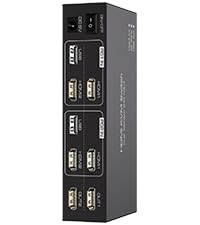 HDMI KVM 2PC 2 Monitor | 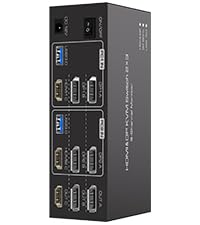 HDMI DP KVM 2PC 3 Monitor | 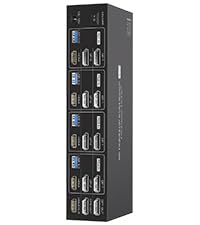 HDMI DP KVM Switch 4 PC | 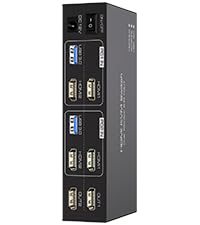 HDMI KVM 2 PC 2 Monitor | |
|---|---|---|---|---|---|---|---|
| Customer Reviews | 4.4 out of 5 stars133 | 4.4 out of 5 stars175 | 4.4 out of 5 stars133 | 3.4 out of 5 stars3 | — | 4.5 out of 5 stars9 | 4.2 out of 5 stars173 |
| Price | $50.99 | $71.99 | $65.98 | — | — | $119.99 | $58.49 |
| USB standard | USB3.0*4 | USB3.0*4 | USB3.0*4 | USB2.0*4 | USB3.0*4 | USB3.0*4 | USB3.0*4 |
| Input | Per Pc :HDMI*2+USB | Per Pc :HDMI*2+USB | Per Pc :HDMI*1+DP*1+USB | Per Pc :HDMI*2+USB | Per Pc :HDMI*1+DP*2+USB | Per Pc :HDMI*1+DP*2+USB | Per Pc :HDMI*2+USB |
| Output | HDMI*2 | HDMI*3 | HDMI*1+DP*1 | HDMI*2 | HDMI*1+DP*2 | HDMI*1+DP*2 | HDMI*2 |
| Quantity of signal sources | 2 Computers | 2 Computers | 2 Computers | 2 Computers | 2 Computers | 4 Computers | 2 Computers |
| Maximum resolution | 4K@60Hz | 4K@60Hz | 4K@60Hz | 4K@30Hz | 4K@120Hz | 4K@144Hz | 4K@120Hz |
| Hotkey Switching Support | × | × | × | × | × | × | × |
| Plug and Play | ✔ | ✔ | ✔ | ✔ | ✔ | ✔ | ✔ |
Can KVM switches support up to 4K@144Hz?
The Displayport KVM Switch can support up to 4K@144Hz,but the prerequisite is that the cable and monitor you use must support 4K@144Hz.
Can the two functions of USB Switch and DP Switch be used independently?
Yes,you can think of the KVM switch as a USB+DP Switch. These two functions not only support simultaneous use,but can also be used separately
How many Displayport and USB cables are required for a complete set up?
A total of 6 displayport cables and 2 USB cables are required,plus one power cable.Please use a 5V power adapter for power supply(Displayport cables not included)
What is the maximum power of peripherals it can drive?
To drive peripherals with a maximum power of 10W,we use a 12V/1A power adapter,which can provide a more powerful and stable drive.
Is it really possible to replace a new product within two years?
Yes,if there are any problems with the product within two years,we wil solve it for you,including replacing it with a new KVM.