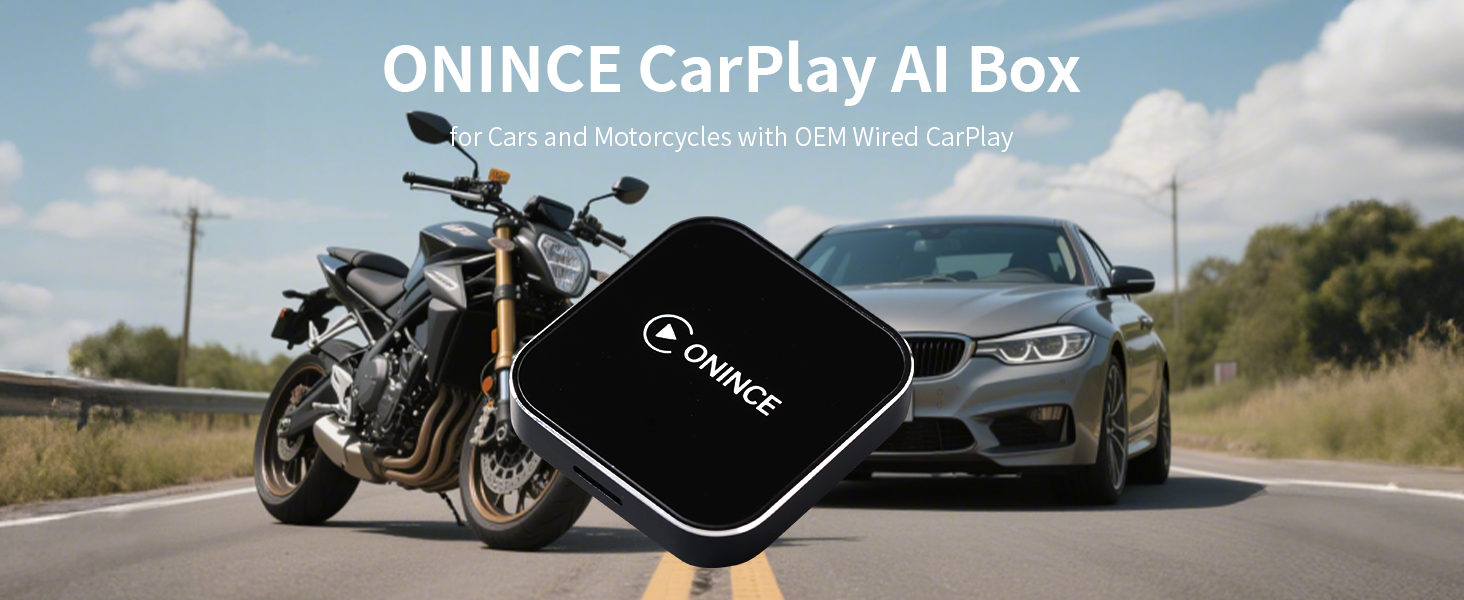
CarPlay AI Box 2025 Upgrade – Magic Box 3.0 with Wireless CarPlay & Android Auto, Bult-in Netflix, YouTube, Disney+, Prime Video | 5.8GHz WiFi, Auto Connect | for OEM Wired CarPlay Cars & Motorcycles
REGULAR PRICE: £74.89
About this item
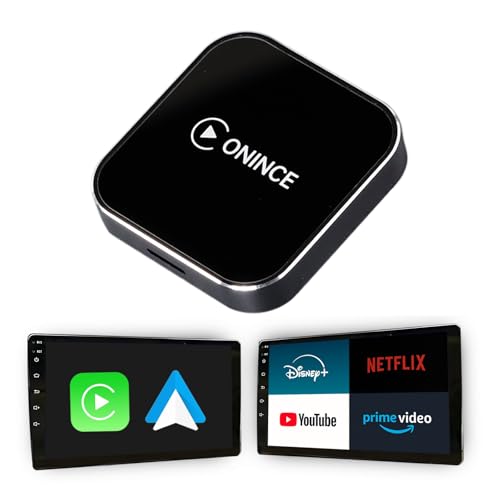
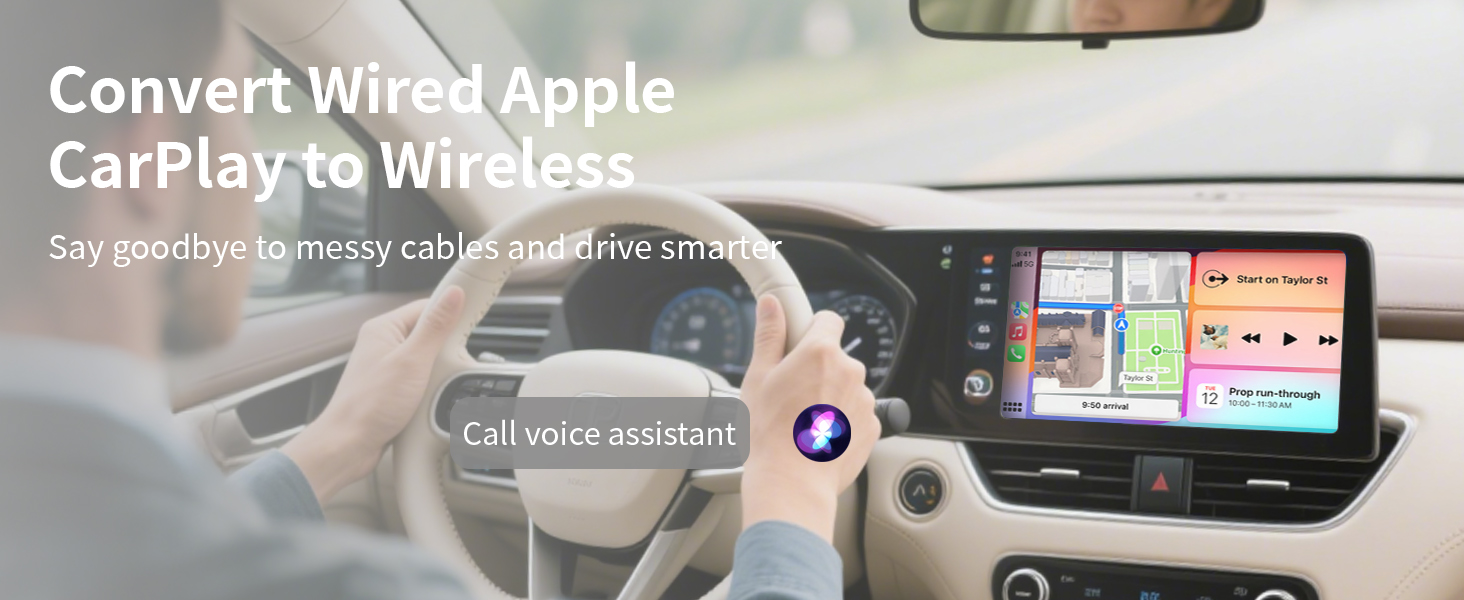
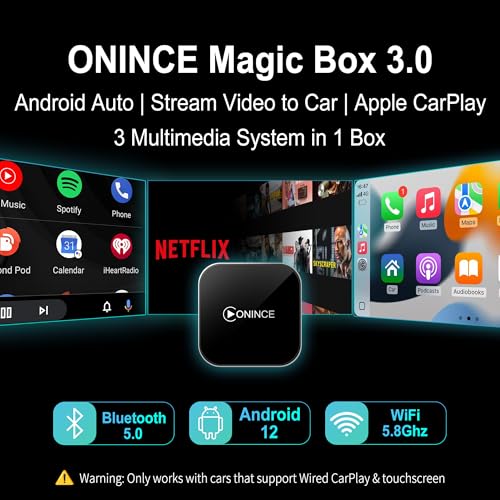
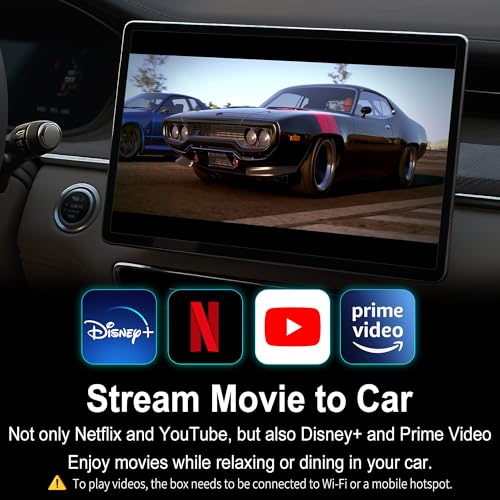
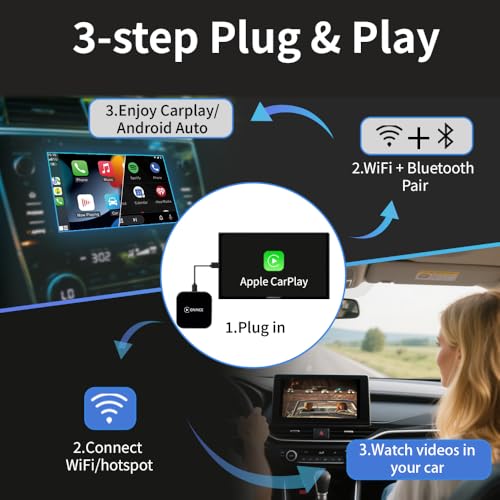
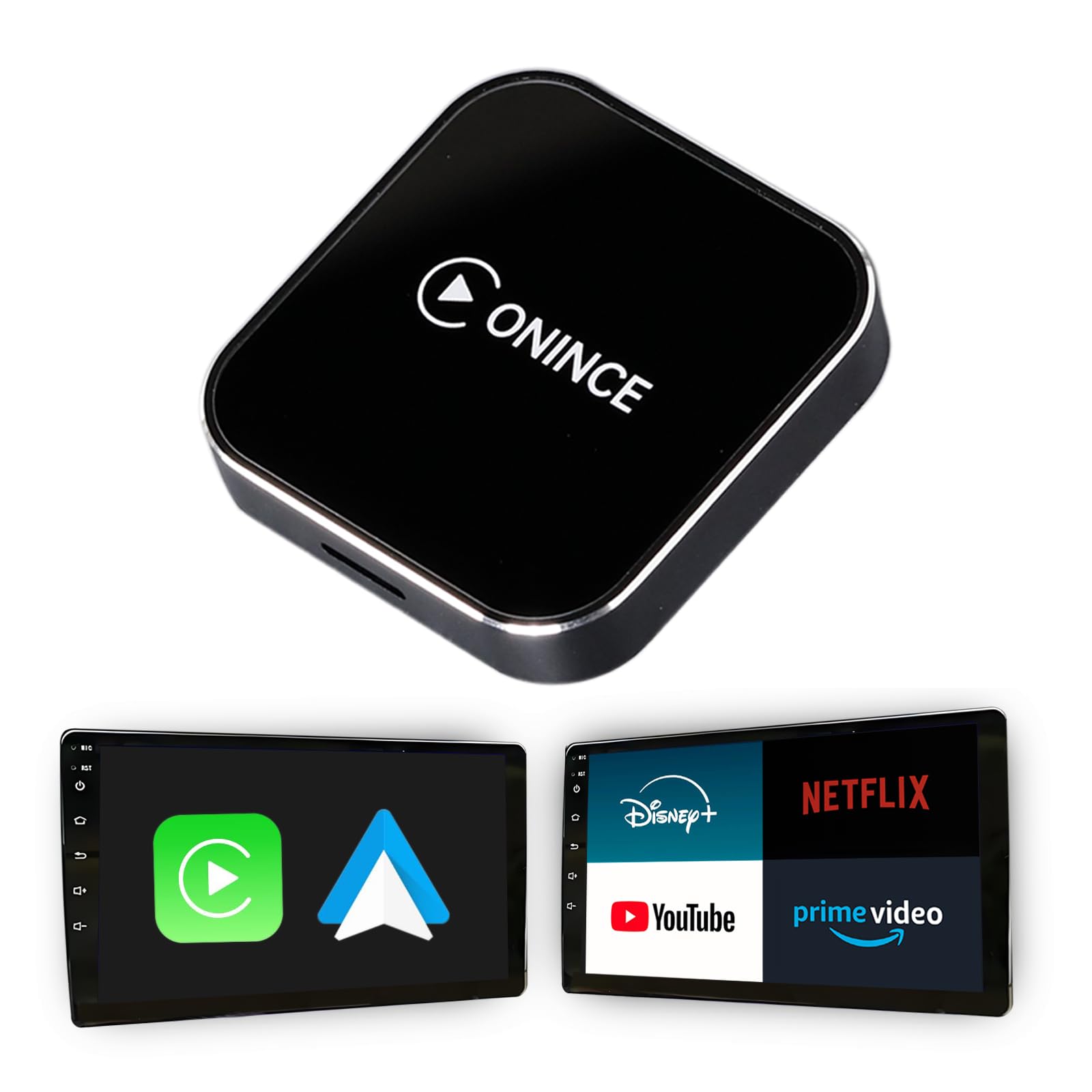
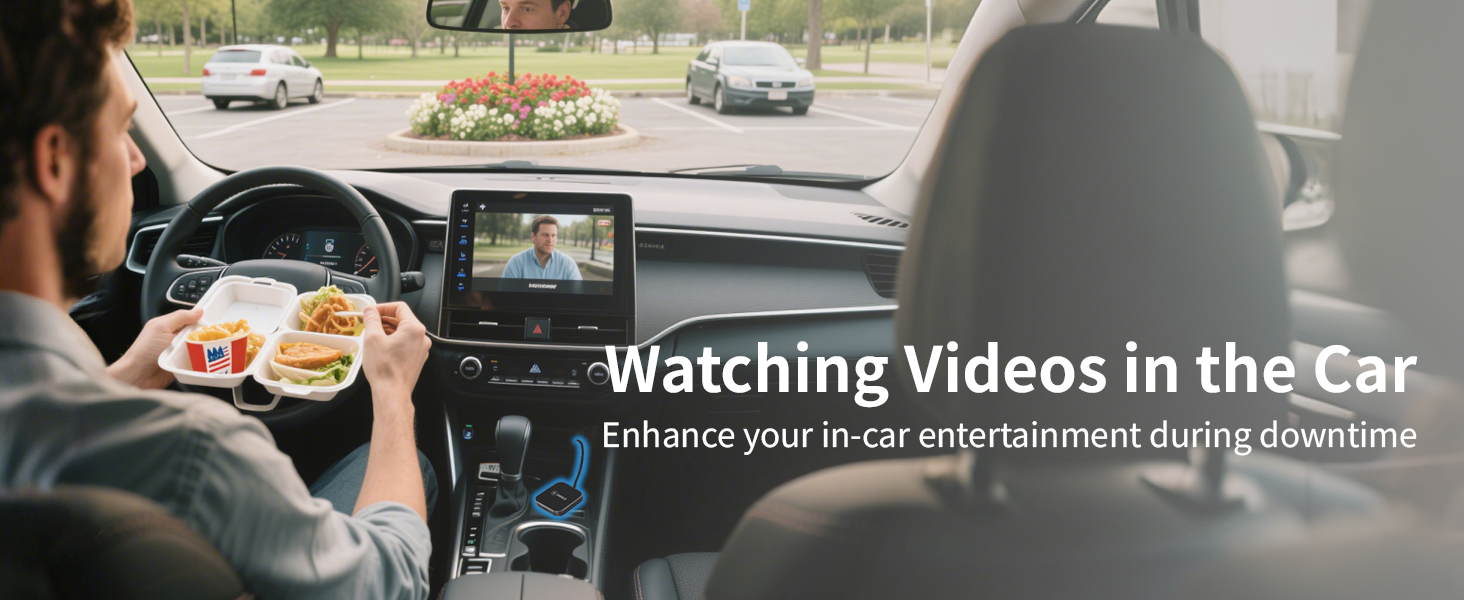
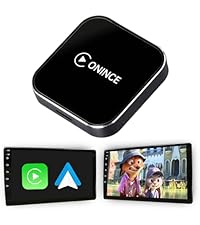
- 3-in-1 CarPlay AI Box – All-in-one adapter for wireless Apple CarPlay, wireless Android Auto, and built-in streaming apps like Netflix, YouTube, Disney+ and Prime Video . Plug in once and transform your drive into a smart, immersive entertainment hub — perfect for daily commutes, road trips, and waiting in the car.
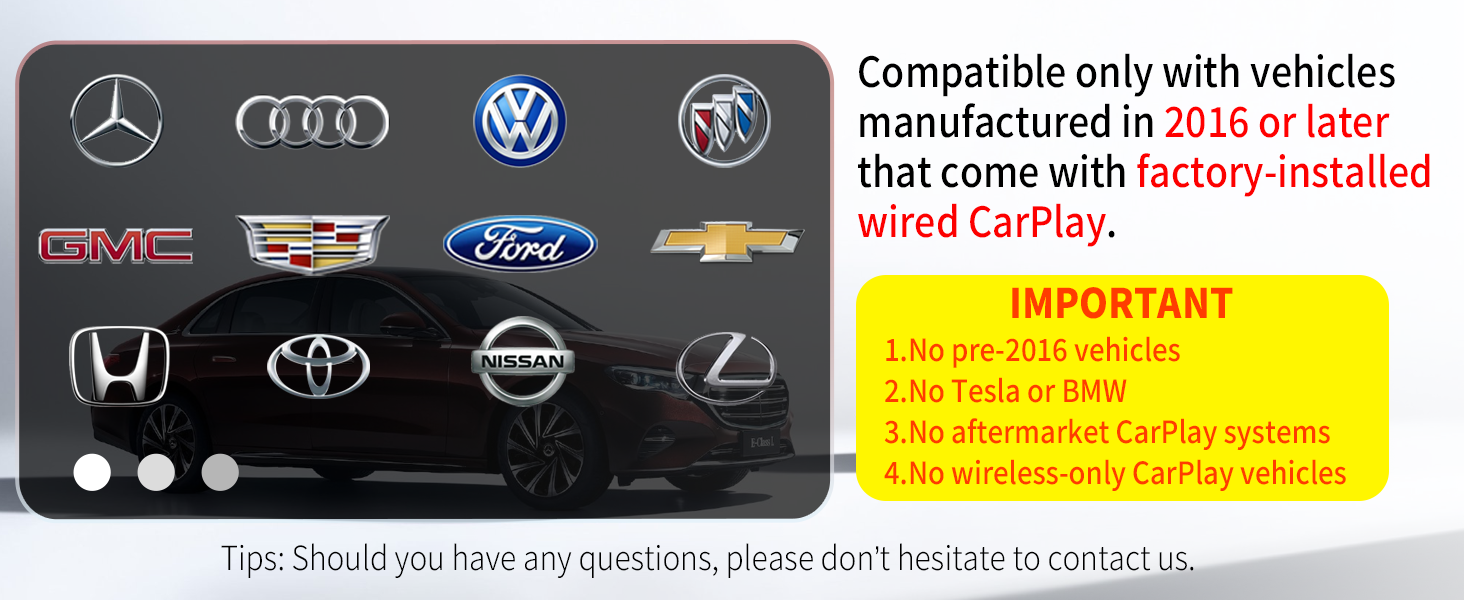
- ⚠️ Compatibility Notice Only works with vehicles 2016 or newer equipped with factory-installed wired CarPlay. ❌ Not compatible with: Pre-2016 vehicles Tesla / BMW Aftermarket CarPlay systems Wireless-only CarPlay vehicles
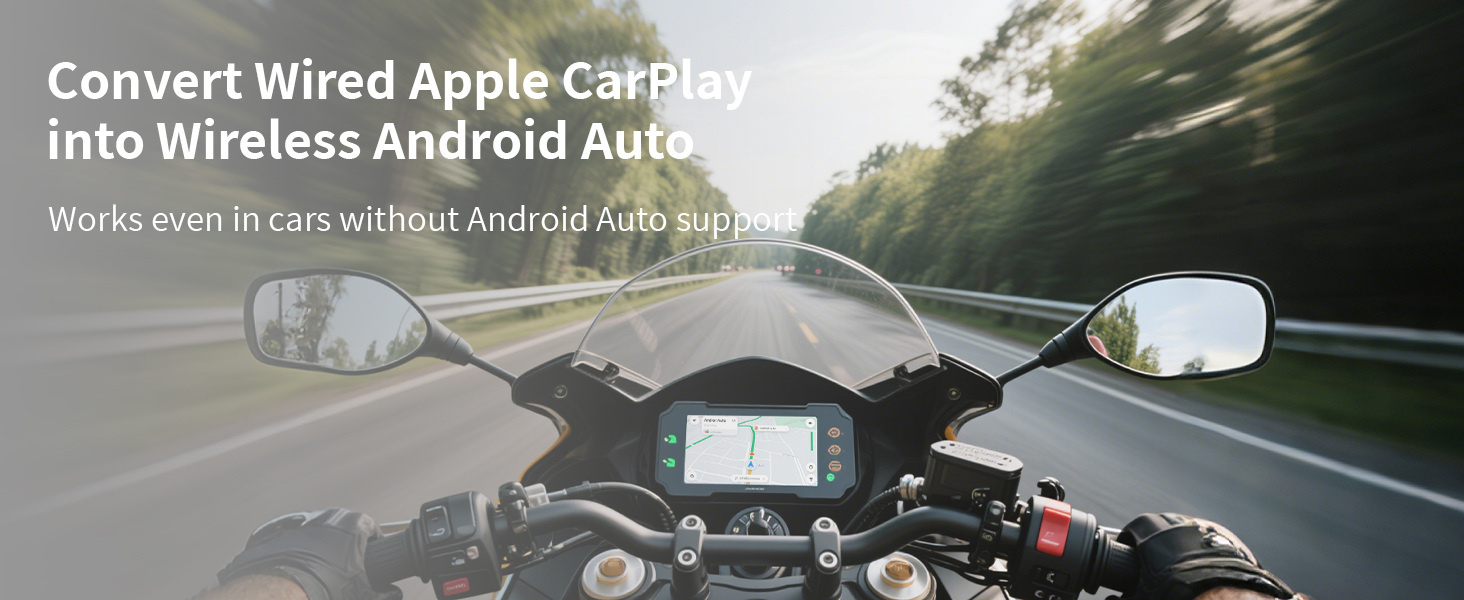
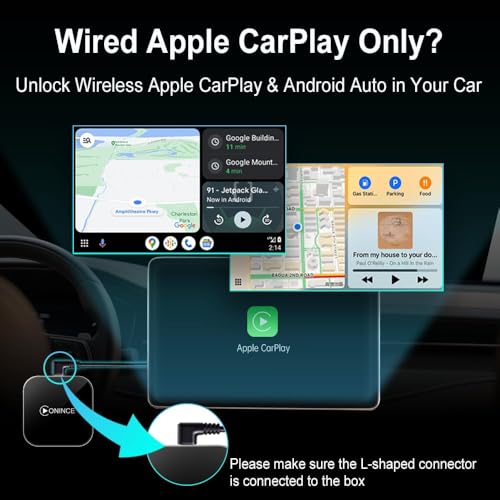
- Unlock Android Auto on CarPlay-Only Cars Easily convert your OEM wired CarPlay into full-featured wireless Android Auto. Enjoy a smooth, lag-free experience while keeping all original controls: ✔️ Touchscreen ✔️ Steering wheel buttons ✔️ Voice commands
- Pre-installed apps: Netflix, YouTube, Disney+, Prime Video Supports microSD card (up to 128GB) for local media playback Perfect for road trips ️, family time , or killing time while parked Tip:Please make sure to log in to the corresponding app using your account
- 2025 Upgrade – Faster & Smarter Powered by a next-gen chipset ⚡ for: Faster boot time Smoother performance Wider vehicle compatibility
- Stable 5.8GHz WiFi & Auto Connect Dual-band WiFi delivers fast, stable streaming Automatically reconnects every time you start your car — no hassle, no waiting
- Built-in Google Play Store – Endless Apps On the Go Access the Google Play Store directly from your device and download your favorite apps anytime. From navigation and music to games and streaming, customize your in-car experience your way — just like using a smartphone
Product description
Compare with similar items
| Add to Cart | |||||
| Customer Reviews | 3.9 out of 5 stars221 | 4.0 out of 5 stars24 | 3.6 out of 5 stars11 | 4.1 out of 5 stars444 | 3.6 out of 5 stars11 |
| Price | GBP 74.89GBP74.89 | GBP 170.75GBP170.75 | GBP 112.33GBP112.33 | GBP 14.97GBP14.97 | — |
| Play Videos | ✔ | ✔ | ✔ | ✘ | ✔ |
| Wireless CarPlay | ✔ | ✔ | ✔ | ✔ | ✔ |
| Wirelss Android Auto | ✔ | ✔ | ✔ | ✔ | ✔ |
| HDMI out | ✘ | ✔ | ✔ | ✘ | ✘ |
| Support Micro SD | ✔ | ✔ | ✘ | ✘ | ✘ |
| 4G SIM Card | ✘ | ✔ | ✘ | ✘ | ✘ |
What should l do if it doesn't work on my car?
1. Make sure your car is a 2016 or newer model with a USB port that supports factory-wired Apple CarPlay.
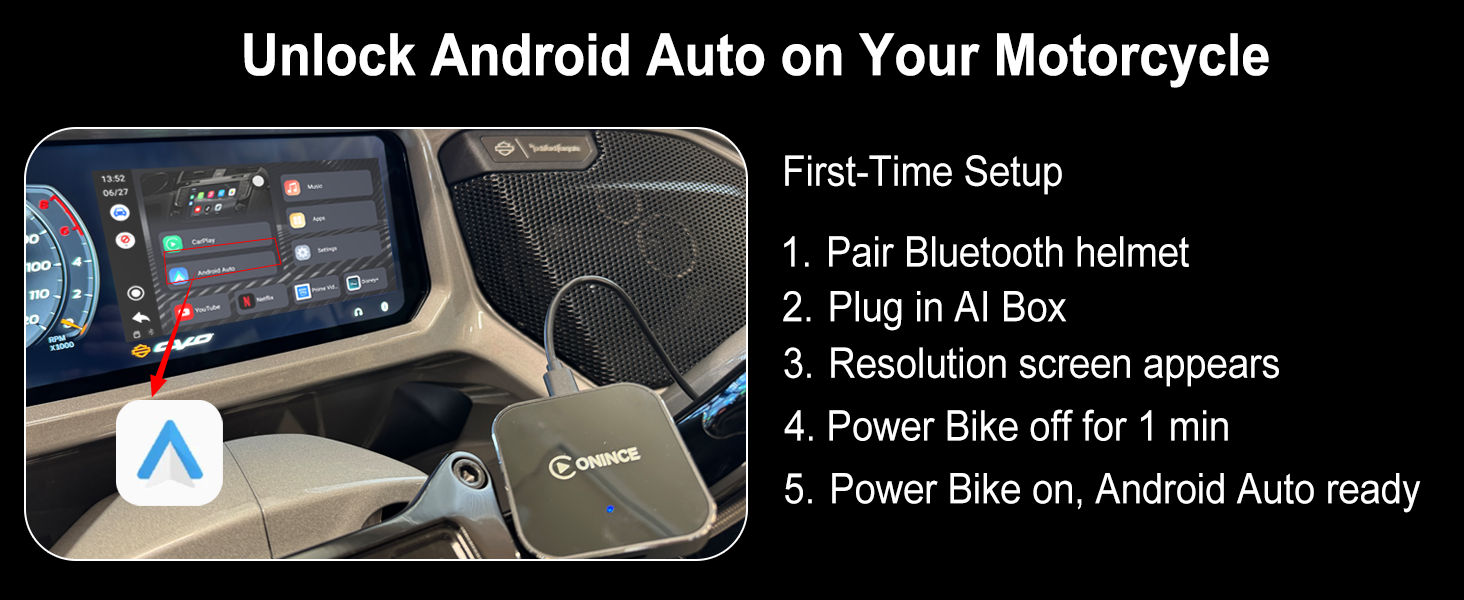
2. For Harley-Davidson, ensure Bluetooth is connected (helmet or bypass adapter) before plugging in the box
Apple CarPlay/Android Auto cannot connect to your phone?
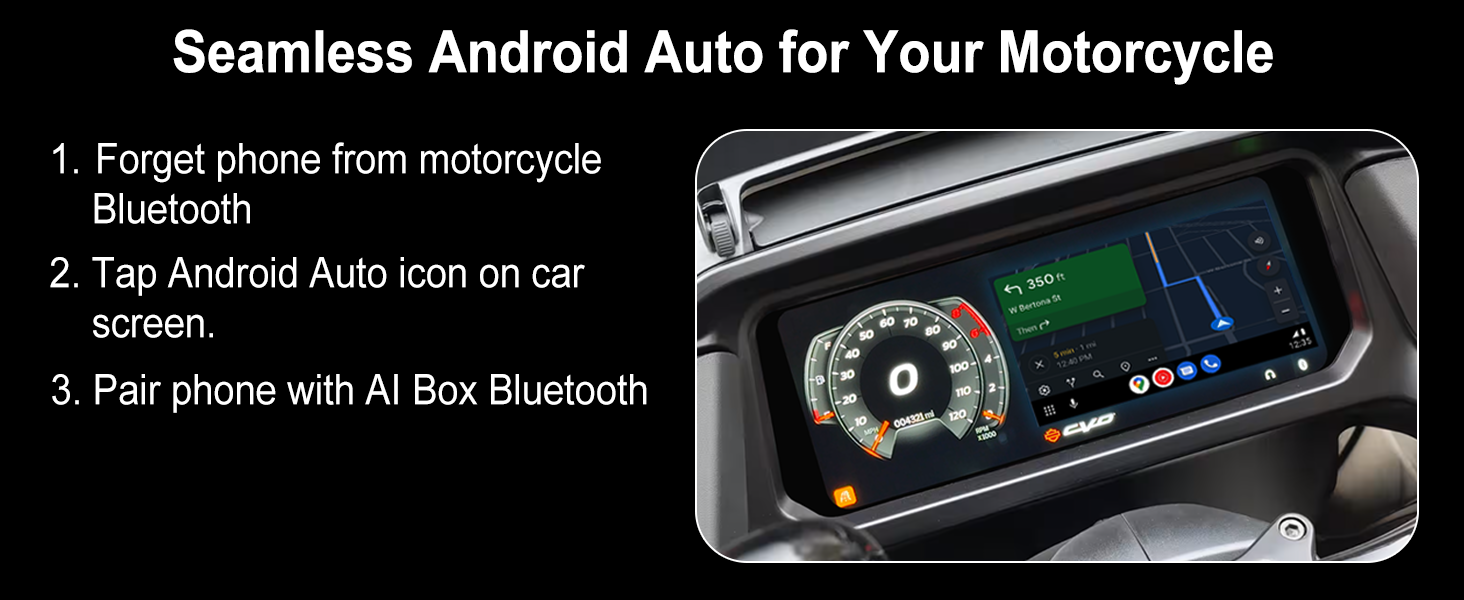
1. Forget the Bluetooth connection between your phone and the car or motocycle.
2. Ensure Bluetooth and Wi-Fi are enabled on your phone.
3. iPhone: Remove the car in CarPlay settings. Android: Update Android Auto to the latest version.
4. Reconnect
What should I do if the Ai Box doesn’t work on a Harley-Davidson motorcycle?
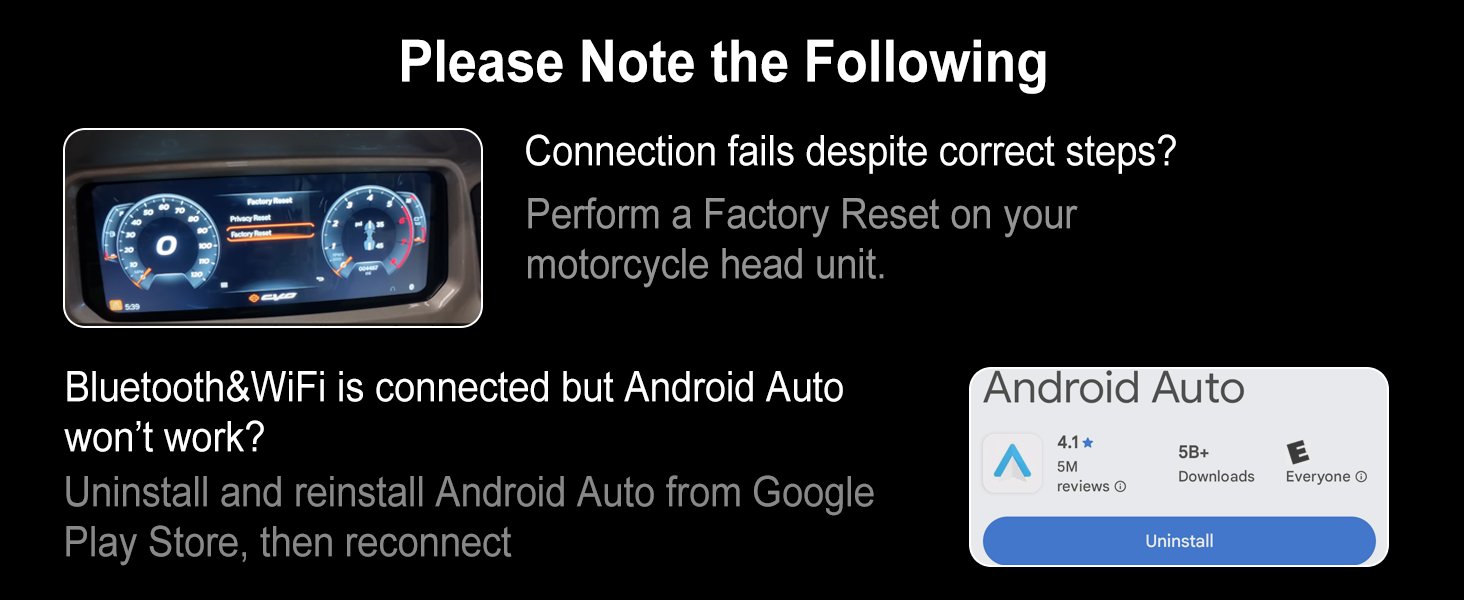
1. Unplug the AI Box and perform a factory reset on the motorcycle.
2. Connect the Bluetooth helmet and select Rider Mode.
3. Plug in the AI Box again to connect.
Bluetooth and Wi-Fi are connected, but Android Auto is not working?
1. On your phone, open Google Play Store.
2. Uninstall the current Android Auto app.
3. Reinstall the latest version.
4. Reconnect the AI Box and try again.
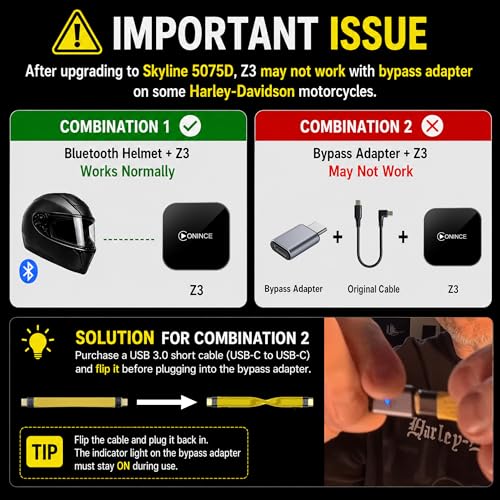
Why did the box stop working after I upgraded my Harley-Davidson infotainment system to 5057D?
Purchase a USB 3.0 short cable (USB-C to USB-C) and flip it before plugging into the bypass adapter. The indicator light on the bypass adapter must stay on during use.
| SKU: | B0F24C5XJF |
| Weight: | 0.14 Kilograms |
| Brand: | ONINCE |
| Model: | Z3 |
| Manufacture: | ONINCE |
Product description
Compare with similar items
 ONINCE CarPlay AI Box2025 | 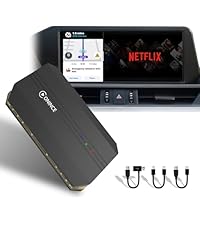 ONINCE CarPlay AI Box 3.0 | 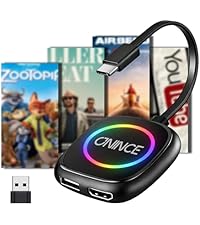 CarPlay AI Box 2026 | 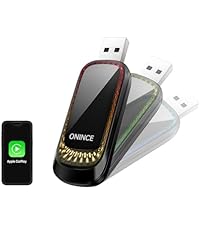 Wireless CarPaly Adapter | 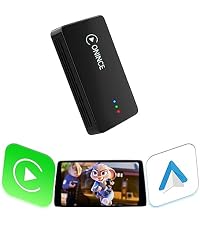 ONINCE CarPlay Ai Box 2.0 | |
|---|---|---|---|---|---|
| Customer Reviews | 3.9 out of 5 stars221 | 4.0 out of 5 stars24 | 3.6 out of 5 stars11 | 4.1 out of 5 stars444 | 3.6 out of 5 stars11 |
| Price | GBP 74.89 | GBP 170.75 | GBP 112.33 | GBP 14.97 | — |
| Play Videos | ✔ | ✔ | ✔ | ✘ | ✔ |
| Wireless CarPlay | ✔ | ✔ | ✔ | ✔ | ✔ |
| Wirelss Android Auto | ✔ | ✔ | ✔ | ✔ | ✔ |
| HDMI out | ✘ | ✔ | ✔ | ✘ | ✘ |
| Support Micro SD | ✔ | ✔ | ✘ | ✘ | ✘ |
| 4G SIM Card | ✘ | ✔ | ✘ | ✘ | ✘ |
What should l do if it doesn't work on my car?
1. Make sure your car is a 2016 or newer model with a USB port that supports factory-wired Apple CarPlay.
2. For Harley-Davidson, ensure Bluetooth is connected (helmet or bypass adapter) before plugging in the box
Apple CarPlay/Android Auto cannot connect to your phone?
1. Forget the Bluetooth connection between your phone and the car or motocycle.
2. Ensure Bluetooth and Wi-Fi are enabled on your phone.
3. iPhone: Remove the car in CarPlay settings. Android: Update Android Auto to the latest version.
4. Reconnect
What should I do if the Ai Box doesn’t work on a Harley-Davidson motorcycle?
1. Unplug the AI Box and perform a factory reset on the motorcycle.
2. Connect the Bluetooth helmet and select Rider Mode.
3. Plug in the AI Box again to connect.
Bluetooth and Wi-Fi are connected, but Android Auto is not working?
1. On your phone, open Google Play Store.
2. Uninstall the current Android Auto app.
3. Reinstall the latest version.
4. Reconnect the AI Box and try again.
Why did the box stop working after I upgraded my Harley-Davidson infotainment system to 5057D?
Purchase a USB 3.0 short cable (USB-C to USB-C) and flip it before plugging into the bypass adapter. The indicator light on the bypass adapter must stay on during use.