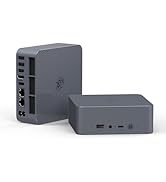
Beelink EQR5 Mini PC W11 Pro, AMD Ryzen 5 5500U(6C/12T up
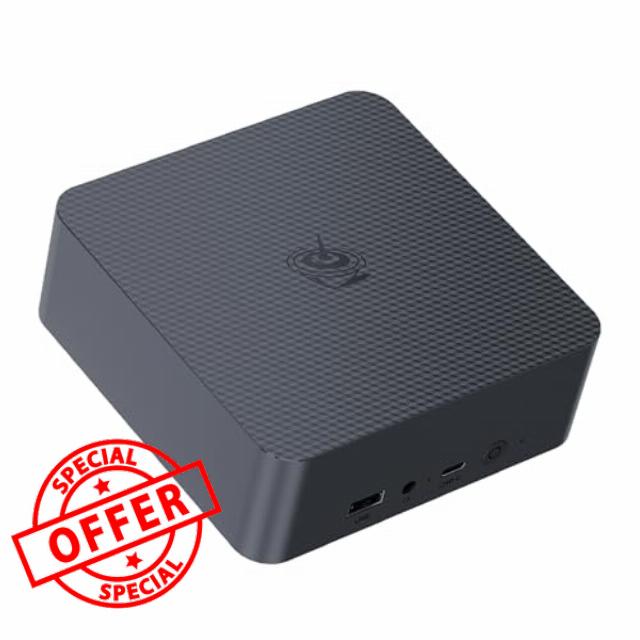
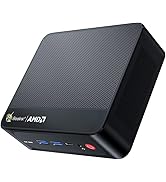
Beelink EQR5 Mini PC W11 Pro, AMD Ryzen 5 5500U(6C/12T up to 4.0GHz), 16GB DDR4 480G NVME SSD Graphics 7 core 1800MHz, WiFi 6/BT5.2/2*1000MB/S LAN, Support Dual Display Mini Computer Built in 85W PSU
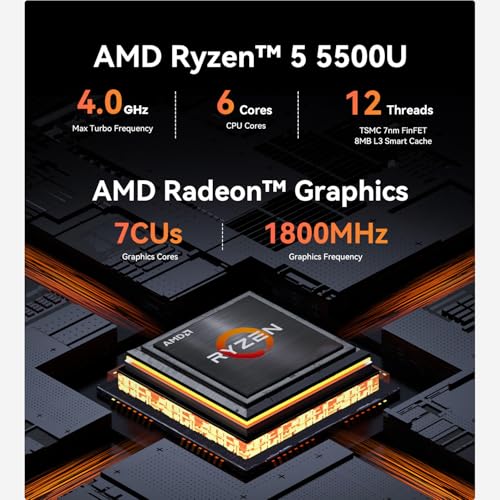
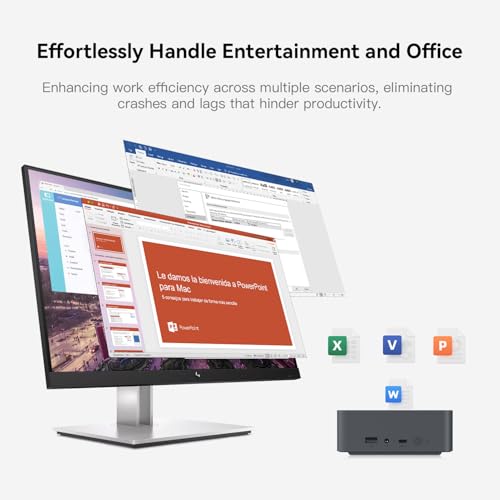
- 【Powerful Ryzen 5 Processor & W11 pro System】Beelink EQR5 5500U mini pc powered by AMD Ryzen 5 5500U (6C/12T, 2.0GHz to 4.0GHz), L3 8MB cache. Pre-installed with W11 pro, turns your desk into a compact workstation. Ideal for office tasks, 4K video playback, video/photo editing with smooth processing performance.
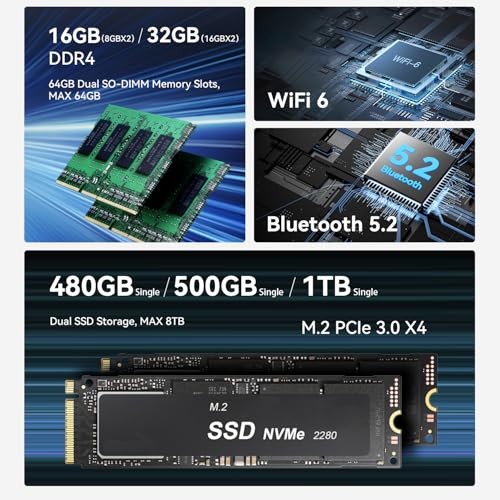
- 【16G DDR4+480G SSD】Beelink mini pc comes with 16GB DDR4 for smooth multi-program running, up to 64G ram. Pre-installed 480GB M.2 2280 PCIe NVMe SSD; 2×M.2 PCIe3.0X4 slots, each support up to 4TB storage upgrade. Sufficient and expandable storage space meets all your needs for file storage, software installation and data backup
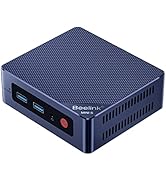
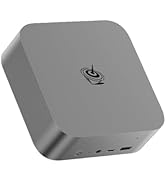
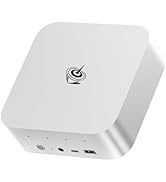
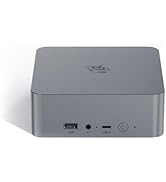
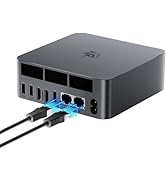
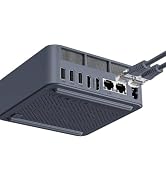
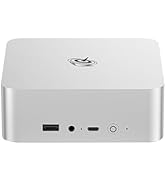
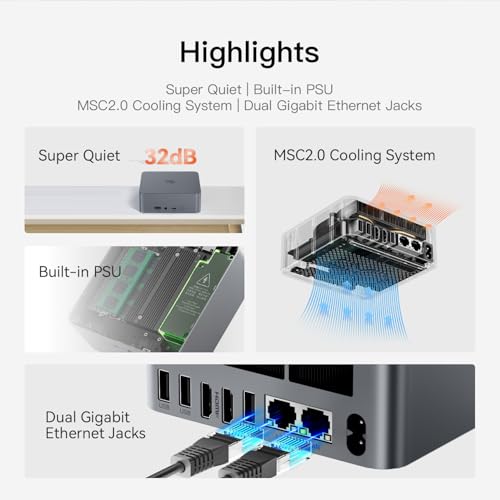
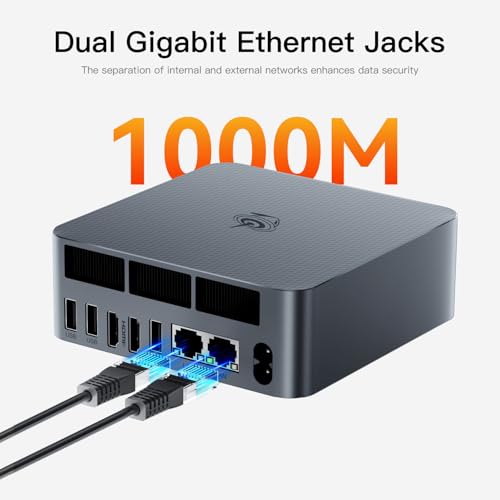
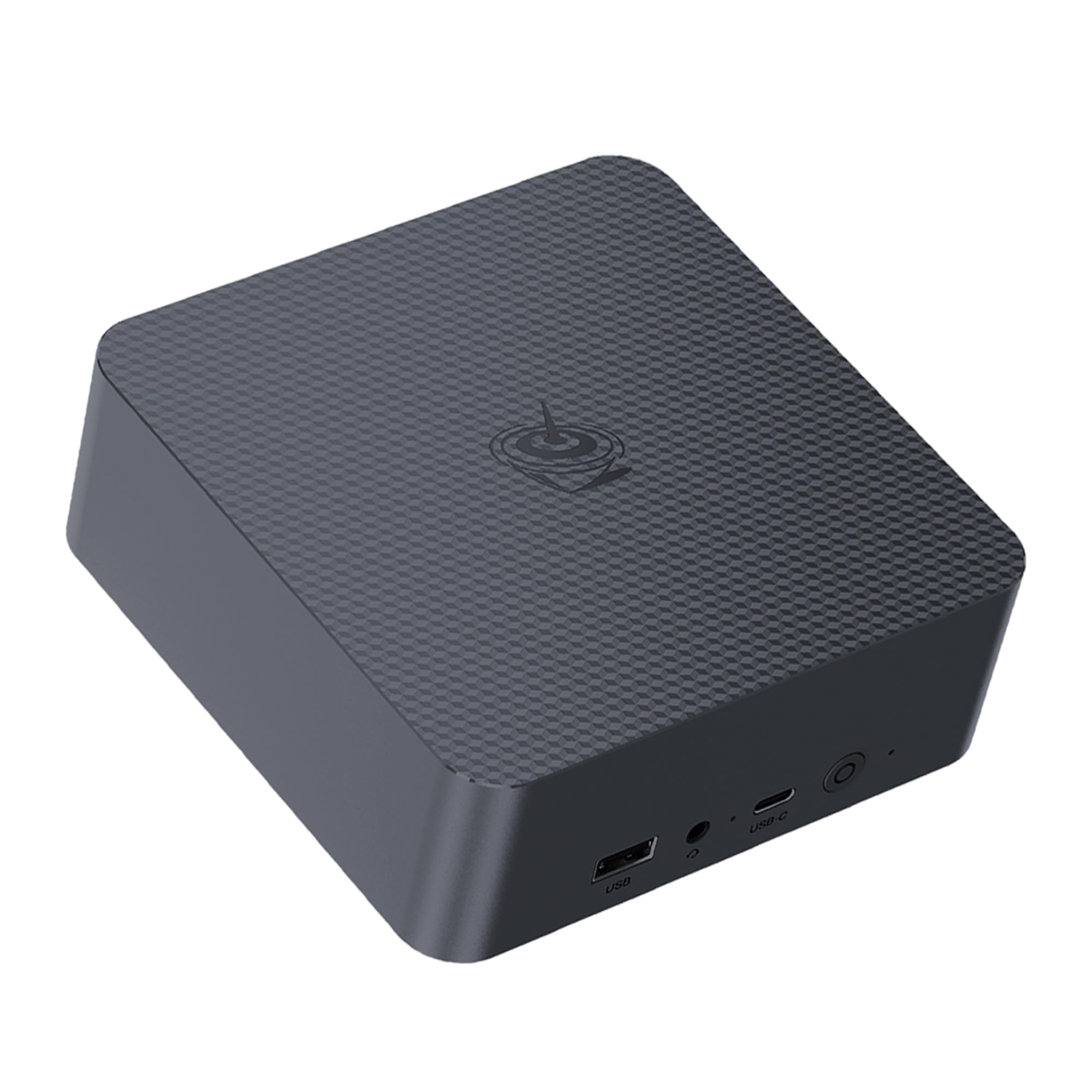
- 【Ultra-Compact Size & Rich High-Speed Interfaces】Beelink EQR5 5500U mini computer's body dimension: 126x126x44.2mm (without rubber feet), easy to set up and save space. Equipped with WiFi 6 (802.11ax), Bluetooth 5.2, dual 1000M Gigabit Ethernet RJ45; 2×HDMI, 3×USB3.2, 1×USB2.0, 1×USB-C 10Gbps, 3.5mm Audio Jack. Built-in PSU for hassle-free use, stable and fast connection for all your devices
- 【High-Performance Graphics & Dual 4K Display Output】Beelink EQR5 mini gaming pc integrated AMD Radeon Graphics(7cores, 1800MHz) delivers powerful GPU performance. Support dual display output via 2×HDMI ports, enabling seamless multi-tasking—browse, work, watch videos on two screens simultaneously. Fully capable of 4K video playback and light design application needs with crisp visual effects
- 【Reliable Quality & Comprehensive After-Sales Service】Beelink mini computers feature practical additional functions: Auto Power On and WOL (Wake on LAN). All mini PCs pass strict pre-shipping inspection for reliable quality. Comes with 100cm HDMI cable, 150cm AC cable and user manual. We offer lifetime technical support, 3-year worry-free warranty and online customer service for your peace of mind.
From the brand
NOTE !!!
Please switch your language to English to see the correct product information. Products in the store come with a 3-year warr-anty.
NOTE!!!
To view accurate product information on detail pages, please use English instead of Spanish.
How to enter the BIOS?
Press "Delete" to enter the BIOS setting; press "F7" to enter the boot options menu (continuously click immediately after booting)
How to set up Dual Screen Display?
Please click and select Start>Settings>System>Display. Your PC should automatically detect your monitor and display your desktop. If you don’t see the monitor, select Detect.
What's in the box?
1、If you buy mini pc: 1*Mini PC, HMDI Cable, User Manual
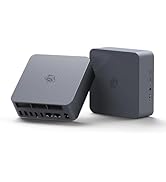
2、If you buy docking station:Docking Station
-
Beelink SER5 mini pc
-
Beelink MINI S12 N95 mini pc
-
Beelink MINI S13 N150 mini pc
-
SER9 MINI PC
-
beelink ser5 mini pc
-
Beelink EQR MINI PC
-
Beelink EQI12 MINI PC
-
EQI13 13500H MINI PC

| SKU: | B0GZNKSY57 |
| Brand: | Beelink |
| Model: | EQR |
| Manufacture: | Shenzhen AZW Technology Co.,Ltd. |
From the brand