arboleaf Scale for Body Weight, Upgrade 50+ Metrics
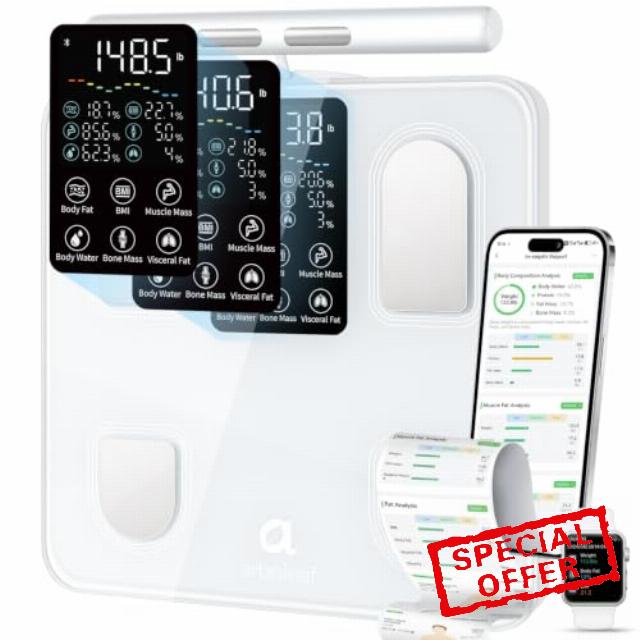
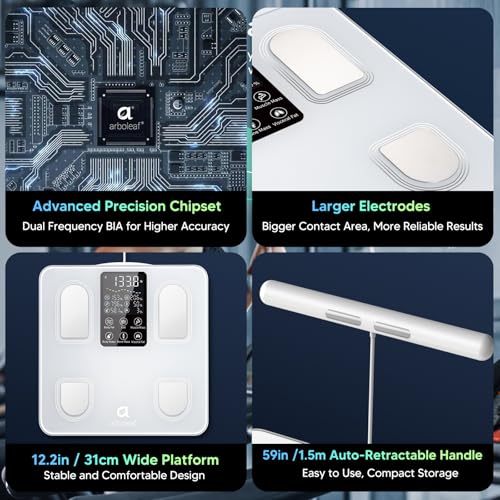
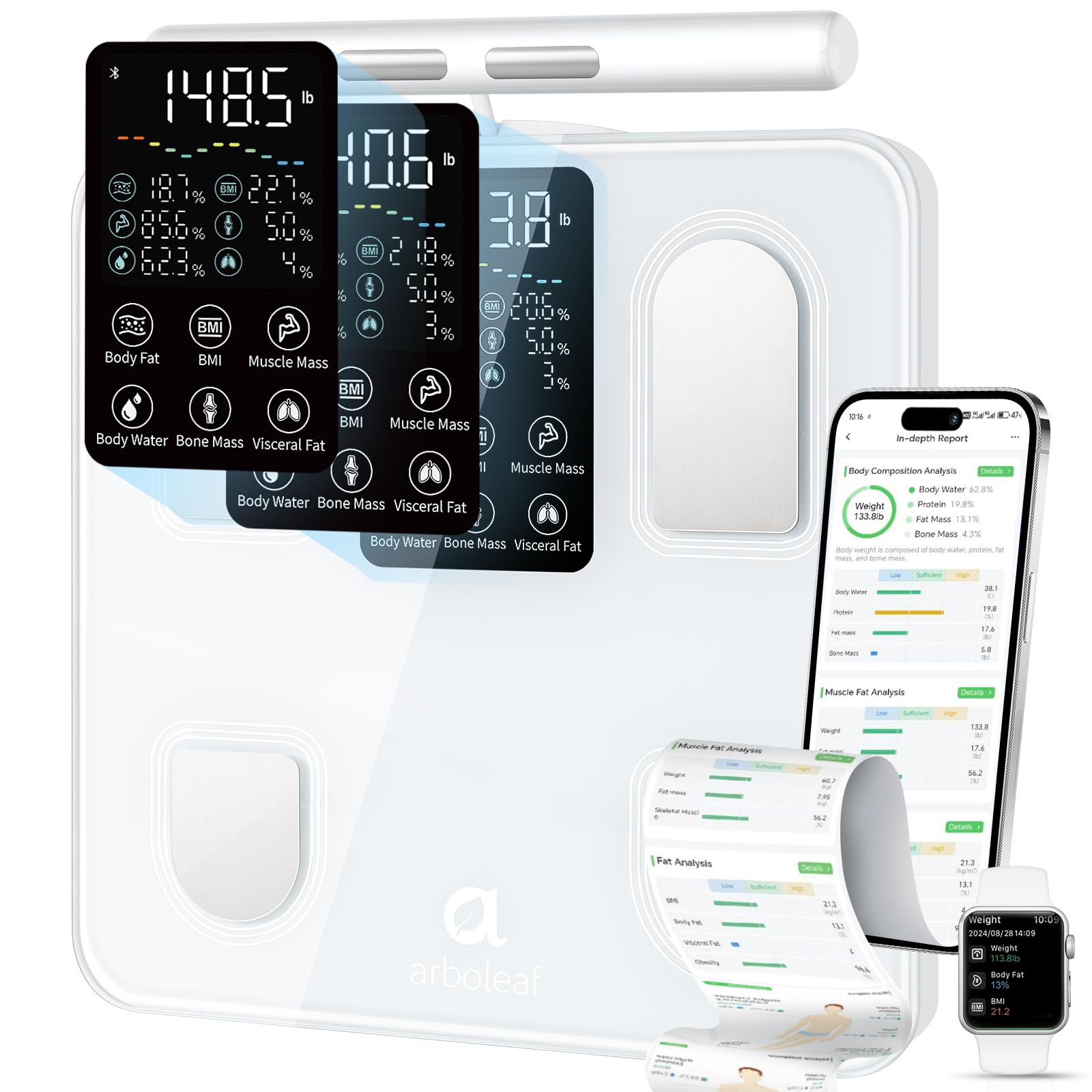
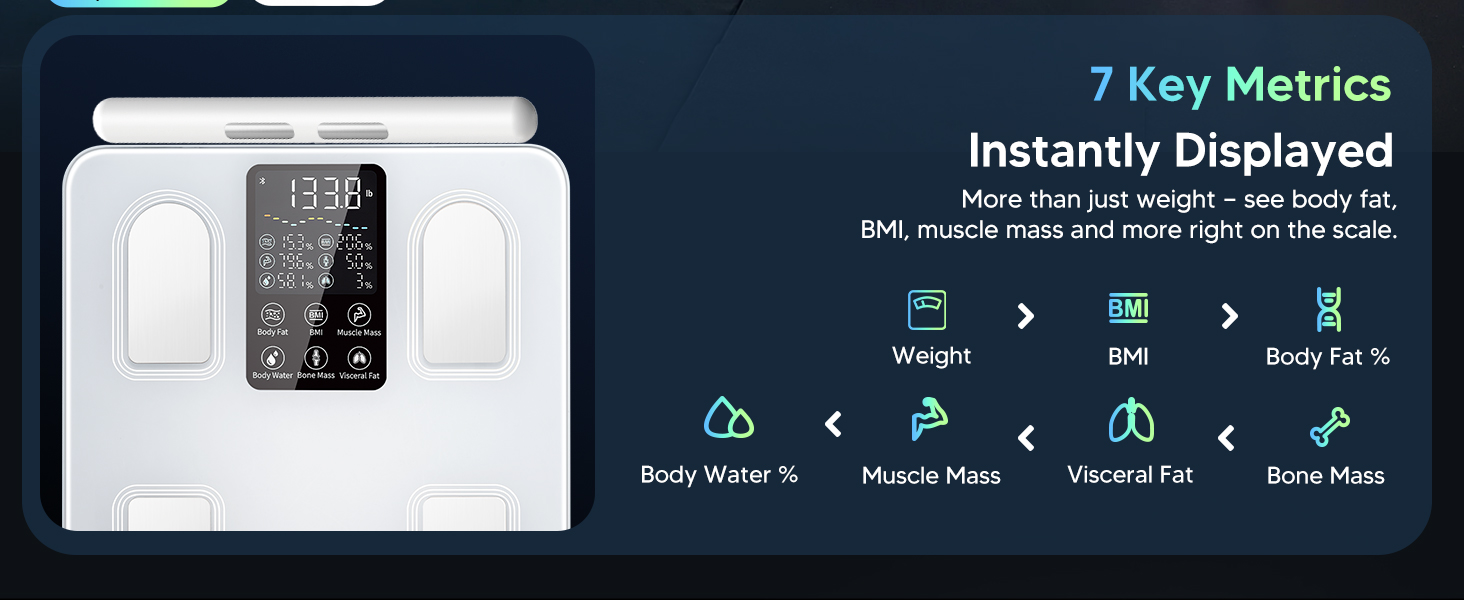
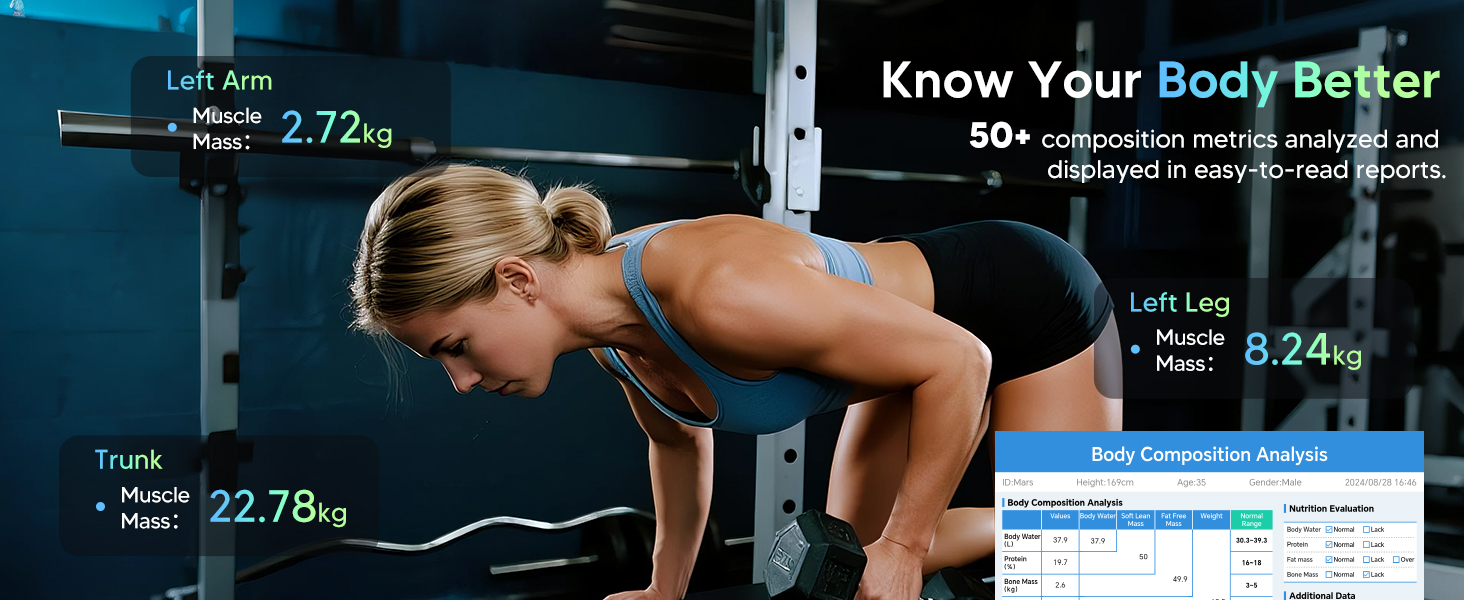
arboleaf Scale for Body Weight, Upgrade 50+ Metrics 8-Electrode Smart Scale with BMI, Body Fat, Muscle Mass, Full Body Composition Analyzer, High Precision Digital Bathroom Scale
What factors may affect the accuracy of body fat percentage measurements?
Our scale uses BIA tech, which may vary with hydration levels throughout the day. For more accurate tracking, measure at the same time daily and focus on long-term trends.
Why is my body fat data not showing up on the scale?
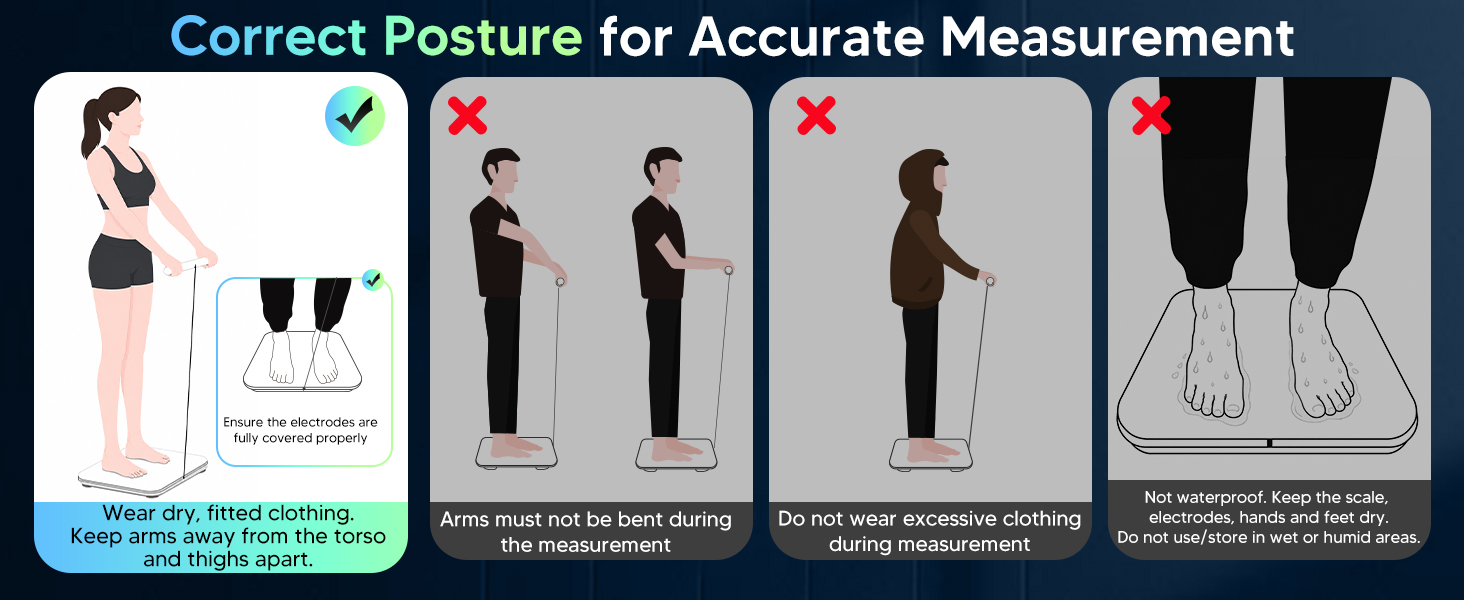
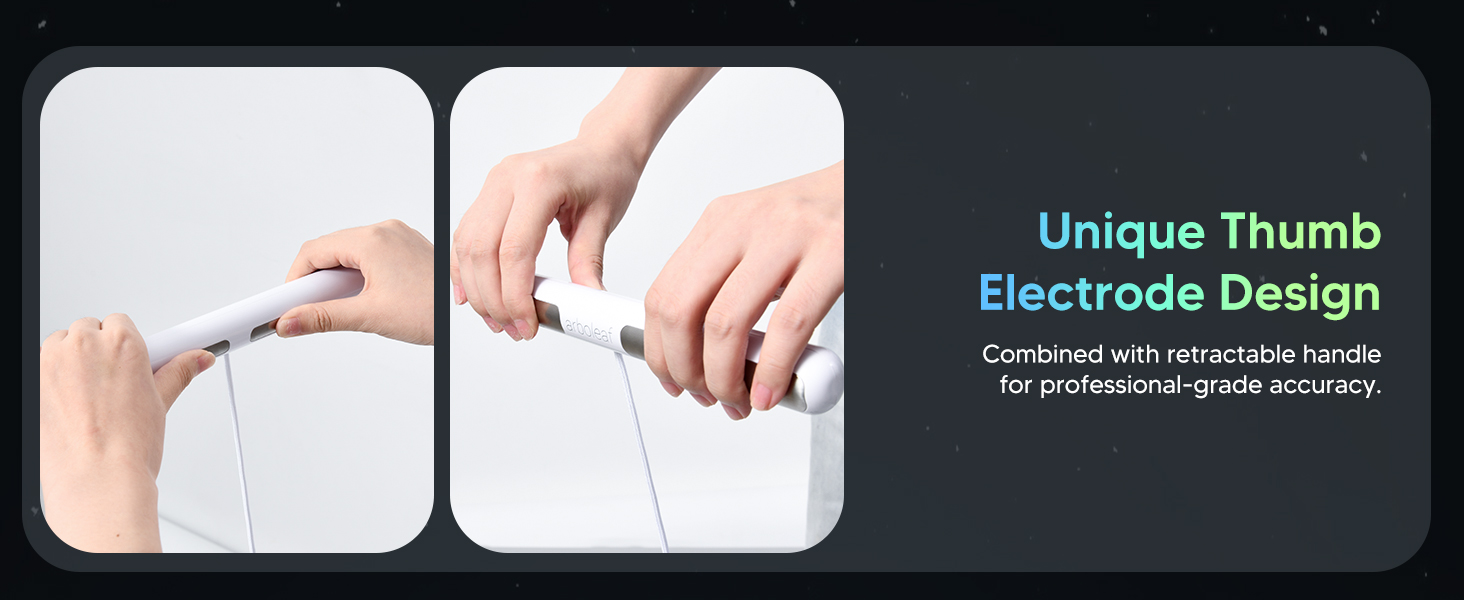
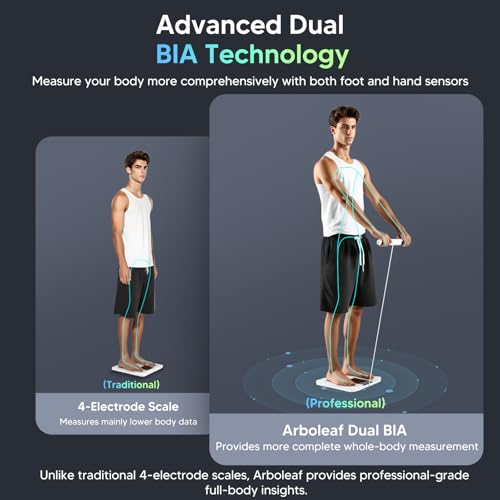
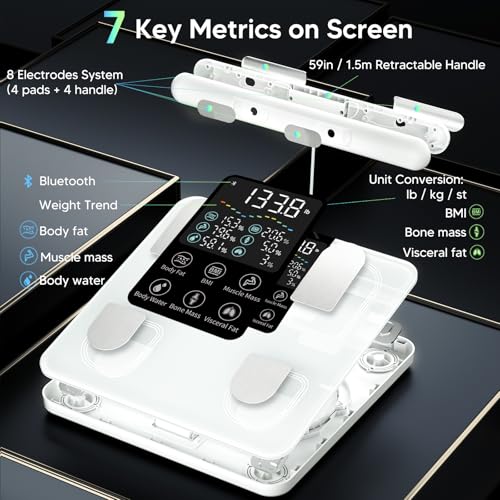
For first use, open the app before stepping on. Step on barefoot with feet on electrodes (hands on handles if 8-electrode). Stand still ~15s. If no result, reset the scale by reinserting batteries.
Why can't I connect the scale to the app?
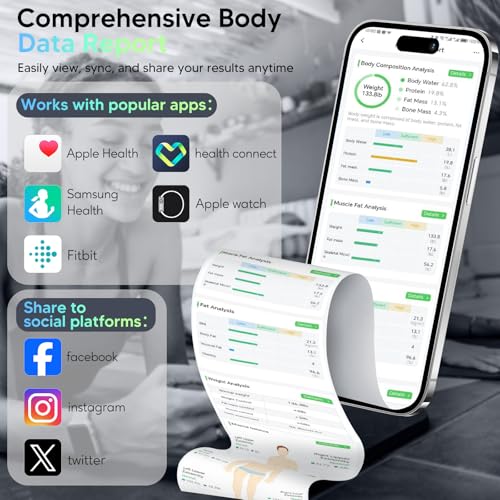
Make sure Bluetooth and Location are on. Check app permissions for Bluetooth/location (Android 12+ also needs “Nearby Devices”). Close and reopen the app, then step on the scale from the measurement screen to connect.
The weight reading seems inaccurate—what should I do?
Place the scale on a hard, flat surface, clean the feet and floor to ensure stable contact.
Remove batteries for 3 sec, reinstall, place back on floor. Wait until the screen turns off, tap to wake → let it show “0.0” → step on to measure.

| SKU: | B0GKMC6RMV |
Product description

What factors may affect the accuracy of body fat percentage measurements?
Our scale uses BIA tech, which may vary with hydration levels throughout the day. For more accurate tracking, measure at the same time daily and focus on long-term trends.
Why is my body fat data not showing up on the scale?
For first use, open the app before stepping on. Step on barefoot with feet on electrodes (hands on handles if 8-electrode). Stand still ~15s. If no result, reset the scale by reinserting batteries.
Why can’t I connect the scale to the app?
Make sure Bluetooth and Location are on. Check app permissions for Bluetooth/location (Android 12+ also needs “Nearby Devices”). Close and reopen the app, then step on the scale from the measurement screen to connect.
The weight reading seems inaccurate—what should I do?
Place the scale on a hard, flat surface, clean the feet and floor to ensure stable contact.
Remove batteries for 3 sec, reinstall, place back on floor. Wait until the screen turns off, tap to wake → let it show “0.0” → step on to measure.