A-Tech 8GB DDR5 4800MHz PC5-38400 CL40 UDIMM 1.1V Non-ECC
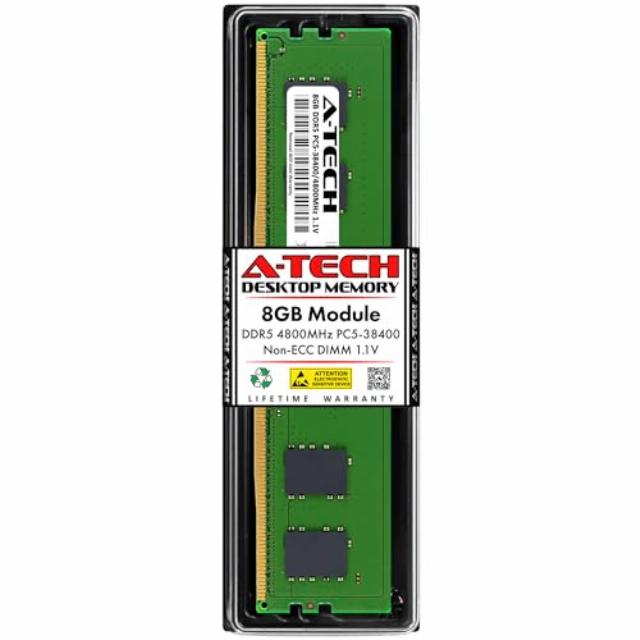
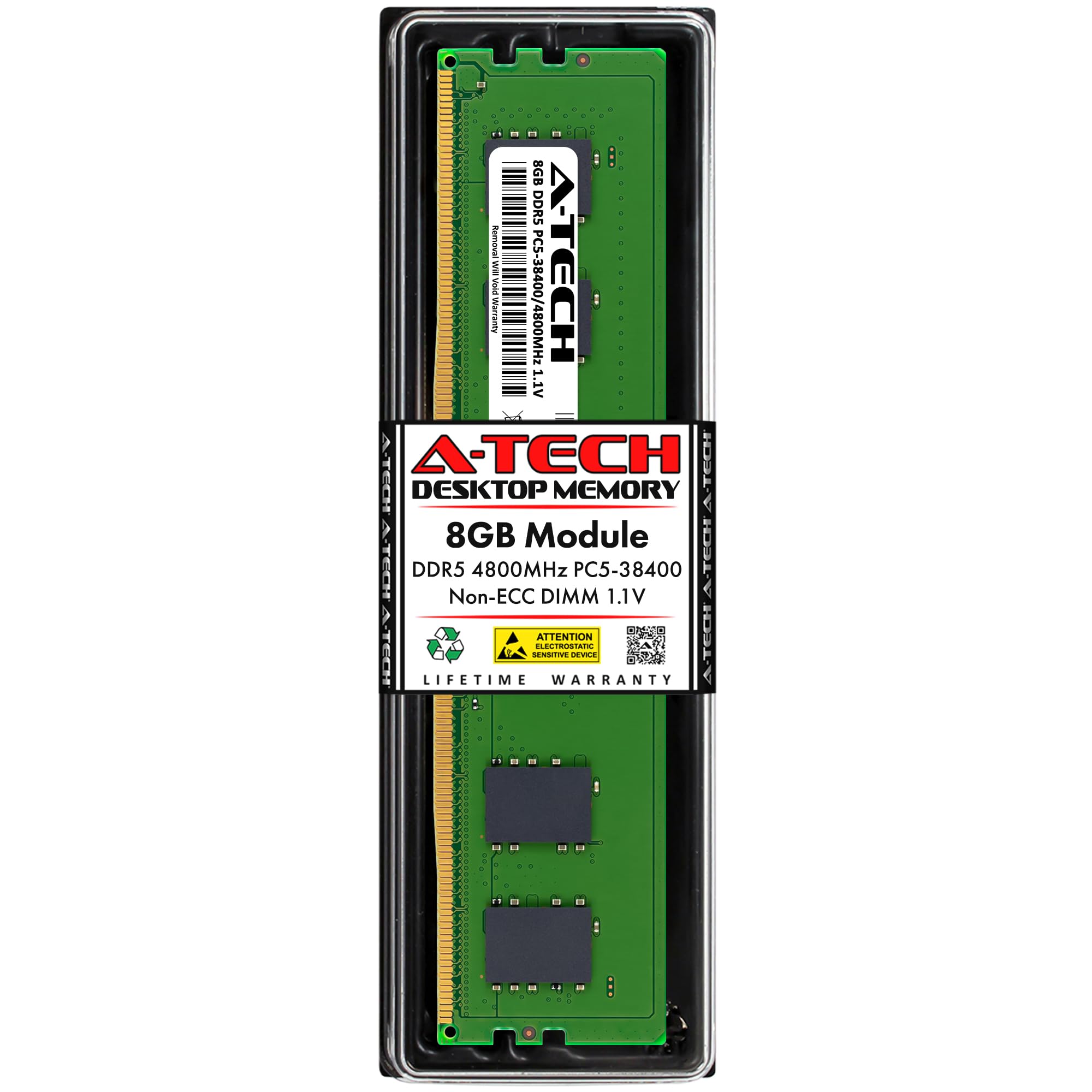
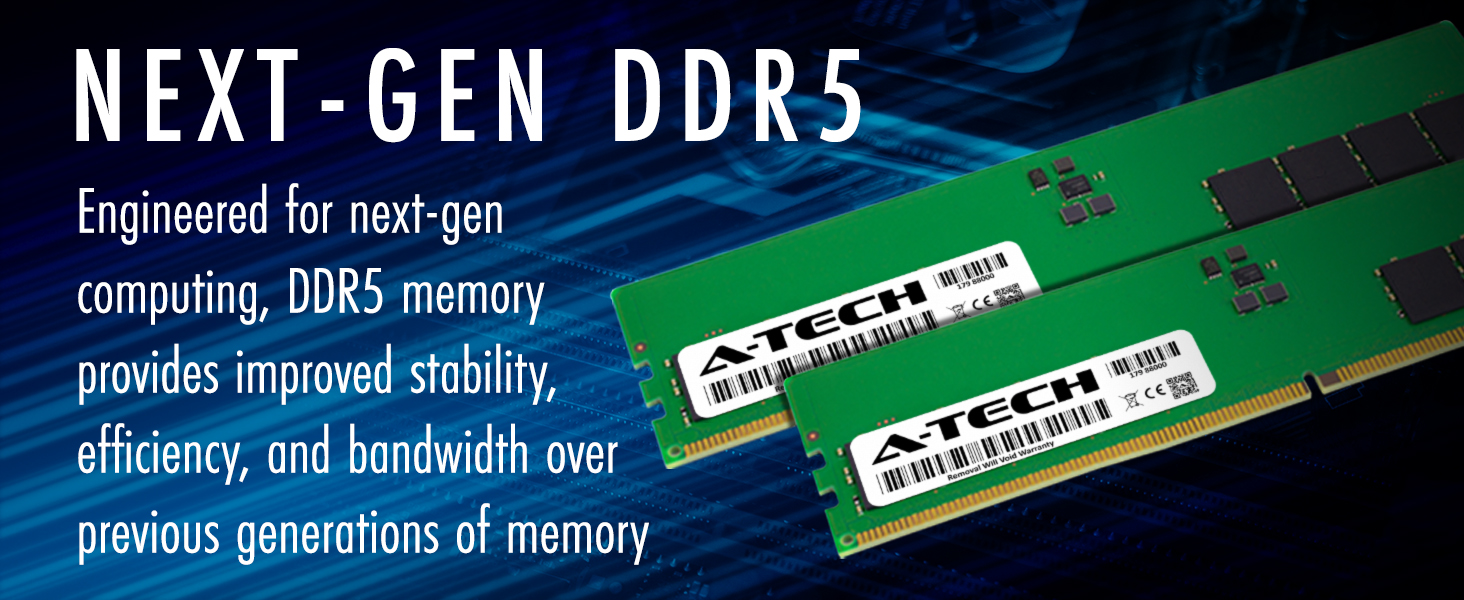
A-Tech 8GB DDR5 4800MHz PC5-38400 CL40 UDIMM 1.1V Non-ECC Unbuffered DIMM 288-Pin Desktop PC/Computer RAM Memory Upgrade Module
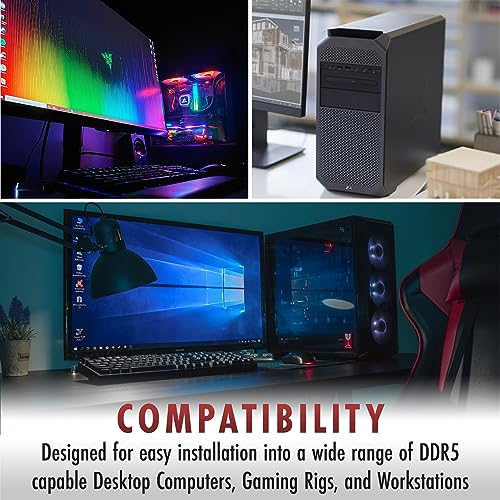
- A-Tech RAM Memory compatible for select DDR5 Desktop and Workstation PC/Computers
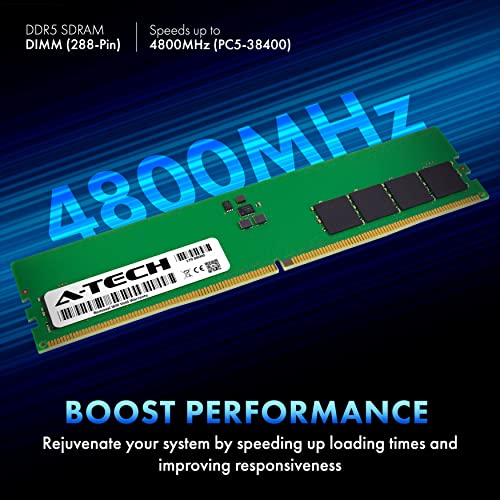
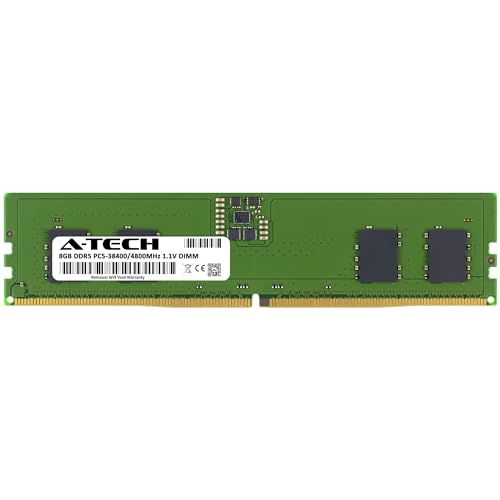
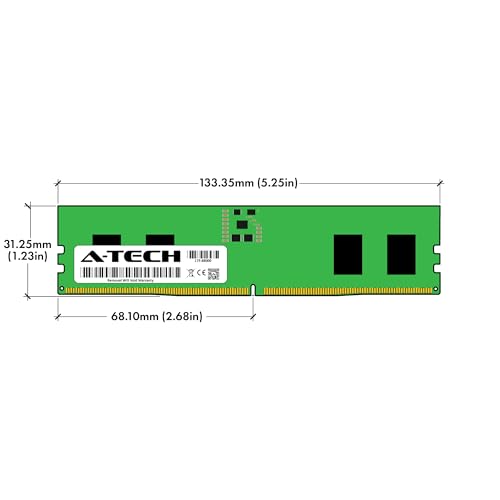
- Single 8GB RAM Module; DDR5 DIMM 288 Pin; Speeds up to 4800MHz PC5-38400 (PC5-4800B)
- NON-ECC Unbuffered (UDIMM); JEDEC DDR5 standard 1.1V
- Improves system speed, performance, and reduces bottlenecks by increasing memory RAM resources
- Quick and easy to install, no expertise required
- Each A-Tech memory module is built and tested for superior performance and trusted reliability
- All A-Tech products are covered with a Limited Lifetime Warranty and are backed by our top rated support team to help guide you every step of the way
Specifications
| Memory Type | DDR5 |
| Form Factor | DIMM (288-Pin) |
| ECC Type | Non-ECC Unbuffered |
| Speed | 4800MHz, PC5-38400 (PC5-4800B) |
| Voltage | 1.1V (JEDEC DDR5 Standard Voltage) |
| Compatible Platforms | Desktop PC/Computers and Workstation Systems compatible with 288-Pin DDR5 Non-ECC DIMM Modules. (Please refer to your system's manual to confirm compatibility) |
What’s the difference between DDR5 and other types of memory and can I use them interchangeably?
No, DDR5 memory is not compatible or interchangeable with other types such as DDR4, DDR3, and so on. Each memory type uses different slot designs, voltages, and architectures, so your system must support the memory type specifically.
What’s the difference between DIMM and SO-DIMM memory?
DIMM and SO-DIMM represent two different physical sizes of memory. DIMM is the larger type used in standard desktop computers. SO-DIMM is the smaller type used in laptops, mini PCs, and compact systems. They are not interchangeable.
What does "Non-ECC" mean and do I need "ECC" memory instead?
Non-ECC (non-error correcting) memory is required for most laptops and desktops. ECC is typically only used in servers or workstations and is not interchangeable with Non-ECC memory. If your system doesn’t mention ECC support, you need Non-ECC.
How do I know which speed to choose?
Each system has its own max supported speed. If the memory is faster than your system allows, it will automatically downclock to that max speed, meaning it's safe to buy faster memory. To confirm the max supported speed, refer to your system's manual
Is this compatible with my system or computer?
Refer to your system's manual to confirm the supported memory type, capacity, form factor, and ECC support. If you're unsure, contact our support team, we're happy to help you find the exact memory your system needs!

| SKU: | B0B178DYJ5 |
| Brand: | A-Tech |
| Model: | AT8G1D5D4800NA0N11V |
| Manufacture: | A-Tech |
Product description

Specifications
| Memory Type | DDR5 |
| Form Factor | DIMM (288-Pin) |
| ECC Type | Non-ECC Unbuffered |
| Speed | 4800MHz, PC5-38400 (PC5-4800B) |
| Voltage | 1.1V (JEDEC DDR5 Standard Voltage) |
| Compatible Platforms | Desktop PC/Computers and Workstation Systems compatible with 288-Pin DDR5 Non-ECC DIMM Modules. (Please refer to your system's manual to confirm compatibility) |
What’s the difference between DDR5 and other types of memory and can I use them interchangeably?
No, DDR5 memory is not compatible or interchangeable with other types such as DDR4, DDR3, and so on. Each memory type uses different slot designs, voltages, and architectures, so your system must support the memory type specifically.
What’s the difference between DIMM and SO-DIMM memory?
DIMM and SO-DIMM represent two different physical sizes of memory. DIMM is the larger type used in standard desktop computers. SO-DIMM is the smaller type used in laptops, mini PCs, and compact systems. They are not interchangeable.
What does “Non-ECC” mean and do I need “ECC” memory instead?
Non-ECC (non-error correcting) memory is required for most laptops and desktops. ECC is typically only used in servers or workstations and is not interchangeable with Non-ECC memory. If your system doesn’t mention ECC support, you need Non-ECC.
How do I know which speed to choose?
Each system has its own max supported speed. If the memory is faster than your system allows, it will automatically downclock to that max speed, meaning it's safe to buy faster memory. To confirm the max supported speed, refer to your system's manual
Is this compatible with my system or computer?
Refer to your system's manual to confirm the supported memory type, capacity, form factor, and ECC support. If you're unsure, contact our support team, we're happy to help you find the exact memory your system needs!