Soundcore Sleep A30 Special by Anker, Sleep Earbuds, ANC
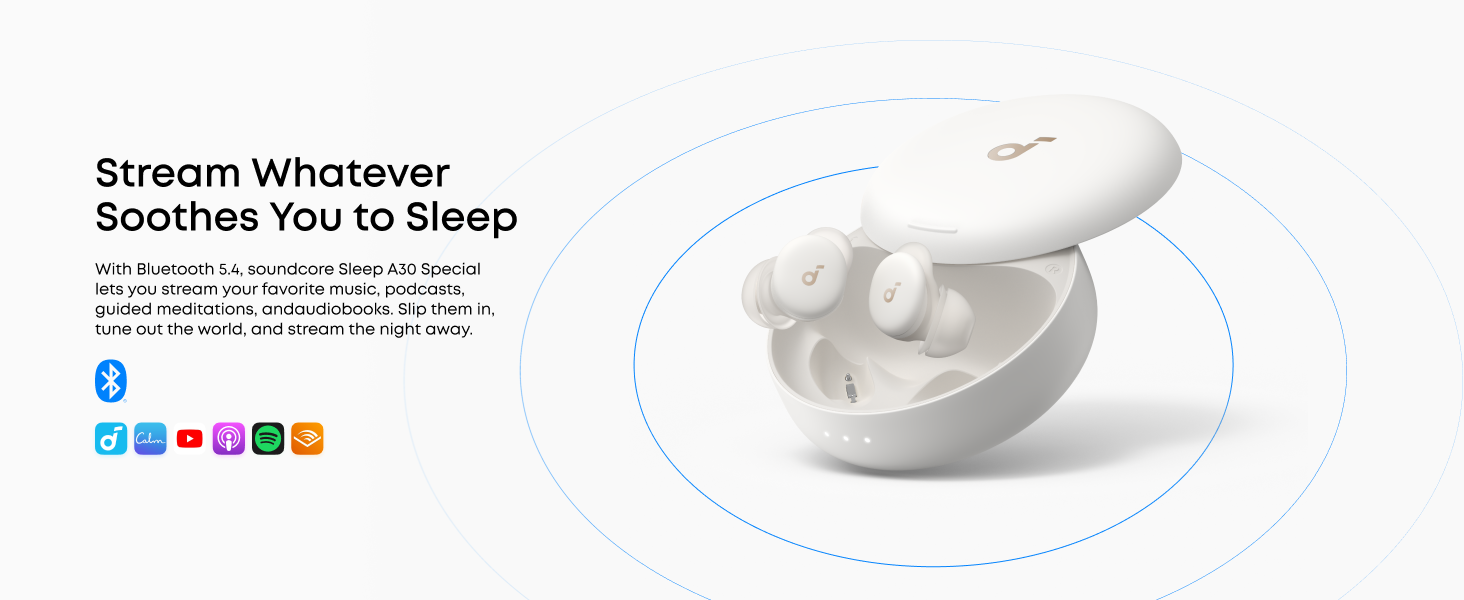
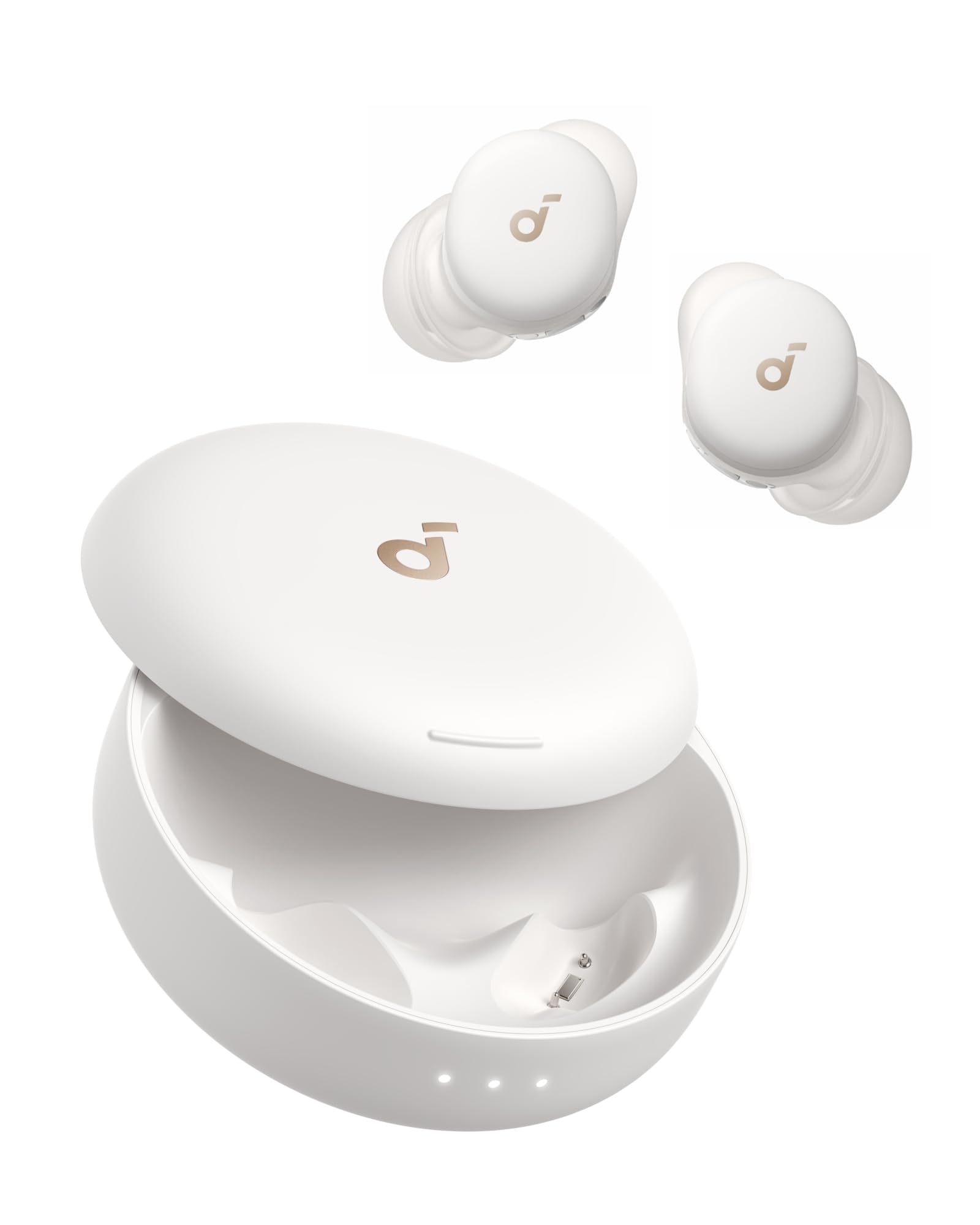
Soundcore Sleep A30 Special by Anker, Sleep Earbuds, ANC, PNC, Snore Masking, Calm, Extensive Sleep Audio, Ultra-Comfort for Side Sleepers, 10H Playtime
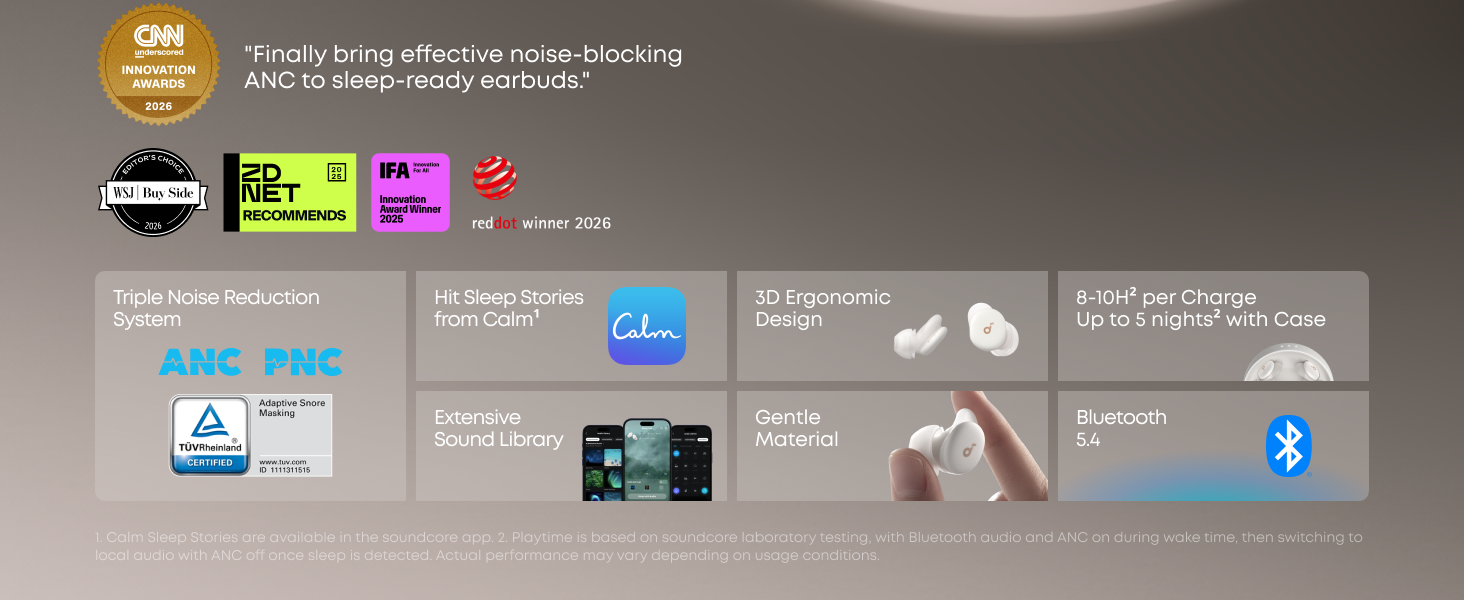
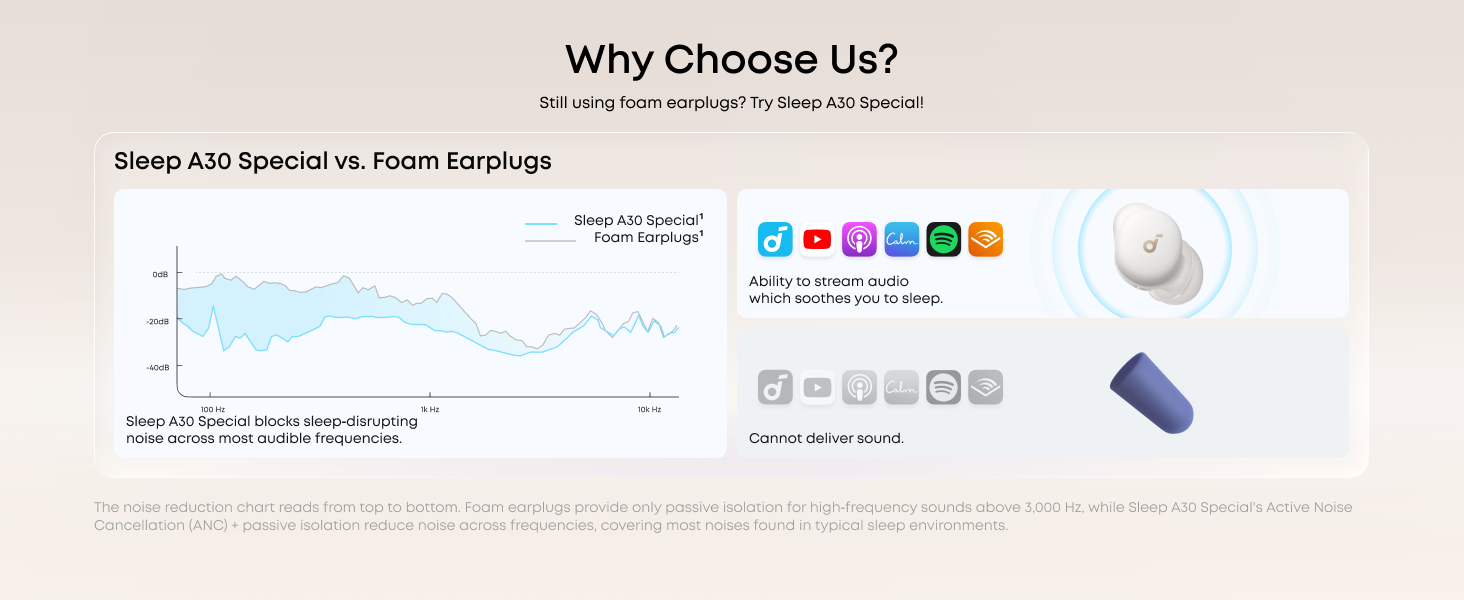
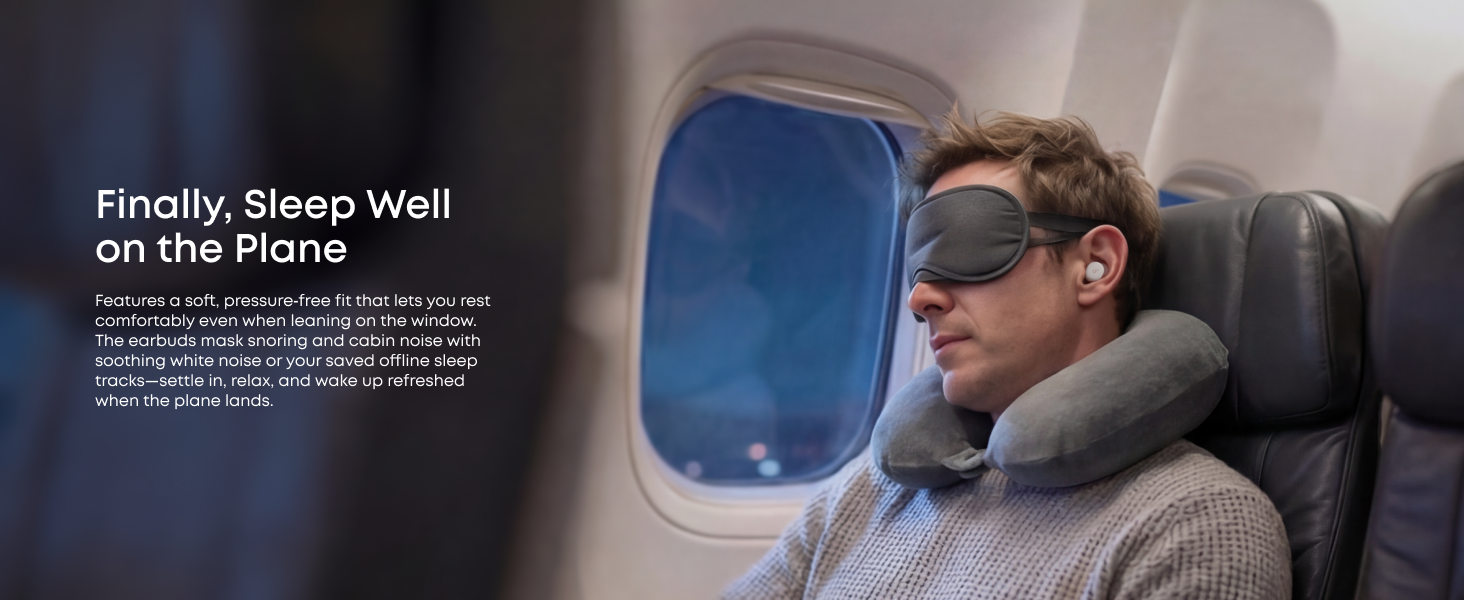
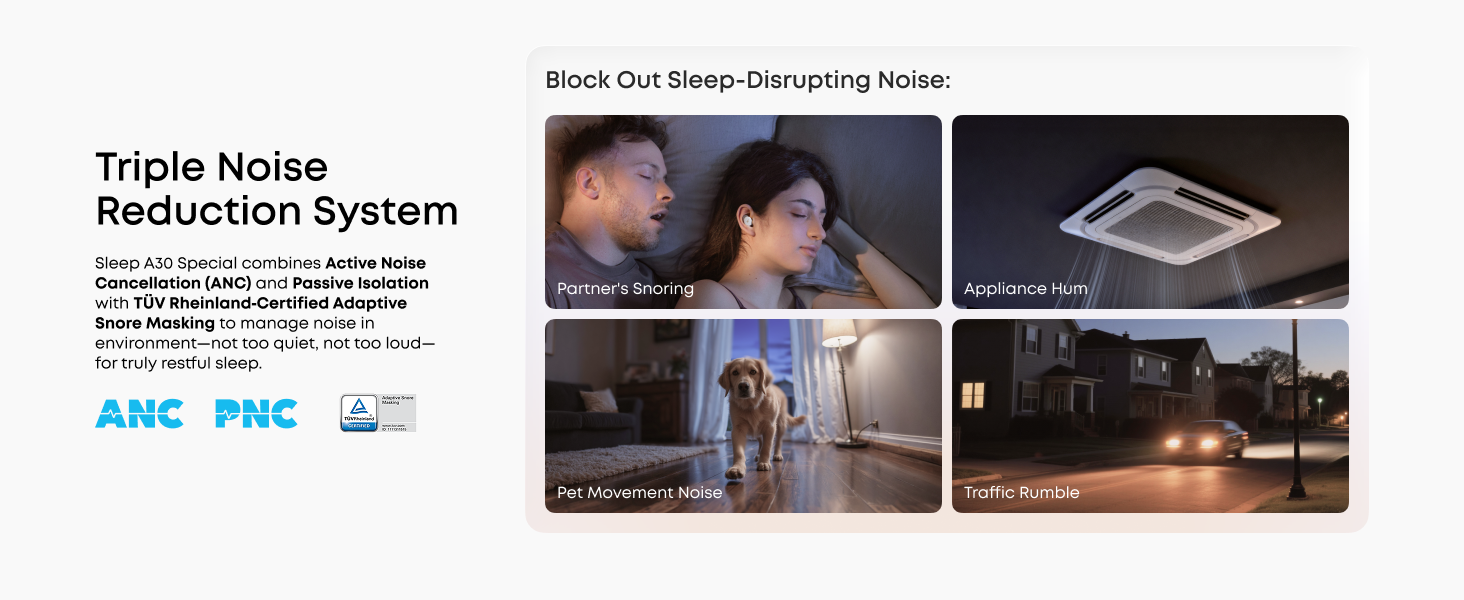
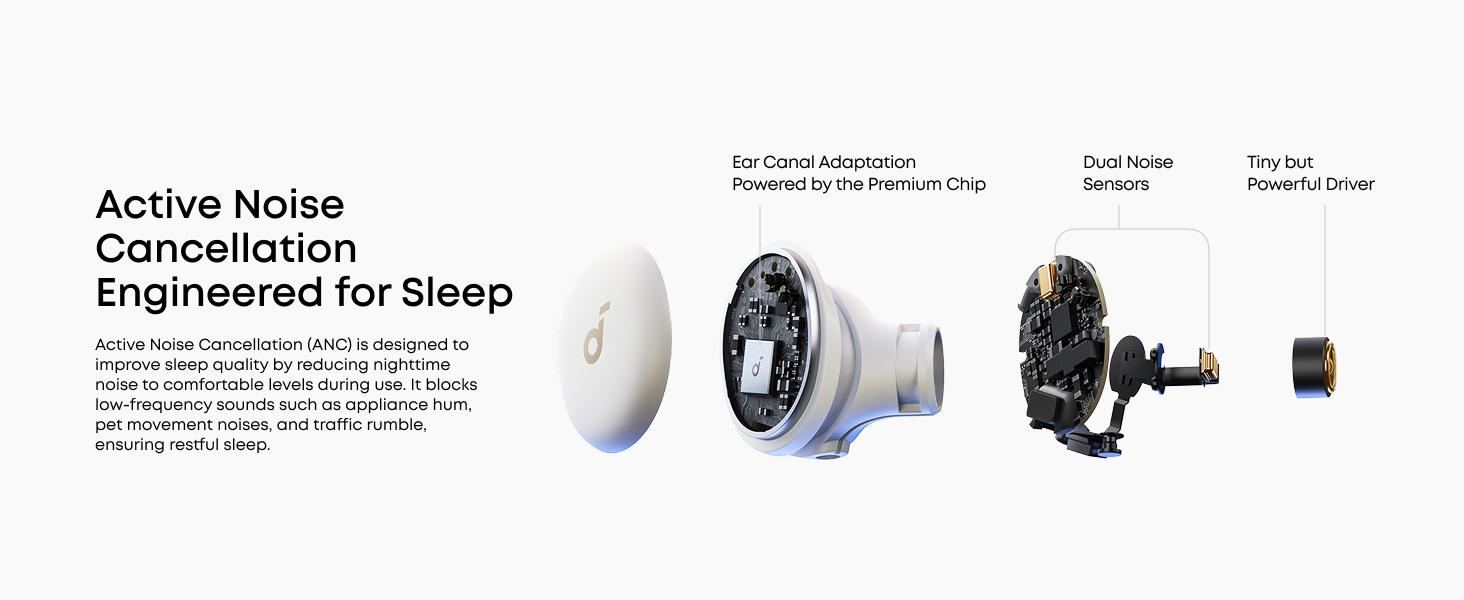
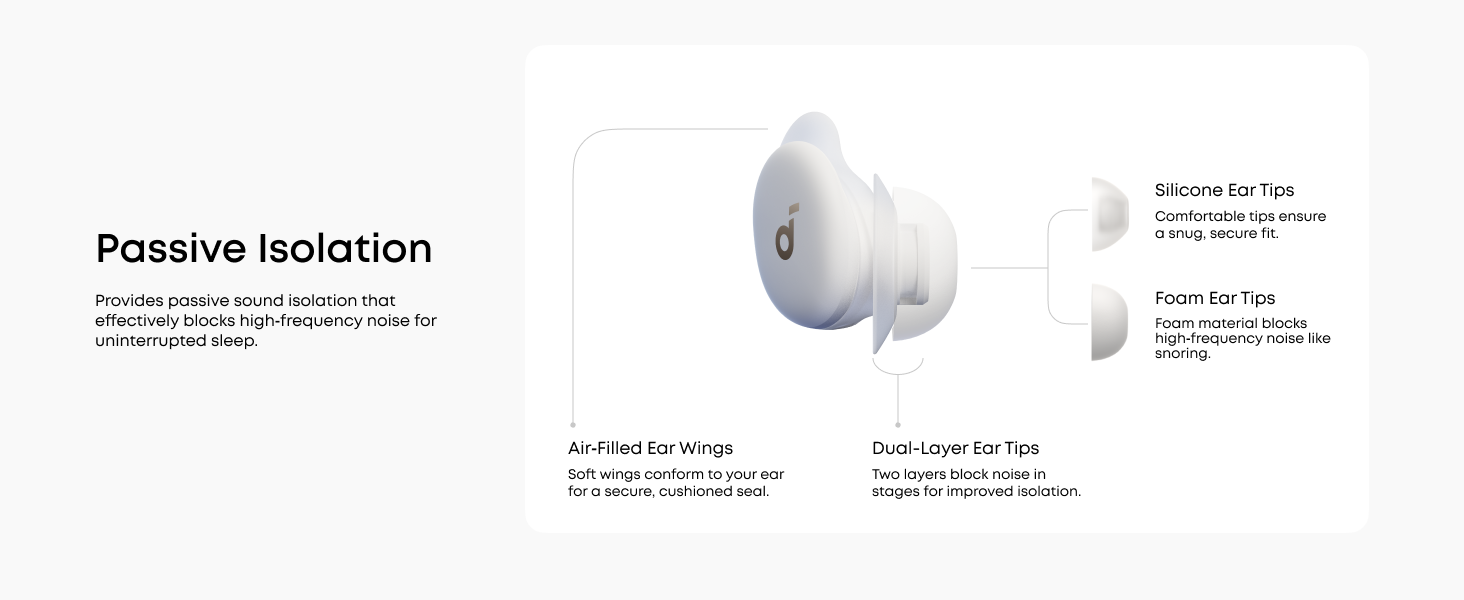
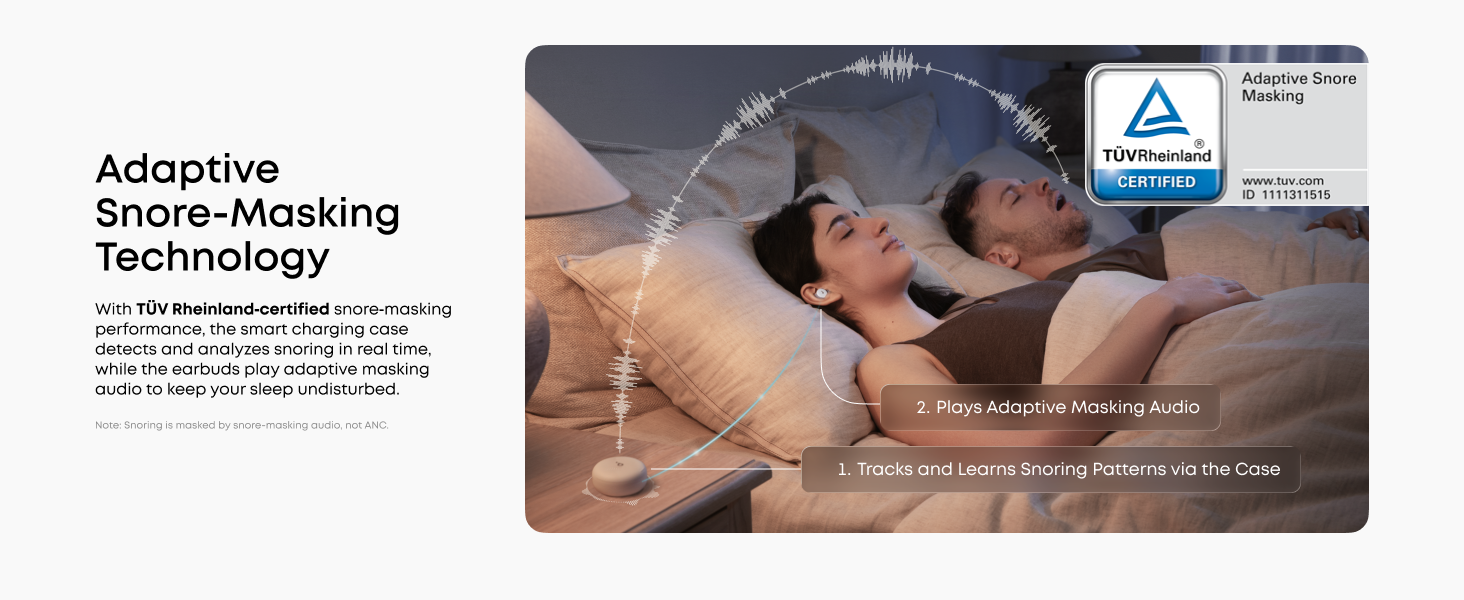
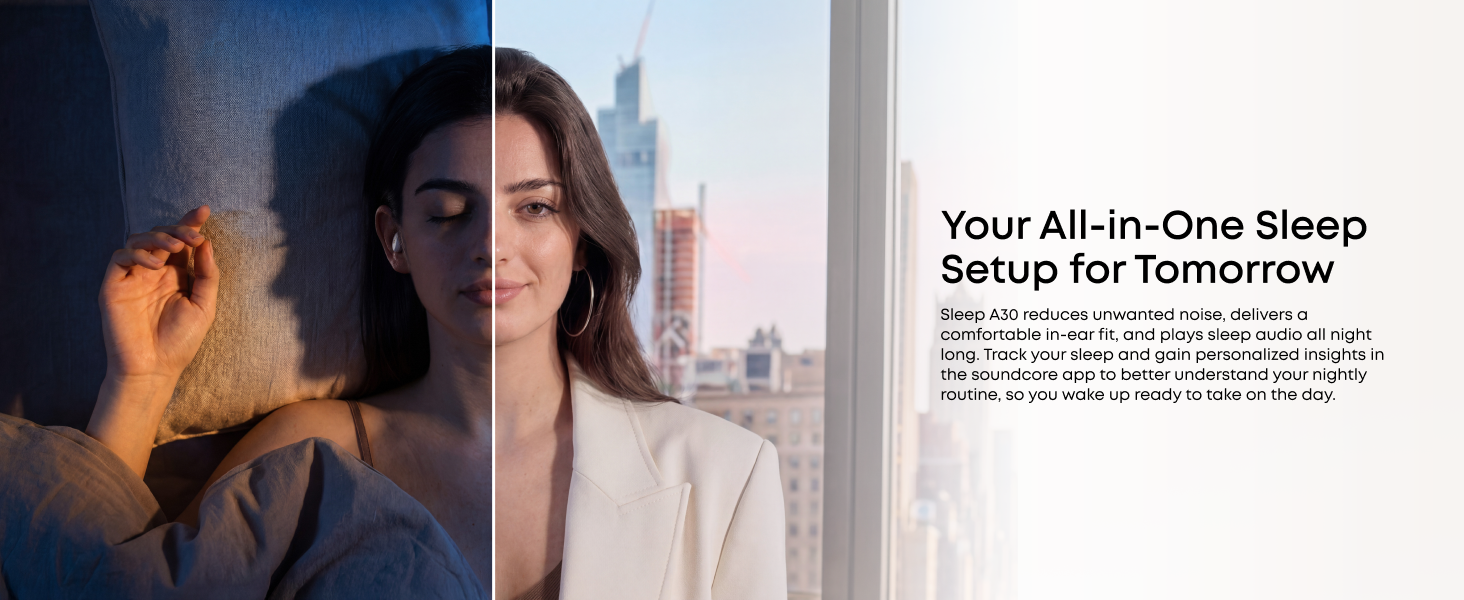
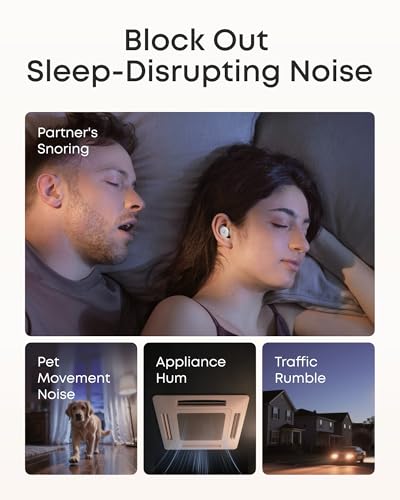
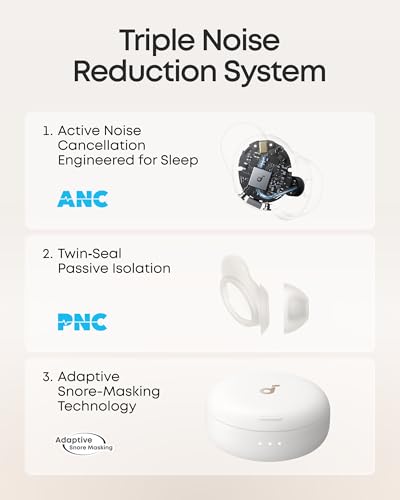
- Block Out Snoring and Disruptions: Sleep peacefully with our Triple Noise-Reduction System. Combining Active Noise Cancelling (ANC), passive isolation, and smart snore-masking technology, these earbuds effectively drown out snoring partners, traffic noise, and ambient humming to create your personal quiet zone.
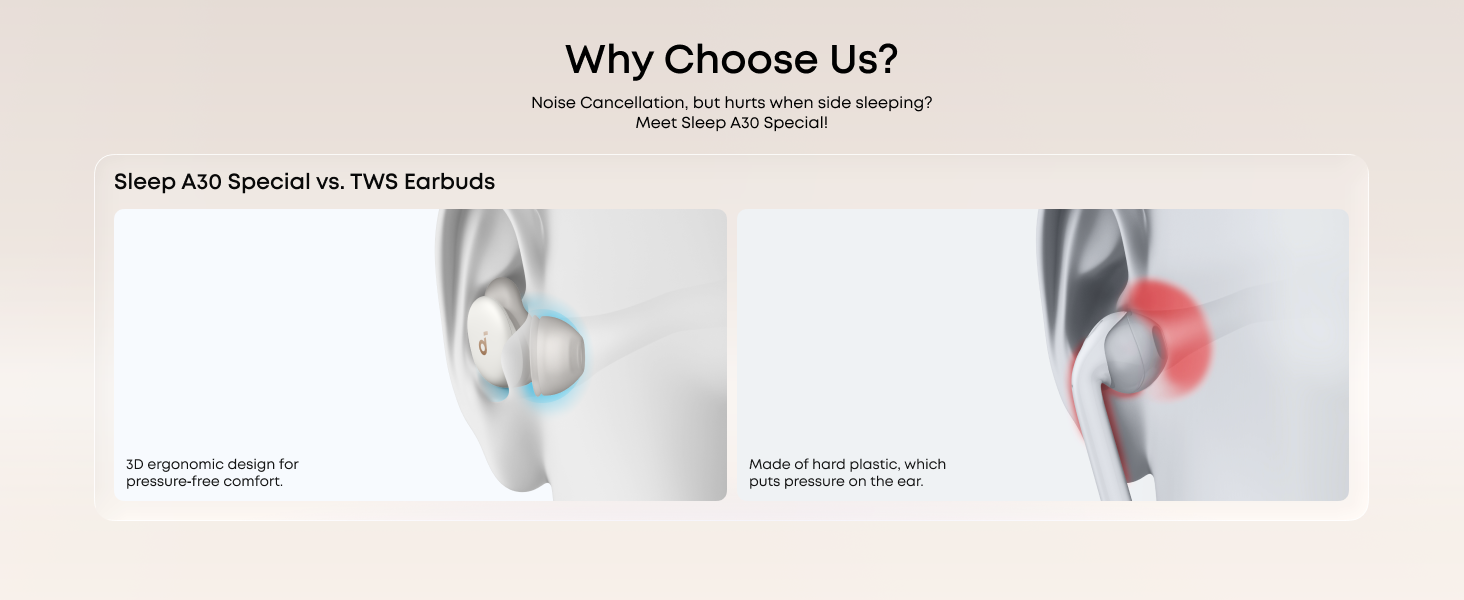
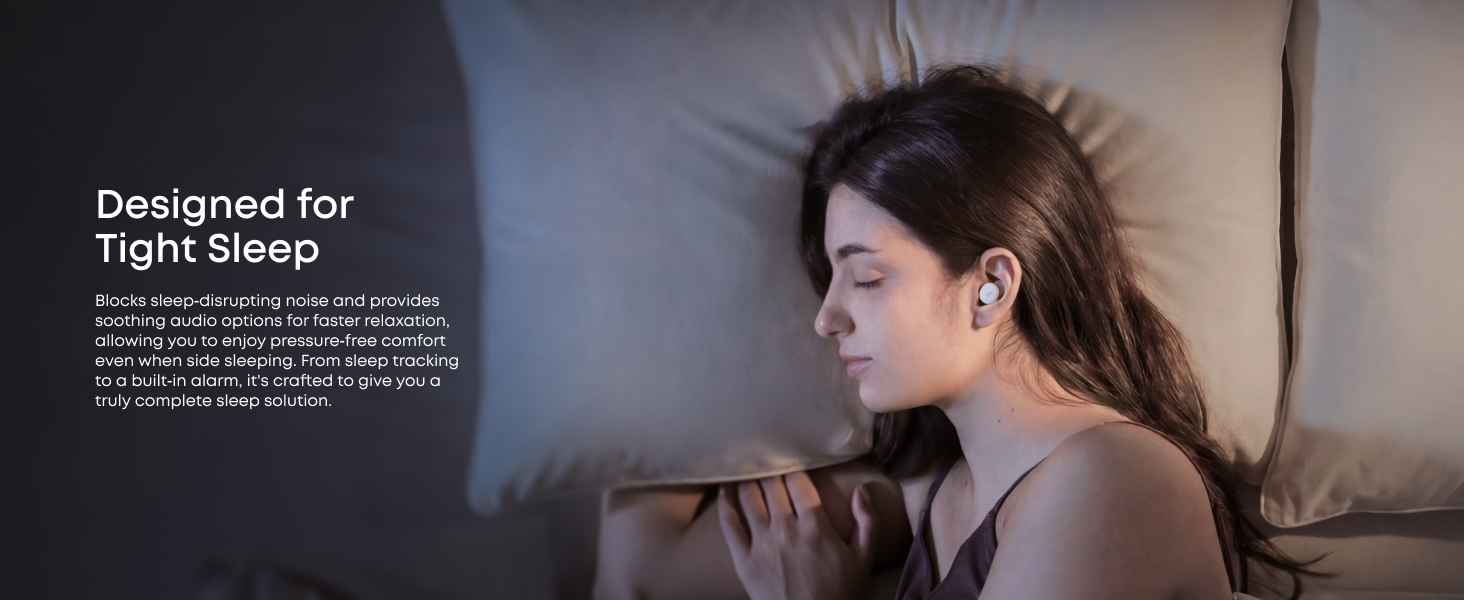
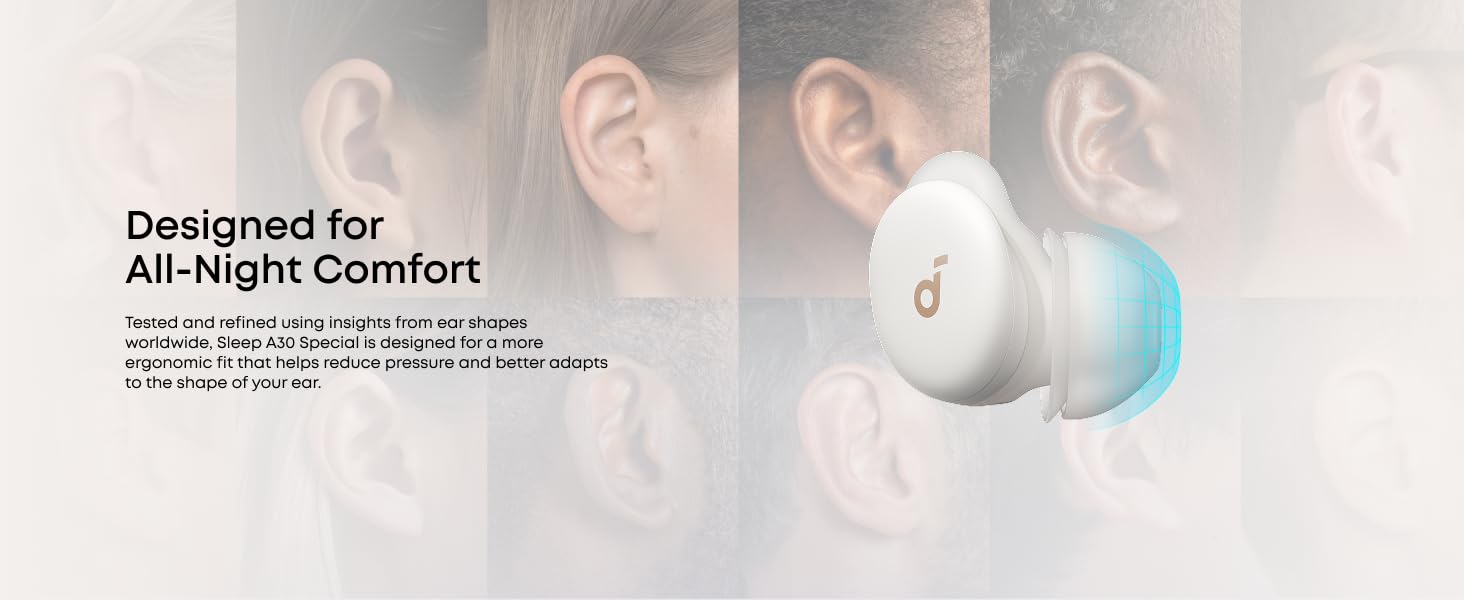
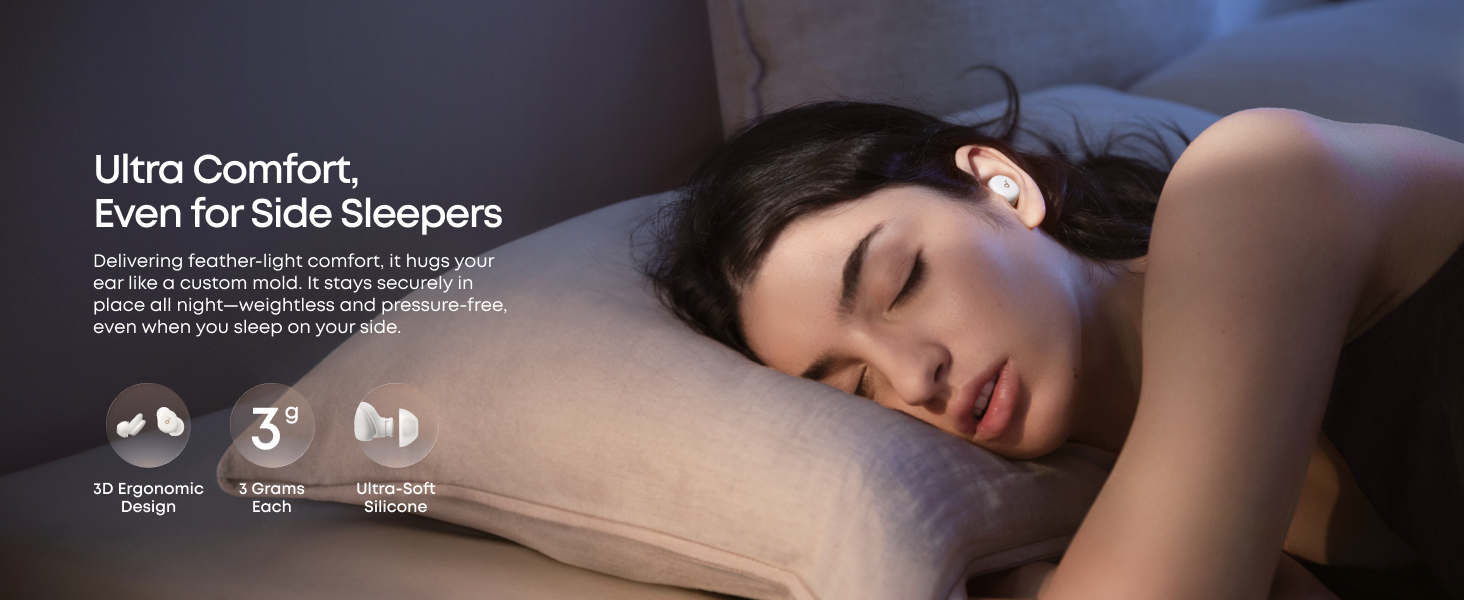
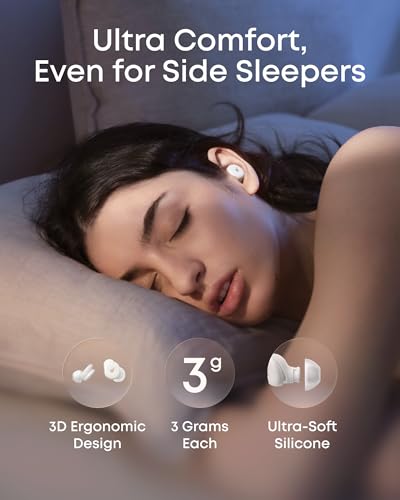
- Barely-There Fit for Side Sleepers: Wake up without ear pain. At just 3 g each, these ultra-compact, soft silicone earbuds feature a 3D ergonomic design that sits flush in your ear—minimizing pressure and delivering ultimate comfort, even if you sleep on your side all night.
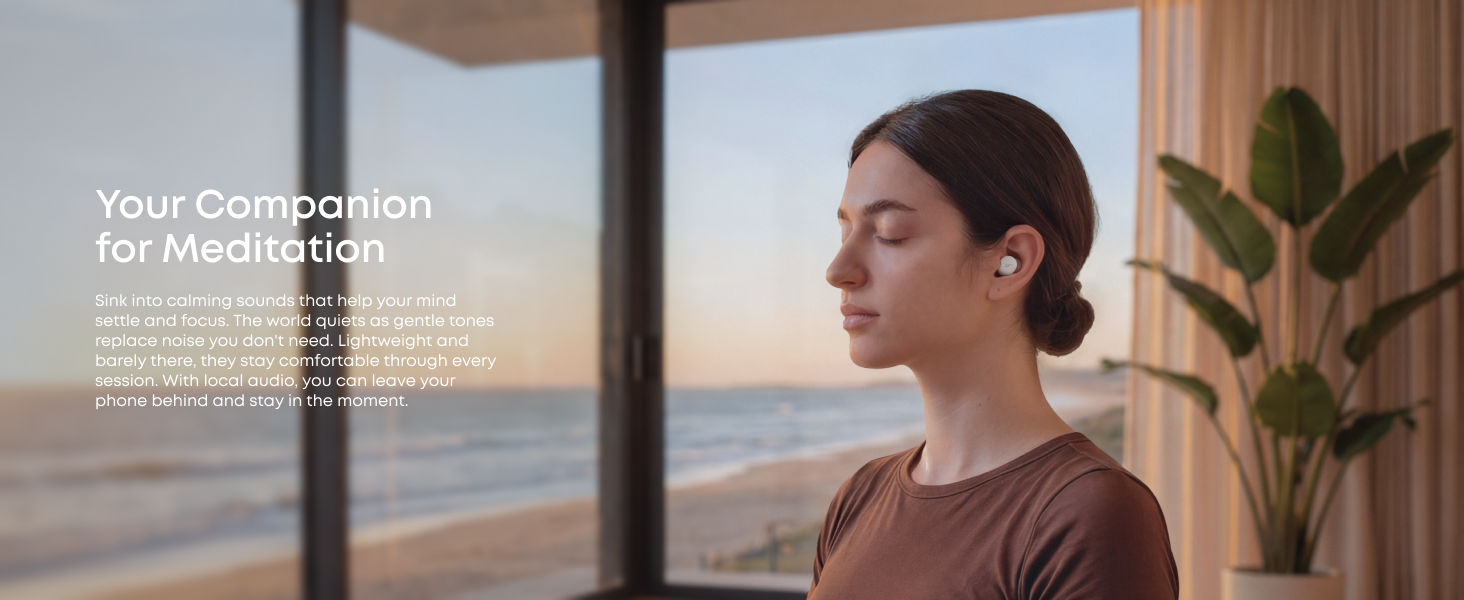
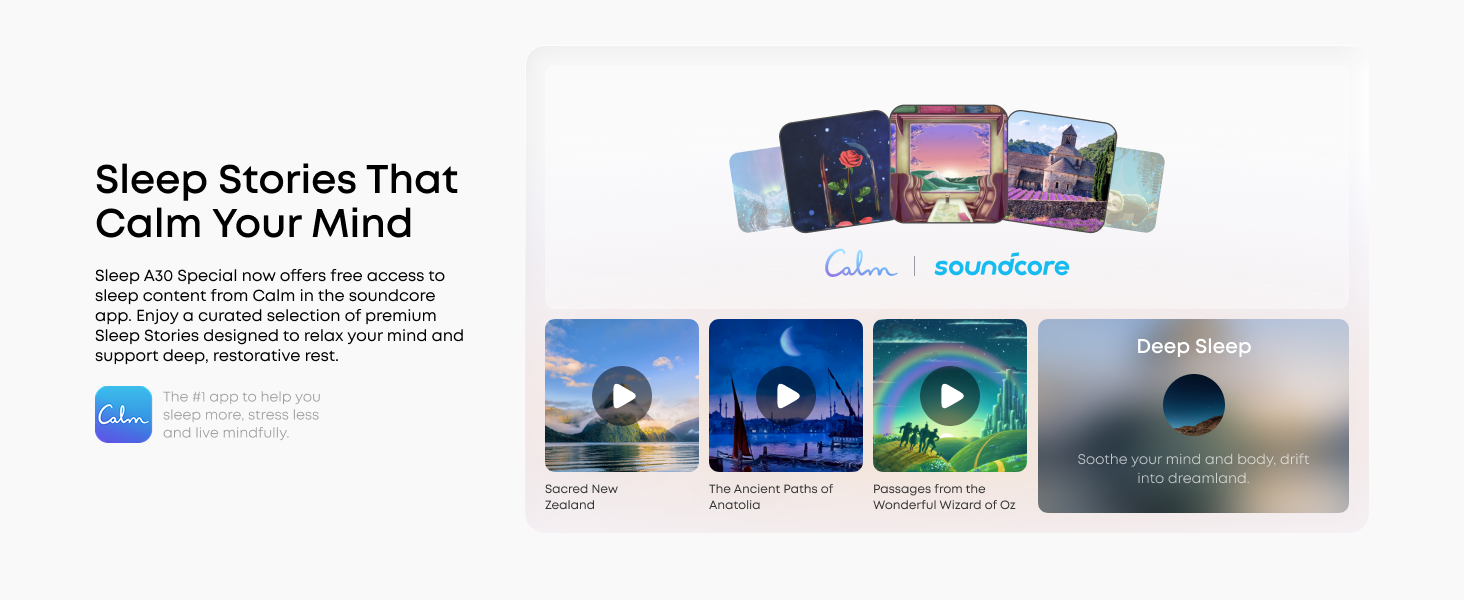
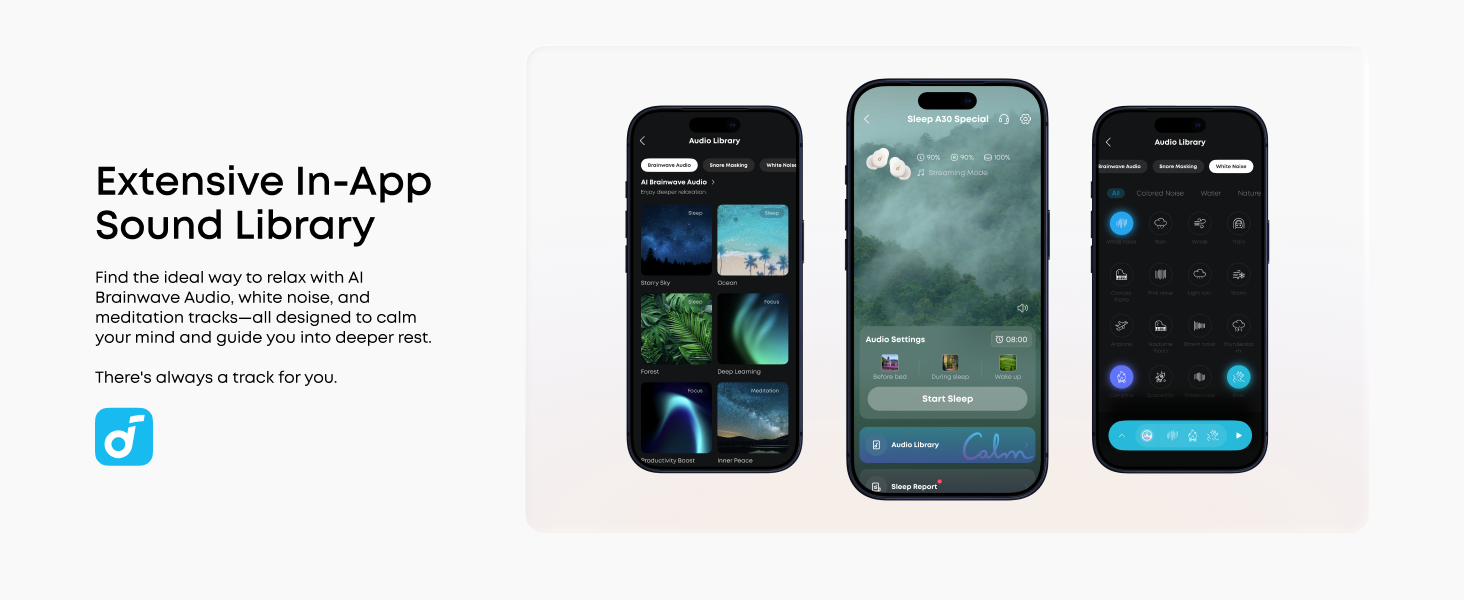
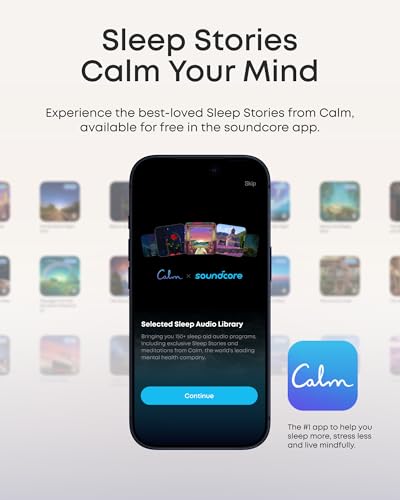
- Sleep Stories to Calm Your Mind: Enjoy a curated selection of premium Sleep Stories from Calm. You can also explore a diverse sound library, including AI Brainwave Audio and white noise, to match your preferences.
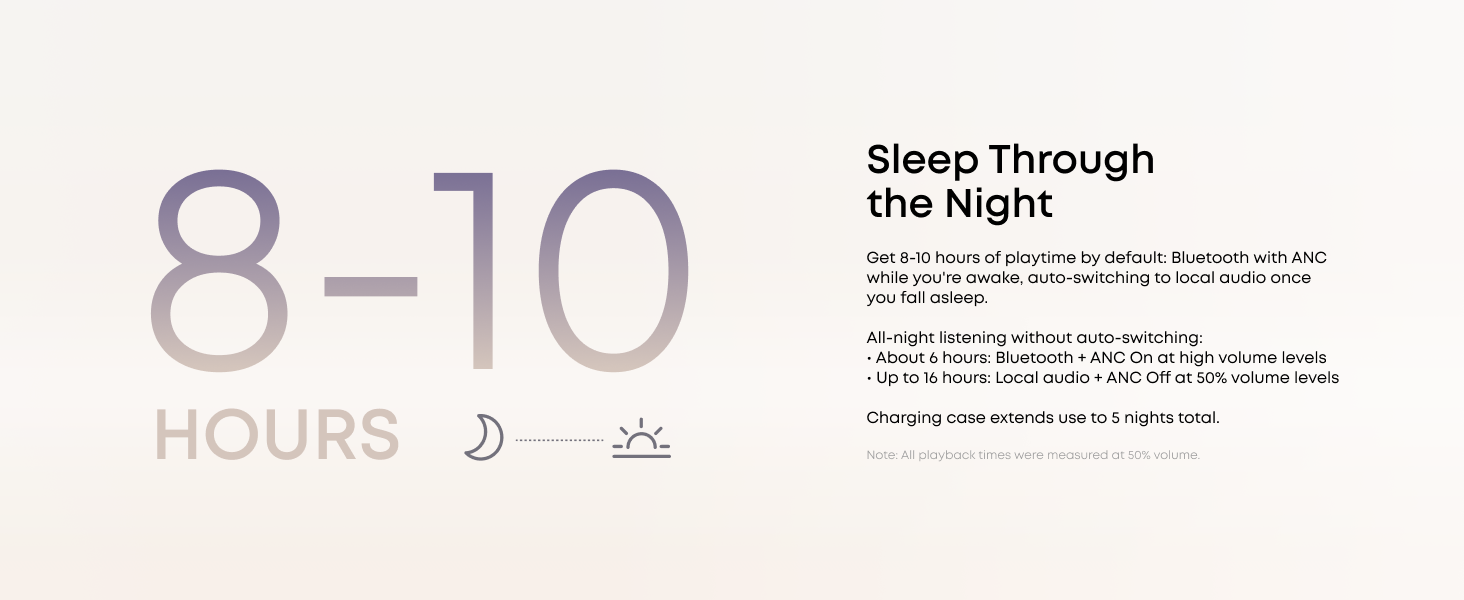
- Uninterrupted All-Night Battery: Provides 8-10 hours of playtime per charge and up to 5 nights of use with the charging case. Flexible playback options provide 6 – 16 hours of playback, enabling convenient use overnight or during naps.
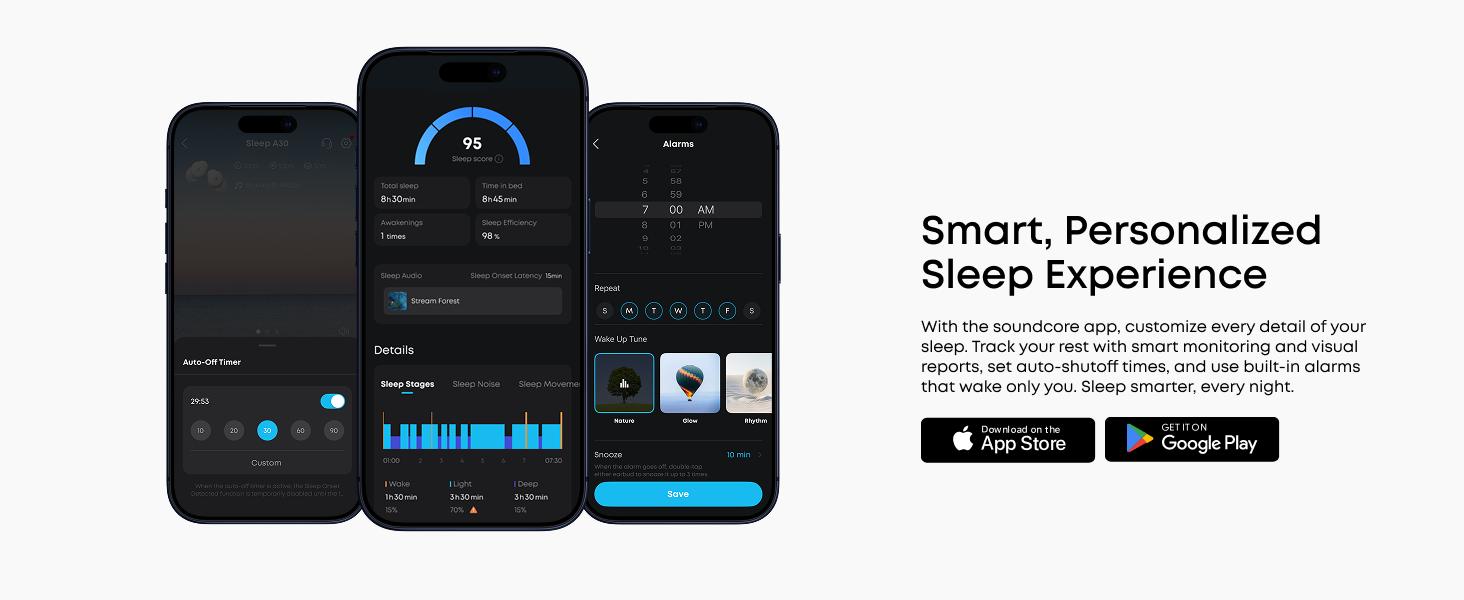
- Smart Sleep Tracking and Insights: Discover how you sleep. The companion app tracks your sleep duration, sleep positions, and even snoring patterns to generate a personalized daily report. Use these easy-to-understand insights to build healthier sleep habits and wake up refreshed.
Sleep A30 Product video
How do I wear Sleep A30 Special for the best comfort?
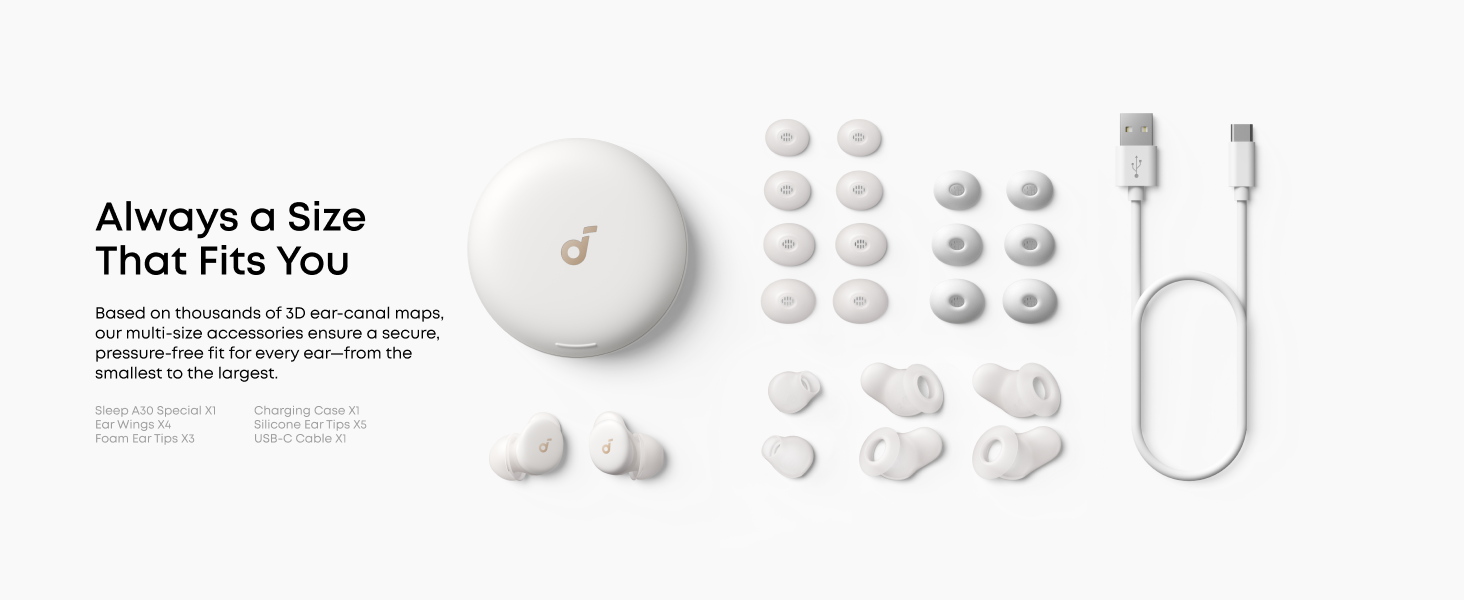
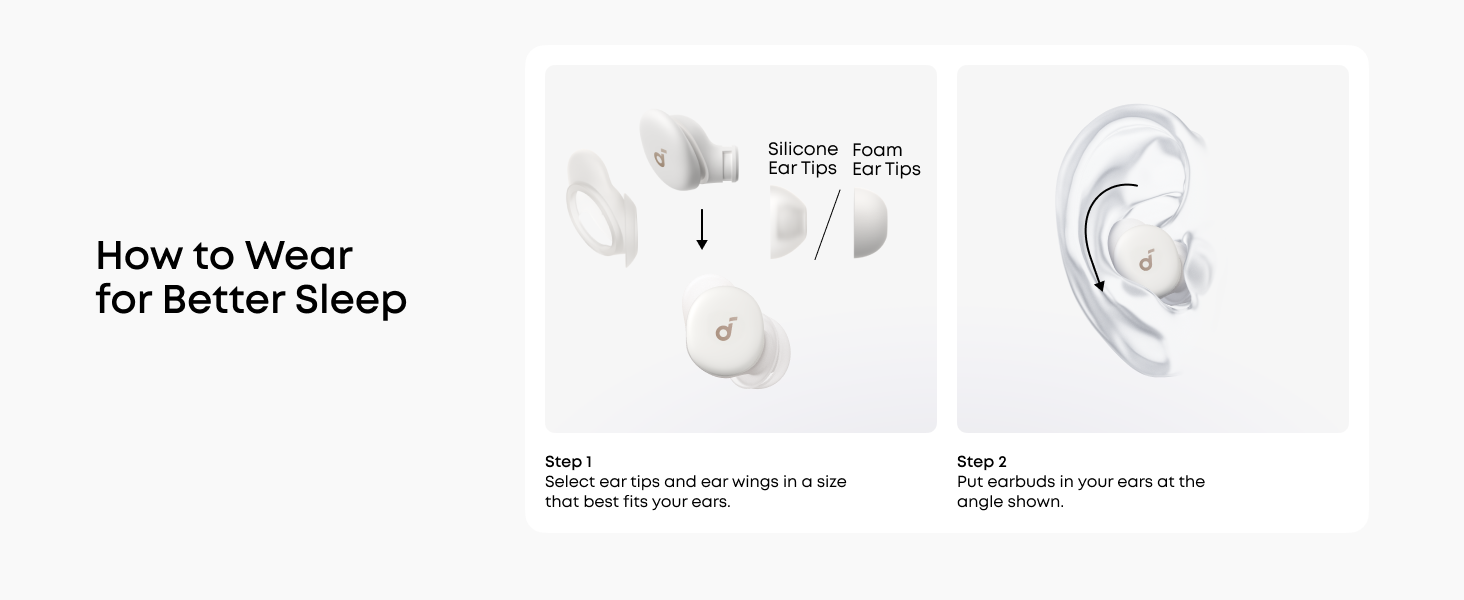
Choose from the included ear tips (XXS/XS/S/M/L) and ear wings (XS/S/M/L) to find your best fit. Gently twist after inserting for a secure seal. Side sleeper? A softer pillow pairs well with the low-profile design for pressure-free comfort.
How long do the earbuds last?
In regular use scenario (after sleep it switches to local mode disabling ANC, or Auto-stop audio retains ANC), a single charge can support 8–10 hours of battery life.
(Note: Continuous Bluetooth streaming and ANC shorten battery life.)
How do I use the Dynamic Snore Masking Feature?
Open the soundcore app → Snore Masking Settings → enable Dynamic Snore Masking. Keep the charging case within 6 ft of the earbuds and set earbuds to Local mode. The case auto-detects snoring and plays masking sounds.
How do I use the tap controls on the Sleep A30 Special?
Left Earbud: Double-tap to switch between Bluetooth/Local modes; Triple-tap to decrease volume.
Right Earbud: Double-tap to turn ANC on/off; Triple-tap to increase volume.
Please tap the earbud firmly. You can customize or disable taps in the app.
How do I clean Sleep A30 Special, and why does it matter?
Regular cleaning keeps sound and charging reliable. A quick weekly clean takes under a minute. Clean with a cotton swab dampened with rubbing alcohol: ear tips, metal mesh filter, mic opening, charging contacts, and charging pogopins.
| SKU: | B0FYFV2HLM |
| Weight: | 103 Grams |
| Brand: | Soundcore |
| Model: | D1301 |
| Colour: | Lunar White |
| Pack Quantity: | 1 |
| Manufacture: | Anker |
| Colour: | Lunar White |
| Quantity: | 1 |
Product description
The video showcases the product in use.The video guides you through product setup.The video compares multiple products.The video shows the product being unpacked.Sleep A30 Product video


How do I wear Sleep A30 Special for the best comfort?
Choose from the included ear tips (XXS/XS/S/M/L) and ear wings (XS/S/M/L) to find your best fit. Gently twist after inserting for a secure seal. Side sleeper? A softer pillow pairs well with the low-profile design for pressure-free comfort.
How long do the earbuds last?
In regular use scenario (after sleep it switches to local mode disabling ANC, or Auto-stop audio retains ANC), a single charge can support 8–10 hours of battery life.
(Note: Continuous Bluetooth streaming and ANC shorten battery life.)
How do I use the Dynamic Snore Masking Feature?
Open the soundcore app → Snore Masking Settings → enable Dynamic Snore Masking. Keep the charging case within 6 ft of the earbuds and set earbuds to Local mode. The case auto-detects snoring and plays masking sounds.
How do I use the tap controls on the Sleep A30 Special?
Left Earbud: Double-tap to switch between Bluetooth/Local modes; Triple-tap to decrease volume.
Right Earbud: Double-tap to turn ANC on/off; Triple-tap to increase volume.
Please tap the earbud firmly. You can customize or disable taps in the app.
How do I clean Sleep A30 Special, and why does it matter?
Regular cleaning keeps sound and charging reliable. A quick weekly clean takes under a minute. Clean with a cotton swab dampened with rubbing alcohol: ear tips, metal mesh filter, mic opening, charging contacts, and charging pogopins.