iDPRT SP310 Thermal Label Printer, Label Maker for Generic
iDPRT SP310 Thermal Label Printer, Label Maker for Generic Thermal Labels | Fits 1″-3.35″ Width, Fast 80ppm, For Small Business Mailing, Barcodes, Inventory, Office Organizing, Win /Mac /Linux /Chrome
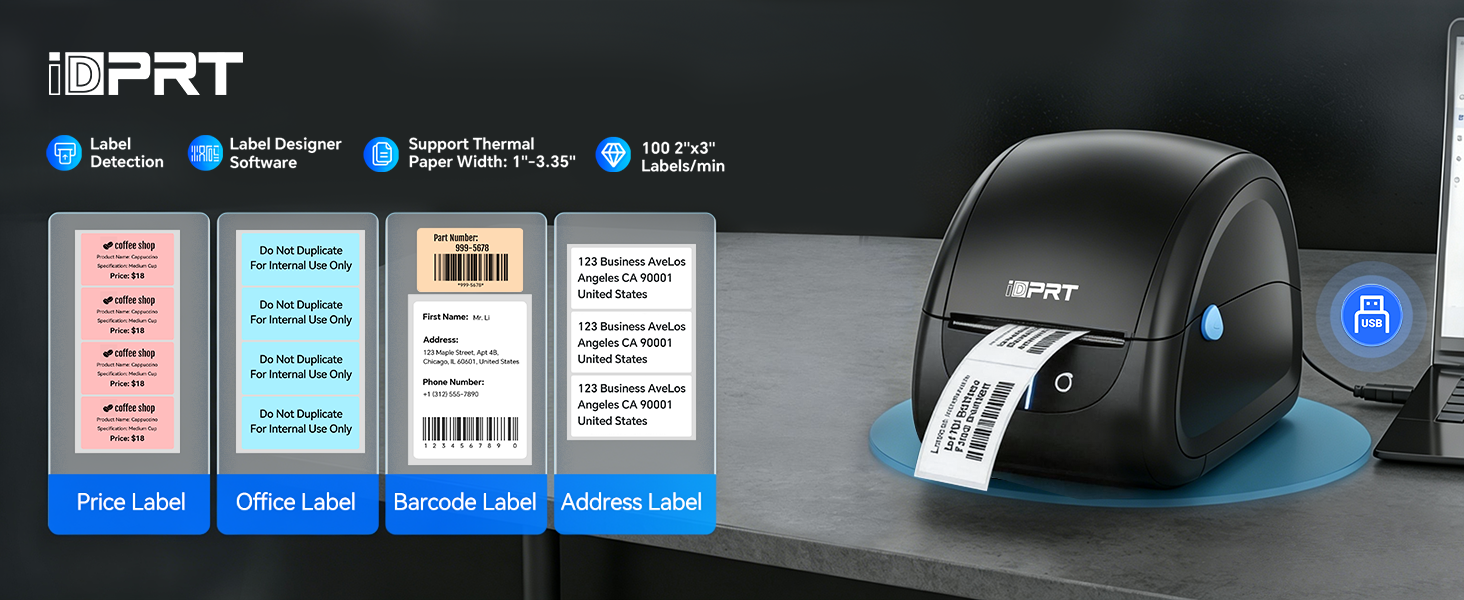
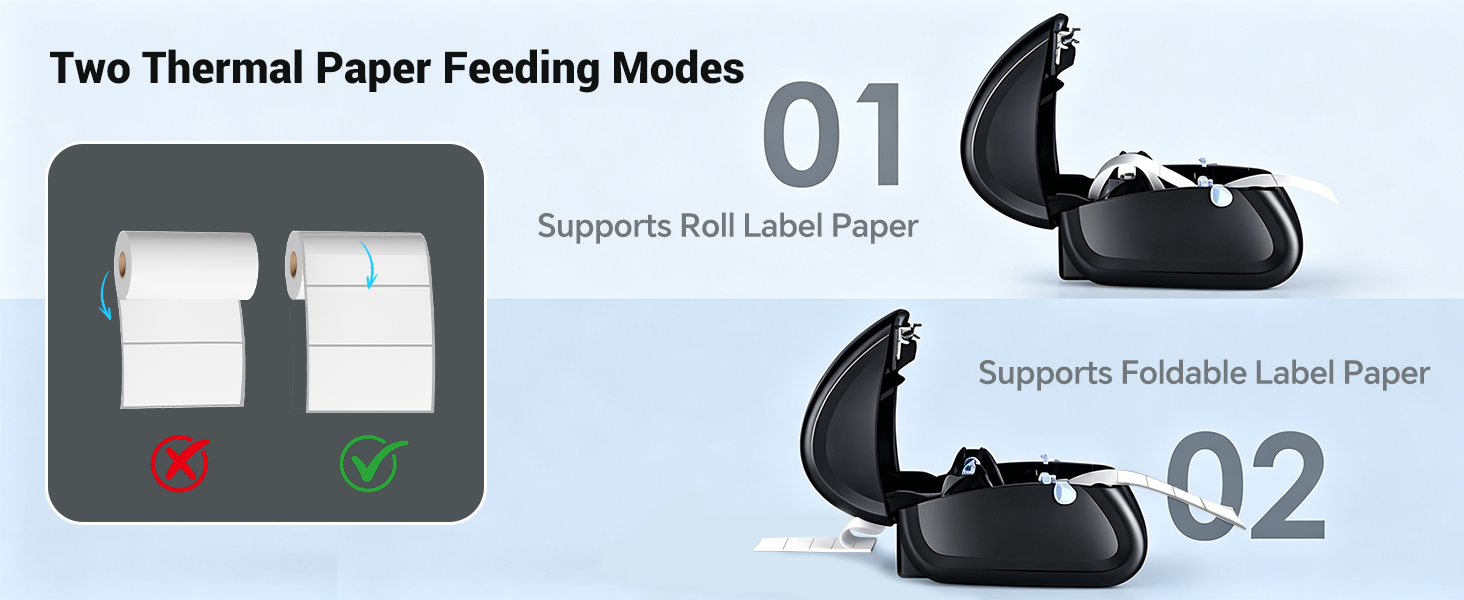
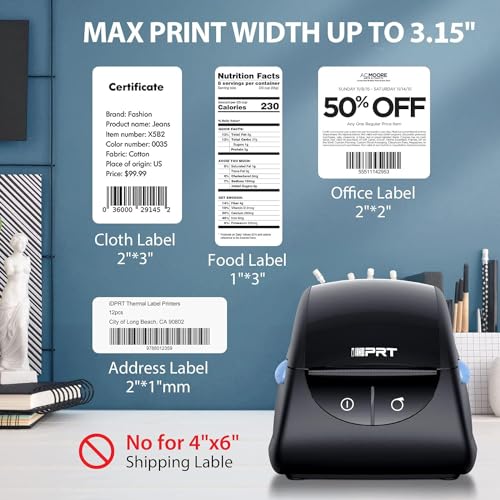
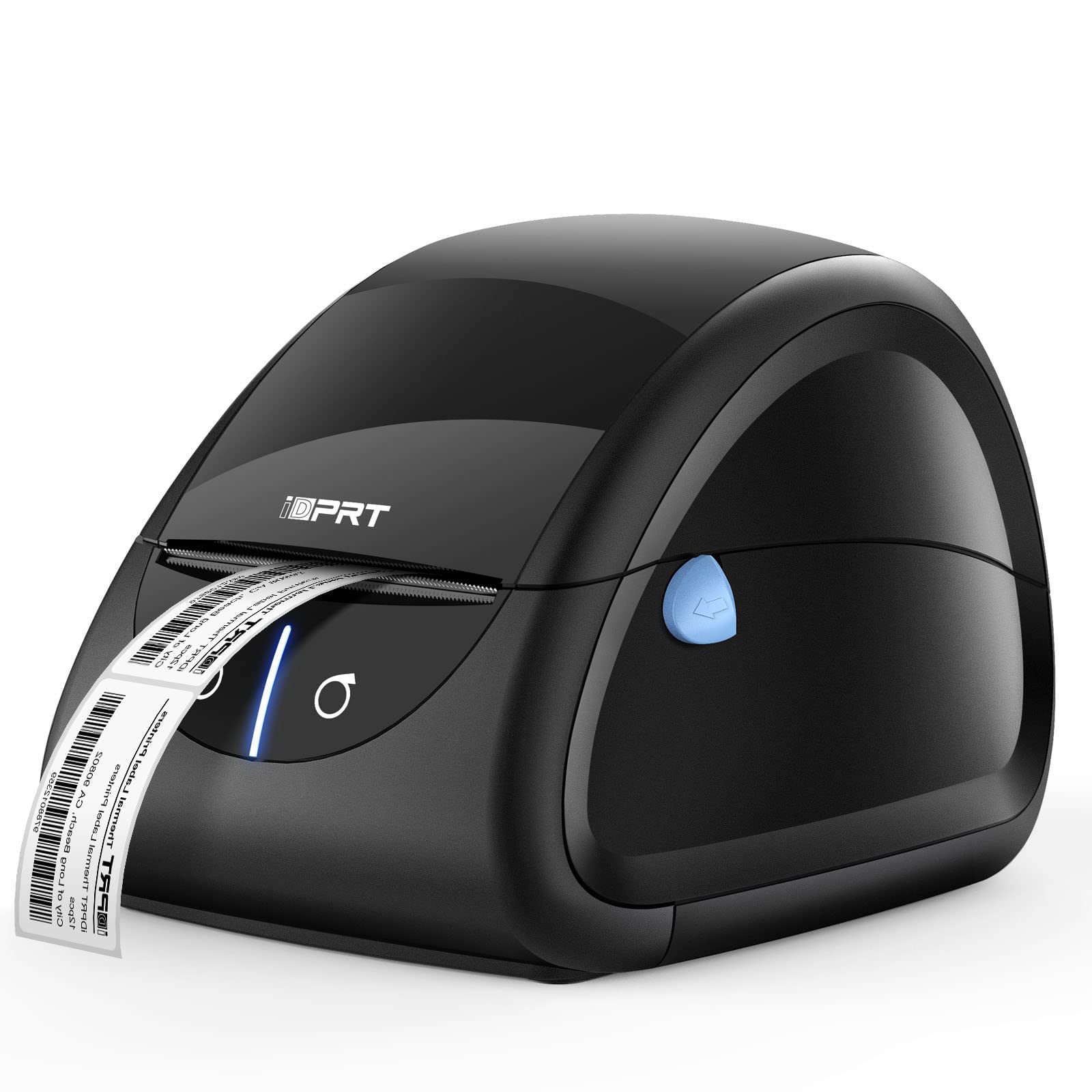
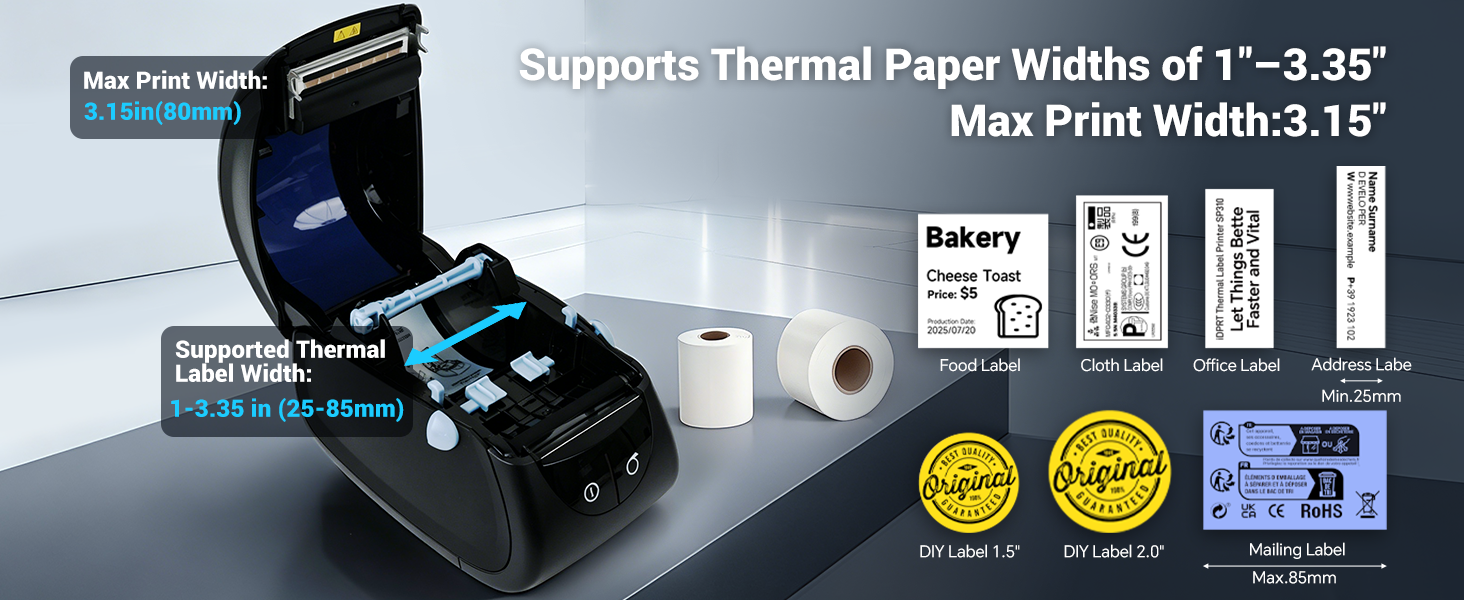
- [1"-3.35" Width Versatility] Supports 1" to 3.35" (25mm-85mm) wide thermal labels. This professional desktop thermal label printer seamlessly handles file folder labels, address label maker rolls, mailing label printer supplies, and UPC barcodes from any third-party brand. The unlocked open system bypasses proprietary microchip roll limitations, significantly reducing operating costs for small businesses and home offices.
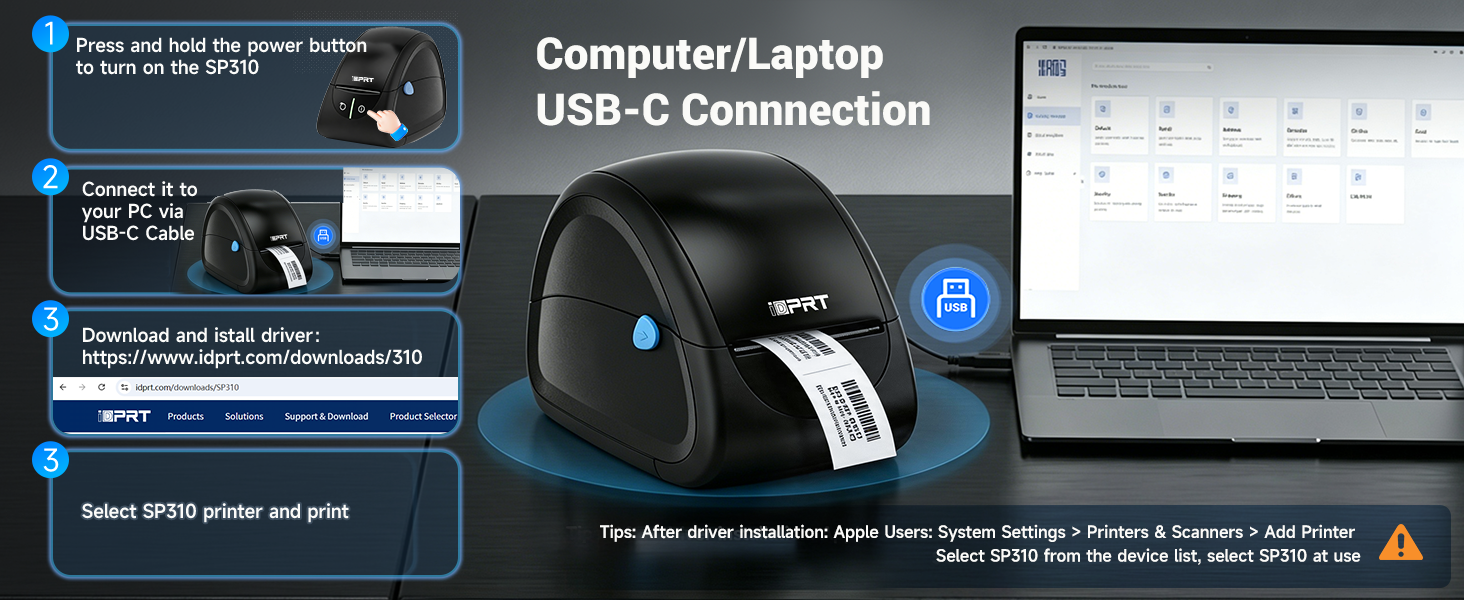
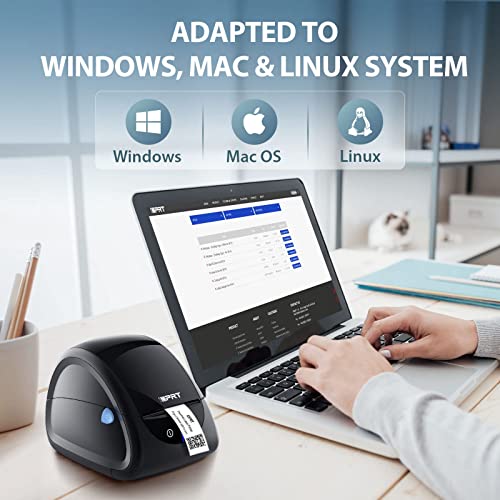
- [Stable USB Connectivity] Dedicated individual drivers for multi-platform OS support. Features a rock-solid, plug-and-play USB connection that eliminates wireless dropouts for uninterrupted heavy printing. To start printing, simply connect the USB cable and download individual desktop drivers tailored for Windows, macOS, Linux, ChromeOS, and Raspberry Pi systems.
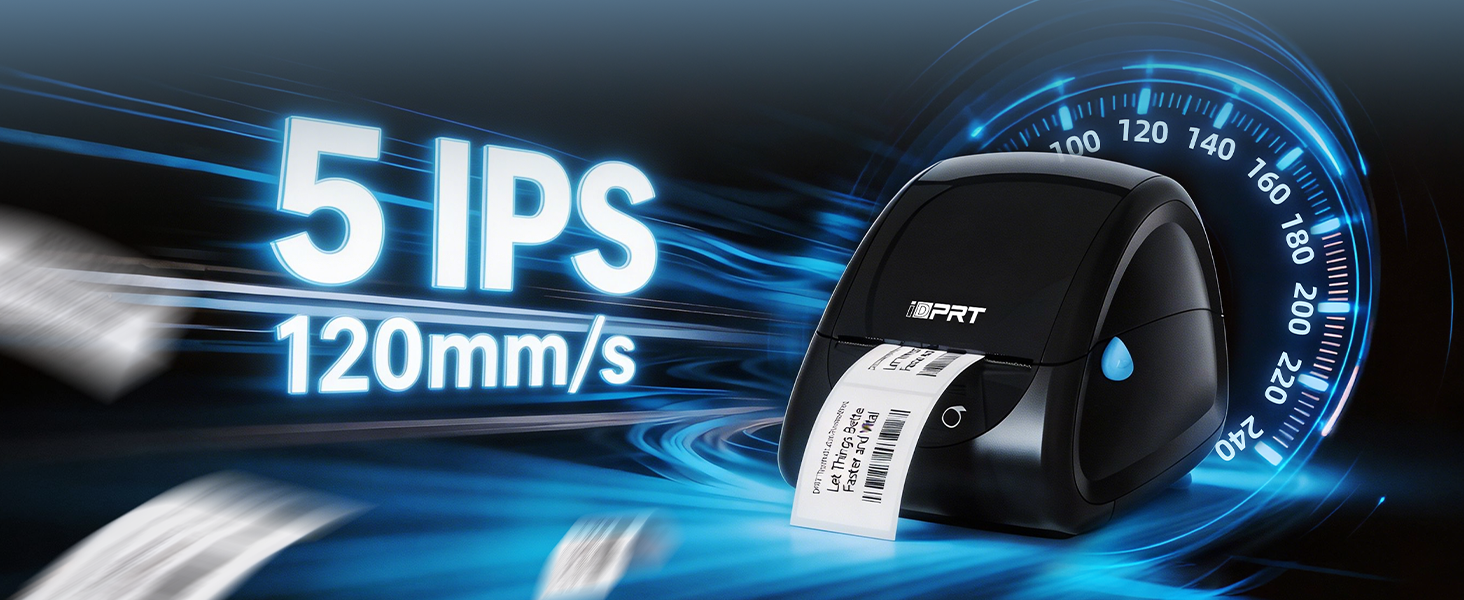
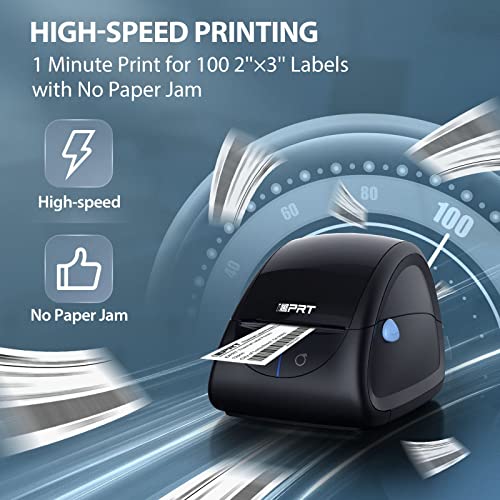
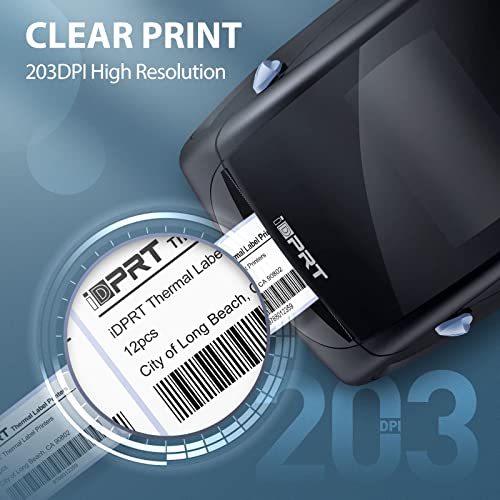
- [High-Speed Performance] Crystal-clear 203DPI desktop label maker machine. Delivering a rapid print speed of 4 ips (up to 80 sheets of 2×3" labels per minute)—up to 50% faster than common label printers. This heavy-duty hardware handles intensive tasks with zero bottlenecking, ensuring crisp, scannable FBA box barcodes, product SKU tags, letter envelopes, and return address labels for businesses and online stores.
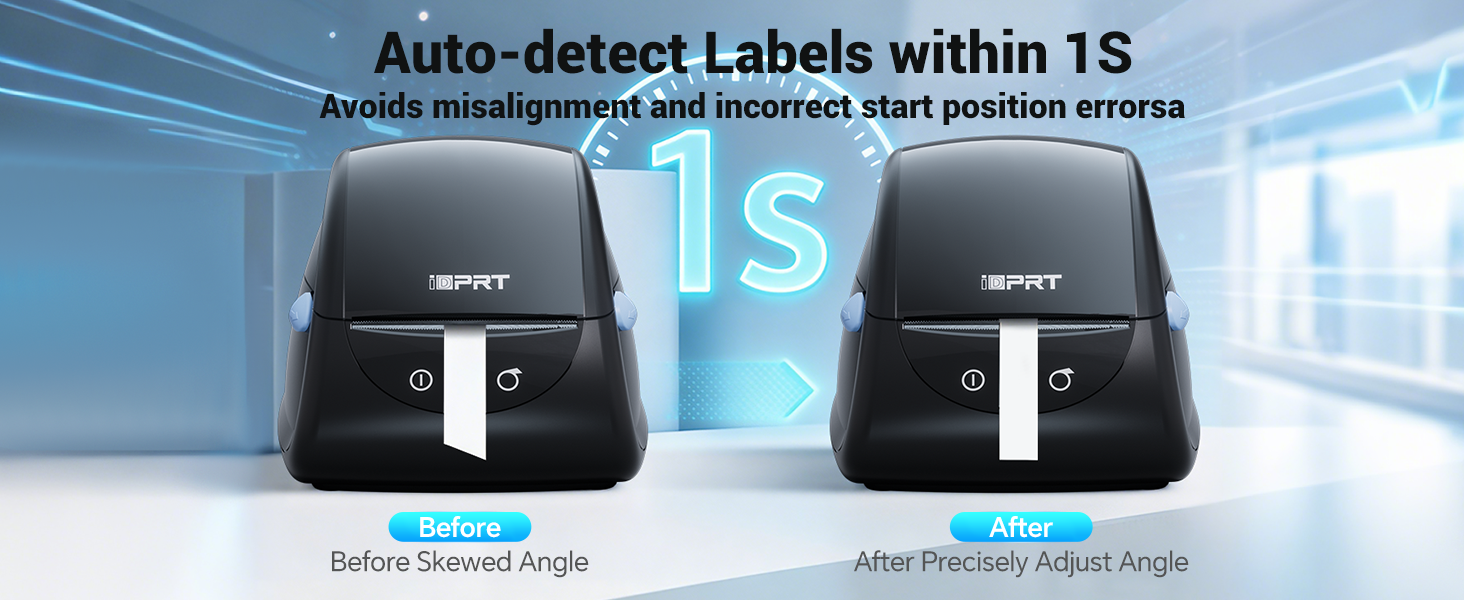
- [Intelligent Label Calibration] Built-in smart sensors for precise barcode printing. Equipped with an advanced identification learning module, this barcode printer automatically detects label size and gap boundaries. After a simple manual one-touch calibration during media replacement, the thermal label printer ensures accurate alignment to prevent skipped or misaligned prints, making it an ideal inventory tracking tool.
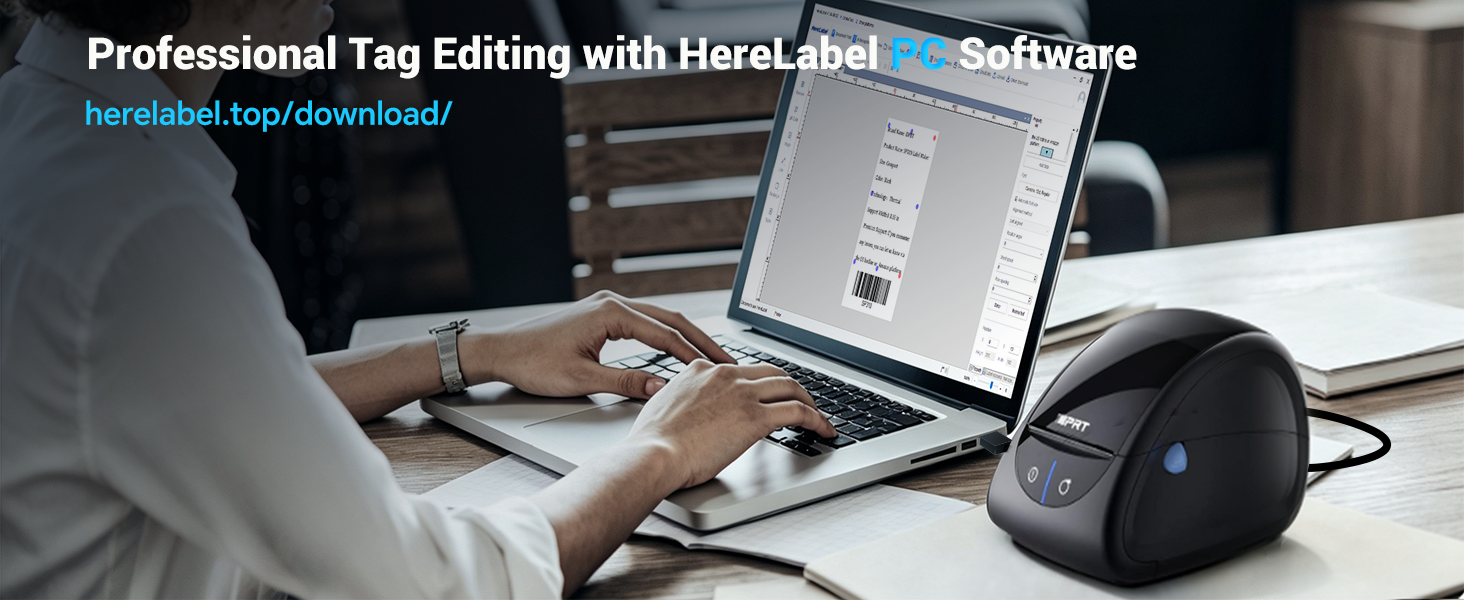
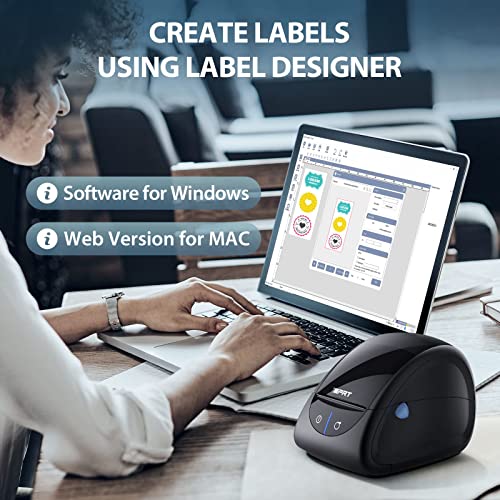
- [Free Design Software] Custom address label printer layouts with zero fees. Download the proprietary HereLabel (Label Designer) software directly via our official platform for Windows and macOS. The application features a dedicated layout engine to easily import bulk files, generate serialized inventory tracking barcodes, and design personalized professional office templates with zero subscription fees.
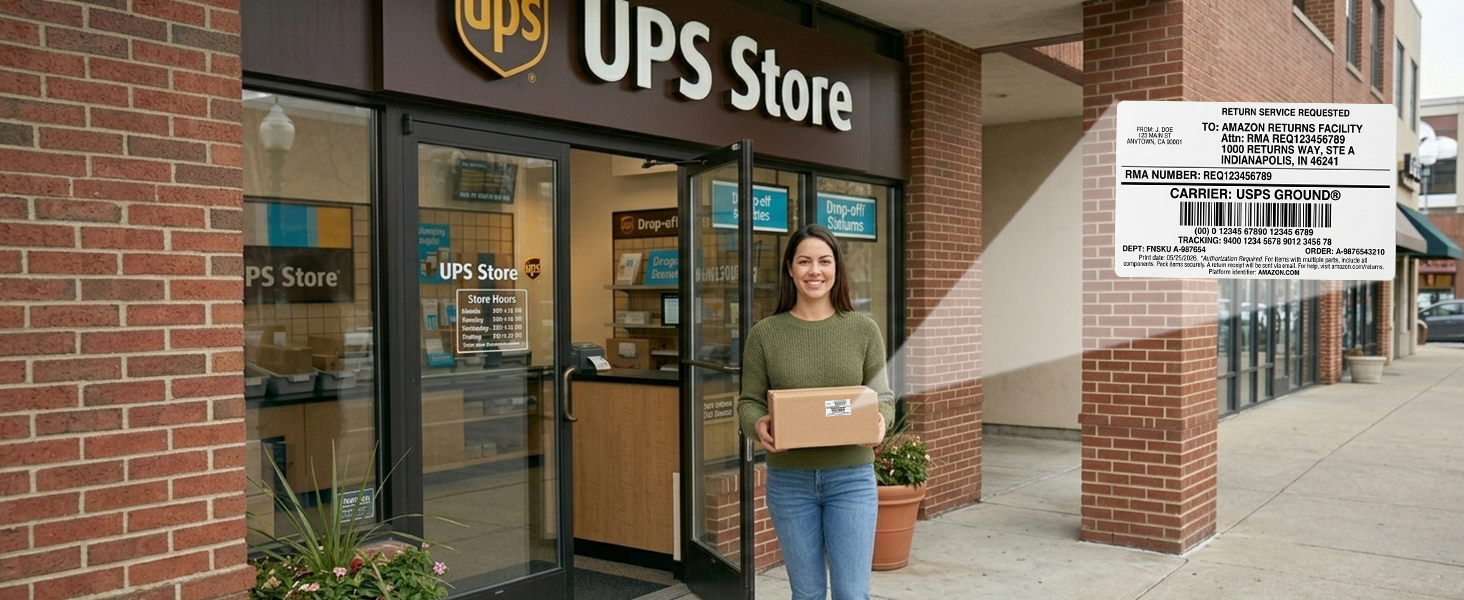
Printer for Returns
Perfect for small return labels, barcodes, and address stickers. (Note: NOT for 4×6 labels)
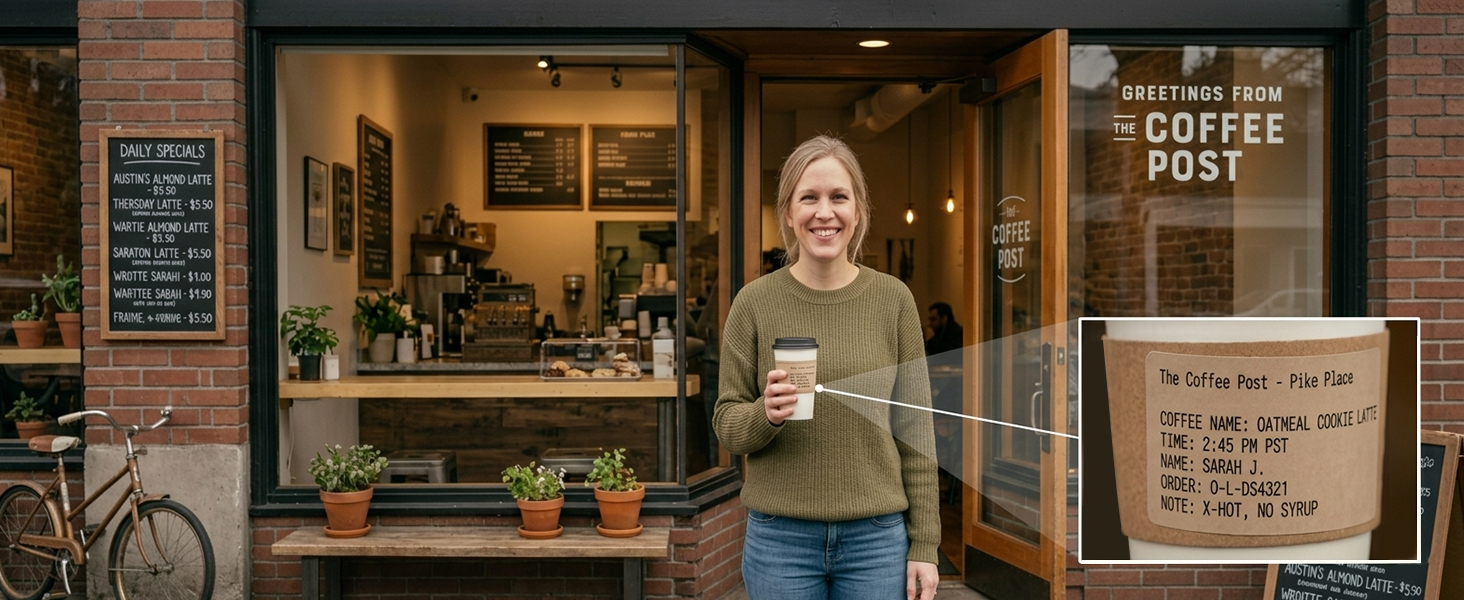
Coffee & Drink Label
The ideal choice for custom drink stickers, cafe order labels, and coffee bean bag tags.
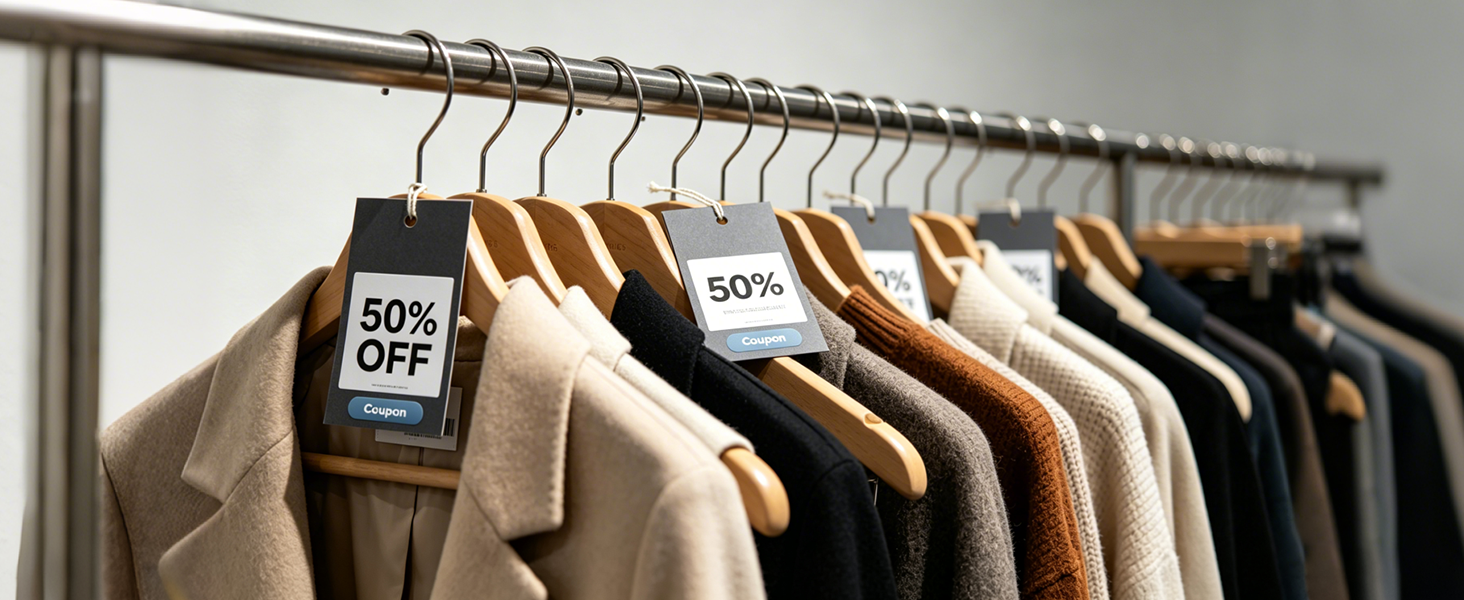
Easy Retail Labels
Easily print crisp price tags, product barcodes, and inventory labels.
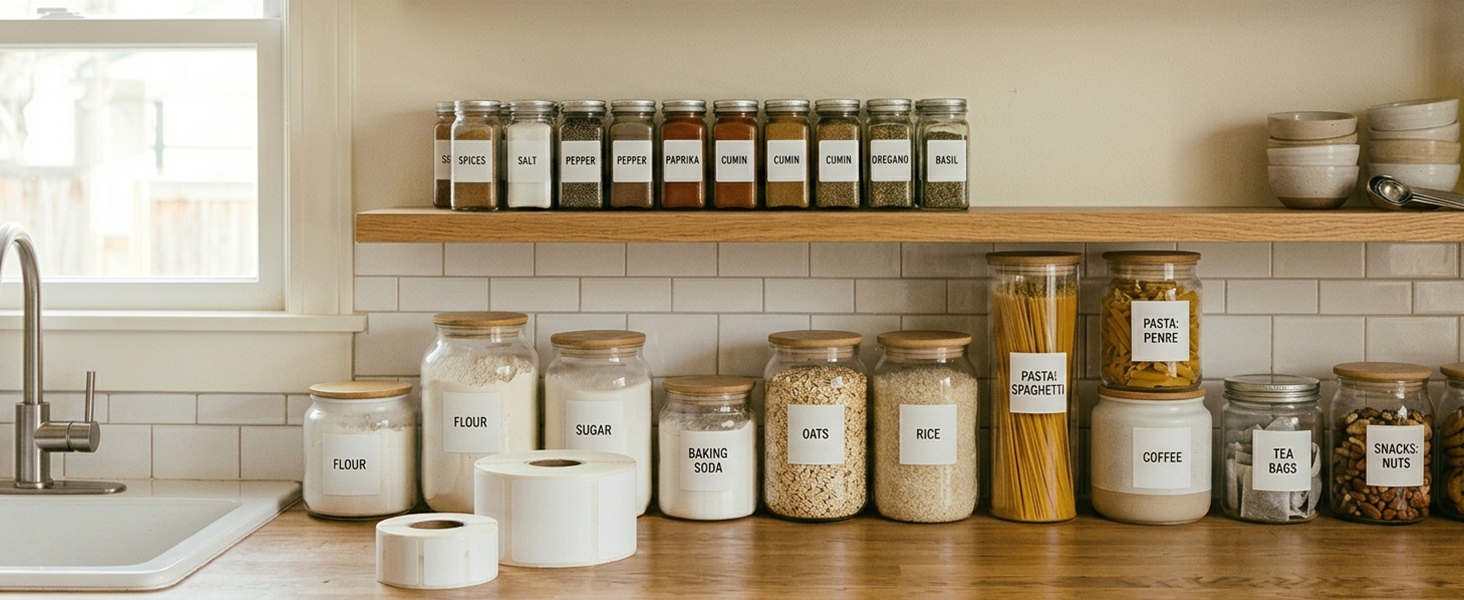
Neat Kitchen Storage
Perfect for spice jars, pantry storage and food date tracking. Keep your kitchen beautifully sorted.
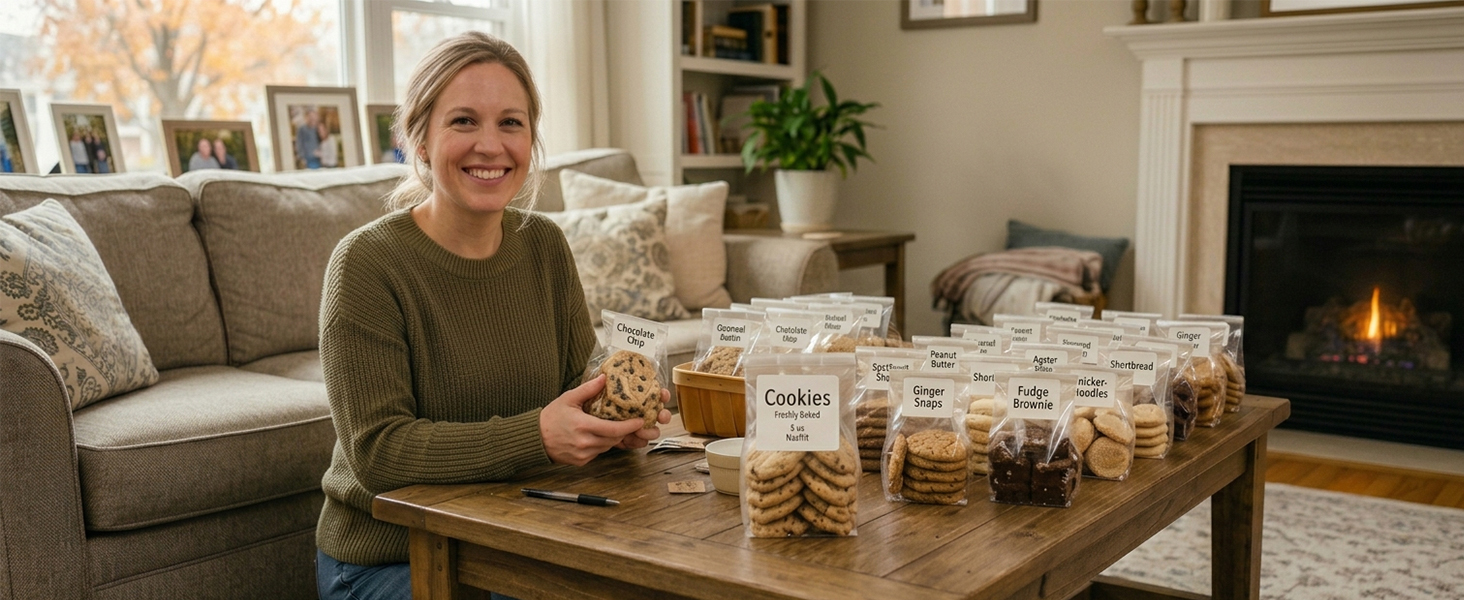
Homemade Gifts
Ideal for cookie bags, bakery boxes, and gift tags. Add a professional touch to your bakes.
Where can I download the computer driver?
To ensure you have the latest version, please visit the official iDPRT website to download and install the driver. Note: Please make sure to select the correct operating system for your computer (Windows/macOS/Linux).
Why is the driver not recognizing my printer model?
Before running the driver installation, please ensure that the printer is turned on and securely connected to your computer via the USB cable.
What kind of thermal paper is compatible?
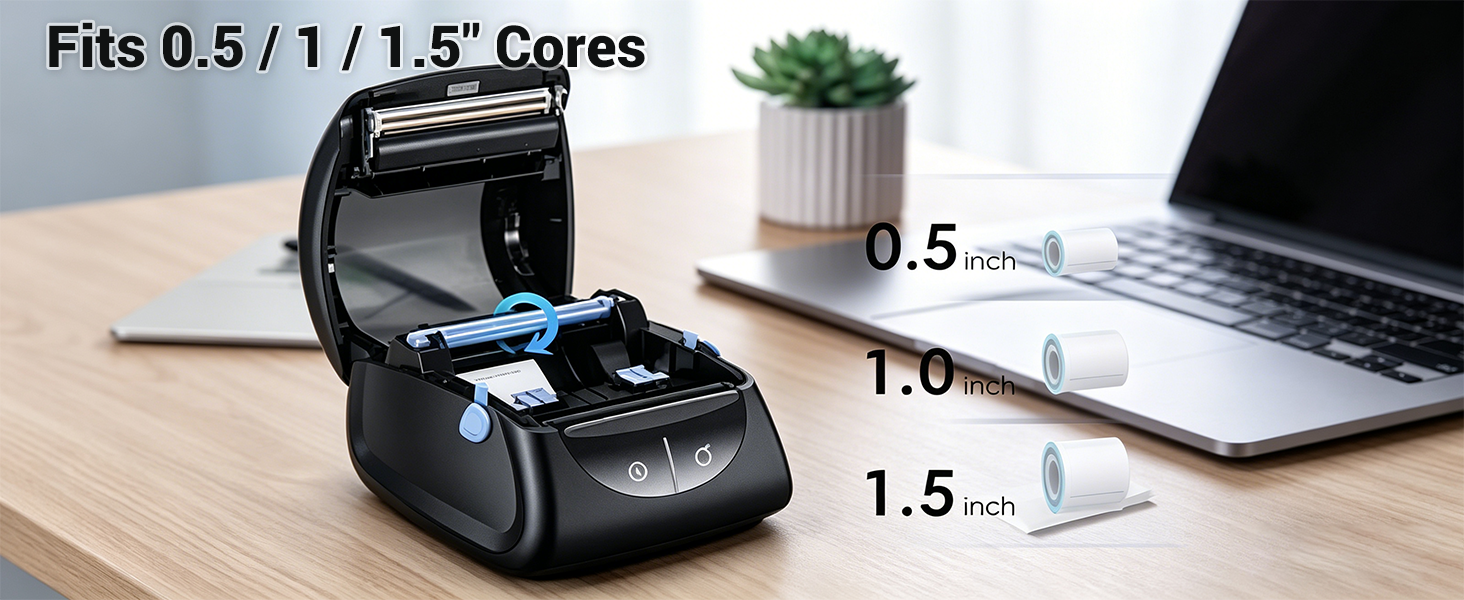
It is compatible with thermal paper that has a width of 1 to 1.35 inches and a core diameter of 0.5, 1, or 1.5 inches. Please make sure to set the correct paper size in your computer settings before printing on a new paper size.
What should I do for first-time use or when changing paper sizes?
Always ensure your computer's paper settings match your actual paper size.
Windows:Go to Printers&Scanners> Printing Preferences> Page Setup> New to set custom size.
macOS:Open Print Dialogue> Paper Size> Manage Custom Sizes> Click "+" to add.
How can I design and edit my labels? Is the software safe to use?
Easily design custom labels with HereLabel, our 100% safe, Windows/macOS-certified software (if flagged by antivirus, it is a false positive—simply whitelist or temporarily disable it to install).
More Thermal Printer for Your Choice
| Add to Cart | ||||
| Customer Reviews | 4.2 out of 5 stars699 | 4.0 out of 5 stars184 | 4.2 out of 5 stars5,803 | 4.2 out of 5 stars5,803 |
| Price | $79.99$79.99 | — | $89.99$89.99 | — |
| Model Name | SP310 | SP320 | SP410BT | SP460BT |
| Paper Width Range | 1" – 3.35" | 1" – 3" | 2" – 4.6" | 2" – 4.3" |
| Ideal For | Receipts, cup & shelf labels | Receipts, slips & shelf labels | Shipping Label | Shipping Label |
| Print Speed | 5 ips (120 mm/s) | 7 ips (180 mm/s) | 6 ips (150 mm/s) | 6 ips (150 mm/s) |
| System Compatibility | Windows/ macOS/ Linux | Windows/ macOS/ Android/ iOS | Windows/ macOS/ Android/ iOS | Windows/ macOS/ Android/ iOS |
| Connection Method for PC | USB | USB+BT (BT Just for Windows) | USB+BT (Through "HereLabel") | USB+BT (Through "HereLabel") |
| Connection Method for Phone | – | Through Mobile APP HereLabel | Through Mobile APP HereLabel | Through Mobile APP HereLabel |
| Features | Exceptional Stability | Ultra-Fast Printing | Premium High-Voltage Output | Space-Saving |

| SKU: | B0CB7NHDY5 |
| Weight: | 1.94 Pounds |
| Brand: | iDPRT |
| Model: | SP310 |
| Colour: | Black |
| Manufacture: | Xiamen Hanin Electronic Technology Co., Ltd. |
| Colour: | Black |
Product description

Printer for Returns
Perfect for smallreturn labels, barcodes, and address stickers. (Note: NOT for 4×6 labels)
Coffee & Drink Label
The ideal choice for custom drink stickers, cafe order labels, and coffee bean bag tags.
Easy Retail Labels
Easily print crisp price tags, product barcodes, and inventory labels.
Neat Kitchen Storage
Perfect for spice jars, pantry storage and food date tracking. Keep your kitchen beautifully sorted.
Homemade Gifts
Ideal for cookie bags, bakery boxes, and gift tags. Add a professional touch to your bakes.
Where can I download the computer driver?
To ensure you have the latest version, please visit the official iDPRT website to download and install the driver. Note: Please make sure to select the correct operating system for your computer (Windows/macOS/Linux).
Why is the driver not recognizing my printer model?
Before running the driver installation, please ensure that the printer is turned on and securely connected to your computer via the USB cable.
What kind of thermal paper is compatible?
It is compatible with thermal paper that has a width of 1 to 1.35 inches and a core diameter of 0.5, 1, or 1.5 inches. Please make sure to set the correct paper size in your computer settings before printing on a new paper size.
What should I do for first-time use or when changing paper sizes?
Always ensure your computer's paper settings match your actual paper size.
Windows:Go to Printers&Scanners> Printing Preferences> Page Setup> New to set custom size.
macOS:Open Print Dialogue> Paper Size> Manage Custom Sizes> Click “+” to add.
How can I design and edit my labels? Is the software safe to use?
Easily design custom labels with HereLabel, our 100% safe, Windows/macOS-certified software (if flagged by antivirus, it is a false positive—simply whitelist or temporarily disable it to install).
More Thermal Printer for Your Choice
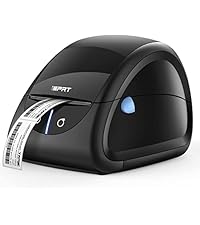 Themal Label Maker | 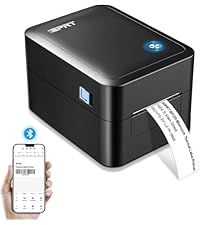 Themal Barcode Printer | 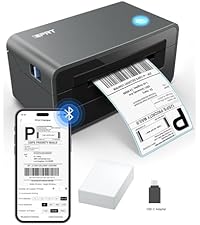 Themal Label Printer | 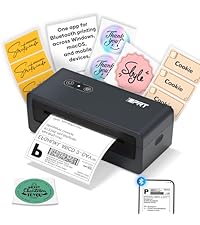 Shipping Thermal Printer | |
|---|---|---|---|---|
| Customer Reviews | 4.2 out of 5 stars699 | 4.0 out of 5 stars184 | 4.2 out of 5 stars5,803 | 4.2 out of 5 stars5,803 |
| Price | $79.99 | — | $89.99 | — |
| Model Name | SP310 | SP320 | SP410BT | SP460BT |
| Paper Width Range | 1″ – 3.35″ | 1″ – 3″ | 2″ – 4.6″ | 2″ – 4.3″ |
| Ideal For | Receipts, cup & shelf labels | Receipts, slips & shelf labels | Shipping Label | Shipping Label |
| Print Speed | 5 ips (120 mm/s) | 7 ips (180 mm/s) | 6 ips (150 mm/s) | 6 ips (150 mm/s) |
| System Compatibility | Windows/ macOS/ Linux | Windows/ macOS/ Android/ iOS | Windows/ macOS/ Android/ iOS | Windows/ macOS/ Android/ iOS |
| Connection Method for PC | USB | USB+BT (BT Just for Windows) | USB+BT (Through “HereLabel”) | USB+BT (Through “HereLabel”) |
| Connection Method for Phone | – | Through Mobile APP HereLabel | Through Mobile APP HereLabel | Through Mobile APP HereLabel |
| Features | Exceptional Stability | Ultra-Fast Printing | Premium High-Voltage Output | Space-Saving |