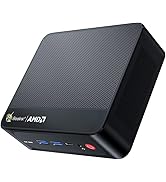
Beelink SER9 Mini PC W11 Pro, AMD Ryzen 7 H 255(8C/16T up
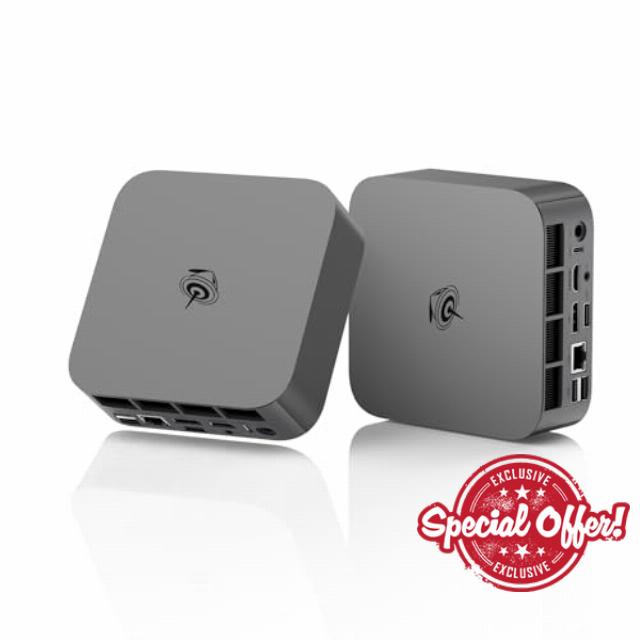
Beelink SER9 Mini PC W11 Pro, AMD Ryzen 7 H 255(8C/16T up to 4.9GHz), 32GB LPDDR5X+1TB Pcle4.0 SSD,WIFI-6/BT5.2/2.5G LAN, Mini Gaming PC Support HDMI 2.1+DP 2.1+USB4 Triple-Display Output -Silve
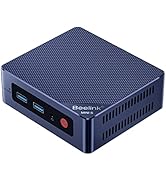
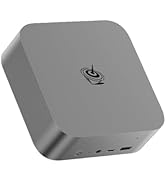
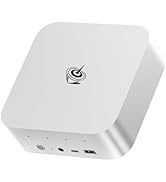
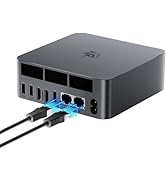
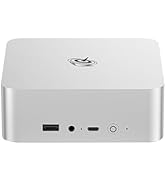
- 【Tower Performance & Powerful Processor】Beelink ser9 H255 mini pc comes with AMD ryzen 7 H 255 ( 8 cores /16 threads, up to 4.9 GHz). Beelink SER9 mini pc can turns your desk into a powerful workstation. The Beelink SER9 mini desktop computer can be used for video and photo editing, Office tasks, 4K video viewing, and virtualization work, and others heavy applications
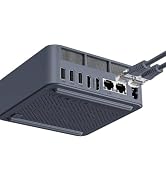
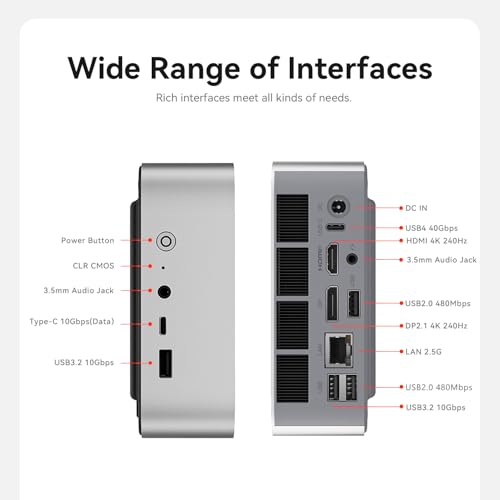
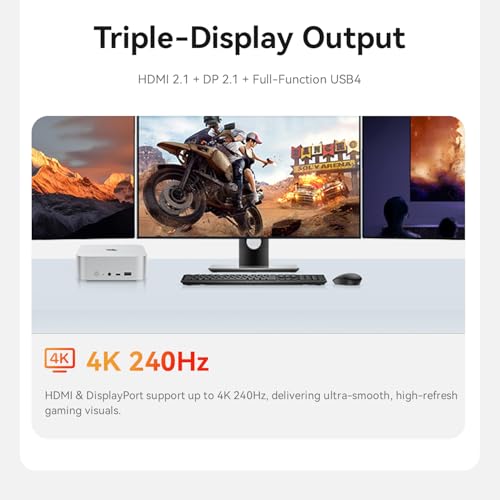
- 【Triple Screen Display 】Beelink SER9 H255 mini gaming pc with AMD Radeon 780M 12core 2600 MHz delivers powerful graphics processing. Beelink mini pc support triple screen 4K display output via HDMI(Max 4K 240Hz),DP(max 4K 240Hz) and USB4 port(40Gbps/PD/DP1.4). Fully capable of browsing the internet, using Microsoft Office, design work, 4K videos playback, multi-tasking, etc.
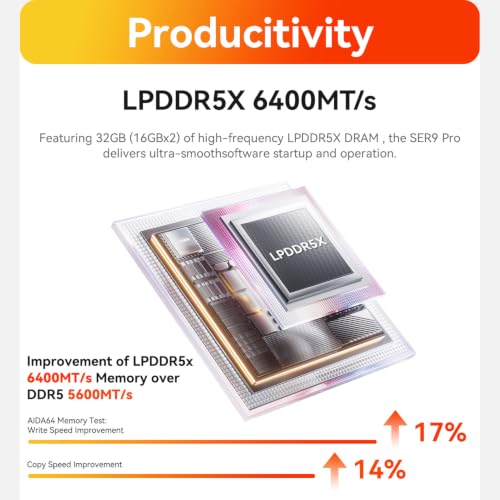
- 【Large storage capacity】Beelink Ser9 ryzen7 H 255 mini desktop pc comes with 32GB LPDDR5X RAM(2 x 16GB) and 1TB PCle 4.0×4 SSD. Dual channel LPDDR5X and M.2 PCIe4.0 2280 SSD*2 slots (upgradeable to max 4TB for each M.2 PCIe4.0 slot, which will have powerful loading and processing capabilities for heavy loading work.
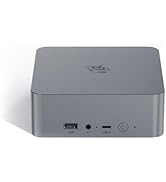
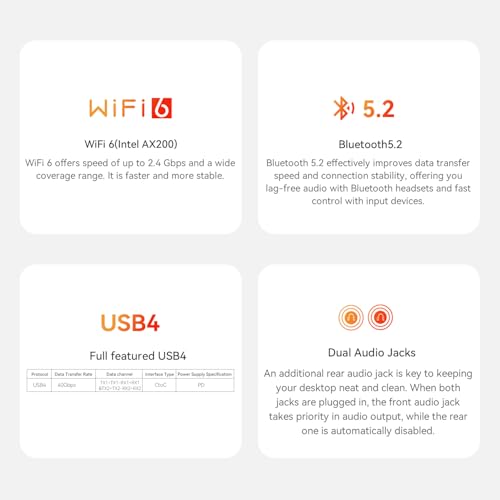
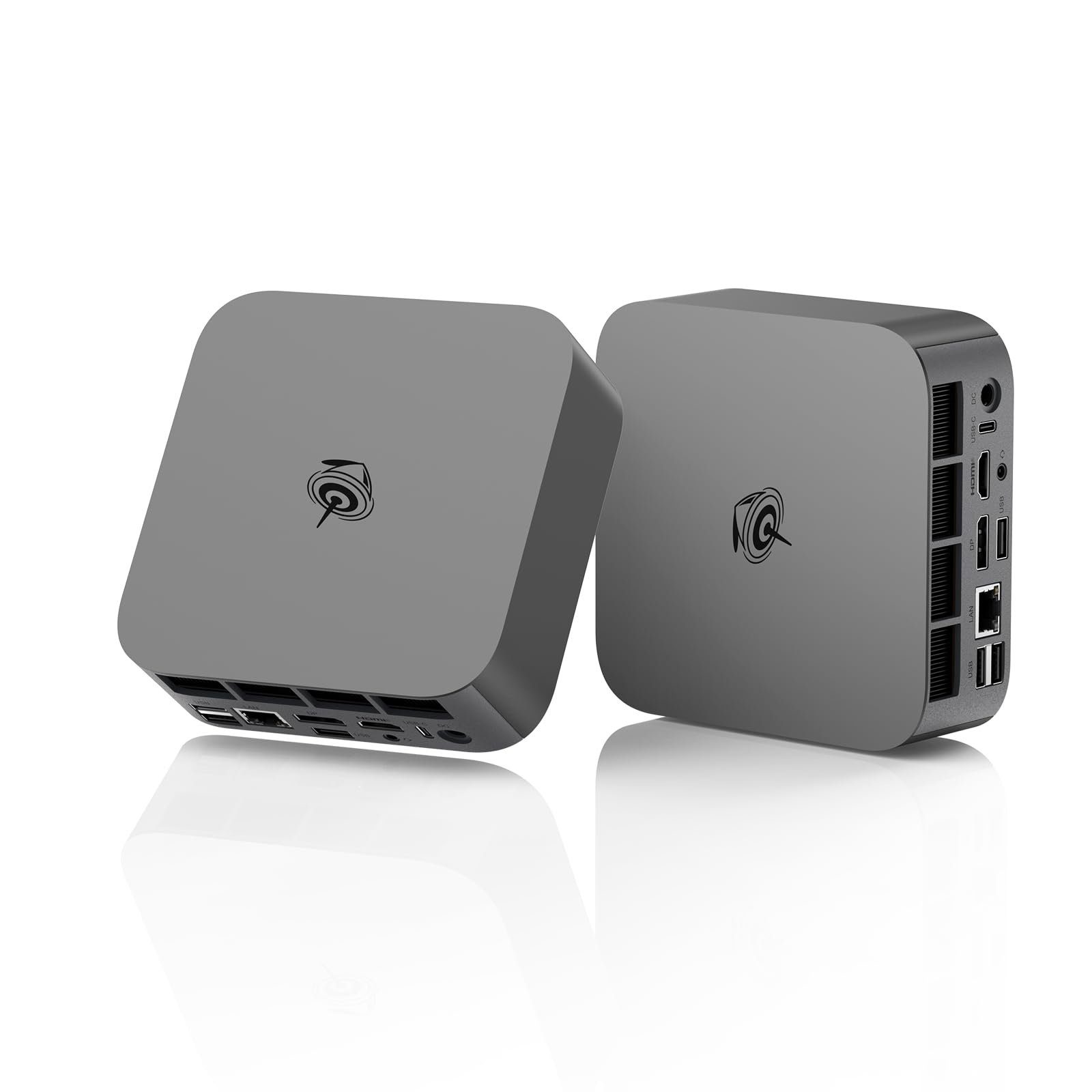
- 【2.5G Lan+ WiFi6+ BT5.2】Beelink mini computer adopts 2.5G Ethernet LAN port which provides high speed and reliable data transfer, USB 3.2(10Gbps) and USB-C4.0 ports. Beelink ser9 amd ryzen 7 h 255 equipped with WiFi 6 and Bluetooth 5.2 is faster and more stable data transmission, which will improve your work effeciency.
- 【Warranty and Certificate】We provide lifetime technical support, 30 days free return. All our products have obtained FCC, CE, and RoHS certifications. If you have any question about us, please feel free to send us message.
From the brand
NOTE !!!
Please switch your language to English to see the correct product information. Products in the store come with a 3-year warr-anty.
NOTE!!!
To view accurate product information on detail pages, please use English instead of Spanish.
How to enter the BIOS?
Press "Delete" to enter the BIOS setting; press "F7" to enter the boot options menu (continuously click immediately after booting)
How to set up Dual Screen Display?
Please click and select Start>Settings>System>Display. Your PC should automatically detect your monitor and display your desktop. If you don’t see the monitor, select Detect.
What's in the box?
1、If you buy mini pc: 1*Mini PC, HMDI Cable, User Manual
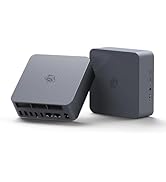
2、If you buy docking station:Docking Station
-
Beelink SER5 mini pc
-
Beelink MINI S12 N95 mini pc
-
Beelink MINI S13 N150 mini pc
-
SER9 MINI PC
-
beelink ser5 mini pc
-
Beelink EQR MINI PC
-
Beelink EQI12 MINI PC
-
EQI13 13500H MINI PC
| SKU: | B0G1R8QXQG |
| Brand: | Beelink |
| Model: | SER |
| Manufacture: | Shenzhen AZW Technology Co.,Ltd. |
From the brand