ASUS ProArt Display 24” 16:10 Professional Monitor
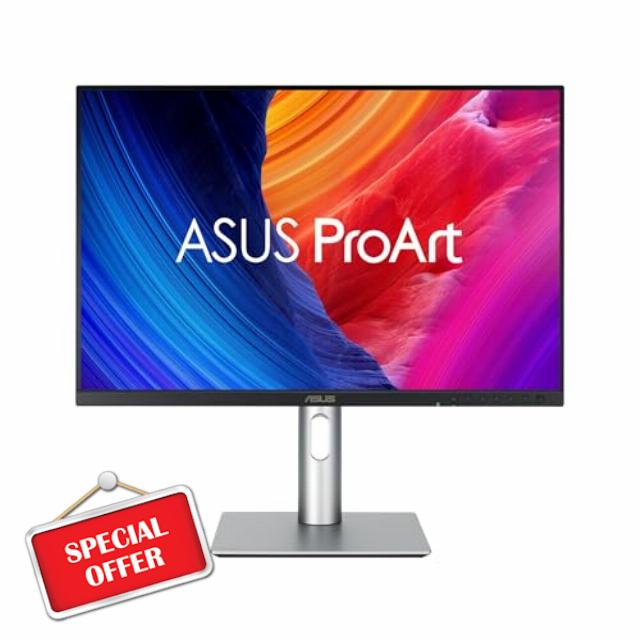
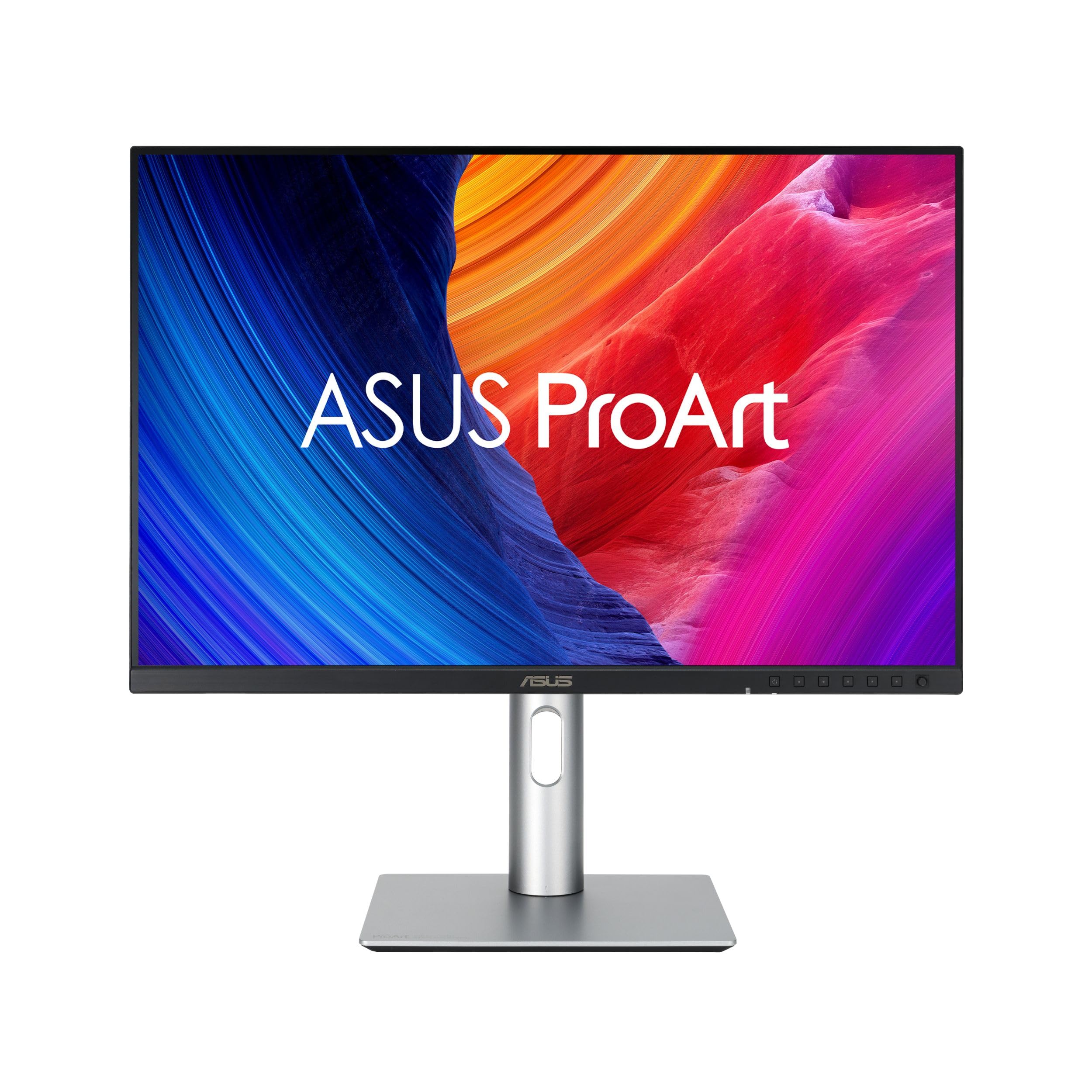
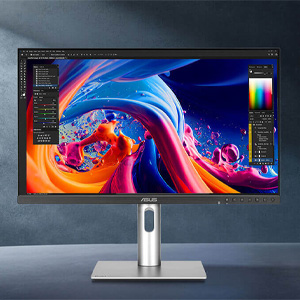
ASUS ProArt Display 24” 16:10 Professional Monitor (PA248QFV) – IPS, WUXGA (1920 x 1200), 100% sRGB, Color Accuracy ΔE < 2, Calman Verified, 100Hz, HDR-10, Light Sync, Ergonomic, 3 yr Warranty
- 24.1-inch 16:10 WUXGA (1920 x 1200) display with 178° wide-view IPS panel
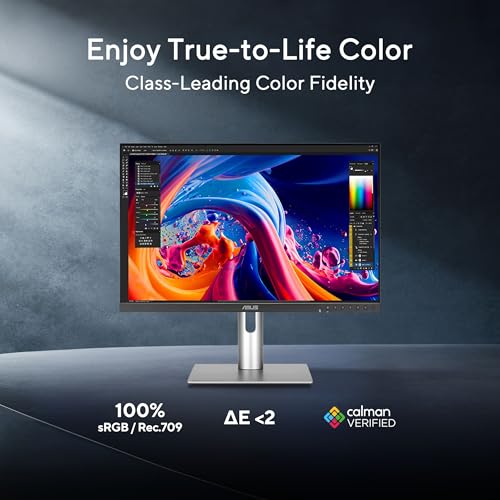
- International color standard 100% sRGB and 100% Rec. 709 wide color gamut
- Calman Verified with factory calibrated for excellent Delta E < 2 color accuracy
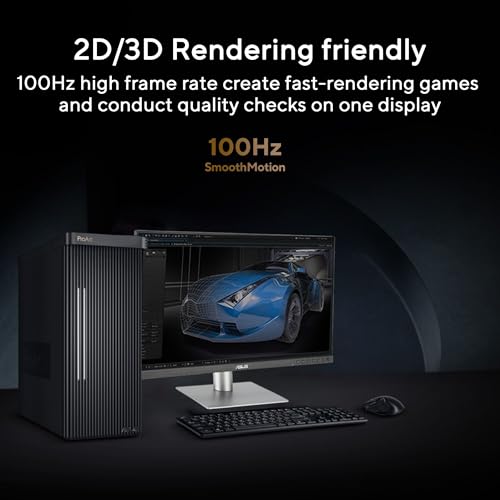
- 100Hz variable refresh rate (VRR), providing creators smooth fast-rendering and comfortable viewing experience, Extensive connectivity including DisplayPort, HDMI and USB hub
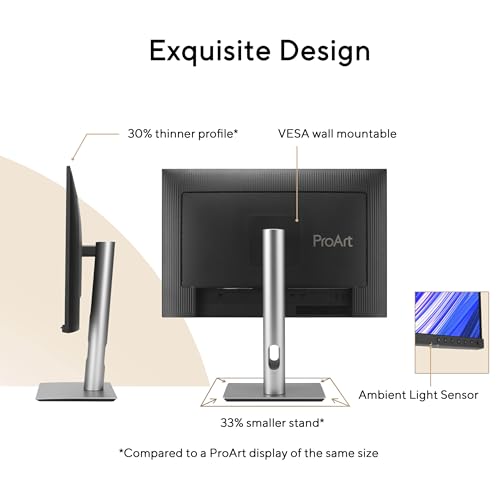
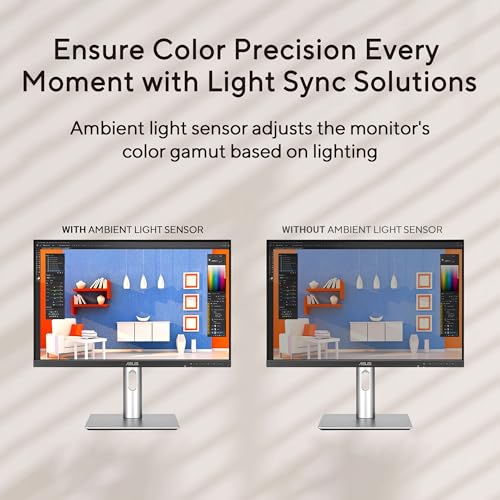
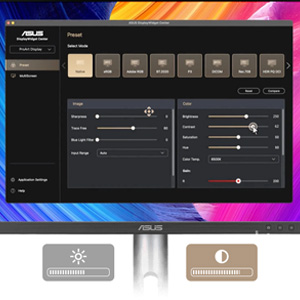
- ASUS Light Sync solution with Ambient Light Sensor automatically adjusts the monitor's color gamut based on ambient lighting, for true colors in any environment
- VESA wall-mountable and ergonomic design with tilt, swivel, pivot and height adjustments for a comfortable viewing experience
- Green Sustainability: paper packaging and energy-efficient environmental standards
- What’s in the Box: DisplayPort cable, HDMI cable, USB-C cable, USB-C to A cable, Power cord, Monitor hood, Quick start guide, Warranty Card, Welcome Card
- 3-month Adobe Creative Cloud: Receive complimentary access with the purchase of this product (valid until 8/31/2026)
- 5-year warranty (3 years + 2 years extension with online registration)
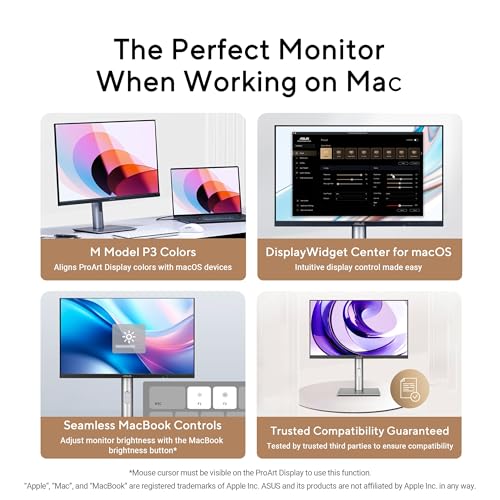
ProArt Display PA248QFV is a 24.1-inch 16:10 IPS monitor tailored for creative professionals. As the second-generation model of the PA248QV, it offers enhanced performance with 100 Hz VRR for ultra-smooth visuals and introduces the new M Model color temperature for consistent P3 color on MacBooks. 100% sRGB color gamut, factory calibrated to Delta E
| SKU: | B0G31R3TTD |
| Weight: | 8.2 Pounds |
| Brand: | ASUS |
| Model: | PA248QFV |
| Colour: | SILVER |
| Manufacture: | ASUS |
| Colour: | SILVER |
From the manufacturer
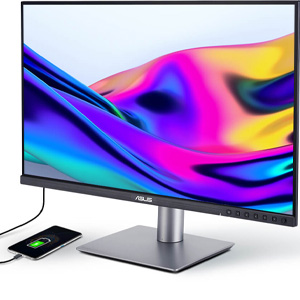
Easily Connect Devices
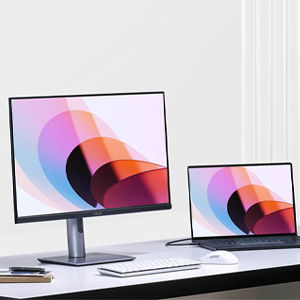
A built-in USB3.2 hub along the bottom bezel of PA248QFV includes two USB Type-A port, allowing for easy connections to a variety of devices and peripherals, as well as charge-compatible devices.*
*Check the power requirements of the connected device to ensure it aligns with the monitor’s USB power output.