4Core 64GROM 5Gwifi Upgrade Car Radio for Dodge Ram
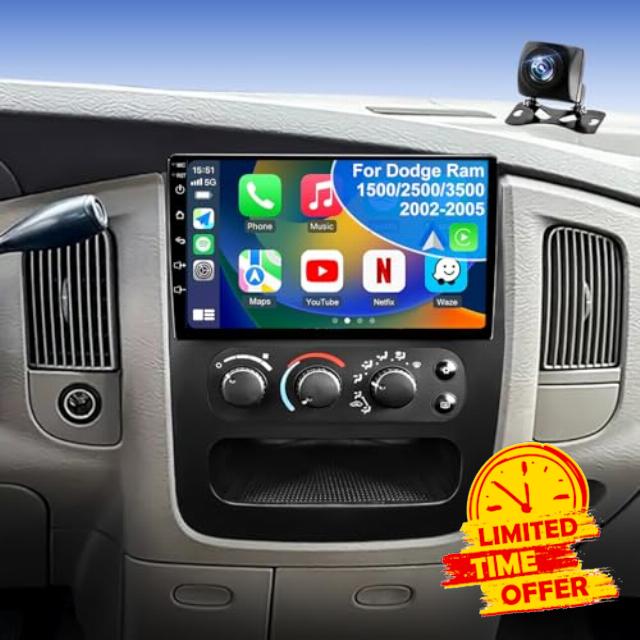
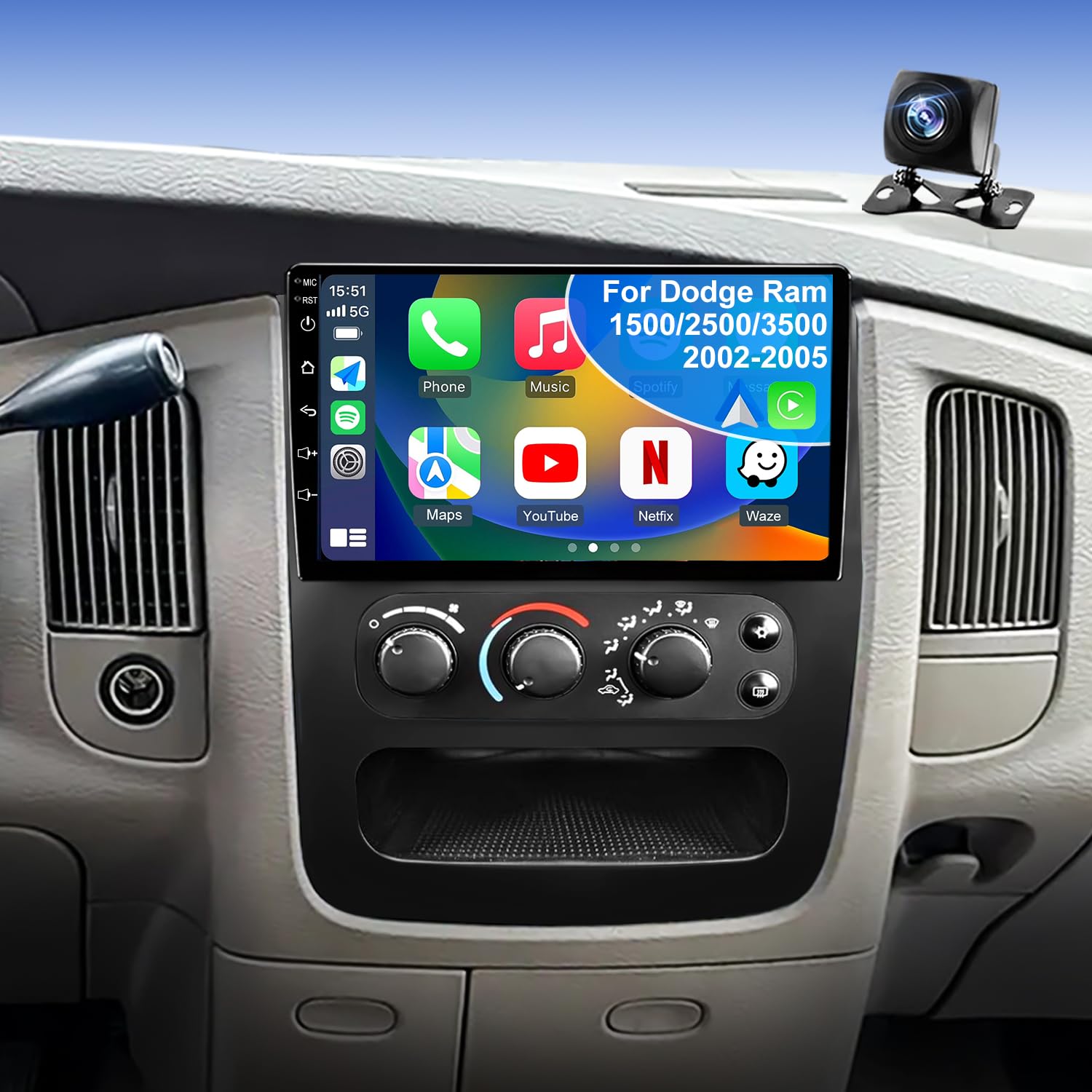
4Core 64GROM 5Gwifi Upgrade Car Radio for Dodge Ram 1500/2500/3500 2002 2003 2004 2005, 9inch Touch Screen Stereo Wireless CarPlay Android Auto Head Unit Bluetooth GPS Navigation FM DSP Backup Camera
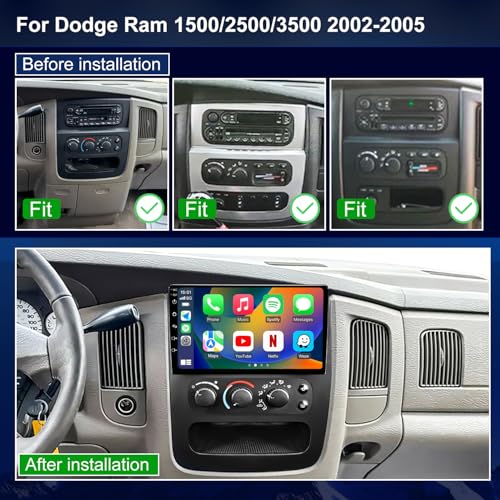
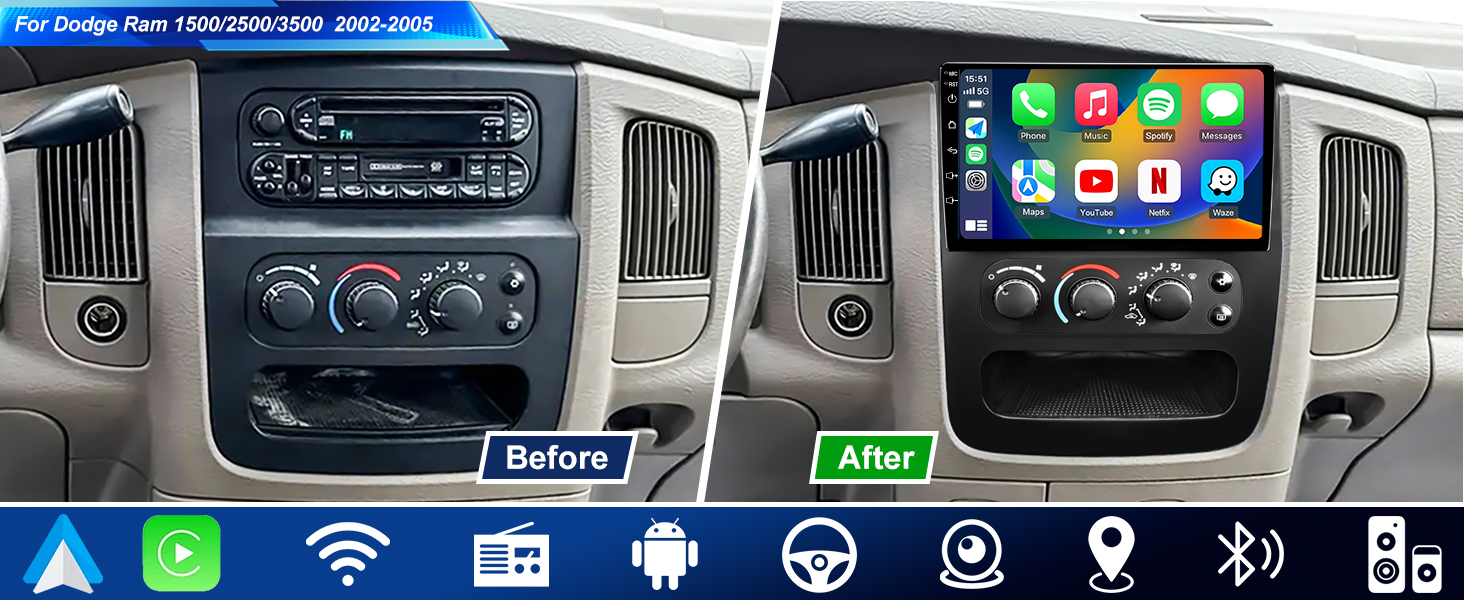
- ✅ 【Applicable Car Models】 Car stereo system that seamlessly fits the Dodge RAM Radio 1500/2500/3500 2002 2003 2004 2005
- ✅ 【Updated Android 15 Radio & 4-Core CPU, 64G Storage】Engineered for smooth operation, this dodge ram radio combines Android 13 with a dependable 4-core CPU. Switching apps feels quick, navigation stays clear, and streaming music runs smoothly. With 64GB of storage, dodge ram accessories kits offers a simple way to upgrade daily driving
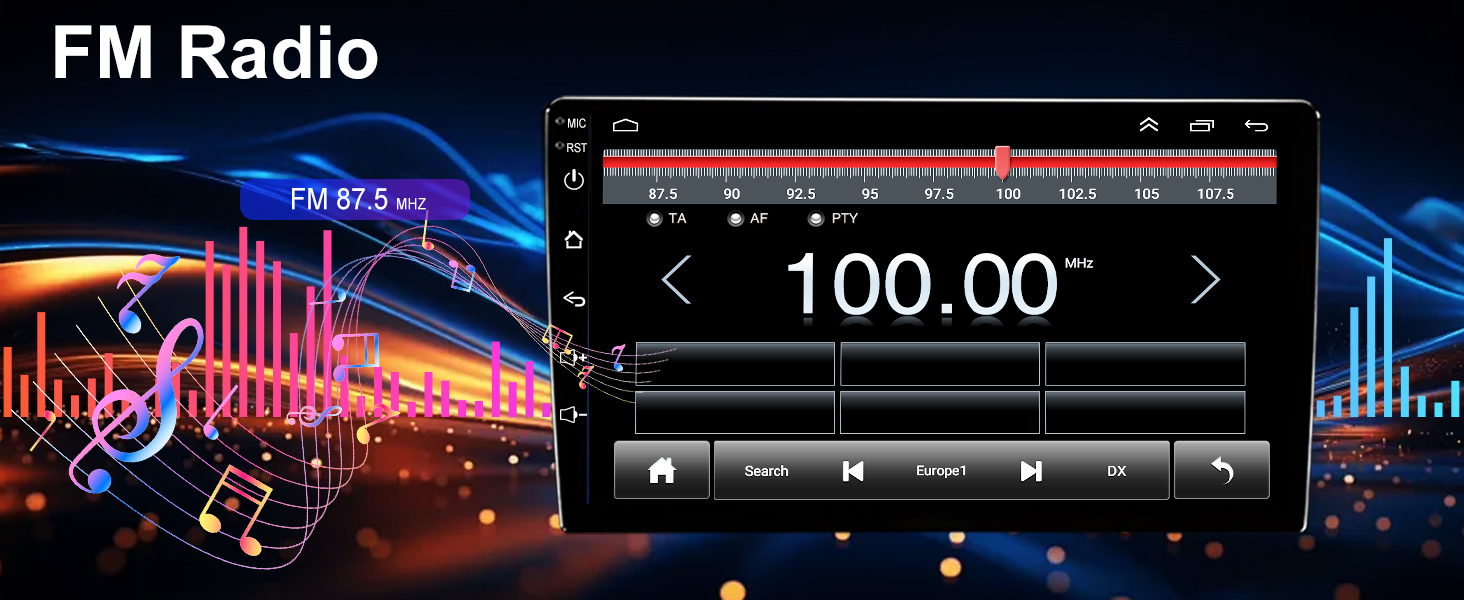
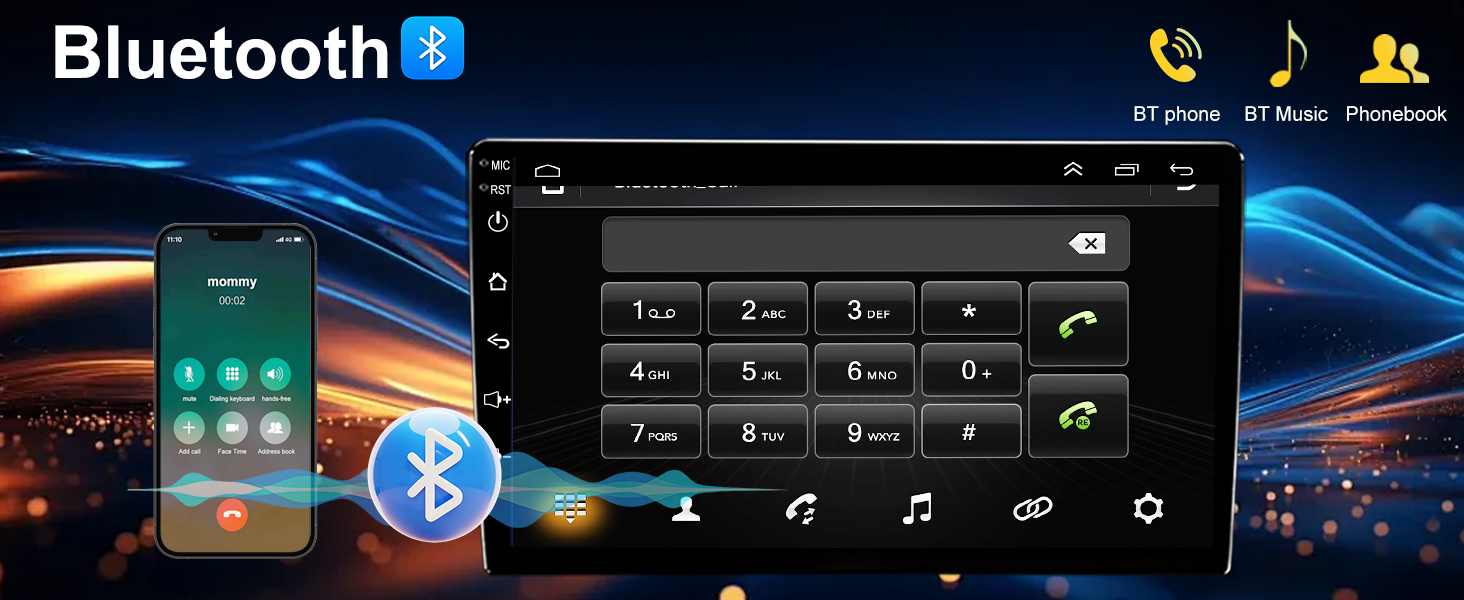
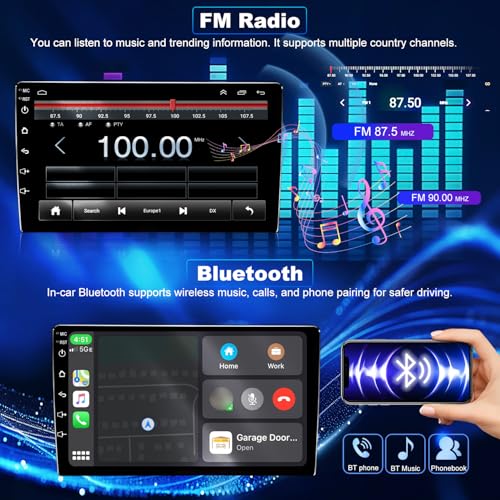
- ✅ 【Built-in Bluetooth & FM Radio】This ram 1500 stereo delivers everyday comfort with Bluetooth hands-free calling and wireless music streaming. The FM radio supports 18 preset stations, allowing quick access to local traffic, weather, news, and music. Paired with your dodge ram 1500 accessories, it keeps every drive connected and hassle-free
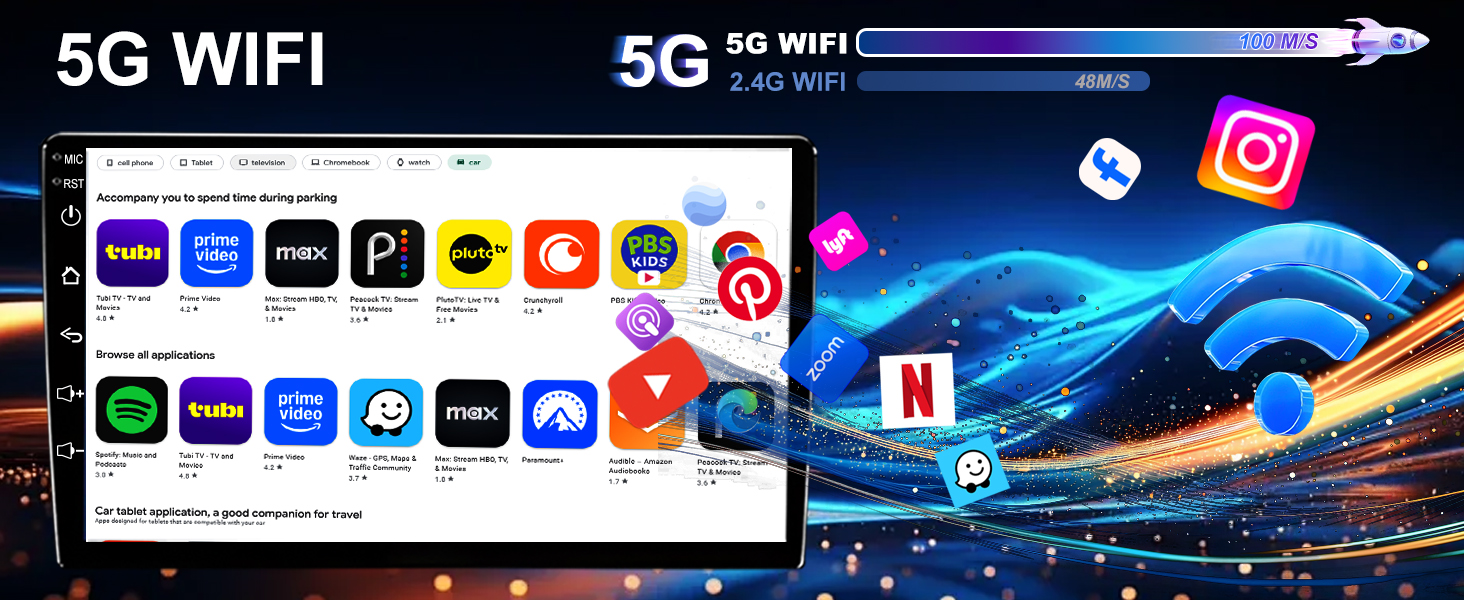
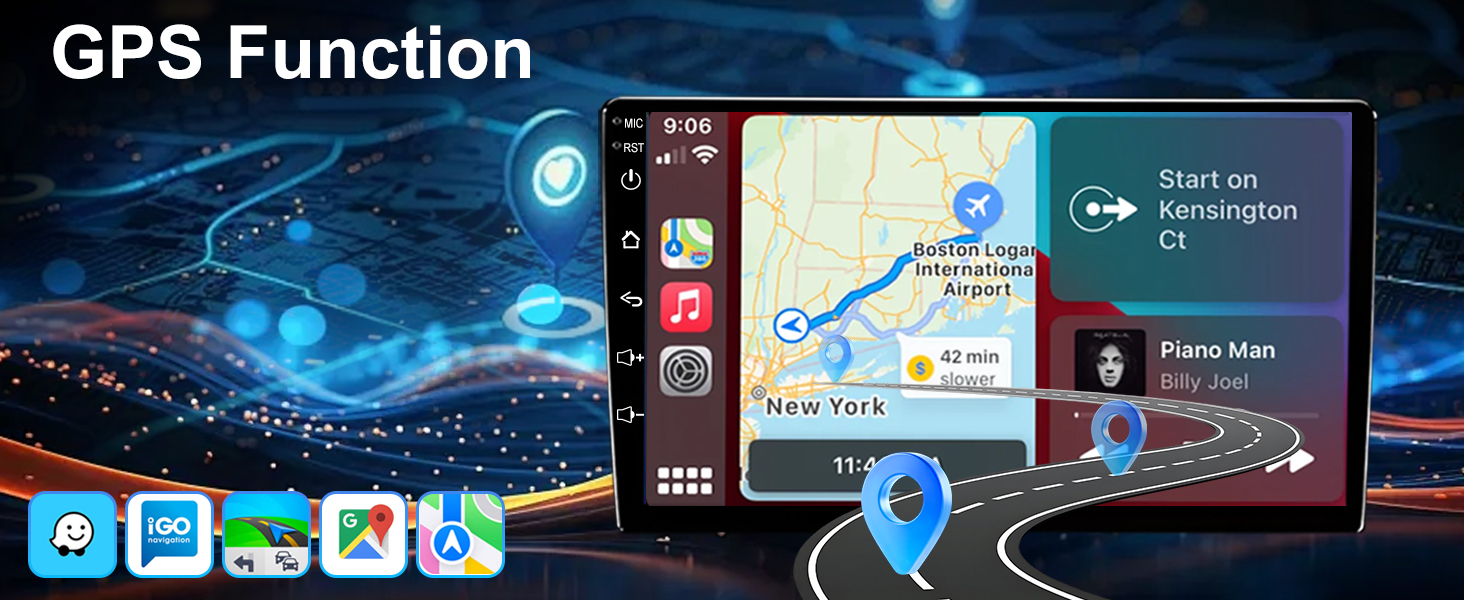
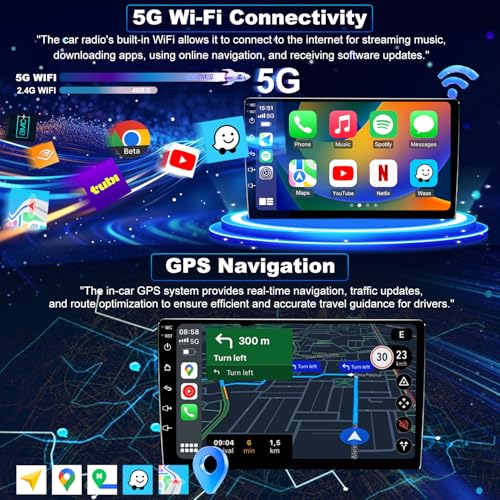
- ✅ 【GPS Navigation & Faster 5GWiFi Connect】Stay connected and on track with reliable GPS navigation and high-speed 5G WiFi support. Matched with ram 2500 radio including dodge ram 2500 accessories lets you use online maps when available and offline maps when signal drops, making every trip smoother and less stressful
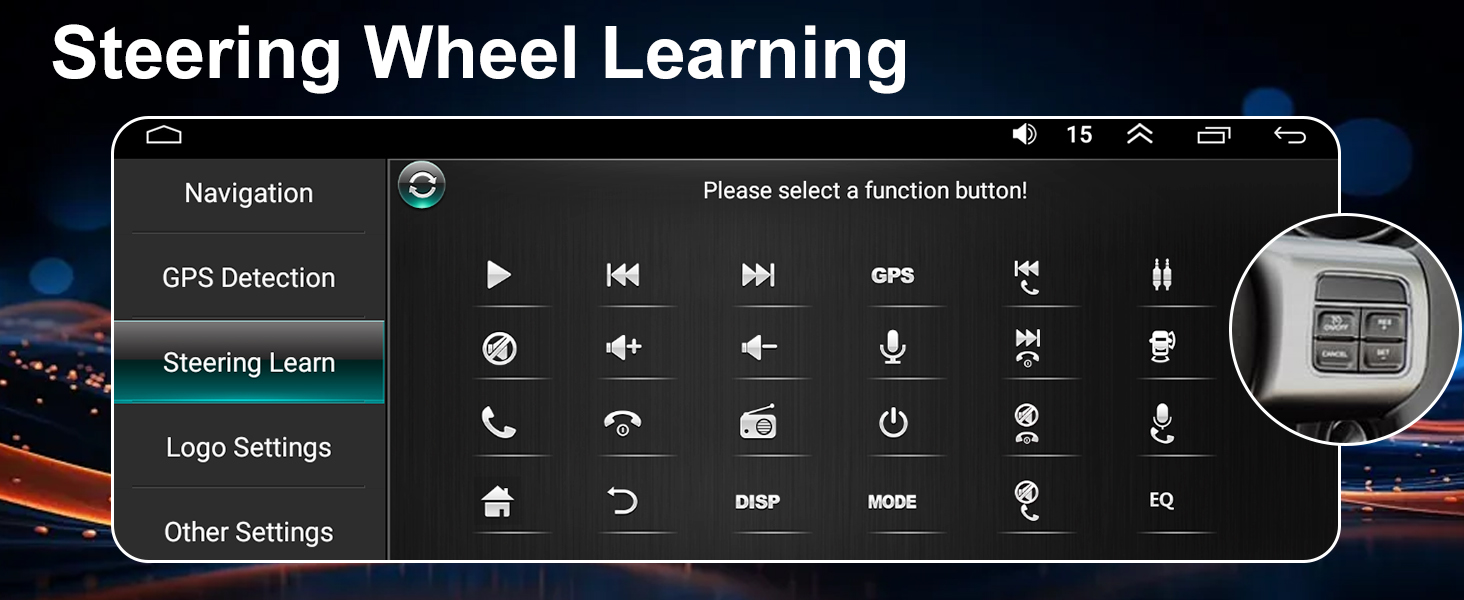
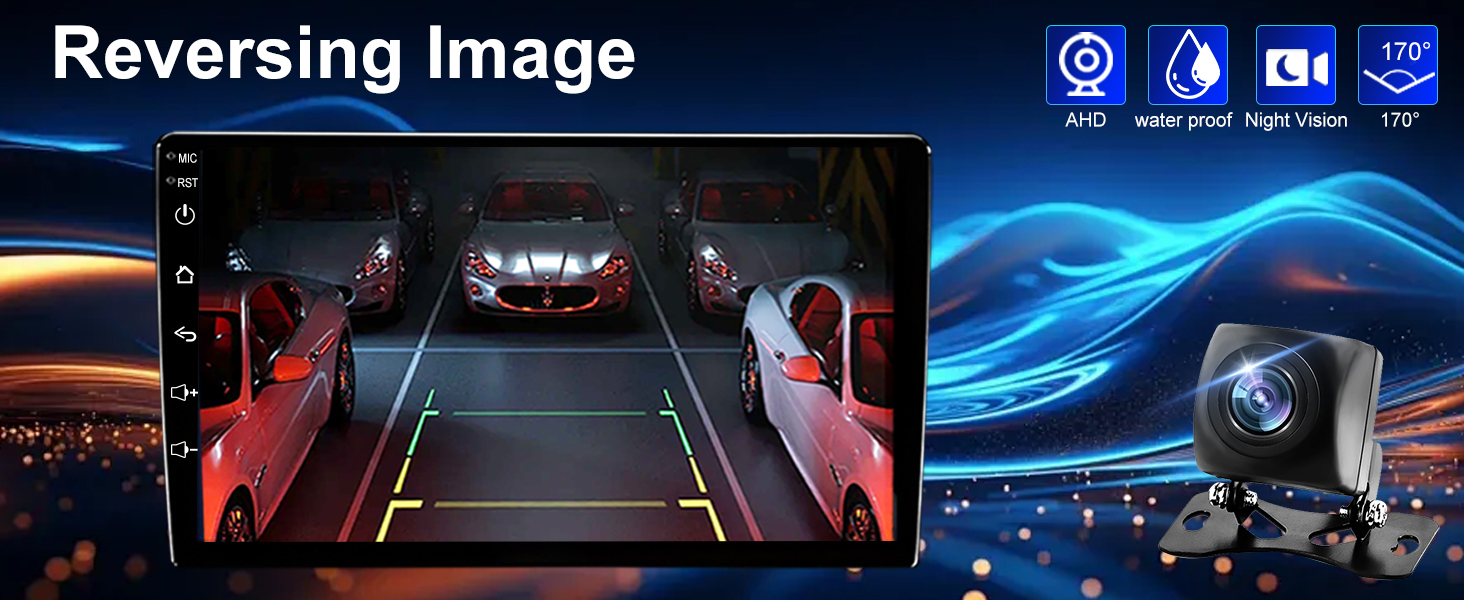
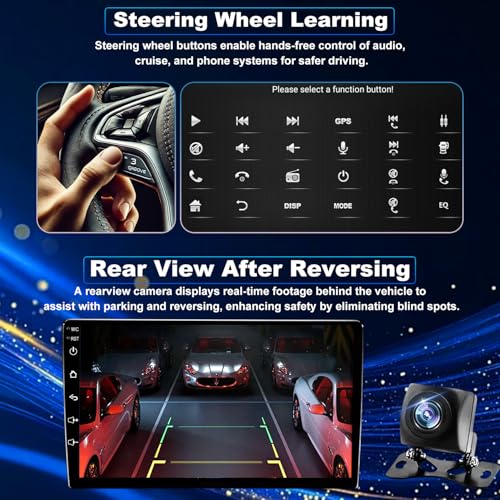
- ✅ 【Rearview Camera & Steering Wheel Control】Made for everyday convenience, this ram 3500 radio retains steering wheel controls for smooth, familiar operation while driving. Combined with a clear rearview camera on the dodge ram 3500 stereo, it offers automatic display and a wide-angle view for stress-free reversing
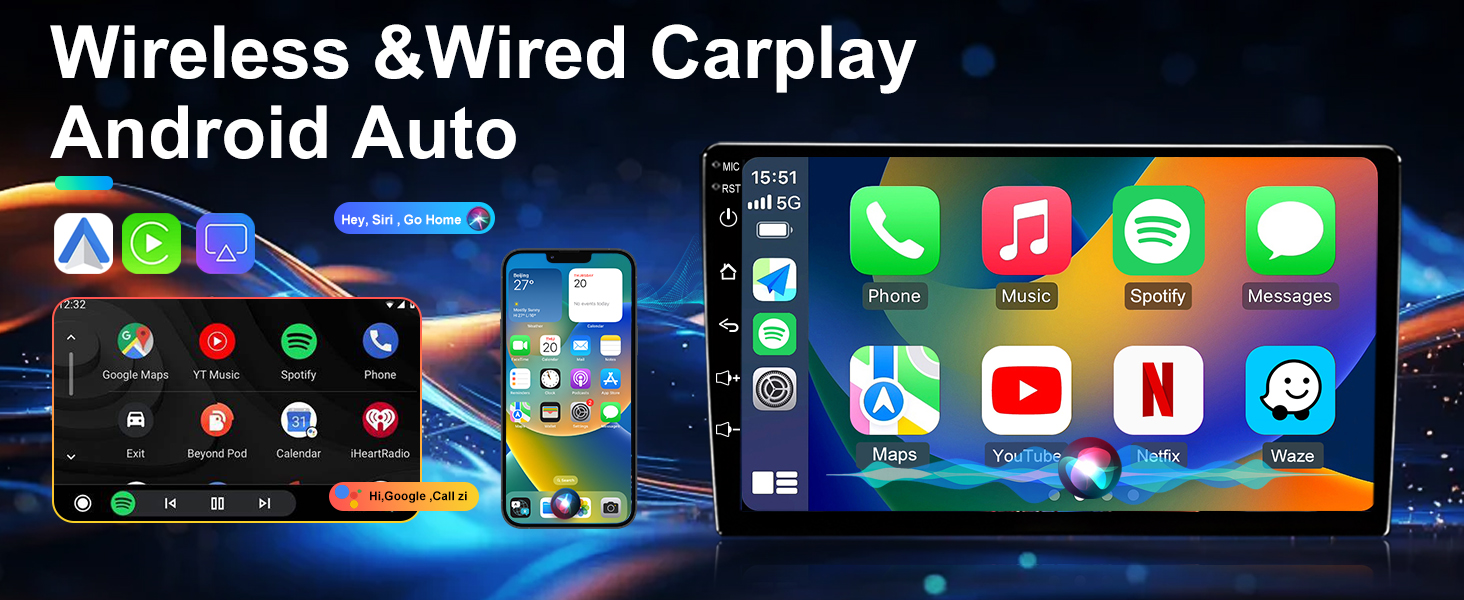
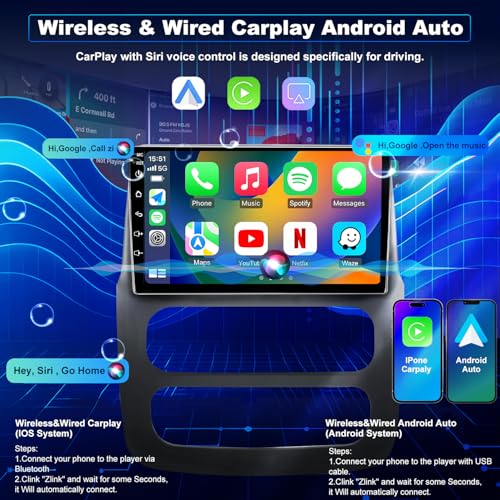
- ✅ 【Wireless CarPlay & Android Auto & HD Touch Screen】This advanced ram radio upgrade brings wireless CarPlay and Android Auto directly to your dashboard, reducing cable clutter and simplifying daily use. Combined with car radio touchscreen, the sharp IPS touchscreen ensures smooth interaction and easy visibility in all driving conditions
- ✅ 【Lifetime Tech Support】 From installation to long-term use, this ram 1500 radio upgrade kit is supported by a real technical team you can rely on. All required ram 1500 touch screen upgrade and wiring diagrams are included, and 24/7 lifetime support ensures quick answers whenever you need assistance
9in Upgrade Car Radio for Dodge Ram 1500 2500 3500 2002-2005
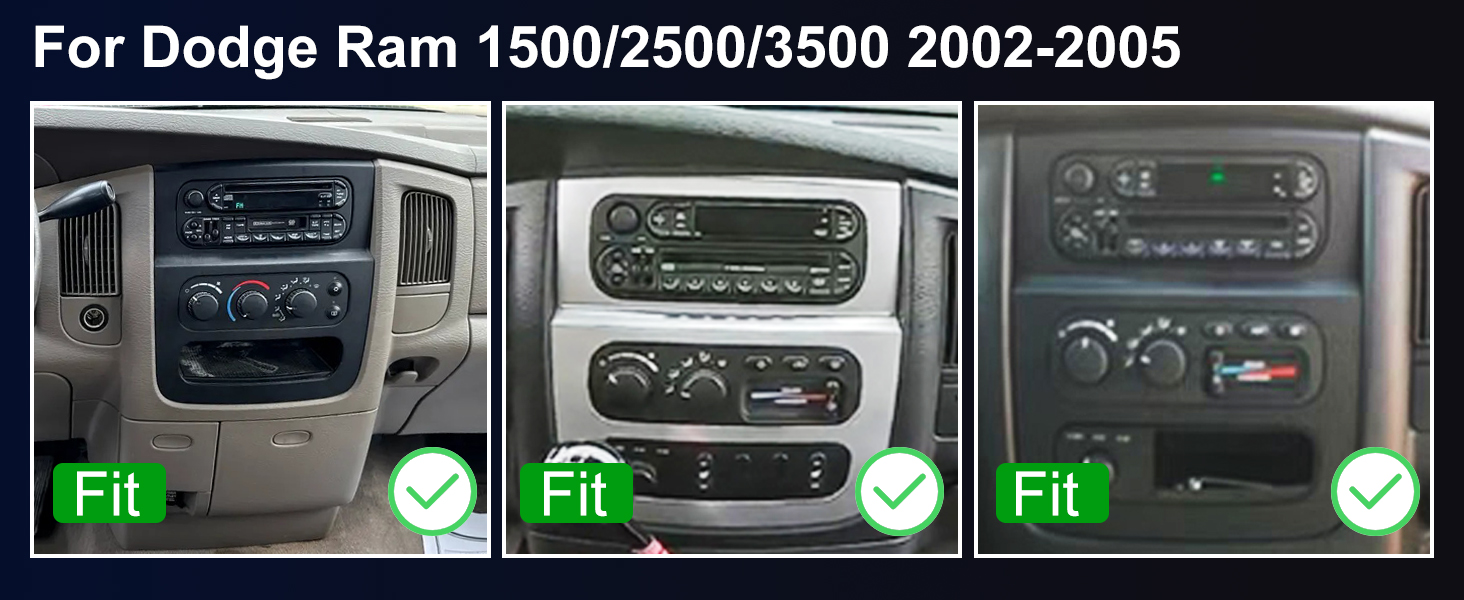
Note: The car model and year are for reference only. Please confirm your center console's shape and size before purchasing. If you are unsure about compatibility, please provide your car model and a picture of your center console. We will confirm and offer suggestions to you.
Model/year for reference. Confirm console shape and size before buying.
For Dodge RAM 1500 Radio 2002 2003 2004 2005
For Dodge RAM 2500 Radio 2002 2003 2004 2005
For Dodge RAM 3500 Radio 2002 2003 2004 2005
Your Toyota Tundra radio shows maps, music, and calls clearly for smooth driving.
Your dodge ram stereo connects to 5G WiFi for faster navigation and streaming.
Your ram 1500 stereo provides GPS maps to keep drives safe and stress-free.
Ram 2500 radio stereo keeps FM radio running while another screen function is active.
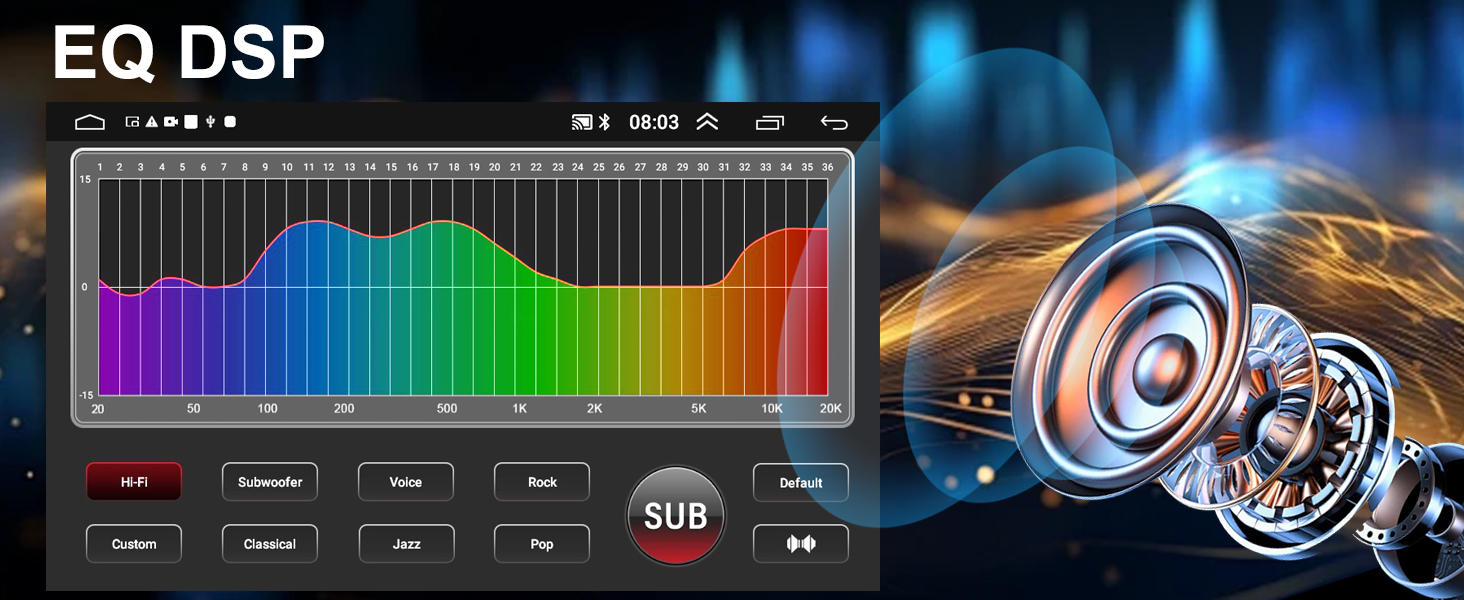
ram 1500 radio offers EQ/DSP control and HD screen for safer, enjoyable driving.
| System & Storage | Android 15 4-core + 64G ROM system provides faster response and seamless multitasking for driving efficiency. |
| Vehicle Fit | For Dodge Ram 1500/2500/3500 radio 2002 2003 2004 2005 |
| CPU | 1.5Ghz Cortex-A53 8Core CPU and GE8300 GPU |
| Sound Effect & FM/AM Radio+RDS | DSP HiFi 36EQ and FM/AM RDS keep you in the loop with clear sound and live track info. |
| Phone Link | Wired/Wireless Carplay, Wired/Wireless Android Auto |
| Camera Input | CVBS &AHD 720/1080P |
| Video Playback | Supports common formats |
| Audio Format | MP3/WMA/WAV/APE/FLAC ect |
| FM & Amplifier | 87.5~108MHz; 4*60W |
| Faster 5G WiFi Connectivity | Strong 5G connection for faster downloads and smooth streaming, no lag. |
| Bluetooth & Wheel Control | Enjoy hands-free calls and music while 5G hotspot delivers fast, uninterrupted streaming. |
| Built-in GPS | Offers reliable online and offline navigation with free maps, so you can travel stress-free wherever you go. |
| HD Rearview Camera | A clear view when reversing helps you avoid obstacles and make parking a breeze. |
| Dual rear USB ports | Charge devices while playing media from another USB, keeping everything running smoothly. |
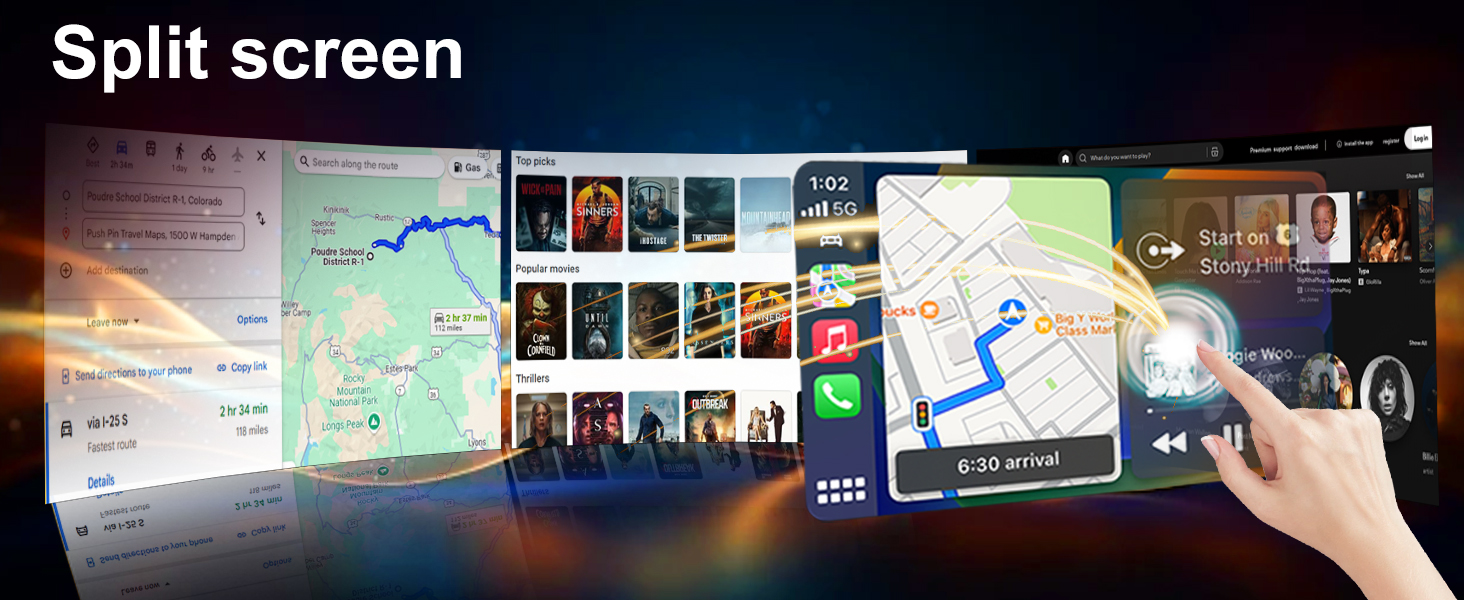
| Split screen & 9" HD display | Split the screen to run two apps at once on a bright, easy-to-use display. |
| Plug & play installation | Simple installation—just plug it in without cutting any wires to protect your car's original setup. |
Use your ram 3500 radio’s steering wheel controls to handle music and calls easily.
Stay alert with hands-free calls and wireless music on your ram 1500 radio upgrade.
Your dodge ram 1500 radio gives a detailed HD view behind, making reversing smooth and safe.
See maps and control music simultaneously on your car radio touchscreen for dodge ram.
Easily install your ram 2500 stereo with original wiring, keeping the factory setup intact.
What can I do if Bluetooth won’t pair and the wireless signal feels weak?
1. Connect reversing cable to the Bluetooth & Wi-Fi enhancer.
2. In Bluetooth settings, use car radio to search for phone Bluetooth.
3. Choose "Car-BT", enter password "0000", and clear old connections if pairing fails.
How do I turn CarPlay on or off manually?
1. After Bluetooth connects, Zlink will automatically connect to CarPlay.
2. Turn off the Background connection to stop automatic reconnection. 3. Go to iPhone Settings > General > CarPlay > Zlink to enable or disable CarPlay.
Why does the system disconnect from Wi-Fi during CarPlay use?
Wi-Fi will disconnect automatically when CarPlay is active; please turn off the Background connection to prevent CarPlay from reconnecting.
Why aren’t the steering wheel buttons working?
1. Check if the protocol serial port wire is missing or reversed and confirm the SWC cable is connected.
2. Make sure the correct protocol is selected.
Q: What should I check if the backup camera shows no image?
1. Check if reverse parking sensor wiring is correct.
2. Set the correct camera format: Go to Settings > Factory Settings (password 8888) > Camera & Protocol > Reversing Video Resolution > select NTSC/PAL or AHD720/25.
What might cause the radio screen to stay black?
1. Confirm the CANBUS box is properly connected.
2. Press the RST hole with a toothpick and check the blue/red fuse on the back.
What’s the solution if the touchscreen doesn’t respond?
Use five fingers to recalibrate the touch screen following the instructional video.
Why is there no audio coming from the speakers?
1. Check whether the speaker wires are reversed or connected incorrectly.
2. Make sure the CANBUS box is connected properly.
What’s the proper way to use wireless phone mirroring?
iOS: Zlink5 Wireless Mirroring – enable iPhone hotspot – connect the car radio to Wi-Fi – select zj-airplay;
Android: Zlink5 Wireless Mirroring – install the Zlink app – connect Bluetooth – turn on Personal Hotspot.
How do I disable the reverse camera guide lines?
Car Settings > Factory Settings (password 8888) > Protocol Parameter Settings > Reverse Track Settings & Reverse Auxiliary Line both turned off.

| SKU: | B0GHRY1CB8 |
| Brand: | iCarSEPTON |
| Batteries Included: | No |
| Manufacture: | iCarSEPTON |
Product description
9in Upgrade Car Radio for Dodge Ram 1500 2500 3500 2002-2005
For Dodge RAM 1500 Radio 2002 2003 2004 2005
For Dodge RAM 2500 Radio 2002 2003 2004 2005
For Dodge RAM 3500 Radio 2002 2003 2004 2005

Your Toyota Tundra radio shows maps, music, and calls clearly for smooth driving.
Your dodge ram stereo connects to 5G WiFi for faster navigation and streaming.
Your ram 1500 stereo provides GPS maps to keep drives safe and stress-free.
Ram 2500 radio stereo keeps FM radio running while another screen function is active.
ram 1500 radio offers EQ/DSP control and HD screen for safer, enjoyable driving.
Use your ram 3500 radio’s steering wheel controls to handle music and calls easily.
Stay alert with hands-free calls and wireless music on your ram 1500 radio upgrade.
Your dodge ram 1500 radio gives a detailed HD view behind, making reversing smooth and safe.
See maps and control music simultaneously on your car radio touchscreen for dodge ram.
Easily install your ram 2500 stereo with original wiring, keeping the factory setup intact.
What can I do if Bluetooth won’t pair and the wireless signal feels weak?
1. Connect reversing cable to the Bluetooth & Wi-Fi enhancer.
2. In Bluetooth settings, use car radio to search for phone Bluetooth.
3. Choose “Car-BT”, enter password “0000”, and clear old connections if pairing fails.
How do I turn CarPlay on or off manually?
1. After Bluetooth connects, Zlink will automatically connect to CarPlay.
2. Turn off the Background connection to stop automatic reconnection. 3. Go to iPhone Settings > General > CarPlay > Zlink to enable or disable CarPlay.
Why does the system disconnect from Wi-Fi during CarPlay use?
Wi-Fi will disconnect automatically when CarPlay is active; please turn off the Background connection to prevent CarPlay from reconnecting.
Why aren’t the steering wheel buttons working?
1. Check if the protocol serial port wire is missing or reversed and confirm the SWC cable is connected.
2. Make sure the correct protocol is selected.
Q: What should I check if the backup camera shows no image?
1. Check if reverse parking sensor wiring is correct.
2. Set the correct camera format: Go to Settings > Factory Settings (password 8888) > Camera & Protocol > Reversing Video Resolution > select NTSC/PAL or AHD720/25.
What might cause the radio screen to stay black?
1. Confirm the CANBUS box is properly connected.
2. Press the RST hole with a toothpick and check the blue/red fuse on the back.
What’s the solution if the touchscreen doesn’t respond?
Use five fingers to recalibrate the touch screen following the instructional video.
Why is there no audio coming from the speakers?
1. Check whether the speaker wires are reversed or connected incorrectly.
2. Make sure the CANBUS box is connected properly.
What’s the proper way to use wireless phone mirroring?
iOS: Zlink5 Wireless Mirroring – enable iPhone hotspot – connect the car radio to Wi-Fi – select zj-airplay;
Android: Zlink5 Wireless Mirroring – install the Zlink app – connect Bluetooth – turn on Personal Hotspot.
How do I disable the reverse camera guide lines?
Car Settings > Factory Settings (password 8888) > Protocol Parameter Settings > Reverse Track Settings & Reverse Auxiliary Line both turned off.