Open Ear Headphones with Mic, Bluetooth V5.4 Headset
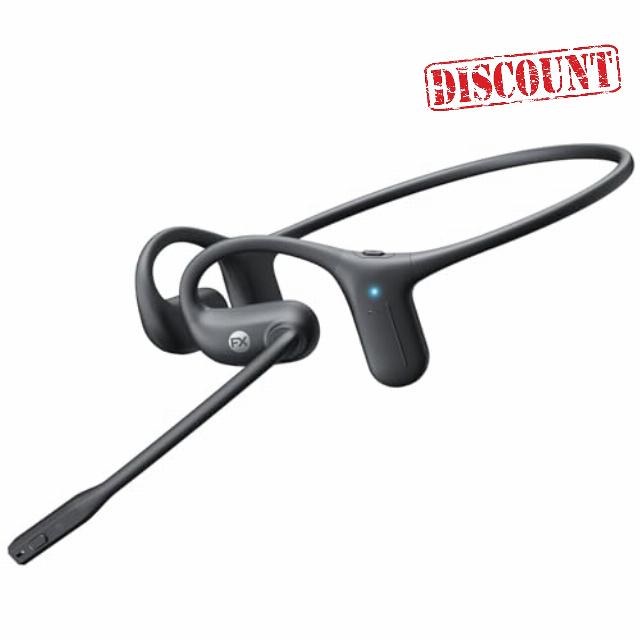
Open Ear Headphones with Mic, Bluetooth V5.4 Headset with Noise Cancelling Microphone, IPX5 Waterproof, 28g Lightweight, Open Ear Headphones, 20H Playtime for Workout, Driving, Meeting&Call
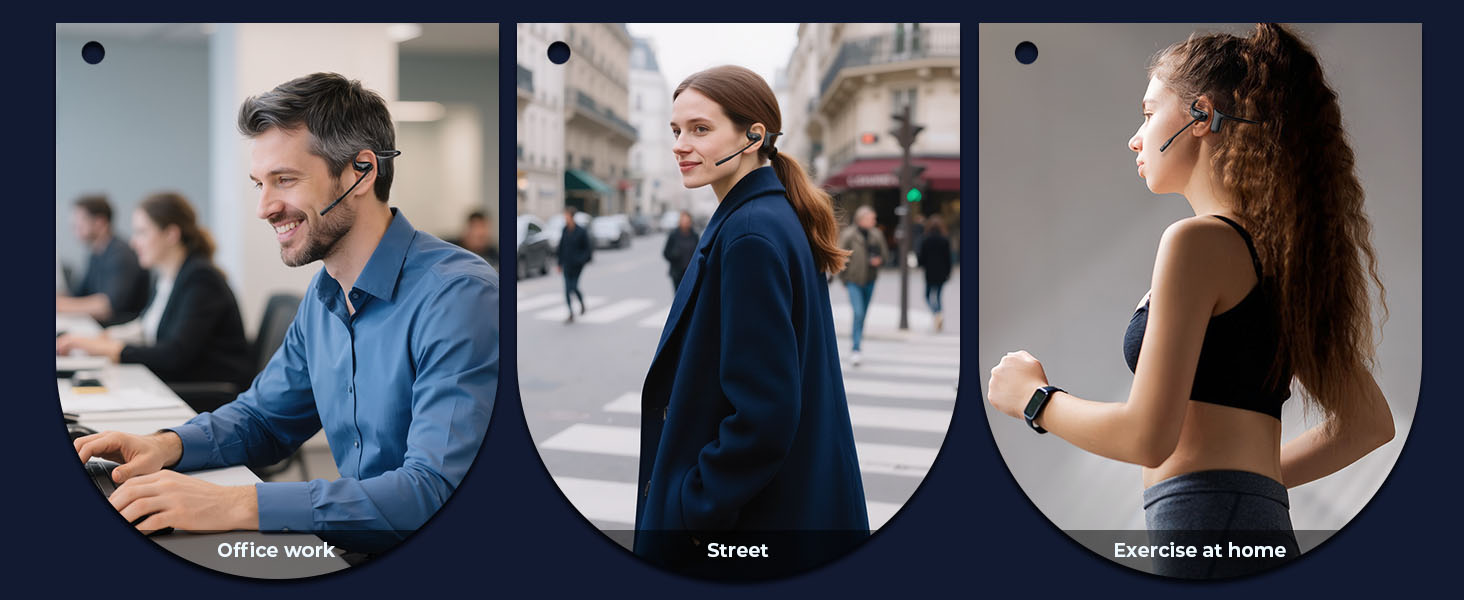
- [High-Fidelity Sound & Crystal Clear Communication] With open-ear speakers tuned for balanced audio and AI noise cancellation technology, the open ear headphones delivers natural music playback and crisp voice transmission. The 220° adjustable mic capture your voice with precision while built-in environmental noise cancellation filters distractions to keep calls crisp. Whether you're in a busy office, on a commute, or outdoors, every conversation feels effortless and professional
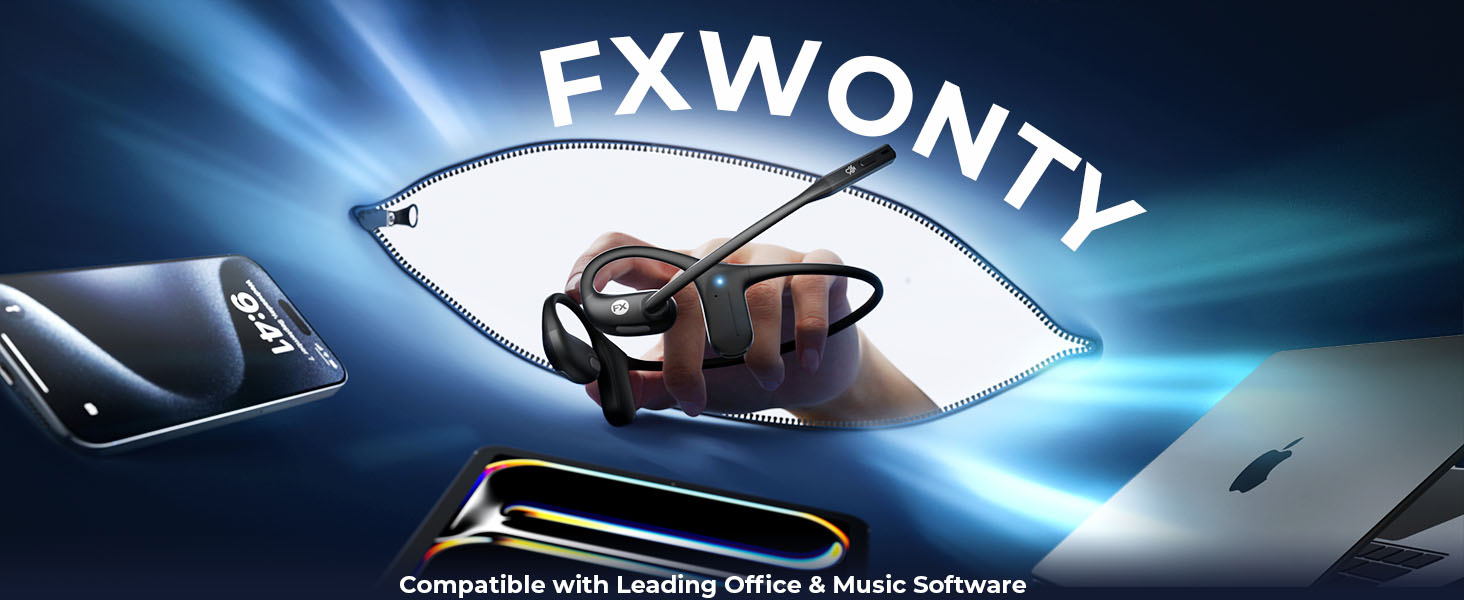
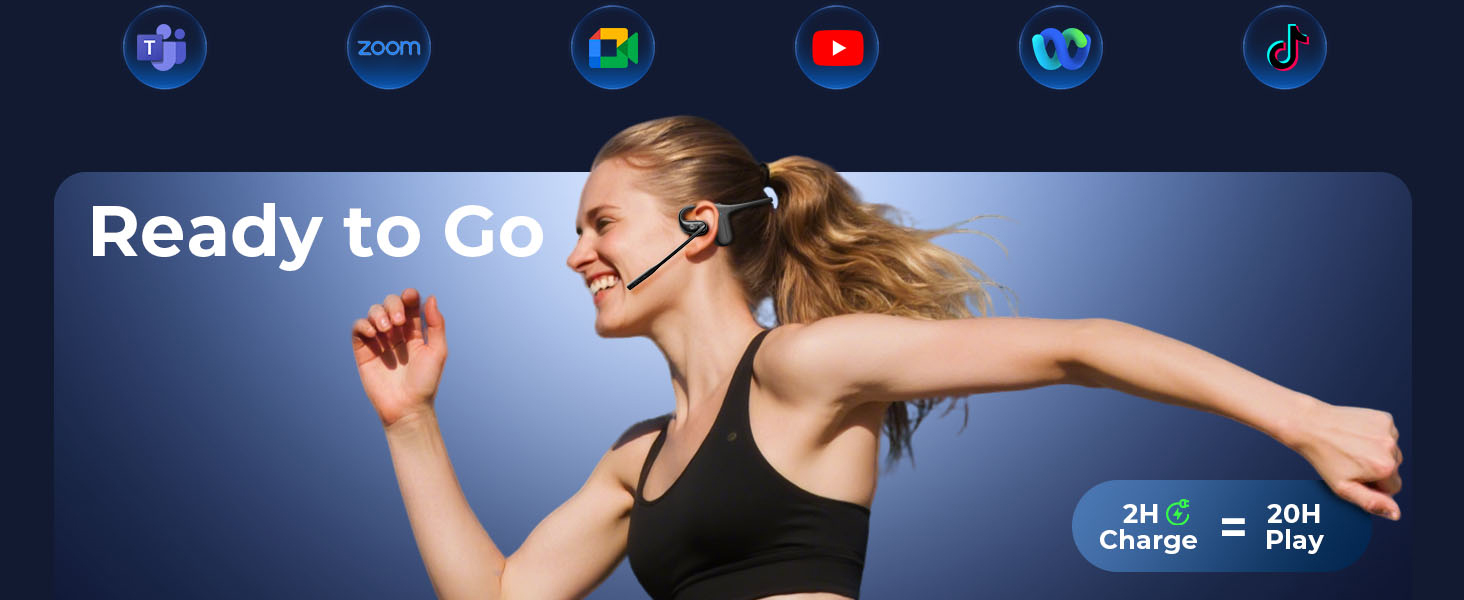
- [Stable Bluetooth 5.4 & Multipoint Connectivity] Stay effortlessly connected with cutting-edge Bluetooth 5.4. This bluetooth headset supports multipoint pairing, allowing you to switch seamlessly between your laptop and smartphone. Whether you are juggling Zoom meetings or enjoying music, the reliable 49 ft range keeps your connection stable. Enjoy the freedom of a blue tooth headset wireless experience that never drops your workflow.
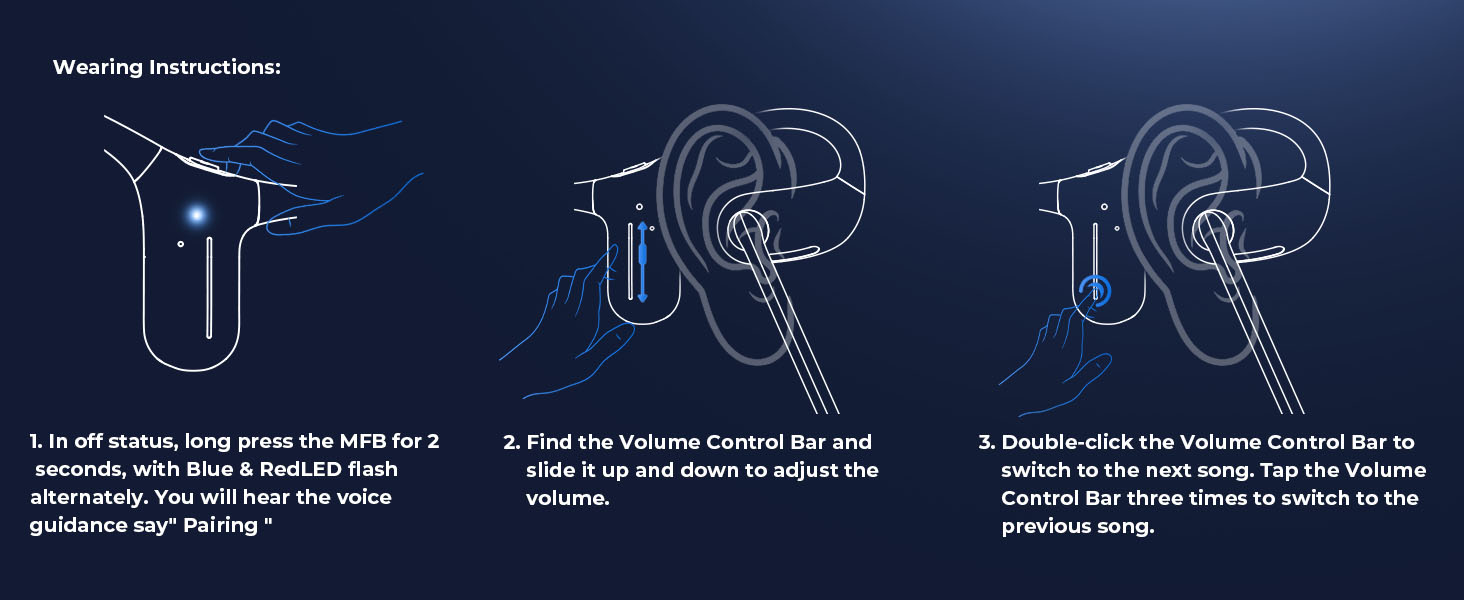
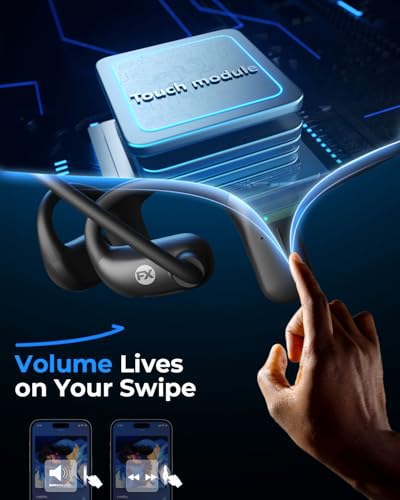
- [Intuitive Control & One-Touch Privacy]Stay in command with user-friendly controls. This open ear headphones with microphone features a tactile touch bar for volume and track management, along with a dedicated one-touch mute button for instant privacy during virtual meetings and callings. It's the perfect open ear headphones wireless bluetooth with mic solution for hands-free driving, workouts, or daily tasks, keeping you focused without constant phone interaction.
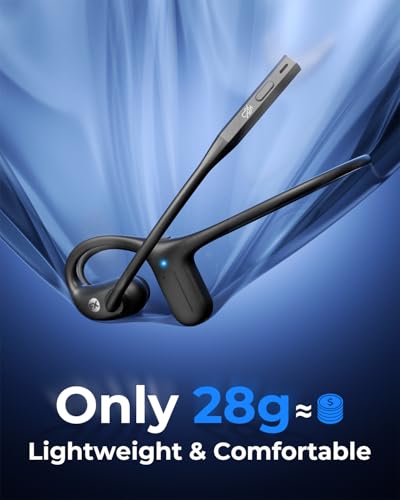
- [Featherlight Comfort for All-Day Wear] Designed for total comfort, these open ear headphones weigh only 28g. The flexible, ergonomic wraparound frame ensures a secure fit that doesn't pinch, even with glasses or helmets. With an IPX5 water- and sweat-resistant rating, they are built to last through intense gym sessions, outdoor runs, or long workdays, providing a fatigue-free experience that traditional earbuds simply cannot match.
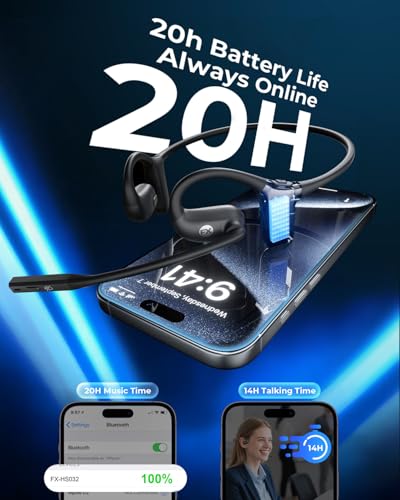
- [Long-Lasting Battery & Quick Charge] Never miss a beat with an impressive 20-hour battery life. Whether you need all-day talk time or an entire week of music, this bone conduction headphones with mic keeps up with your lifestyle. Running low on power? A quick 5-minute USB-C charge provides 2 hours of talk time, ensuring your bluetooth headset is always ready when duty calls.
ENC for Perfect Clarity
The ENC system ensures your voice stays crystal-clear, even in noisy streets or crowded offices
How to Pair Two Devices (Multipoint e.g., Laptop + Phone)
1. Pair Device A: With the headset off, hold the MFB button for 3–5 seconds until the light flashes red/blue. Connect on Device A’s Bluetooth menu. You’ll hear "Connected."
2. Disconnect Device A: Turn off Bluetooth on Device A.
3. Pair Device B: Connect in Device B’s Bluetooth menu.
4. Reconnect: Turn Bluetooth back ON for Device A and select the headset to finish.
You’re all set! Your headset will now automatically switch between both devices.
Quick Tips:
- Incoming Calls: Music on one device pauses automatically when a call comes in on the other. Tap MFB to answer.
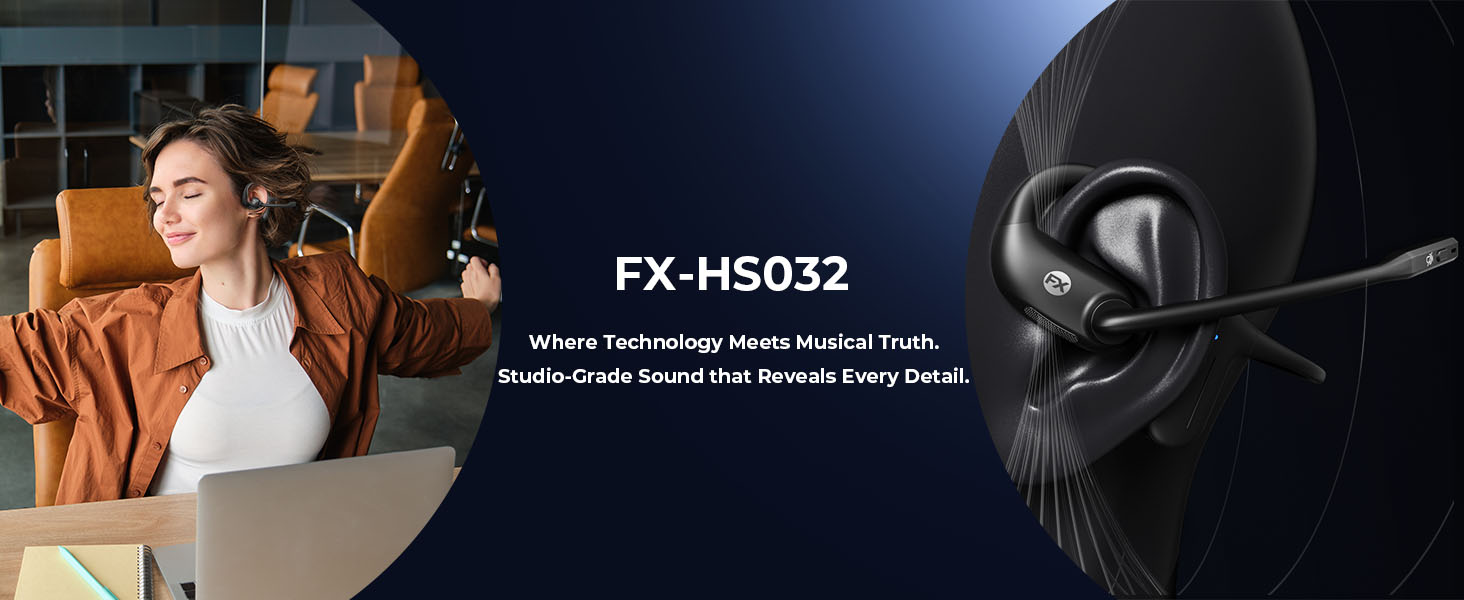
- Computer Meetings: If using Zoom or Teams, make sure the bluetooth headset [FX-HS032] is selected as your "Default Input/Mic" and "Output/Speaker" in your app settings.
- Auto-Link: Your headset remembers both devices and reconnects automatically next time.




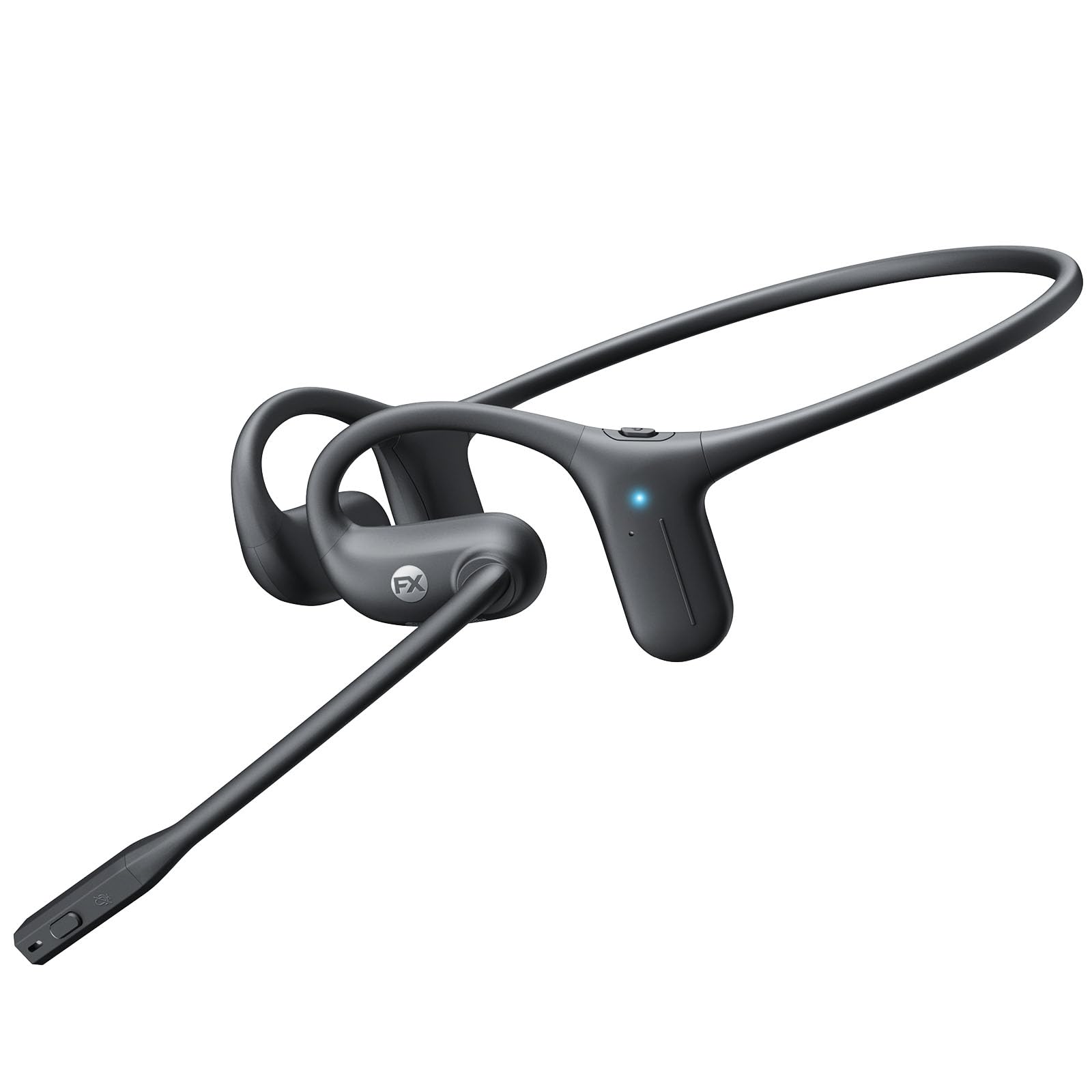
| SKU: | B0FH2S11SJ |
| Weight: | 1.2 Ounces |
| Brand: | FXWONTY |
| Model: | FX-HS032 |
| Colour: | Black |
| Pack Quantity: | 1 |
| Manufacture: | FXWONTY |
| Colour: | Black |
| Quantity: | 1 |
Product description

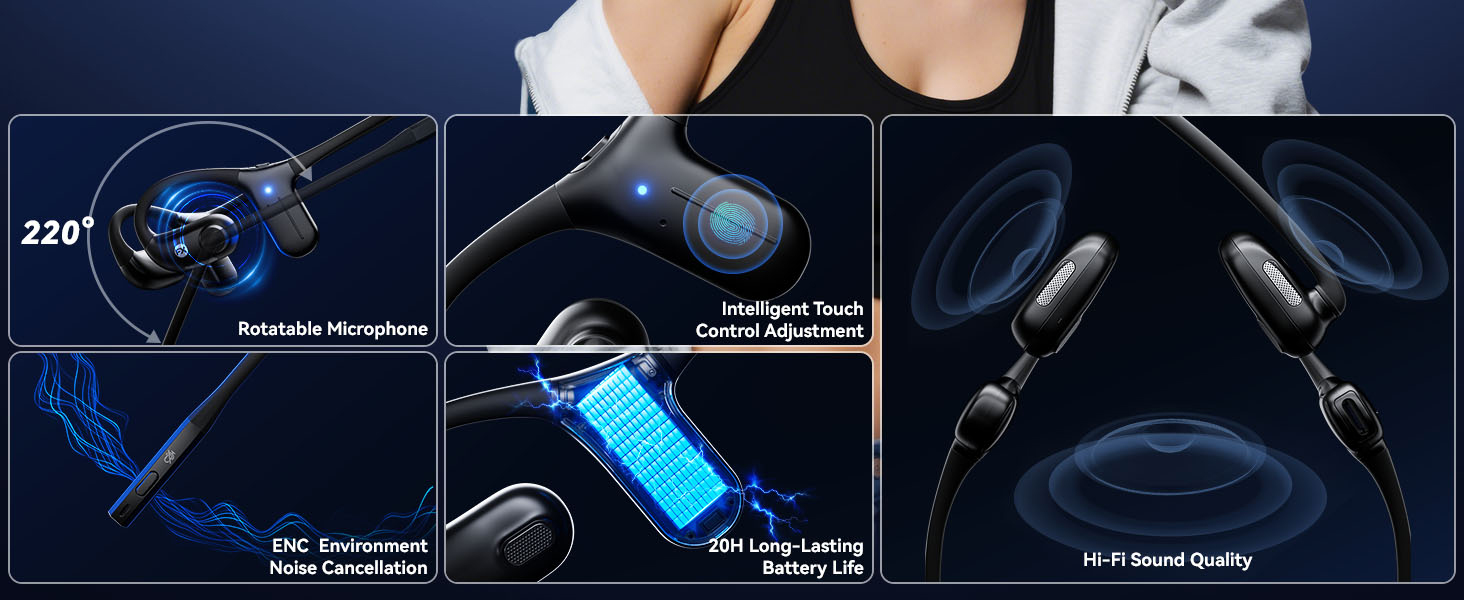

ENC for Perfect Clarity
The ENC system ensures your voice stays crystal-clear, even in noisy streets or crowded offices
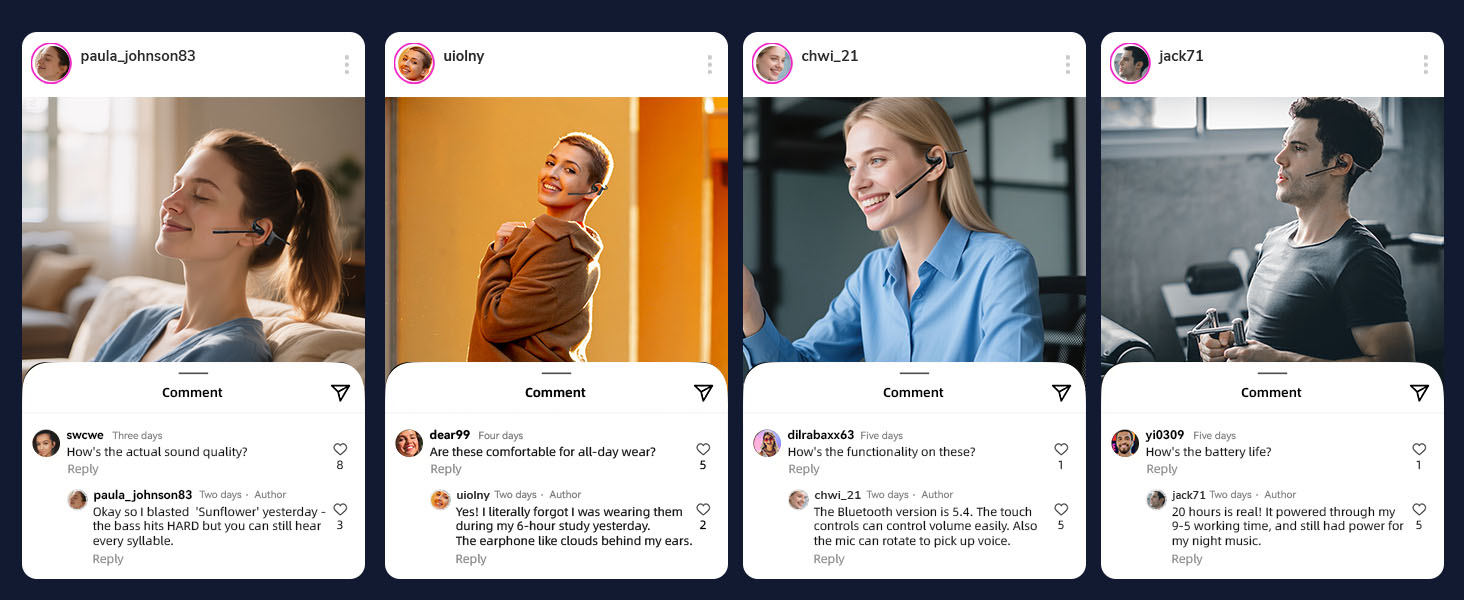
How to Pair Two Devices (Multipoint e.g., Laptop + Phone)
1. Pair Device A: With the headset off, hold the MFB button for 3–5 seconds until the light flashes red/blue. Connect on Device A’s Bluetooth menu. You’ll hear “Connected.”
2. Disconnect Device A: Turn off Bluetooth on Device A.
3. Pair Device B: Connect in Device B’s Bluetooth menu.
4. Reconnect: Turn Bluetooth back ON for Device A and select the headset to finish.
You’re all set! Your headset will now automatically switch between both devices.
Quick Tips:
- Incoming Calls: Music on one device pauses automatically when a call comes in on the other. Tap MFB to answer.
- Computer Meetings: If using Zoom or Teams, make sure the bluetooth headset [FX-HS032] is selected as your “Default Input/Mic” and “Output/Speaker” in your app settings.
- Auto-Link: Your headset remembers both devices and reconnects automatically next time.