KVM Switch 2 Monitors 1 Desktop and 1 Laptop 4K@60Hz, 7-in-1
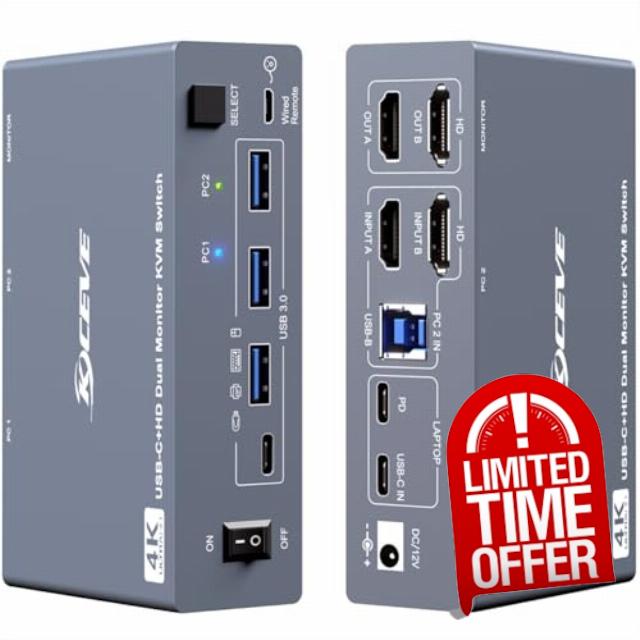
KVM Switch 2 Monitors 1 Desktop and 1 Laptop 4K@60Hz, 7-in-1 Dual Monitor KVM Switch Docking Station, Expand 2 HDMI Displays,4xUSB 3.0,PD 80W, Wired Remote and USB-C Cable Included
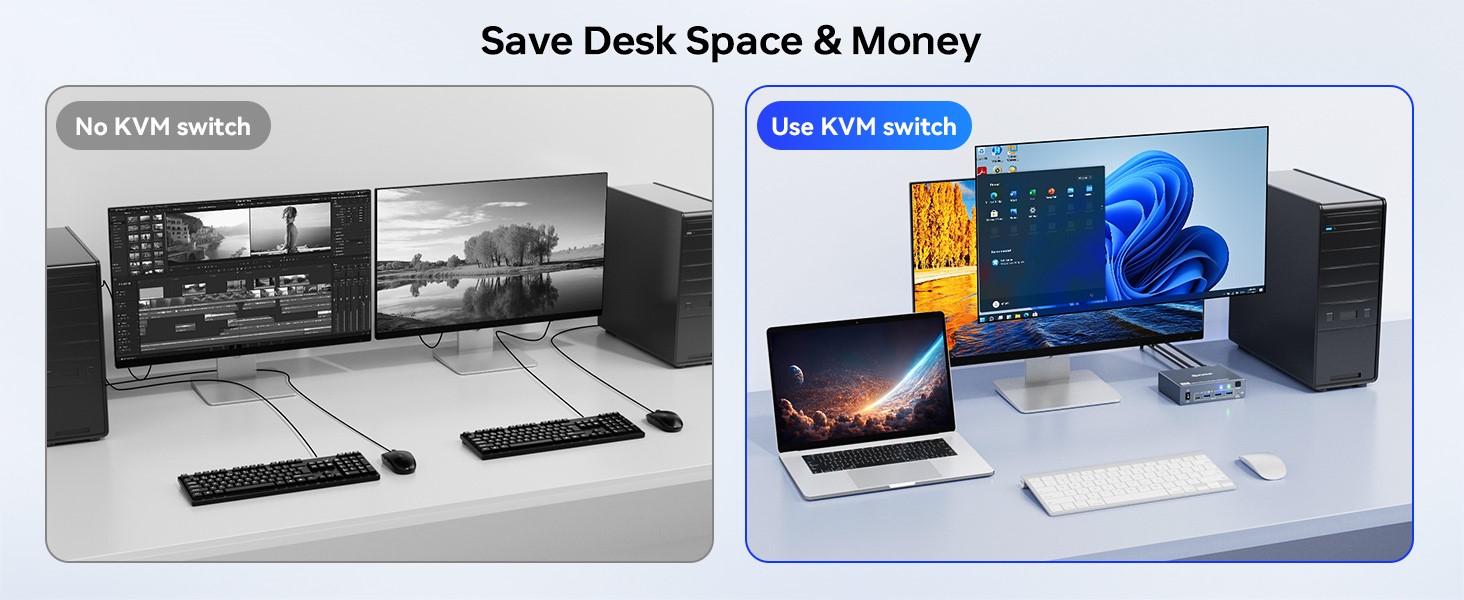
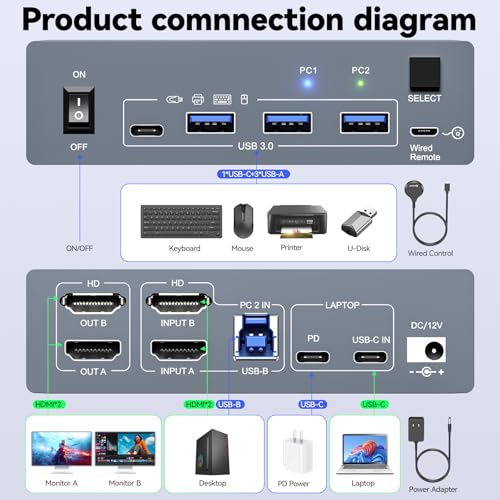
- 【 7-in-1 KVM Switch Docking Station 】 This 2 monitors KVM switch dock is tailor-made for the "1 laptop + 1 desktop" setup. It features a versatile array of ports (3×USB 3.0, 1×USB-C, 1×80W PD, 2×HDMI) and supports seamless switching.
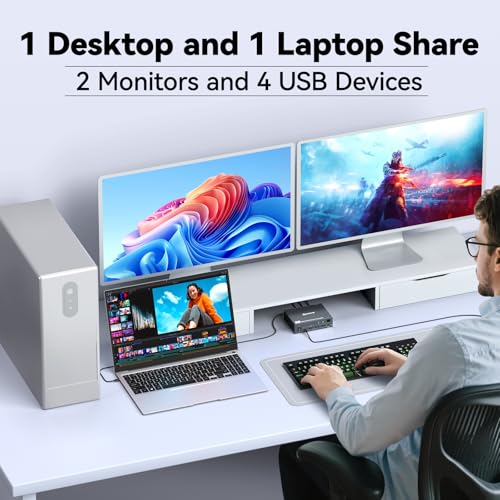
- 【 USB C HDMI Dual Monitor KVM 】2 monitors KVM switch with USB-C (MST-Supported) – Features 2 HDMI Inputs & 2 HDMI Outputs, share 2 monitors and 4 USB devices together.
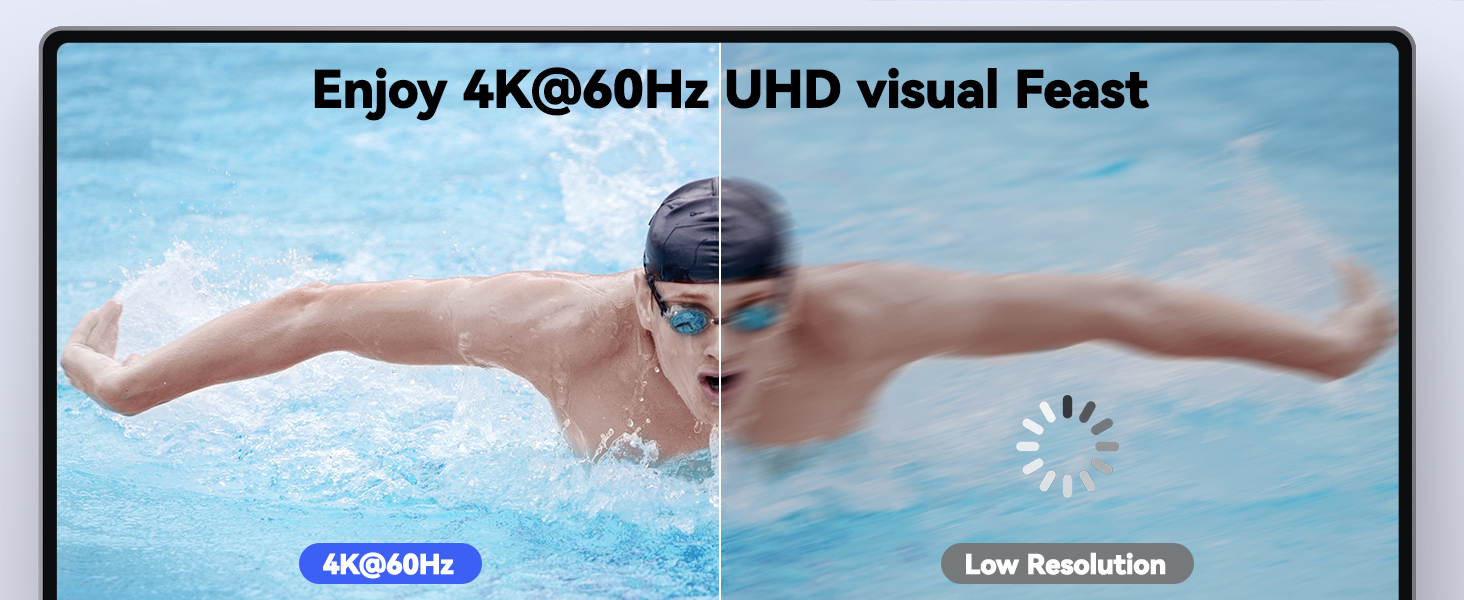
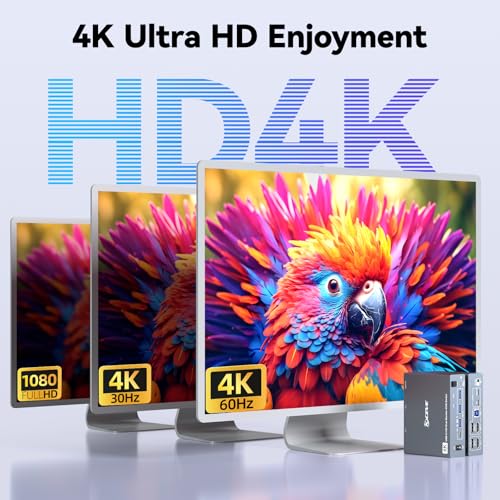
- 【 Ultra HD 4K Visual Experience 】Compatible with HDMI 2.0 and DP 1.4a (USB-C), this KVM switch 2 monitors supports resolutions up to 4K@60Hz with backward compatibility.
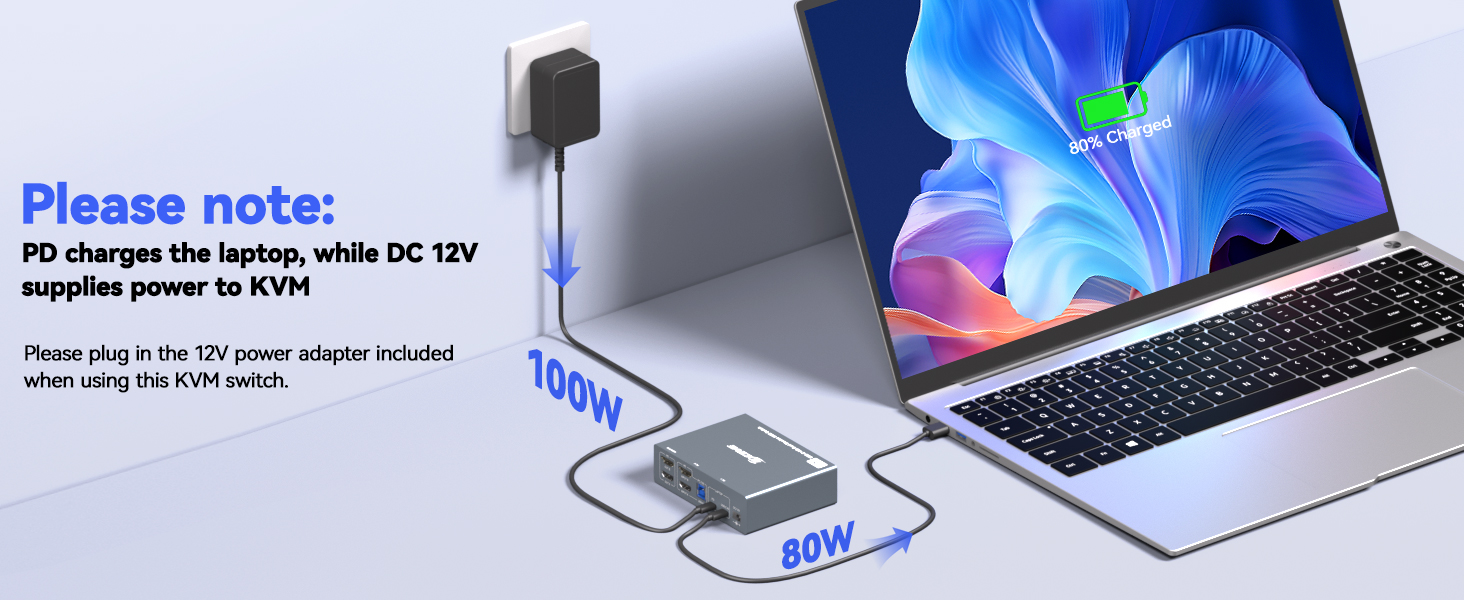
- 【 Fast Laptop Charging 】 This USB C HDMI KVM switch comes with a PD charging port to power your laptop during use. The actual charging power is approximately 80W.
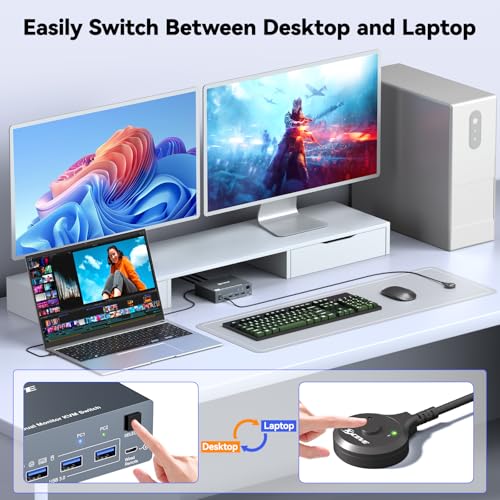
- 【 Easy Switch 】 Plug-and-play (no drivers needed). Effortlessly switch between your desktop and laptop via the button or wired remote.Note: Keyboard shortcuts (hotkeys) are not supported.
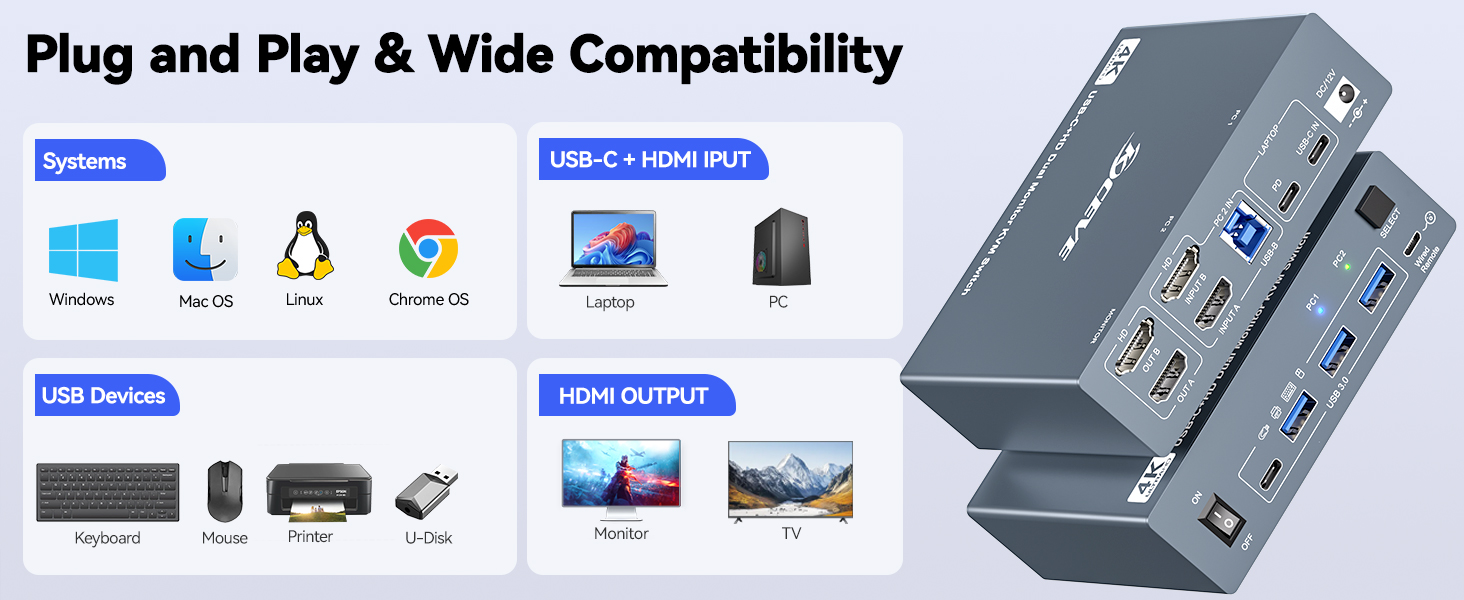
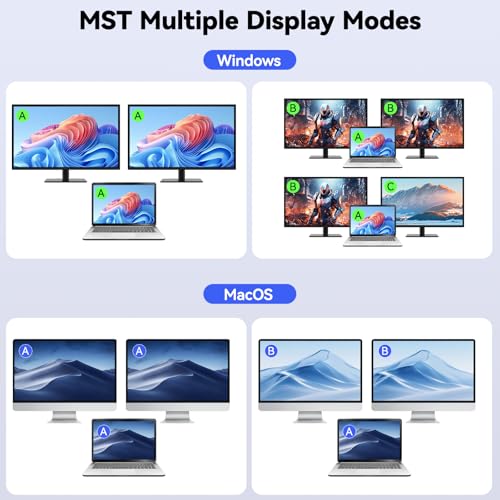
- 【 Note 】This KVM switch 2 computers 2 monitors USB C HDMI supports both Extended Mode and Duplicate Mode on Windows, but only supports Duplicate Mode output on MacOS.
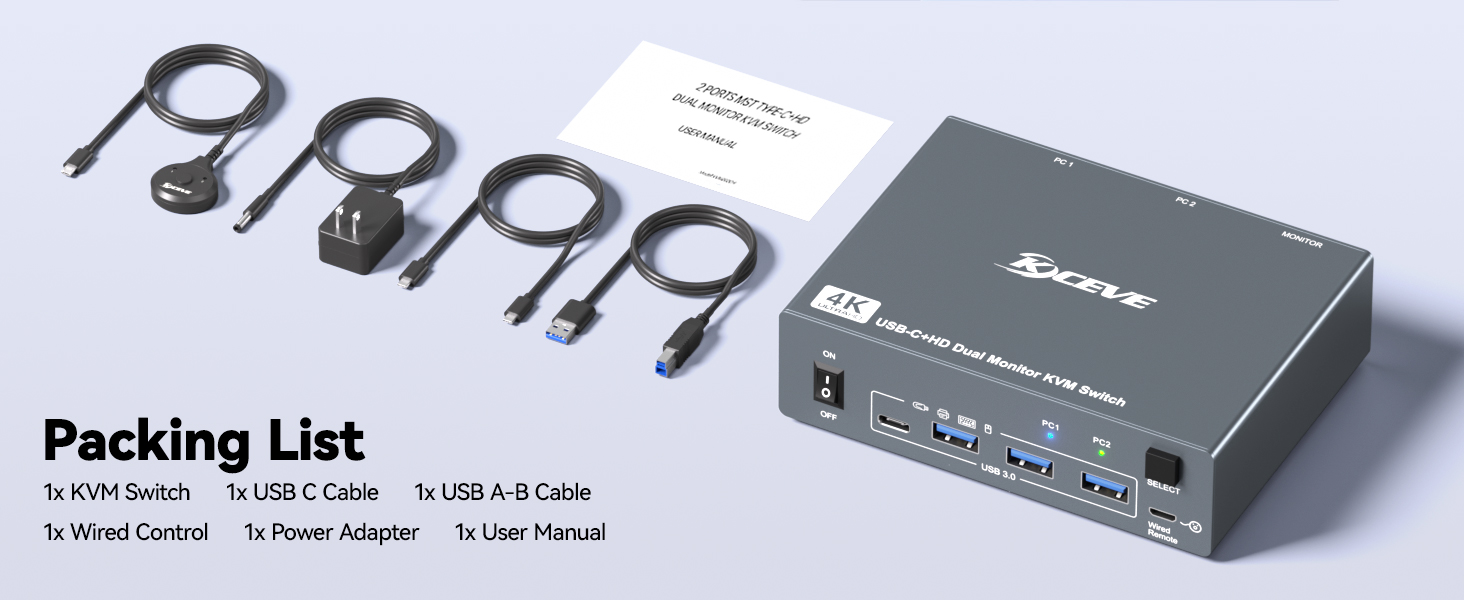
- 【 Package List 】 USB-C HDMI KVM Switch, 1*USB-C cable, 1*USB 3.0 cable, 1*12V power adapter, 1*Wired Remote, User Manual. 1-year warr anty.
kvm switch 2 monitors 1 desktop 1 laptop
Merchant Video2 Monitors KVM switch enables seamless switching between 1 desktop and 1 laptop, sharing 2 external monitors and 4 USB peripherals.
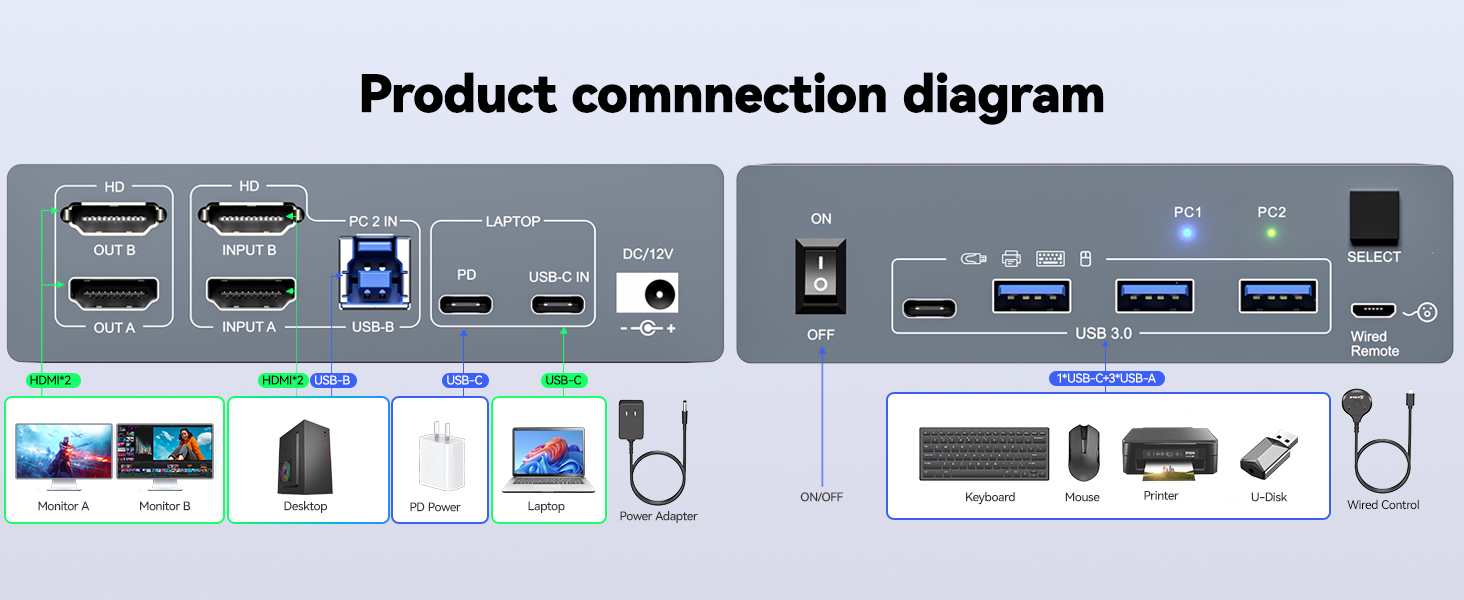
- For desktop : 2*HDMI+1*USB cables are required to connect to the KVM switch.
- For laptop, simply connect to the KVM with a USB-C cable and plug the laptop's power adapter into the "PD" port.
Reminder: Mac OS only supports dual-display extension with two identical screens.
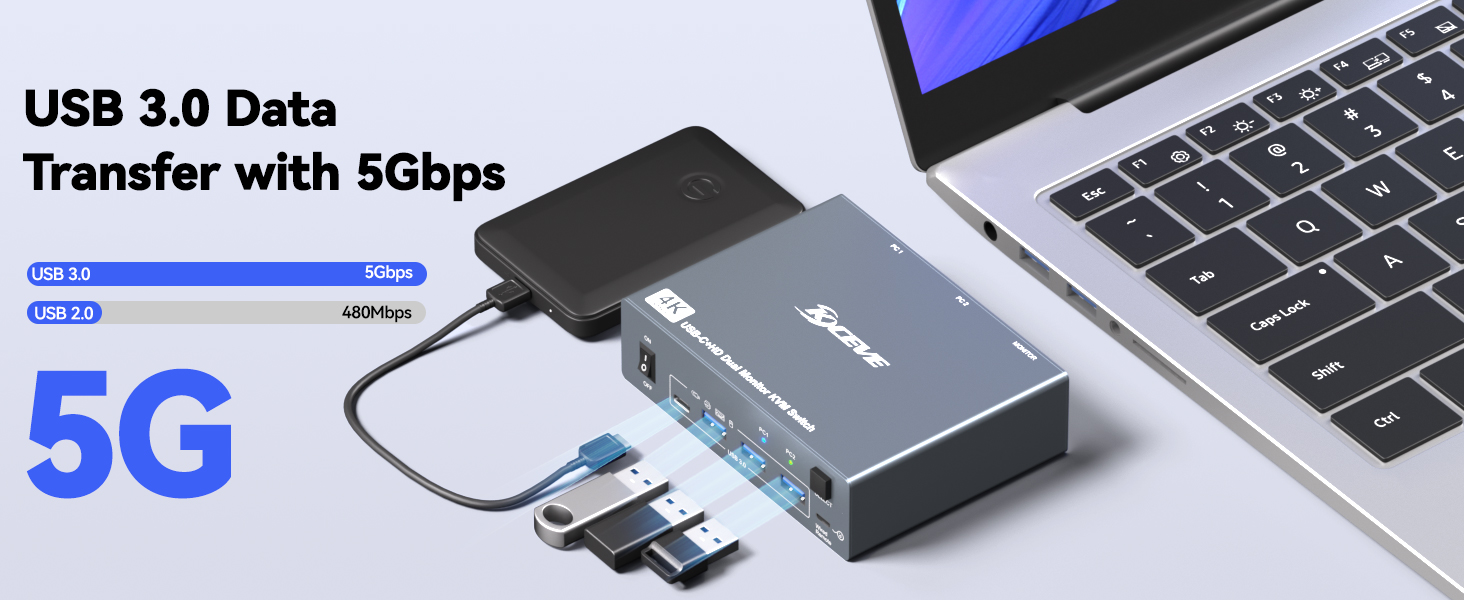
- With 4 USB 3.0 ports for keybaord, mouse, U disk,support ultra-fast data transfer up to 5Gbps
- Support resolution up to 4K@60Hz and backward compatible 4K@30Hz, 1920*1080@120Hz
Switch via Button or Wired Remote(1.5m), 3–5 Seconds Response Time
PD Port | Say Goodbye to Laptop Charging Issues When Using the KVM Switch — Full Power, Non-Stop Productive Work!
Select the Right Version According to Your GPU and Monitors Port Configuration
| Add to Cart Add to Cart Add to Cart Add to Cart Add to Cart Add to Cart | ||||||
| Customer Reviews | — | — | — | — | 4.9 out of 5 stars23 | 1.4 out of 5 stars6 |
| Price | GBP 72.32GBP72.32 | GBP 47.23GBP47.23 | GBP 47.23GBP47.23 | GBP 47.23GBP47.23 | GBP 61.55GBP61.55 | GBP 225.27GBP225.27 |
| USB 3.0 | ✔ | ✔ | ✔ | ✔ | ✔ | ✔ |
| USB Ports | 3 USB-A Ports +1 USB-C Port | 3 USB-A Ports +1 USB-C Port | 4 USB-A Ports | 3 USB-A Ports +1 USB-C Port | 4 USB-A Ports | 3 USB-A Ports +1 USB-C Port |
| Max Supported Resolution | 4K | 8K | 8K | 8K | 8K | 4K |
| Works with 2 PCs | Use for 1 Desktop 1 Laptop | Use for 2 Desktops | Use for 2 Desktops | Use for 2 Desktops | Use for 2 Desktops | Use for 2 Laptops |
| Compatible Graphics Card Ports | Minimum 2*HDMI or USB C | Minimum 2*HDMI | Minimum 2*DP | Minimum 1*HDMI + 1*DP | Minimum 1*HDMI + 2*DP | USB C (DP Alt mode) |
| Monitor Ports (OUTPUT) | 2 HDMI | 2 HDMI | 2 DP | 1 HDMI+1 DP | 1 HDMI+2 DP | 3 HDMI or 2 HDMI+1 DP |
| Switch Way | Button & Controller | Button & Controller | Button & Controller | Button & Controller | Button & Controller | Button & Controller |
| Material | Aluminum | Metal | Metal | Metal | Metal | Aluminum |
| SKU: | B0G37P92PD |
| Weight: | 265 Grams |
| Dimensions: | 4.61 x 3.54 x 1.3 inches |
| Brand: | ANGEET |
| Manufacture: | ANGEET |
Product description
The video showcases the product in use.The video guides you through product setup.The video compares multiple products.The video shows the product being unpacked.kvm switch 2 monitors 1 desktop 1 laptop
Merchant Video2 Monitors KVM switch enables seamless switching between 1 desktop and 1 laptop, sharing 2 external monitors and 4 USB peripherals.
- For desktop : 2*HDMI+1*USB cables are required to connect to the KVM switch.
- For laptop, simply connect to the KVM with a USB-C cable and plug the laptop's power adapter into the “PD” port.
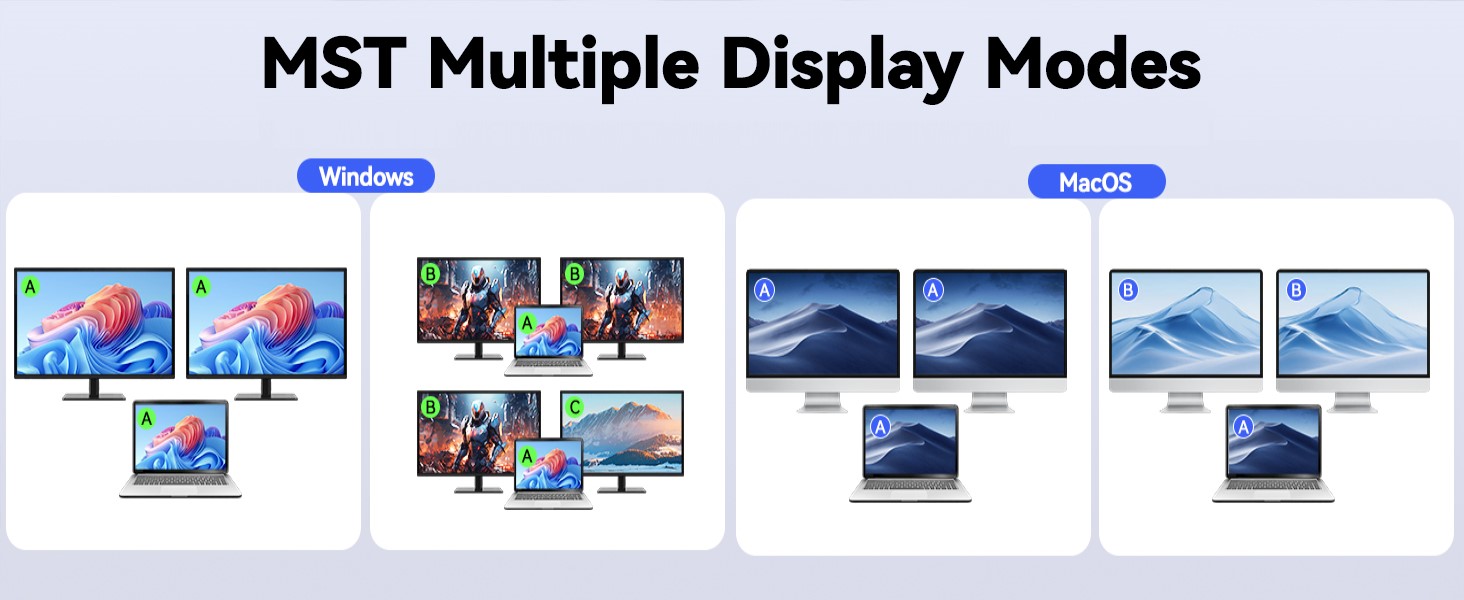
Reminder: Mac OS only supports dual-display extension with two identical screens.
- With 4 USB 3.0 ports for keybaord, mouse, U disk,support ultra-fast data transfer up to 5Gbps
- Support resolution up to 4K@60Hz and backward compatible 4K@30Hz, 1920*1080@120Hz
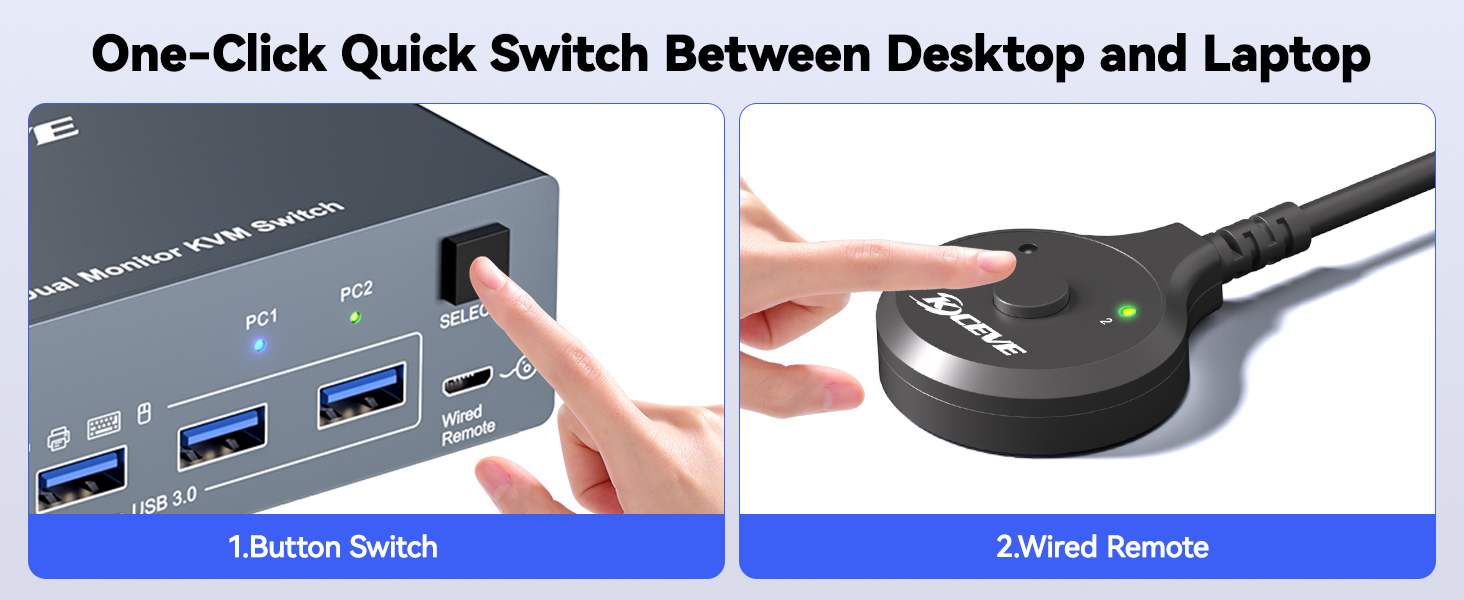
Switch via Button or Wired Remote(1.5m), 3–5 Seconds Response Time
PD Port | Say Goodbye to Laptop Charging Issues When Using the KVM Switch — Full Power, Non-Stop Productive Work!
Select the Right Version According to Your GPU and Monitors Port Configuration
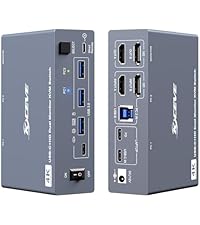 HDMI+USB C 2 Monitor KVM | 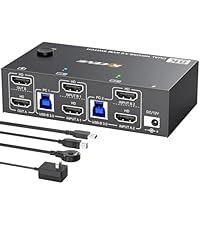 HDMI+HDMI 2 Monitors KVM | 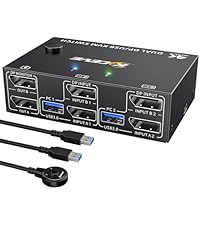 DP+DP 2 Monitors KVM | 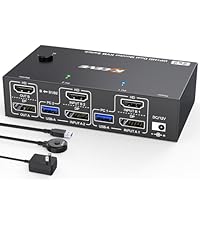 HDMI+DP 2 Monitors KVM | 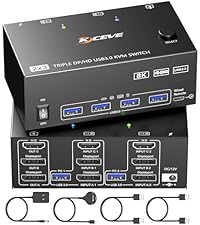 HDMI+DP 3 Monitor KVM | 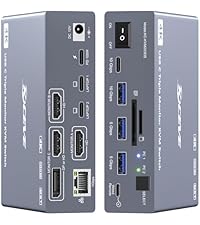 USB C 3 Monitors KVM | |
|---|---|---|---|---|---|---|
| Customer Reviews | — | — | — | — | 4.9 out of 5 stars23 | 1.4 out of 5 stars6 |
| Price | GBP 72.32 | GBP 47.23 | GBP 47.23 | GBP 47.23 | GBP 61.55 | GBP 225.27 |
| USB 3.0 | ✔ | ✔ | ✔ | ✔ | ✔ | ✔ |
| USB Ports | 3 USB-A Ports +1 USB-C Port | 3 USB-A Ports +1 USB-C Port | 4 USB-A Ports | 3 USB-A Ports +1 USB-C Port | 4 USB-A Ports | 3 USB-A Ports +1 USB-C Port |
| Max Supported Resolution | 4K | 8K | 8K | 8K | 8K | 4K |
| Works with 2 PCs | Use for 1 Desktop 1 Laptop | Use for 2 Desktops | Use for 2 Desktops | Use for 2 Desktops | Use for 2 Desktops | Use for 2 Laptops |
| Compatible Graphics Card Ports | Minimum 2*HDMI or USB C | Minimum 2*HDMI | Minimum 2*DP | Minimum 1*HDMI + 1*DP | Minimum 1*HDMI + 2*DP | USB C (DP Alt mode) |
| Monitor Ports (OUTPUT) | 2 HDMI | 2 HDMI | 2 DP | 1 HDMI+1 DP | 1 HDMI+2 DP | 3 HDMI or 2 HDMI+1 DP |
| Switch Way | Button & Controller | Button & Controller | Button & Controller | Button & Controller | Button & Controller | Button & Controller |
| Material | Aluminum | Metal | Metal | Metal | Metal | Aluminum |