Wireless Headset with Mic for Work(Upgrade Volume Knob
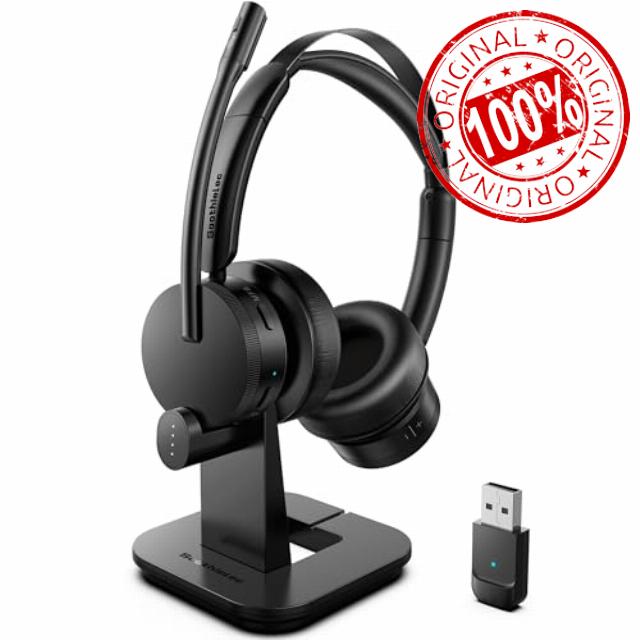
Wireless Headset with Mic for Work(Upgrade Volume Knob & Charging Indicator), Bluetooth Headset with Microphone for PC, with Noise Cancelling/Mute/USB for Call Center/Office/Home/Computer/Teams/Zoom
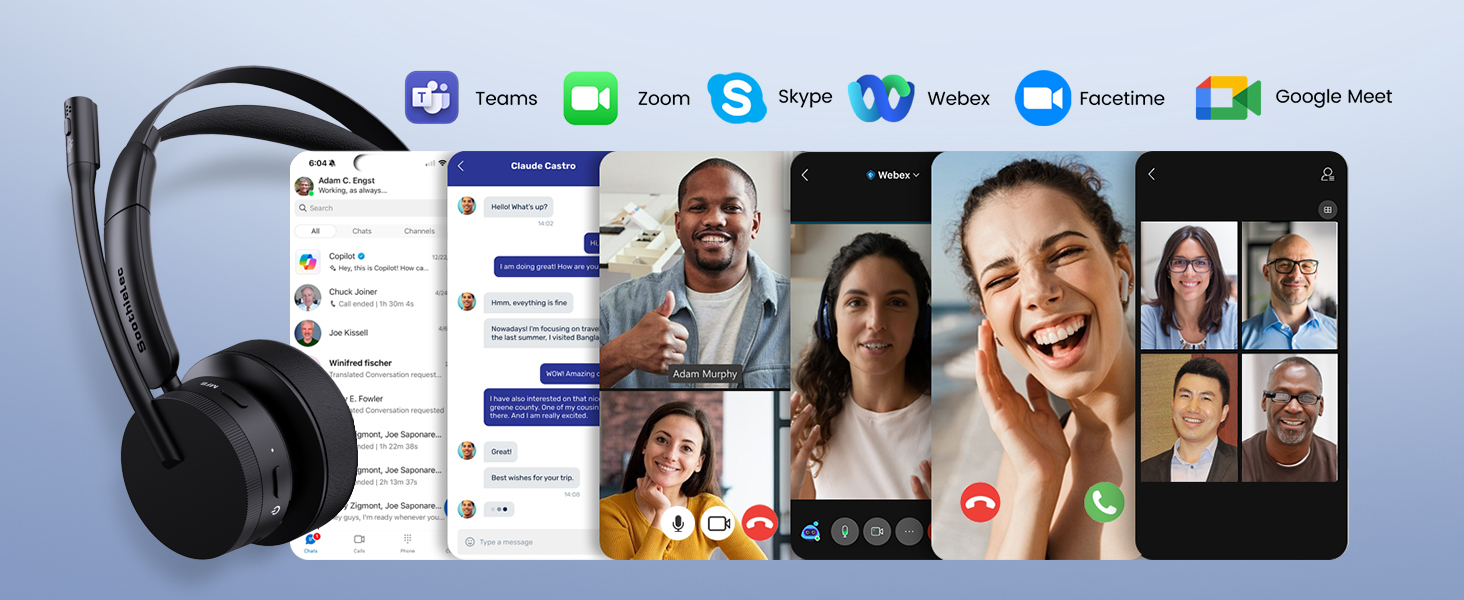
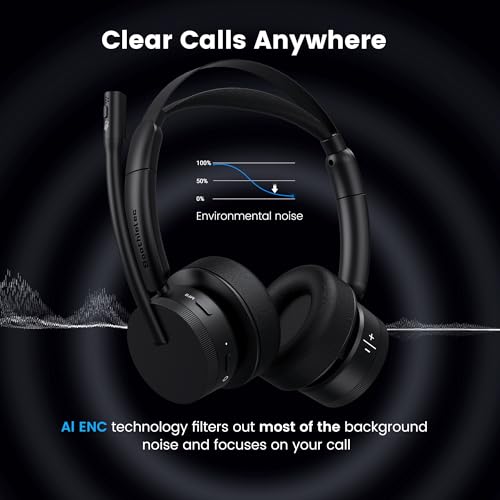
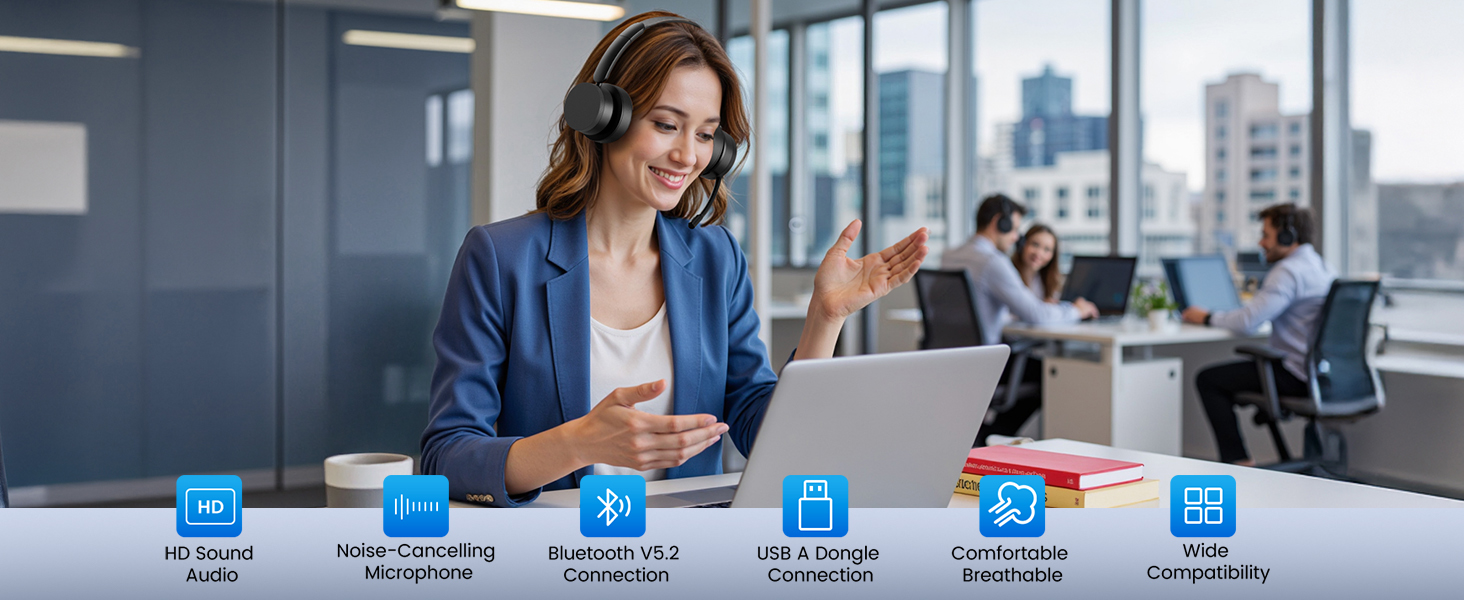
- Professional Noise Cancellation for Clear Calls—Featuring advanced ENC technology, this wireless headset effectively eliminates distracting background noise—whether in a busy airport, shared workspace, bustling home, or during your commute. Enjoy studio-quality voice clarity on Zoom, Teams, WebEx, Skype, or calls, wireless headset with mic ideal for customer service, remote work, and business communications
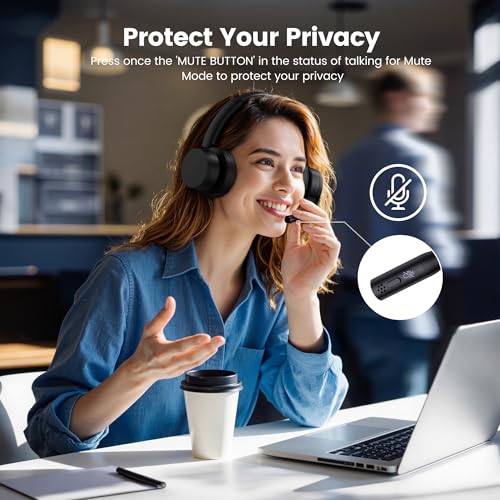
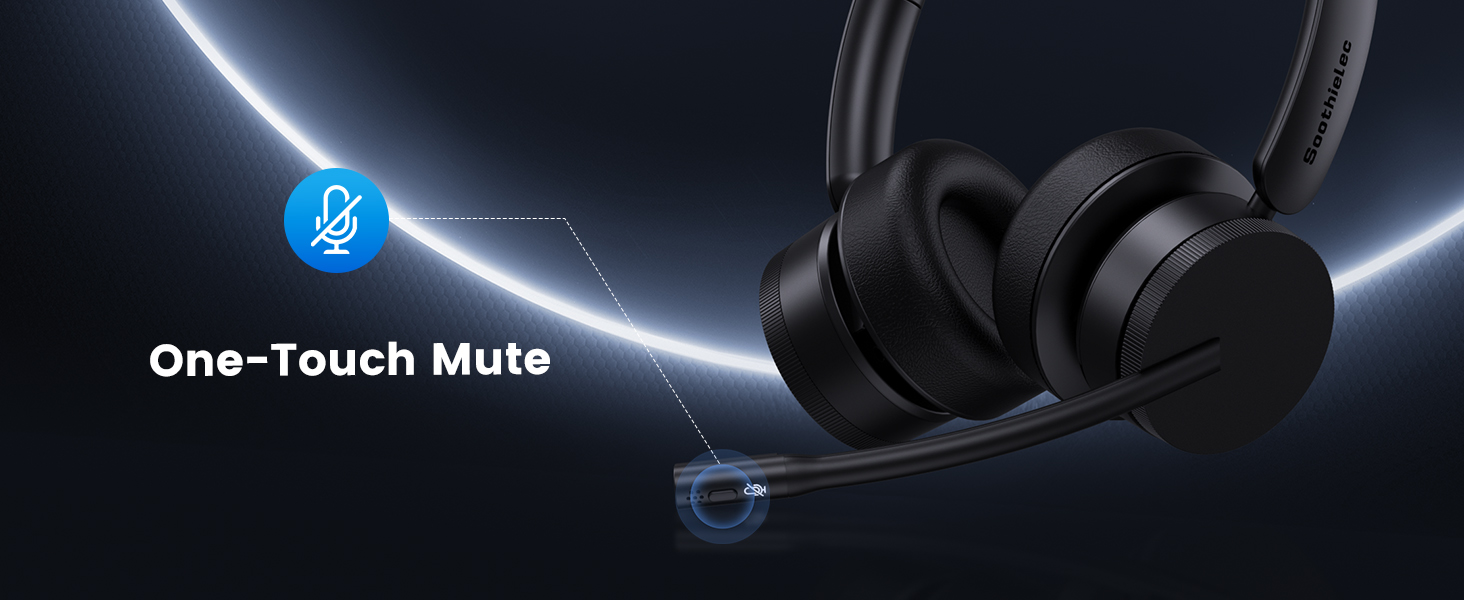
- One-Touch Mute for Instant Privacy—Stay in control of your conversations with a dedicated One-Touch mute button. Perfect for virtual meetings, confidential discussions, and the mobile office that needs reliable, uninterrupted communication anytime, anywhere. The intuitive MFB button on the call center headset also allows you to easily answer/end calls on your cellphone. A professional wireless headphones with mic that makes every call easy and convenient
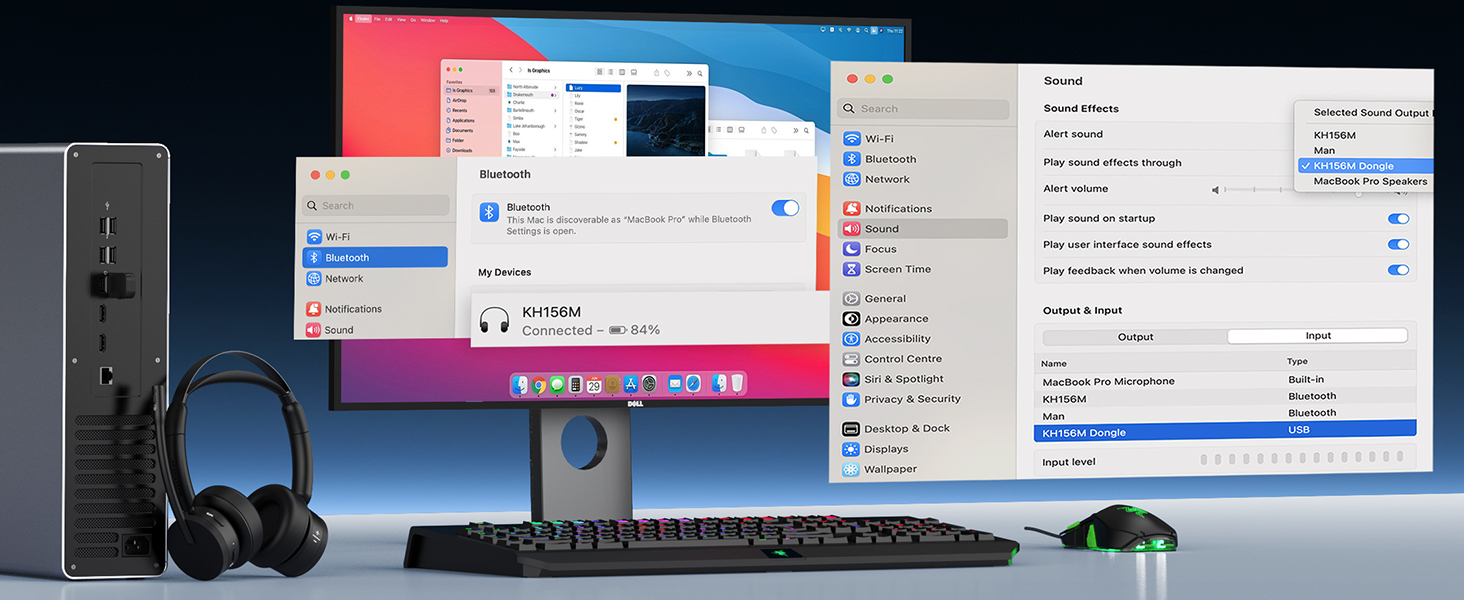
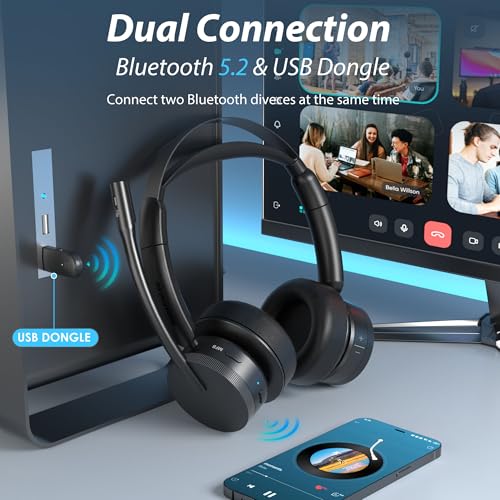
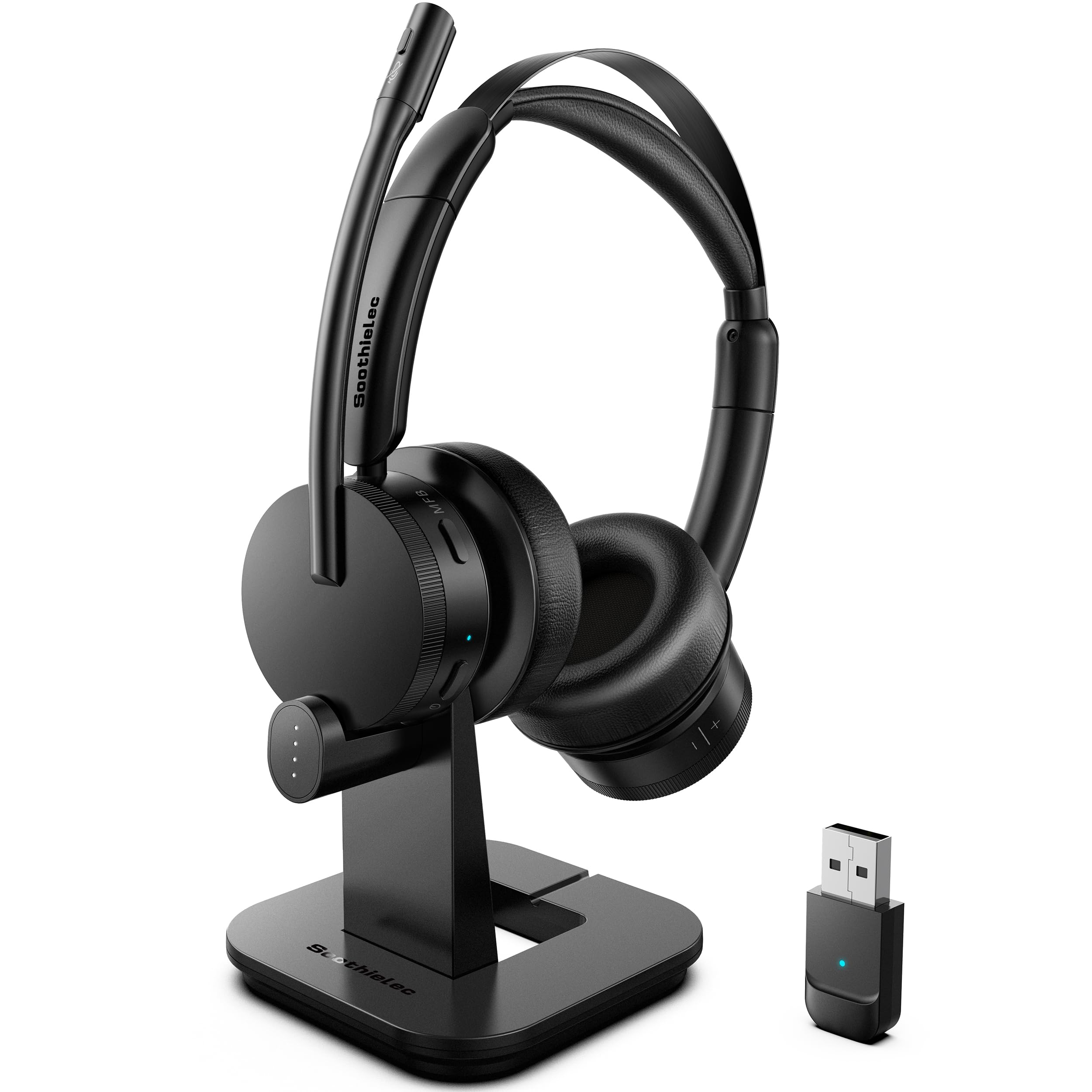
- Dual Connectivity: Bluetooth & Qualcomm USB Adapter—Seamlessly switch between Bluetooth 5.2 and a plug-and-play USB adapter for universal compatibility with PC, Mac, iPhone, and Android. No drivers needed—Soothielec headsets with microphone for work ideal for computers without built-in Bluetooth or limited connectivity (Not compatible with desk phones/landlines)
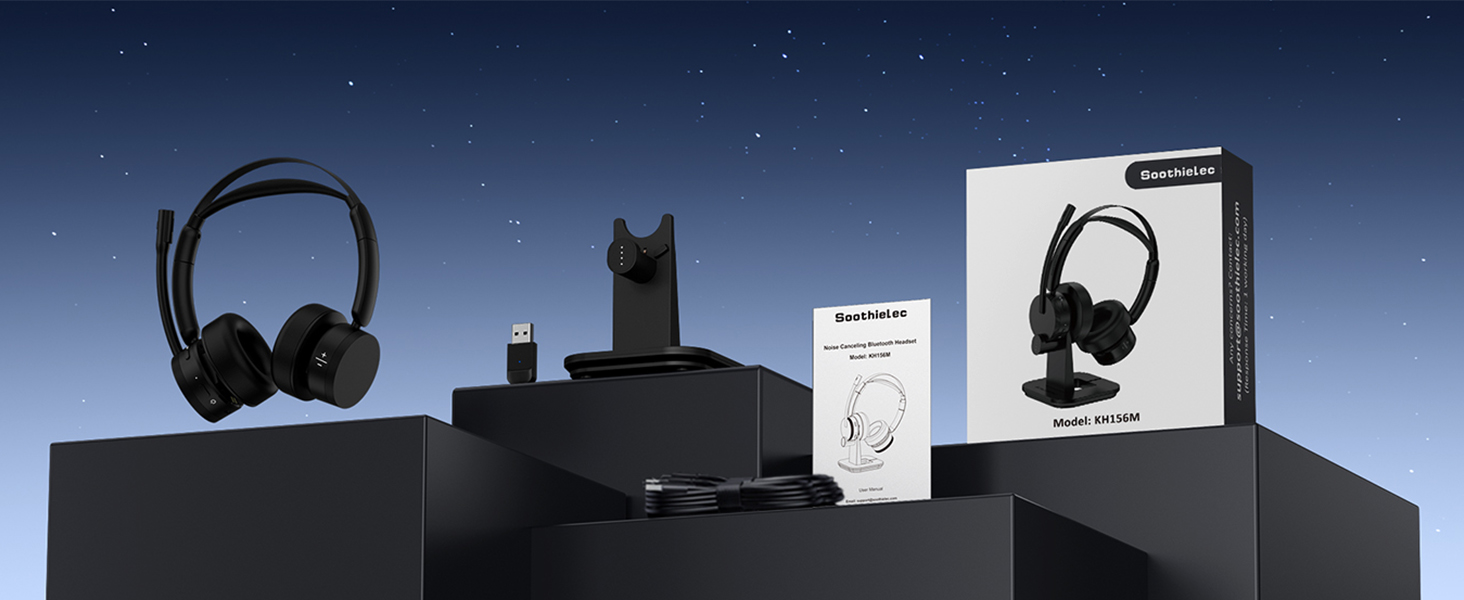
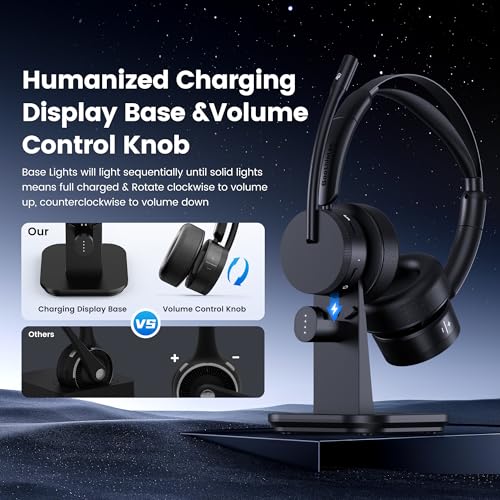
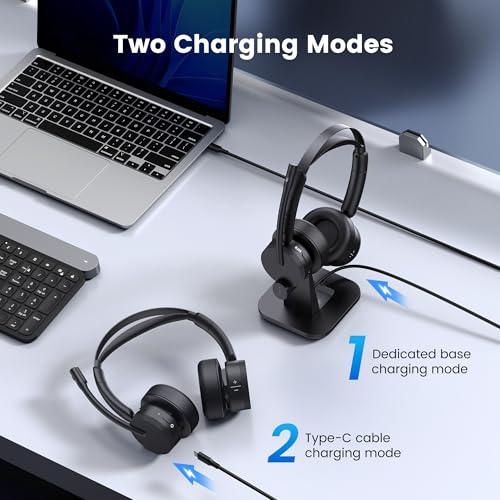
- 55-Hour Battery & Rapid Charging—Designed for long meetings, office shifts, or international travel, the work headset offers up to 55 hours of talk time on a single charge. Say goodbye to the worry of low battery. You can use USB-C cable or charging dock for fast charging. The dock also features an intuitive LED indicator, allowing you to keep track of charging time and work efficiently
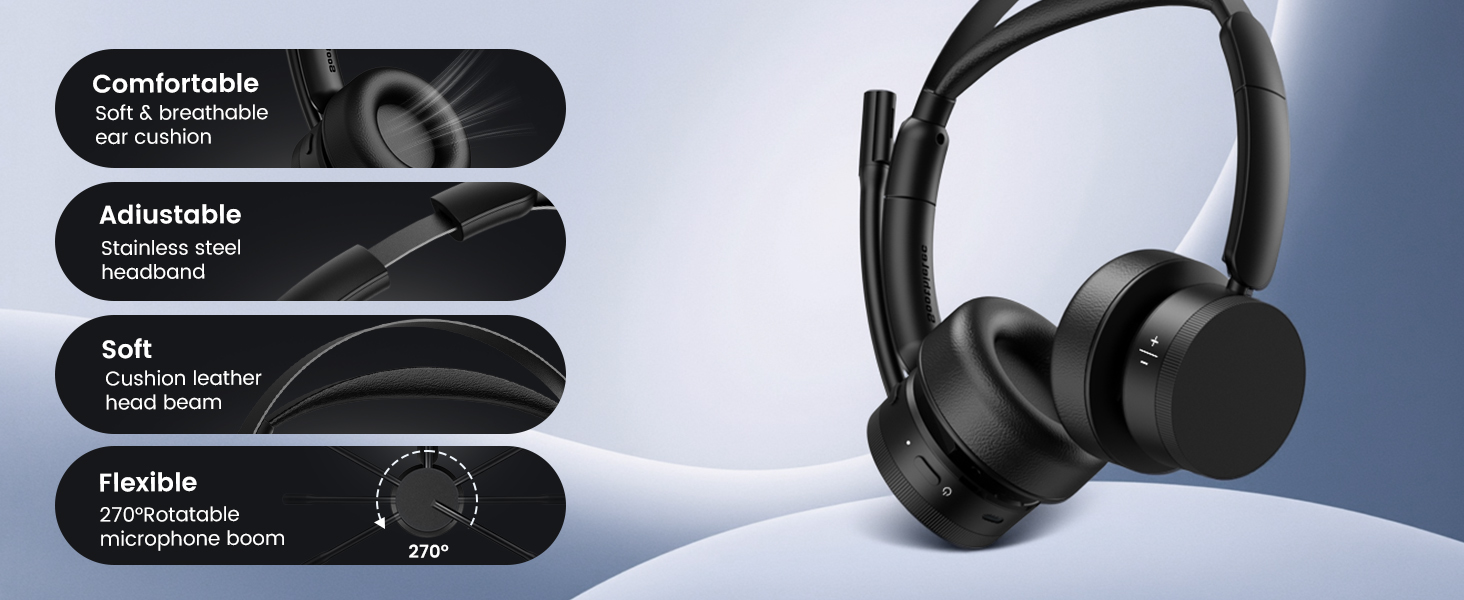
- All-Day Comfort & Easy Volume Knob—Engineered soft leather ear cushions, an adjustable headband, and a 270° rotatable mic, and the lightweight, tangle-free design ensures all-day comfort wear for all head sizes. Unlike traditional computer headset with microphone with button volume control, our usb headset with microphone for pc has an intuitive volume knob that allows easy adjustment—rotate to set your level without fumbling for buttons.
How does the mute function works on phone and computer?
When connected to a mobile phone, you can mute or unmute by pressing the mute button. When connected to a computer via a USB adapter, please unmute the software before joining the meeting, you can then mute or unmute using the mute button.
Why does zoom show the microphone cannot be detected after my bluetooth headset is connected to computer?
Please check your computer and software settings to ensure the [KH156M dongle] is set as the default input & output device. Additionally, you may try logging out of the software and logging back in, as the initial synchronization may not succeed.
Can I answer incoming calls from computer and my desk phone (VOIP) using the wireless headset with mic?
When using the headset with a mobile phone, press the MFB button to answer or end calls (mobile calls only). When using the headset with a computer or landline phone, manually answer or end calls via the computer interface or landline phone.
How to reset the KH156M wireless headset?
Turn on the usb headset, then simultaneously press and hold the MFB button and the power button for over 5 seconds. The LED light on the headset will flash purple once, indicating a successful reset.
What are the benefits of Soothielec KH156M noise cancelling headphones for work?
Easier volume control—simply rotate to adjust the volume
Clearer calls—powered by Qualcomm chipset and adapter
Supports mute—chat with colleagues without removing your headset
Dual connection—connects to both your phone and computer simultaneously.

| SKU: | B0F4CJR3JK |
| Weight: | 1.48 pounds |
| Dimensions: | 8.39 x 8.27 x 4.21 inches |
| Model: | KH156M |
| Pack Quantity: | 1 |
| Batteries Included: | 1 Nonstandard Battery batteries required. (included) |
| Manufacture: | Soothielec |
| Quantity: | 1 |
Product description
How does the mute function works on phone and computer?
When connected to a mobile phone, you can mute or unmute by pressing the mute button. When connected to a computer via a USB adapter, please unmute the software before joining the meeting, you can then mute or unmute using the mute button.
Why does zoom show the microphone cannot be detected after my bluetooth headset is connected to computer?
Please check your computer and software settings to ensure the [KH156M dongle] is set as the default input & output device. Additionally, you may try logging out of the software and logging back in, as the initial synchronization may not succeed.
Can I answer incoming calls from computer and my desk phone (VOIP) using the wireless headset with mic?
When using the headset with a mobile phone, press the MFB button to answer or end calls (mobile calls only). When using the headset with a computer or landline phone, manually answer or end calls via the computer interface or landline phone.
How to reset the KH156M wireless headset?
Turn on the usb headset, then simultaneously press and hold the MFB button and the power button for over 5 seconds. The LED light on the headset will flash purple once, indicating a successful reset.
What are the benefits of Soothielec KH156M noise cancelling headphones for work?
Easier volume control—simply rotate to adjust the volume
Clearer calls—powered by Qualcomm chipset and adapter
Supports mute—chat with colleagues without removing your headset
Dual connection—connects to both your phone and computer simultaneously.