Wireless Headset with Mic for Work, V5.2 Wireless Headphones
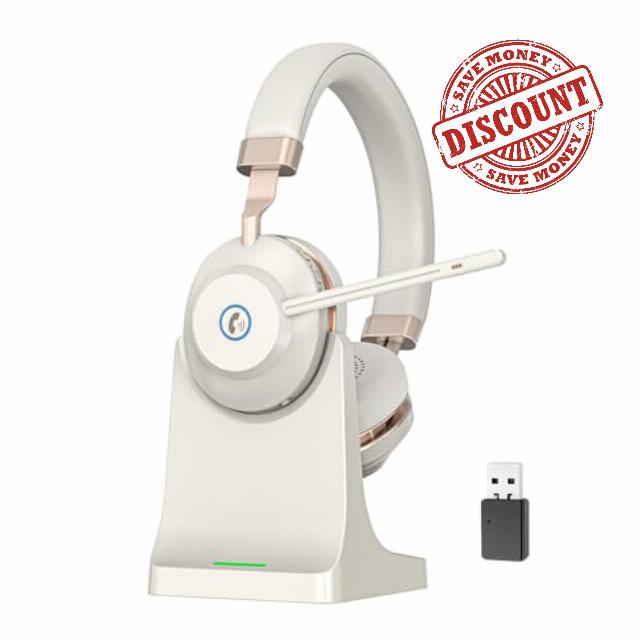
Wireless Headset with Mic for Work, V5.2 Wireless Headphones with Mic Noise Canceling & USB Dongle, 45Hrs Bluetooth Headphones with Microphone Mute & Charging Dock for Office/Work/Meetings/Call Cente
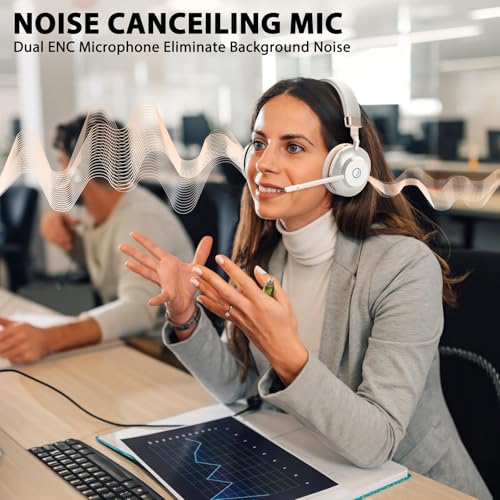
- 【AI-ENHANCED NOISE CANCELATION & INSTANT MUTE】Equipped with dual AI-driven noise-canceling microphones, these Bluetooth headphones deliver exceptional voice clarity and professional-grade call performance. The integrated one-touch mute button of bluetooth headset instantly safeguards your privacy during sensitive conversations.
- 【ERGONOMIC DESIGN & HIGH-FIDELITY AUDIO】Designed for all-day comfort with premium leatherette ear cushions, an adjustable headband, and balanced weight distribution. Featuring 40mm NdFeB drivers, the wireless headphones with mic produces rich, detailed sound perfect for both calls and media.
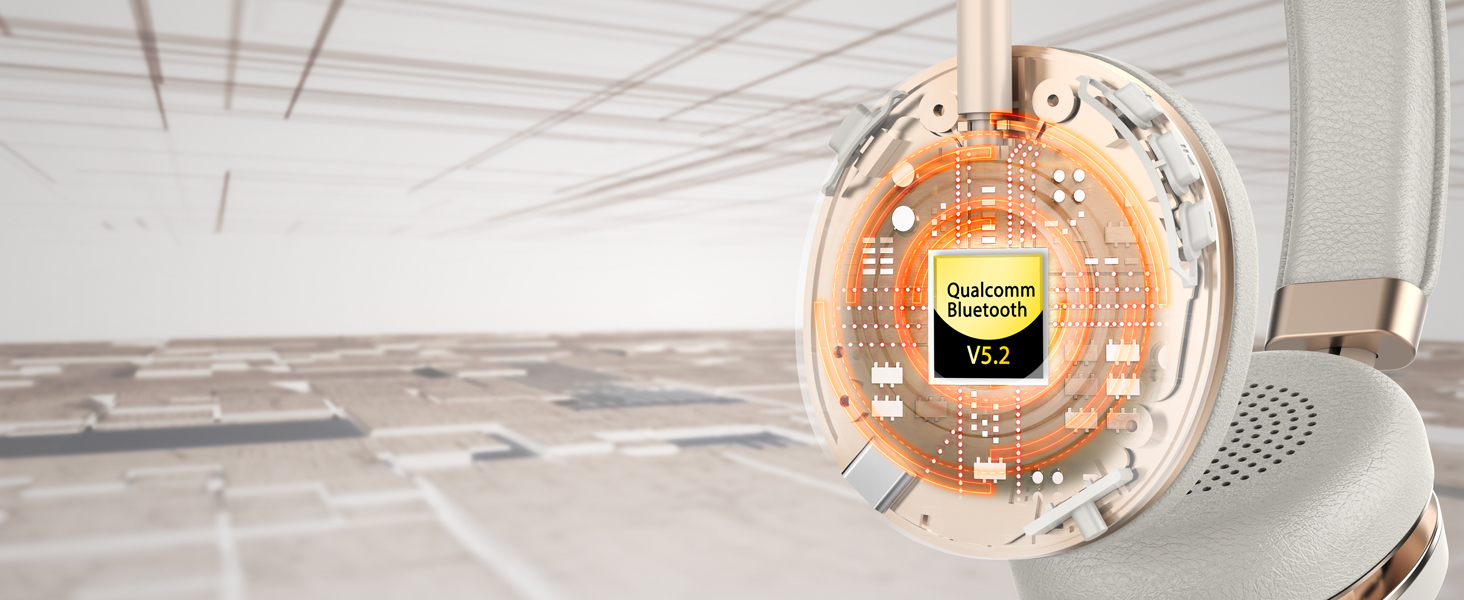
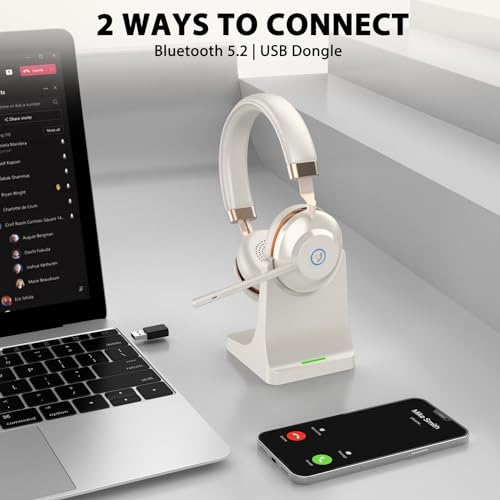
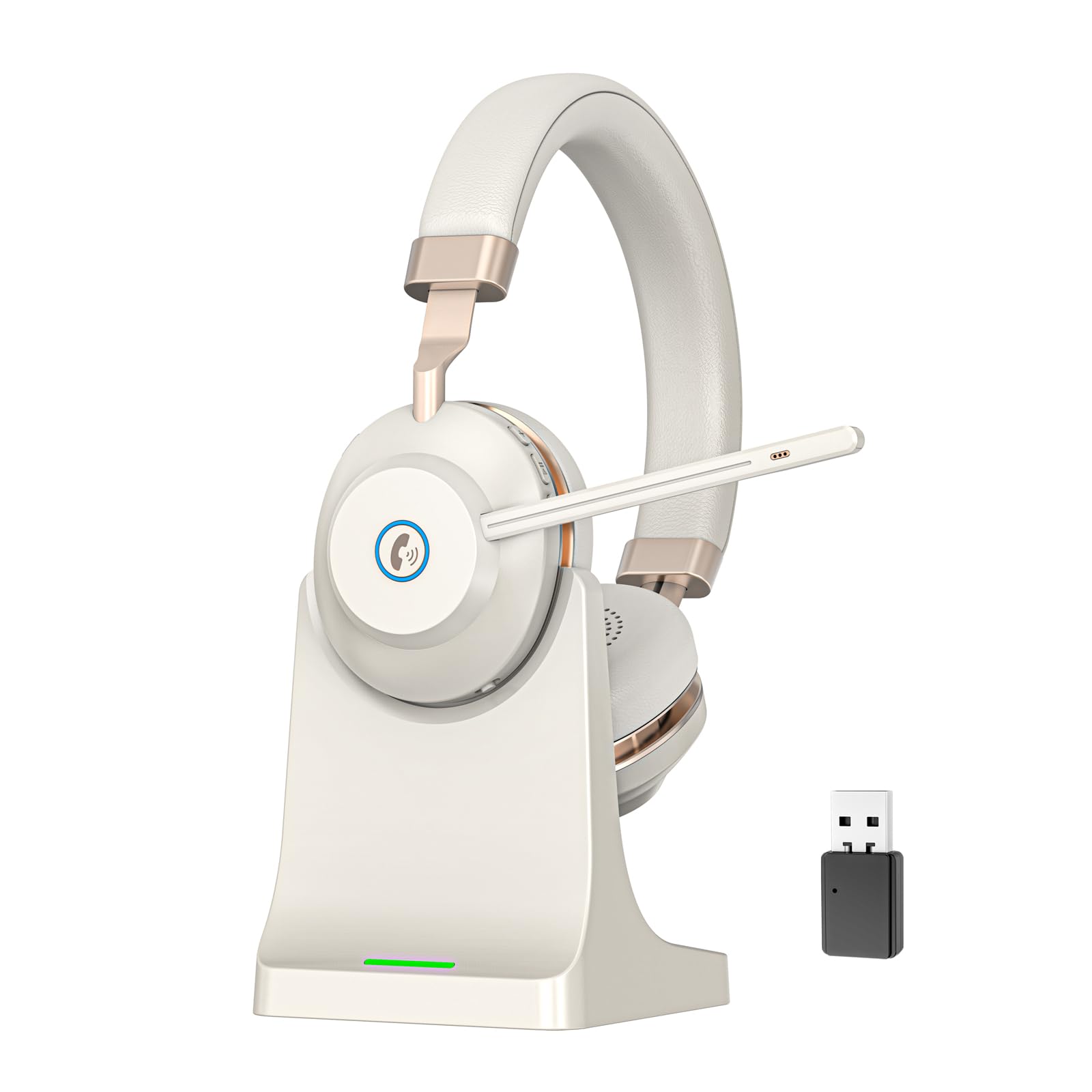
- 【DUAL-DEVICE CONNECTIVITY & USB DONGLE】Advanced Bluetooth 5.2 of wireless headset allows effortless switching between two paired devices. The included USB dongle of wireless headphones ensures reliable, low-latency connectivity with non-Bluetooth devices up to 15m (49ft), ideal for flexible workspace setups.
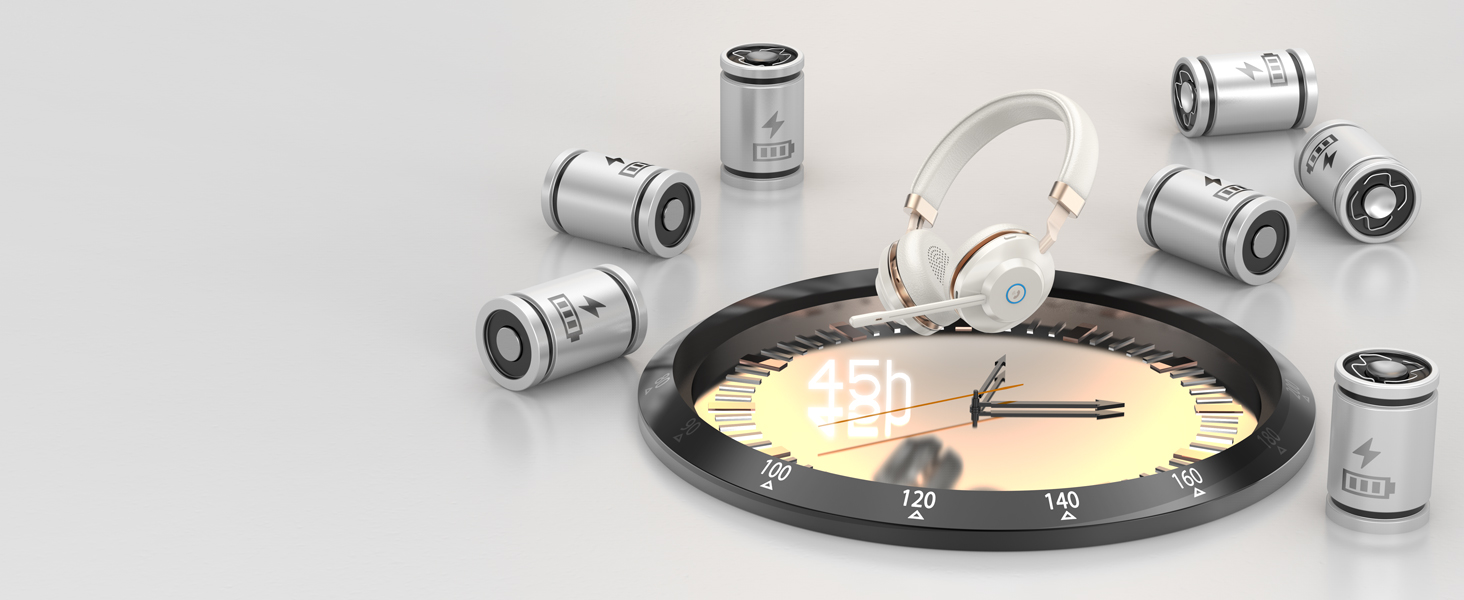
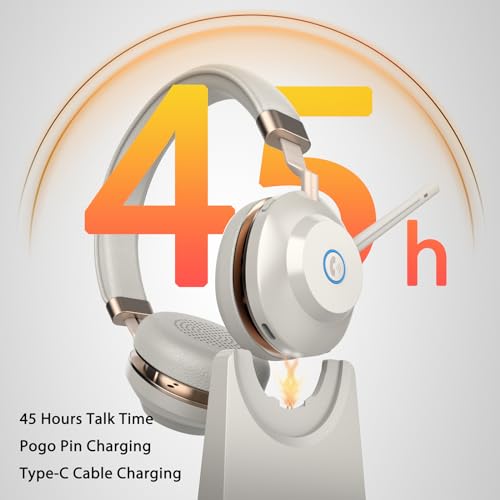
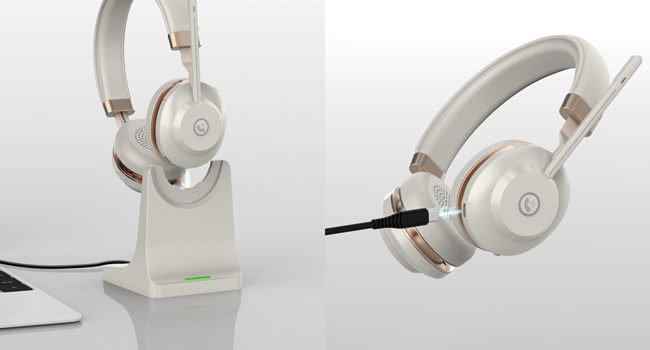
- 【45-HOUR ENDURANCE & RAPID RECHARGING】A high-capacity 500mAh battery of wireless headset with mic supports up to 45 hours of continuous use. With fast-charging capability (full charge in 2 hours) and a streamlined charging dock, your bluetooth headset remains always ready and organized.
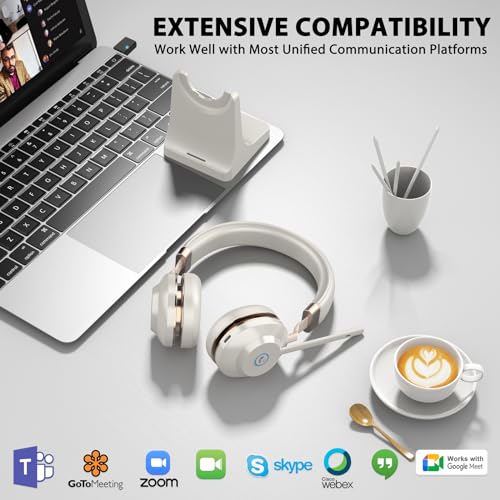
- 【UNIVERSAL COMPATIBILITY & RELIABLE SUPPORT】The bluetooth headset with microphone is compatible with major UC platforms like Zoom, Teams, Webex, and Skype. Supported by a 1-year warranty, 30-day money-back guarantee, and responsive customer service to ensure uninterrupted productivity.
Office headset with microphone
Merchant Video500mAh Battery
Up to 45hrs playtime on a single charge by 500mAh Li+ Battery of bluetooth headphones with mic
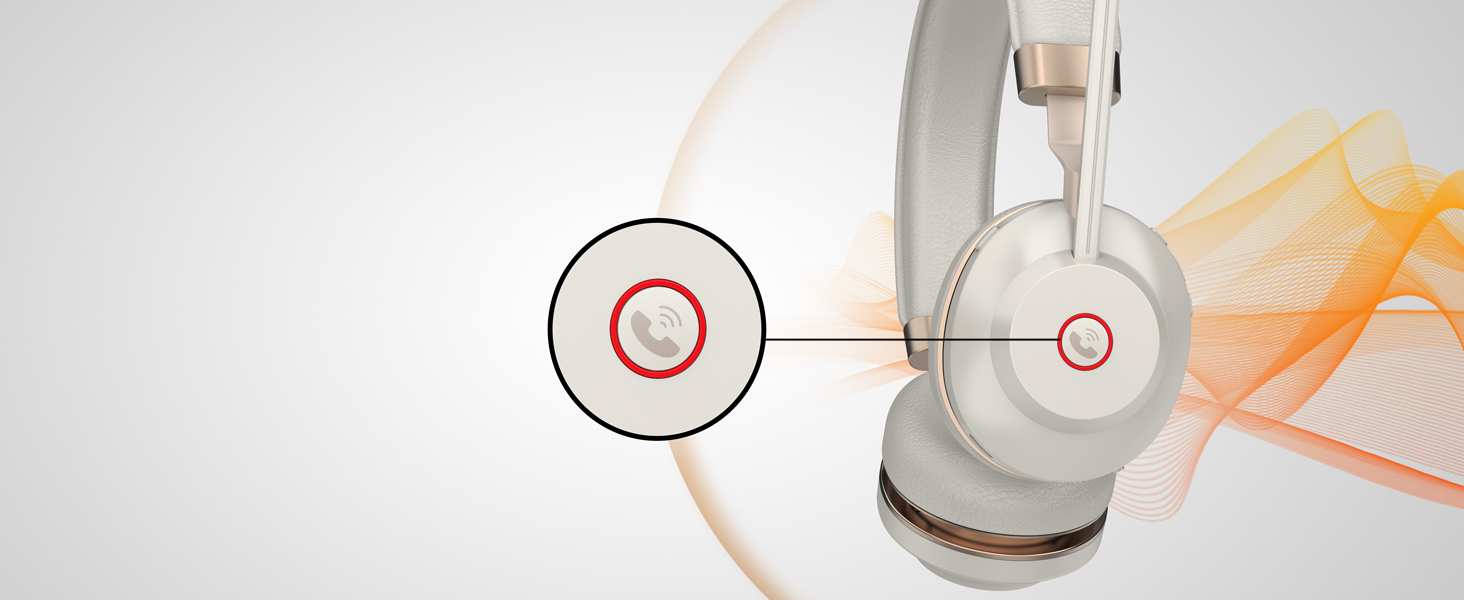
Phone Call Control
Answer/reject phone calls easily by pressing the call button of wireless headset with mic for work
Up to 15m/49ft Range
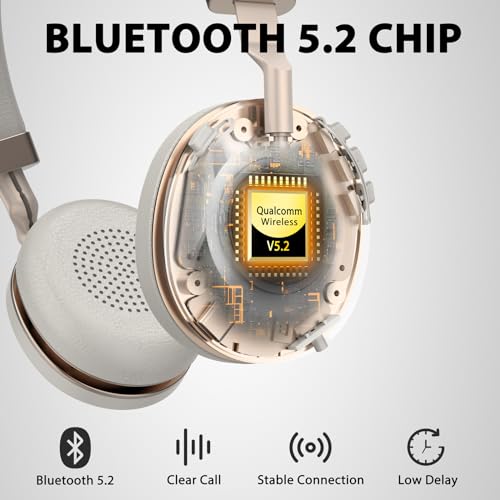
Experience rock-solid connection with less latency by V5.2 Chipset of wireless headset for computer
2x CVC8.0 MICROPHONE
Built-in 2x Mic eliminate environmental sound around you while talking through the bluetooth headset
VONZTEK PROFESSIONAL WIRELESS HEADSET WITH MICROPHONE FOR OFFICE
1 EXTENSIVE BATTERY 2 CALL BUTTON 3 CUTTING EDGE CHIPSET 4 NOISE CANCELING MICEnhanced 40mm NdFeB Unit
Outstanding Audio
The wireless headset has 40mm speaker deliver high-definition audio that alway keeps you in the loop
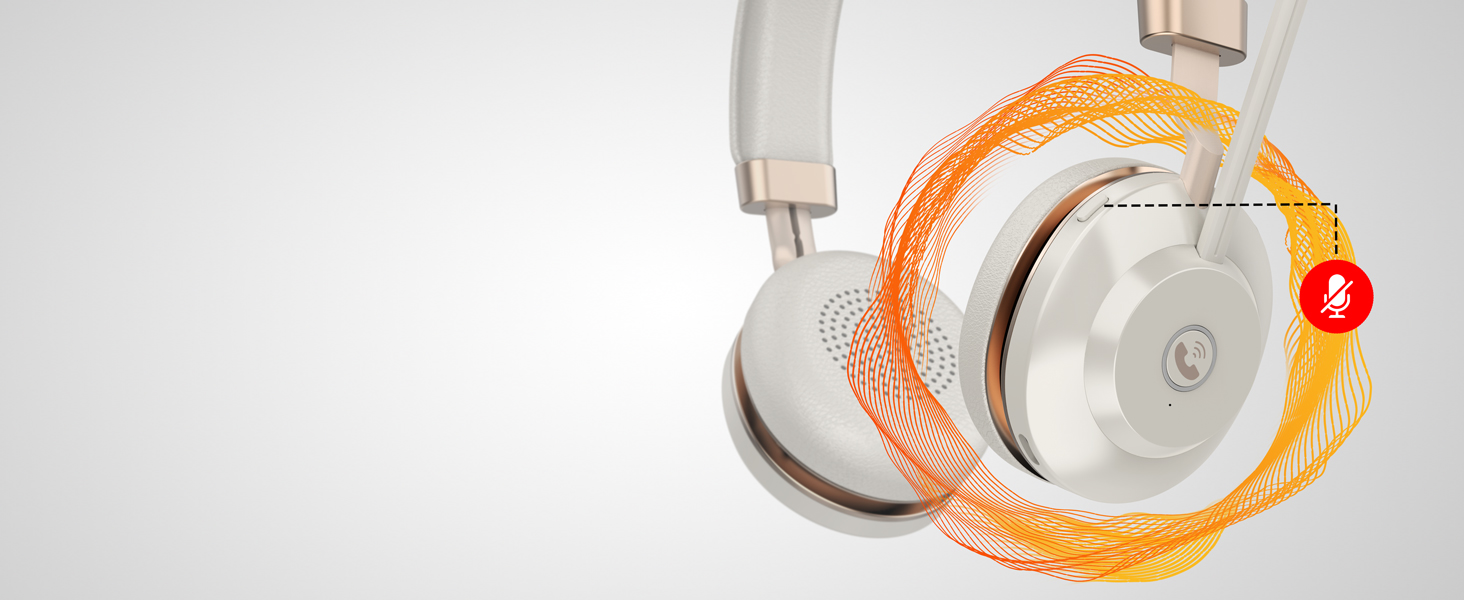
Easy Toggle Mute
Privacy Protection
Quickly toggle the mute function via the controls on the headset to silence your mic for privacy
Durable, Premium Material
Personalized Fit Comfort
Soft foam cushions of headsetmold to your ears’ natural contours for incredible all-day comfort
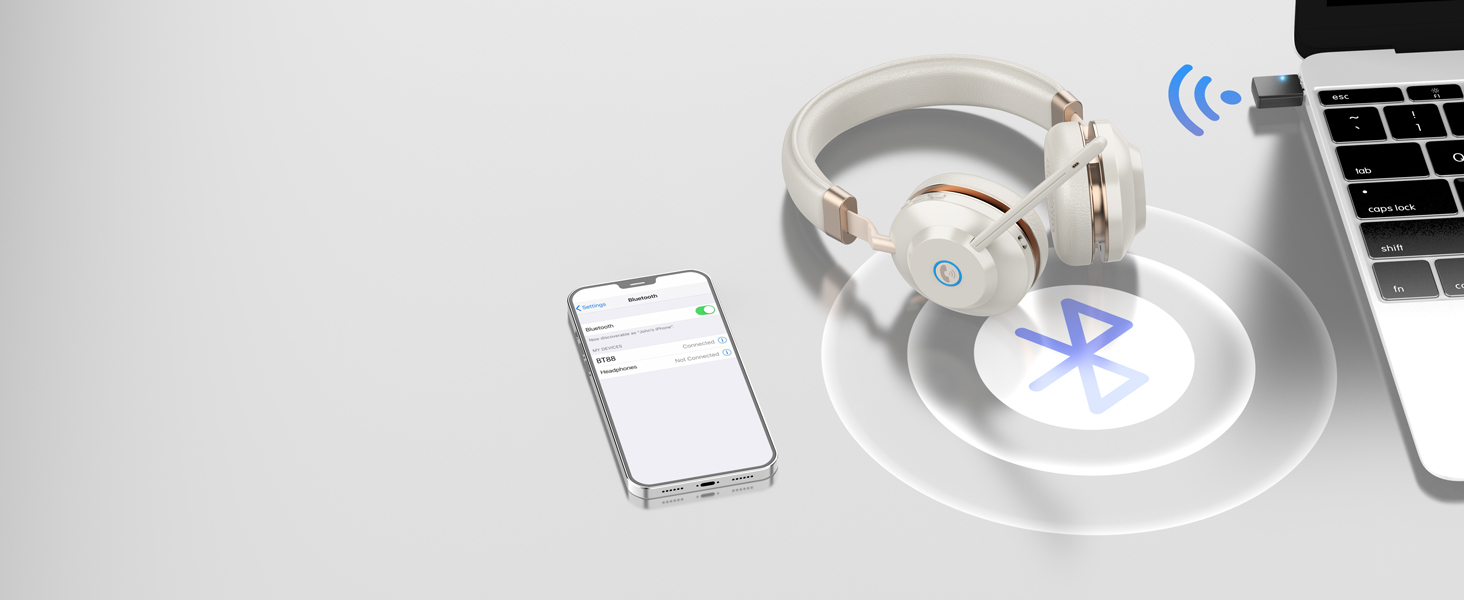
Multipoint Connection
DUAL CONNECTIONS
The bluetooth headset with mic can connect to any 2 devices simultaneously through multipoint tech
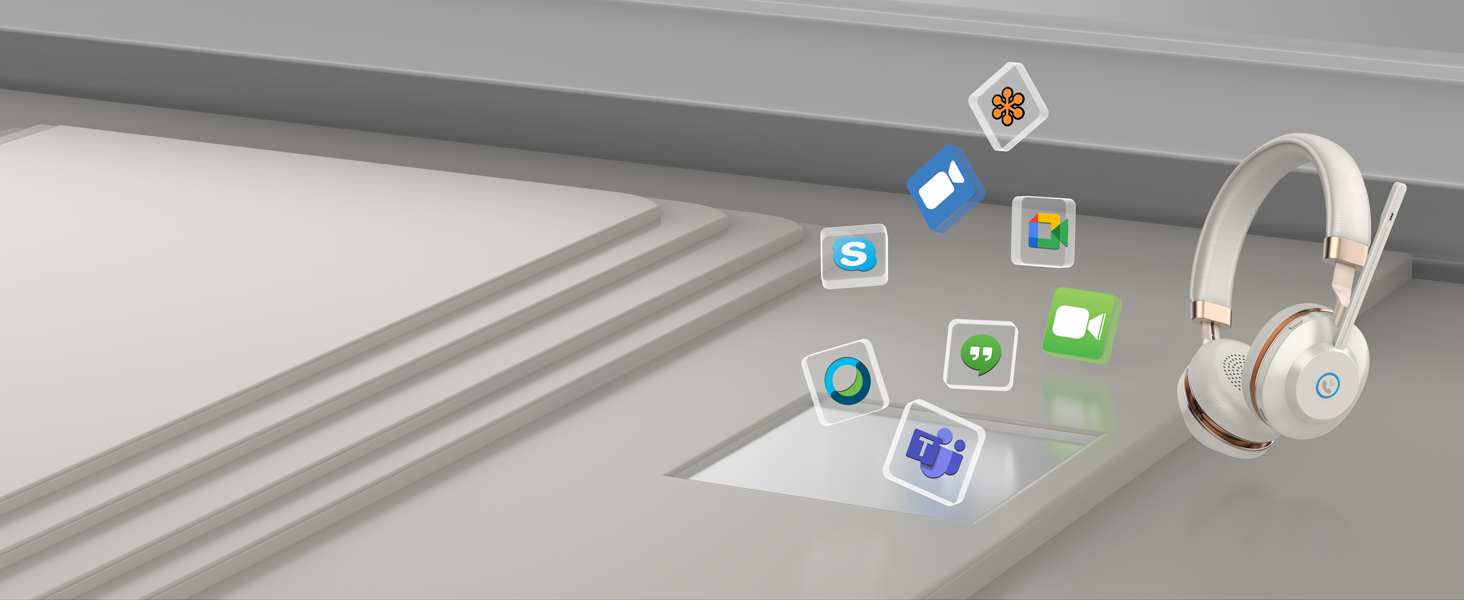
Unified Communications
Seamless Communication
The wireless headphones with mic for work is compatible seamless on most conferencing platforms
2 OPTIONS TO CHARGE
You can use the charging dock or Type-C cable to charge the vonztek wireless headset with microphone. Get a full work week (and more) at 45+ hours talktime on one charge(1.5hrs quick charging time).
USB AUDIO DONGLE
The wireless headphones with microphone includes a USB Audio Dongle to connect with non-Bluetooth devices without any drivers, with low latency and stable connection.
Note: The dimensions of this headset are 20 cm × 16 cm. The earcup measures 7 cm in diameter.
Can I use the computer headset with microphoneto answer or reject calls?
The call button is only capable of answering/rejecting smartphone calls; If the bluetoo thheadset is connected to a PC, you need to answer/reject calls on the PC. NOTE: The call button does not work with desk phones and landlines.
Can I mute my voice during calls?
Yes, you're able to mute the mic by pressing the mute button of the wireless work headset with mic during calls, and your voice will be muted after hearing the sound 'mute on'.
Can this work from home headset connect to 2 devices at the same time?
Yes, it can.
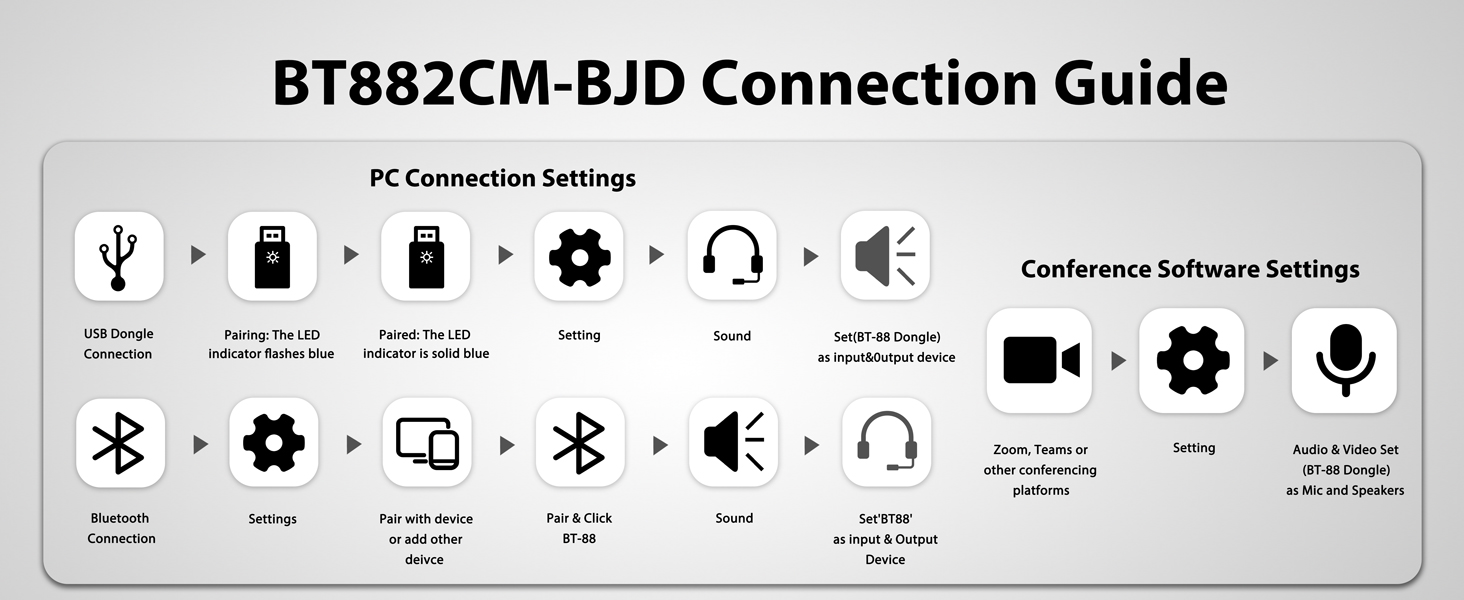
1.Paired the first device through Bluetooth. 2. Plug the USB Dongle into your PC/laptop. 3. The Dongle will connect to the headset automatically.
How to connect my Bluetooth devices?
1. Slide the power switch to the left gear and hold it for 2 secs to enter pairing mode until the LED flashes Blue & Red alternately. 2. Search and click to connect 'BT-88' on devices. 3. LED changes to Blue slow flash once connected.
How to set up the headphones with mic after connecting to the computer?
Please check the sound settings of both the PC and the software to make sure [BT-88] is selected as the default output and input device (speaker/microphone) when making a call with conference platforms.



| SKU: | B0FNWKHYMS |
| Weight: | 1.41 pounds |
| Dimensions: | 8.07 x 7.95 x 3.82 inches |
| Model: | XSY-BT882CM-BJ-2025 |
| Pack Quantity: | 1 |
| Batteries Included: | 1 Nonstandard Battery batteries required. (included) |
| Manufacture: | Vonztek |
| Quantity: | 1 |
Product description
The video showcases the product in use.The video guides you through product setup.The video compares multiple products.The video shows the product being unpacked.Office headset with microphone
Merchant Video
500mAh Battery
Up to 45hrs playtime on a single charge by 500mAh Li+ Battery of bluetooth headphones with mic
Phone Call Control
Answer/reject phone calls easily by pressing the call button of wireless headset with mic for work
Up to 15m/49ft Range
Experience rock-solid connection with less latency by V5.2 Chipset of wireless headset for computer
2x CVC8.0 MICROPHONE
Built-in 2x Mic eliminate environmental sound around you while talking through the bluetooth headset
Enhanced 40mm NdFeB Unit
Outstanding Audio
The wireless headset has 40mm speaker deliver high-definition audio that alway keeps you in the loop
Easy Toggle Mute
Privacy Protection
Quickly toggle the mute function via the controls on the headset to silence your mic for privacy
Durable, Premium Material
Personalized Fit Comfort
Soft foam cushions of headsetmold to your ears’ natural contours for incredible all-day comfort
Multipoint Connection
DUAL CONNECTIONS
The bluetooth headset with mic can connect to any 2 devices simultaneously through multipoint tech
Unified Communications
Seamless Communication
The wireless headphones with mic for work is compatible seamless on most conferencing platforms
Note: The dimensions of this headset are 20 cm × 16 cm. The earcup measures 7 cm in diameter.
Can I use the computer headset with microphoneto answer or reject calls?
The call button is only capable of answering/rejecting smartphone calls; If the bluetoo thheadset is connected to a PC, you need to answer/reject calls on the PC. NOTE: The call button does not work with desk phones and landlines.
Can I mute my voice during calls?
Yes, you're able to mute the mic by pressing the mute button of the wireless work headset with mic during calls, and your voice will be muted after hearing the sound 'mute on'.
Can this work from home headset connect to 2 devices at the same time?
Yes, it can.
1.Paired the first device through Bluetooth. 2. Plug the USB Dongle into your PC/laptop. 3. The Dongle will connect to the headset automatically.
How to connect my Bluetooth devices?
1. Slide the power switch to the left gear and hold it for 2 secs to enter pairing mode until the LED flashes Blue & Red alternately. 2. Search and click to connect 'BT-88' on devices. 3. LED changes to Blue slow flash once connected.
How to set up the headphones with mic after connecting to the computer?
Please check the sound settings of both the PC and the software to make sure [BT-88] is selected as the default output and input device (speaker/microphone) when making a call with conference platforms.