ThinTree P4 Style Wireless Controller Compatible

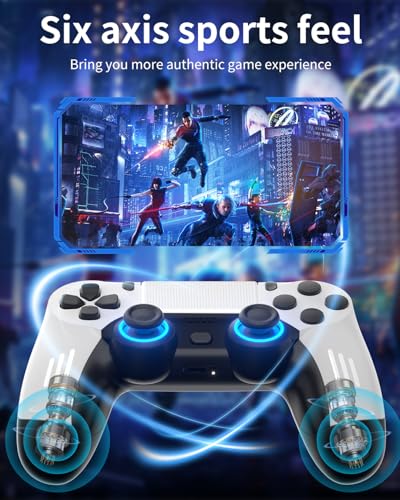
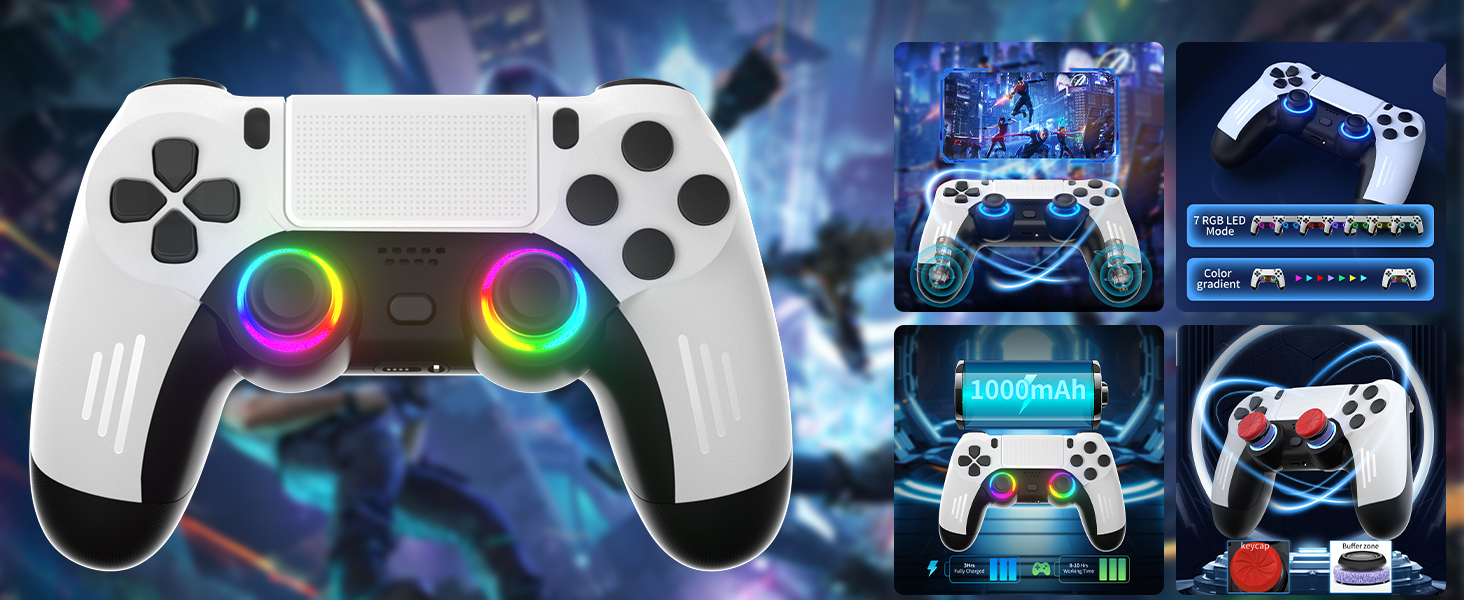
ThinTree P4 Style Wireless Controller Compatible for PS-5/Pro/Slim/PC, Gradient Color RGB mode/haptic feedback/1000 mAH battery/Motion Sensing/3.5mm Audio Jack (White and Black)
- Wide Compatibility: Compatible for PS-5/Pro/Slim//PC, this wireless controller brings smooth performance and responsive controls across multiple platforms
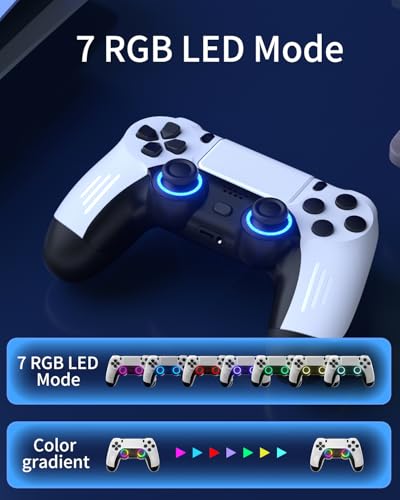
- Dynamic RGB Gradient Lighting: Featuring eye-catching gradient color RGB lighting, the controller adds a vibrant and stylish touch to your gaming setup
- Immersive Haptic Feedback: Feel every action with responsive vibration feedback, enhancing your gaming experience with realistic in-game sensations
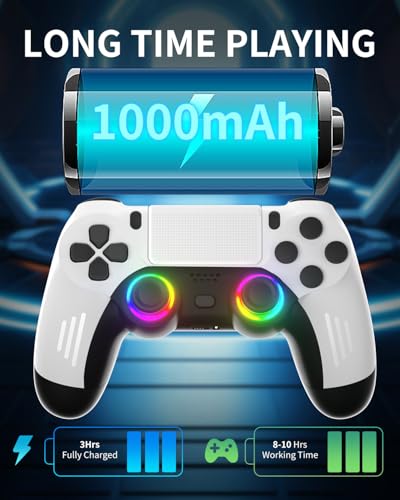
- Long-Lasting 1000mAh Battery: Built-in rechargeable 1000mAh battery offers extended playtime, so you can game longer without frequent recharging
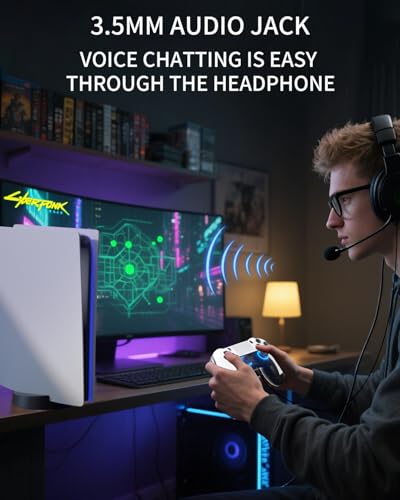
- Motion Sensing & Audio Jack: Includes motion sensing technology for more interactive gameplay, and a 3.5mm audio jack for easy connection to headsets or headphones
Wireless Controller for PS-5
| Battery | 1000 mAh |
| Compatible Devices | PS-5/Pro/Slim/PC |
| RGB Function | 7 RGB LED Mode |
| Special Feature | Wireless |
| Color | White and Black |
Connect the P5 console first time.
The first time you connect, you need to use a Type-C cable to connect the controller to the console. Make sure the console is powered on, then press the home button, the signal light flashes quickly, indicating a successful connection.
Connect with a PC
Press and hold the "SHARE" button and home button, and the signal light flashes quickly to enter the Bluetooth pairing state. Turn on Bluetooth on the PC, enter the search mode, search for 'DualSense Wireless Controller', click to pair.
RGB Function Setting?
Press "R3" and "D-pad down" to switch to color gradient mode, and
press "R3" and "D-pad down" again to return to monochrome gradient mode, and this cycle.
Press and hold "R3" "SHARE" to turn the light on or off.
Channel indicator
Blue indicates normal state, orange indicates standby charging status, and orange light off
indicates full power.
Gradient Color RGB mode/haptic feedback/1000 mAH battery/Motion Sensing
3.5mm Audio Jack
Voice chatting is easy through your headphone.
The video showcases the product in use.The video guides you through product setup.The video compares multiple products.The video shows the product being unpacked.P4 Style Wireless Controller Compatible for PS5
Merchant Video

| SKU: | B0FT86CTBQ |
| Weight: | 10.8 ounces |
| Dimensions: | 6.69 x 5.28 x 2.72 inches; 10.86 ounces |
| Manufacture: | ThinTree |
Product description
Wireless Controller for PS-5
| Battery | 1000 mAh |
| Compatible Devices | PS-5/Pro/Slim/PC |
| RGB Function | 7 RGB LED Mode |
| Special Feature | Wireless |
| Color | White and Black |
Connect the P5 console first time.
The first time you connect, you need to use a Type-C cable to connect the controller to the console. Make sure the console is powered on, then press the home button, the signal light flashes quickly, indicating a successful connection.
Connect with a PC
Press and hold the “SHARE” button and home button, and the signal light flashes quickly to enter the Bluetooth pairing state. Turn on Bluetooth on the PC, enter the search mode, search for 'DualSense Wireless Controller', click to pair.
RGB Function Setting?
Press “R3” and “D-pad down” to switch to color gradient mode, and
press “R3” and “D-pad down” again to return to monochrome gradient mode, and this cycle.
Press and hold “R3” “SHARE” to turn the light on or off.
Channel indicator
Blue indicates normal state, orange indicates standby charging status, and orange light off
indicates full power.
Gradient Color RGB mode/haptic feedback/1000 mAH battery/Motion Sensing
 The video showcases the product in use.The video guides you through product setup.The video compares multiple products.The video shows the product being unpacked.