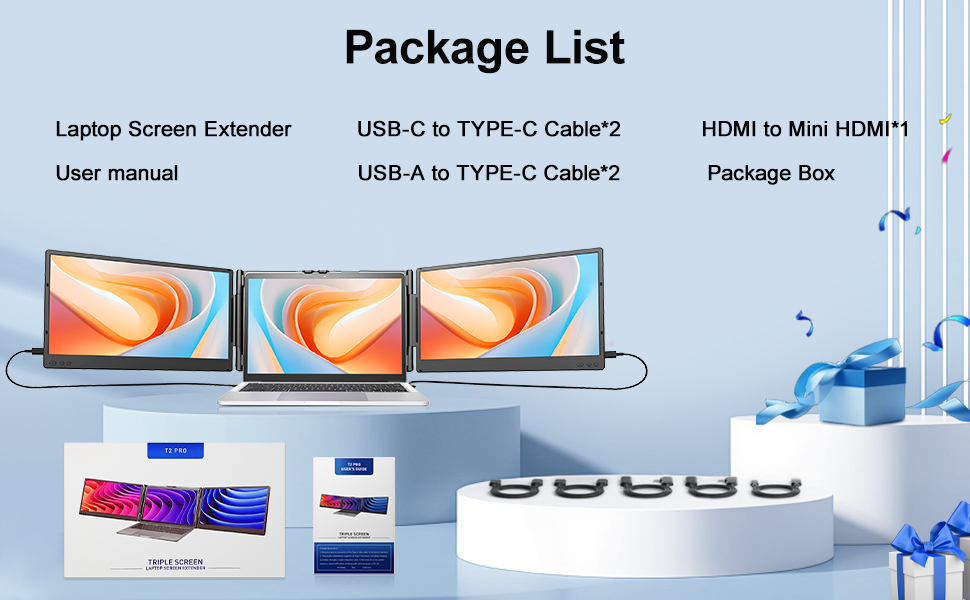
Laptop Screen Extender, 14″ FHD 1080P Portable Monitor
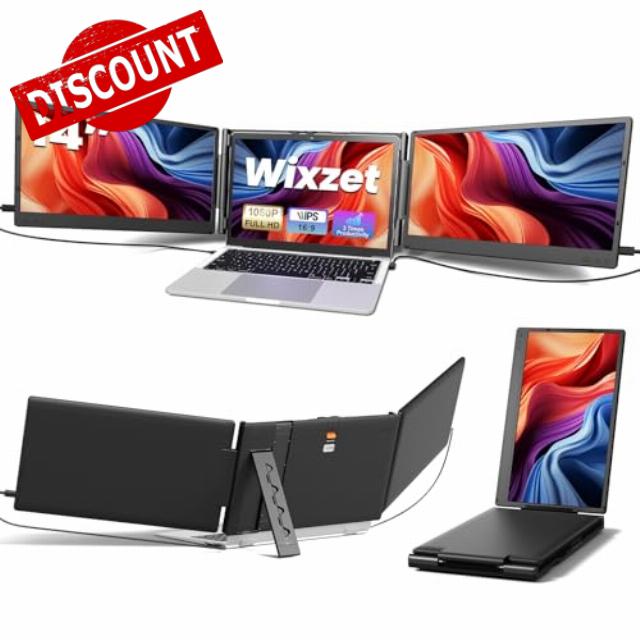
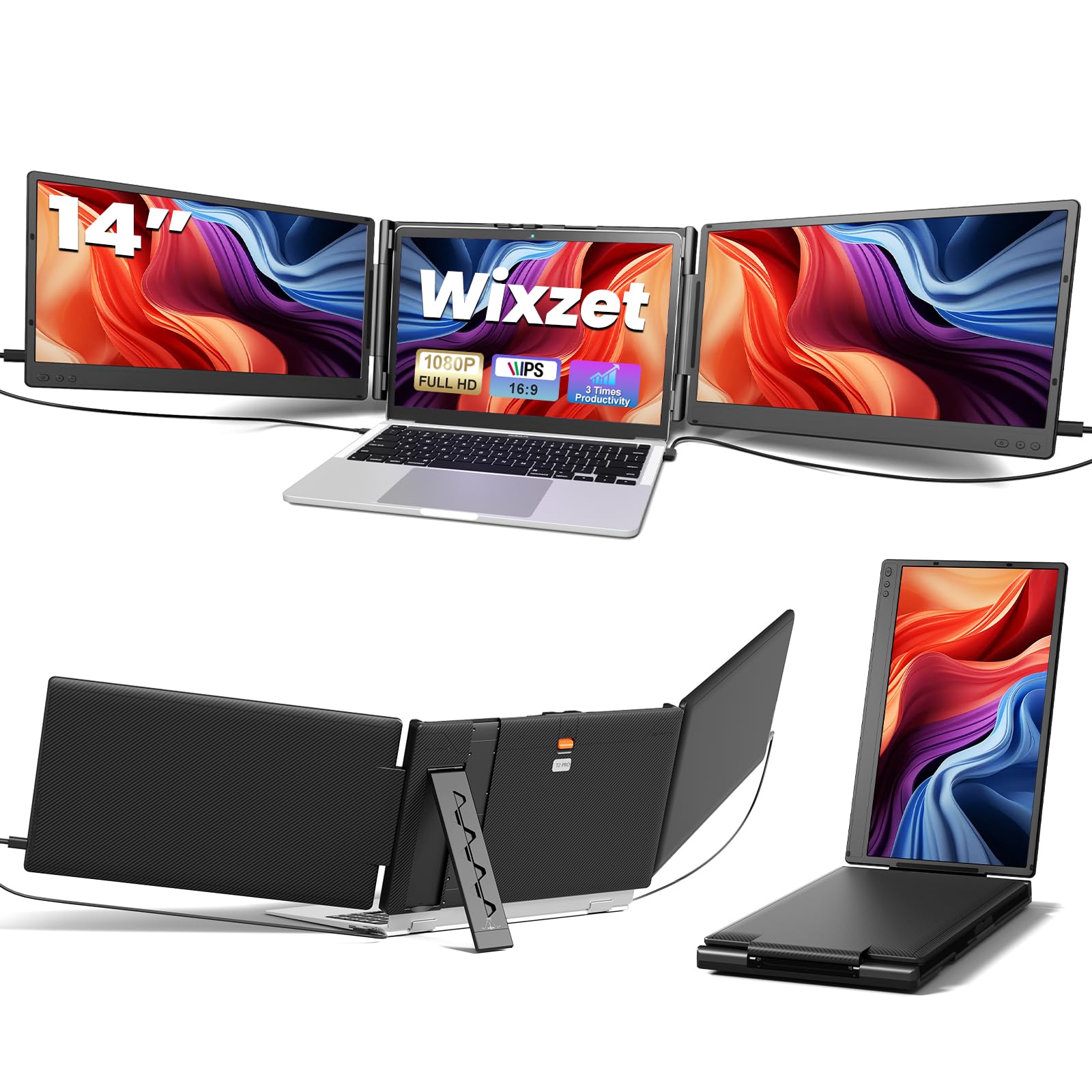
Laptop Screen Extender, 14″ FHD 1080P Portable Monitor for Laptop, Plug&Play Triple Screen Extender, Auto Adjust Width Dual Monitor for 13″ – 17″ Laptops, Compatible with MacOS/Wins/Chrome/Dex
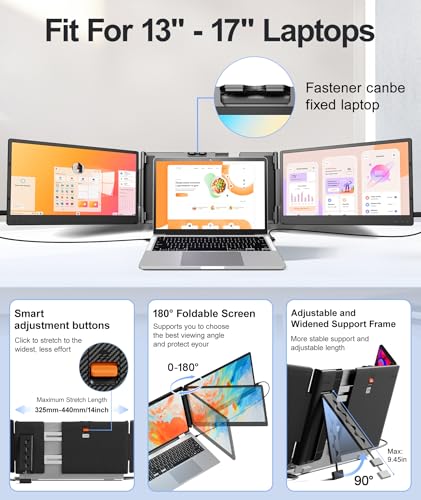
- 【Upgraded Functional Design】Compared to the previous 14-inch triple monitor extender, our new design is even lighter (the device weighs 4.1 pounds), making it easier to carry for business travel or mobile office needs. The T2Pro laptop screen extender's upgraded one button auto-stretch back panel allows effortless width adjustment, fitting laptops from 13" to 17". A reinforced top hook securely fastens the screen extender onto your laptop, preventing slipping during use. Meanwhile, the reinforced widened back stand provides stable desktop support, and its adjustable length easily adapts to different screen heights and angles for maximum convenience.
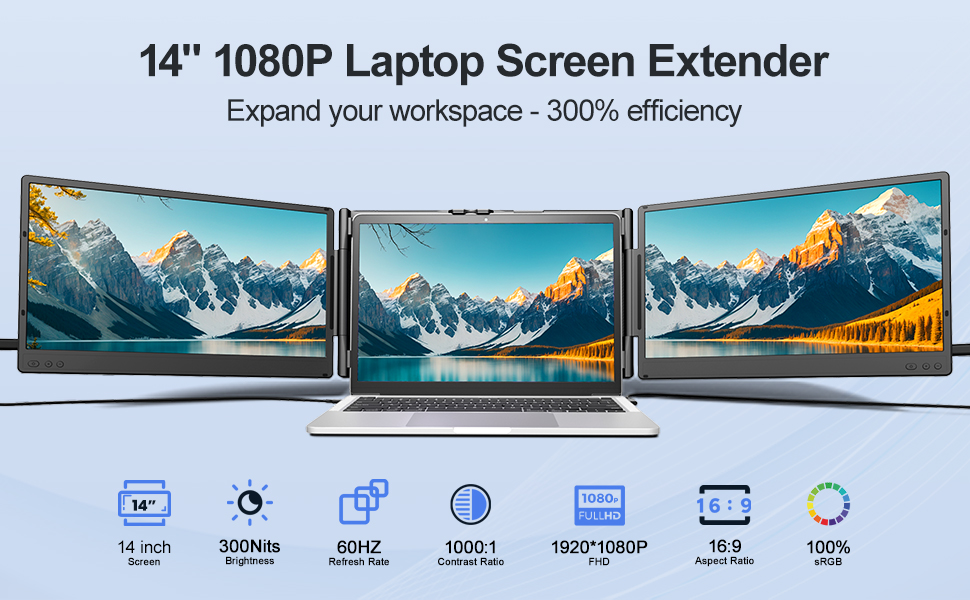
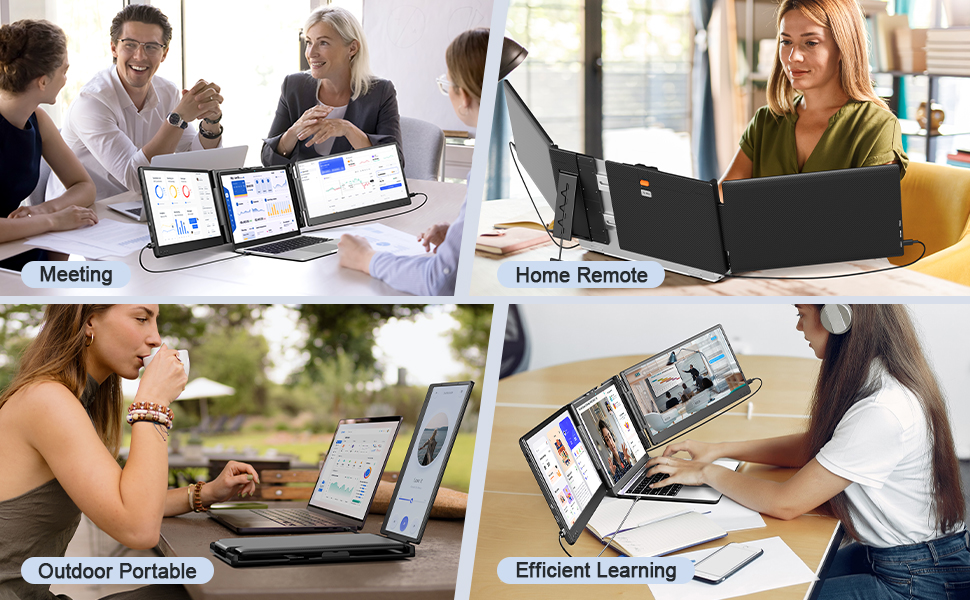
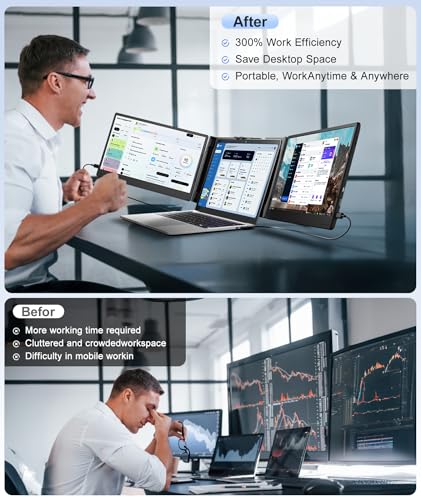
- 【Triple Screen Setup for 300% Efficiency】Instantly transform your laptop into a powerful triple-screen workstation with two additional displays. No more constant switching between tabs or windows—everything is visible at a glance, boosting productivity by up to 300%. The laptop monitor extender supports extended and mirrored display modes, you can easily adapt to multitasking needs, from spreadsheets and design tools to meetings and entertainment. Ideal for professionals, students, gamers, programmers, traders, designers, and business travelers, this portable laptop monitor is also a thoughtful gift choice for anyone who values efficiency and convenience in work or study.
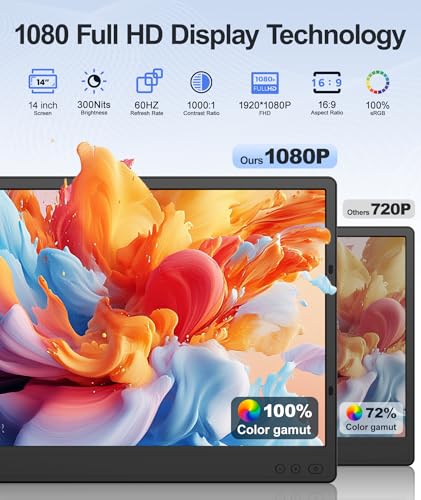
- 【Powerful IPS Display】Wixzet 14-inch Full HD laptop screen extender features a 1920×1080P resolution, 100% sRGB color gamut, and up to 300 nits brightness, delivering vibrant and saturated colors. Each screen supports independent adjustments for brightness, volume, and more, allowing you to customize your comfort anytime. The 180° foldable design not only protects your screen privacy but also provides a wider viewing angle, ensuring clear visibility from any position and offering an immersive visual experience for work, study, or entertainment. In addition, the triple screen laptop monitor extender is equipped with built-in anti-glare and low blue light technolog to help reduce eye strain.
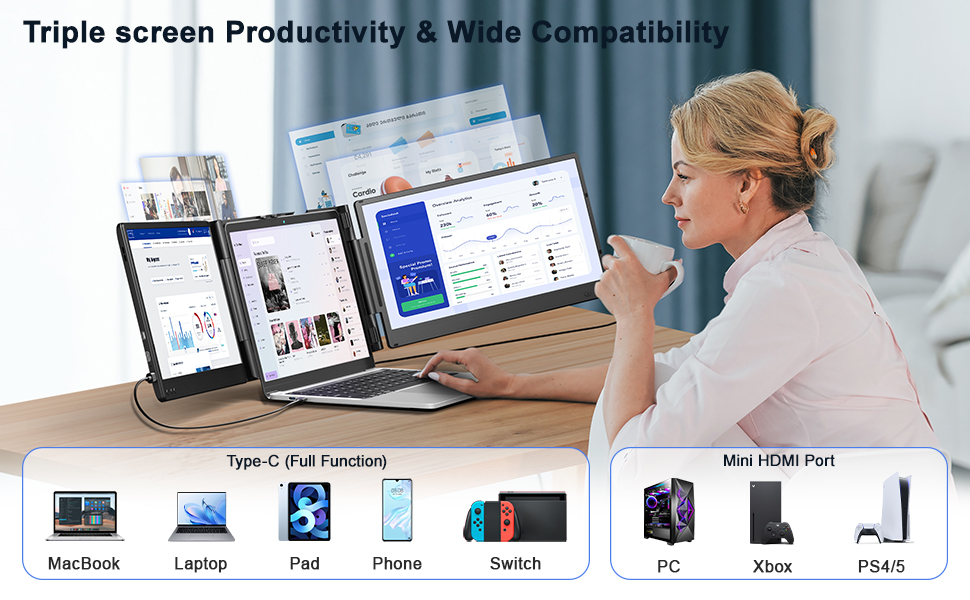
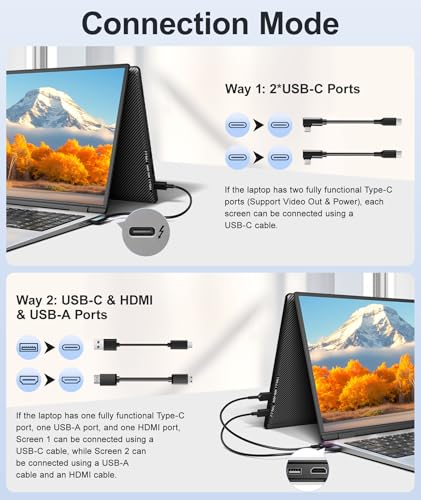
- 【Easy Operation & Plug and Play】This portable monitor for laptop is designed for effortless setup, requiring no driver installation. If your laptop has two fully functional USB-C ports, simply connect each extender screen using a USB-C cable. If your laptop has only one full-featured USB-C port, you can connect one screen via USB-C and the other via HDMI and USB-A to easily achieve dual-screen functionality. (Note: Due to certain laptop port limitations, this dual monitor may not be compatible with all laptops. If you encounter connection issues, please feel free to contact our after-sales team.)
- 【Wide Compatibility & Reliable Support】This laptop screen extender monitor portable is compatible with a variety of devices and operating systems, including Windows, Mac, Chrome, Android, Linux, Dex, and Switch devices. Please note that this laptop screen extender is NOT compatible with Mac devices with M1/M2/M3 chipsets, MacBook Pro 2012 and earlier, and MacBook Air 2017 and earlier. Please read the manual carefully before use. If you have any questions about compatibility, our dedicated after-sales support team is available to assist you and will respond within 24 hours, ensuring a worry-free purchase experience.
1920×1080 resolution with 80% color gamut for accurate colors and smooth visuals.
,
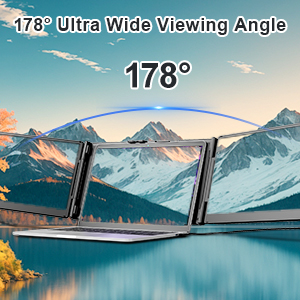
The 178° IPS wide viewing angle ensures clear viewing from virtually any position.
,
Low blue light protection safeguards your eyes during long sessions.
&
: The screen shows “No Signal” or the second extended monitor isn’t working. What should I do?
: First, check that the connection is correct. Please note that MacBooks with M1/M2/M3 chips cannot directly connect to a second display. If the problem persists, contact our after-sales support for a solution.
: My laptop has only one full-featured USB-C port. Can I still use it?
: Yes. You can connect one screen via USB-C and the other screen via HDMI + USB-A to achieve dual-screen extension.
: Why isn’t my laptop displaying correctly after connection?
: Please ensure your laptop’s USB-C port is full-featured (supports both power delivery and video output). Some USB-C ports only support charging or data transfer and cannot output video. If you are unsure about your port type, please contact our after-sales team for assistance.
1. HDMl cable must be original cable.
2. Only the blue light on the back of the monitor indicates it is working properly.
3. When using a Way2 dual-cable connection, HDMl cables and USB-A cables must be connected to a monitor at the same time.
If you are experiencing any connectivityissues, please feel free to contact our after-sales team.
&


| SKU: | B0FMF7CDS6 |
| Weight: | 6.32 pounds |
| Dimensions: | 8.18 x 14.17 x 1.4 inches |
| Model: | T2 PRO |
| Manufacture: | Wixzet |
Product description