Laptop Screen Extender, 14″ FHD 1080P IPS Laptop Monitor
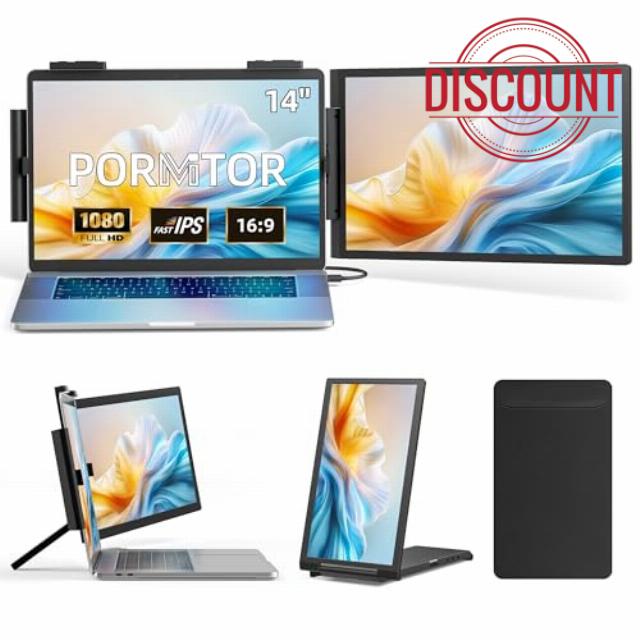
Laptop Screen Extender, 14″ FHD 1080P IPS Laptop Monitor Extender with USB C/HDMI Port, Plug and Play Dual Screen Portable Extended Monitor for 14″-16.5″ Laptops
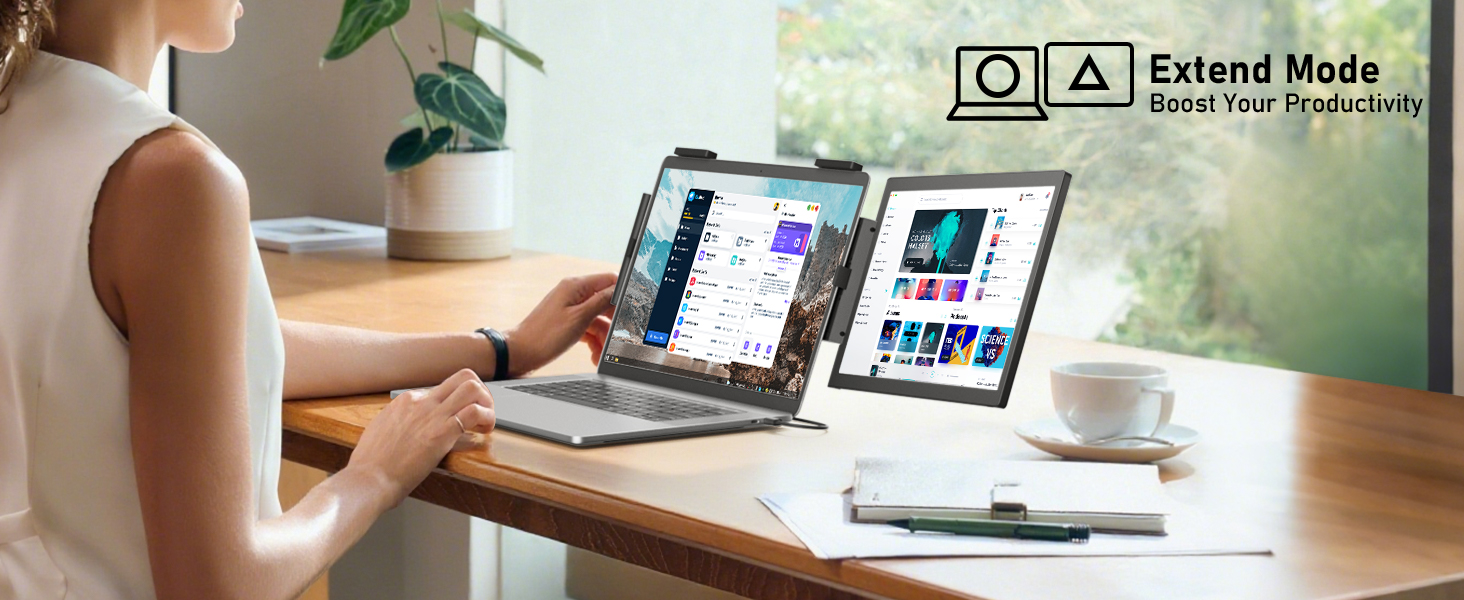
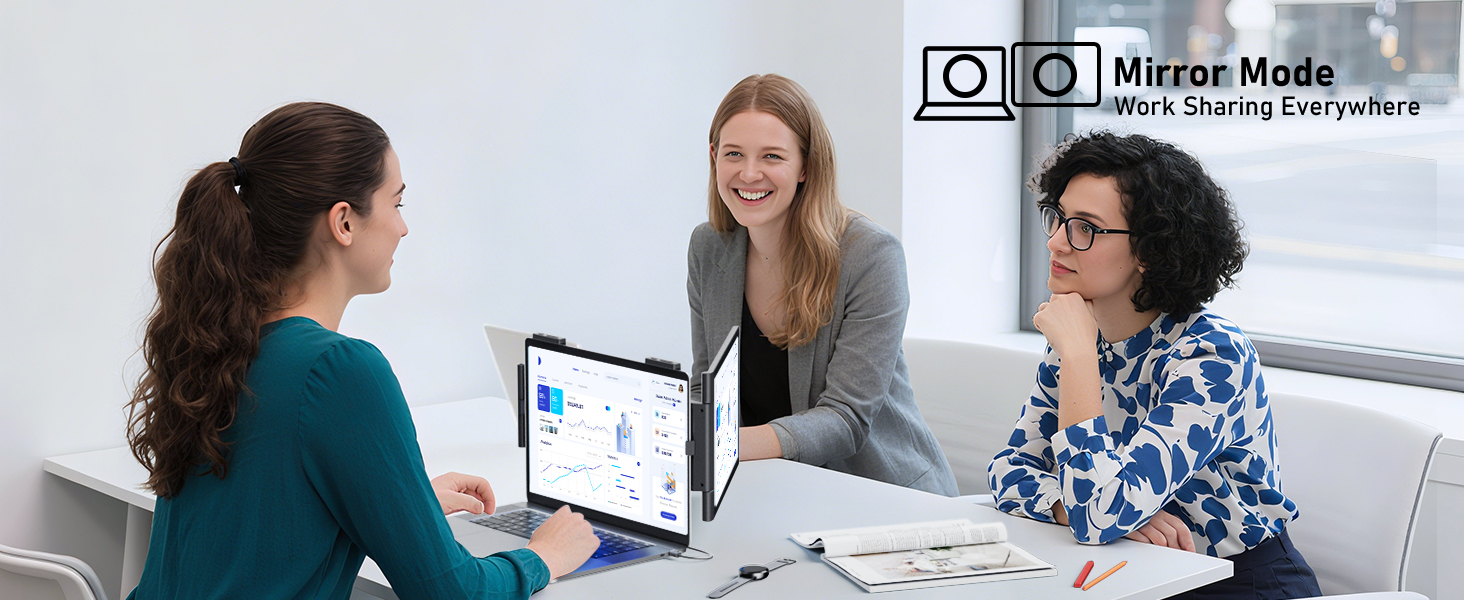
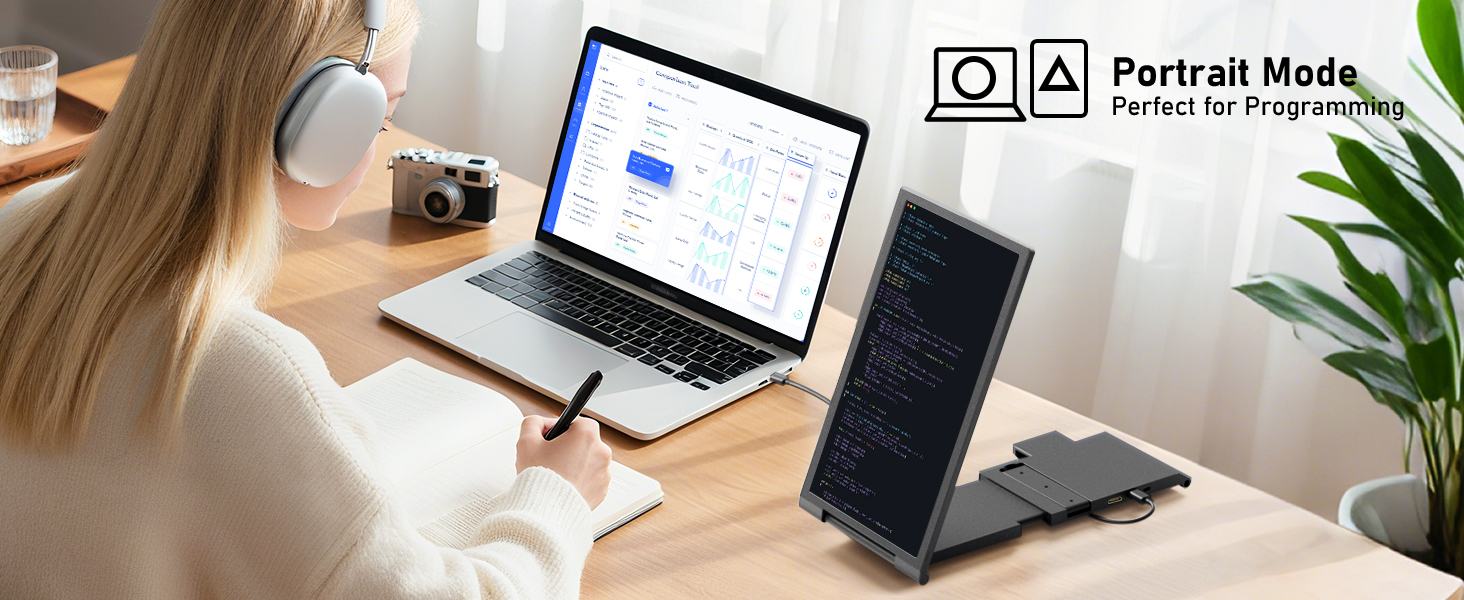
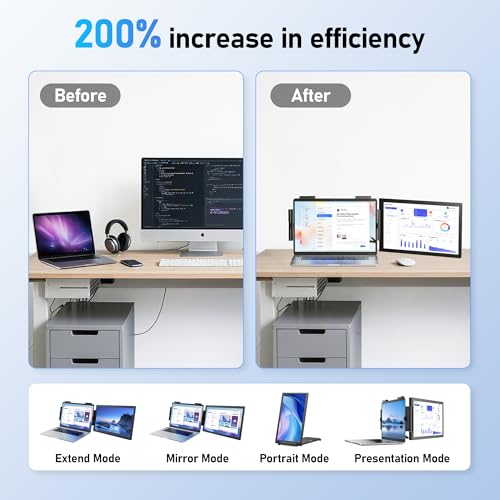
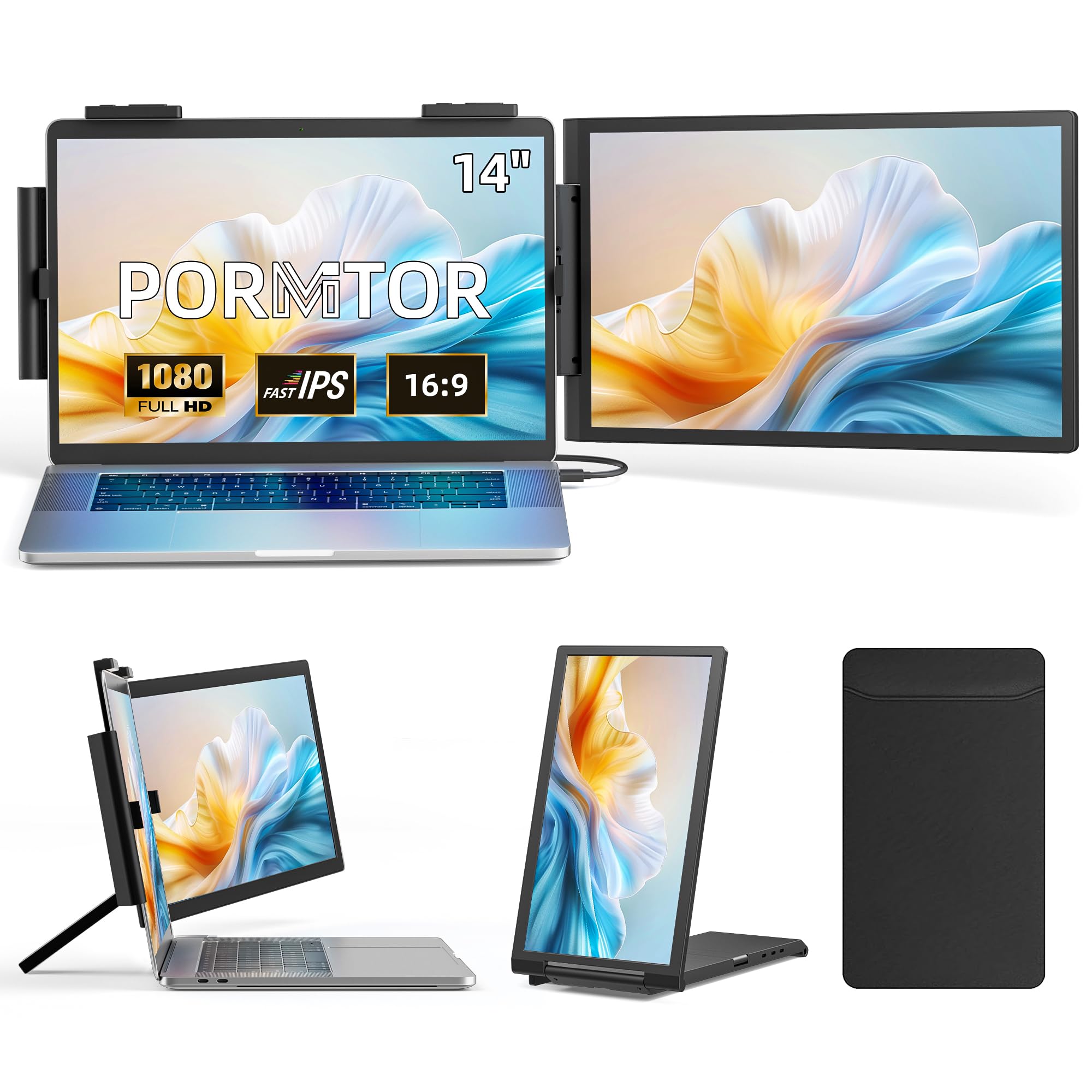
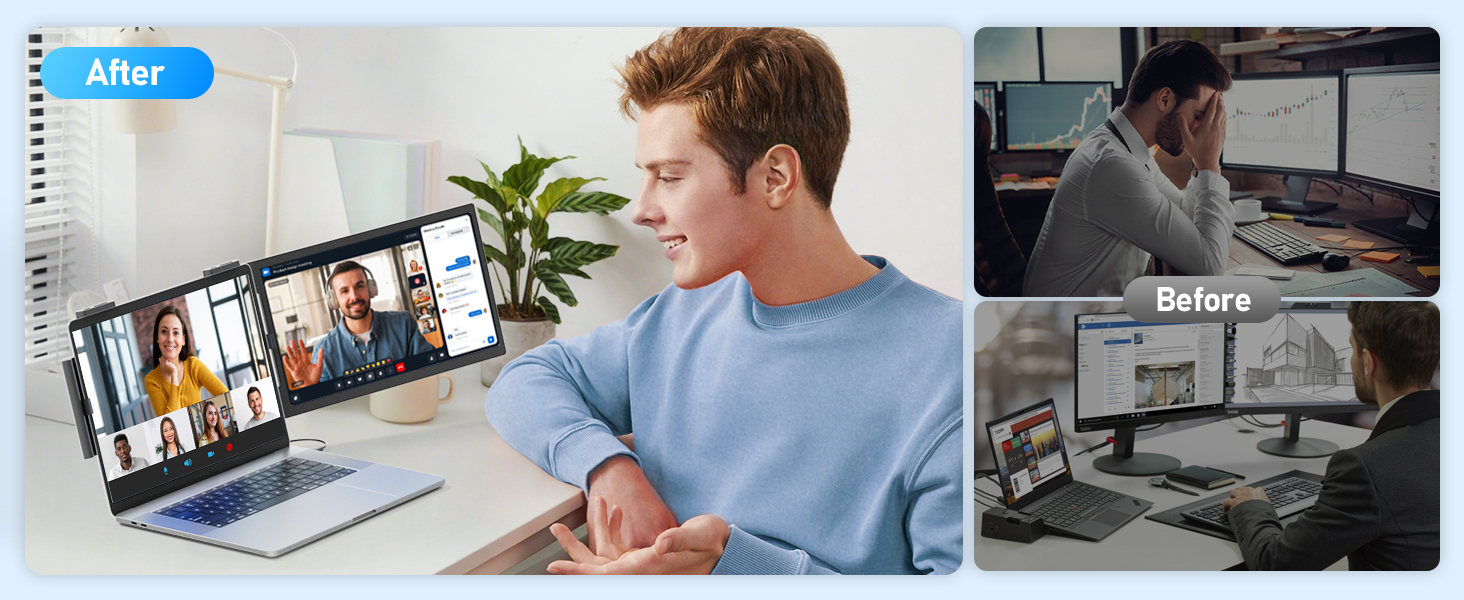
- 【200% Efficiency Boost】This 14" laptop screen extender monitor portable instantly doubles your workspace with extend/mirror/portrait modes. Multitask seamlessly between documents, video calls, creative work and entertainment. Perfect for programmers, gamers and stock traders needing more screen space. The ultra-light design with included protective sleeve makes mobile productivity effortless.
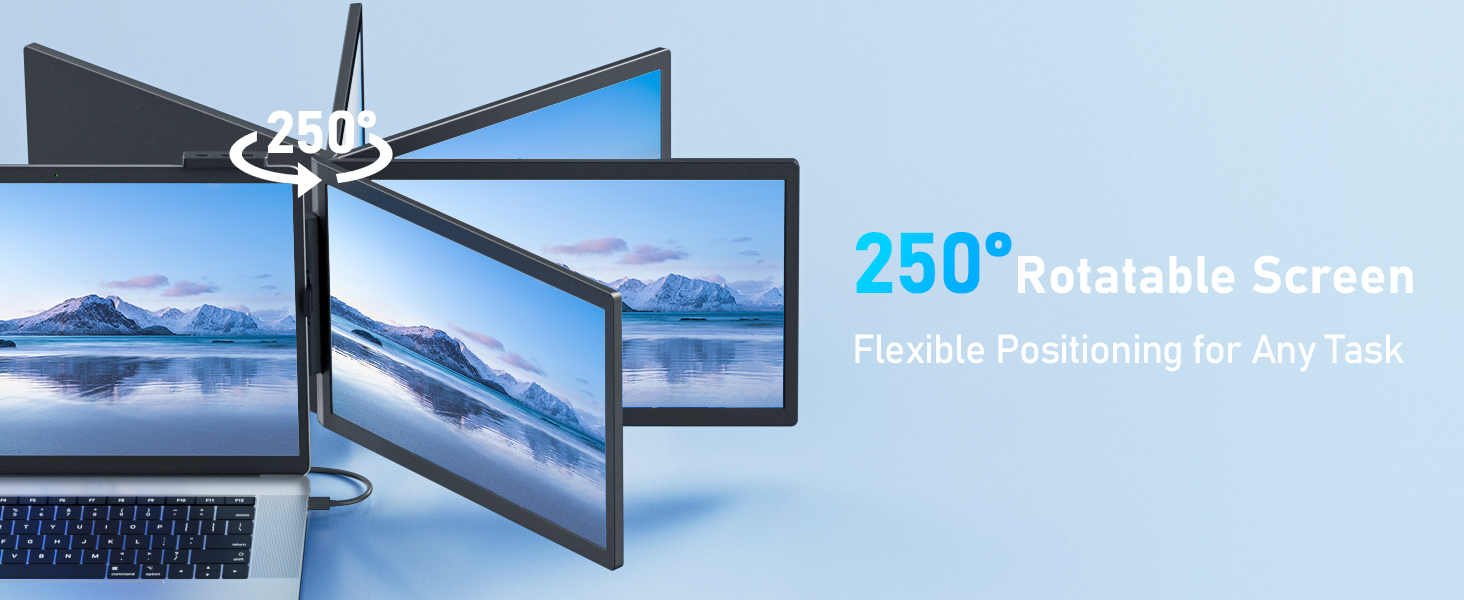
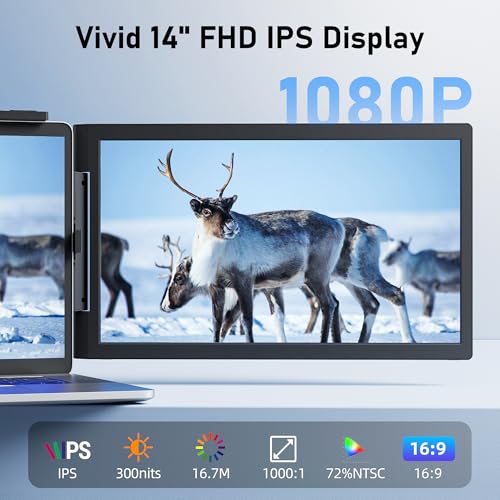
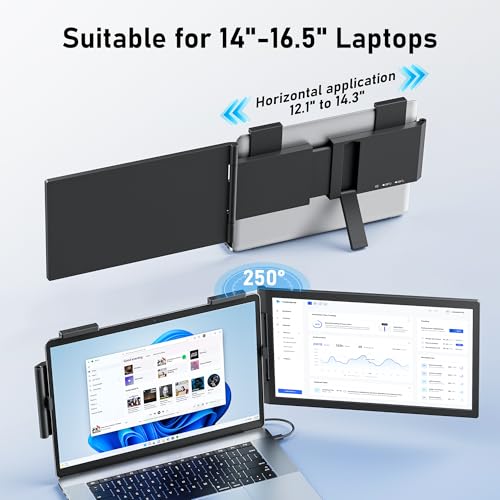
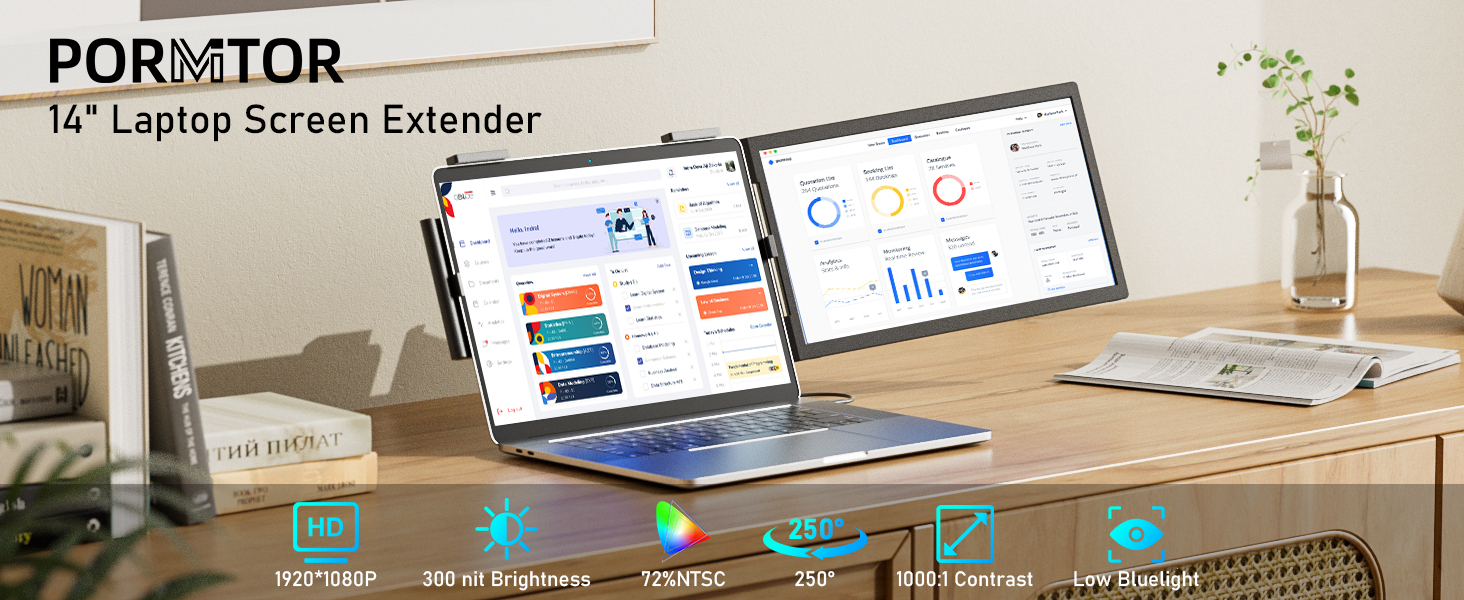
- 【Premium Visual Quality】Experience stunning visuals with our dual laptop screen extender‘s 1920×1080 FHD resolution and 72% NTSC color gamut. The 300-nit anti-glare IPS screen delivers vibrant, true-to-life colors with smooth 250° rotation for flexible positioning – perfect for switching between landscape entertainment and portrait productivity modes while maintaining excellent image quality.
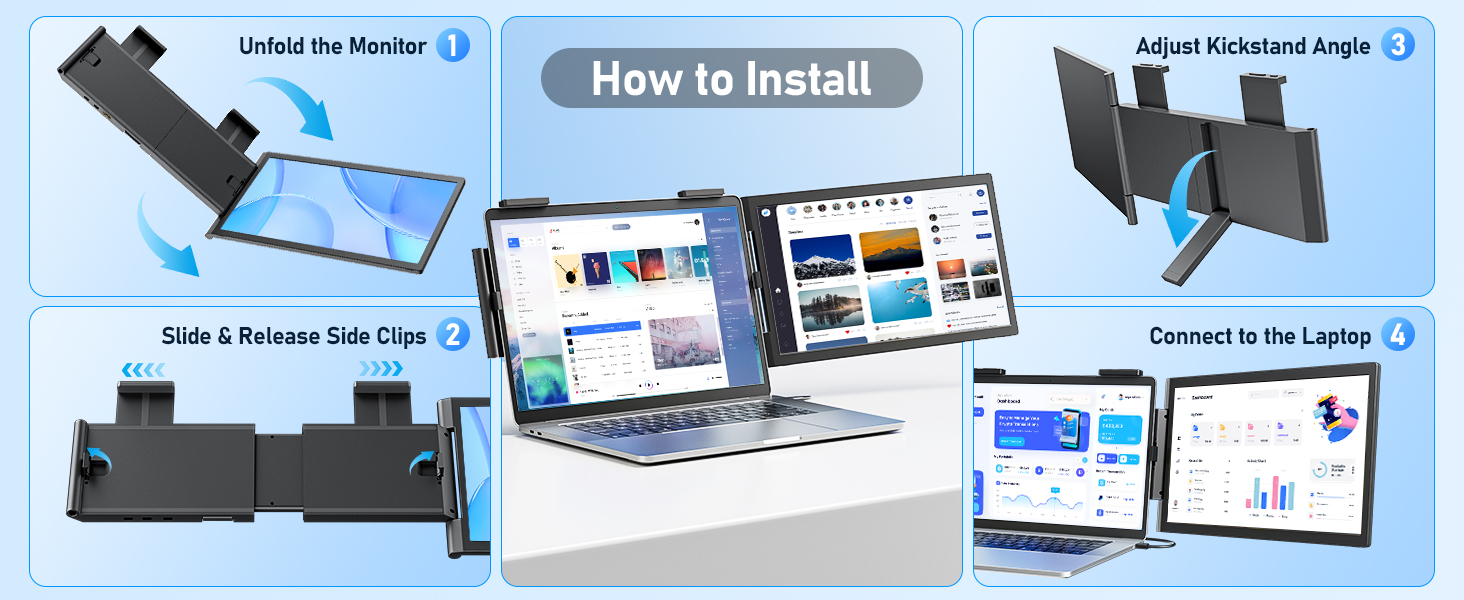
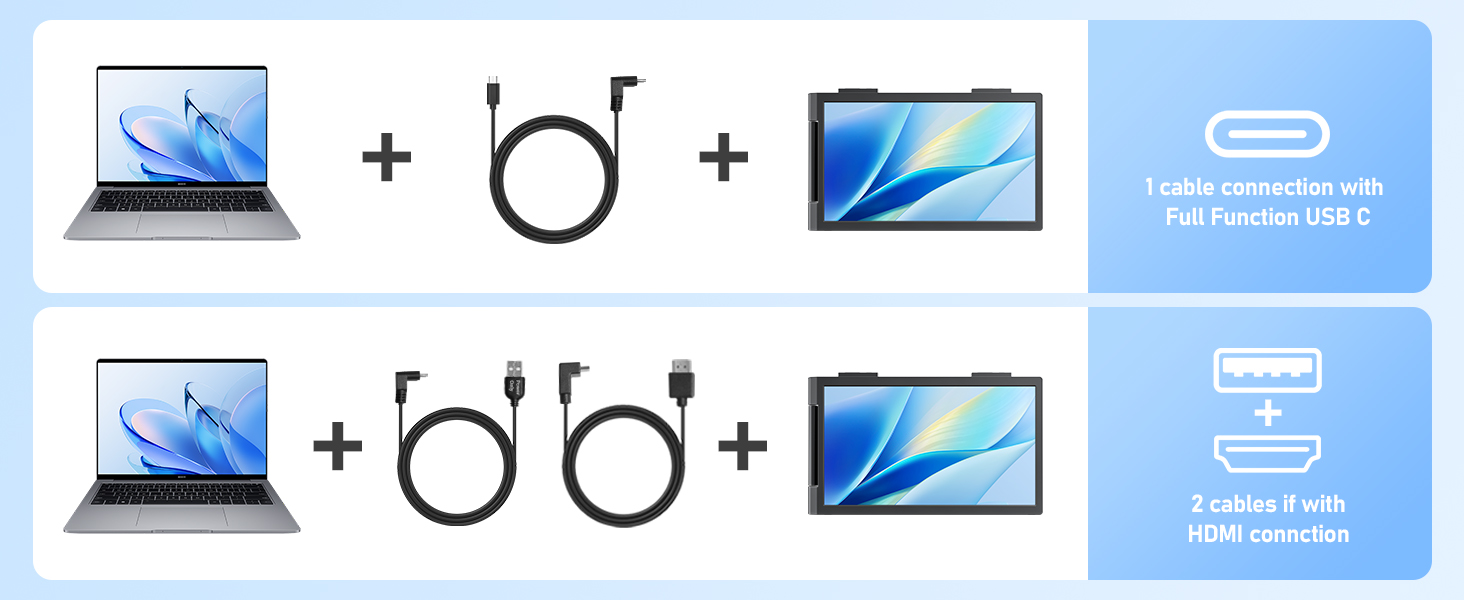
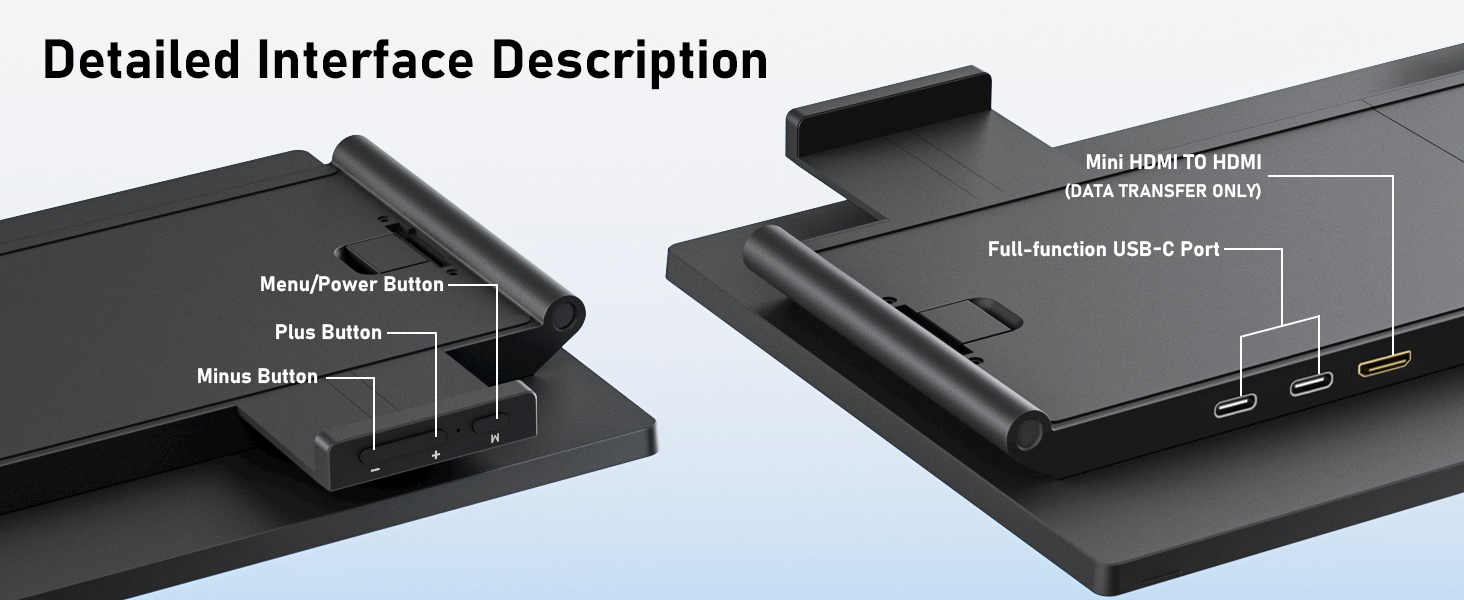
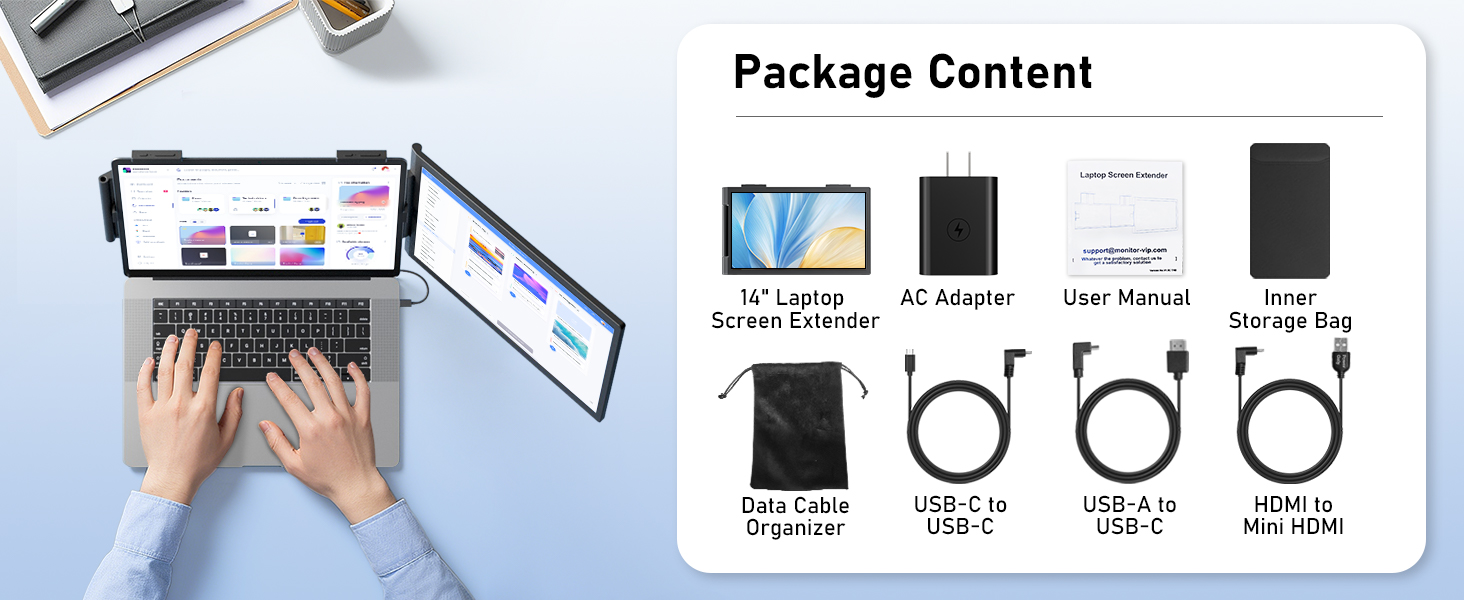
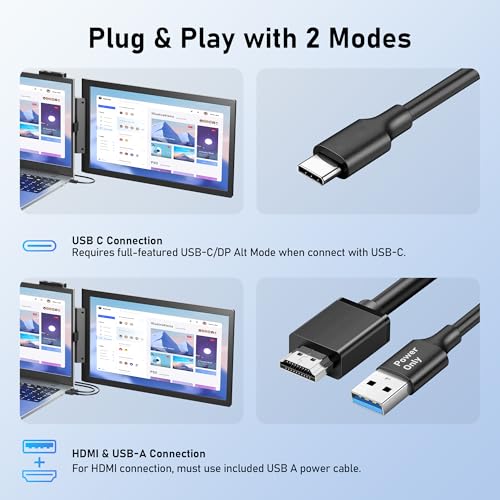
- 【True Plug and Play】No drivers, no software, no hassle – just connect and go! This portable monitor for laptop works instantly with included USB-C or HDMI cable delivering video signal. Important notes: Your laptop's USB-C port must support DisplayPort Alt Mode (full-function port); When using HDMI connection, remember to plug in the included power cable for power supply.
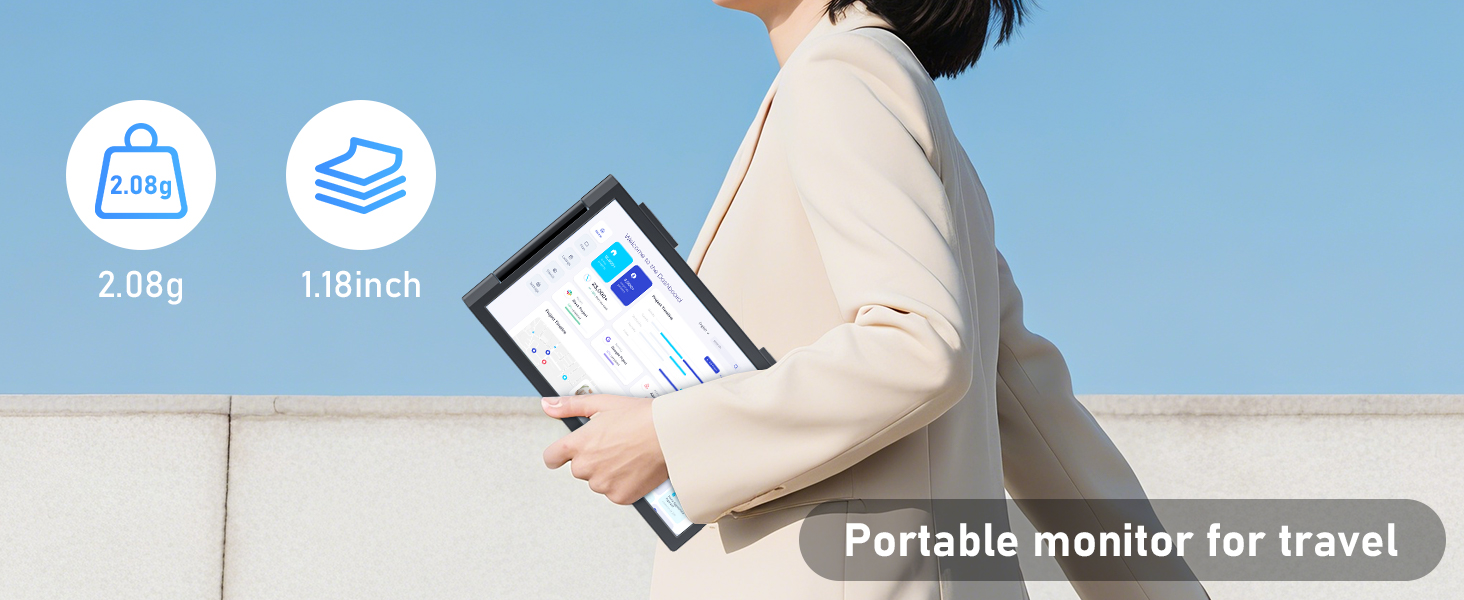
- 【Ultra-Portable with Carry Bag】 This laptop extended monitor portable weighs just 2.08lbs (940g), and comes with its own carry bag that protects your screen while traveling. The slim design easily slips into your laptop bag or backpack, taking up minimal space. Set up your dual-screen workstation in seconds. No bulky equipment needed – just unfold and boost your productivity wherever you go.
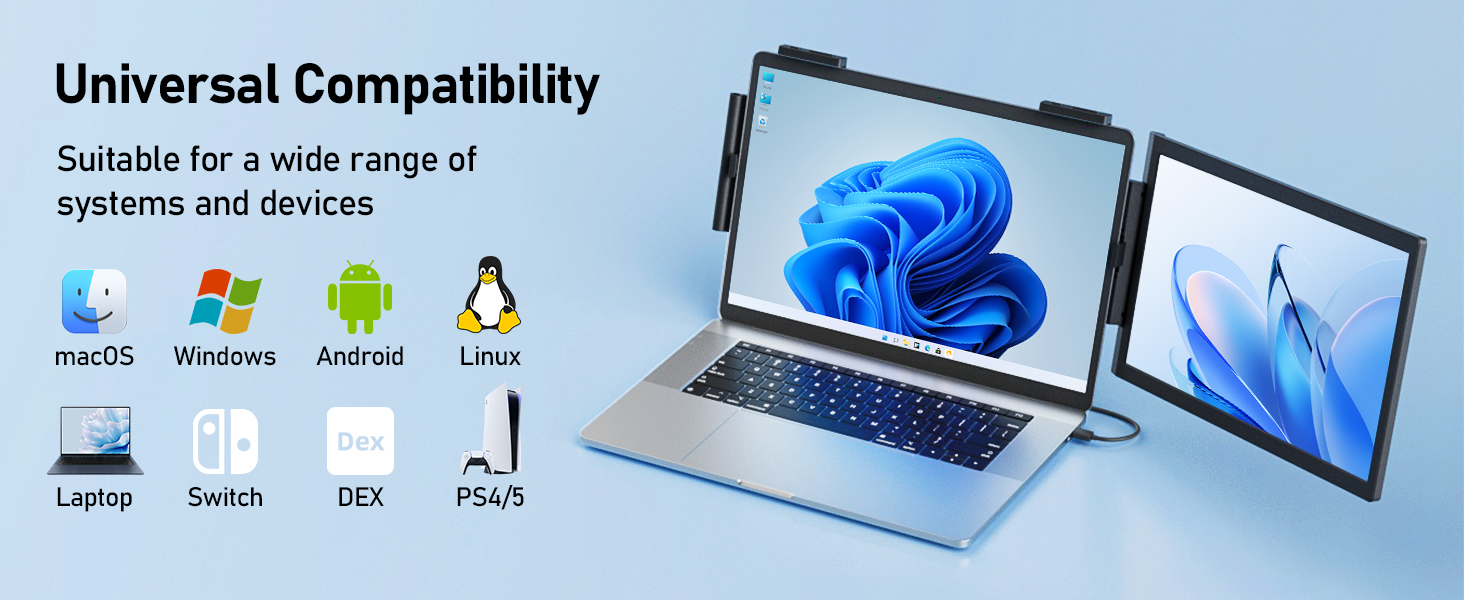
- 【Universal Compatibility】 The laptop extended monitor portable works seamlessly with Windows, Mac, ChromeOS, Android and Linux systems. Connects to laptops, smartphones, switch and more – most devices with a full-function USB-C port (must support video output). Enjoy flexible connectivity options with this 14 inch second monitor for laptop.
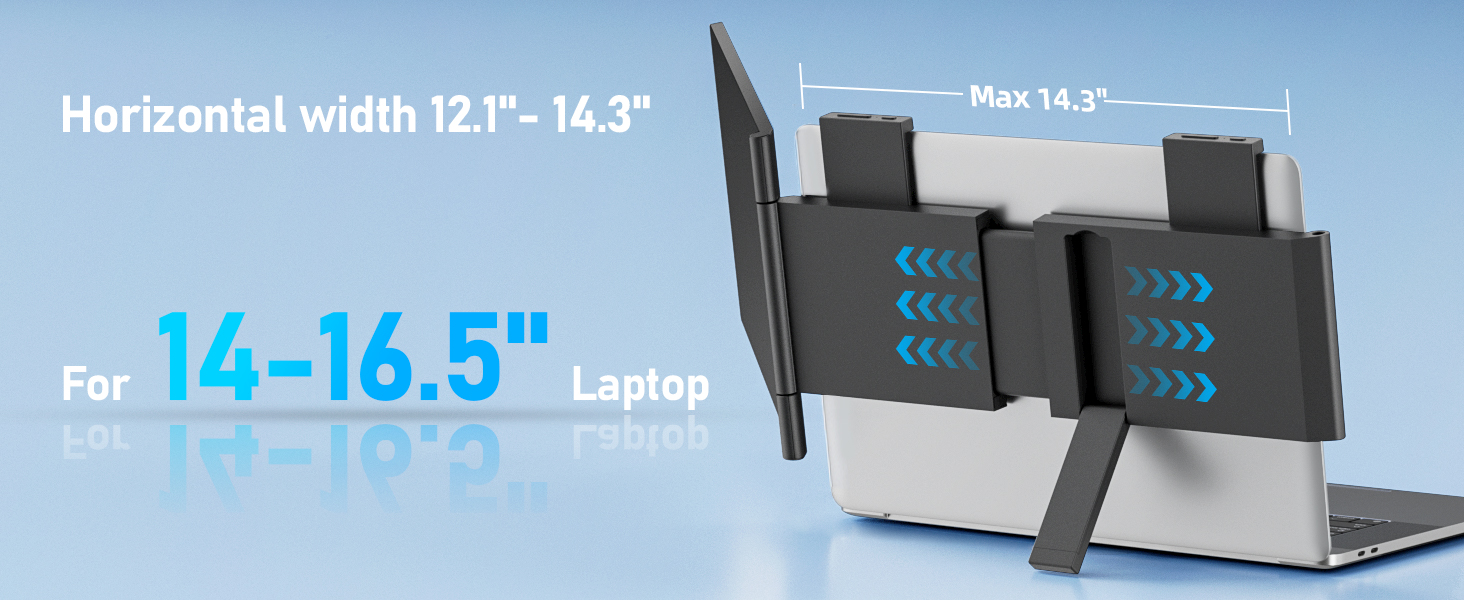
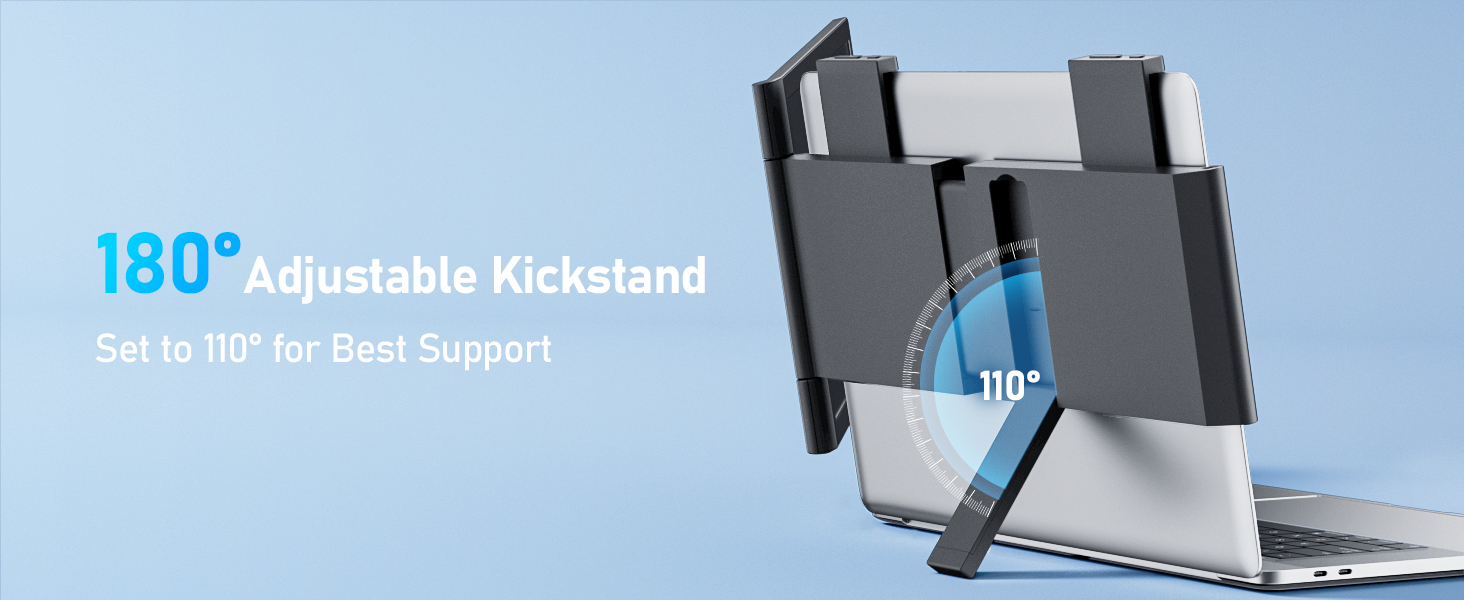
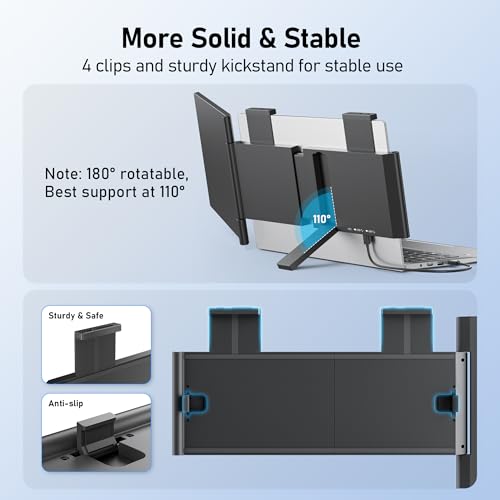
- Note: Requires full-featured USB-C/DP Alt Mode; For HDMI connection, must use included power cable; Compatible with 14"-16.5" laptops (width 12.1"-14.3"); Kickstand optimal support at 110° stand angle; Requires a Firm Laptop Hinge – Loose hinges cannot support the added weight.
?
Your device requires 1 full-functioned USB-C port or 1 HDMI plus 1 USB-A port.
• For USB-C setup: One full-function USB-C port (must support DisplayPort Alt Mode).
• For HDMI setup: One HDMI port + one USB-A port (for power).
?
It's designed for most 14-inch to 16.5-inch laptops with a 16:9 screen ratio. For the perfect fit, measure your laptop screen width; it must be between 12.1" and 14.3" wide.
?
No. The clamping mechanism features soft silicone pads where it touches your laptop. These are the same non-marking, protective materials used in premium electronics accessories. It's safe for your laptop's finish.
" "?
• Ensure all cables are plugged in firmly.
• Check USB-C port: The USB-C port should be full-functioned. If using HDMI, ensure the USB-A power cable is connected.
• Check your cable: Use the cable we provided. Not all USB-C cables transfer video.
' . ' ?
This is usually a power issue. The laptop might not provide enough power.
If using USB-C, plug your laptop into its charger.
Use the included USB-A to USB-C power cable and plug it into a wall charger (5V/2A or better) or another USB power source.

| SKU: | B0FHKVD49J |
| Weight: | 4.09 pounds |
| Dimensions: | 1.2 x 13.4 x 7.9 inches |
| Model: | Z140Y21D |
| Manufacture: | Pornitor |
Product description
𝗜𝘀 𝘁𝗵𝗶𝘀 𝗺𝗼𝗻𝗶𝘁𝗼𝗿 𝗰𝗼𝗺𝗽𝗮𝘁𝗶𝗯𝗹𝗲 𝘄𝗶𝘁𝗵 𝗺𝘆 𝗹𝗮𝗽𝘁𝗼𝗽?
Your device requires 1 full-functioned USB-C port or 1 HDMI plus 1 USB-A port.
• For USB-C setup: One full-function USB-C port (must support DisplayPort Alt Mode).
• For HDMI setup: One HDMI port + one USB-A port (for power).
𝗪𝗵𝗮𝘁 𝗹𝗮𝗽𝘁𝗼𝗽 𝘀𝗶𝘇𝗲𝘀 𝗱𝗼𝗲𝘀 𝘁𝗵𝗶𝘀 𝗳𝗶𝘁?
It's designed for most 14-inch to 16.5-inch laptops with a 16:9 screen ratio. For the perfect fit, measure your laptop screen width; it must be between 12.1″ and 14.3″ wide.
𝗪𝗶𝗹𝗹 𝘁𝗵𝗲 𝗰𝗹𝗶𝗽𝘀 𝘀𝗰𝗿𝗮𝘁𝗰𝗵 𝗺𝘆 𝗹𝗮𝗽𝘁𝗼𝗽?
No. The clamping mechanism features soft silicone pads where it touches your laptop. These are the same non-marking, protective materials used in premium electronics accessories. It's safe for your laptop's finish.
𝗪𝗵𝘆 𝗱𝗼𝗲𝘀 𝘁𝗵𝗲 𝘀𝗰𝗿𝗲𝗲𝗻 𝗲𝘅𝘁𝗲𝗻𝗱𝗲𝗿 𝘀𝗵𝗼𝘄𝘀 “𝗡𝗼 𝗦𝗶𝗴𝗻𝗮𝗹”?
• Ensure all cables are plugged in firmly.
• Check USB-C port: The USB-C port should be full-functioned. If using HDMI, ensure the USB-A power cable is connected.
• Check your cable: Use the cable we provided. Not all USB-C cables transfer video.
𝗧𝗵𝗲 𝘀𝗰𝗿𝗲𝗲𝗻 𝗶𝘀 𝗳𝗹𝗶𝗰𝗸𝗲𝗿𝗶𝗻𝗴 𝗼𝗿 𝘄𝗼𝗻'𝘁 𝘁𝘂𝗿𝗻 𝗼𝗻. 𝗪𝗵𝗮𝘁'𝘀 𝘄𝗿𝗼𝗻𝗴?
This is usually a power issue. The laptop might not provide enough power.
If using USB-C, plug your laptop into its charger.
Use the included USB-A to USB-C power cable and plug it into a wall charger (5V/2A or better) or another USB power source.