HDMI DP KVM Switch 2 Monitors 2 Computers, 8K@60Hz/4K@144Hz
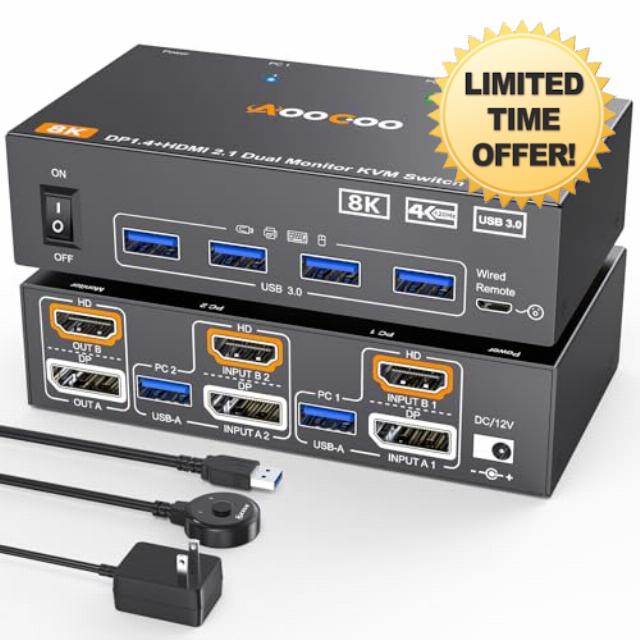
HDMI DP KVM Switch 2 Monitors 2 Computers, 8K@60Hz/4K@144Hz KVM Switch for 2 PC Sharing 2 Monitors, Keyboard, Mouse, with USB3.0 Cables, Wired Controller and Power Adapte
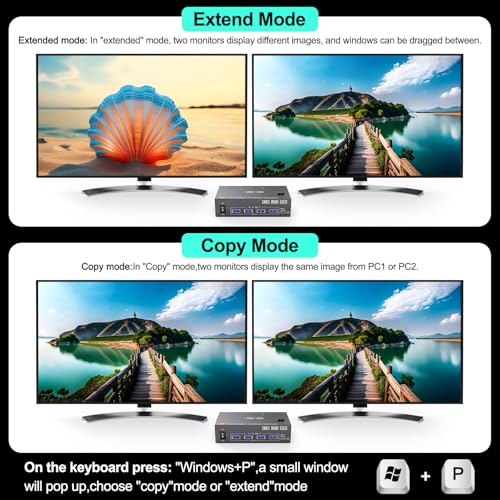
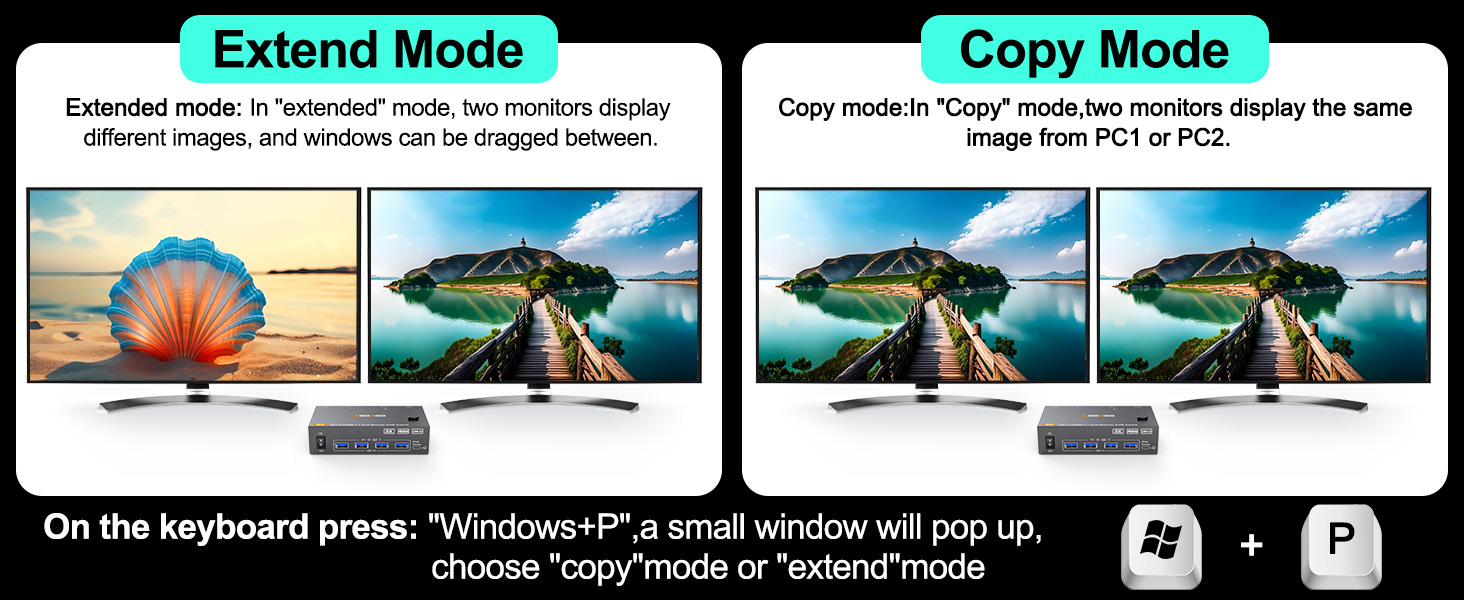
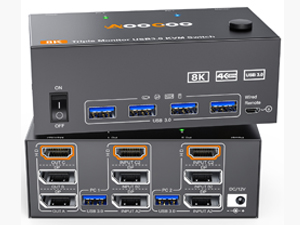
- 【Dual Monitor KVM Switch】This Dual Monitor KVM HDMI DP KVM Switch allows to control 2 computers by 1 set of keyboard & mouse and 2 monitors(Extend display mode or Copy display mode)
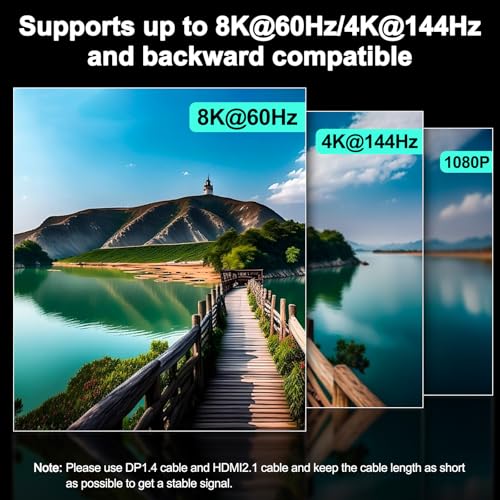
- 【8K@60Hz/4K@144Hz 】USB3.0 dual monitor KVM switch supports resolution up to 8K@60Hz/[email protected] dual monitor KVM HDMI2.1+DP1.4 switch supports 2 computers that with different resolutions, such as 1 computer is 4K@60Hz, the other is 4K@30Hz, 1440P@60HZ, 3D 1080P@60HZ or lower resolution. We recommend using computers with the same resolution.
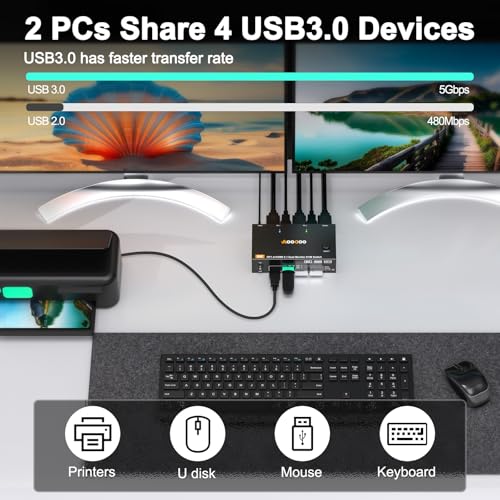
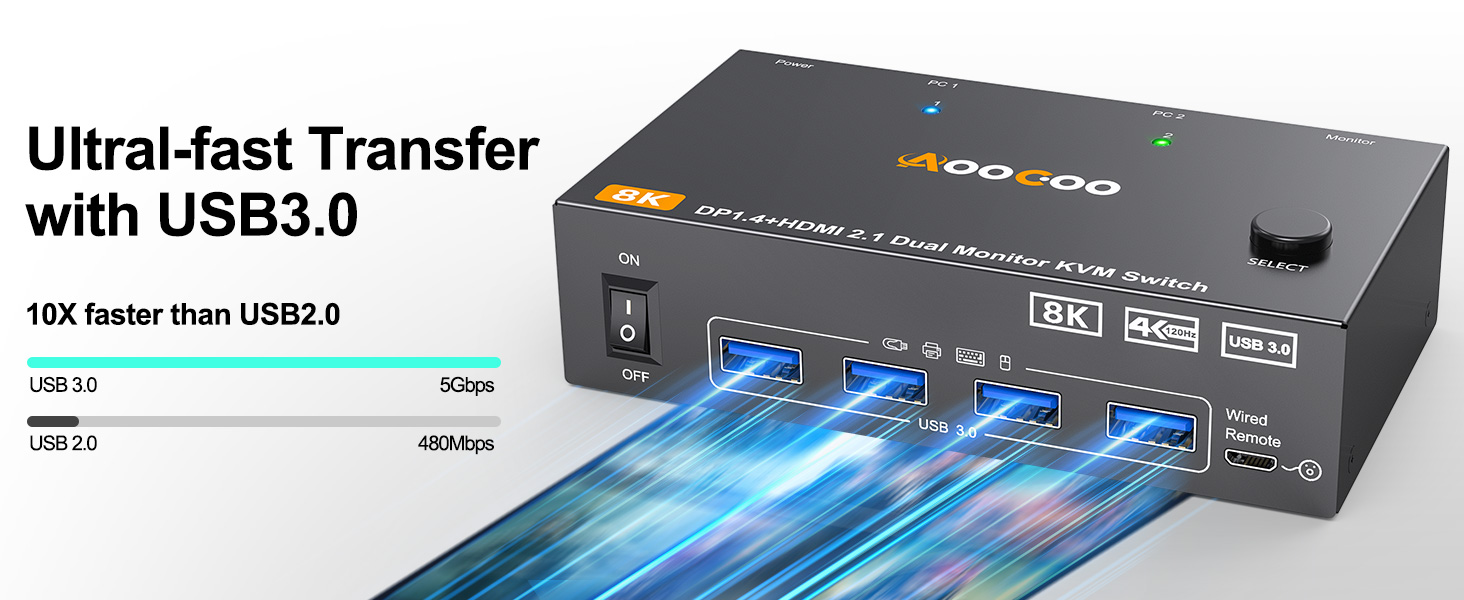
- 【4 USB 3.0 Ports】Dual monitor kvm switch with 4 USB 3.0 ports which can recognize keyboard,mouse,printer,scaner and other USB devices. USB 3.0 offers data transfer speeds of up to 5Gbps, while USB 2.0 offers data transfer speeds of only 480Mbps.☛Note:If the input USB3.0 ports are not connected to the KVM or connected incorrectly, the output USB device will not be recognized.
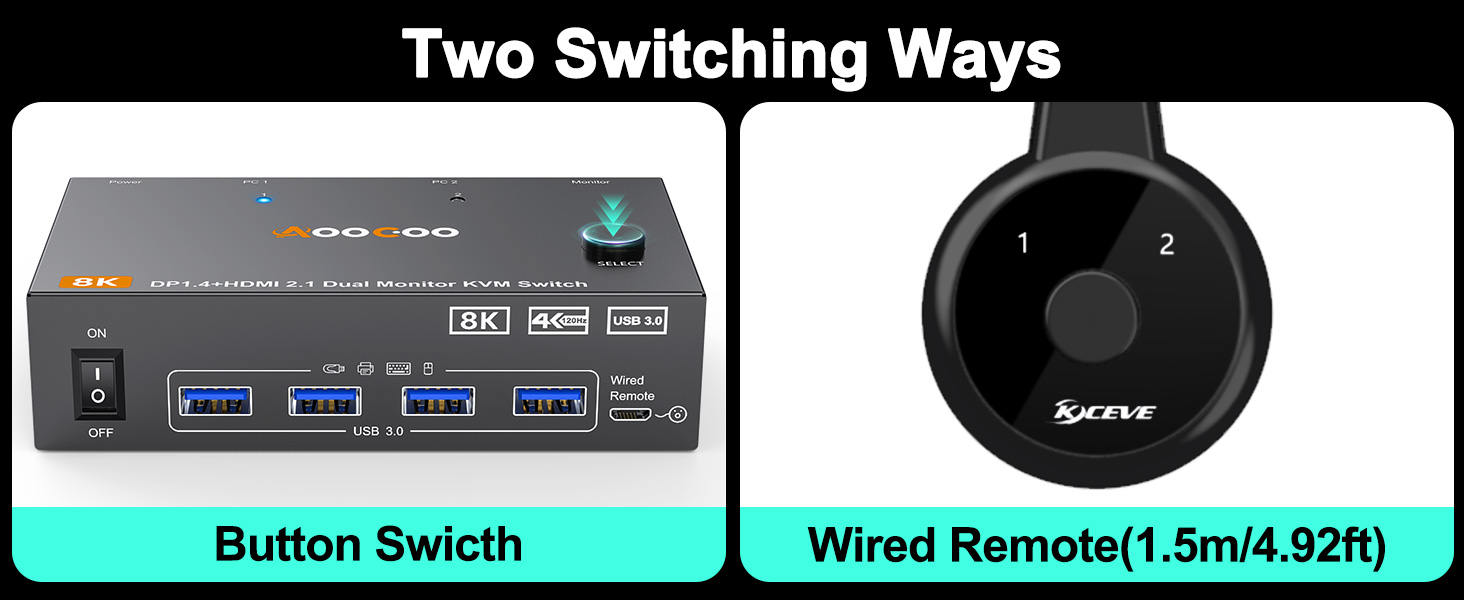
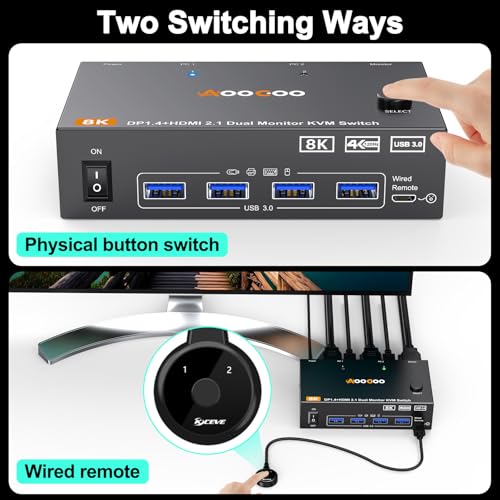
- 【2 Switching Mode& Indicator】This KVM Switch with 2 swtich methdos that are pressing the button on the panel and the wired controller(included).The two color indicator light will show which computer is the active computer.
- 【Extended Mode&Copy Mode】Dual display KVM switches require HDMI+DP connections per computer, and for computers with discrete and integrated graphics cards require the HDMI and DP port to be belong of the discrete graphics card.
- 【Wide Compatibility and Easy to Use】This dual monitor KVM switch is driver-free, plug and play.It is required that each connected computer hhave HDMI and DP port, but there may be many computers, especially laptops, which may not have HDMI and DP port, then an adapter is required, such as USB-C to HDMI, USB-C to DP.
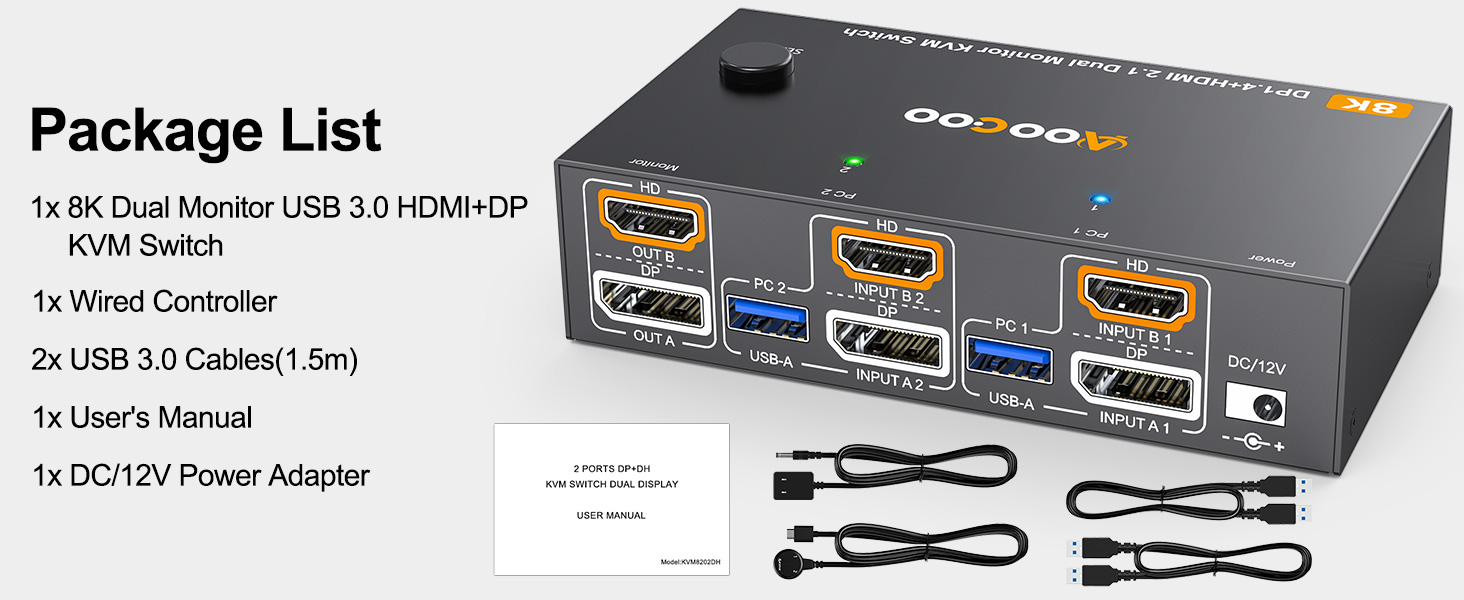
- 【Packing list】1*Dual Monitor USB3.0 HDMI + DP KVM Switch+2*USB3.0 Cable(1.5m)+1*Wired Controller+1*User Manual+1*DC12V Power Adapter.
8K@60Hz/4K@144Hz Dual Monitor KVM for 2 Computer
The video showcases the product in use.The video guides you through product setup.The video compares multiple products.The video shows the product being unpacked.HDMI DP KVM Switch
Merchant VideoDual monitor kvm switch
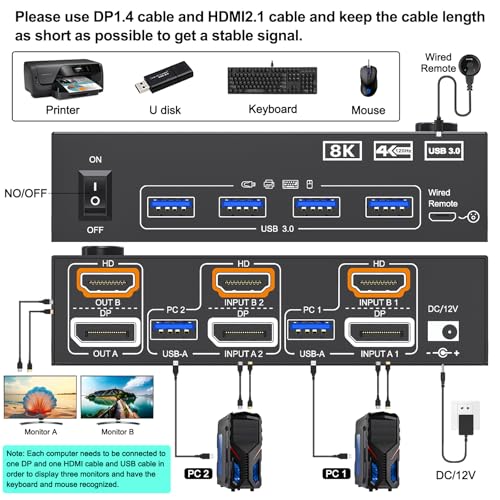
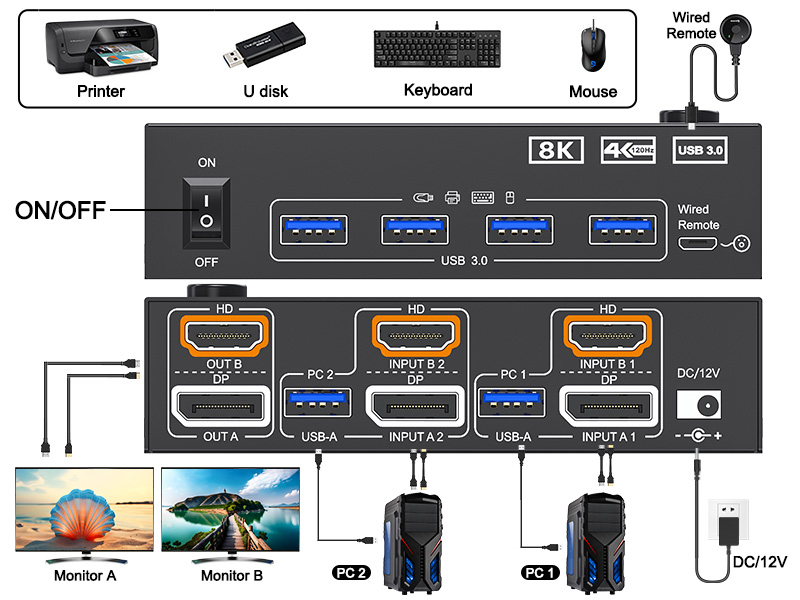
Please connect the devices correctly to make the switch work properly.
Each computer needs to connect DP, HDMI and USB cables to the machine.
Please note: Please use DP1.4 and HDMI2.1 cables, and the shorter the cable length, the better.
8K KVM switch 2 monitors
The resolution and fresh rate of dual monitor KVM switch supports up to 8K@60Hz/4K@144Hz.
BUT PLEASE NOTE THAT :HDMI part supports 8K@60Hz,4K@120Hz,and backward compatible.Displayport part support 8K@30Hz ,4K@144Hz and backward compatible.
Warming: Please use HDMI2.1 and DP1.4 cables, if the set distance allows,the length of cabels more short more better.
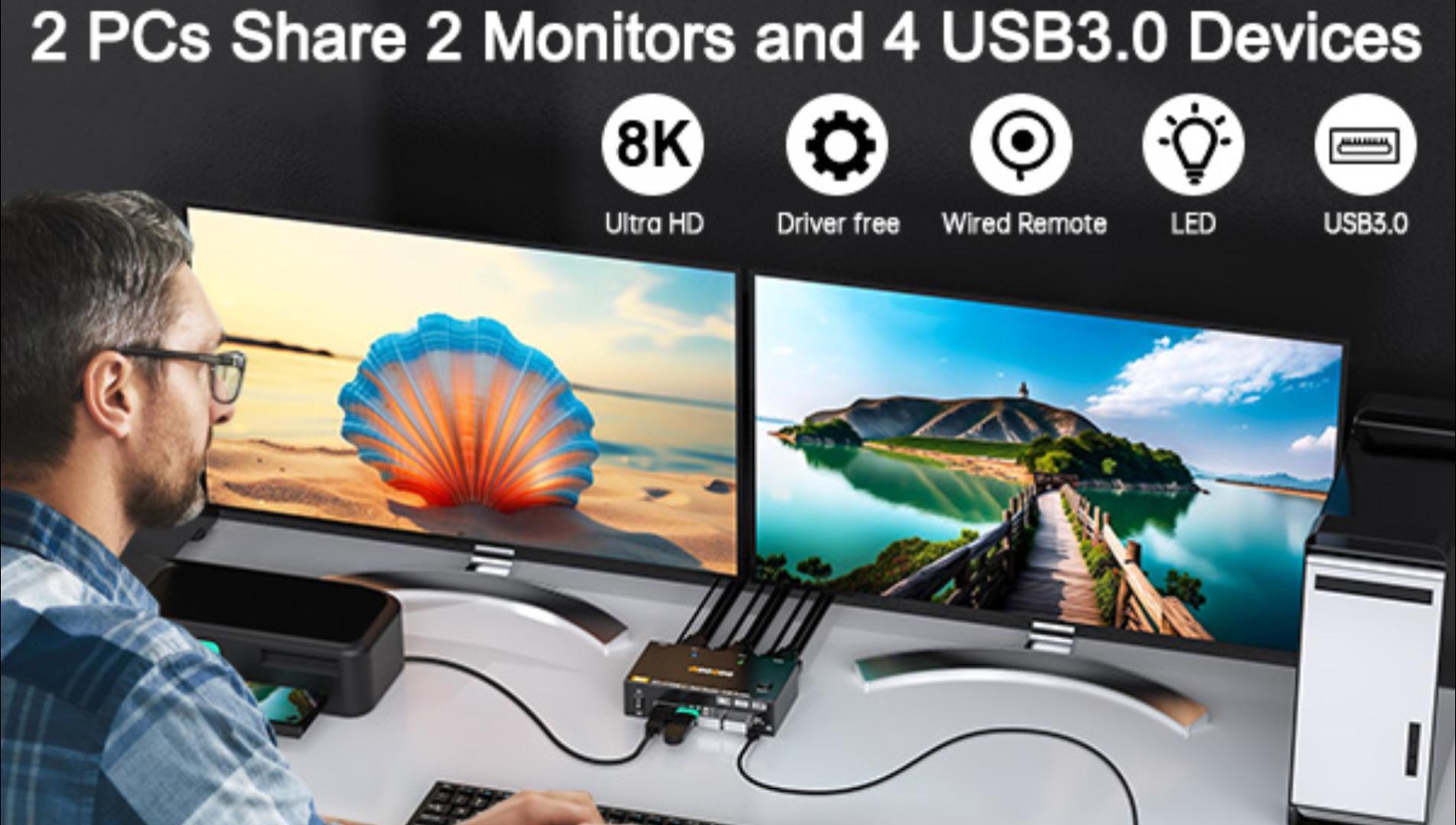
2 PC share 2 Monitor and 4 USB3.0 Devices
2 Display Model for the Dual Monitors KVM
Two switching Method
Two switching methods: control panel button + 4.92ft wired controller (included)
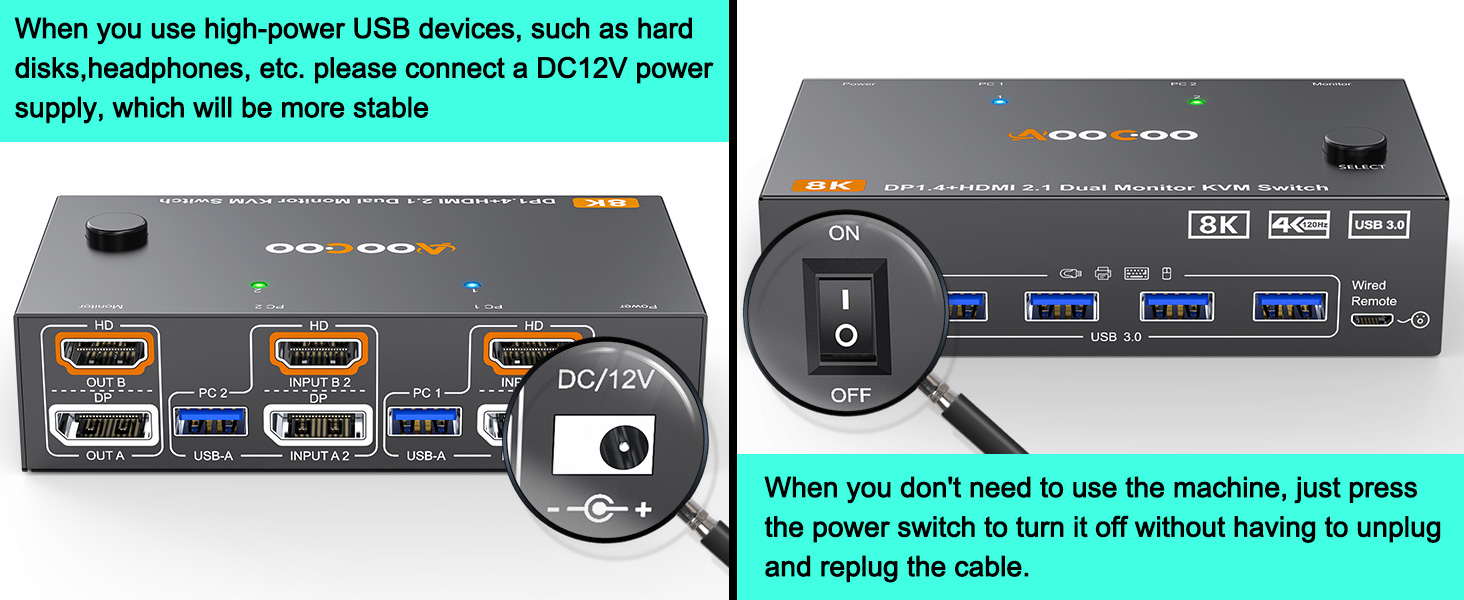
12V Power Port
A 12V power adapter is included in the package.
Plug and Play
Applicable to various devices, plug and play, no driver required
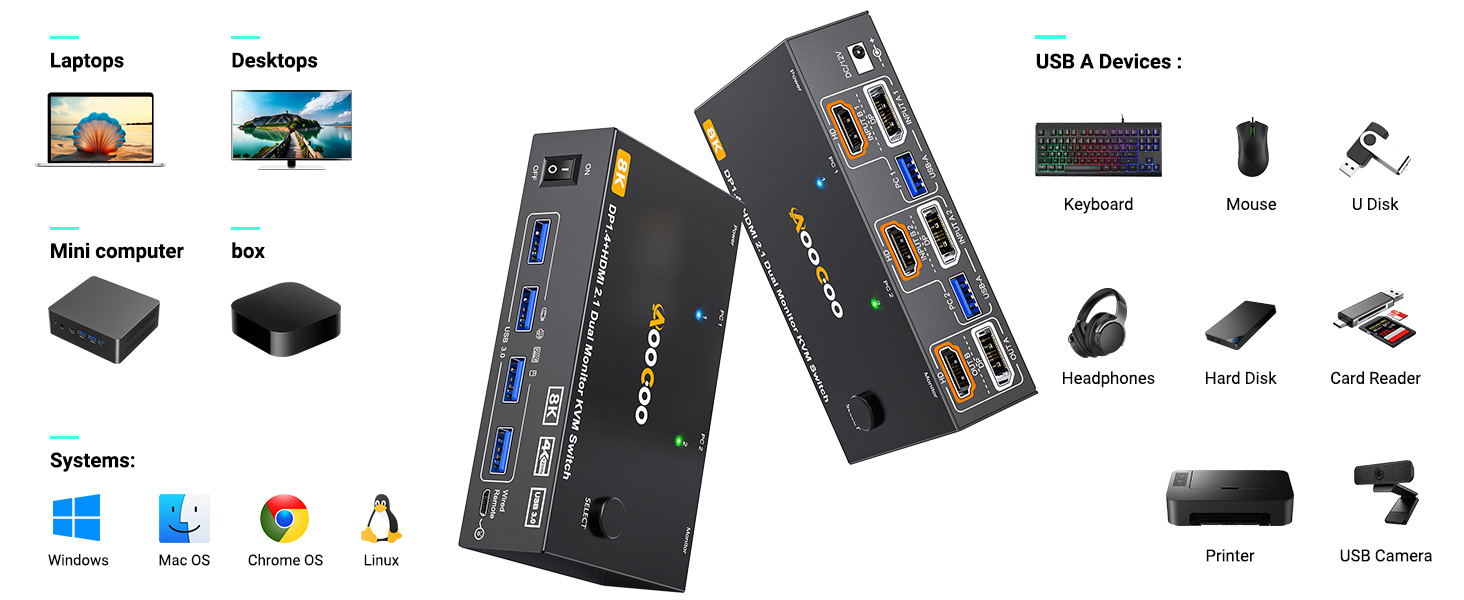
Wide Applications
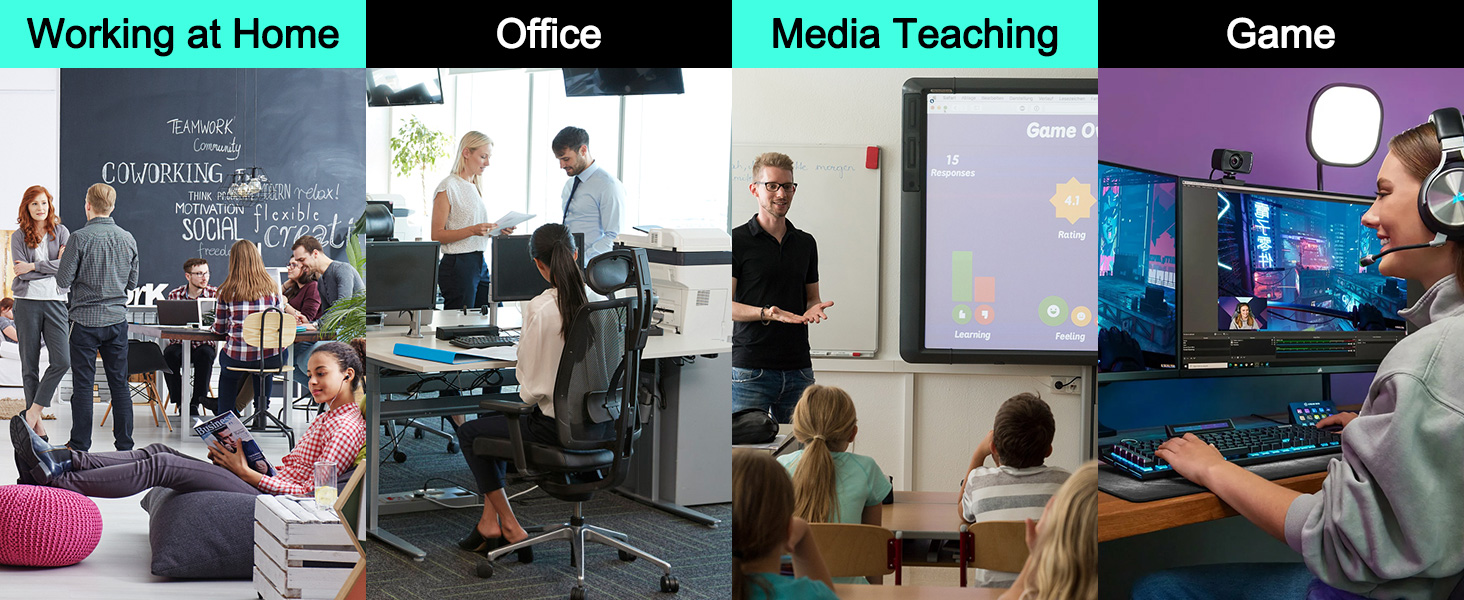
This KVM switch can be used in a variety of scenarios to facilitate your work and life
Packaging Details
Some details about Dual KVM
1 dual monitor kvm 2 kvm 4k 144hz 3 4 5More Recommendations and Options
Triple Monitor KVM for 2 PCs 2 PC(2 DP+HDMI) share 3 Monitor(HDMI+HDMI+DP) and 4 USB3.0 Devices | Dual Monitor HDMI KVM for 2PCs 2 PC(HDMI+HDMI) share 2 Monitor (HDMI+HDMI) and 4 USB3.0 Devices | Triple Monitor KVM for 2 PCs 2 PC(2 DP+HDMI) share 3 Monitor(HDMI+DP+DP) and 4 USB3.0 Devices |
Resolution 8K@60Hz/4K@144Hz | Resolution 8K@60Hz/4K@120Hz | Resolution 8K@60Hz/4K@144Hz |
| SKU: | B0FJY5689Q |
Product description
8K@60Hz/4K@144Hz Dual Monitor KVM for 2 Computer
The video showcases the product in use.The video guides you through product setup.The video compares multiple products.The video shows the product being unpacked.HDMI DP KVM Switch
Merchant VideoDual monitor kvm switch
Please connect the devices correctly to make the switch work properly.
Each computer needs to connect DP, HDMI and USB cables to the machine.
Please note: Please use DP1.4 and HDMI2.1 cables, and the shorter the cable length, the better.

Two switching Method
Two switching methods: control panel button + 4.92ft wired controller (included)
12V Power Port
A 12V power adapter is included in the package.
Plug and Play
Applicable to various devices, plug and play, no driver required
Wide Applications
This KVM switch can be used in a variety of scenarios to facilitate your work and life
Packaging Details
Some details about Dual KVM
More Recommendations and Options
  Triple Monitor KVM for 2 PCs | ||
|---|---|---|
Triple Monitor KVM for 2 PCs 2 PC(2 DP+HDMI) share 3 Monitor(HDMI+HDMI+DP) and 4 USB3.0 Devices | Dual Monitor HDMI KVM for 2PCs 2 PC(HDMI+HDMI) share 2 Monitor (HDMI+HDMI) and 4 USB3.0 Devices | Triple Monitor KVM for 2 PCs 2 PC(2 DP+HDMI) share 3 Monitor(HDMI+DP+DP) and 4 USB3.0 Devices |
Resolution 8K@60Hz/4K@144Hz | Resolution 8K@60Hz/4K@120Hz | Resolution 8K@60Hz/4K@144Hz |