Air-Tag Wallet Tracker Card (iOS Only) – 0.07in Slim
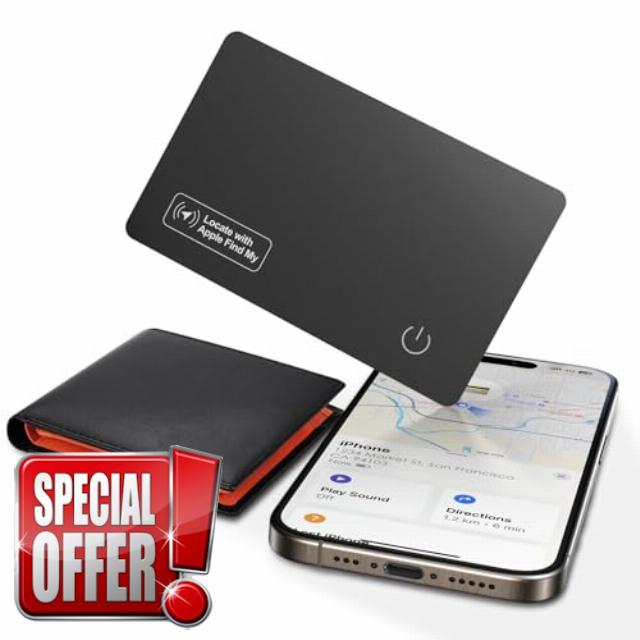
Air-Tag Wallet Tracker Card (iOS Only) – 0.07in Slim Tracking Card, IP68 Waterproof Bluetooth Smart Card, Work with Apple Find My, [Apple MFi Certified], Item Finder for Luggage, Passports, Purse
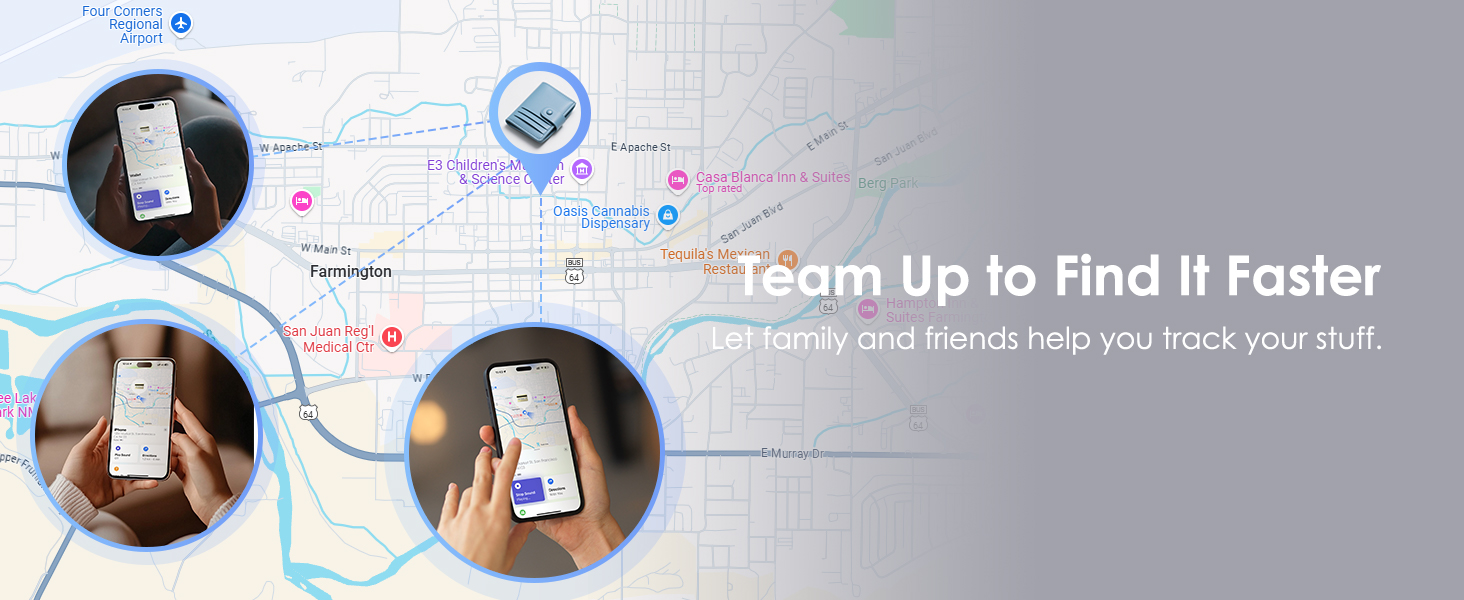
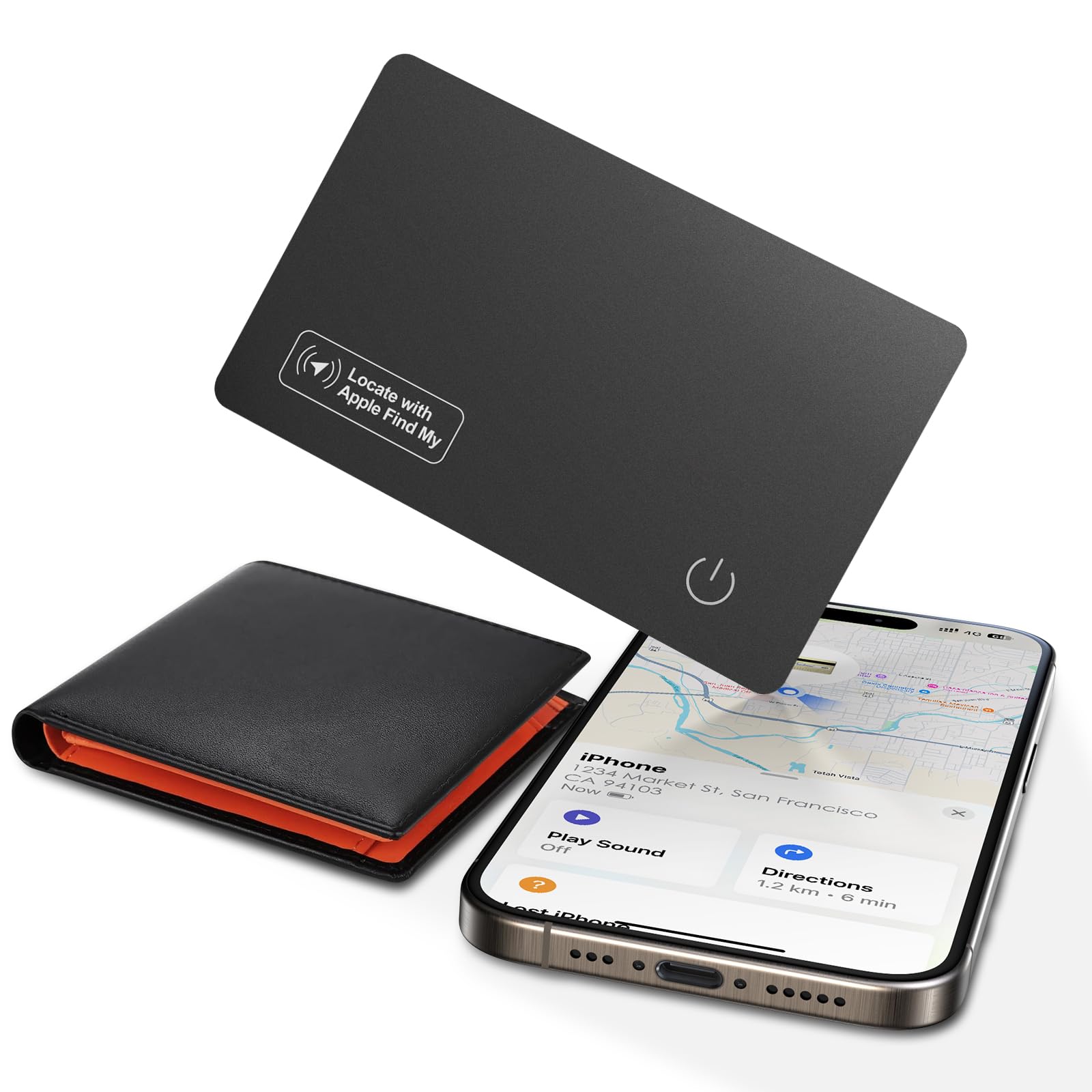
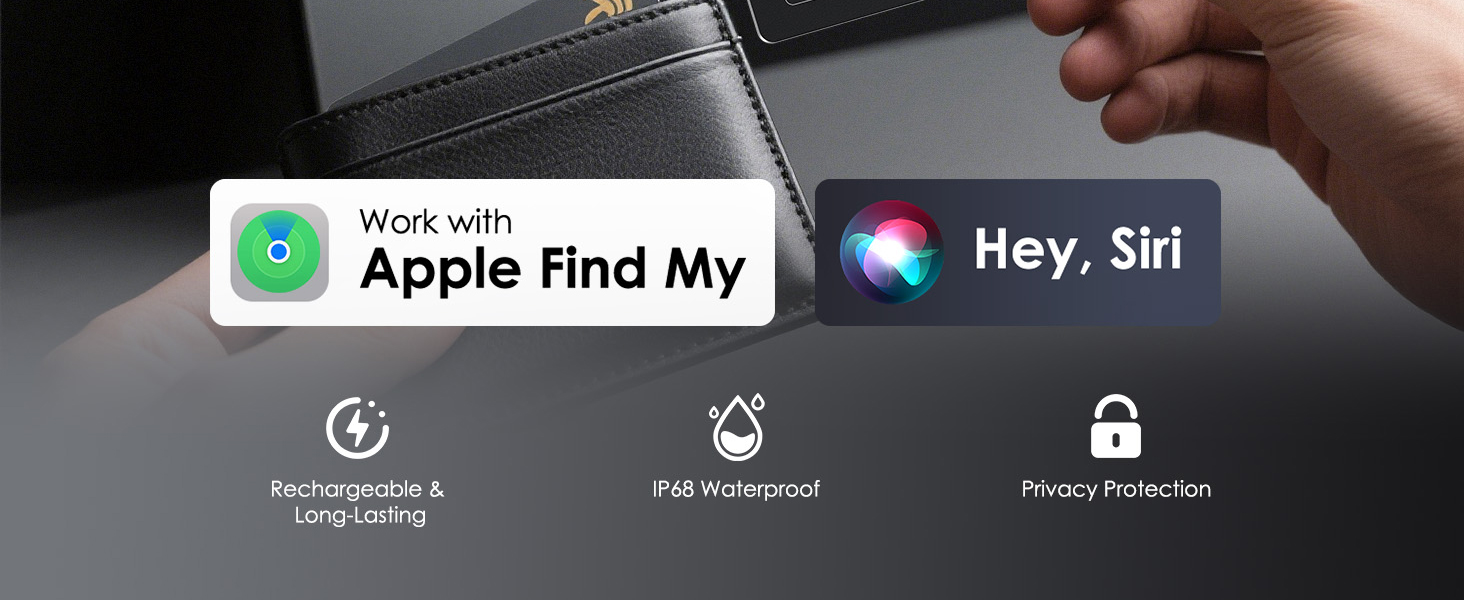
- Pairing with Apple Find My: Quickly connect KINDEEP Wallet Tracker Card to your Apple devices using the Find My app. Track and locate your wallet, purse, backpack, or luggage anytime with ease — never lose your essentials again. Works with iOS only (not compatible with Android)
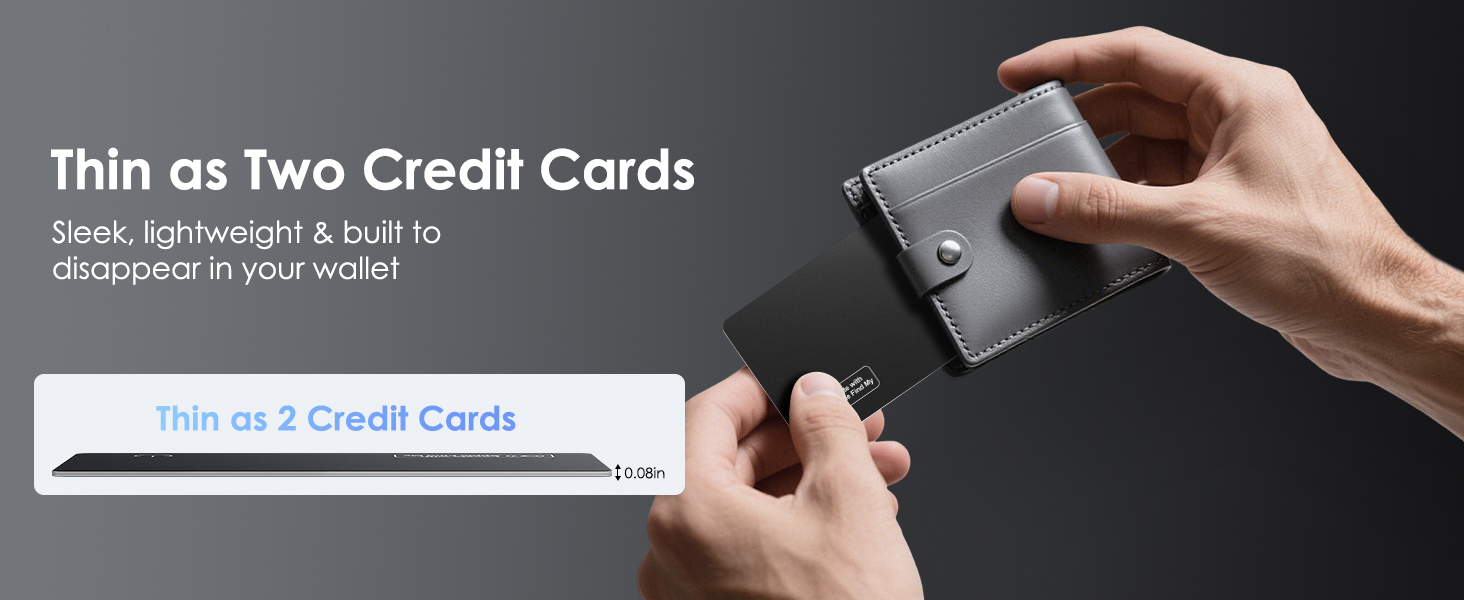
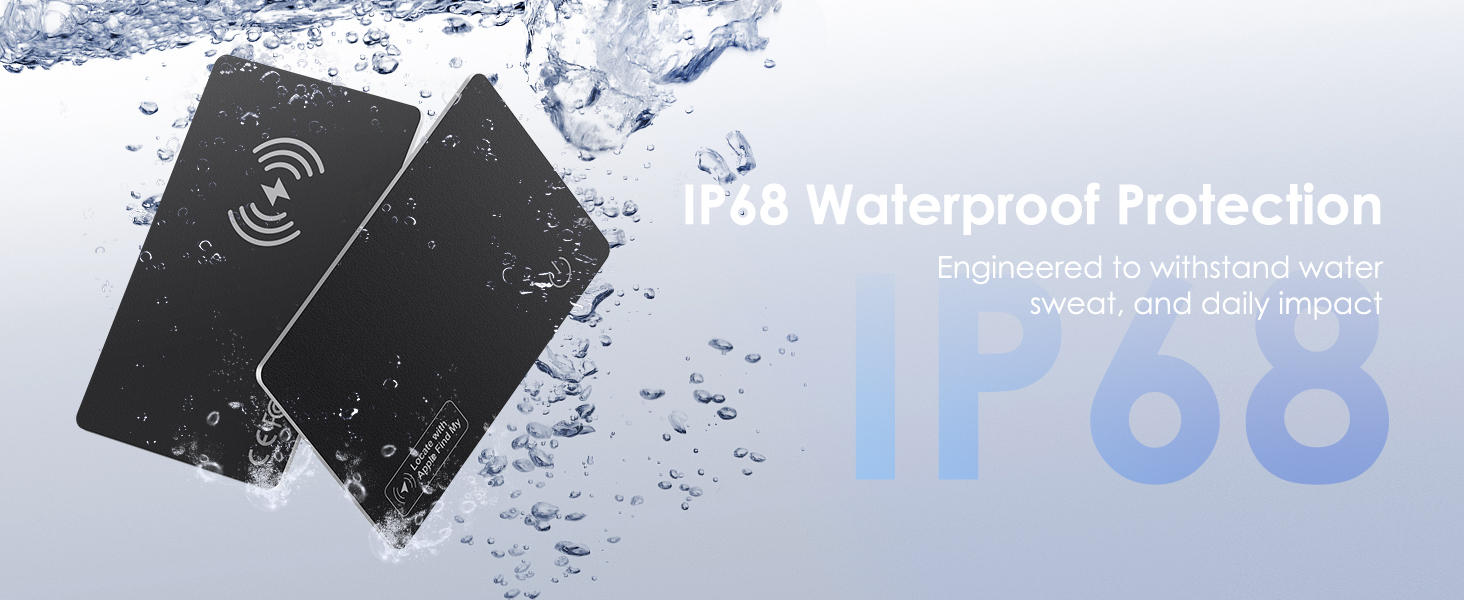
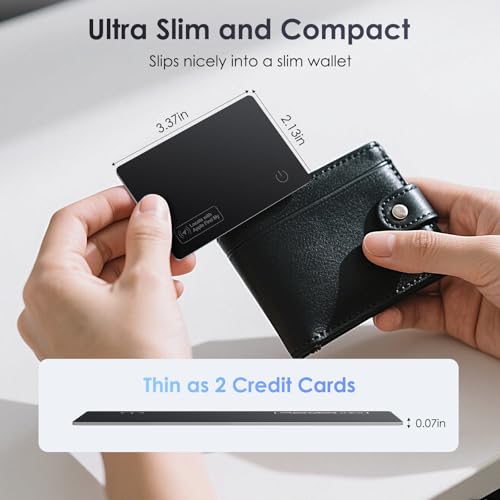
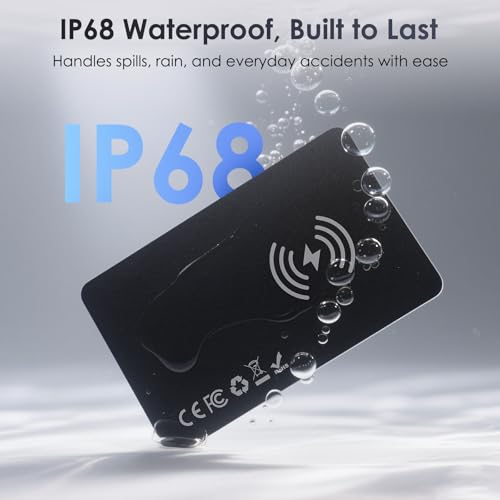
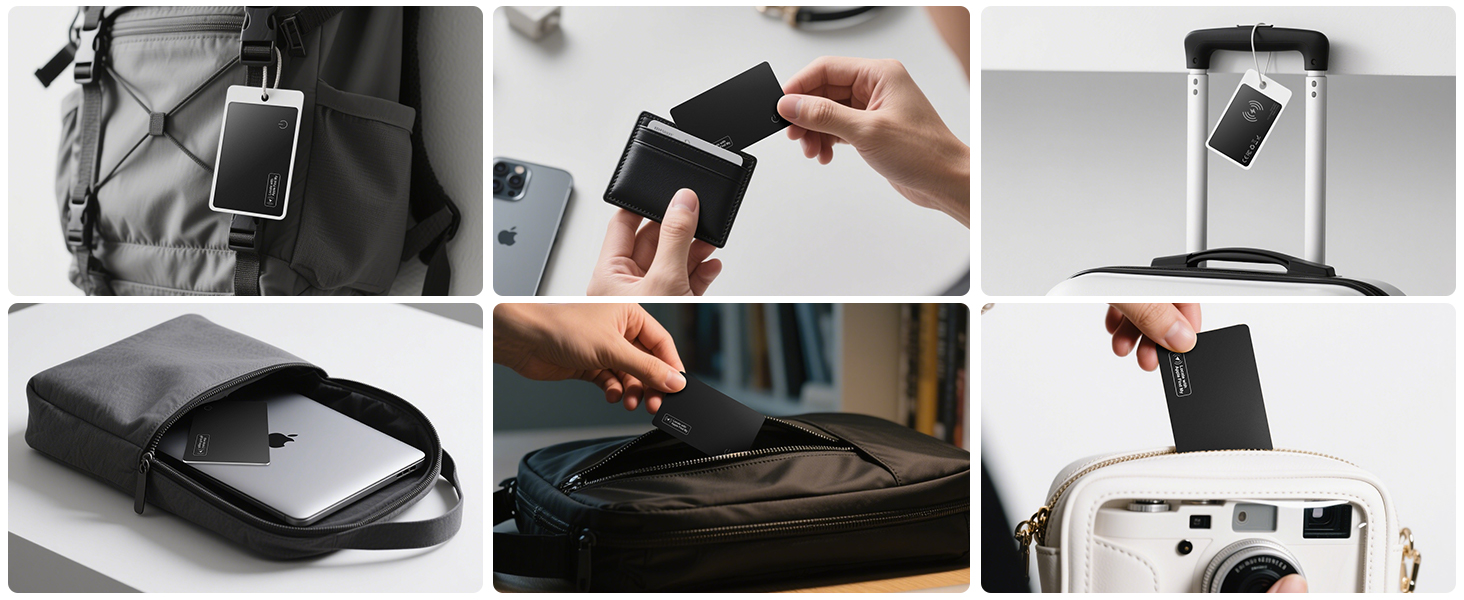
- Ultra-Slim 0.07in Wallet-Friendly Design: KINDEEP Wallet Tracker is only 0.07 inches thin, fitting seamlessly into slim wallets, cardholders, or Kindles without adding bulk. With its IP68 waterproof design, it withstands everyday splashes. A perfect gift for Christmas, Father's Day, Birthday, or New Year, combining practicality and style
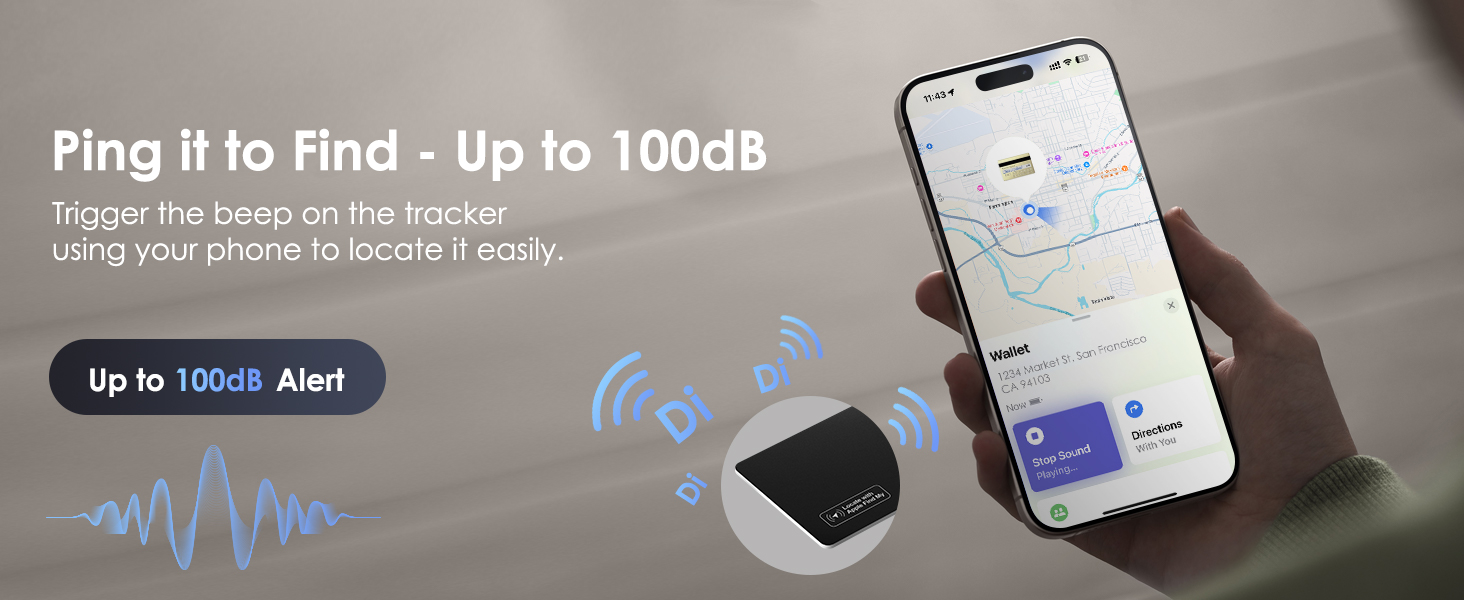
- Powerful 100dB Alert for Easy Location: Use the "Play Sound" feature in the Find My app, and the slim KINDEEP wallet tracking card emits a loud 100dB ring within Bluetooth range — strong enough to hear even inside couches, bags, or wallets
- Wireless Charging & Extended Battery Life: Easily recharge tracker tag using any Qi/Magsafe wireless charger (charger not included). Simply align the charging symbol for instant power. Enjoy up to 5 months of standby on a full charge — actual duration may vary based on usage
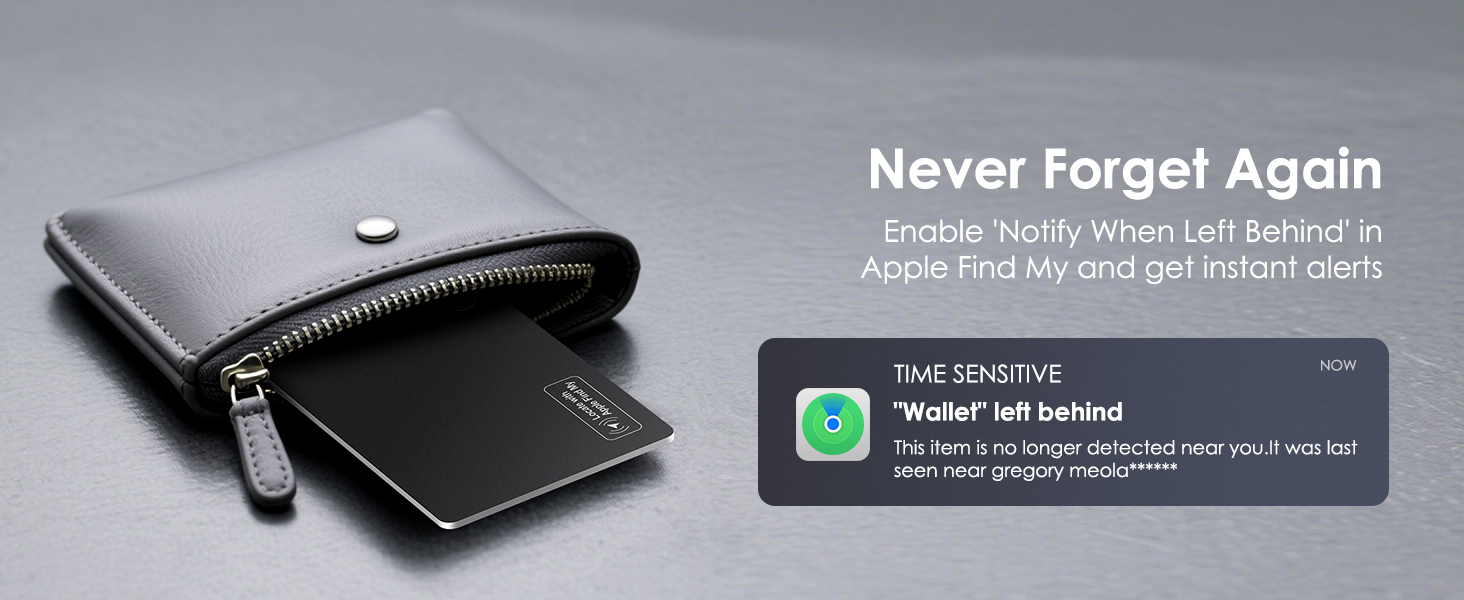
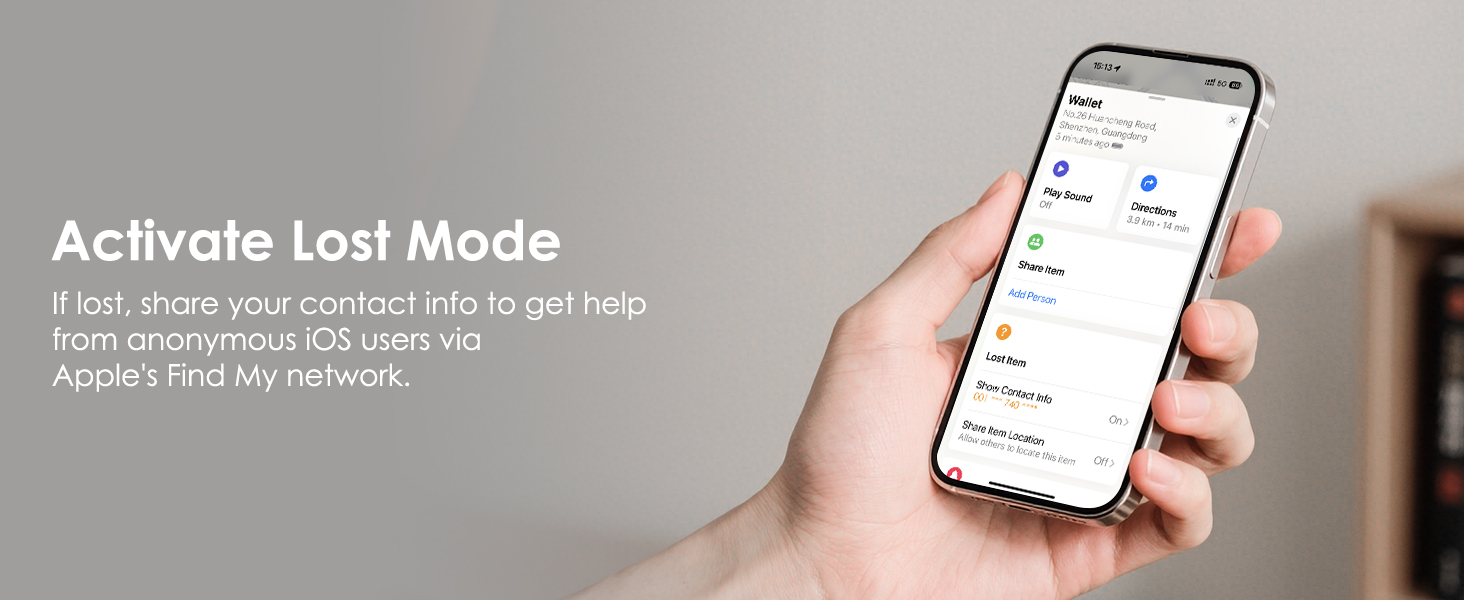
- Left-Behind Alerts & Lost Mode: Wallet Tracker sends instant notifications to your phone if you leave your wallet behind out of BT range. If your item goes missing, simply activate Lost Mode, and other iOS users can help locate your item
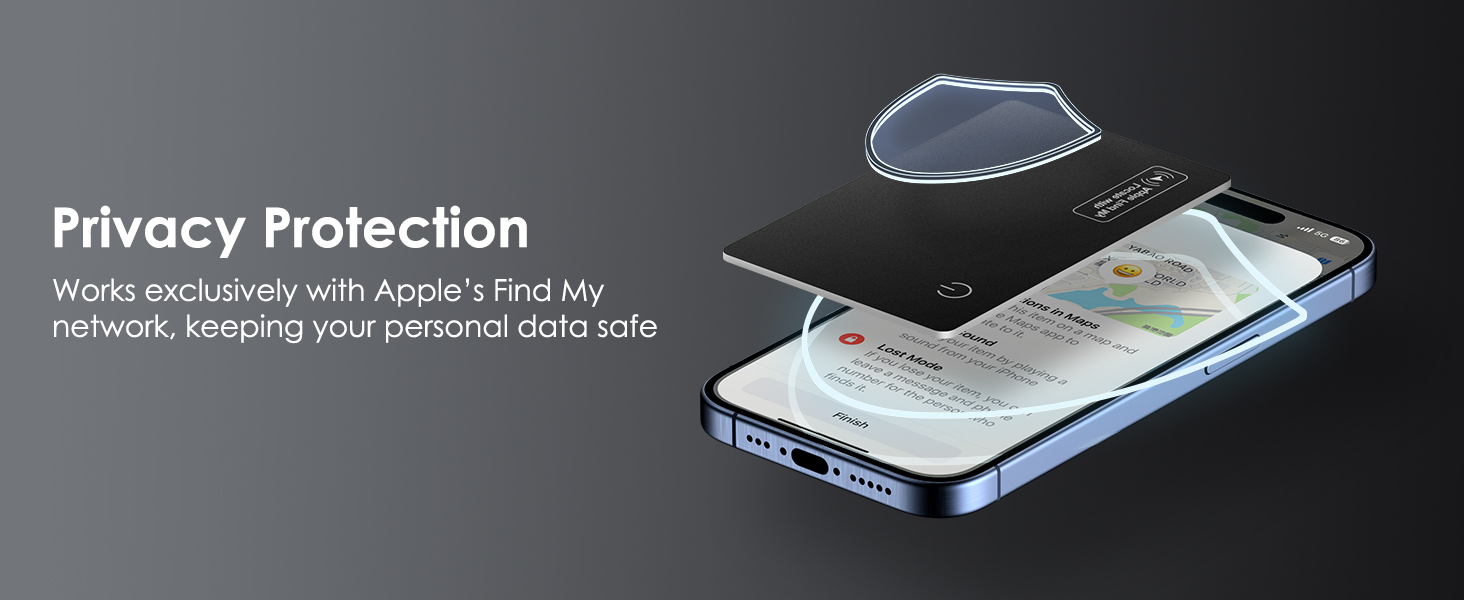
- Privacy & Data Security Guaranteed: KINDEEP wallet tracker connects through Apple’s Find My network, ensuring complete privacy — it never stores your location data publicly. All location information is encrypted at every step, keeping your personal data safe and secure
Work with Find My, Ways to Set up
Why can't I connect the tracker card to my phone? ONLY FOR APPLE USERS!
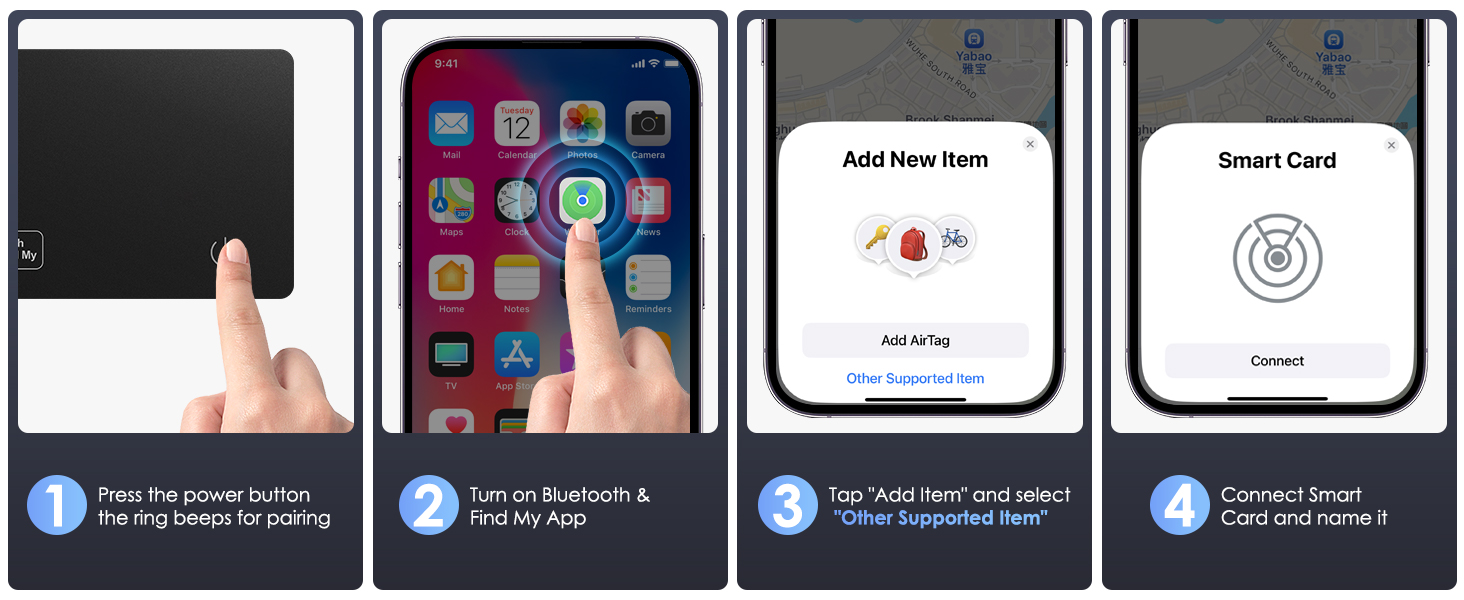
Make sure Bluetooth is on. To reset: press power button 4 times quickly, then press and hold until you hear a tone. Press once more to power on. Go to Find My > Add Item > Other Supported Item. Only work with Apple Find My. Not support Android.
How do I charge Tracker Card? How do I know it's full charged? NO CHARGER INCLUDED!
This wallet tracker card requires wireless charging. A blue light indicates it is fully charged. Please note that a wireless charger is not included in the package.
Why can't I charge the tracker card?
Please make sure your wireless charger is working properly. Place the tracker card with the button facing up, and align the wireless charging icon on the card with the center of the charger's coil. A red light will appear when the card is charging.
Will the tracker card demagnetize or interfere with my credit cards?
No, the tracker has no magnets and won’t demagnetize or interfere with your cards. It has enough metal to attach to a MagSafe charger and receive power safely.
Can I use KINDEEP tracker card in an RFID-blocking or magnetic wallet?
Yes. RFID shielding doesn’t block Bluetooth, but metal materials may weaken the tracker card’s signal. We recommend testing it based on your wallet’s material and placement.
| SKU: | B0FY1BWNJX |
| Weight: | 0.48 ounces |
| Dimensions: | 3.37 x 2.21 x 0.07 inches |
| Model: | HHB12 |
| Colour: | Light Black |
| Batteries Included: | 1 Lithium Ion batteries required. (included) |
| Manufacture: | KINDEEP |
| Colour: | Light Black |
Product description
Why can't I connect the tracker card to my phone? ONLY FOR APPLE USERS!
Make sure Bluetooth is on. To reset: press power button 4 times quickly, then press and hold until you hear a tone. Press once more to power on. Go to Find My > Add Item > Other Supported Item. Only work with Apple Find My. Not support Android.
How do I charge Tracker Card? How do I know it's full charged? NO CHARGER INCLUDED!
This wallet tracker card requires wireless charging. A blue light indicates it is fully charged. Please note that a wireless charger is not included in the package.
Why can't I charge the tracker card?
Please make sure your wireless charger is working properly. Place the tracker card with the button facing up, and align the wireless charging icon on the card with the center of the charger's coil. A red light will appear when the card is charging.
Will the tracker card demagnetize or interfere with my credit cards?
No, the tracker has no magnets and won’t demagnetize or interfere with your cards. It has enough metal to attach to a MagSafe charger and receive power safely.
Can I use KINDEEP tracker card in an RFID-blocking or magnetic wallet?
Yes. RFID shielding doesn’t block Bluetooth, but metal materials may weaken the tracker card’s signal. We recommend testing it based on your wallet’s material and placement.